

Your forms are leaking leads. Every unnecessary field, confusing layout, or slow-loading form costs you conversions—and most teams don't even realize it's happening. Form optimization platforms solve this by helping you build, test, and refine forms that actually convert. But with dozens of options claiming to boost your conversion rates, choosing the right platform matters.
We evaluated these tools based on ease of use, A/B testing capabilities, analytics depth, integration options, and AI-powered features. Whether you're optimizing lead capture forms, checkout flows, or survey completion rates, here are nine platforms worth your attention in 2026.
1. Orbit AI
Best for: High-growth teams needing AI-powered lead qualification with conversion-optimized form building
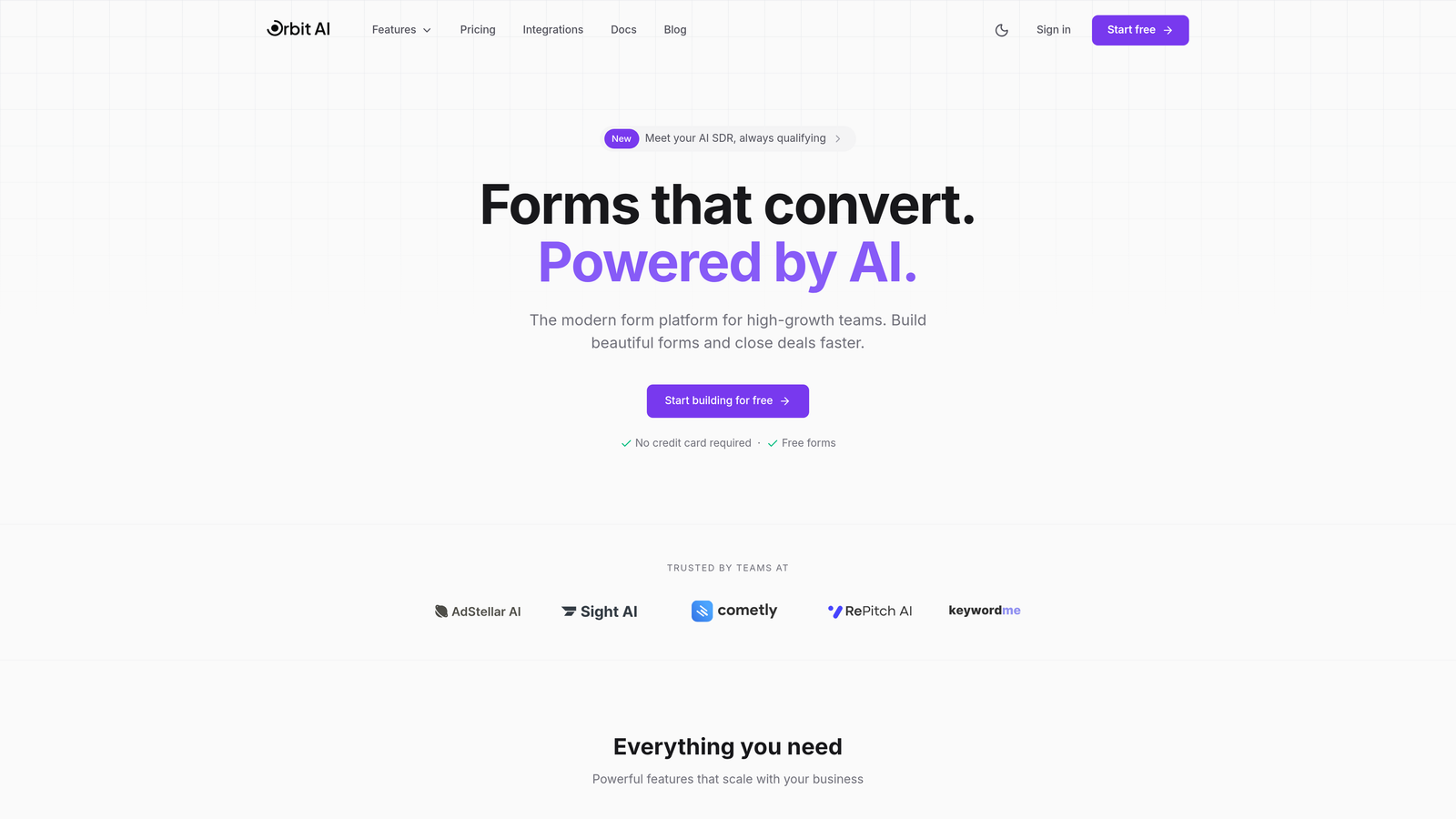
Orbit AI combines intelligent form building with automatic lead qualification, helping teams capture and prioritize prospects without manual sorting.
Where This Tool Shines
The AI-powered lead qualification sets Orbit AI apart from traditional form builders. Instead of collecting responses and manually scoring leads later, the platform evaluates prospect quality in real-time based on their answers. This means your sales team focuses on high-intent leads while marketing nurtures everyone else appropriately.
The conversion-optimized templates remove the guesswork from form design. Rather than starting from scratch, you get layouts proven to maximize completion rates, then customize them to match your brand and specific needs.
Key Features
AI-Powered Lead Qualification: Automatically scores and routes leads based on response patterns and qualification criteria you define.
Conversion-Optimized Templates: Pre-built form designs engineered for high completion rates across industries and use cases.
Real-Time Analytics: Track exactly where visitors drop off and identify friction points causing abandonment.
Native CRM Integrations: Connect seamlessly with major platforms to ensure qualified leads flow directly into your sales pipeline.
Modern Form Builder: Intuitive drag-and-drop interface that doesn't require technical expertise to create professional forms.
Best For
Teams experiencing rapid growth who need to qualify leads at scale without adding headcount. Particularly valuable for B2B companies where lead quality matters more than quantity, and for marketing teams tired of sending unqualified prospects to sales.
Pricing
Free tier available for testing the platform. Paid plans start at $29/month with increasing capabilities for lead qualification sophistication and form volume.
2. Typeform
Best for: Creating conversational, engaging forms with one-question-at-a-time design that maximizes completion rates
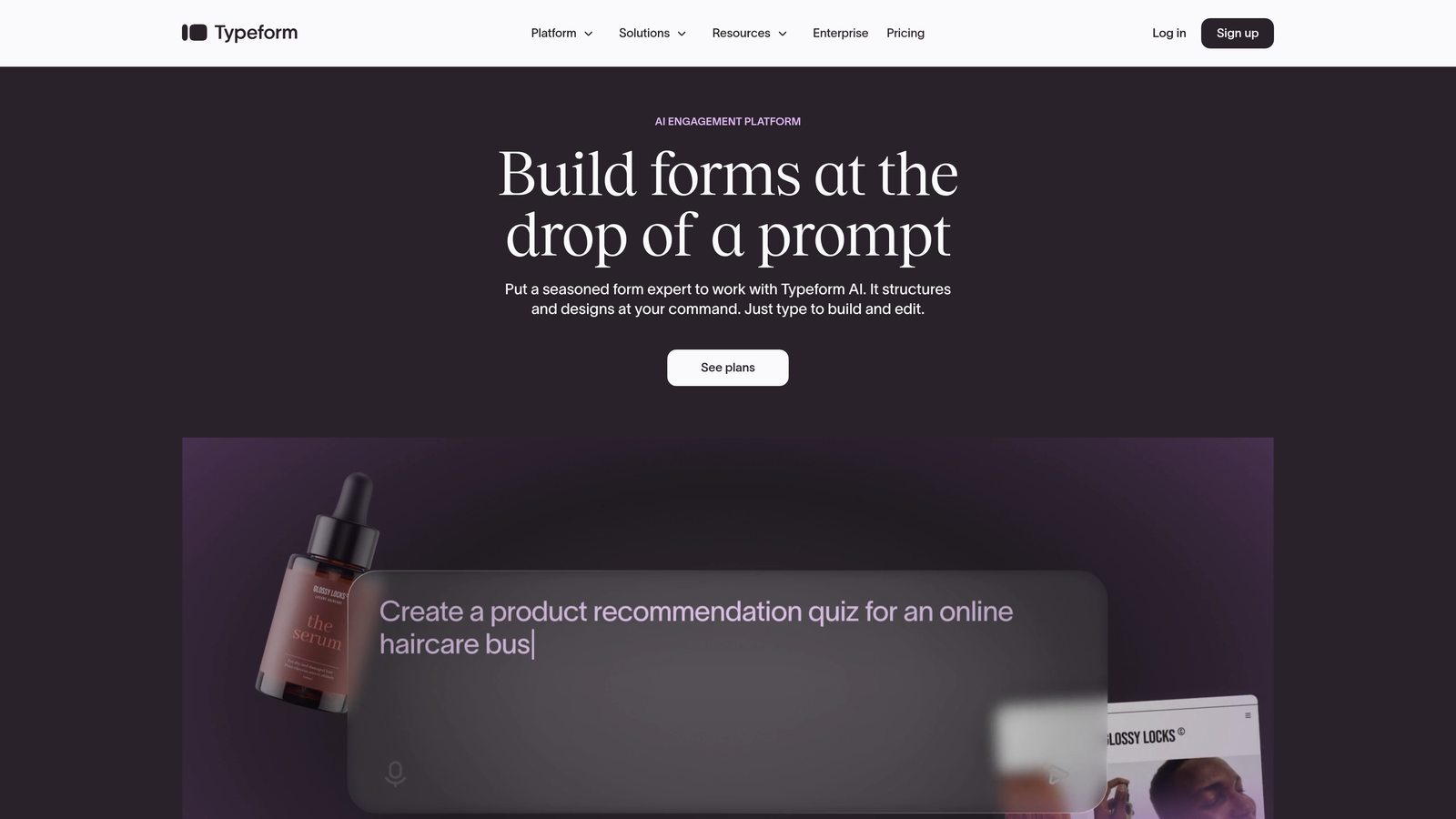
Typeform pioneered the conversational form experience, presenting questions individually to reduce cognitive overwhelm and increase engagement.
Where This Tool Shines
The one-question-at-a-time format fundamentally changes how people interact with forms. Instead of facing a wall of fields, respondents answer questions in a natural flow that feels more like a conversation than a survey. This approach particularly excels for longer forms where traditional layouts intimidate users.
The visual polish is exceptional. Typeform's interface feels modern and premium, which elevates your brand perception. If form aesthetics matter to your audience—think consumer brands, creative agencies, or lifestyle companies—this platform delivers.
Key Features
Conversational Interface: One question appears at a time, creating a natural dialogue flow that keeps respondents engaged.
Logic Jumps: Route respondents through different question paths based on their previous answers for personalized experiences.
Rich Media Support: Embed videos, images, and GIFs directly into questions to enhance engagement and clarify context.
Integration Library: Connect with hundreds of tools including CRMs, email platforms, and analytics services.
Mobile Optimization: Forms automatically adapt to mobile devices with touch-friendly interactions and optimized layouts.
Best For
Consumer-facing brands, creative agencies, and companies where form aesthetics significantly impact brand perception. Also ideal for longer surveys or applications where traditional multi-field layouts would overwhelm respondents.
Pricing
Free tier includes basic features with Typeform branding. Basic paid plan starts at $25/month, removing branding and adding logic jumps.
3. Unbounce Smart Builder
Best for: Marketing teams running landing page campaigns who need form optimization and page building in one platform
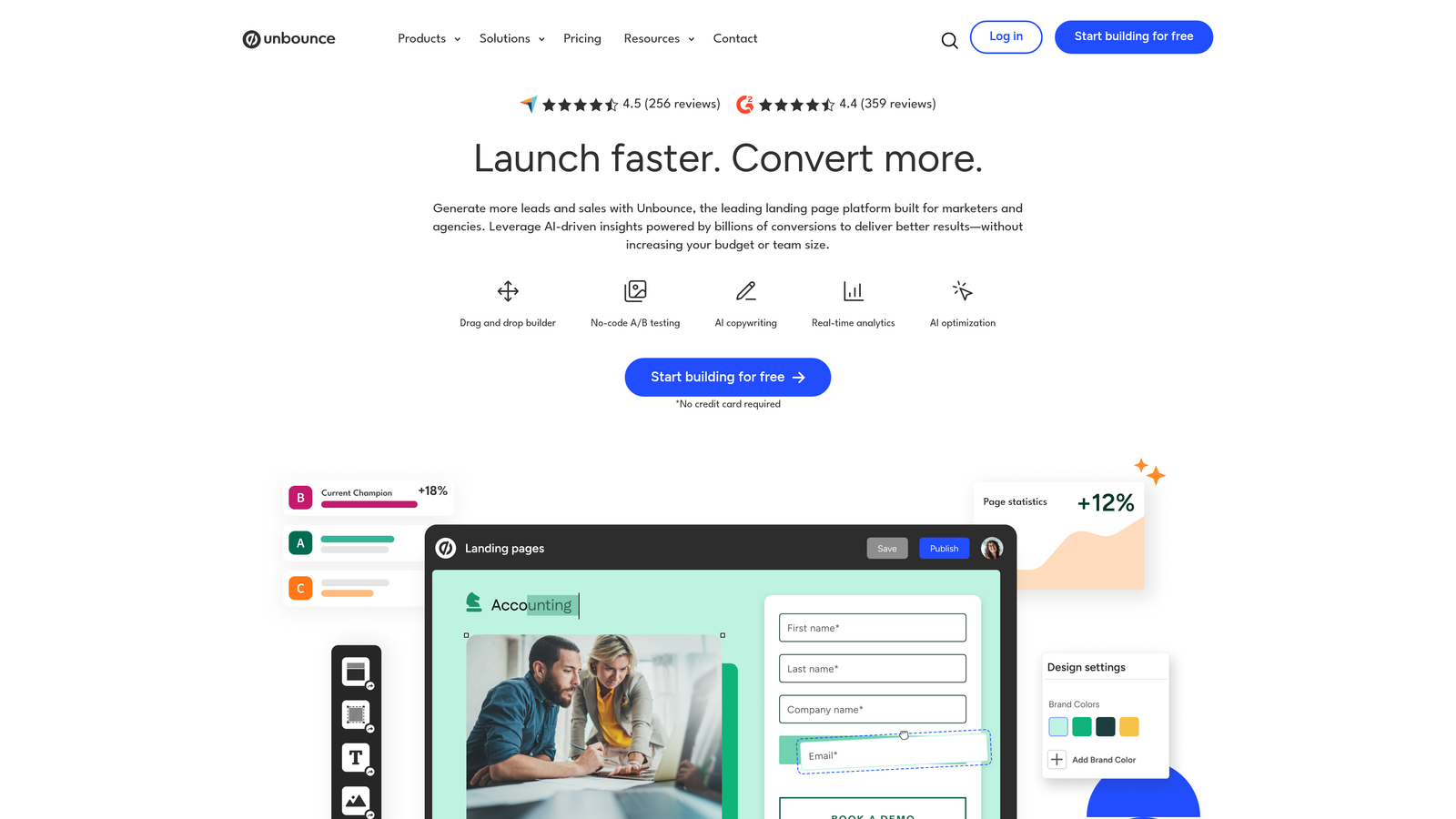
Unbounce combines landing page creation with AI-powered form optimization, giving marketers a unified tool for conversion-focused campaigns.
Where This Tool Shines
The Smart Builder uses AI to suggest copy improvements and layout adjustments that historically increase conversions. Instead of guessing what might work, you get recommendations based on patterns from thousands of high-performing landing pages. This shortens the learning curve for teams without extensive optimization experience.
Smart Traffic takes optimization further by automatically routing visitors to the landing page variant most likely to convert them. Rather than waiting weeks for statistical significance in A/B tests, the AI learns quickly and maximizes conversions from day one.
Key Features
AI Copy Suggestions: Get intelligent recommendations for headlines, button text, and form labels based on conversion data.
Built-In A/B Testing: Test different form layouts, field configurations, and page elements without additional tools.
Smart Traffic: AI automatically sends each visitor to the page variant most likely to convert based on their characteristics.
Unified Platform: Build landing pages and optimize forms in the same interface without switching between tools.
Dynamic Text Replacement: Automatically customize form and page content based on the ad or keyword that brought visitors.
Best For
Marketing teams running paid advertising campaigns who need to quickly launch and optimize landing pages with embedded forms. Particularly valuable for agencies managing multiple client campaigns or companies with significant ad spend.
Pricing
Launch plan starts at $99/month with Smart Builder and Smart Traffic included. Higher tiers add more landing pages and traffic capacity.
4. Jotform
Best for: Teams needing extensive template variety and sophisticated conditional logic without technical complexity
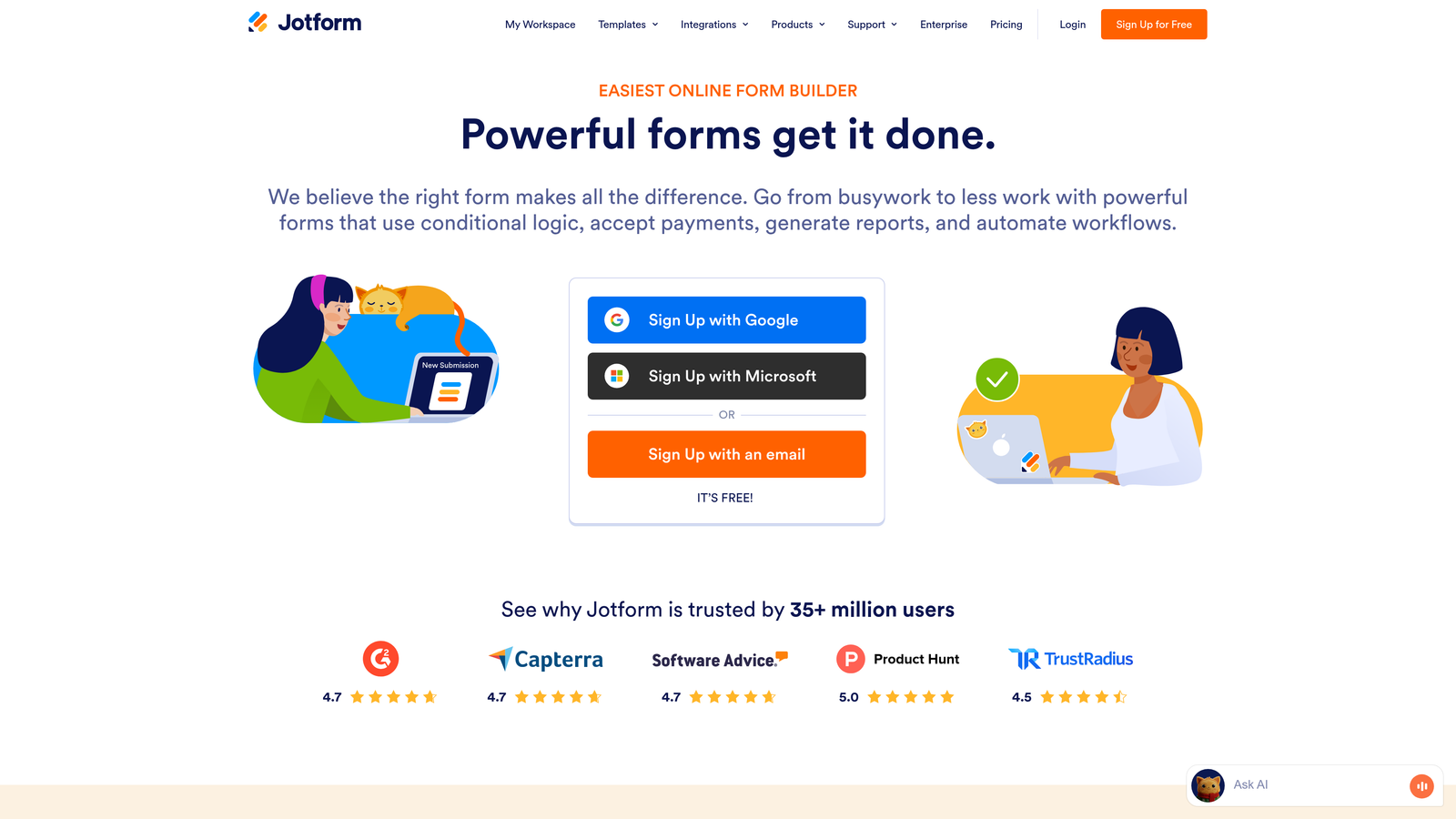
Jotform offers over 10,000 pre-built templates covering virtually every form use case imaginable, from event registrations to job applications.
Where This Tool Shines
The template library eliminates the blank canvas problem. Whatever type of form you need to create, someone has already built a professional version you can customize. This dramatically accelerates form creation, especially for teams handling diverse form requirements across departments.
Conditional logic capabilities rival platforms costing significantly more. You can create complex branching paths, show or hide fields based on previous answers, and calculate values dynamically—all through a visual interface that doesn't require coding knowledge.
Key Features
10,000+ Templates: Pre-built forms for virtually every industry and use case, from healthcare intake to real estate applications.
Advanced Conditional Logic: Create sophisticated branching paths and dynamic field visibility without writing code.
Payment Processing: Integrate with major payment gateways to collect payments directly through forms.
PDF Generation: Automatically convert form submissions into formatted PDFs with custom templates.
E-Signature Support: Collect legally binding electronic signatures within forms for contracts and agreements.
Best For
Organizations handling diverse form needs across multiple departments, from HR to operations. Also ideal for teams that prefer starting from templates rather than building forms from scratch.
Pricing
Free tier supports basic forms with Jotform branding. Bronze plan starts at $34/month with increased submissions and features.
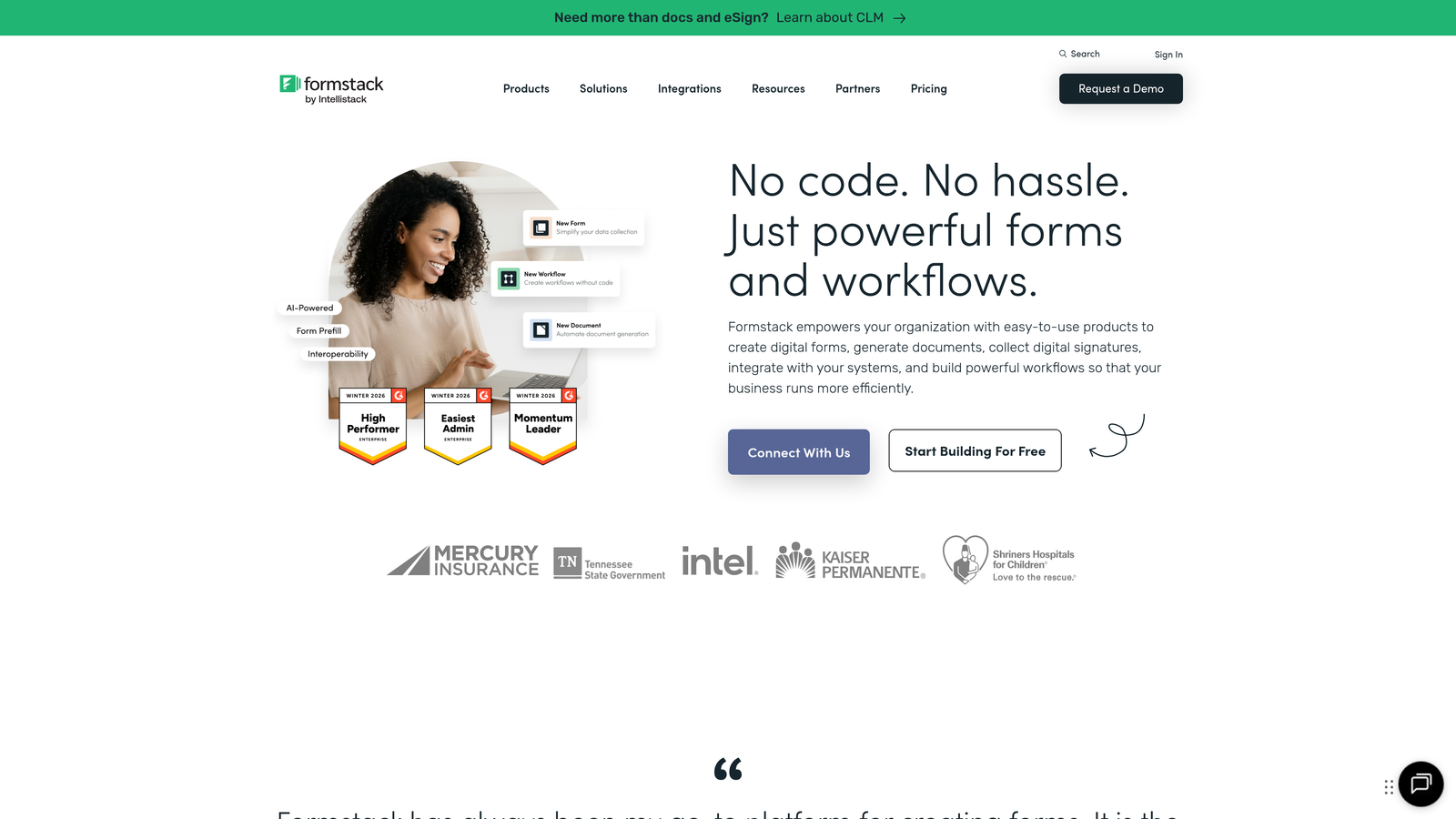
5. Formstack
Best for: Enterprise organizations requiring advanced workflow automation, compliance features, and approval processes
Formstack serves enterprises with complex form workflows, strict compliance requirements, and multi-department approval processes.
Where This Tool Shines
The approval workflow automation handles complex multi-step processes that would otherwise require manual coordination. Submit an expense report, and Formstack automatically routes it through department heads, finance teams, and executives based on rules you configure. Each approver gets notifications, can add comments, and either approves or sends back for revisions.
Compliance features address healthcare, financial services, and government requirements. HIPAA-compliant forms protect patient data, while GDPR tools help international organizations manage consent and data handling properly. These capabilities matter for regulated industries where non-compliance carries serious consequences.
Key Features
Approval Workflows: Route form submissions through multi-step approval processes with notifications and tracking at each stage.
Compliance Options: HIPAA and GDPR-compliant form handling with data encryption and audit trails.
Document Generation: Automatically create contracts, invoices, or reports from form data using custom templates.
Advanced Analytics: Track submission patterns, completion rates, and workflow bottlenecks with detailed reporting.
White-Label Options: Remove all Formstack branding and customize the platform appearance for client-facing implementations.
Best For
Enterprise organizations in regulated industries like healthcare, finance, or government. Also valuable for companies with complex internal processes requiring multi-level approvals and detailed audit trails.
Pricing
Starter plan begins at $50/month. Enterprise pricing available for organizations needing advanced compliance features and dedicated support.
6. Leadformly
Best for: B2B companies focused specifically on lead generation through multi-step form optimization
Leadformly specializes in multi-step forms designed around B2B lead generation best practices and conversion optimization principles.
Where This Tool Shines
The platform builds conversion best practices directly into the form creation process. Rather than learning optimization principles separately, you get guided suggestions for field order, question phrasing, and step progression based on what actually works for lead generation.
Multi-step forms break long qualification processes into digestible chunks. Instead of confronting prospects with fifteen fields at once, you collect information progressively across multiple screens. This approach significantly improves completion rates for forms that need substantial information.
Key Features
Multi-Step Optimization: Break long forms into logical steps with progress indicators that encourage completion.
Built-In Best Practices: Form builder suggests optimal field ordering, question phrasing, and step structure based on conversion data.
Lead Qualification Questions: Pre-built question templates designed specifically to qualify B2B prospects effectively.
A/B Testing: Test different form variations, step sequences, and field configurations to identify top performers.
Conversion Analytics: Track completion rates by step, identify drop-off points, and measure form performance over time.
Best For
B2B companies generating leads through content downloads, demo requests, or consultation bookings. Particularly valuable when you need substantial qualification information but don't want to overwhelm prospects with long single-page forms.
Pricing
Essentials plan starts at $37/month with core multi-step form features and basic A/B testing capabilities.
7. HubSpot Forms
Best for: Teams already using HubSpot CRM who want seamless integration between form submissions and marketing automation
HubSpot Forms lives natively within the HubSpot ecosystem, connecting form submissions directly to contact records, workflows, and nurture campaigns.

Where This Tool Shines
The native CRM integration eliminates data silos completely. Form submissions instantly create or update contact records, trigger automated workflows, and feed into lead scoring models—all without middleware or integration tools. This seamless connection means marketing and sales teams work from the same real-time data.
Progressive profiling changes what returning visitors see in your forms. Instead of asking for information you already have, smart fields automatically hide completed questions and request new details. This respects visitor time while steadily building richer contact profiles.
Key Features
Native CRM Integration: Form data flows directly into HubSpot contact records without manual exports or third-party connectors.
Progressive Profiling: Automatically hide fields you've already collected and ask new questions to returning visitors.
Smart Fields: Personalize form experiences based on what you know about each contact from previous interactions.
Workflow Automation: Trigger email sequences, task creation, and sales notifications automatically when forms are submitted.
Form Analytics: Track submission rates, conversion trends, and form performance alongside other HubSpot marketing metrics.
Best For
Companies already invested in the HubSpot ecosystem who want their forms tightly integrated with CRM data and marketing automation. Less ideal if you're using a different CRM platform.
Pricing
Free with HubSpot CRM including basic form features. Marketing Hub starts at $45/month, adding progressive profiling and advanced automation.
8. Paperform
Best for: Design-conscious brands wanting highly customized, on-brand forms with unique document-style editing
Paperform approaches form building like document creation, letting you type naturally and convert text into form fields inline.
Where This Tool Shines
The document-style editing feels remarkably intuitive. Instead of dragging fields from a sidebar, you simply type your form like a document—"What's your email address?"—then highlight the text and convert it to an email field. This approach works naturally for people who think in narrative flow rather than component assembly.
Design customization goes deeper than most platforms. You control typography, spacing, colors, and layout with precision that matches your brand guidelines exactly. If your brand identity matters significantly to customer perception, Paperform gives you the control to maintain consistency.
Key Features
Document-Style Building: Create forms by typing naturally, then converting text into interactive fields inline.
Advanced Design Control: Customize fonts, colors, spacing, and layouts with precision matching professional design standards.
Calculations and Logic: Build forms that calculate prices, scores, or recommendations based on user responses.
Payment Integration: Accept payments through Stripe or PayPal directly within forms for products, services, or bookings.
Booking Capabilities: Schedule appointments and manage availability through integrated calendar functionality.
Best For
Design-focused brands, creative agencies, and businesses where form aesthetics significantly impact customer perception. Also valuable for teams that find traditional form builders too rigid or component-focused.
Pricing
Essentials plan starts at $24/month with full design customization and core features included.
9. Gravity Forms
Best for: WordPress users needing powerful forms with extensive add-ons and developer-friendly customization options
Gravity Forms dominates the WordPress form plugin market with deep platform integration and a massive add-on ecosystem.
Where This Tool Shines
The WordPress integration runs deeper than competing plugins. Gravity Forms hooks into WordPress user roles, post types, and custom fields natively. You can create posts from form submissions, populate fields from user profiles, and restrict form access based on membership levels—all without custom code.
The add-on marketplace extends functionality in virtually any direction. Need to integrate with a specific payment gateway, CRM, or email service? Someone has built an add-on for it. This extensibility means Gravity Forms grows with your needs rather than forcing you to switch platforms later.
Key Features
Deep WordPress Integration: Connect forms to user roles, post creation, custom fields, and WordPress core functionality natively.
Extensive Add-Ons: Hundreds of official and third-party add-ons extend capabilities for payments, CRMs, and specialized integrations.
Developer-Friendly: Hooks, filters, and well-documented APIs let developers customize behavior without modifying core code.
Conditional Logic: Show or hide fields, change form behavior, and route notifications based on user responses.
Multi-Page Forms: Break long forms into multiple pages with progress indicators and save-and-continue functionality.
Best For
WordPress users building complex forms that integrate deeply with their site's functionality. Particularly valuable for membership sites, directories, or applications where forms need to interact with custom post types and user data.
Pricing
Basic license starts at $59/year for a single site. Higher tiers add more sites and advanced add-ons.
Finding Your Perfect Match
The right form optimization platform depends on your specific conversion goals and technical environment. For AI-powered lead qualification that helps high-growth teams focus on the prospects that matter most, Orbit AI delivers intelligent optimization without unnecessary complexity. If conversational design is your priority and you want forms that feel like natural dialogue, Typeform excels at engagement through its one-question-at-a-time approach.
Marketing teams running landing page campaigns benefit from Unbounce's combined platform that optimizes both pages and forms simultaneously. Enterprise organizations with compliance requirements should consider Formstack's HIPAA and GDPR capabilities along with sophisticated approval workflows. WordPress users get the most value from Gravity Forms, which integrates deeply with the platform and offers extensive customization through its add-on ecosystem.
Start by auditing your current form performance. Identify exactly where visitors drop off, which fields cause friction, and what conversion rate you're actually achieving. Look at your analytics and ask specific questions: Do people abandon on the second step? Does the email field cause hesitation? Are mobile users completing at significantly lower rates?
Then choose a platform that addresses those specific gaps rather than chasing features you won't use. A tool with fifty integrations doesn't help if you only need three. Similarly, advanced conditional logic matters little if your forms are straightforward lead capture. Match capabilities to your actual needs, not theoretical possibilities.
Consider your tech stack integration requirements carefully. If you're deeply invested in HubSpot, their native forms make sense. If you're running WordPress, Gravity Forms integrates more naturally than external platforms. The best form optimization tool is the one that fits seamlessly into your existing workflow rather than forcing you to work around it.
Transform your lead generation with AI-powered forms that qualify prospects automatically while delivering the modern, conversion-optimized experience your high-growth team needs. Start building free forms today and see how intelligent form design can elevate your conversion strategy.


