

Your forms are leaving money on the table. The average form abandonment rate hovers around 67%, meaning two-thirds of potential leads vanish before clicking submit. But here's the good news: the right form optimization tools can dramatically change those numbers.
Whether you're dealing with lengthy checkout forms, lead generation pages, or survey fatigue, these tools help you identify friction points, test improvements, and create forms people actually want to complete. We've tested and evaluated the top form optimization solutions available today, considering factors like ease of use, analytics depth, A/B testing capabilities, and integration options.
Here are the best tools to transform your forms from conversion killers into lead-generating machines.
1. Orbit AI
Best for: High-growth teams needing AI-powered lead qualification with beautiful, conversion-optimized forms
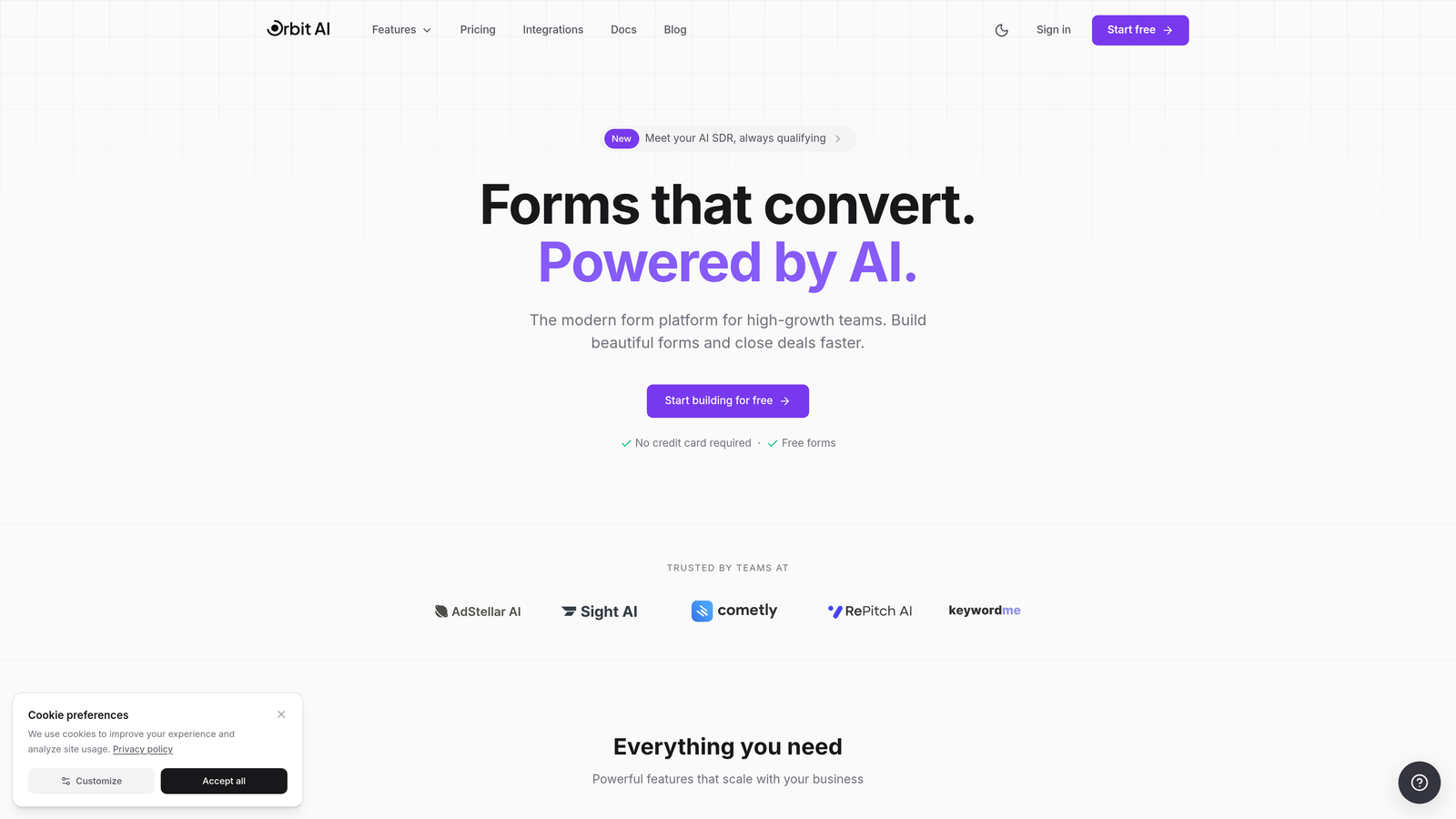
Orbit AI is an AI-powered form builder that combines modern design with intelligent lead qualification capabilities.
Where This Tool Shines
Orbit AI takes a different approach to form optimization by baking intelligence directly into the form-building process. Instead of just collecting data, it actively qualifies leads as they fill out your forms, automatically scoring prospects based on their responses and routing high-value leads to your sales team instantly.
The platform's conversion-optimized templates are built on proven design patterns that reduce friction, while the AI layer works behind the scenes to prioritize your best opportunities. For teams drowning in unqualified leads, this combination of beautiful forms and smart qualification changes the entire lead generation equation.
Key Features
AI-Powered Lead Qualification: Automatically scores and qualifies leads based on form responses, helping you focus on high-intent prospects.
Conversion-Optimized Templates: Pre-built form designs based on conversion best practices that you can customize to match your brand.
Real-Time Analytics Dashboard: Monitor form performance, abandonment rates, and lead quality metrics in a clean, actionable interface.
Seamless CRM Integrations: Connect directly to your existing sales and marketing stack for automatic lead routing and follow-up.
Conditional Logic and Smart Routing: Show or hide fields based on previous answers and route leads to the right team members automatically.
Best For
Orbit AI works particularly well for B2B companies and high-growth teams where lead quality matters as much as quantity. If you're tired of sorting through unqualified leads or want to give your sales team a head start with pre-scored prospects, this platform delivers real value without adding complexity to your workflow.
Pricing
Free tier available for getting started; paid plans begin at $29/month with scaling options for growing teams.
2. Typeform
Best for: Creating engaging, conversational form experiences with a one-question-at-a-time approach
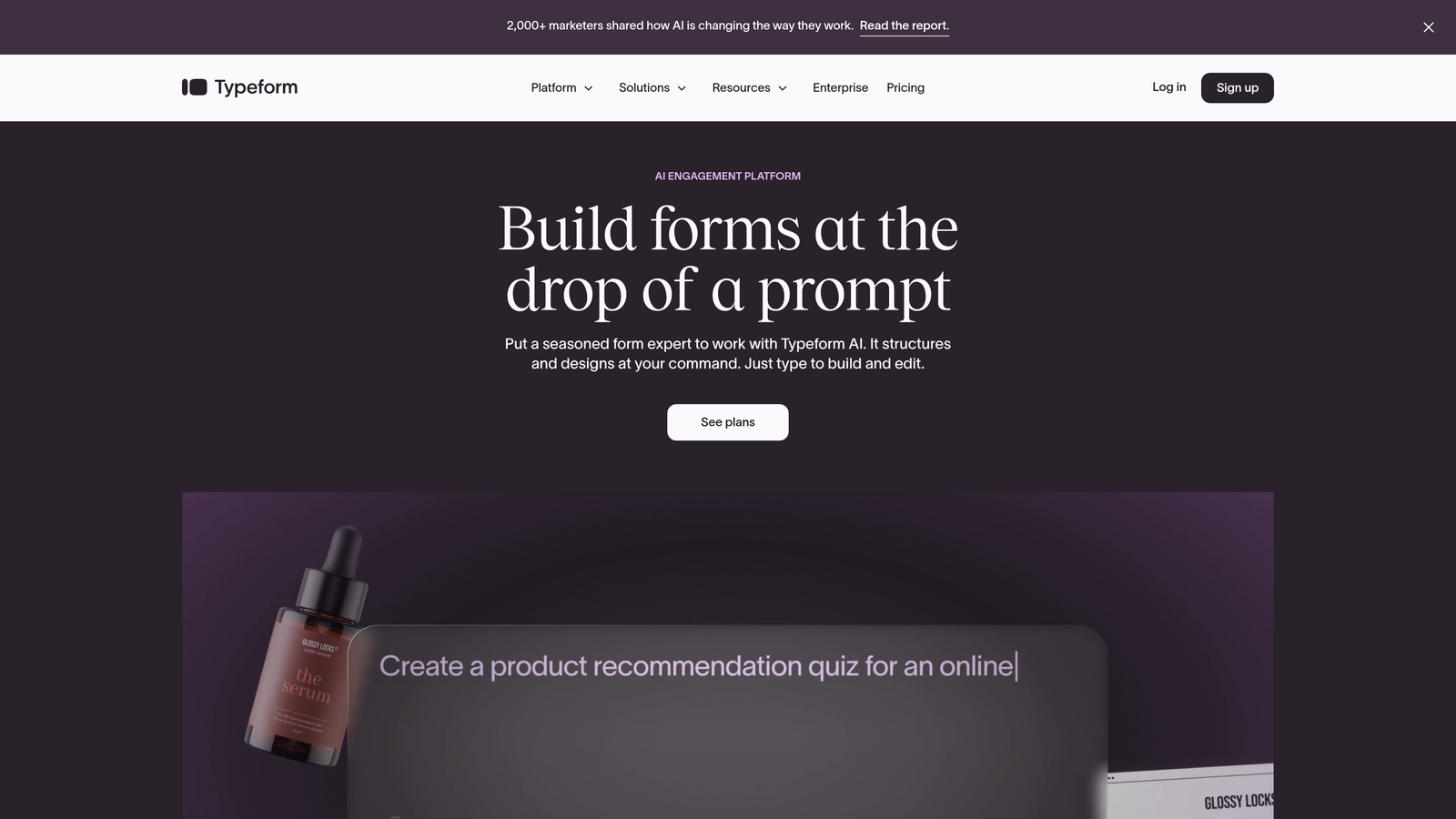
Typeform is a conversational form builder known for transforming standard forms into human-feeling interactions.
Where This Tool Shines
Typeform pioneered the conversational form format, and it remains the gold standard for creating forms that feel more like conversations than interrogations. By showing one question at a time, it reduces cognitive load and makes even lengthy forms feel manageable.
The platform's strength lies in its ability to make data collection feel natural. Users don't see a daunting wall of fields—they see a single question with plenty of white space, creating a focused experience that consistently delivers higher completion rates than traditional multi-field forms.
Key Features
Conversational One-Question Format: Display questions sequentially to reduce overwhelm and improve focus on each response.
Logic Jumps and Branching: Create dynamic question paths that adapt based on previous answers, showing only relevant fields.
Video and Image Embedding: Add rich media directly into your forms to create more engaging, branded experiences.
Native Integrations: Connect seamlessly with popular tools like Slack, Google Sheets, Mailchimp, and hundreds of other platforms.
Mobile-Optimized Design: Every form automatically adapts to any screen size with smooth, thumb-friendly interactions.
Best For
Typeform excels for surveys, feedback forms, and lead generation where user experience matters more than raw data collection speed. It's ideal for brands that want to differentiate themselves with thoughtful, design-forward forms that reflect their attention to detail.
Pricing
Free basic plan available with Typeform branding; paid plans start at $25/month for removing branding and accessing advanced features.
3. Hotjar
Best for: Visualizing user behavior on forms through heatmaps and session recordings
Hotjar is a behavior analytics platform that shows you exactly how users interact with your forms through visual data.
Where This Tool Shines
Hotjar doesn't help you build forms—it helps you understand why your existing forms aren't working. Through session recordings, you can watch real users struggle with confusing fields, abandon forms at specific points, or get stuck in validation errors you didn't know existed.
The form analytics feature specifically tracks which fields cause the most hesitation, where users drop off, and how long people spend on each input. This granular visibility transforms optimization from guesswork into a data-driven process where you can see the exact friction points killing your conversions.
Key Features
Form Abandonment Tracking: Identify exactly which fields cause users to leave, with detailed drop-off analytics for each form element.
Session Recordings: Watch actual user sessions to see hesitation, confusion, and interaction patterns on your forms.
Heatmaps: Visualize click patterns, scroll depth, and mouse movement to understand how users navigate your form pages.
User Feedback Widgets: Collect qualitative feedback directly from users about their form experience.
Funnel Analysis: Track user progression through multi-step forms and identify where the biggest losses occur.
Best For
Hotjar is essential for teams running high-value forms where small improvements in conversion rate translate to significant revenue. If you know your forms are underperforming but don't know why, Hotjar gives you the diagnostic tools to find and fix the problems.
Pricing
Free tier available with limited data collection; paid plans start at $32/month for increased session recording and heatmap volumes.
4. Unbounce Smart Builder
Best for: Building high-converting landing pages with embedded forms and AI-powered optimization
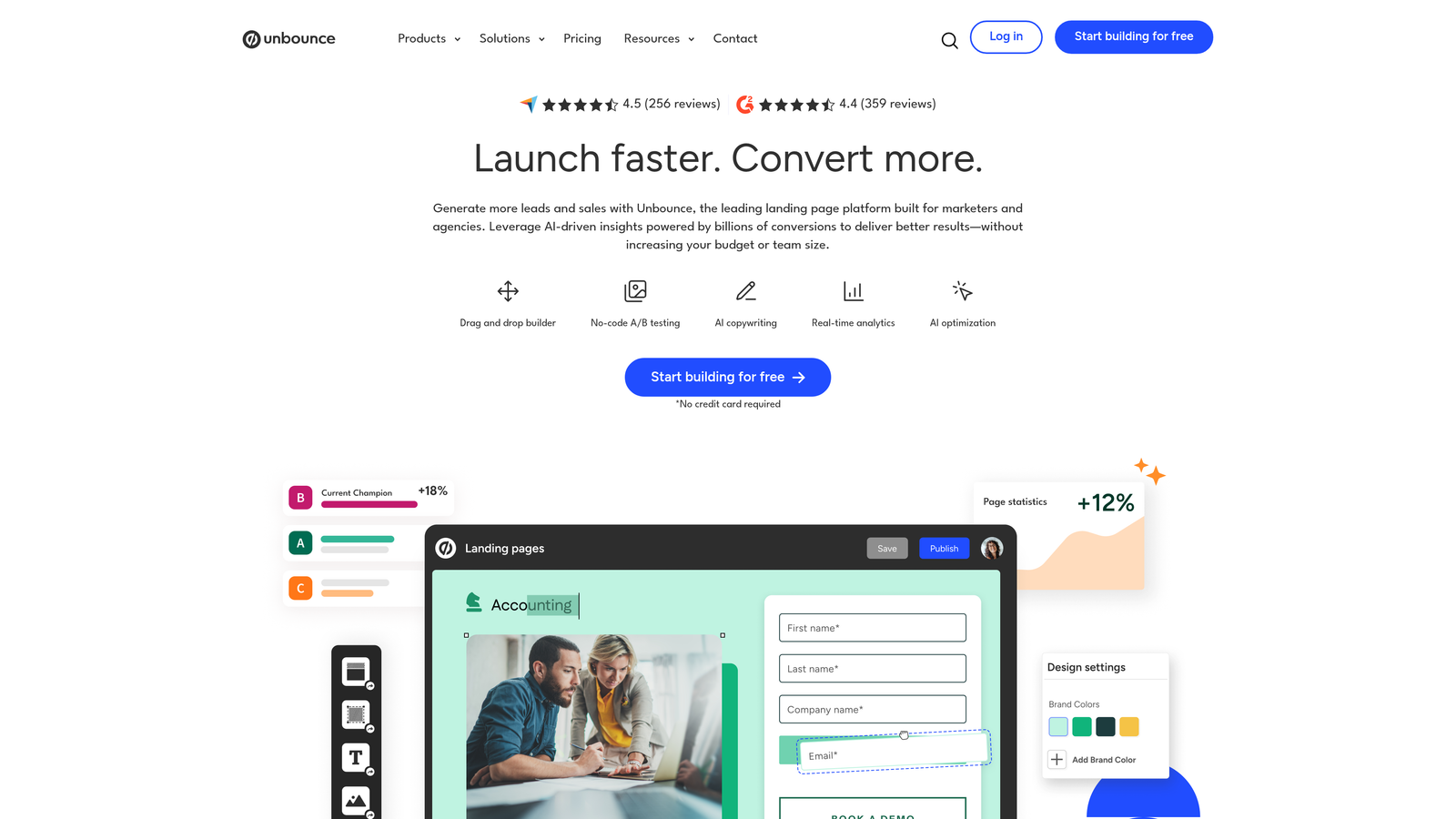
Unbounce is a landing page builder with AI-powered features that help create campaign pages with optimized forms.
Where This Tool Shines
Unbounce approaches form optimization through the lens of the entire landing page. Its Smart Builder uses AI to suggest copy improvements, layout changes, and design tweaks that can boost conversions—not just for the form itself, but for all the messaging and visual elements surrounding it.
The Smart Traffic feature automatically routes visitors to the landing page variant most likely to convert them based on their characteristics. This means your forms are always being presented in the highest-converting context possible, without requiring you to manually segment traffic or run complex experiments.
Key Features
AI Copywriting Suggestions: Get intelligent recommendations for form labels, button text, and surrounding copy that drives conversions.
Built-In A/B Testing: Test different form layouts, field combinations, and page designs without external tools.
Smart Traffic Optimization: Automatically direct visitors to the landing page variant most likely to convert them.
Drag-and-Drop Form Builder: Create and customize forms visually without touching code, with conversion-focused templates.
Dynamic Text Replacement: Personalize form pages based on ad keywords or URL parameters for higher relevance.
Best For
Unbounce works best for marketing teams running paid campaigns who need dedicated, high-converting landing pages with embedded forms. The platform's strength is in creating complete conversion experiences, not just standalone forms.
Pricing
Plans start at $99/month, positioning Unbounce as a premium solution for serious campaign optimization.
5. Formstack
Best for: Enterprise organizations needing advanced workflow automation and compliance features
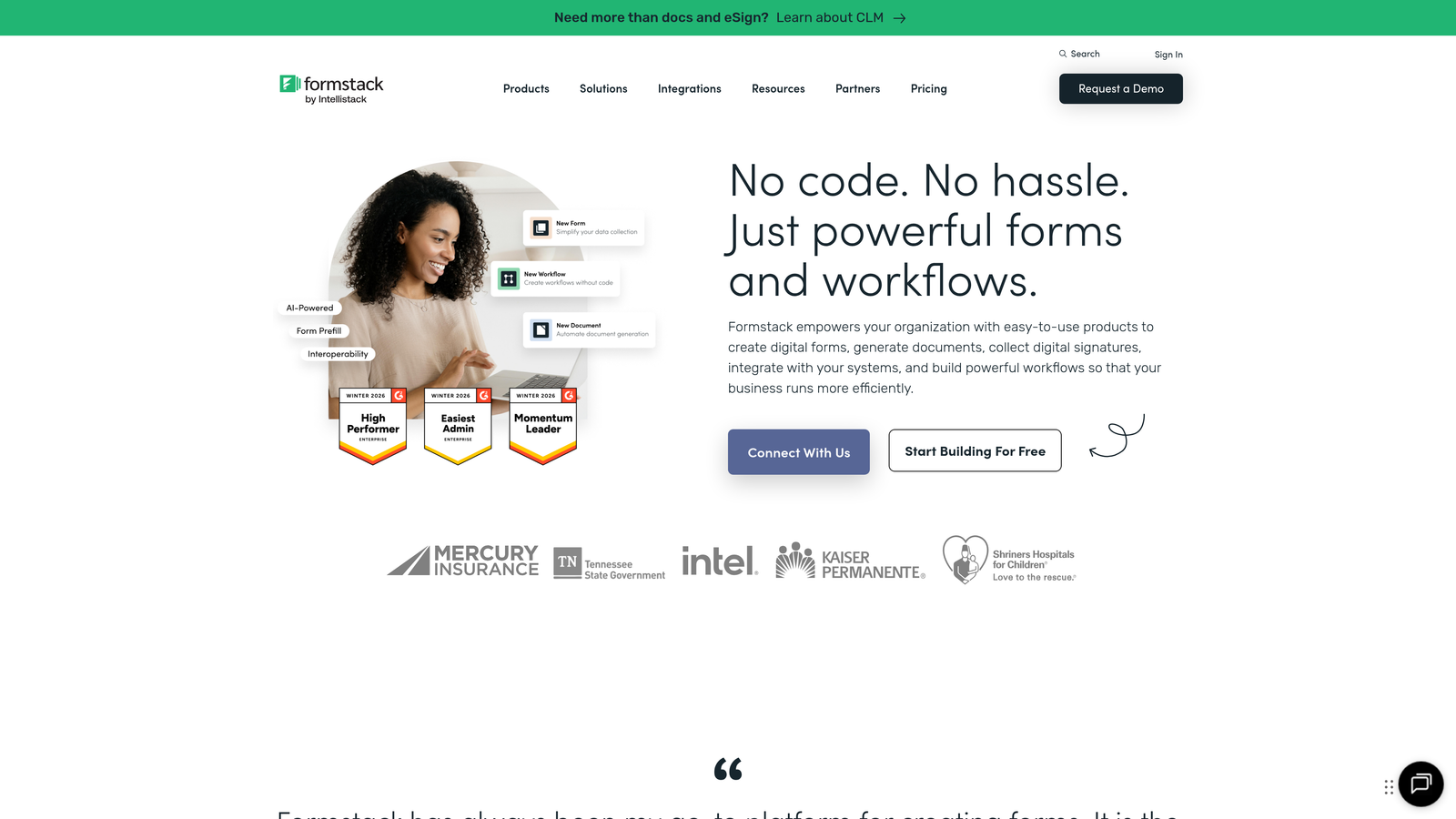
Formstack is an enterprise-grade form builder designed for complex organizational workflows and strict compliance requirements.
Where This Tool Shines
Formstack excels in environments where forms are just the starting point of complex business processes. Its advanced conditional logic can handle intricate branching scenarios, while workflow automation routes submissions through approval chains, generates documents, and triggers actions across multiple systems.
For organizations dealing with sensitive data, Formstack's HIPAA and GDPR compliance features provide the security and audit trails required for healthcare, financial services, and other regulated industries. This isn't just a form builder—it's a complete data collection and processing platform built for enterprise needs.
Key Features
Advanced Conditional Logic: Create sophisticated form flows with complex show/hide rules and calculation fields.
HIPAA and GDPR Compliance: Built-in security features and compliance tools for handling sensitive personal data.
Document Generation: Automatically create PDFs, contracts, and other documents from form submissions.
Workflow Automation: Route submissions through approval processes and trigger actions in connected systems.
Electronic Signatures: Collect legally binding signatures directly within your forms for contracts and agreements.
Best For
Formstack is ideal for healthcare organizations, financial institutions, government agencies, and large enterprises where forms feed into complex business processes and compliance isn't optional. If you need more than simple lead collection, Formstack delivers the power and security enterprise teams require.
Pricing
Plans start at $50/month, with enterprise pricing available for organizations needing advanced compliance and support.
6. Jotform
Best for: Quickly deploying professional forms using thousands of pre-built templates
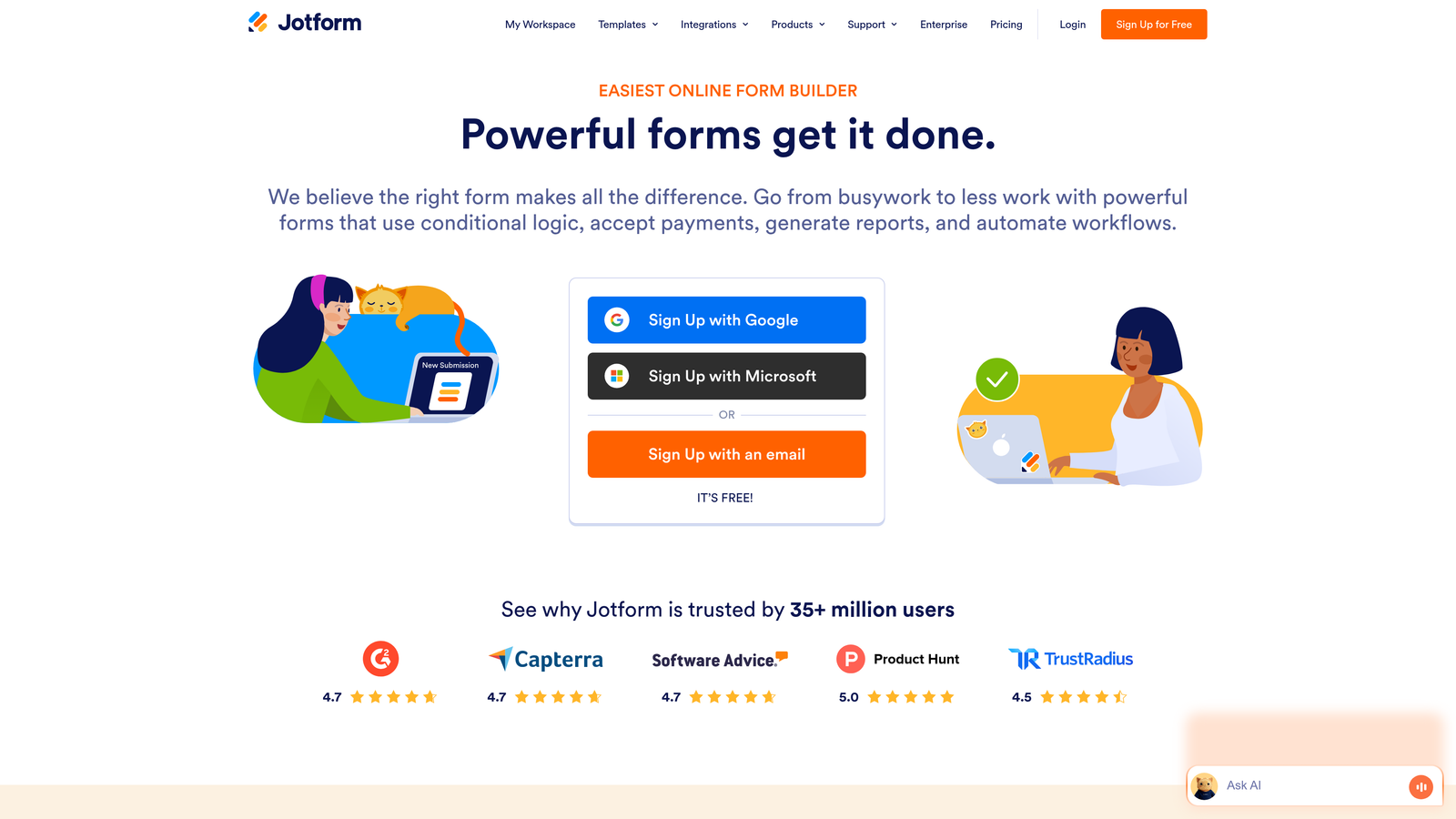
Jotform is a versatile form builder offering an extensive template library and user-friendly interface.
Where This Tool Shines
Jotform's superpower is its template library—over 10,000 pre-built forms covering virtually every use case imaginable. Need a patient intake form? Event registration? Product order form? There's a template for that, and it's professionally designed and ready to customize.
The platform also handles payment forms particularly well, with native integrations for major payment processors. This makes it a go-to choice for businesses selling products, collecting donations, or processing registrations directly through forms without building custom checkout experiences.
Key Features
10,000+ Form Templates: Access an enormous library of pre-built forms for virtually any industry or use case.
Payment Form Integrations: Accept payments through PayPal, Stripe, Square, and other processors directly in your forms.
PDF Form Conversion: Upload existing PDF forms and convert them into fillable online forms automatically.
Approval Workflows: Route submissions through multi-step approval processes with email notifications.
Offline Form Capability: Collect responses even without internet connection using the mobile app, syncing later.
Best For
Jotform works well for small businesses and teams who need to deploy forms quickly without starting from scratch. The template library means you can launch professional forms in minutes, making it perfect for fast-moving teams who value speed over custom design.
Pricing
Free tier available with Jotform branding; paid plans start at $34/month for additional submissions and features.
7. VWO (Visual Website Optimizer)
Best for: Running statistically rigorous A/B tests on form variations
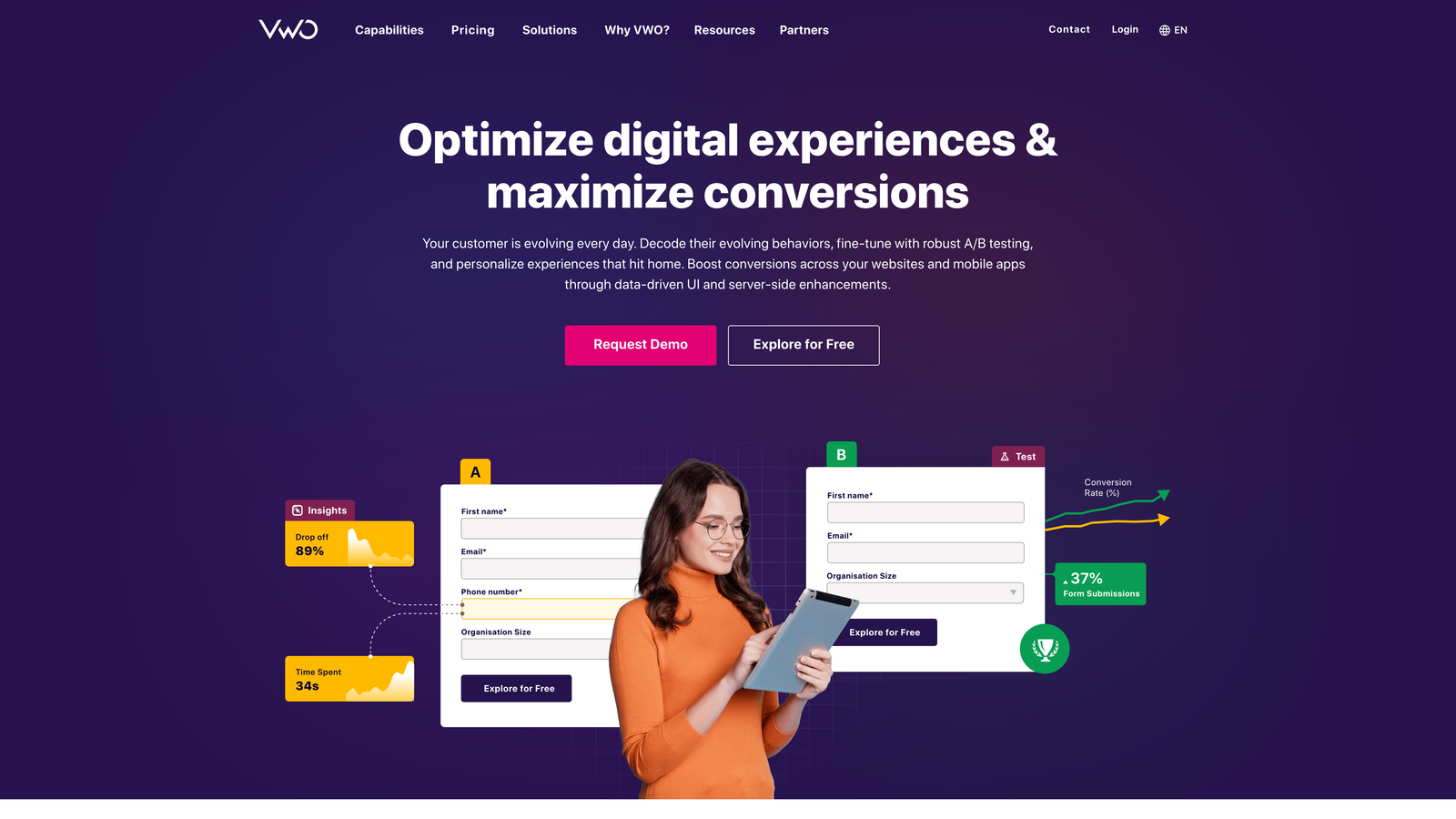
VWO is a comprehensive experimentation platform for testing form variations with statistical confidence.
Where This Tool Shines
VWO brings scientific rigor to form optimization. While many tools offer basic A/B testing, VWO provides the statistical analysis and sample size calculators needed to ensure your test results are actually meaningful, not just random noise.
The visual editor lets you create form variations without developer help, while the platform's multivariate testing capabilities allow you to test multiple elements simultaneously. This means you can optimize field order, labels, button colors, and form length in a single experiment rather than running sequential tests that take months to complete.
Key Features
Visual A/B Test Editor: Create test variations by pointing and clicking, no coding required for most changes.
Multivariate Testing: Test multiple form elements simultaneously to find the optimal combination faster.
Statistical Significance Calculator: Know with confidence when your test results are reliable enough to implement.
Heatmaps and Recordings: Combine testing with behavior analytics to understand why variations perform differently.
Personalization Engine: Show different form variations to different audience segments based on behavior or attributes.
Best For
VWO is built for data-driven teams with enough traffic to run meaningful experiments. If you're making optimization decisions based on statistically valid testing rather than gut feeling, VWO provides the experimentation infrastructure to do it right.
Pricing
Plans start at $199/month, reflecting VWO's positioning as an enterprise-grade testing platform.
8. Leadformly
Best for: Creating multi-step lead generation forms with built-in conversion best practices
Leadformly is a lead generation-focused form builder specializing in multi-step forms and lead qualification.
Where This Tool Shines
Leadformly is laser-focused on one thing: generating qualified leads through optimized multi-step forms. The platform bakes conversion best practices directly into its templates, using progress bars, strategic field ordering, and psychological principles to maximize completion rates.
The built-in lead scoring automatically qualifies prospects based on their responses, while A/B testing capabilities let you continuously refine your approach. For B2B companies where lead quality determines sales success, Leadformly's specialized focus delivers better results than general-purpose form builders.
Key Features
Multi-Step Form Wizard: Break long forms into manageable steps with progress indicators that encourage completion.
Lead Scoring and Qualification: Automatically score leads based on responses to prioritize follow-up efforts.
Conversion-Optimized Templates: Start with proven form structures designed specifically for lead generation.
A/B Testing Built-In: Test different form variations without needing external testing tools.
CRM Integrations: Connect directly to popular CRMs for automatic lead routing and data syncing.
Best For
Leadformly works best for B2B companies and agencies focused on lead generation where form completion rates directly impact pipeline. If you're running paid campaigns or need to justify marketing spend with qualified leads, the platform's optimization features deliver measurable ROI.
Pricing
Plans start at $37/month, making it accessible for growing teams focused on lead generation.
9. Paperform
Best for: Creating branded, content-rich form experiences that blend text and form fields
Paperform is a form builder that lets you create experiences blending rich content with data collection.
Where This Tool Shines
Paperform takes a different approach by treating forms as content experiences rather than just data collection tools. You can mix paragraphs of text, images, videos, and form fields in any order, creating forms that tell a story while gathering information.
This content-first approach works particularly well for forms that need context or explanation—think application forms, booking pages, or order forms where users need information before they can respond intelligently. The result feels less like filling out a form and more like engaging with a branded experience.
Key Features
Rich Content Embedding: Mix text, images, videos, and form fields freely to create narrative-driven experiences.
Custom Branding and Themes: Full control over colors, fonts, and styling to match your brand perfectly.
Calculation Fields: Build forms with automatic calculations for quotes, pricing, or scoring.
Payment Processing: Accept payments through Stripe or PayPal directly within your forms.
Conditional Logic: Show or hide content and fields based on previous responses for personalized experiences.
Best For
Paperform excels for businesses that view forms as part of their brand experience, not just functional tools. If you need to provide context, explain options, or create a premium feel around data collection, Paperform's content-rich approach delivers results.
Pricing
Plans start at $24/month, offering good value for the creative flexibility the platform provides.
10. Zuko Analytics
Best for: Getting granular field-level insights and abandonment analysis for critical forms
Zuko Analytics is a specialized form analytics platform providing detailed field-level insights.
Where This Tool Shines
Zuko goes deeper than general analytics tools by focusing exclusively on form performance. It tracks how long users spend on each field, where they hesitate, which fields cause the most corrections, and exactly where abandonment happens—all at a granular level most analytics tools miss.
The real-time abandonment alerts are particularly valuable for high-value forms like checkouts or applications. When abandonment rates spike, you get notified immediately so you can investigate and fix issues before they cost significant conversions. This level of monitoring turns form optimization from a periodic project into an ongoing practice.
Key Features
Field-Level Analytics: Track interaction time, correction rates, and abandonment for every individual form field.
Real-Time Abandonment Alerts: Get notified immediately when form abandonment rates exceed normal thresholds.
Session Replay for Forms: Watch recordings focused specifically on form interactions to understand user behavior.
Benchmark Comparisons: Compare your form performance against industry benchmarks to identify improvement opportunities.
Custom Event Tracking: Set up tracking for specific form interactions or business-critical conversion points.
Best For
Zuko is ideal for e-commerce sites, SaaS companies, and any business where forms directly drive revenue. If a 1% improvement in form conversion rate means thousands in additional revenue, Zuko's specialized analytics justify the investment.
Pricing
Plans start at $100/month, reflecting the platform's focus on high-value form optimization for established businesses.
11. HubSpot Forms
Best for: CRM-integrated forms with automatic lead enrichment and follow-up automation
HubSpot Forms is a CRM-integrated form solution that automatically syncs with HubSpot's marketing automation platform.
Where This Tool Shines
HubSpot Forms' biggest advantage is its native integration with the HubSpot CRM ecosystem. Every form submission automatically creates or updates a contact record, triggers workflows, and feeds into your broader marketing automation—no Zapier connections or manual data transfers required.
The progressive profiling feature is particularly clever: it remembers what information you've already collected from returning visitors and asks new questions instead, letting you gradually build complete profiles without overwhelming people with lengthy forms. For teams already using HubSpot, this seamless integration eliminates data silos and manual work.
Key Features
Native CRM Integration: Automatic contact creation and data syncing with HubSpot's CRM without external tools.
Progressive Profiling: Ask different questions to returning visitors to gradually build complete contact profiles.
Smart Fields: Automatically populate known information for returning visitors to reduce form friction.
Follow-Up Automation: Trigger email sequences, task creation, and workflow actions based on form submissions.
Contact Enrichment: Automatically append additional data to contacts from HubSpot's database and integrations.
Best For
HubSpot Forms makes perfect sense if you're already invested in the HubSpot ecosystem. The tight integration eliminates the technical overhead of connecting separate tools and ensures your form data flows seamlessly into your marketing and sales processes.
Pricing
Free with HubSpot CRM; advanced form features available in Marketing Hub starting at $45/month.
Choosing Your Form Optimization Stack
The right form optimization tool depends on what you're actually trying to solve. If you need to understand why forms are failing, analytics tools like Hotjar or Zuko give you the diagnostic insights to identify problems. If you're running experiments to improve performance, VWO or Unbounce provide the testing infrastructure to validate changes with statistical confidence.
For teams building forms from scratch, the choice often comes down to your specific needs. Orbit AI delivers the best combination of modern design and intelligent lead qualification for high-growth teams who need both beautiful forms and automatic prospect prioritization. Typeform excels at creating engaging conversational experiences. Jotform offers the fastest path to deployment with its massive template library.
Many successful teams use a combination approach—a primary form builder paired with dedicated analytics. You might build forms in Orbit AI or Typeform while using Hotjar to understand user behavior, or create landing pages in Unbounce while running detailed form analytics through Zuko. The tools aren't mutually exclusive; they often complement each other.
Consider your existing tech stack too. If you're already using HubSpot, their native forms eliminate integration headaches. If you need enterprise compliance, Formstack's security features might be non-negotiable. If you're running high-volume paid campaigns, the AI optimization in Unbounce or the conversion focus in Leadformly delivers measurable ROI.
The form optimization landscape has matured significantly. AI-powered features, progressive profiling, and sophisticated analytics are now standard rather than premium add-ons. The barrier to creating high-converting forms isn't technology anymore—it's knowing which tool matches your specific conversion challenges and team workflow.
Start building free forms today and see how intelligent form design can elevate your conversion strategy. Transform your lead generation with AI-powered forms that qualify prospects automatically while delivering the modern, conversion-optimized experience your high-growth team needs.


