

Growth teams live and die by their conversion rates. Every form submission is a potential customer, and the platform you choose determines whether visitors become leads or bounce forever. The right form platform does more than collect data—it qualifies prospects, routes them intelligently, and integrates seamlessly with your existing stack.
We evaluated dozens of options based on conversion optimization features, lead qualification capabilities, integration depth, and scalability for fast-moving teams. Here are the top platforms that consistently deliver for high-growth organizations.
1. Orbit AI
Best for: High-growth teams that need AI-powered lead qualification built directly into their forms
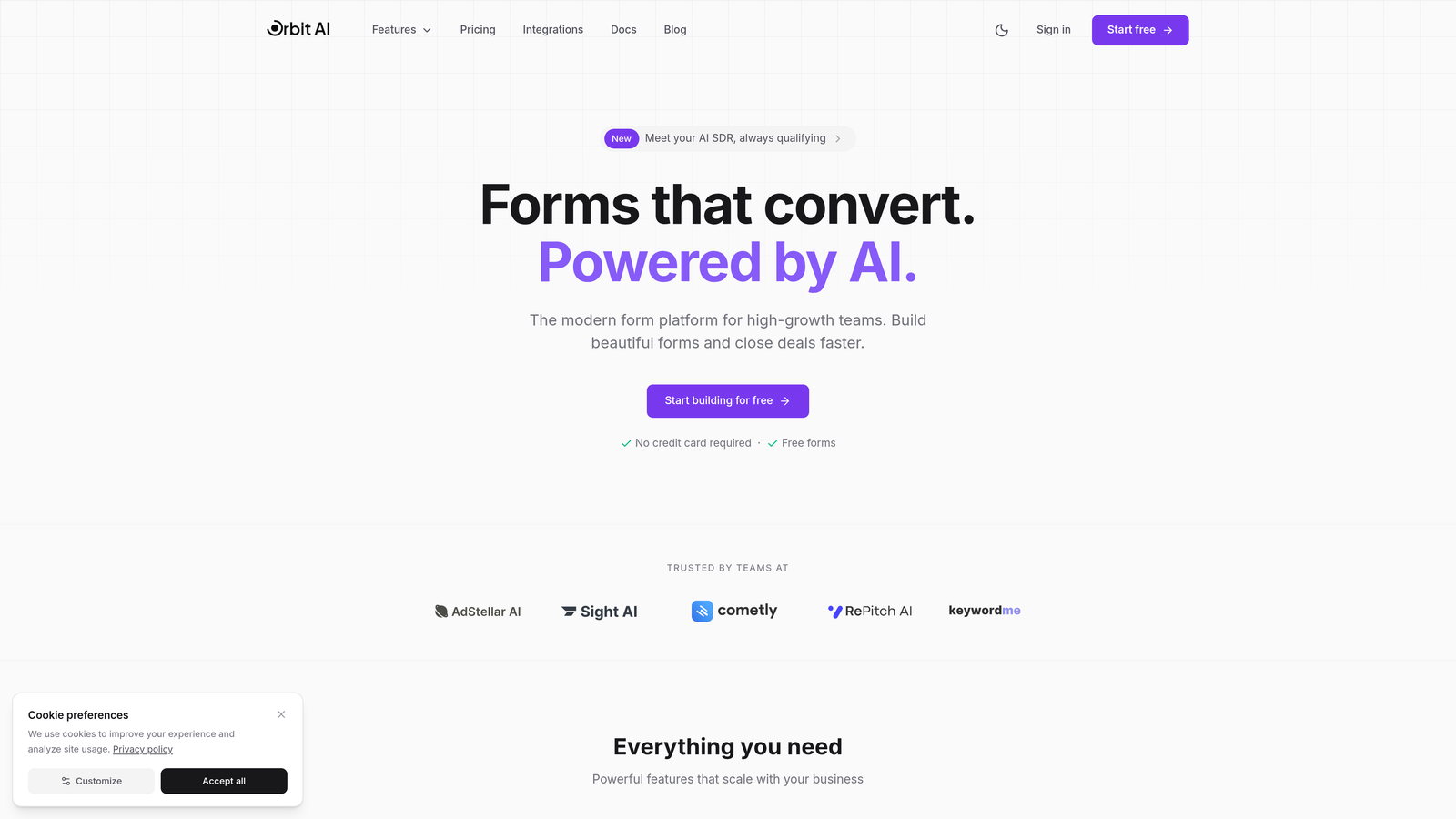
Orbit AI is an intelligent form builder designed specifically for growth teams that need more than basic data collection.
Where This Tool Shines
Orbit AI stands out by automating the lead qualification process that typically happens after form submission. Instead of routing every lead to sales, the platform scores and qualifies prospects in real-time based on their responses.
The conversion-optimized templates are built on patterns that high-growth companies actually use, not generic contact forms. This means you're starting with proven frameworks rather than building from scratch.
Key Features
AI-Powered Lead Qualification: Automatically scores and routes leads based on fit and intent signals captured during form completion.
Conversion-Optimized Templates: Pre-built form designs based on high-converting patterns used by growth teams.
Native CRM Integrations: Direct connections to HubSpot, Salesforce, and Close with automatic contact creation and enrichment.
Real-Time Analytics: Track conversion rates, drop-off points, and qualification metrics to continuously improve performance.
Automated Workflows: Trigger sequences and actions based on lead score and qualification criteria without manual intervention.
Best For
Growth teams at B2B SaaS companies who need to qualify high volumes of inbound leads efficiently. Particularly valuable for teams where sales capacity is limited and lead quality directly impacts pipeline health.
Pricing
Free tier available for teams getting started. Paid plans start at competitive rates scaled for growth teams with increasing submission volumes.
2. Typeform
Best for: Teams prioritizing engagement and completion rates through conversational form experiences
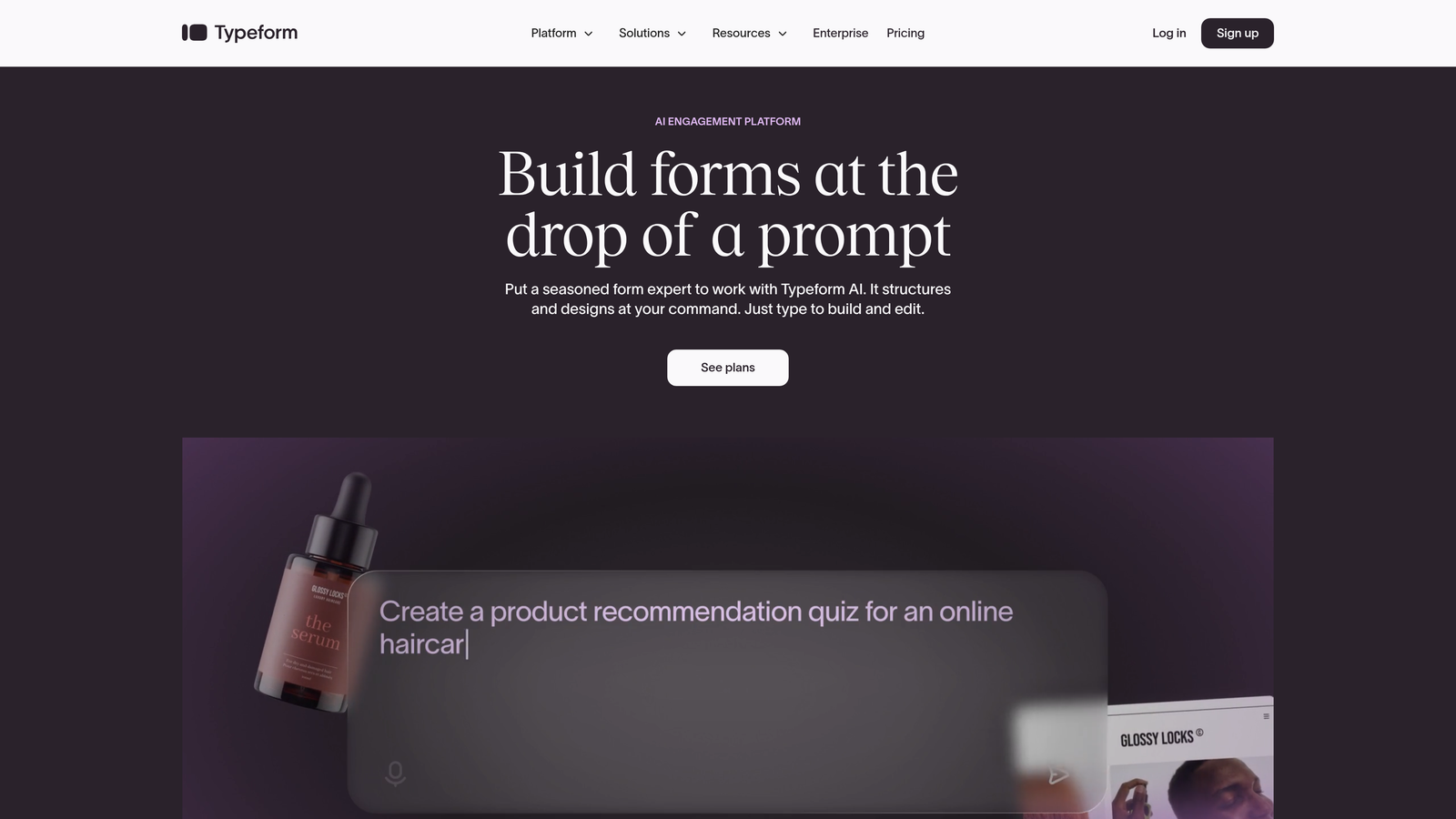
Typeform pioneered the one-question-at-a-time format that feels more like a conversation than a traditional form.
Where This Tool Shines
Typeform's conversational approach reduces form abandonment by making the experience feel less overwhelming. Instead of facing a wall of fields, respondents answer one question at a time with smooth transitions.
The platform excels at brand customization, letting you match your exact visual identity. This creates a cohesive experience from landing page to form completion that reinforces brand recognition.
Key Features
Conversational Format: One-question-at-a-time interface that increases completion rates by reducing cognitive load.
Brand Customization: Deep design controls for colors, fonts, backgrounds, and custom themes that match your brand perfectly.
Logic Jumps: Conditional branching that creates personalized paths based on previous answers.
Native Integrations: Direct connections to popular tools like Slack, Google Sheets, Mailchimp, and Zapier for workflow automation.
Rich Media Embedding: Add videos, images, and GIFs to make forms more engaging and explanatory.
Best For
Marketing teams that prioritize user experience and completion rates over rapid data collection. Works especially well for surveys, feedback forms, and lead capture where engagement matters more than speed.
Pricing
Free tier with basic features. Basic plan at $25/month, Plus at $50/month, Business at $83/month with advanced logic and integrations.
3. HubSpot Forms
Best for: Teams already using HubSpot who need seamless CRM integration and marketing automation alignment
HubSpot Forms is the native form builder within the HubSpot ecosystem, offering zero-friction integration with your CRM and marketing tools.

Where This Tool Shines
If you're already in the HubSpot ecosystem, nothing beats the native integration. Form submissions automatically create or update contacts, trigger workflows, and feed into your attribution reporting without any middleware.
Progressive profiling is a standout feature that prevents form fatigue. The system remembers what it already knows about a contact and asks new questions each time, gradually building complete profiles without overwhelming visitors.
Key Features
Native CRM Integration: Automatic contact creation, updates, and enrichment with zero configuration required.
Progressive Profiling: Smart field replacement that asks new questions to known contacts instead of repeating the same fields.
Automatic Enrichment: Contact records automatically populate with company data and social profiles when available.
Built-In A/B Testing: Test different form variations directly in the platform to optimize conversion rates.
Flexible Embedding: Deploy forms as embedded elements, pop-ups, slide-ins, or standalone pages.
Best For
Companies already using HubSpot for CRM or marketing automation. The value proposition drops significantly if you're not in the HubSpot ecosystem, but for existing users, it's the obvious choice.
Pricing
Free with HubSpot CRM. Advanced features like progressive profiling and A/B testing require Marketing Hub starting at $45/month.
4. Jotform
Best for: Teams needing versatile form functionality across diverse use cases with minimal technical setup
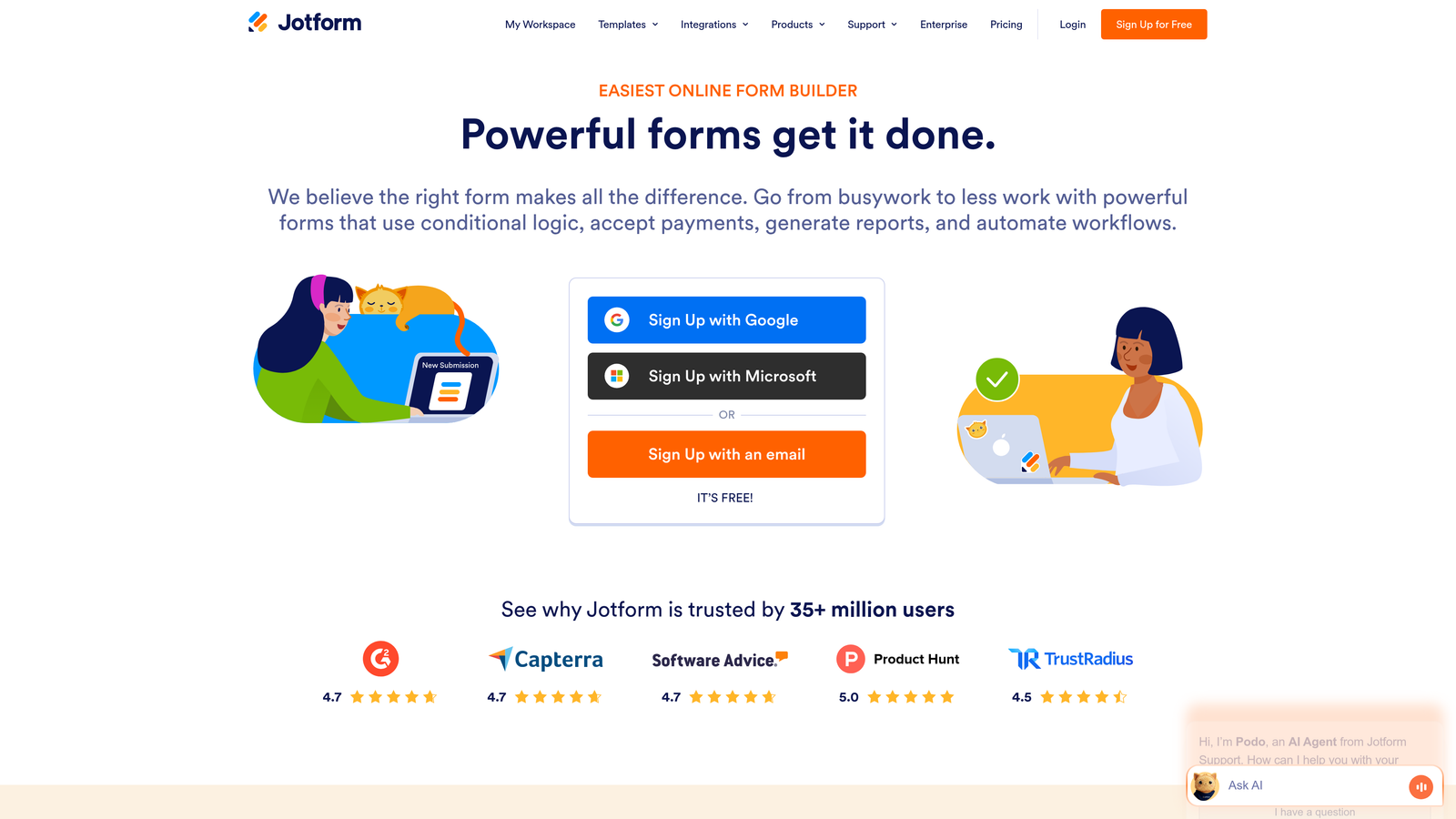
Jotform offers extensive template coverage and no-code flexibility for everything from simple contact forms to complex applications.
Where This Tool Shines
Jotform's template library is unmatched—over 10,000 pre-built forms covering virtually every industry and use case. This means you're rarely building from scratch, just customizing what already works.
The platform handles payment collection natively with support for multiple gateways, making it valuable for teams that need to collect payments, deposits, or registration fees directly through forms.
Key Features
Massive Template Library: Over 10,000 pre-built templates organized by industry, use case, and form type.
Payment Processing: Native integration with PayPal, Stripe, Square, and other gateways for direct payment collection.
PDF Generation: Automatically generate PDF documents from submissions for contracts, receipts, or records.
Conditional Logic: Show or hide fields, perform calculations, and create dynamic forms based on user input.
HIPAA Compliance: Optional compliance features for healthcare organizations handling protected health information.
Best For
Organizations with diverse form needs across departments—HR applications, event registrations, payment collection, surveys, and lead capture all in one platform. Particularly valuable for teams without dedicated developers.
Pricing
Free tier allows 5 forms with 100 monthly submissions. Bronze at $34/month, Silver at $39/month, Gold at $99/month with increasing submission limits and features.
5. Tally
Best for: Teams wanting unlimited forms on a generous free tier with a clean, intuitive interface
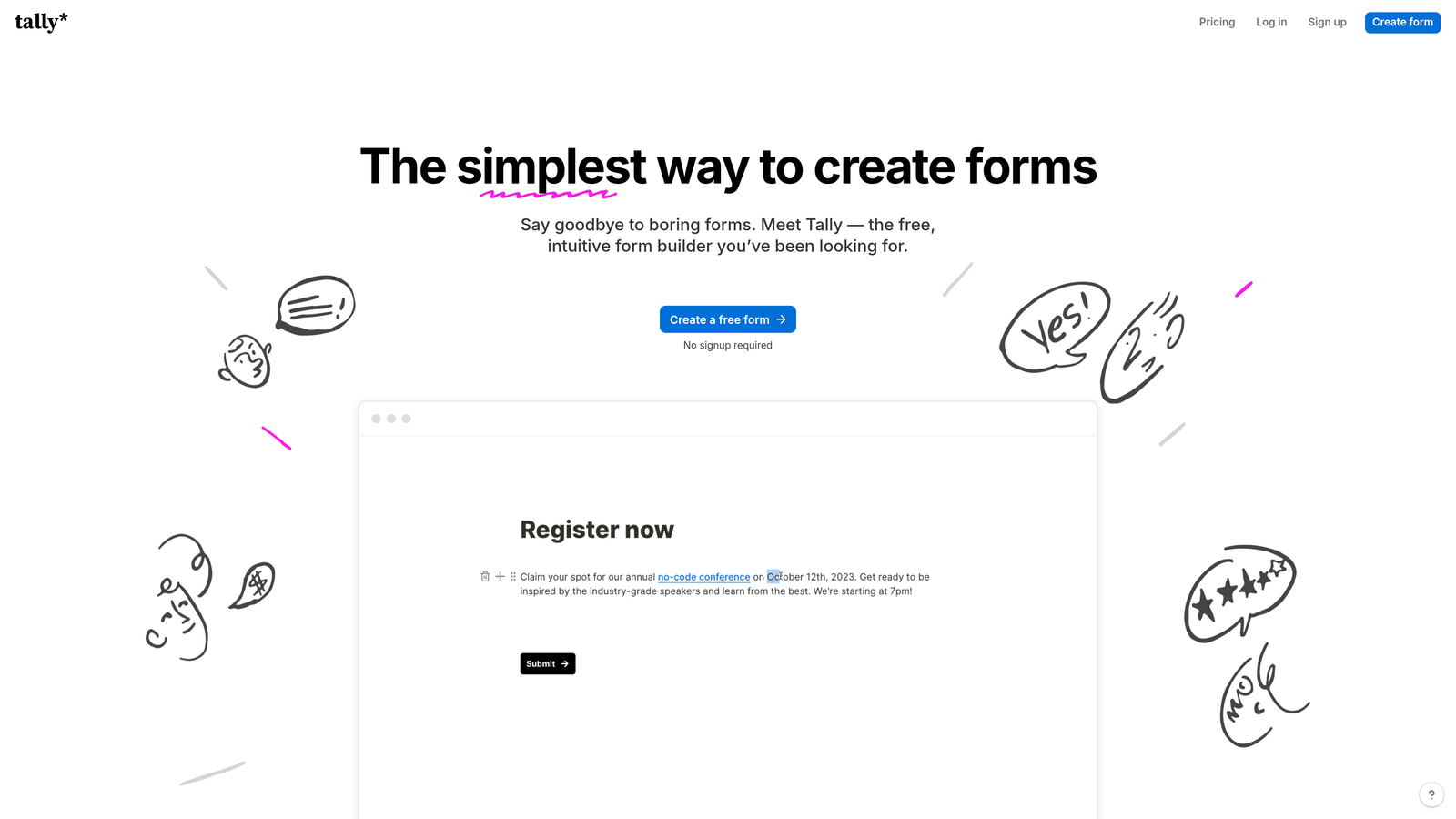
Tally brings Notion-style simplicity to form building with an exceptionally generous free tier that includes unlimited forms.
Where This Tool Shines
Tally's free tier is remarkably generous—unlimited forms with unlimited submissions. This makes it ideal for bootstrapped startups or teams testing multiple form variations without worrying about costs.
The Notion-style block editor feels instantly familiar if you've used modern documentation tools. There's minimal learning curve, which means faster deployment and easier team adoption.
Key Features
Unlimited Free Forms: No artificial limits on form creation or submissions in the free tier.
Block-Style Editor: Notion-inspired interface that makes form building intuitive and fast.
Conditional Logic: Show or hide questions based on previous answers to create personalized experiences.
Custom Domains: Use your own domain for form hosting to maintain brand consistency.
Integration Options: Connect via webhooks or Zapier to push data to your existing tools.
Best For
Early-stage startups and lean teams that need professional form functionality without monthly costs. Also great for teams running many experiments who need unlimited form creation.
Pricing
Free tier with unlimited forms and submissions. Pro plan at $29/month adds advanced features like file uploads, payment collection, and priority support.
6. Paperform
Best for: Teams building landing page-style forms with built-in payment and scheduling capabilities
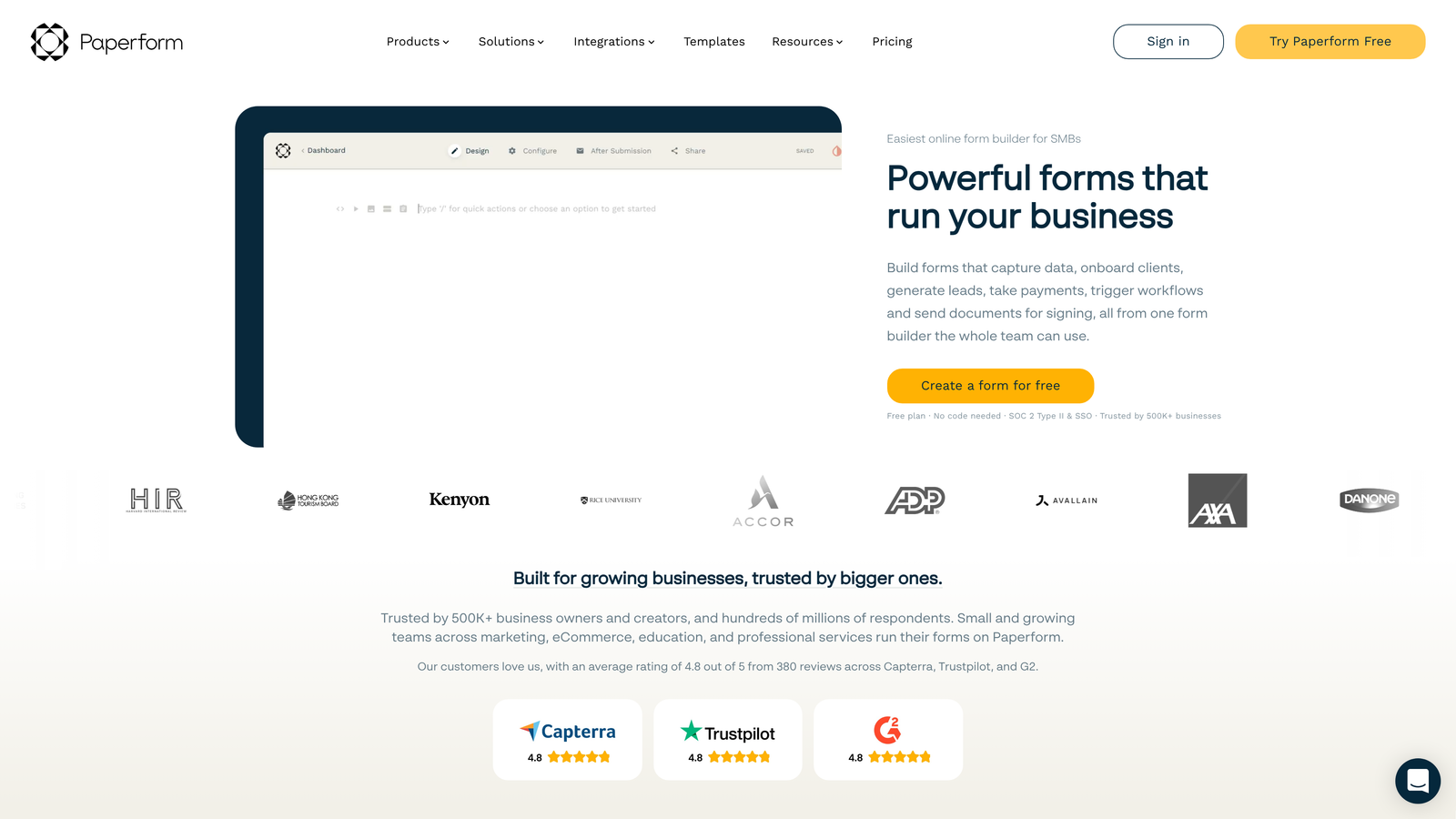
Paperform blends beautiful landing page design with form functionality, creating conversion-optimized experiences that don't look like traditional forms.
Where This Tool Shines
Paperform's landing page approach means your forms can stand alone as complete conversion experiences. You're not embedding a form in a landing page—you're building a landing page that happens to collect information.
The built-in payment processing and appointment scheduling eliminate the need for separate booking or payment tools. This reduces friction in the conversion path and simplifies your tech stack.
Key Features
Landing Page Design: Build full landing pages with hero sections, testimonials, and CTAs alongside form fields.
Payment Processing: Native integration with Stripe and PayPal for direct payment collection without external tools.
Appointment Scheduling: Built-in calendar integration for booking meetings directly through forms.
Product Catalogs: Create order forms with product listings, variants, and checkout functionality.
Advanced Logic: Conditional fields, calculations, and dynamic content based on user selections.
Best For
Service businesses and consultants who need to collect payments or schedule appointments as part of the form experience. Also valuable for product companies running pre-orders or limited releases.
Pricing
Essentials at $24/month, Pro at $49/month, Business at $99/month with increasing submission limits and advanced features.
7. Formstack
Best for: Enterprise teams requiring advanced compliance, workflow automation, and team collaboration features
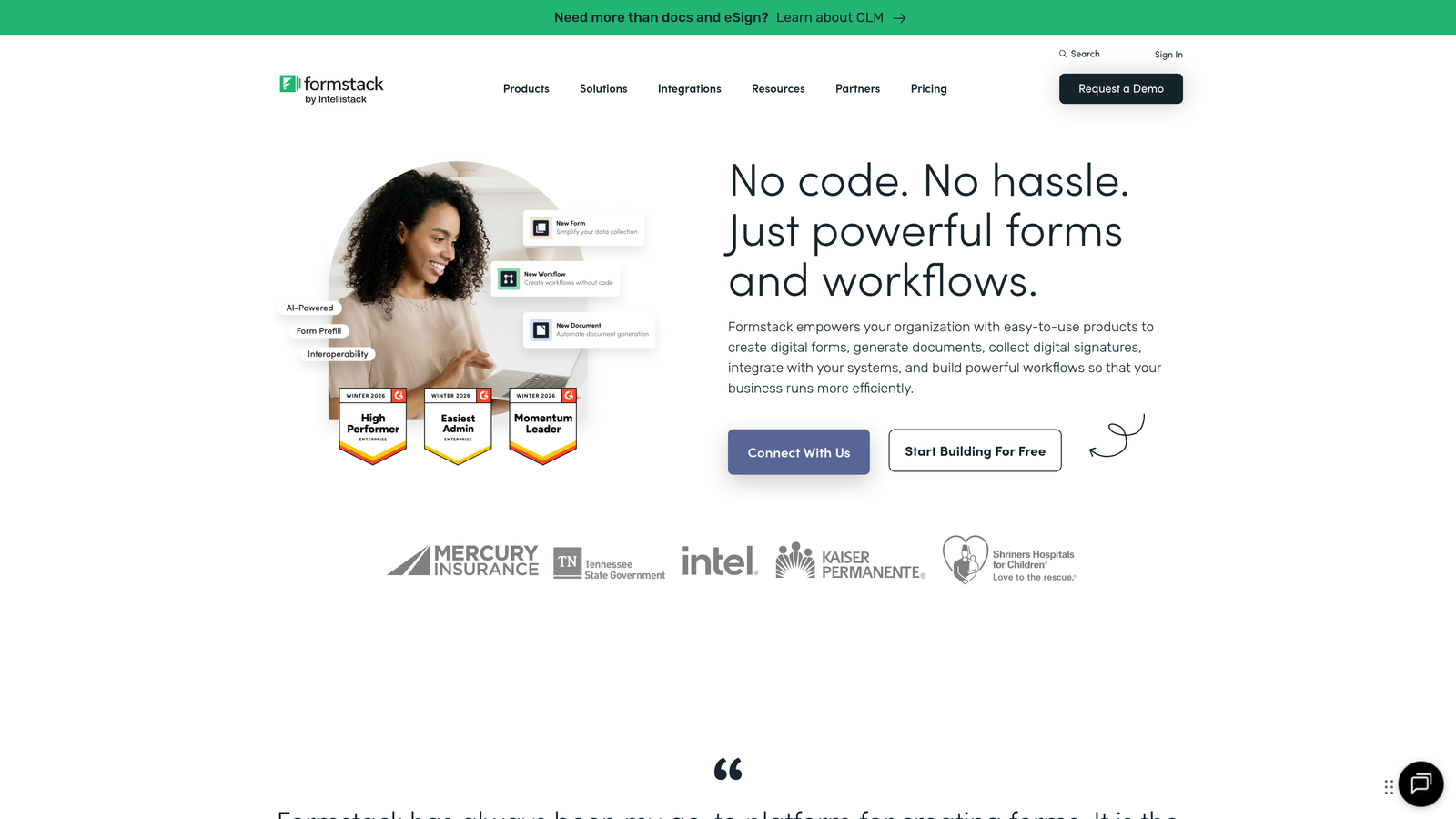
Formstack is an enterprise-grade platform built for organizations with complex workflow requirements and strict compliance needs.
Where This Tool Shines
Formstack's workflow automation goes far beyond basic integrations. You can build sophisticated approval processes, document generation workflows, and multi-step routing based on complex conditions.
The compliance features are genuine enterprise-grade—HIPAA, GDPR, and SOC 2 compliance with the documentation and controls that auditors actually require. This matters for healthcare, finance, and regulated industries.
Key Features
Advanced Workflow Automation: Build complex approval processes, routing rules, and multi-step workflows without code.
Document Generation: Automatically create PDFs, contracts, and documents from form submissions with e-signature capabilities.
Enterprise Compliance: HIPAA, GDPR, and SOC 2 compliance with audit trails and data governance controls.
Salesforce Native: Deep Salesforce integration that works within the Salesforce UI, not just via API.
Team Collaboration: Granular permissions, shared workspaces, and approval workflows for enterprise teams.
Best For
Enterprise organizations in regulated industries or with complex approval workflows. Particularly valuable for healthcare, financial services, and large corporations with strict security requirements.
Pricing
Starter at $50/month, Teams at $83/month. Enterprise pricing available on request with custom compliance and security features.
8. Fillout
Best for: Teams using Airtable or Notion as their database who need native form integration
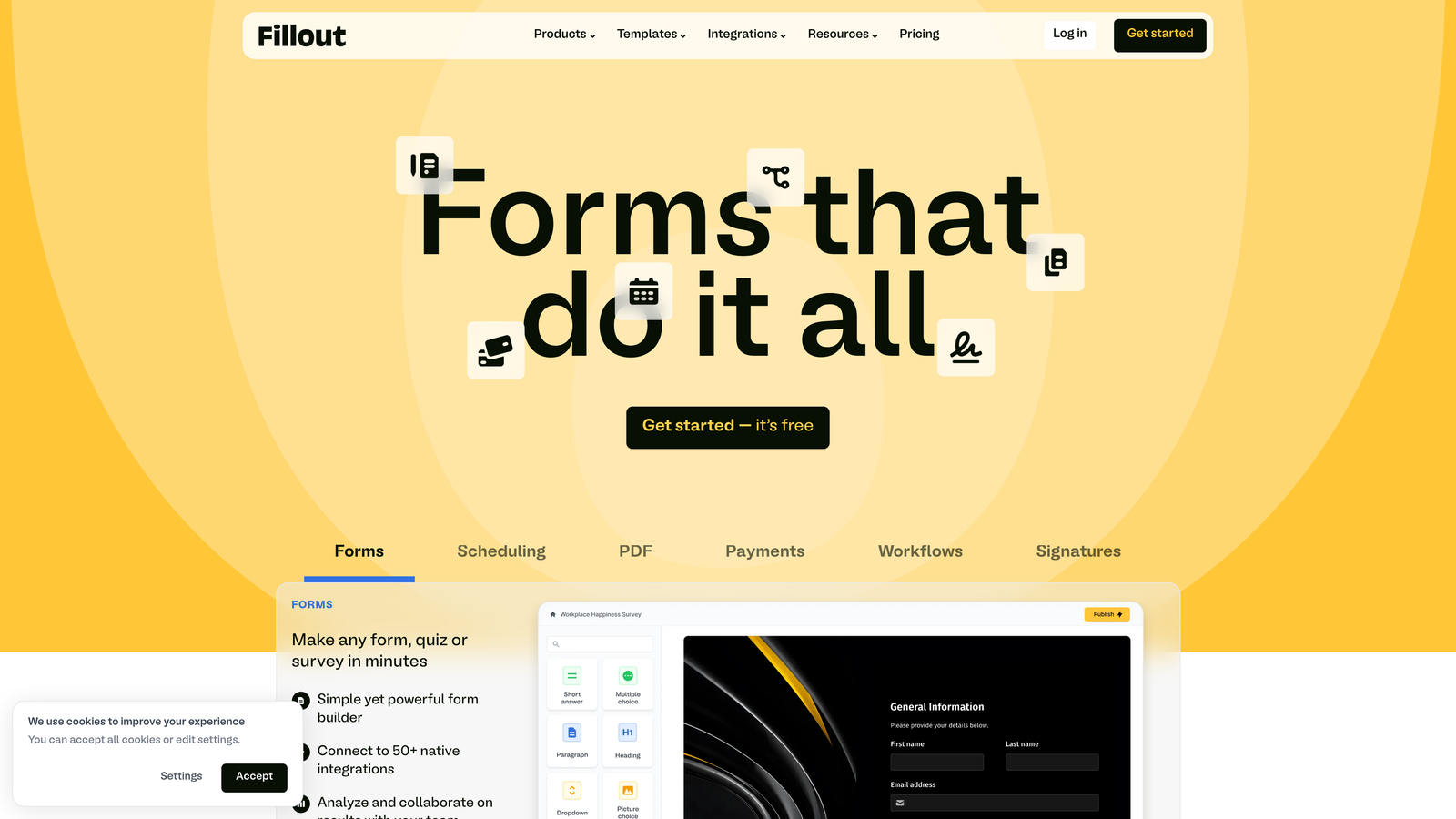
Fillout specializes in native Airtable and Notion integration, treating these platforms as first-class databases for form data.
Where This Tool Shines
Fillout's native Airtable integration is genuinely bidirectional. You can create records, update existing records, and pre-fill forms from Airtable data—all without Zapier or middleware.
The ability to update existing records via forms is particularly powerful. This means you can send customers a link to update their own information, submit additional details, or complete multi-step processes over time.
Key Features
Native Airtable Integration: Direct two-way sync with Airtable bases for creating and updating records.
Notion Database Support: Create and update Notion database items directly from form submissions.
Pre-Fill Capabilities: Populate form fields with existing data from Airtable or Notion for updates and confirmations.
Modern Interface: Clean, contemporary design that feels current and professional.
Conditional Logic: Show or hide fields and perform calculations based on user input.
Best For
Teams that have built their operations around Airtable or Notion and need forms that integrate natively with these platforms. Particularly valuable for operations teams managing complex databases.
Pricing
Free tier with basic features. Starter at $15/month, Pro at $30/month with increased submission limits and advanced features.
9. Formsort
Best for: High-volume teams focused on conversion optimization with built-in A/B testing and analytics
Formsort is built specifically for conversion optimization, treating forms as conversion funnels that need constant testing and refinement.
Where This Tool Shines
Formsort's built-in A/B testing is native to the platform, not an add-on. You can test different question orders, field types, and flow structures without external tools or complicated setups.
The conversion analytics dashboard shows exactly where prospects drop off in multi-step flows, making it easy to identify friction points and optimize accordingly. This level of insight is rare in form platforms.
Key Features
Native A/B Testing: Test different form variations, question orders, and flows directly in the platform.
Conversion Analytics: Detailed drop-off analysis showing exactly where prospects abandon multi-step forms.
Multi-Step Optimization: Design and test complex multi-step flows with progress indicators and dynamic paths.
Lead Routing: Automatically route qualified leads based on responses and scoring criteria.
Developer-Friendly: Custom styling, JavaScript hooks, and API access for technical teams.
Best For
Growth teams at high-volume companies where small conversion improvements translate to significant revenue. Most valuable when you're processing thousands of submissions monthly and have the traffic to run meaningful tests.
Pricing
Custom pricing based on submission volume and features needed. Contact their team for a quote based on your specific requirements.
Making the Right Choice for Your Growth Stack
The right form platform depends on where you are and what you're optimizing for. If you're already deep in the HubSpot ecosystem, their native forms are the obvious choice. If you're building on Airtable or Notion, Fillout saves you from middleware complexity.
For teams prioritizing lead qualification over raw volume, platforms with built-in scoring and routing capabilities deliver immediate value. You're not just collecting information—you're making intelligent decisions about which leads deserve immediate attention.
Budget matters, but so does opportunity cost. A generous free tier like Tally's works well for early experiments, but you'll quickly hit limitations if your forms are driving significant revenue. The cost of a more capable platform becomes negligible when you're converting at higher rates.
Consider your technical resources too. Some platforms assume developer involvement for advanced features, while others are built for marketing teams to deploy independently. Match the tool to your team's capabilities, not your aspirations.
The conversion optimization features separate good platforms from great ones. Multi-step flows, conditional logic, and progress indicators aren't optional anymore—they're table stakes for forms that actually convert. Look for platforms that treat these as core features, not premium add-ons.
Transform your lead generation with AI-powered forms that qualify prospects automatically while delivering the modern, conversion-optimized experience your high-growth team needs. Start building free forms today and see how intelligent form design can elevate your conversion strategy.


