Small businesses live and die by their ability to capture leads, gather customer feedback, and streamline operations—and forms sit at the center of all three. But with dozens of form builders flooding the market, finding one that balances power with simplicity (and doesn't break your budget) can feel overwhelming.
We evaluated form software across key criteria that matter most to small businesses: ease of use, pricing transparency, integration capabilities, and features that actually drive conversions. Whether you need simple contact forms or sophisticated lead qualification, this guide covers the best options for growing teams in 2026.
1. Orbit AI
Best for: Small businesses focused on lead quality over quantity with AI-powered qualification
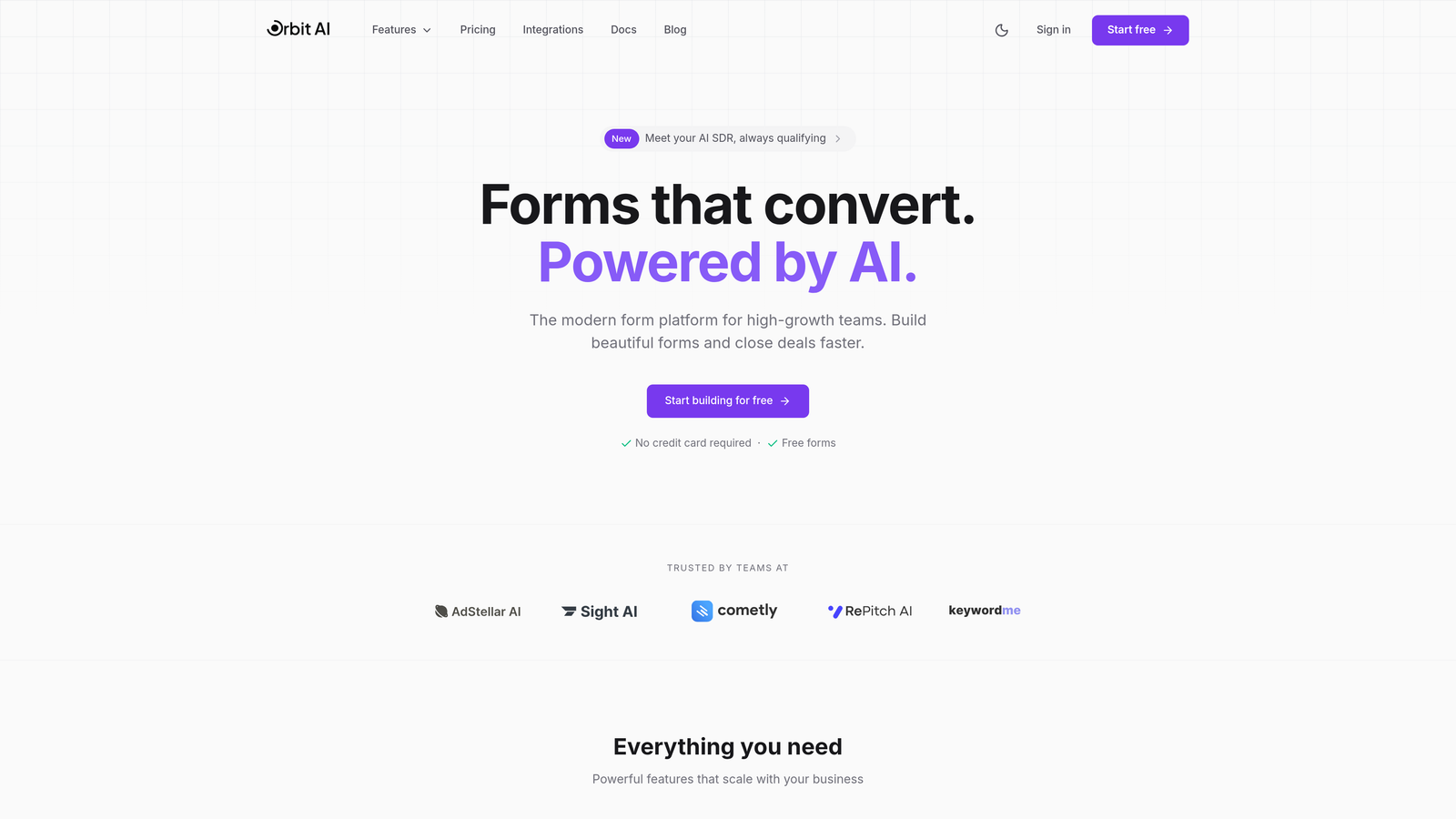
Orbit AI is an AI-powered form builder designed specifically for high-growth teams that need more than just data collection.
Where This Tool Shines
What sets Orbit AI apart is its built-in lead qualification intelligence. Instead of drowning in unqualified submissions, the platform uses AI agents to automatically score and prioritize leads based on criteria you define. This means your sales team spends time with prospects who actually fit your ideal customer profile.
The platform combines this intelligence with conversion-optimized templates that are built on research about what actually drives form completions. You're not starting from a blank canvas—you're building on proven patterns that work.
Key Features
AI-Powered Lead Qualification: Automatically scores and routes leads based on fit and intent signals.
Conversion-Optimized Templates: Pre-built forms designed around completion rate best practices.
Real-Time Analytics Dashboard: Track performance metrics that matter, including completion rates and lead quality scores.
Native CRM Integrations: Connects seamlessly with popular CRMs to keep your sales pipeline flowing.
Conditional Logic and Branching: Create dynamic forms that adapt based on user responses.
Best For
Orbit AI works best for small businesses where lead quality directly impacts revenue—think B2B services, SaaS companies, and professional services firms. If you're tired of sorting through low-quality leads or want to scale your lead generation without scaling your qualification workload, this is worth exploring.
Pricing
Free tier available to get started. Paid plans begin at competitive rates designed for small business budgets, with pricing that scales as your form volume grows.
2. Typeform
Best for: Creating engaging, conversational forms with high completion rates
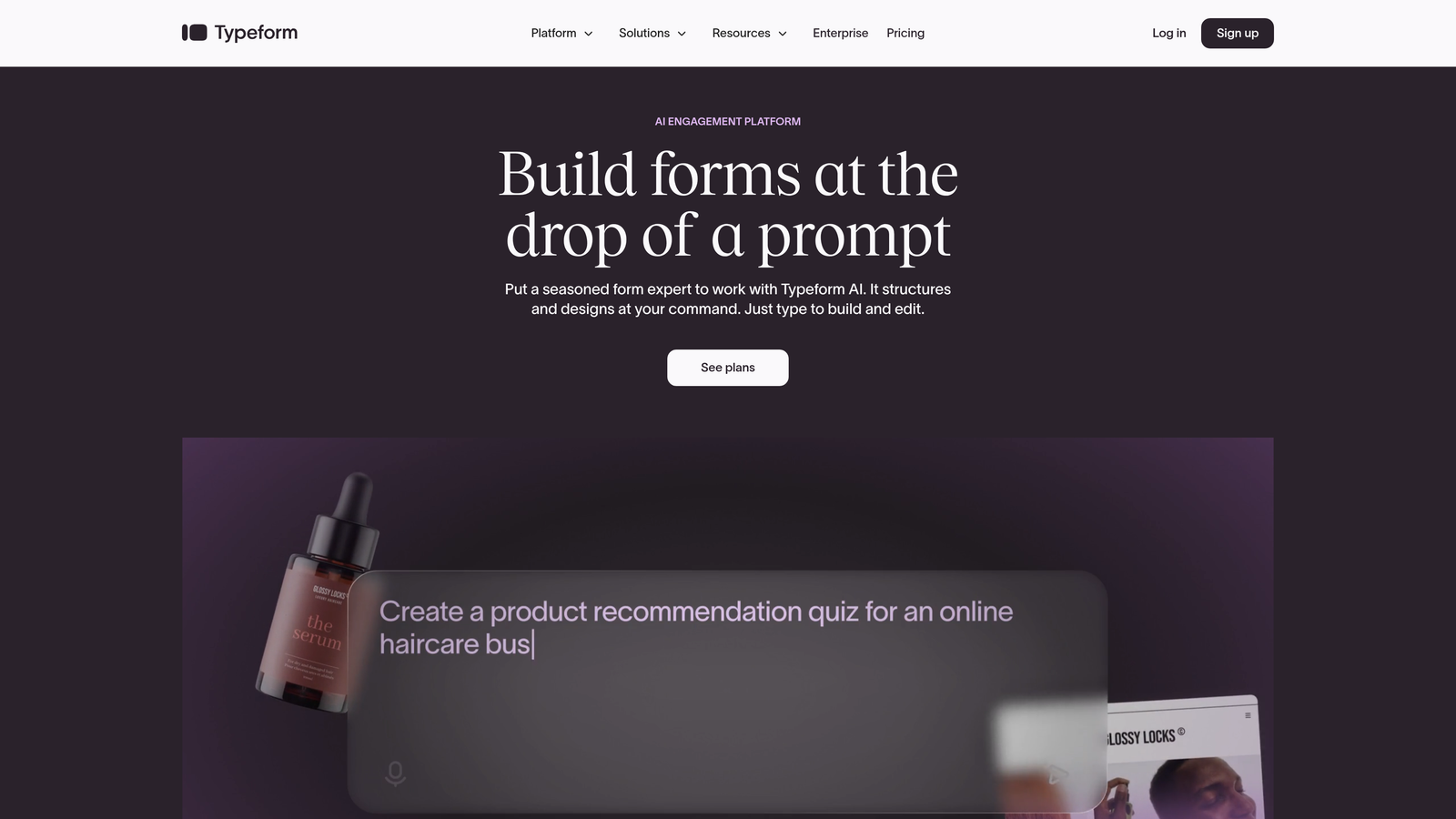
Typeform is a conversational form builder that displays one question at a time, creating an experience that feels more like a conversation than an interrogation.
Where This Tool Shines
Typeform's signature one-question-at-a-time format reduces cognitive overload and consistently delivers higher completion rates than traditional multi-field forms. The interface feels modern and engaging, which matters when you're asking customers to invest their time.
The platform excels at creating forms that don't feel like forms—surveys that people actually enjoy completing, registration flows that feel effortless, and feedback collection that doesn't feel like homework.
Key Features
Conversational One-Question Format: Shows one question at a time to reduce abandonment and improve focus.
Logic Jumps and Branching: Create dynamic paths based on previous answers for personalized experiences.
Video and Image Embedding: Add rich media to make forms more engaging and visually appealing.
Native Integrations: Connects with over 120 apps including Google Sheets, Slack, and major CRMs.
Customizable Thank-You Screens: Create branded completion experiences with custom messaging or redirects.
Best For
Small businesses that prioritize user experience and completion rates over feature complexity. It's particularly strong for customer feedback, event registrations, and any scenario where you need people to actually finish what they started.
Pricing
Free plan available with limited responses. Basic plan starts at $25 per month, with higher tiers unlocking additional responses and advanced features.
3. Jotform
Best for: Businesses needing extensive templates and built-in payment processing
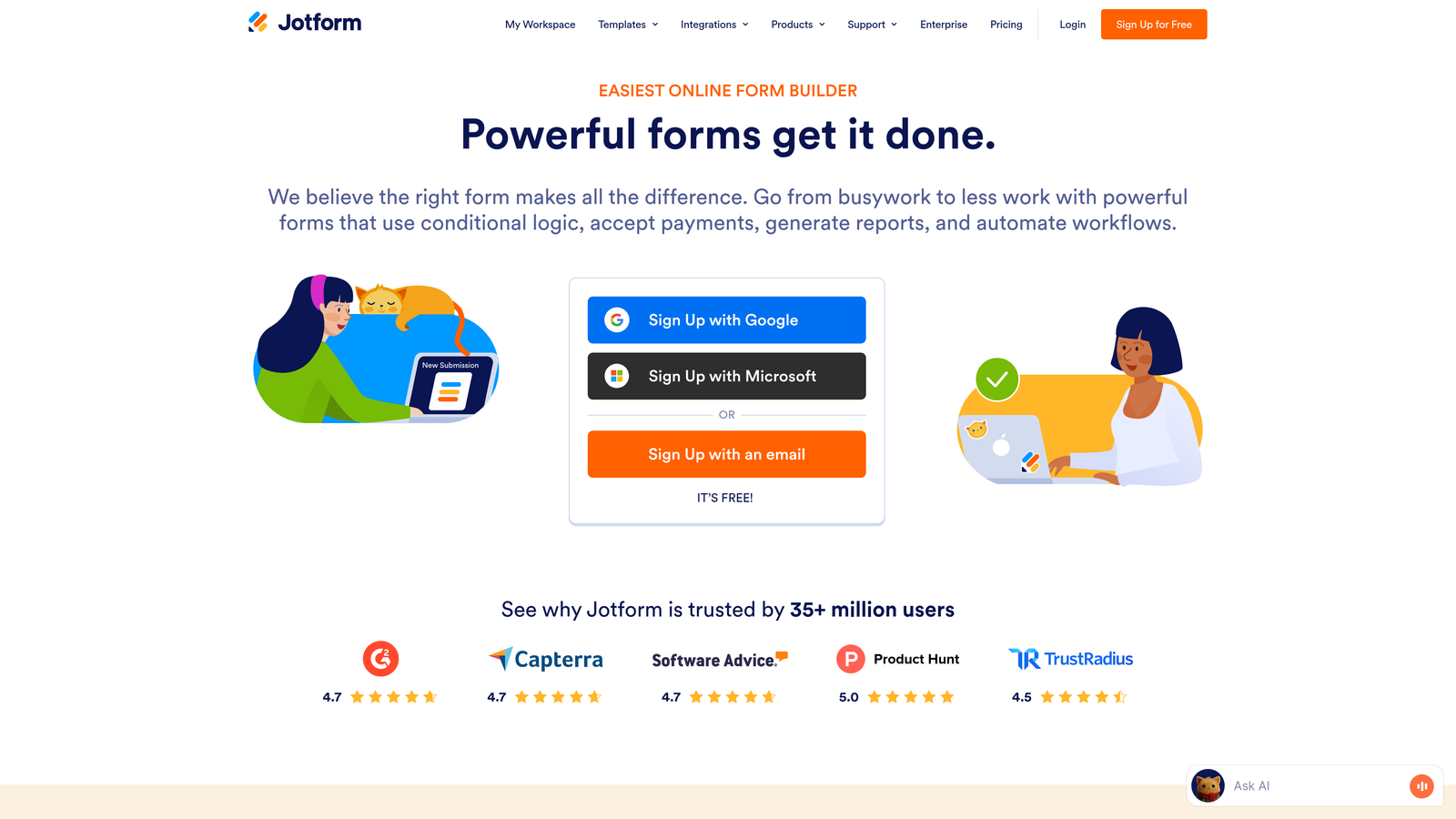
Jotform is a feature-rich form builder with the largest template library in the industry and robust payment collection capabilities.
Where This Tool Shines
Jotform's template library is genuinely massive—over 10,000 pre-built forms covering nearly every use case imaginable. This means you're rarely building from scratch, which saves considerable time for small business owners who need results quickly.
The platform's payment processing integration is particularly strong, supporting multiple processors and making it straightforward to collect payments, donations, or registration fees directly through your forms.
Key Features
10,000+ Form Templates: Industry-specific templates for virtually every business scenario and use case.
Payment Integrations: Native support for PayPal, Stripe, Square, and other popular payment processors.
PDF Form Generation: Automatically generate PDF documents from form submissions for records or client delivery.
Approval Workflows: Route submissions through approval chains for internal processes.
Mobile App: Manage forms and view submissions from iOS or Android devices.
Best For
Small businesses that need to collect payments through forms, organizations with diverse form needs across departments, or teams that prefer customizing existing templates rather than building from scratch.
Pricing
Free plan includes up to 5 forms. Bronze plan starts at $34 per month with increased form limits and monthly submissions.
4. Google Forms
Best for: Budget-conscious businesses already using Google Workspace
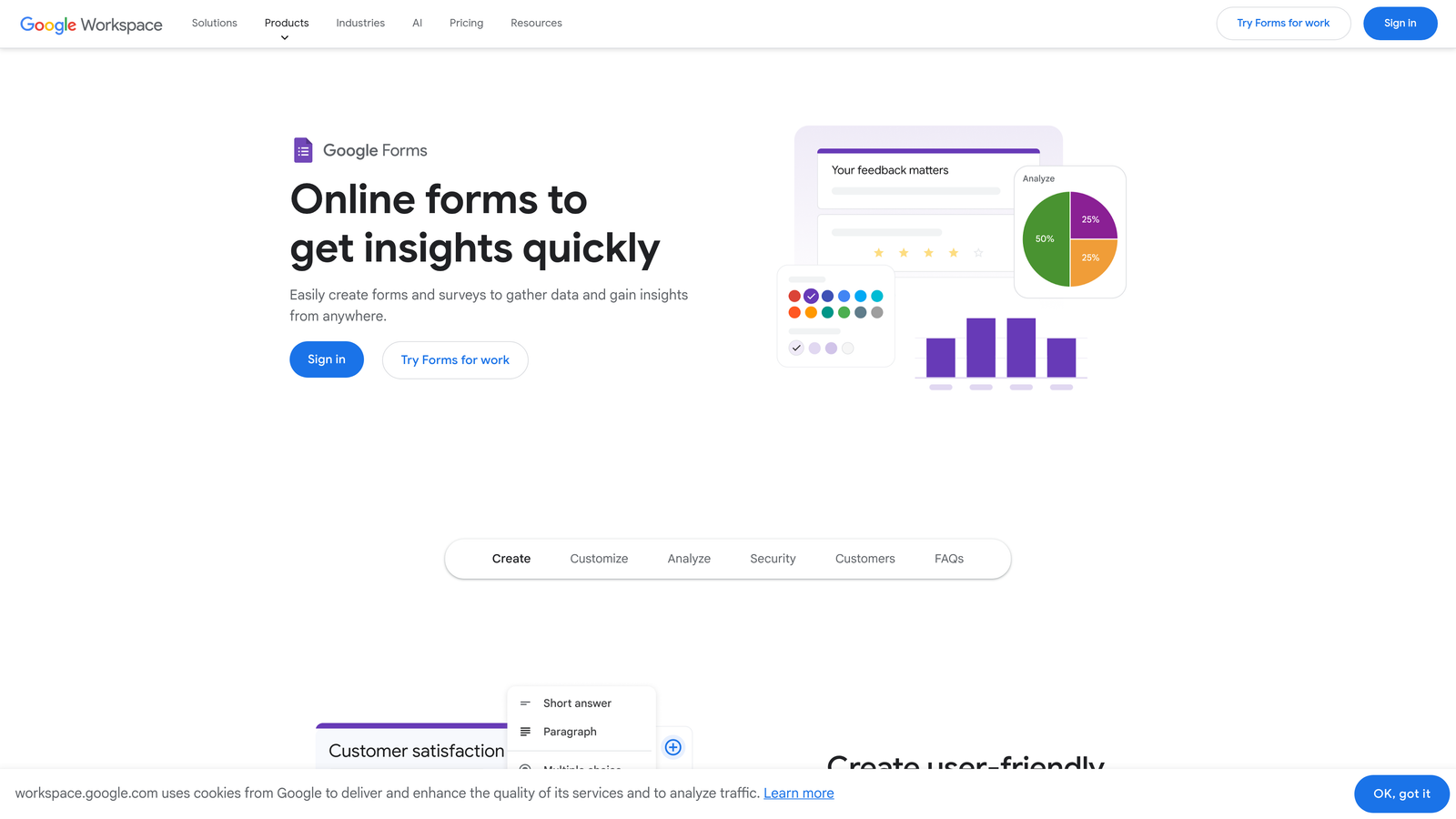
Google Forms is a straightforward, completely free form builder that integrates seamlessly with Google Sheets and the broader Google ecosystem.
Where This Tool Shines
Google Forms wins on simplicity and cost—it's completely free with no hidden fees or submission limits. For small businesses already living in Google Workspace, the automatic integration with Google Sheets means your data flows directly into spreadsheets without any setup.
The collaboration features are also noteworthy. Multiple team members can edit forms simultaneously, and responses update in real-time, making it ideal for teams that need to work together on data collection projects.
Key Features
Completely Free: Unlimited forms, unlimited responses, and no premium tier upsells.
Automatic Google Sheets Integration: Responses flow directly into spreadsheets for easy analysis and reporting.
Real-Time Collaboration: Multiple users can edit forms simultaneously with changes syncing instantly.
Basic Conditional Logic: Show or hide questions based on previous answers for dynamic forms.
Quiz and Assessment Modes: Built-in grading and scoring for educational or certification purposes.
Best For
Small businesses on tight budgets, teams already using Google Workspace, or anyone who needs straightforward data collection without advanced features. It's particularly strong for internal forms, basic surveys, and simple lead capture.
Pricing
Completely free with no paid tiers or upgrade requirements.
5. Tally
Best for: Small businesses wanting modern features without paying for them
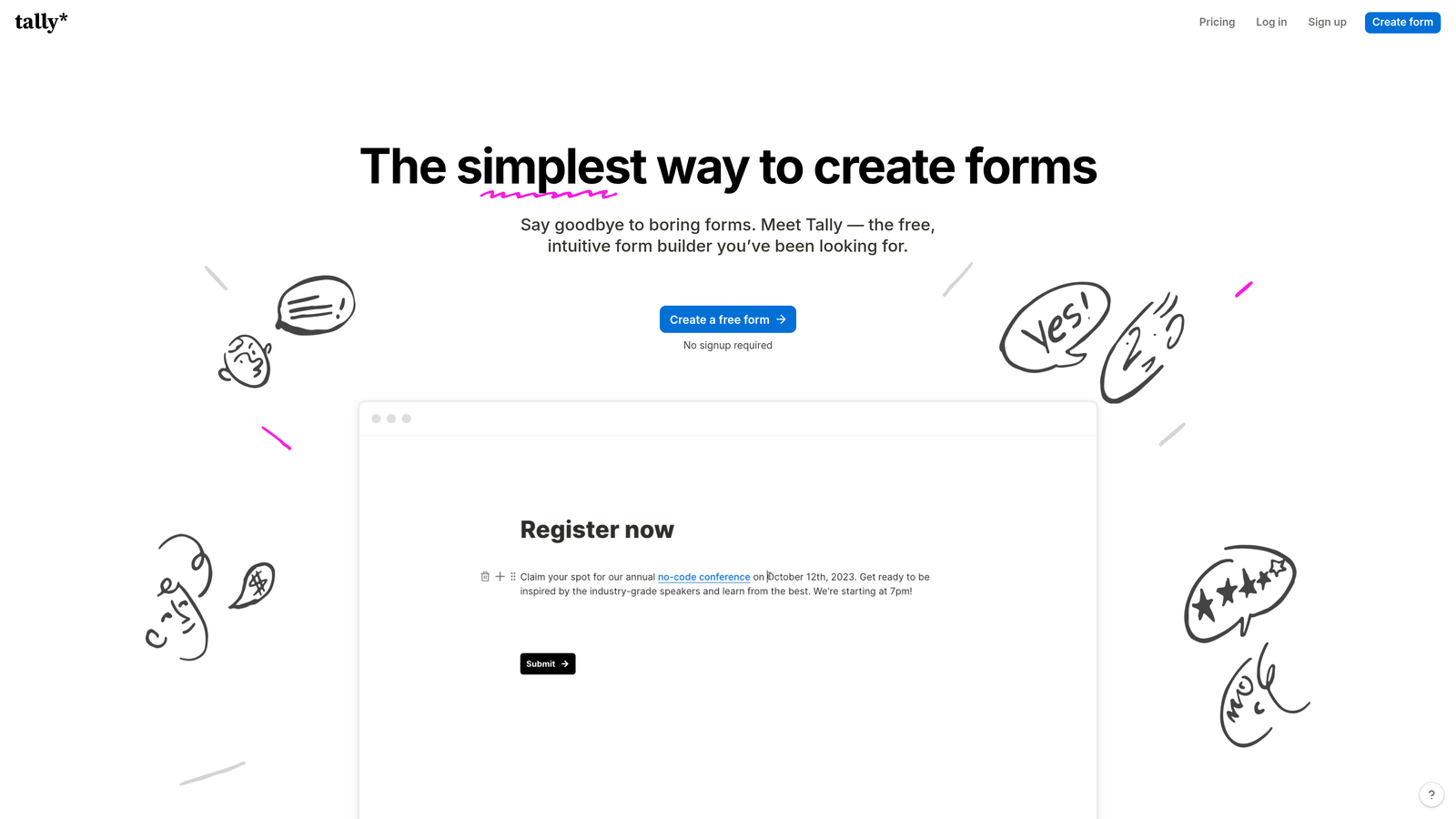
Tally is a modern form builder with a Notion-style interface and one of the most generous free tiers in the market.
Where This Tool Shines
Tally's free plan is remarkably generous—unlimited forms and unlimited submissions without the artificial restrictions most competitors impose. This makes it ideal for small businesses that need professional features but aren't ready to commit to monthly software costs.
The Notion-style block editor feels intuitive if you're already familiar with modern productivity tools. You build forms by stacking blocks, which makes the creation process feel more natural than traditional form builders.
Key Features
Unlimited Free Plan: No limits on forms or submissions, even on the free tier.
Notion-Style Block Editor: Build forms by stacking content blocks in an intuitive, visual interface.
Calculator and Hidden Fields: Add calculations and hidden data fields for advanced form logic.
Partial Submissions Capture: Save incomplete responses so you can follow up with users who abandoned mid-form.
Custom Domains: Use your own domain for form hosting on paid plans for brand consistency.
Best For
Bootstrapped startups, small businesses testing form strategies before committing to paid tools, or teams that appreciate minimalist design and generous free tiers. It's particularly appealing if you're already a Notion user.
Pricing
Free plan includes full features with unlimited forms and submissions. Pro plan at $29 per month adds custom domains and advanced features.
6. Paperform
Best for: Creating beautiful, document-style forms that double as landing pages
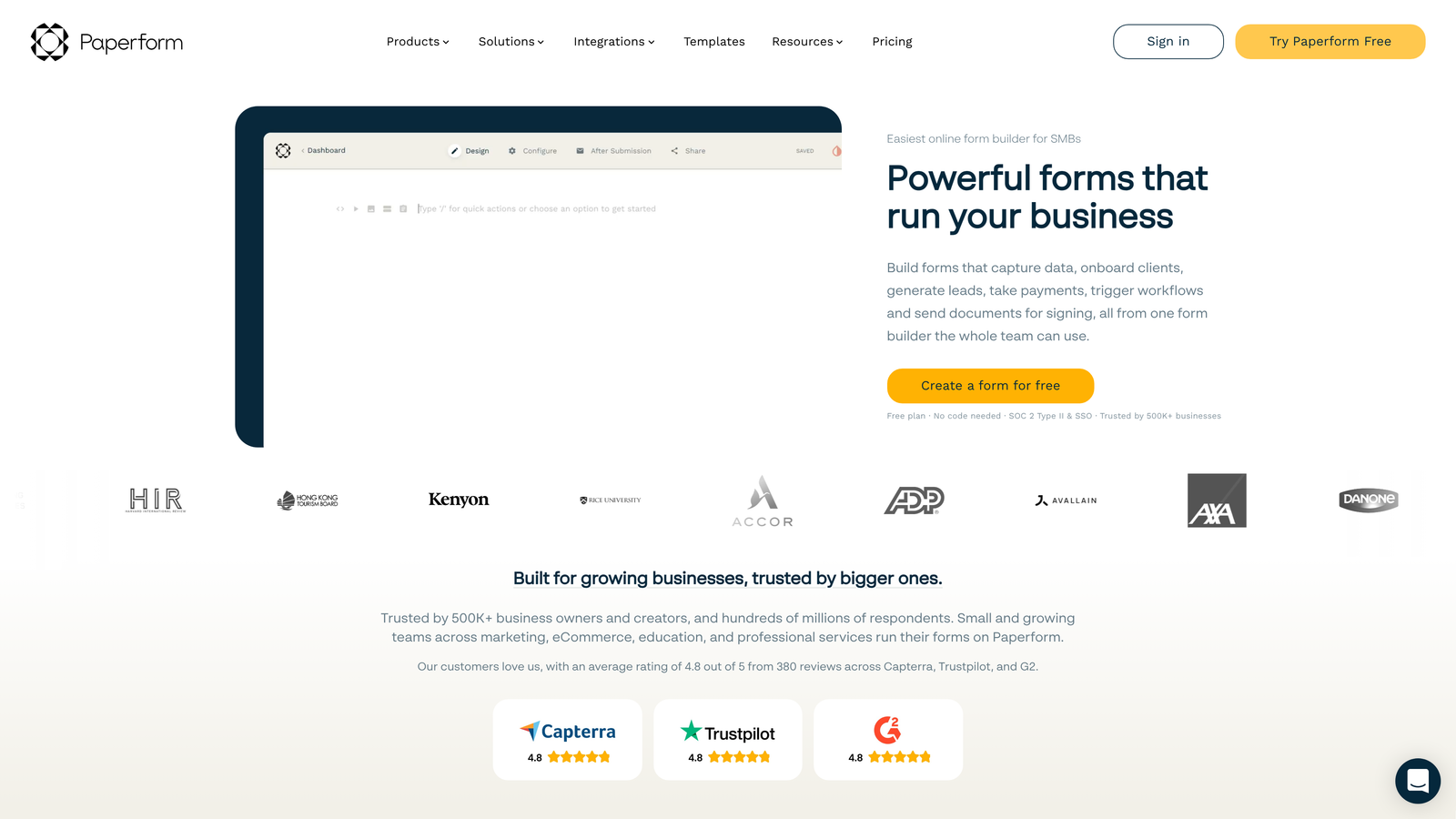
Paperform is a form builder that creates document-style forms resembling landing pages with rich media and custom branding.
Where This Tool Shines
Paperform's document-style editor lets you create forms that look more like web pages than traditional forms. You can embed videos, images, and rich text alongside your form fields, making it ideal for creating branded experiences that match your website's aesthetic.
The platform also handles e-commerce and booking scenarios particularly well, with built-in payment processing and scheduling capabilities that many small businesses need but don't want to cobble together from multiple tools.
Key Features
Document-Style Form Editor: Create forms that look like custom landing pages with full design control.
Rich Media Embedding: Add videos, images, and formatted text throughout your forms for engaging experiences.
E-commerce and Booking: Built-in product listings, cart functionality, and appointment scheduling.
Custom Success Pages: Design branded thank-you pages or redirect users to specific URLs after submission.
Advanced Conditional Logic: Show or hide entire sections based on complex rules and user responses.
Best For
Small businesses that care deeply about brand presentation, service businesses that need booking capabilities, or e-commerce operations that want to sell products directly through forms without a full shopping cart system.
Pricing
Essentials plan starts at $24 per month. Pro plan at $49 per month unlocks additional features and higher submission limits.
7. Cognito Forms
Best for: Businesses needing complex calculations for quotes, orders, or professional services
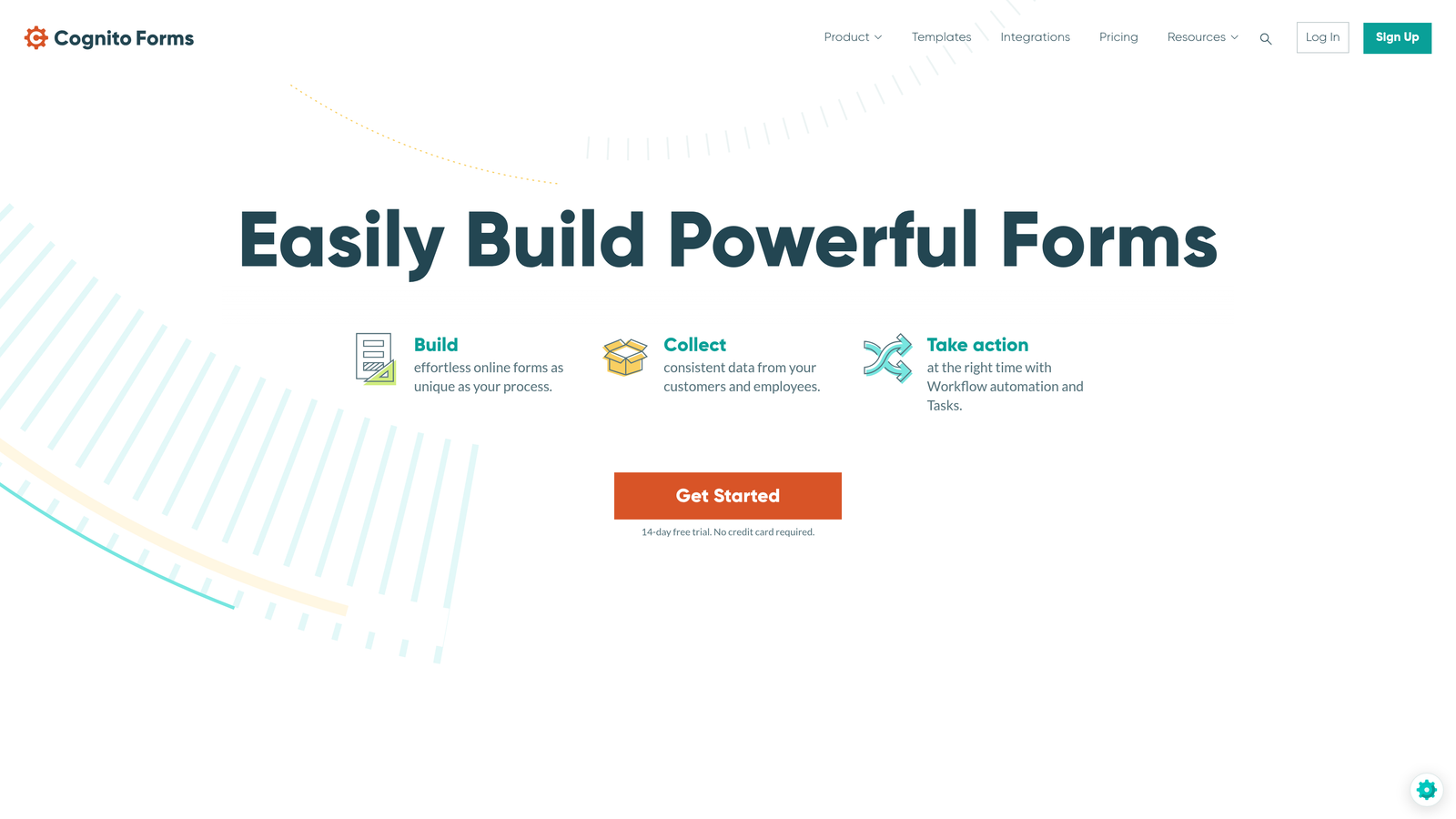
Cognito Forms is a powerful form builder specializing in advanced calculations, making it ideal for generating quotes, processing orders, and handling complex data.
Where This Tool Shines
Cognito Forms excels at calculation-heavy scenarios that would be nightmares in other form builders. Need to calculate project quotes based on multiple variables? Build order forms with line-item totals? Generate invoices with tax calculations? This platform handles it without requiring custom code.
The repeating sections feature is particularly valuable for businesses that need to collect variable amounts of information—think order forms where customers can add multiple items, or intake forms where clients can list multiple team members.
Key Features
Advanced Calculation Fields: Build complex formulas that calculate totals, discounts, taxes, and custom pricing logic.
Repeating Sections: Let users add multiple instances of field groups for line items, team members, or variable data.
Electronic Signatures: Collect legally binding signatures directly within your forms.
Workflow and Approval Routing: Route submissions through approval chains with status tracking.
Data Encryption and Compliance: Built-in security features for handling sensitive business information.
Best For
Professional services firms that generate custom quotes, businesses that need order forms with complex pricing, or any organization where calculation accuracy directly impacts revenue. It's particularly strong for consulting, construction, and B2B services.
Pricing
Free plan available with basic features. Pro plan starts at $15 per month, offering excellent value for the calculation capabilities included.
8. 123FormBuilder
Best for: Healthcare and compliance-heavy industries requiring HIPAA or GDPR compliance
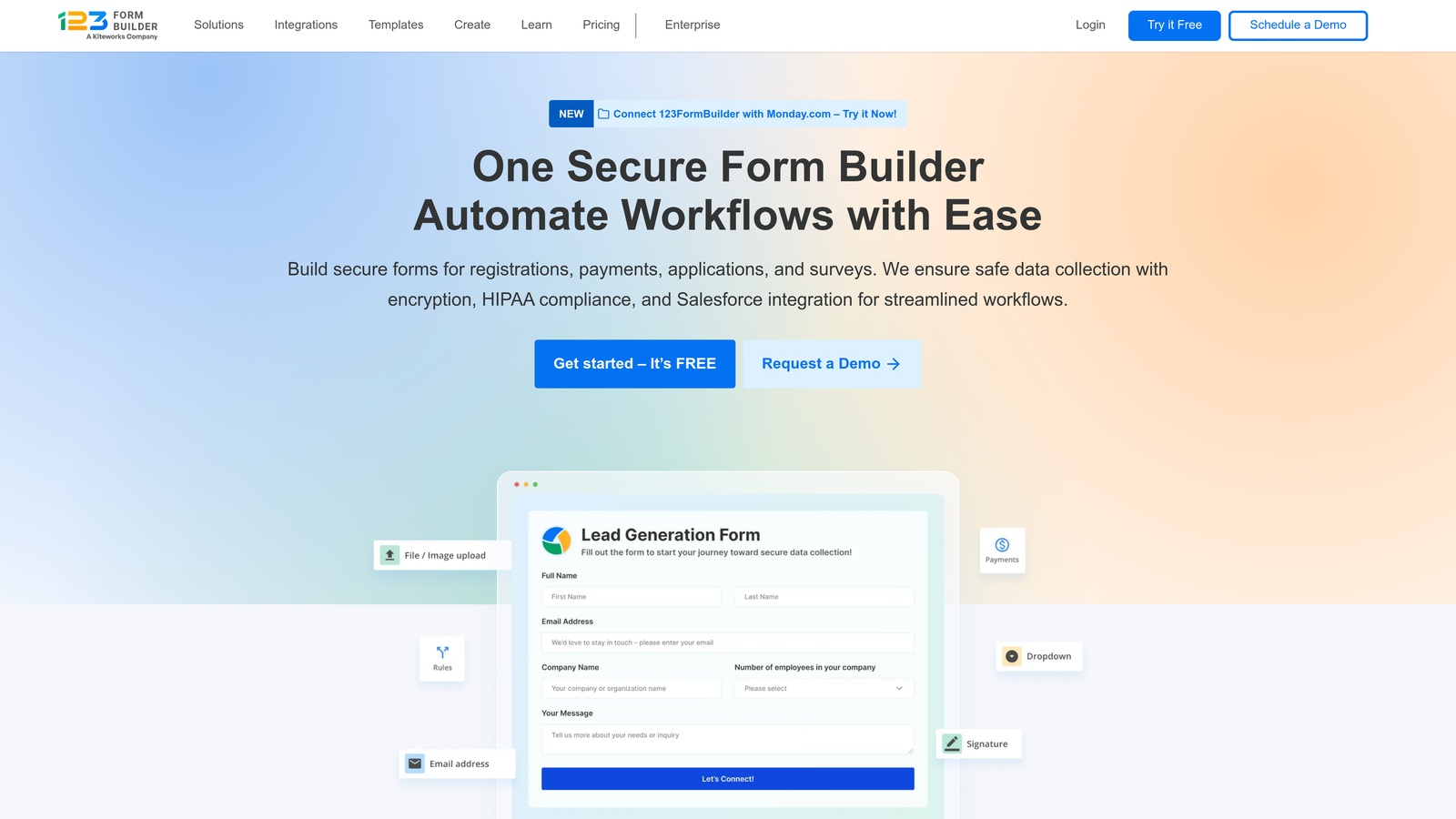
123FormBuilder is an enterprise-grade form builder offering advanced security and compliance features at small business-friendly prices.
Where This Tool Shines
123FormBuilder takes security and compliance seriously, offering HIPAA-compliant plans that most form builders don't provide. For healthcare practices, legal firms, or any business handling sensitive personal information, this compliance infrastructure is non-negotiable.
Beyond security, the platform offers robust workflow automation that helps small businesses create approval processes, route submissions to specific team members, and trigger actions based on form responses—all without technical expertise.
Key Features
HIPAA and GDPR Compliance: Business Associate Agreements and compliance infrastructure for regulated industries.
Advanced Security and Encryption: Data encryption at rest and in transit with comprehensive security controls.
Workflow Automation: Create approval chains and automated routing based on submission data.
Payment Processing: Integrated payment collection with PCI compliance for secure transactions.
White-Label Options: Remove branding and use custom domains for a fully branded experience.
Best For
Healthcare practices, legal firms, financial services, or any small business operating in regulated industries where compliance isn't optional. Also strong for businesses that need workflow automation without enterprise-level complexity.
Pricing
Free plan available for basic use. Gold plan starts at $24.99 per month. HIPAA-compliant plans available at higher tiers with required security features.
9. HubSpot Forms
Best for: Small businesses building marketing automation workflows and CRM systems
HubSpot Forms is a form builder integrated with HubSpot's free CRM, designed for businesses building comprehensive marketing systems.
Where This Tool Shines
HubSpot Forms integrates natively with HubSpot's CRM, which is completely free and surprisingly powerful. This integration means every form submission automatically creates or updates contact records, tracks interaction history, and can trigger marketing automation workflows without any middleware.
The progressive profiling feature is particularly clever—it remembers what information you've already collected from returning visitors and asks new questions instead, gradually building complete profiles without annoying repeat visitors.
Key Features
Native CRM Integration: Seamless connection with HubSpot's free CRM for automatic contact management.
Progressive Profiling: Automatically show different questions to returning visitors to build complete profiles over time.
Smart Form Fields: Pre-fill known information for returning visitors to reduce friction and improve completion rates.
A/B Testing Capabilities: Test different form variations to optimize conversion rates with built-in analytics.
Marketing Automation Triggers: Use form submissions to trigger email sequences, task creation, or workflow automation.
Best For
Small businesses that want to build a complete marketing system rather than just collect form data. It's particularly strong if you're planning to grow into email marketing, lead nurturing, or sales automation—the forms are just the entry point to a broader platform.
Pricing
Free with HubSpot's free CRM, which includes basic form functionality. Advanced features like A/B testing and progressive profiling require paid Marketing Hub plans starting at higher tiers.
Making the Right Choice
The form software you choose should match where your business is today and where you're heading tomorrow. For AI-powered lead qualification that helps you focus on your best prospects, Orbit AI stands out as the modern choice for growth-focused teams. If engagement and completion rates are your priority, Typeform's conversational approach delivers measurable results.
Budget-conscious teams can't go wrong with Google Forms or Tally's generous free tiers—both offer surprising capability without the monthly invoice. Businesses needing payment collection or extensive templates will find Jotform covers most bases without requiring multiple tools.
For healthcare or compliance-heavy industries, 123FormBuilder provides the security infrastructure you need. Professional services firms doing complex quotes should look at Cognito Forms' calculation capabilities. And if you're building a marketing engine rather than just collecting data, HubSpot Forms integrates seamlessly with their broader ecosystem.
The right choice depends on your specific needs—but any tool on this list will serve small businesses well in 2026. Consider starting with a free tier to test the interface and features with real forms before committing to paid plans.
Transform your lead generation with AI-powered forms that qualify prospects automatically while delivering the modern, conversion-optimized experience your high-growth team needs. Start your free trial today and see how intelligent form design can elevate your conversion strategy.