

Startups live and die by their ability to capture leads, qualify prospects, and convert visitors into customers—and it all starts with forms. But most form builders were designed for enterprises with dedicated IT teams, not scrappy founders who need to move fast. The right form software should be affordable, easy to set up, and powerful enough to grow with you.
We evaluated dozens of options based on startup-friendly pricing, ease of use, integration capabilities, and features that actually matter when you're building something from scratch. Here are the top form tools for startups in 2026.
1. Orbit AI
Best for: Startups prioritizing lead qualification and conversion optimization
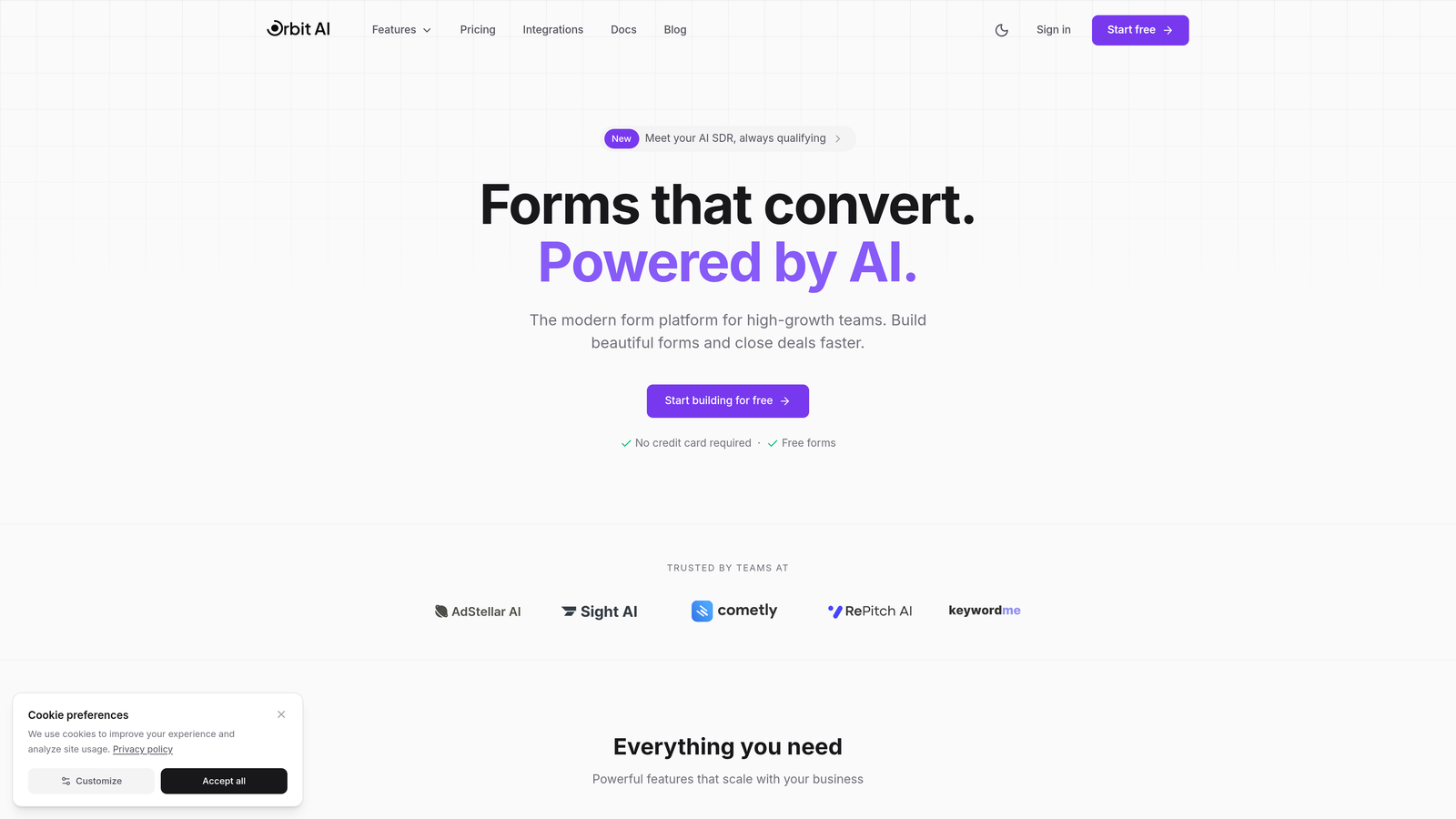
Orbit AI is an AI-powered form builder that automatically qualifies and scores leads as they submit.
Where This Tool Shines
Most form builders collect data and stop there. Orbit AI goes further by analyzing responses in real-time to identify your highest-value prospects. The platform uses AI to score leads based on criteria you define, then routes qualified prospects directly to your sales team while nurturing others through automated workflows.
The conversion-optimized templates are built specifically for high-growth teams, with design patterns proven to increase completion rates. You're not starting from scratch—you're starting from what works.
Key Features
AI-Powered Lead Qualification: Automatically scores and categorizes leads based on their responses and behavior patterns.
Conversion-Optimized Templates: Pre-built form designs tested for maximum completion rates across industries.
Native CRM Integrations: Connects directly with your sales tools to route qualified leads instantly.
Real-Time Analytics Dashboard: Track conversion rates, drop-off points, and lead quality metrics as they happen.
Workflow Automation: Set up conditional logic to route different lead types to appropriate team members or nurture sequences.
Best For
Startups with sales-driven growth models who need to identify and prioritize their best prospects quickly. Particularly valuable if you're running paid acquisition campaigns and need to maximize ROI by focusing on high-intent leads. Also ideal for teams transitioning from manual lead qualification to automated systems.
Pricing
Free tier available for getting started. Paid plans scale with usage, making it affordable for early-stage startups while accommodating growth without forcing platform switches later.
2. Typeform
Best for: Creating branded, conversational form experiences that feel human
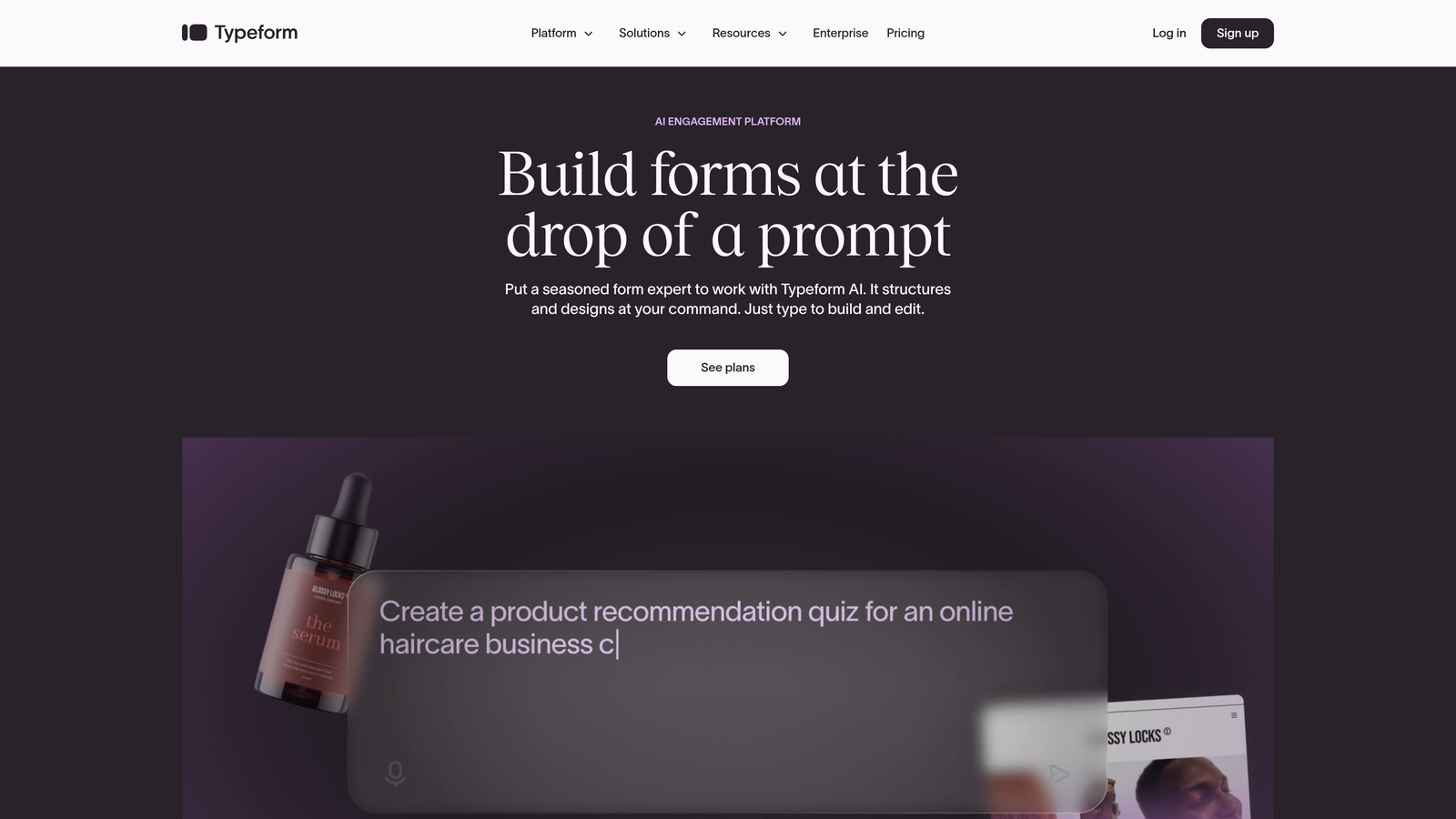
Typeform pioneered the one-question-at-a-time format that makes forms feel like conversations.
Where This Tool Shines
Typeform transforms boring data collection into engaging experiences. The signature one-question format reduces cognitive load and increases completion rates by keeping users focused on a single task at a time. This approach works particularly well for longer surveys or multi-step qualification processes.
The visual design capabilities are exceptional. You can embed images, videos, and GIFs to create forms that match your brand personality perfectly. If your startup prioritizes brand experience, Typeform makes forms feel like an extension of your marketing site rather than an afterthought.
Key Features
Conversational Format: One question per screen creates a natural flow that improves completion rates.
Logic Jumps: Show different questions based on previous answers to create personalized paths through your form.
Rich Media Embedding: Add videos, images, and animated GIFs to make forms visually engaging.
120+ Native Integrations: Connects with most popular startup tools including Slack, HubSpot, Google Sheets, and Zapier.
Custom Branding: Full control over colors, fonts, and layouts to match your brand identity.
Best For
Startups where brand experience matters and form completion rates directly impact revenue. Perfect for consumer-facing companies, design-forward SaaS products, or any business where first impressions count. Also excellent for customer feedback surveys where you need honest, detailed responses.
Pricing
Free tier allows 10 responses per month. Basic plan starts at $25/month with 100 responses. The pricing can add up quickly for high-volume startups, so factor submission limits into your decision.
3. Tally
Best for: Bootstrapped startups needing unlimited forms without the price tag
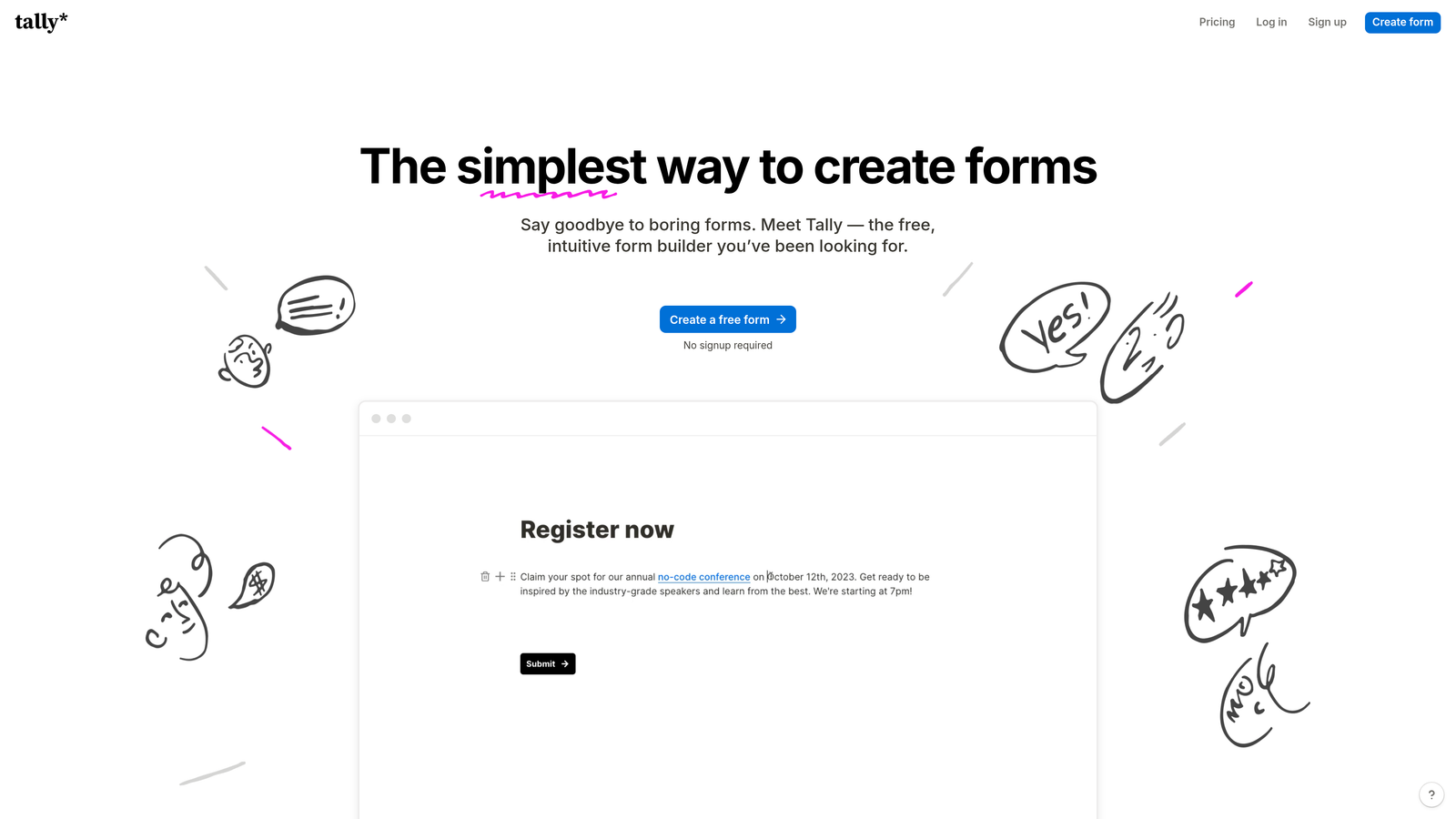
Tally offers a genuinely usable free tier with unlimited forms and submissions.
Where This Tool Shines
Tally's free tier is the most generous in the industry. Unlimited forms, unlimited submissions, and full access to core features means you can scale your lead generation without worrying about hitting arbitrary limits. The Notion-like block editor makes form building intuitive if you're already familiar with modern productivity tools.
What makes Tally special is that it doesn't feel like a "freemium trap." The free version is genuinely functional for most startup use cases. You're not constantly hitting paywalls or being pushed to upgrade unless you need advanced features like custom domains or payment processing.
Key Features
Unlimited Free Tier: No limits on forms, submissions, or form fields—genuinely free to use at scale.
Block-Based Editor: Notion-style interface makes building forms feel natural and fast.
Conditional Logic: Show or hide questions based on previous answers to create dynamic forms.
File Uploads: Included in the free tier, unlike many competitors who charge extra.
Webhooks and Integrations: Connect to your existing tools via webhooks or native integrations.
Best For
Bootstrapped startups watching every dollar, teams running high-volume campaigns who can't afford per-submission pricing, or anyone who wants to test form strategies without financial commitment. Also great for internal forms where you need unlimited usage without justifying budget to finance.
Pricing
Free tier is genuinely unlimited for core features. Pro plan at $29/month adds custom domains, remove Tally branding, and payment integrations. The free-to-paid jump makes sense only when you need those specific features.
4. Jotform
Best for: Startups needing industry-specific templates and payment processing
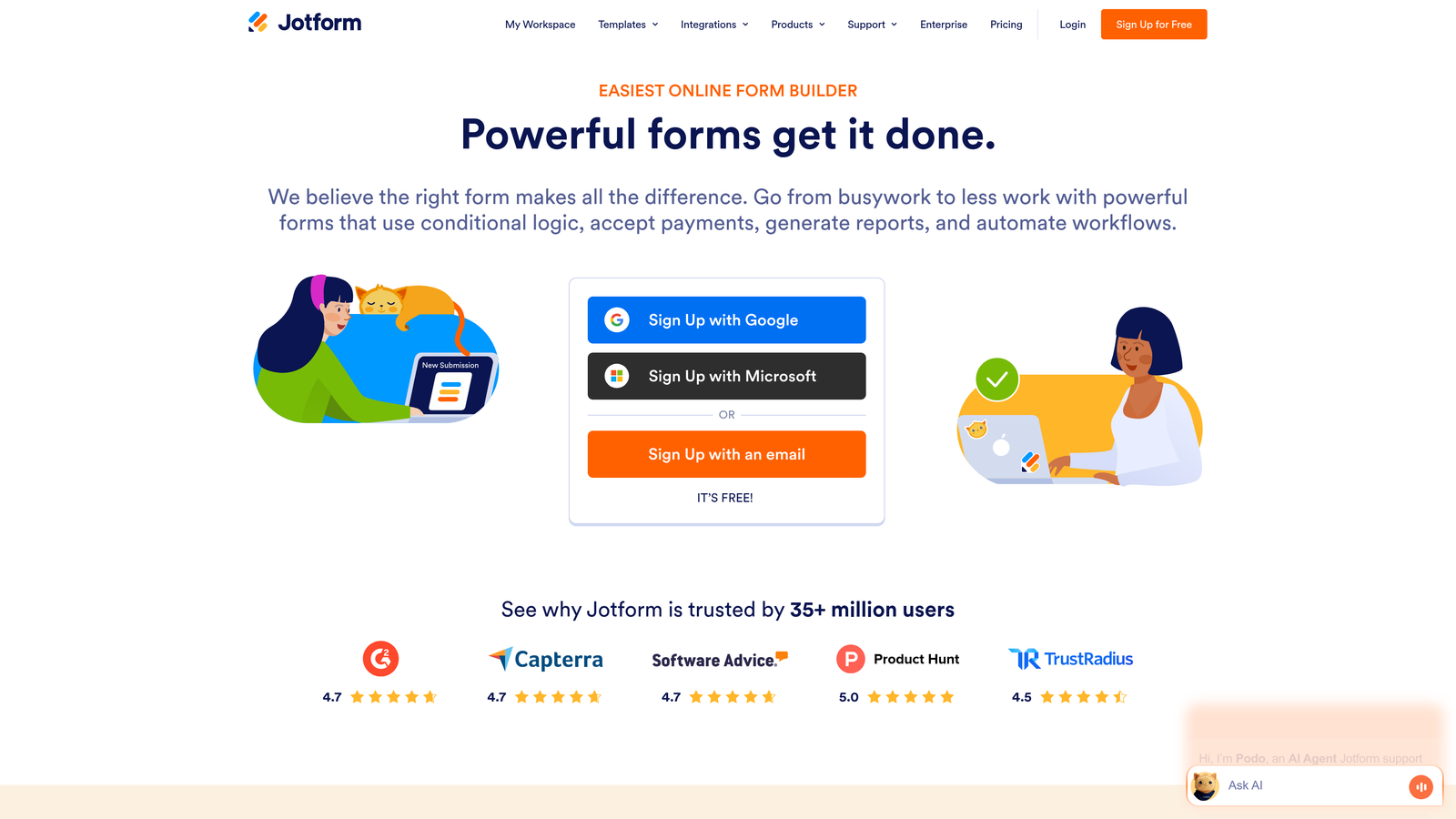
Jotform provides over 4,000 pre-built templates covering virtually every use case imaginable.
Where This Tool Shines
Jotform's template library is unmatched. Whether you need event registration forms, order forms, application forms, or customer intake forms, there's a pre-built template you can customize in minutes. This saves significant time for startups who need multiple form types quickly.
The payment integration capabilities are particularly strong. Jotform connects natively with PayPal, Square, Stripe, and other payment processors, making it easy to collect payments directly through forms. If your startup sells products or services through forms, Jotform handles the complexity of secure payment processing.
Key Features
4,000+ Templates: Pre-built forms for virtually every industry and use case to accelerate setup.
Drag-and-Drop Builder: Visual editor makes customization straightforward without coding.
Payment Integrations: Native connections to major payment processors for collecting payments securely.
PDF Generation: Automatically convert form submissions into formatted PDF documents.
HIPAA Compliance: Available for healthcare startups needing secure, compliant forms.
Best For
Startups in regulated industries requiring compliance features, businesses collecting payments through forms, or teams needing multiple specialized form types quickly. Particularly valuable for service-based startups handling client intake, applications, or booking processes.
Pricing
Free tier includes 5 forms with 100 monthly submissions. Bronze plan starts at $34/month for 25 forms and 1,000 submissions. Pricing scales with form count and submission volume rather than features.
5. Google Forms
Best for: Pre-product startups needing basic data collection with zero budget
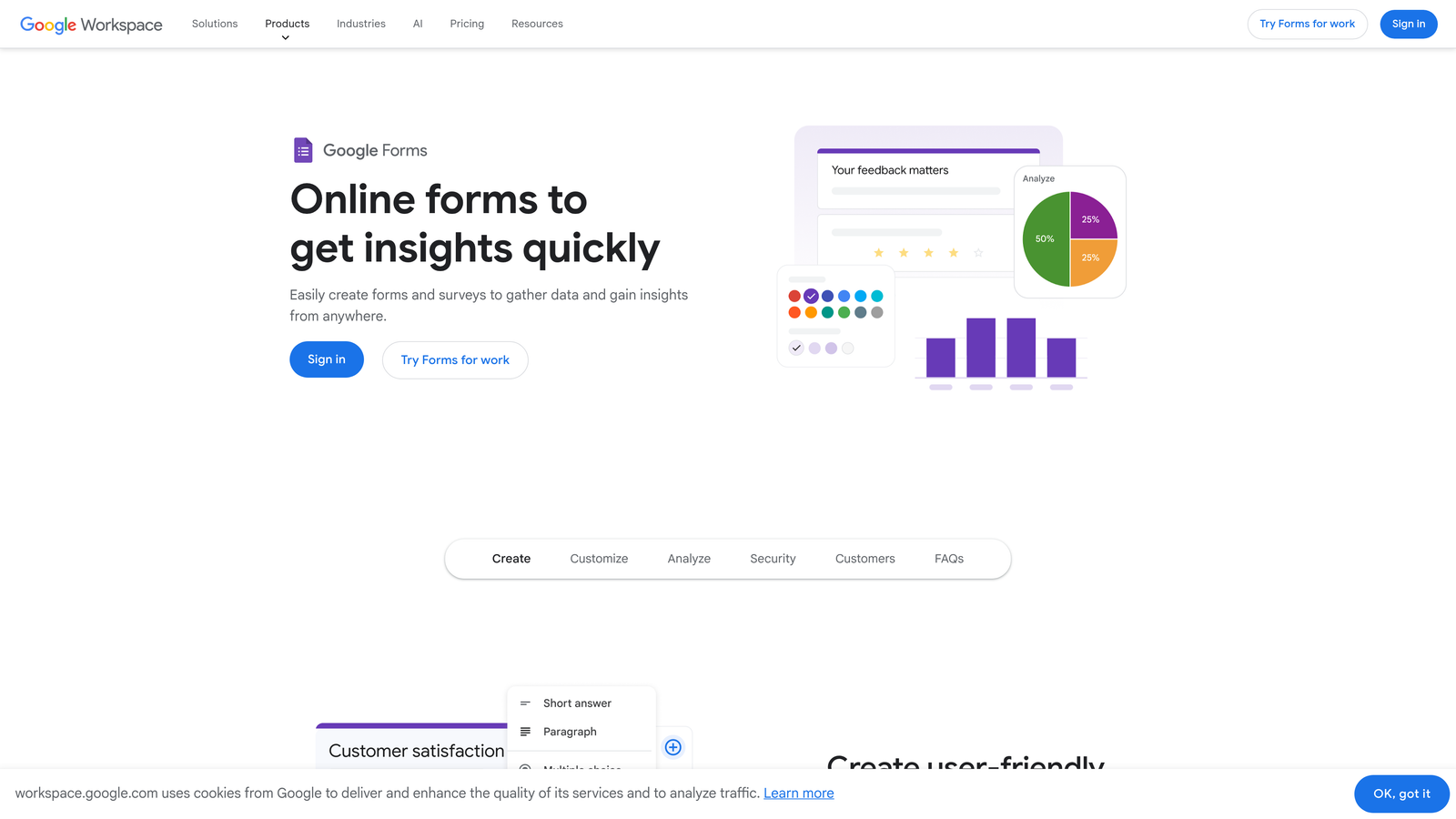
Google Forms is the completely free option integrated with Google Workspace.
Where This Tool Shines
Google Forms removes all friction from getting started. If you have a Gmail account, you already have access. There's no pricing page to evaluate, no trial period to track, and no credit card required. You can create a form and start collecting responses in under five minutes.
The direct Google Sheets integration is surprisingly powerful for early-stage startups. Responses flow automatically into a spreadsheet where you can analyze data, create charts, and share results with your team. For pre-product validation or customer research, this simplicity is often exactly what you need.
Key Features
Completely Free: No limits, no paywalls, no upsells—genuinely free forever with any Google account.
Google Sheets Integration: Responses automatically populate a spreadsheet for easy analysis and sharing.
Basic Conditional Logic: Show or hide questions based on previous answers for simple branching.
Collaborative Editing: Multiple team members can edit forms simultaneously like Google Docs.
Quiz Mode: Built-in scoring and feedback features for assessments or lead qualification quizzes.
Best For
Pre-revenue startups with zero budget for tools, teams already using Google Workspace who want seamless integration, or anyone validating ideas through customer research before building product. Also excellent for internal team surveys or event registration.
Pricing
Free forever with any Google account. No paid tiers exist—what you see is what you get, which is refreshingly straightforward.
6. Paperform
Best for: Creating forms that double as landing pages
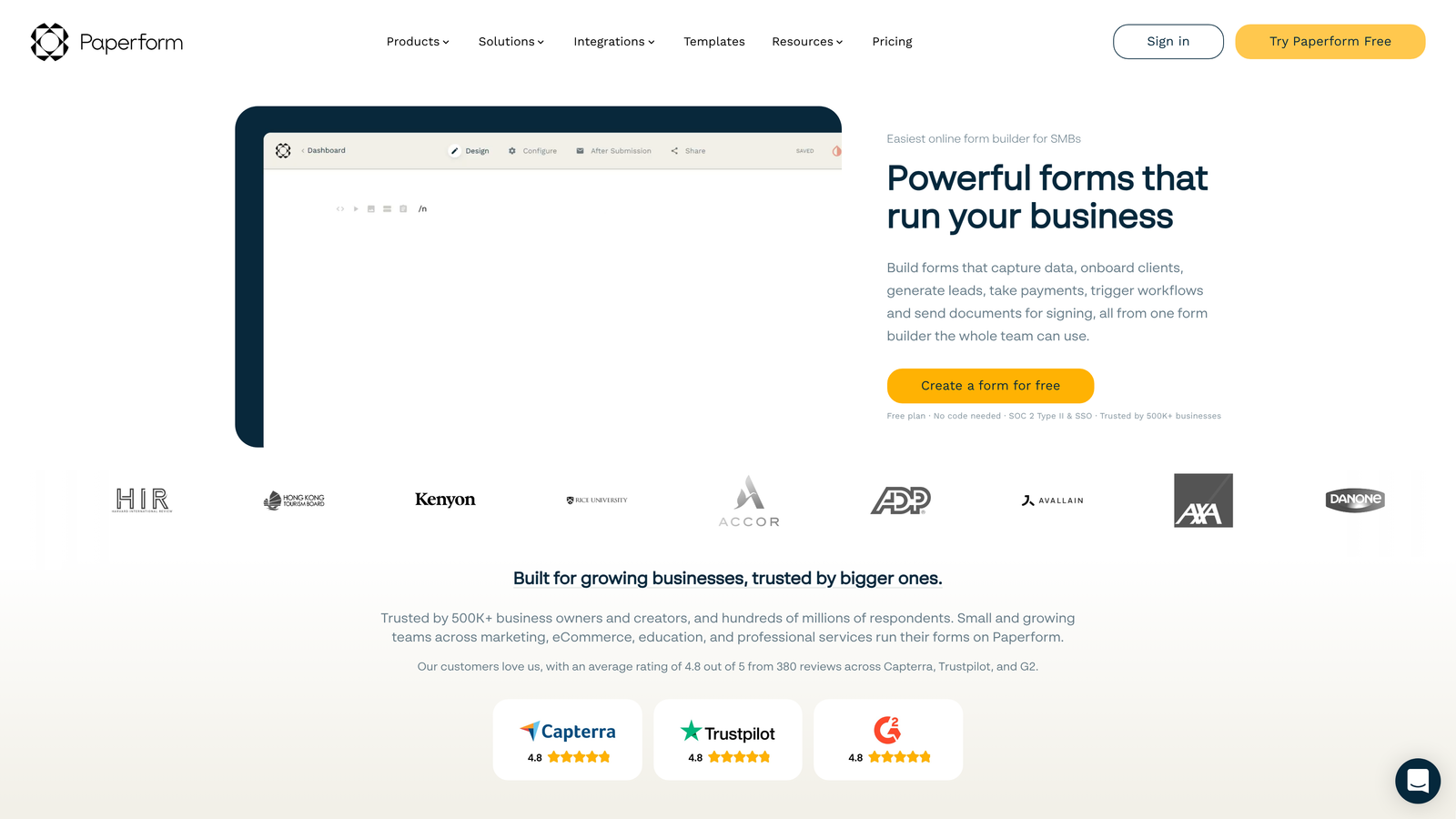
Paperform builds forms that look like custom landing pages rather than traditional forms.
Where This Tool Shines
Paperform blurs the line between forms and landing pages. You can create full-page experiences with hero images, rich text content, and embedded media that capture leads while telling your brand story. This approach works particularly well for product launches, event registrations, or any scenario where context matters as much as data collection.
The advanced calculation capabilities are surprisingly powerful. You can build pricing calculators, quote generators, or order forms with dynamic pricing based on user selections. For startups selling configurable products or services, this eliminates the need for separate calculator tools.
Key Features
Landing Page Layouts: Create full-page form experiences with rich content and custom styling.
Rich Content Embedding: Add images, videos, and formatted text to provide context around questions.
Payment and Booking: Accept payments and schedule appointments directly through forms.
Advanced Calculations: Build pricing calculators and quote generators with conditional math.
Custom Success Pages: Redirect to different pages based on form responses for personalized follow-up.
Best For
Startups where forms are customer-facing marketing assets rather than simple data collection tools. Perfect for service businesses offering quotes, event companies handling registrations, or product launches where you need to educate while capturing interest.
Pricing
Essentials plan at $24/month includes 1,000 submissions. Pro plan at $49/month adds advanced features and 10,000 submissions. No free tier, but 14-day trial available to test fit.
7. Fillout
Best for: Startups building their operations on Notion or Airtable
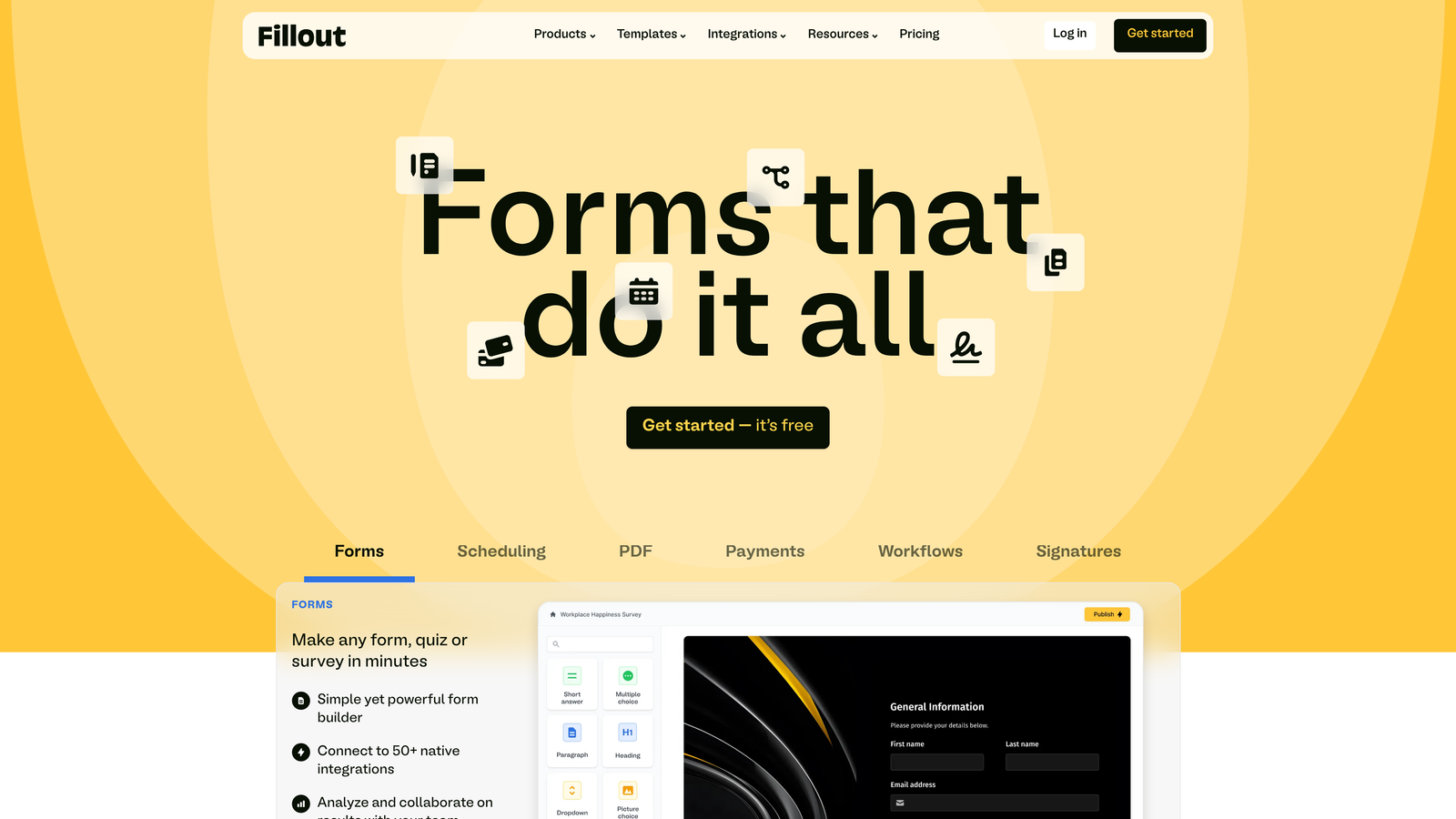
Fillout creates forms that sync directly with Notion databases and Airtable bases.
Where This Tool Shines
If your startup runs on Notion or Airtable, Fillout eliminates the integration headache. Forms sync bidirectionally with your databases, meaning you can pre-fill forms from existing records or update records through form submissions. This creates powerful workflows without complex automation tools.
The ability to update existing records is particularly valuable. You can send customers a form to update their information, and it modifies the existing database entry rather than creating duplicates. For startups managing customer data in Notion or Airtable, this maintains data integrity while enabling self-service updates.
Key Features
Native Notion and Airtable Sync: Forms connect directly to your databases without middleware or complex setup.
Pre-Fill from Existing Data: Populate form fields automatically from database records for update workflows.
Update Existing Records: Modify database entries through form submissions rather than creating new rows.
Scheduling Features: Built-in appointment booking that syncs with your calendar database.
Conditional Logic: Show or hide fields based on previous answers or database values.
Best For
Startups using Notion or Airtable as their primary database who need forms that integrate natively rather than through Zapier. Particularly valuable for customer success teams managing client data, or operations teams building internal workflows around these platforms.
Pricing
Free tier available with 100 submissions per month. Starter plan at $15/month increases limits and adds advanced features. Pricing is competitive compared to building custom integrations or paying for automation tools.
8. HubSpot Forms
Best for: Startups using HubSpot CRM for sales and marketing
HubSpot Forms integrates natively with HubSpot's free CRM and marketing tools.
Where This Tool Shines
HubSpot Forms eliminates integration complexity if you're already using HubSpot CRM. Form submissions automatically create or update contact records, trigger workflows, and populate deal pipelines without configuration. Everything lives in one platform, which simplifies your tech stack significantly.
The progressive profiling feature is particularly clever for startups focused on lead nurturing. Instead of asking the same questions repeatedly, forms remember what they already know about contacts and ask new questions each time. This improves user experience while gradually building richer contact profiles.
Key Features
Native CRM Integration: Forms automatically create and update contact records in HubSpot CRM.
Progressive Profiling: Forms remember previous responses and ask new questions to build richer profiles over time.
Smart Form Fields: Pre-fill known information for returning visitors to reduce friction.
A/B Testing: Test different form variations to optimize conversion rates systematically.
Lead Scoring Integration: Form submissions automatically update lead scores based on response quality.
Best For
Startups already committed to the HubSpot ecosystem for CRM and marketing automation. Makes less sense if you're using a different CRM, but if you're all-in on HubSpot, the native integration eliminates significant complexity.
Pricing
Free with HubSpot's free CRM, which includes basic form functionality. Advanced features like A/B testing and progressive profiling require paid Marketing Hub subscriptions starting at higher price points.
9. Formspree
Best for: Developer-first startups wanting complete frontend control
Formspree provides backend form handling while letting developers build custom frontends.
Where This Tool Shines
Formspree takes a different approach than visual form builders. Instead of using a drag-and-drop editor, developers write their own HTML forms and point them at Formspree's backend. This gives complete control over design, validation, and user experience while Formspree handles submission processing, spam filtering, and data storage.
For startups with technical founders who want forms to match their custom-built product exactly, Formspree removes the compromise. You're not limited by template constraints or builder capabilities—you can create exactly the form experience you envision using standard HTML and JavaScript.
Key Features
Framework Agnostic: Works with React, Vue, plain HTML, or any frontend technology you're using.
Simple HTML Integration: Add a single endpoint to your existing form code to start collecting submissions.
Spam Filtering: Built-in protection against spam submissions without requiring CAPTCHA.
File Upload Support: Handle file uploads securely without building backend infrastructure.
Webhooks and Integrations: Connect to other tools or trigger custom workflows when forms are submitted.
Best For
Technical startups with developers who want complete control over form design and behavior. Particularly valuable for product-led companies where forms need to feel like seamless parts of the core product rather than embedded third-party widgets.
Pricing
Free tier includes 50 submissions per month. Gold plan at $10/month provides 1,000 submissions and removes Formspree branding. Pricing scales based on submission volume rather than features.
Making the Right Choice
The best form software depends entirely on where your startup is today and where you're headed. If lead qualification determines your growth trajectory, Orbit AI's intelligent scoring gives you an immediate advantage over competitors still qualifying leads manually. For bootstrapped teams watching every dollar, Tally's unlimited free tier or Google Forms' zero-cost simplicity removes financial barriers entirely.
Brand-conscious startups should lean toward Typeform's conversational experiences or Paperform's landing page approach. Teams already invested in specific platforms—whether that's HubSpot, Notion, or Airtable—benefit most from native integrations that eliminate middleware complexity. Developer-led startups wanting pixel-perfect control will appreciate Formspree's backend-only approach.
Here's the practical reality: most startups will outgrow their first form solution. That's not a failure—it's a sign of growth. Start with something that matches your current constraints, whether that's budget, technical capabilities, or specific integration needs. The switching cost later is lower than the opportunity cost of waiting for the "perfect" solution now.
The forms that convert best aren't necessarily built on the most expensive platform. They're the ones that match your audience's expectations, integrate smoothly with your existing workflow, and actually get shipped rather than endlessly optimized. Choose the tool that removes friction from your specific situation, then focus on what actually matters: the questions you ask and the value you provide in return.
Transform your lead generation with AI-powered forms that qualify prospects automatically while delivering the modern, conversion-optimized experience your high-growth team needs.


