

Finding the right form builder shouldn't require a leap of faith. With so many options promising lead capture, conditional logic, and seamless integrations, the smartest move is testing before committing. Free trials let you experience the actual interface, explore features with your real data, and see how a platform fits your workflow—not just read about it.
We've compiled nine form software options offering meaningful free trials, ranked by their ability to help high-growth teams capture and qualify leads effectively. Whether you need AI-powered qualification, enterprise-grade security, or simple drag-and-drop building, there's a trial worth your time below.
1. Orbit AI
Best for: High-growth teams needing intelligent lead qualification built directly into their forms
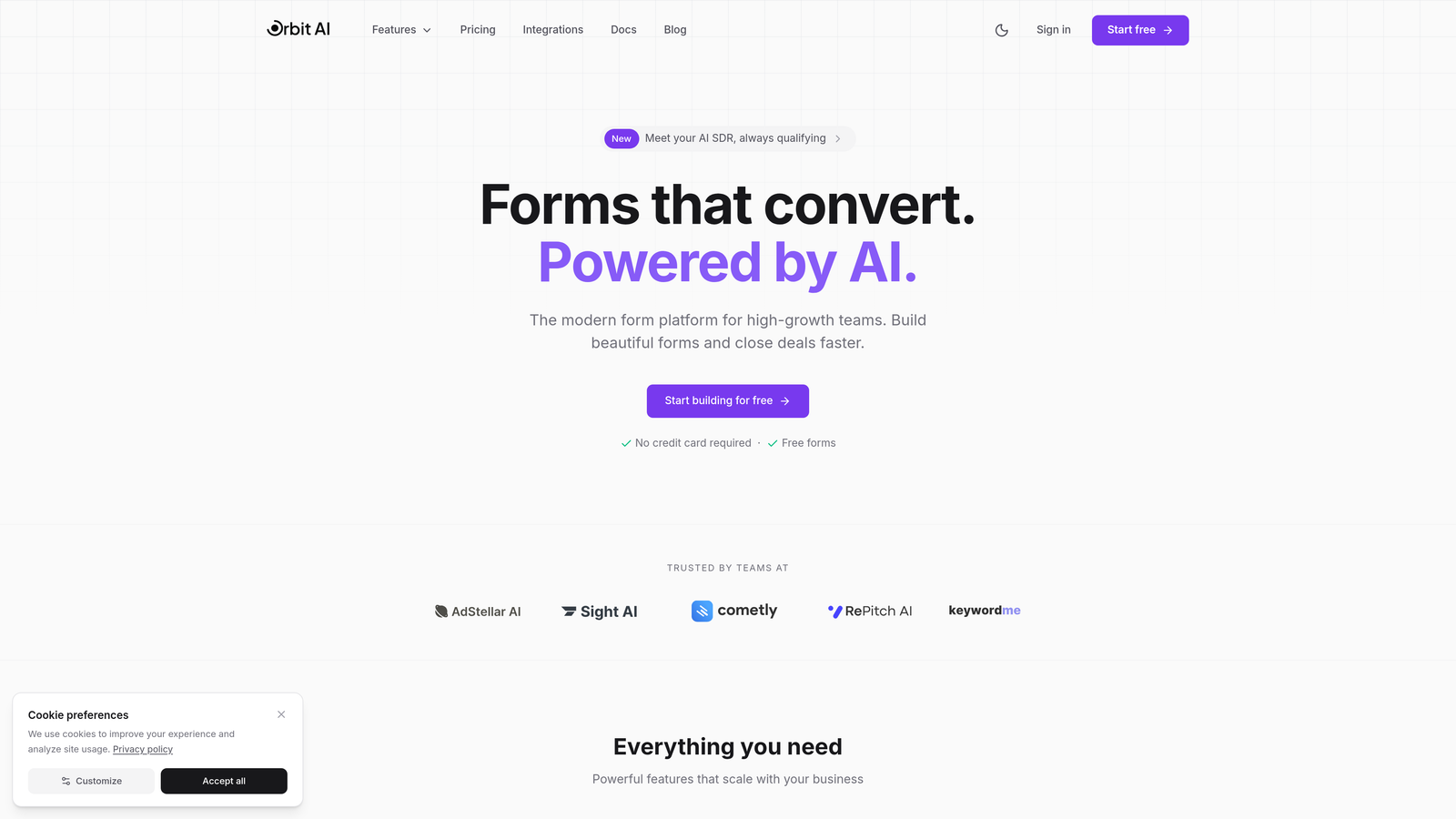
Orbit AI combines conversion-optimized form building with AI-powered lead qualification that happens during submission—not after.
Where This Tool Shines
Most form builders stop at data collection. Orbit AI goes further by analyzing responses in real-time, scoring lead quality, and triggering appropriate follow-up workflows automatically. This means your sales team focuses on qualified prospects while marketing nurtures everyone else.
The platform's native CRM integrations ensure qualified leads flow directly into your existing sales processes without manual sorting or spreadsheet exports. For teams drowning in form submissions but starving for actual conversations, this changes everything.
Key Features
AI-Powered Lead Qualification: Automatically scores and routes leads based on responses, behavior, and fit criteria you define.
Conversion-Optimized Templates: Pre-built forms designed specifically for high-converting lead capture across industries.
Native CRM Integrations: Direct connections to HubSpot, Salesforce, and Pipedrive with bi-directional data sync.
Real-Time Analytics: Track submission patterns, conversion rates, and lead quality metrics from a unified dashboard.
Workflow Automation: Trigger personalized follow-up sequences based on lead score and qualification criteria.
Best For
SaaS companies, B2B service providers, and marketing teams managing high submission volumes who need to separate signal from noise. Particularly valuable if you're currently qualifying leads manually or losing opportunities in the handoff between marketing and sales.
Pricing
Free trial available to test AI qualification features with real data. Paid plans start at competitive monthly pricing with scalable submission limits.
2. Typeform
Best for: Creating engaging, conversational form experiences that feel less like interrogations
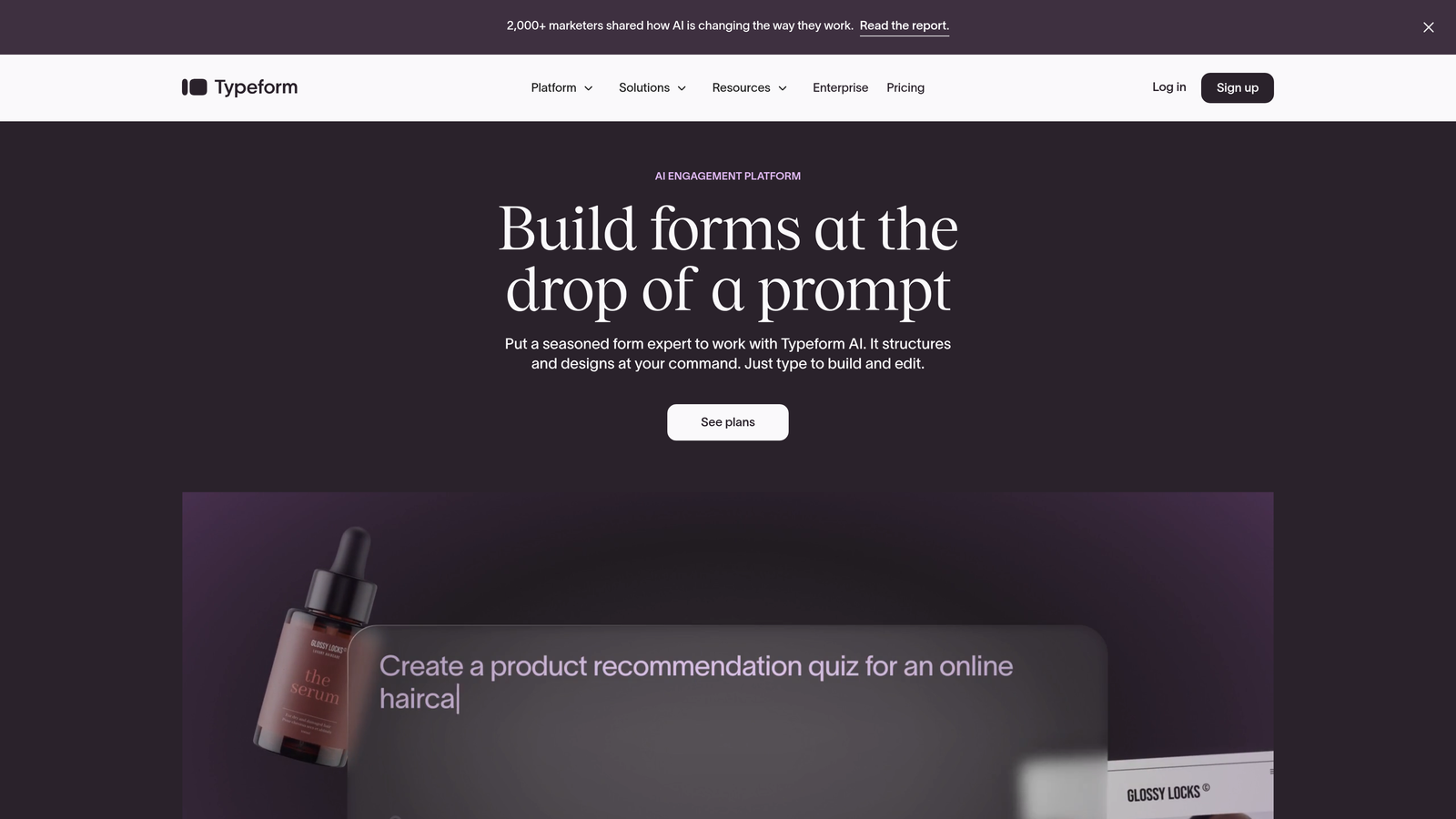
Typeform pioneered the one-question-at-a-time format that transformed boring forms into interactive conversations.
Where This Tool Shines
The conversational interface reduces form abandonment by making multi-step processes feel manageable. Instead of confronting users with a wall of fields, Typeform guides them through one thoughtful question at a time, creating breathing room and better completion rates.
Brand customization options are extensive—fonts, colors, backgrounds, even embedded videos—making it possible to create forms that feel native to your website rather than obviously third-party.
Key Features
Conversational Format: One-question-at-a-time interface that improves engagement and reduces cognitive load.
Logic Jumps: Branch question paths based on previous answers to create personalized experiences.
Media Embedding: Add videos, images, and GIFs to make forms visually engaging.
Brand Customization: Control typography, colors, backgrounds, and button styles to match your brand.
Integration Library: Connect to popular tools like Google Sheets, Slack, Mailchimp, and hundreds more.
Best For
Marketing teams prioritizing user experience and completion rates over pure functionality. Ideal for surveys, feedback collection, event registration, and lead capture where engagement matters more than complex conditional logic.
Pricing
Free tier allows 10 responses per month with basic features. Paid plans start around $25/month for increased responses and advanced logic.
3. Jotform
Best for: Teams needing extensive templates and widgets for diverse form requirements
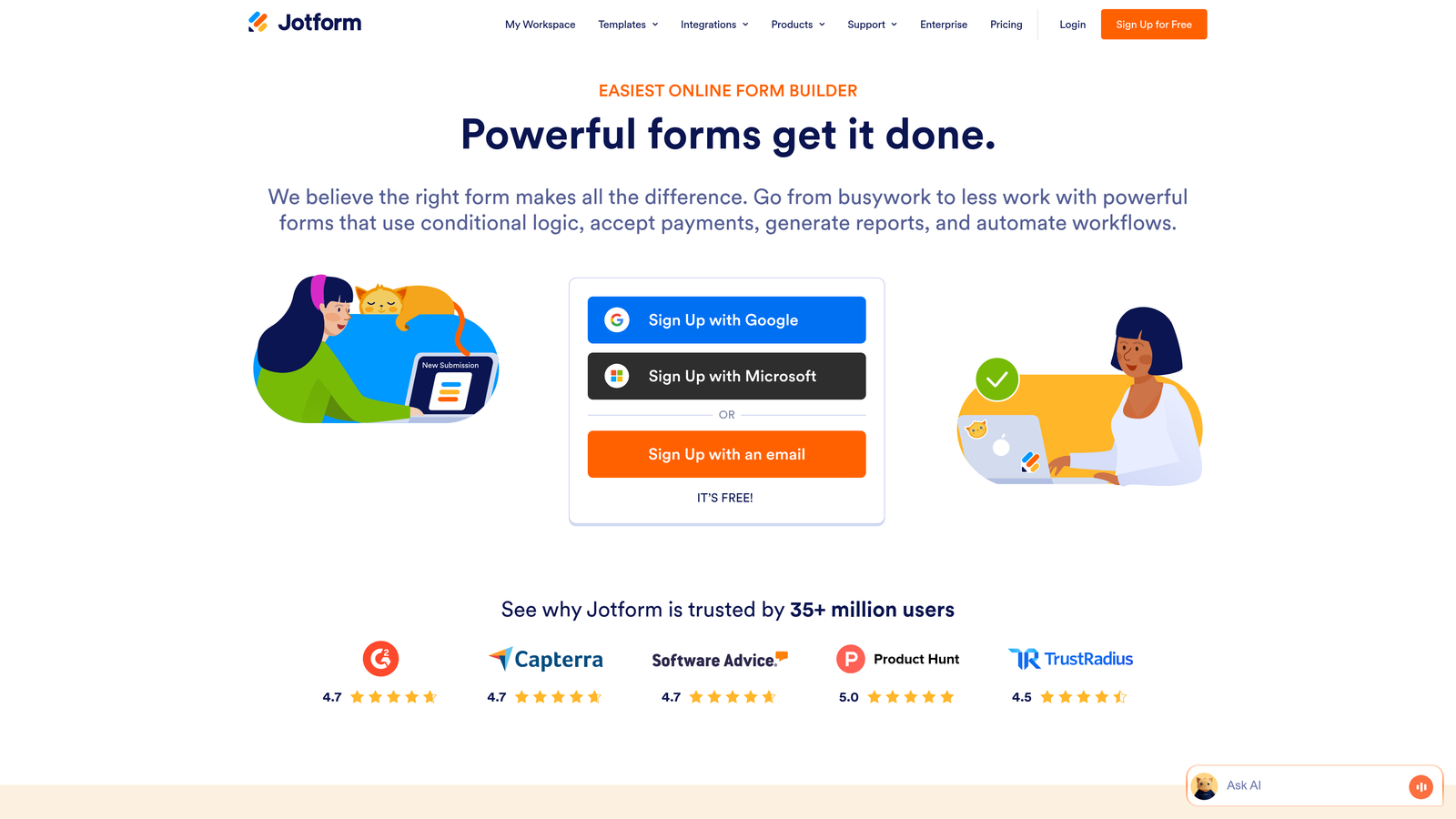
Jotform offers one of the largest template libraries in the industry with over 10,000 pre-built forms covering virtually every use case.
Where This Tool Shines
The sheer variety of templates and widgets means you'll rarely build from scratch. Need appointment scheduling? There's a widget. Payment collection? Multiple options. File uploads with specific format requirements? Handled. This breadth makes Jotform particularly valuable for teams managing multiple form types across departments.
The drag-and-drop builder balances power with usability, offering advanced features without requiring technical expertise. PDF generation from submissions is particularly useful for creating printable applications or receipts.
Key Features
Template Library: Over 10,000 pre-built forms across industries and use cases to accelerate creation.
Widget Marketplace: Hundreds of specialized widgets for payments, signatures, scheduling, and more.
Payment Integrations: Accept payments through PayPal, Stripe, Square, and other processors directly in forms.
PDF Generation: Automatically create PDF documents from form submissions for records or printing.
Team Collaboration: Share forms, assign permissions, and manage submissions across team members.
Best For
Organizations with diverse form needs across departments—HR applications, event registrations, order forms, surveys. Particularly valuable for teams without dedicated developers who need sophisticated functionality.
Pricing
Free tier includes 5 forms with 100 monthly submissions. Paid plans start at $34/month for increased limits and advanced features.
4. HubSpot Forms
Best for: Teams already using HubSpot who need seamless CRM integration
HubSpot Forms is the native form builder within the HubSpot ecosystem, designed for tight integration with CRM and marketing automation.

Where This Tool Shines
If you're already in the HubSpot universe, the native integration is unbeatable. Form submissions instantly become CRM contacts with full activity history, enabling immediate workflow triggers and personalized follow-up. No middleware, no sync delays, no mapping headaches.
Progressive profiling is particularly powerful—forms automatically hide fields for known contacts and ask new questions instead, gradually building richer profiles without overwhelming users with repetitive questions.
Key Features
Direct CRM Integration: Submissions automatically create or update contact records with complete attribution.
Progressive Profiling: Show different fields to returning visitors to gradually enrich contact data.
Smart Fields: Pre-populate known information for returning visitors to reduce friction.
Built-In Analytics: Track form performance, conversion rates, and submission sources within HubSpot reporting.
Marketing Hub Integration: Trigger automated workflows, email sequences, and lead scoring based on submissions.
Best For
Companies already using HubSpot CRM or Marketing Hub who want native integration without third-party connectors. Less ideal if you're not in the HubSpot ecosystem or need standalone form functionality.
Pricing
Free with HubSpot CRM account. Advanced features like progressive profiling require paid Marketing Hub subscriptions starting around $45/month.
5. Tally
Best for: Teams wanting unlimited forms without monthly fees or submission caps
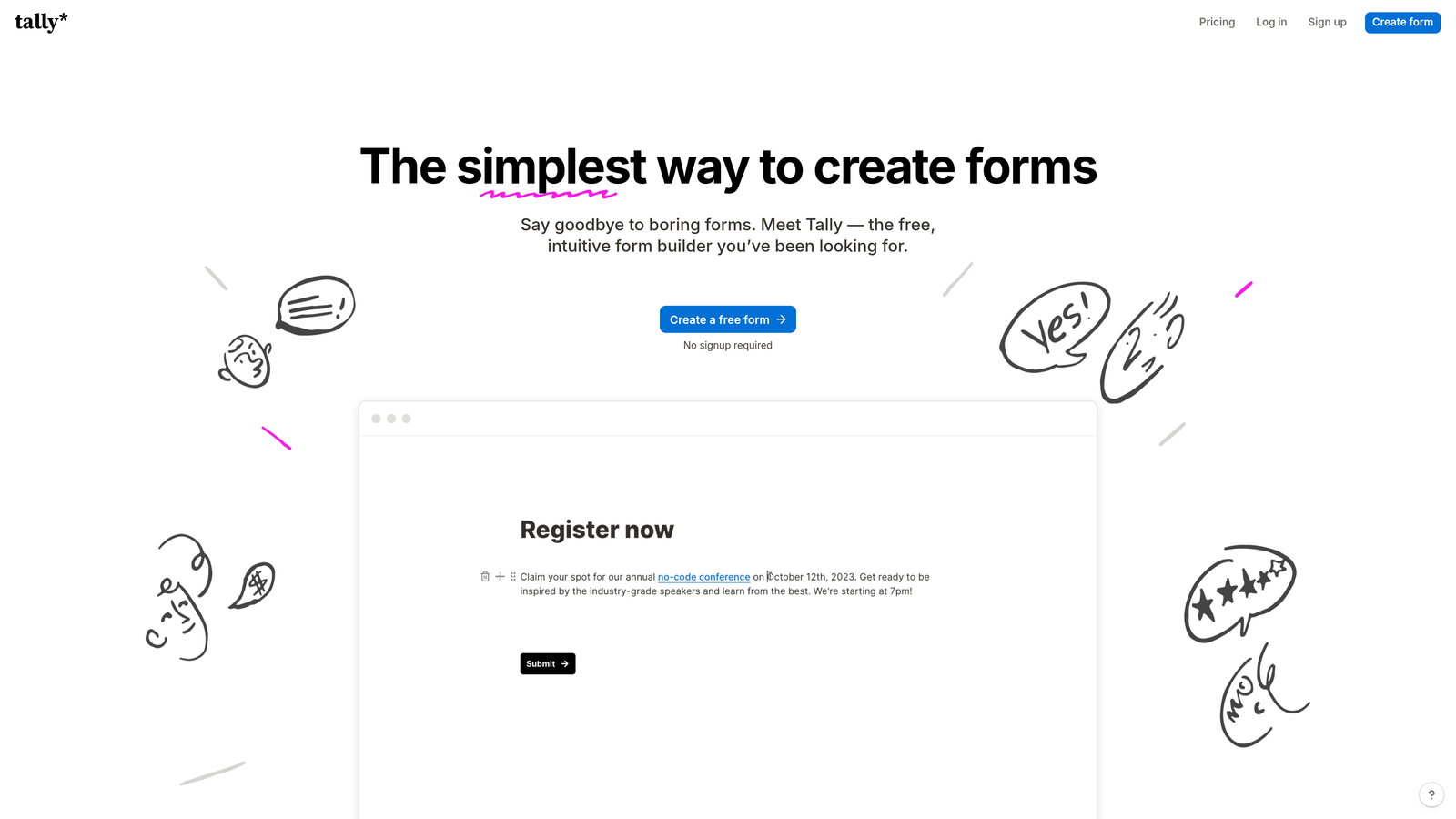
Tally brings a Notion-like simplicity to form building with an exceptionally generous free tier that includes unlimited forms and responses.
Where This Tool Shines
The free tier is genuinely useful—not a teaser. Unlimited forms and submissions mean you can deploy Tally across your entire organization without worrying about quota management or surprise overages. The clean, distraction-free interface makes building forms feel effortless rather than overwhelming.
Conditional logic on the free tier is rare in the industry. Most competitors gate this behind paid plans, but Tally includes it by default, enabling sophisticated branching without upgrading.
Key Features
Unlimited Free Forms: Create as many forms as needed with unlimited submissions on the free tier.
Conditional Logic: Branch questions and show/hide fields based on previous answers without upgrading.
File Uploads: Collect documents, images, and other files directly through forms.
Clean Interface: Notion-inspired builder that prioritizes simplicity and speed over feature bloat.
Integrations: Connect to Notion, Zapier, Google Sheets, and other popular platforms.
Best For
Startups and small teams with limited budgets who need capable form software without monthly costs. Also ideal for side projects, internal tools, and testing form strategies before committing to paid platforms.
Pricing
Extremely generous free tier with unlimited forms and responses. Pro plan at $29/month adds custom domains, file storage, and advanced features.
6. Paperform
Best for: Creating landing page-style forms that combine content with data collection
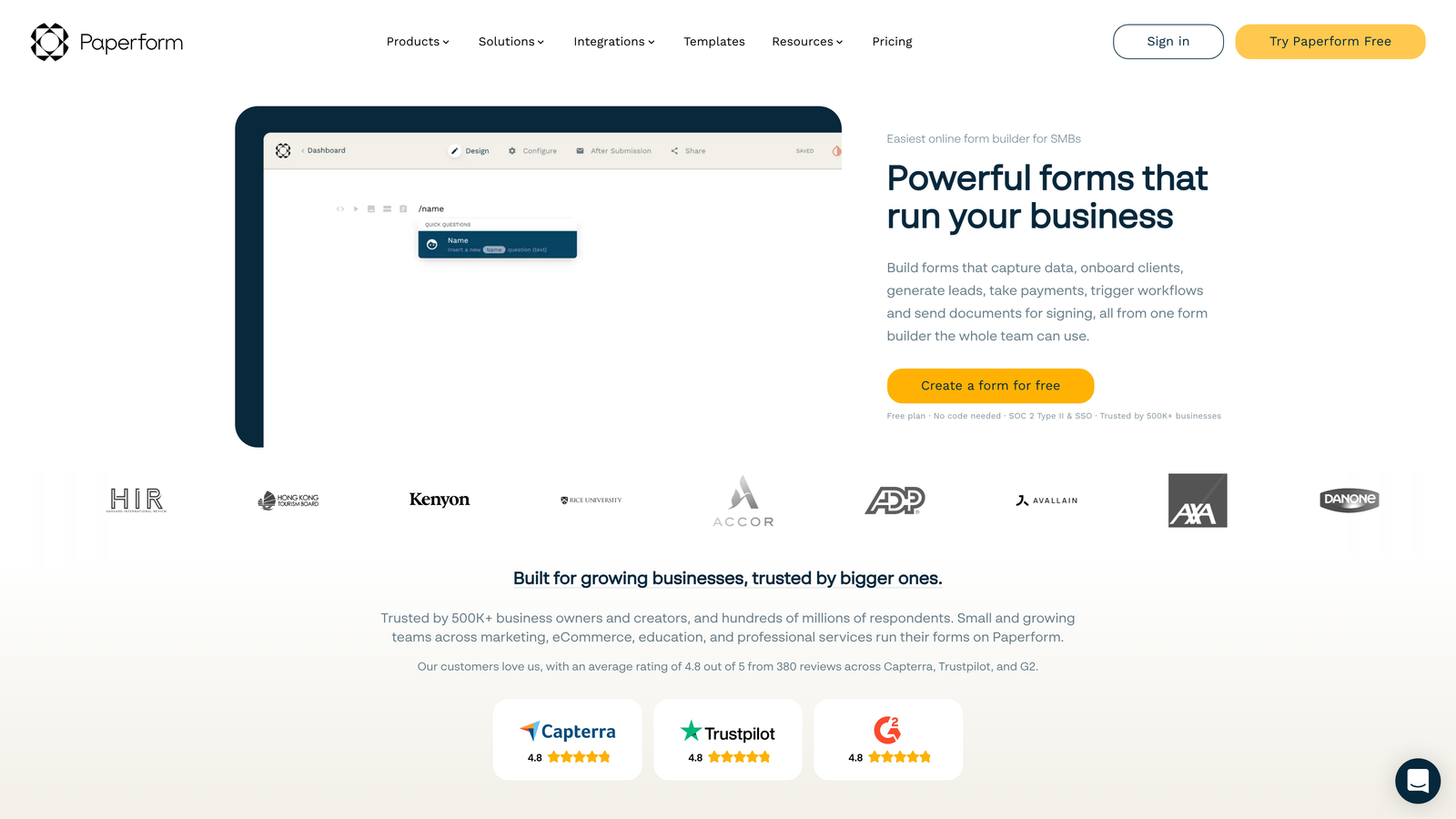
Paperform blurs the line between forms and landing pages, offering rich text editing and media embedding alongside traditional form fields.
Where This Tool Shines
Think of Paperform as a document editor that happens to collect data. You can write paragraphs, embed videos, add images, and weave form fields throughout—creating experiences that feel more like interactive content than interrogations. This approach works beautifully for applications, bookings, and product orders where context matters.
Payment processing and booking functionality are built-in rather than bolted-on, making Paperform particularly strong for service businesses collecting deposits or scheduling appointments alongside information gathering.
Key Features
Rich Text Editing: Combine paragraphs, headings, images, and form fields in a document-style layout.
Payment Processing: Accept payments through Stripe and PayPal directly within forms.
Booking and Scheduling: Integrate calendar availability for appointment-based services.
Custom Success Pages: Design post-submission experiences with additional content or offers.
E-Signature Collection: Gather legally binding signatures for contracts and agreements.
Best For
Service businesses, consultants, and agencies needing forms that double as landing pages. Particularly valuable for intake processes, client onboarding, event registration with payment, and application workflows requiring context.
Pricing
14-day free trial with full feature access. Paid plans start at $24/month for unlimited forms and submissions.
7. Formstack
Best for: Enterprise teams and regulated industries requiring compliance and security features
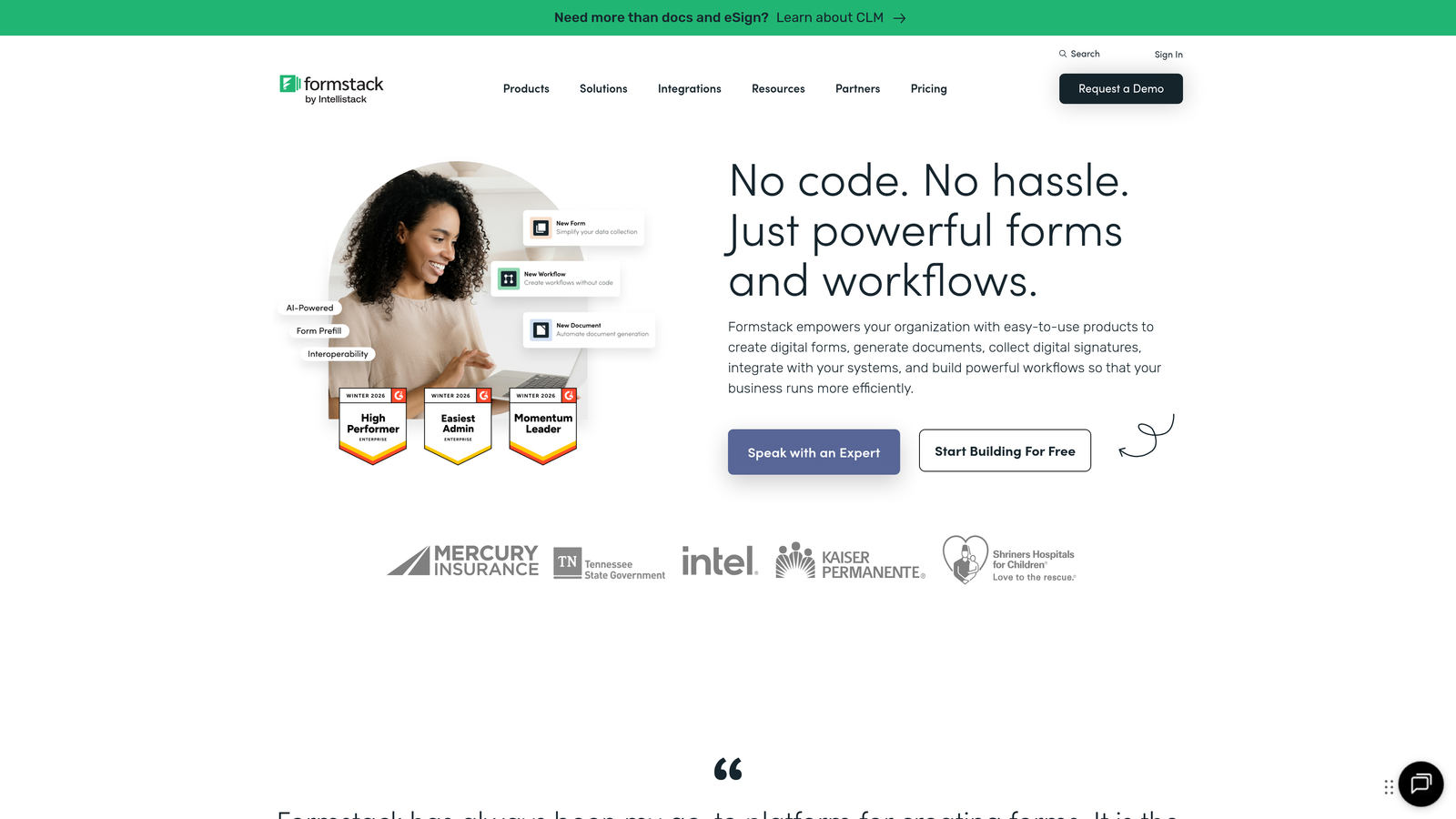
Formstack focuses on enterprise-grade security, compliance, and workflow automation for organizations with strict data handling requirements.
Where This Tool Shines
HIPAA compliance isn't a checkbox for Formstack—it's foundational. Healthcare providers, financial services, and other regulated industries can collect sensitive information with confidence, knowing the platform meets stringent security standards. Business Associate Agreements, encryption at rest, and audit trails come standard on appropriate plans.
Advanced workflow automation goes beyond simple email notifications, enabling complex approval processes, document generation, and multi-step routing based on submission data. This makes Formstack particularly powerful for internal processes like HR onboarding or procurement requests.
Key Features
HIPAA Compliance: Meet healthcare data requirements with BAAs, encryption, and compliant infrastructure.
Advanced Workflows: Build sophisticated approval chains and routing logic for internal processes.
Document Generation: Automatically create PDFs, contracts, and reports from submission data.
E-Signatures: Collect legally binding signatures with audit trails and tamper-proof storage.
Enterprise Security: SSO, field-level encryption, role-based permissions, and comprehensive audit logs.
Best For
Healthcare organizations, financial institutions, government agencies, and enterprises with compliance requirements or complex internal workflows. Less ideal for simple lead capture or marketing forms where security overhead isn't necessary.
Pricing
14-day free trial available. Paid plans start at $50/month with HIPAA compliance and advanced features on higher tiers.
8. Cognito Forms
Best for: Forms requiring complex calculations, payment processing, and repeating sections
Cognito Forms excels at mathematical calculations and payment collection with a surprisingly generous free tier.
Where This Tool Shines
The calculation engine is remarkably sophisticated. You can build order forms that calculate totals, apply discounts, add taxes, and process payments—all within the form itself. Repeating sections let users add multiple line items dynamically, making Cognito Forms ideal for variable-length orders or applications.
Data encryption on the free tier is unusual in the industry. Most platforms reserve security features for paid plans, but Cognito Forms includes field-level encryption by default, making it viable for collecting sensitive information even without upgrading.
Key Features
Advanced Calculations: Build complex formulas for pricing, totals, discounts, and conditional math.
Payment Processing: Accept payments through Stripe, PayPal, and Square with automatic calculation integration.
Repeating Sections: Allow users to add multiple entries for line items, family members, or other variable-length data.
Conditional Logic: Show, hide, and require fields based on previous answers and calculated values.
Data Encryption: Field-level encryption included on free tier for sensitive information protection.
Best For
Organizations collecting payments through forms—registration fees, product orders, donation campaigns. Also strong for applications requiring mathematical calculations like quote requests, expense reports, or order forms with variable pricing.
Pricing
Free tier includes core features with reasonable limits. Paid plans start at $15/month for increased submissions and storage.
9. Google Forms
Best for: Simple surveys and feedback collection within Google Workspace
Google Forms offers completely free form building with seamless Google Sheets integration for basic data collection needs.
Where This Tool Shines
Sometimes you just need a quick survey or feedback form without learning new software or managing another subscription. Google Forms delivers exactly that—familiar interface, instant Google Sheets integration, and zero cost. For teams already living in Google Workspace, the barrier to entry is nonexistent.
Collaboration features mirror other Google apps, making it natural to co-create forms with teammates, share edit access, and review responses together. The quiz functionality adds educational applications like assessments and training evaluations.
Key Features
Completely Free: No limits, no trials, no upsells—genuinely free with a Google account.
Google Sheets Integration: Responses automatically populate spreadsheets for analysis and reporting.
Basic Conditional Logic: Show or hide questions based on previous answers with section branching.
Collaboration Features: Share editing access and review responses with team members in real-time.
Quiz Functionality: Create self-grading quizzes with automatic scoring and feedback.
Best For
Internal surveys, event RSVPs, simple feedback collection, and educational assessments where advanced features aren't necessary. Not ideal for lead capture requiring CRM integration, payment processing, or sophisticated branding.
Pricing
Completely free with any Google account. No paid tiers or premium features.
Making the Right Choice
Your ideal form software depends on what happens after submission. If you're drowning in unqualified leads, Orbit AI's intelligent qualification cuts through the noise automatically. For conversational experiences that boost completion rates, Typeform's one-question format delivers. Teams already in HubSpot should leverage native forms for seamless CRM integration.
Budget-conscious startups will appreciate Tally's unlimited free tier, while regulated industries need Formstack's compliance features. Complex calculations and payment processing? Cognito Forms handles both elegantly. For simple internal surveys, Google Forms remains unbeatable on price.
The best trial strategy? Test two or three platforms with actual use cases—not just clicking through demos. Build a real form, send it to colleagues, and evaluate the submission experience. Check how data flows into your CRM or spreadsheet. Measure how long setup actually takes versus marketing promises.
Most importantly, consider the post-submission workflow. A beautiful form that dumps unqualified leads into your CRM creates more problems than it solves. Start building free forms today and see how intelligent form design can elevate your conversion strategy—because the right form software doesn't just collect data, it qualifies opportunities worth pursuing.


