

Choosing the right form software can make or break your lead generation efforts. The difference between a clunky form that frustrates visitors and a sleek, intelligent one that guides them through submission is often the difference between a bounce and a conversion. But with dozens of form builders flooding the market—each claiming to be the best—finding the right fit for your specific needs requires cutting through the noise.
We've tested and reviewed nine form software solutions across key criteria: ease of use, customization depth, integration capabilities, analytics features, and pricing value. Whether you're a startup capturing your first leads or an enterprise team processing thousands of submissions daily, this guide will help you find your match.
1. Orbit AI
Best for: High-growth teams needing AI-powered lead qualification and conversion-optimized form experiences
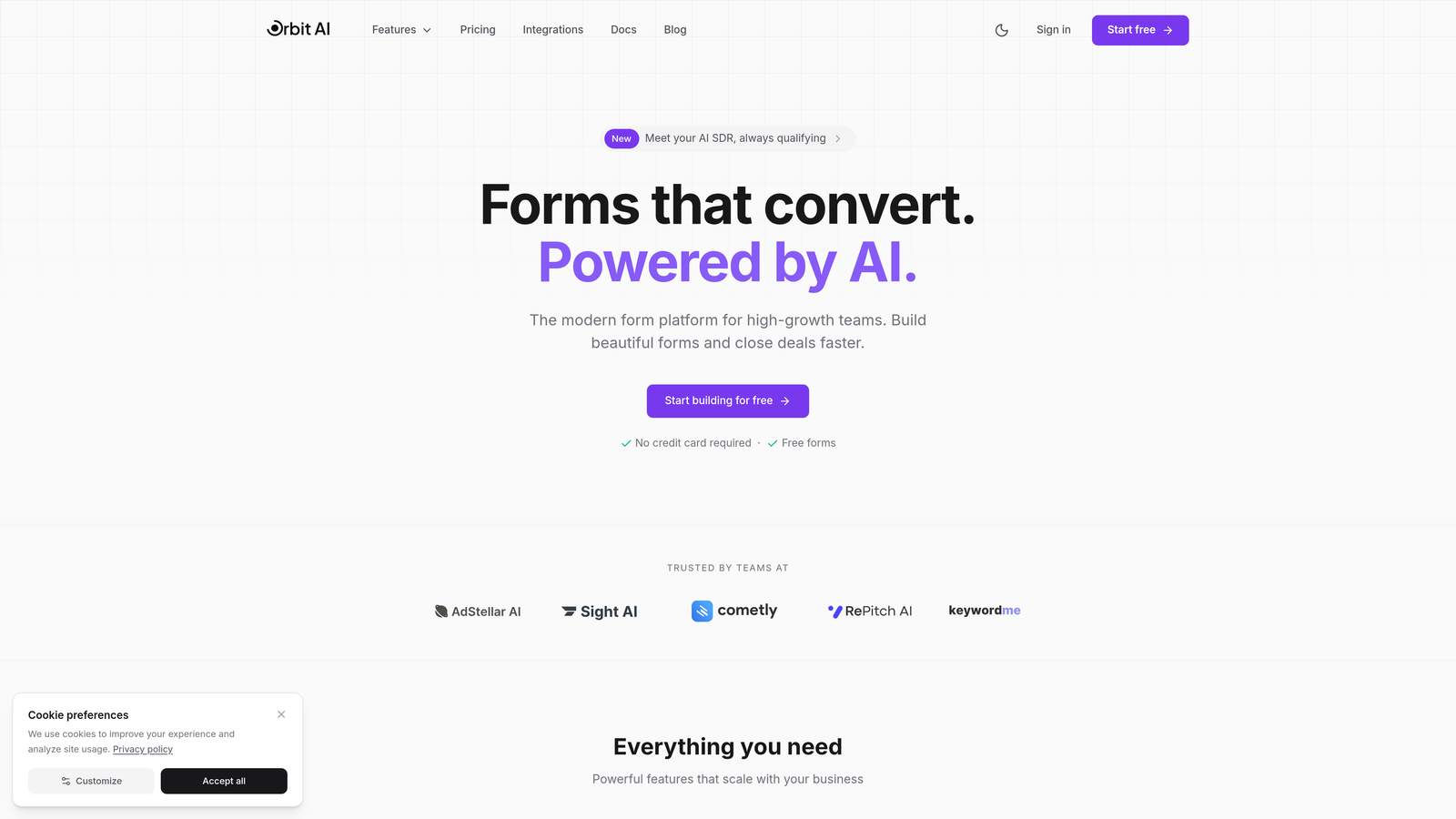
Orbit AI is an AI-powered form builder platform designed specifically for teams that need more than just data collection.
Where This Tool Shines
What sets Orbit AI apart is its built-in intelligence layer. While most form builders simply collect responses, Orbit AI actively qualifies leads as they submit, scoring them based on criteria you define and routing high-value prospects to the right team members automatically.
The platform combines modern, conversion-optimized design templates with smart conditional logic powered by AI agents. This means your forms adapt in real-time based on how respondents answer, creating personalized experiences that feel less like filling out a form and more like having a conversation.
Key Features
AI-Powered Lead Qualification: Automatically scores and routes leads based on their responses, saving your team hours of manual triage.
Conversion-Optimized Templates: Pre-built form designs based on modern UX principles that maximize completion rates.
Smart Conditional Logic: AI agents create dynamic form experiences that adapt to each respondent's journey.
Native CRM Integrations: Connects directly with HubSpot, Salesforce, Pipedrive, and other major platforms without middleware.
Real-Time Analytics Dashboard: Track conversion rates, drop-off points, and lead quality metrics in one unified view.
Best For
Orbit AI is ideal for B2B companies, SaaS teams, and agencies that need to capture high-quality leads while maintaining a modern brand experience. If you're tired of manually sorting through form submissions to find qualified prospects, this platform handles that intelligence layer for you.
Pricing
Free tier available with core features. Paid plans start at competitive rates designed for growing teams that need advanced qualification and analytics capabilities.
2. Typeform
Best for: Creating engaging, conversational form experiences with a human-like one-question-at-a-time interface
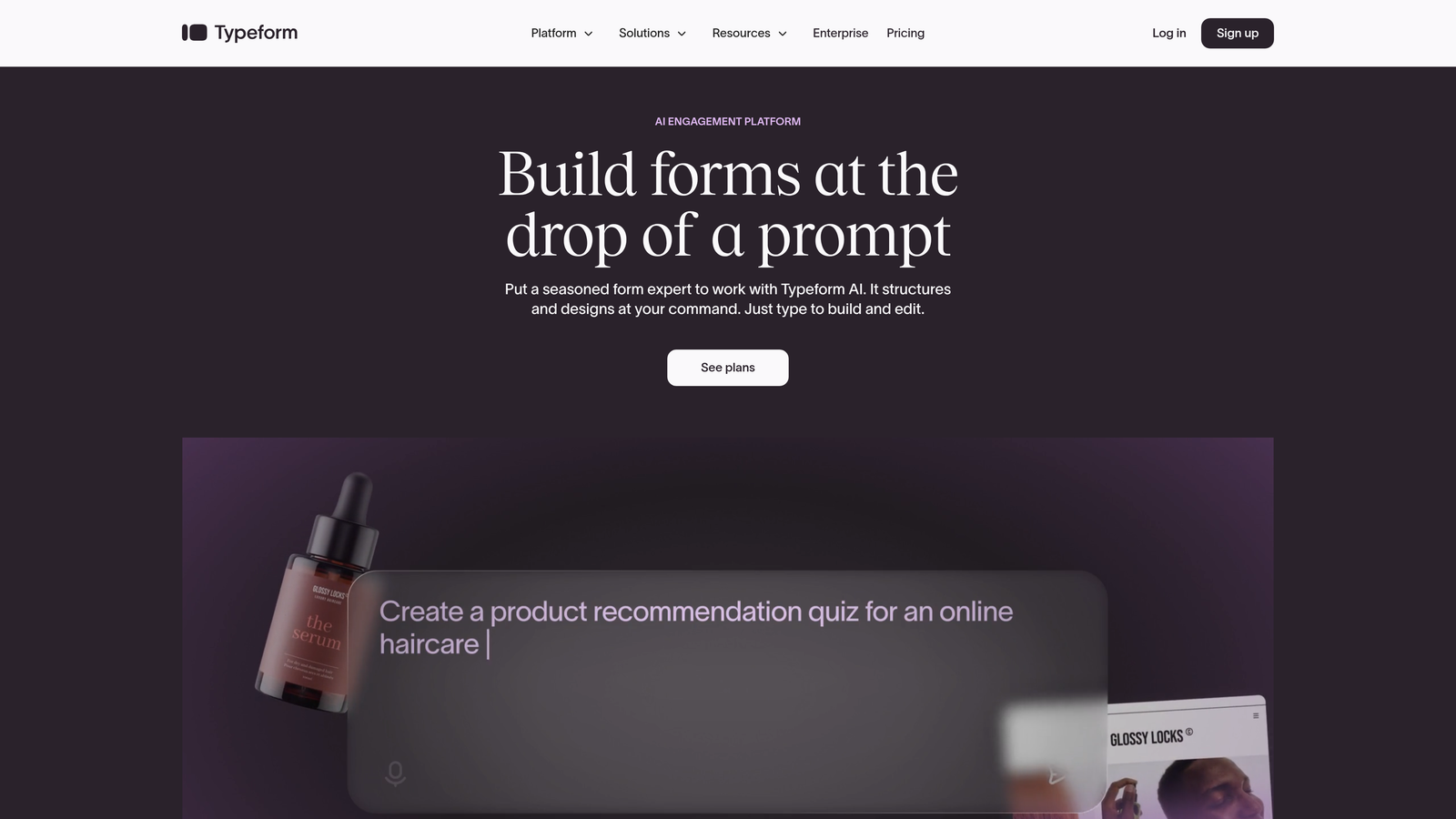
Typeform is the form builder that made conversational interfaces mainstream in the industry.
Where This Tool Shines
Typeform's signature one-question-at-a-time format transforms what could be an overwhelming form into a guided conversation. Instead of confronting visitors with a wall of fields, respondents answer questions sequentially, which research shows significantly reduces form abandonment.
The platform excels at brand customization. You can match your company's visual identity down to specific fonts, colors, and background imagery, creating forms that feel like natural extensions of your website rather than embedded third-party tools.
Key Features
Conversational Format: One-question-at-a-time interface that feels more like a dialogue than a form.
Extensive Brand Customization: Control fonts, colors, images, and layouts to match your exact brand standards.
Logic Jumps: Create personalized form paths where questions adapt based on previous answers.
Rich Media Integration: Embed videos and images directly within questions for more engaging experiences.
Survey and Quiz Functionality: Built-in features for scoring quizzes and analyzing survey results.
Best For
Marketing teams and agencies that prioritize user experience and brand consistency. Particularly effective for surveys, quizzes, event registrations, and lead capture where engagement matters more than speed.
Pricing
Free plan available with limited responses. Basic plan starts at $25/month, with higher tiers unlocking advanced logic and integrations.
3. Jotform
Best for: Teams needing extensive template variety and versatile form-building capabilities across diverse use cases
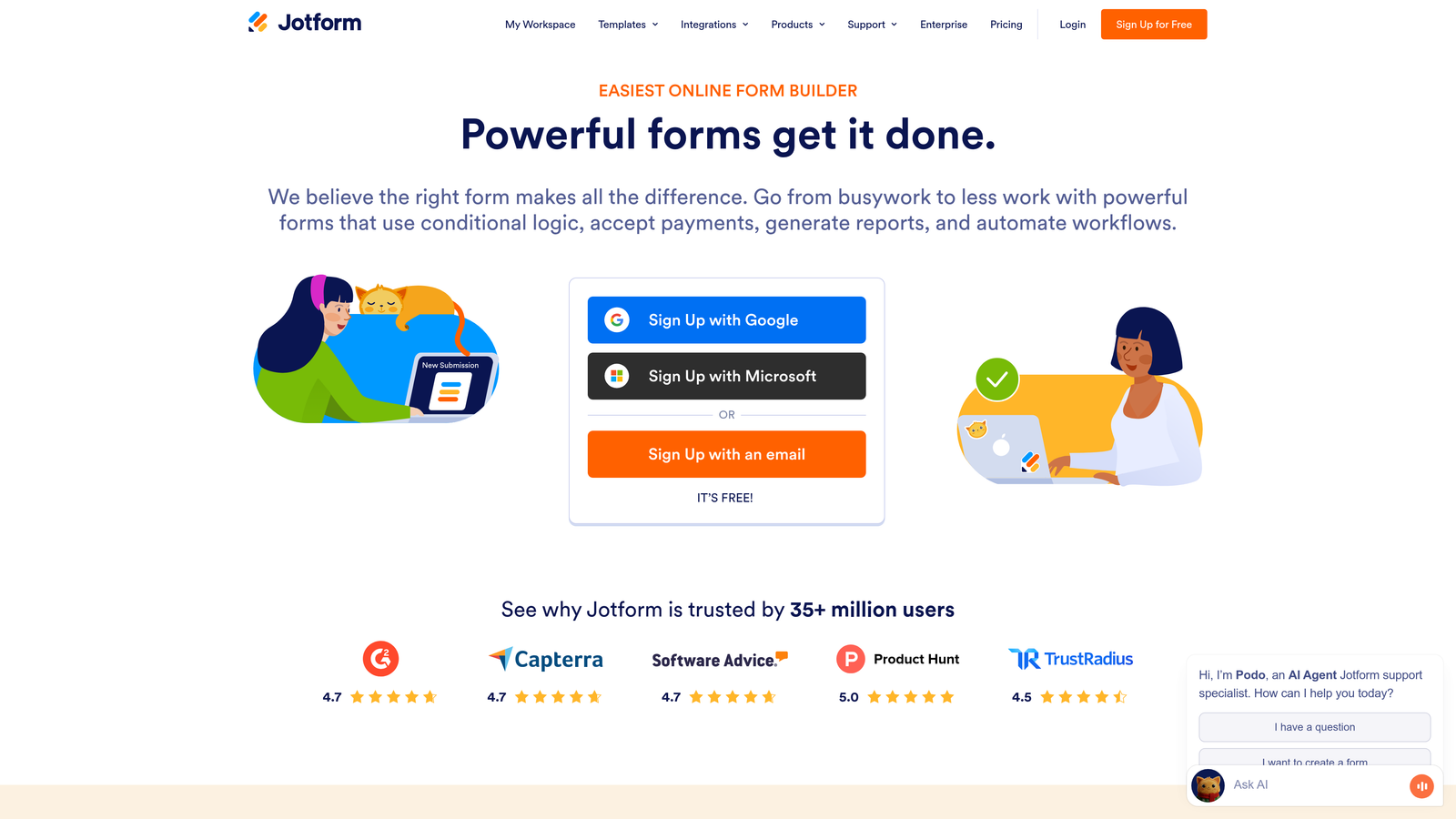
Jotform is a comprehensive form platform with one of the largest template libraries in the industry.
Where This Tool Shines
With over 10,000 pre-built templates spanning virtually every industry and use case, Jotform eliminates the "blank canvas" problem. Whether you need an event registration form, a job application, or a complex multi-page survey, there's likely a template that gets you 80% of the way there.
The drag-and-drop builder includes more than 100 widgets, giving you granular control over functionality without requiring code. From payment processors to appointment schedulers, Jotform's widget ecosystem covers an impressive range of needs.
Key Features
10,000+ Templates: Industry-specific form templates that provide instant starting points for virtually any use case.
100+ Widgets: Drag-and-drop elements for payments, signatures, file uploads, calculations, and more.
PDF Generation: Automatically convert form submissions into branded PDF documents.
Jotform Tables: Spreadsheet-like interface for managing and analyzing submissions in bulk.
Mobile App: Native iOS and Android apps for creating and managing forms on the go.
Best For
Small businesses, nonprofits, and teams that need versatility across multiple departments. Particularly valuable when you need different form types for HR, events, customer feedback, and lead capture all in one platform.
Pricing
Free plan includes up to 5 forms. Bronze plan starts at $34/month, scaling up based on form volume and feature requirements.
4. HubSpot Forms
Best for: Teams already using HubSpot CRM who need native integration with marketing automation workflows
HubSpot Forms is the native form builder within HubSpot's marketing and CRM ecosystem.

Where This Tool Shines
If you're already invested in the HubSpot ecosystem, this form builder offers unmatched integration depth. Every form submission automatically creates or updates a contact record in your CRM, triggers workflows, and feeds into your marketing automation sequences without any middleware or zapier connections.
Progressive profiling is where HubSpot Forms truly differentiates itself. Instead of asking the same questions repeatedly, the platform remembers what it already knows about a contact and asks new questions each time they submit a form, gradually building richer profiles without overwhelming visitors.
Key Features
Direct CRM Integration: Automatic contact creation and enrichment with zero setup required.
Progressive Profiling: Smart forms that ask different questions based on what you already know about a contact.
Smart Fields: Forms automatically populate with known information, reducing friction for returning visitors.
Built-In A/B Testing: Test different form variations to optimize conversion rates directly within HubSpot.
Workflow Triggers: Launch automated email sequences, task creation, and lead routing based on form submissions.
Best For
B2B companies and marketing teams already using HubSpot for CRM or marketing automation. The value proposition becomes significantly stronger when you're leveraging the full HubSpot platform rather than using forms in isolation.
Pricing
Free with HubSpot CRM. Advanced features like progressive profiling and A/B testing require Marketing Hub Starter at $45/month or higher tiers.
5. Paperform
Best for: Creating beautiful, content-rich landing pages that combine forms with branded storytelling and e-commerce
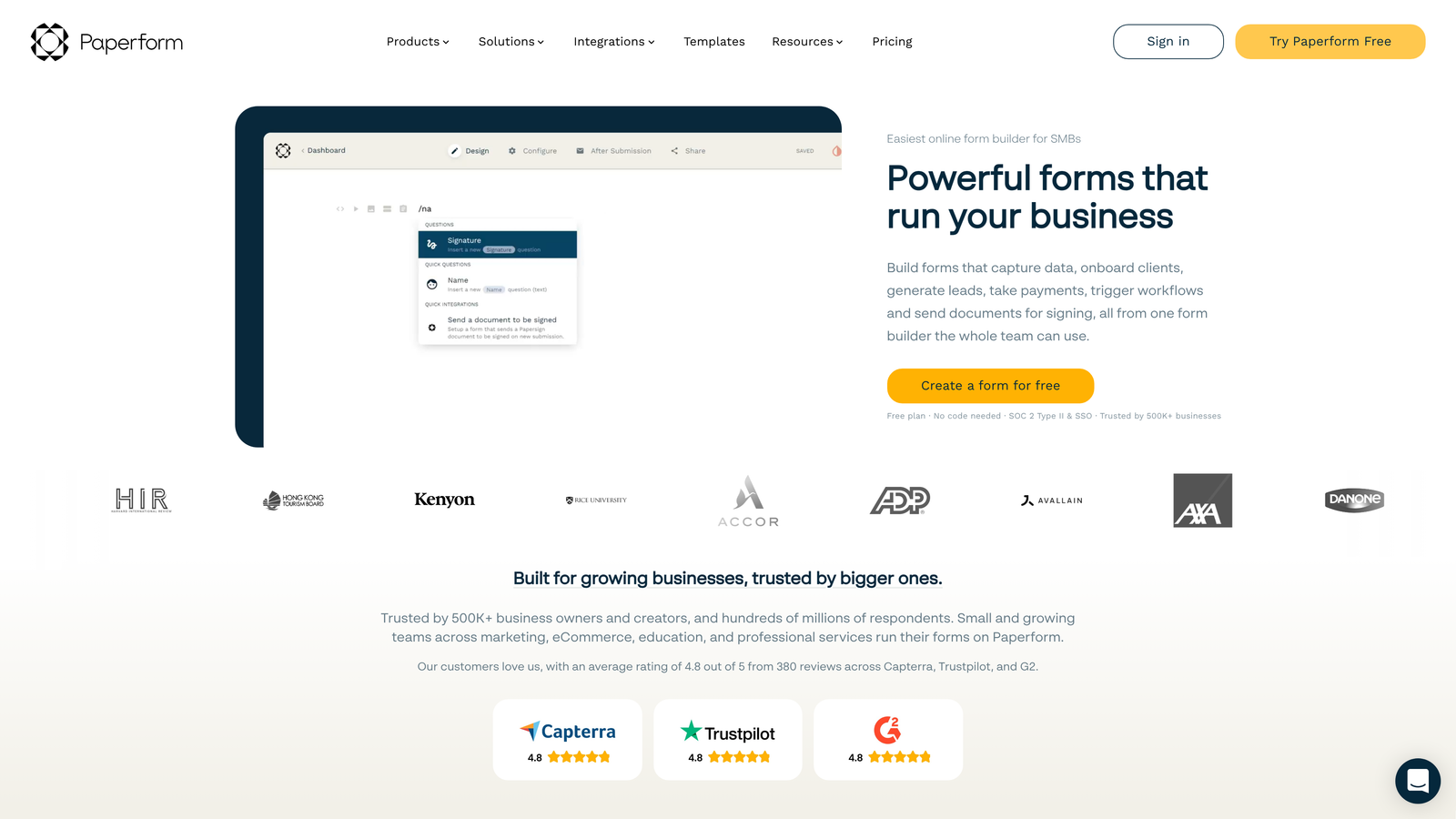
Paperform is a form builder that blurs the line between forms and landing pages.
Where This Tool Shines
Paperform's free-form editor lets you mix form fields with rich content blocks, images, videos, and custom formatting. This approach works exceptionally well when you need to provide context, tell a story, or educate respondents before they fill out fields.
The platform includes built-in payment processing and product catalog functionality, making it a strong choice for selling products, collecting donations, or booking services. You can create an entire checkout experience without needing a separate e-commerce platform.
Key Features
Free-Form Editor: Mix form fields with text, images, videos, and custom formatting in a flexible layout.
Payment Processing: Accept payments through Stripe, PayPal, and Square directly within forms.
Product Catalogs: Build e-commerce experiences with product variants, quantities, and cart functionality.
Appointment Scheduling: Integrate booking calendars directly into forms for service-based businesses.
Custom Success Pages: Design branded confirmation experiences with redirect logic based on responses.
Best For
Creative agencies, consultants, and small businesses that need forms to do double duty as landing pages. Particularly valuable for event registrations, course enrollments, and service bookings where you need to sell the value before capturing information.
Pricing
Essentials plan at $24/month includes core features. Pro plan at $49/month adds advanced integrations and customization options.
6. Formstack
Best for: Enterprise teams in regulated industries needing HIPAA, GDPR compliance and workflow automation capabilities
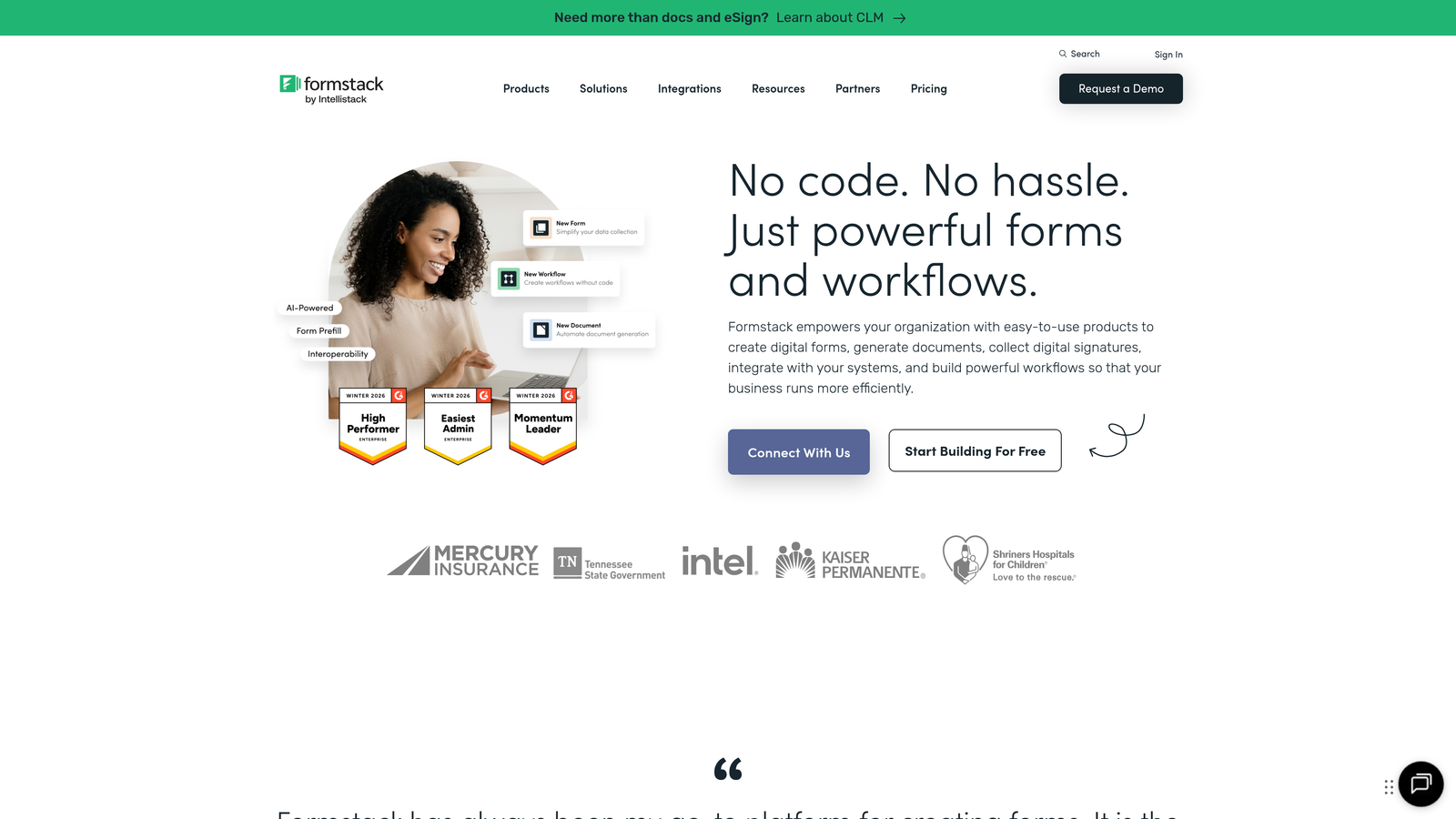
Formstack is an enterprise-grade form platform built for organizations with strict compliance requirements.
Where This Tool Shines
Formstack takes compliance seriously in ways that consumer-focused form builders often overlook. The platform offers HIPAA-compliant forms for healthcare organizations, GDPR compliance features for European data protection, and PCI compliance for payment data handling.
Beyond data collection, Formstack includes robust workflow automation. You can route submissions through approval chains, generate documents from form data, and trigger complex multi-step processes based on submission criteria.
Key Features
Compliance Certifications: HIPAA, GDPR, and PCI compliance options with business associate agreements available.
Workflow Automation: Build approval routing, conditional logic, and multi-step processes triggered by submissions.
Document Generation: Automatically create contracts, invoices, or reports from form data.
Advanced Calculations: Perform complex calculations within forms for quotes, assessments, or financial applications.
Salesforce-Native App: Deep integration with Salesforce including offline mobile forms.
Best For
Healthcare organizations, financial services firms, and enterprise teams that handle sensitive data requiring documented compliance. Also strong for organizations needing sophisticated approval workflows and document generation.
Pricing
Starter plan at $50/month for basic features. Teams plan at $83/month includes workflow automation and advanced integrations.
7. Gravity Forms
Best for: WordPress sites needing deep native integration with extensive developer-friendly customization options
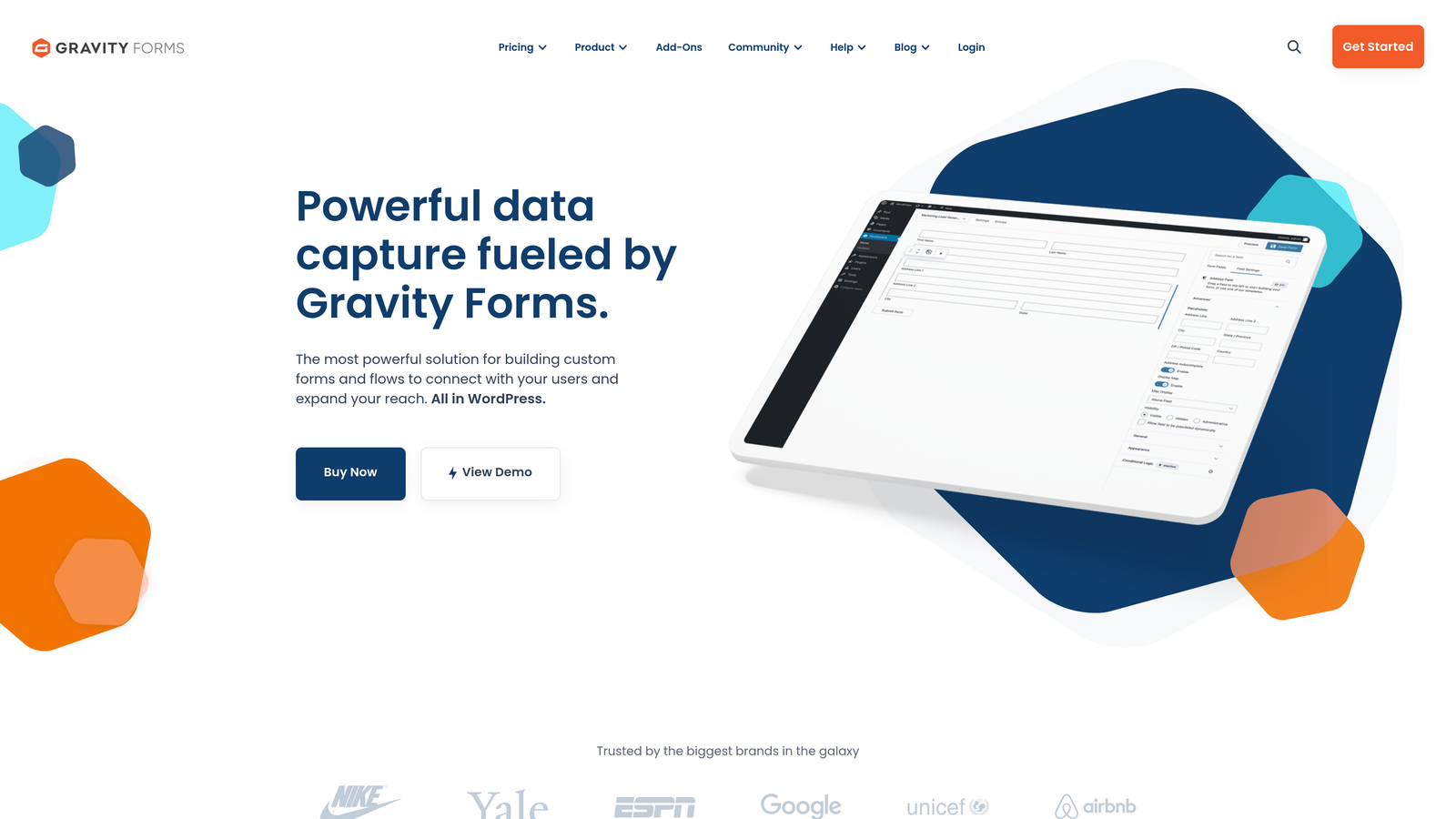
Gravity Forms is the leading WordPress form plugin with a mature ecosystem of add-ons and extensions.
Where This Tool Shines
For WordPress-powered websites, Gravity Forms offers integration depth that cloud-based form builders can't match. Forms live directly in your WordPress database, work seamlessly with Gutenberg blocks, and can trigger WordPress-specific actions like user registration or post creation.
The add-on ecosystem is extensive, with official and third-party extensions covering everything from payment processors to CRM integrations to custom field types. For developers, Gravity Forms provides hooks, filters, and APIs that enable virtually unlimited customization.
Key Features
Native WordPress Integration: Forms stored in your WordPress database with full Gutenberg block support.
Extensive Add-On Ecosystem: Official and third-party extensions for payments, CRMs, email marketing, and more.
Conditional Logic: Show or hide fields, pages, and submit buttons based on user selections.
User Registration: Create WordPress user accounts directly from form submissions with role assignment.
Developer-Friendly: Comprehensive hooks, filters, and custom field API for advanced customization.
Best For
WordPress agencies, developers, and site owners who want forms that feel like a native part of their site rather than embedded third-party tools. Particularly valuable when you need forms to interact with WordPress functionality like user accounts or custom post types.
Pricing
Basic License at $59/year for single-site use. Elite License at $259/year includes all add-ons and unlimited sites.
8. Tally
Best for: Budget-conscious teams needing unlimited forms and responses without subscription costs
Tally is a free-first form builder with a Notion-inspired interface that removes traditional submission limits.
Where This Tool Shines
Tally's standout feature is its genuinely generous free tier. Unlike competitors that cap free plans at 100 or 1,000 responses per month, Tally offers unlimited forms and unlimited submissions at no cost. This makes it particularly attractive for startups, nonprofits, and side projects.
The Notion-style block editor will feel instantly familiar if you've used modern documentation tools. You build forms by adding blocks for different question types, text, images, and logic, creating a workflow that's both intuitive and flexible.
Key Features
Unlimited Free Tier: Create unlimited forms and collect unlimited responses without payment.
Block-Based Editor: Notion-inspired interface for building forms with text, questions, and media blocks.
Conditional Logic: Show or hide questions based on previous answers, even on the free plan.
File Uploads and Signatures: Collect documents and electronic signatures without upgrade requirements.
Responsive Embeds: Forms automatically adapt to any screen size when embedded on your site.
Best For
Startups in early stages, nonprofits with limited budgets, and individuals running side projects who need professional form capabilities without monthly costs. Also strong for teams that want to test a form builder before committing to paid plans.
Pricing
Free plan includes core features with unlimited forms and submissions. Pro plan at $29/month adds custom domains, removed branding, and advanced integrations.
9. Cognito Forms
Best for: Complex forms requiring advanced calculations, payment collection, and repeating data entry sections
Cognito Forms is a form builder specializing in calculation-heavy forms and structured data collection.
Where This Tool Shines
Cognito Forms excels at handling complex calculations within forms. Whether you're building quote calculators, order forms with dynamic pricing, or assessment tools that score responses, the platform's formula system rivals spreadsheet capabilities while maintaining form simplicity.
Repeating sections are another differentiator. When you need respondents to enter multiple items of the same type—like family members, products, or events—Cognito Forms lets them add as many instances as needed without creating dozens of duplicate fields.
Key Features
Advanced Calculations: Build complex formulas with mathematical operations, conditional logic, and field references.
Repeating Sections: Let users dynamically add multiple instances of field groups within a single form.
Payment Integration: Accept payments through Stripe and Square with competitive transaction fees.
Conditional Logic: Show, hide, or require fields based on complex conditions and calculations.
Workflow Automation: Route submissions via email and integrate with external systems based on form data.
Best For
Organizations building quote calculators, registration forms with variable pricing, application forms requiring structured data, or any scenario where you need to perform calculations and present results within the form itself.
Pricing
Free plan available for basic forms. Pro plan at $15/month for individuals. Team plan at $35/month includes collaboration features and higher submission limits.
Finding Your Perfect Form Software Match
The right form software depends entirely on your specific needs and existing tech stack. Here's how to narrow down your choice based on common scenarios.
For AI-powered lead qualification: Orbit AI stands out if you need intelligent lead scoring and automatic routing. The platform eliminates manual triage by qualifying prospects as they submit, making it ideal for B2B teams that need to prioritize high-value leads immediately.
For budget-conscious teams: Tally offers the most generous free tier with unlimited forms and submissions. If you're bootstrapping or running a nonprofit, you can build professional forms without monthly costs. HubSpot Forms is also free if you're already using their CRM.
For WordPress sites: Gravity Forms provides native integration that cloud-based builders can't match. Your forms live in your WordPress database, work with your theme, and can trigger WordPress-specific actions like user registration.
For enterprise compliance needs: Formstack handles HIPAA, GDPR, and PCI requirements with documented compliance features and business associate agreements. Healthcare organizations and financial services firms should prioritize platforms built for regulated industries.
For conversational experiences: Typeform's one-question-at-a-time format creates engaging form experiences that feel more like conversations than data collection. This approach works particularly well for surveys, quizzes, and situations where user experience matters more than speed.
For HubSpot users: If you're already invested in HubSpot's ecosystem, their native form builder offers unmatched integration depth. Progressive profiling, smart fields, and automatic workflow triggers make it the obvious choice for HubSpot-centric teams.
The form software landscape has matured significantly, moving beyond simple contact forms to sophisticated platforms that qualify leads, automate workflows, and optimize conversion rates. The best choice isn't necessarily the one with the most features—it's the one that aligns with your specific workflow, integrates with your existing tools, and matches your team's technical capabilities.
Transform your lead generation with AI-powered forms that qualify prospects automatically while delivering the modern, conversion-optimized experience your high-growth team needs. Start building free forms today and see how intelligent form design can elevate your conversion strategy.


