

The form builder landscape has evolved dramatically. What worked for lead generation three years ago—basic contact forms with email notifications—no longer cuts it for high-growth teams competing in 2026's conversion-driven market.
Formstack built its reputation on workflow automation and enterprise-grade features. It's a powerful platform that many organizations rely on. But here's what we're hearing from teams exploring alternatives: the complexity can feel overwhelming when you just need beautiful, conversion-optimized forms that actually qualify your leads.
Modern lead generation demands more than data collection. Your forms need to engage prospects, qualify them intelligently, and integrate seamlessly with your growth stack—all while maintaining the polished experience that high-value leads expect.
The challenge? Not every team needs enterprise workflow automation. Some need AI-powered qualification. Others prioritize conversational experiences or design flexibility. The right Formstack alternative depends entirely on what drives conversions for your specific business.
We've analyzed seven platforms that high-growth teams are using to supercharge their lead generation in 2026. Each brings distinct strengths to the table, from artificial intelligence to creative design tools. Let's explore what makes each one worth considering.
1. Orbit AI: AI-Powered Lead Qualification That Transforms Your Conversion Strategy
The Challenge It Solves
High-growth teams face a brutal reality: most form submissions aren't qualified leads. Your sales team wastes hours chasing prospects who aren't ready to buy, while genuinely interested leads get lost in the noise. Traditional form builders collect data but leave qualification entirely to you.
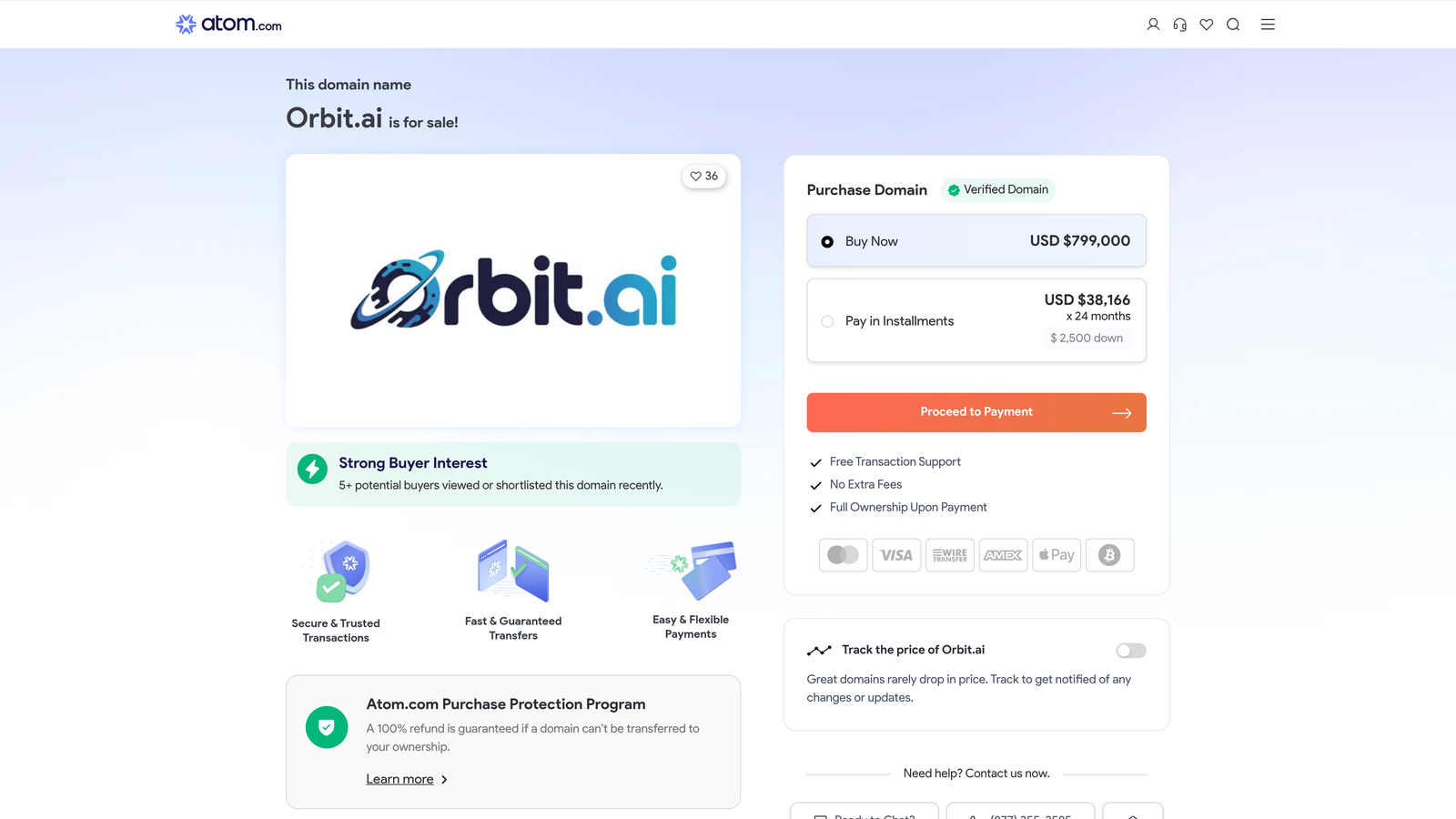
Orbit AI tackles this head-on with artificial intelligence that qualifies leads automatically as they submit. The platform analyzes responses in real-time, scoring and routing prospects based on buying intent before they ever reach your CRM.
The Strategy Explained
Think of Orbit AI as your intelligent front door for lead generation. The platform combines a modern, conversion-optimized form builder with AI that actually understands prospect quality.
When someone fills out your form, Orbit's AI evaluates their responses against your ideal customer profile. High-intent leads get routed immediately to sales. Lower-priority prospects enter nurture sequences. Everything happens automatically, without manual sorting or complex workflow rules.
The interface prioritizes what conversion-focused teams actually need: beautiful forms that prospects want to complete, intelligent qualification that identifies your best opportunities, and seamless integration with the tools you already use.
Implementation Steps
1. Build your form using Orbit's modern editor designed specifically for high-growth teams who need professional results without design expertise.
2. Configure AI qualification rules based on your ideal customer profile—the platform learns what makes a qualified lead for your business.
3. Connect your CRM and marketing automation tools so qualified leads flow directly into your existing processes.
4. Launch and monitor conversion rates through Orbit's analytics dashboard to continuously optimize performance.
Pro Tips
Start with simple qualification criteria and refine as you gather data. The AI becomes more accurate as it processes more submissions. Focus on the questions that truly indicate buying intent rather than collecting every possible data point—shorter, focused forms with intelligent qualification outperform lengthy questionnaires.
2. Typeform: Conversational Experience That Boosts Completion Rates
The Challenge It Solves
Traditional forms overwhelm prospects with too many fields at once. The wall-of-text approach triggers abandonment, especially on mobile devices where scrolling through lengthy forms feels tedious. You need engagement, not intimidation.
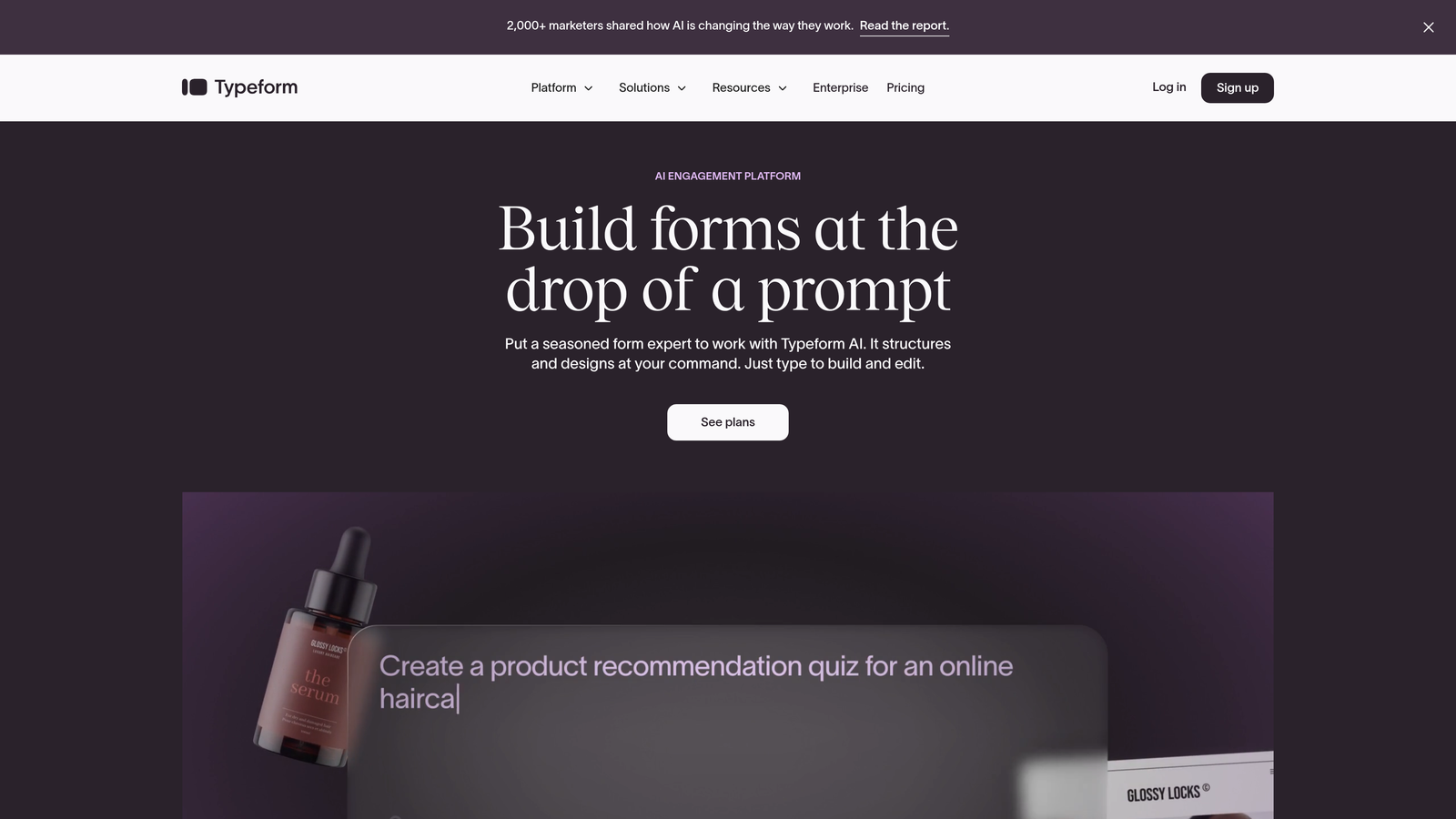
Typeform pioneered the conversational approach—presenting one question at a time in a visually appealing interface that feels more like a conversation than a form. This reduces cognitive load and keeps prospects moving forward.
The Strategy Explained
Typeform's one-question-at-a-time methodology creates a focused experience. Instead of seeing ten fields stacked vertically, prospects answer questions sequentially with smooth transitions between each step.
The platform excels at creating engaging surveys, quizzes, and lead capture forms that feel interactive rather than transactional. Visual customization options let you match your brand, while conditional logic adapts questions based on previous answers.
For teams prioritizing user experience and completion rates, Typeform's approach transforms form-filling from a chore into an engaging interaction. The platform works particularly well for complex questionnaires where the conversational flow prevents overwhelm.
Implementation Steps
1. Map your form flow considering how questions build on each other—the sequential nature works best when there's logical progression.
2. Design your form using Typeform's visual editor, selecting question types that encourage interaction like opinion scales and picture choices.
3. Set up conditional logic to personalize the experience based on how prospects respond to key questions.
4. Test thoroughly on mobile devices where the one-question format provides the strongest advantage over traditional forms.
Pro Tips
Keep your total question count reasonable despite the engaging format. Even conversational forms lose prospects after too many steps. Use Typeform's completion rate analytics to identify where people drop off, then streamline accordingly. The platform shines for top-of-funnel engagement where experience matters more than complex qualification.
3. Jotform: Feature-Rich Flexibility for Complex Requirements
The Challenge It Solves
Some teams need more than basic contact forms. You're collecting payments, managing registrations, or building multi-step applications that require extensive customization. Limited platforms force you to cobble together multiple tools when you need everything in one place.
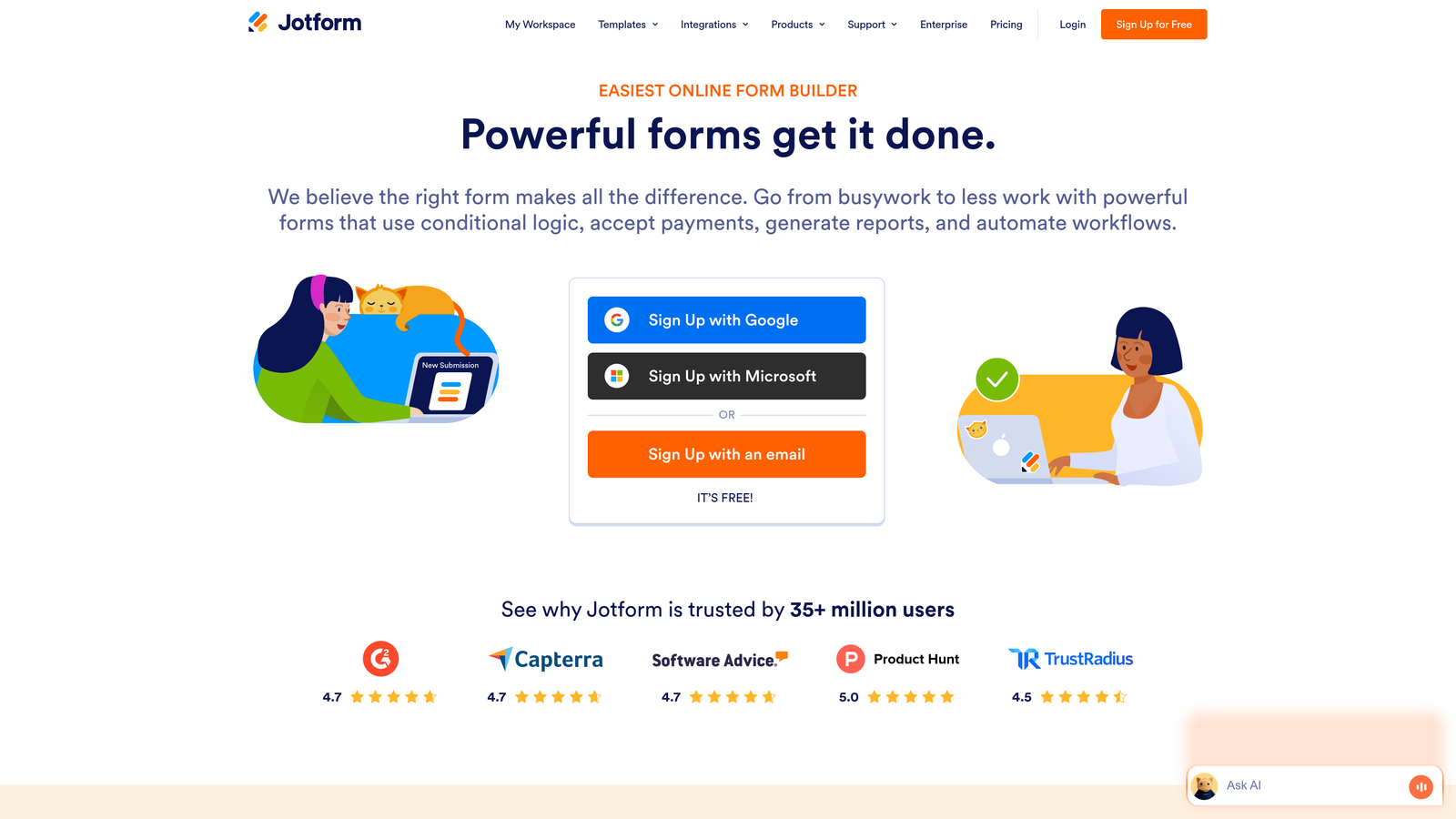
Jotform delivers comprehensive functionality with over 10,000 templates and widgets covering virtually every form use case imaginable. If you can envision it, Jotform probably has a template or integration for it.
The Strategy Explained
Jotform positions itself as the Swiss Army knife of form builders. Need payment processing? Built-in. Want appointment scheduling? Available. Require e-signatures? Included. The platform bundles features that competitors offer as separate products.
The extensive template library means you rarely start from scratch. Browse categories ranging from event registration to HR onboarding, then customize to match your needs. The drag-and-drop builder handles complexity without requiring coding knowledge.
For organizations with diverse form requirements across departments, Jotform's breadth eliminates the need for multiple specialized tools. Marketing, HR, and operations can all build what they need on a single platform.
Implementation Steps
1. Search Jotform's template library for forms similar to your use case rather than building from blank—this saves significant setup time.
2. Customize the template using the drag-and-drop editor, adding conditional logic and integrations as needed for your workflow.
3. Configure payment processing if collecting fees, taking advantage of Jotform's native support for major payment gateways.
4. Set up automated workflows to route submissions, send confirmations, and trigger follow-up actions based on form responses.
Pro Tips
Jotform's extensive features can feel overwhelming initially. Start with a template close to your needs rather than exploring every widget and option. Focus on the specific functionality your form requires, then expand as you become comfortable with the platform. The breadth works best for teams managing multiple form types rather than those focused solely on lead generation.
4. Google Forms: Simple, Free Solution for Basic Data Collection
The Challenge It Solves
Not every form needs advanced features or monthly subscription costs. Sometimes you need quick surveys, internal feedback collection, or simple registration forms where free and functional beats feature-rich and expensive.
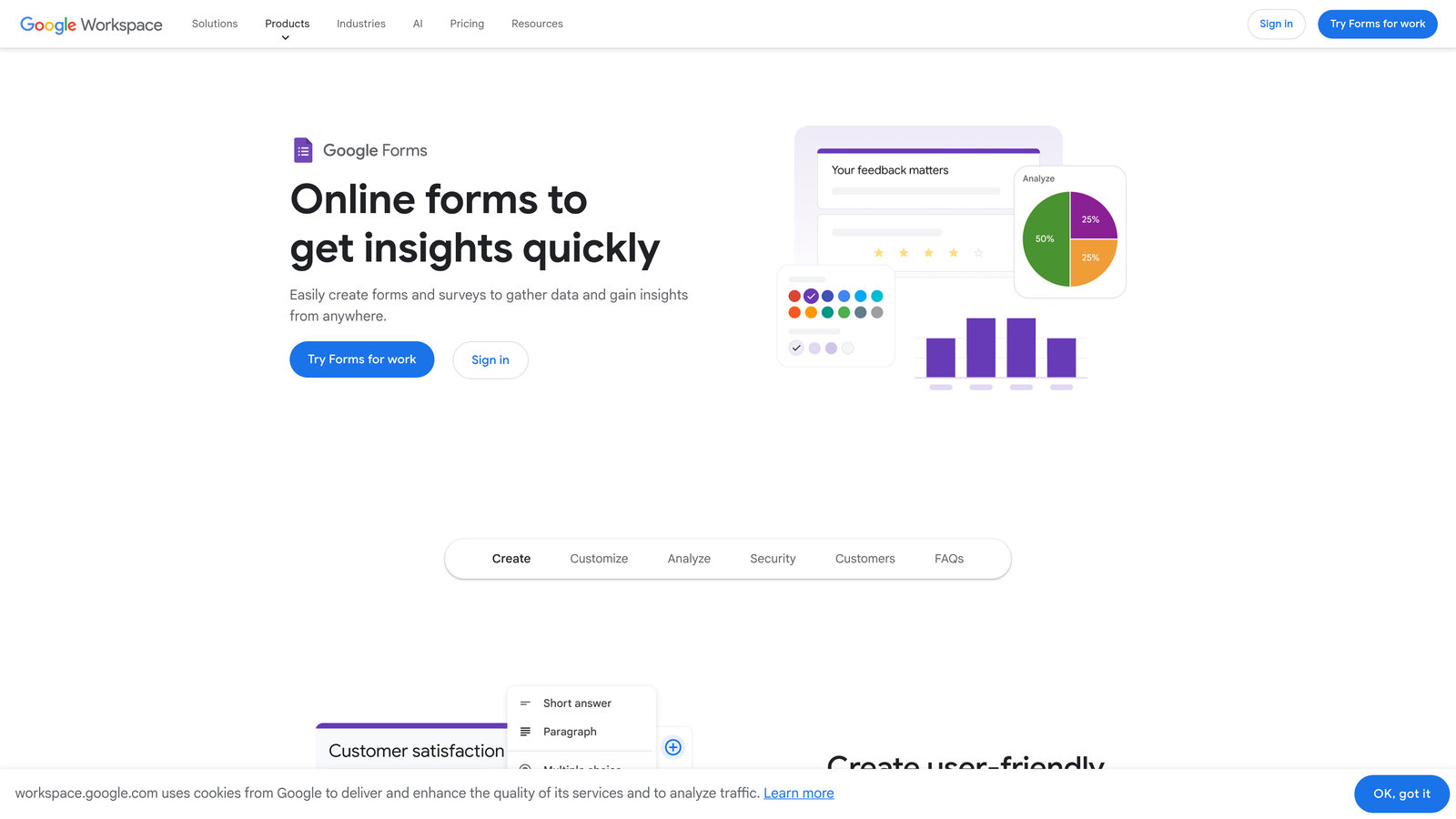
Google Forms delivers exactly that—a no-cost tool that integrates seamlessly with Google Workspace. For teams already living in Gmail, Drive, and Sheets, it's the path of least resistance.
The Strategy Explained
Google Forms strips away complexity in favor of straightforward functionality. The interface feels familiar to anyone who's used Google products. Creating a form takes minutes, and responses automatically populate Google Sheets for easy analysis.
The platform works best for internal use cases or situations where form aesthetics matter less than quick deployment. Think employee surveys, event RSVPs, or simple feedback collection where you need results fast without budget approval.
Integration with the Google ecosystem means automatic cloud storage, easy collaboration with team members, and the ability to analyze responses using Google Sheets formulas or pivot tables. For organizations standardized on Google Workspace, this native integration eliminates data export hassles.
Implementation Steps
1. Create a new form directly from Google Drive or Forms, selecting question types from the sidebar menu.
2. Configure basic settings like requiring sign-in for responses or limiting to one submission per person if needed.
3. Share via link or embed code—Google Forms generates both automatically without additional configuration.
4. Monitor responses in the linked Google Sheet, using filters and formulas to analyze data as submissions arrive.
Pro Tips
Google Forms works brilliantly for internal processes but shows limitations for external lead generation. The basic design lacks the polish that high-value prospects expect, and customization options are minimal. Use it where speed and cost matter more than conversion optimization. For customer-facing forms that represent your brand, consider alternatives with better design capabilities.
5. Cognito Forms: Advanced Logic at Accessible Price Points
The Challenge It Solves
Complex forms often require sophisticated calculations, conditional logic, and workflow automation. Enterprise platforms charge premium prices for these capabilities, putting them out of reach for smaller teams with advanced needs.
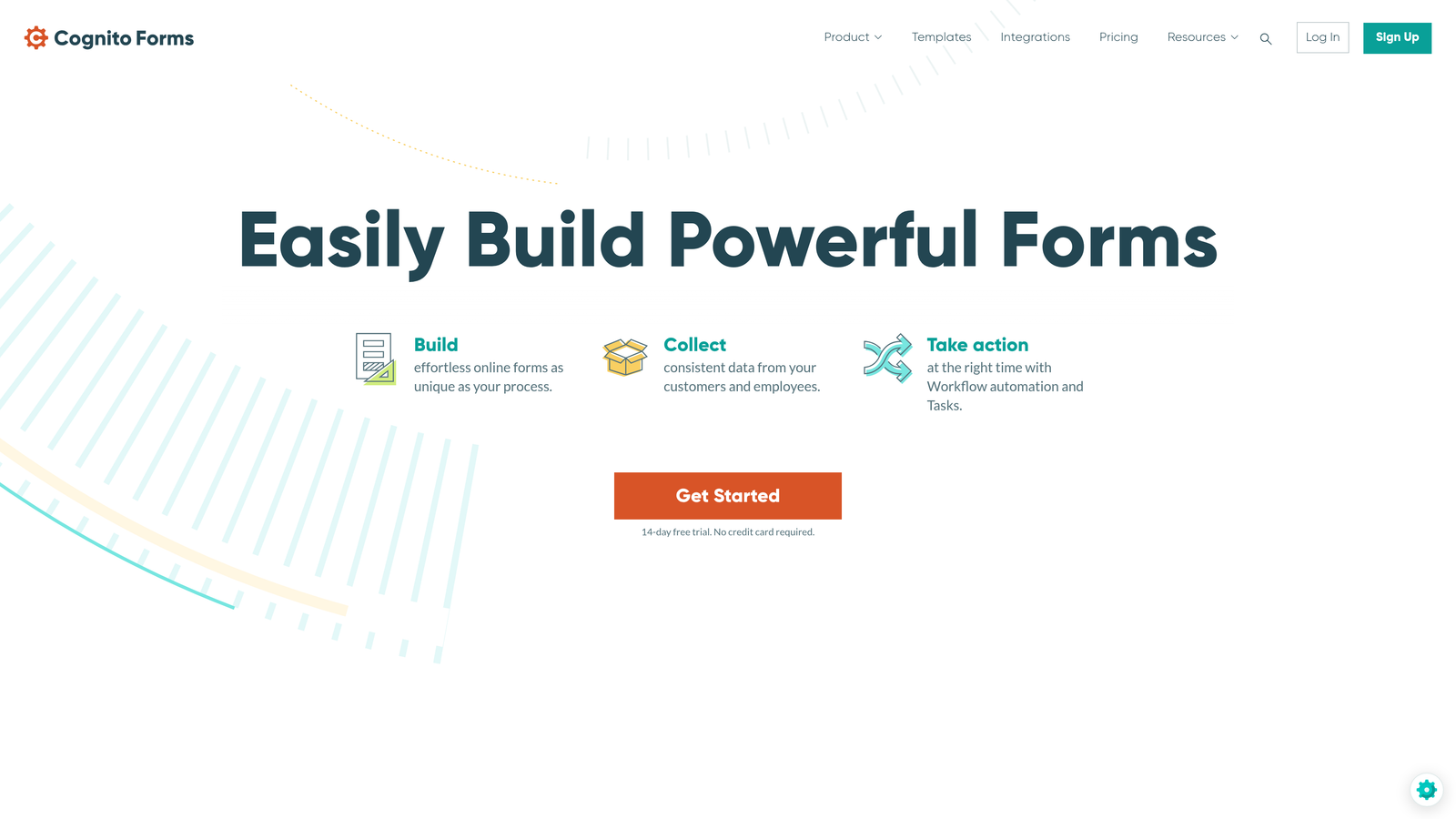
Cognito Forms brings enterprise-grade functionality to mid-market pricing. The platform handles calculations, repeating sections, and complex conditional logic that simpler tools can't manage—without the enterprise price tag.
The Strategy Explained
Cognito Forms targets the sweet spot between basic form builders and expensive enterprise solutions. The platform excels at forms requiring mathematical calculations, like quote generators, order forms with dynamic pricing, or applications with complex eligibility rules.
The calculation engine lets you build formulas that update in real-time as users input data. Conditional logic can show or hide entire sections based on previous answers. Repeating sections allow users to add multiple items—think adding family members to an application or line items to an order.
For teams managing forms with intricate business logic, Cognito Forms delivers the functionality without forcing you into enterprise contracts. The pricing model scales based on entries rather than features, keeping costs predictable.
Implementation Steps
1. Map out your form logic before building—Cognito Forms handles complexity well but benefits from upfront planning.
2. Build your form structure first, then layer in calculations and conditional rules using Cognito's formula builder.
3. Test thoroughly with various input scenarios to ensure calculations and logic behave correctly across edge cases.
4. Configure workflow rules to route submissions and trigger notifications based on calculated values or conditional outcomes.
Pro Tips
Cognito Forms rewards thoughtful form architecture. Spend time planning your logic flow before diving into the builder—complex conditional rules can become tangled without clear structure. The platform's calculation capabilities shine for forms replacing spreadsheets or manual processes. If your form needs to "think," Cognito Forms likely handles it better than simpler alternatives.
6. Paperform: Design-Forward Forms That Double as Landing Pages
The Challenge It Solves
Traditional form builders create forms that look like forms—functional but uninspiring. Creative teams and design-conscious brands need forms that match their visual standards while maintaining conversion-focused functionality.
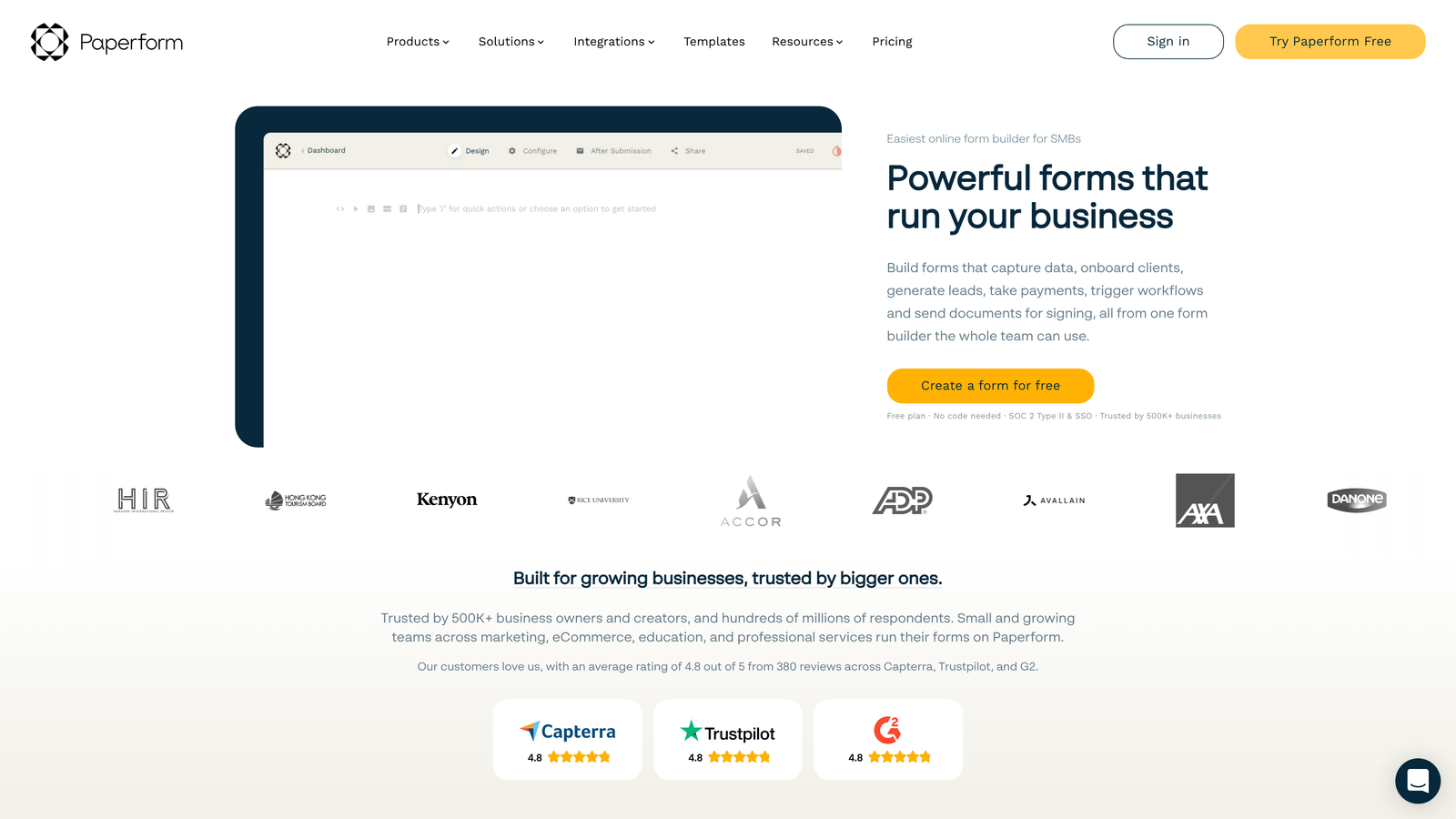
Paperform approaches forms as content experiences. The platform lets you build forms that feel more like custom landing pages, with rich text, images, videos, and design flexibility that traditional form builders can't match.
The Strategy Explained
Paperform's editor works more like a document editor than a traditional form builder. You type questions naturally, add images and videos inline, and format everything with design controls that give you genuine creative freedom.
This approach works brilliantly for forms that need to tell a story or maintain strong brand presence. Product orders, event registrations, and application forms can incorporate compelling visuals and persuasive copy rather than just collecting data.
The platform also handles payments, scheduling, and calculations—functionality you'd expect from robust form builders—but wraps it in an interface that creative teams actually enjoy using. For brands where visual presentation directly impacts conversion, Paperform bridges the gap between form and experience.
Implementation Steps
1. Start by outlining your form content including copy, images, and questions—Paperform rewards content-first thinking.
2. Build using the document-style editor, incorporating rich media and formatting as you would in a landing page builder.
3. Add form fields inline with your content, using Paperform's field types to collect the data you need.
4. Apply design customization through the theme editor to match your brand's visual standards perfectly.
Pro Tips
Paperform excels when form completion benefits from context and persuasion. Use the rich content capabilities to explain value, showcase products, or build trust before asking for information. The platform's strength lies in creating experiences, not just collecting data. If your forms are transactional rather than experiential, simpler tools might serve you better.
7. Microsoft Forms: Enterprise Integration for Microsoft 365 Organizations
The Challenge It Solves
Organizations standardized on Microsoft 365 face integration friction with third-party tools. Data lives in different systems, authentication requires separate logins, and IT teams worry about security compliance across multiple platforms.
Microsoft Forms eliminates these concerns for Microsoft-centric organizations. The platform integrates natively with Teams, SharePoint, Excel, and Power Automate—living entirely within the Microsoft ecosystem your IT team already manages.
The Strategy Explained
Microsoft Forms prioritizes seamless integration over feature breadth. Creating a form feels familiar to anyone using Microsoft products. Responses automatically flow into Excel for analysis or trigger Power Automate workflows for complex processes.
The platform works particularly well for internal use cases within Microsoft 365 organizations. Employee surveys, feedback collection, and departmental forms benefit from single sign-on, automatic compliance with organizational policies, and data that never leaves your Microsoft environment.
For enterprises with strict data governance requirements, Microsoft Forms offers the security and compliance controls that IT departments require. Everything operates within your existing Microsoft tenant, simplifying audit trails and access management.
Implementation Steps
1. Create forms directly from Microsoft 365 apps—Forms is accessible from Teams, SharePoint, and OneDrive for seamless workflow integration.
2. Build your form using Microsoft's question types, keeping the interface simple and focused on essential data collection.
3. Share within your organization using Teams channels or SharePoint sites, taking advantage of built-in authentication.
4. Connect responses to Power Automate for workflow automation or analyze in Excel using the native integration.
Pro Tips
Microsoft Forms shines brightest for internal enterprise use within Microsoft-standardized organizations. The platform's design capabilities lag behind consumer-focused alternatives, making it less ideal for external lead generation where brand presentation matters. Use it where Microsoft integration and enterprise security outweigh design limitations. For customer-facing forms requiring polished experiences, consider alternatives with stronger design tools.
Making Your Choice: The Right Platform for Your Lead Generation Goals
The best Formstack alternative depends entirely on what drives conversions for your specific team. There's no universal winner—only the right tool for your particular needs.
For conversion-focused teams prioritizing lead quality over quantity, platforms with intelligent qualification capabilities deliver the highest ROI. Collecting more leads means nothing if they're unqualified. Look for solutions that help you identify your best prospects automatically rather than just gathering contact information.
Design-conscious brands and creative teams benefit from platforms offering genuine visual flexibility. If your forms represent your brand to high-value prospects, the experience matters as much as the data collected. Choose tools that let you create forms matching your visual standards.
Budget-conscious teams should evaluate total cost of ownership beyond monthly subscription fees. Free tools work brilliantly for basic needs but often create hidden costs through limited integrations or manual workarounds. Sometimes paying for the right platform saves more than it costs through improved efficiency.
Here's a quick decision framework: If you're focused on qualifying leads intelligently while maintaining modern design, Orbit AI's approach aligns with high-growth lead generation strategies. Need conversational engagement? Typeform excels. Require extensive features across departments? Jotform's breadth serves diverse needs. Working within Google or Microsoft ecosystems? Their native tools integrate seamlessly. Need advanced logic at mid-market pricing? Cognito Forms delivers. Prioritize design flexibility? Paperform creates beautiful experiences.
The form builder landscape has evolved beyond simple data collection. Modern lead generation demands platforms that understand conversion optimization, not just field creation. Start building free forms today and see how intelligent form design can elevate your conversion strategy. Your next breakthrough lead might be waiting on the other side of a better form experience.


