

Choosing between Formstack and Typeform feels like picking between two fundamentally different philosophies. On one side, you have Typeform's sleek, conversational approach that treats every form like a conversation. On the other, there's Formstack's enterprise-grade powerhouse built for complex workflows and serious automation. Both have devoted followings, and both claim to be the "best" form builder—but the truth is more nuanced.
The real question isn't which platform is objectively better. It's which one aligns with how your team actually works and what you're trying to achieve. Are you a startup obsessed with conversion rates, willing to sacrifice some features for a beautiful user experience? Or are you managing complex data workflows across departments where automation and compliance matter more than aesthetics?
This guide breaks down seven practical strategies to evaluate these platforms against your specific needs. We'll cut through the marketing promises and focus on the factors that actually impact your decision: integration requirements, true costs, scalability, and whether either platform truly serves high-growth teams who refuse to compromise between design and power.
By the end, you'll have a framework for making a confident choice—or discovering that the landscape has evolved beyond this binary decision entirely.
1. Match Your Primary Use Case to Platform Strengths
The Challenge It Solves
Most teams waste weeks testing both platforms without first identifying what they're actually optimizing for. The result? You end up choosing based on surface-level appeal rather than strategic fit. Typeform and Formstack excel at fundamentally different things, and your primary use case should narrow your decision immediately.
The Strategy Explained
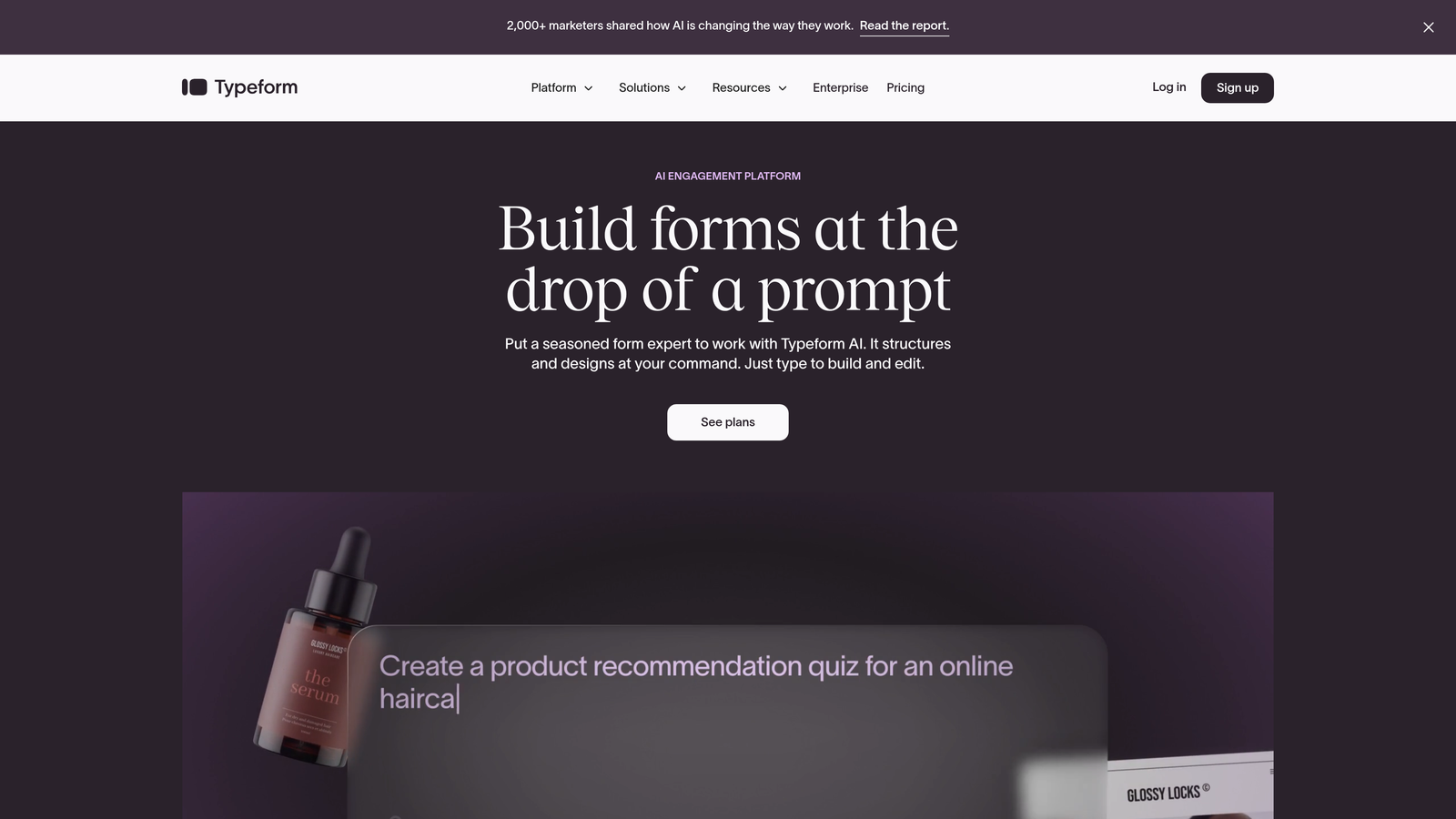
Start by defining your core form objective in one sentence. If your answer involves "maximizing engagement" or "creating a memorable brand experience," Typeform's conversational, one-question-at-a-time interface is purpose-built for this. The platform treats forms like guided conversations, reducing cognitive load and typically improving completion rates for surveys, lead magnets, and customer feedback.
If your sentence includes "complex workflows," "document generation," or "departmental automation," Formstack's strength lies here. The platform was designed for organizations that need forms to trigger multi-step processes: generating contracts, routing approvals, populating databases, and integrating deeply with enterprise systems.
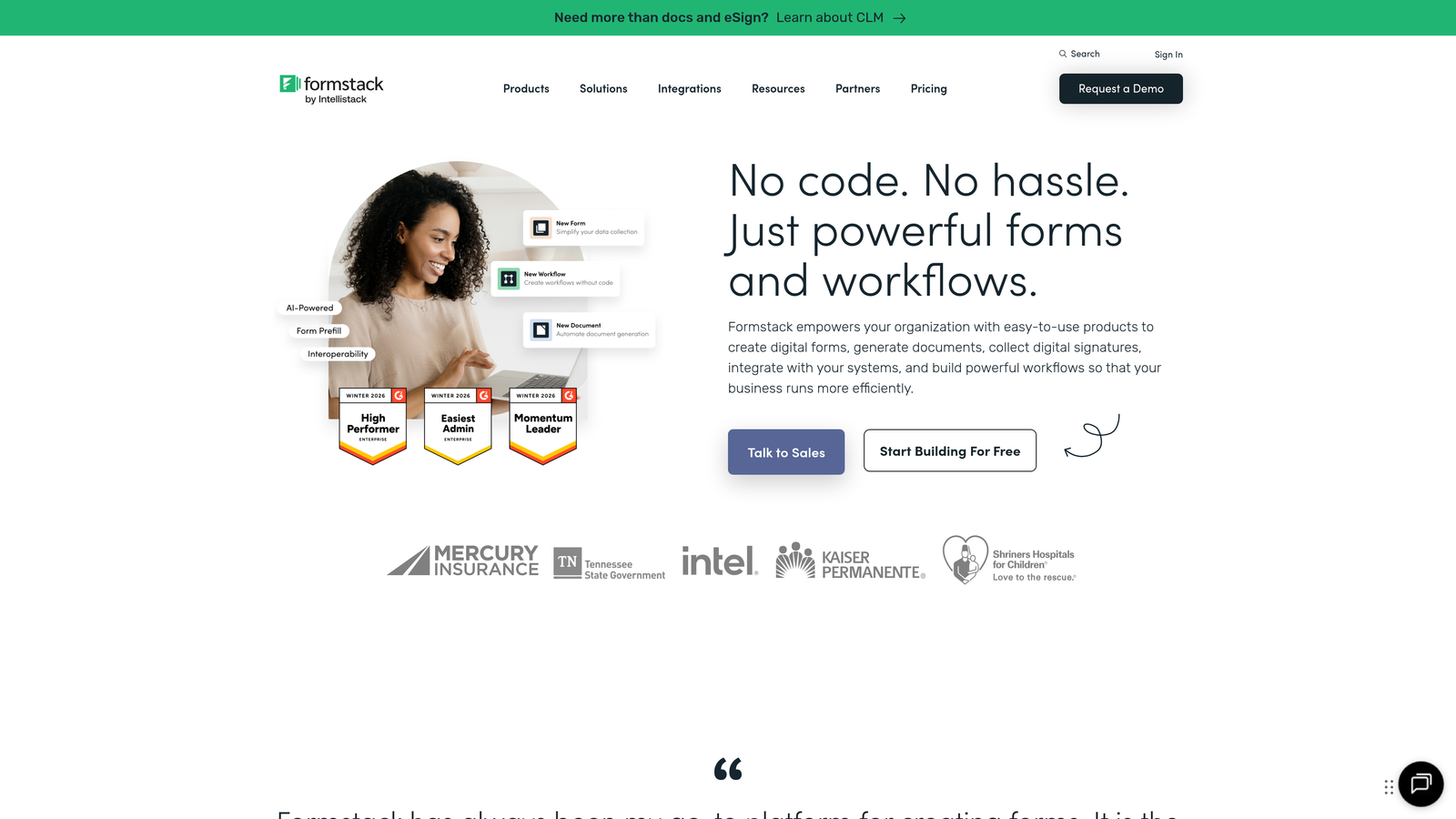
Think of it this way: Typeform is optimized for the moment someone interacts with your form. Formstack is optimized for everything that happens after they submit it.
Implementation Steps
1. Write down the three most common forms you'll create and what happens after submission—does success mean high completion rates or triggering complex backend processes?
2. Identify whether your forms are primarily customer-facing (where experience matters most) or internal/operational (where automation and data handling matter most).
3. Score each platform on a simple scale: Does this platform's core strength align with my primary need, or am I trying to force it into a role it wasn't designed for?
Pro Tips
Don't let beautiful demos seduce you away from your actual requirements. Typeform's interface looks stunning in presentations, but if you need conditional logic that routes submissions to different departments with automated follow-ups, you'll quickly hit limitations. Conversely, Formstack can build conversational-style forms, but it's like using a Swiss Army knife when you needed a scalpel—technically possible, but not the tool's natural strength.
2. Audit Your Integration Requirements First
The Challenge It Solves
Your form builder doesn't exist in isolation. It needs to talk to your CRM, email platform, project management tools, and analytics systems. Many teams discover integration gaps only after committing to a platform, leading to expensive middleware solutions or manual data entry that defeats the entire purpose of automation.
The Strategy Explained
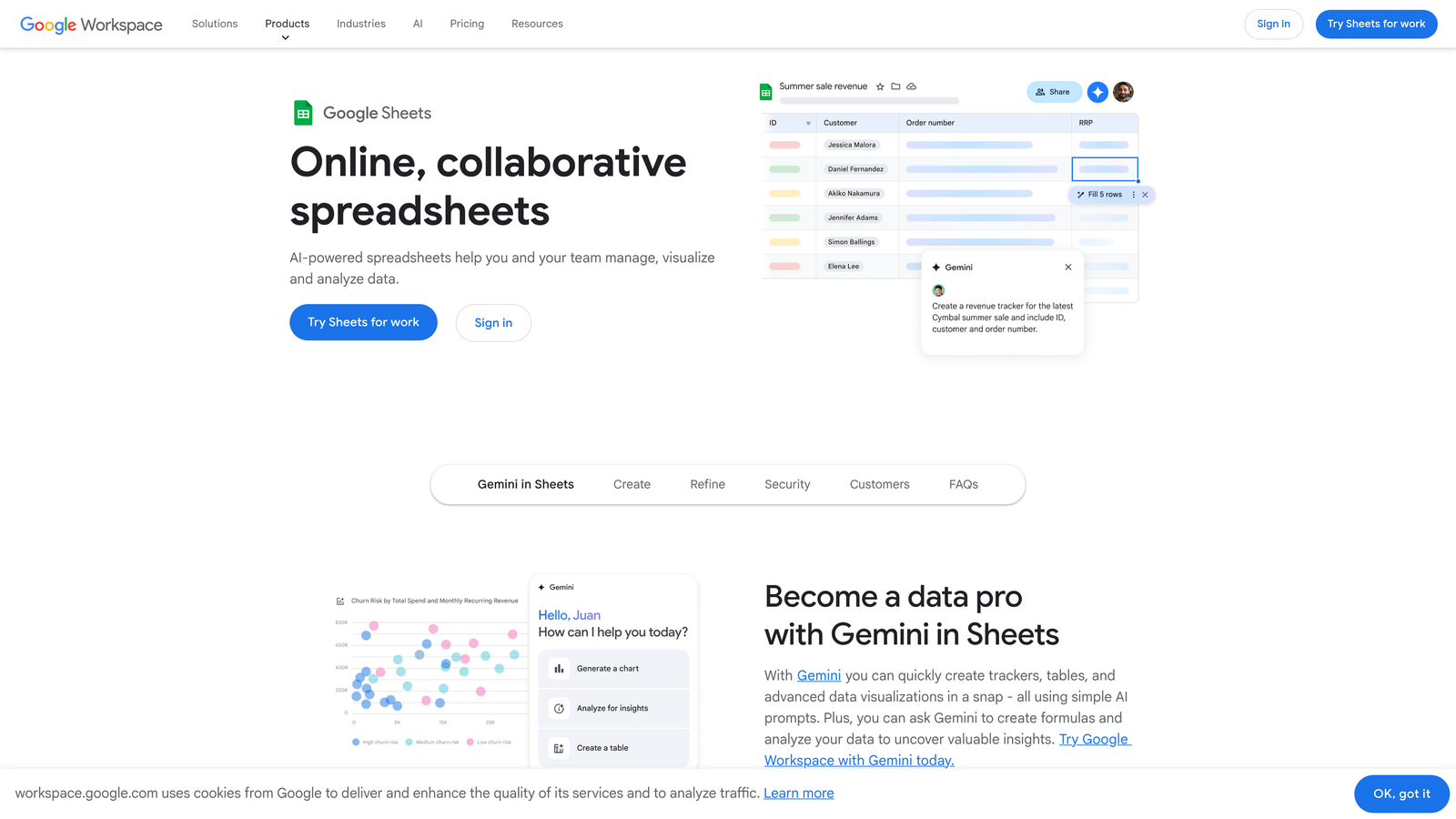
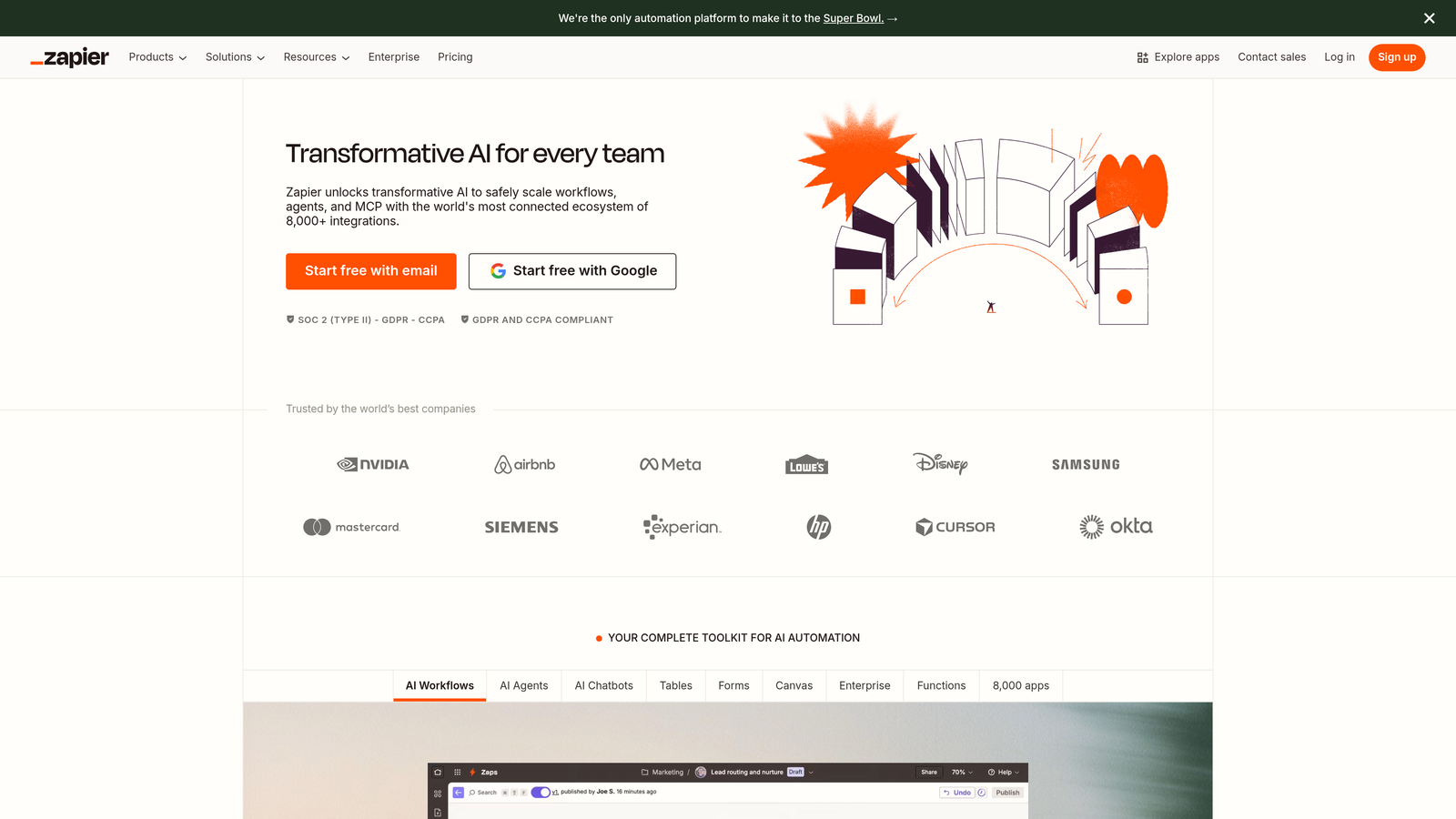
Before comparing features, map your existing tech stack and identify which systems must connect directly to your forms. Both platforms offer integrations, but the depth and reliability vary significantly. Typeform provides native connections to popular tools like HubSpot, Salesforce, and Google Sheets, plus extensive Zapier support for everything else.

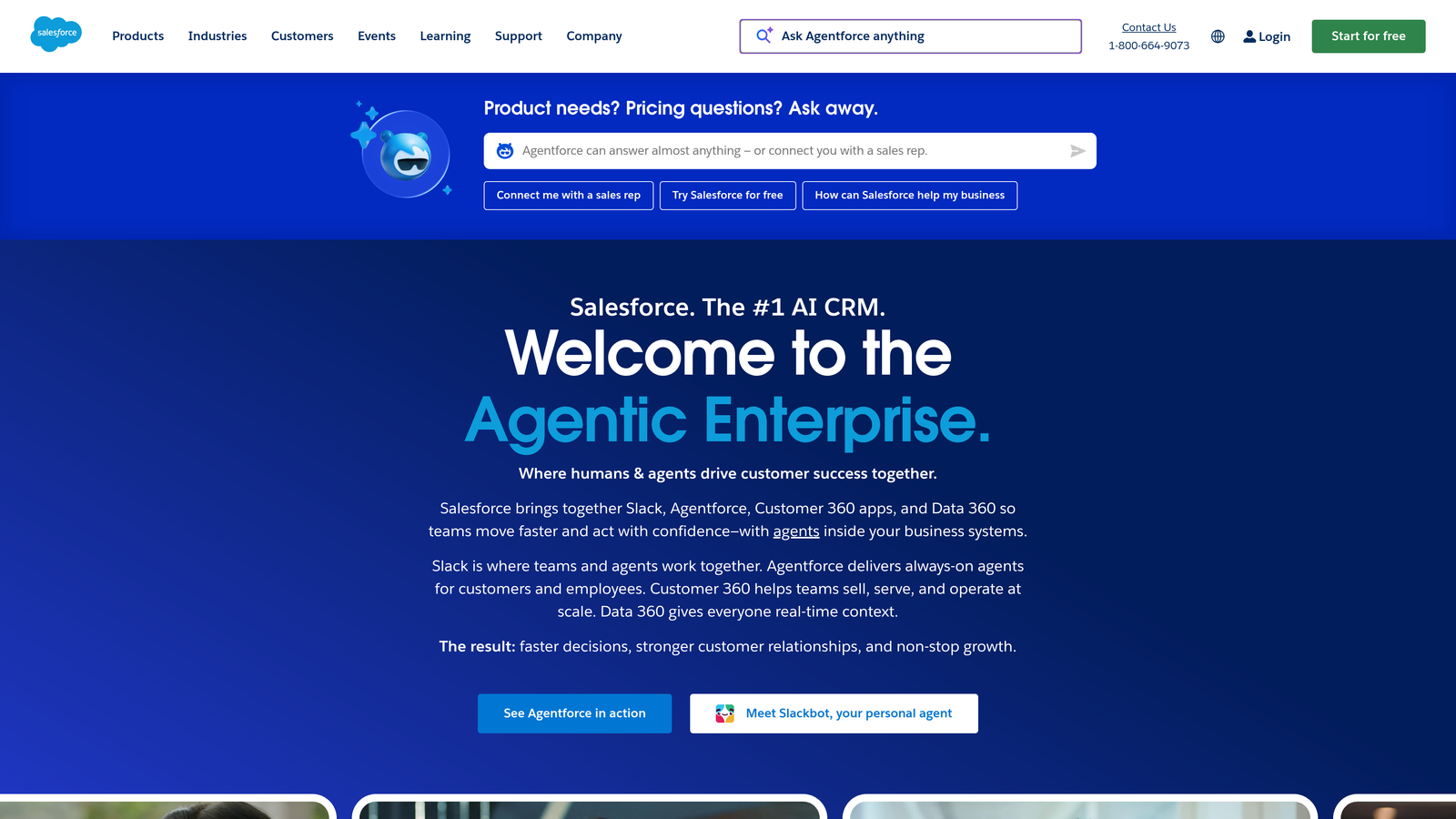
Formstack's integration philosophy differs—it offers deeper, more configurable native integrations with enterprise systems, particularly in the Salesforce ecosystem. The platform also provides more robust API access for custom integrations, which matters when you're building proprietary workflows.
The critical distinction: Typeform optimizes for ease of setup with common tools. Formstack optimizes for depth and customization with enterprise platforms. Your tech stack complexity should guide this decision.
Implementation Steps
1. List every tool that needs to receive or send data to your forms—CRM, email marketing, analytics, project management, payment processors, and internal databases.
2. Check each platform's native integration directory and note whether connections are "native" (built by the platform) or "third-party" (requiring Zapier or similar middleware).
3. For your top five critical integrations, research whether users report the connection as reliable or if forums show frequent troubleshooting threads—this reveals real-world integration quality.
Pro Tips
Pay attention to integration limits on different pricing tiers. Some platforms restrict the number of active integrations on lower plans, which can force expensive upgrades. Also, test webhook reliability if you're building custom integrations—delays or failures in webhook delivery can break entire workflows, and this varies between platforms.
3. Calculate True Cost Beyond Sticker Price
The Challenge It Solves
Pricing pages show monthly fees, but the real cost includes response limits, overage charges, required add-ons, and what happens when you scale. Teams often choose based on entry-level pricing, then face sticker shock when growth triggers tier upgrades or they discover that essential features require expensive add-ons.
The Strategy Explained
Start by projecting your actual usage over 12 months. How many form responses do you expect monthly? Both platforms use response-based pricing, but the thresholds differ. Typeform's tiers typically start with lower response limits, making it affordable for small-scale use but potentially expensive as volume grows. Formstack generally positions at higher entry prices but offers more generous response limits on comparable tiers.
Next, identify which features you consider non-negotiable. Payment collection, advanced logic, hidden fields, custom branding, team collaboration, and priority support often sit behind higher-tier paywalls. Map your must-have features against each platform's tier structure to find where you actually need to be, not where marketing suggests you start.
The hidden costs emerge in edge cases: What happens if you exceed your response limit mid-month? Some platforms charge overages; others simply stop collecting responses. How much does it cost to add team members? What's the price jump when you need HIPAA compliance or custom domains?
Implementation Steps
1. Calculate your projected monthly responses based on current traffic and realistic growth—multiply by 1.5 to avoid constant tier anxiety.
2. Create a feature checklist of genuinely required capabilities (not nice-to-haves) and identify the minimum tier on each platform that includes everything.
3. Project 12-month costs including team growth, response volume increases, and any add-ons you'll need—compare this total investment, not just the starting price.
Pro Tips
Annual billing typically offers 20-30% savings but locks you into a platform for a year. If you're uncertain about fit, start monthly even if it costs more—the flexibility to switch without losing a year's prepayment often justifies the premium. Also, contact sales directly for custom quotes if you're at enterprise scale; published pricing rarely reflects what's negotiable.
4. Test Conversion Performance on Your Actual Audience
The Challenge It Solves
Everyone has opinions about which form style converts better, but assumptions fail when they meet your specific audience. Typeform's conversational approach works brilliantly for some demographics and industries while falling flat with others. The only way to know what converts for your audience is to test with real traffic, not hypothetical best practices.
The Strategy Explained
Set up a controlled A/B test using both platforms for the same form purpose. This means creating functionally identical forms—same fields, same copy, same offer—but leveraging each platform's native design approach. Typeform will naturally create a conversational flow; Formstack will likely produce a more traditional multi-field layout.
Split your traffic 50/50 and measure what actually matters: completion rate, time to complete, drop-off points, and ultimately, the quality of leads generated. Some teams discover that while Typeform increases completion rates, the leads are less qualified. Others find that traditional forms perform better with B2B audiences who prefer efficiency over experience.
The key insight: conversion optimization isn't about choosing the "better" platform—it's about matching form style to audience expectations and context. A conversational form might crush it for a consumer quiz but annoy busy executives who want to submit information quickly.
Implementation Steps
1. Choose one high-value form to test—ideally something with decent existing traffic so you reach statistical significance within 2-4 weeks.
2. Build the same form on both platforms, keeping copy and fields identical while allowing each platform's design philosophy to shine through naturally.
3. Use UTM parameters or your analytics platform to track completion rates, submission quality, and downstream conversion to actual customers or qualified opportunities.
Pro Tips
Don't just measure completion rates—track lead quality through your entire funnel. If Typeform generates 30% more submissions but half convert to customers compared to Formstack leads, the higher completion rate is misleading. Also, test across different form types and traffic sources; your homepage lead capture might perform differently than your webinar registration or customer survey.
5. Evaluate Scalability Against Your Growth Plan
The Challenge It Solves
The form builder that works perfectly for your five-person startup can become a bottleneck when you're managing 50 forms across multiple departments. Scalability isn't just about handling more responses—it's about team collaboration, version control, template management, and whether the platform grows with your organizational complexity or forces workarounds.
The Strategy Explained
Think beyond your current state to where you'll be in 18 months. Will you have multiple team members creating forms? Do you need approval workflows before forms go live? How important is the ability to create reusable templates or enforce brand consistency across departments?
Typeform handles team scaling through workspace features and collaboration tools, but it's primarily designed for scenarios where individuals or small teams own their forms. Formstack's team features reflect its enterprise DNA: role-based permissions, approval workflows, centralized template libraries, and audit trails that matter when forms affect compliance or legal processes.
Consider automation scalability too. As you grow, you'll want forms to trigger increasingly sophisticated workflows. Can the platform handle conditional routing to different team members based on form responses? Does it support multi-step approval processes? Can you build form sequences where one submission triggers another form automatically?
Implementation Steps
1. Map your organization's structure in 18 months—how many people will create forms, who needs approval authority, and what departments will use the platform independently?
2. Identify your most complex workflow requirement and verify that the platform supports it natively without requiring external automation tools.
3. Test the platform's template and asset management system—if you'll have dozens of forms, you need robust organization, search, and version control capabilities.
Pro Tips
Pay attention to how each platform handles form duplication and template creation. As you scale, you'll constantly create variations of successful forms. Platforms that make this clunky force teams to rebuild from scratch repeatedly, wasting hours. Also, check whether team member seats have reasonable costs—some platforms charge premium prices per user, making team growth expensive.
6. Prioritize Data Security and Compliance Needs
The Challenge It Solves
If you operate in healthcare, finance, or handle European customers, compliance isn't optional. Many teams choose a form builder based on features and design, only to discover it can't meet regulatory requirements. Retrofitting compliance is expensive and sometimes impossible, making this a first-order consideration for regulated industries.
The Strategy Explained
Start by identifying your specific compliance requirements. HIPAA compliance for healthcare data, GDPR for European users, SOC 2 for enterprise customers, or industry-specific regulations all impose different technical and operational requirements on your form platform.
Formstack has historically positioned as the stronger choice for regulated industries, offering HIPAA compliance on higher-tier plans, robust data encryption, and features like automatic data retention policies. The platform's enterprise focus means it's built with compliance frameworks in mind from the ground up.
Typeform has improved its compliance offerings significantly, including GDPR compliance features and data processing agreements. However, HIPAA compliance and certain enterprise security features may require enterprise-level plans or may not be available at all, depending on your specific requirements.
Beyond formal compliance, consider data residency requirements. Where are your form responses stored? Can you control data location? What's the platform's data breach notification process? These operational security questions matter as much as compliance checkboxes.
Implementation Steps
1. List every compliance framework that applies to your business—HIPAA, GDPR, CCPA, SOC 2, PCI-DSS if collecting payments, or industry-specific regulations.
2. Review each platform's compliance documentation and verify whether they offer Business Associate Agreements (BAAs) for HIPAA, Data Processing Agreements (DPAs) for GDPR, and relevant certifications.
3. Check the pricing tier where compliance features become available—this often forces you into enterprise plans regardless of your response volume needs.
Pro Tips
Don't assume compliance features are automatically enabled. Many platforms require you to explicitly configure security settings, accept terms, or request BAA agreements. Also, verify that compliance extends to integrations—your form platform might be HIPAA compliant, but if it sends data to a non-compliant CRM via Zapier, you've created a compliance gap.
7. Consider Emerging Alternatives That Combine Both Strengths
The Challenge It Solves
The Formstack vs Typeform debate assumes you must choose between beautiful, conversational design and powerful enterprise automation. But this binary choice increasingly feels outdated. High-growth teams want both—the conversion optimization of modern UX and the scalability of robust workflows—without compromising either.
The Strategy Explained
The form builder landscape has evolved significantly. Newer platforms have emerged specifically to solve the gaps left by this traditional choice. These alternatives recognize that modern teams shouldn't have to sacrifice conversion-optimized design for enterprise features, or vice versa.
Look for platforms that offer conversational, visually engaging interfaces while simultaneously providing advanced automation, AI-powered capabilities, and deep integration options. The best solutions combine intuitive design tools that anyone on your team can use with sophisticated features like intelligent lead qualification, conditional logic that rivals enterprise platforms, and seamless integration with your growth stack.
This approach particularly benefits high-growth teams who need forms that do more than collect data—they need forms that actively qualify prospects, route leads intelligently, and integrate into complex automation workflows while still delivering the modern, mobile-optimized experience that today's users expect.
Implementation Steps
1. List the specific features you wish Typeform had from Formstack, and vice versa—this defines your ideal platform requirements beyond the traditional binary choice.
2. Research platforms that have launched in the past few years specifically targeting the "modern form builder" space, focusing on those that emphasize both conversion optimization and powerful automation.
3. Evaluate whether emerging platforms offer unique capabilities neither legacy option provides, such as AI-powered lead qualification or more intelligent conditional logic that adapts based on response patterns.
Pro Tips
Newer platforms often offer more competitive pricing because they're building market share. They also tend to be more responsive to feature requests since they're actively developing their product roadmap. However, verify integration maturity—established platforms have years of integration refinements, while newer options might have gaps in their connector ecosystem that matter to your specific tech stack.
Making Your Decision With Confidence
The choice between Formstack and Typeform ultimately comes down to honest assessment of your priorities. If you're optimizing primarily for user experience and completion rates with straightforward workflows, Typeform's conversational approach delivers. If you need enterprise-grade automation, complex workflows, and robust compliance features, Formstack's power justifies its complexity.
But here's what matters most: Start with your primary use case, then systematically work through integration requirements, true costs including growth projections, and compliance needs. Test conversion performance on your actual audience rather than assuming which style works better. Evaluate scalability against where you'll be in 18 months, not just where you are today.
For many high-growth teams, the realization comes that neither platform perfectly serves their needs. You want the conversion optimization of modern, conversational design without sacrificing the automation power and intelligence that drives efficient growth. This gap has created space for platforms purpose-built for teams who refuse to compromise.
The best form builder isn't the one with the longest feature list or the most beautiful interface. It's the platform that aligns with how your team actually works, integrates seamlessly with your existing systems, and scales with your growth trajectory while delivering measurable results from day one.
Start building free forms today and discover how AI-powered form building can deliver both the modern, conversion-optimized experience your audience expects and the intelligent automation your high-growth team demands. Transform your lead generation with forms that don't just collect data—they qualify prospects automatically and integrate seamlessly into your growth engine.


