

Gravity Forms has been a WordPress staple for years, but its WordPress-only limitation and complex per-site licensing have many teams looking elsewhere. Modern form builders now offer AI-powered lead qualification, platform-agnostic deployment, and conversion-optimized interfaces that simply weren't possible when Gravity Forms first launched. Whether you're frustrated by WordPress dependency, seeking better mobile experiences, or wanting intelligent lead scoring built into your forms, today's alternatives deliver capabilities that can transform your lead generation strategy.
Here are the top Gravity Forms alternatives that excel in different areas—from AI-powered qualification to enterprise workflows—so you can find the right fit for your specific needs.
1. Orbit AI
Best for: High-growth teams needing AI-powered lead qualification and conversion-optimized form experiences
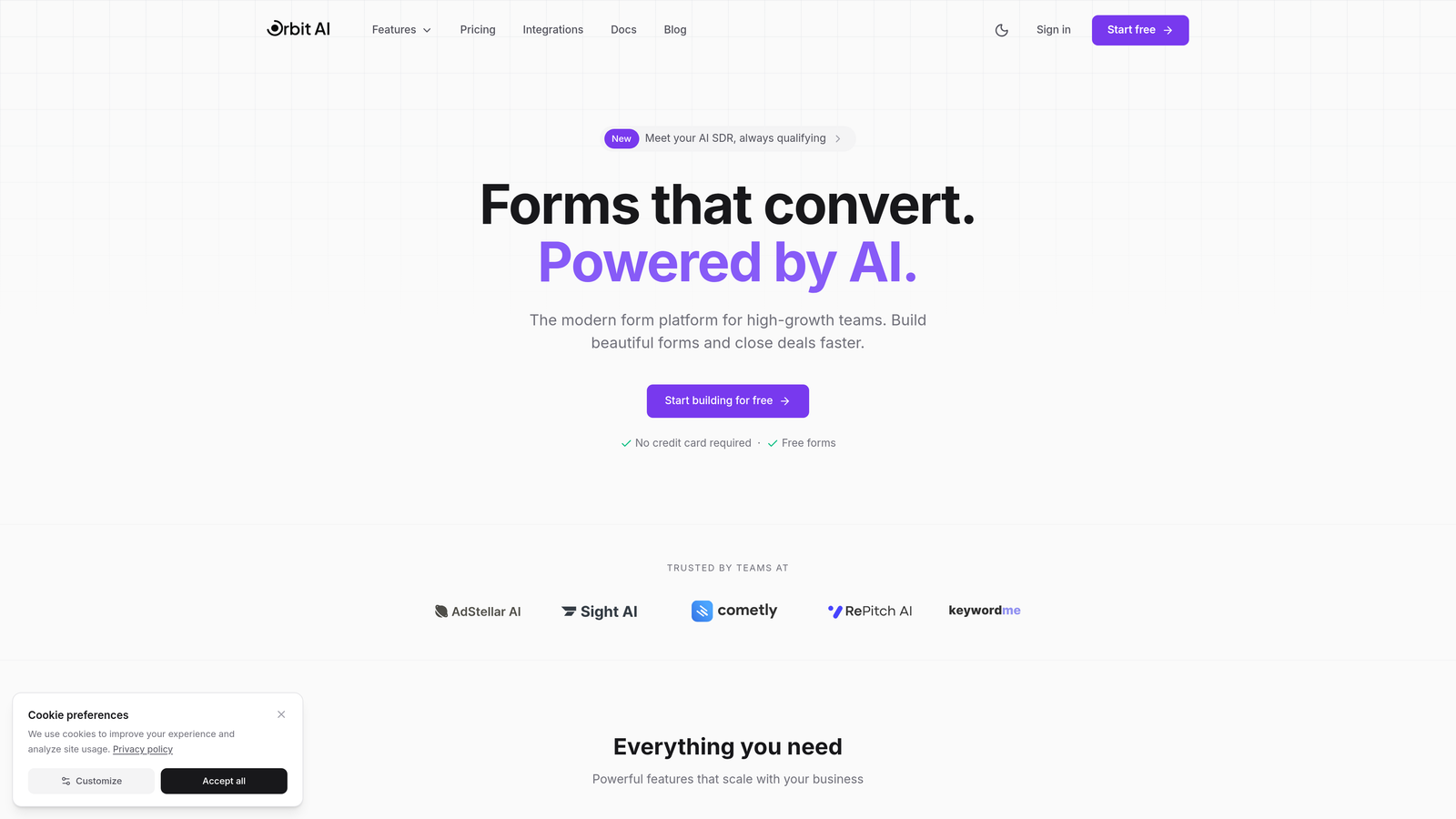
Orbit AI is a modern form builder platform designed specifically for teams focused on lead generation and conversion optimization.
Where This Tool Shines
Orbit AI stands out by embedding artificial intelligence directly into the form experience. Instead of collecting leads and qualifying them later, the platform scores and qualifies prospects in real-time as they complete your forms. This means your sales team receives pre-qualified leads with context about their intent and fit.
The platform's conversion-optimized templates are built on research-backed design principles that maximize completion rates. Unlike traditional form builders where you start from scratch, Orbit AI provides templates specifically engineered for lead capture scenarios—from discovery calls to demo requests—with the AI layer working behind the scenes to understand prospect quality.
Key Features
AI-Powered Lead Qualification: Automatically scores and qualifies leads based on form responses, routing high-value prospects to your sales team with contextual insights.
Conversion-Optimized Templates: Pre-built form templates designed specifically for lead generation scenarios with proven completion rates.
Native CRM Integration: Direct connections to major CRM platforms with qualified lead data flowing automatically into your existing workflows.
Modern Drag-and-Drop Builder: Intuitive interface that lets you build professional forms without technical expertise or developer resources.
Real-Time Analytics Dashboard: Track form performance, completion rates, and lead quality metrics in one unified view.
Best For
Orbit AI is ideal for high-growth B2B teams and marketing departments where lead quality matters as much as lead quantity. If you're tired of sifting through unqualified form submissions or want your forms to do more than just collect data, this platform delivers intelligent qualification that saves your sales team hours of manual lead scoring.
Pricing
Free tier available for teams getting started. Paid plans begin at $29/month with AI qualification features and advanced integrations included in higher tiers.
2. Typeform
Best for: Creating engaging, conversational form experiences with high completion rates
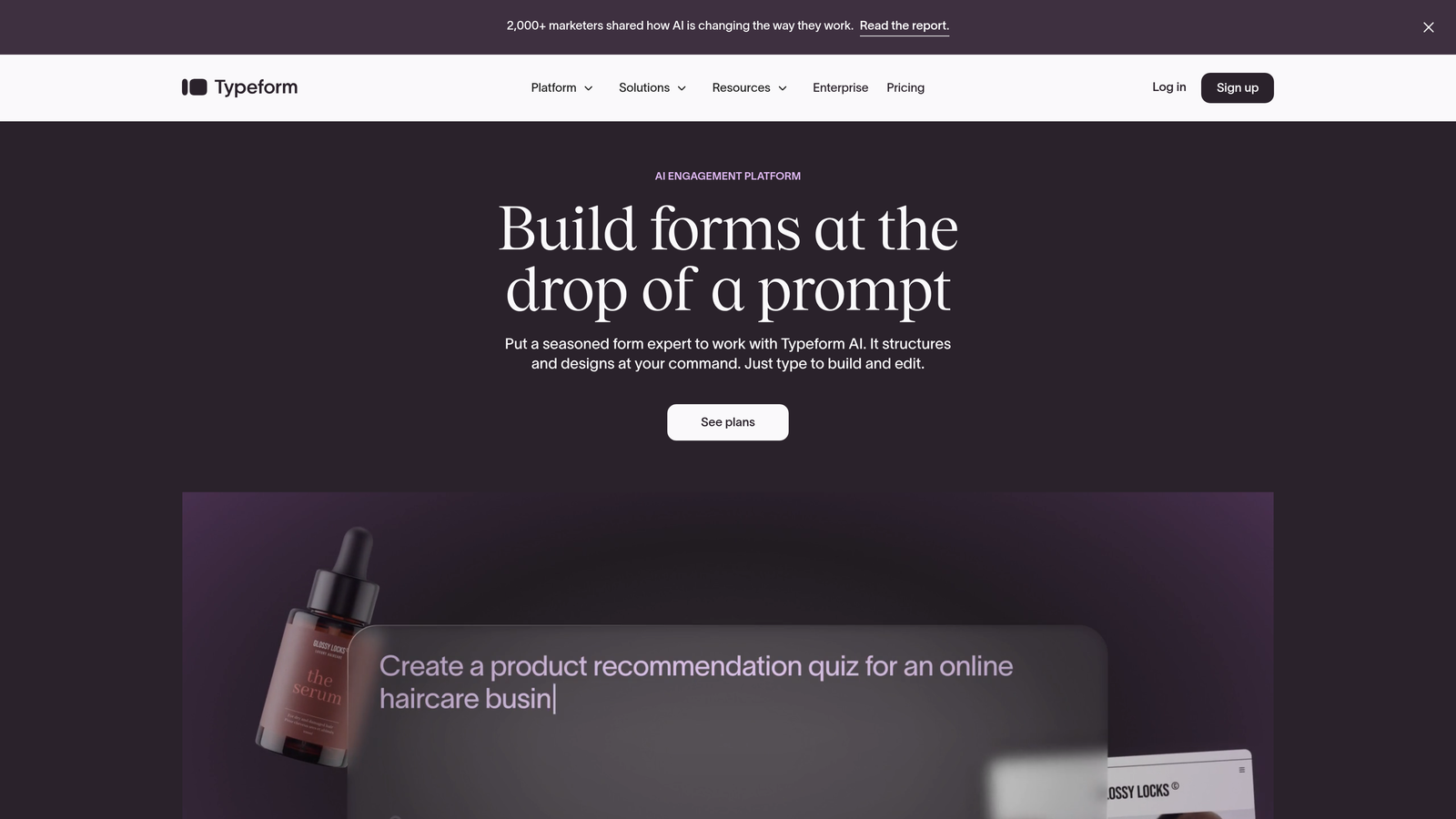
Typeform is a conversational form builder known for its one-question-at-a-time interface that creates engaging, interactive experiences.
Where This Tool Shines
Typeform revolutionized form design by ditching the traditional long-scroll format in favor of conversational, one-question-at-a-time interactions. This approach significantly reduces form abandonment because respondents aren't overwhelmed by seeing every question upfront. The interface feels more like a conversation than a data collection exercise.
The platform excels at surveys, feedback collection, and any scenario where engagement matters more than speed. Logic jumps let you create personalized paths based on responses, making each form feel tailored to the individual. The mobile experience is particularly strong, with touch-optimized interactions that feel native to smartphones.
Key Features
Conversational Interface: One-question-at-a-time format that increases engagement and reduces abandonment compared to traditional forms.
Logic Jumps: Create branching paths that show different questions based on previous answers for personalized experiences.
Rich Media Support: Embed videos, images, and GIFs directly into questions to create visually engaging forms.
Mobile-First Design: Touch-optimized interface that delivers seamless experiences on smartphones and tablets.
Brand Customization: Extensive design controls to match forms to your brand identity with custom colors, fonts, and backgrounds.
Best For
Typeform is perfect for customer research, satisfaction surveys, event registrations, and any scenario where you need high engagement rates. Marketing teams and customer success departments particularly benefit from its conversational approach when collecting qualitative feedback.
Pricing
Free tier available with Typeform branding. Basic plan starts at $25/month with increased response limits and logic jumps included.
3. Jotform
Best for: Teams needing extensive template variety and robust features on a generous free tier
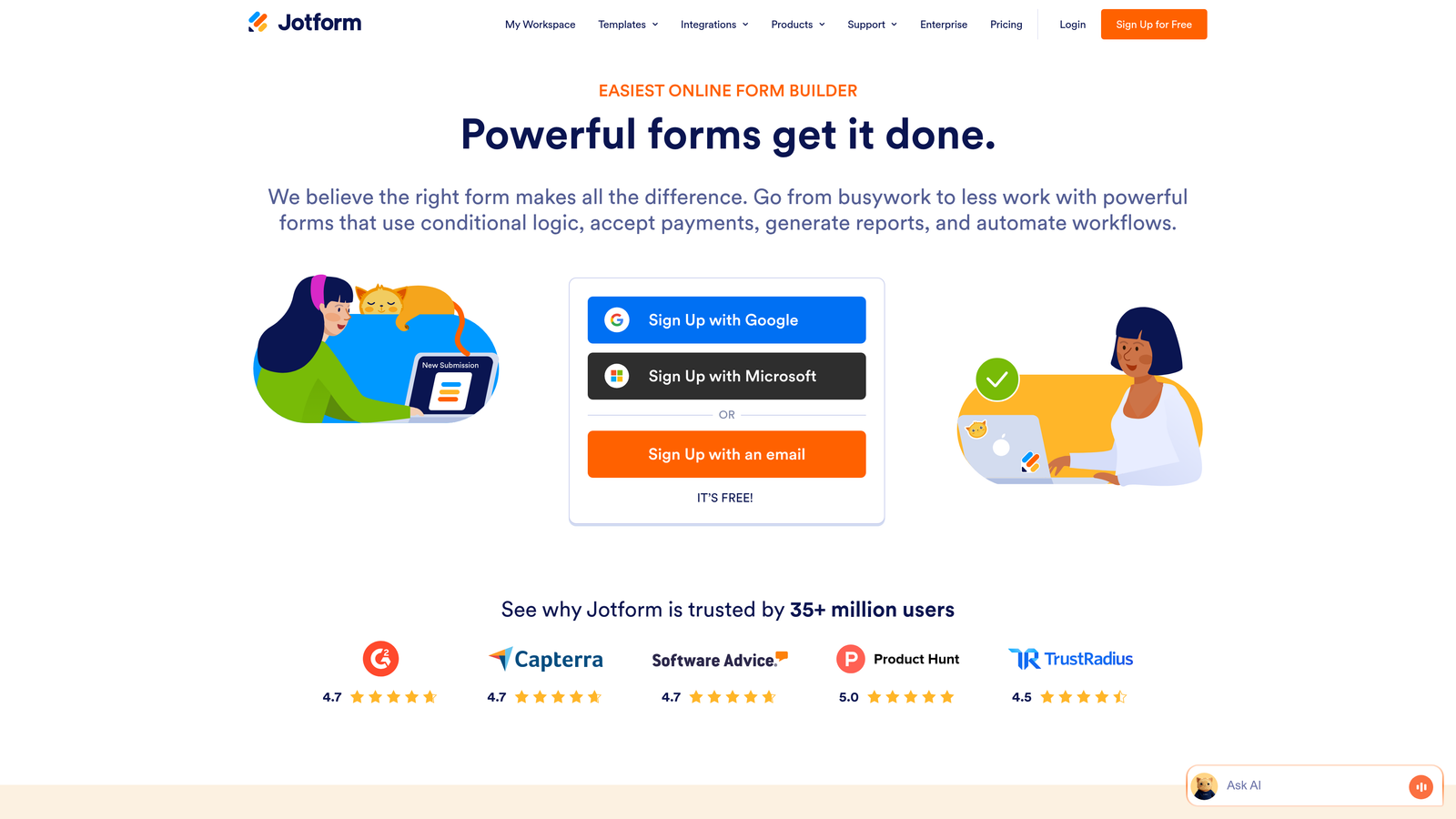
Jotform is a feature-rich form builder offering over 10,000 templates and a comprehensive free plan that rivals many paid competitors.
Where This Tool Shines
Jotform's massive template library means you can find a pre-built form for virtually any use case—from employment applications to event registrations to payment collection. This saves significant time compared to building forms from scratch, especially for common business scenarios.
The platform's PDF generation capability stands out among alternatives. You can automatically convert form submissions into formatted PDF documents, perfect for generating contracts, invoices, or reports. Combined with e-signature support, Jotform handles complete document workflows that would otherwise require multiple tools.
Key Features
10,000+ Templates: Massive library of pre-built forms covering virtually every industry and use case imaginable.
PDF Generation: Automatically convert form submissions into formatted PDF documents with custom layouts and branding.
E-Signature Support: Collect legally binding electronic signatures directly within forms for contracts and agreements.
100+ Integrations: Connect to popular business tools including payment processors, CRMs, and productivity platforms.
Mobile App Builder: Create native mobile apps from your forms for offline data collection and field work.
Best For
Jotform works well for small businesses and teams that need diverse form types without investing in multiple specialized tools. The generous free tier makes it accessible for budget-conscious organizations, while the template library accelerates deployment for teams without design resources.
Pricing
Free plan includes up to 5 forms with 100 monthly submissions. Bronze plan starts at $34/month with 25 forms and 1,000 submissions.
4. WPForms
Best for: WordPress users wanting an intuitive form builder without leaving their CMS
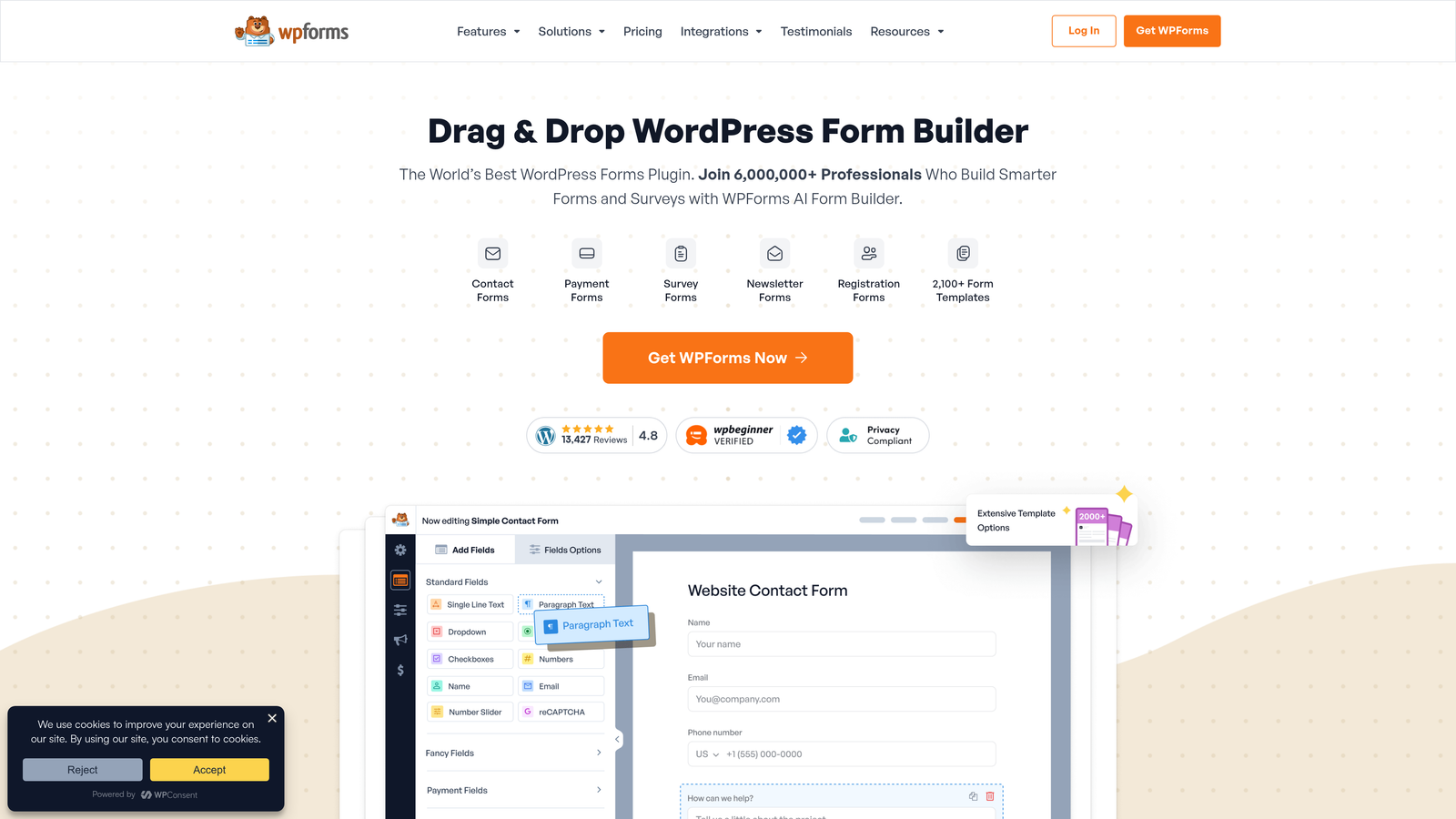
WPForms is a user-friendly WordPress form plugin offering drag-and-drop building and conversational form capabilities within the WordPress ecosystem.
Where This Tool Shines
WPForms delivers a genuinely intuitive WordPress form experience without the complexity that plagued earlier WordPress form plugins. The drag-and-drop builder feels modern and responsive, letting you create professional forms in minutes rather than hours. Unlike Gravity Forms' interface, WPForms prioritizes visual editing over field configuration screens.
The conversational forms add-on brings Typeform-style interactions to WordPress, letting you create engaging one-question-at-a-time experiences without leaving your CMS. This is significant for WordPress-committed teams who want modern form UX without managing separate platforms or dealing with embed code.
Key Features
WordPress-Native Builder: Drag-and-drop interface designed specifically for WordPress with seamless theme integration.
Conversational Forms Add-On: Create Typeform-style one-question-at-a-time forms directly within WordPress.
Payment Integration: Accept payments through Stripe, PayPal, and Square directly in your forms.
Entry Management: View, edit, and manage form submissions within your WordPress dashboard.
Spam Protection: Built-in anti-spam features including custom captcha, honeypot, and reCAPTCHA support.
Best For
WPForms is ideal for businesses fully committed to WordPress who want a modern form builder without platform switching. It's particularly valuable for agencies managing multiple WordPress sites who need consistent form functionality across client projects.
Pricing
Lite version available for free with basic features. Basic plan starts at $49.50/year for a single site license with payment and conversational form features in higher tiers.
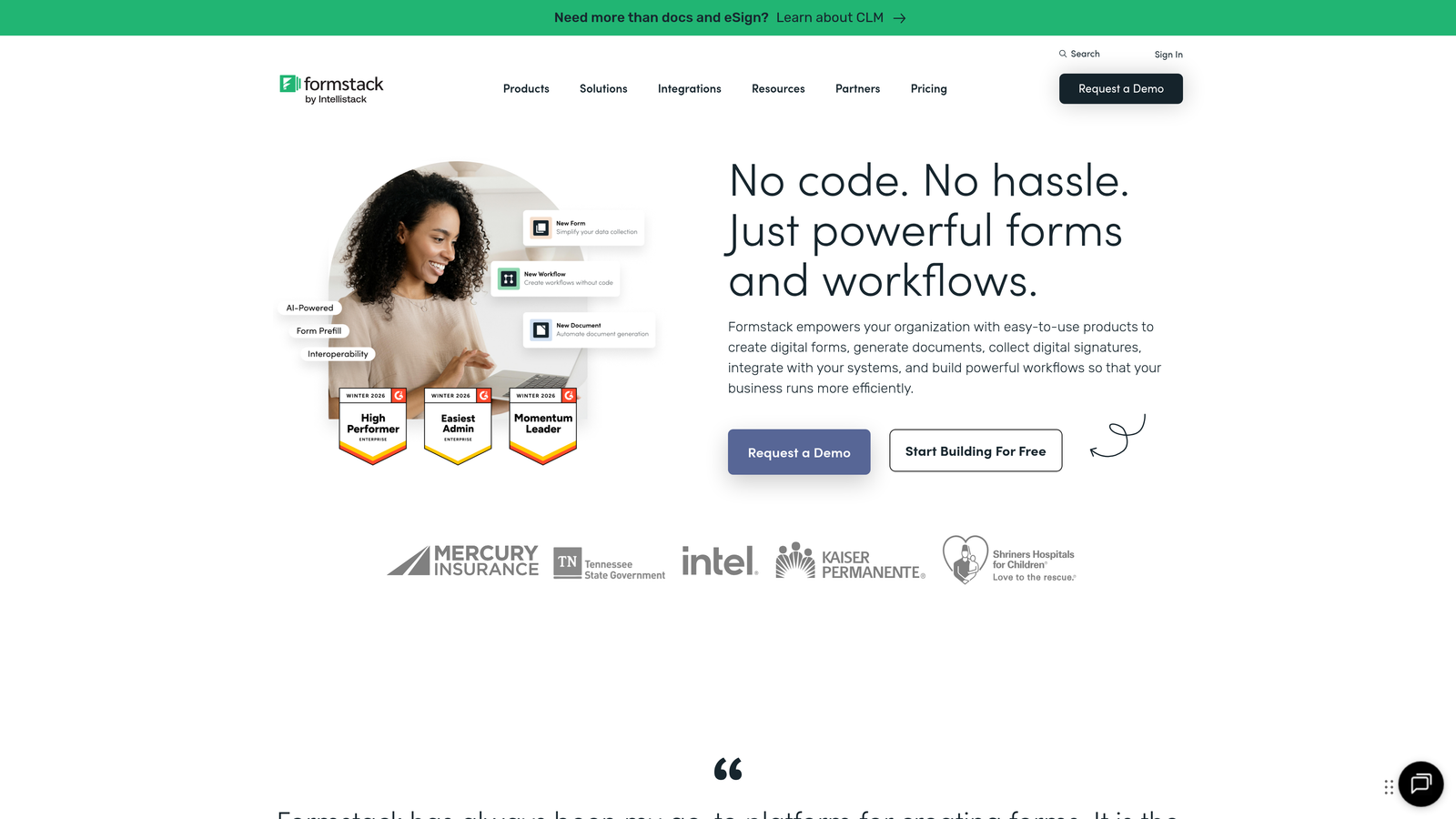
5. Formstack
Best for: Enterprise organizations requiring compliance certifications and advanced document workflows
Formstack is an enterprise-grade form platform offering HIPAA compliance, document generation, and sophisticated workflow automation.
Where This Tool Shines
Formstack takes forms beyond data collection into complete document automation workflows. The platform can generate contracts, proposals, and reports from form data, route them for approval, collect e-signatures, and store everything securely—all within one system. This eliminates the manual document creation that typically follows form submission.
For regulated industries, Formstack's HIPAA compliance certification and enterprise security features are critical differentiators. Healthcare providers, financial services firms, and other organizations handling sensitive data can confidently collect information knowing the platform meets strict compliance requirements with audit trails and encryption built in.
Key Features
HIPAA Compliance: Full HIPAA certification with business associate agreements for healthcare organizations collecting protected health information.
Document Generation: Automatically create formatted documents from form submissions with custom templates and conditional content.
E-Signature Workflows: Route generated documents for electronic signatures with approval chains and deadline tracking.
Advanced Conditional Logic: Create complex form behaviors with multi-condition rules and calculated fields.
Enterprise Security: SSO integration, role-based permissions, and detailed audit logs for enterprise governance requirements.
Best For
Formstack serves enterprise organizations, healthcare providers, and regulated industries needing compliance certifications and sophisticated workflows. It's particularly valuable for teams currently managing document processes across multiple tools who want to consolidate into one platform.
Pricing
Starter plan begins at $50/month. HIPAA compliance and advanced features available in higher-tier plans with custom enterprise pricing available.
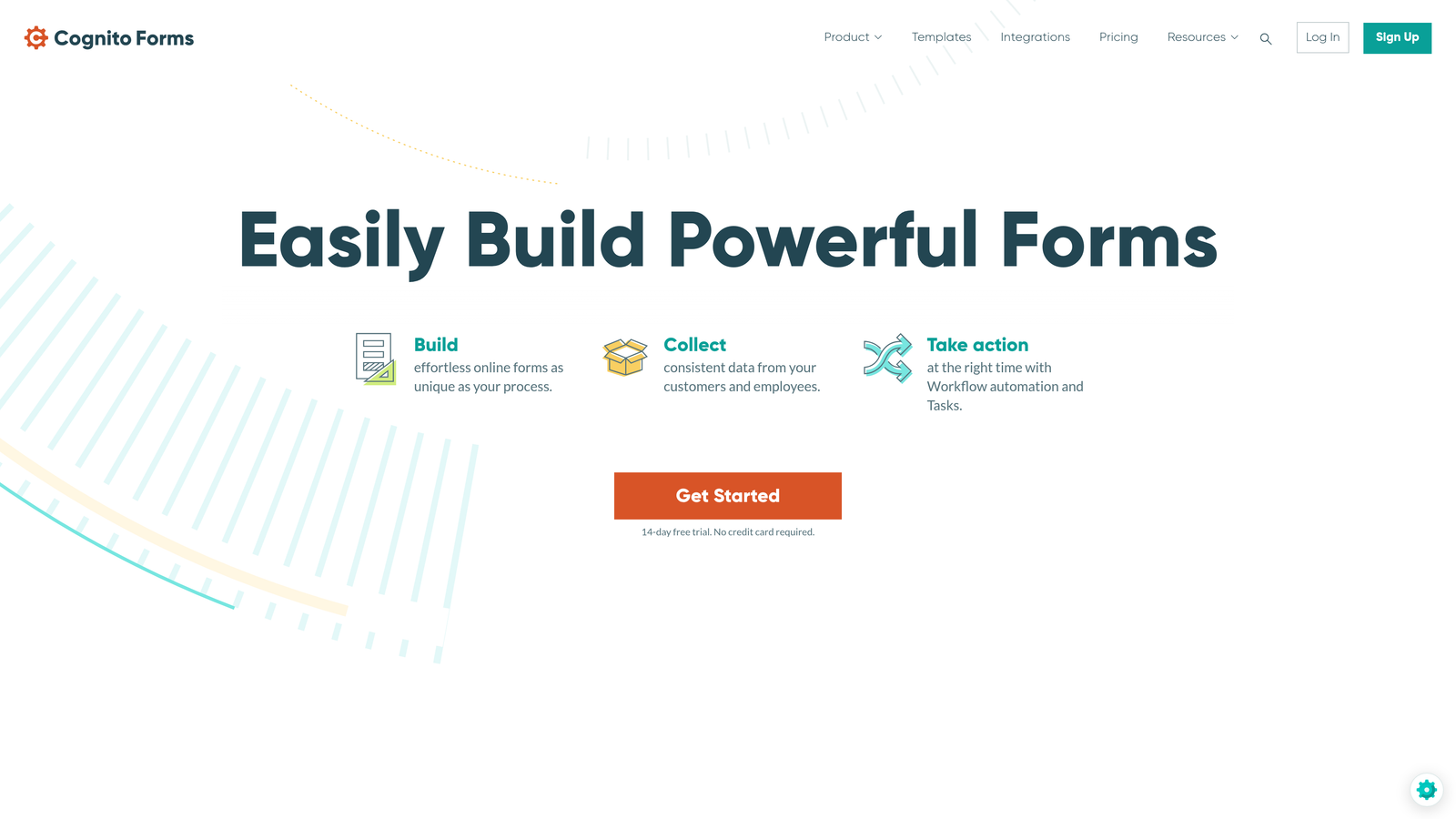
6. Cognito Forms
Best for: Forms requiring complex calculations and affordable payment collection
Cognito Forms is a calculation-friendly form builder with strong payment processing and a generous free tier for small organizations.
Where This Tool Shines
Cognito Forms excels at forms requiring mathematical calculations—think order forms with quantity pricing, registration forms with variable fees, or applications with scoring systems. The calculation engine is more powerful than most alternatives, supporting complex formulas that update in real-time as users complete the form.
The payment processing integration is notably affordable, with Cognito Forms charging no platform fees beyond standard payment processor rates. For organizations collecting payments through forms, this transparent pricing can save significant money compared to platforms that add percentage-based platform fees on top of processor fees.
Key Features
Advanced Calculations: Build complex formulas with mathematical operations, conditional logic, and real-time updates as users enter data.
Payment Processing: Accept payments through Stripe and PayPal with no additional platform fees beyond processor rates.
Repeating Sections: Let users add multiple entries within a single form, perfect for order forms or applications with variable items.
Conditional Logic: Show or hide fields based on previous answers to create dynamic, personalized form experiences.
Data Encryption: Encrypt sensitive form data at rest with user-controlled encryption keys for additional security.
Best For
Cognito Forms works well for nonprofits, educational institutions, and small businesses needing calculation-heavy forms or affordable payment collection. The free tier's generosity makes it accessible for volunteer organizations and community groups with limited budgets.
Pricing
Free tier includes unlimited forms with 500 monthly entries. Pro plan starts at $15/month with increased entry limits and premium features.
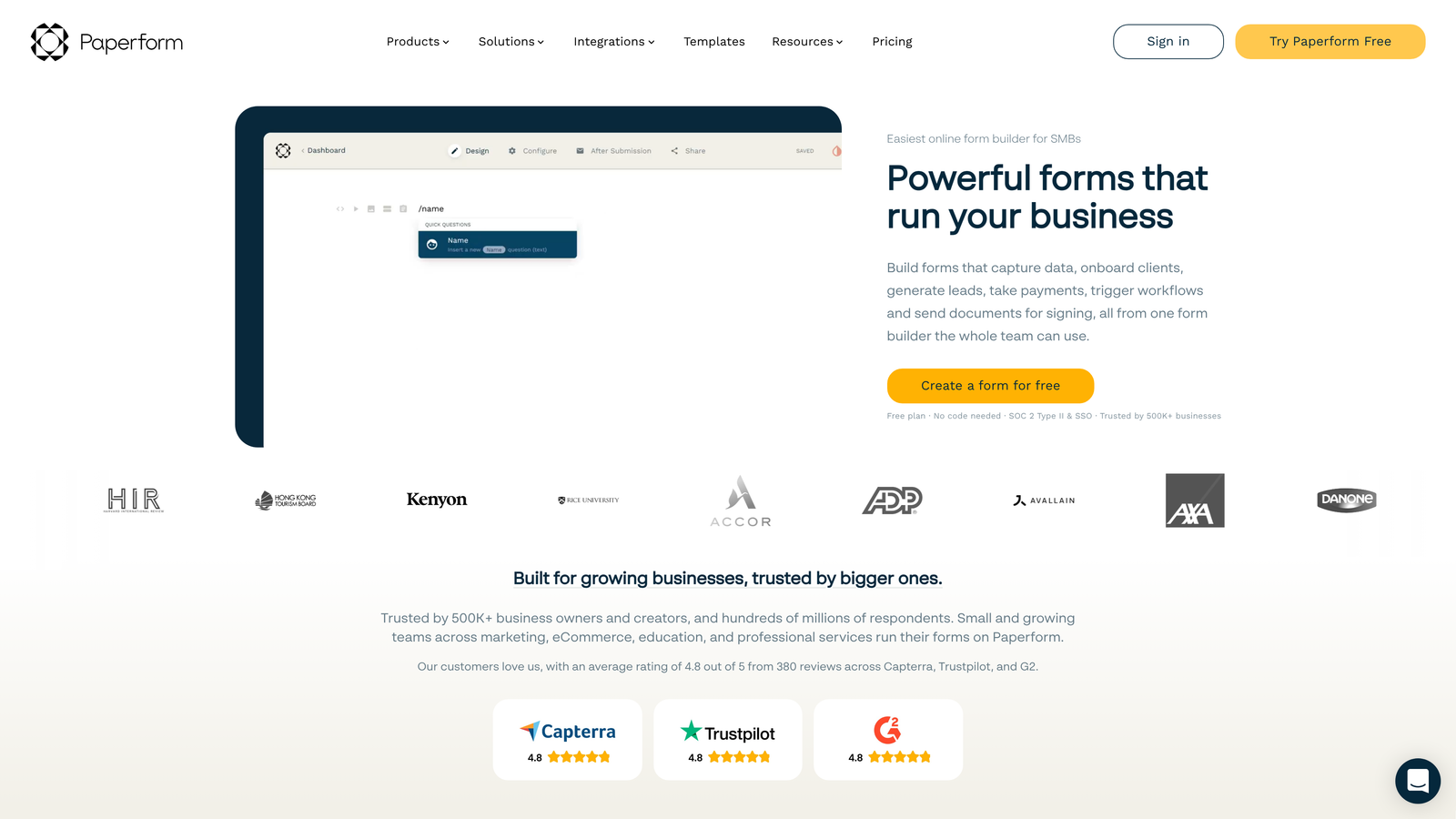
7. Paperform
Best for: Creating branded form experiences that double as landing pages
Paperform is a form builder that combines landing page aesthetics with form functionality for visually striking, conversion-focused experiences.
Where This Tool Shines
Paperform blurs the line between forms and landing pages, letting you create full-page experiences with hero images, custom layouts, and rich content blocks. Instead of embedding a form on your landing page, the form becomes the landing page. This approach eliminates the visual disconnect between your marketing page and the form itself.
The platform's product catalog functionality is unique among form builders. You can create order forms that look and function like e-commerce product pages, complete with image galleries, variant selection, and shopping cart functionality—all without needing a separate e-commerce platform for simple product sales.
Key Features
Landing Page-Style Forms: Create full-page form experiences with custom layouts, hero images, and rich content blocks.
Built-In Payments: Accept payments through Stripe and PayPal with no transaction fees from Paperform.
Appointment Scheduling: Embed calendar availability and let users book appointments directly within forms.
Product Catalogs: Build e-commerce-style product pages with image galleries and variant selection for simple online selling.
Custom Branding: Extensive design controls including custom CSS for complete visual customization.
Best For
Paperform suits creative agencies, consultants, and small businesses wanting beautiful, branded form experiences without separate landing page tools. It's particularly valuable for service businesses offering appointment booking or simple product sales alongside lead capture.
Pricing
Essentials plan starts at $24/month with unlimited forms and submissions included across all paid tiers.
8. Tally
Best for: Budget-conscious teams wanting unlimited forms without submission limits
Tally is a Notion-style form builder offering unlimited forms and submissions on its free tier, with a familiar block-based editing interface.
Where This Tool Shines
Tally's free tier is genuinely unlimited—no caps on forms, no caps on submissions, no artificial restrictions to push you toward paid plans. For startups, nonprofits, or any organization with unpredictable form volume, this eliminates the anxiety of hitting submission limits mid-campaign. You can create as many forms as needed without monitoring usage or upgrading plans.
The Notion-inspired interface will feel immediately familiar to teams already using Notion for documentation or project management. You build forms by typing and adding blocks, similar to creating a Notion page. This reduces the learning curve significantly compared to traditional drag-and-drop builders.
Key Features
Unlimited Free Forms: Create unlimited forms with unlimited submissions on the free tier without feature restrictions.
Notion-Style Editor: Block-based interface that works like Notion for teams already familiar with that editing paradigm.
No Submission Caps: Collect unlimited responses even on free plan without worrying about overage charges or form closures.
Conditional Logic: Show or hide questions based on previous answers to create personalized form paths.
Calculator Fields: Perform calculations within forms for quote generators, pricing tools, and scoring systems.
Best For
Tally is ideal for startups with limited budgets, community organizations, or any team running high-volume campaigns where submission caps would be problematic. The unlimited free tier makes it accessible for experimentation without financial commitment.
Pricing
Free tier includes unlimited forms and submissions. Pro plan starts at $29/month adding custom branding removal and advanced integrations.
9. HubSpot Forms
Best for: HubSpot users wanting native CRM integration and progressive profiling
HubSpot Forms is the native form builder within the HubSpot ecosystem, offering deep CRM integration and intelligent progressive profiling.
Where This Tool Shines
HubSpot Forms' native integration with HubSpot CRM eliminates the data sync delays and mapping headaches that plague third-party form integrations. Form submissions instantly create or update contact records with full activity history, letting your sales team see the complete context of every lead's journey without switching platforms.
Progressive profiling is HubSpot Forms' standout feature. Instead of asking known contacts the same questions repeatedly, the system automatically shows different fields based on what information you already have. This reduces form friction for returning visitors while gradually building complete contact profiles over multiple interactions.
Key Features
Native CRM Sync: Instant contact creation and updates in HubSpot CRM with full activity tracking and no integration delays.
Progressive Profiling: Automatically show different fields to known contacts to gather additional information without repetitive questions.
Smart Fields: Pre-populate form fields with known contact data to reduce friction for returning visitors.
Multiple Deployment Options: Embed forms on external sites, use as pop-ups, or host on HubSpot landing pages.
A/B Testing: Test different form variations to optimize conversion rates with built-in statistical analysis.
Best For
HubSpot Forms is perfect for organizations already using HubSpot CRM or Marketing Hub who want seamless integration without third-party connectors. It's particularly valuable for marketing teams running multi-touch campaigns where progressive profiling prevents form fatigue.
Pricing
Free with HubSpot CRM including basic form functionality. Advanced features like progressive profiling and A/B testing available in paid Marketing Hub tiers starting at $45/month.
Making the Right Choice
Your ideal Gravity Forms alternative depends on what matters most for your lead generation strategy. If you're focused on lead quality over quantity and want AI to handle qualification automatically, Orbit AI delivers intelligent scoring that transforms how your sales team receives prospects. For maximum engagement on surveys and feedback collection, Typeform's conversational interface consistently outperforms traditional forms.
Teams needing quick deployment with minimal design work benefit from Jotform's massive template library, while WordPress-committed organizations should consider WPForms for its native integration and modern interface. Enterprise teams in regulated industries will find Formstack's compliance certifications and document workflows essential for their requirements.
Budget considerations matter too. Tally's unlimited free tier removes financial barriers for startups and nonprofits, while Cognito Forms offers affordable payment collection without platform fees. If you're already invested in HubSpot's ecosystem, their native forms eliminate integration complexity entirely.
The common thread across all these alternatives is their modern approach to form building—whether through AI capabilities, conversational interfaces, or sophisticated workflows. Each platform here offers capabilities that extend beyond Gravity Forms' traditional WordPress-centric model, giving you flexibility to choose based on your specific conversion goals rather than being limited by platform constraints.
Transform your lead generation with AI-powered forms that qualify prospects automatically while delivering the modern, conversion-optimized experience your high-growth team needs. Start building free forms today and see how intelligent form design can elevate your conversion strategy.


