

Healthcare organizations face a critical challenge: collecting patient information efficiently while maintaining strict HIPAA compliance. One data breach can cost millions in fines and destroy patient trust built over decades. The right form software eliminates this risk by building compliance into every interaction—from encrypted submissions to secure storage and proper access controls.
We evaluated dozens of platforms based on their security certifications, ease of use, healthcare-specific features, and ability to sign Business Associate Agreements (BAAs). Here are the nine solutions that stand out for healthcare providers, mental health practices, medical research teams, and any organization handling protected health information (PHI).
1. Orbit AI
Best for: Healthcare teams seeking modern, conversion-optimized forms with AI-powered lead qualification.
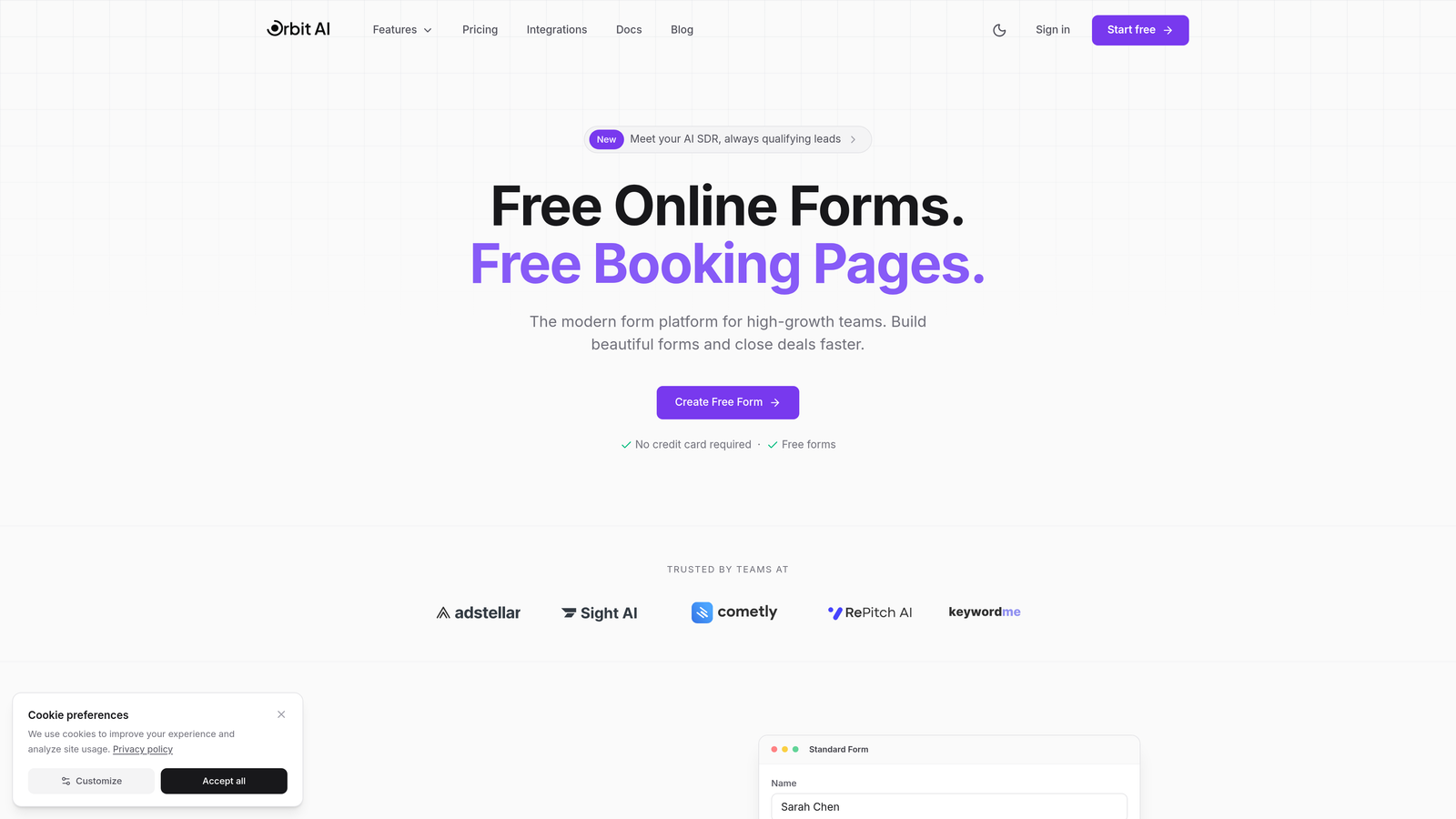
Orbit AI combines intelligent form design with HIPAA-compliant data handling, making it ideal for healthcare organizations that need both security and conversion optimization.
Where This Tool Shines
Orbit AI stands out by bringing modern form design principles to healthcare compliance. While many HIPAA-compliant platforms feel dated, Orbit AI delivers the sleek, user-friendly experience patients expect from consumer apps.
The AI-powered lead qualification automatically routes patient inquiries to the right department or provider, reducing administrative burden while maintaining strict compliance standards. This makes it particularly valuable for multi-specialty practices and growing healthcare organizations.
Key Features
AI-Powered Lead Qualification: Automatically qualifies and routes patient submissions based on their responses and needs.
Conversion-Optimized Design: Modern, mobile-friendly forms designed to maximize completion rates for patient intake.
Workflow Automation: Conditional logic and automated routing reduce manual data handling and potential security gaps.
Real-Time Analytics: Track form performance and submission patterns while maintaining HIPAA compliance.
Healthcare Tool Integration: Connects with major CRMs and healthcare platforms to streamline data flow securely.
Best For
High-growth healthcare organizations, telehealth providers, and specialty practices that want to combine patient acquisition with compliance. Particularly strong for teams that view patient forms as part of their growth strategy rather than just administrative necessity.
Pricing
Contact for HIPAA-compliant enterprise pricing. Custom quotes based on organization size and feature requirements.
2. JotForm
Best for: Healthcare organizations needing extensive templates and established HIPAA compliance infrastructure.
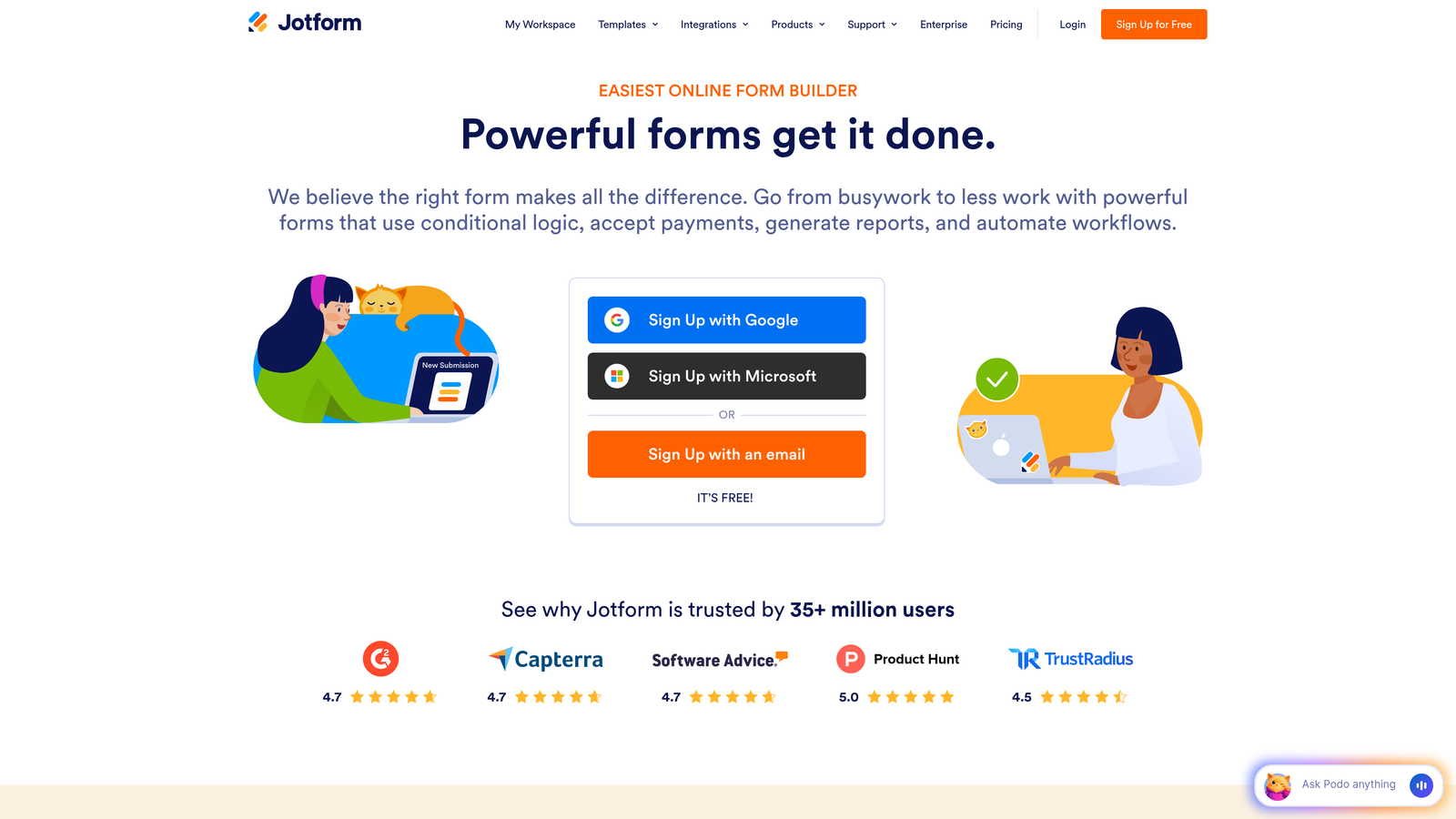
JotForm is an established form builder offering a dedicated HIPAA-compliant plan with signed BAAs and over 10,000 templates.
Where This Tool Shines
JotForm's massive template library includes hundreds of healthcare-specific forms, from patient intake to consent forms to appointment requests. You can launch compliant forms in minutes rather than building from scratch.
The platform's maturity shows in its comprehensive integration ecosystem. JotForm connects with major EHR systems, payment processors, and healthcare tools, making it a versatile choice for practices with existing technology stacks.
Key Features
Healthcare Template Library: Over 10,000 templates including patient intake, consent forms, and medical history questionnaires.
Signed BAA Included: Business Associate Agreement provided with HIPAA-compliant plans, no additional negotiation required.
HIPAA-Compliant Payments: Collect copays and payments securely through encrypted payment processing.
E-Signature Integration: Built-in electronic signature capabilities for consent forms and agreements.
EHR System Integration: Direct connections to major electronic health record platforms for seamless data transfer.
Best For
Small to mid-sized healthcare practices that want quick deployment with minimal technical setup. Excellent for organizations that prefer customizing existing templates rather than building forms from scratch.
Pricing
HIPAA-compliant plans start at $34 per month when billed annually. Higher tiers available for larger organizations with additional user and submission needs.
3. Formstack
Best for: Enterprise healthcare organizations requiring advanced workflow automation and document generation.
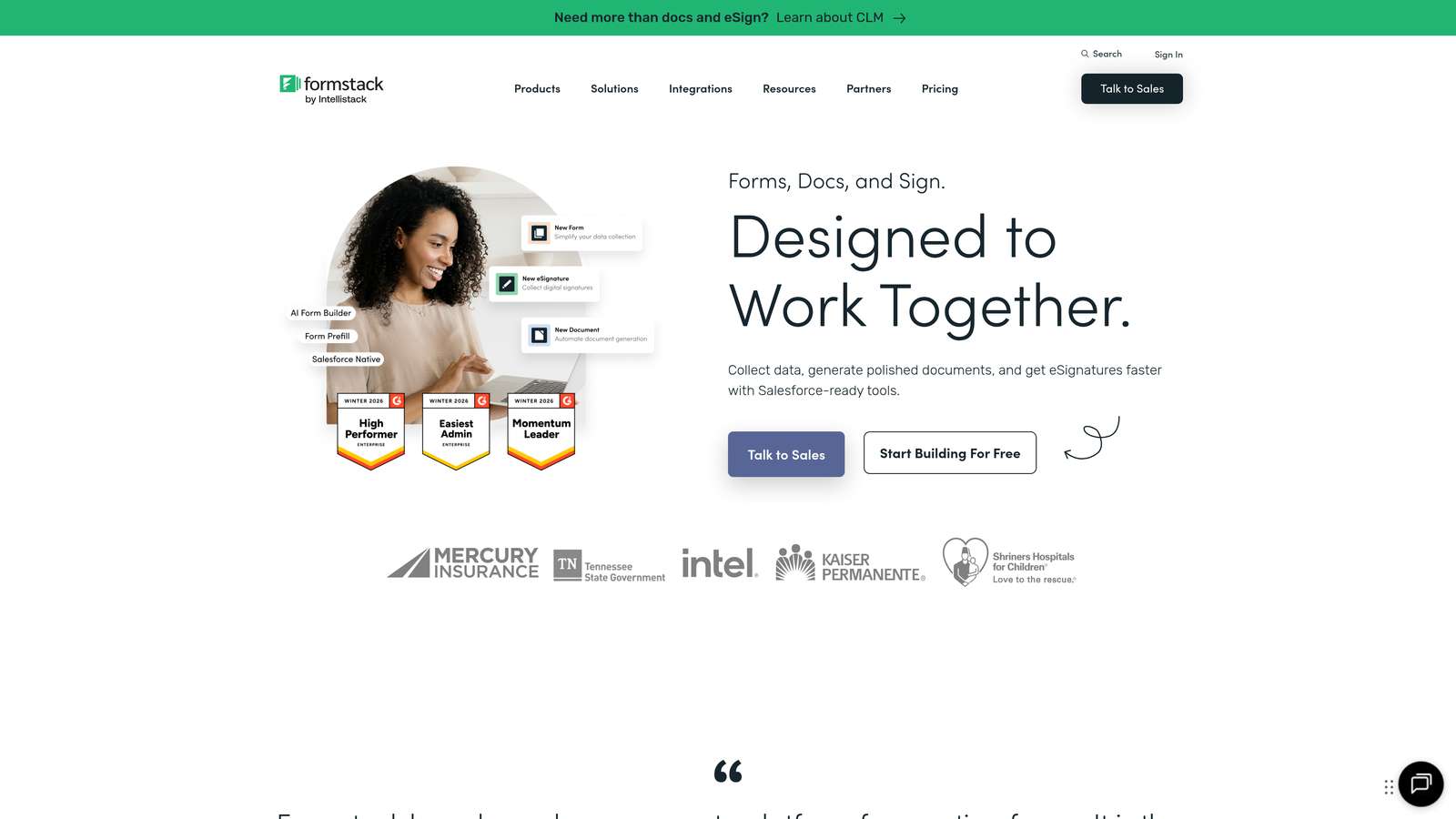
Formstack delivers enterprise-grade form capabilities with robust workflow automation, document generation, and comprehensive compliance features.
Where This Tool Shines
Formstack excels at complex healthcare workflows that extend beyond simple data collection. The platform can generate patient documents, merge data into templates, and automate multi-step approval processes while maintaining compliance.
The SOC 2 Type II certification adds an extra layer of security assurance for healthcare organizations with strict compliance requirements. This makes Formstack particularly appealing to hospital systems and large medical groups with enterprise security standards.
Key Features
Document Generation: Automatically create patient documents, treatment plans, and reports from form submissions.
Advanced Workflow Automation: Build complex routing and approval workflows for referrals, authorizations, and multi-department processes.
Native E-Signature: Integrated electronic signature capabilities without third-party tools.
Comprehensive Audit Trails: Detailed logging of all form access, submissions, and data changes for compliance documentation.
SOC 2 Type II Certification: Enterprise-level security certification demonstrating rigorous compliance controls.
Best For
Large healthcare organizations, hospital systems, and medical groups with complex workflows requiring document automation and multi-step approvals. Ideal for teams with dedicated IT resources to leverage advanced features.
Pricing
HIPAA compliance available on Enterprise tier. Contact Formstack for custom pricing based on organizational needs and user count.
4. Google Forms (with HIPAA configuration)
Best for: Healthcare teams already using Google Workspace seeking familiar, cost-effective compliance.
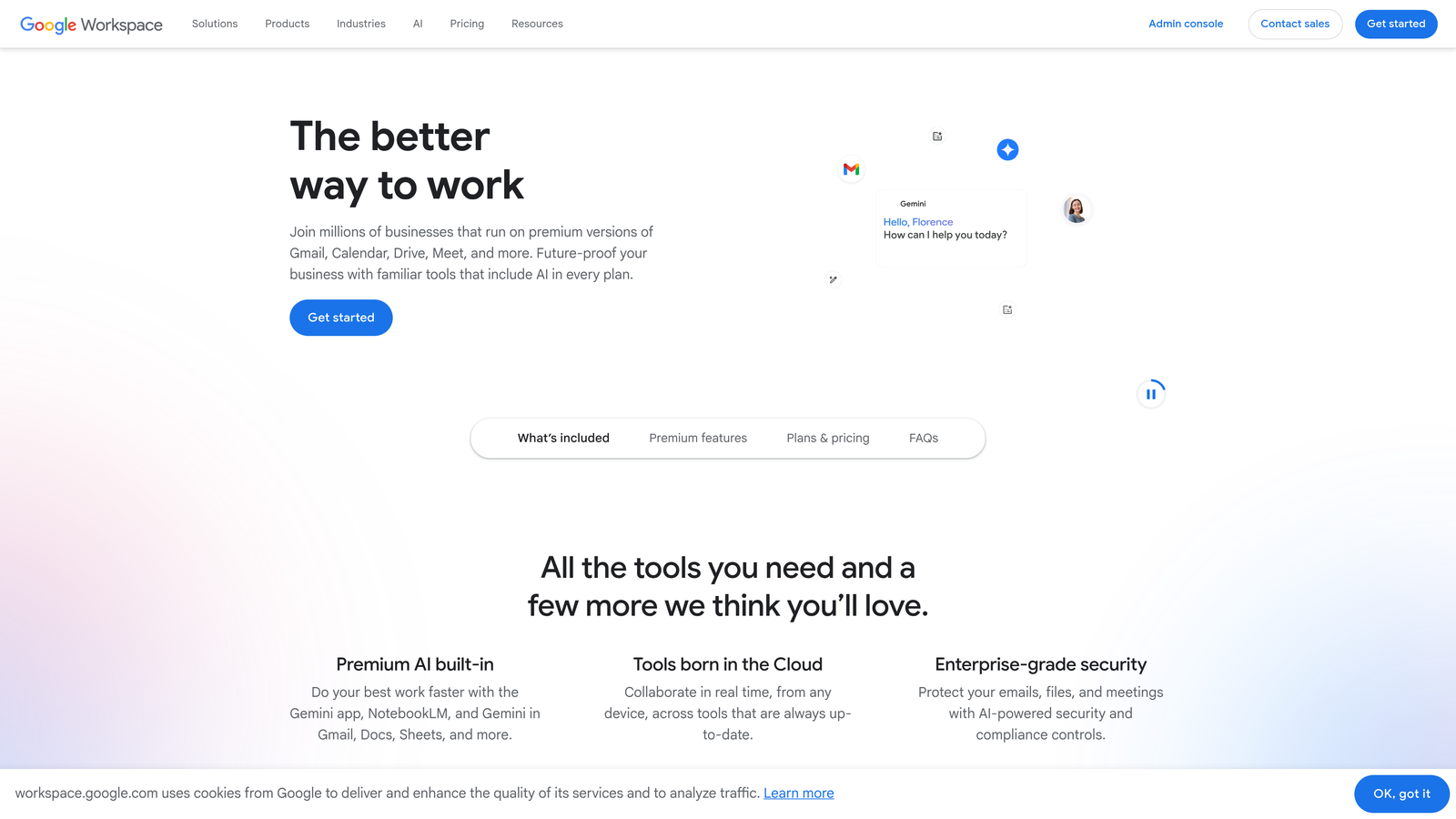
Google Forms becomes HIPAA-compliant when used with Google Workspace for Healthcare and proper configuration, offering the familiar Google interface with healthcare security.
Where This Tool Shines
Google Forms offers unmatched familiarity. Most healthcare staff already know how to use Google products, eliminating training time and adoption friction. The interface feels intuitive because it likely is.
Integration with Google Sheets and Drive creates a seamless ecosystem for healthcare teams already using Google Workspace. Data flows naturally between tools without complex setup or third-party connectors.
Key Features
Familiar Interface: The same Google Forms experience millions already know, reducing learning curve to nearly zero.
Google Ecosystem Integration: Native connection with Sheets, Drive, and other Workspace tools for streamlined workflows.
BAA Through Workspace: Business Associate Agreement available when using Google Workspace for Healthcare.
Unlimited Forms: No restrictions on form or response counts, allowing unlimited patient intake capacity.
Real-Time Collaboration: Multiple team members can edit forms simultaneously with automatic version control.
Best For
Small healthcare practices and clinics already using Google Workspace that want the most affordable HIPAA-compliant option. Best suited for straightforward intake forms rather than complex workflows.
Pricing
Google Workspace for Healthcare starts at $7.20 per user per month, making it one of the most cost-effective HIPAA-compliant options available.
5. Cognito Forms
Best for: Small to mid-sized practices needing affordable compliance with strong conditional logic.
Cognito Forms provides HIPAA compliance at a competitive price point while offering advanced conditional logic and payment processing capabilities.
Where This Tool Shines
Cognito Forms punches above its price point with sophisticated conditional logic that adapts forms based on patient responses. This creates intelligent intake experiences that only ask relevant questions, improving completion rates.
The platform's calculation capabilities allow for real-time cost estimates, payment calculations, and scoring within forms. This makes it valuable for practices that need to calculate copays, estimate treatment costs, or score patient assessments during intake.
Key Features
Advanced Conditional Logic: Show or hide questions based on previous answers to create personalized patient experiences.
Multi-Processor Payments: Accept payments through Stripe, Square, or PayPal with HIPAA-compliant encryption.
Encrypted Document Uploads: Patients can securely upload insurance cards, medical records, and supporting documents.
Repeating Sections: Collect information for multiple family members or recurring treatments in a single form.
End-to-End Encryption: Data encrypted both in transit and at rest with AES-256 encryption standards.
Best For
Budget-conscious healthcare practices that still need sophisticated form logic and payment processing. Particularly strong for behavioral health practices and specialty clinics with complex intake requirements.
Pricing
HIPAA compliance available on Team plan at $24 per month, offering exceptional value for small practices and solo practitioners.
6. FormAssembly
Best for: Healthcare organizations using Salesforce Health Cloud requiring deep integration.
FormAssembly specializes in enterprise form solutions with native Salesforce integration, making it the natural choice for Salesforce-centric healthcare organizations.
Where This Tool Shines
FormAssembly's native Salesforce integration goes beyond basic data syncing. Forms can prefill with existing patient data from Salesforce, reducing redundant data entry and improving patient experience.
The platform's comprehensive data governance tools give healthcare organizations granular control over who can access PHI, how long data is retained, and where information flows. This level of control is essential for complex healthcare organizations with strict compliance requirements.
Key Features
Native Salesforce Integration: Bidirectional data sync with Salesforce Health Cloud and other Salesforce products.
Data Prefill Capabilities: Automatically populate forms with existing patient information from Salesforce records.
Multi-Certification Security: HIPAA, SOC 2, and additional compliance certifications for enterprise requirements.
Multi-Step Form Builder: Create long intake forms with save-and-resume functionality to prevent patient abandonment.
Data Governance Tools: Comprehensive controls for data retention, access permissions, and audit logging.
Best For
Healthcare organizations already invested in Salesforce Health Cloud or other Salesforce products. Best suited for enterprise healthcare systems with dedicated Salesforce administrators.
Pricing
HIPAA compliance available on Compliance Cloud tier. Contact FormAssembly for enterprise pricing tailored to organization size and Salesforce integration needs.
7. Typeform
Best for: Patient-facing intake forms where engagement and completion rates are priorities.
Typeform brings conversational, one-question-at-a-time design to HIPAA compliance, creating engaging patient experiences that drive higher completion rates.

Where This Tool Shines
Typeform's conversational approach reduces the intimidation factor of lengthy medical intake forms. By presenting one question at a time, patients feel less overwhelmed and are more likely to complete the entire form.
The platform's modern, mobile-first design creates patient experiences that feel more like helpful conversations than bureaucratic paperwork. This approach can significantly improve completion rates for patient intake, symptom checkers, and satisfaction surveys.
Key Features
Conversational Format: One-question-at-a-time interface that feels like a natural conversation rather than a form.
High Completion Rates: Design optimized to reduce abandonment and increase patient form completion.
Logic Jumps: Intelligent branching that adapts questions based on patient responses for personalized experiences.
Rich Media Integration: Embed videos and images to provide visual instructions or educational content within forms.
Mobile-Optimized Design: Forms that work beautifully on smartphones and tablets for on-the-go patient access.
Best For
Healthcare organizations focused on patient experience and engagement. Particularly effective for telehealth providers, mental health practices, and organizations with younger patient demographics who expect modern digital experiences.
Pricing
HIPAA compliance available on Business plan at $83 per month, positioning it in the mid-tier price range for compliant solutions.
8. Paubox Forms
Best for: Medical organizations wanting healthcare-first tools from HIPAA compliance specialists.
Paubox Forms comes from a company specializing in HIPAA-compliant email, bringing deep healthcare expertise to form building.
Where This Tool Shines
Paubox Forms eliminates the patient portal friction that plagues many healthcare forms. Patients can submit PHI directly without creating accounts, logging in, or downloading apps. This seamless experience dramatically improves response rates.
The HITRUST CSF certification represents one of the highest security standards in healthcare. For organizations with stringent compliance requirements or those handling particularly sensitive information, this certification provides additional assurance beyond basic HIPAA compliance.
Key Features
Healthcare-First Design: Built specifically for medical organizations rather than adapted from general-purpose tools.
Paubox Email Integration: Seamless connection with Paubox's HIPAA-compliant email service for unified secure communication.
No Patient Portal Required: Patients submit forms directly without creating accounts or logging into portals.
Automatic PHI Encryption: All protected health information encrypted automatically without user configuration.
HITRUST CSF Certified: Meets rigorous HITRUST security framework standards beyond basic HIPAA requirements.
Best For
Healthcare organizations already using or considering Paubox email who want a unified compliance solution. Excellent for practices that prioritize patient convenience and want to eliminate portal friction.
Pricing
Contact Paubox for pricing. Bundled options available when combining with Paubox email services for potential cost savings.
9. IntakeQ
Best for: Healthcare providers seeking an all-in-one intake, scheduling, and practice management solution.
IntakeQ goes beyond forms to provide comprehensive patient onboarding workflows, online booking, and practice management tools built specifically for healthcare.
Where This Tool Shines
IntakeQ's healthcare-specific templates cover virtually every specialty and use case. From physical therapy intake to mental health assessments to dental history forms, the platform provides professionally designed templates that meet specialty-specific requirements.
The integrated scheduling and telehealth capabilities create a complete patient onboarding solution. Patients can book appointments, complete intake forms, and even attend virtual visits through a single platform, streamlining the entire patient journey.
Key Features
Specialty-Specific Templates: Pre-built intake forms for dozens of healthcare specialties and practice types.
Online Booking Integration: Patients can schedule appointments directly, with intake forms automatically triggered upon booking.
Secure Patient Portal: Centralized portal where patients access forms, documents, and appointment information.
Insurance and Billing Forms: Specialized forms for collecting insurance information and processing billing documentation.
Telehealth Integration: Built-in video conferencing for virtual appointments without third-party tools.
Best For
Solo practitioners and small to mid-sized practices that want an all-in-one solution combining intake forms, scheduling, and basic practice management. Particularly valuable for practices transitioning to or expanding telehealth services.
Pricing
Starts at $49.90 per month for solo practitioners, with pricing scaling based on provider count and feature requirements.
Selecting the Right HIPAA Compliant Form Solution
Choosing the right HIPAA-compliant form software comes down to three critical factors: your existing technology ecosystem, your patient volume and complexity, and your budget constraints.
If you're already invested in Salesforce, FormAssembly's deep integration makes it the natural choice. Google Workspace users will find Google Forms the most seamless and affordable option. Organizations using Paubox email should seriously consider Paubox Forms for unified compliance management.
For practices focused on patient experience and conversion, Orbit AI and Typeform lead the pack with modern, engagement-focused designs. Traditional healthcare organizations that prioritize template libraries and established workflows will appreciate JotForm's extensive resources and proven track record.
Budget-conscious practices should look at Cognito Forms and Google Forms for the best value without sacrificing essential compliance features. Enterprise organizations with complex workflows need the advanced capabilities of Formstack or FormAssembly, even at higher price points.
Remember that any HIPAA-compliant solution must include a signed Business Associate Agreement. Verify this requirement before implementation, and ensure your chosen platform encrypts data both in transit and at rest. The cheapest solution that doesn't sign a BAA isn't a solution at all—it's a liability.
Most platforms offer free trials or demos of their HIPAA-compliant tiers. Take advantage of these to test form building, patient experience, and integration capabilities with your existing systems before committing.
Transform your lead generation with AI-powered forms that qualify prospects automatically while delivering the modern, conversion-optimized experience your high-growth team needs. Start your free trial today and see how intelligent form design can elevate your conversion strategy.


