

HubSpot forms have served teams well, but many growing businesses hit limitations—rigid design options, complex pricing tiers, or missing features like AI-powered lead qualification. Whether you're seeking more customization, better conversion optimization, or simply a more intuitive builder, the right alternative can transform your lead generation.
We evaluated dozens of form builders based on ease of use, conversion features, integration depth, and value for money. Here are nine standout alternatives that deliver where HubSpot forms fall short.
1. Orbit AI
Best for: High-growth teams needing AI-powered lead qualification built directly into their forms
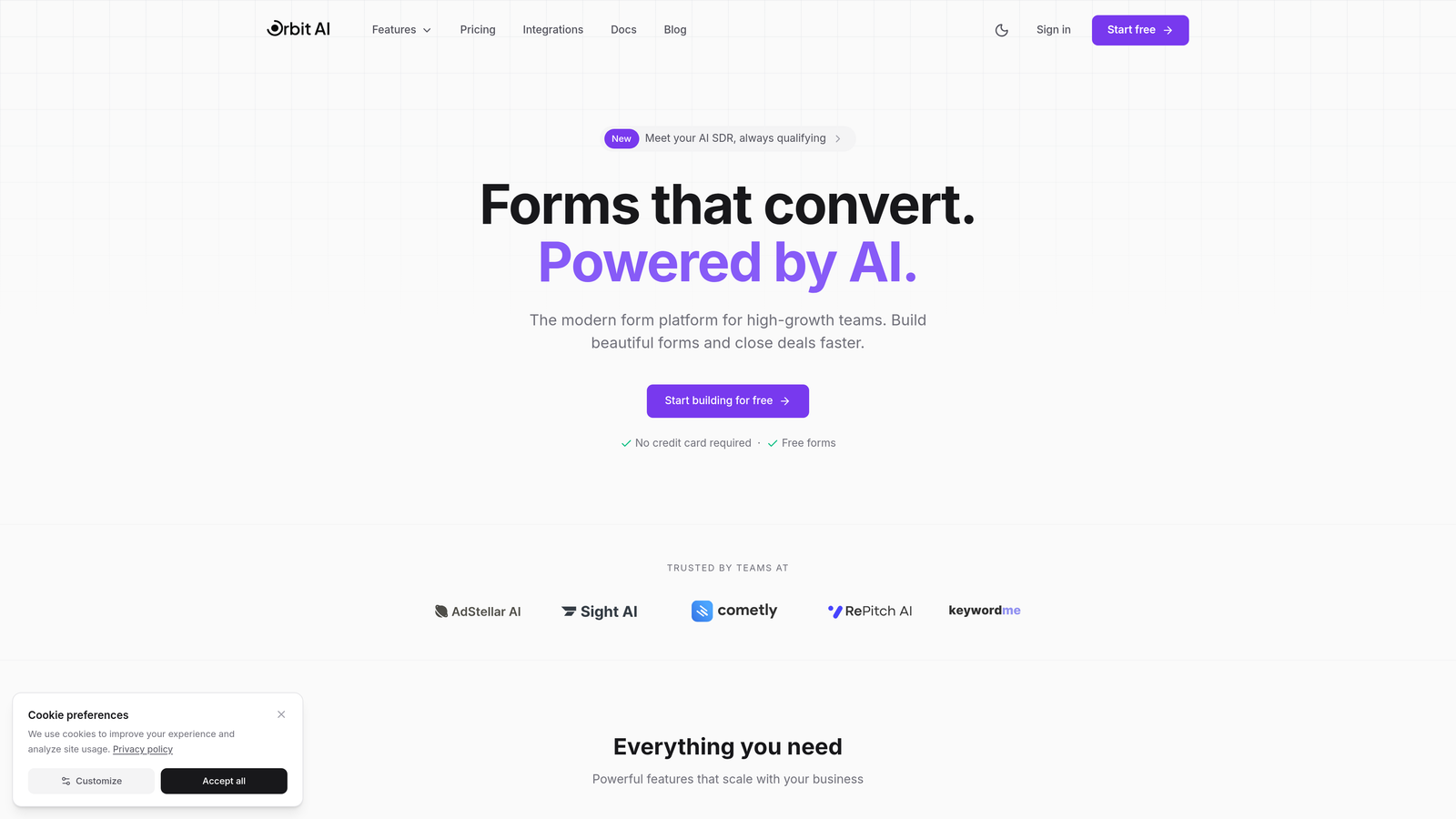
Orbit AI is an AI-powered form builder platform designed specifically for teams focused on conversion optimization and intelligent lead capture.
Where This Tool Shines
What sets Orbit AI apart is its native AI-powered lead qualification engine. Instead of collecting form responses and scoring leads manually later, the platform automatically evaluates and scores prospects as they submit—helping sales teams prioritize high-intent leads immediately.
The builder itself focuses on modern, conversion-optimized design principles. You're not just creating forms; you're building experiences engineered to maximize completion rates while gathering the intelligence your team needs to close deals faster.
Key Features
AI-Powered Lead Qualification: Automatically scores and qualifies leads based on submission data, routing high-value prospects to sales instantly.
Conversion-Optimized Templates: Pre-built form designs tested for maximum completion rates across industries.
Modern Drag-and-Drop Builder: Intuitive interface that doesn't require technical skills but offers flexibility for advanced users.
Deep CRM Integrations: Native connections to major CRMs and workflow tools for seamless data flow.
Real-Time Analytics Dashboard: Track form performance, conversion rates, and lead quality metrics in one place.
Best For
Orbit AI is ideal for high-growth B2B teams, marketing agencies managing multiple clients, and sales-driven organizations where lead quality matters more than lead volume. If your business needs to identify and prioritize the best prospects automatically, this platform delivers genuine competitive advantage.
Pricing
Free tier available with core features. Paid plans start at competitive rates designed for growing teams, scaling with your lead volume and feature requirements.
2. Typeform
Best for: Creating conversational, one-question-at-a-time experiences that boost engagement and completion rates
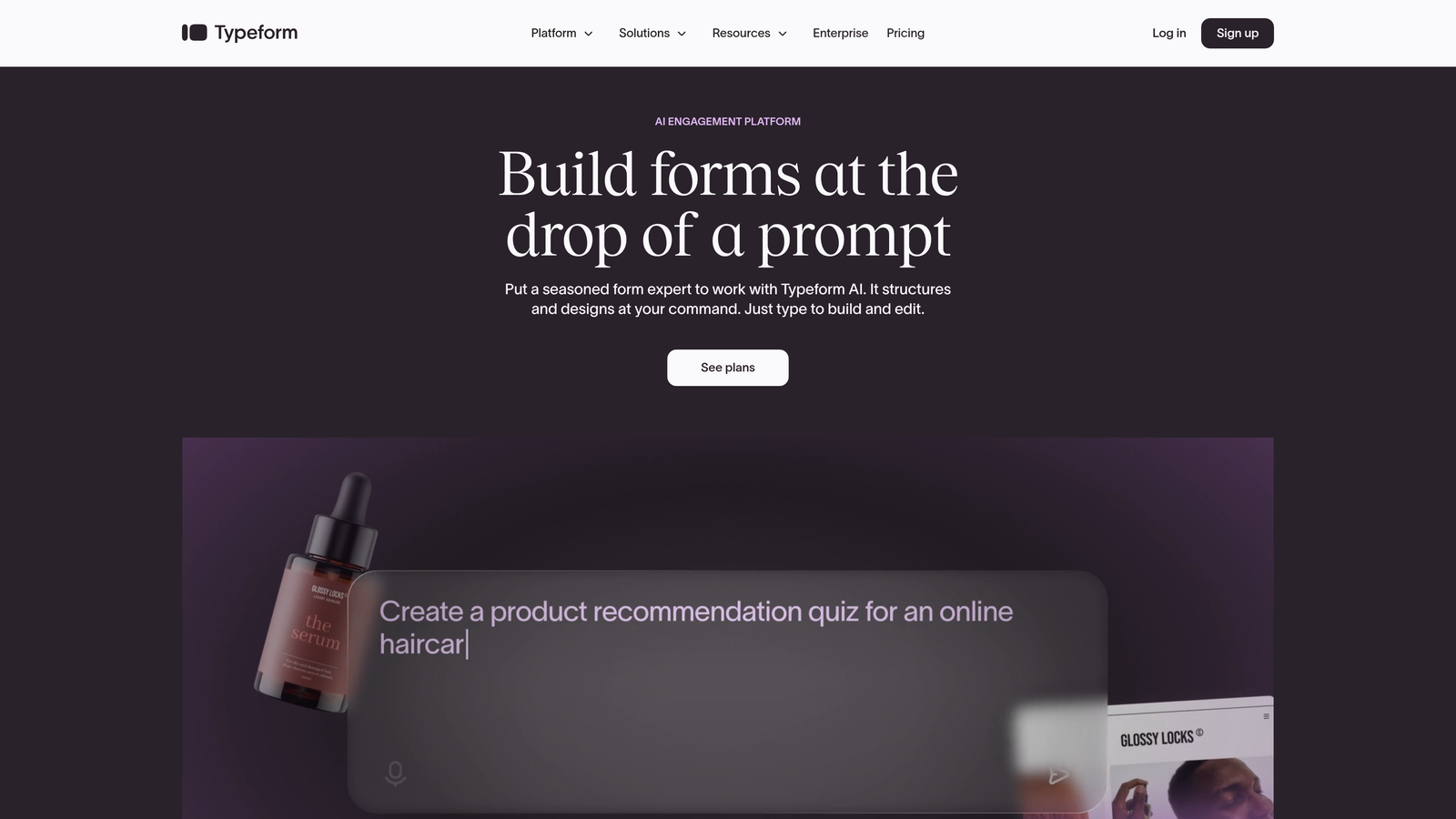
Typeform is a conversational form builder that reimagines data collection as an interactive dialogue rather than a static questionnaire.
Where This Tool Shines
Typeform's signature one-question-at-a-time format transforms form filling from a chore into an engaging conversation. This approach significantly reduces form abandonment because users aren't overwhelmed by seeing ten fields at once.
The platform excels at creating beautiful, on-brand experiences. Every interaction feels polished and intentional, making it particularly popular with consumer brands and creative agencies where aesthetics matter as much as functionality.
Key Features
One-Question-at-a-Time Format: Conversational flow that keeps users focused and reduces abandonment rates.
Beautiful Customizable Designs: Extensive styling options including custom fonts, colors, and background images.
Advanced Logic Jumps: Create branching paths based on answers to personalize each user's journey.
Video and Image Embedding: Rich media support to create immersive form experiences.
Strong Integration Ecosystem: Connects with hundreds of tools including Slack, Google Sheets, Mailchimp, and Zapier.
Best For
Typeform works best for customer surveys, quiz-style lead generation, event registrations, and any scenario where user experience directly impacts completion rates. Creative agencies, SaaS companies, and consumer brands get the most value.
Pricing
Free tier includes 10 responses per month. Basic starts at $25/month, Plus at $50/month, and Business at $83/month with advanced features and higher response limits.
3. Jotform
Best for: Teams needing extensive template options and versatile form types with a generous free tier
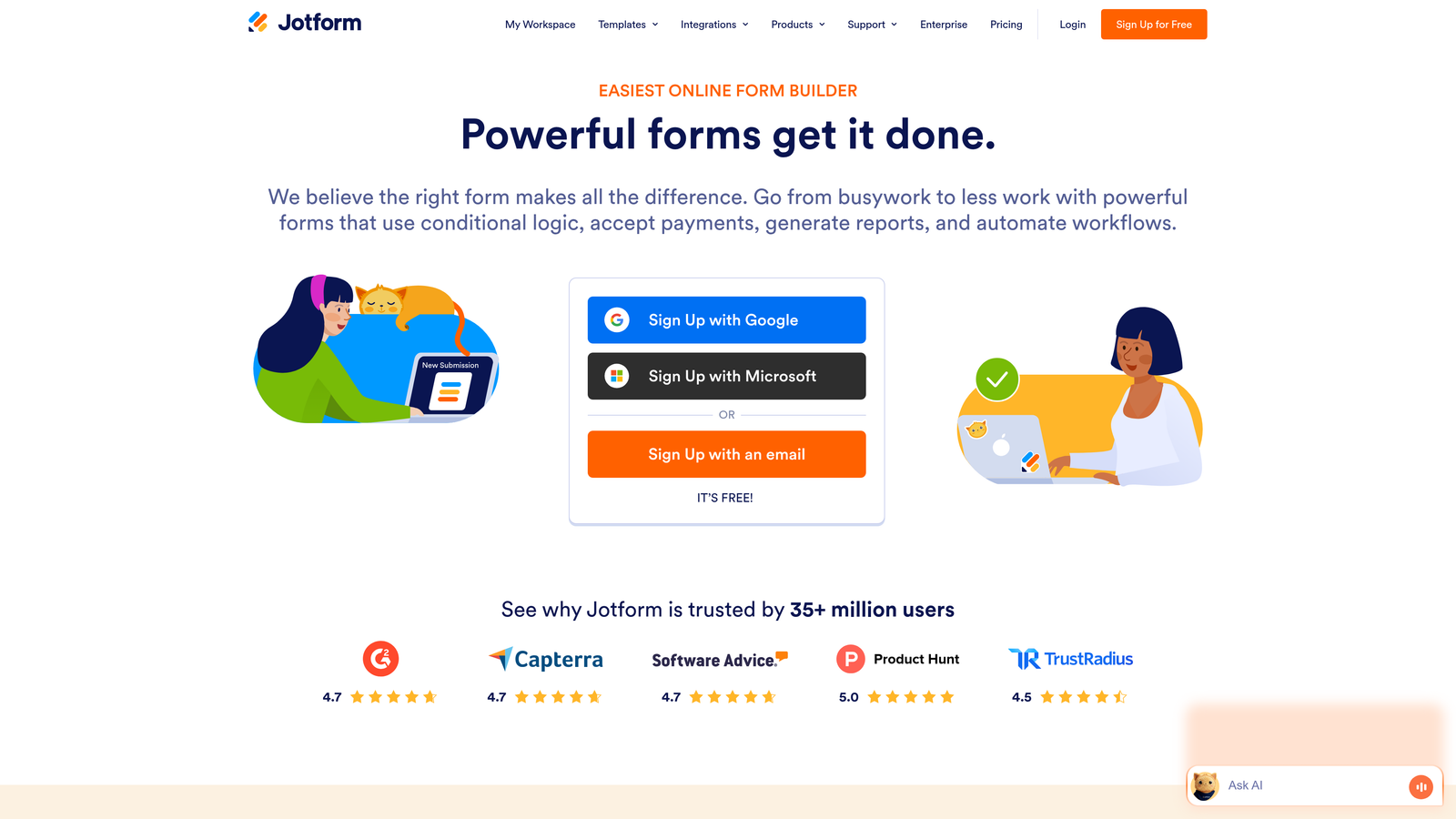
Jotform is a versatile form builder offering the industry's largest template library with over 10,000 pre-built forms.
Where This Tool Shines
Jotform's massive template collection means you'll find a starting point for virtually any use case—from complex job applications to simple contact forms. This saves significant time compared to building from scratch.
The platform's widget ecosystem adds functionality beyond basic form fields. Need appointment scheduling? There's a widget. Want to collect payments? Multiple payment widgets are available. This extensibility makes Jotform adaptable to almost any workflow requirement.
Key Features
10,000+ Form Templates: Industry-specific templates covering every imaginable use case from healthcare to education to e-commerce.
Drag-and-Drop Builder with Widgets: Extensive widget library adds calendars, signatures, calculations, and more without coding.
Payment Collection Integrations: Accept payments through PayPal, Square, Stripe, and other gateways directly in forms.
PDF Form Creation: Generate custom PDFs from submissions automatically for contracts and documents.
Approval Workflows: Route submissions through approval chains with multiple reviewers.
Best For
Jotform suits small businesses, nonprofits, educational institutions, and any organization needing diverse form types without separate tools. Teams that value template variety and widget extensibility will find it particularly valuable.
Pricing
Free tier allows 5 forms with 100 monthly submissions. Bronze starts at $34/month, Silver at $39/month, and Gold at $99/month with increased limits and features.
4. Tally
Best for: Budget-conscious teams wanting unlimited forms with no-code conditional logic completely free
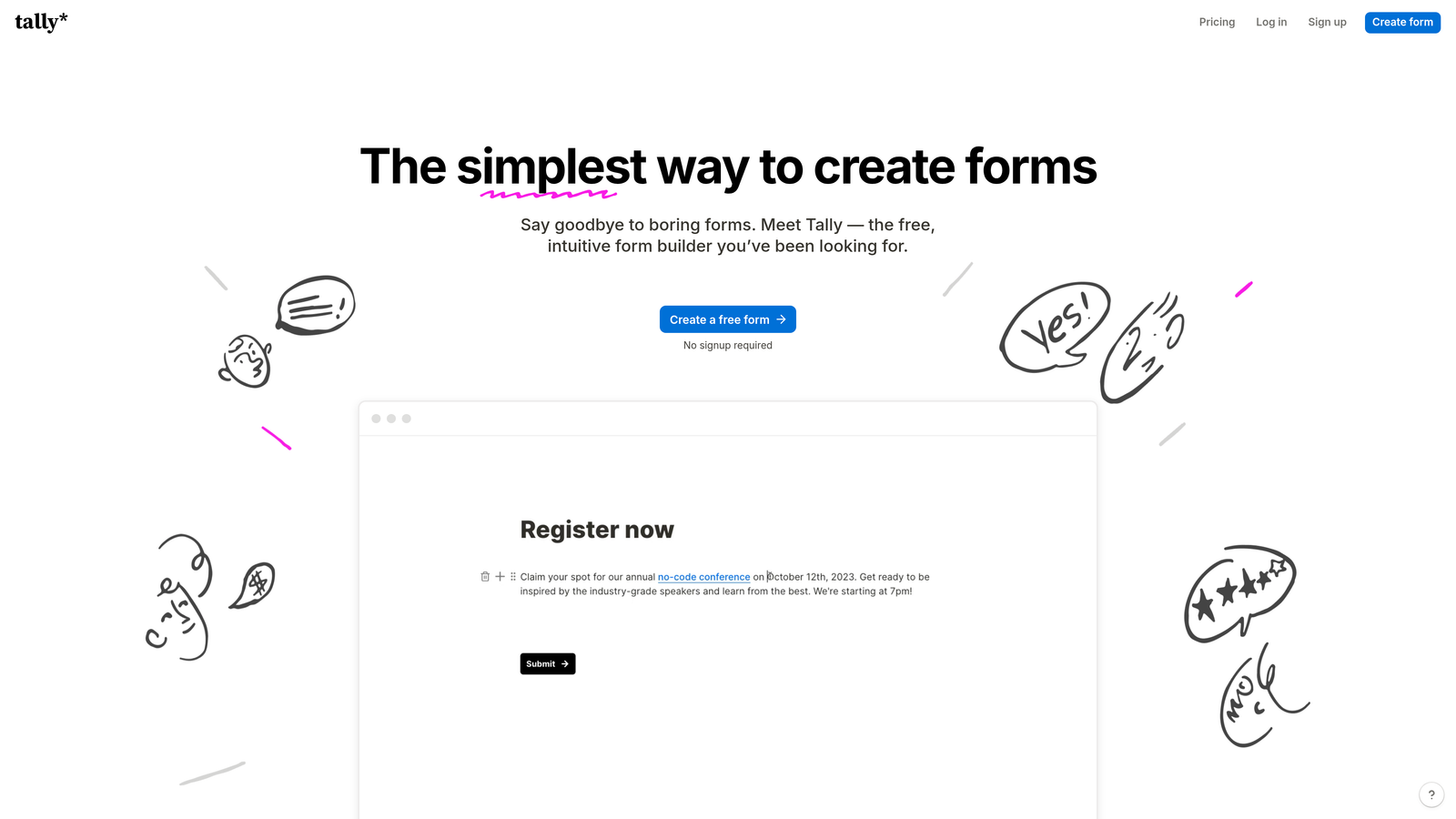
Tally is a simple, Notion-like form builder that offers unlimited forms on its free tier—a rarity in the industry.
Where This Tool Shines
Tally's generous free tier eliminates the form count anxiety that plagues users of other platforms. You can create unlimited forms without worrying about hitting arbitrary limits or surprise charges.
The Notion-style block editor feels familiar to teams already using Notion for documentation. Building forms becomes as intuitive as writing a document, with blocks for different field types that you simply add and arrange.
Key Features
Unlimited Forms on Free Tier: Create as many forms as needed without paying, with generous response limits.
Notion-Style Block Editor: Familiar editing experience using blocks for different field types and content.
Conditional Logic Included Free: Show or hide fields based on previous answers without upgrading to paid plans.
Custom Domains on Paid Plans: Host forms on your own domain for professional branding.
Collaboration Features: Share forms with team members and collaborate on form design.
Best For
Tally is perfect for startups, freelancers, small teams, and anyone operating on tight budgets who still needs professional form functionality. Notion users will feel immediately at home with the interface.
Pricing
Free tier with unlimited forms and 100 monthly responses. Pro plan at $29/month adds custom domains, higher response limits, and advanced features.
5. Paperform
Best for: Creating beautiful form-based landing pages with rich media and e-commerce capabilities
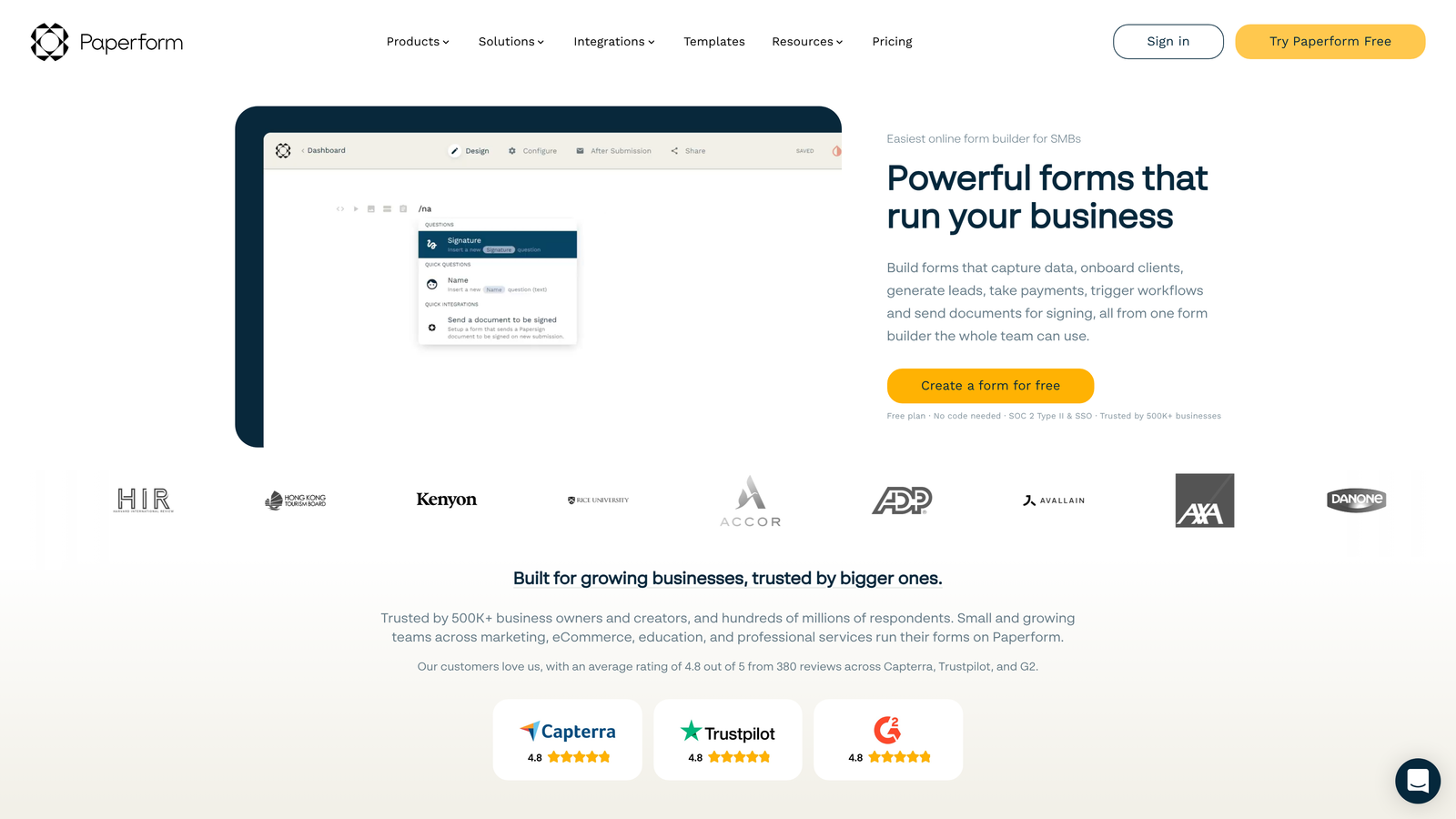
Paperform is a form builder that blurs the line between forms and landing pages, creating immersive experiences with rich media.
Where This Tool Shines
Paperform's document-style editor lets you mix form fields with rich text, images, videos, and other content seamlessly. This creates experiences that feel more like interactive landing pages than traditional forms.
The platform's e-commerce capabilities go beyond simple payment collection. You can build product catalogs, handle inventory, apply discount codes, and create full checkout experiences—all within what looks like an elegant form.
Key Features
Document-Style Form Editor: Mix form fields with rich content blocks to create landing page experiences.
Rich Media Embedding: Add videos, images, GIFs, and custom HTML to enhance form engagement.
Built-In Payment Processing: Accept payments through Stripe, PayPal, Square, and Braintree with no transaction fees.
Product Catalog Features: Build product selections with inventory management and variant options.
Scheduling and Booking: Integrated appointment scheduling with calendar sync and automated reminders.
Best For
Paperform excels for coaches and consultants offering booking services, e-commerce businesses needing custom order forms, event organizers managing registrations, and any business wanting forms that double as conversion-focused landing pages.
Pricing
Essentials starts at $24/month, Pro at $49/month, and Business at $99/month. Each tier increases submission limits and unlocks additional features.
6. Formstack
Best for: Enterprise organizations requiring advanced security, compliance features, and workflow automation
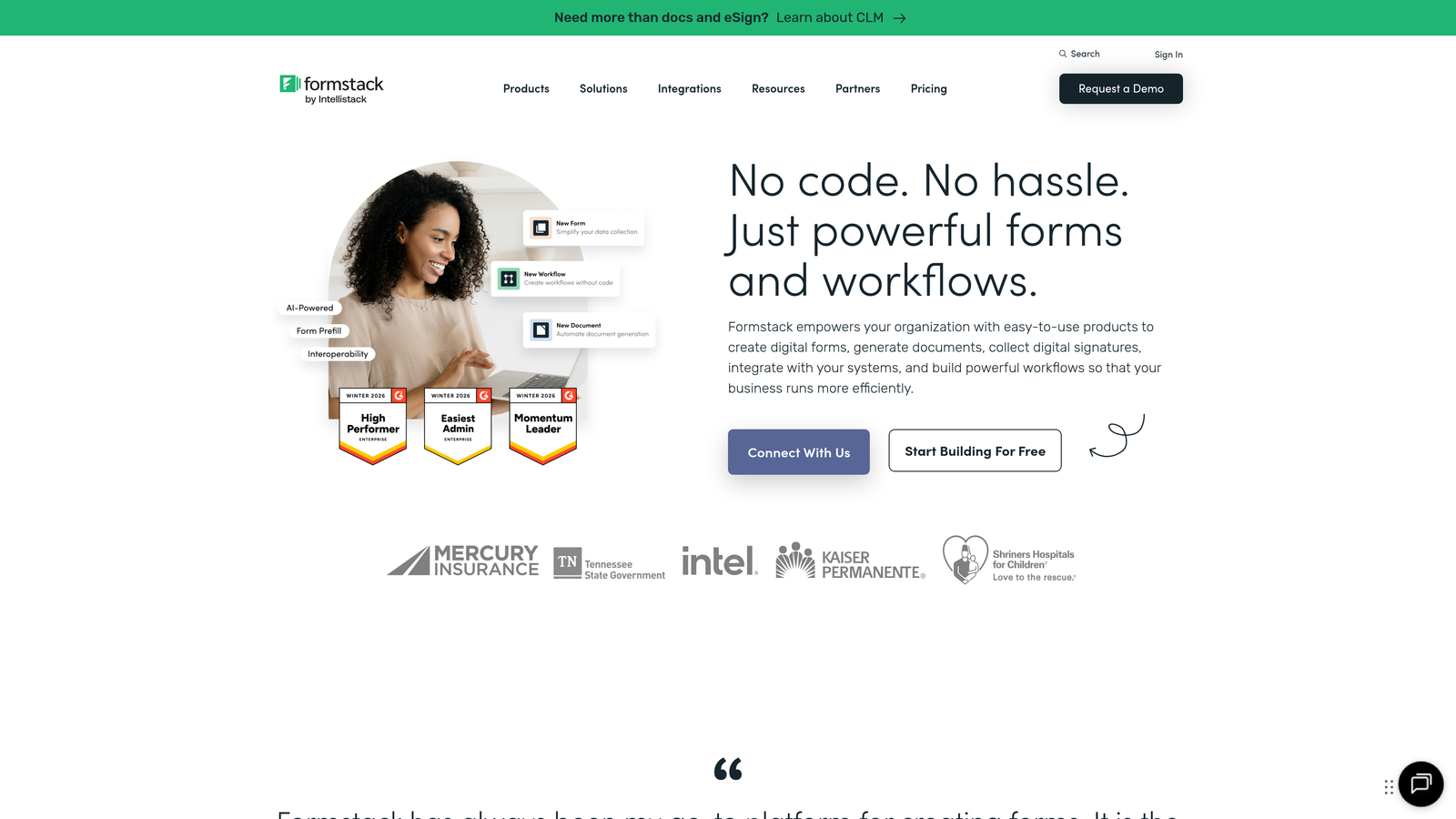
Formstack is an enterprise-grade form builder specializing in security, compliance, and sophisticated workflow automation.
Where This Tool Shines
Formstack's compliance capabilities set it apart in regulated industries. The platform offers HIPAA-compliant forms for healthcare, business associate agreements, and security features that meet stringent enterprise requirements.
The workflow automation goes far beyond basic email notifications. You can route submissions through complex approval chains, trigger multi-step processes, and integrate deeply with enterprise systems like Salesforce with native connectors.
Key Features
HIPAA Compliance Available: Business associate agreements and security features for healthcare organizations handling protected health information.
Advanced Workflow Automation: Multi-step approval processes, conditional routing, and complex business logic.
Electronic Signatures: Legally binding e-signature collection built directly into forms.
Enterprise Security Features: SSO integration, advanced encryption, audit logs, and granular access controls.
Salesforce Native Integration: Deep Salesforce connection that works as a native Salesforce app.
Best For
Formstack serves healthcare organizations, financial services firms, government agencies, and large enterprises in regulated industries where compliance and security are non-negotiable. Teams needing sophisticated approval workflows will also find significant value.
Pricing
Starter plans begin at $50/month, Teams at $83/month. Enterprise pricing requires custom quotes based on compliance requirements and feature needs.
7. Cognito Forms
Best for: Payment collection and complex calculations with affordable pricing for growing teams
Cognito Forms is a form builder specializing in payment processing and complex calculation logic at competitive price points.
Where This Tool Shines
Cognito Forms' calculation engine handles complex math that would require custom code in other platforms. You can create dynamic pricing based on user selections, calculate totals across multiple fields, and build sophisticated order forms with conditional pricing.
The payment capabilities are particularly robust. The platform supports multiple payment gateways, handles recurring billing, manages partial payments, and processes refunds—all through an intuitive interface without technical complexity.
Key Features
Complex Calculation Fields: Built-in calculation engine handles advanced math, conditional pricing, and dynamic totals.
Conditional Pricing Logic: Adjust prices automatically based on user selections and form inputs.
Multiple Payment Gateways: Accept payments through Stripe, PayPal, and Square with flexible configuration.
Repeating Sections: Allow users to add multiple entries of the same field group for registrations and orders.
Data Encryption: All form data encrypted at rest and in transit for security.
Best For
Cognito Forms works exceptionally well for event organizers managing complex registration pricing, membership organizations with tiered dues structures, businesses selling customizable products, and any team needing payment forms with calculation logic.
Pricing
Free tier available with basic features. Pro starts at $15/month, Team at $35/month, and Enterprise at $99/month—notably more affordable than many competitors with similar payment capabilities.
8. 123FormBuilder
Best for: Teams prioritizing integration depth with 200+ native connections and strong compliance options
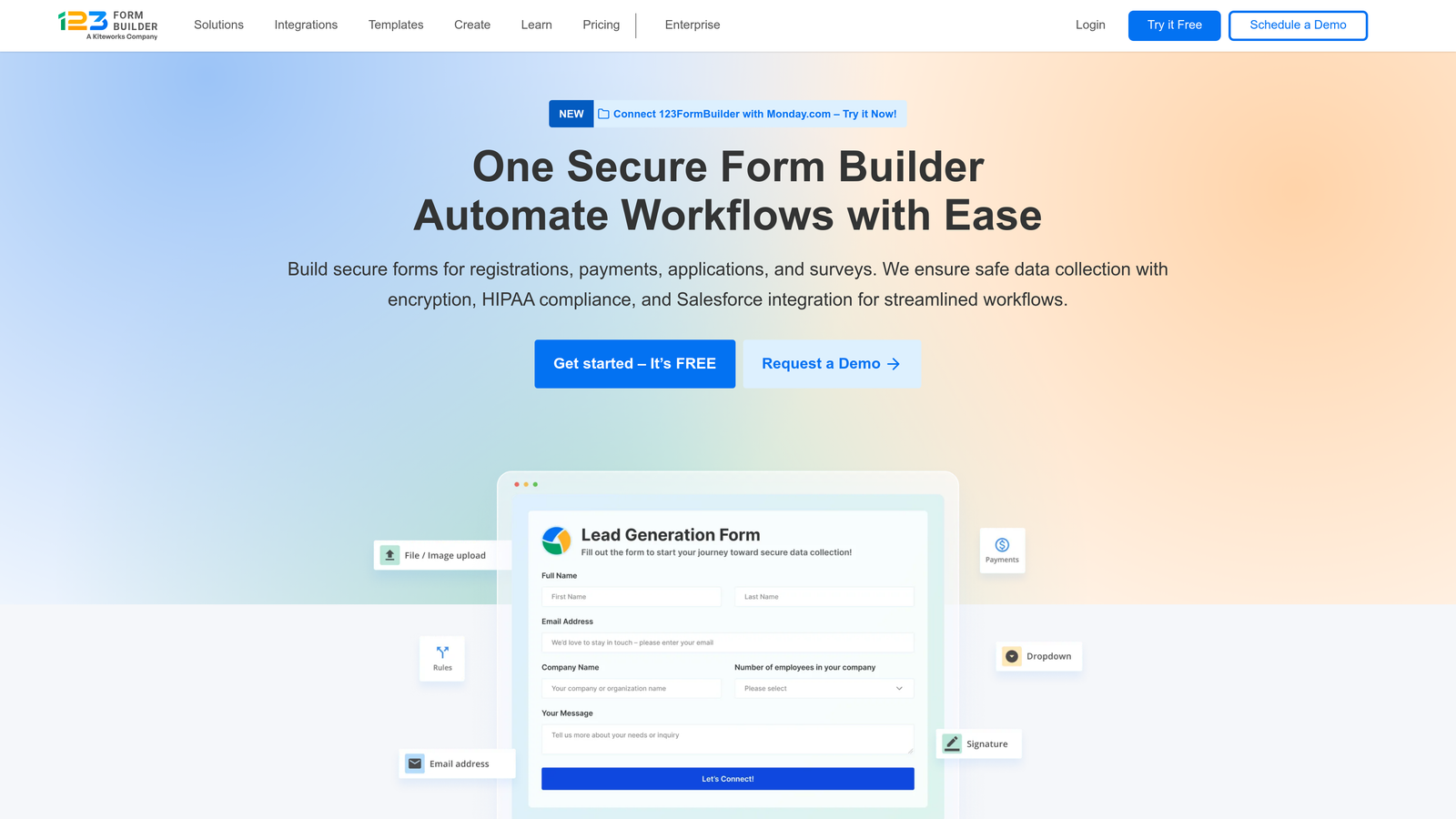
123FormBuilder is an integration-focused form builder offering native connections to over 200 platforms and services.
Where This Tool Shines
123FormBuilder's integration ecosystem is one of the deepest in the industry. With over 200 native integrations, you'll find connectors for CRMs, marketing automation platforms, payment processors, and niche industry tools without relying on Zapier.
The platform takes compliance seriously with GDPR tools built in and HIPAA-ready plans available. This combination of broad integrations and compliance features makes it attractive to organizations with complex tech stacks operating in regulated spaces.
Key Features
200+ Native Integrations: Direct connections to major platforms without middleware, reducing complexity and points of failure.
GDPR Compliance Tools: Built-in features for data privacy including consent management and data export capabilities.
HIPAA-Ready Plans: Healthcare-compliant options with business associate agreements and required security features.
Multi-Page Forms: Break long forms into multiple pages with progress indicators to improve completion rates.
Advanced Reporting: Detailed analytics and custom reports to track form performance and submission trends.
Best For
123FormBuilder suits businesses with complex integration requirements, organizations in regulated industries needing both compliance and connectivity, and teams wanting native integrations to reduce dependency on third-party automation tools.
Pricing
Free tier available with limited features. Gold starts at $32/month, Platinum at $39/month, and Diamond at $79/month with increased submission limits and advanced features.
9. Fillout
Best for: Teams using Notion or Airtable who need native database-driven form workflows
Fillout is a modern form builder with native integrations to Notion and Airtable, perfect for database-driven workflows.
Where This Tool Shines
Fillout's native Notion integration is genuinely native—not a Zapier workaround. Form submissions flow directly into Notion databases, and you can even pull data from Notion to populate form fields, creating dynamic experiences.
The same deep integration applies to Airtable. You can create forms that write to specific Airtable bases, use Airtable data for dropdown options, and build sophisticated database-driven applications without code.
Key Features
Native Notion Integration: Direct two-way connection with Notion databases for seamless data flow.
Native Airtable Integration: Deep Airtable connectivity including dynamic field population from base data.
Modern, Clean UI: Contemporary interface design that feels fast and intuitive.
Conditional Logic: Show or hide fields based on user responses to create personalized experiences.
File Uploads: Accept file submissions with generous storage limits.
Best For
Fillout is ideal for teams already using Notion or Airtable as their primary database, startups building on no-code infrastructure, and anyone wanting forms that integrate seamlessly with their existing workspace tools without middleware complexity.
Pricing
Free tier available with core features. Starter begins at $15/month, and Pro at $40/month with increased submission limits and advanced capabilities.
Making the Right Choice
Choosing the right HubSpot forms alternative depends on your specific needs and growth trajectory. Each platform brings distinct strengths to different use cases.
For teams focused on conversion optimization and intelligent lead qualification, Orbit AI delivers genuine competitive advantage. The AI-powered lead scoring built directly into the form experience means your sales team prioritizes high-intent prospects automatically—no manual scoring or complex workflows required. Start your free trial today and see how intelligent form design can elevate your conversion strategy.
If conversational experiences drive your strategy and user engagement is paramount, Typeform's one-question-at-a-time format consistently delivers higher completion rates. The platform shines when aesthetics and user experience directly impact your brand perception.
Budget-conscious teams will appreciate Tally's unlimited free forms—a rarity that eliminates form count anxiety entirely. For organizations needing extensive template variety and widget extensibility, Jotform's massive library saves significant time.
Enterprise organizations in regulated industries should explore Formstack's compliance capabilities. HIPAA-ready forms with business associate agreements and sophisticated workflow automation address requirements that general-purpose form builders simply can't meet.
For payment-heavy use cases, Cognito Forms offers the calculation power and conditional pricing logic you need at notably affordable price points. The platform handles complex order forms and registration scenarios that would require custom development elsewhere.
Teams already invested in Notion or Airtable ecosystems will find Fillout's native integrations transformative. The deep, two-way connectivity eliminates the middleware complexity and data sync delays that plague Zapier-based solutions.
Evaluate based on your integration requirements, design flexibility needs, compliance obligations, and growth trajectory. The right form builder isn't just a tool—it becomes a genuine competitive advantage that transforms how you capture, qualify, and convert leads.


