

Your forms are the front door to your pipeline—but most are still stuck in 2015. While competitors are using AI to qualify leads in real-time, personalize questions based on responses, and route high-value prospects instantly, you might be losing deals to static forms that treat every visitor the same. Intelligent form builders have transformed from simple data collection tools into sophisticated conversion engines that understand context, adapt to user behavior, and integrate seamlessly with your growth stack.
This list covers the top intelligent form builder software for teams serious about conversion optimization. We evaluated each platform based on AI and automation capabilities, lead qualification features, integration ecosystem, and pricing transparency. Whether you're a startup optimizing for speed or an enterprise requiring compliance features, there's a solution here that fits your workflow.
1. Orbit AI
Best for: High-growth teams needing AI-powered lead qualification and conversational form experiences
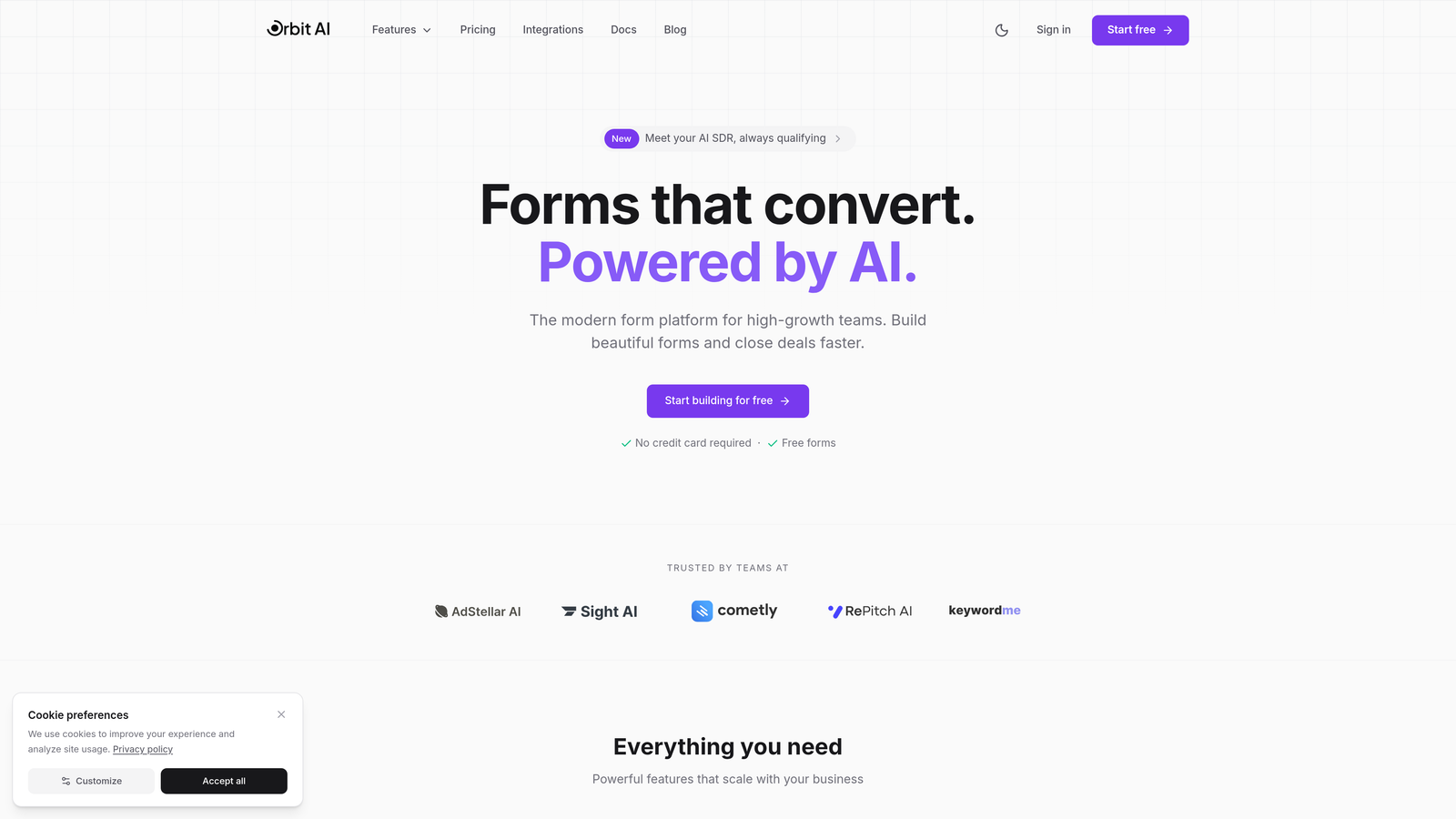
Orbit AI is an AI-powered form builder platform designed specifically for teams that need intelligent lead qualification, not just data collection.
Where This Tool Shines
Orbit AI stands out by treating forms as active participants in your sales process rather than passive data collectors. The platform uses AI to score leads in real-time, automatically routing high-value prospects to your sales team while nurturing others through automated workflows.
The conversational form interface adapts questions based on previous answers, creating a personalized experience that significantly improves completion rates. Unlike traditional form builders that bolt on AI as an afterthought, Orbit AI built its entire platform around intelligent lead qualification from day one.
Key Features
AI-Powered Lead Qualification: Automatically scores and categorizes leads based on responses, routing them to appropriate team members or workflows.
Conversational Forms: Dynamic question flows that adapt in real-time based on user responses, creating personalized experiences that drive completion.
Native CRM Integrations: Seamless connections with HubSpot, Salesforce, and Slack ensure lead data flows directly into your existing systems.
Built-In Analytics: Comprehensive conversion tracking and funnel analysis help you understand exactly where prospects drop off and why.
AI Agents for Follow-Up: Automated follow-up sequences triggered by form behavior, ensuring no lead falls through the cracks.
Best For
Orbit AI is ideal for B2B SaaS companies, marketing agencies, and high-growth teams that need more than basic data collection. If you're spending time manually qualifying leads or losing prospects because your forms don't adapt to user intent, this platform solves those problems directly.
Pricing
Free tier available for teams getting started. Paid plans begin at $29 per month, scaling based on submission volume and advanced features.
2. Typeform
Best for: Design-conscious brands prioritizing user experience and visual appeal in their forms
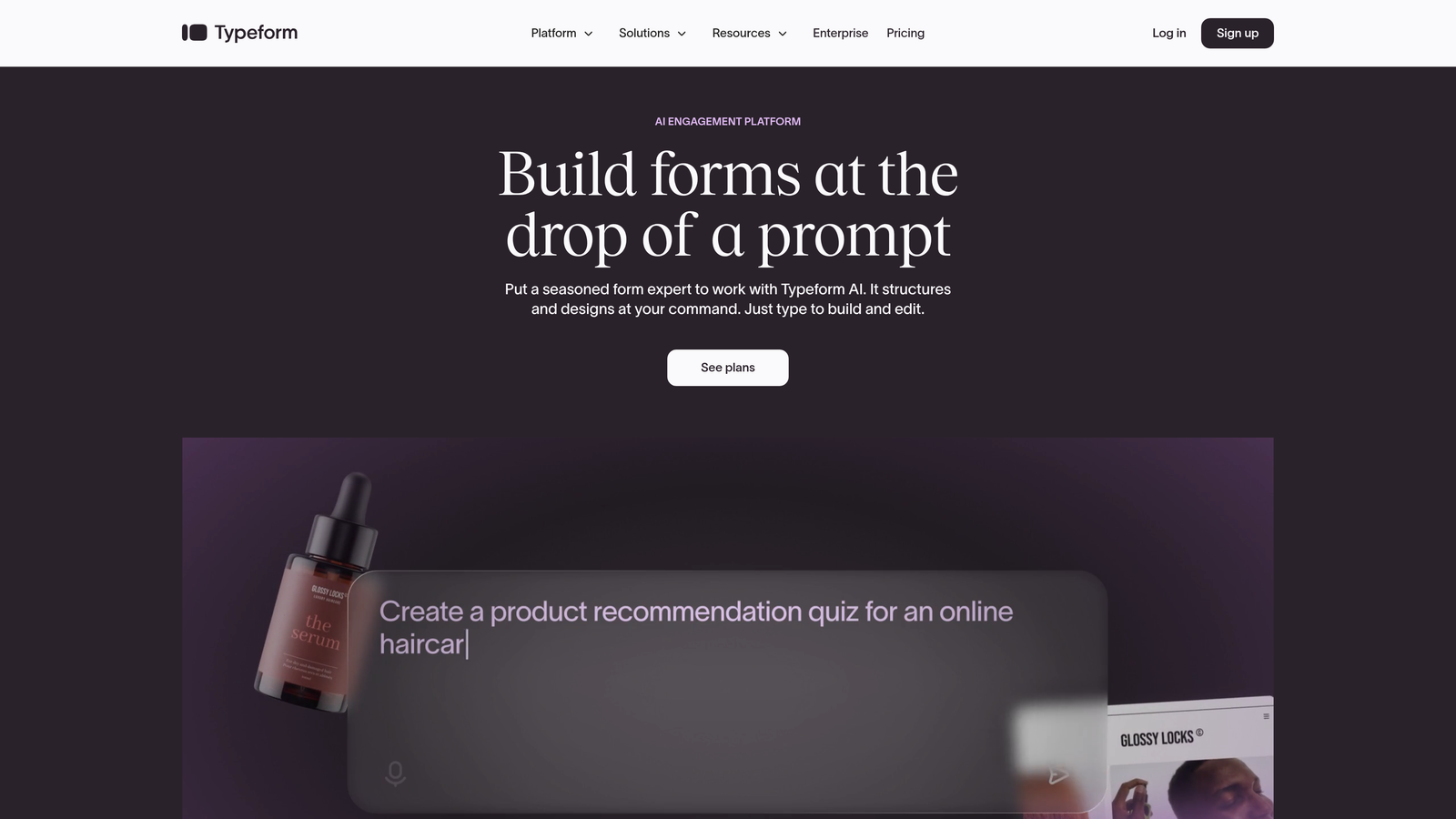
Typeform is a design-focused form builder known for its conversational, one-question-at-a-time interface that creates engaging experiences.
Where This Tool Shines
Typeform revolutionized form design by breaking away from the traditional multi-field layout. Instead of overwhelming users with a wall of questions, it presents one question at a time in a beautifully designed interface that feels more like a conversation than a form.
The platform excels at creating forms that people actually want to complete. Its visual customization options let you match your brand perfectly, while the one-question format significantly reduces form abandonment compared to traditional layouts.
Key Features
Conversational One-Question Format: Presents questions sequentially, reducing cognitive load and improving completion rates dramatically.
Logic Jumps and Hidden Fields: Create dynamic question paths based on previous answers, personalizing the experience for each respondent.
Video and Image Embedding: Rich media support lets you create visually engaging forms that communicate more than text alone.
Native Integrations: Connects with popular tools like Google Sheets, Mailchimp, Slack, and Zapier for seamless data flow.
Brand Customization: Extensive design controls ensure your forms match your brand identity perfectly.
Best For
Typeform works best for consumer-facing brands, creative agencies, and companies where form aesthetics matter as much as functionality. If your brand identity is a key differentiator, Typeform helps you maintain that consistency.
Pricing
Free tier available with basic features. Basic plan starts at $25 per month, with higher tiers adding advanced logic and integrations.
3. Jotform
Best for: Teams needing extensive template variety and AI-assisted form creation with payment processing
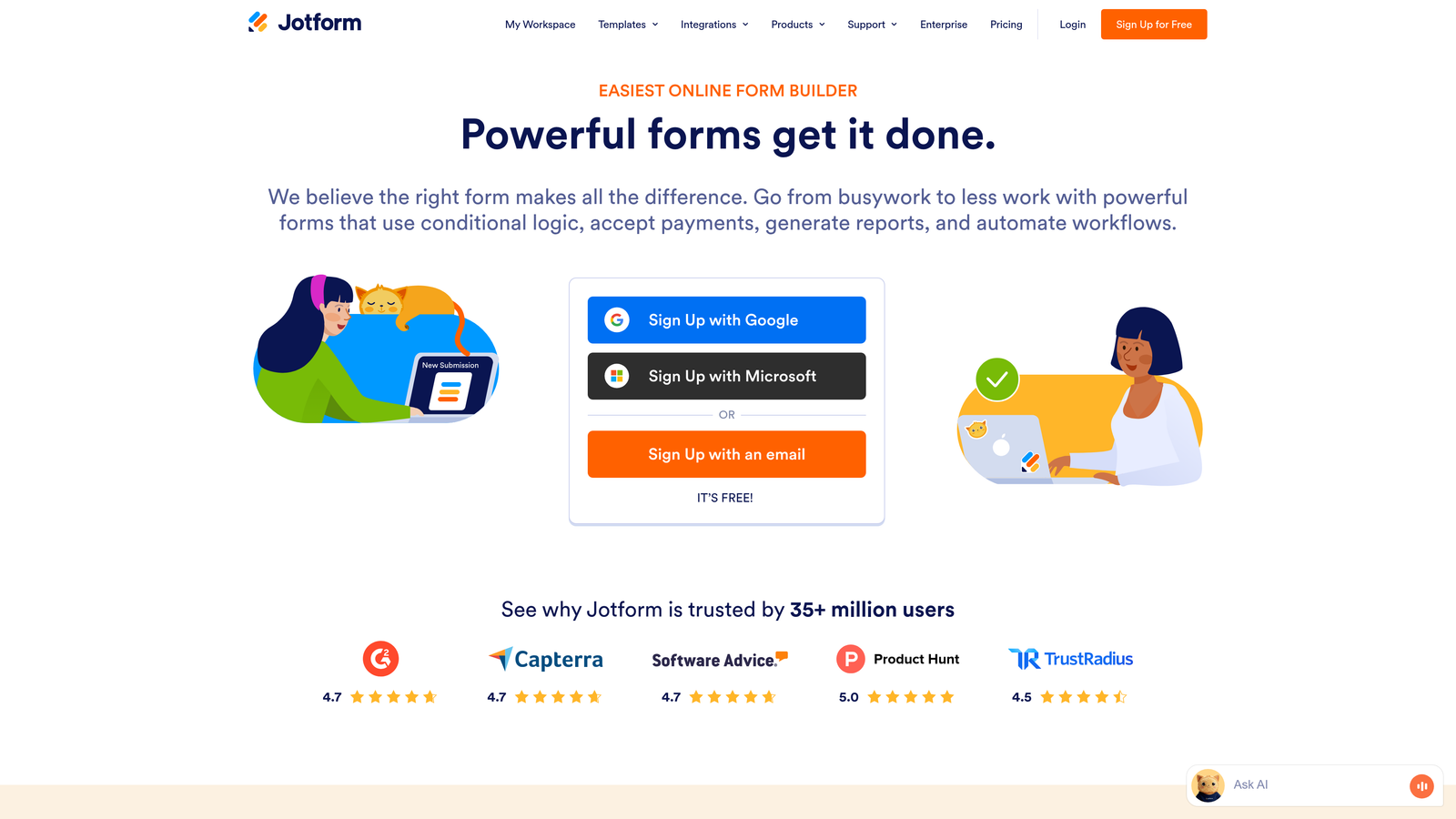
Jotform is a feature-rich form builder offering thousands of templates and AI-powered form generation for diverse use cases.
Where This Tool Shines
Jotform's massive template library means you rarely start from scratch. With over 10,000 pre-built forms spanning every industry and use case, you can find something close to your needs and customize from there. This dramatically reduces time to deployment.
The platform recently added AI form generation, letting you describe what you need in plain language and receiving a fully functional form in seconds. Combined with its extensive widget library and payment integrations, Jotform handles complex workflows that simpler builders struggle with.
Key Features
10,000+ Form Templates: Massive library covering every conceivable use case, from event registrations to job applications to customer surveys.
AI-Powered Form Creation: Describe your form requirements in natural language and receive a complete, customized form instantly.
Payment Integrations: Native support for PayPal, Stripe, Square, and other processors makes collecting payments seamless.
Conditional Logic and Calculations: Build sophisticated forms with dynamic fields, automatic calculations, and conditional visibility rules.
PDF Report Generation: Automatically generate PDF documents from form submissions for contracts, invoices, or reports.
Best For
Jotform serves teams that need versatility more than specialization. It's particularly strong for organizations handling diverse form types across multiple departments, or businesses requiring payment collection within forms.
Pricing
Free tier supports up to 5 forms. Bronze plan starts at $34 per month, scaling up based on submission limits and advanced features.
4. Tally
Best for: Budget-conscious startups and small teams needing unlimited forms without monthly costs
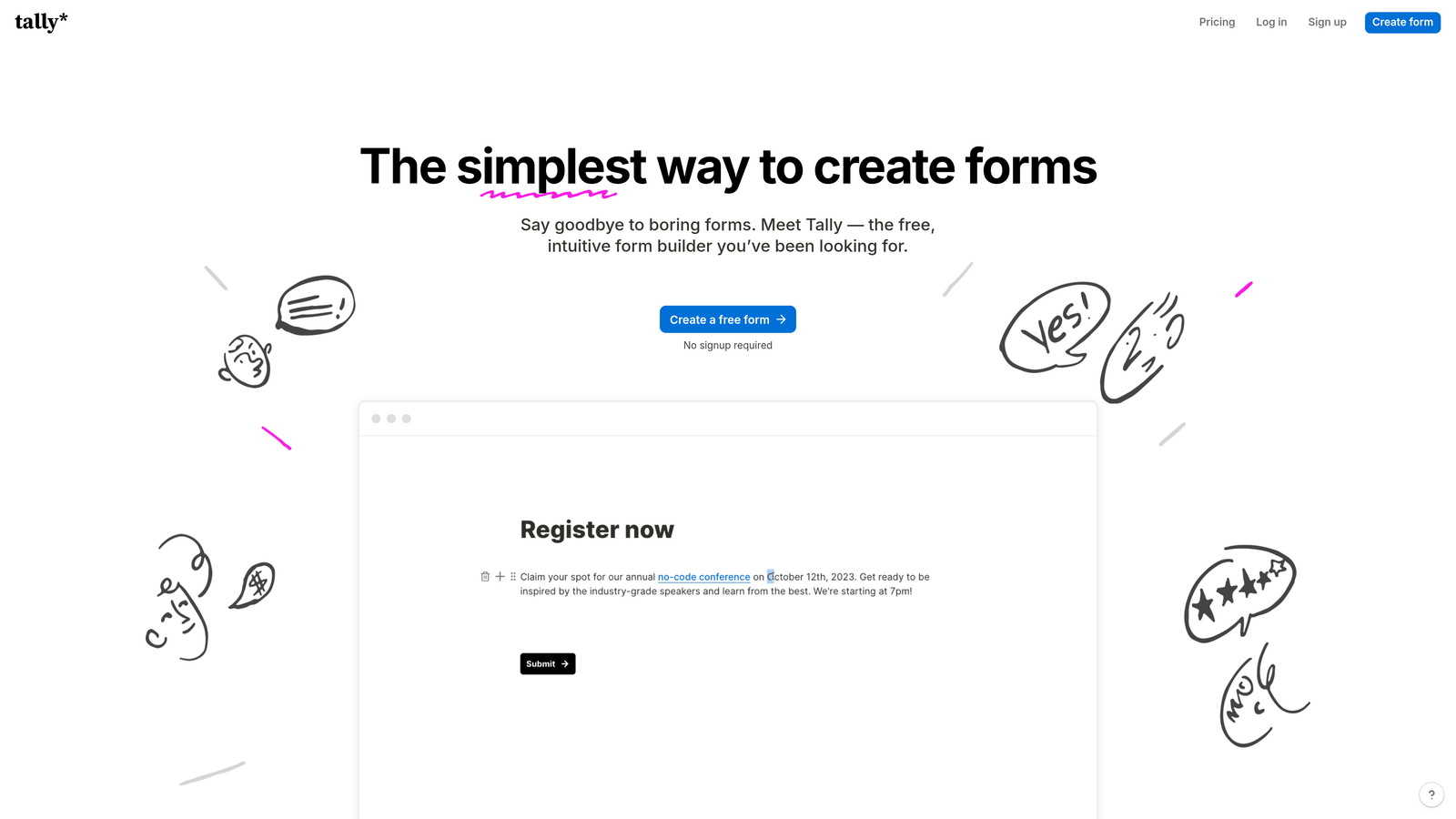
Tally is a Notion-like form builder offering unlimited forms on its free tier with features typically reserved for paid tools.
Where This Tool Shines
Tally disrupted the form builder market by offering unlimited forms completely free. While competitors limit free users to 3-5 forms, Tally removes that constraint entirely, making it perfect for early-stage companies managing budgets carefully.
The Notion-style block editor feels immediately familiar to anyone who's used modern productivity tools. You build forms by stacking blocks, dragging elements, and configuring options in a clean, intuitive interface that requires no learning curve.
Key Features
Unlimited Forms on Free Tier: Create as many forms as you need without hitting paywalls or artificial limits.
Notion-Style Block Editor: Familiar building experience using blocks and drag-and-drop functionality that feels natural and intuitive.
Conditional Logic and Calculations: Build sophisticated forms with dynamic question paths and automatic field calculations.
File Uploads and Signatures: Collect documents and capture electronic signatures directly within your forms.
Custom Domains and Branding: Remove Tally branding and use your own domain even on the free tier.
Best For
Tally is perfect for bootstrapped startups, solopreneurs, and small teams that need professional form functionality without the monthly subscription cost. If you're already using Notion, the interface will feel like home.
Pricing
Generous free tier with unlimited forms. Pro plan starts at $29 per month, adding priority support and advanced features.
5. Fillout
Best for: Teams managing data in Airtable, Notion, or Google Sheets who need native database sync
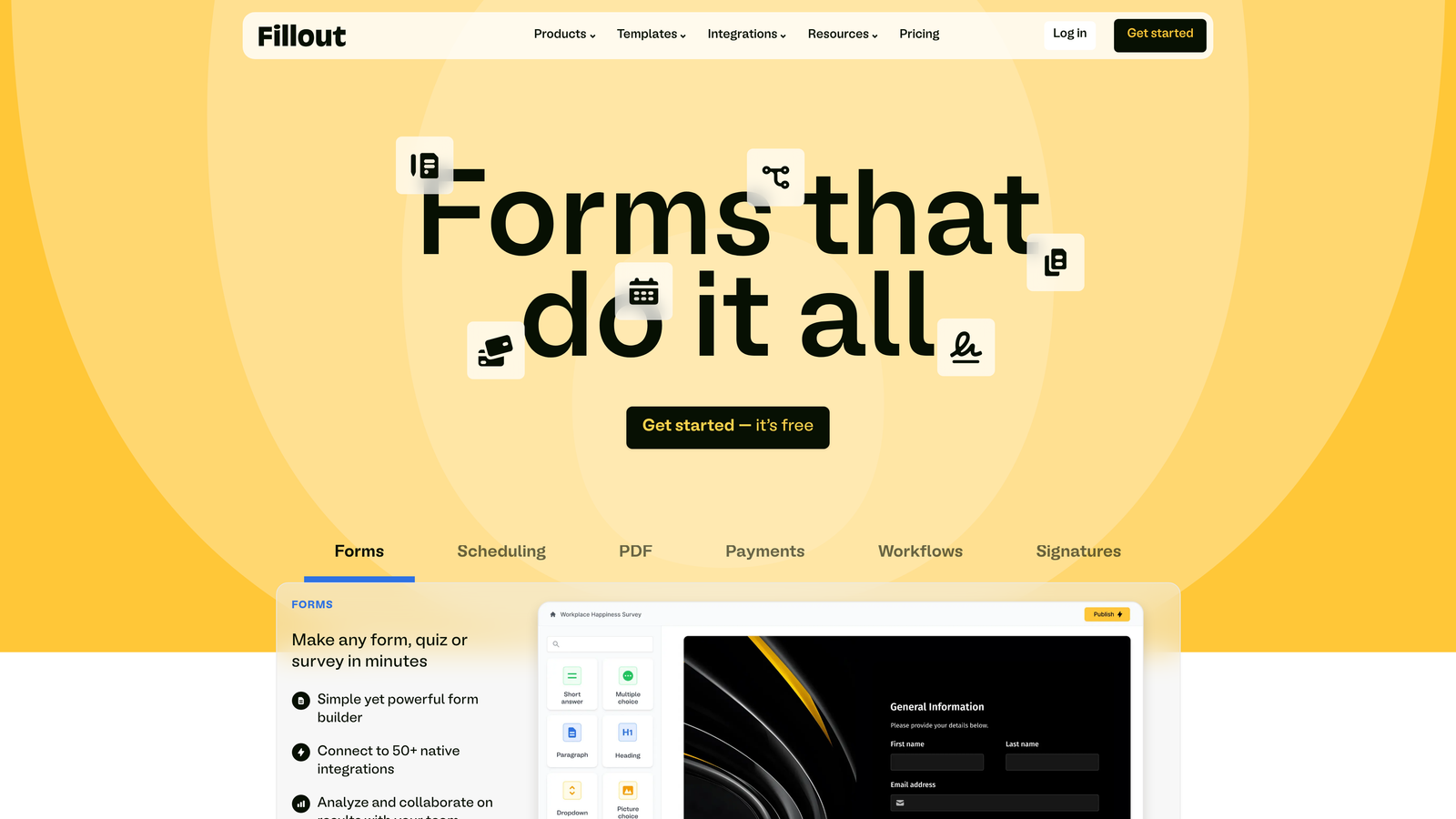
Fillout is a database-native form builder with deep integrations for teams already working in Airtable, Notion, and Google Sheets.
Where This Tool Shines
Fillout treats your database as the source of truth. Instead of creating forms and then figuring out how to sync data, you build forms directly connected to your Airtable bases or Notion databases. Submissions flow instantly into your existing structure without middleware or complex Zapier workflows.
This native approach eliminates the data sync headaches that plague other form builders. Changes in your database schema automatically reflect in your forms, and you can pre-populate form fields with existing database records for update workflows.
Key Features
Native Airtable and Notion Sync: Direct two-way integration with your databases, eliminating the need for third-party automation tools.
Scheduling Integration: Built-in calendar booking functionality for collecting appointments alongside form data.
Payment Collection: Accept payments through Stripe directly within your forms.
Conditional Logic: Show or hide questions based on previous answers or database values.
Multi-Page Forms: Break long forms into logical sections for better user experience and completion rates.
Best For
Fillout excels for operations teams, project managers, and anyone who's built their workflow around Airtable or Notion. If your team already lives in these tools, Fillout integrates seamlessly into your existing processes.
Pricing
Free tier available with core features. Starter plan begins at $15 per month for additional submissions and advanced functionality.
6. Formstack
Best for: Enterprise organizations requiring HIPAA compliance, advanced workflows, and document generation
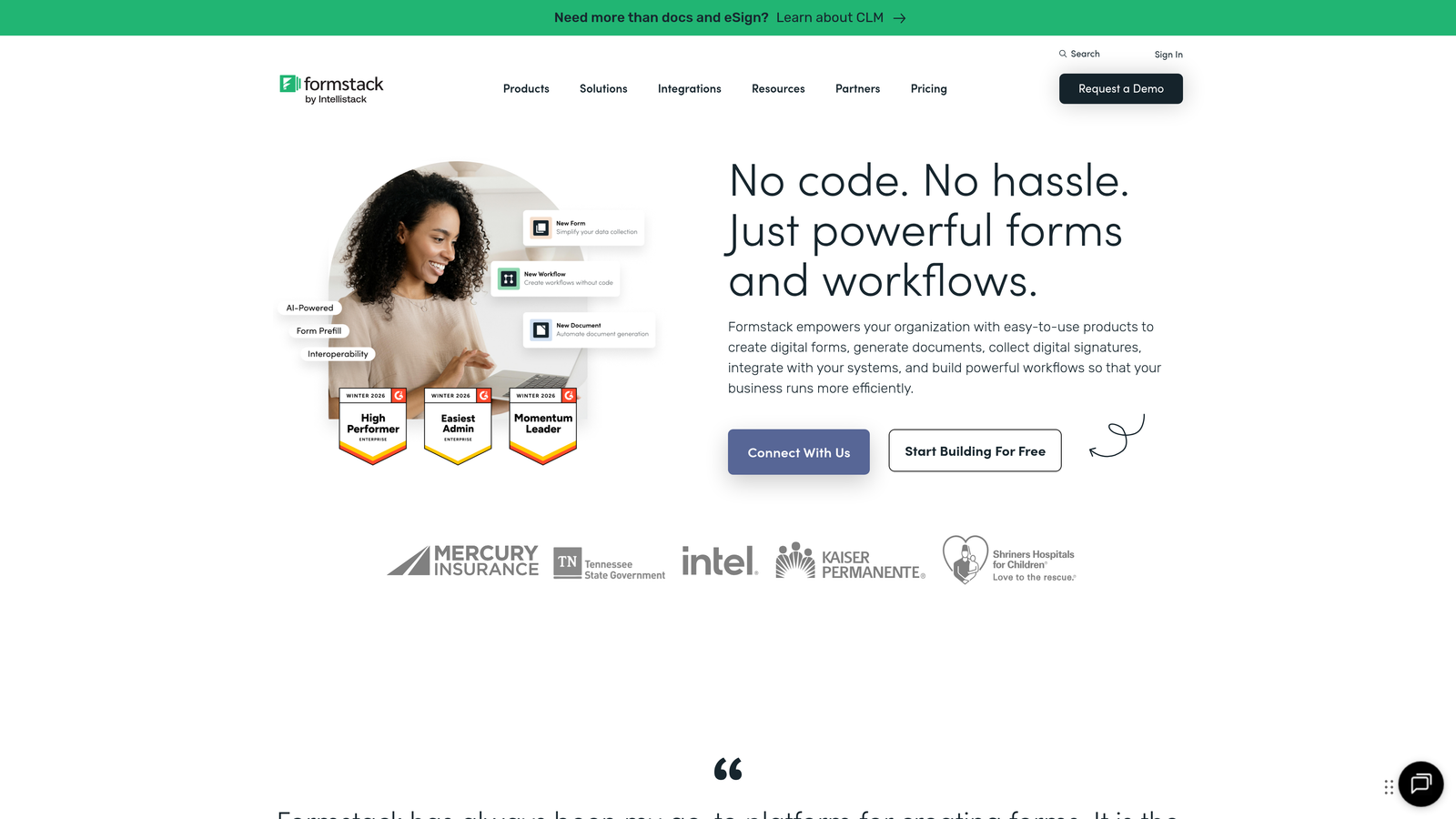
Formstack is an enterprise-grade form builder with advanced workflow automation and compliance features for regulated industries.
Where This Tool Shines
Formstack built its platform specifically for organizations where compliance isn't optional. Healthcare providers, financial services firms, and government agencies need HIPAA and GDPR compliance baked into their form infrastructure, not added as an afterthought.
Beyond compliance, Formstack's workflow automation goes deeper than most competitors. You can trigger document generation, route approvals through complex hierarchies, and automate multi-step processes that would otherwise require custom development.
Key Features
HIPAA and GDPR Compliance: Built-in compliance features including data encryption, audit trails, and secure data handling for regulated industries.
Workflow Automation: Complex multi-step workflows with conditional routing, approvals, and automated actions based on submission data.
Document Generation: Automatically create PDFs, contracts, or reports from form submissions using customizable templates.
E-Signatures: Collect legally binding electronic signatures directly within your forms.
Advanced Security Controls: Granular permission management, IP restrictions, and enterprise-grade security features.
Best For
Formstack serves enterprises, healthcare organizations, educational institutions, and any business operating in regulated industries. If compliance requirements are non-negotiable, Formstack handles them comprehensively.
Pricing
Starter plan begins at $50 per month. Enterprise pricing available for organizations with specific compliance or volume requirements.
7. Cognito Forms
Best for: Small businesses needing powerful calculation fields and payment processing at affordable prices
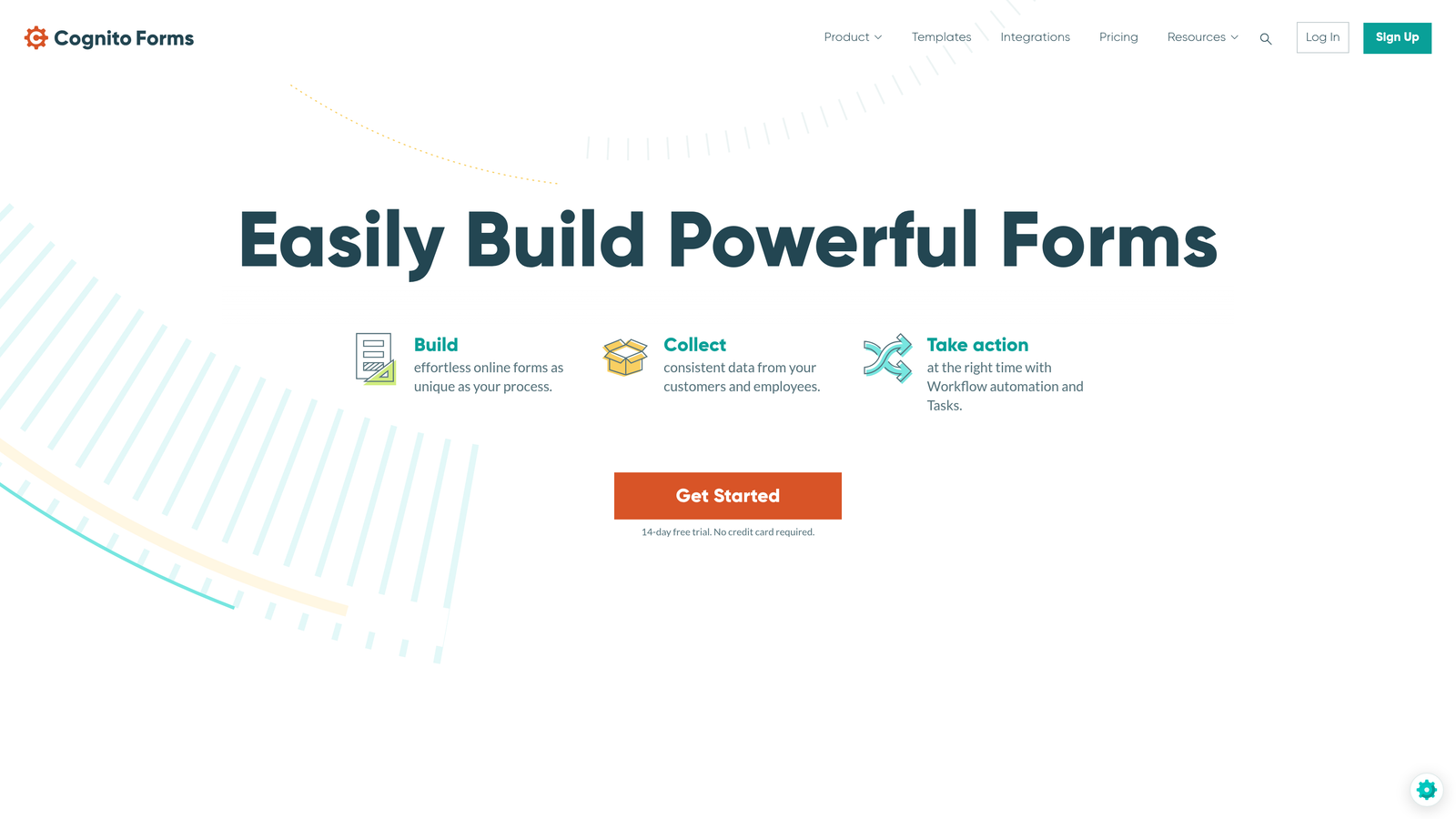
Cognito Forms is an affordable form builder with advanced calculation capabilities and repeating sections for dynamic forms.
Where This Tool Shines
Cognito Forms excels at forms requiring complex calculations. Whether you're building a quote calculator, order form with dynamic pricing, or application with scoring logic, Cognito's calculation engine handles mathematical operations other builders struggle with.
The repeating sections feature lets users add multiple instances of the same field group within a single form. This is perfect for applications where you need to collect information about multiple items, team members, or entries without creating separate forms.
Key Features
Advanced Calculation Fields: Build sophisticated formulas using mathematical operations, conditional logic, and field references for dynamic pricing or scoring.
Repeating Sections: Let users add multiple entries of the same field group, perfect for order forms or applications with variable quantities.
Payment Integrations: Accept payments through Stripe or PayPal with automatic calculation of totals, taxes, and fees.
Conditional Logic: Show, hide, or require fields based on user responses or calculated values.
Data Encryption: All form data is encrypted both in transit and at rest for security.
Best For
Cognito Forms works well for small businesses, nonprofits, and organizations that need calculation-heavy forms without enterprise pricing. It's particularly strong for event registrations, order forms, and applications requiring dynamic pricing.
Pricing
Free tier available for basic forms. Pro plan starts at $15 per month, offering excellent value for small business budgets.
8. Feathery
Best for: Product teams building in-app form experiences with React components and A/B testing
Feathery is a developer-friendly form builder with React SDK, built-in A/B testing, and analytics for product teams.
Where This Tool Shines
Feathery takes a fundamentally different approach by treating forms as product features rather than standalone tools. The React SDK lets developers embed forms directly into applications with full control over styling and behavior, while non-technical team members manage form logic through the visual editor.
The built-in A/B testing and analytics capabilities are rare in form builders. Product teams can test different question orders, field types, or copy variations to optimize conversion rates without additional tools or complex setup.
Key Features
React SDK and Components: Native React components for embedding forms seamlessly into web applications with full developer control.
A/B Testing Built-In: Test form variations directly within the platform to optimize conversion rates based on real user data.
Form Analytics and Funnel Tracking: Detailed insights into completion rates, drop-off points, and user behavior throughout the form flow.
Custom Code Injection: Add custom JavaScript or CSS for advanced functionality and precise design control.
API-First Architecture: Comprehensive API access for building custom integrations and workflows programmatically.
Best For
Feathery serves SaaS product teams, tech startups, and development teams building forms as part of their core product experience. If you need forms that feel native to your application rather than embedded third-party widgets, Feathery delivers.
Pricing
Free tier available for development and testing. Growth plan starts at $49 per month for production use.
9. HubSpot Forms
Best for: Existing HubSpot users needing native CRM integration and progressive profiling capabilities
HubSpot Forms is the native form builder within HubSpot's ecosystem, offering seamless CRM integration and progressive profiling.
Where This Tool Shines
HubSpot Forms makes sense primarily if you're already invested in the HubSpot ecosystem. The native integration means form submissions automatically create or update contact records, trigger workflows, and populate deal pipelines without any configuration.
Progressive profiling is HubSpot's standout feature. Instead of asking returning visitors the same questions repeatedly, forms intelligently request new information each time, gradually building complete contact profiles without frustrating users with redundant questions.
Key Features
Seamless HubSpot CRM Integration: Form submissions automatically sync with contact records, deals, and workflows without third-party tools.
Progressive Profiling: Automatically show different questions to returning visitors, gradually enriching contact data over multiple interactions.
Smart Content Personalization: Display different form fields or content based on contact properties, lifecycle stage, or list membership.
Pop-Up and Embedded Forms: Deploy forms as pop-ups, slide-ins, embedded widgets, or standalone pages with consistent styling.
Contact Property Mapping: Direct mapping to custom HubSpot properties ensures data flows exactly where you need it.
Best For
HubSpot Forms is ideal for marketing teams already using HubSpot CRM or Marketing Hub. If you're building your entire growth stack around HubSpot, the native form builder eliminates integration complexity.
Pricing
Free with HubSpot CRM. Advanced features like progressive profiling and smart content require paid Marketing Hub subscriptions.
Making the Right Choice
The right intelligent form builder depends entirely on your specific workflow and priorities. Orbit AI leads this list for teams serious about AI-powered lead qualification and conversion optimization. Its intelligent scoring and conversational interface transform forms from data collection tools into active participants in your sales process.
For design-focused brands where aesthetics matter as much as functionality, Typeform's one-question-at-a-time interface creates experiences users actually enjoy completing. If you need massive template variety and AI-assisted creation, Jotform's 10,000+ templates and natural language form generation get you deployed faster.
Budget-conscious startups should look at Tally's unlimited free tier, which removes the artificial form limits that plague other free plans. Teams already working in Airtable or Notion will appreciate Fillout's native database sync that eliminates middleware complexity. Enterprise organizations requiring HIPAA compliance and advanced workflows need Formstack's purpose-built compliance features.
Small businesses needing calculation-heavy forms find Cognito Forms delivers enterprise functionality at small business prices. Product teams building in-app experiences benefit from Feathery's React SDK and built-in A/B testing. And existing HubSpot users should leverage HubSpot Forms' native integration and progressive profiling rather than adding another tool to their stack.
The intelligent form builder market has matured significantly. The best solution isn't the one with the longest feature list—it's the one that fits naturally into your existing workflow while solving your specific conversion challenges. Start building free forms today and see how intelligent form design can elevate your conversion strategy with AI-powered qualification that understands prospect intent and routes high-value leads automatically.


