Modern lead generation isn't about collecting contact information anymore—it's about understanding who your prospects are in real-time and routing them to the right place instantly. Intelligent form software uses AI, conditional logic, and smart integrations to qualify leads as they fill out forms, personalize the experience based on their answers, and connect seamlessly with your existing tech stack. The difference between a basic form and an intelligent one? One captures data, the other captures qualified opportunities.
We evaluated dozens of platforms based on their AI capabilities, ease of use, integration depth, and value for high-growth teams. Here are the top intelligent form software tools that go beyond simple data collection to actually transform how you generate and qualify leads.
1. Orbit AI
Best for: High-growth teams needing AI-powered lead qualification with conversion-optimized design
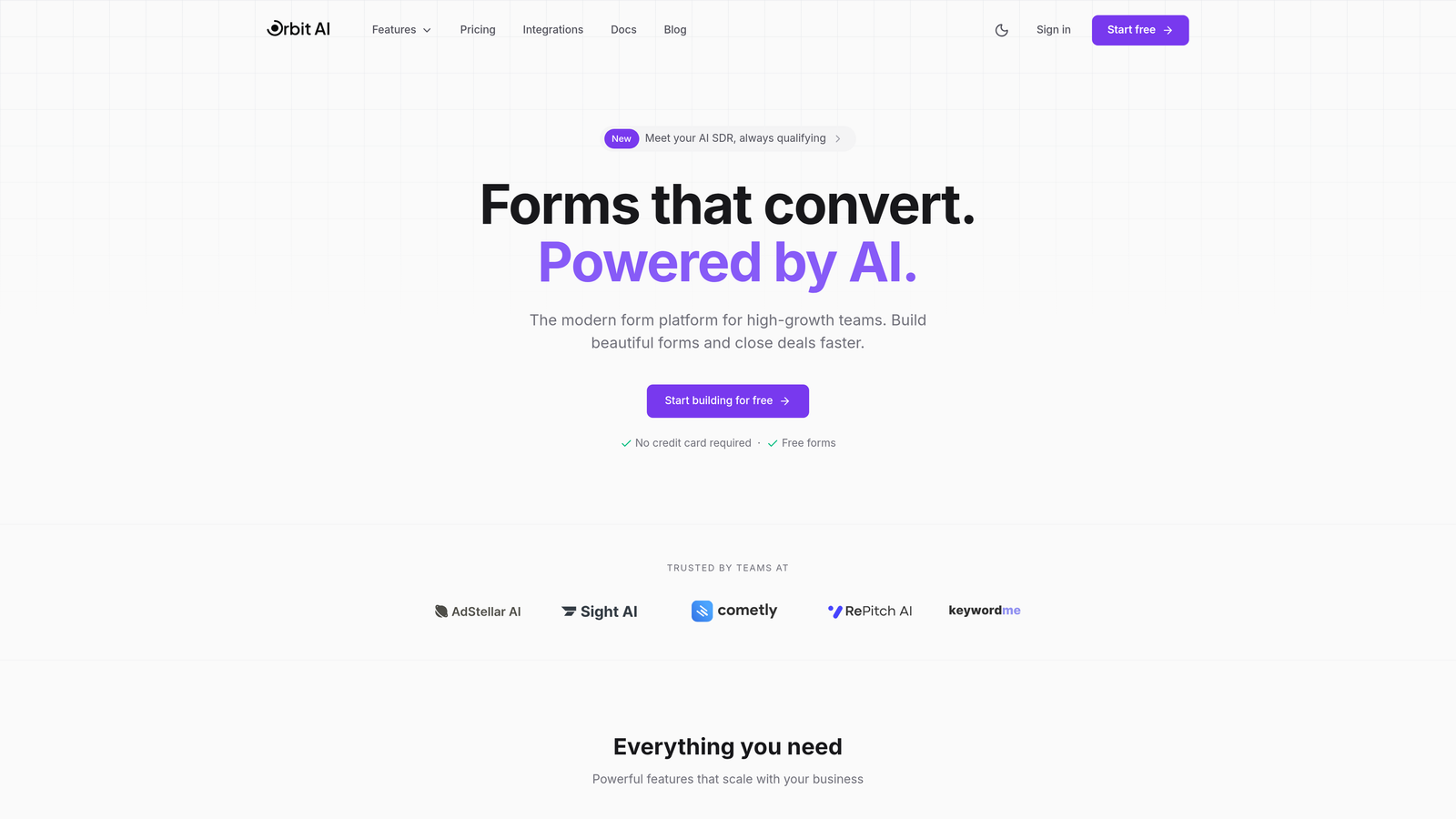
Orbit AI is an AI-powered form builder platform designed specifically for teams that need to qualify leads automatically while maintaining a modern, conversion-focused user experience.
Where This Tool Shines
The standout feature is its AI agents that qualify leads in real-time as prospects fill out forms. Instead of collecting raw data and sorting it later, Orbit AI evaluates responses instantly and routes qualified leads directly to sales while nurturing others through automated workflows.
The platform focuses on conversion optimization from the ground up. Every template, every field placement, every interaction is designed to maximize completion rates while still capturing the qualification data your team needs.
Key Features
AI Agents for Lead Qualification: Real-time scoring and routing based on prospect responses and behavior patterns.
Smart Conditional Logic: Dynamic form paths that adapt based on answers, showing only relevant questions.
Native CRM Integrations: Direct connections to HubSpot, Salesforce, and Slack without middleware dependencies.
Conversion-Optimized Templates: Pre-built forms designed specifically for lead generation with proven completion rates.
Advanced Analytics Dashboard: Real-time insights into form performance, drop-off points, and lead quality metrics.
Best For
High-growth B2B teams, SaaS companies, and marketing agencies that need to qualify leads at scale without adding manual review steps. Particularly valuable for teams running paid advertising campaigns where lead quality directly impacts ROI.
Pricing
Free tier available for teams getting started. Paid plans begin at $29/month with advanced AI features and scalable form limits.
2. Typeform
Best for: Creating conversational, engaging forms with high completion rates
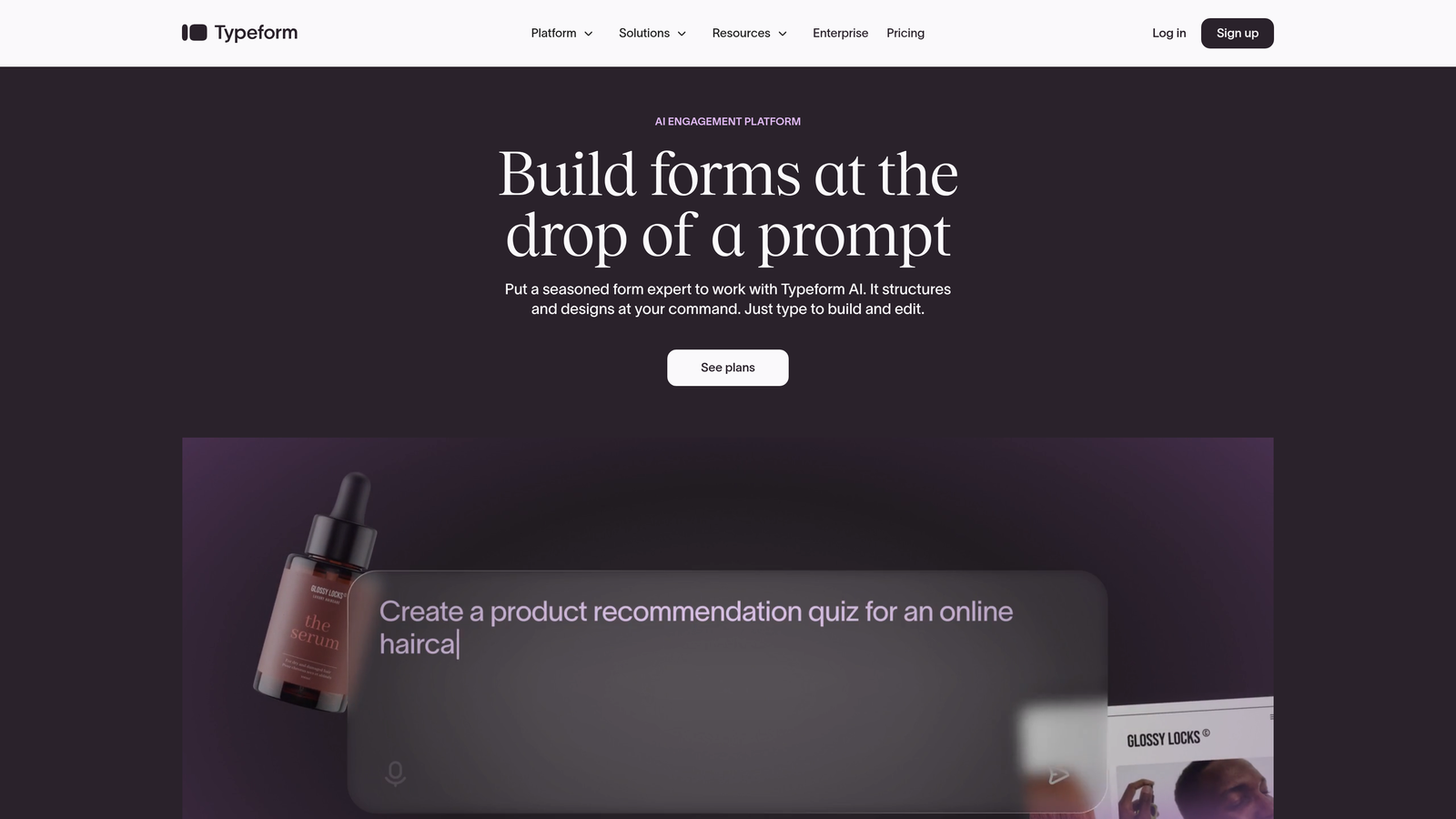
Typeform is a conversational form builder that presents one question at a time, creating an engaging experience that feels more like a conversation than a traditional form.
Where This Tool Shines
The one-question-at-a-time format reduces cognitive load and consistently delivers higher completion rates than traditional multi-field forms. This approach works particularly well for surveys, quizzes, and lead qualification flows where you need detailed information without overwhelming prospects.
Typeform's visual design capabilities stand out. You can embed images, videos, and GIFs directly into questions, creating branded experiences that feel native to your website rather than like a generic form.
Key Features
Conversational UI: One-question-at-a-time format with smooth transitions that maintains engagement throughout the form.
Logic Jumps: Branch to different questions based on previous answers, creating personalized paths through your form.
Rich Media Embedding: Add videos, images, and GIFs to questions for more engaging, branded experiences.
Calculator Fields: Build interactive quote calculators or assessment tools directly into your forms.
Native Integrations: Connect directly to popular marketing and CRM tools without requiring Zapier.
Best For
Marketing teams focused on user experience, brands running interactive quizzes or assessments, and companies that need higher completion rates on longer qualification forms.
Pricing
Free tier with basic features. Basic plan starts at $25/month.
3. Jotform
Best for: Teams needing extensive template variety and robust conditional logic
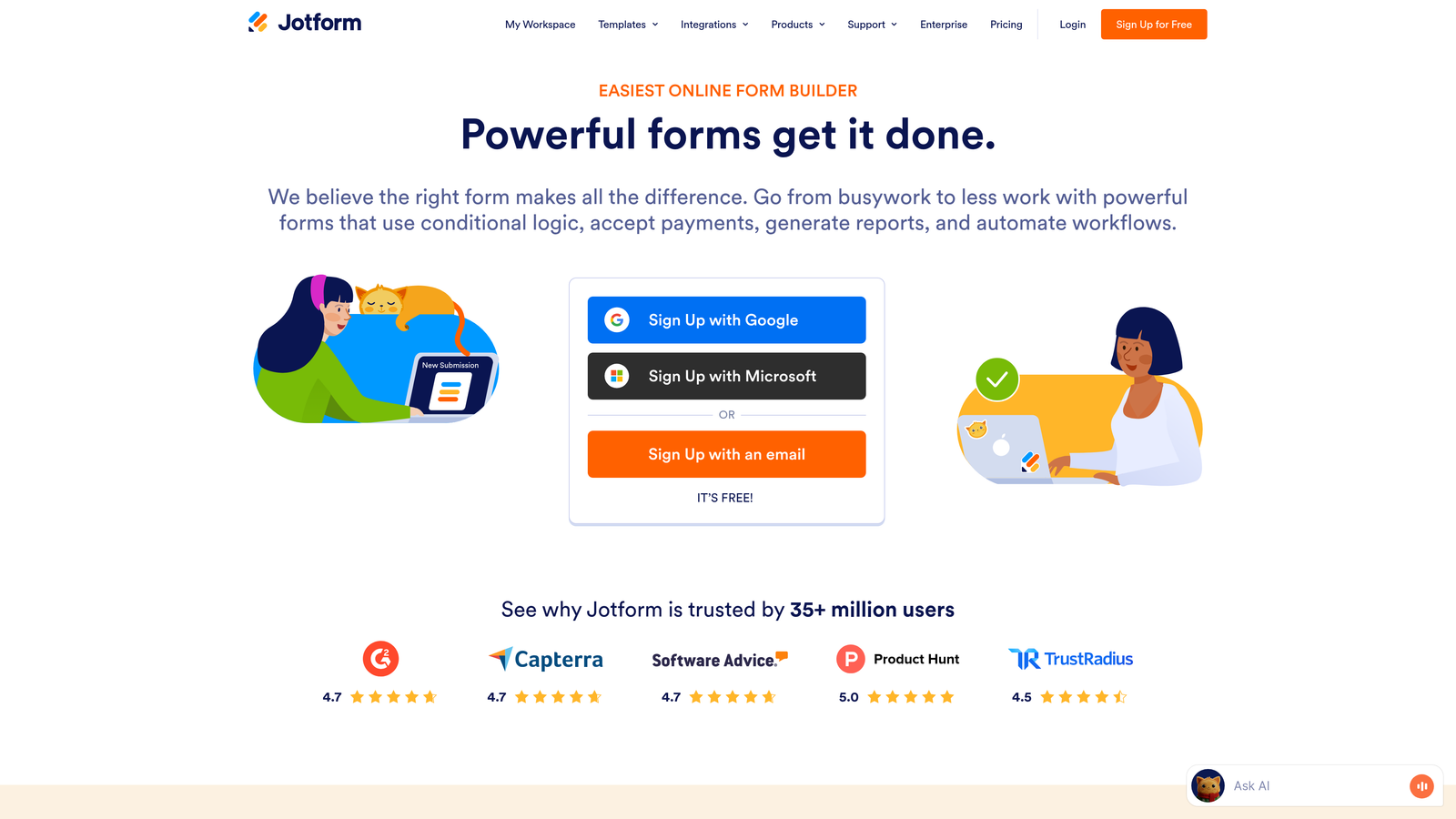
Jotform is a versatile form builder offering over 10,000 pre-built templates and powerful conditional logic capabilities for creating complex form workflows.
Where This Tool Shines
The template library is genuinely comprehensive. Whether you need a contact form, event registration, job application, or complex multi-step workflow, there's likely a pre-built template that gets you 80% of the way there. This dramatically reduces build time for common use cases.
Jotform Tables transforms form submissions into a spreadsheet-like interface where you can manage, edit, and organize data without exporting to Excel. For teams that need to work with form data directly, this eliminates several manual steps.
Key Features
10,000+ Templates: Pre-built forms for virtually every use case, from simple contact forms to complex applications.
Drag-and-Drop Builder: Intuitive interface for customizing forms without any coding knowledge required.
Payment Processing: Built-in integrations with PayPal, Square, Stripe, and other payment processors.
HIPAA Compliance: Enterprise option for healthcare organizations needing to collect protected health information.
Jotform Tables: Manage form submissions in a spreadsheet-style interface with sorting, filtering, and editing capabilities.
Best For
Small to medium businesses needing quick form deployment, organizations collecting payments through forms, and teams managing high volumes of submissions that need organized data views.
Pricing
Free tier allows up to 5 forms. Bronze plan starts at $34/month for unlimited forms.
4. Formstack
Best for: Enterprise teams requiring workflow automation and document generation
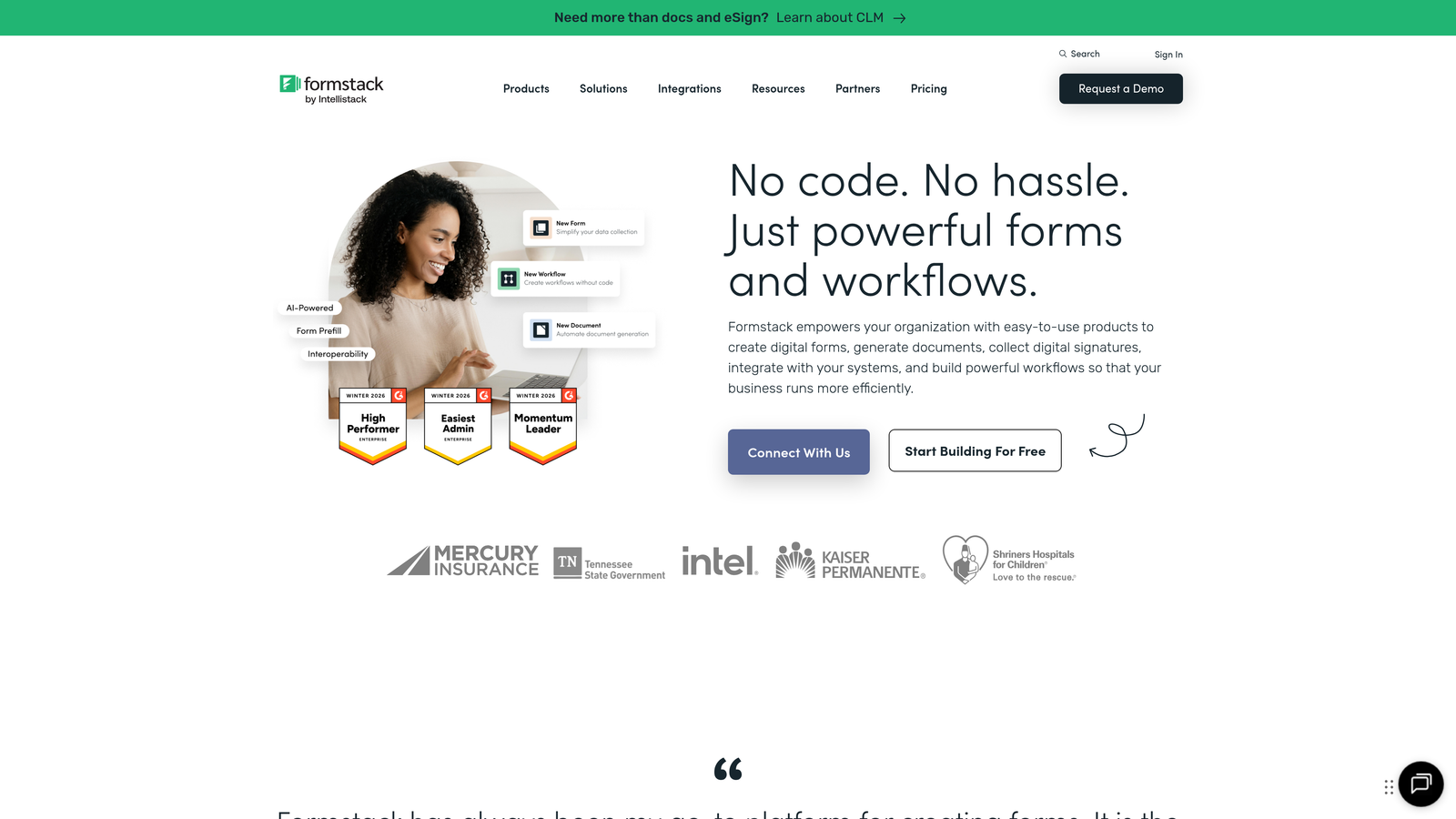
Formstack is an enterprise-grade platform combining form building, workflow automation, document generation, and e-signature capabilities into a unified system.
Where This Tool Shines
Formstack excels at complex workflows that extend beyond form submission. You can automatically generate PDFs from form data, route documents for e-signatures, and trigger multi-step approval processes—all within a single platform. This eliminates the need to connect multiple tools for document-heavy processes.
The Salesforce-native option is particularly valuable for enterprises deeply invested in the Salesforce ecosystem. It operates directly within Salesforce rather than syncing data between platforms, reducing latency and potential sync errors.
Key Features
Workflow Automation: Build multi-step processes triggered by form submissions, including approvals and notifications.
Document Generation: Automatically create PDFs, contracts, and reports populated with form data.
E-Signature Integration: Route generated documents for electronic signatures without leaving the platform.
Advanced Security: Enterprise-grade encryption, HIPAA compliance, and detailed audit trails for regulated industries.
Salesforce-Native Option: Forms that operate directly within Salesforce for seamless CRM integration.
Best For
Enterprise organizations with complex approval workflows, regulated industries requiring strict compliance, and Salesforce-heavy companies needing native CRM forms.
Pricing
Forms product starts at $50/month. Enterprise pricing available for organizations needing advanced security and workflow features.
5. HubSpot Forms
Best for: Teams already using HubSpot CRM who need native integration
HubSpot Forms is a CRM-native form builder that operates directly within HubSpot's marketing and sales ecosystem.

Where This Tool Shines
Progressive profiling is the standout feature for HubSpot users. Instead of asking the same questions repeatedly, forms automatically hide fields for known contacts and ask new questions to gradually build complete profiles. This reduces form friction for returning visitors while still capturing valuable data.
Since forms are native to HubSpot CRM, every submission automatically creates or updates contact records, triggers workflows, and feeds into lead scoring—no integration setup required. For teams already invested in HubSpot, this seamless connection eliminates data sync delays and potential errors.
Key Features
Native CRM Integration: Forms operate directly within HubSpot with instant contact creation and workflow triggers.
Progressive Profiling: Automatically hide known fields and ask new questions to gradually build complete contact profiles.
Smart Content: Personalize form fields and messaging based on contact properties and lifecycle stage.
Lead Scoring Integration: Form submissions automatically impact lead scores based on your scoring rules.
A/B Testing: Test different form variations to optimize for conversions directly within HubSpot.
Best For
Marketing and sales teams already using HubSpot CRM, organizations running inbound marketing campaigns through HubSpot, and companies needing progressive profiling for known contacts.
Pricing
Free with HubSpot CRM. Advanced features like progressive profiling and smart content available in Marketing Hub starting at $45/month.
6. Paperform
Best for: Creating visually stunning, document-style forms with embedded media
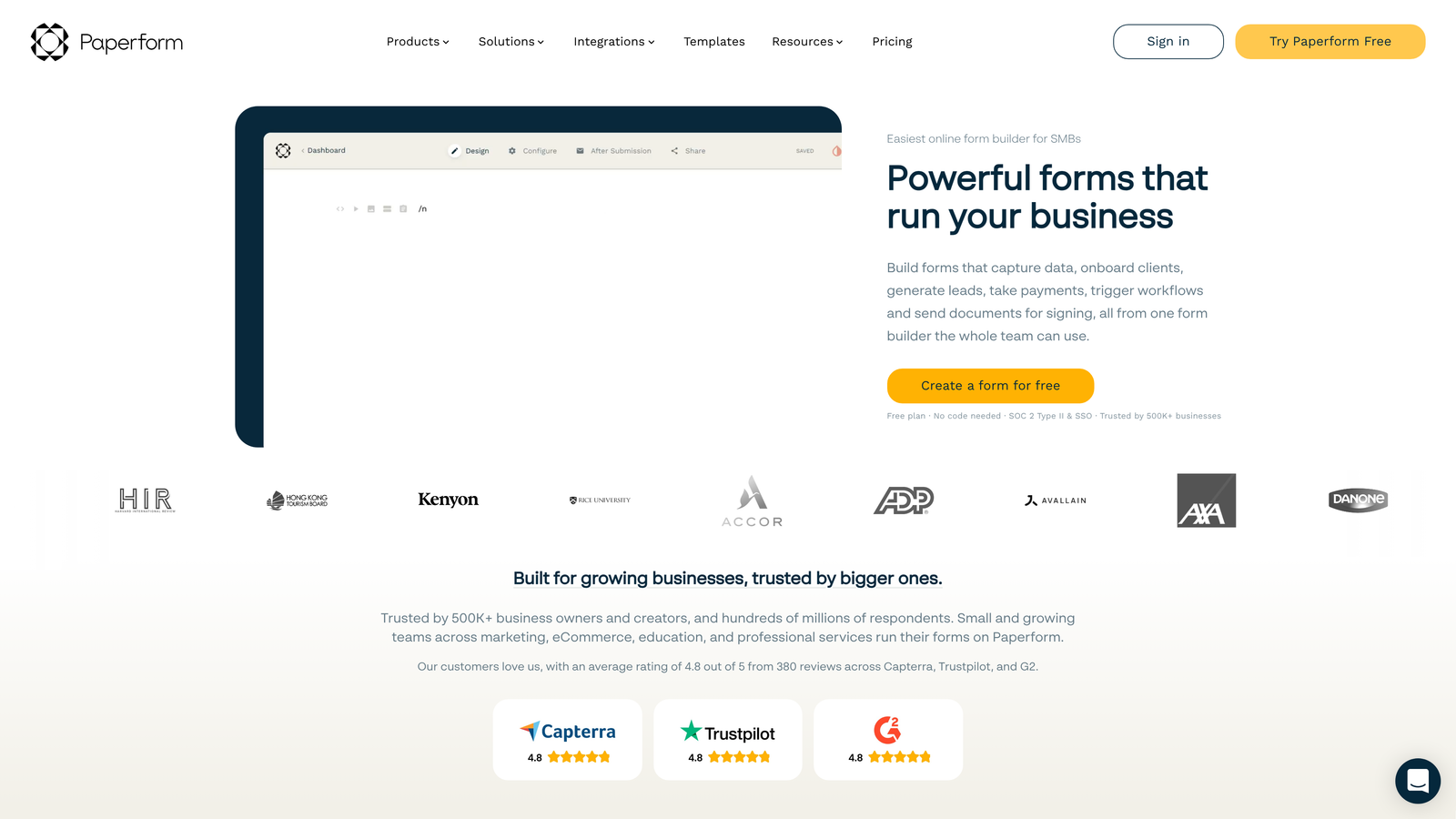
Paperform is a form builder that treats forms like documents, allowing you to embed images, videos, and text seamlessly alongside form fields for a magazine-style layout.
Where This Tool Shines
The document-style approach creates forms that feel more like landing pages than traditional forms. You can write paragraphs of text, embed full-width images, add video backgrounds, and position form fields exactly where they make sense in the narrative flow. This works exceptionally well for service businesses, event registrations, and booking forms where context matters.
Payment processing is deeply integrated rather than feeling like an add-on. You can create order forms, booking systems, and checkout experiences that handle complex pricing logic including discounts, subscriptions, and conditional pricing based on selections.
Key Features
Document-Style Design: Build forms that look like landing pages with embedded media and formatted text throughout.
Rich Media Embedding: Add images, videos, and GIFs directly into your form layout for visual storytelling.
Payment Processing: Accept payments with support for subscriptions, discounts, and complex pricing calculations.
Conditional Logic: Show or hide fields, sections, and pricing based on previous selections.
Custom Branding: Complete control over colors, fonts, and styling to match your brand identity.
Best For
Service businesses creating booking forms, event organizers managing registrations, and brands that prioritize visual design and storytelling in their forms.
Pricing
Essentials plan starts at $24/month with unlimited forms and submissions.
7. Cognito Forms
Best for: Forms requiring complex calculations and repeating sections
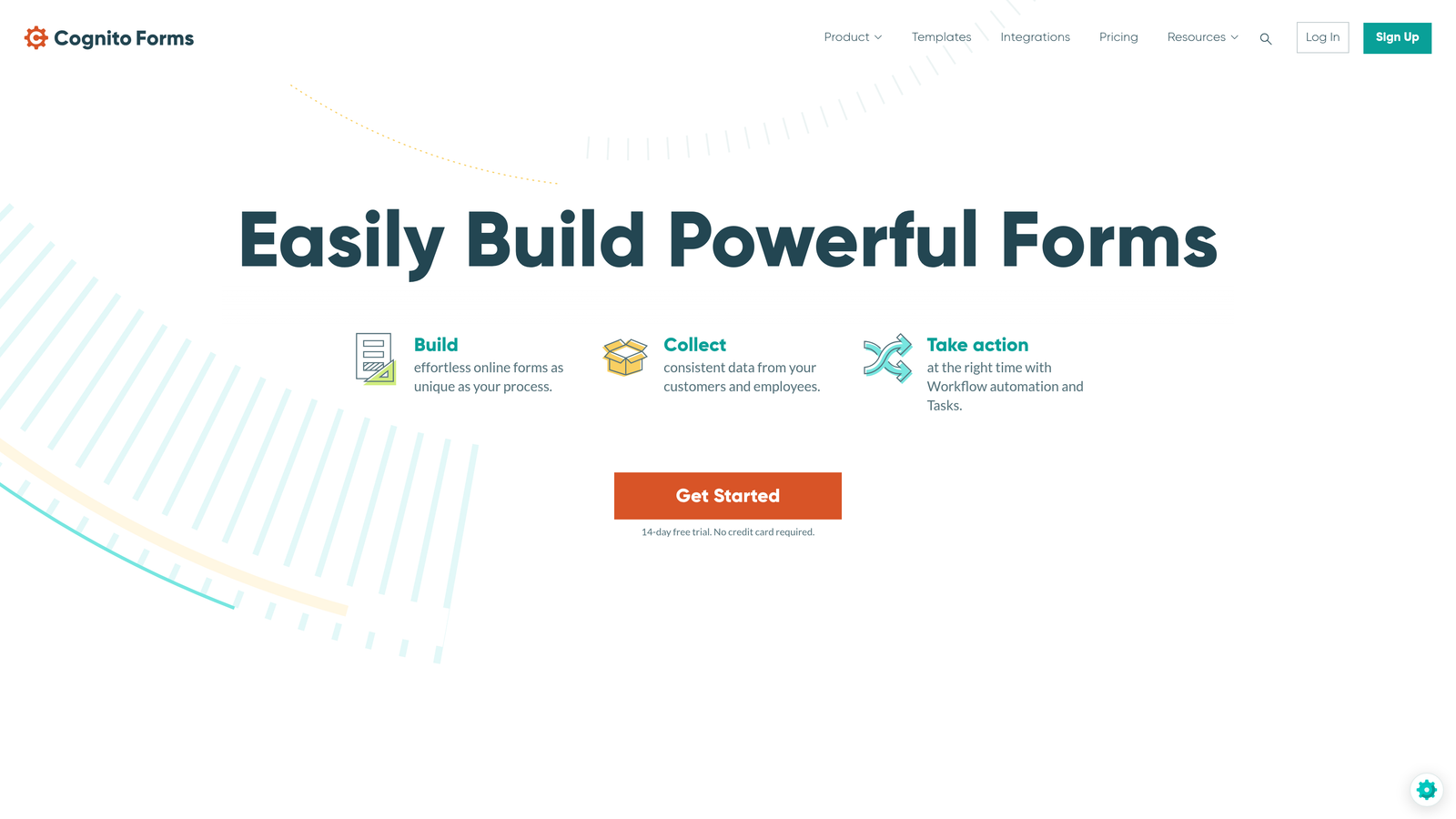
Cognito Forms specializes in advanced calculation fields, repeating sections, and payment processing for forms that need mathematical logic.
Where This Tool Shines
The calculation engine is remarkably sophisticated. You can build complex formulas that reference other fields, perform mathematical operations, and update in real-time as users fill out the form. This makes Cognito Forms ideal for quote calculators, order forms with dynamic pricing, and applications requiring mathematical validation.
Repeating sections let users add multiple entries within a single form submission—think adding multiple attendees to an event registration or listing multiple items in an order. This eliminates the need to create separate forms for variable-length data collection.
Key Features
Advanced Calculations: Build complex formulas that reference other fields and update dynamically as users type.
Repeating Sections: Allow users to add multiple entries for items, attendees, or other variable-length data.
Payment Integration: Process payments through Stripe and PayPal with support for subscriptions and complex pricing.
Conditional Logic: Show or hide fields and sections based on calculations and previous answers.
Data Encryption: Field-level encryption for sensitive data like Social Security numbers or health information.
Best For
Organizations creating quote calculators, event registrations with multiple attendees, order forms with complex pricing logic, and applications requiring mathematical validation.
Pricing
Free tier available with basic features. Pro plan starts at $15/month.
8. Fillout
Best for: No-code teams using Notion or Airtable for data management
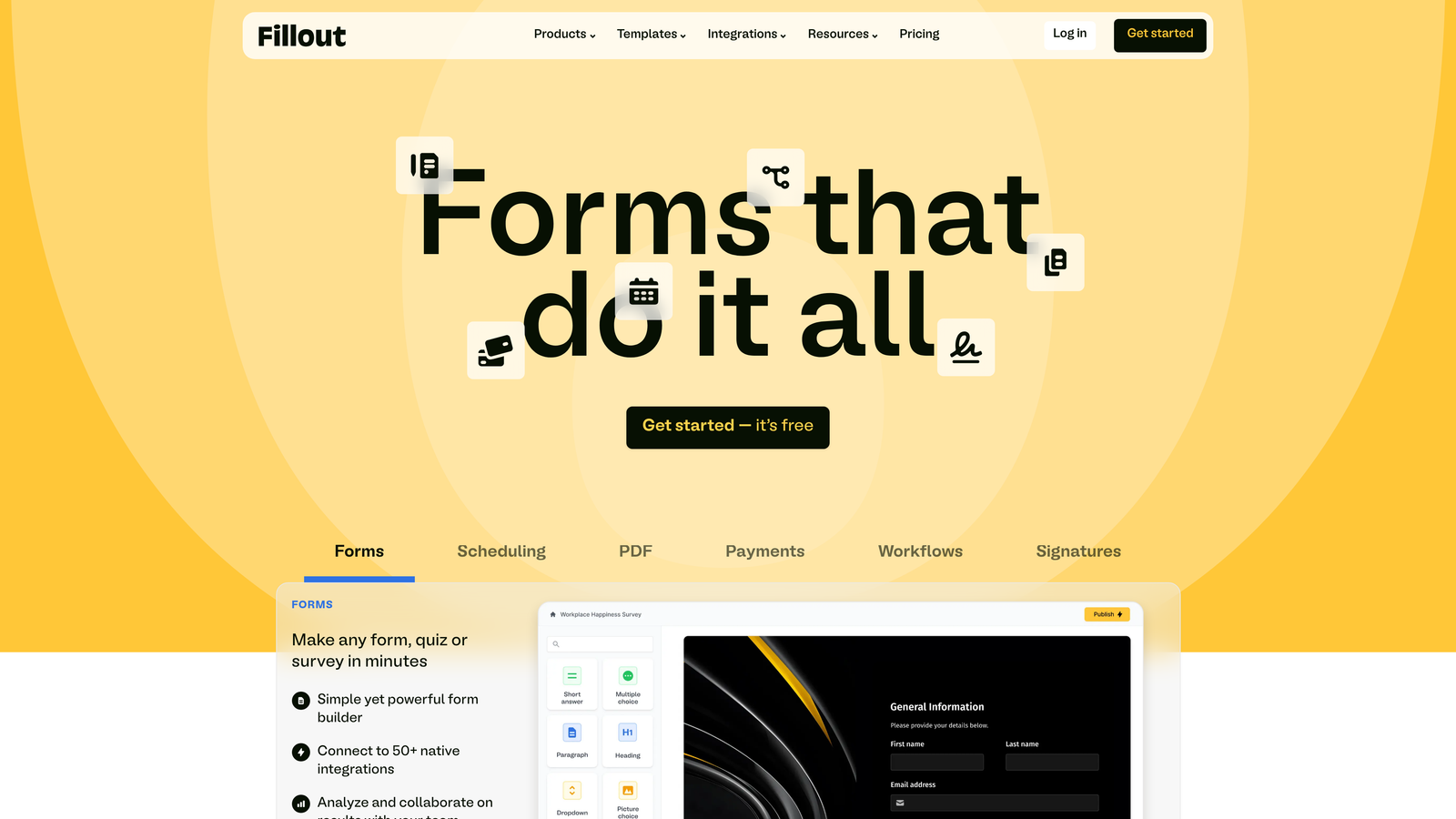
Fillout is a modern form builder with native integrations to Notion and Airtable, designed for teams building no-code workflows.
Where This Tool Shines
The native Notion and Airtable integrations are genuinely native—not webhook workarounds. Form submissions flow directly into your Notion databases or Airtable bases with field mapping that respects your existing structure. For teams managing operations in these platforms, this eliminates the need for middleware tools like Zapier.
The interface feels modern and clean without unnecessary complexity. You can build professional forms quickly without navigating through layers of settings or dealing with outdated UI patterns common in older form builders.
Key Features
Native Notion Integration: Send form submissions directly to Notion databases with automatic field mapping.
Native Airtable Integration: Connect forms to Airtable bases without requiring Zapier or other middleware.
Modern UI: Clean, contemporary interface that feels current rather than dated.
Conditional Logic: Show or hide fields based on previous answers for personalized form flows.
File Uploads: Allow users to upload documents, images, or other files as part of form submissions.
Best For
No-code teams managing operations in Notion or Airtable, startups building workflows without traditional databases, and teams prioritizing modern design aesthetics.
Pricing
Free tier available with core features. Starter plan begins at $15/month.
9. Tally
Best for: Budget-conscious teams needing unlimited forms with a generous free tier
Tally is a simple form builder with a Notion-style editor that offers unlimited forms on its free plan.
Where This Tool Shines
The free tier is genuinely generous—unlimited forms, unlimited submissions, and core features without hitting paywalls at every turn. For bootstrapped startups, side projects, or teams testing form strategies before committing budget, Tally removes financial barriers to getting started.
The Notion-style editor feels immediately familiar if you've used Notion. You type a slash command to add form elements, drag to reorder, and the interface stays out of your way. There's minimal learning curve for teams already comfortable with modern productivity tools.
Key Features
Unlimited Free Forms: No limits on form count or submissions on the free tier, unlike most competitors.
Notion-Style Editor: Familiar slash-command interface for adding and organizing form elements.
Conditional Logic: Show or hide questions based on previous answers to create dynamic forms.
File Uploads: Allow users to attach documents or images to their submissions.
Webhook Integrations: Connect to other tools through webhooks for custom workflow automation.
Best For
Bootstrapped startups with tight budgets, side projects and MVPs testing product ideas, and teams needing simple forms without complex requirements.
Pricing
Free for most features including unlimited forms. Pro plan available at $29/month for advanced features and custom branding.
Finding Your Perfect Match
The right intelligent form software depends entirely on your specific needs and existing tech stack. If you're focused on AI-powered lead qualification that happens in real-time, Orbit AI delivers automated scoring and routing that eliminates manual review. Teams prioritizing engagement and completion rates often find Typeform's conversational approach drives better results. For enterprise organizations with complex workflows spanning documents and approvals, Formstack provides the comprehensive automation capabilities you need.
HubSpot Forms makes the most sense if you're already invested in the HubSpot ecosystem—the native integration and progressive profiling are hard to replicate with external tools. Budget-conscious teams or those just starting out should look at Tally's generous free tier, while no-code teams working in Notion or Airtable will appreciate Fillout's native connections.
The key is matching capabilities to your actual requirements. A startup collecting simple contact information doesn't need enterprise workflow automation. A B2B company running paid campaigns absolutely needs intelligent lead qualification to maximize ROI. Consider your form volume, the complexity of your qualification criteria, and how forms fit into your broader marketing and sales processes.
Transform your lead generation with AI-powered forms that qualify prospects automatically while delivering the modern, conversion-optimized experience your high-growth team needs. The difference between capturing leads and capturing qualified opportunities often comes down to asking the right questions at the right time—and routing answers to the right place instantly.