

Static forms are conversion killers. When prospects encounter a wall of fields, they bounce—taking their potential business with them. Interactive form builders solve this by transforming data collection into engaging, conversational experiences that guide users through questions one step at a time.
The result? Higher completion rates, better-qualified leads, and data you can actually use.
We've tested dozens of tools to find the ones that deliver real results. Whether you need AI-powered lead qualification, stunning design flexibility, or enterprise-grade integrations, here are the best interactive form builders for teams serious about conversion optimization.
1. Orbit AI
Best for: High-growth teams needing AI-powered lead qualification built into their forms
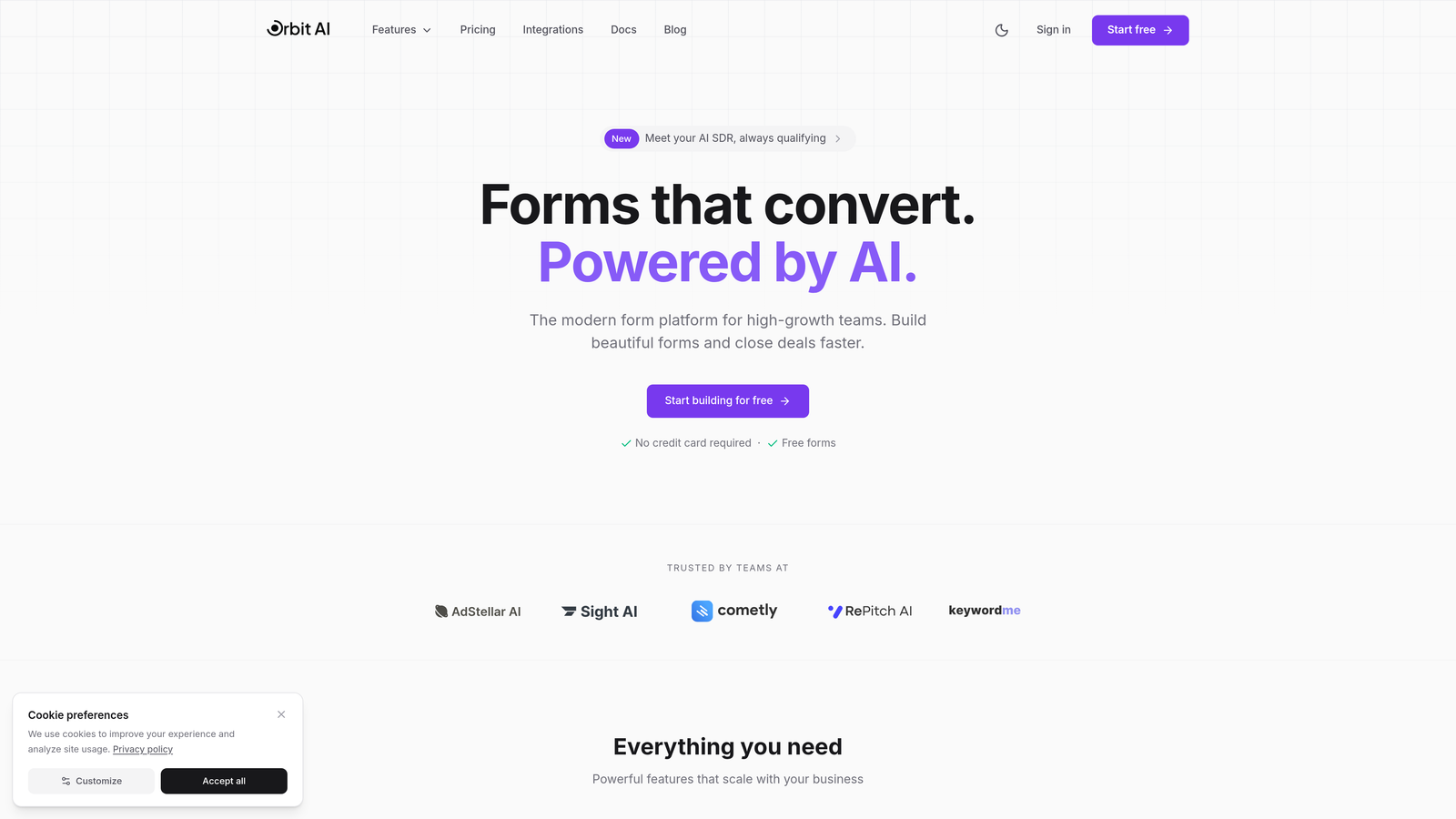
Orbit AI is an interactive form builder designed specifically for teams that need to qualify leads while they collect them—not after.
Where This Tool Shines
Most form builders make you export responses and manually score leads. Orbit AI flips that model by using intelligent algorithms to identify your best prospects in real-time as they complete your forms. The platform analyzes response patterns, engagement signals, and custom criteria you define to automatically prioritize high-intent leads.
The conversion-optimized templates are built from the ground up for modern lead capture. Think clean, distraction-free interfaces that guide prospects through interactive experiences without overwhelming them. The result is completion rates that consistently outperform traditional static forms.
Key Features
AI-Powered Lead Qualification: Automatically scores and prioritizes leads based on their responses and behavior patterns.
Conversion-Optimized Design: Templates specifically engineered for high completion rates with interactive, one-question-at-a-time flows.
Native CRM Integrations: Connects directly to major platforms so qualified leads flow into your sales pipeline instantly.
Real-Time Analytics: Track completion rates, drop-off points, and conversion metrics as they happen.
Conditional Logic Workflows: Create dynamic experiences that adapt based on user responses with sophisticated branching.
Best For
High-growth SaaS teams, B2B companies with complex sales cycles, and marketing teams tired of manually sorting through form submissions to find qualified prospects. If your sales team complains about lead quality, this tool solves that problem at the source.
Pricing
Free tier available for teams getting started. Paid plans begin at competitive rates designed for growing teams that need advanced qualification features and higher submission volumes.
2. Typeform
Best for: Brand-focused teams prioritizing visual design and user experience
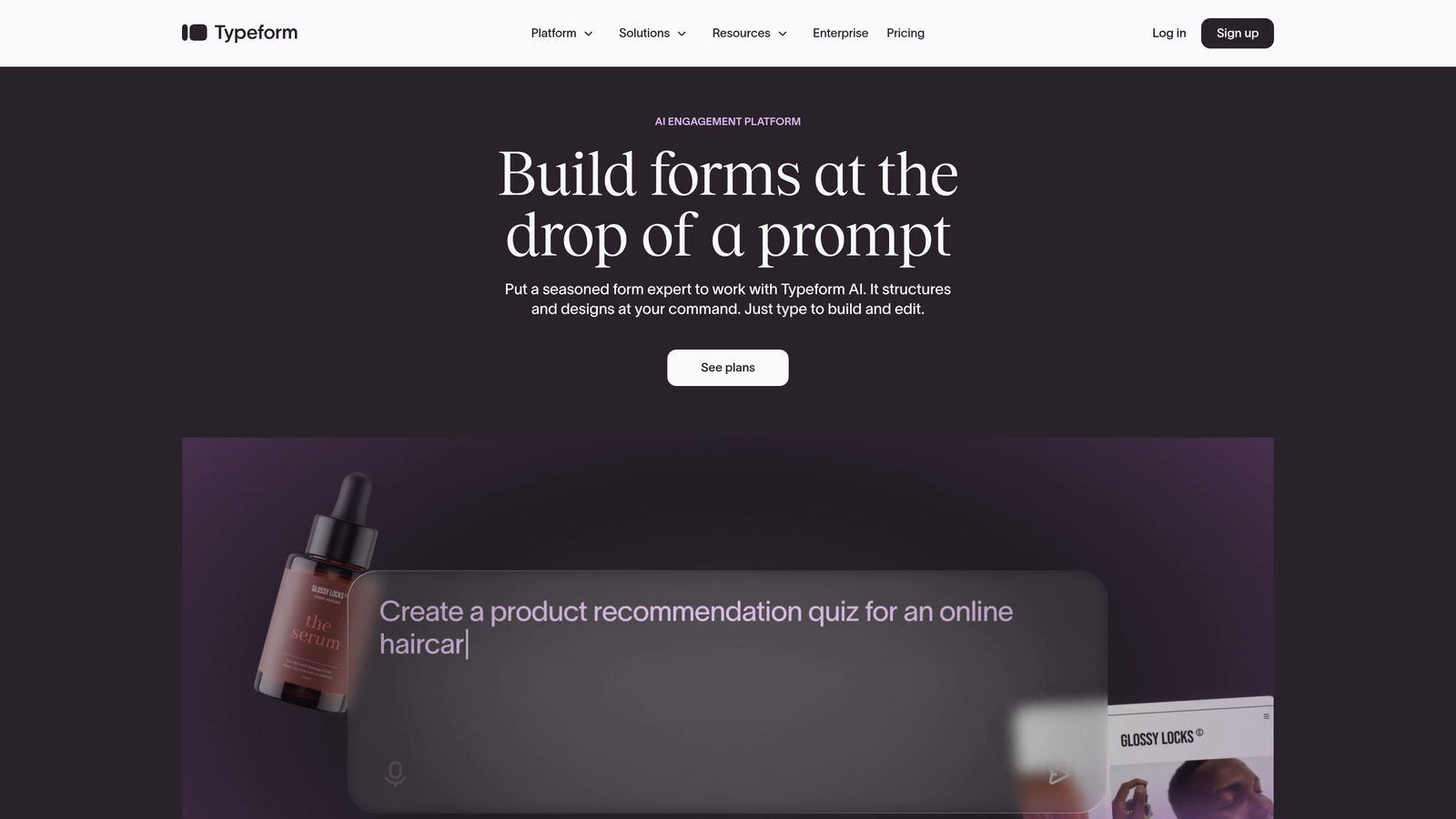
Typeform is the pioneer that made conversational forms mainstream with its signature one-question-at-a-time approach.
Where This Tool Shines
If your brand identity matters as much as your data collection, Typeform delivers. The platform's visual polish is unmatched—every interaction feels smooth, modern, and intentional. The one-question-at-a-time format reduces cognitive load dramatically, making even lengthy surveys feel manageable.
The design flexibility goes deep. You can embed videos, images, and GIFs to create experiences that feel more like interactive content than traditional forms. For teams where brand perception drives conversion, that polish translates directly to higher completion rates.
Key Features
Beautiful Templates: Professionally designed starting points that make your forms look premium from day one.
Logic Jumps: Create branching paths that show different questions based on previous answers.
Rich Media Embedding: Add videos, images, and interactive elements throughout your forms.
Integration Library: Connects to hundreds of third-party tools through native integrations and Zapier.
Analytics Dashboard: Built-in reporting shows completion rates, drop-off points, and response patterns.
Best For
Creative agencies, consumer brands, and any team where visual presentation directly impacts conversion. If your prospects expect premium experiences and your brand aesthetic is a competitive advantage, Typeform justifies its premium positioning.
Pricing
Free plan available with Typeform branding. Basic plan starts at $25/month for removing branding and accessing logic features. Higher tiers unlock advanced customization and team collaboration.
3. Jotform
Best for: Teams needing extensive template variety and customization flexibility
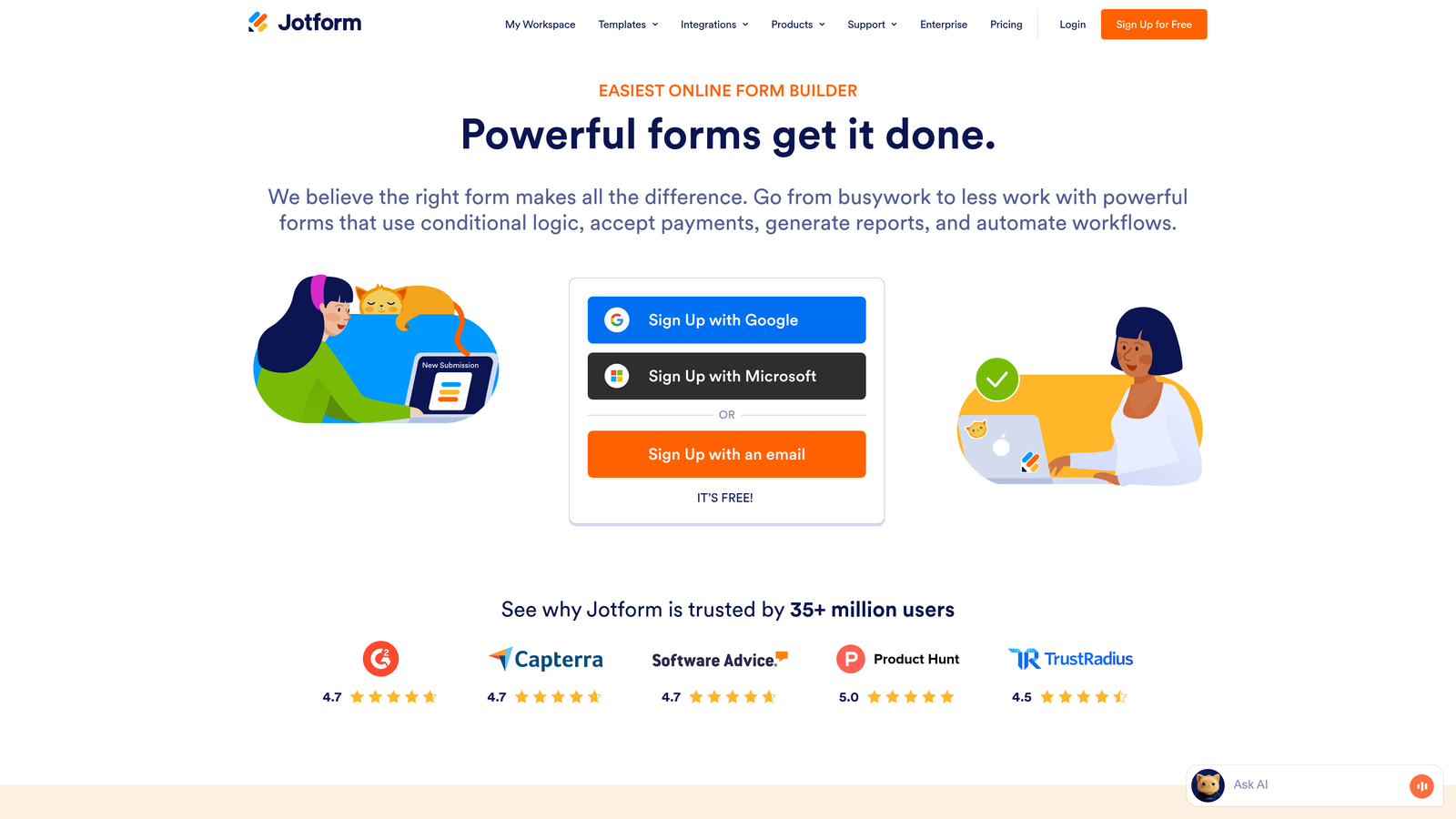
Jotform is the Swiss Army knife of form builders with over 10,000 templates covering virtually every use case.
Where This Tool Shines
The template library is genuinely overwhelming in the best way. Whether you need event registrations, job applications, order forms, or customer surveys, there's a pre-built starting point. This saves hours of design work and ensures you're following industry best practices for specific form types.
The drag-and-drop builder gives you granular control over every element. Want to add payment processing? Done. Need signature collection? Built in. Looking for appointment scheduling? Integrated. Jotform's feature depth means you rarely need additional tools.
Key Features
10,000+ Templates: Industry-specific starting points for virtually every form type imaginable.
Payment Integration: Accept payments directly through forms with connections to major processors.
Mobile App: Manage submissions and create forms on the go with native iOS and Android apps.
PDF Editor: Convert existing PDF forms into fillable online versions without rebuilding from scratch.
Conditional Logic: Show or hide fields based on user responses to create dynamic experiences.
Best For
Small businesses and agencies managing multiple clients with diverse form needs. If you create forms frequently across different industries or use cases, the template variety alone saves significant time. Teams collecting payments through forms will appreciate the native processing capabilities.
Pricing
Free plan includes 5 forms with 100 monthly submissions. Bronze plan starts at $34/month for 25 forms and 1,000 submissions. Higher tiers add payment features, storage, and team accounts.
4. Tally
Best for: Budget-conscious teams wanting unlimited forms without feature compromises
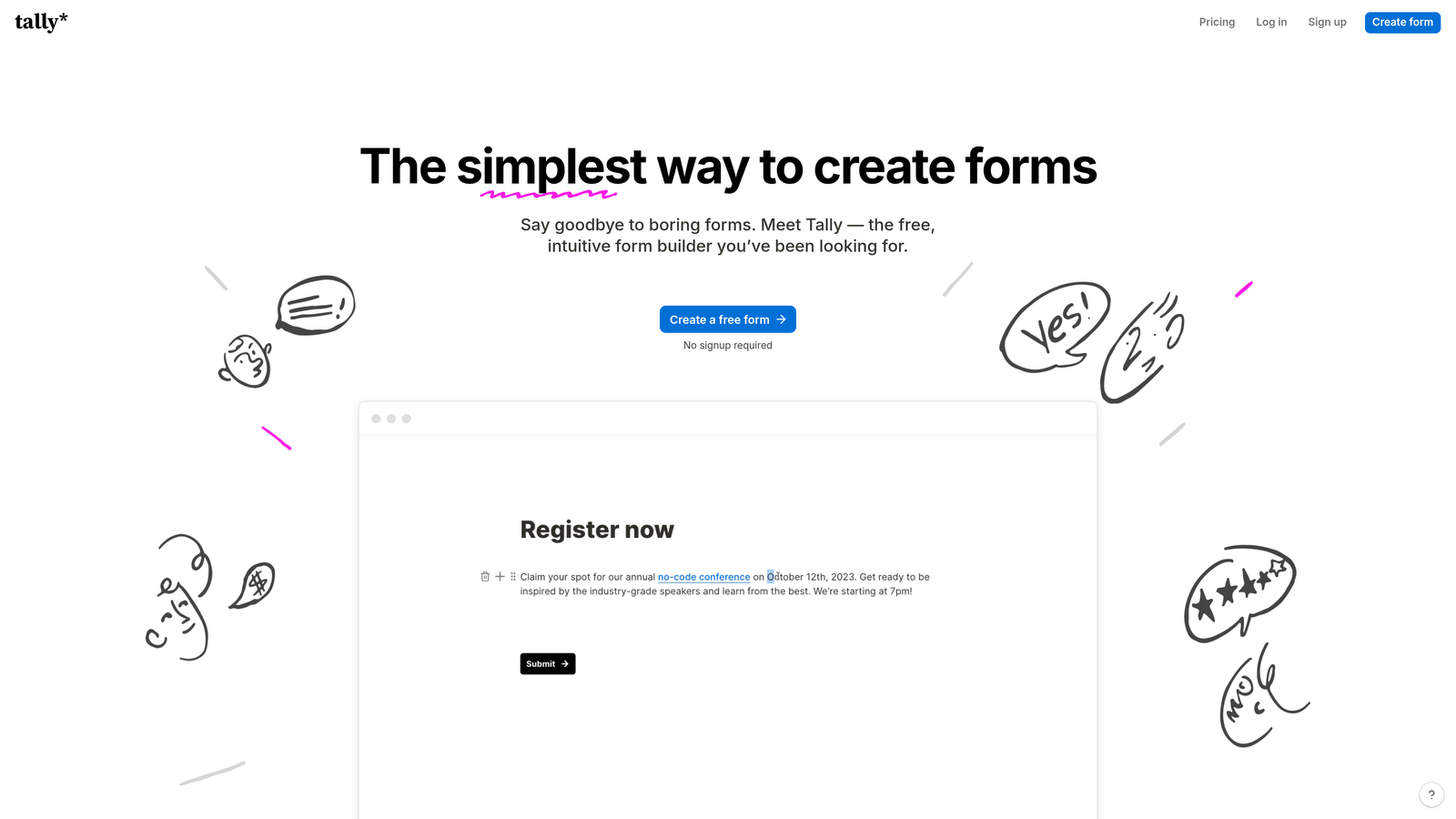
Tally is the minimalist form builder that feels like Notion's approach to data collection.
Where This Tool Shines
The free tier is absurdly generous—unlimited forms and unlimited submissions with no artificial restrictions. This makes Tally perfect for startups and small teams that need professional form capabilities without monthly costs eating into tight budgets.
The interface embraces simplicity. If you've used Notion, Tally feels immediately familiar. There's no overwhelming feature list or complex settings panels. You focus on your questions, add conditional logic when needed, and publish. The clean aesthetic means your forms look modern without requiring design skills.
Key Features
Unlimited Free Tier: No caps on forms or submissions even on the free plan.
Notion-Style Interface: Clean, distraction-free builder that prioritizes content over complexity.
Conditional Logic: Create branching paths and calculations without upgrading to paid plans.
Integration Options: Connect to Notion databases, Zapier, and other automation tools.
Custom Domains: Use your own domain for form hosting on paid plans.
Best For
Bootstrapped startups, solo entrepreneurs, and small teams that need professional form capabilities but can't justify monthly software costs. If you're already in the Notion ecosystem, Tally's integration makes it a natural extension of your workflow.
Pricing
Genuinely unlimited free plan covers most needs. Pro plan at $29/month adds custom domains, file uploads, and removes Tally branding.
5. Fillout
Best for: Teams using Airtable or Notion as their primary database
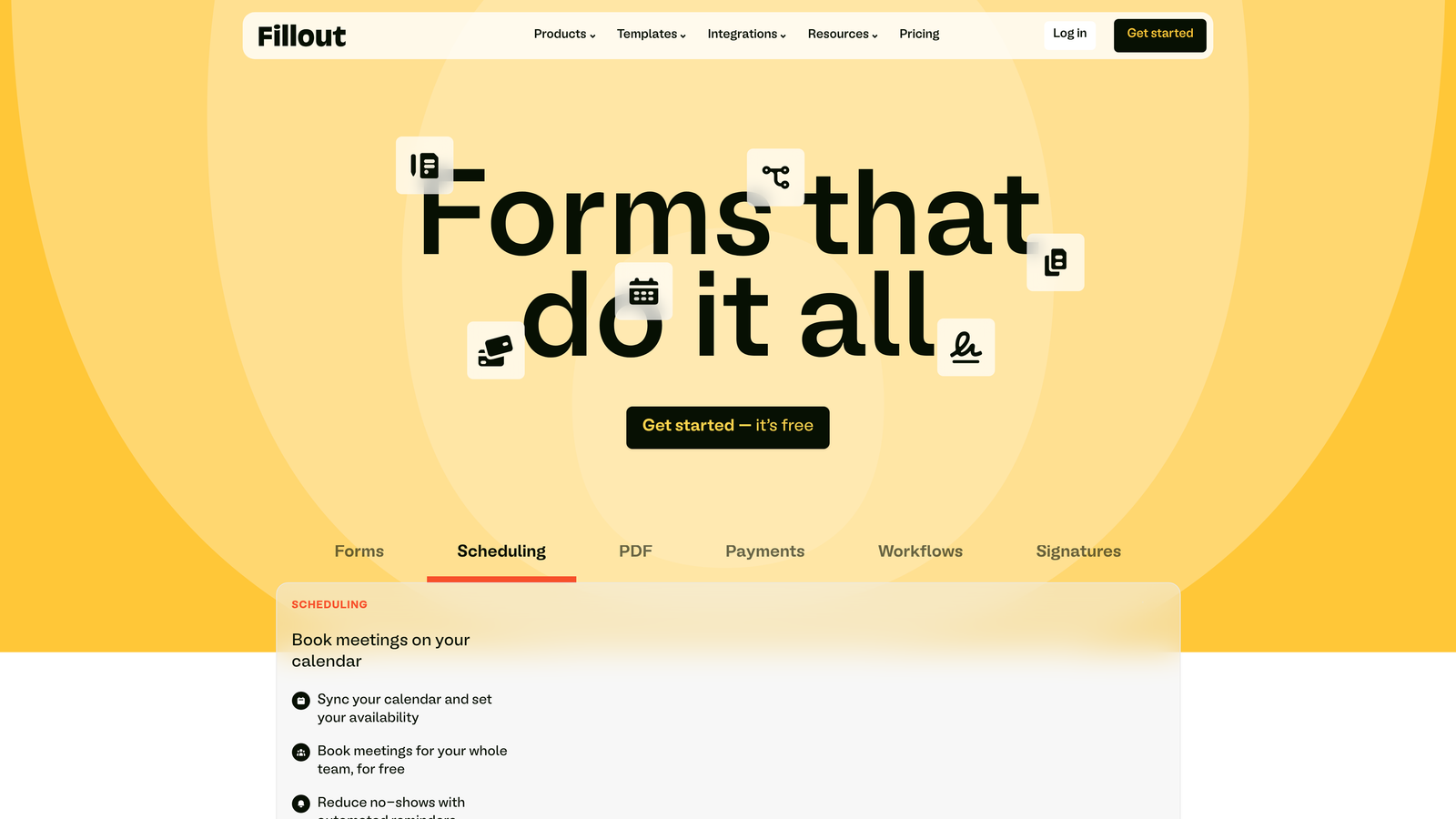
Fillout is the form builder designed specifically for database-first workflows.
Where This Tool Shines
Most form builders treat databases as afterthoughts, requiring Zapier or complex integrations. Fillout takes the opposite approach—it's built from the ground up to work natively with Airtable and Notion. Your form submissions flow directly into your existing databases without middleware or mapping headaches.
This database-native approach means you can create forms that reference existing data, update records instead of creating duplicates, and maintain relational integrity. If your operations run on Airtable or Notion, Fillout eliminates the friction between data collection and data management.
Key Features
Native Airtable Integration: Direct connection to bases with two-way data sync and record updating.
Notion Database Sync: Forms that write directly to Notion databases without third-party tools.
Multi-Page Forms: Break long forms into sections with progress indicators to improve completion.
File Uploads: Collect documents and images that attach directly to database records.
Scheduling Integration: Embed calendar booking within forms for appointment collection.
Best For
Operations teams running on Airtable, product teams using Notion for project management, and any organization that's built their workflows around database tools. If you're tired of exporting CSVs and manually importing form data, Fillout solves that pain point permanently.
Pricing
Free plan available with basic features. Starter plan at $15/month unlocks unlimited submissions and advanced database features. Team plans add collaboration and white-labeling.
6. Paperform
Best for: Teams needing combined form and landing page capabilities
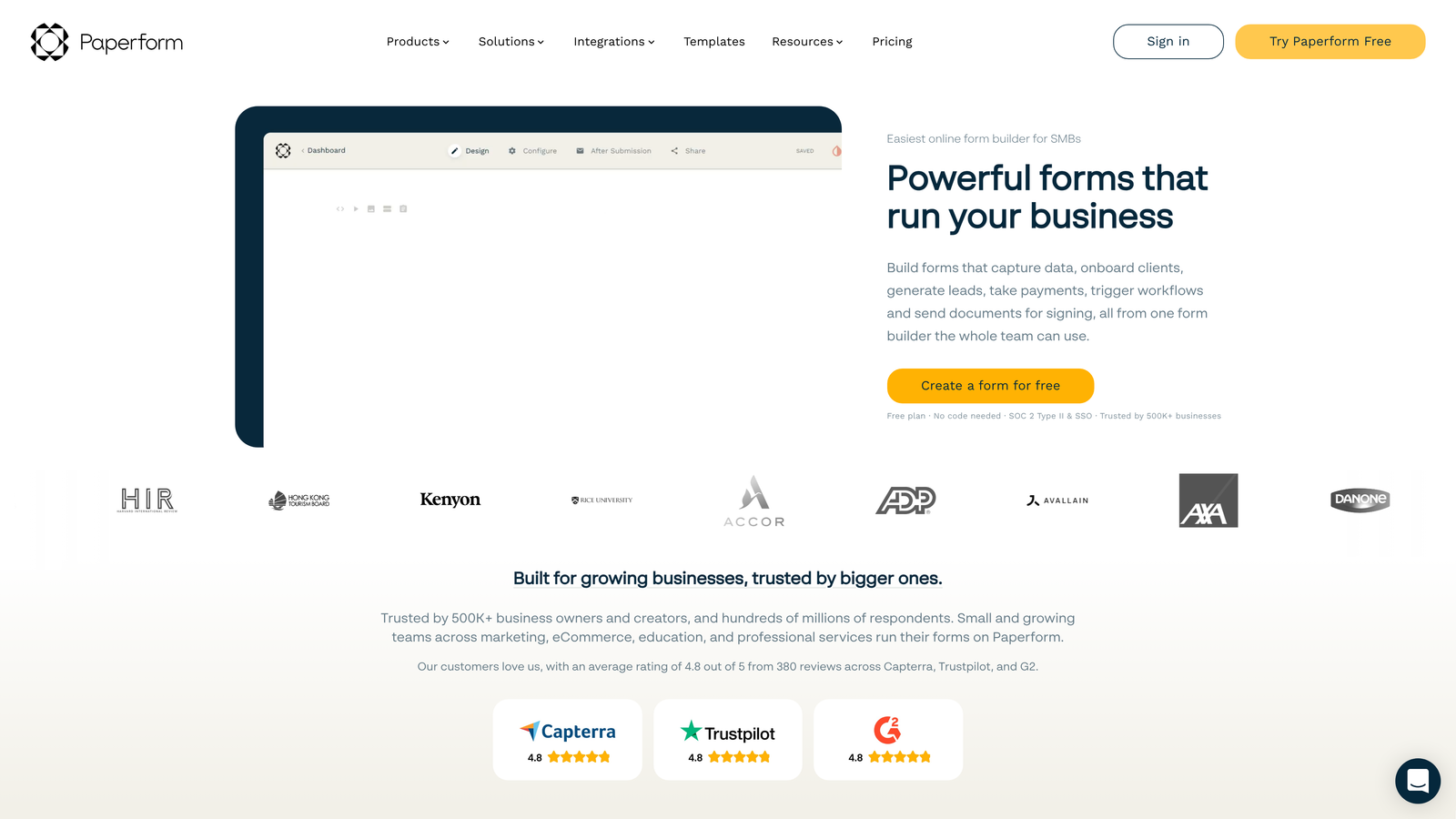
Paperform is the hybrid builder that blurs the line between forms and full landing pages.
Where This Tool Shines
Most form builders force you to embed forms on existing pages. Paperform lets you build the entire page—hero sections, product catalogs, testimonials, and the form itself—all in one tool. This unified approach means faster page loads, better mobile optimization, and no iframe headaches.
The e-commerce capabilities go deeper than basic payment collection. You can build product catalogs, handle inventory management, process bookings, and create subscription flows. For service businesses and product sellers, this eliminates the need for separate landing page builders and payment processors.
Key Features
Landing Page Builder: Create full pages with forms embedded naturally in the content flow.
Payment Processing: Accept one-time payments, subscriptions, and deposits through integrated processors.
Product Catalogs: Build browsable product galleries with add-to-cart functionality.
Calculation Fields: Create pricing calculators, quote generators, and dynamic totals.
Custom Success Pages: Design post-submission experiences that drive next actions.
Best For
Service businesses selling consultations or bookings, e-commerce sellers needing custom order forms, and marketing teams running campaigns where the form and landing page need tight integration. If you're currently paying for both a landing page builder and a form tool, Paperform consolidates that stack.
Pricing
Essentials plan starts at $24/month for basic features. Pro plan at $49/month adds advanced customization, calculations, and higher submission limits.
7. Formstack
Best for: Enterprise organizations requiring compliance and advanced workflows
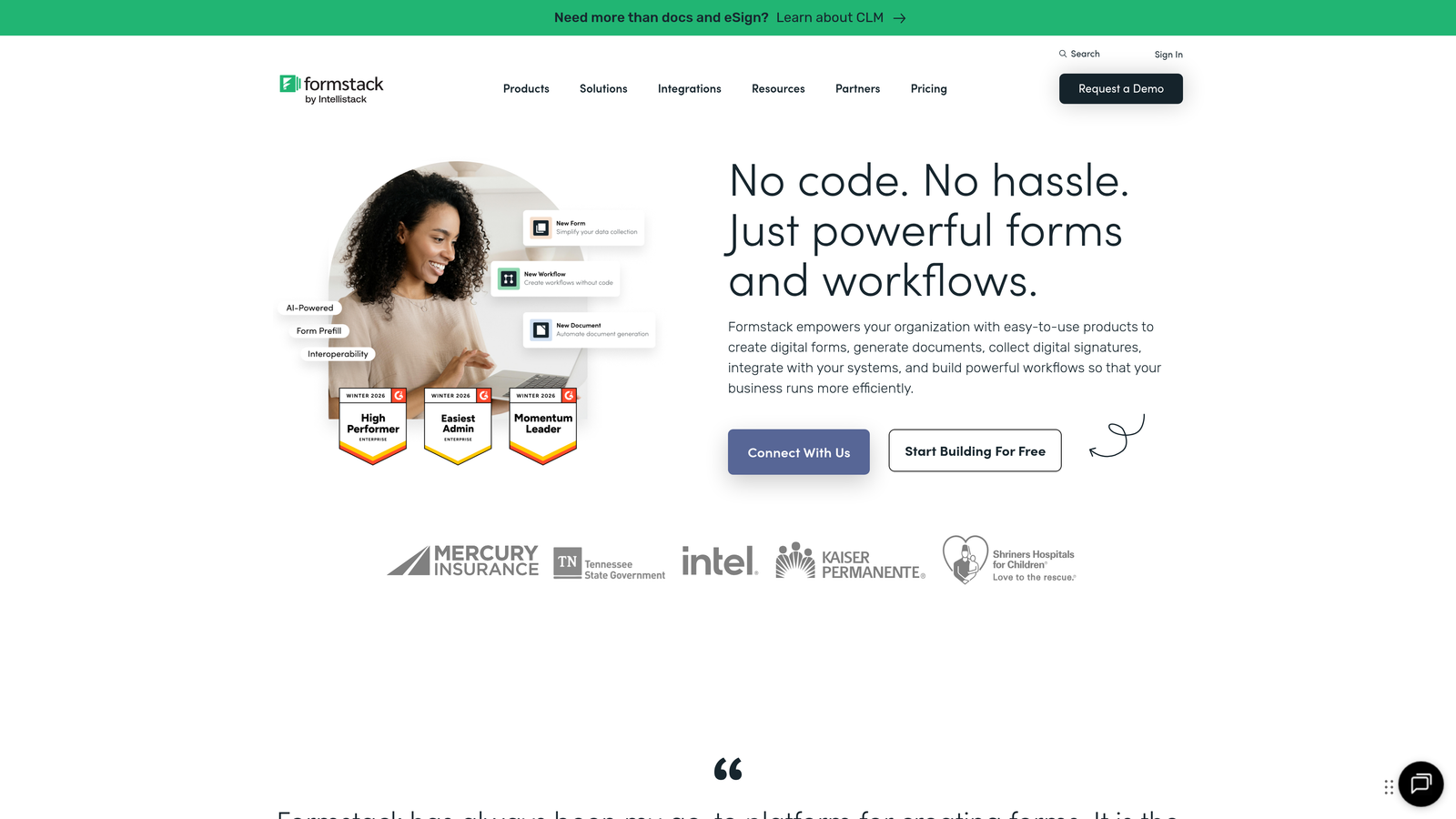
Formstack is the enterprise-grade form builder with security and compliance at its core.
Where This Tool Shines
If you're in healthcare, finance, or any regulated industry, most form builders create compliance nightmares. Formstack is built for these environments with HIPAA and GDPR compliance options, encrypted data storage, and audit trails that satisfy security teams.
The workflow automation goes beyond basic conditional logic. You can build multi-stage approval processes, route submissions to different team members based on complex criteria, and trigger automated actions across your tech stack. For organizations with sophisticated data handling requirements, these capabilities are essential rather than nice-to-have.
Key Features
HIPAA Compliance: Business Associate Agreements and encrypted data handling for healthcare applications.
Approval Workflows: Multi-stage routing with automated notifications and status tracking.
Electronic Signatures: Legally binding signature collection integrated directly into forms.
Salesforce Native: Deep integration that treats forms as native Salesforce objects.
Team Permissions: Granular access controls for organizations with complex team structures.
Best For
Healthcare providers collecting patient information, financial services firms with regulatory requirements, and large enterprises needing audit trails and approval workflows. If your security team needs to sign off on data collection tools, Formstack's compliance documentation makes that process straightforward.
Pricing
Starter plan begins at $50/month for basic features. Teams plan at $83/month adds advanced workflows and integrations. Enterprise pricing available for compliance features and dedicated support.
8. Involve.me
Best for: Marketing teams creating interactive content and lead magnets
Involve.me is the interactive content platform that treats forms as engagement tools rather than data collection utilities.
Where This Tool Shines
Traditional forms feel transactional. Involve.me transforms them into content experiences that prospects actually want to complete. The quiz and assessment builders let you create BuzzFeed-style interactive content that generates leads while providing value to participants.
The personalized results pages are the secret weapon. Instead of a generic "thank you" message, users receive custom outcomes based on their responses. This creates shareable moments that drive organic distribution while positioning your brand as a helpful resource rather than just another lead collector.
Key Features
Quiz Builder: Create personality tests, knowledge assessments, and interactive surveys that drive engagement.
ROI Calculators: Build tools that help prospects quantify the value of your solution.
Personalized Results: Generate custom outcome pages based on user responses and scoring logic.
Lead Scoring: Automatically qualify leads based on how they answer assessment questions.
Embeddable Widgets: Deploy as popups, slide-ins, or embedded content across your site.
Best For
Content marketers building lead magnets, SaaS companies needing product recommendation engines, and agencies creating interactive campaigns for clients. If your lead generation strategy relies on providing value before asking for contact information, Involve.me's interactive approach aligns perfectly.
Pricing
Free plan available for basic projects. Starter plan at $29/month unlocks custom branding and advanced features. Higher tiers add team collaboration and white-labeling.
9. HubSpot Forms
Best for: Teams already invested in the HubSpot ecosystem
HubSpot Forms is the native form builder for HubSpot's CRM and marketing platform.
Where This Tool Shines
If you're already using HubSpot CRM, the native form integration eliminates data sync headaches entirely. Submissions flow directly into contact records with full attribution tracking, campaign tagging, and lifecycle stage updates. This tight integration means your sales team sees form submissions in real-time without switching tools.
The progressive profiling feature is particularly powerful for organizations with long sales cycles. Instead of asking returning visitors the same questions repeatedly, HubSpot remembers what they've already told you and asks new questions each time. This reduces form fatigue while continuously enriching contact records.
Key Features
CRM Integration: Seamless connection to HubSpot's contact database with automatic record creation and updates.
Progressive Profiling: Show different questions to returning visitors to gradually build complete contact profiles.
Smart Fields: Automatically populate known information for logged-in users to reduce friction.
A/B Testing: Test different form variations to optimize conversion rates systematically.
Flexible Deployment: Embed on external pages, use as popups, or host on HubSpot landing pages.
Best For
Marketing teams running HubSpot for email campaigns and automation, sales organizations using HubSpot CRM, and enterprises with complex attribution requirements. If you're already paying for HubSpot Marketing Hub, the native forms eliminate the need for separate form tools.
Pricing
Basic forms included free with HubSpot CRM. Advanced features like progressive profiling and A/B testing require paid Marketing Hub subscriptions starting at $45/month.
Making the Right Choice
Choosing the right interactive form builder depends on your specific conversion goals and existing tech stack. For teams prioritizing AI-powered lead qualification and conversion optimization, Orbit AI delivers intelligent forms that identify your best prospects automatically—eliminating the manual scoring work that bogs down most sales teams.
If brand experience is paramount and you need forms that feel like premium content, Typeform's visual polish remains the gold standard. Budget-conscious teams should explore Tally's generous free tier, which removes the artificial limitations most tools impose. Enterprise organizations dealing with compliance requirements will find Formstack's security features essential for passing audits and satisfying legal teams.
For teams already invested in specific ecosystems, the choice becomes clearer. Airtable users should default to Fillout's native integration. HubSpot customers get tremendous value from the native forms included in their existing subscription. Notion-first teams will appreciate Tally's familiar interface and direct database connections.
The best choice is ultimately the one your team will actually use consistently. A sophisticated tool that sits unused because it's too complex delivers zero value. Start with a free trial of your top two picks, run them in parallel for two weeks, and let your completion rates guide the final decision. The data doesn't lie—the tool that converts better is the right tool, regardless of feature lists or pricing.
Start your free trial today and see how intelligent form design can elevate your conversion strategy. Transform your lead generation with AI-powered forms that qualify prospects automatically while delivering the modern, conversion-optimized experience your high-growth team needs.


