

Choosing the right form builder can make or break your lead capture and data collection efforts. For high-growth teams evaluating Jotform vs Google Forms for business use, the decision goes far beyond basic feature comparisons—it's about finding the tool that aligns with your growth trajectory, integration needs, and conversion goals.
Both platforms serve millions of users, but they're built for fundamentally different purposes. Google Forms excels as a free, straightforward solution for internal surveys and simple data collection. Jotform positions itself as a more robust option with advanced customization and payment processing.
Yet neither may be the perfect fit for teams prioritizing lead qualification and conversion optimization. This guide walks you through seven strategic factors that will help you make an informed decision—and reveals when a third option might serve your business goals better.
1. Evaluate Your True Cost of Ownership Beyond Subscription Fees
The Challenge It Solves
Most teams focus exclusively on monthly subscription costs when comparing platforms, missing the bigger picture. The real expense isn't just what you pay for the tool—it's the hidden costs of workarounds, lost conversions from suboptimal form design, and the time your team spends compensating for platform limitations.
The Strategy Explained
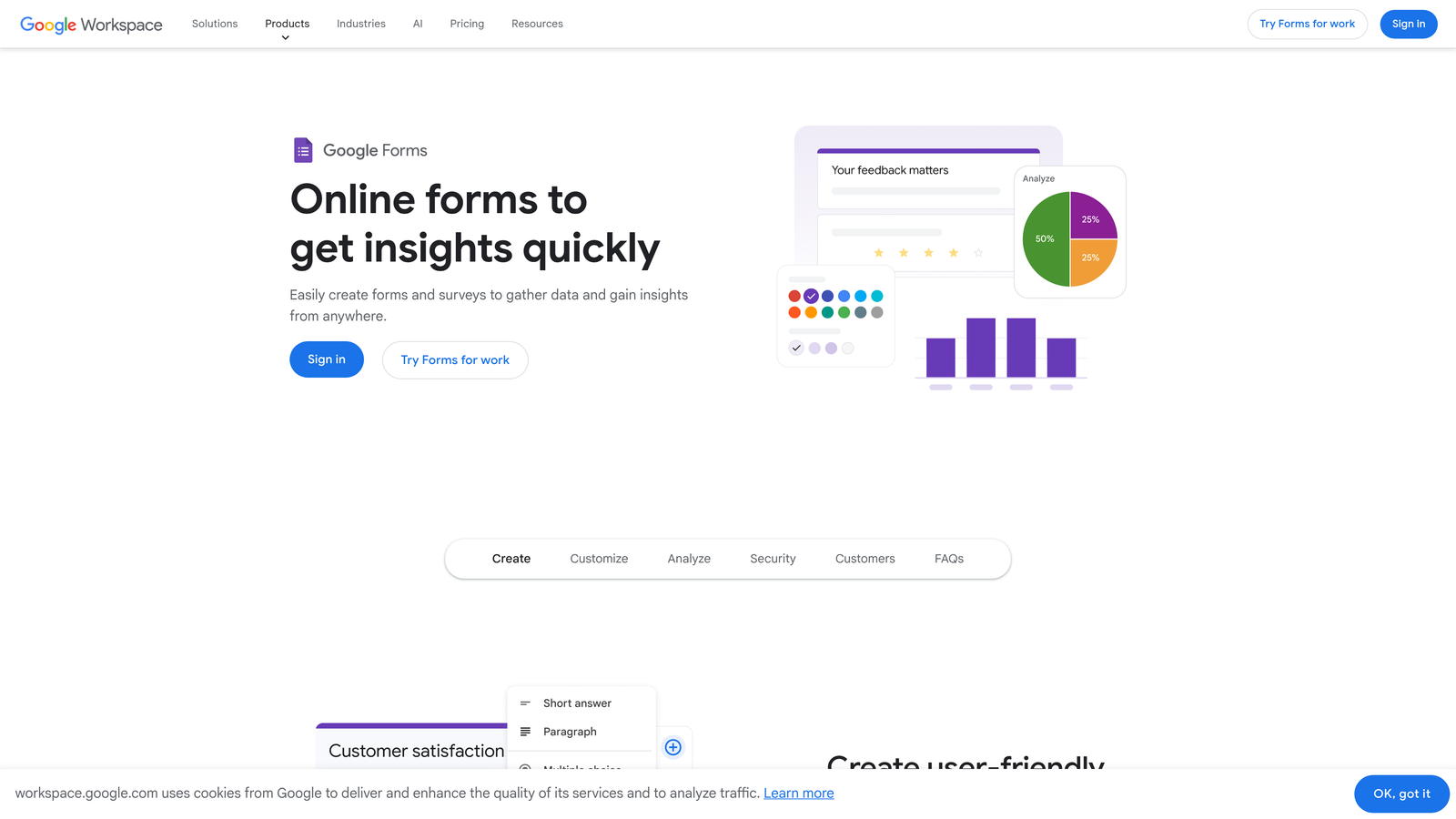
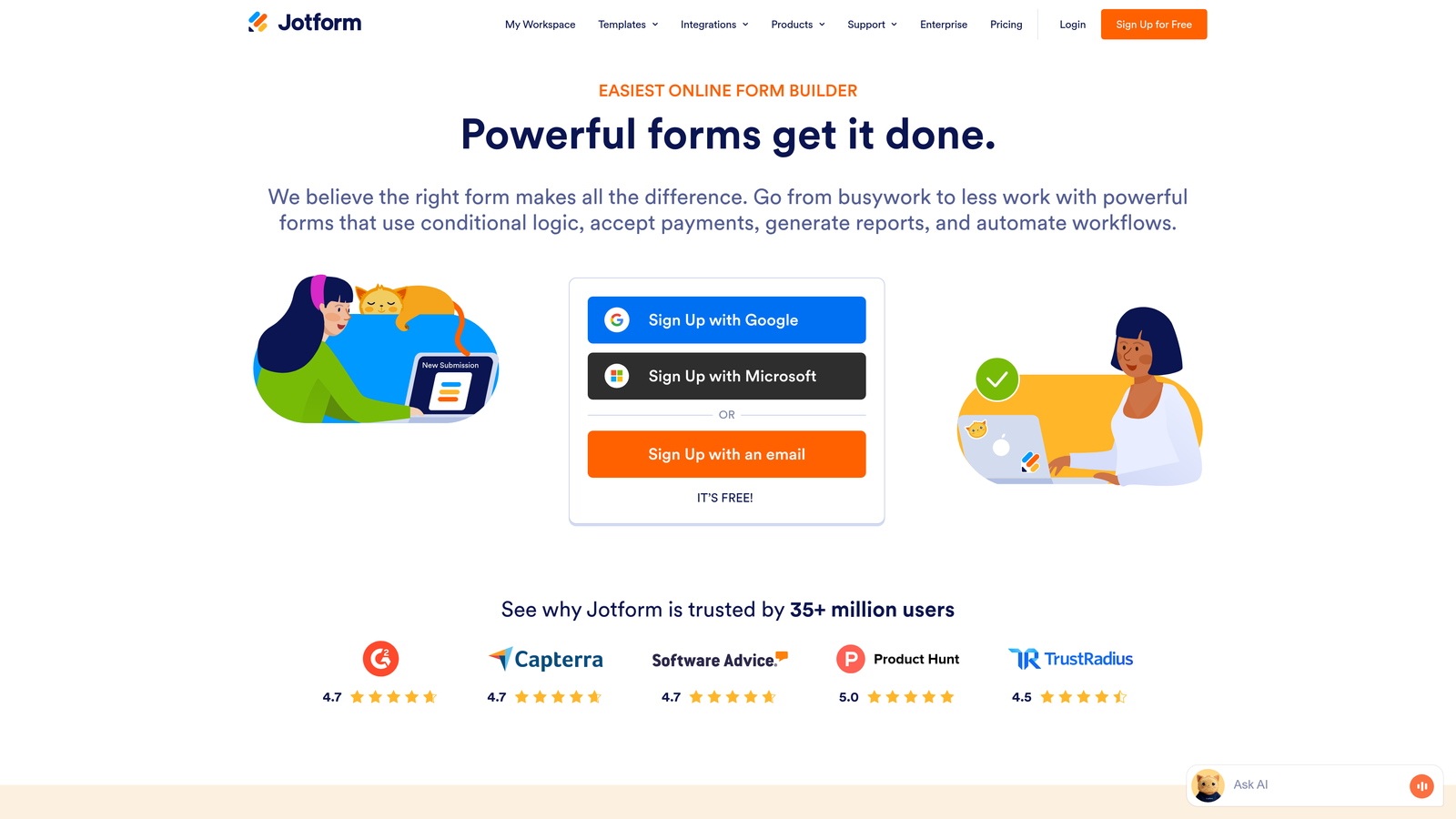
Google Forms appears unbeatable on paper: completely free with any Google account. Jotform offers a free tier with 100 monthly submissions, with paid plans starting around $34 per month for the Bronze tier. But this surface-level comparison misses critical factors.
Consider the developer time needed to style Google Forms beyond its basic templates, or the monthly cost increases as your submission volume grows on Jotform. Factor in the opportunity cost when leads abandon forms that don't match your brand or lack mobile optimization. Add up the hours spent manually qualifying leads that could be automatically scored.
The true cost calculation includes implementation time, ongoing maintenance, integration development, and most importantly—the revenue impact of conversion rate differences between platforms.
Implementation Steps
1. Calculate your current monthly form submission volume and projected growth over the next 12 months to understand tier pricing implications.
2. Estimate the time cost for customization, integration setup, and ongoing form maintenance across each platform.
3. Project the revenue impact of even small conversion rate differences—a 2% improvement on 10,000 monthly visitors with a 5% close rate at $5,000 average deal size equals $50,000 in additional annual revenue.
Pro Tips
Don't forget to factor in the cost of tools you'll need to add for functionality gaps. If you need advanced analytics, A/B testing, or lead scoring, you'll likely need third-party integrations that add to your total cost regardless of which platform you choose.
2. Map Your Integration Requirements to Platform Capabilities
The Challenge It Solves
Your form builder doesn't exist in isolation—it needs to connect seamlessly with your CRM, email marketing platform, payment processor, and analytics tools. Poor integration capabilities create data silos, manual data entry, and missed opportunities for automation.
The Strategy Explained
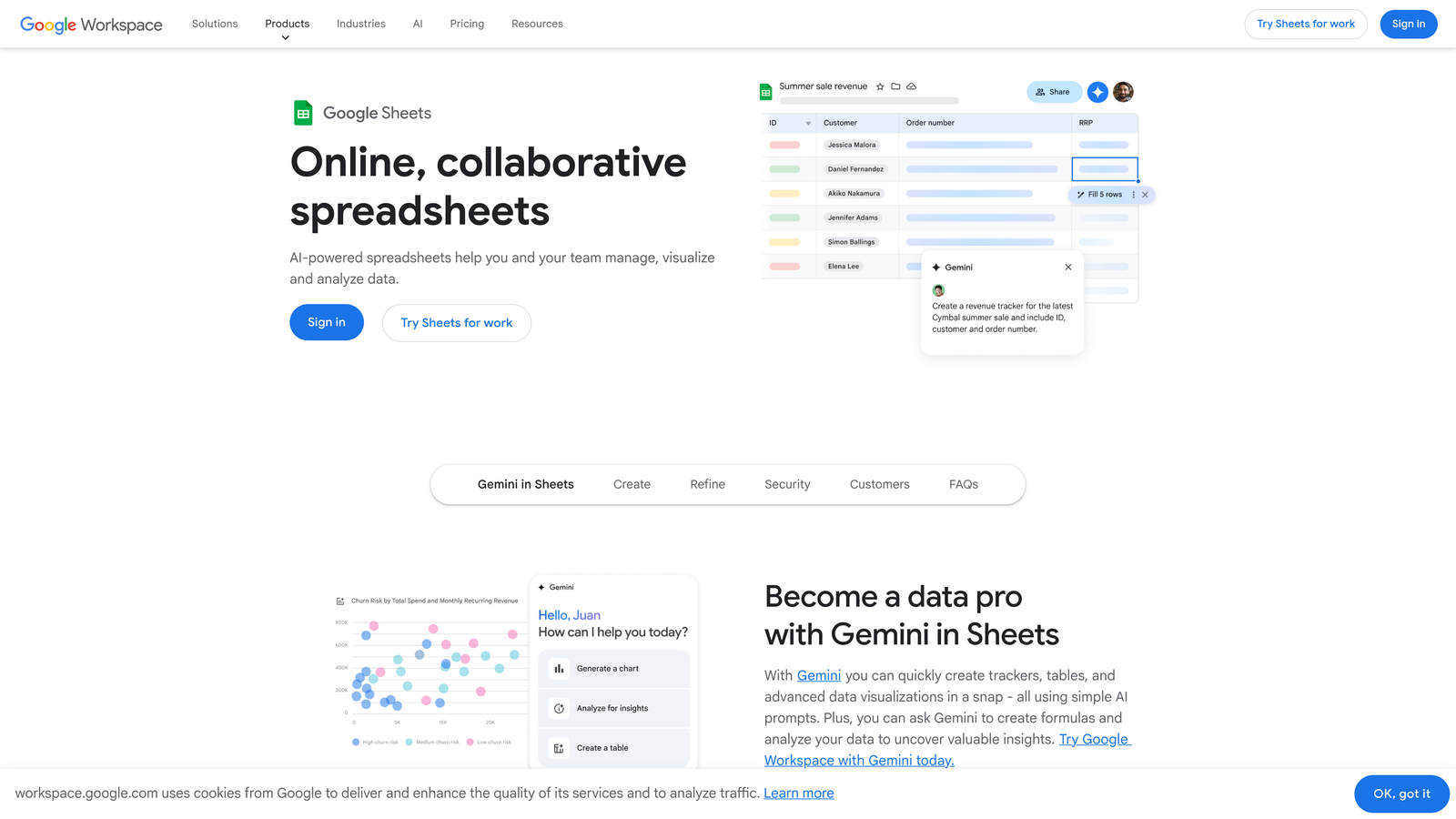
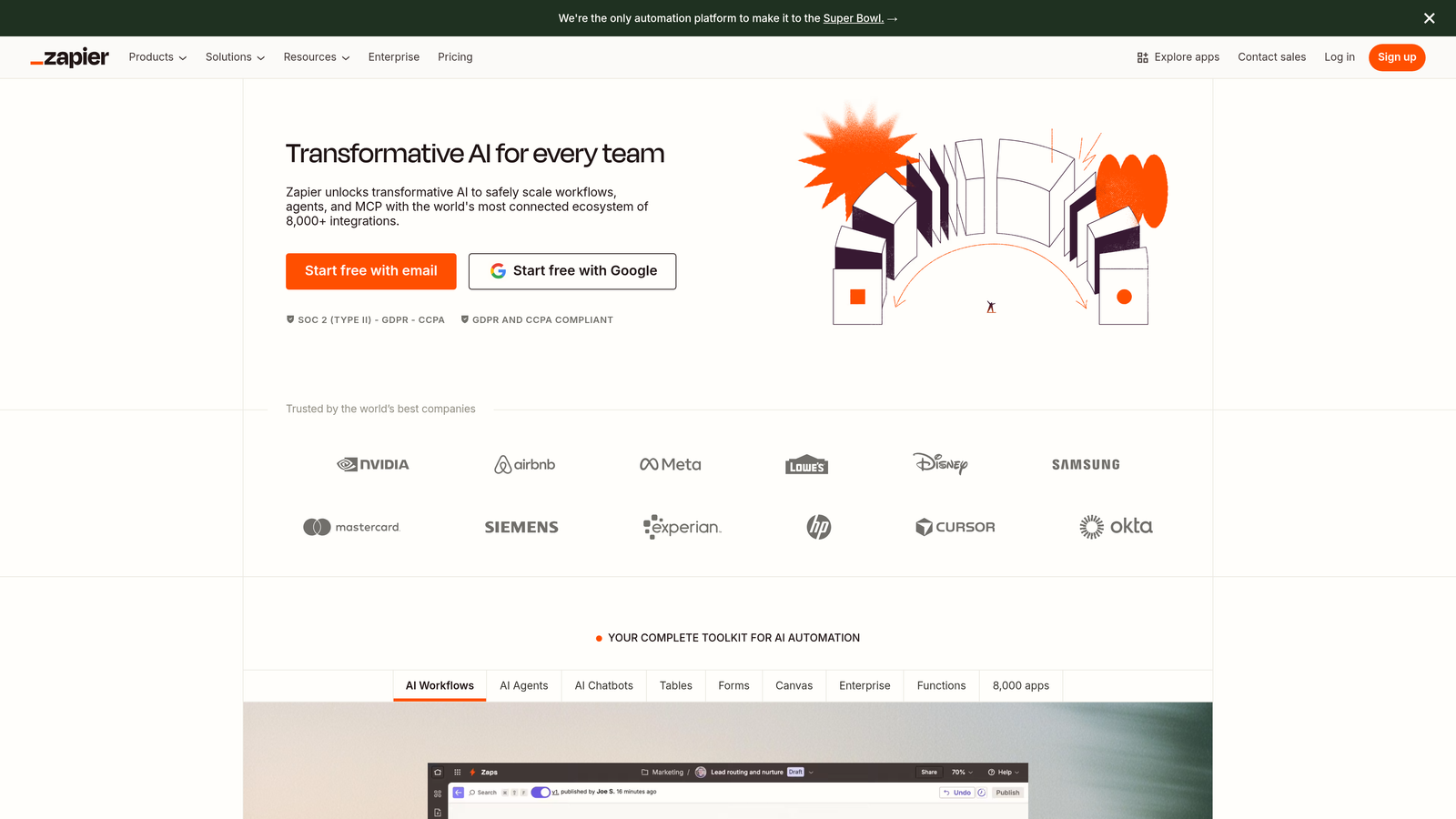
Google Forms integrates natively with Google Workspace apps like Sheets, Docs, and Drive. This works beautifully if your entire workflow lives in Google's ecosystem. However, connecting to external CRMs or marketing automation platforms typically requires Zapier or similar middleware, adding complexity and potential points of failure.
Jotform offers over 100 native integrations with popular business tools, including direct connections to Salesforce, HubSpot, Mailchimp, and Stripe. These native integrations often provide more reliable data transfer and better field mapping options than third-party connectors.

The key is identifying which integrations are mission-critical for your workflow. A native integration that passes data instantly and maintains field relationships will always outperform a workaround solution that requires manual intervention or periodic syncing.
Implementation Steps
1. List every tool in your current tech stack that needs to receive or send data to your forms—CRM, email platform, analytics, payment processor, project management tools.
2. Check each platform's integration directory to verify native support for your essential tools, noting whether connections are direct or require middleware like Zapier.
3. Test the integration quality by setting up a demo form and verifying that all critical data fields map correctly and transfer in real-time to your connected systems.
Pro Tips
Pay special attention to how each platform handles custom fields and data transformations. The ability to map form fields to specific CRM properties or trigger automated workflows based on form responses can dramatically improve your lead management efficiency.
3. Assess Customization Depth Against Brand Consistency Needs
The Challenge It Solves
Generic-looking forms signal a lack of attention to detail and can undermine trust with high-value prospects. For businesses where brand consistency directly impacts conversion rates, the ability to create forms that seamlessly match your website design isn't optional—it's essential.
The Strategy Explained
Google Forms offers limited customization options: you can choose from preset themes, add your logo, and select accent colors. The form structure, typography, and layout remain largely fixed. This simplicity makes forms quick to create but difficult to align with sophisticated brand guidelines.
Jotform provides significantly more design control through its Form Designer, allowing custom CSS, multiple layout options, and extensive theme customization. You can create forms that closely match your website's look and feel, though achieving pixel-perfect brand alignment often requires CSS knowledge.
The strategic question isn't which platform offers more features—it's whether the customization depth aligns with your brand standards and the expectations of your target audience. Enterprise buyers expect polished, professional experiences. Internal feedback forms for team members require less design investment.
Implementation Steps
1. Document your brand guidelines including exact color codes, typography specifications, spacing standards, and any design elements that must appear consistently across all customer touchpoints.
2. Create a test form in each platform attempting to match these guidelines, noting where you encounter limitations or need workarounds.
3. Show the test forms to stakeholders or customers to gauge whether the design quality meets expectations for your brand and use case.
Pro Tips
Remember that customization isn't just about aesthetics—it's about conversion optimization. The ability to control button placement, adjust field spacing for mobile devices, and test different layouts can significantly impact form completion rates.
4. Analyze Data Collection Complexity and Conditional Logic Needs
The Challenge It Solves
Simple forms work fine for straightforward data collection, but business needs often require dynamic forms that adapt based on user responses. Without conditional logic and advanced features, you're forced to create multiple separate forms or collect irrelevant information from every respondent.
The Strategy Explained
Google Forms supports basic conditional logic through section branching—you can show different sections based on previous answers. This works for simple surveys but becomes cumbersome for complex qualification flows. The platform lacks advanced features like calculations, field masking, or progressive profiling.
Jotform offers robust conditional logic that can show or hide individual fields, entire sections, or trigger calculations based on user input. You can create sophisticated workflows like quote calculators, multi-step applications, or qualification forms that route leads differently based on their responses.
The strategic consideration is matching platform capabilities to your actual data collection needs. If you're capturing simple contact information, advanced logic is unnecessary. If you're qualifying enterprise leads with different requirements based on company size, industry, and use case, conditional logic becomes essential.
Implementation Steps
1. Map out your ideal lead qualification or data collection flow, identifying where you need to show different questions based on previous answers or calculate values dynamically.
2. Test whether each platform can handle your most complex form logic scenarios without requiring external tools or custom development.
3. Consider future needs—if you plan to add payment processing, appointment scheduling, or file uploads, verify that the platform supports these features natively.
Pro Tips
Advanced conditional logic isn't just about functionality—it's about user experience. Forms that adapt to show only relevant questions feel more personalized and typically achieve higher completion rates than long, generic forms that ask everyone the same questions.
5. Weigh Security and Compliance Requirements for Your Industry
The Challenge It Solves
Data breaches and compliance violations carry devastating consequences—financial penalties, legal liability, and permanent reputation damage. For businesses in regulated industries or handling sensitive customer information, your form builder must meet specific security and compliance standards.
The Strategy Explained
Google Forms benefits from Google's enterprise-grade security infrastructure. Data is encrypted in transit and at rest, and Google Workspace accounts can enable additional security features like two-factor authentication and admin controls. However, Google Forms doesn't offer HIPAA compliance in its standard offering, which limits its use in healthcare contexts.
Jotform provides HIPAA-compliant plans for healthcare organizations, along with features like encrypted forms, SSL certificates, and data residency options. The platform also offers business associate agreements (BAAs) for covered entities. However, these compliance features typically require higher-tier paid plans.
The strategic decision depends on your industry requirements and the sensitivity of data you're collecting. Financial services, healthcare, and legal firms face strict compliance requirements that may eliminate certain options regardless of other features.
Implementation Steps
1. Identify all compliance frameworks that apply to your business—GDPR for European customers, HIPAA for healthcare data, PCI DSS for payment information, or industry-specific regulations.
2. Review each platform's security documentation and compliance certifications, verifying they meet your specific requirements and noting any limitations or additional costs for compliance features.
3. Consult with your legal or compliance team to confirm that the platform's data handling, storage, and processing practices align with your organization's policies and regulatory obligations.
Pro Tips
Don't overlook data residency requirements. Some regulations require that customer data be stored in specific geographic regions. Verify that your chosen platform can meet these requirements if they apply to your business.
6. Consider Scalability and Growth Trajectory Alignment
The Challenge It Solves
Switching form platforms mid-growth is painful—it requires migrating existing forms, retraining teams, updating integrations, and potentially disrupting active campaigns. Choosing a platform that can scale with your business prevents costly migrations and maintains continuity as your needs evolve.
The Strategy Explained
Google Forms scales effortlessly in terms of submission volume since it's completely free, but it doesn't scale in terms of features or sophistication. As your business grows and your needs become more complex, you'll eventually hit the platform's limitations around customization, conditional logic, or integrations.
Jotform's tiered pricing structure scales with your submission volume and feature needs. The Bronze plan starts around $34 monthly for 1,000 submissions, Silver at approximately $39 for 10,000 submissions, and Gold at around $99 for 100,000 submissions. This model works well for predictable growth but can create budget surprises if your submission volume spikes unexpectedly.
The strategic question is whether the platform's growth path aligns with your business trajectory. Will you need more sophisticated features as you scale, or will your needs remain relatively constant? Understanding this helps you avoid choosing a platform you'll outgrow within a year.
Implementation Steps
1. Project your form submission volume for the next 12-24 months based on your growth plans, considering both gradual growth and potential spikes from campaigns or seasonal trends.
2. Identify features you don't need today but anticipate requiring as you scale—payment processing, advanced analytics, A/B testing, or team collaboration tools.
3. Calculate the total cost of ownership at different growth stages to understand how pricing will evolve as your needs expand.
Pro Tips
Consider the migration cost of switching platforms later versus choosing a more capable platform now. Sometimes paying slightly more upfront for a platform that can grow with you saves significant time and money compared to migrating everything in 18 months.
7. Explore Modern Alternatives Built for Conversion Optimization
The Challenge It Solves
Traditional form builders were designed for data collection, not conversion optimization. High-growth teams need forms that don't just capture information—they need intelligent systems that qualify leads, optimize for conversions, and integrate seamlessly with modern growth strategies.
The Strategy Explained
While Google Forms and Jotform serve their purposes well, neither was built specifically for lead generation and conversion optimization. Google Forms prioritizes simplicity and Google Workspace integration. Jotform focuses on flexibility and feature breadth. Both require significant customization and third-party tools to achieve sophisticated lead qualification and conversion tracking.
Modern alternatives like Orbit AI take a fundamentally different approach—they're purpose-built for high-growth teams focused on lead generation. These platforms combine beautiful, conversion-optimized form design with AI-powered lead qualification that automatically scores and routes prospects based on their responses. Instead of collecting data and manually qualifying leads later, the qualification happens in real-time as users complete the form.
This approach transforms forms from passive data collection tools into active growth engines. The forms adapt to user responses, ask relevant follow-up questions, and immediately identify high-value prospects who deserve immediate attention from your sales team.
Implementation Steps
1. Define your primary use case—if it's lead generation and conversion optimization rather than general data collection, evaluate platforms specifically designed for these goals.
2. Test how different platforms handle lead qualification by creating a demo form that needs to route prospects differently based on company size, budget, timeline, or other qualifying factors.
3. Compare the end-to-end experience from form completion to CRM integration, measuring how much manual work is required to qualify and route leads appropriately.
Pro Tips
Don't let familiarity bias your decision. Just because your team knows Google Forms or has used Jotform before doesn't mean these platforms are optimal for your current goals. Evaluate platforms based on your actual business objectives, not just what you're comfortable with.
Putting It All Together
Choosing between Jotform and Google Forms isn't about finding the "best" platform—it's about finding the right fit for your specific business needs. Google Forms works well for teams already embedded in Google Workspace who need simple, free data collection. Jotform suits businesses requiring advanced customization, payment processing, or industry-specific compliance.
However, if your primary goal is lead generation and conversion optimization, both platforms may fall short. The seven factors we've covered—true cost of ownership, integration capabilities, customization depth, data collection complexity, security requirements, scalability, and purpose-built alternatives—should guide your decision based on what matters most to your business.
High-growth teams increasingly turn to purpose-built solutions that combine beautiful form design with AI-powered lead qualification and native workflow automation. These modern platforms eliminate the gap between data collection and lead qualification, automatically identifying your most valuable prospects the moment they submit a form.
Whatever you choose, prioritize the factors that directly impact your conversion rates and team efficiency. The right decision today will compound into significant advantages as you scale. Start building free forms today and see how intelligent form design can elevate your conversion strategy—transform your lead generation with AI-powered forms that qualify prospects automatically while delivering the modern, conversion-optimized experience your high-growth team needs.


