

Jotform has been a reliable form builder for years, but the form platform landscape has evolved dramatically. Today's high-growth teams need more than basic form creation—they need AI-powered lead qualification, seamless CRM integrations, and conversion optimization built into every interaction.
Whether you're outgrowing Jotform's capabilities or exploring alternatives from the start, this comparison breaks down the top modern form platforms that deliver what growth-focused teams actually need. We evaluated each platform on AI capabilities, integration depth, conversion features, and value for scaling businesses.
1. Orbit AI
Best for: High-growth teams needing AI-powered lead qualification and conversion-optimized forms
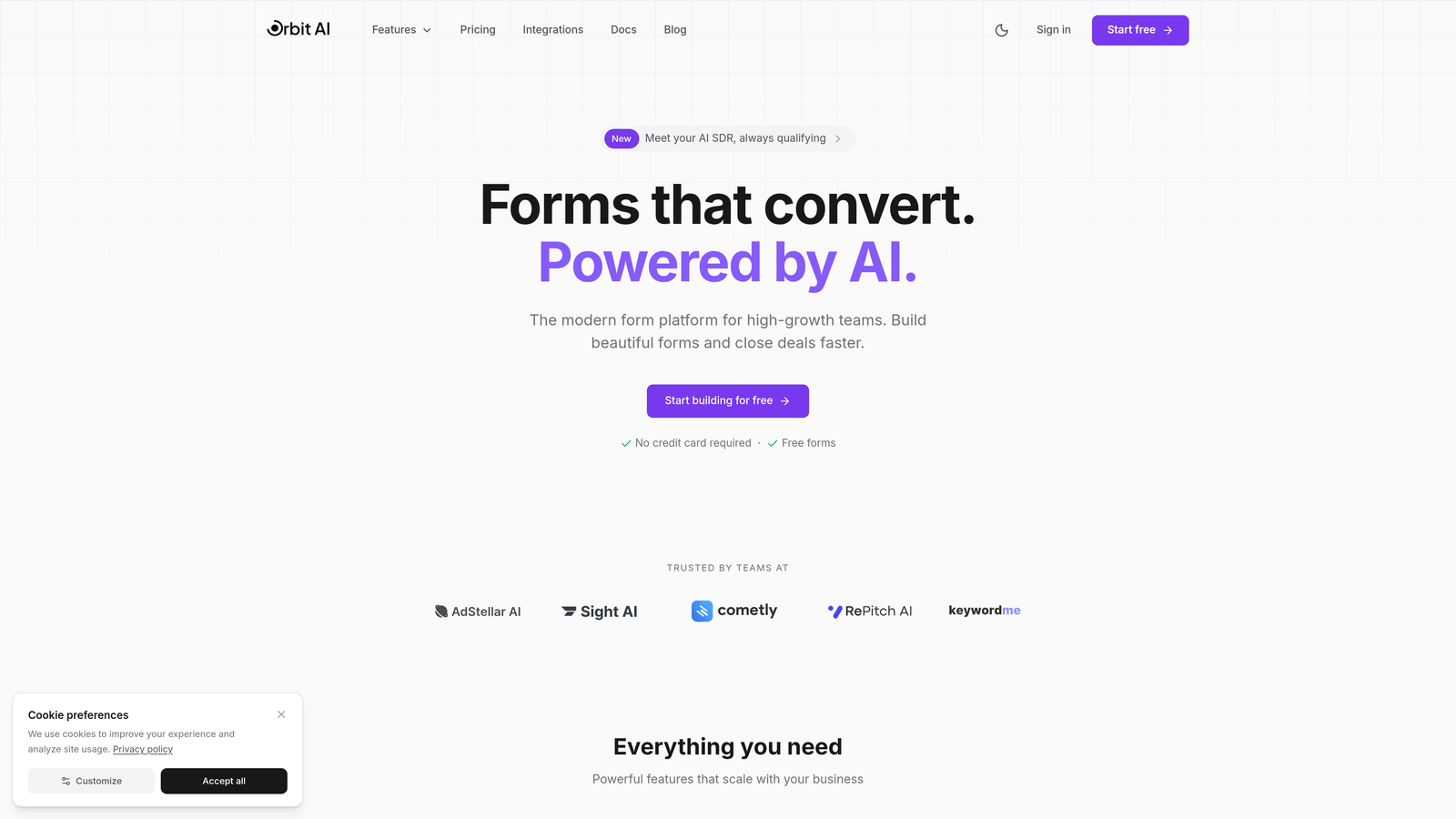
Orbit AI is an AI-powered form builder platform designed specifically for teams focused on lead generation and conversion optimization.
Where This Tool Shines
Orbit AI stands out by integrating intelligent lead qualification directly into the form experience. Instead of collecting responses and manually sorting through them later, the platform automatically scores and routes leads based on their answers.
The platform is built for modern sales workflows, with native integrations to major CRMs that eliminate the need for middleware tools. This direct connection means your qualified leads flow immediately into your sales pipeline without manual data entry or delayed follow-ups.
Key Features
AI-Powered Lead Qualification: Automatically analyzes responses and scores leads based on fit and intent signals.
Intelligent Form Routing: Directs leads to the right team member or workflow based on their profile and responses.
Native CRM Integrations: Connects directly with HubSpot, Salesforce, and Pipedrive without requiring Zapier or other middleware.
Conversion-Optimized Templates: Pre-built form designs specifically created for high-growth teams and tested for conversion performance.
Built-In Analytics and Automation: Track form performance and trigger automated workflows based on lead qualification results.
Best For
Orbit AI is ideal for B2B SaaS companies, marketing agencies, and high-growth businesses that need to qualify leads at scale. If your team spends hours manually reviewing form submissions or struggles with lead routing inefficiencies, this platform addresses those pain points directly.
Pricing
Free tier available for teams getting started. Paid plans begin at competitive rates designed for growing teams that need advanced qualification features and deeper integrations.
2. Typeform
Best for: Creating engaging, conversational form experiences with high completion rates
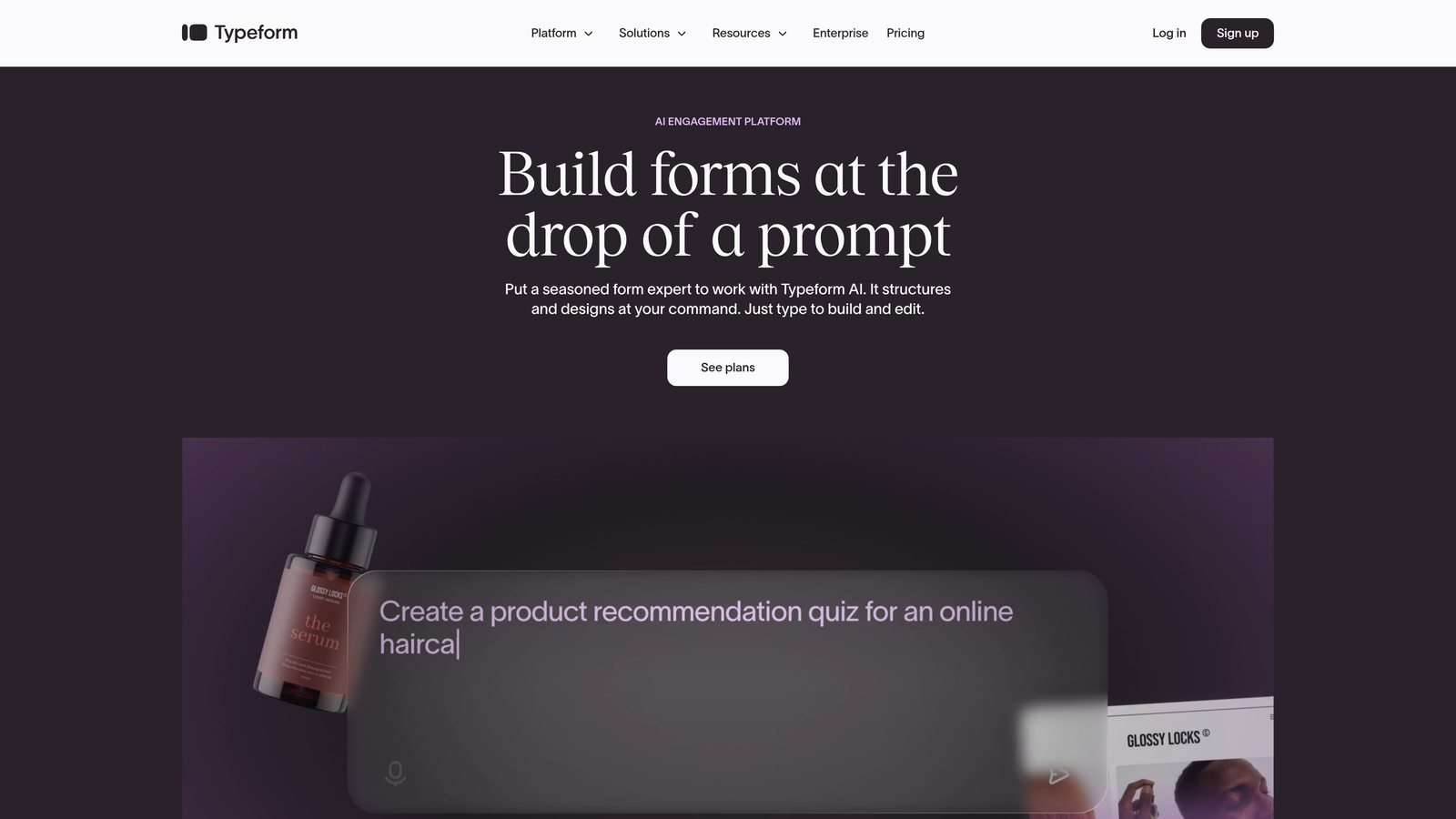
Typeform is a conversational form platform known for its distinctive one-question-at-a-time format that drives engagement.
Where This Tool Shines
Typeform revolutionized form design by treating forms as conversations rather than static questionnaires. The one-question-at-a-time approach reduces cognitive load and creates a more engaging experience that typically achieves higher completion rates than traditional forms.
The platform excels at brand customization, allowing you to create forms that feel like natural extensions of your website. If your brand identity is critical to your user experience, Typeform gives you the design flexibility to maintain that consistency.
Key Features
Conversational Interface: One-question-at-a-time format that feels more like a conversation than a form.
Advanced Customization: Extensive branding options including custom colors, fonts, backgrounds, and animations.
Logic Jumps: Create branching paths that adapt the form experience based on previous answers.
Rich Media Support: Embed videos, images, and GIFs directly into your forms for enhanced engagement.
Integration Ecosystem: Connect with popular tools through native integrations and Zapier for extended functionality.
Best For
Typeform works well for customer research, lead generation campaigns where engagement is paramount, and brands that prioritize design aesthetics. It's particularly effective for surveys and feedback collection where you need thoughtful, complete responses.
Pricing
Free basic plan available with Typeform branding. Paid plans start at $25 per month, with higher tiers unlocking additional responses, logic jumps, and integration capabilities.
3. Tally
Best for: Teams wanting unlimited forms and submissions without paying for basic features
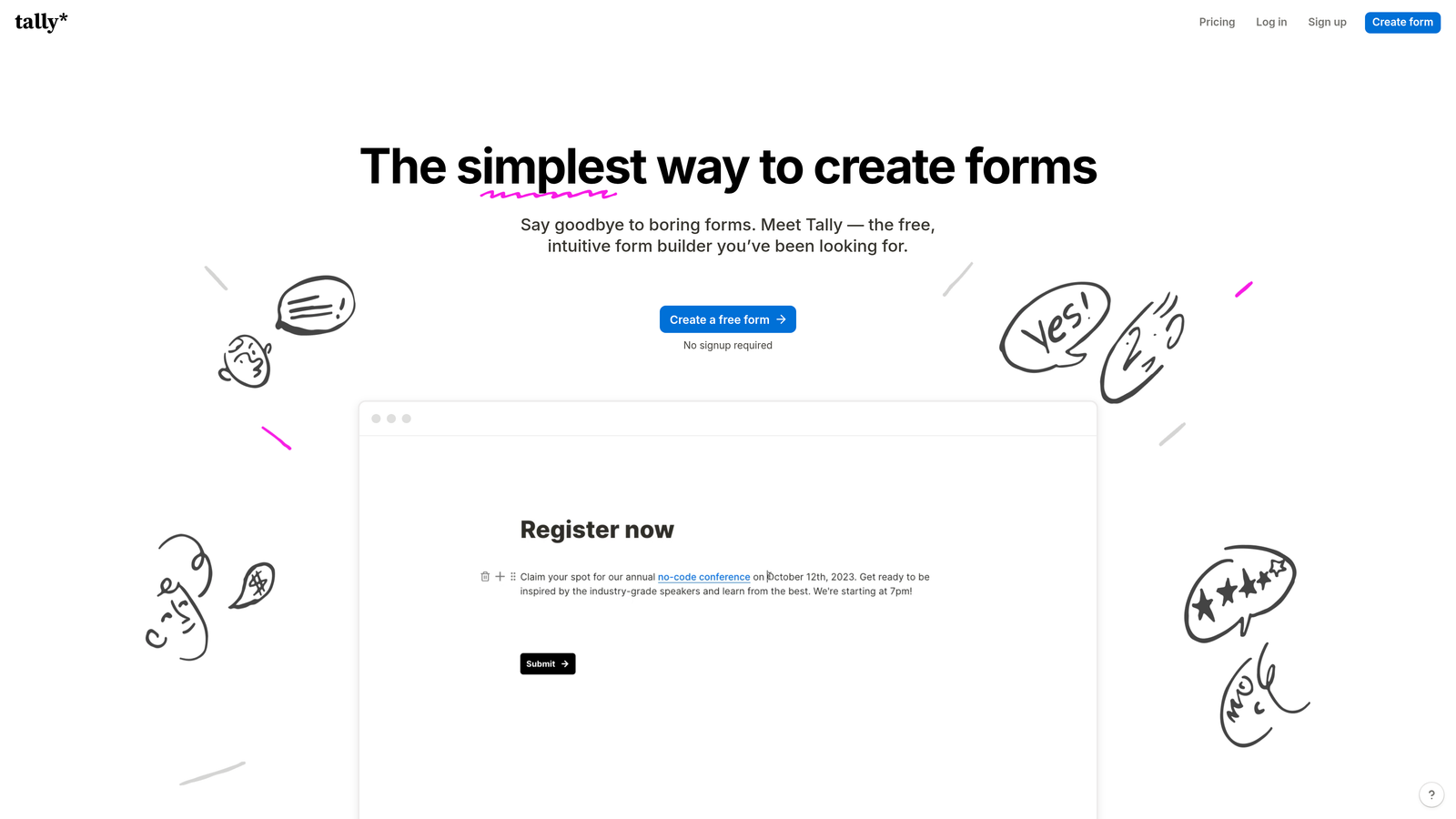
Tally is a Notion-style form builder that offers an exceptionally generous free tier with unlimited forms and responses.
Where This Tool Shines
Tally's biggest advantage is its pricing philosophy. While most form builders limit free plans to a handful of forms or monthly submissions, Tally provides unlimited forms and responses at no cost. This makes it ideal for bootstrapped startups or teams running multiple campaigns simultaneously.
The Notion-like block-based editor feels familiar to anyone who uses Notion for documentation or project management. You build forms by stacking blocks, making the creation process intuitive and fast.
Key Features
Unlimited Free Tier: No limits on forms or submissions, even on the free plan.
Block-Based Editor: Notion-style interface that makes form building intuitive and flexible.
Conditional Logic: Show or hide questions based on previous responses to create dynamic forms.
Calculations: Perform mathematical operations on form data for quotes, assessments, or scoring.
Payment Collection: Accept payments directly through your forms with Stripe integration.
Best For
Tally is perfect for budget-conscious teams, early-stage startups, and anyone running high-volume campaigns where submission limits would be restrictive. It's also great for teams already using Notion who want a similar interface for form building.
Pricing
Generous free tier with unlimited everything. Pro plan at $29 per month adds features like custom domains, file uploads, and removing Tally branding.
4. Fillout
Best for: Teams managing data workflows with Airtable or Notion databases
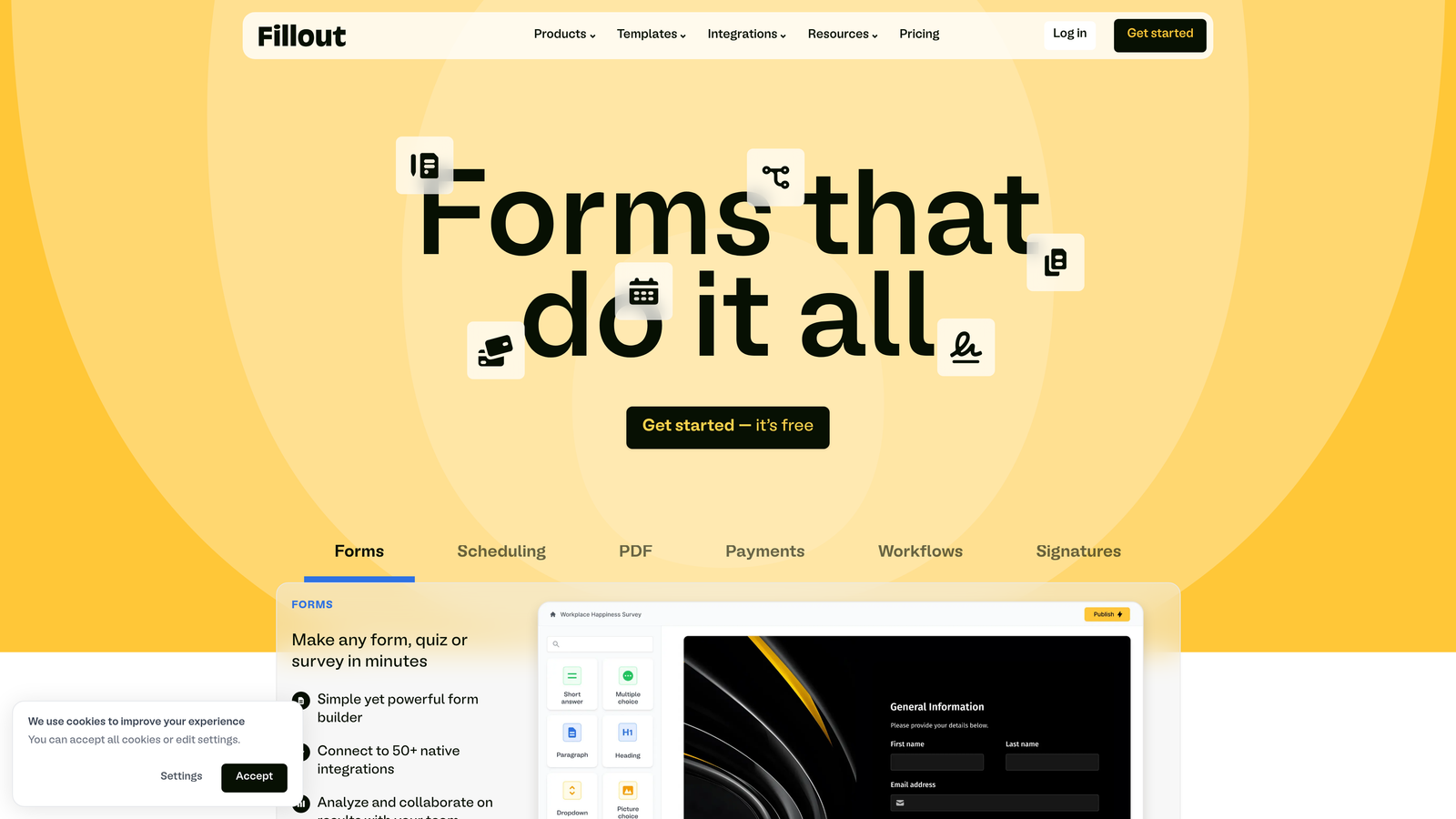
Fillout is a database-connected form builder designed for teams that use Airtable or Notion as their backend data infrastructure.
Where This Tool Shines
Fillout's native database connections set it apart from generic form builders. Instead of collecting responses in a proprietary database and then exporting them, Fillout writes directly to your Airtable or Notion workspace. This eliminates data transfer steps and keeps everything in your existing workflow.
The platform handles complex form logic elegantly, supporting multi-page forms with progress indicators and advanced conditional branching. If you're building application forms, intake processes, or detailed questionnaires, Fillout provides the structure you need without feeling clunky.
Key Features
Native Database Integration: Connect directly to Airtable and Notion bases, writing form data in real-time.
Advanced Conditional Logic: Create sophisticated branching paths based on multiple conditions and previous responses.
Multi-Page Forms: Break long forms into manageable sections with progress tracking.
Scheduling Integration: Embed calendar booking directly into your forms for seamless appointment setting.
Custom Branding: Use custom domains and remove Fillout branding to maintain your brand identity.
Best For
Fillout is ideal for operations teams using Airtable or Notion as their system of record, product teams collecting feature requests, and anyone who needs forms to integrate seamlessly with their existing database infrastructure.
Pricing
Free tier available with basic features. Paid plans start at $15 per month, making it one of the more affordable options for database-connected forms.
5. HubSpot Forms
Best for: HubSpot users needing native CRM integration and marketing automation triggers
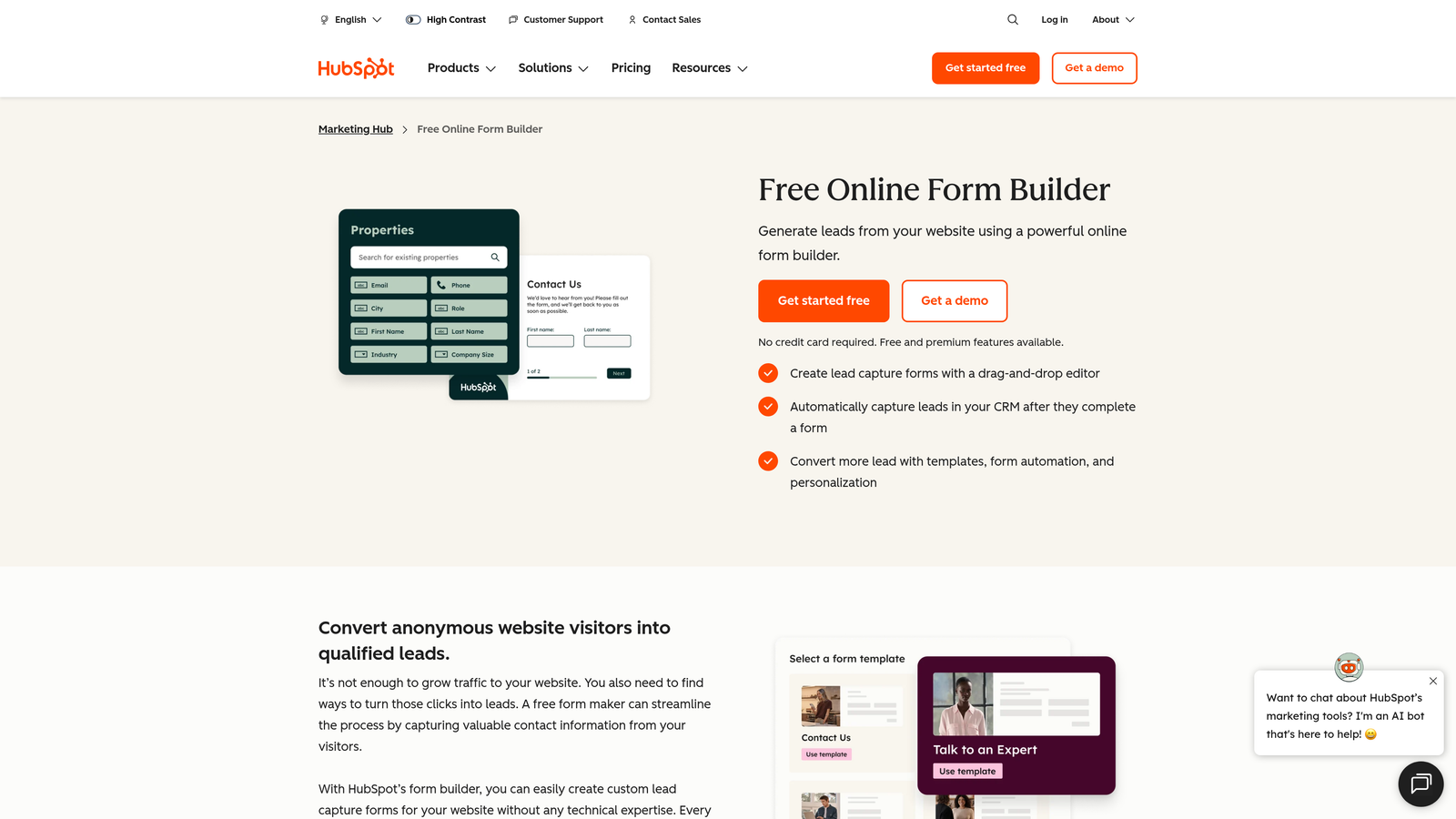
HubSpot Forms is the built-in form solution for HubSpot's CRM and marketing platform, offering seamless integration with the entire HubSpot ecosystem.
Where This Tool Shines
If you're already using HubSpot, the native forms tool eliminates integration headaches entirely. Every form submission automatically creates or updates contact records, triggers workflows, and feeds into your marketing automation sequences without any middleware.
Progressive profiling is a standout feature that reduces form friction for returning visitors. Instead of asking for information you already have, HubSpot Forms dynamically shows new questions each time someone fills out a form, gradually building richer contact profiles without overwhelming users with long forms.
Key Features
Native CRM Integration: Automatic contact creation and data syncing with zero configuration required.
Progressive Profiling: Dynamically change form fields for returning visitors to gather more information over time.
Smart Fields: Pre-populate known information and use dependent fields that change based on selections.
Marketing Automation: Trigger email sequences, workflows, and lead scoring directly from form submissions.
A/B Testing: Test different form variations to optimize conversion rates with built-in analytics.
Best For
HubSpot Forms is the obvious choice for existing HubSpot customers who want to keep their entire marketing and sales stack in one ecosystem. It's particularly valuable for marketing teams running complex nurture campaigns that depend on form data.
Pricing
Included with HubSpot Marketing Hub, which has a free tier available. Paid Marketing Hub plans unlock advanced features like A/B testing and more sophisticated automation capabilities.
6. Paperform
Best for: Creating landing page-style forms with e-commerce and payment capabilities
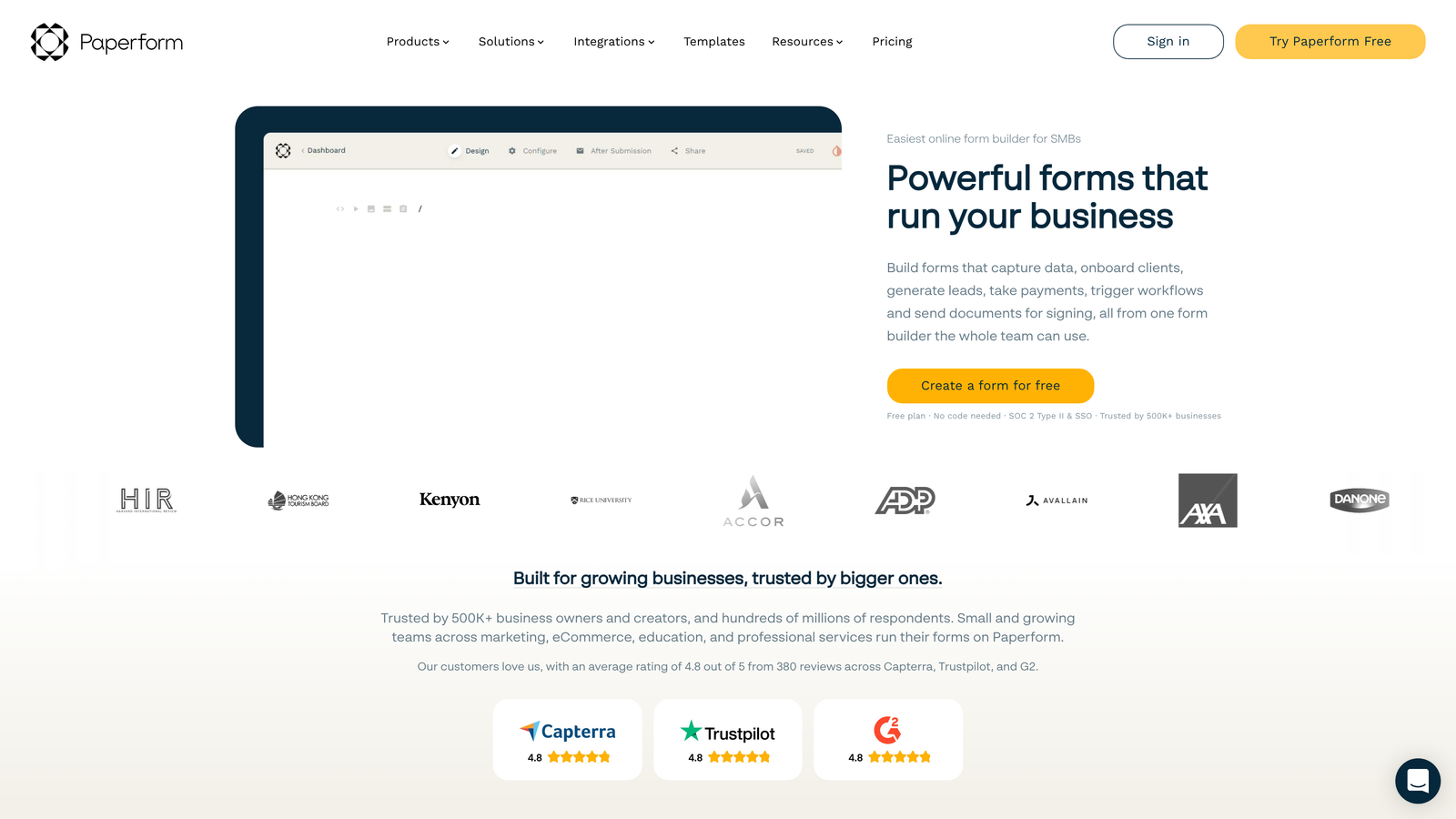
Paperform is a landing page-style form builder that combines form functionality with e-commerce features and document-style creation.
Where This Tool Shines
Paperform blurs the line between forms and landing pages. Instead of embedding a form on a page, you create an entire page experience that happens to collect information. This approach works exceptionally well for product orders, event registrations, and booking flows where you need more context and design flexibility than a traditional form provides.
The platform's e-commerce capabilities are surprisingly robust. You can build product catalogs, accept payments, calculate totals with conditional pricing, and create complete checkout experiences without needing a separate e-commerce platform.
Key Features
Document-Style Creation: Build forms that look and feel like custom landing pages with rich text and media.
Payment Processing: Accept payments through Stripe and PayPal with support for one-time and recurring billing.
Product Catalogs: Create e-commerce experiences with product options, variants, and dynamic pricing.
Custom Success Pages: Design unique confirmation pages that match your form's design and purpose.
Advanced Logic: Use conditional logic to show products, adjust pricing, and customize the experience based on responses.
Best For
Paperform excels for consultants selling services, event organizers managing registrations, and small businesses that need simple e-commerce without the complexity of Shopify or WooCommerce. It's also great for booking flows that require payment collection.
Pricing
Plans start at $24 per month for the Essentials tier, with higher plans unlocking additional submissions, payment integrations, and team features.
7. Formstack
Best for: Enterprise teams needing compliance, security, and advanced workflow automation
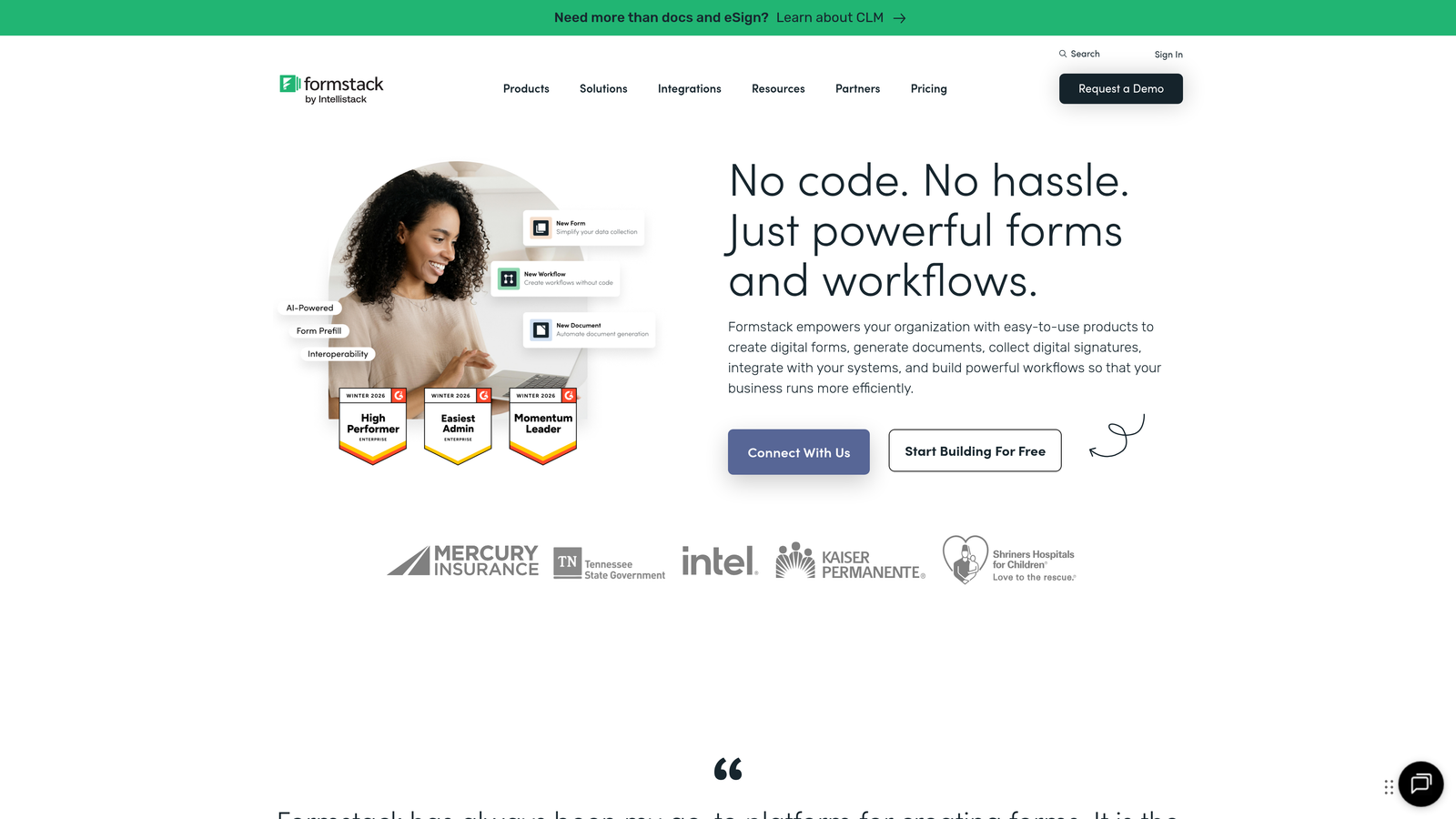
Formstack is an enterprise-grade form platform focused on workflow automation, compliance features, and document generation.
Where This Tool Shines
Formstack is built for organizations with serious compliance requirements. The platform offers HIPAA-compliant forms, data encryption, and security features that meet enterprise standards. If you're in healthcare, finance, or any regulated industry, Formstack handles the compliance burden that other form builders can't.
The document generation capability is particularly powerful. You can automatically create PDFs, contracts, or reports from form data, complete with electronic signatures. This eliminates manual document creation and speeds up processes like onboarding, applications, and approvals.
Key Features
Compliance Options: HIPAA-ready forms with data encryption and audit trails for regulated industries.
Document Generation: Automatically create PDFs and documents from form submissions with custom templates.
Workflow Automation: Build sophisticated approval workflows with routing, notifications, and conditional logic.
Electronic Signatures: Collect legally binding signatures directly within your forms.
Enterprise Security: Advanced user permissions, SSO support, and security features for large organizations.
Best For
Formstack is designed for healthcare organizations, financial services, HR departments, and any enterprise team that needs compliance-ready forms with robust security. It's also valuable for operations teams managing complex approval processes.
Pricing
Plans start at $83 per month when billed annually, reflecting its enterprise focus. Higher tiers add more forms, submissions, and advanced features like document generation.
8. Cognito Forms
Best for: Budget-conscious teams needing advanced calculations and affordable payment collection
Cognito Forms is an affordable form builder with surprisingly powerful calculation fields and payment processing capabilities.
Where This Tool Shines
Cognito Forms punches above its weight in the calculation department. The platform supports complex formulas, mathematical operations, and conditional calculations that rival much more expensive tools. If you're building quote calculators, order forms with dynamic pricing, or assessment forms that need scoring, Cognito handles the math elegantly.
Payment integration is another strength. The platform supports Stripe, PayPal, and Square, making it easy to collect payments without jumping through hoops or paying premium prices. Combined with repeating sections for complex orders, it's a solid choice for simple e-commerce needs.
Key Features
Advanced Calculations: Build complex formulas and calculations that update dynamically based on user input.
Payment Integration: Accept payments through Stripe, PayPal, and Square with support for various pricing models.
Repeating Sections: Allow users to add multiple items or entries within a single form submission.
Data Encryption: Encrypt sensitive data and maintain compliance with security standards.
Workflow Routing: Route submissions through approval processes with conditional logic and notifications.
Best For
Cognito Forms works well for small businesses needing payment forms, consultants creating quote calculators, and teams managing registration forms with complex pricing. It delivers enterprise-level calculation features at a fraction of the cost.
Pricing
Free tier available with basic features. Paid plans start at just $15 per month, making it one of the most affordable options for teams needing payment collection and advanced calculations.
9. Jotform
Best for: Teams needing extensive templates and widgets with a familiar interface
Jotform is an established form builder with thousands of templates and an extensive widget library, serving as the baseline for comparison in this evaluation.
Where This Tool Shines
Jotform's template library is genuinely massive. With over 10,000 pre-built templates, you can find a starting point for almost any use case without building from scratch. This breadth makes it easy to launch forms quickly, especially if you're not particular about customization.
The widget library extends functionality significantly. Need appointment scheduling? There's a widget. Want to collect signatures? There's a widget for that too. This plug-and-play approach lets non-technical users add features without custom development.
Key Features
Template Library: Over 10,000 pre-built form templates covering virtually every industry and use case.
Widget Ecosystem: Extensive library of widgets that add functionality like payments, scheduling, and signatures.
PDF Forms: Create and manage PDF forms alongside web forms for offline data collection.
Mobile App: Dedicated mobile app for managing forms and viewing submissions on the go.
Basic Conditional Logic: Show or hide fields based on user responses, though less sophisticated than modern alternatives.
Best For
Jotform suits teams that prioritize template variety over cutting-edge features, organizations comfortable with a more traditional interface, and users who need the specific functionality provided by Jotform's unique widgets.
Pricing
Free tier available with Jotform branding and submission limits. Paid plans start at $34 per month, with higher tiers removing limits and adding features.
Making the Right Choice
The form platform you choose depends heavily on your specific needs and existing tech stack.
If AI-powered lead qualification is your priority, Orbit AI delivers intelligent routing and automatic scoring that eliminates manual lead processing. For HubSpot users, the native HubSpot Forms integration keeps everything in one ecosystem without middleware complications.
Budget-conscious teams should look at Tally's unlimited free tier or Cognito Forms' affordable paid plans. If you're already invested in Airtable or Notion, Fillout's native database connections will save hours of manual data transfer.
Enterprise teams with compliance requirements need Formstack's HIPAA-ready features and security infrastructure. For engaging, brand-focused experiences, Typeform's conversational interface drives higher completion rates.
Jotform remains a solid choice if you need extensive templates and widgets, but modern alternatives offer more sophisticated features for today's growth-focused workflows. The platforms highlighted here represent the evolution of form building—from simple data collection to intelligent lead qualification and automated workflows.
Transform your lead generation with AI-powered forms that qualify prospects automatically while delivering the modern, conversion-optimized experience your high-growth team needs. Start building free forms today and see how intelligent form design can elevate your conversion strategy.


