

Your form builder isn't just collecting data—it's shaping every conversion that follows. The platform you choose determines whether leads arrive qualified and ready for sales conversations, or whether your team wastes hours sorting through unqualified submissions. It influences completion rates, integration reliability, and ultimately, your cost per qualified opportunity.
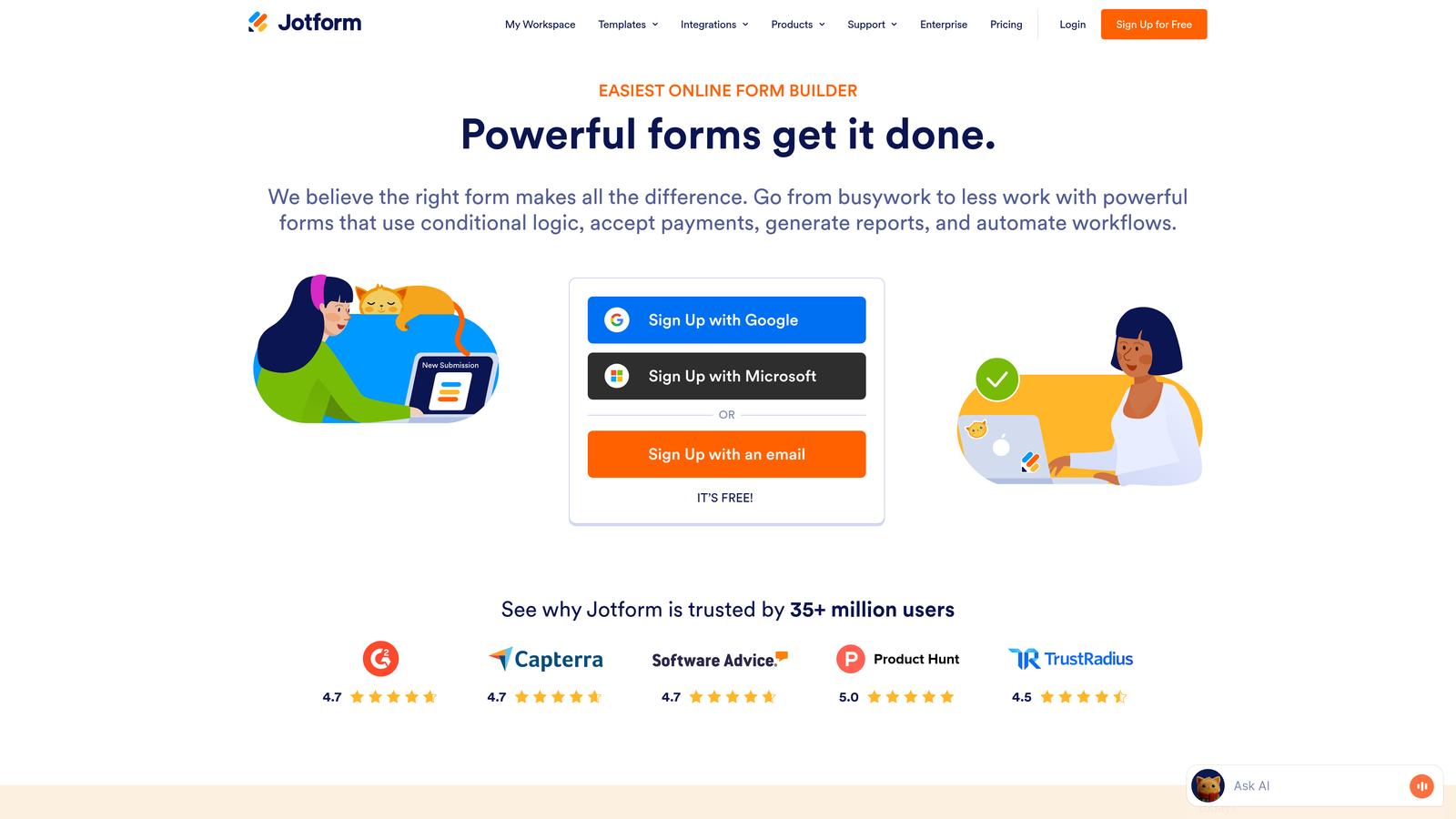
Jotform has long been a go-to solution for its extensive template library and versatility across use cases. But as marketing teams increasingly prioritize conversion optimization and lead quality over form quantity, the question becomes more nuanced: does a general-purpose form builder serve your growth goals better than specialized alternatives built specifically for lead generation?
The answer depends on your specific needs, growth trajectory, and how you define success. A form that works perfectly for event registrations might fall short for qualifying enterprise leads. A platform that excels at simple contact forms might lack the automation depth needed for complex lead routing workflows.
This guide walks through seven strategic evaluation criteria that go beyond surface-level feature comparisons. You'll learn how to assess form builders based on what actually moves the needle for high-growth teams: lead quality, conversion rates, integration reliability, and scalability. By the end, you'll have a clear framework for choosing the platform that aligns with your specific conversion goals.
1. Evaluate AI-Powered Lead Qualification Capabilities
The Challenge It Solves
Sales teams waste countless hours chasing unqualified leads that should never have reached their pipeline. Traditional form builders capture data but leave qualification entirely to manual processes. Your team ends up sorting through submissions to identify which prospects actually match your ideal customer profile, delaying response times and frustrating both sales reps and qualified buyers who expect immediate engagement.
The Strategy Explained
Modern lead qualification happens at the form level, not after submission. AI-powered form builders analyze responses in real-time, scoring leads based on criteria you define and routing high-value prospects directly to sales while nurturing others through automated sequences. This approach transforms your form from a passive data collector into an active qualification engine.
Jotform offers conditional logic that can show or hide fields based on responses, but it lacks native AI-driven lead scoring capabilities. You'll need to build qualification rules manually or rely on third-party integrations to add intelligence. Specialized alternatives increasingly embed AI directly into the form experience, automatically identifying buying signals and engagement patterns that indicate lead quality.
The difference becomes critical at scale. When you're processing hundreds of submissions weekly, automated qualification means your best leads reach sales within minutes while lower-priority prospects receive appropriate nurture sequences. Manual sorting creates bottlenecks that cost you both speed-to-lead advantage and sales team efficiency.
Implementation Steps
1. Define your ideal customer profile criteria—company size, budget authority, timeline, specific pain points—and map how form responses can reveal these qualifiers.
2. Test whether platforms offer native scoring algorithms or require you to build complex conditional logic manually to achieve similar results.
3. Evaluate automated routing capabilities—can qualified leads trigger immediate Slack notifications or CRM tasks without middleware delays?
Pro Tips
Look for platforms that learn from your qualification decisions over time. The most sophisticated systems improve scoring accuracy as you accept or reject leads, adapting to your evolving ideal customer profile without manual rule updates.
2. Prioritize Conversion-Focused Design Over Template Quantity
The Challenge It Solves
Template libraries create the illusion of choice while often delivering outdated design patterns that hurt completion rates. Many form builders emphasize quantity over quality, offering thousands of templates built for aesthetics rather than conversion psychology. Your team spends hours customizing templates that were never optimized for modern user expectations, resulting in forms that look professional but underperform.
The Strategy Explained
Conversion-focused design prioritizes completion rate over visual complexity. This means progressive disclosure that reveals questions gradually, conversational interfaces that feel less like interrogations, and mobile-first layouts that work flawlessly on every device. The best form builders embed these principles into their core design system rather than treating them as optional features.
Jotform's strength lies in its 10,000+ templates covering virtually every use case imaginable. However, quantity doesn't automatically translate to conversion performance. Many templates follow traditional multi-page layouts that can feel overwhelming, particularly on mobile devices where users prefer streamlined experiences.
Modern alternatives often offer fewer templates but design them specifically around conversion principles. They incorporate multi-step flows that reduce cognitive load, conditional logic that personalizes the experience, and visual progress indicators that encourage completion. These platforms treat forms as conversion tools first, data collectors second.
Implementation Steps
1. Test form completion rates on mobile devices specifically—this is where most users will encounter your forms and where traditional layouts often fail.
2. Evaluate whether platforms offer built-in A/B testing capabilities so you can optimize design decisions based on actual performance data rather than assumptions.
3. Assess customization flexibility—can you easily adjust layouts, colors, and field arrangements without coding, or are you locked into rigid template structures?
Pro Tips
Request completion rate benchmarks from form builder vendors. Platforms serious about conversion optimization track these metrics across their customer base and can provide industry-specific performance data to guide your design decisions.
3. Map Your Integration Ecosystem Before Committing
The Challenge It Solves
Form data becomes valuable only when it flows seamlessly into your existing systems. Integration failures create manual data entry work, delay lead routing, and introduce errors that damage lead quality. Many teams discover integration limitations only after committing to a platform, forcing them to accept suboptimal workflows or invest in expensive middleware solutions.
The Strategy Explained
Integration depth matters more than integration quantity. Native connections typically sync data faster, handle errors more gracefully, and support bidirectional updates that middleware solutions struggle to replicate. Before evaluating form builders, document your critical tech stack components—CRM, marketing automation, analytics platforms, team communication tools—and prioritize platforms that offer native integrations for your most important systems.
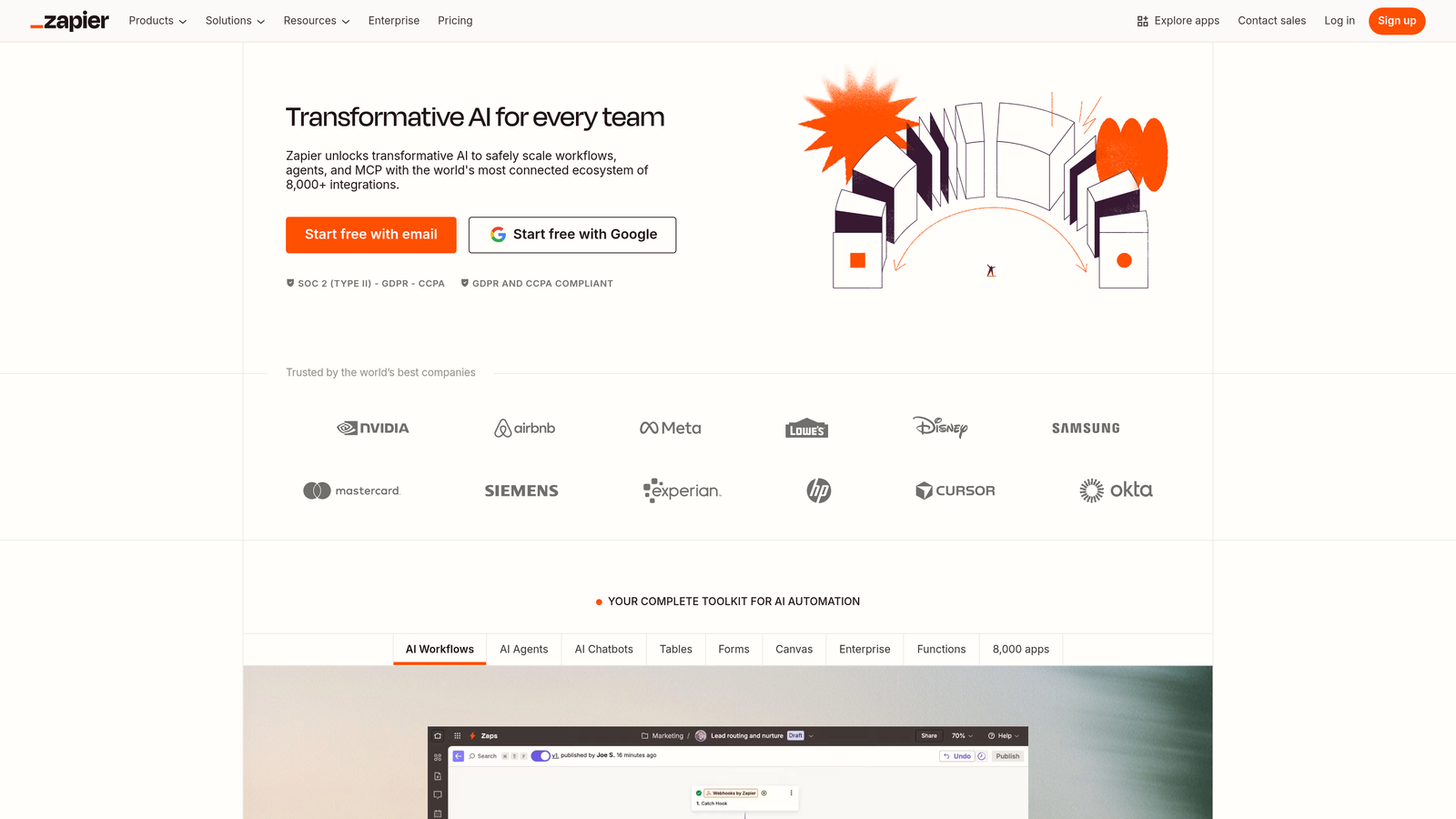
Jotform provides integrations with numerous platforms through its marketplace, but many connections rely on Zapier or similar middleware. This introduces latency and potential failure points. When a submission triggers a Zapier workflow that updates your CRM, creates a Slack notification, and logs data in your analytics platform, you're adding multiple steps where delays or errors can occur.
Specialized form builders increasingly offer native CRM integrations that sync data instantly without middleware dependencies. These direct connections typically support more sophisticated features like field mapping customization, duplicate detection, and automatic record updates based on form submissions.
Implementation Steps
1. List your five most critical integrations and verify whether platforms offer native connections or require middleware—test actual sync speeds during trials.
2. Evaluate webhook capabilities for custom integrations you might need as your tech stack evolves beyond standard platforms.
3. Test error handling specifically—when integrations fail, does the platform notify you immediately and queue data for retry, or do submissions simply disappear?
Pro Tips
Ask vendors about their integration roadmap. Platforms committed to native connections typically have clear plans for expanding their integration ecosystem, while those relying primarily on middleware may never develop the direct connections you need.
4. Calculate True Cost Per Qualified Lead
The Challenge It Solves
Advertised pricing rarely reflects actual costs at scale. Per-submission pricing models create unpredictable expenses as your lead volume grows, while submission limits force you into higher tiers before you need other enterprise features. Teams often choose platforms based on entry-level pricing only to discover that their actual usage costs significantly more than anticipated.
The Strategy Explained
True cost analysis requires projecting your submission volume, factoring in seasonal spikes, and calculating the value of included automation features. A platform with higher base pricing but unlimited submissions and robust automation might deliver lower cost per qualified lead than a cheaper option that charges per submission and requires manual lead routing.
Jotform's pricing tiers are based on monthly submission limits, starting with 100 submissions on the free plan and scaling upward. This model works well for teams with predictable, low-volume needs but can become expensive quickly for high-growth companies running multiple campaigns. Overage fees or forced upgrades can make budgeting challenging.
Alternative pricing models include flat-rate unlimited submissions, per-user pricing, or hybrid approaches that charge based on active forms rather than submission volume. Each model suits different use cases. High-volume lead generation typically benefits from unlimited submission plans, while teams managing many forms across departments might prefer per-form pricing.
Implementation Steps
1. Calculate your current monthly submission volume and project growth based on your marketing plans—include seasonal peaks to avoid surprise costs.
2. Compare total cost including automation features—a platform with built-in lead scoring might eliminate expensive third-party tools you currently pay for separately.
3. Evaluate contract flexibility—can you adjust plans monthly as needs change, or are you locked into annual commitments with rigid upgrade paths?
Pro Tips
Request case studies from vendors showing how similar companies structure their plans. Understanding how businesses at your scale typically use the platform helps you choose the right tier initially rather than upgrading repeatedly as you discover needed features.
5. Assess Workflow Automation Depth
The Challenge It Solves
Manual follow-up processes create delays that kill conversion momentum. When qualified leads submit forms but wait hours or days for responses, they often move on to competitors who respond faster. Basic form builders capture data but leave all follow-up to manual processes or external automation tools, creating gaps where leads fall through cracks.
The Strategy Explained
Sophisticated workflow automation handles lead routing, follow-up sequences, and team notifications based on submission data without requiring external tools. This means high-value prospects trigger immediate sales notifications while nurture-stage leads enter automated email sequences—all configured within your form builder rather than cobbled together across multiple platforms.
Jotform offers conditional logic for showing or hiding form fields based on responses, and it can trigger email notifications when forms are submitted. However, more complex workflows—like routing leads to different sales reps based on territory, sending different follow-up sequences based on qualification scores, or updating CRM records with specific tags—typically require integration with external automation platforms.
Modern alternatives increasingly embed workflow automation directly into the form experience. These platforms let you configure multi-step follow-up sequences, assign leads to team members based on sophisticated routing rules, and trigger actions across your tech stack without leaving the form builder interface.
Implementation Steps
1. Map your ideal lead response workflow from submission to first sales contact—identify every action that should happen automatically versus requiring manual intervention.
2. Test conditional routing capabilities specifically—can you route leads to different team members based on company size, industry, or other qualification criteria?
3. Evaluate notification flexibility—can you send different messages to different stakeholders based on lead characteristics, or are you limited to generic submission alerts?
Pro Tips
Look for platforms that offer workflow templates based on common use cases. Pre-built automation sequences for lead qualification, event registration, or customer onboarding can save hours of configuration time and incorporate best practices you might otherwise miss.
6. Test Analytics and Reporting Granularity
The Challenge It Solves
Basic submission counts tell you nothing about conversion performance. Without granular analytics, you can't identify which form fields cause abandonment, which traffic sources deliver the highest-quality leads, or how design changes impact completion rates. Teams end up making optimization decisions based on gut feeling rather than data, missing opportunities to improve conversion rates systematically.
The Strategy Explained
Conversion-focused analytics track the entire form journey—where users enter, which fields cause hesitation, where they abandon, and how different segments perform. This level of insight lets you optimize forms based on actual user behavior rather than assumptions about what works. The best platforms provide funnel visualization showing drop-off at each step, field-level analytics revealing problematic questions, and source tracking connecting form performance to marketing channels.
Jotform provides submission reports showing when forms were completed and basic demographic data if you collect it. You can see total submissions over time and export data for analysis. However, detailed conversion funnel analytics—showing exactly where users abandon multi-step forms or which fields take longest to complete—require integration with external analytics platforms.
Specialized form builders increasingly treat analytics as a core feature rather than an afterthought. These platforms show you not just who completed your form, but who started and didn't finish, which fields caused the most abandonment, and how completion rates vary across traffic sources or device types.
Implementation Steps
1. Verify whether platforms track partial submissions—knowing who started your form but didn't complete it is crucial for follow-up and optimization.
2. Test field-level analytics during trials—can you identify which specific questions cause users to hesitate or abandon the form entirely?
3. Evaluate source tracking capabilities—can you see how form performance varies across different marketing channels, landing pages, or campaign sources?
Pro Tips
Request access to demo analytics dashboards before committing. Seeing how the platform presents data helps you understand whether insights will be actionable for your team or require additional analysis to extract value.
7. Validate Scalability for Your Growth Trajectory
The Challenge It Solves
Outgrowing your form builder creates expensive migration headaches. When platforms lack enterprise features like team collaboration, advanced security, or API flexibility, growing companies face difficult choices: accept limitations that hinder operations or invest significant time migrating to new platforms. Both options disrupt momentum at critical growth stages.
The Strategy Explained
Scalability assessment means looking beyond current needs to features you'll require as your team and lead volume grow. This includes collaboration capabilities for multiple team members managing different forms, role-based permissions controlling who can edit or view submissions, API access for custom integrations, and enterprise security features like SSO and compliance certifications.
Jotform offers enterprise plans with team collaboration features, advanced permissions, and API access. The platform scales reasonably well for teams managing multiple forms across departments. However, some growing companies report that the platform's template-first approach becomes limiting as they need more sophisticated customization and automation capabilities.
When evaluating scalability, consider not just whether features exist but whether they're accessible at your current budget level. Some platforms gate critical enterprise features behind expensive tiers, forcing you to overpay for capabilities you don't need just to access the few you do. Others offer more flexible pricing that lets you add specific features as needed.
Implementation Steps
1. Document features you'll need within the next 12-18 months—team collaboration, advanced security, API access—and verify whether they're available at your target pricing tier.
2. Test API documentation and developer resources if custom integrations are on your roadmap—poor documentation creates expensive development delays later.
3. Evaluate migration support—if you outgrow the platform eventually, does the vendor provide tools and assistance for exporting data and transitioning to alternatives?
Pro Tips
Talk to customers who have scaled with the platform. Vendors can provide references to companies similar to yours who have grown successfully on their platform, revealing real-world scalability challenges you might not discover during trials.
Putting It All Together
Choosing between Jotform and alternative form builders isn't about finding the objectively "best" platform—it's about matching capabilities to your specific growth stage and conversion priorities. Jotform excels for teams needing versatile, template-rich solutions across diverse use cases. Specialized alternatives often outperform for teams prioritizing lead quality, conversion optimization, and automated qualification workflows.
Your decision framework should start with your primary use case. If you're managing diverse form needs across departments—event registrations, surveys, order forms, contact requests—Jotform's breadth makes sense. If you're focused specifically on lead generation and qualification, platforms built around those workflows typically deliver better results with less configuration effort.
Next, evaluate based on your technical ecosystem. Native integrations with your CRM and marketing automation platform matter more than broad integration counts. Test actual sync speeds and error handling during trials rather than assuming marketplace listings guarantee smooth operation.
Finally, project costs realistically. Calculate expenses at your expected submission volume including seasonal spikes, factor in the value of included automation features, and compare total cost per qualified lead rather than base subscription prices. A platform that costs more monthly but includes robust qualification and routing capabilities might deliver lower overall cost per opportunity.
The evaluation process itself should involve hands-on testing with real forms and actual team members. Set up a trial form for an active campaign, connect it to your CRM, and measure completion rates, sync reliability, and team workflow efficiency. Data from real usage reveals limitations that feature lists never expose.
Transform your lead generation with AI-powered forms that qualify prospects automatically while delivering the modern, conversion-optimized experience your high-growth team needs. Start building free forms today and see how intelligent form design can elevate your conversion strategy.


