

Your landing page is converting visitors—but your form is where deals die. Form abandonment rates consistently hover around 70%, meaning most of your hard-won traffic never actually submits. The culprit? Forms that ask too much, confuse visitors, or fail to communicate value at the exact moment someone's ready to convert.
The right optimization tool transforms your forms from conversion killers into lead-generating machines. We've tested dozens of solutions to bring you the top landing page form optimization tools that actually move the needle in 2026. Whether you need AI-powered qualification, behavioral analytics, or seamless CRM integration, this list covers tools for every budget and use case.
1. Orbit AI
Best for: High-growth teams needing AI-powered lead qualification built directly into conversion-optimized forms
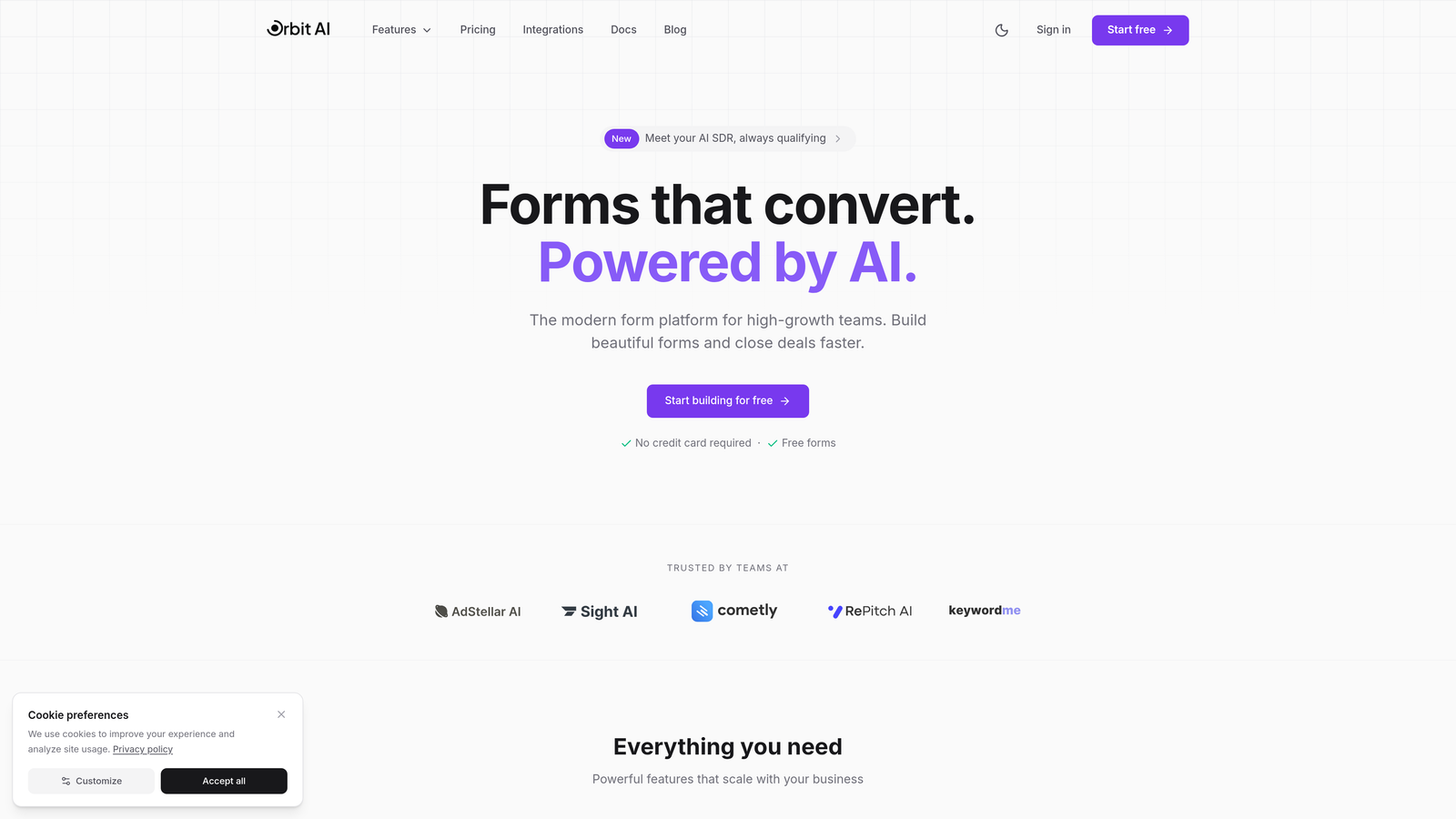
Orbit AI is an AI-powered form builder platform designed specifically for teams who care about lead quality, not just quantity.
Where This Tool Shines
Orbit AI stands out by solving a problem most form builders ignore: not all leads are created equal. While traditional forms simply collect information, Orbit AI automatically qualifies and scores leads as they submit, routing high-value prospects directly to sales while nurturing others through automated workflows.
The platform combines intelligent qualification with conversion-focused design. Forms are built for modern users—clean, fast, and mobile-optimized—while the backend handles sophisticated lead routing that typically requires expensive marketing automation platforms.
Key Features
AI-Powered Lead Qualification: Automatically scores and qualifies leads based on submission data, routing high-value prospects to sales immediately.
Conversion-Optimized Templates: Pre-built form templates designed specifically for lead generation with proven conversion patterns.
Native CRM Integrations: Seamless connections to HubSpot, Salesforce, and Pipedrive that sync data in real-time without middleware.
Real-Time Analytics: Conversion tracking and performance metrics that show exactly where visitors drop off and which forms perform best.
Automated Workflow Triggers: Set up conditional actions based on form responses—send different follow-ups, assign to specific team members, or trigger email sequences.
Best For
High-growth B2B teams, SaaS companies, and agencies that need forms to do more than collect data. Ideal if you're drowning in unqualified leads or spending too much time manually routing form submissions to the right team members.
Pricing
Free tier available for basic form building. Paid plans start at $29/month with AI qualification, advanced integrations, and scalable form limits.
2. Typeform
Best for: Creating engaging conversational form experiences with one-question-at-a-time presentation
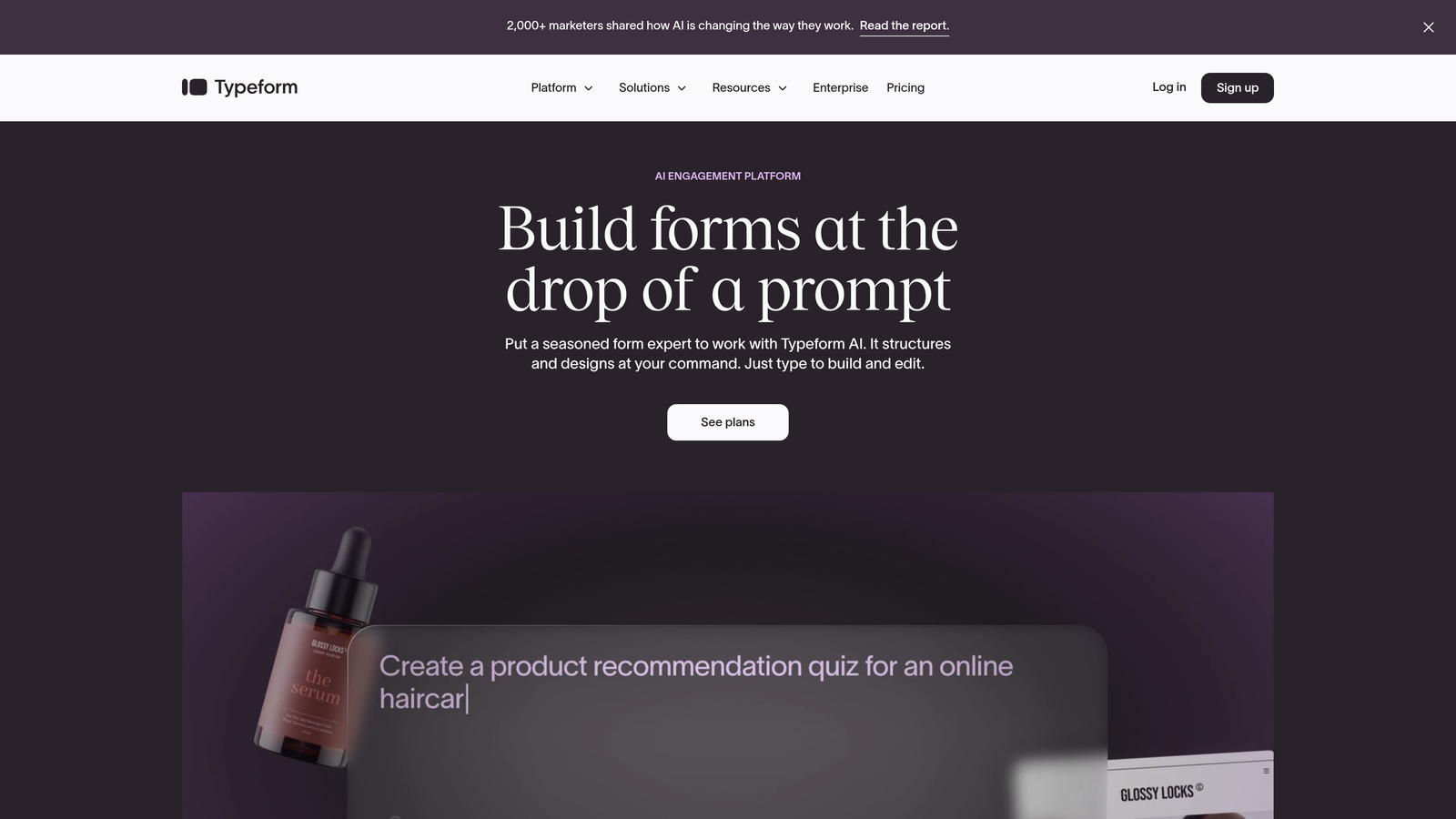
Typeform pioneered the conversational form format that shows one question at a time, reducing cognitive load and boosting completion rates.
Where This Tool Shines
Typeform excels when form experience matters as much as conversion rate. The one-question-at-a-time format feels less overwhelming than traditional multi-field forms, particularly for longer surveys or complex qualification processes. Users report higher engagement because the format feels more like a conversation than an interrogation.
The platform's design capabilities are exceptional. Brand customization goes beyond basic color changes—you can embed videos, images, and create truly unique form experiences that match your brand personality. This makes it particularly valuable for creative agencies and consumer brands where form aesthetics matter.
Key Features
Conversational Format: One-question-at-a-time presentation that reduces form anxiety and improves completion rates.
Advanced Design Customization: Deep brand customization including custom fonts, colors, backgrounds, and embedded media.
Logic Jumps: Conditional branching that personalizes the form experience based on previous answers.
Native Integrations: Pre-built connections to major marketing tools including Google Sheets, Mailchimp, and Slack.
Media Embedding: Add videos, images, and GIFs directly into forms to create engaging experiences.
Best For
Brands prioritizing user experience and engagement over pure conversion optimization. Perfect for surveys, quizzes, event registrations, and customer feedback where the journey matters as much as the destination.
Pricing
Free tier available with Typeform branding. Basic plan starts at $25/month, removing branding and adding logic jumps.
3. Unbounce Smart Builder
Best for: Teams running landing page campaigns who need AI-powered optimization and built-in A/B testing
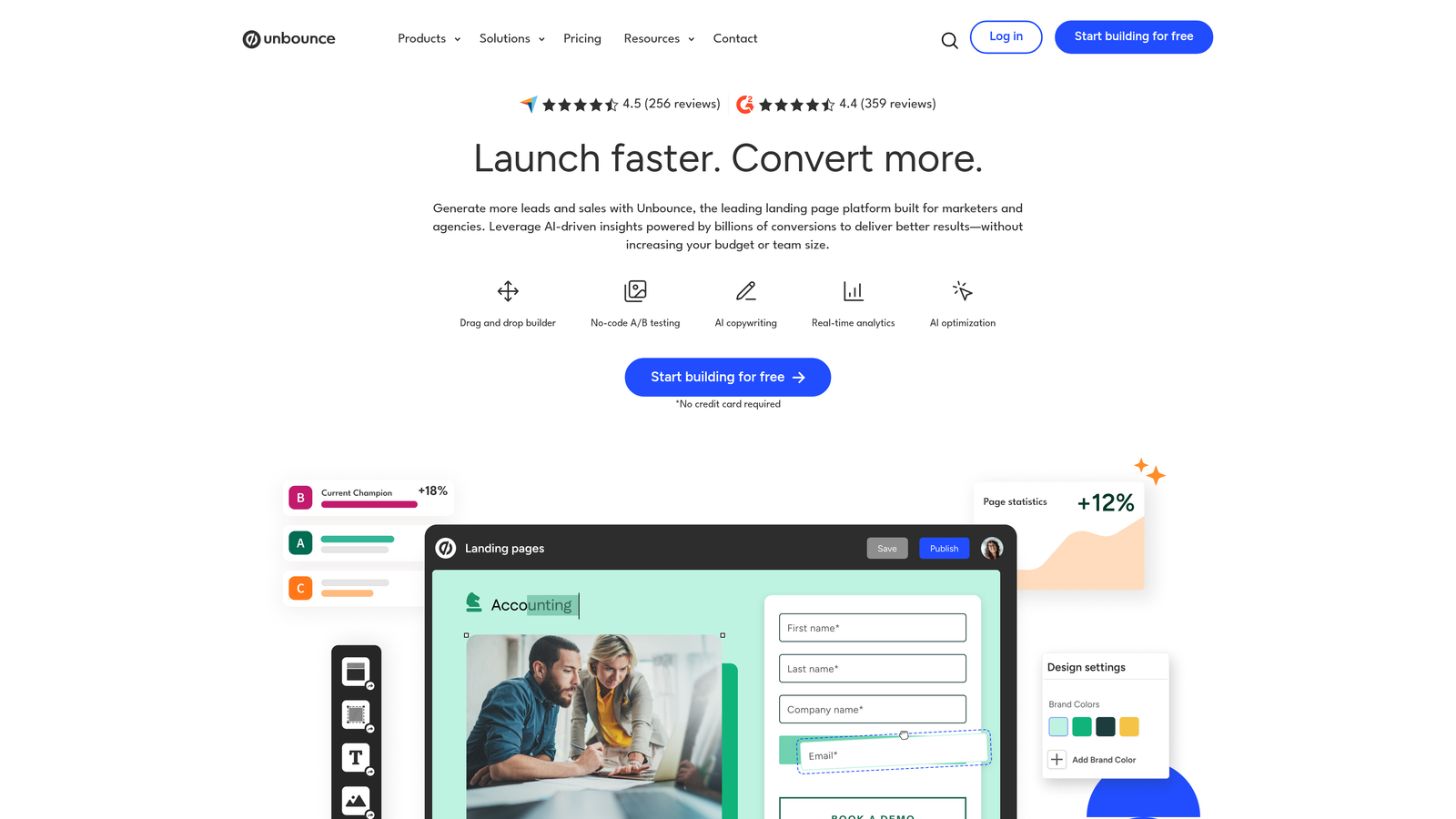
Unbounce Smart Builder combines landing page creation with form optimization, using AI to automatically route traffic to the best-performing variations.
Where This Tool Shines
Unbounce's Smart Traffic feature uses machine learning to automatically send visitors to the landing page and form combination most likely to convert them. Instead of manually analyzing A/B tests, the AI learns from visitor behavior and optimizes in real-time. This is particularly powerful for teams running paid advertising campaigns where every conversion point matters.
The platform treats forms as integral parts of landing pages rather than standalone elements. This holistic approach means you can test form placement, field order, and copy alongside page design—understanding how everything works together to drive conversions.
Key Features
Smart Traffic AI: Machine learning that automatically routes visitors to their best-performing page variant without manual intervention.
Built-In A/B Testing: Test multiple form and page variations simultaneously with automatic statistical significance tracking.
Drag-and-Drop Builder: Visual editor for creating landing pages and forms without coding knowledge.
Dynamic Text Replacement: Automatically personalize form copy based on ad keywords or URL parameters.
Popups and Sticky Bars: Additional conversion tools including exit-intent popups and persistent form bars.
Best For
Marketing teams running paid campaigns (Google Ads, Facebook Ads) who need landing pages and forms optimized together. Ideal for agencies managing multiple client campaigns or in-house teams with significant ad spend.
Pricing
Plans start at $99/month for basic features. Smart Traffic requires higher-tier plans starting at $145/month.
4. Leadformly
Best for: B2B lead generation with multi-step forms designed specifically for conversion optimization
Leadformly specializes in multi-step lead generation forms with templates and features built specifically for B2B conversion.

Where This Tool Shines
Leadformly focuses exclusively on lead generation, which means every feature serves that single purpose. The multi-step form approach breaks long forms into digestible sections with progress indicators, significantly improving completion rates for forms that require substantial information.
The platform includes built-in lead qualification and routing capabilities that automatically score submissions and direct them to appropriate team members. This eliminates the manual triage process many sales teams face when dealing with form submissions of varying quality.
Key Features
Multi-Step Optimization: Break long forms into multiple pages with progress indicators and optimized field ordering.
Conversion Templates: Pre-built form templates based on B2B lead generation best practices and conversion research.
Lead Qualification: Score and route leads automatically based on form responses and qualification criteria.
Form Analytics: Detailed insights showing completion rates, drop-off points, and field-level performance.
Integration Ecosystem: Connect to CRMs, marketing automation platforms, and sales tools for seamless data flow.
Best For
B2B companies and agencies focused exclusively on lead generation. Particularly valuable for businesses with longer sales cycles where lead quality and proper routing directly impact revenue.
Pricing
Plans start at $37/month for basic features with unlimited forms and submissions.
5. HubSpot Forms
Best for: Teams already using HubSpot who need native CRM integration and progressive profiling
HubSpot Forms is the native form builder within HubSpot's marketing platform, offering seamless integration with the entire HubSpot ecosystem.
Where This Tool Shines
HubSpot Forms' biggest advantage is its deep integration with HubSpot CRM. Every form submission automatically creates or updates contact records, enriches data with behavioral information, and triggers workflows—all without third-party integrations or middleware. This eliminates the data sync issues that plague multi-tool stacks.
Progressive profiling is a standout feature that reduces form fatigue for returning visitors. Instead of asking the same questions repeatedly, forms automatically show different fields based on what information HubSpot already has, gradually building complete contact profiles without overwhelming users.
Key Features
Native CRM Integration: Automatic contact creation and data enrichment within HubSpot CRM with zero configuration.
Progressive Profiling: Smart fields that change based on existing contact data, reducing repetitive questions for returning visitors.
Conditional Logic: Show or hide fields based on previous answers to create personalized form experiences.
Automatic Enrichment: Forms automatically pull in additional contact data from HubSpot's database and third-party sources.
Performance Analytics: Built-in reporting showing form views, submissions, and conversion rates alongside other marketing metrics.
Best For
Companies already invested in the HubSpot ecosystem. The native integration makes it the obvious choice for HubSpot users, though standalone form capabilities are less robust than specialized tools.
Pricing
Free with HubSpot CRM. Advanced features like progressive profiling require paid Marketing Hub plans starting at $45/month.
6. Jotform
Best for: Teams needing versatile forms with extensive templates and payment collection capabilities
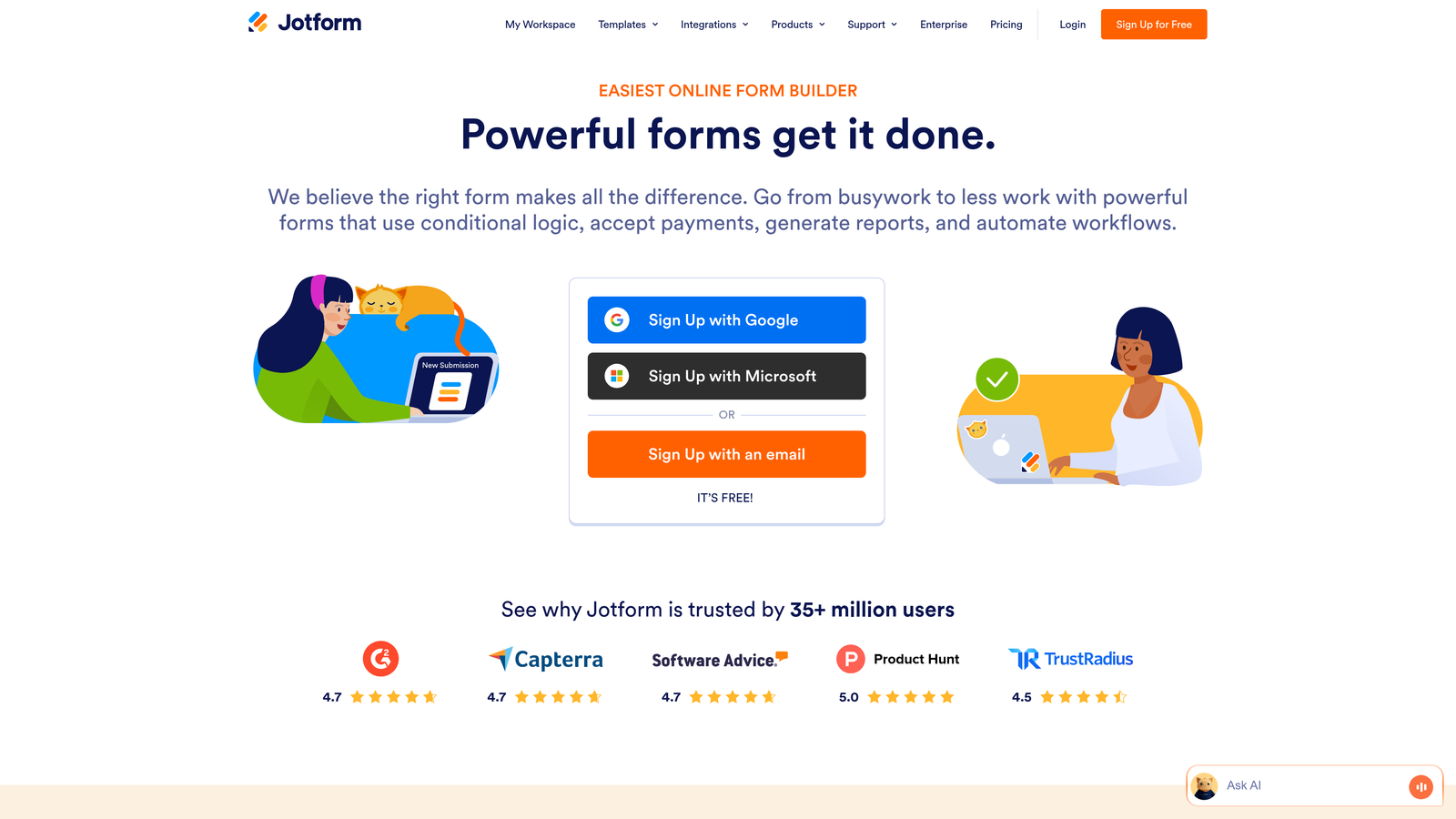
Jotform offers a comprehensive form builder with over 10,000 templates and an extensive widget library for diverse use cases.
Where This Tool Shines
Jotform's strength lies in its versatility. With templates spanning every industry and use case imaginable, you can build virtually any type of form—from simple contact forms to complex event registrations with payment processing. The widget library extends functionality far beyond basic form fields, adding calculators, signature capture, file uploads, and appointment scheduling.
Payment collection is particularly robust. Jotform integrates with over 30 payment gateways, making it ideal for registration forms, order forms, and donation pages where you need to collect money alongside information. This eliminates the need for separate payment tools.
Key Features
10,000+ Templates: Pre-built form templates for virtually every industry and use case, from healthcare to education to e-commerce.
Widget Library: Hundreds of widgets extending form functionality including calculators, appointment booking, and signature capture.
Advanced Conditional Logic: Complex branching and field visibility rules based on user responses.
Payment Processing: Native integrations with 30+ payment gateways for collecting payments directly through forms.
Form Analytics: Detailed reporting on form performance, submissions, and user behavior.
Best For
Organizations needing one form tool for multiple use cases—event registrations, surveys, order forms, and lead capture. Particularly valuable for nonprofits, educational institutions, and small businesses with diverse form needs.
Pricing
Free tier available with Jotform branding and limited submissions. Bronze plan starts at $34/month for increased submissions and features.
7. Formstack
Best for: Enterprise organizations requiring advanced security compliance and workflow automation
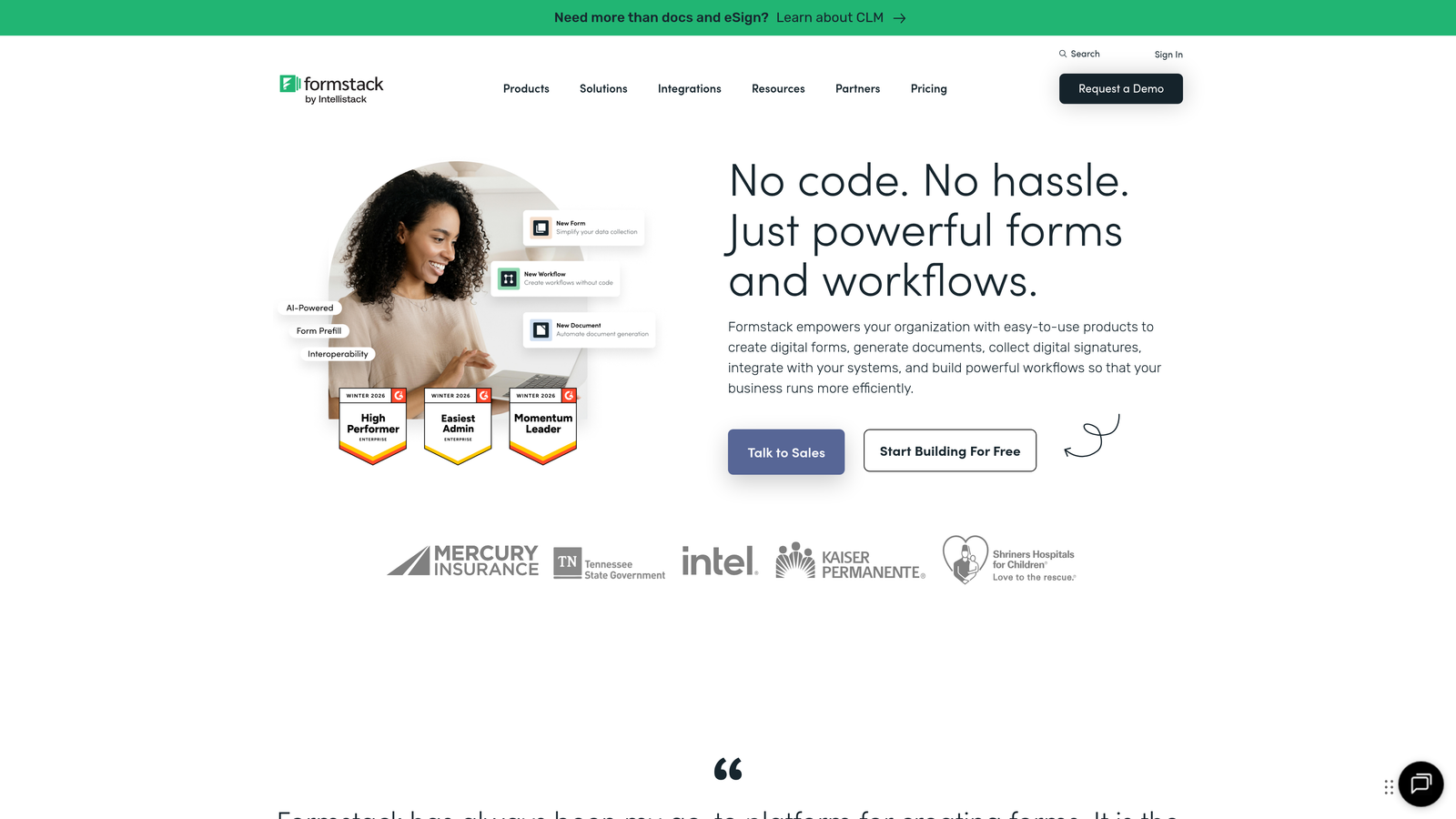
Formstack is an enterprise-grade form platform emphasizing security compliance, workflow automation, and document generation.
Where This Tool Shines
Formstack targets enterprise and regulated industries where security and compliance aren't optional. The platform offers HIPAA and GDPR compliance features including data encryption, audit trails, and secure data storage—critical for healthcare, finance, and government organizations handling sensitive information.
Workflow automation goes beyond simple email notifications. Formstack can trigger complex multi-step processes, generate documents from form data, route approvals, and integrate with enterprise systems. This makes it powerful for internal processes like employee onboarding, IT requests, and approval workflows.
Key Features
Workflow Automation: Complex multi-step automations that trigger actions, route approvals, and update systems based on form submissions.
Compliance Features: HIPAA and GDPR compliance options including data encryption, secure storage, and audit trails.
Document Generation: Automatically create PDFs, contracts, and documents from form submission data.
Enterprise Analytics: Detailed reporting and analytics with role-based access and custom dashboards.
Advanced Security: Enterprise-grade security features including SSO, two-factor authentication, and IP restrictions.
Best For
Enterprise organizations and regulated industries (healthcare, finance, government) requiring compliance certifications and advanced security. Also valuable for companies with complex internal workflows and approval processes.
Pricing
Plans start at $50/month. Enterprise features and compliance certifications require higher-tier plans with custom pricing.
8. Gravity Forms
Best for: WordPress users needing native integration and developer-friendly customization options
Gravity Forms is a WordPress plugin offering deep native integration and extensive customization through add-ons and developer hooks.
Where This Tool Shines
Gravity Forms is the gold standard for WordPress form building because it's built specifically for WordPress rather than adapted to it. Native integration means forms inherit your theme's styling, work seamlessly with WordPress user roles, and integrate with other WordPress plugins without compatibility issues.
The developer-friendly architecture makes it highly customizable. Extensive hooks and filters allow developers to modify virtually any aspect of form behavior, while the add-on ecosystem provides pre-built solutions for common needs like payment processing, CRM integration, and advanced field types.
Key Features
Native WordPress Integration: Deep integration with WordPress core, themes, and plugins for seamless functionality.
Add-On Ecosystem: Extensive library of official and third-party add-ons extending functionality for specific use cases.
Conditional Logic: Show or hide fields, pages, and entire forms based on user responses and WordPress user roles.
Developer Hooks: Comprehensive API with hooks and filters allowing custom functionality and integrations.
Payment Integrations: Add-ons for major payment gateways including Stripe, PayPal, and Authorize.net.
Best For
WordPress-based websites, particularly those with developers who can leverage the customization capabilities. Ideal for agencies managing multiple WordPress client sites or businesses with complex form requirements.
Pricing
License-based pricing starting at $59/year for a basic license covering one site. Elite license at $259/year includes all add-ons.
9. Hotjar
Best for: Understanding user behavior through heatmaps and session recordings to identify form optimization opportunities
Hotjar is a behavior analytics tool that reveals exactly how users interact with your forms through visual data and recordings.
Where This Tool Shines
Hotjar doesn't build forms—it shows you what's broken in the forms you already have. Form analytics reveal precisely which fields cause visitors to abandon, how long they spend on each field, and where confusion occurs. This data is invaluable for optimization because it replaces guesswork with evidence.
Session recordings are particularly powerful for form optimization. Watching real users struggle with your form—seeing them hesitate, backtrack, or abandon—provides insights no analytics dashboard can match. You'll spot usability issues, confusing copy, and technical problems that wouldn't appear in conversion rate data alone.
Key Features
Form Analytics: Detailed metrics showing drop-off rates, time spent, and abandonment points for each form field.
Session Recordings: Video playback of real user sessions showing exactly how visitors interact with forms.
Heatmaps: Visual representations of clicks, taps, and scrolling behavior revealing where users focus attention.
Feedback Surveys: On-page surveys asking users why they didn't complete forms or what confused them.
Funnel Analysis: Track user journeys through multi-step forms and landing pages to identify conversion bottlenecks.
Best For
Teams optimizing existing forms who need behavioral data to guide improvements. Particularly valuable when combined with any form builder on this list—use Hotjar to diagnose problems, then implement fixes in your form tool.
Pricing
Free tier available with limited sessions and data retention. Plus plan starts at $32/month with increased session limits and features.
Choosing Your Form Optimization Stack
The best landing page form optimization tool depends entirely on your specific needs, existing tech stack, and optimization priorities. For high-growth teams prioritizing lead quality over quantity, Orbit AI's intelligent qualification eliminates the manual triage process while delivering conversion-optimized forms. If conversational experiences match your brand personality, Typeform's one-question-at-a-time format consistently delivers higher engagement.
Teams already deep in the HubSpot ecosystem benefit most from native HubSpot Forms integration—the seamless data flow and progressive profiling capabilities outweigh standalone tools' advantages. WordPress users should default to Gravity Forms unless they have specific requirements it can't meet. The native integration and developer-friendly architecture make it the obvious choice for WordPress-based businesses.
Consider pairing any form builder with Hotjar to understand exactly where visitors struggle. The combination of building great forms and seeing precisely how users interact with them creates a powerful optimization cycle. You'll spot issues invisible in conversion data alone, then implement targeted fixes based on evidence rather than assumptions.
Budget matters, but not as much as alignment with your goals. A free tool that doesn't integrate with your CRM costs more in manual work than a paid solution with native connections. Similarly, a basic form builder might save money upfront but cost conversions if it lacks the optimization features your landing pages need.
The landscape has shifted toward intelligent forms that do more than collect data—they qualify leads, route submissions, and trigger automated workflows. If you're still using basic contact forms, you're leaving revenue on the table. Start building free forms today and see how intelligent form design can elevate your conversion strategy while automatically qualifying the leads that matter most to your business.


