

Every lead that slips through a poorly optimized form is revenue walking out the door. For high-growth teams, the difference between a 2% and 8% conversion rate isn't just numbers—it's the gap between struggling and scaling.
Lead capture optimization software has evolved beyond basic form builders into intelligent platforms that qualify leads, personalize experiences, and integrate seamlessly with your sales stack. This guide breaks down the top tools that actually move the needle on conversions, from AI-powered qualification engines to enterprise-grade solutions.
Whether you're a startup optimizing your first landing page or an established team looking to squeeze more from existing traffic, you'll find a solution that fits your workflow and budget.
1. Orbit AI
Best for: High-growth teams needing AI-powered lead qualification with conversion-optimized form design
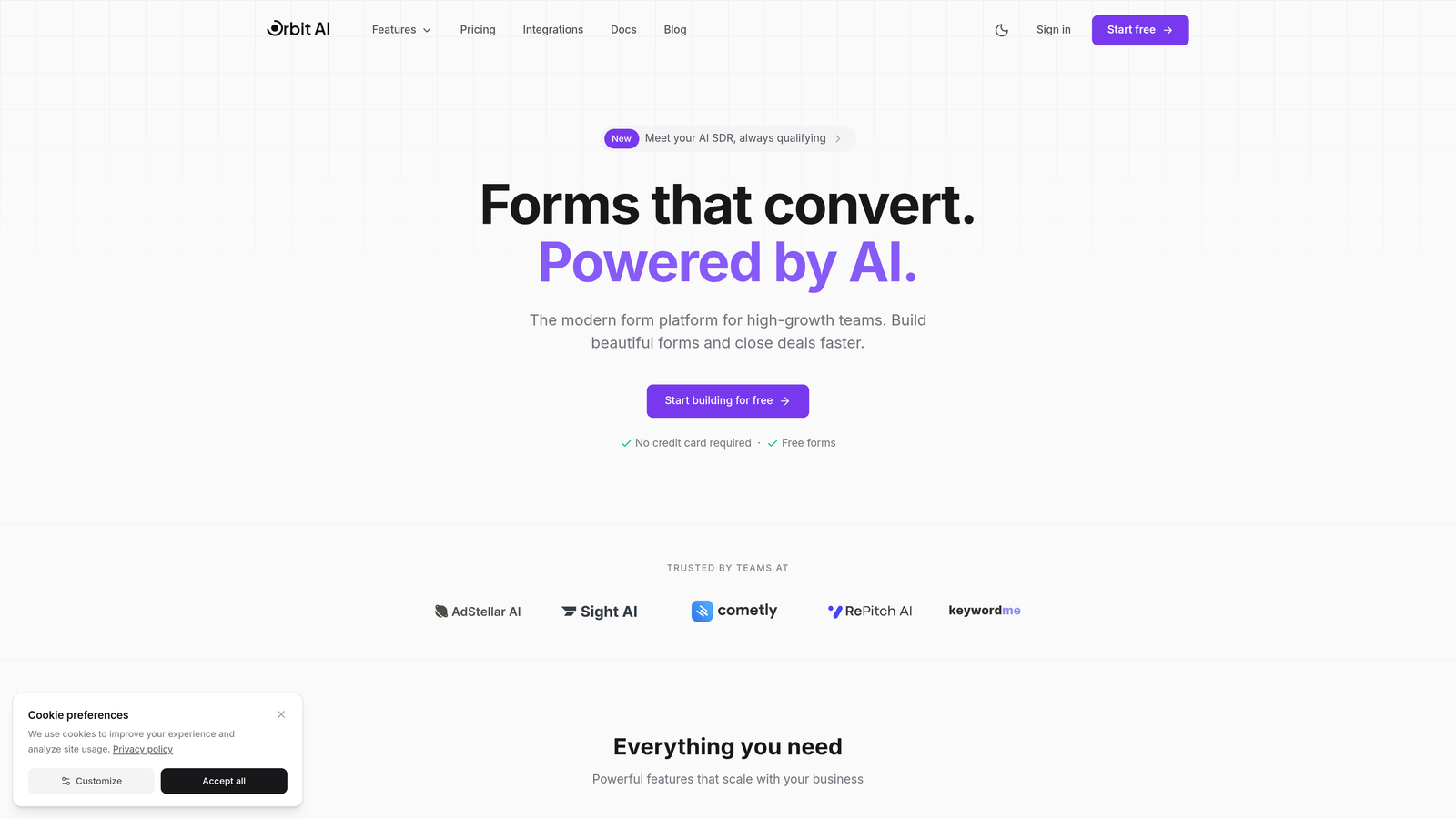
Orbit AI is an AI-powered form builder platform designed specifically for teams that need more than just data collection—they need intelligent qualification built into every form submission.
Where This Tool Shines
Orbit AI stands out by automatically qualifying leads as they submit forms, scoring prospects based on criteria you define without requiring complex workflows or third-party integrations. The platform combines beautiful, conversion-optimized templates with intelligent automation that routes high-value leads to sales immediately while nurturing others through marketing.
The real advantage shows up in how quickly teams can deploy sophisticated lead qualification without technical overhead. You're not just capturing contact information—you're building an intelligent front door to your sales process that works 24/7.
Key Features
AI-Powered Lead Qualification: Automatically scores and qualifies leads based on submission data, routing high-value prospects directly to sales teams.
Conversion-Optimized Templates: Pre-built form designs specifically engineered for maximum conversion rates across industries and use cases.
Intelligent Workflow Automation: Trigger actions based on lead scores, submission data, or custom criteria without coding or complex setup.
Real-Time Analytics Dashboard: Track conversion rates, lead quality scores, and form performance with actionable insights at a glance.
Native CRM Integrations: Connect seamlessly with major CRMs and marketing tools, ensuring qualified leads flow directly into your existing stack.
Best For
Orbit AI is ideal for B2B SaaS companies, agencies, and high-growth startups that need to maximize the value of every form submission. If you're tired of sales teams wasting time on unqualified leads or marketing struggling to prove ROI, this platform delivers immediate impact.
Pricing
Free tier available for small teams getting started. Paid plans begin at $29/month with advanced AI qualification features and predictable response limits.
2. Typeform
Best for: Creating engaging, conversational form experiences with polished, brand-friendly design
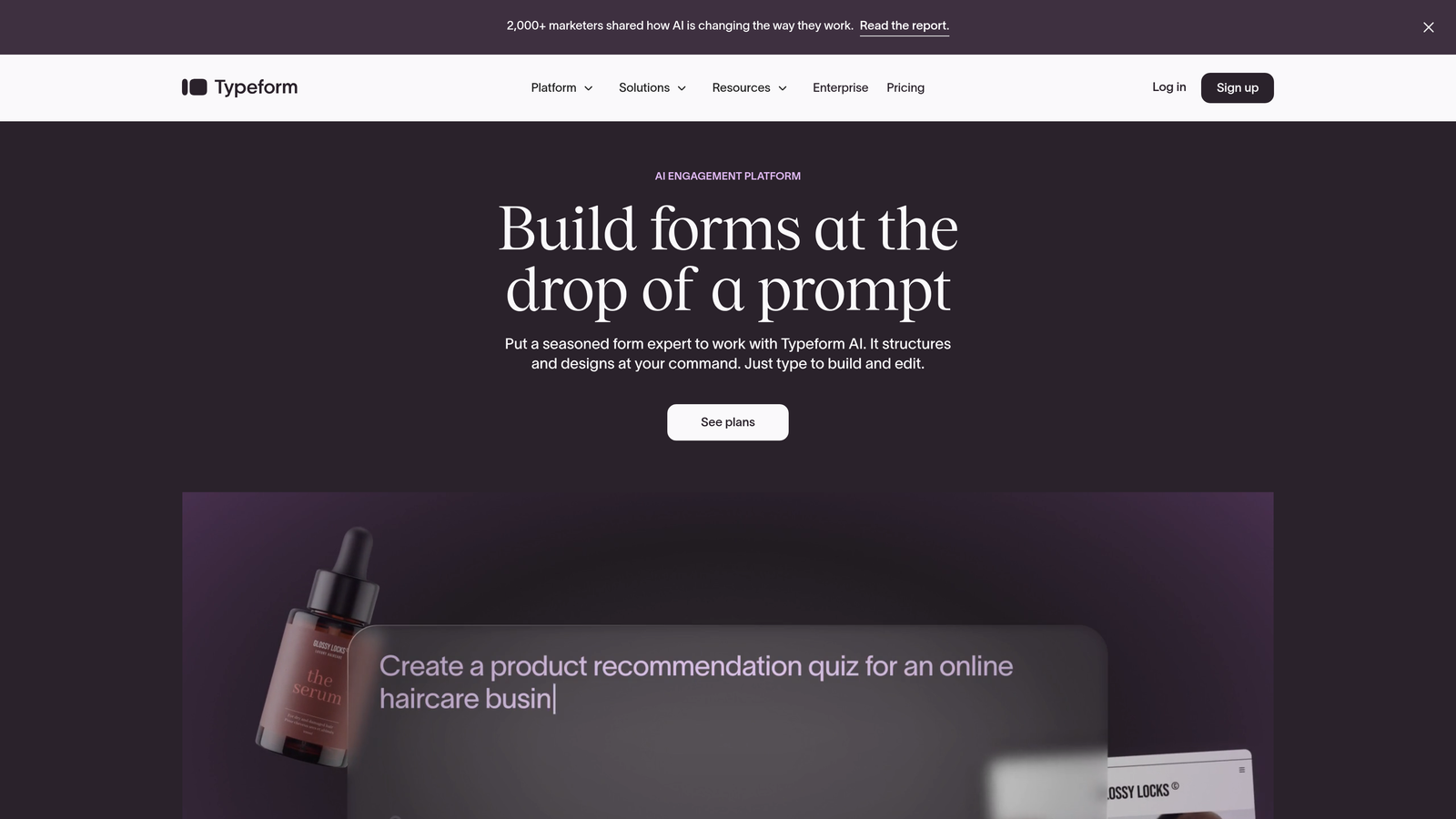
Typeform is a conversational form builder that pioneered the one-question-at-a-time approach, transforming traditional forms into interactive experiences that feel more like conversations.
Where This Tool Shines
Typeform excels at reducing form abandonment through its signature conversational interface. By showing one question at a time with smooth transitions, it creates a focused experience that guides respondents through completion without overwhelming them with a wall of fields.
The platform's design capabilities are exceptional. Every form looks polished and professional out of the box, with customization options that let you match brand aesthetics perfectly. For teams where brand experience matters as much as conversion rates, Typeform delivers both.
Key Features
Conversational Format: One-question-at-a-time interface that reduces cognitive load and increases completion rates compared to traditional multi-field forms.
Beautiful Design Themes: Professionally designed templates with extensive customization options for fonts, colors, backgrounds, and layouts.
Logic Jumps: Create dynamic form paths that adapt based on previous answers, showing only relevant questions to each respondent.
Rich Media Embedding: Add videos, images, and GIFs directly into forms to create engaging, multimedia experiences.
Payment Collection: Accept payments through Stripe integration, making Typeform viable for order forms and registration flows.
Best For
Typeform works best for consumer-facing brands, creative agencies, and companies prioritizing user experience and brand aesthetics. It's particularly effective for surveys, quizzes, and forms where engagement matters as much as completion.
Pricing
Free tier with basic features and 10 responses per month. Basic plans start at $25/month, with Plus plans at $50/month for advanced logic and integrations.
3. HubSpot Forms
Best for: Teams already using HubSpot CRM who need native integration and progressive profiling
HubSpot Forms is the native form builder within HubSpot's marketing platform, offering seamless data flow between forms and your CRM with zero configuration.

Where This Tool Shines
HubSpot Forms eliminates the integration headaches that plague most form tools. Every submission automatically creates or updates contact records in your CRM, with complete activity history and lead scoring built in. There's no middleware, no API configuration, no data sync delays.
Progressive profiling is where HubSpot really pulls ahead. The platform remembers information contacts have already provided, automatically replacing completed fields with new questions. This means you can gather comprehensive data over time without ever showing someone the same question twice.
Key Features
Native CRM Integration: Forms connect directly to HubSpot CRM with automatic contact creation, updates, and full activity tracking without third-party tools.
Progressive Profiling: Automatically replaces known information with new questions for returning visitors, building complete profiles without form fatigue.
Smart Fields: Use dependent fields and conditional logic to show relevant questions based on previous answers or known contact data.
GDPR Compliance: Built-in consent management and data processing controls to meet privacy regulations across jurisdictions.
Flexible Deployment: Deploy forms as embedded elements, standalone pages, or popup overlays without touching code.
Best For
HubSpot Forms is the obvious choice for companies already invested in the HubSpot ecosystem. If you're using HubSpot for CRM, marketing automation, or sales, this native solution eliminates integration complexity while delivering enterprise-grade capabilities.
Pricing
Free with HubSpot CRM account. Advanced features like progressive profiling and automation require Marketing Hub starting at $45/month.
4. Leadpages
Best for: Campaign-focused marketers running paid traffic who need landing pages and forms in one platform
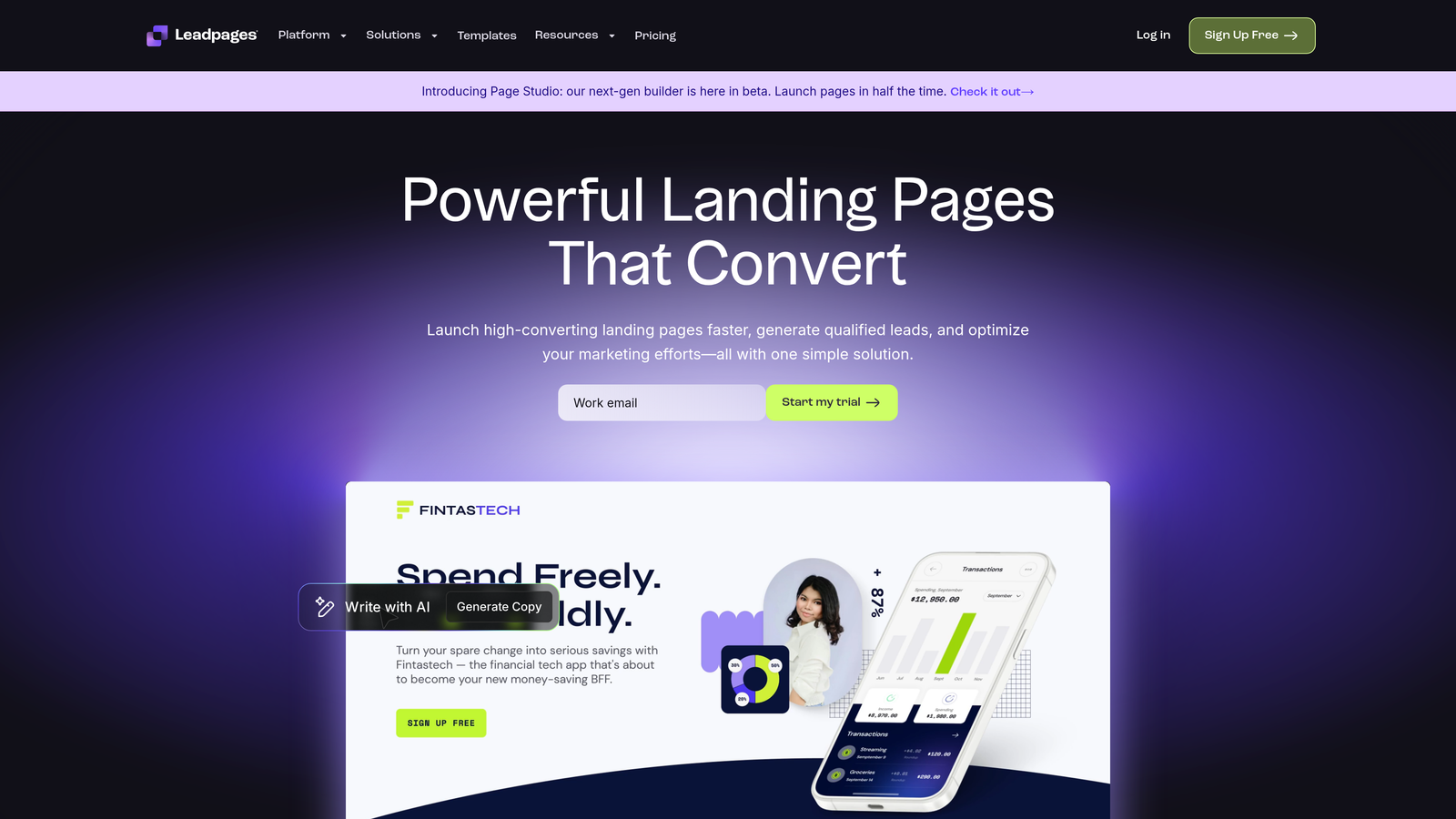
Leadpages is a landing page platform with integrated form builders, A/B testing, and conversion analytics designed for marketers running lead generation campaigns.
Where This Tool Shines
Leadpages excels at the complete campaign workflow—not just forms, but the entire landing page experience. You can build, test, and optimize full conversion funnels without juggling multiple tools or platforms. The drag-and-drop builder makes it accessible for non-technical marketers while still offering enough flexibility for custom designs.
The built-in A/B testing is genuinely useful. You can test headlines, form layouts, button colors, and entire page variants with statistical confidence tracking. For teams running paid campaigns where every percentage point matters, this testing capability pays for itself quickly.
Key Features
Drag-and-Drop Builder: Create landing pages and forms visually without code, with real-time preview and mobile responsive design.
Built-In A/B Testing: Test multiple page variants simultaneously with automatic traffic splitting and statistical significance tracking.
Conversion Analytics: Track conversion rates, traffic sources, and user behavior with heatmaps showing exactly where visitors click and scroll.
Pop-Ups and Alert Bars: Add exit-intent pop-ups and sticky alert bars to capture leads before visitors leave your site.
Template Library: Access 200+ professionally designed, conversion-optimized templates for various industries and campaign types.
Best For
Leadpages is ideal for digital marketers, agencies, and small businesses running paid advertising campaigns. If you're driving traffic from Facebook Ads, Google Ads, or other paid channels, having landing pages and forms in one optimized platform streamlines your entire workflow.
Pricing
Standard plans start at $37/month with unlimited landing pages and pop-ups. Pro plans at $74/month add A/B testing and advanced integrations.
5. Unbounce
Best for: Performance marketers needing AI-powered optimization and dynamic content for PPC campaigns
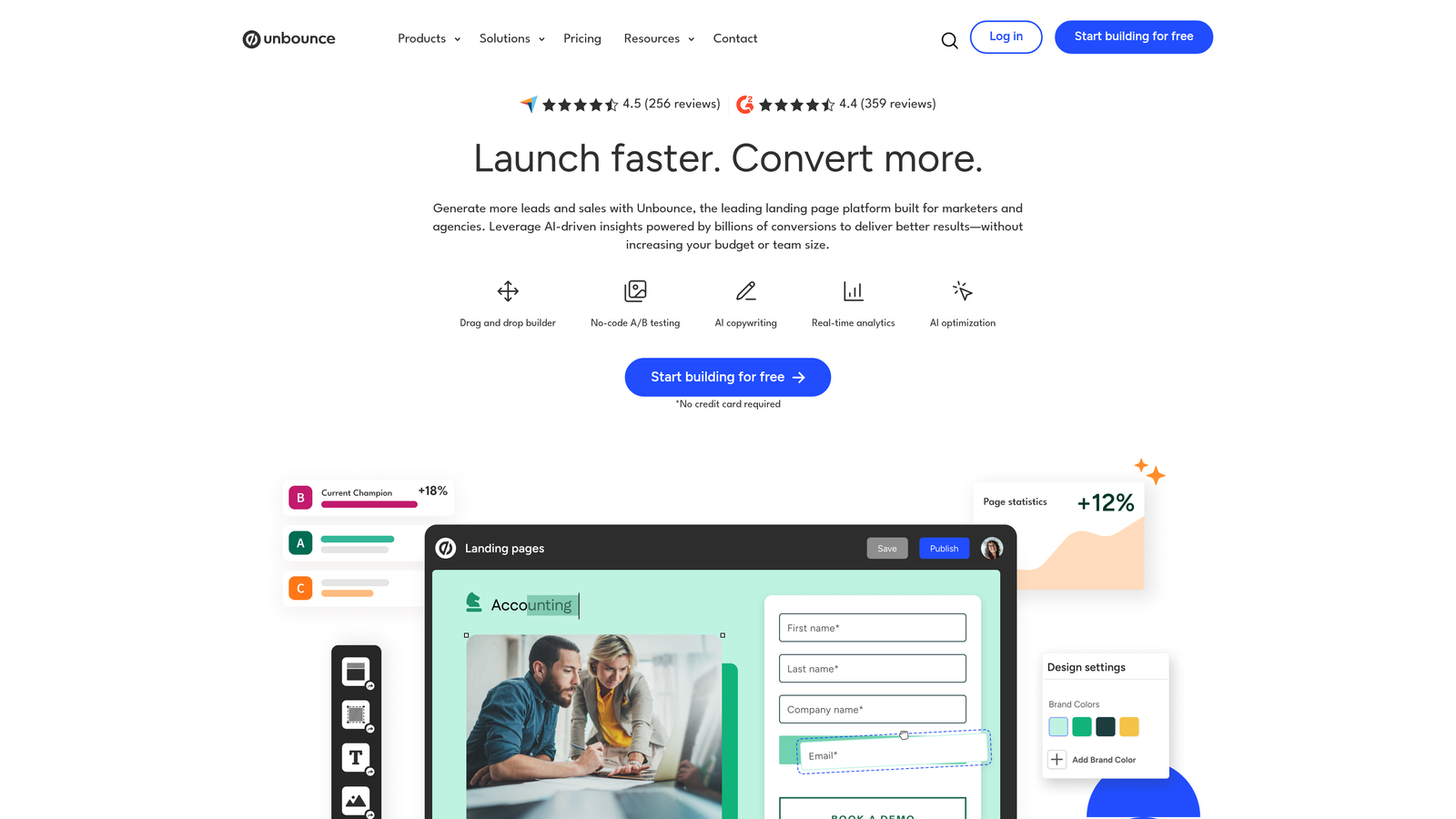
Unbounce is an AI-powered landing page and form optimization platform with Smart Traffic technology that automatically routes visitors to the best-performing page variant for their profile.
Where This Tool Shines
Unbounce's Smart Traffic feature is genuinely innovative. Instead of traditional A/B testing where you manually pick a winner, Smart Traffic uses machine learning to automatically send each visitor to the variant most likely to convert them. It learns from every visitor and continuously optimizes in real-time.
Dynamic text replacement is another standout for PPC marketers. You can automatically match landing page headlines and form copy to the exact keywords visitors searched for, creating hyper-relevant experiences that boost Quality Scores and conversion rates simultaneously.
Key Features
Smart Traffic AI: Machine learning automatically routes visitors to the page variant most likely to convert based on their attributes and behavior patterns.
Dynamic Text Replacement: Automatically swap landing page text to match visitor search terms from PPC campaigns, increasing relevance and Quality Score.
Sticky Bars and Pop-Ups: Add persistent conversion elements that stay visible as visitors scroll or trigger based on behavior.
AMP Landing Pages: Build accelerated mobile pages that load instantly on mobile devices, crucial for mobile-first campaigns.
Smart Builder with AI: Get AI-generated copy suggestions and design recommendations based on conversion best practices.
Best For
Unbounce is built for performance marketers and agencies managing substantial PPC budgets. If you're spending thousands monthly on paid traffic and need every conversion rate improvement you can get, the Smart Traffic and dynamic text features deliver measurable ROI.
Pricing
Launch plans start at $74/month with Smart Traffic included. Optimize plans at $112/month add advanced features and higher traffic limits.
6. OptinMonster
Best for: Behavioral targeting and exit-intent pop-ups to capture leads before they leave your site
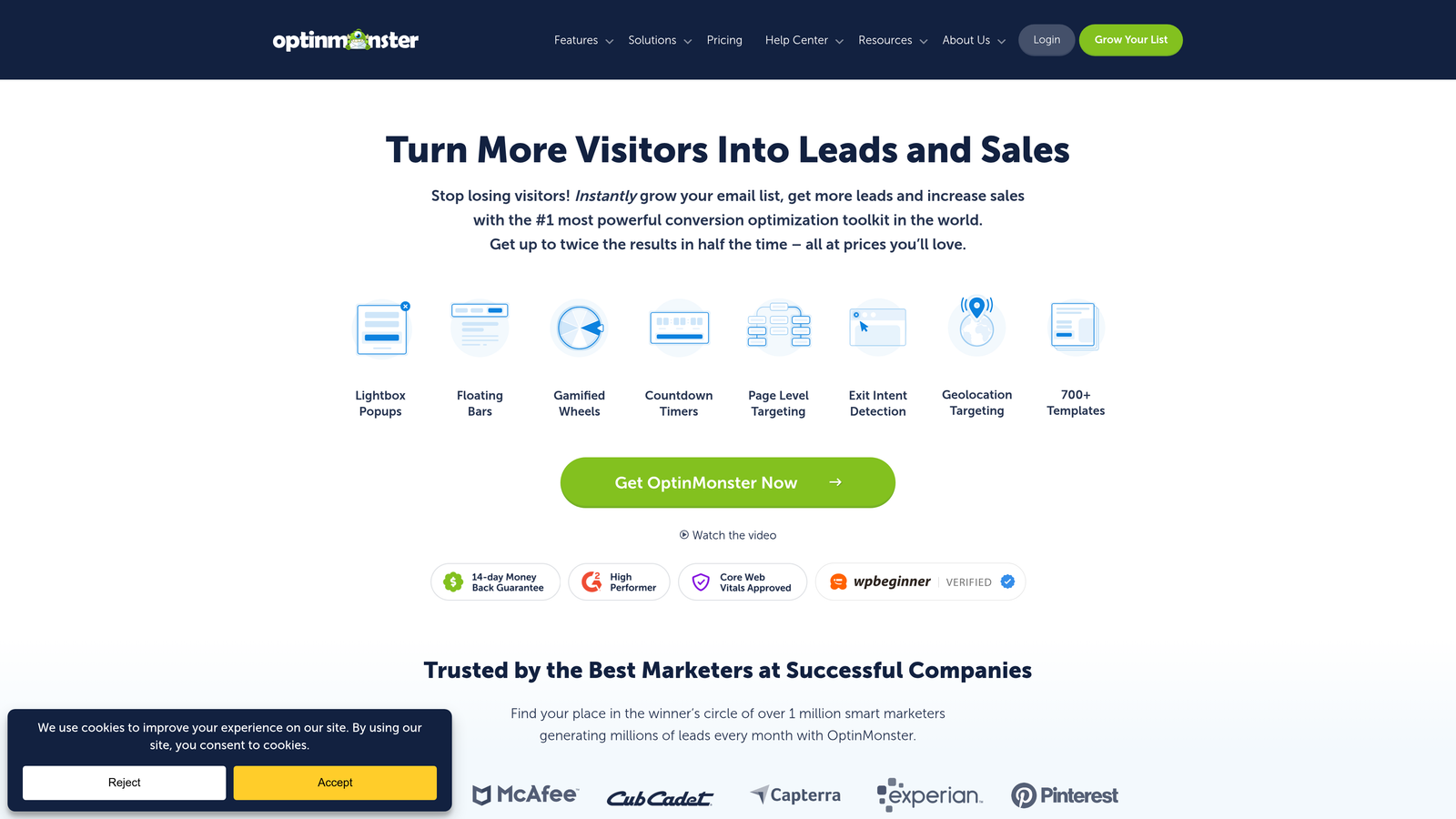
OptinMonster is a behavioral lead capture platform specializing in pop-ups, slide-ins, and overlays triggered by visitor behavior to maximize conversions from existing traffic.
Where This Tool Shines
OptinMonster's exit-intent technology is remarkably effective at recovering abandoning visitors. The platform detects when users are about to leave your site and triggers targeted offers at precisely the right moment. Many teams see immediate lifts in email capture rates just from implementing exit-intent campaigns.
The targeting capabilities go deep. You can show different campaigns based on traffic source, pages visited, time on site, scroll depth, device type, geographic location, and dozens of other criteria. This means every visitor sees the most relevant offer for their situation rather than generic pop-ups.
Key Features
Exit-Intent Technology: Detect when visitors are about to leave and trigger targeted campaigns to capture their attention with relevant offers.
Page-Level Targeting: Show specific campaigns based on which pages visitors view, creating contextually relevant experiences throughout your site.
Geo-Location Targeting: Display different offers and messages based on visitor location, perfect for businesses serving multiple regions or countries.
Campaign A/B Testing: Test multiple campaign variants to optimize messaging, design, and timing for maximum conversion rates.
MonsterLinks: Create two-step opt-ins where visitors click a link before seeing the form, increasing engagement and perceived value.
Best For
OptinMonster works best for content sites, blogs, and e-commerce stores with substantial traffic who want to convert more existing visitors. If you're already driving traffic but struggling with conversion rates, behavioral targeting can significantly improve lead capture without increasing ad spend.
Pricing
Basic plans start at $9/month for small sites. Plus plans at $19/month and Pro plans at $29/month add advanced targeting and campaign types.
7. Jotform
Best for: Teams needing versatile form building with extensive templates and conditional logic for any use case
Jotform is a comprehensive form builder offering thousands of templates, extensive conditional logic, and integrations for virtually any form requirement you can imagine.
Where This Tool Shines
Jotform's template library is genuinely massive—over 10,000 pre-built forms covering everything from simple contact forms to complex multi-page applications. Whatever your use case, there's likely a template that gets you 80% of the way there before you start customizing.
The conditional logic and calculation capabilities are surprisingly powerful. You can build sophisticated forms that calculate quotes, show different sections based on previous answers, and create dynamic experiences that rival custom-coded solutions. For teams without developers, this flexibility is invaluable.
Key Features
Template Library: Access 10,000+ pre-built form templates across industries and use cases, from contact forms to complex applications.
Conditional Logic: Create dynamic forms that show or hide fields based on previous answers, with calculation fields for quotes and estimates.
Payment Processing: Accept payments through 30+ payment processors including Stripe, PayPal, and Square directly within forms.
Jotform Tables: View and manage form submissions in spreadsheet-like tables with filtering, sorting, and collaboration features.
HIPAA Compliance: Enterprise plans offer HIPAA-compliant forms for healthcare organizations collecting protected health information.
Best For
Jotform suits teams needing maximum flexibility across diverse form types—from simple lead capture to complex registration, order forms, and applications. It's particularly strong for organizations with varied form requirements across departments.
Pricing
Free tier with basic features and 100 submissions monthly. Bronze plans start at $34/month, Silver at $39/month with increased submissions and features.
8. Gravity Forms
Best for: WordPress sites needing deep platform integration and developer-friendly customization options
Gravity Forms is a WordPress-native form plugin offering extensive customization, add-ons, and developer tools for complete control over form functionality.
Where This Tool Shines
Gravity Forms integrates with WordPress at a level no third-party platform can match. You can create user registration forms that automatically generate WordPress accounts, build forms that publish content directly as posts, and leverage WordPress's user roles and permissions system seamlessly.
The add-on ecosystem is extensive and mature. Whether you need CRM integration, payment processing, email marketing connections, or specialized functionality, there's likely an official or third-party add-on that handles it. For developers, the hooks and filters system allows unlimited customization without modifying core files.
Key Features
Deep WordPress Integration: Native integration with WordPress core, including user registration, post creation, and custom post type support.
Extensive Add-On Ecosystem: Official and third-party add-ons for CRM integration, payment processing, email marketing, and specialized functionality.
Conditional Logic: Show or hide fields, pages, and sections based on user selections with complex logic rules and calculations.
User Registration: Create WordPress user accounts directly from form submissions with customizable role assignment and profile mapping.
Developer-Friendly: Comprehensive hooks, filters, and API for unlimited customization and integration with custom WordPress themes and plugins.
Best For
Gravity Forms is the clear choice for WordPress-centric organizations, agencies building client sites, and developers needing maximum control. If WordPress is your platform and you want forms that feel like native features rather than embedded widgets, this is your solution.
Pricing
Basic License at $59/year for one site. Pro License at $159/year adds priority support and all add-ons. Elite License at $259/year includes unlimited sites.
9. Clearbit Forms
Best for: B2B companies wanting shorter forms with automatic data enrichment for complete lead profiles
Clearbit Forms is a B2B-focused form solution that enriches lead data in real-time, allowing dramatically shorter forms while capturing comprehensive company and contact information.
Where This Tool Shines
Clearbit Forms solves the classic B2B dilemma: you need detailed information for qualification, but long forms kill conversion rates. By enriching submissions with company data, firmographics, and contact details automatically, you can ask for just an email address while still getting the complete profile your sales team needs.
The enrichment happens instantly as users type, with auto-fill suggestions that speed up completion. When someone enters their work email, Clearbit pulls company size, industry, revenue, technology stack, and other firmographic data that would otherwise require 10+ form fields to collect manually.
Key Features
Real-Time Enrichment: Automatically append company and contact data to form submissions as users type, reducing required fields dramatically.
Reduced Form Fields: Ask for minimal information (often just email) while capturing complete profiles with 85+ data points per lead.
Company Data: Automatically add firmographics including company size, revenue, industry, location, and technology stack to every B2B lead.
Lead Scoring: Score leads automatically based on enriched firmographic data, routing high-value prospects to sales immediately.
CRM Synchronization: Push enriched data directly to Salesforce, HubSpot, Marketo, and other platforms with native integrations.
Best For
Clearbit Forms is ideal for B2B SaaS companies, enterprise software vendors, and organizations selling to businesses where firmographic data drives qualification. If you're tired of long forms that hurt conversion rates or incomplete data that slows sales follow-up, this approach delivers both quality and quantity.
Pricing
Custom pricing based on enrichment volume and features needed. Contact Clearbit sales for quotes tailored to your lead volume and requirements.
Making the Right Choice
The right lead capture optimization software depends on where you are and where you're headed. For teams prioritizing AI-powered qualification and modern form experiences, Orbit AI delivers intelligent lead scoring without complexity. The platform stands out by making sophisticated qualification accessible to teams without enterprise resources or technical overhead.
If you're already invested in HubSpot, their native forms keep your data unified with progressive profiling that builds complete contact profiles over time. Performance marketers running paid campaigns will appreciate Unbounce's Smart Traffic, which automatically optimizes conversion rates through machine learning rather than manual testing.
WordPress sites get maximum flexibility with Gravity Forms, especially when you need forms that feel like native platform features rather than embedded widgets. B2B teams tired of long forms that kill conversion rates should explore Clearbit's enrichment approach—it solves the classic tension between data quality and form brevity.
Start by auditing your current conversion rates and identifying your biggest friction points. Are leads abandoning forms halfway through? Is your sales team wasting time on unqualified prospects? Are you struggling to prove ROI from form submissions? The answers point you toward the right solution.
Trial two or three options before committing. Most platforms offer free tiers or trial periods that let you test with real traffic. Pay attention not just to features, but to how easily your team adopts the tool and whether it actually moves your key metrics.
The best tool is the one your team will actually use consistently. A sophisticated platform that sits unused because it's too complex delivers zero value. Choose the solution that balances capability with usability for your specific team and workflow.
Start building free forms today and see how intelligent form design can elevate your conversion strategy. Transform your lead generation with AI-powered forms that qualify prospects automatically while delivering the modern, conversion-optimized experience your high-growth team needs.


