

Lead capture tools range from free basic options to enterprise solutions costing thousands monthly. With pricing models varying wildly—per submission, per user, flat-rate, or feature-gated—choosing the right tool requires understanding what you're actually paying for.
The difference between a $29/month tool and a $300/month tool isn't always features. Sometimes you're paying for unlimited submissions. Sometimes for AI capabilities. Sometimes just for the privilege of removing a logo.
This guide breaks down 9 leading lead capture tools, comparing their pricing structures, what each tier includes, and which offers the best value for different team sizes and needs. Whether you're a startup watching every dollar or an enterprise team needing advanced qualification, you'll find clear pricing breakdowns to inform your decision.
1. Orbit AI
Best for: Teams wanting AI-powered lead qualification without per-submission pricing anxiety
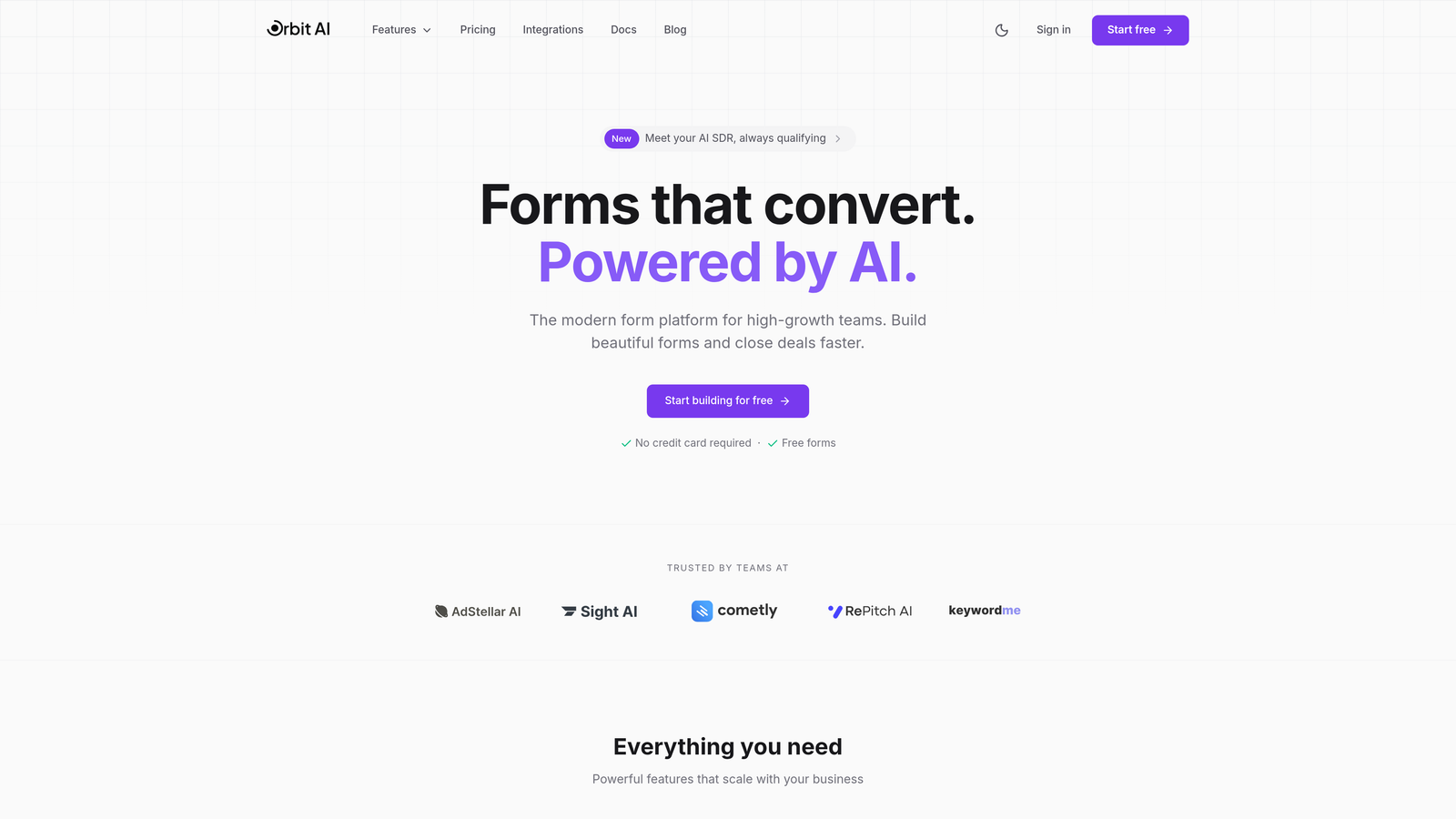
Orbit AI is an AI-powered form builder that includes lead qualification capabilities at accessible price points with transparent, predictable pricing.
Where This Tool Shines
Orbit AI stands out by including AI-powered features in its core offering rather than gating them behind enterprise tiers. The platform focuses on conversion optimization through intelligent form design, making it particularly valuable for high-growth teams that need forms to do more than just collect data.
The pricing model avoids per-submission fees, which matters significantly as your lead volume scales. Teams can forecast costs accurately without worrying about submission spikes during successful campaigns.
Key Features
AI-Powered Lead Qualification: Automatically scores and qualifies leads based on their responses, helping sales teams prioritize follow-up.
Predictable Monthly Response Limits: Flat monthly pricing with generous response limits that scale across plans.
Conversion-Optimized Templates: Pre-built form designs engineered for higher completion rates.
Native CRM Integrations: Connect directly to your existing sales stack without middleware.
Real-Time Analytics: Track form performance and conversion metrics as they happen.
Best For
High-growth teams focused on lead generation quality over quantity. Particularly valuable for businesses that need intelligent lead routing and qualification without enterprise-level pricing. Works well for companies running multiple campaigns simultaneously where submission volumes can vary significantly.
Pricing
Free tier available for getting started. Paid plans include AI features at competitive rates with transparent pricing and predictable monthly response limits that scale with your team's needs.
2. Typeform
Best for: Creating engaging, conversational forms where design quality matters
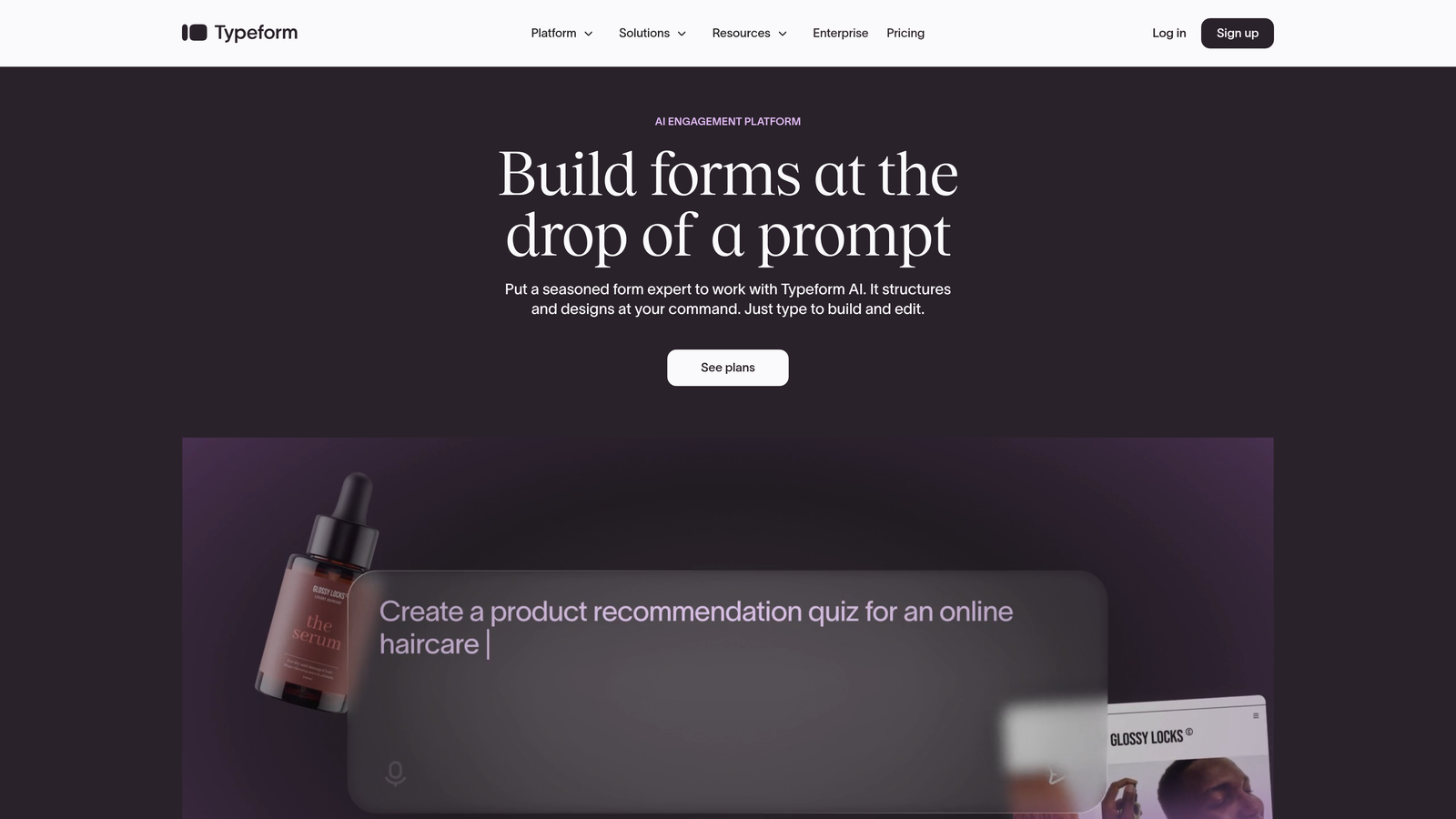
Typeform is a conversational form builder known for beautiful, engaging forms with response-based pricing tiers.
Where This Tool Shines
Typeform revolutionized form design with its one-question-at-a-time approach. The interface feels more like a conversation than an interrogation, which significantly improves completion rates for longer forms. The design customization options are exceptional, allowing brands to create forms that genuinely match their visual identity.
Where Typeform gets expensive quickly is the response-based pricing. That free tier sounds generous until you realize 10 responses means 10 total submissions across all your forms, not per form. High-traffic teams can burn through response limits fast.
Key Features
One-Question-at-a-Time Format: Reduces cognitive load and improves completion rates compared to traditional forms.
Strong Design Customization: Extensive branding options including custom fonts, colors, and backgrounds.
Logic Jumps and Branching: Create dynamic forms that adapt based on previous answers.
Native Integrations: Connect to popular tools without requiring Zapier or middleware.
Video Forms: Embed video questions for more engaging experiences.
Best For
Brands prioritizing user experience and design quality over submission volume. Works particularly well for surveys, applications, and qualification forms where you need detailed information and can afford the per-response cost. Less suitable for high-volume lead capture where costs can escalate quickly.
Pricing
Free tier includes 10 responses monthly. Basic plan at $25/month covers 100 responses. Plus at $50/month jumps to 1,000 responses. Business tier at $83/month provides 10,000 responses with advanced features.
3. HubSpot Forms
Best for: Teams already using HubSpot CRM or planning comprehensive inbound strategies
HubSpot Forms is a form builder integrated with HubSpot's free CRM, with advanced features available in paid Marketing Hub tiers.
Where This Tool Shines
HubSpot's forms are genuinely free when paired with their CRM, which is also free. This combination provides exceptional value for teams just starting with lead capture. The data flows seamlessly into contact records, creating a unified view of each prospect's journey.
The pricing jump is dramatic when you need advanced features. Going from free forms to Marketing Hub Professional means jumping to $890 monthly. That tier unlocks progressive profiling, smart content, and automation—features many teams consider essential, not optional.
Key Features
Free CRM Integration: Forms feed directly into contact records without additional setup.
Progressive Profiling: Automatically ask different questions to returning visitors to build complete profiles over time.
Smart Content Personalization: Display different form fields based on what you already know about the visitor.
Workflow Automation: Trigger automated follow-up sequences based on form submissions.
A/B Testing: Test different form variations to optimize conversion rates.
Best For
Companies committed to the HubSpot ecosystem or those wanting a free starting point with clear upgrade paths. Makes most sense when you'll use multiple HubSpot tools, as the platform's value compounds across products. Less ideal if you only need forms and already have a different CRM.
Pricing
Forms are free with the free CRM. Marketing Hub Starter begins at $20/month with basic features. Professional tier jumps to $890/month for advanced capabilities. Enterprise reaches $3,600/month for large teams needing sophisticated automation.
4. Jotform
Best for: Teams needing extensive template variety with moderate submission volumes
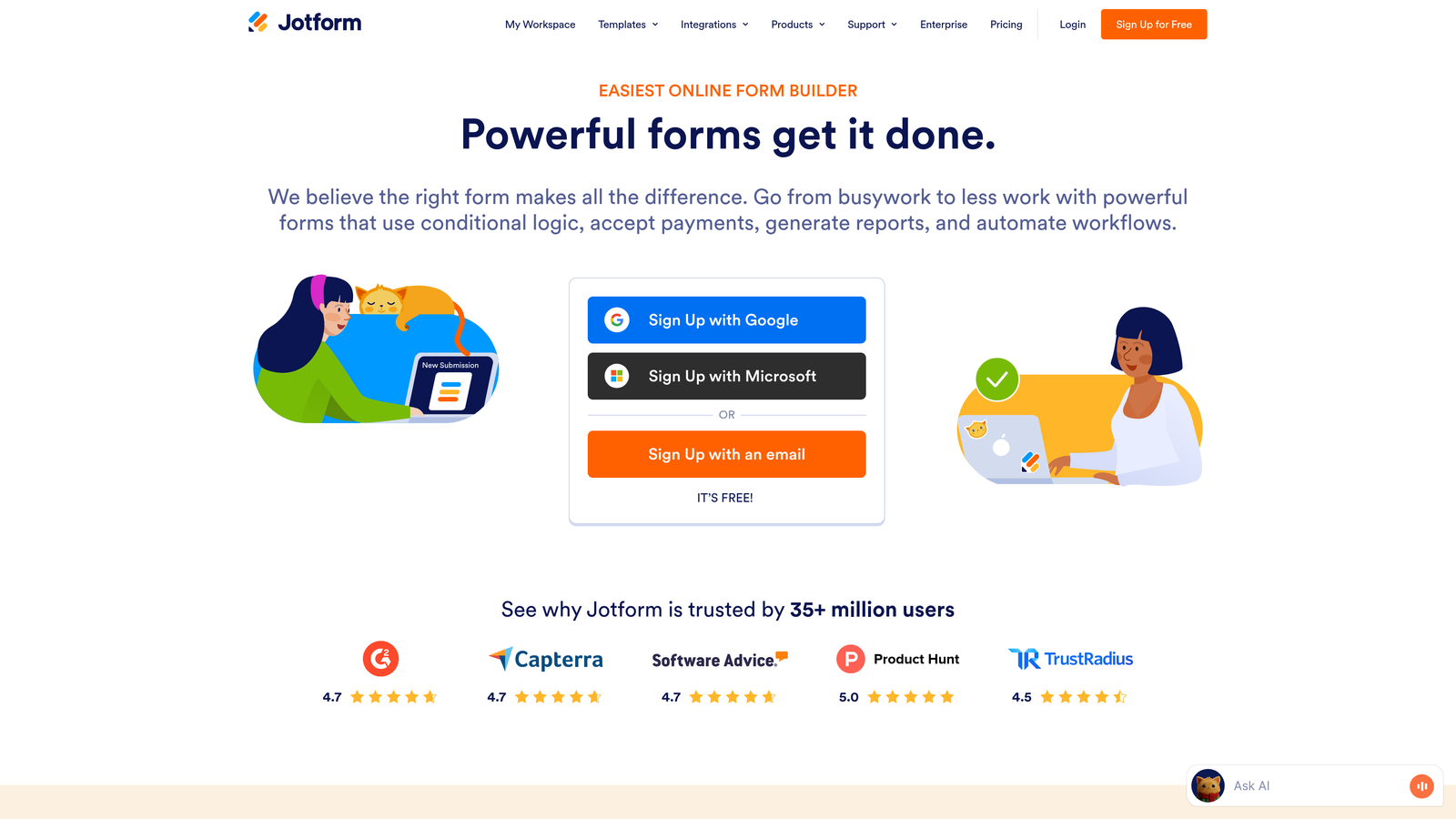
Jotform is a versatile form builder offering 10,000+ templates with submission-based pricing across multiple tiers.
Where This Tool Shines
Jotform's template library is unmatched. Need a medical consent form? They have 50 variations. Event registration? Hundreds of options. This breadth saves significant time for teams creating diverse form types rather than just lead capture.
The pricing structure limits both forms and submissions, which creates an unusual constraint. You might hit your form limit before your submission limit, or vice versa. The Bronze tier's 25-form cap feels restrictive for agencies or companies running multiple campaigns.
Key Features
10,000+ Form Templates: Pre-built forms for virtually every use case imaginable.
Payment Collection: Accept payments directly through forms via multiple processors.
PDF Generation: Automatically convert submissions into formatted PDF documents.
HIPAA Compliance: Enterprise tier includes features for healthcare organizations handling protected information.
Approval Workflows: Route submissions through multi-step approval processes.
Best For
Organizations creating many different types of forms beyond lead capture—think registration forms, applications, surveys, and order forms. Particularly valuable for agencies managing multiple clients or enterprises with diverse departments needing form solutions. Less optimal for pure lead generation focused on high volumes.
Pricing
Free tier allows 5 forms with 100 submissions monthly. Bronze at $39/month provides 25 forms and 1,000 submissions. Silver at $49/month doubles to 50 forms and 2,500 submissions. Gold tier at $129/month reaches 100 forms and 10,000 submissions.
5. Leadpages
Best for: Teams building complete landing page campaigns with unlimited lead capture
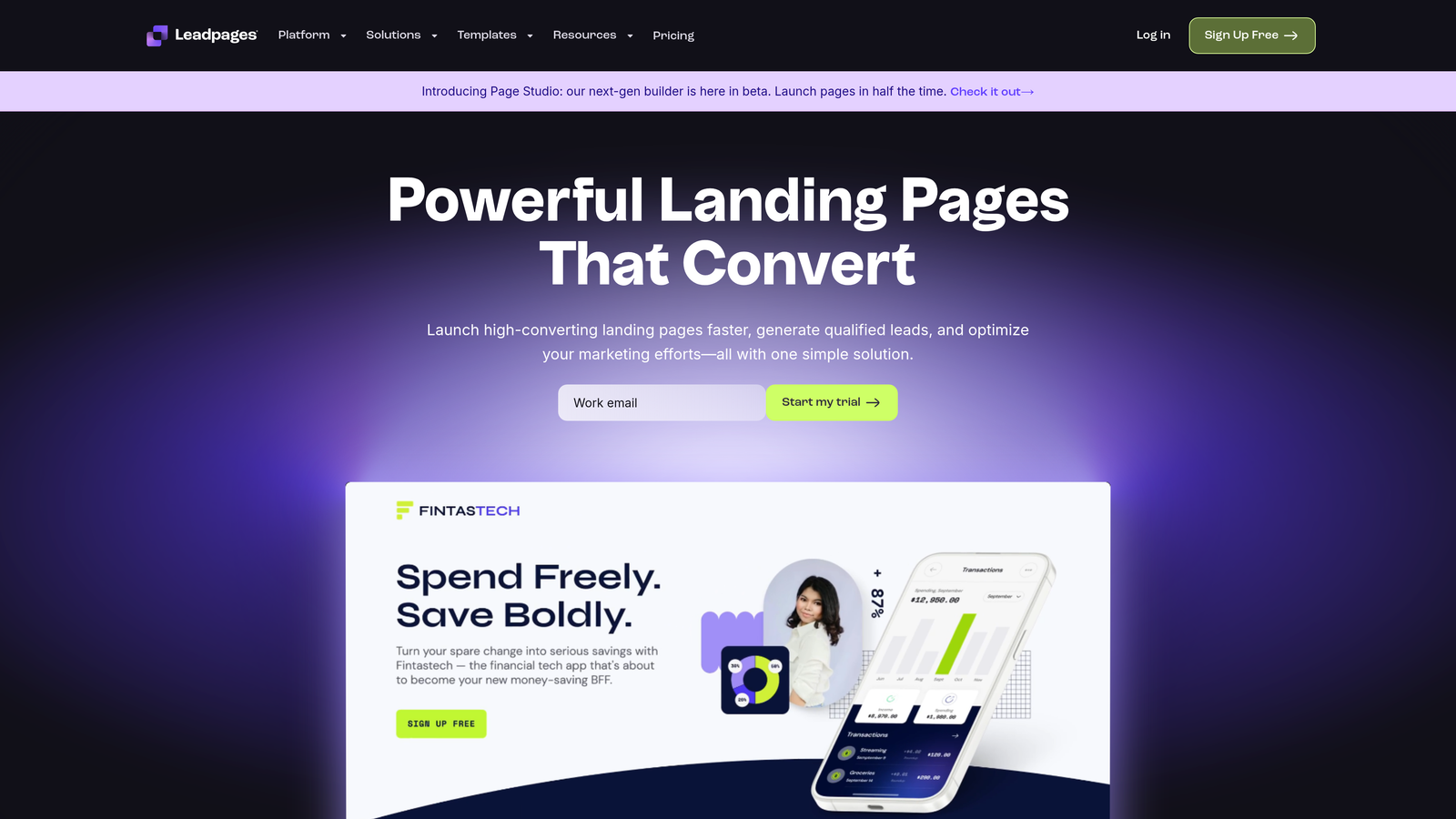
Leadpages is a landing page builder with integrated lead capture forms offering unlimited leads on all paid plans.
Where This Tool Shines
Leadpages bundles landing page creation with form functionality, which makes sense since most lead capture happens on dedicated landing pages anyway. The unlimited leads promise on all paid tiers removes the anxiety of submission-based pricing entirely.
The value proposition works best when you need both landing pages and forms. If you already have a website and just need form functionality, you're paying for features you won't use. The Standard plan's single-site limitation also constrains agencies or multi-brand companies.
Key Features
Landing Page Builder Included: Create complete campaigns without needing separate tools.
Unlimited Leads: No submission caps or overage fees regardless of traffic volume.
Pop-ups and Alert Bars: Multiple lead capture formats beyond traditional forms.
A/B Testing: Available on Pro tier for optimizing page and form performance.
Online Payments: Collect payments directly through landing pages.
Best For
Marketing teams running paid traffic campaigns who need both landing pages and forms. Excellent for product launches, webinar registrations, and lead magnet campaigns where you're driving significant traffic. The unlimited leads model benefits high-volume campaigns where per-submission pricing would become prohibitive.
Pricing
Standard plan starts at $49/month for one site with unlimited leads. Pro tier at $99/month includes three sites plus A/B testing. Advanced pricing requires custom quotes for larger teams needing additional sites and features.
6. OptinMonster
Best for: Conversion-focused teams prioritizing exit-intent and behavioral targeting
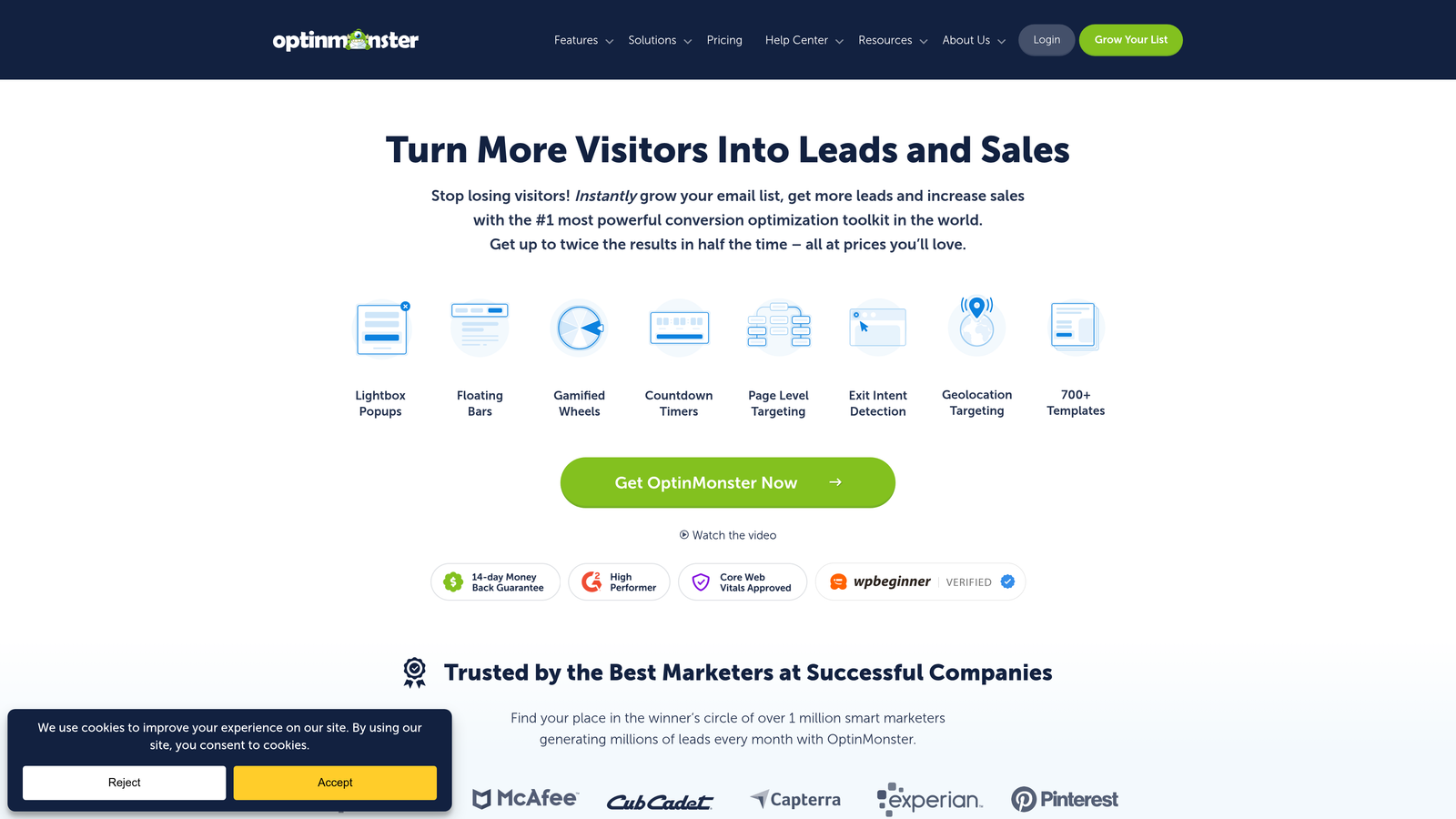
OptinMonster specializes in lead capture through popups, slide-ins, and exit-intent technology with site-based pricing.
Where This Tool Shines
OptinMonster built its reputation on exit-intent technology that detects when visitors are about to leave and presents targeted offers. The behavioral targeting capabilities go deep—you can trigger campaigns based on scroll depth, time on page, and specific page visits.
The site-based pricing model creates an interesting constraint. Each additional site requires a tier upgrade, which gets expensive for agencies or companies managing multiple domains. The Basic tier's single-site limit means even a company with separate domains for different products needs to upgrade immediately.
Key Features
Exit-Intent Technology: Detect abandonment behavior and present targeted campaigns at the optimal moment.
Multiple Popup Types: Choose from lightbox, floating bar, slide-in, fullscreen, and inline forms.
Page-Level Targeting: Display different campaigns based on specific URLs or categories.
A/B Testing: Test campaign variations to identify highest-converting designs.
Campaign Scheduling: Run time-limited campaigns automatically without manual intervention.
Best For
E-commerce sites and content publishers focused on reducing abandonment and maximizing conversions from existing traffic. Works particularly well for businesses with high traffic but low conversion rates who need sophisticated targeting to capture more leads. Less suitable for B2B companies needing form-based qualification.
Pricing
Basic tier at $18/month covers one site. Plus at $48/month expands to two sites. Pro tier at $73/month includes three sites with advanced targeting. Growth plan at $123/month provides five sites for larger operations.
7. Unbounce
Best for: Performance marketers needing AI optimization and conversion-based pricing flexibility
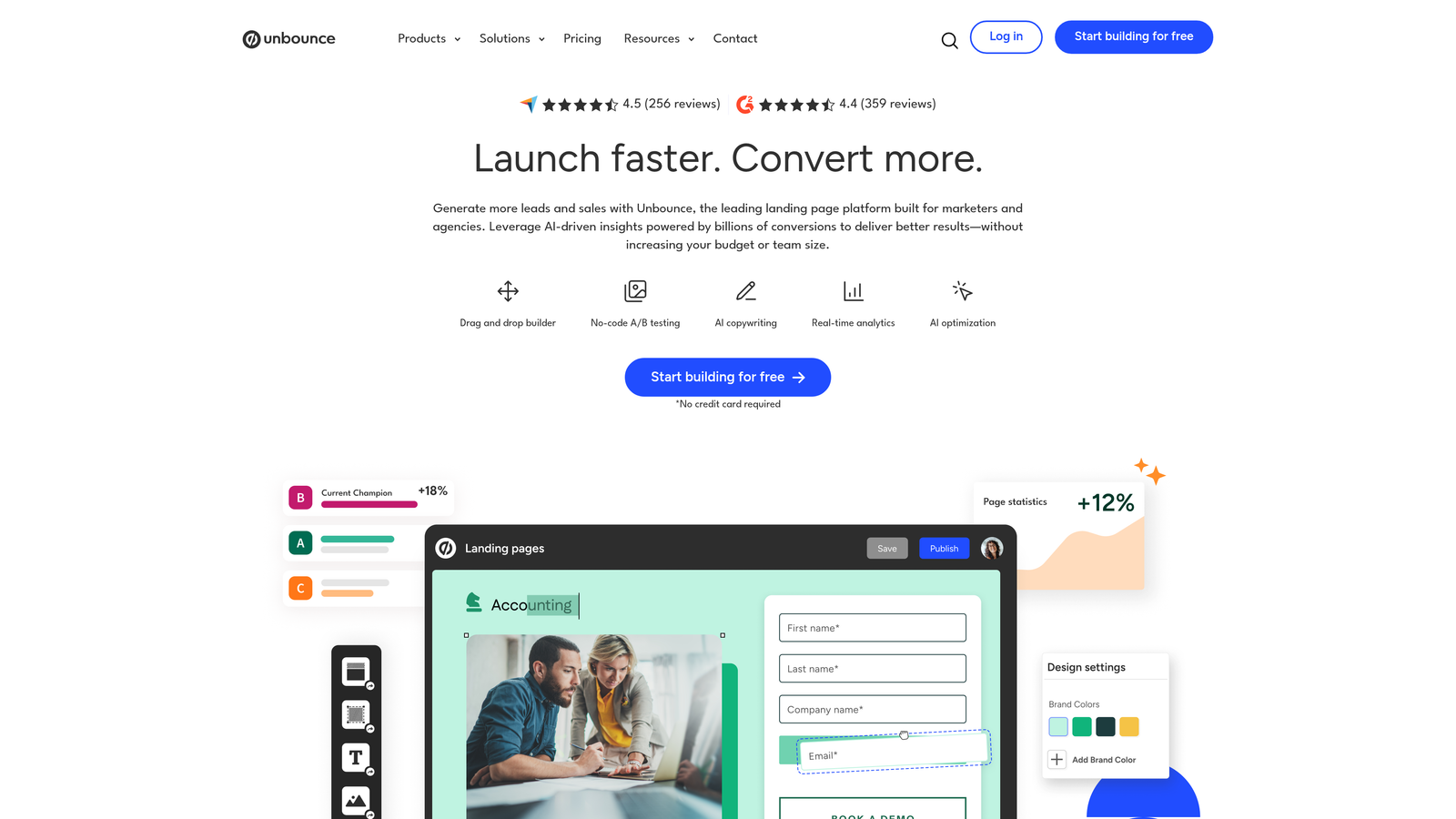
Unbounce is an AI-powered landing page and popup builder with smart traffic optimization and conversion-based pricing tiers.
Where This Tool Shines
Unbounce's Smart Traffic feature uses AI to automatically send visitors to the landing page variant most likely to convert them. This goes beyond traditional A/B testing by learning from each visitor and adapting in real-time. The AI copywriting assistance helps teams create compelling headlines and calls-to-action faster.
The conversion-based pricing is interesting but requires careful definition. Unbounce counts conversions as form submissions, button clicks, or custom events you define. High-traffic campaigns can hit conversion limits quickly, though the model does reward efficiency—if your pages convert poorly, you're not penalized as heavily as submission-based pricing would.
Key Features
AI Copywriting Assistance: Generate headline and copy variations using machine learning.
Smart Traffic Optimization: Automatically route visitors to their highest-converting page variant.
Dynamic Text Replacement: Personalize landing pages based on ad keywords or URL parameters.
Popups and Sticky Bars: Layer additional conversion opportunities onto existing pages.
A/B Testing: Run traditional split tests alongside Smart Traffic campaigns.
Best For
PPC marketers and performance teams managing multiple campaigns who need AI-assisted optimization. Particularly valuable when running paid traffic where conversion rate improvements directly impact ROI. The conversion-based pricing works well for teams with moderate traffic volumes and reasonable conversion rates.
Pricing
Launch plan begins at $99/month for 500 conversions. Optimize tier at $145/month provides 1,000 conversions. Accelerate plan at $240/month increases to 2,500 conversions with additional features.
8. Gravity Forms
Best for: WordPress users wanting one-time annual licensing instead of monthly subscriptions
Gravity Forms is a WordPress-native form plugin with annual licensing that includes unlimited forms and entries.
Where This Tool Shines
Gravity Forms breaks from the SaaS subscription model entirely. You pay once annually, install the plugin, and create unlimited forms with unlimited submissions. For WordPress sites with high lead volumes, this pricing model can save thousands compared to per-submission alternatives.
The trade-off is technical complexity. This isn't a drag-and-drop cloud builder—it's a WordPress plugin requiring hosting, updates, and basic technical knowledge. The extensive add-on ecosystem provides powerful functionality but can require additional purchases for features other tools include by default.
Key Features
One-Time Annual License: No monthly subscriptions or per-submission fees.
Unlimited Forms and Entries: Create and collect as much as needed without additional costs.
Conditional Logic: Show or hide fields based on previous answers.
Multi-Page Forms: Break long forms into manageable steps.
Extensive Add-On Ecosystem: Connect to virtually any service through official and third-party extensions.
Best For
WordPress-based businesses with technical resources and high submission volumes. Particularly cost-effective for agencies managing multiple client sites, as the Elite license covers unlimited sites. Less suitable for non-WordPress users or teams wanting cloud-based convenience without server management.
Pricing
Basic license at $59/year covers one site with all core features. Pro license at $159/year expands to three sites. Elite tier at $259/year provides unlimited sites, making it exceptionally cost-effective for agencies and multi-site operations.
9. Tally
Best for: Startups and small teams needing unlimited submissions without budget constraints
Tally is a minimalist form builder with an exceptionally generous free tier and simple upgrade path.
Where This Tool Shines
Tally's free tier is almost suspiciously generous. Unlimited forms. Unlimited submissions. Conditional logic included. File uploads supported. Most tools gate these features behind paid tiers, but Tally provides them free, betting that teams will eventually upgrade for branding removal and custom domains.
The minimalist approach means fewer features than competitors. No advanced analytics. Limited integration options. Basic design customization. For teams needing sophisticated lead qualification or complex workflows, Tally feels constraining despite its pricing advantages.
Key Features
Unlimited Forms: Create as many forms as needed on the free tier.
Unlimited Submissions: No caps on response volumes regardless of plan.
Conditional Logic: Create dynamic forms that adapt based on responses.
File Uploads: Collect documents and images through forms.
Custom Domains: Use your own domain for forms on Pro tier.
Best For
Budget-conscious startups, side projects, and small teams that need basic lead capture without costs. Works well for internal forms, simple surveys, and straightforward lead collection where advanced features aren't necessary. The free tier makes it ideal for testing form strategies before committing to paid tools.
Pricing
Free tier includes unlimited forms and submissions with Tally branding. Pro plan at $29/month adds custom domains, branding removal, and priority support. The simple two-tier structure makes decision-making straightforward.
Finding Your Best-Value Match
Pricing transparency matters less than total cost of ownership. A $29/month tool that charges per submission can easily cost more than a $99/month tool with unlimited leads once you factor in actual usage.
For startups watching every dollar, Tally's unlimited free tier or Gravity Forms' annual licensing provide predictable costs. Growing teams hitting scale should prioritize unlimited submission models like Leadpages or predictable monthly response limits like Orbit AI to avoid surprise bills during successful campaigns.
Enterprise teams need to calculate differently. HubSpot's $890/month seems expensive until you consider the included CRM, automation, and analytics that would cost more purchased separately. Unbounce's AI optimization might justify higher costs if it measurably improves conversion rates.
The hidden costs matter more than sticker prices. Does the tool require Zapier for integrations? That's another $20-50 monthly. Do you need multiple team members? Some tools charge per seat. Will you exceed submission limits during campaigns? Overage fees add up quickly.
Consider your lead volume trajectory. If you're capturing 500 leads monthly now but projecting 5,000 in six months, response-based pricing becomes problematic fast. Tools with flat-rate or conversion-based models scale more predictably.
The best value comes from matching pricing models to your specific situation. High-volume operations benefit from unlimited models. Low-volume but design-focused teams might accept per-response costs for superior user experience. Technical teams can leverage annual licensing to minimize long-term costs.
Start building free forms today and see how intelligent form design can elevate your conversion strategy. Transform your lead generation with AI-powered forms that qualify prospects automatically while delivering the modern, conversion-optimized experience your high-growth team needs.


