

Your lead capture forms are either converting visitors into qualified leads or silently bleeding potential revenue. The difference often comes down to the tools you use to build, test, and optimize them. With form abandonment rates consistently high across industries, even small improvements in form design and functionality can dramatically impact your pipeline.
This guide covers the best lead gen form optimization tools available today—from AI-powered builders that qualify leads in real-time to analytics platforms that pinpoint exactly where visitors drop off. Whether you need smarter conditional logic, better analytics, or seamless CRM integration, you'll find a solution that fits your stack and budget.
1. Orbit AI
Best for: High-growth teams needing AI-powered lead qualification built directly into conversion-optimized forms
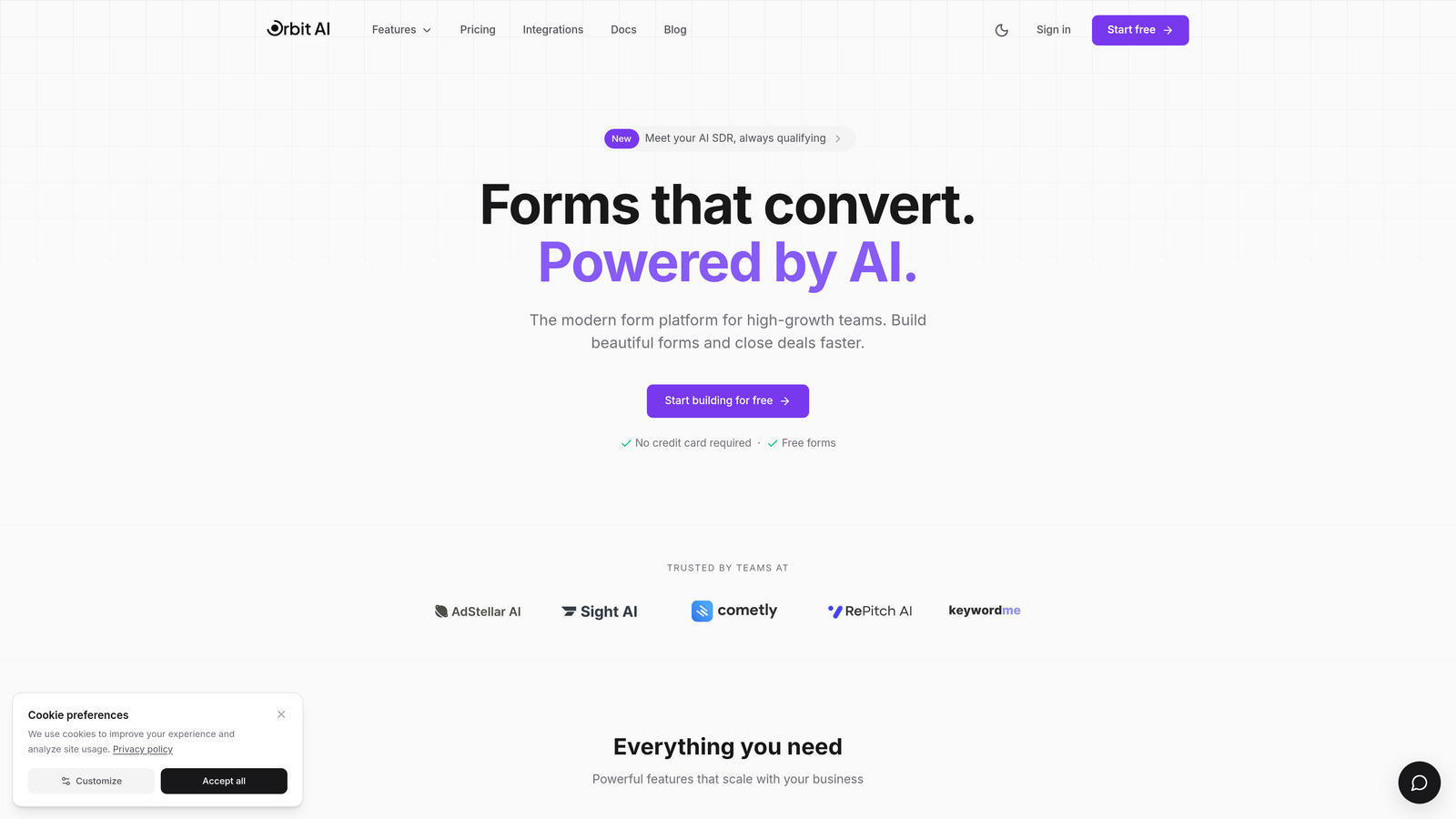
Orbit AI is an AI-powered form builder platform designed specifically for teams that need to qualify leads at the point of capture rather than after submission.
Where This Tool Shines
Orbit AI stands out by embedding lead qualification intelligence directly into the form experience. Instead of collecting contact information and sorting through unqualified leads later, the platform uses AI to assess lead quality during form completion, routing high-value prospects immediately while filtering out poor fits.
The platform combines this intelligence with modern, conversion-focused design templates that avoid the clunky appearance of traditional form builders. For teams scaling lead generation efforts, this approach eliminates the manual qualification bottleneck that typically slows down sales follow-up.
Key Features
AI-Powered Lead Qualification: Automatically scores and routes leads based on responses and behavior patterns during form completion.
Conversion-Optimized Templates: Modern form designs built specifically to reduce friction and improve completion rates across devices.
Built-In Analytics Dashboard: Track form performance, completion rates, and lead quality metrics without connecting external analytics tools.
Smart Conditional Logic: Show or hide form fields based on previous answers to create personalized experiences that feel less overwhelming.
Native CRM Integrations: Connect directly to major CRM platforms with pre-qualified lead data flowing automatically to your sales team.
Best For
This platform works particularly well for B2B SaaS companies, marketing agencies, and high-growth startups that generate significant lead volume but struggle with lead quality. It's ideal when your sales team wastes time on unqualified leads or when you need to route different lead types to different teams automatically.
Pricing
Orbit AI offers a free tier to get started, with paid plans priced competitively within the SaaS form builder market based on form submissions and advanced features.
2. Typeform
Best for: Creating engaging conversational forms that improve completion rates through one-question-at-a-time design
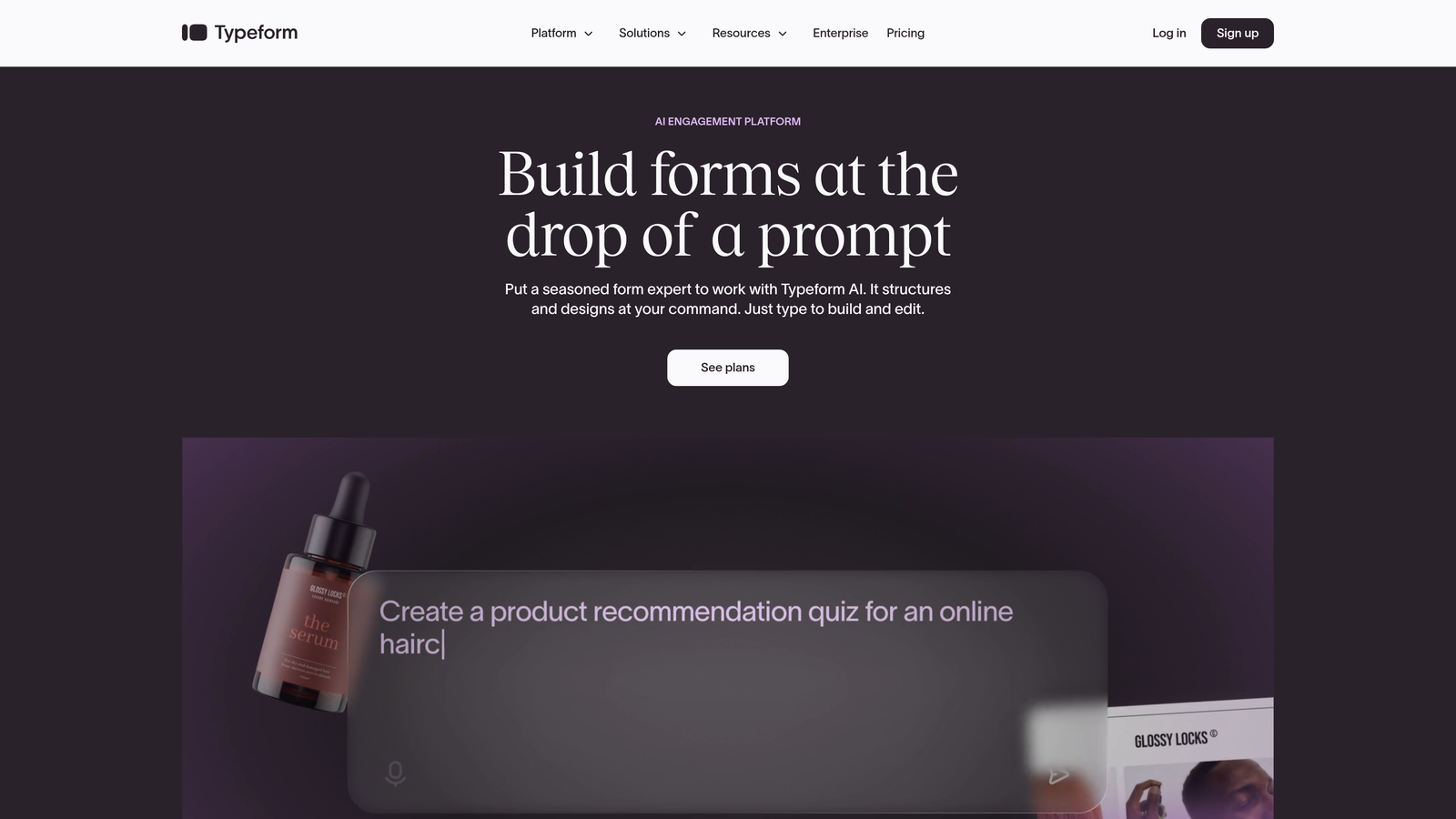
Typeform is a conversational form builder that pioneered the one-question-at-a-time format now widely recognized for boosting engagement.
Where This Tool Shines
Typeform's conversational approach fundamentally changes how visitors experience forms. Instead of facing a wall of fields, respondents answer one question at a time, creating a more natural, less intimidating interaction. This format particularly excels for longer forms that would otherwise feel overwhelming.
The platform's visual polish and smooth animations create a premium feel that reflects well on your brand. For companies where brand perception matters as much as conversion rates, Typeform delivers both aesthetics and functionality.
Key Features
Conversational Format: One-question-at-a-time presentation that reduces form abandonment and improves user experience.
Logic Jumps: Create branching paths where subsequent questions change based on previous answers, personalizing the experience.
Extensive Integration Library: Connect to hundreds of tools including CRMs, marketing automation platforms, and analytics systems.
Mobile-Responsive Design: Forms automatically adapt to any screen size while maintaining the conversational flow and visual appeal.
Rich Media Embedding: Add videos, images, and GIFs throughout forms to maintain engagement and provide context.
Best For
Typeform works best for teams prioritizing user experience and brand presentation, particularly when collecting detailed information through longer forms. It's popular among creative agencies, consumer brands, and companies conducting market research or customer surveys alongside lead generation.
Pricing
A free tier covers basic forms with limited monthly responses. The Basic plan starts at $25/month, with higher tiers unlocking advanced logic, integrations, and increased response limits.
3. Unbounce Smart Builder
Best for: Teams running landing page campaigns who need integrated form optimization and AI conversion recommendations
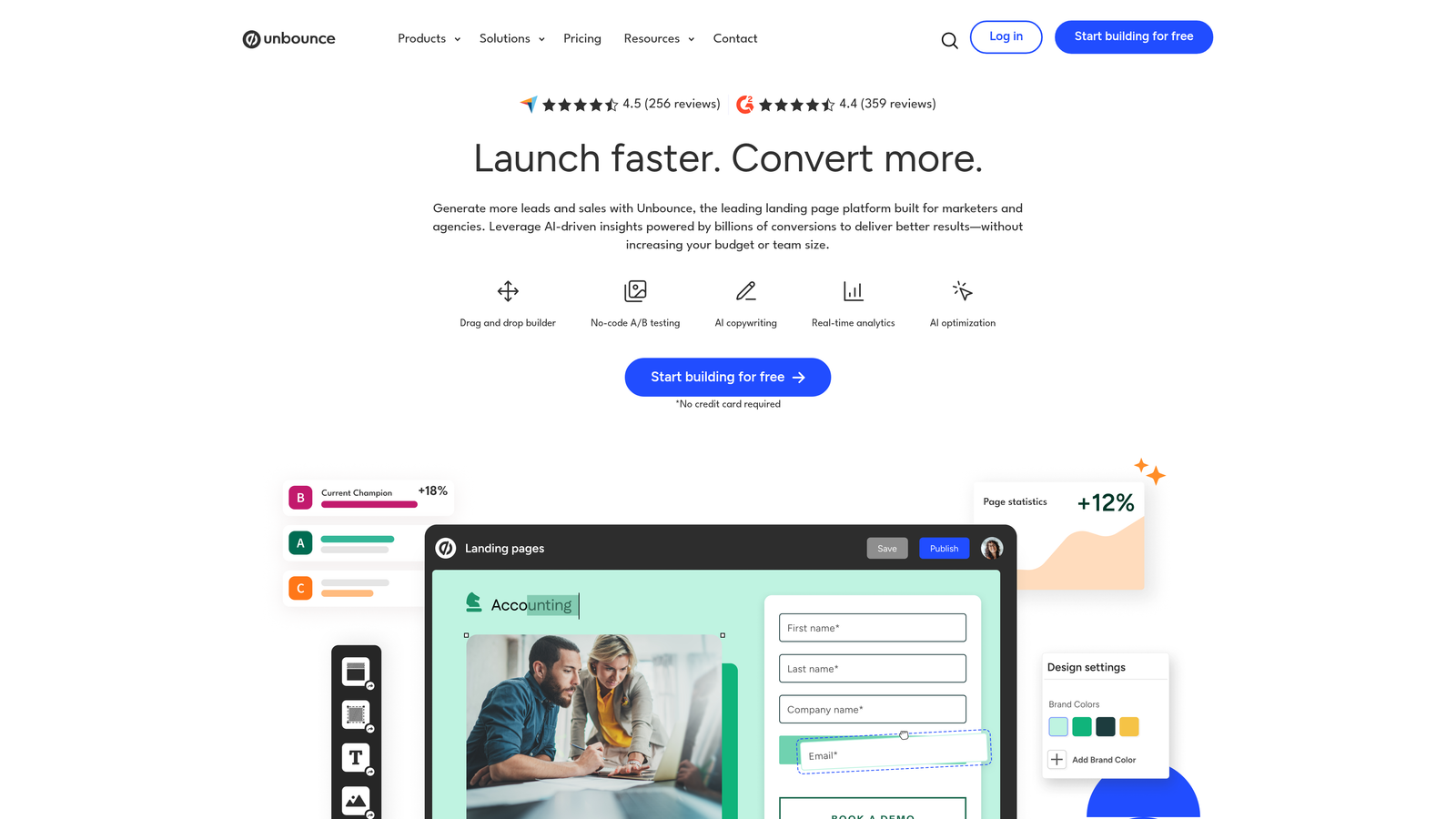
Unbounce Smart Builder is a landing page platform with built-in form optimization capabilities and AI-powered suggestions for improving conversion rates.
Where This Tool Shines
Unbounce takes a holistic approach by optimizing the entire landing page experience, not just the form itself. The Smart Builder uses AI to analyze your page and recommend specific changes likely to improve conversions, from headline adjustments to form field reductions.
For marketing teams running paid campaigns, this integrated approach eliminates the friction of connecting separate landing page and form tools. Everything from page design to form submission lives in one platform with unified analytics.
Key Features
AI-Powered Smart Builder: Automatically generates landing page variations and suggests optimization opportunities based on conversion data.
Built-In A/B Testing: Test different form layouts, field combinations, and page elements without additional tools or technical setup.
Dynamic Text Replacement: Automatically customize form headlines and copy based on the ad or keyword that brought visitors to your page.
Conversion-Focused Templates: Pre-built landing page designs optimized specifically for lead generation across various industries.
Integrated Form Analytics: Track form performance alongside overall page metrics to understand the complete conversion funnel.
Best For
This platform suits marketing teams running significant paid advertising campaigns, particularly in competitive industries where small conversion improvements justify the investment. It's especially valuable when you need to quickly launch and test multiple campaign variations.
Pricing
Plans start at $99/month for the Launch tier, with higher tiers offering increased traffic limits, more A/B tests, and advanced features like AMP landing pages.
4. Leadformly
Best for: B2B companies using multi-step forms and progressive profiling to maximize lead quality
Leadformly is a form optimization platform specializing in multi-step forms designed specifically for B2B lead generation and qualification.

Where This Tool Shines
Leadformly focuses exclusively on multi-step form design, which research shows can significantly improve completion rates compared to single-page forms. The platform guides you through creating logical question sequences that feel natural rather than overwhelming.
The progressive profiling capabilities let you gather detailed information over multiple interactions without bombarding first-time visitors with lengthy forms. This approach works particularly well for complex B2B sales where lead qualification requires substantial information.
Key Features
Multi-Step Form Builder: Create forms split across multiple pages with progress indicators that encourage completion.
Progressive Profiling: Automatically skip questions for returning visitors whose information you already have, reducing friction.
Conversion-Optimized Templates: Pre-built form structures based on conversion research specific to different industries and use cases.
Detailed Analytics: Field-level analytics show exactly where visitors abandon forms so you can optimize problematic questions.
CRM Integrations: Connect to major CRMs and marketing automation platforms with customizable field mapping.
Best For
Leadformly works best for B2B companies with longer sales cycles that need detailed qualification information upfront. It's particularly valuable for industries like software, professional services, and financial services where lead quality matters more than lead volume.
Pricing
Plans start at $37/month for the Starter tier, with higher tiers offering increased form submissions, team collaboration features, and priority support.
5. HubSpot Forms
Best for: HubSpot users needing native form functionality with automatic CRM integration and smart field capabilities
HubSpot Forms is the native form builder within the HubSpot ecosystem, offering seamless integration with HubSpot's CRM and marketing automation tools.
Where This Tool Shines
For teams already using HubSpot, the native forms eliminate integration complexity entirely. Form submissions automatically create or update contact records with no middleware or API connections required. Smart fields remember information from previous submissions, progressively building contact profiles without asking repeat questions.
The tight integration means form data immediately triggers workflows, scoring updates, and list segmentation within HubSpot. This real-time connectivity makes it easy to route leads to appropriate sales reps or nurture sequences based on form responses.
Key Features
Native CRM Integration: Form submissions instantly create contact records with all data automatically mapped to correct fields.
Smart Fields: Automatically hide fields for returning visitors whose information you already have, reducing form length.
Dependent Field Logic: Show or hide fields based on previous answers to create personalized form experiences.
Unified Analytics: Track form performance directly within HubSpot's analytics dashboard alongside other marketing metrics.
Automatic Contact Enrichment: Forms can automatically pull in additional data about contacts from HubSpot's database.
Best For
This solution makes sense exclusively for companies already invested in the HubSpot ecosystem. If you're using HubSpot CRM or Marketing Hub, the native forms provide the path of least resistance with the deepest integration capabilities.
Pricing
Basic forms are free with HubSpot CRM. Advanced features like dependent fields, progressive profiling, and additional customization options require paid Marketing Hub tiers starting at $45/month.
6. Jotform
Best for: Teams needing extensive customization options and payment capabilities at accessible price points
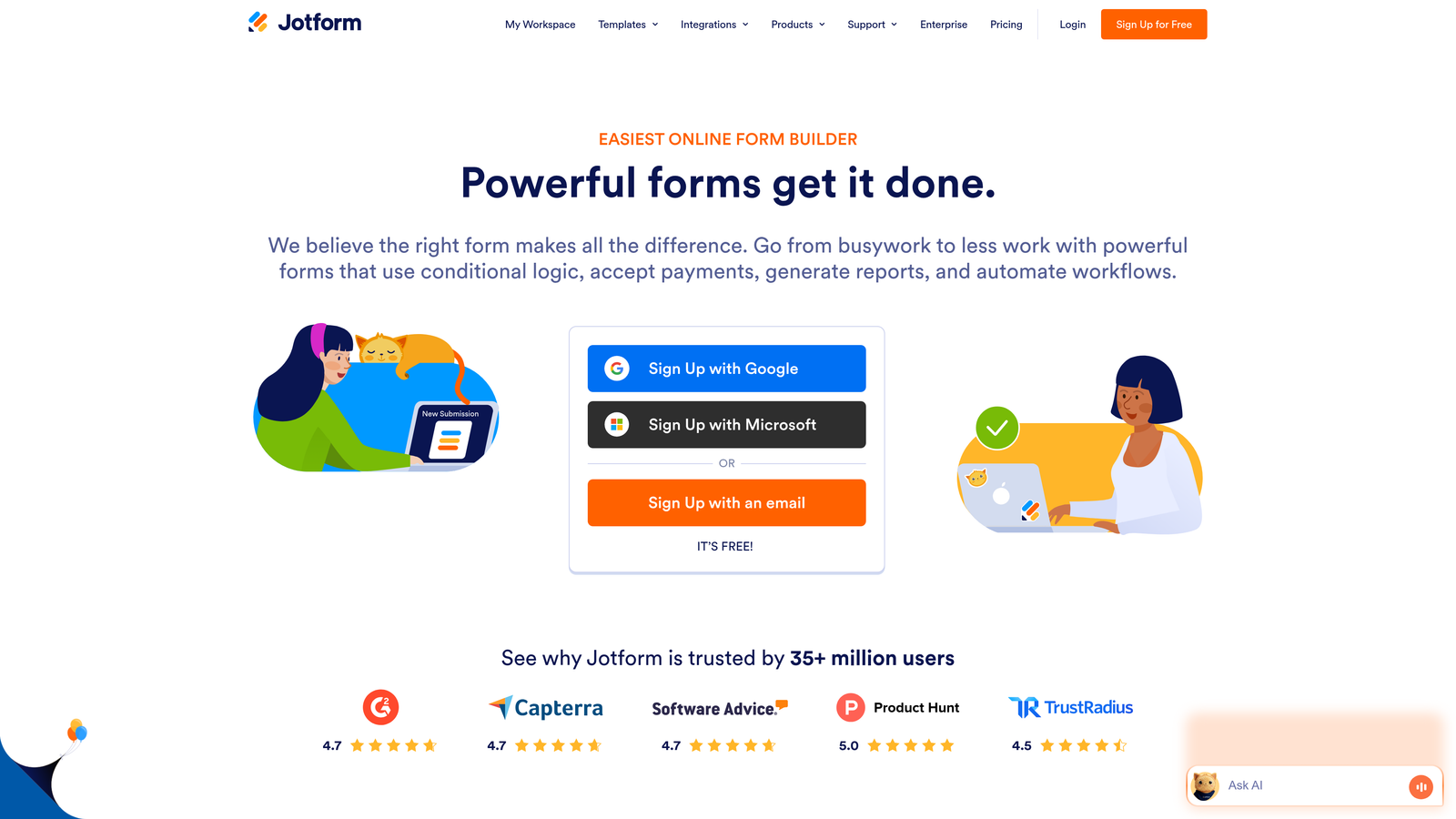
Jotform is a versatile form builder with one of the largest template libraries available and extensive customization options across various use cases.
Where This Tool Shines
Jotform's massive template library covers virtually every form use case imaginable, from simple contact forms to complex registration systems. This breadth makes it easy to find a starting point close to your needs rather than building from scratch.
The widget marketplace extends functionality beyond basic form fields, adding calculators, signature capture, file uploads, and payment processing. For teams needing forms that do more than collect contact information, this extensibility provides significant value without custom development.
Key Features
Extensive Template Library: Over 10,000 pre-built form templates covering diverse industries and use cases.
Widget Marketplace: Hundreds of add-on widgets extend functionality for payments, signatures, calculations, and more.
Conditional Logic Builder: Create complex form flows where fields appear or hide based on previous responses.
Payment Form Capabilities: Accept payments directly through forms via integrations with major payment processors.
HIPAA Compliance Options: Enterprise plans offer HIPAA-compliant forms for healthcare and medical applications.
Best For
Jotform suits teams with diverse form needs across different departments or use cases. It's particularly popular with small businesses, educational institutions, and organizations needing payment collection or document signing alongside lead capture.
Pricing
A free tier covers basic forms with Jotform branding. The Bronze plan starts at $34/month, removing branding and increasing submission limits, with higher tiers adding team features and compliance options.
7. Formstack
Best for: Enterprise organizations requiring advanced workflow automation and strict security compliance
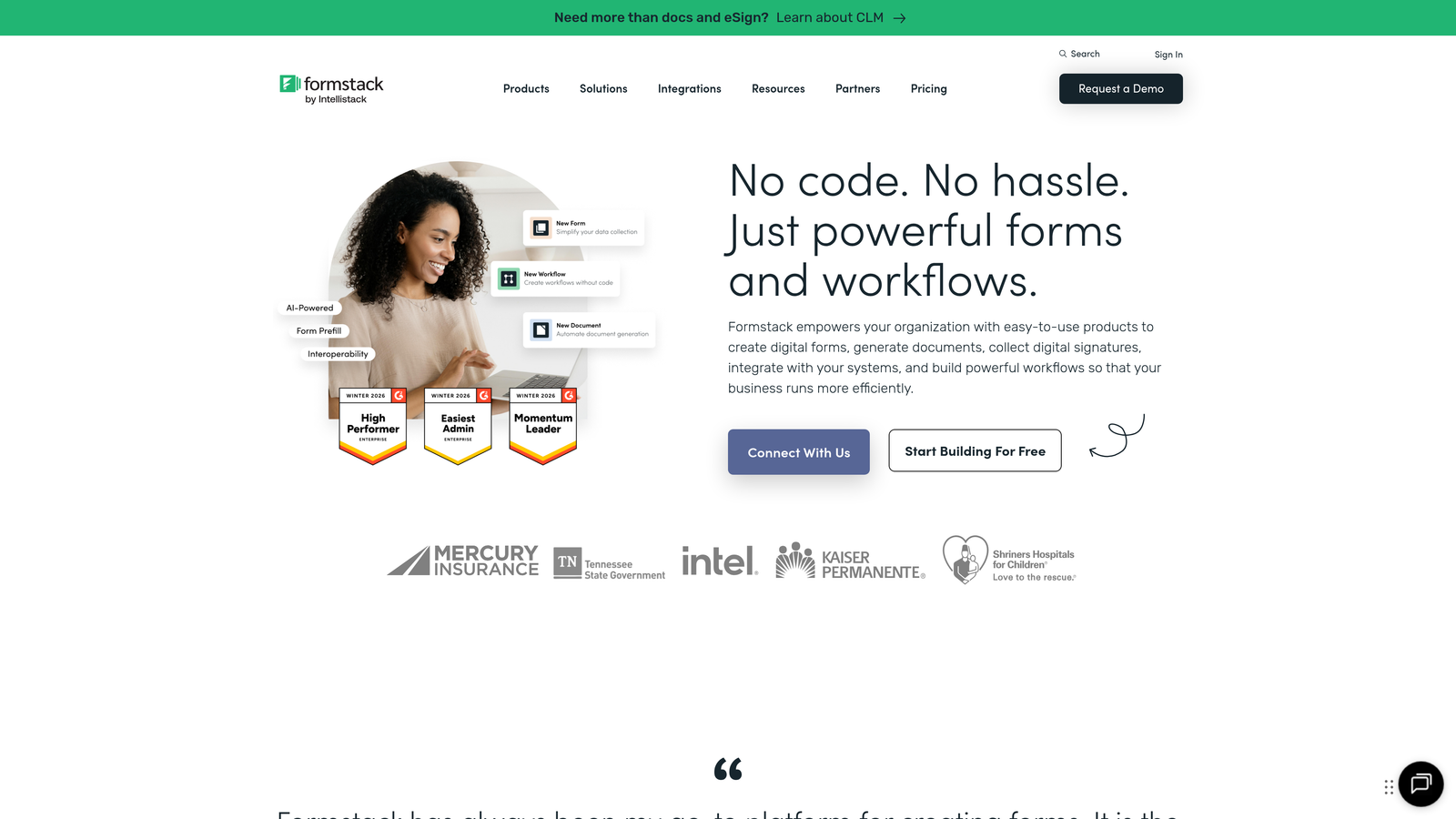
Formstack is an enterprise-focused form platform emphasizing workflow automation, security compliance, and advanced data handling capabilities.
Where This Tool Shines
Formstack targets enterprise requirements that consumer-focused form builders often overlook. The platform handles complex workflow automation where form submissions trigger multi-step processes across different departments and systems without custom coding.
Security and compliance features meet enterprise standards, including HIPAA compliance, advanced user permissions, and audit trails. For organizations in regulated industries or with strict data governance requirements, these capabilities justify the higher price point.
Key Features
Advanced Workflow Automation: Create complex multi-step processes triggered by form submissions with conditional routing and approvals.
Enterprise Security: HIPAA compliance, SOC 2 Type II certification, advanced encryption, and granular user permissions.
Digital Signature Capabilities: Collect legally binding signatures directly within forms for contracts and agreements.
Conditional Logic and Calculations: Build sophisticated forms with field calculations, validation rules, and dynamic content.
Offline Form Access: Mobile app allows form completion without internet connectivity, syncing data when connection returns.
Best For
Formstack serves enterprise organizations, particularly in healthcare, financial services, government, and other regulated industries. It's ideal when you need forms integrated into complex business processes with strict security and compliance requirements.
Pricing
Plans start at $50/month for basic features, with enterprise tiers offering advanced security, compliance features, and dedicated support at custom pricing based on organizational needs.
8. Hotjar
Best for: Understanding why visitors abandon forms through behavior analytics and session recordings
Hotjar is a behavior analytics platform that reveals how visitors actually interact with your forms through heatmaps, recordings, and detailed form analytics.
Where This Tool Shines
Hotjar doesn't build forms—it shows you what's broken in your existing ones. The form analytics feature tracks every field interaction, revealing exactly where visitors hesitate, correct mistakes, or abandon entirely. This field-level data pinpoints specific problems rather than just showing overall conversion rates.
Session recordings let you watch actual visitors struggle with your forms in real-time. You'll see hesitation before certain fields, confusion about instructions, or technical issues that don't appear in standard analytics. These insights drive optimization decisions based on observed behavior rather than assumptions.
Key Features
Form Analytics: Track time spent on each field, fields left blank, and drop-off points with field-level granularity.
Session Recordings: Watch recordings of actual visitors interacting with your forms to identify usability issues.
Heatmaps: Visualize click patterns, scroll depth, and mouse movement to understand how visitors engage with form pages.
User Feedback Widgets: Collect direct feedback from visitors about their form experience through on-page surveys.
Funnel Analysis: Track completion rates across multi-step forms to identify which steps cause the most abandonment.
Best For
Hotjar works best as a diagnostic tool when your forms aren't converting but you're unsure why. It's valuable for teams that want data-driven optimization insights before investing in form redesigns or new tools.
Pricing
A free tier includes basic features with limited daily session recordings. The Plus plan starts at $32/month, offering increased session limits and advanced features like funnel analysis.
9. Google Optimize (with Google Forms)
Best for: Budget-conscious teams running A/B tests on forms with tight Google Analytics integration
Google Optimize is a free A/B testing platform that pairs with Google Forms for teams wanting to experiment with form optimization without additional software costs.
Where This Tool Shines
Google Optimize provides enterprise-level A/B testing capabilities at no cost, making it accessible for teams with limited budgets. The direct integration with Google Analytics means test results flow into your existing analytics setup without additional tracking implementation.
While Google Forms itself offers basic functionality, combining it with Optimize lets you test different form layouts, field orders, and copy variations. For teams already invested in the Google ecosystem, this combination delivers optimization capabilities without learning new platforms or adding software costs.
Key Features
Free A/B Testing: Run unlimited experiments testing different form variations without subscription costs.
Google Analytics Integration: Test results automatically appear in Google Analytics with conversion tracking and audience segmentation.
Visual Editor: Create test variants using a visual editor without coding, though options are more limited than dedicated form builders.
Audience Targeting: Show different form versions to specific audience segments based on traffic source, behavior, or demographics.
Statistical Significance Reporting: Built-in statistical analysis shows when test results are reliable enough to implement winning variations.
Best For
This combination suits startups and small businesses with tight budgets who need basic form optimization and testing capabilities. It's also appropriate for teams wanting to validate form improvements before investing in more sophisticated tools.
Pricing
Both Google Optimize and Google Forms are completely free. Google Optimize 360, the enterprise version, offers additional features but requires custom pricing typically suited for large organizations.
Finding Your Perfect Form Optimization Match
Choosing the right form optimization tool depends on where your biggest conversion gaps exist and what your team actually needs to fix them.
If you're struggling with lead quality rather than lead volume, start building free forms today with Orbit AI's intelligent qualification system. The platform transforms your lead generation by automatically assessing prospect fit during form completion, routing high-value leads immediately while filtering out poor matches. This approach eliminates the manual qualification bottleneck that slows down sales follow-up for high-growth teams.
For teams prioritizing engagement through conversational design, Typeform's one-question-at-a-time format consistently improves completion rates. Those running significant landing page campaigns should consider Unbounce's integrated approach that optimizes the entire conversion experience rather than just the form. Already invested in HubSpot? Their native forms eliminate integration complexity while providing progressive profiling and smart field functionality.
If you're unsure where visitors are dropping off, start with Hotjar's analytics before rebuilding anything. The behavior data reveals specific friction points worth fixing rather than guessing at improvements. Budget-conscious teams can experiment with Google Optimize and Forms to validate optimization hypotheses before investing in more sophisticated platforms.
The most effective approach often combines a primary form builder with an analytics tool. Build smarter forms with modern design and conditional logic, then continuously improve them based on real user behavior. The tools that deliver the best ROI are the ones you actually use consistently, so prioritize platforms that fit naturally into your existing workflow and technical stack.


