

Your website traffic means nothing if visitors leave without converting. The right lead generation form platform transforms anonymous browsers into qualified prospects—automatically capturing contact information, qualifying leads based on their responses, and routing them to your sales team at the perfect moment.
But with dozens of form builders claiming to boost conversions, choosing the right one can feel overwhelming.
We evaluated the top platforms based on ease of use, lead qualification capabilities, integration options, and pricing flexibility. Whether you need AI-powered qualification, enterprise-grade security, or simple drag-and-drop building, here are the best lead generation form platforms for every team size and budget.
1. Orbit AI
Best for: High-growth teams that need AI-powered lead qualification and modern, conversion-optimized forms
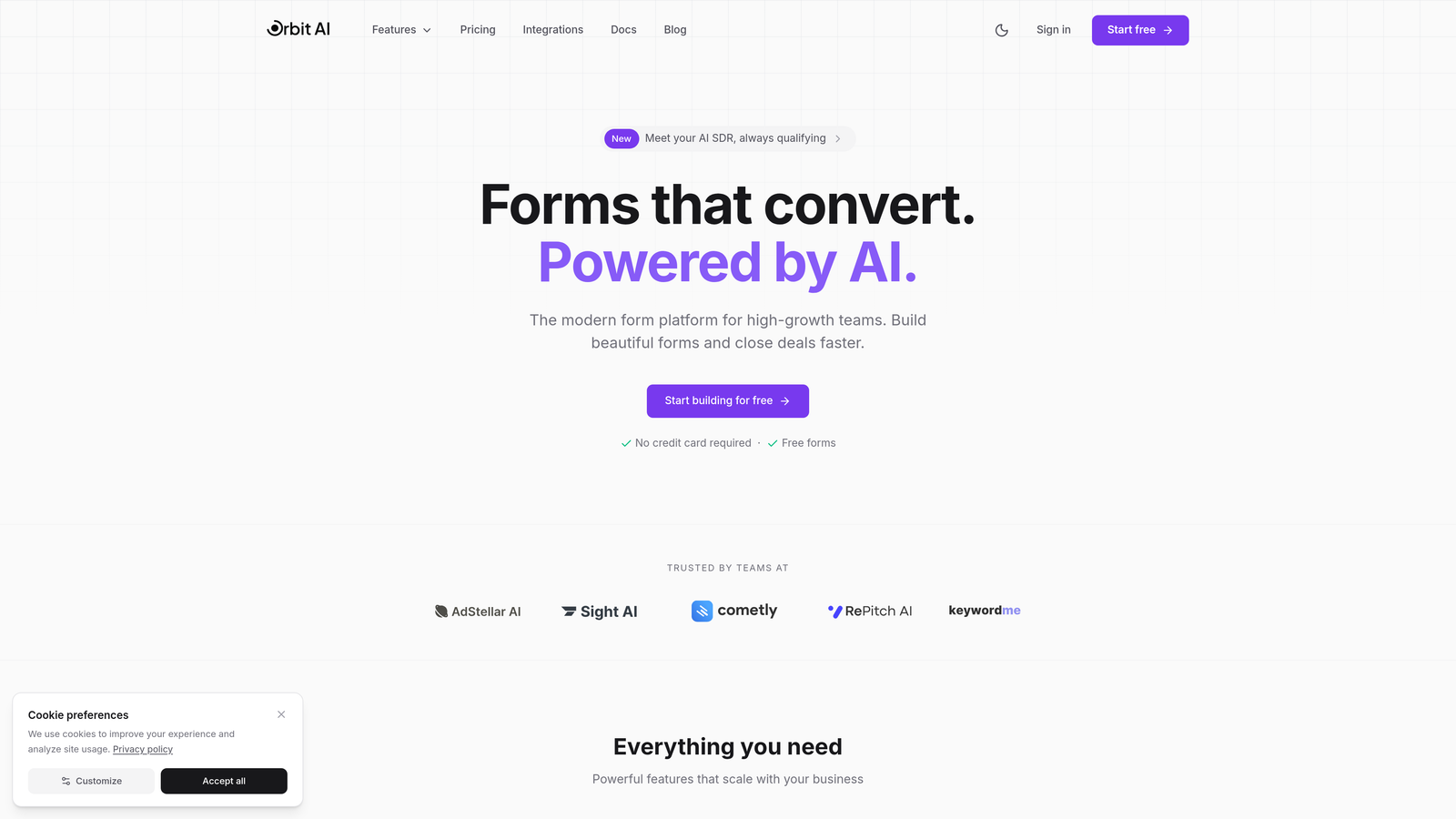
Orbit AI is an AI-powered form builder designed specifically for teams focused on capturing and qualifying leads automatically.
Where This Tool Shines
Orbit AI stands out by combining beautiful form design with intelligent lead qualification. Instead of simply collecting responses, the platform uses AI to score leads based on their answers, automatically routing high-value prospects to sales while nurturing others through marketing workflows.
The conversational form experience adapts questions based on previous responses, creating a personalized journey that feels natural while gathering the exact data you need. This dynamic approach consistently improves completion rates compared to static forms.
Key Features
AI-Powered Lead Qualification: Automatically scores and routes leads based on their responses, ensuring your sales team focuses on the most qualified prospects.
Conversational Forms: Adaptive question flows that adjust based on user responses, creating personalized experiences that boost completion rates.
Native Integrations: Connects seamlessly with HubSpot, Salesforce, Slack, and 15+ essential tools in your marketing and sales stack.
Built-In Analytics: Track form performance, conversion rates, and lead quality metrics in real-time to optimize your lead generation strategy.
Conversion-Optimized Design: Modern, mobile-responsive templates designed specifically to maximize completion rates and reduce form abandonment.
Best For
Orbit AI is ideal for high-growth B2B teams and SaaS companies that need to qualify leads at scale. If you're drowning in unqualified submissions or struggling to route leads effectively, this platform solves both problems simultaneously.
Pricing
Free tier available with core features. Paid plans start at competitive rates designed for growing teams, with pricing that scales based on submission volume.
2. Typeform
Best for: Creating engaging, one-question-at-a-time experiences that feel like conversations
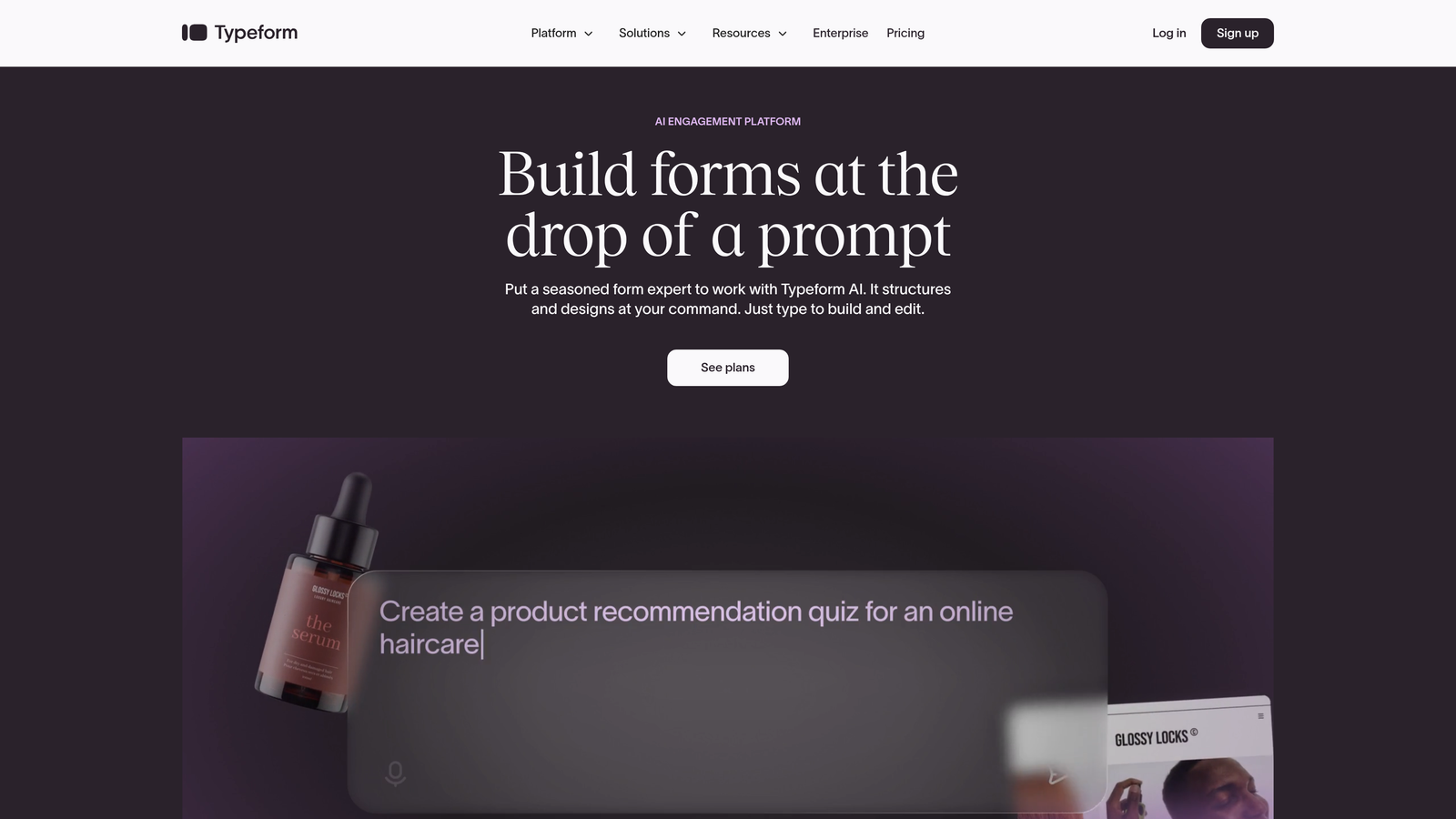
Typeform is a conversational form builder known for its signature approach of showing one question at a time.
Where This Tool Shines
Typeform revolutionized form design by breaking away from the traditional wall-of-questions approach. By presenting one question at a time with smooth transitions, it creates an experience that feels more like a conversation than an interrogation.
The platform excels at brand customization, allowing you to match every element to your visual identity. From custom fonts to background videos, Typeform gives you complete control over the aesthetic experience.
Key Features
One-Question-at-a-Time Format: The signature approach that reduces cognitive load and improves completion rates by focusing attention on a single question.
Extensive Brand Customization: Deep design controls including custom fonts, colors, backgrounds, and even video integration for fully branded experiences.
Logic Jumps: Conditional branching that adapts the question sequence based on previous answers, creating personalized form paths.
Rich Media Embedding: Seamlessly incorporate images, videos, and GIFs into your forms to create more engaging experiences.
Native Integrations: Connects with popular marketing tools including HubSpot, Mailchimp, Google Sheets, and Zapier for extended connectivity.
Best For
Typeform works best for brands that prioritize user experience and have the time to craft custom form journeys. It's particularly effective for surveys, quizzes, and lead capture where engagement matters more than speed.
Pricing
Free plan includes basic features with 10 responses per month. Basic plan starts at $25/month, with Plus and Business tiers for advanced features and higher response volumes.
3. HubSpot Forms
Best for: Teams already using HubSpot CRM who need seamless integration with their marketing automation
HubSpot Forms is the native form builder built directly into HubSpot's CRM and marketing platform.

Where This Tool Shines
HubSpot Forms eliminates the integration headaches that plague most form builders. Because it's native to the HubSpot ecosystem, every submission automatically creates or updates contact records, triggers workflows, and feeds into your lead scoring model without any middleware.
Progressive profiling is where HubSpot truly differentiates itself. The platform remembers returning visitors and automatically shows different questions each time, gradually building complete contact profiles without overwhelming people with long forms.
Key Features
Direct CRM Integration: Submissions instantly sync with HubSpot CRM, automatically creating contacts, updating properties, and triggering automation workflows.
Progressive Profiling: Smart forms that remember returning visitors and ask different questions each time, building comprehensive profiles over multiple interactions.
Smart Fields: Auto-populate known information for returning visitors, reducing friction and improving completion rates.
Multiple Form Types: Create embedded forms, pop-ups, slide-in boxes, or standalone pages, all from the same builder.
Built-In Lead Scoring: Submissions automatically feed into HubSpot's lead scoring engine, helping sales prioritize follow-up.
Best For
HubSpot Forms is the obvious choice if you're already invested in the HubSpot ecosystem. The native integration value is impossible to replicate with third-party tools, making this the path of least resistance for HubSpot users.
Pricing
Free with HubSpot CRM, including basic form functionality. Advanced features like progressive profiling require Marketing Hub, starting at $45/month for Starter tier.
4. Jotform
Best for: Teams needing maximum versatility with 10,000+ templates covering virtually every use case
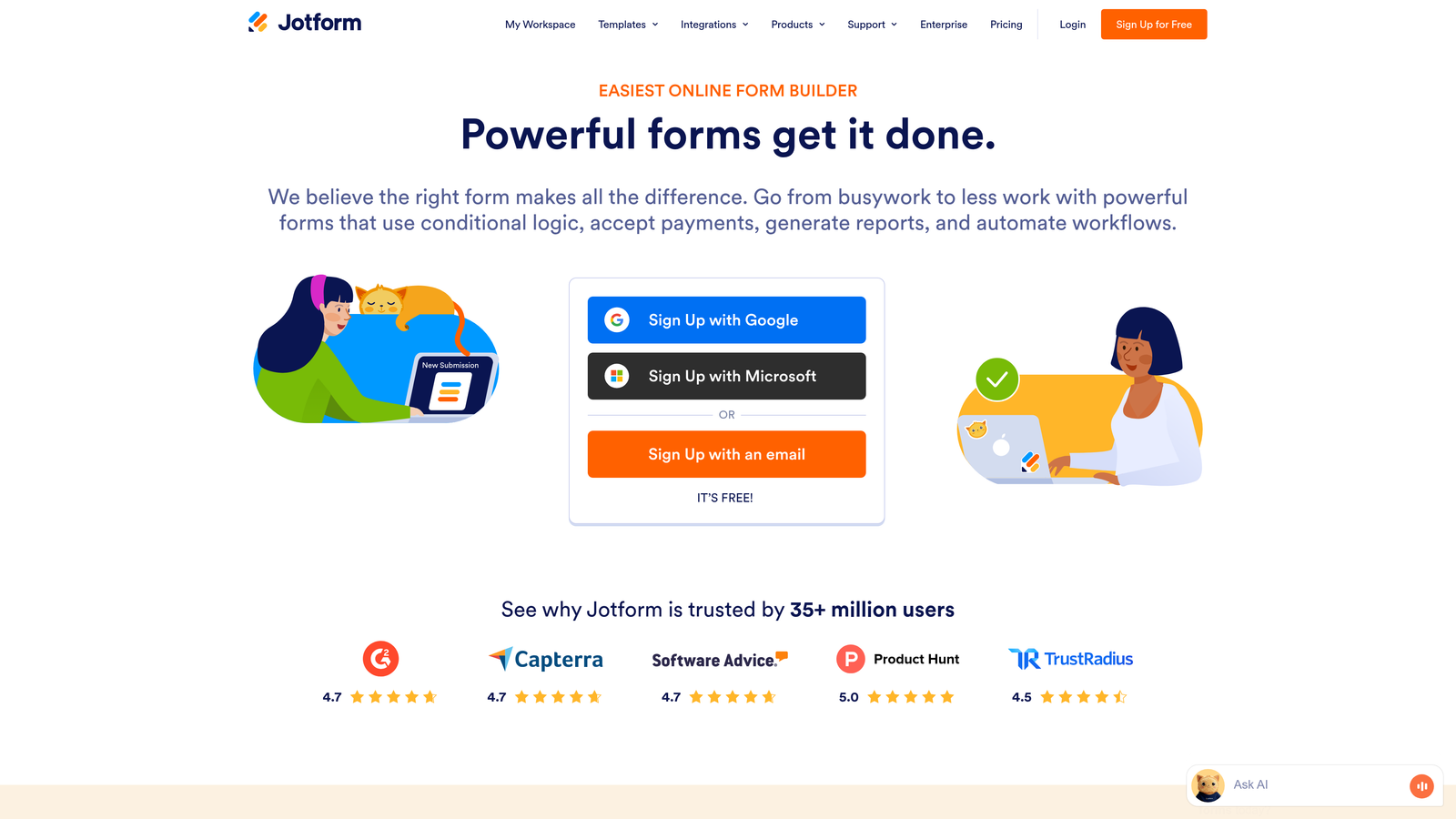
Jotform is a comprehensive form builder with an enormous template library and extensive integration options.
Where This Tool Shines
Jotform's superpower is versatility. With over 10,000 pre-built templates, you can find a starting point for virtually any form type—from simple contact forms to complex multi-page applications with payment processing.
The platform handles use cases that stretch beyond typical lead generation, including payment collection, PDF generation, and even HIPAA-compliant forms for healthcare organizations. This makes it a one-stop solution for businesses with diverse form needs.
Key Features
10,000+ Templates: Massive library covering every imaginable form type, from lead capture to event registration to job applications.
Drag-and-Drop Builder: Intuitive interface with over 100 integrations including Salesforce, Mailchimp, Google Sheets, and payment processors.
Payment Processing: Accept payments directly through forms using PayPal, Stripe, Square, and other major processors.
PDF Generation: Automatically convert submissions into professional PDFs, with e-signature capabilities for contracts and agreements.
HIPAA Compliance: Enterprise plans include HIPAA-compliant options for healthcare organizations handling protected health information.
Best For
Jotform suits organizations with diverse form needs beyond simple lead capture. If you need one platform to handle everything from lead generation to payment collection to document signing, Jotform's versatility is hard to beat.
Pricing
Free plan includes 5 forms and 100 monthly submissions. Bronze plan starts at $34/month, with Silver and Gold tiers for higher volumes and advanced features.
5. Leadpages
Best for: Conversion-focused teams that need landing pages and forms with built-in A/B testing
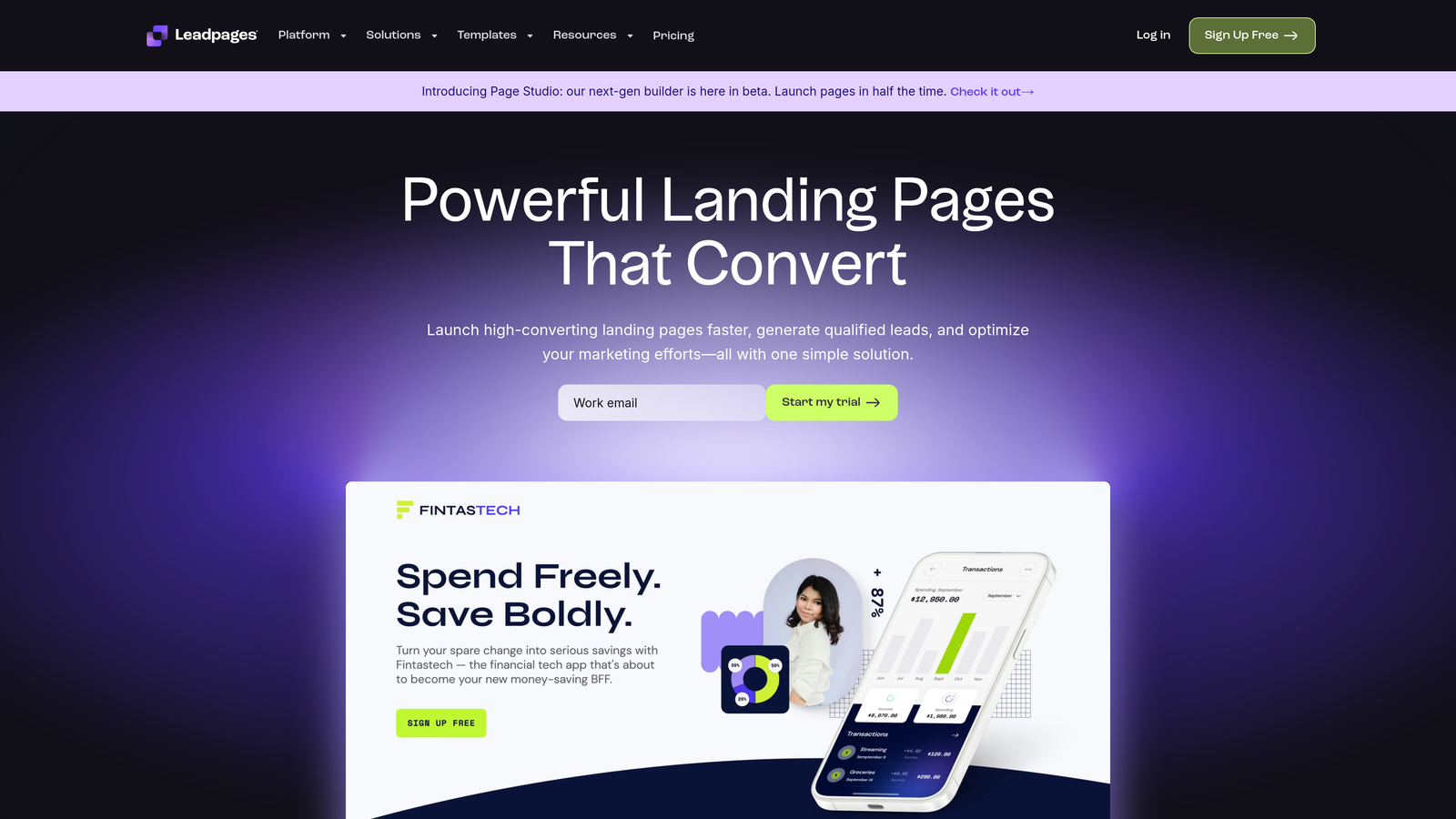
Leadpages is a landing page builder with integrated form functionality designed specifically for conversion optimization.
Where This Tool Shines
Leadpages takes a holistic approach to lead generation by combining landing pages, forms, pop-ups, and alert bars in one platform. This unified approach means you're not juggling multiple tools to create a complete lead capture funnel.
The built-in A/B testing capability sets Leadpages apart from pure form builders. You can test different form designs, copy variations, and entire landing page layouts to systematically improve conversion rates based on real data.
Key Features
Combined Landing Page and Form Builder: Create complete lead capture funnels without switching between tools or managing multiple integrations.
Built-In A/B Testing: Test different versions of your forms and landing pages to identify what drives the highest conversion rates.
Multiple Form Types: Deploy pop-ups, alert bars, embedded forms, and standalone pages from the same platform.
Conversion-Focused Templates: Pre-built templates designed by conversion experts, optimized for specific industries and use cases.
Real-Time Analytics: Track conversion rates, traffic sources, and form performance with detailed analytics dashboards.
Best For
Leadpages is ideal for marketing teams running paid traffic campaigns who need to quickly build and test landing pages with integrated forms. The A/B testing capabilities make it particularly valuable for performance marketers optimizing conversion funnels.
Pricing
Standard plan starts at $37/month (billed annually), with Pro and Advanced tiers adding features like A/B testing, online sales, and advanced integrations.
6. Gravity Forms
Best for: WordPress sites needing deep integration and developer-friendly customization options
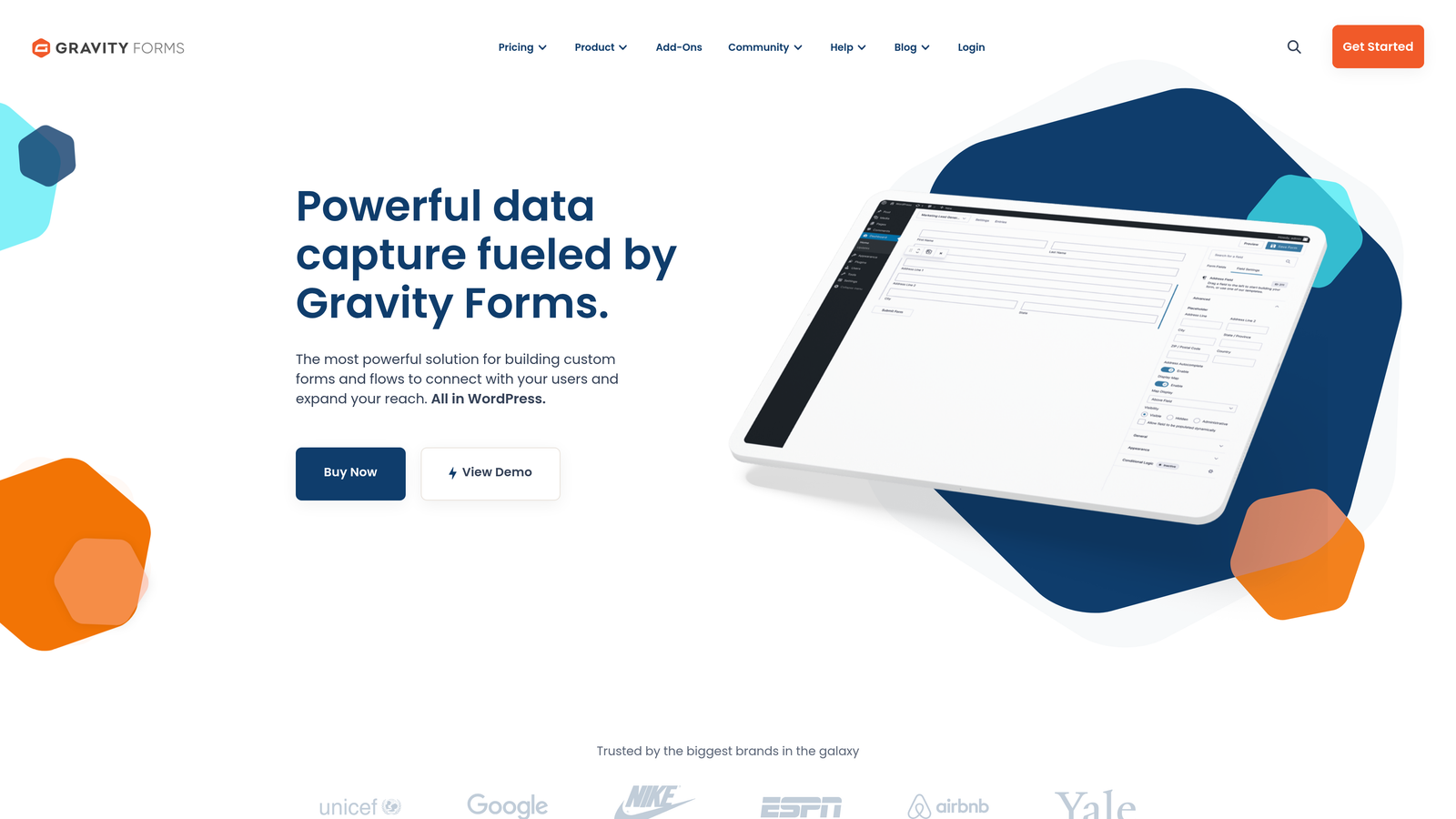
Gravity Forms is a WordPress-native form plugin with an extensive add-on ecosystem and developer-focused architecture.
Where This Tool Shines
Gravity Forms is the gold standard for WordPress form building because it's built specifically for the platform. The deep integration means forms feel like a native part of your WordPress site rather than embedded third-party content.
The developer-friendly architecture with hooks, filters, and extensive documentation makes it highly customizable. If you have specific requirements that off-the-shelf solutions can't meet, Gravity Forms gives you the flexibility to build exactly what you need.
Key Features
Deep WordPress Integration: Native WordPress plugin that leverages the platform's user system, custom post types, and taxonomy structure.
Extensive Add-On Marketplace: Hundreds of official and third-party add-ons for payment processing, CRM integration, email marketing, and specialized functionality.
Advanced Conditional Logic: Show or hide fields, pages, and entire sections based on user responses with sophisticated logic rules.
Developer-Friendly Architecture: Comprehensive hooks, filters, and API for custom functionality, with excellent documentation for developers.
One-Time Annual Licensing: Pay once per year with no per-submission fees, making it cost-effective for high-volume sites.
Best For
Gravity Forms is the obvious choice for WordPress-based businesses, particularly those with development resources. If your site runs on WordPress and you need forms that integrate deeply with your content and user system, this is the most powerful option.
Pricing
Basic license starts at $59/year for a single site. Pro license at $159/year includes all add-ons, while Elite at $259/year adds priority support and unlimited sites.
7. Formstack
Best for: Enterprise organizations requiring advanced compliance, workflow automation, and document generation
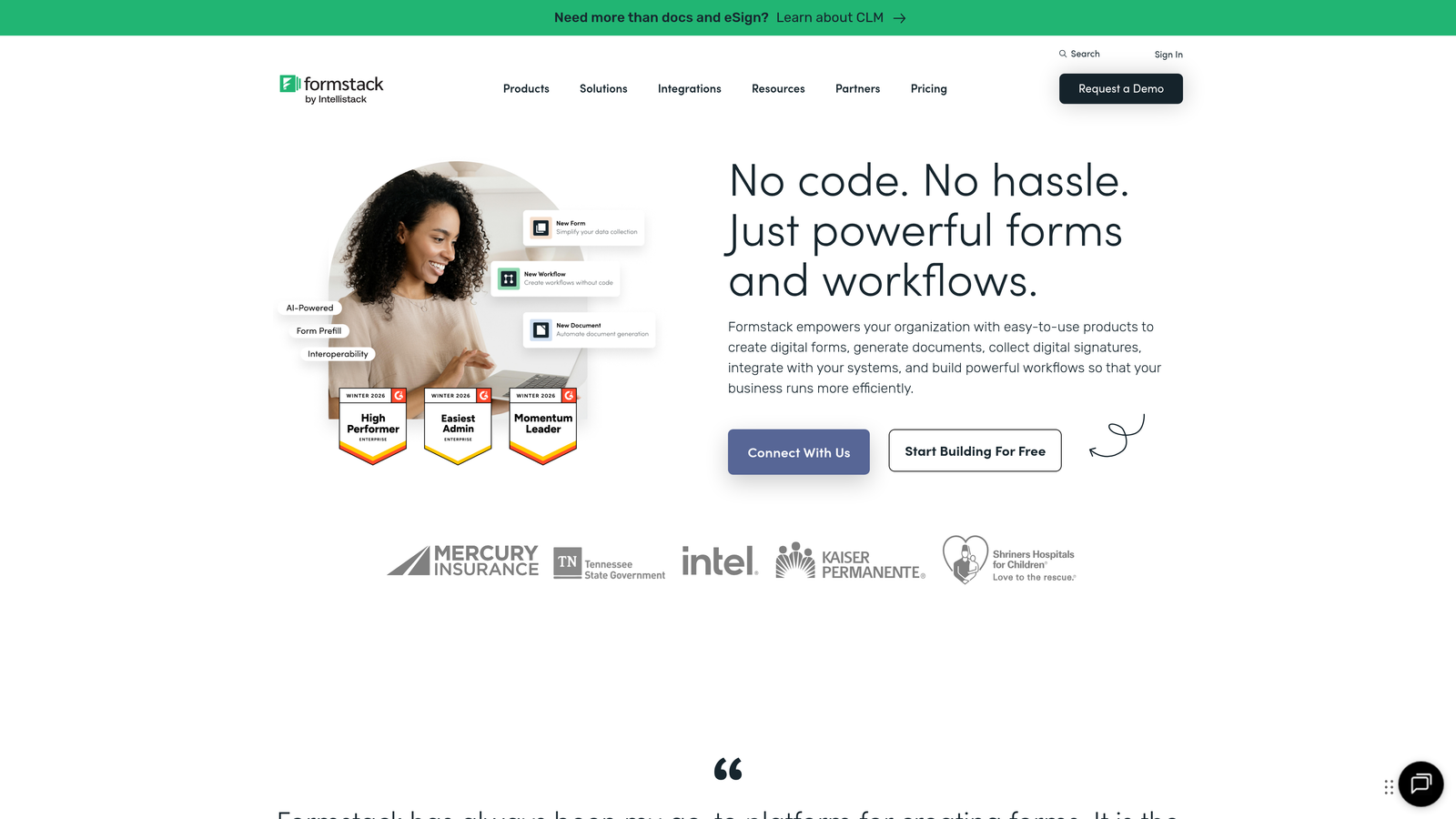
Formstack is an enterprise-grade form platform with advanced workflow automation and comprehensive compliance features.
Where This Tool Shines
Formstack targets enterprise needs that most form builders ignore. The platform offers HIPAA, GDPR, and SOC 2 compliance options, making it suitable for healthcare, finance, and other regulated industries where data security is non-negotiable.
The workflow automation capabilities extend far beyond simple integrations. You can build complex approval processes, route submissions through multiple stakeholders, and automatically generate documents from form data—all within the platform.
Key Features
Advanced Workflow Automation: Build multi-step approval processes and routing rules that handle complex organizational workflows without custom development.
Compliance Options: HIPAA, GDPR, and SOC 2 compliance features for organizations in regulated industries handling sensitive data.
Document Generation: Automatically create PDFs, contracts, and other documents from form submissions using customizable templates.
Salesforce-Native Integration: Deep integration with Salesforce that goes beyond basic data sync to leverage custom objects and workflows.
Electronic Signatures: Collect legally binding e-signatures directly within forms for contracts, agreements, and approval processes.
Best For
Formstack suits enterprise organizations with complex workflows, compliance requirements, or Salesforce implementations. If you need forms that handle approval chains, generate documents, or meet strict regulatory standards, this platform delivers enterprise-grade capabilities.
Pricing
Starter plan begins at $50/month with basic features. Team and Enterprise plans add advanced functionality, with custom pricing for large organizations requiring dedicated support and compliance features.
8. Paperform
Best for: Creating unique, content-rich forms that blend information and questions in document-style layouts
Paperform is a distinctive form builder that uses a document-style interface to create engaging lead capture experiences.
Where This Tool Shines
Paperform breaks the traditional form mold by letting you create experiences that look more like interactive documents than questionnaires. You can weave explanatory content, images, videos, and questions together in a flowing narrative that educates while capturing information.
The platform excels at use cases where context matters. Instead of jumping straight to questions, you can explain your offering, showcase benefits, and guide prospects through a story that naturally leads to conversion.
Key Features
Document-Style Forms: Create forms that read like interactive documents, blending rich content with questions for engaging experiences.
Built-In Payment Processing: Accept payments directly through forms using Stripe, PayPal, Square, and Braintree integrations.
Conditional Logic and Calculations: Show or hide content based on responses, and perform calculations for quotes, pricing, or scoring.
Booking and Scheduling: Integrate calendar functionality for appointment booking, event registration, and scheduling workflows.
Strong Customization: Extensive branding controls including custom CSS for teams with specific design requirements.
Best For
Paperform works best for businesses selling services, courses, or complex offerings where education is part of the conversion process. If your lead generation requires explaining value before asking questions, this document-style approach creates more effective forms.
Pricing
Essentials plan starts at $24/month with core features. Pro plan at $44/month adds advanced functionality, while Agency plan offers white-label options for service providers.
9. Tally
Best for: Budget-conscious teams needing unlimited forms with a generous free tier and Notion-like simplicity
Tally is a free-first form builder with a Notion-style interface and an unusually generous free plan.
Where This Tool Shines
Tally's free tier is remarkably generous, offering unlimited forms and unlimited submissions without forcing branding or crippling functionality. This makes it an excellent option for startups, side projects, or anyone testing lead generation strategies without budget constraints.
The Notion-style interface will feel instantly familiar to teams already using Notion. You build forms using slash commands and blocks, creating a seamless experience if you're already comfortable with that paradigm.
Key Features
Unlimited Forms on Free Plan: No artificial limits on form creation or submissions, making it genuinely useful without upgrading.
Notion-Style Interface: Build forms using familiar slash commands and block-based editing if you're already a Notion user.
Conditional Logic and Hidden Fields: Create dynamic forms that adapt based on responses, available even on the free plan.
File Uploads and Payments: Collect files and process payments through Stripe integration without requiring paid plans.
No Tally Branding: Free plan doesn't force "Powered by Tally" badges, giving you a professional appearance without paying.
Best For
Tally is perfect for bootstrapped startups, solo entrepreneurs, or anyone launching new lead generation initiatives with limited budget. The free tier offers enough functionality for serious use, not just testing.
Pricing
Free plan includes unlimited forms and submissions with most features. Pro plan at $29/month adds custom domains, advanced integrations, and priority support for teams needing additional capabilities.
Making the Right Choice
The best lead generation form platform depends on your specific needs, existing tech stack, and growth stage.
If you're focused on qualifying leads automatically while delivering modern, high-converting experiences, Orbit AI's AI-powered approach eliminates manual lead scoring while optimizing for completion rates. For teams already invested in HubSpot, the native integration value of HubSpot Forms is impossible to replicate. WordPress sites should default to Gravity Forms for deep platform integration.
Budget-conscious startups will find Tally's generous free tier surprisingly capable, while enterprise organizations with compliance requirements need Formstack's regulatory features. Typeform remains the gold standard for brand-forward experiences where aesthetics matter as much as functionality.
Quick Selection Guide
For AI-powered lead qualification: Orbit AI automatically scores and routes leads, perfect for high-growth teams drowning in unqualified submissions.
For HubSpot users: HubSpot Forms offers native integration that third-party tools can't match, with progressive profiling that builds contact records over time.
For WordPress sites: Gravity Forms provides deep platform integration with developer-friendly customization options.
For budget-conscious teams: Tally delivers unlimited forms and submissions free, while Paperform offers strong value for service-based businesses.
For enterprise compliance: Formstack handles HIPAA, GDPR, and complex workflows that regulated industries require.
The right platform transforms lead generation from a passive data collection exercise into an active qualification and routing system. Modern teams need forms that do more than capture information—they need intelligence built in.
Transform your lead generation with AI-powered forms that qualify prospects automatically while delivering the modern, conversion-optimized experience your high-growth team needs. Start building free forms today and see how intelligent form design can elevate your conversion strategy.


