

Your website visitors are ready to convert—but is your form software up to the task? The difference between a generic contact form and intelligent lead generation software can mean the difference between a list of email addresses and a pipeline of qualified, sales-ready prospects. Modern lead generation form tools do far more than collect data; they qualify leads in real-time, integrate with your tech stack, and help you prioritize follow-up based on intent signals.
We evaluated dozens of options based on ease of use, lead qualification capabilities, integration depth, and value for high-growth teams. Here are the top lead generation form software tools worth your attention this year.
1. Orbit AI
Best for: High-growth teams needing AI-powered lead qualification and intelligent routing capabilities.
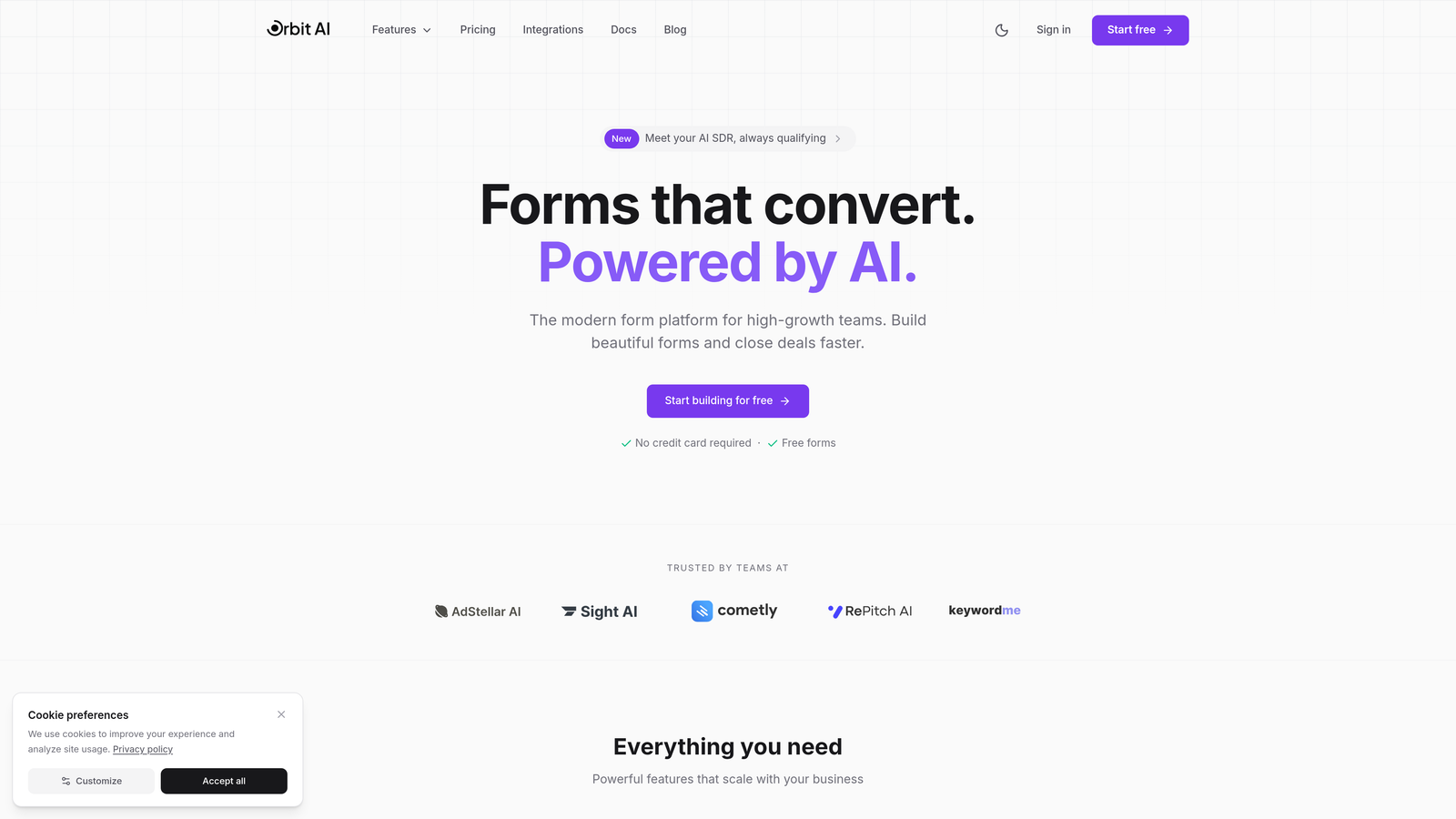
Orbit AI is an AI-powered form builder platform designed specifically for teams that need to separate high-intent prospects from casual browsers automatically.
Where This Tool Shines
The standout feature here is intelligent lead qualification that happens in real-time as prospects fill out your forms. Instead of collecting raw data and sorting through it later, the platform analyzes responses as they come in and assigns qualification scores based on criteria you define.
The conversational form format adapts dynamically based on how people respond, creating a more natural experience that feels less like filling out paperwork and more like having a conversation. This approach typically improves completion rates while gathering better qualification data.
Key Features
AI-Powered Lead Qualification: Automatically scores and qualifies leads based on their responses, routing high-value prospects to sales immediately.
Conversational Forms: Forms adapt based on previous answers, creating personalized experiences that improve completion rates.
Deep CRM Integrations: Native connections with HubSpot, Salesforce, Slack, and other tools your team already uses daily.
Built-In Analytics: Conversion tracking and performance insights help you understand which forms drive the best results.
Automated Workflows: Trigger sequences and follow-up actions based on lead qualification scores and specific response patterns.
Best For
Teams focused on lead quality over quantity will find the most value here. If you're spending too much time manually qualifying inbound leads or struggling to prioritize follow-up, the AI qualification features address those pain points directly. Works particularly well for B2B companies with longer sales cycles where early qualification matters.
Pricing
Free tier available for teams getting started. Paid plans begin at competitive rates designed for growing teams, with pricing that scales as your lead volume increases.
2. Typeform
Best for: Creating visually stunning, one-question-at-a-time forms that maximize engagement and completion rates.
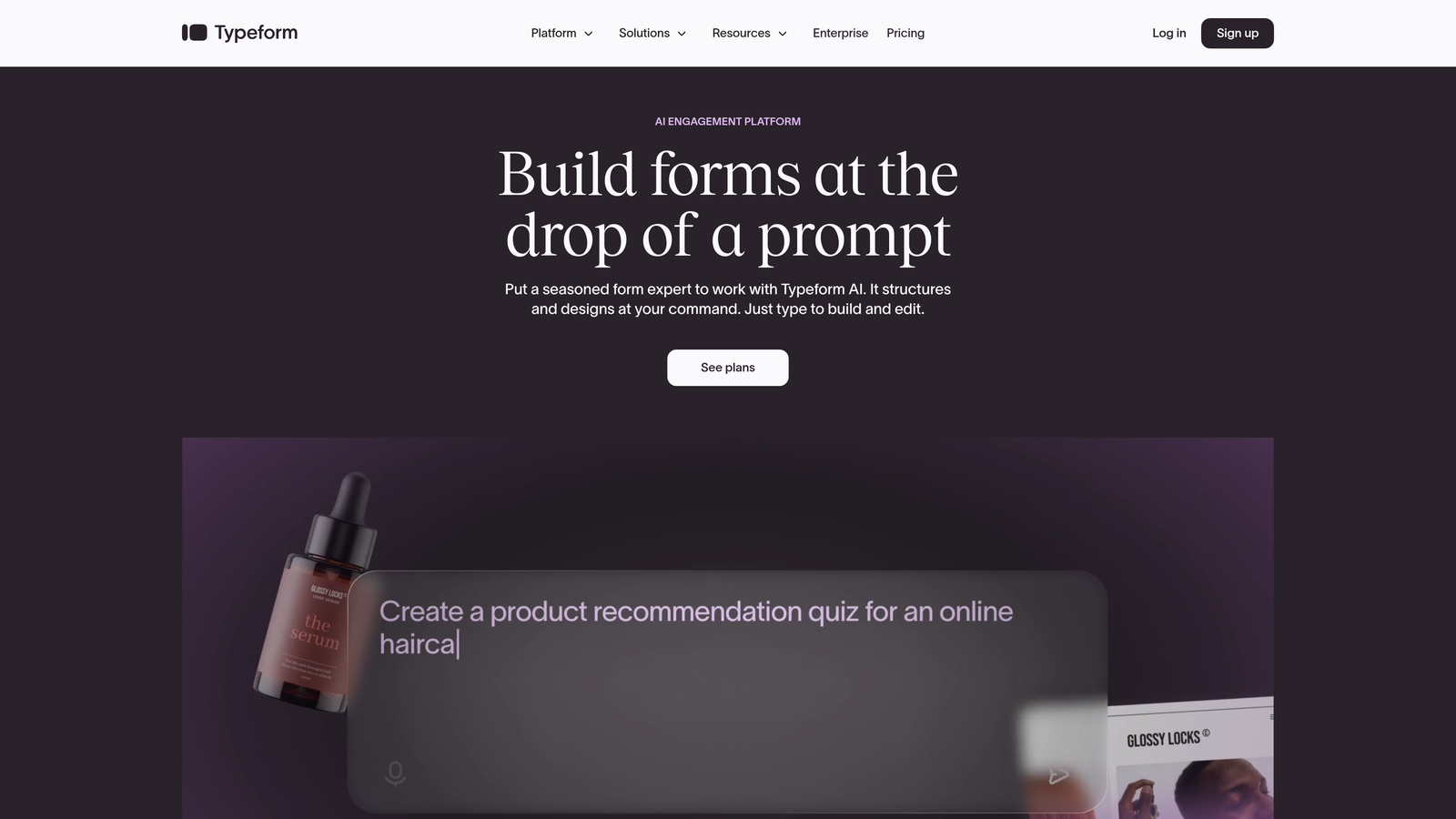
Typeform pioneered the conversational form format that many tools now emulate, focusing on beautiful design and user experience.
Where This Tool Shines
The signature one-question-at-a-time approach reduces cognitive load and makes even lengthy forms feel manageable. Instead of confronting prospects with a wall of fields, you guide them through a focused conversation that feels less intimidating.
The design quality sets a high bar. Forms look polished and modern without requiring design skills, and the distraction-free interface keeps attention where it belongs—on completing the form.
Key Features
Conversational Interface: One question per screen creates a focused, distraction-free experience that improves completion rates.
Logic Jumps: Branch questions based on previous answers to create personalized paths through your form.
Rich Media Embedding: Add videos, images, and GIFs to make forms more engaging and provide context.
Native Integrations: Connect directly to popular tools like Google Sheets, Mailchimp, Salesforce, and hundreds of others.
Mobile Optimization: Forms automatically adapt to mobile devices with touch-friendly interfaces.
Best For
Design-conscious teams and brands where visual presentation matters will appreciate Typeform's polish. Works well for top-of-funnel lead capture where you need to make a strong first impression and maximize completion rates through better user experience.
Pricing
Free basic plan available with Typeform branding. Paid plans start at $25 per month, with higher tiers unlocking advanced features like logic jumps and integrations.
3. HubSpot Forms
Best for: Teams already using HubSpot CRM who need seamless native integration and marketing automation capabilities.
HubSpot Forms is the native form builder within the HubSpot ecosystem, offering deep integration with CRM and marketing automation features.

Where This Tool Shines
The integration depth here is unmatched if you're already in the HubSpot ecosystem. Form submissions automatically create or update CRM contacts, trigger workflows, and feed into your broader marketing automation strategy without requiring third-party connectors or middleware.
Progressive profiling is particularly valuable for teams with longer buyer journeys. Instead of asking the same questions repeatedly, smart fields recognize returning visitors and ask new questions to gradually build richer contact profiles over time.
Key Features
Direct CRM Integration: Form submissions instantly create contacts and populate CRM records without manual data entry.
Progressive Profiling: Smart fields gather new information from known contacts instead of asking the same questions repeatedly.
Smart Fields: Forms automatically adapt based on what you already know about the visitor.
Built-In Attribution: Track which forms and campaigns drive conversions with native analytics.
Drag-and-Drop Builder: Create forms quickly without technical skills using an intuitive visual editor.
Best For
HubSpot users will find this the most natural choice since everything lives in one platform. The value increases significantly if you're using other HubSpot tools like Marketing Hub or Sales Hub, where form data can trigger sophisticated automation sequences.
Pricing
Free with HubSpot CRM, making it accessible for teams getting started. Advanced features like progressive profiling and sophisticated automation require Marketing Hub paid tiers starting at higher monthly costs.
4. Leadformly
Best for: Conversion-focused teams who want built-in optimization features and lead scoring without complex setup.
Leadformly is purpose-built for lead generation with conversion best practices and testing capabilities baked into the platform.

Where This Tool Shines
The multi-step form approach breaks long forms into digestible sections, which typically improves completion rates compared to single-page forms. The platform guides you toward conversion-optimized designs rather than leaving all decisions to you.
Built-in A/B testing means you can experiment with different form structures, questions, and designs without needing separate testing tools. The lead scoring feature helps prioritize follow-up by identifying which submissions represent the strongest opportunities.
Key Features
Multi-Step Forms: Break long forms into sections with progress indicators to improve completion rates.
Built-In A/B Testing: Test different form variations to optimize conversion rates without additional tools.
Lead Scoring: Automatically score and qualify leads based on their responses to prioritize follow-up.
Conversion Templates: Pre-built form structures based on conversion best practices and industry benchmarks.
Integration Library: Connect to CRMs, email platforms, and marketing automation tools.
Best For
Teams focused on conversion rate optimization who want guidance and testing capabilities built into their form tool. Works well for companies running paid advertising campaigns where small improvements in form conversion directly impact cost per lead.
Pricing
Plans start around $37 per month, positioning it as a mid-range option between basic free tools and enterprise platforms.
5. Jotform
Best for: Teams needing versatile forms with payment processing, extensive templates, and broad integration options.
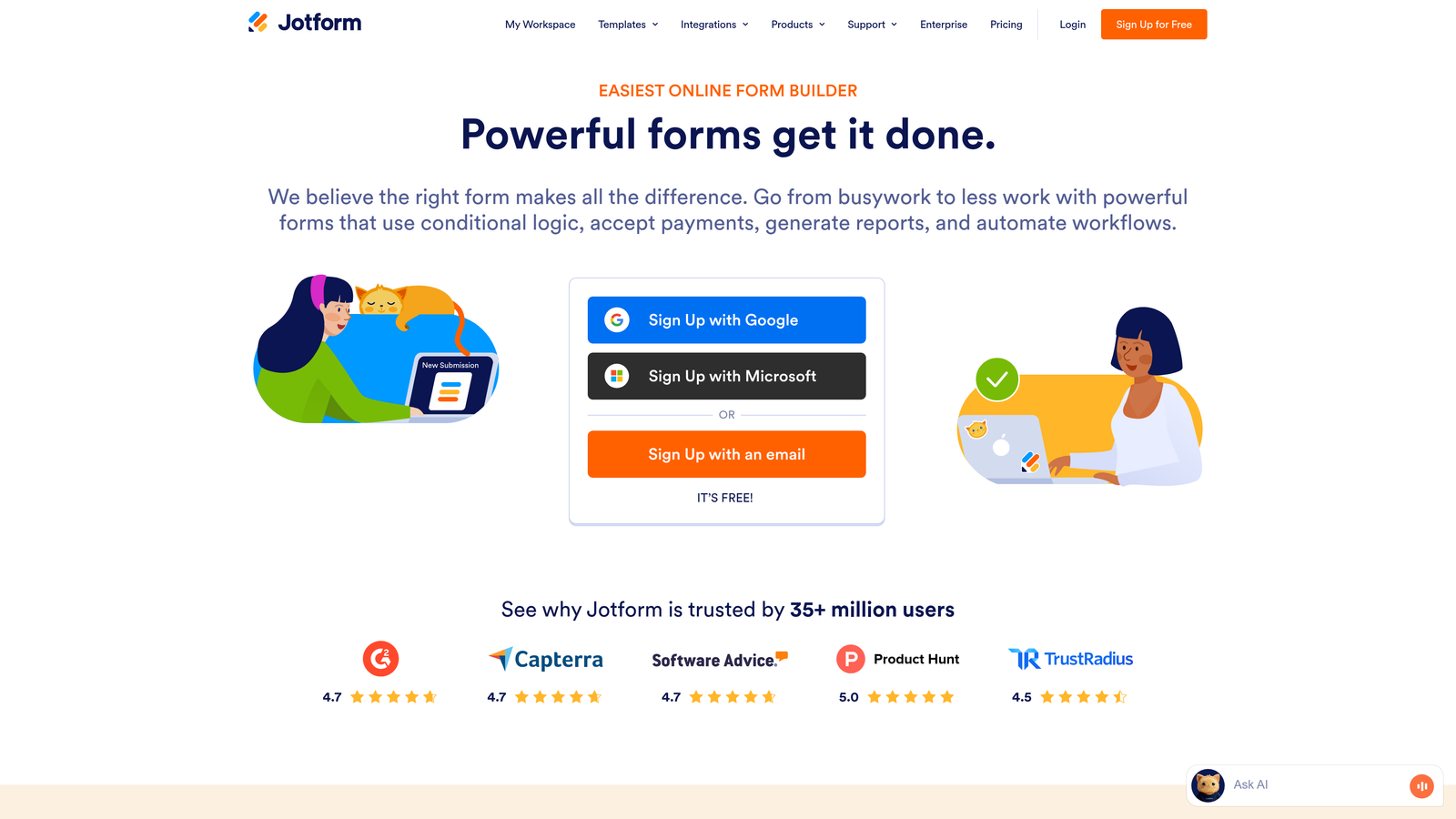
Jotform offers one of the most comprehensive form builders on the market, with features spanning simple contact forms to complex applications.
Where This Tool Shines
The template library is massive—over 10,000 options covering virtually every use case imaginable. This means you rarely start from scratch, saving significant time in the form creation process.
Payment processing capabilities set Jotform apart from many lead generation tools. You can collect payments directly through forms, making it valuable for teams that need to combine lead capture with transactions or deposits.
Key Features
Massive Template Library: Access 10,000+ pre-built form templates covering every industry and use case.
100+ Integrations: Connect to payment processors, CRMs, email tools, and business applications.
Payment Processing: Accept payments through forms using Stripe, PayPal, Square, and other processors.
Conditional Logic: Show or hide fields based on previous answers to create dynamic form experiences.
PDF Generation: Automatically generate PDF documents and collect e-signatures through forms.
Best For
Teams that need flexibility and breadth of features rather than specialized lead qualification capabilities. The payment features make it particularly useful for service businesses, event registrations, or any scenario where you're collecting both information and money.
Pricing
Free tier available with Jotform branding and submission limits. Paid plans start at $34 per month, with higher tiers offering more submissions and advanced features.
6. Unbounce Smart Builder
Best for: Teams building complete landing pages with integrated forms and AI-powered optimization capabilities.
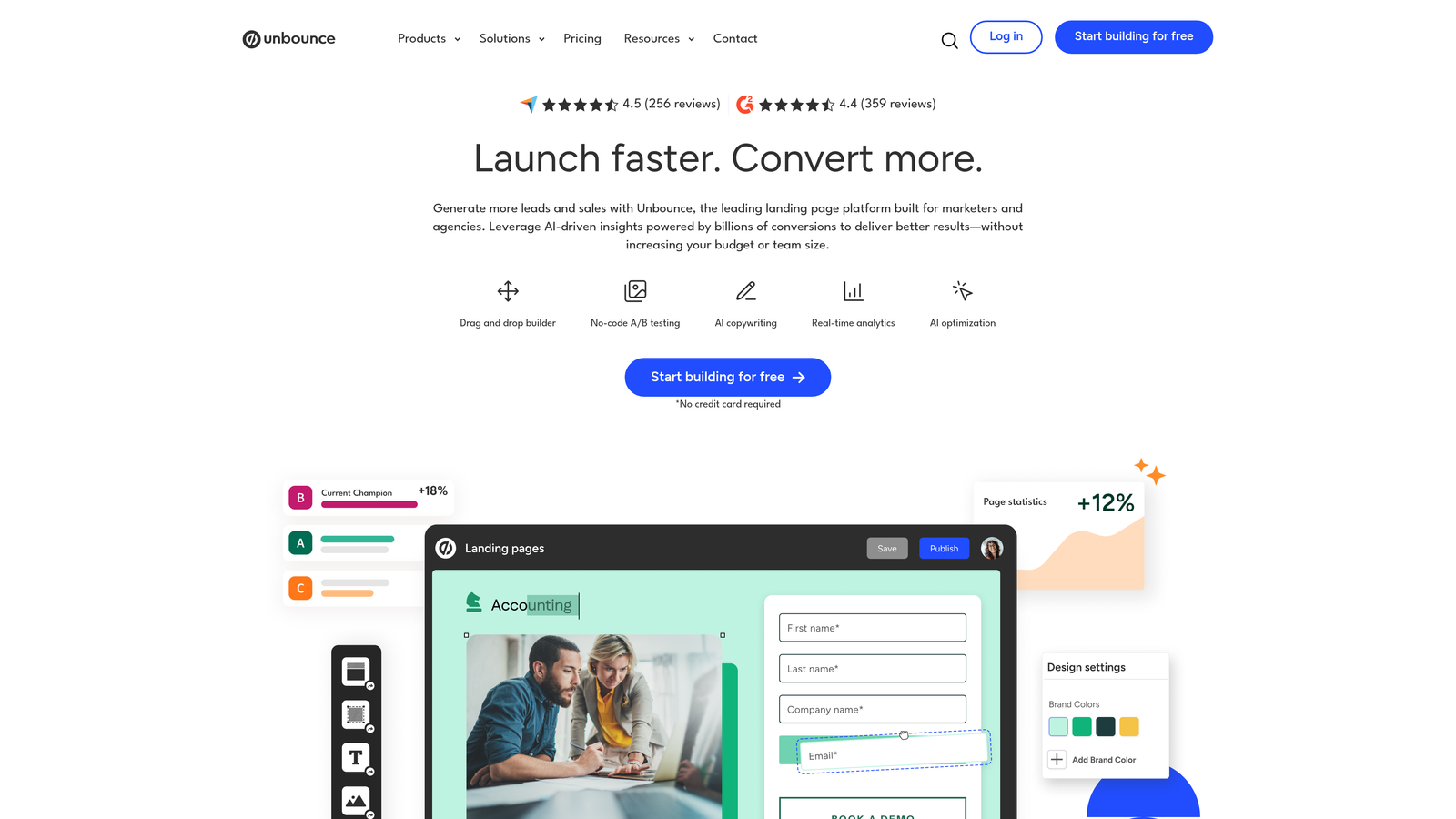
Unbounce is primarily a landing page platform, but the integrated form building and optimization features make it powerful for lead generation campaigns.
Where This Tool Shines
The Smart Traffic feature uses AI to automatically route visitors to the landing page variant most likely to convert them based on their characteristics. This goes beyond traditional A/B testing by personalizing the experience for each visitor.
Because forms live within landing pages, you control the entire conversion experience rather than embedding forms into existing pages. This gives you more control over design, messaging, and the context surrounding your lead capture.
Key Features
AI-Powered Optimization: Smart Traffic automatically routes visitors to the best-performing page variant for their profile.
Integrated Page and Form Builder: Build complete landing experiences without needing separate tools.
Drag-and-Drop Editor: Create professional landing pages and forms without coding skills.
Built-In A/B Testing: Test different page and form variations to optimize conversion rates.
Conversion Intelligence: Analytics and reporting focused on understanding what drives conversions.
Best For
Marketing teams running dedicated campaigns who need complete control over the landing experience. Works particularly well for paid advertising campaigns where you're driving traffic to dedicated landing pages rather than existing website pages.
Pricing
Plans start at $99 per month, positioning it at the higher end of the market. The investment makes sense for teams running significant paid traffic where conversion improvements justify the cost.
7. Gravity Forms
Best for: WordPress users who need powerful form capabilities with extensive customization and developer-friendly features.
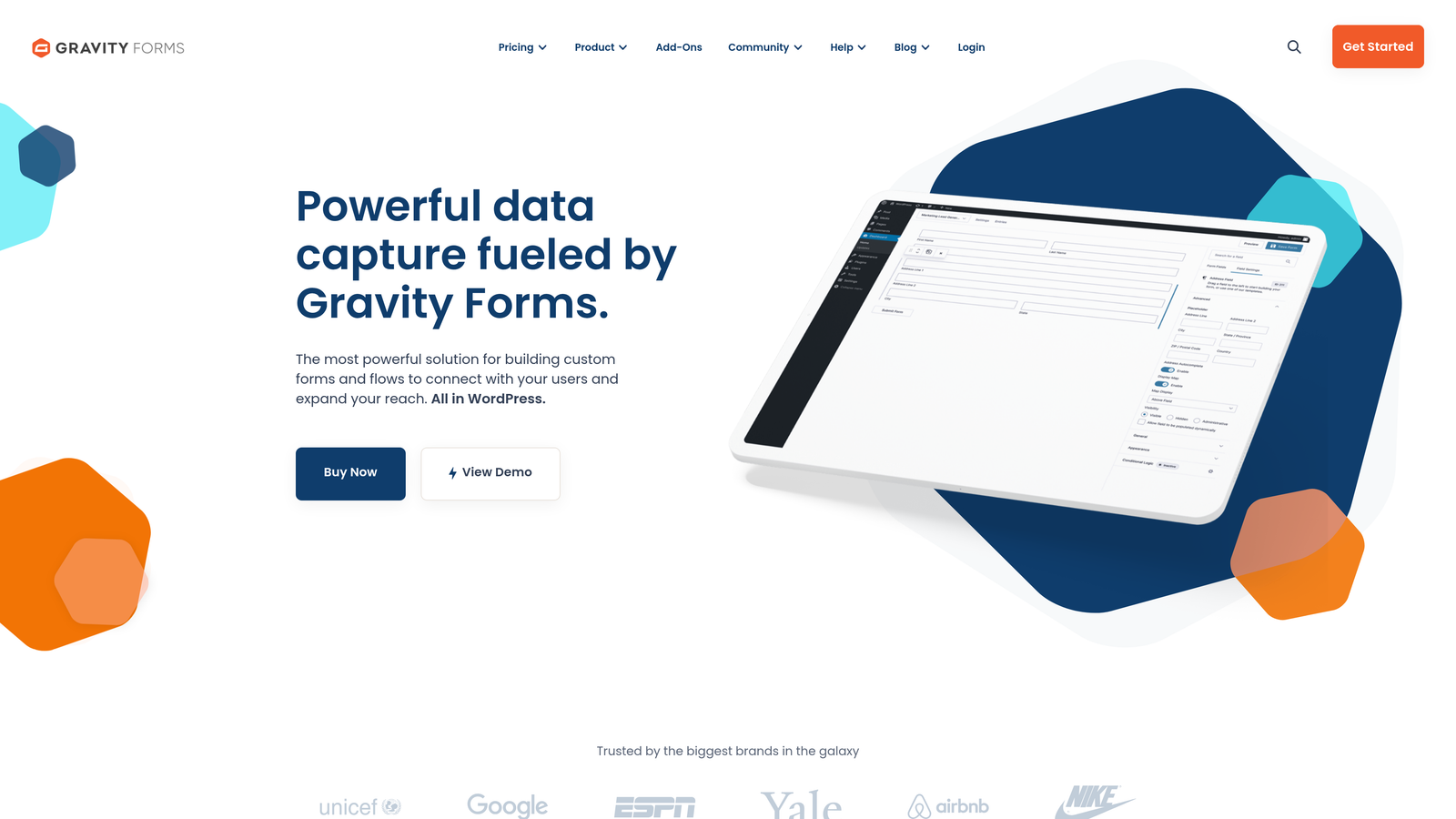
Gravity Forms is the premium WordPress form plugin, offering deep integration with the WordPress ecosystem and extensive add-ons.
Where This Tool Shines
The WordPress integration is seamless since it's built specifically for the platform. Forms work naturally within your WordPress site without iframe embeds or external hosting, which typically improves page load times and user experience.
The add-on marketplace is extensive, covering everything from payment processors to CRM integrations to advanced features like partial entries and user registration. This extensibility means you can start simple and add capabilities as needs evolve.
Key Features
Deep WordPress Integration: Native plugin that works seamlessly within your WordPress site and admin interface.
Extensive Add-On Marketplace: Expand functionality with add-ons for payments, CRMs, advanced features, and more.
Advanced Conditional Logic: Create complex form behaviors based on user inputs and conditions.
Multi-Page Forms: Break long forms into pages with save-and-continue functionality for complex applications.
Developer Tools: Hooks, filters, and API access for custom integrations and advanced customization.
Best For
WordPress users who want powerful form capabilities without leaving their platform. The developer-friendly features make it particularly valuable for agencies or teams with technical resources who need custom functionality.
Pricing
Annual licenses start at $59 per year, making it cost-effective compared to SaaS alternatives. Higher tiers unlock additional sites and priority support.
8. Formstack
Best for: Enterprise teams needing advanced compliance features, workflow automation, and team collaboration capabilities.
Formstack is an enterprise-grade platform offering forms, workflows, and document generation with security and compliance features.
Where This Tool Shines
The compliance features set Formstack apart for regulated industries. HIPAA-ready forms with proper safeguards make it viable for healthcare, while other security features meet requirements for finance and legal sectors.
Workflow automation goes beyond simple form submissions. You can build approval processes, route submissions to different team members based on criteria, and automate document generation—all within the platform.
Key Features
Advanced Workflow Automation: Build complex approval processes and routing logic for form submissions.
HIPAA Compliance: Forms meet healthcare data security requirements with proper business associate agreements.
Document Generation: Automatically create documents and collect e-signatures based on form submissions.
Team Collaboration: Multiple users can collaborate on forms with role-based permissions and approval workflows.
Enterprise Security: Advanced security features including SSO, audit logs, and data encryption.
Best For
Enterprise organizations and regulated industries where compliance and security are non-negotiable. The workflow features also benefit operations teams managing complex processes that extend beyond simple lead capture.
Pricing
Plans start at $50 per month for basic features. Enterprise pricing varies based on specific requirements and compliance needs.
9. Paperform
Best for: Creating content-rich form experiences that blend information and questions in a document-style format.
Paperform takes a unique approach by making forms look and feel like interactive documents rather than traditional web forms.
Where This Tool Shines
The document-style format lets you embed rich content—text, images, videos—alongside form fields. This works particularly well when you need to provide context, explain options, or create educational lead capture experiences.
The versatility extends beyond lead generation into bookings, payments, and surveys. If you need a tool that handles multiple use cases rather than just lead capture, Paperform's flexibility becomes valuable.
Key Features
Content-Rich Forms: Embed text, images, videos, and formatting to create document-style form experiences.
Built-In Scheduling: Add booking and appointment scheduling directly into forms without third-party tools.
Payment Processing: Accept payments through Stripe and PayPal for products, services, or deposits.
Conditional Logic: Show or hide content and questions based on previous answers.
Custom Branding: Full control over colors, fonts, and styling to match your brand identity.
Best For
Teams that need to provide significant context or education as part of the lead capture process. Also works well for service businesses that want to combine lead capture with booking or payment collection in a single tool.
Pricing
Plans start at $24 per month, positioning it as an affordable option with unique capabilities that differentiate it from traditional form builders.
Making the Right Choice
Choosing the right lead generation form software depends on your team's priorities and existing infrastructure. If AI-powered lead qualification and intelligent routing matter most, Orbit AI stands out for high-growth teams focused on lead quality over volume. The automated qualification saves significant time in the sales process by identifying high-intent prospects immediately.
For teams already invested in HubSpot's ecosystem, HubSpot Forms offers seamless integration that eliminates data silos and enables sophisticated marketing automation. Design-focused teams will appreciate Typeform's polished experience and engagement-optimized interface.
WordPress users often find Gravity Forms the most flexible option, with deep platform integration and extensive customization capabilities. Formstack serves enterprise needs with compliance features and workflow depth that regulated industries require. Paperform works well for content-driven lead capture where you need to educate prospects as part of the form experience.
Start by identifying your biggest bottleneck. If form completion rates are the issue, look at tools like Typeform or Leadformly that optimize the user experience. If lead quality is the problem, prioritize platforms with built-in qualification features. For integration challenges, choose tools that connect natively with your existing tech stack.
Most options offer free trials or free tiers, so test your top two or three picks with real campaigns before committing. Pay attention to actual completion rates, lead quality, and how well each tool fits into your workflow. The right choice is the one that addresses your specific challenges while fitting naturally into how your team already works.
Start building free forms today and see how intelligent form design can elevate your conversion strategy. Transform your lead generation with AI-powered forms that qualify prospects automatically while delivering the modern, conversion-optimized experience your high-growth team needs.


