Your website traffic means nothing if visitors leave without sharing their information. The right lead generation form tool transforms passive browsers into engaged prospects—but with dozens of options available, choosing the wrong one can cost you conversions and waste your team's time.
We evaluated form builders based on conversion optimization features, lead qualification capabilities, integration ecosystems, and ease of use for high-growth teams. Whether you need AI-powered qualification, advanced conditional logic, or enterprise-grade analytics, here are the top lead generation form tools for every use case and budget.
1. Orbit AI
Best for: High-growth teams needing AI-powered lead qualification with conversion-optimized forms
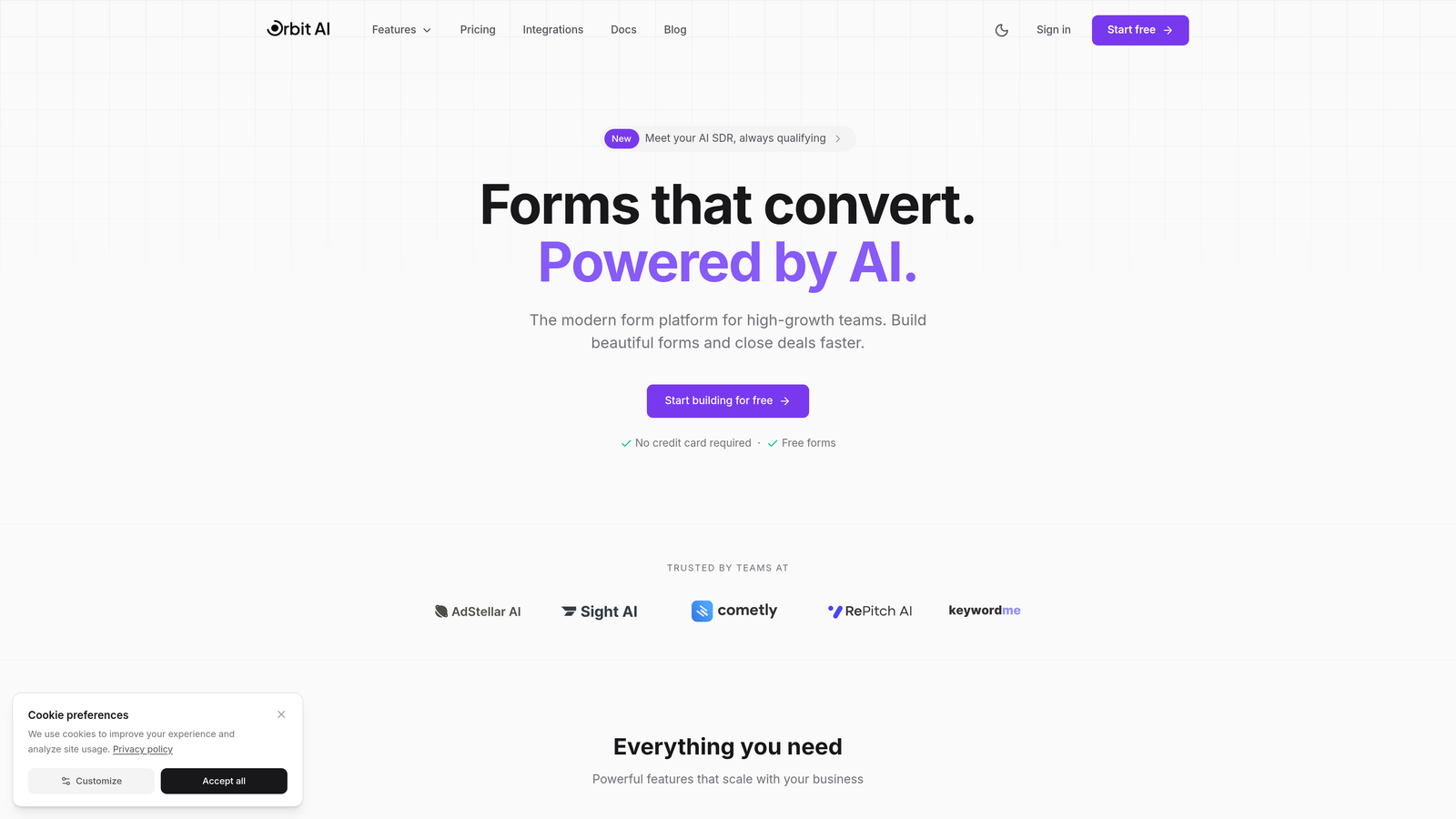
Orbit AI is an AI-powered form builder that automatically qualifies and scores leads while delivering a modern, conversion-focused experience.
Where This Tool Shines
The platform's AI qualification engine analyzes responses in real-time, routing high-value prospects to your sales team while nurturing others through automated workflows. This eliminates manual lead scoring and ensures your team focuses on the most promising opportunities.
Unlike traditional form builders that simply collect data, Orbit AI understands context and intent. The system adapts follow-up questions based on previous answers, creating a conversational experience that feels natural while gathering the information you actually need.
Key Features
AI-Powered Lead Qualification: Automatically scores and routes leads based on response patterns and qualification criteria you define.
Conversion-Optimized Templates: Pre-built forms designed specifically for high-conversion scenarios, from demo requests to consultation bookings.
Advanced Workflow Automation: Trigger custom actions based on lead scores, responses, or behavior patterns without coding.
Real-Time Analytics Dashboard: Track conversion rates, drop-off points, and lead quality metrics to continuously optimize performance.
Native CRM Integrations: Connect directly with major platforms to eliminate manual data entry and ensure lead information flows seamlessly into your existing systems.
Best For
Orbit AI is ideal for SaaS companies, B2B service providers, and high-growth teams that need to scale lead generation without adding headcount. If you're drowning in unqualified leads or spending too much time on manual follow-up, the AI qualification features deliver immediate value.
Pricing
Free tier available for testing core features. Paid plans start at $29/month with advanced automation and scalable form limits.
2. Typeform
Best for: Creating engaging conversational experiences with one-question-at-a-time forms
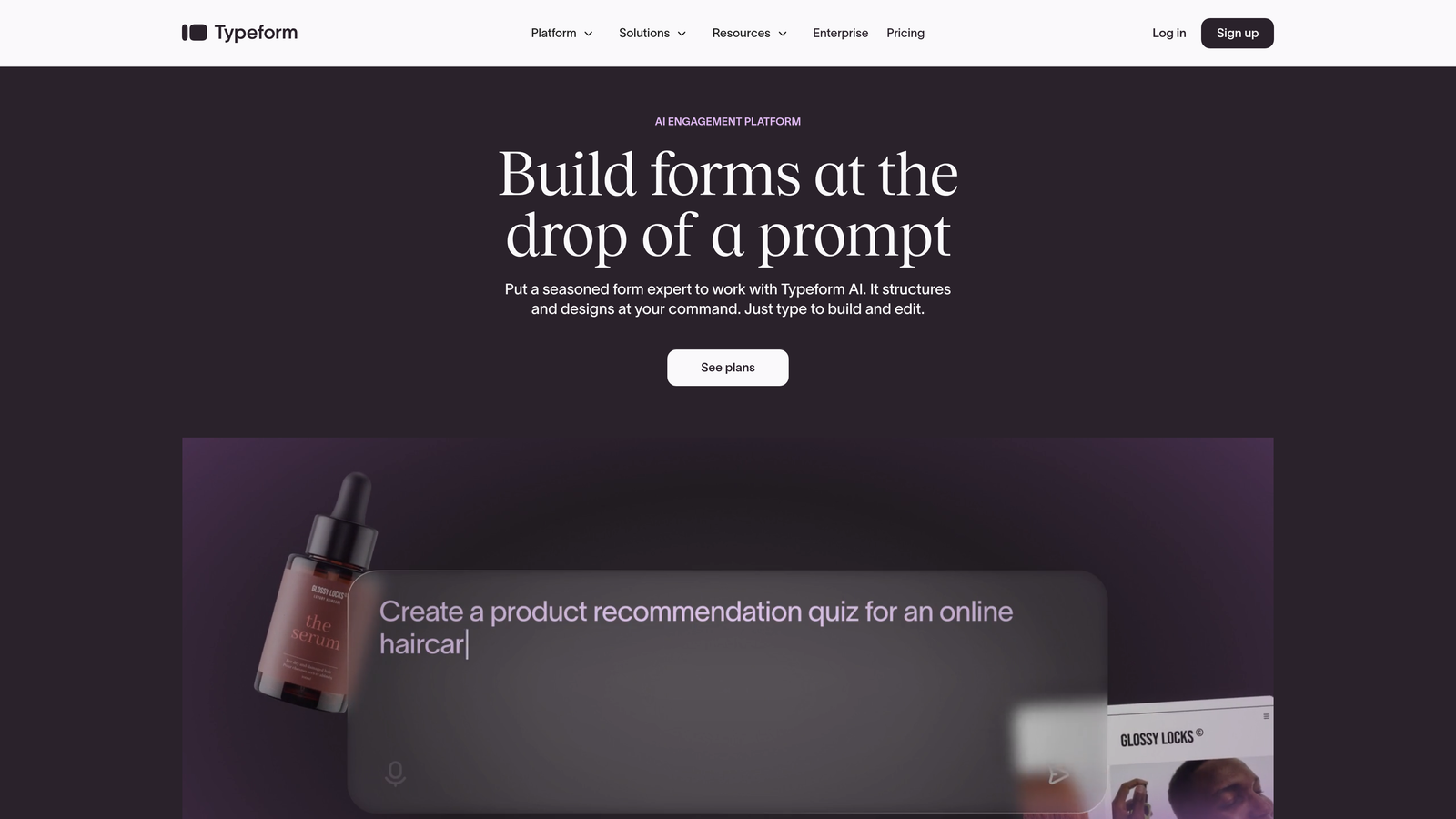
Typeform is a conversational form builder known for its distinctive one-question-at-a-time approach and design-forward interface.
Where This Tool Shines
The platform revolutionized online forms by treating them as conversations rather than data collection exercises. Each question appears individually, reducing cognitive load and creating a more engaging experience that typically improves completion rates compared to traditional long forms.
Typeform's visual customization capabilities allow you to create forms that feel like natural extensions of your brand. From custom fonts and colors to embedded images and videos, the design flexibility helps maintain brand consistency throughout the lead capture experience.
Key Features
Conversational Format: One-question-at-a-time display that makes long forms feel manageable and engaging.
Extensive Brand Customization: Complete control over colors, fonts, backgrounds, and visual elements to match your brand identity.
Logic Jumps and Branching: Create dynamic paths that adapt based on responses, showing only relevant questions to each respondent.
Video and Image Embedding: Incorporate rich media directly into forms to provide context or create more interactive experiences.
Native Integrations: Connect with popular marketing and CRM tools to automate lead routing and follow-up workflows.
Best For
Marketing teams and agencies that prioritize user experience and brand presentation will appreciate Typeform's design capabilities. It works particularly well for surveys, quiz-style lead magnets, and multi-step qualification forms where engagement matters as much as data collection.
Pricing
Free tier available with basic features. Paid plans start at $25/month for additional responses and advanced logic.
3. HubSpot Forms
Best for: Teams already using HubSpot CRM who need seamless marketing automation integration
HubSpot Forms is a form builder deeply integrated with HubSpot's CRM and marketing automation platform.

Where This Tool Shines
The platform's progressive profiling feature automatically adapts forms for returning visitors, showing different questions based on information already collected. This prevents form fatigue while continuously enriching contact records without annoying prospects with repetitive questions.
Every form submission automatically creates or updates CRM contacts, triggering workflows and populating deal pipelines without manual intervention. For teams already invested in the HubSpot ecosystem, this native integration eliminates the data sync headaches common with third-party form tools.
Key Features
Automatic CRM Contact Creation: Form submissions instantly create contact records with complete submission history and source tracking.
Progressive Profiling: Smart forms that remember previous responses and ask new questions to returning visitors.
Smart Fields: Form fields automatically populate with known data, reducing friction for contacts already in your database.
Built-In A/B Testing: Test different form variations to optimize conversion rates without additional tools.
Marketing Automation Triggers: Launch email sequences, assign tasks, or update deal stages automatically based on form submissions.
Best For
HubSpot Forms is the obvious choice for existing HubSpot users who want to maximize their platform investment. The tight integration with CRM and marketing automation makes it particularly valuable for mid-market and enterprise teams running sophisticated nurture campaigns.
Pricing
Free with HubSpot CRM, including basic form features. Advanced capabilities like progressive profiling require Marketing Hub, starting at $800/month.
4. Jotform
Best for: Teams needing extensive template options and built-in payment processing capabilities
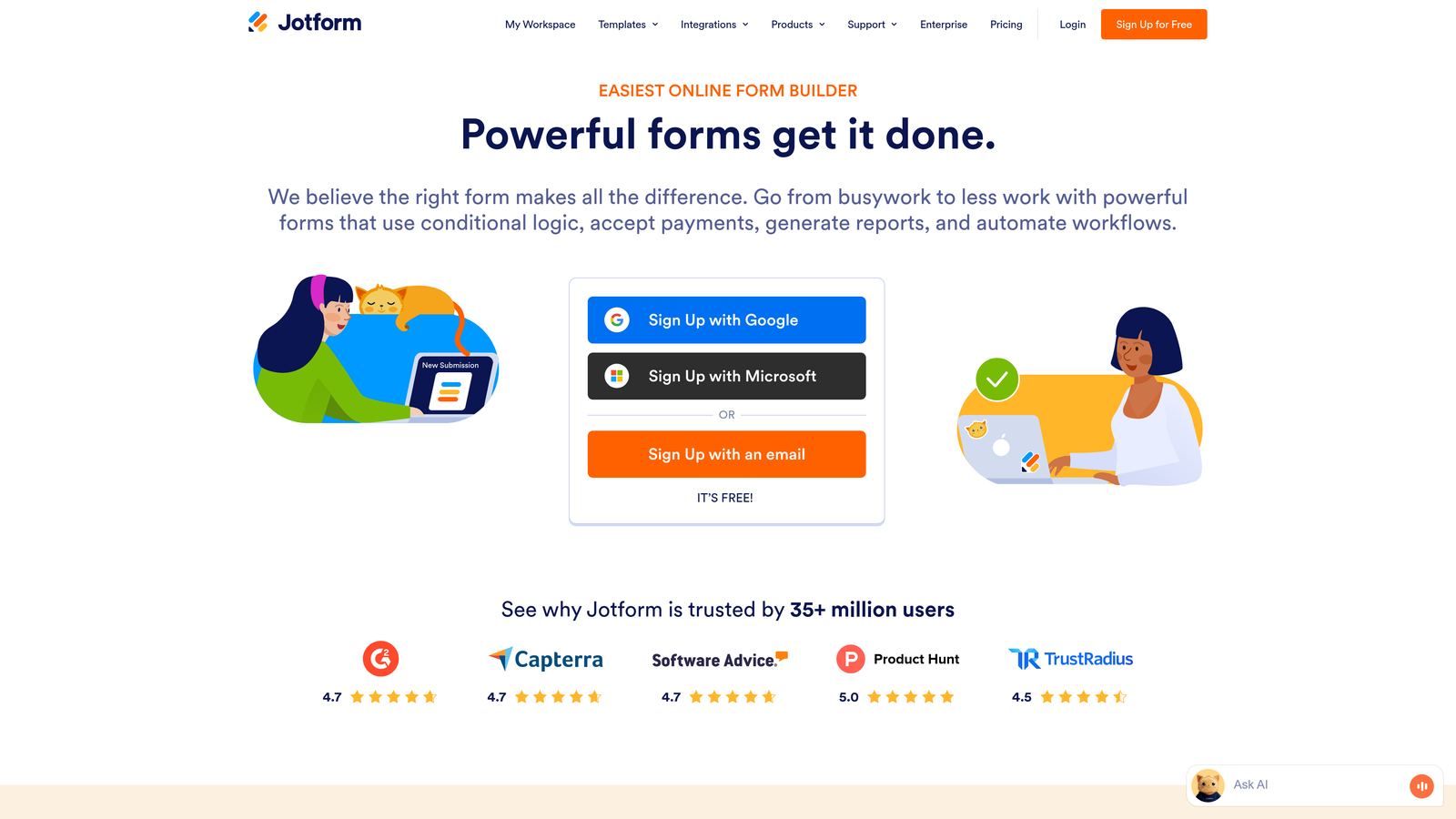
Jotform is a versatile form builder with an extensive template library and strong payment integration capabilities.
Where This Tool Shines
With over 10,000 pre-built templates covering virtually every use case imaginable, Jotform eliminates the blank canvas problem. Whether you need event registration forms, application forms, or complex multi-page surveys, there's likely a template that gets you 80% of the way there.
The platform's payment processing capabilities stand out, supporting over 30 payment gateways including Stripe, PayPal, and Square. This makes Jotform particularly valuable for businesses that need to collect payments alongside lead information, from course registrations to service bookings.
Key Features
10,000+ Form Templates: Massive library of pre-built forms for virtually every industry and use case.
Drag-and-Drop Builder: Intuitive visual editor that makes form creation accessible without technical skills.
Payment Processing: Native integration with 30+ payment gateways for collecting payments directly through forms.
PDF Form Generation: Automatically generate PDF documents from form submissions for records or approvals.
Conditional Logic and Calculations: Create dynamic forms that show or hide fields based on responses and perform calculations automatically.
Best For
Small businesses and solopreneurs who need quick deployment will appreciate the template library and straightforward builder. The payment processing features make it particularly valuable for service businesses, consultants, and educators who need to collect deposits or full payments during lead capture.
Pricing
Free tier includes 5 forms with 100 monthly submissions. Paid plans start at $34/month for unlimited forms and increased submission limits.
5. Leadpages
Best for: Creating complete landing page experiences with integrated lead capture forms
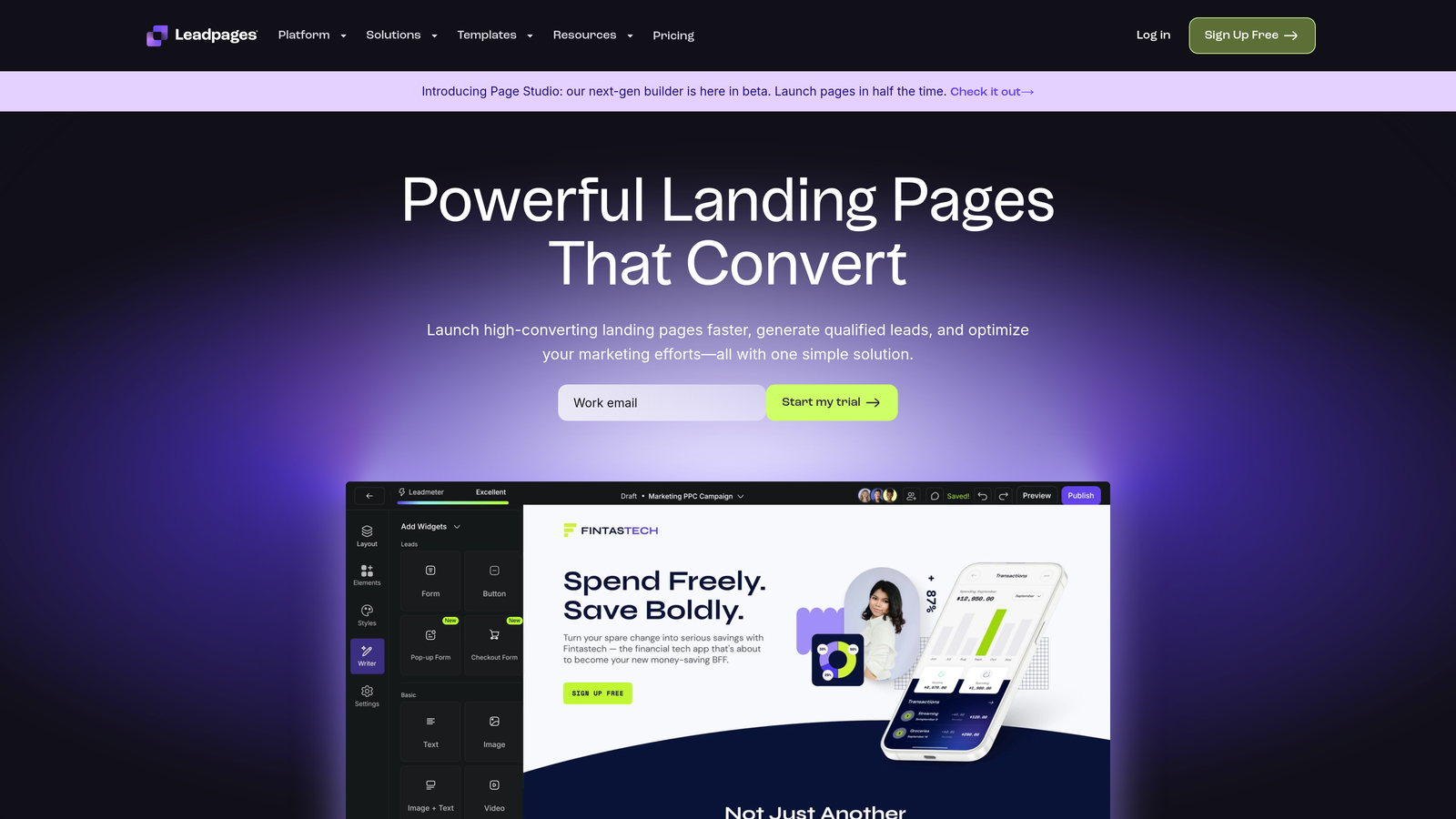
Leadpages is a landing page builder with integrated form capabilities designed specifically for conversion optimization.
Where This Tool Shines
Unlike standalone form builders, Leadpages treats forms as part of a complete landing page experience. This holistic approach means your forms live within conversion-optimized page templates that have been tested across millions of visitors, giving you a head start on performance.
The platform provides real-time conversion tips as you build, suggesting improvements based on best practices and data from high-performing pages. This built-in guidance helps teams without dedicated conversion optimization expertise make better design decisions.
Key Features
Combined Landing Page and Form Builder: Create complete lead capture experiences without switching between tools or platforms.
Conversion-Optimized Templates: Pre-built page designs tested for high conversion rates across various industries and campaign types.
Built-In A/B Testing: Test different page and form variations to identify top performers without additional tools.
Pop-Up and Alert Bar Forms: Capture leads through multiple touchpoints including exit-intent pop-ups and sticky bars.
Real-Time Conversion Tips: Get actionable suggestions to improve conversion rates as you build your pages and forms.
Best For
Digital marketers running paid advertising campaigns or content marketing initiatives will find value in Leadpages' complete landing page approach. If you need to quickly launch campaign-specific lead capture pages without developer resources, the template library and conversion guidance deliver results fast.
Pricing
Plans start at $37/month when billed annually, including unlimited landing pages and forms with basic features.
6. Gravity Forms
Best for: WordPress users needing powerful forms with extensive developer customization options
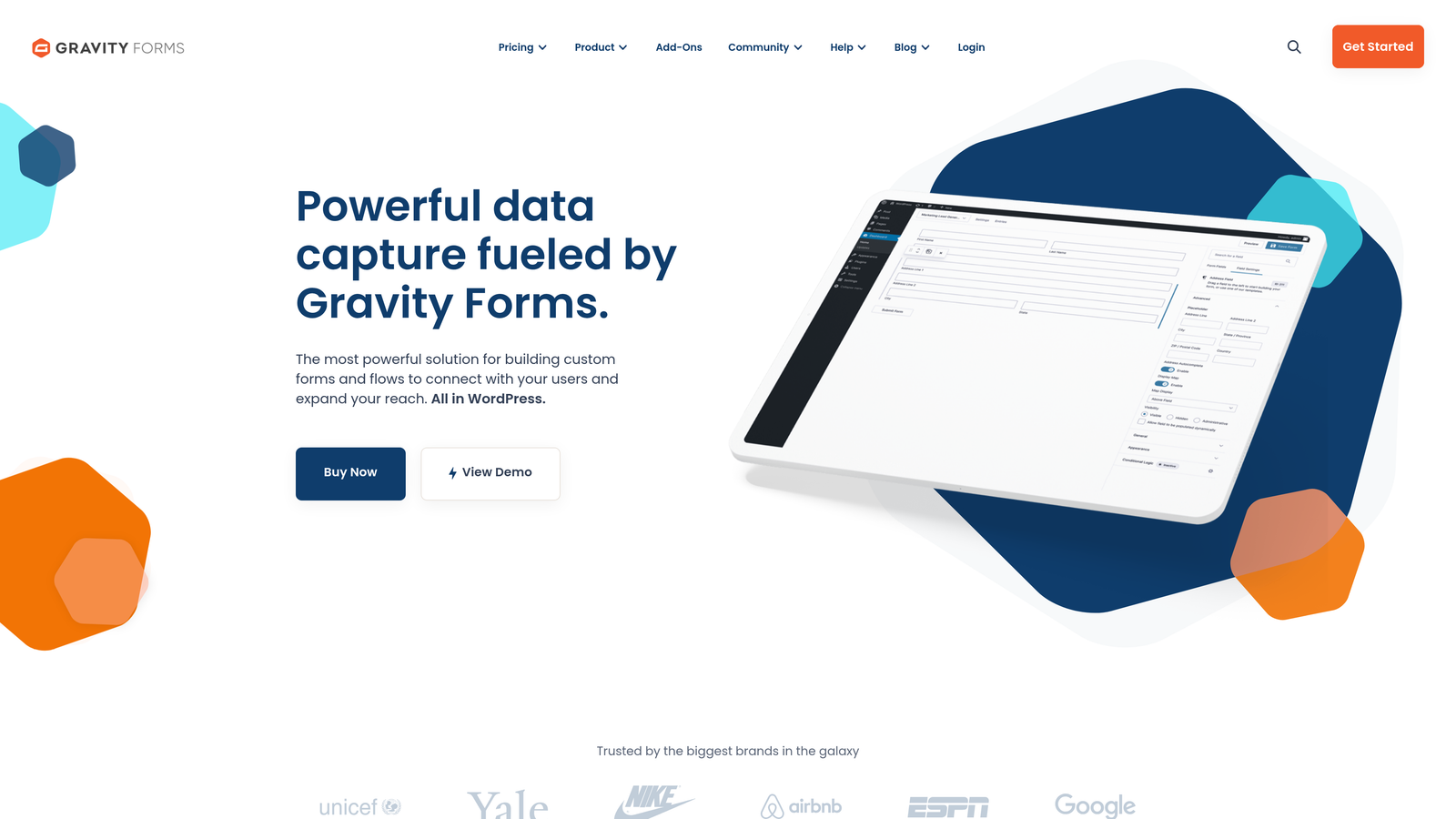
Gravity Forms is a premium WordPress form plugin with extensive add-ons and developer-friendly customization capabilities.
Where This Tool Shines
As a WordPress-native solution, Gravity Forms integrates seamlessly with your site's theme and existing plugins without the iframe limitations of embedded third-party forms. This native integration means better performance, consistent styling, and complete control over the user experience.
The extensive add-on ecosystem extends functionality far beyond basic forms. From Stripe payments to Mailchimp integration to PDF generation, the modular approach lets you build exactly the functionality you need without bloating your site with unused features.
Key Features
Native WordPress Integration: Forms that work seamlessly within your WordPress environment without iframes or external dependencies.
Extensive Add-On Ecosystem: Dozens of official and third-party add-ons for payments, CRM integration, and advanced functionality.
Advanced Conditional Logic: Create complex form behaviors that show, hide, or modify fields based on user responses.
Multi-Page Forms with Save and Continue: Break long forms into multiple pages and allow users to save progress and return later.
Developer Hooks and Filters: Extensive API for custom functionality and integration with other WordPress plugins or external systems.
Best For
WordPress agencies and development teams who need complete control over form functionality and appearance will appreciate Gravity Forms' flexibility. The developer-friendly architecture makes it ideal for custom implementations that require unique workflows or integrations.
Pricing
License starts at $59/year for a single site, with higher tiers for multiple sites and premium add-ons.
7. Formstack
Best for: Enterprise teams requiring advanced compliance features and workflow automation
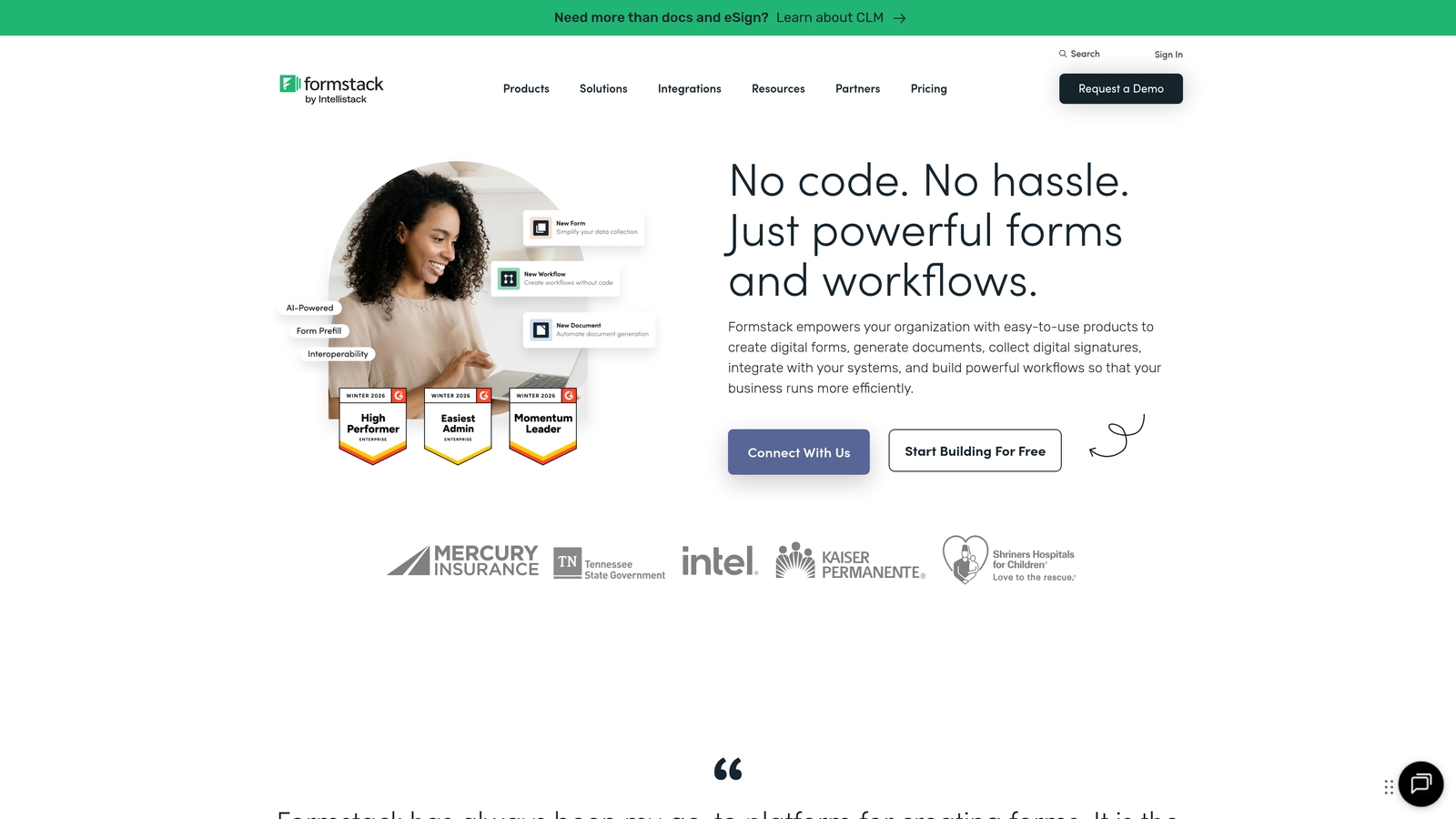
Formstack is an enterprise-grade form builder with advanced workflow automation and compliance features.
Where This Tool Shines
Formstack's workflow routing capabilities go far beyond basic form submissions. You can create complex approval chains, route submissions to different departments based on responses, and trigger multi-step processes that span multiple teams and systems.
For organizations handling sensitive data, Formstack offers HIPAA-compliant forms and GDPR features that meet regulatory requirements. The platform includes encryption, audit trails, and data retention controls that give compliance teams confidence in your lead capture processes.
Key Features
Advanced Workflow Routing: Create complex approval chains and multi-step processes that route submissions based on content and business rules.
HIPAA and GDPR Compliance: Built-in features for handling sensitive data with proper encryption, consent management, and audit trails.
Electronic Signature Integration: Collect legally binding signatures directly within forms for contracts and agreements.
Document Generation: Automatically create PDFs, Word documents, or other files populated with form data for records or distribution.
Enterprise Security Features: Advanced security controls including SSO, field-level encryption, and detailed access permissions.
Best For
Healthcare providers, financial services firms, and enterprise organizations with strict compliance requirements will find Formstack's security and workflow features essential. The platform works particularly well for teams managing complex internal processes like employee onboarding or approval workflows alongside external lead capture.
Pricing
Plans start at $50/month for basic features. Enterprise pricing available for teams needing compliance features and advanced security.
8. Paperform
Best for: Creating document-style forms that double as landing pages with built-in payments
Paperform is a unique document-style form builder that creates form-based landing pages with integrated payment processing.
Where This Tool Shines
Paperform's document-style approach makes forms feel less like data collection exercises and more like natural content experiences. You write your form as you would write a document, with the form fields flowing naturally within your text rather than feeling like separate elements bolted together.
The platform excels at combining lead capture with commerce, making it simple to create product order forms, service booking pages, or course registration forms that handle both information collection and payment processing in a single, cohesive experience.
Key Features
Document-Style Form Experience: Create forms that read like natural documents with fields integrated seamlessly into your content flow.
Built-In Payment Processing: Accept payments through Stripe or PayPal without additional plugins or integrations.
Appointment Scheduling: Integrate calendar availability directly into forms for booking consultations or services.
Product Catalogs and Order Forms: Create e-commerce experiences with product selections, variants, and quantity controls.
Custom Success Pages: Design unique confirmation experiences that continue the journey after form submission.
Best For
Service providers, consultants, and course creators who need to combine lead capture with bookings or payments will appreciate Paperform's all-in-one approach. The document-style format works particularly well for forms that require significant context or explanation alongside the fields themselves.
Pricing
Plans start at $24/month with unlimited forms and submissions, including payment processing and scheduling features.
9. Tally
Best for: Budget-conscious teams needing unlimited forms and submissions without monthly fees
Tally is a minimalist form builder with a generous free tier offering unlimited forms and submissions.
Where This Tool Shines
Tally's free tier is remarkably generous, offering unlimited forms and unlimited submissions without the artificial constraints common in freemium models. This makes it viable for actual business use rather than just testing, removing the anxiety of hitting submission limits during successful campaigns.
The Notion-like editing experience feels familiar to teams already using modern productivity tools. You build forms using simple keyboard shortcuts and block-based editing, making form creation feel more like writing a document than configuring a database.
Key Features
Unlimited Forms and Submissions: No artificial limits on the free plan, making it viable for real business use without upgrading.
Notion-Like Editing Experience: Intuitive block-based editor that feels familiar to users of modern productivity tools.
Conditional Logic Included Free: Create dynamic forms that adapt based on responses without requiring a paid plan.
File Uploads and Calculations: Accept file submissions and perform calculations within forms on the free tier.
Custom Domains: Connect your own domain to forms on paid plans for better branding and trust.
Best For
Startups, solopreneurs, and small teams with limited budgets will appreciate Tally's generous free tier. The simple interface makes it accessible for non-technical users while still offering enough functionality for meaningful lead generation campaigns.
Pricing
Free tier includes core features with unlimited forms and submissions. Pro plan starts at $29/month for custom domains and additional integrations.
Matching Your Form Tool to Your Growth Goals
The right lead generation form tool depends on where you are in your growth journey and what actually matters for your conversion strategy.
If lead quality is your biggest challenge, AI-powered qualification features like those in Orbit AI eliminate the manual scoring work that bogs down sales teams. You capture more leads while ensuring your team focuses on prospects who actually match your ideal customer profile.
For teams already invested in specific platforms, native integrations matter more than standalone features. HubSpot Forms makes sense if you're running sophisticated automation workflows, while Gravity Forms is the obvious choice for WordPress-centric operations.
Budget constraints don't have to mean compromising on core functionality. Tally proves that generous free tiers can support real business needs, while tools like Jotform offer extensive capabilities at accessible price points for growing teams.
The conversational approach works particularly well for complex qualification processes where you need to guide prospects through multi-step logic. Typeform and Paperform excel at creating engaging experiences that feel less like forms and more like natural interactions.
Think about your actual workflow bottlenecks. If manual lead routing wastes hours each week, prioritize tools with advanced automation and scoring. If design consistency matters for brand perception, focus on platforms offering extensive customization. If compliance is non-negotiable, enterprise features in Formstack justify the premium pricing.
The best form tool isn't the one with the longest feature list. It's the one that solves your specific conversion challenges while fitting naturally into your existing tech stack and team workflows.
Transform your lead generation with AI-powered forms that qualify prospects automatically while delivering the modern, conversion-optimized experience your high-growth team needs. Start your free trial today and see how intelligent form design can elevate your conversion strategy.