

More than half of web traffic now comes from mobile devices, yet most forms still deliver a frustrating experience on smaller screens—tiny tap targets, endless scrolling, and fields that refuse to cooperate with thumbs. The result? Abandoned submissions and lost leads at the exact moment prospects are ready to engage.
Mobile optimized form software solves this by automatically adapting layouts, input types, and interactions for touch-first users. The best platforms go beyond simple responsive design, offering thumb-friendly interfaces, smart keyboard detection, and conversational flows that feel natural on smaller screens.
We evaluated the top platforms on responsive design capabilities, mobile-specific features, ease of use, and integration options. Here are the tools that excel at mobile form design and deliver measurably higher conversion rates.
1. Orbit AI
Best for: High-growth teams wanting AI-powered lead qualification with conversational mobile experiences
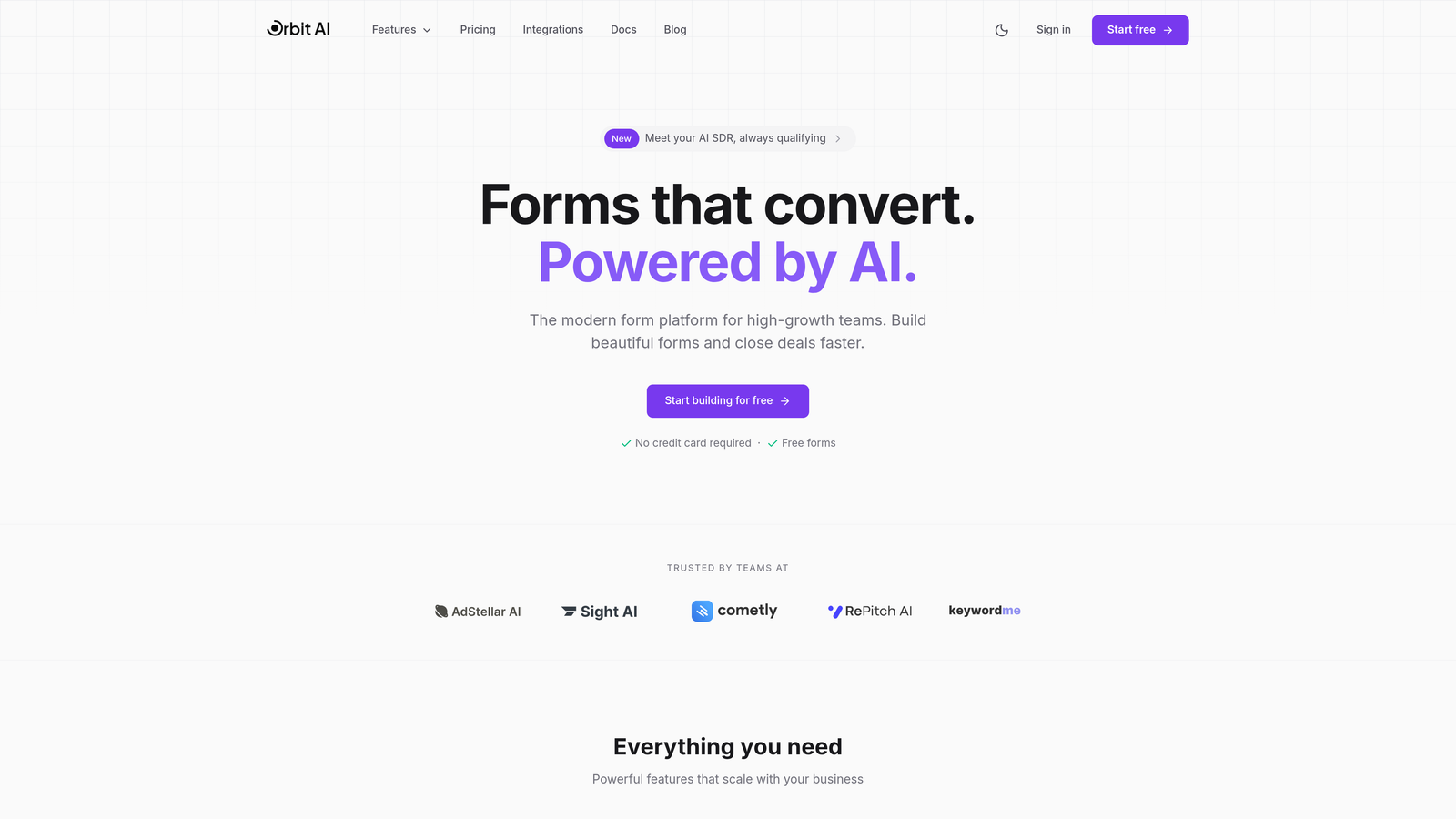
Orbit AI combines intelligent lead qualification with a mobile-first conversational interface designed specifically for touch navigation and smaller screens.
Where This Tool Shines
The platform's AI-powered lead qualification works seamlessly on mobile devices, automatically adapting question flows based on user responses while maintaining a natural conversation feel. Unlike traditional forms that cram multiple fields onto a small screen, Orbit AI presents one focused question at a time.
The thumb-optimized interface ensures tap targets are properly sized and spaced for mobile users, eliminating the frustration of accidentally hitting the wrong field. Real-time analytics track mobile-specific metrics, showing exactly where mobile users engage or drop off.
Key Features
AI Lead Qualification: Automatically scores and routes leads based on responses, working flawlessly across all mobile devices.
Conversational Interface: One-question-at-a-time format optimized for thumb navigation and mobile attention spans.
Smart Input Detection: Automatically triggers the correct mobile keyboard type (numeric, email, phone) for faster data entry.
Mobile Analytics: Track completion rates, drop-off points, and engagement metrics specific to mobile users.
Native Integrations: Connect with CRMs and marketing tools to ensure mobile-captured leads flow directly into your systems.
Best For
High-growth teams and businesses focused on lead generation who want to combine beautiful mobile form design with intelligent qualification. Ideal for companies that need more than just data collection—teams that want to understand lead quality in real-time while delivering a modern mobile experience.
Pricing
Free plan available for getting started; paid plans offer advanced features at competitive rates for growing teams.
2. Typeform
Best for: Creating highly engaging conversational forms that prioritize mobile user experience
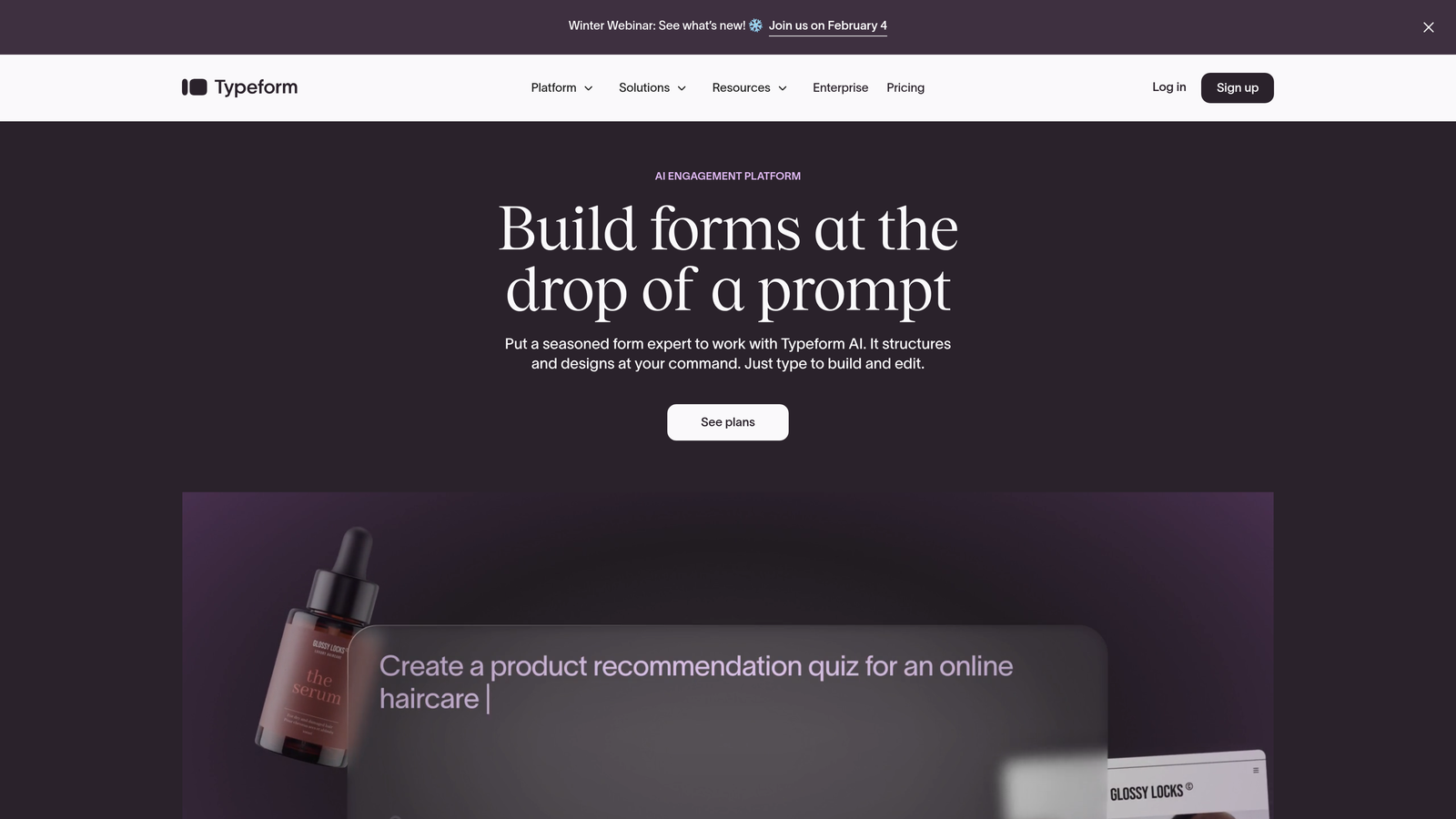
Typeform pioneered the one-question-at-a-time approach that naturally suits mobile screens and has become synonymous with beautiful, engaging forms.
Where This Tool Shines
Typeform's interface feels less like filling out a form and more like having a conversation, which translates exceptionally well to mobile devices. The smooth swipe and tap interactions create an app-like experience that mobile users find intuitive and enjoyable.
The platform excels at incorporating rich media—videos, images, and GIFs—that load quickly and display beautifully on mobile screens. Logic jumps create personalized paths through forms, adapting questions based on previous answers without overwhelming users.
Key Features
One-Question Format: Displays a single question per screen, eliminating the cognitive overload of long mobile forms.
Touch Interactions: Swipe gestures and large tap targets designed specifically for thumb navigation.
Rich Media Support: Embed videos and images that enhance mobile engagement without slowing load times.
Logic Jumps: Create dynamic form paths that adapt to user responses, keeping mobile forms relevant and concise.
Mobile App: Native iOS and Android apps for managing forms and viewing responses on the go.
Best For
Businesses prioritizing engagement and brand experience over data density. Perfect for customer feedback, lead generation, and surveys where completion rates matter more than collecting dozens of fields.
Pricing
Free basic plan with limited responses; paid plans start at $25/month with increased response limits and advanced features.
3. Jotform
Best for: Teams needing extensive mobile-ready templates and offline data collection capabilities
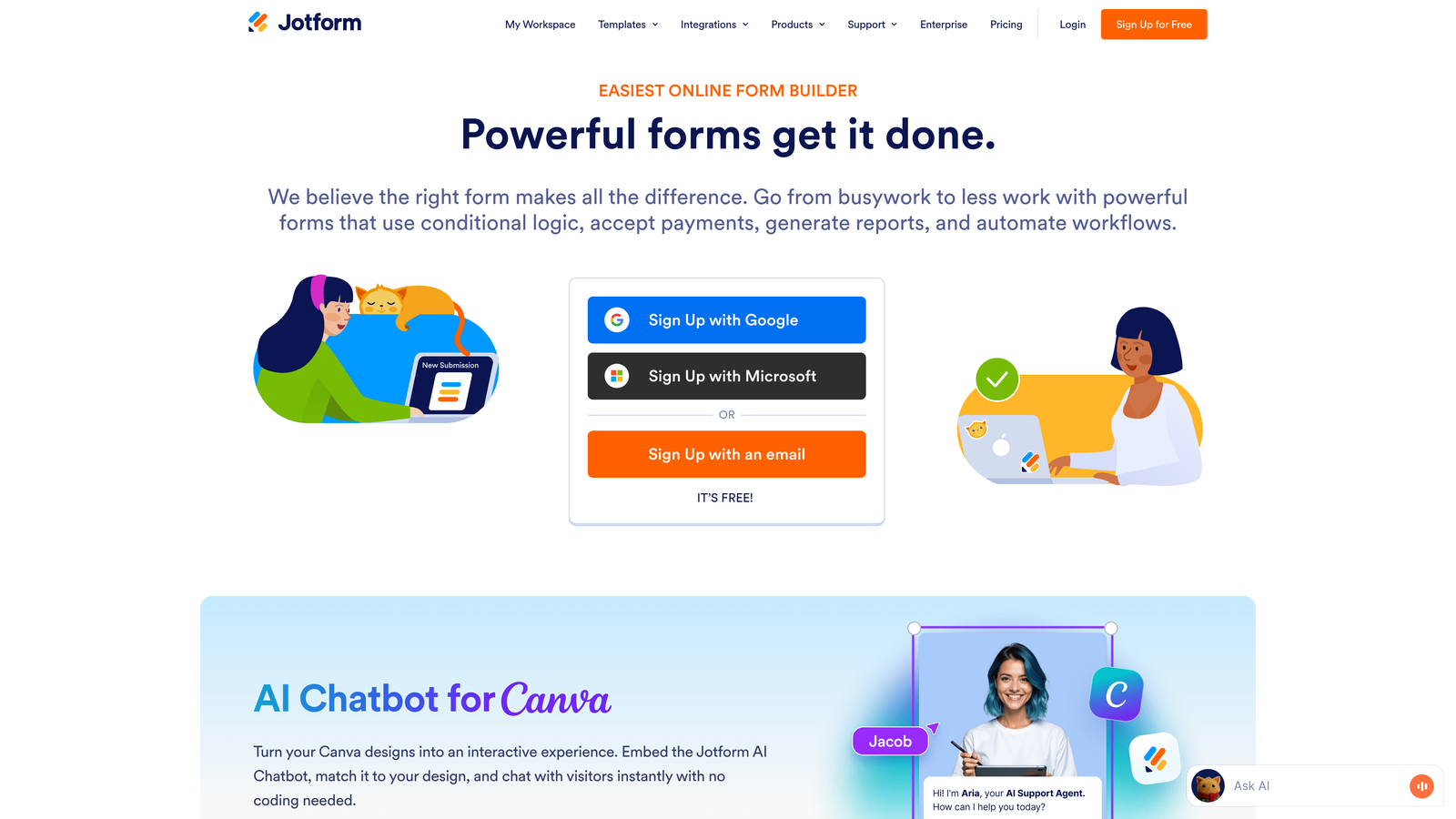
Jotform offers one of the largest template libraries in the industry, with thousands of forms pre-optimized for mobile devices across every use case imaginable.
Where This Tool Shines
With over 10,000 mobile-ready templates, Jotform eliminates the need to build forms from scratch. Whether you need event registration, order forms, or customer surveys, there's likely a mobile-optimized template ready to customize.
The dedicated Jotform Mobile Forms app enables offline data collection, perfect for field teams working in areas with spotty connectivity. Data syncs automatically when connection returns, ensuring no submissions are lost.
Key Features
Template Library: Access 10,000+ mobile-optimized templates covering virtually every industry and use case.
Offline Collection: Mobile Forms app captures data without internet connection, syncing when network returns.
Kiosk Mode: Lock mobile devices to a single form for in-person data capture at events or retail locations.
PDF Conversion: Transform existing PDF forms into mobile-friendly digital versions automatically.
Approval Workflows: Route submissions for review and approval, accessible entirely from mobile devices.
Best For
Organizations with diverse form needs across multiple departments, field teams requiring offline capabilities, and businesses wanting to quickly deploy professional mobile forms without extensive customization.
Pricing
Free plan supports up to 5 forms with 100 monthly submissions; paid plans start at $34/month.
4. Tally
Best for: Creating ultra-fast, lightweight forms that load instantly on mobile networks
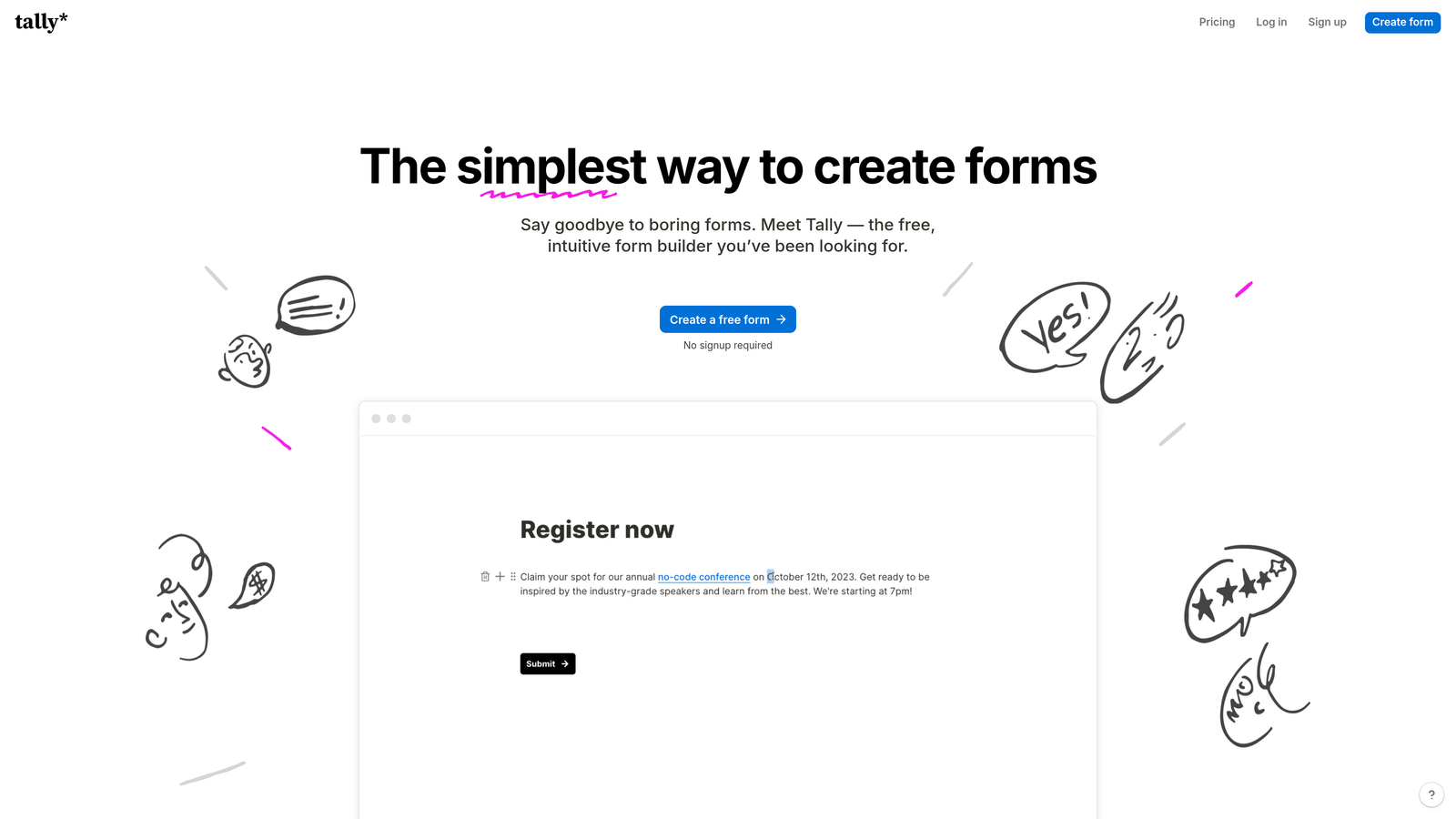
Tally takes a minimalist approach to form building, resulting in forms that load quickly even on slower mobile connections.
Where This Tool Shines
Tally's forms are remarkably lightweight, loading in milliseconds even on 3G mobile networks. This speed advantage directly impacts mobile conversion rates, as slow-loading forms are one of the primary reasons users abandon submissions.
The clean, distraction-free interface keeps mobile users focused on completing the form rather than navigating complex designs. The Notion-like editing experience makes form building intuitive, while the generous free plan offers unlimited forms without restrictions.
Key Features
Fast Load Times: Optimized code ensures forms load instantly on mobile networks, reducing abandonment.
Clean Interface: Minimal design eliminates distractions and keeps mobile users focused on completion.
Notion-Style Editing: Familiar block-based editor makes form building fast and intuitive.
Unlimited Forms: Free plan includes unlimited forms and submissions, rare among competitors.
Payment Collection: Built-in Stripe integration for accepting payments directly through mobile forms.
Best For
Startups and small businesses prioritizing speed and simplicity, content creators needing unlimited forms on a budget, and anyone serving users on slower mobile connections.
Pricing
Generous free tier with unlimited forms; Pro plan at $29/month adds advanced features and customization.
5. Paperform
Best for: Creating branded, landing page-style forms that look native on mobile devices
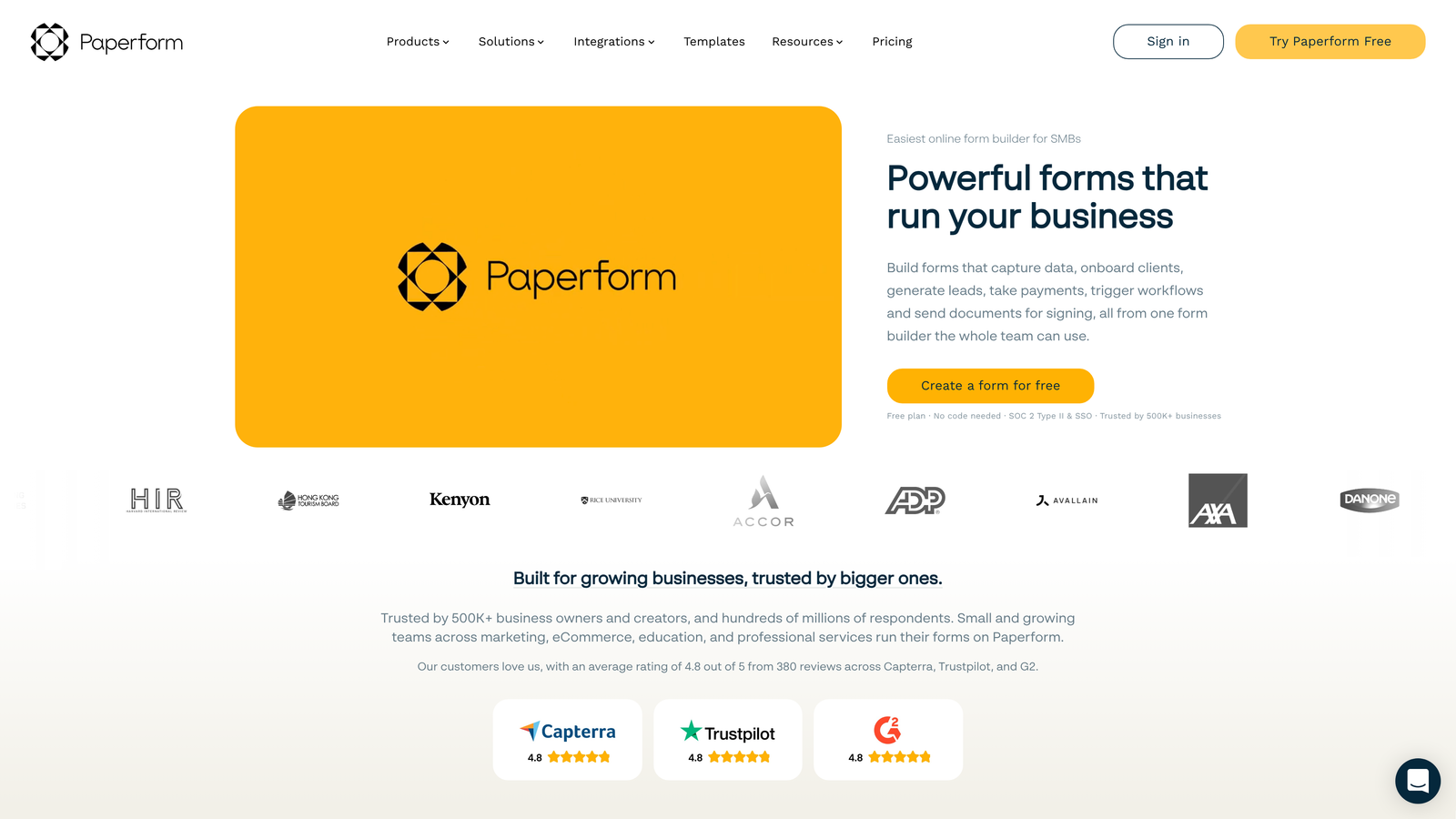
Paperform blurs the line between forms and landing pages, creating beautiful branded experiences that feel at home on mobile screens.
Where This Tool Shines
Paperform's forms look more like mobile landing pages than traditional forms, with full-width layouts, rich media, and custom branding that creates a cohesive mobile experience. The platform excels at forms that need to do more than collect data—booking appointments, processing payments, or showcasing products.
The visual editor provides extensive customization while maintaining mobile responsiveness automatically. Custom thank you pages keep users engaged after submission, turning form completion into part of a larger mobile journey.
Key Features
Landing Page Design: Forms that look and feel like native mobile landing pages rather than traditional forms.
Rich Media Optimization: Embed images, videos, and custom content that displays beautifully on mobile.
Booking & E-commerce: Built-in scheduling and payment processing optimized for mobile transactions.
Custom Thank You Pages: Create mobile-optimized post-submission experiences that drive further engagement.
Calculation Fields: Advanced calculations work smoothly on mobile for pricing, quotes, and assessments.
Best For
Businesses wanting forms that match their brand aesthetic on mobile, service providers needing booking and payment capabilities, and companies treating forms as part of their overall mobile user experience rather than just data collection.
Pricing
Plans start at $24/month with 14-day free trial to test mobile functionality.
6. Formstack
Best for: Enterprise teams requiring compliant mobile forms with advanced workflow automation
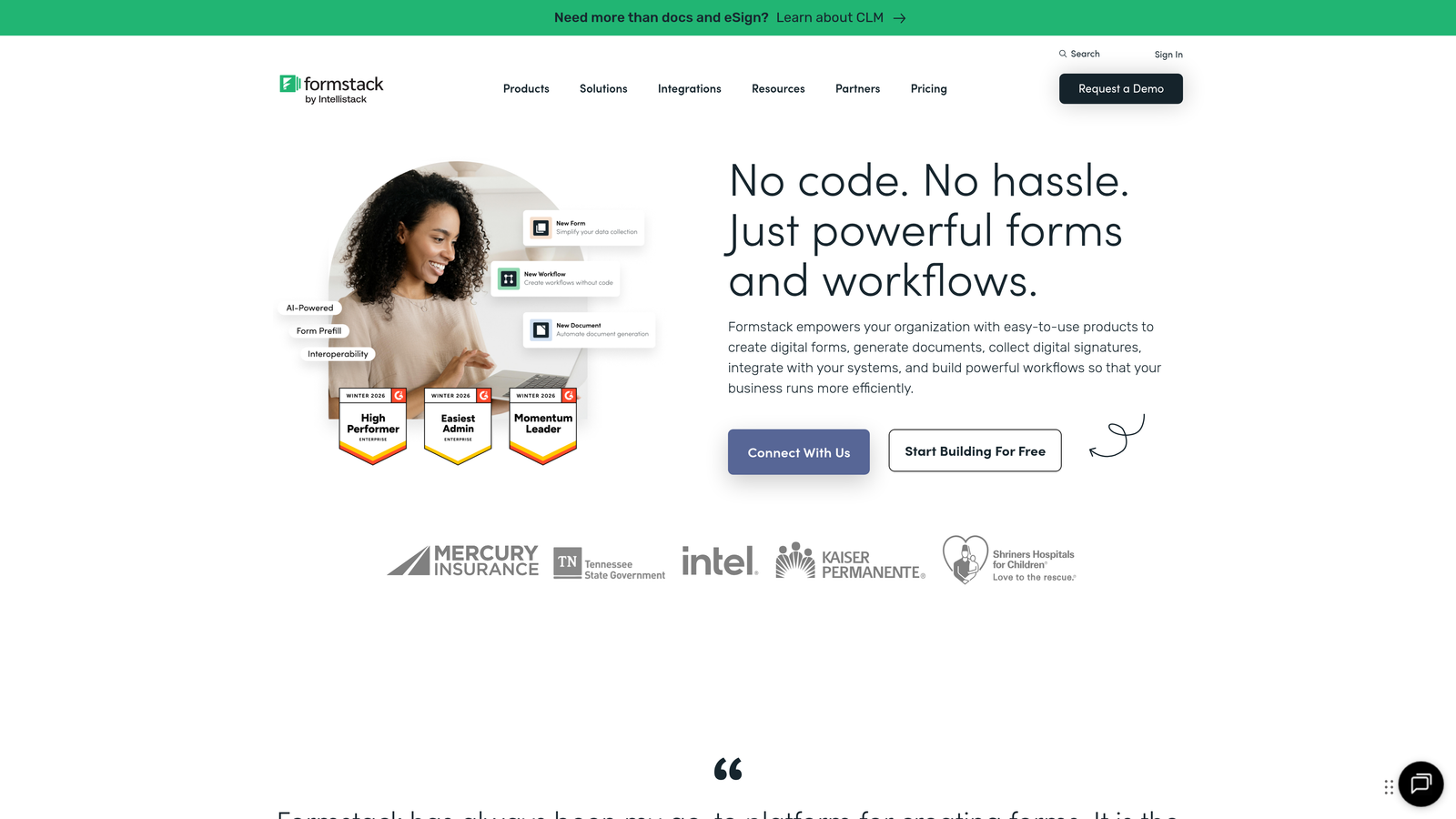
Formstack provides enterprise-grade form capabilities with robust mobile optimization and compliance features critical for regulated industries.
Where This Tool Shines
Formstack excels in scenarios where mobile forms must meet strict compliance requirements. HIPAA-compliant forms work seamlessly on mobile devices, enabling healthcare providers to collect sensitive information securely from patients' phones.
The platform's workflow automation capabilities extend to mobile, allowing complex approval processes and routing rules to function entirely from mobile devices. Electronic signature capture works smoothly on touch screens, eliminating the need for desktop access.
Key Features
HIPAA Compliance: Secure mobile forms that meet healthcare data protection requirements.
Advanced Logic: Complex conditional logic and branching work flawlessly on mobile devices.
Mobile Signatures: Capture legally binding electronic signatures using touch screens.
Workflow Automation: Route submissions, trigger approvals, and automate processes from mobile submissions.
Enterprise Security: SSO, encryption, and access controls that protect mobile form data.
Best For
Healthcare organizations, financial services, and other regulated industries requiring compliant mobile forms. Large enterprises needing sophisticated workflow automation accessible from mobile devices.
Pricing
Enterprise-focused pricing starts at $50/month with custom plans for larger organizations.
7. Google Forms
Best for: Free, universally accessible forms with reliable mobile responsiveness
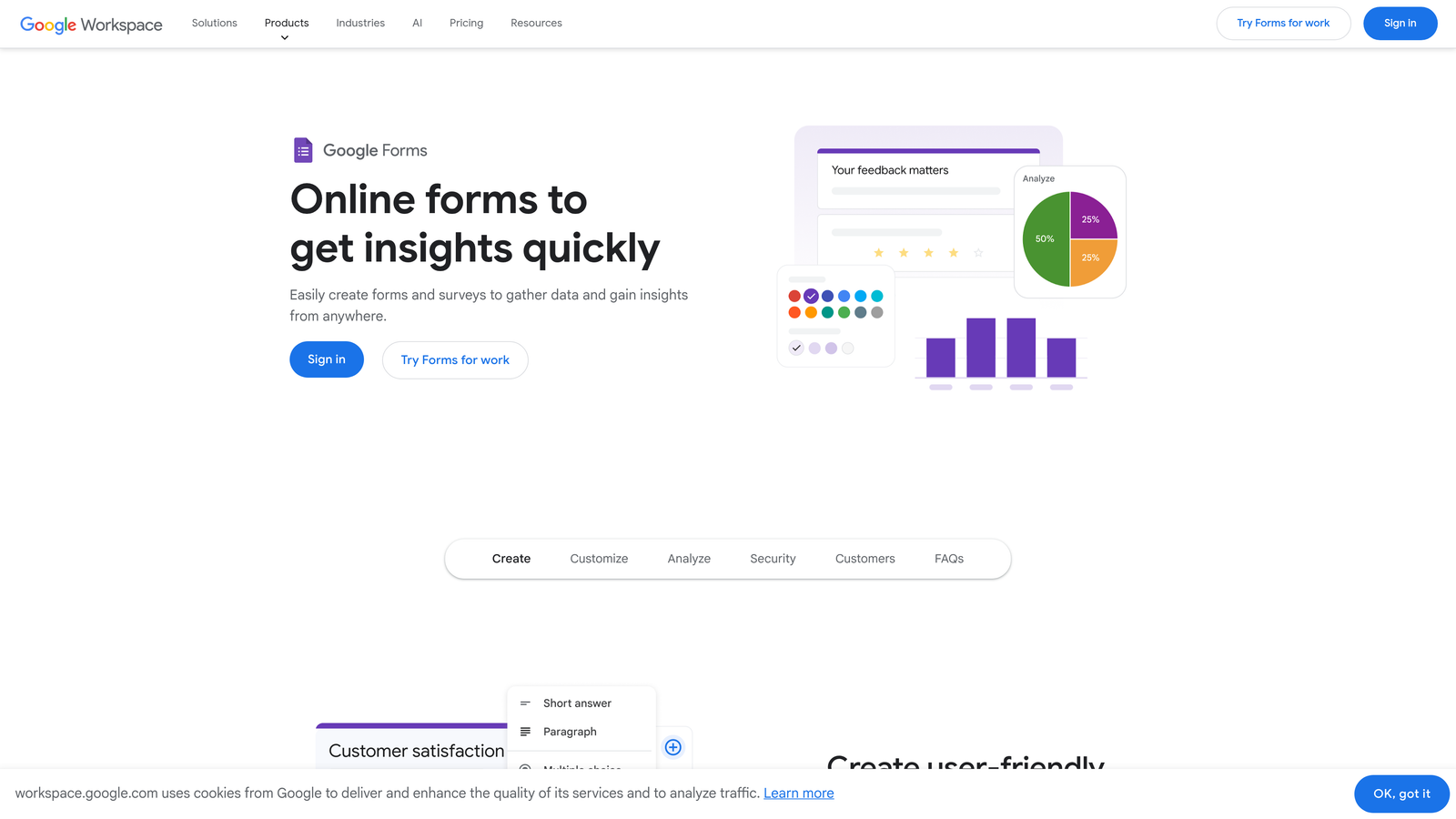
Google Forms provides straightforward form building with dependable mobile functionality at no cost.
Where This Tool Shines
Google Forms' greatest strength is universal accessibility—forms work on any mobile device and browser without compatibility issues. The automatic integration with Google Sheets means mobile responses flow directly into spreadsheets accessible from any device.
Real-time collaboration allows teams to build and edit forms together from mobile devices, making it easy to update forms on the go. The quiz and assessment functionality works smoothly on mobile, ideal for educational institutions and training programs.
Key Features
Universal Compatibility: Works reliably across all mobile devices, browsers, and operating systems.
Google Sheets Integration: Responses automatically populate spreadsheets accessible from mobile devices.
Real-Time Collaboration: Multiple team members can build and edit forms simultaneously from mobile.
Quiz Functionality: Create mobile-friendly assessments with automatic grading.
File Uploads: Allow mobile users to upload photos and documents directly from their devices.
Best For
Budget-conscious organizations, educational institutions, small businesses, and anyone needing simple mobile forms without cost barriers. Perfect for internal surveys, event registration, and basic data collection.
Pricing
Completely free with any Google account.
8. Cognito Forms
Best for: Complex calculations and payment processing that work smoothly on mobile
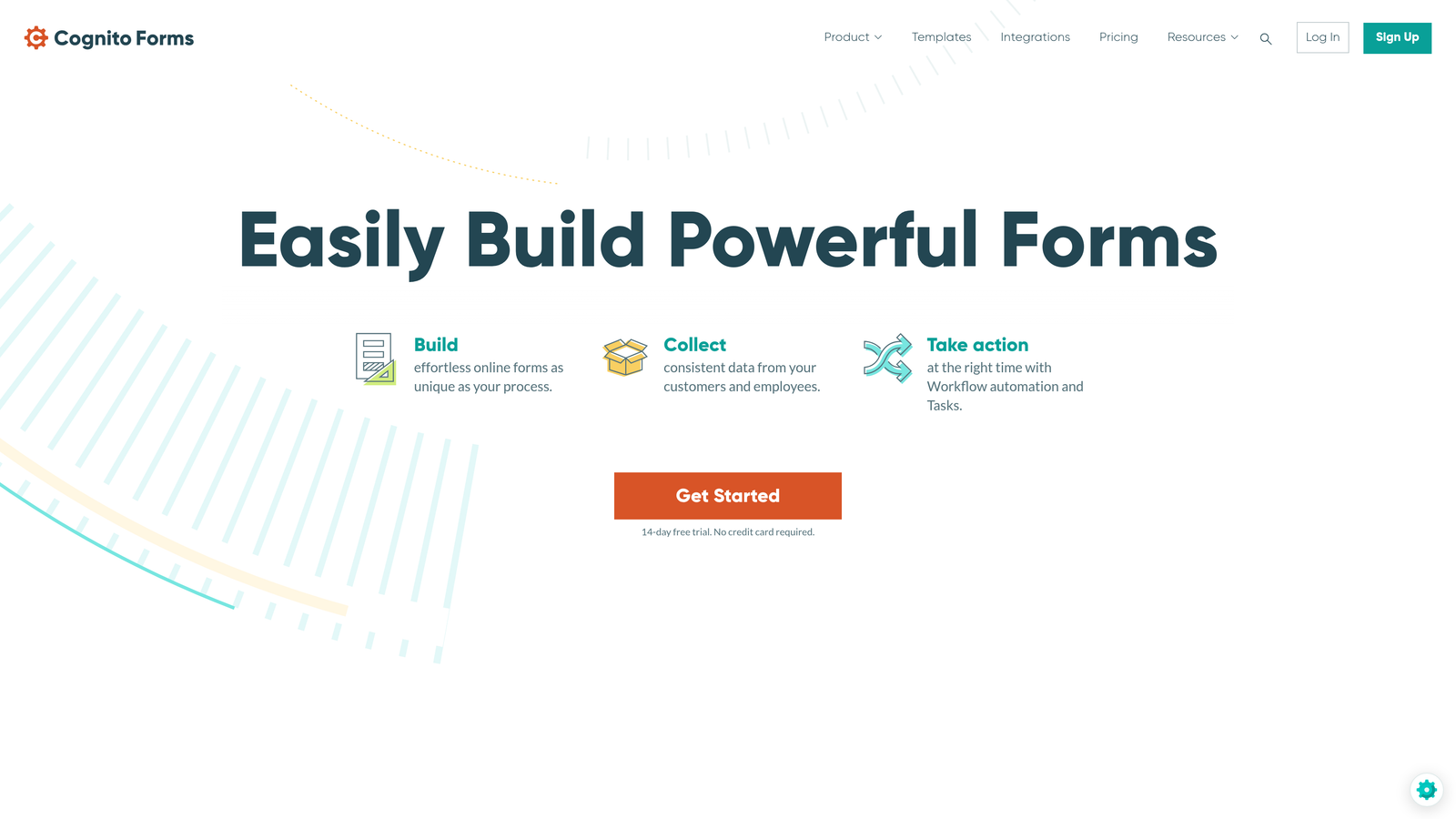
Cognito Forms handles advanced form logic and calculations that remain responsive and functional on mobile devices.
Where This Tool Shines
Cognito Forms excels at forms requiring complex calculations—pricing quotes, loan applications, or order forms with variable costs—that work smoothly on mobile screens. The calculation engine processes instantly even on mobile devices, providing real-time feedback to users.
Payment processing through Stripe, Square, and PayPal integrates seamlessly into mobile forms, enabling secure transactions without redirecting users to external payment pages. Repeating sections allow users to add multiple items or entries dynamically from their mobile devices.
Key Features
Advanced Calculations: Complex formulas and pricing logic execute instantly on mobile devices.
Payment Integration: Accept Stripe, Square, and PayPal payments directly within mobile forms.
Repeating Sections: Users can add multiple entries or line items dynamically from mobile.
Document Generation: Automatically create PDFs from mobile submissions for contracts or receipts.
Strong Free Plan: Unlimited forms and generous submission limits at no cost.
Best For
Businesses requiring quote calculators, order forms with variable pricing, or payment collection. Organizations needing sophisticated form logic that must work reliably on mobile devices.
Pricing
Free plan available with unlimited forms; paid plans start at $15/month for advanced features.
9. 123FormBuilder
Best for: Field teams requiring offline mobile data collection with automatic sync
123FormBuilder specializes in mobile data collection for field teams, with strong offline capabilities and location-based features.
Where This Tool Shines
The offline mode is genuinely robust, allowing field teams to collect data in remote locations without connectivity. Forms automatically sync when connection returns, ensuring no data loss. GPS and geolocation capture work seamlessly on mobile devices, ideal for field inspections and site surveys.
Photo and signature capture utilize mobile device cameras and touch screens effectively, making it perfect for construction, healthcare, and service industries. Industry-specific templates come pre-optimized for mobile field work scenarios.
Key Features
Offline Mode: Collect data without internet connection, with automatic sync when network returns.
GPS Capture: Automatically record location data from mobile devices for field work documentation.
Photo & Signature: Capture images and signatures directly using mobile cameras and touch screens.
Industry Templates: Pre-built forms for construction, healthcare, and field services optimized for mobile.
White-Label App: Create custom-branded mobile apps for enterprise field teams.
Best For
Field service teams, construction companies, healthcare providers conducting site visits, and any organization requiring mobile data collection in areas with unreliable connectivity.
Pricing
Free basic plan available; paid plans start at $24/month with advanced mobile features.
Making the Right Choice
The right mobile optimized form software depends on your specific needs and priorities. Orbit AI leads for teams wanting AI-powered lead qualification combined with beautiful mobile experiences that convert—the intelligent question flows and thumb-optimized interface deliver results for high-growth teams focused on lead quality.
Typeform excels when engagement and brand experience matter most, creating conversational forms that mobile users genuinely enjoy completing. Jotform offers the widest variety of mobile-ready templates, perfect for organizations with diverse form needs across multiple departments.
For budget-conscious teams, Tally and Google Forms provide solid mobile experiences at no cost—Tally for speed and simplicity, Google Forms for universal compatibility and collaboration. Enterprise teams requiring compliance and sophisticated workflows should consider Formstack, while field teams needing offline capabilities will find 123FormBuilder purpose-built for their needs.
Whatever you choose, prioritize tools that offer thumb-friendly interfaces with properly sized tap targets, fast load times even on slower mobile networks, and smart input types that trigger the correct mobile keyboards. Mobile users have different expectations and constraints than desktop users—they're often multitasking, on slower connections, and using thumbs instead of precise mouse cursors.
The forms that convert best on mobile respect these constraints by presenting one focused question at a time, providing immediate feedback, and making completion feel effortless rather than tedious. Your mobile conversion rates will directly reflect how well your forms adapt to these realities.
Start building free forms today and see how intelligent form design can elevate your conversion strategy. Transform your lead generation with AI-powered forms that qualify prospects automatically while delivering the modern, conversion-optimized experience your high-growth team needs.


