

Your forms are often the first real interaction prospects have with your business—and outdated, clunky builders are costing you leads. Modern form builder tools have evolved far beyond simple input fields. Today's best options combine sleek design, conditional logic, AI-powered features, and seamless integrations to turn casual visitors into qualified leads.
We evaluated dozens of form builders based on design flexibility, conversion optimization features, integration ecosystems, and ease of use. Here are the top tools that stand out for teams serious about capturing and converting more leads in 2026.
1. Orbit AI
Best for: Teams that need AI-powered lead qualification alongside conversion-optimized form design
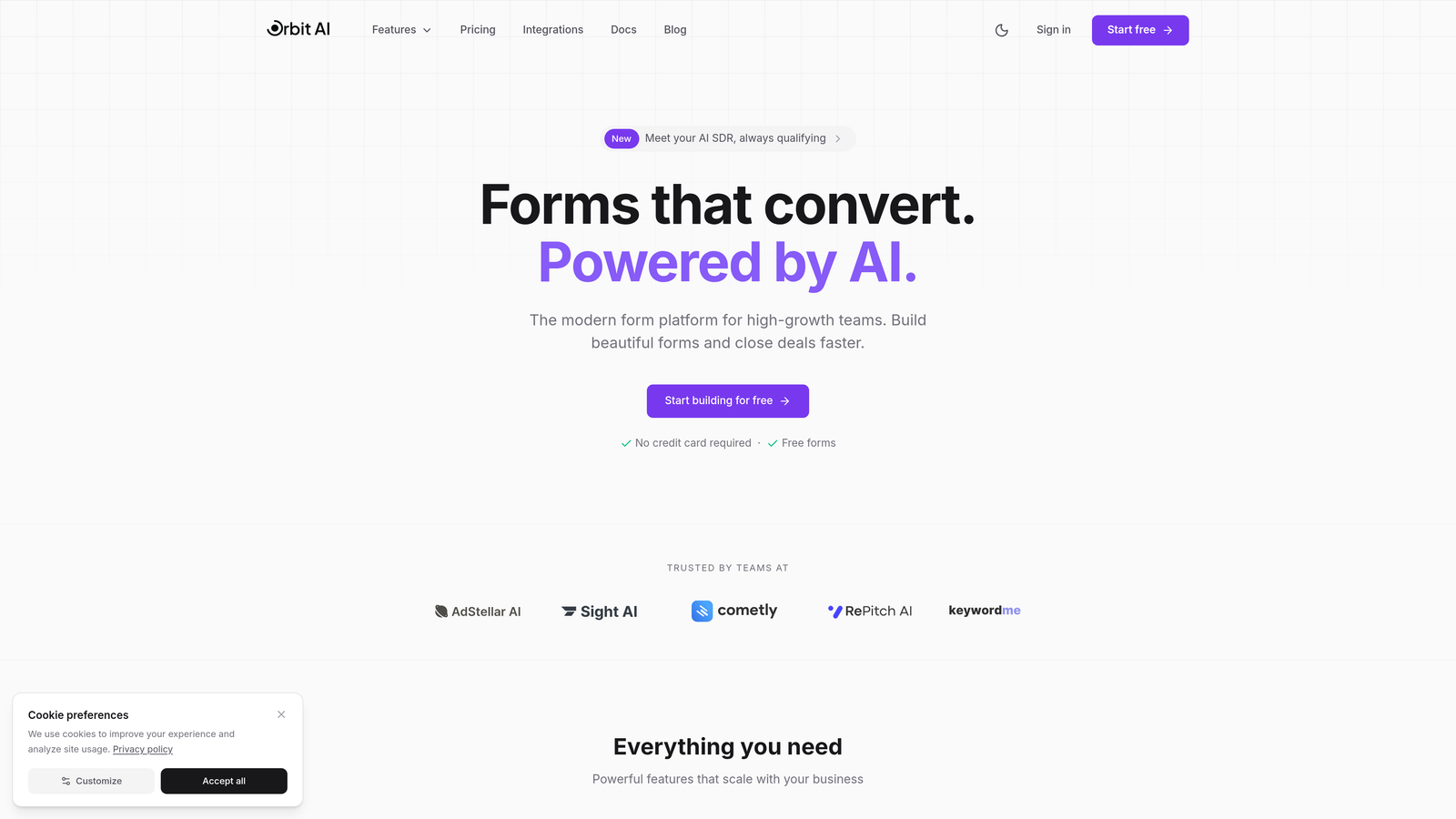
Orbit AI is an AI-powered form builder platform that combines beautiful, conversion-optimized forms with intelligent lead qualification and routing capabilities.
Where This Tool Shines
Orbit AI stands out by addressing the gap between form capture and lead qualification. While most form builders simply collect data, Orbit AI analyzes responses in real-time to score and qualify leads automatically.
The platform excels at creating modern, visually appealing forms that don't sacrifice conversion rates for aesthetics. Teams can build sophisticated multi-step forms with conditional logic while the AI layer works behind the scenes to route high-quality leads to sales immediately and nurture others through automated workflows.
Key Features
AI-Powered Lead Qualification: Automatically scores and qualifies leads based on form responses, routing hot prospects to sales instantly.
Conversion-Optimized Design: Modern, mobile-responsive form templates built specifically to reduce abandonment and increase completion rates.
Intelligent Routing: Dynamic workflow automation that sends qualified leads to the right team members based on criteria you define.
Native CRM Integrations: Seamless connections with major CRMs and marketing tools to keep your data flowing without manual exports.
Real-Time Analytics: Track conversion rates, completion times, and drop-off points to continuously optimize form performance.
Best For
High-growth teams and businesses focused on lead generation that need more than basic data collection. Ideal for SaaS companies, agencies, and B2B organizations where lead quality matters as much as lead volume, and where automated qualification can significantly impact sales efficiency.
Pricing
Free tier available for getting started. Paid plans begin at $29 per month with access to advanced AI features and predictable monthly response limits.
2. Typeform
Best for: Creating engaging conversational form experiences with strong brand customization
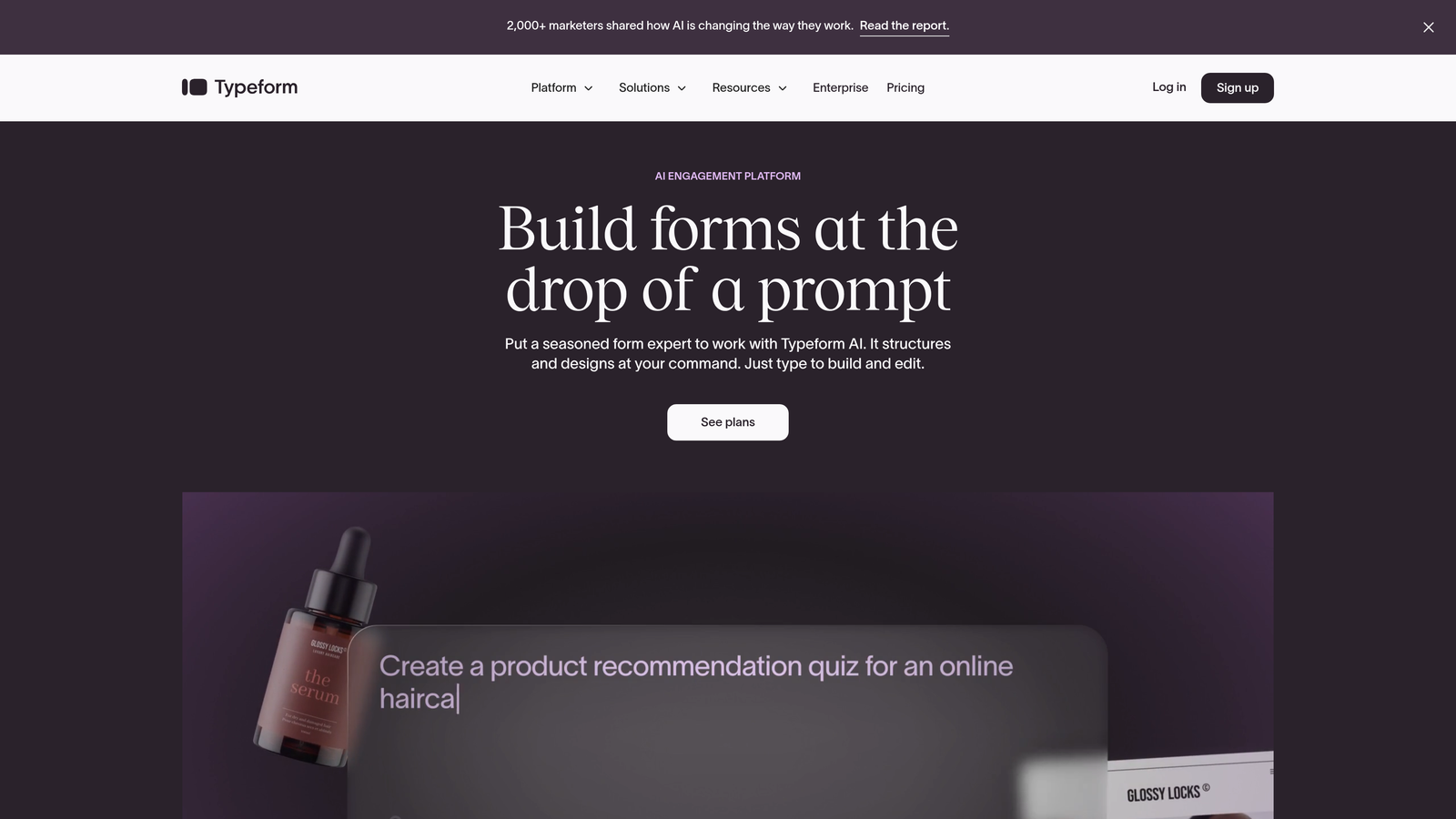
Typeform is a conversational form builder known for its one-question-at-a-time interface and strong brand customization options.
Where This Tool Shines
Typeform pioneered the conversational form format, and they've refined it to near perfection. The one-question-at-a-time approach significantly reduces form abandonment by making long surveys feel less overwhelming.
The platform's real strength lies in its ability to create forms that feel more like interactive experiences than data collection tools. With extensive customization options, you can match forms perfectly to your brand identity while maintaining the smooth, conversational flow that keeps respondents engaged.
Key Features
Conversational Interface: One-question-at-a-time format that creates a dialogue-like experience and reduces cognitive load.
Brand Customization: Extensive design controls including custom fonts, colors, backgrounds, and even video integration to match your brand perfectly.
Logic Jumps: Conditional branching that personalizes the form path based on previous answers, creating relevant experiences.
Media Embedding: Native support for images, videos, and GIFs to create visually rich forms that engage respondents.
Hidden Fields: Track UTM parameters and other data automatically without cluttering the user experience with visible fields.
Best For
Marketing teams and businesses that prioritize user experience and brand consistency. Perfect for customer surveys, event registrations, and lead capture where engagement matters more than speed. Works especially well for consumer-facing brands that want forms to feel premium.
Pricing
Free tier available with Typeform branding. Basic plan starts at $25 per month, removing branding and unlocking logic jumps and more responses.
3. Jotform
Best for: Teams needing versatile forms with extensive templates and payment collection
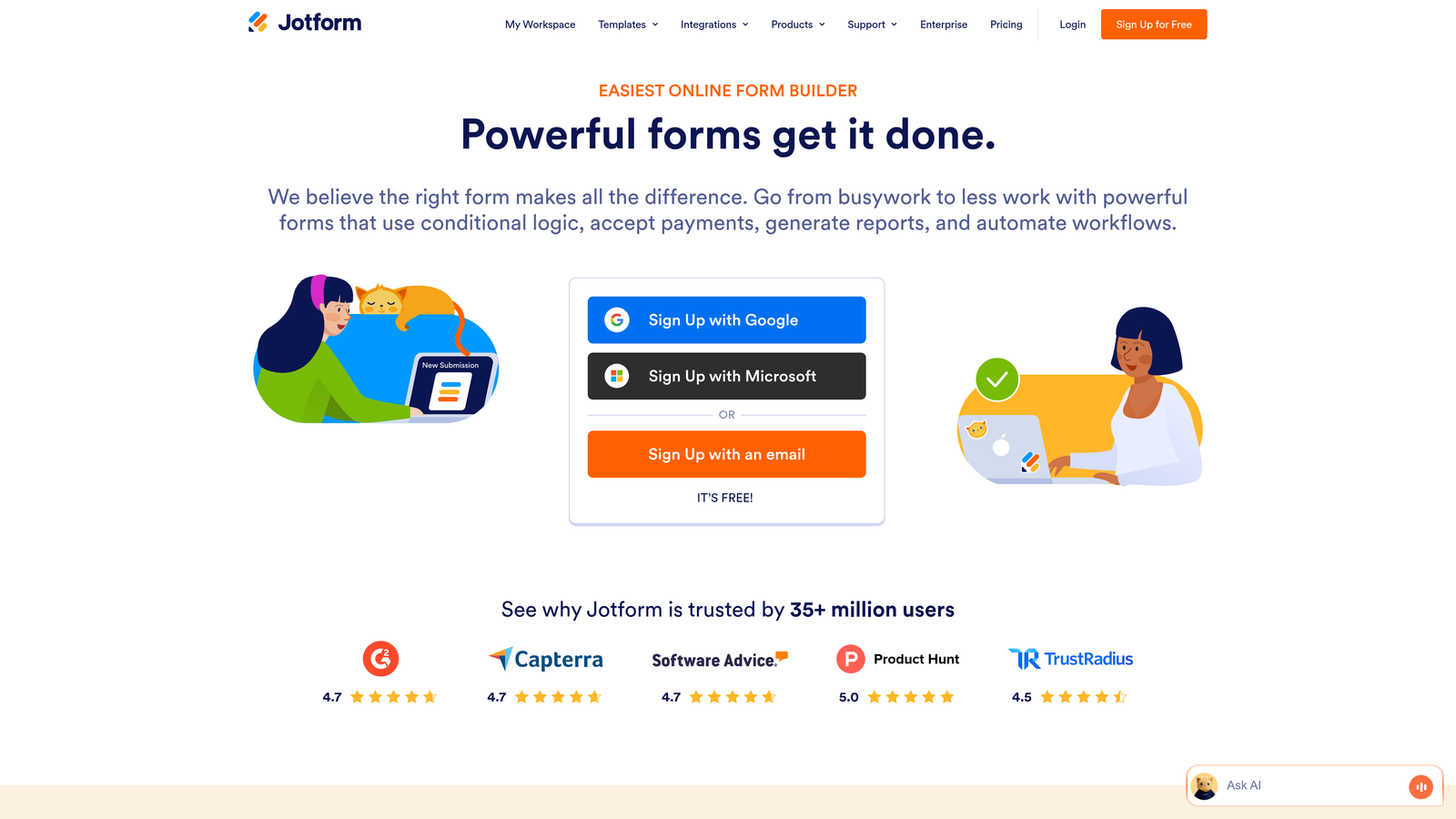
Jotform is a versatile form builder with thousands of templates and an extensive widget library for virtually any form type.
Where This Tool Shines
Jotform's massive template library means you're rarely starting from scratch. With over 10,000 pre-built templates spanning every industry and use case, you can find something close to your needs and customize from there.
The platform's widget ecosystem is equally impressive. Need appointment scheduling? There's a widget. Payment processing? Multiple options. File uploads with specific requirements? Covered. This breadth makes Jotform the Swiss Army knife of form builders—it handles edge cases that specialized tools often miss.
Key Features
Massive Template Library: Over 10,000 professionally designed templates covering virtually every industry and use case imaginable.
Widget Marketplace: Hundreds of add-on widgets for specialized functionality like signature capture, appointment booking, and calculations.
Payment Integration: Native support for PayPal, Stripe, Square, and other payment processors to collect payments directly through forms.
PDF Generation: Automatically convert form submissions into professional PDFs for contracts, invoices, or reports.
Conditional Logic: Show or hide fields based on user responses to create dynamic, personalized form experiences.
Best For
Small businesses and organizations that need to create many different types of forms without learning multiple tools. Excellent for service businesses collecting payments, educational institutions managing registrations, or any team that values having one platform for diverse form needs.
Pricing
Free tier includes up to 5 forms with 100 monthly submissions. Bronze plan starts at $34 per month for 25 forms and 1,000 submissions.
4. Tally
Best for: Simple, unlimited form creation with a generous free tier
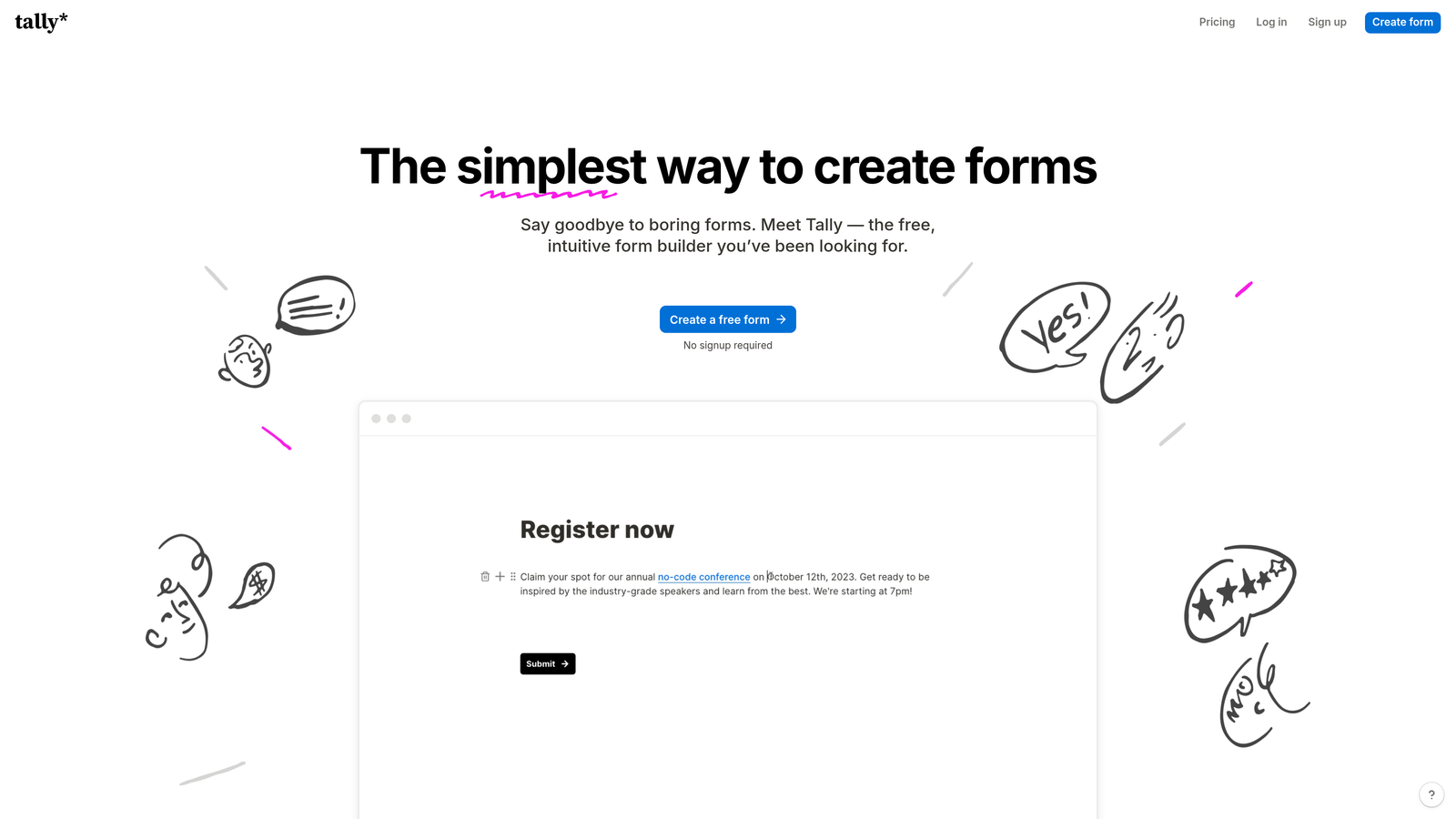
Tally is a simple, Notion-like form builder with a generous free tier and clean, minimal interface.
Where This Tool Shines
Tally's approach is refreshingly straightforward. If you're familiar with Notion's block-based editing, you'll feel at home immediately. The learning curve is practically nonexistent—you just start typing and adding blocks.
The free tier is genuinely useful, not a teaser. Unlimited forms and unlimited submissions mean you can actually run your business on the free plan without hitting artificial limits. For teams that prioritize simplicity and don't need advanced features, Tally removes all the friction between idea and execution.
Key Features
Unlimited Free Tier: Create unlimited forms with unlimited submissions on the free plan, making it accessible for any budget.
Block-Based Editing: Notion-style interface where you build forms by adding blocks—text, questions, images—in any order you want.
Conditional Logic: Show or hide questions based on previous answers, included even in the free tier.
Clean Embeds: Forms embed beautifully into websites with minimal code and responsive design out of the box.
Calculations: Add calculated fields that update in real-time based on user inputs, useful for quotes and estimates.
Best For
Startups, solo founders, and small teams that need functional forms without the overhead of complex software or monthly costs. Perfect for internal surveys, simple lead capture, or any scenario where you value speed and simplicity over advanced customization.
Pricing
Genuinely generous free tier with unlimited forms and submissions. Pro plan at $29 per month adds features like custom domains, file uploads, and payment collection.
5. Fillout
Best for: Database-connected forms with native Airtable and Notion integrations
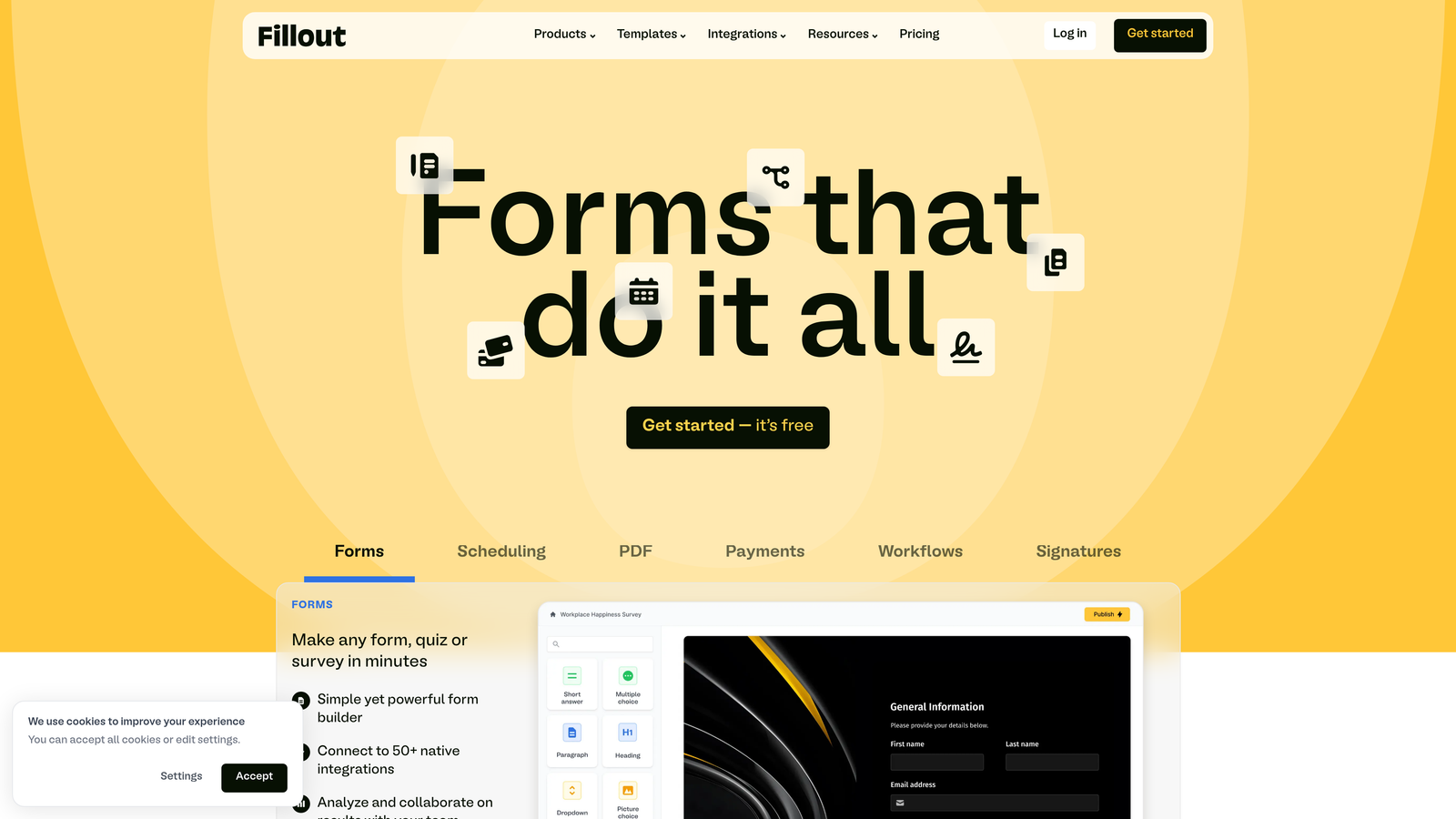
Fillout is a database-connected form builder with native integrations for Airtable, Notion, and other data tools.
Where This Tool Shines
Fillout bridges the gap between form builders and database tools. If your team lives in Airtable or Notion, Fillout feels like a natural extension rather than a separate tool you need to integrate.
The platform excels at creating forms that don't just collect data but actively update your existing databases. You can build forms that reference existing records, update specific fields, or trigger complex workflows—all without writing code or setting up complicated Zapier chains.
Key Features
Native Database Sync: Direct connections to Airtable and Notion that write form data straight into your tables without middleware.
Multi-Page Forms: Create sophisticated multi-step forms with progress bars and section breaks for better user experience.
Dynamic Fields: Populate dropdown options from your database or perform calculations based on user inputs in real-time.
Scheduling Integration: Built-in appointment scheduling that syncs with your calendar and manages availability automatically.
Conditional Logic: Advanced branching that can reference database values to create truly personalized form paths.
Best For
Operations teams and businesses that have built workflows around Airtable or Notion. Ideal for companies managing inventory, bookings, or customer records where forms need to interact with existing data rather than just adding new rows.
Pricing
Free tier available for basic use. Starter plan begins at $15 per month, offering more submissions and advanced features like payment collection.
6. Formspark
Best for: Developers adding forms to static sites without managing backends
Formspark is a lightweight form backend for developers who want to add forms to static sites without managing databases.

Where This Tool Shines
Formspark solves a specific problem elegantly: how do you add forms to a static site without spinning up a server? The answer is a dead-simple form backend that handles submissions via POST requests.
For developers building with static site generators like Next.js, Gatsby, or Hugo, Formspark means you can add contact forms, newsletter signups, or lead capture without breaking your deployment workflow. No databases to manage, no server-side code to maintain—just a reliable endpoint that handles the messy parts.
Key Features
No-Database Backend: Simple form endpoint that receives submissions and routes them to email or webhooks without requiring database management.
Framework Agnostic: Works with any frontend framework or static site generator—React, Vue, vanilla HTML, whatever you're building with.
Built-In Spam Protection: Honeypot fields and bot detection included by default to keep your submissions clean.
Webhook Support: Send form data to any service via webhooks for custom processing or integration with your existing tools.
Custom Email Templates: Design how submission notifications look when they hit your inbox or get forwarded to your team.
Best For
Developers and agencies building static websites, landing pages, or JAMstack applications. Perfect for portfolios, marketing sites, or any project where you want form functionality without the complexity of a full backend.
Pricing
Free tier includes 250 submissions per month. Paid plans start at $8 per month for increased submission limits and additional features.
7. Paperform
Best for: Creating landing page-style forms with rich content and e-commerce features
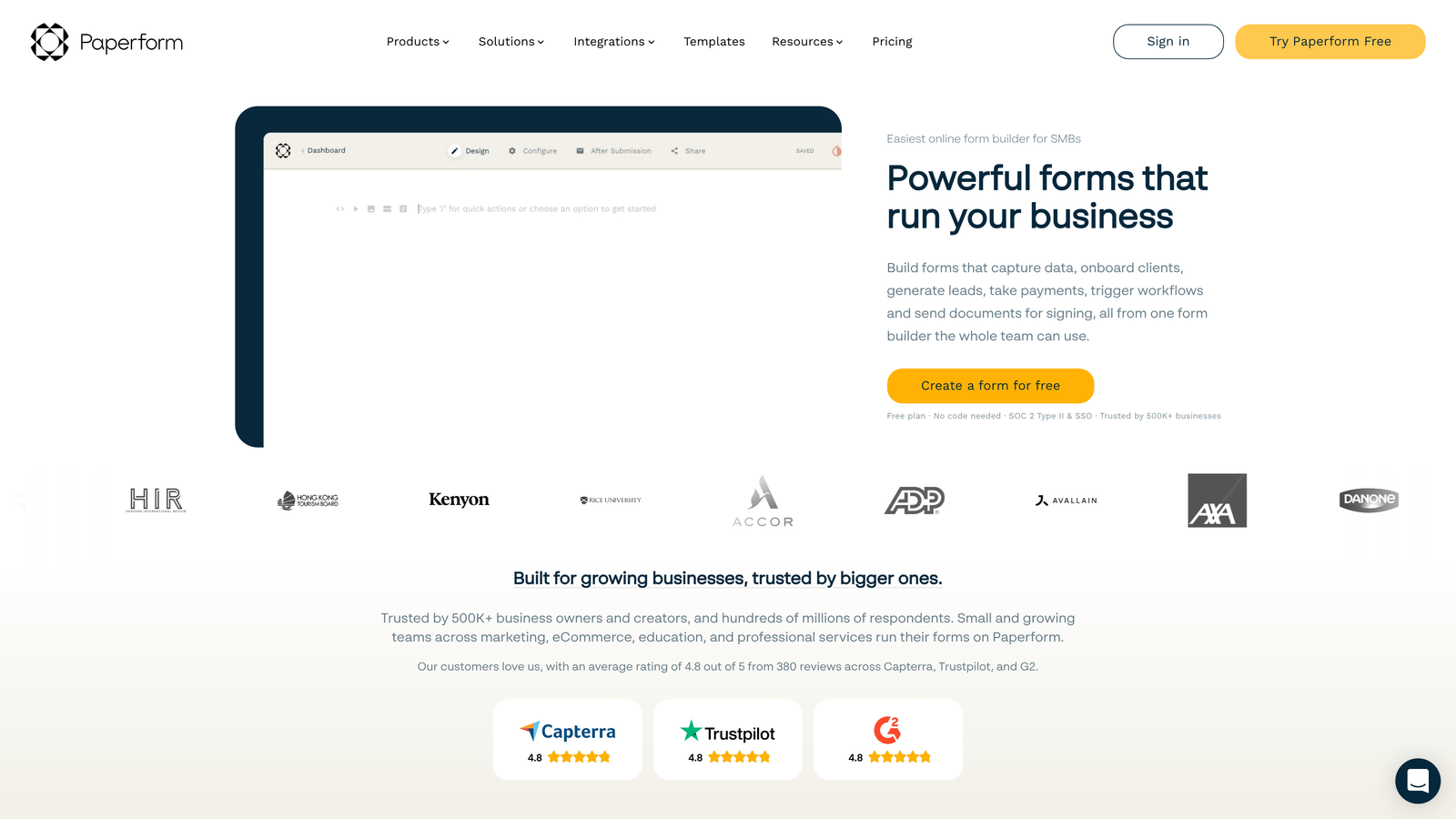
Paperform is a content-rich form builder that blends documents, images, and videos with form fields for landing page-style experiences.
Where This Tool Shines
Paperform blurs the line between forms and landing pages. You can embed images, videos, and rich text blocks alongside form fields, creating experiences that inform and convert simultaneously.
The platform shines when you need more context around your questions. Instead of a bare form asking for information, you can build a complete narrative that explains your offer, showcases testimonials, displays product images, and collects payment—all in one seamless scroll.
Key Features
Rich Content Blocks: Mix form fields with text, images, videos, and embeds to create landing page-style experiences that convert.
E-Commerce Support: Accept payments through Stripe or PayPal with product options, quantity selectors, and automatic total calculations.
Appointment Scheduling: Built-in booking functionality that syncs with your calendar and manages availability without third-party tools.
Custom Success Pages: Design what happens after submission—redirect to a custom page, show a personalized message, or trigger downloads.
Calculations: Create dynamic pricing calculators, quote generators, or interactive tools using formula fields.
Best For
Service businesses, coaches, and consultants who need forms that do more than collect data. Excellent for booking appointments, selling digital products, or any scenario where you want to provide context and close the deal within the same experience.
Pricing
Essentials plan starts at $24 per month, including unlimited forms, submissions, and access to all core features.
8. Feathery
Best for: Building sophisticated in-app forms and onboarding flows with developer tools
Feathery is a developer-focused form builder designed for building sophisticated in-app forms and onboarding flows.
Where This Tool Shines
Feathery is built for product teams embedding forms directly into applications. Unlike tools designed for marketing websites, Feathery provides React components and SDKs that integrate seamlessly with your existing codebase.
The platform excels at complex multi-step flows where you need granular control over logic, styling, and data handling. You can build onboarding sequences that adapt based on user responses, integrate with your backend APIs in real-time, and maintain complete control over the user experience.
Key Features
React SDK: Pre-built React components that integrate directly into your application with full customization support.
Multi-Step Flows: Create sophisticated onboarding sequences with branching logic, progress tracking, and step validation.
API Integrations: Connect to your backend services to validate data, fetch options dynamically, or trigger workflows in real-time.
White-Label Options: Remove all Feathery branding and customize every aspect of the form experience to match your product.
Version Control: Manage form versions, test changes in staging, and roll back if needed—just like code deployment.
Best For
SaaS companies and product teams building user onboarding, account setup flows, or in-app data collection. Ideal for technical teams that need more control than no-code tools provide but don't want to build form infrastructure from scratch.
Pricing
Free tier available for development and testing. Growth plan starts at $49 per month for production use with increased submission limits.
9. HubSpot Forms
Best for: Teams already using HubSpot CRM and marketing tools
HubSpot Forms is the native form builder within the HubSpot ecosystem, ideal for teams already using HubSpot CRM and marketing tools.
Where This Tool Shines
HubSpot Forms is unbeatable if you're already invested in the HubSpot ecosystem. The integration isn't just seamless—it's native. Every form submission automatically creates or updates contact records, triggers workflows, and feeds into your reporting without any middleware.
The progressive profiling feature is particularly powerful. Instead of asking the same questions repeatedly, HubSpot Forms can show different fields to returning visitors, gradually building complete contact profiles without annoying your audience.
Key Features
Native CRM Integration: Form submissions flow directly into HubSpot CRM, automatically creating contacts and triggering workflows without third-party connections.
Progressive Profiling: Show different form fields to returning visitors, gradually collecting more information without repetitive questions.
Smart Fields: Pre-populate fields with known contact information and use dependent fields to create dynamic form experiences.
Built-In Analytics: Track form performance, conversion rates, and submission sources directly within HubSpot's reporting dashboard.
Workflow Triggers: Automatically enroll contacts in email sequences, assign to sales reps, or update properties based on form submissions.
Best For
Marketing and sales teams already using HubSpot for CRM, email marketing, or sales automation. Makes most sense when you're leveraging HubSpot's full platform and want forms that integrate deeply with your existing workflows.
Pricing
Free with HubSpot's free CRM. Advanced features like progressive profiling and dependent fields require paid Marketing Hub plans starting at $45 per month.
Making the Right Choice
The form builder you choose depends on where you are in your growth journey and what you're trying to accomplish. If you need AI-powered lead qualification and conversion optimization built in, Orbit AI delivers that intelligence layer most tools lack. For teams prioritizing beautiful, conversational experiences, Typeform remains the gold standard. Need something free and simple? Tally's generous offering is hard to beat.
Think about your tech stack too. Already deep in the HubSpot ecosystem? Their native forms make perfect sense. Building database-driven workflows in Airtable? Fillout connects those dots elegantly. Developers working with static sites will appreciate Formspark's simplicity, while product teams embedding forms in applications should look at Feathery's developer-focused approach.
The common thread across all these tools is they've moved beyond basic data collection. Modern form builders understand that capturing information is just the starting point. The real value comes from what happens next—qualifying leads, routing them intelligently, triggering the right follow-ups, and ultimately turning form submissions into revenue.
Consider how sophisticated your lead routing needs to be. Simple contact forms might work fine with any tool on this list. But if you're running a high-growth operation where lead quality varies dramatically and sales needs hot prospects routed immediately while marketing nurtures others, that intelligence layer becomes critical.
Transform your lead generation with AI-powered forms that qualify prospects automatically while delivering the modern, conversion-optimized experience your high-growth team needs. The right form builder doesn't just collect data—it actively contributes to your conversion strategy and helps your team work smarter.


