

The gap between modern form builders and legacy tools has never been wider. While traditional form solutions still rely on static fields and manual data handling, today's AI-powered platforms qualify leads in real-time, adapt to user behavior, and integrate seamlessly with your tech stack.
For high-growth teams focused on conversion optimization, choosing the right form builder directly impacts pipeline quality and sales efficiency. This guide compares top form builders—from cutting-edge AI platforms to established legacy options—so you can see exactly what you're gaining (or missing) with your current solution.
We've evaluated each tool on user experience, integration capabilities, analytics depth, and lead qualification features. Let's dive in.
1. Orbit AI
Best for: High-growth teams needing AI-powered lead qualification and conversion optimization
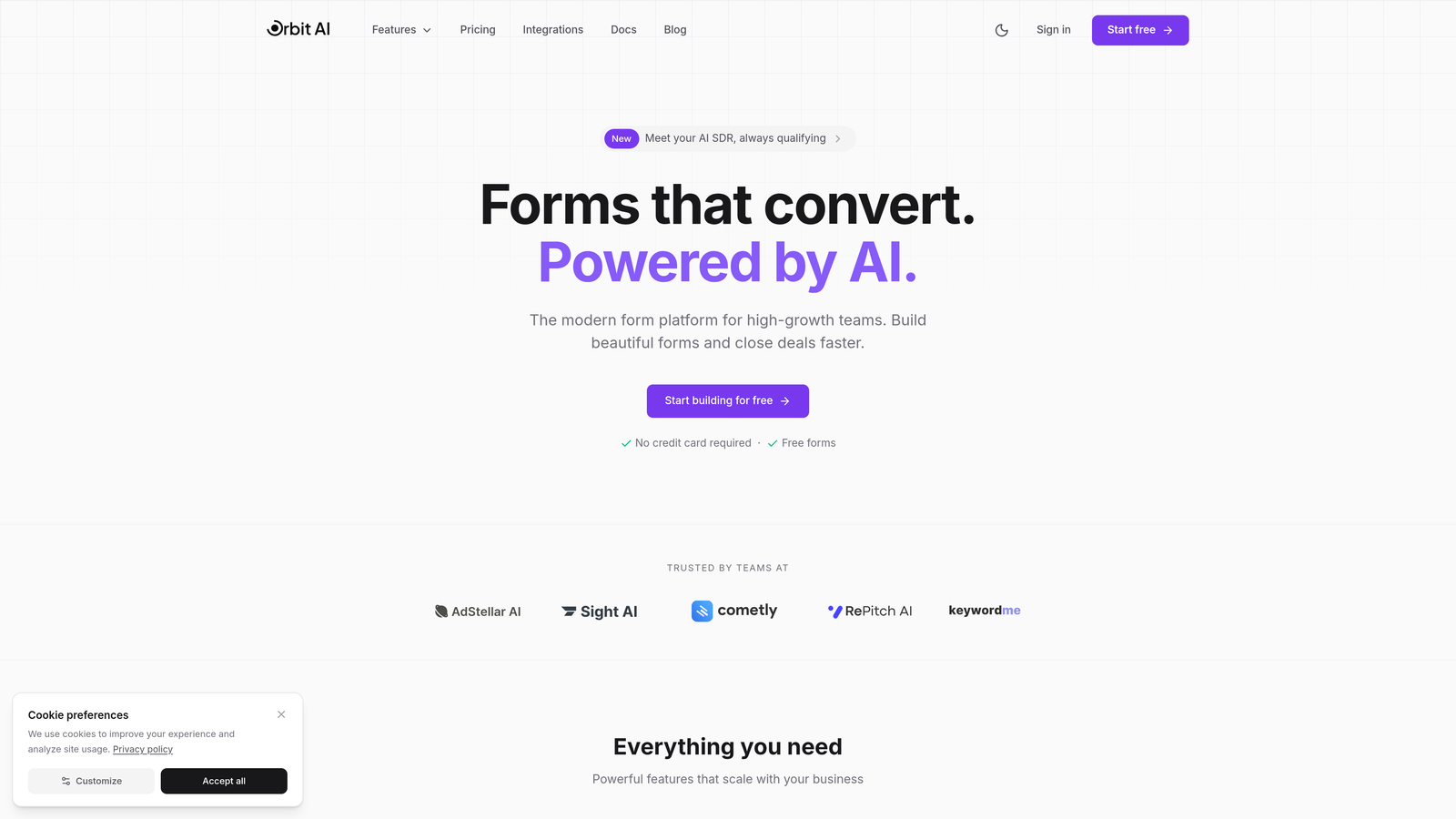
Orbit AI is an AI-powered form builder platform designed specifically for teams that need more than data collection—they need qualified leads.
Where This Tool Shines
Orbit AI takes a fundamentally different approach to form building by embedding intelligence directly into the form experience. Instead of collecting responses and qualifying them later, the platform evaluates lead quality in real-time as users interact with your forms.
The platform's modern interface focuses on conversion optimization from the ground up. Every template, every field placement, every interaction pattern is designed to maximize completion rates while gathering the data your sales team actually needs to prioritize outreach.
Key Features
AI-Powered Lead Qualification: Automatically scores and qualifies leads based on their responses, routing high-value prospects directly to your sales team.
Conversion-Optimized Templates: Pre-built form designs specifically engineered for high completion rates across different use cases and industries.
Real-Time Analytics: Track form performance, completion rates, and lead quality metrics as they happen with actionable insights.
Seamless Integrations: Connect directly to your CRM, marketing automation platform, and workflow tools without complex setup.
Modern Form Design: Beautiful, mobile-responsive forms that match your brand and deliver the professional experience today's users expect.
Best For
This platform is ideal for B2B SaaS companies, marketing agencies, and any high-growth team where lead quality matters more than lead quantity. If your sales team is drowning in unqualified leads or your conversion rates are stuck, Orbit AI's intelligent qualification approach can transform your pipeline.
Pricing
Contact for pricing; free trial available to test the platform's AI capabilities and conversion optimization features.
2. Typeform
Best for: Creating engaging, conversational form experiences with high completion rates
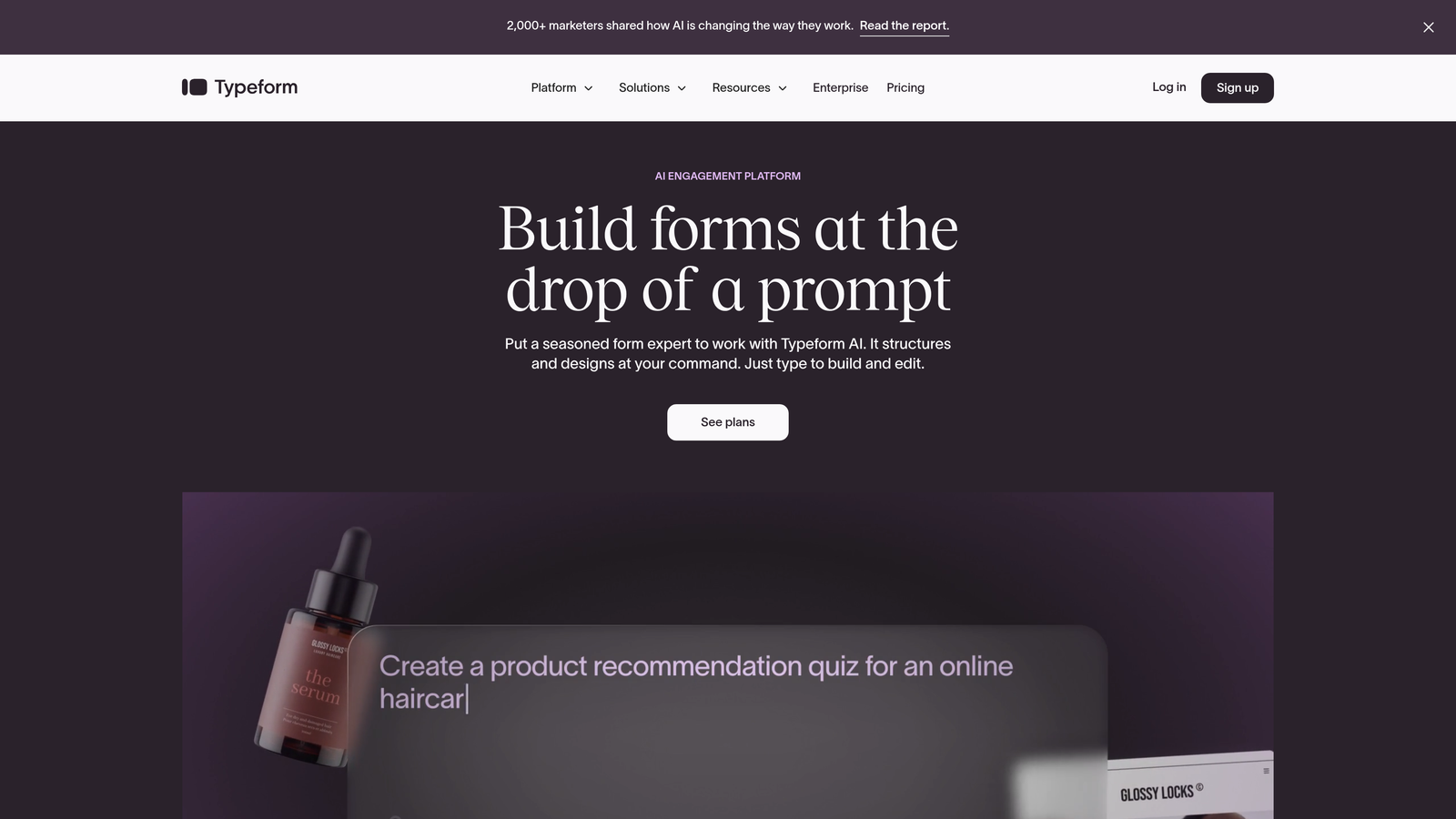
Typeform is a conversational form builder that presents questions one at a time, creating an interactive experience that feels more like a conversation than a traditional form.
Where This Tool Shines
Typeform revolutionized form design by ditching the long-scrolling format in favor of focused, one-question-at-a-time interactions. This approach significantly reduces form abandonment by making the experience feel less overwhelming and more engaging.
The platform's visual customization options let you create forms that feel like natural extensions of your brand. You can embed images, videos, and GIFs throughout the experience, turning what could be a boring data collection exercise into something users actually enjoy completing.
Key Features
Conversational Interface: One-question-at-a-time format that keeps users focused and reduces cognitive load.
Logic Jumps: Create dynamic forms that adapt based on user responses, showing only relevant questions.
Rich Media Support: Embed videos, images, and GIFs directly into your forms to increase engagement.
Native Integrations: Connect to popular tools like Slack, Google Sheets, Mailchimp, and Salesforce without third-party services.
Brand Customization: Extensive design controls to match your forms perfectly to your brand identity.
Best For
Typeform works exceptionally well for customer feedback surveys, event registrations, and lead capture where user experience matters. It's particularly effective for consumer-facing brands that want to make a strong impression with form design.
Pricing
Free plan available with Typeform branding; paid plans start at $25/month with increased response limits and advanced features.
3. Jotform
Best for: Teams needing extensive templates and drag-and-drop customization flexibility
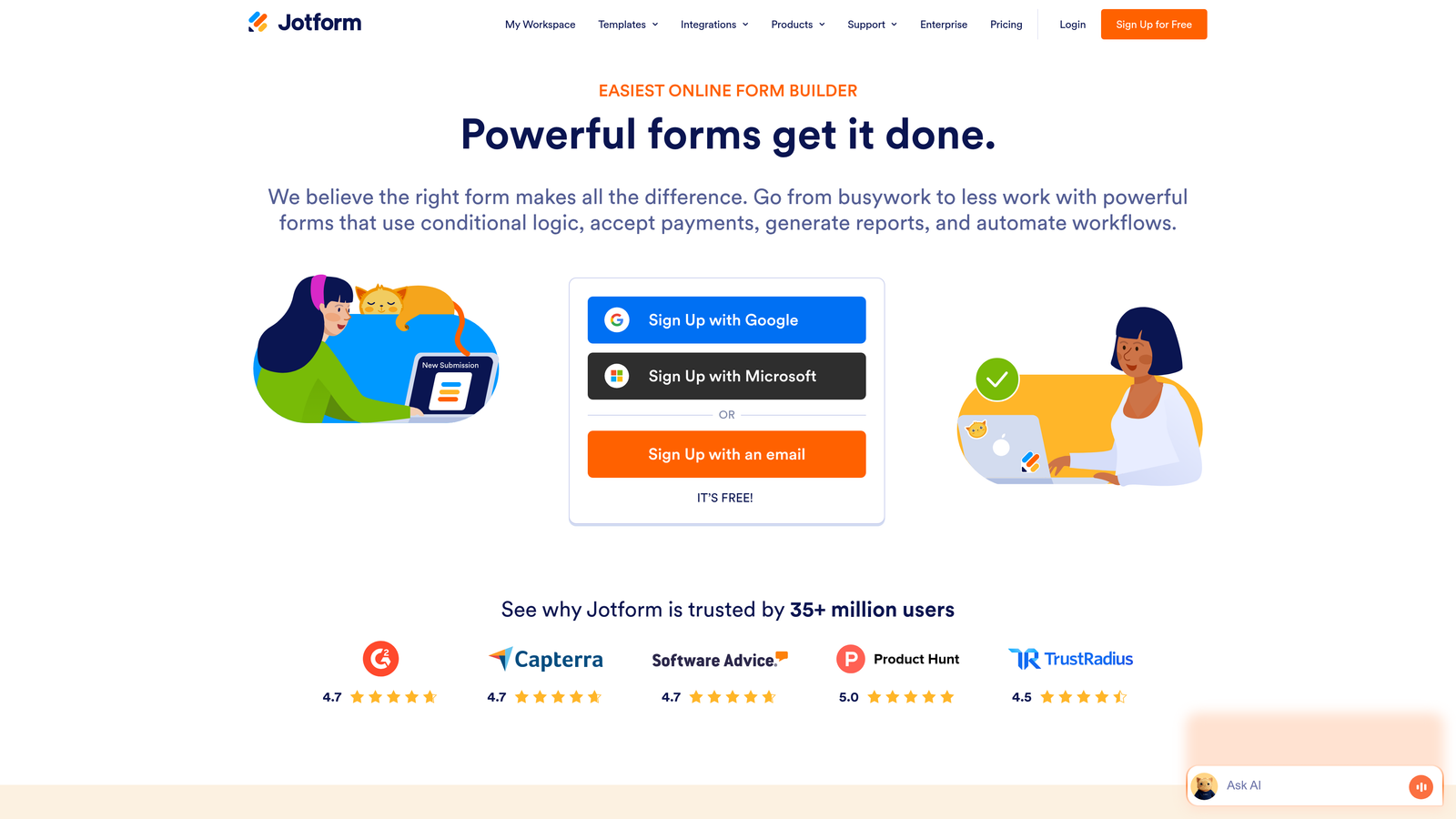
Jotform is a feature-rich form builder offering over 10,000 templates and comprehensive customization options for virtually any use case.
Where This Tool Shines
Jotform's massive template library means you're rarely starting from scratch. Whether you need a complex registration form, a payment collection system, or a simple contact form, there's likely a pre-built template that gets you 80% of the way there.
The platform's drag-and-drop interface makes customization straightforward even for non-technical users. You can add conditional logic, payment fields, file uploads, and integrations without touching code, making it accessible to teams without dedicated developers.
Key Features
10,000+ Templates: Massive library covering virtually every industry and use case imaginable.
Drag-and-Drop Builder: Intuitive interface for customizing forms without technical skills.
Payment Processing: Built-in integrations with PayPal, Stripe, Square, and other payment processors.
PDF Generation: Automatically convert form submissions into PDF documents for record-keeping.
Approval Workflows: Route submissions through approval processes for applications and requests.
Best For
Jotform suits organizations that need versatility across multiple departments—HR for applications, finance for payment collection, operations for internal workflows. The extensive template library makes it easy to deploy forms quickly across different use cases.
Pricing
Free plan with submission limits; paid plans start at $34/month with increased submissions and advanced features.
4. Tally
Best for: Teams wanting unlimited free forms with a minimalist, Notion-like editing experience
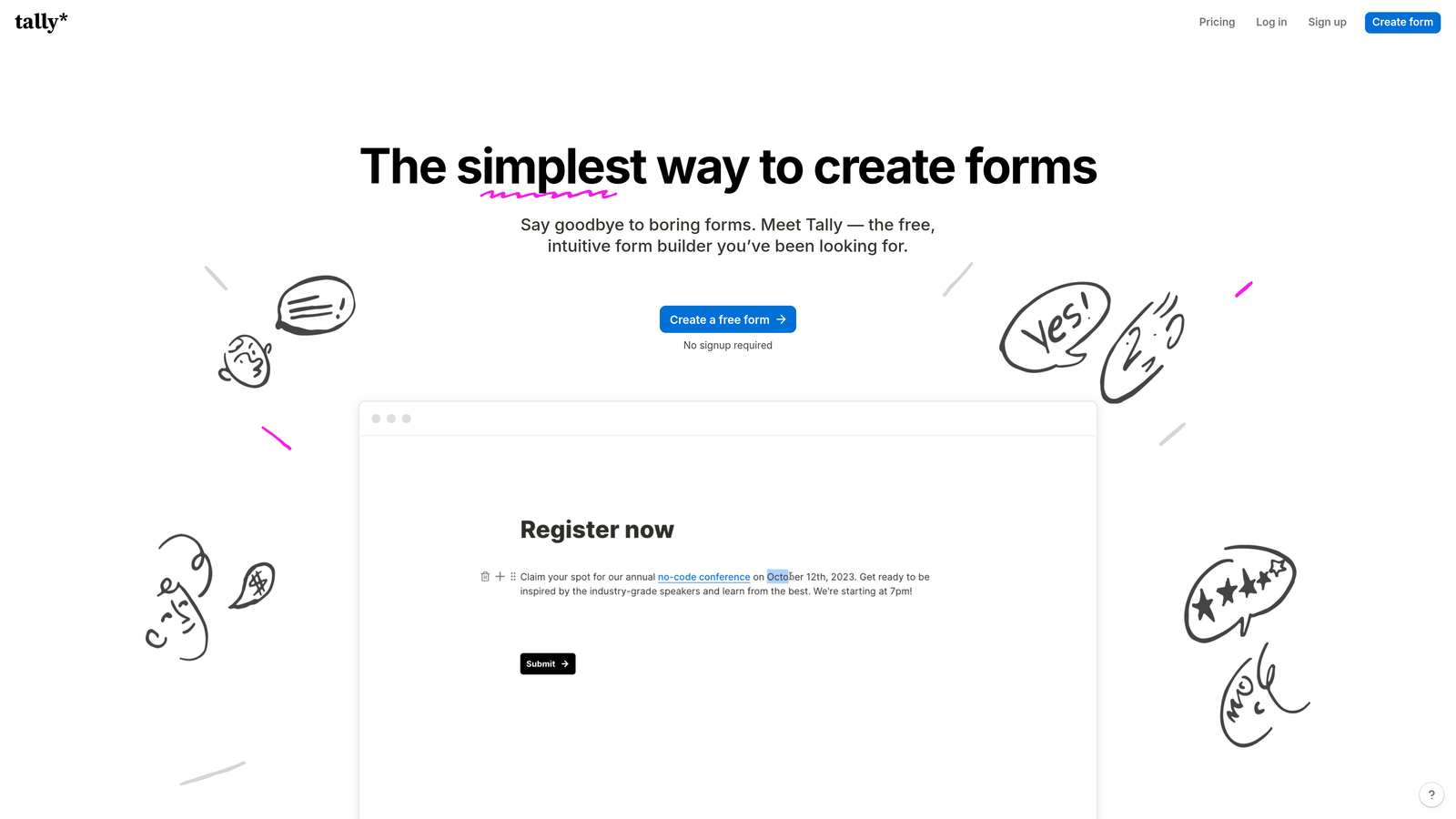
Tally is a minimalist form builder offering unlimited forms for free with a clean, block-based editor inspired by Notion.
Where This Tool Shines
Tally's standout feature is its genuinely unlimited free plan. Unlike competitors that restrict form counts or submission numbers on free tiers, Tally lets you create as many forms as you need without hitting paywalls.
The Notion-style block editor will feel instantly familiar to teams already using Notion for documentation. You build forms by adding and arranging blocks, creating a workflow that feels natural and intuitive without a steep learning curve.
Key Features
Unlimited Free Forms: No artificial limits on form creation or basic features on the free plan.
Block-Based Editor: Notion-inspired interface that makes form building feel like document creation.
Clean Interface: Minimal, distraction-free design that focuses on content over chrome.
Basic Integrations: Connect to essential tools like Google Sheets, Notion, and webhooks.
White-Label Options: Remove Tally branding on paid plans for a fully branded experience.
Best For
Tally is perfect for startups, solopreneurs, and small teams that need functional forms without budget constraints. If you're already in the Notion ecosystem, Tally's familiar interface makes adoption effortless.
Pricing
Free unlimited forms; Pro plan at $29/month adds white-labeling, custom domains, and priority support.
5. HubSpot Forms
Best for: HubSpot users needing native CRM integration and progressive profiling
HubSpot Forms is the native form builder within HubSpot's marketing platform, offering deep CRM integration and progressive profiling capabilities.

Where This Tool Shines
HubSpot Forms' killer feature is progressive profiling. Instead of asking the same questions every time someone fills out a form, the system remembers previous responses and asks new questions each time, gradually building complete contact profiles without overwhelming users.
The native CRM integration means every form submission automatically creates or updates contact records with zero manual work. Form data flows directly into your marketing automation workflows, lead scoring models, and sales pipelines without middleware or sync delays.
Key Features
Native CRM Sync: Automatic contact creation and updates with no integration setup required.
Progressive Profiling: Smart forms that ask different questions based on existing contact data.
Smart Fields: Pre-populate form fields with known contact information to reduce friction.
A/B Testing: Test different form variations to optimize conversion rates.
Embedded Analytics: Track form performance directly within HubSpot's analytics dashboard.
Best For
HubSpot Forms is the obvious choice if you're already using HubSpot for marketing or sales. The native integration eliminates data silos and makes form data immediately actionable within your existing workflows.
Pricing
Free with HubSpot CRM; advanced features like progressive profiling require paid Marketing Hub subscriptions starting at $45/month.
6. Google Forms
Best for: Simple surveys and internal data collection with zero budget
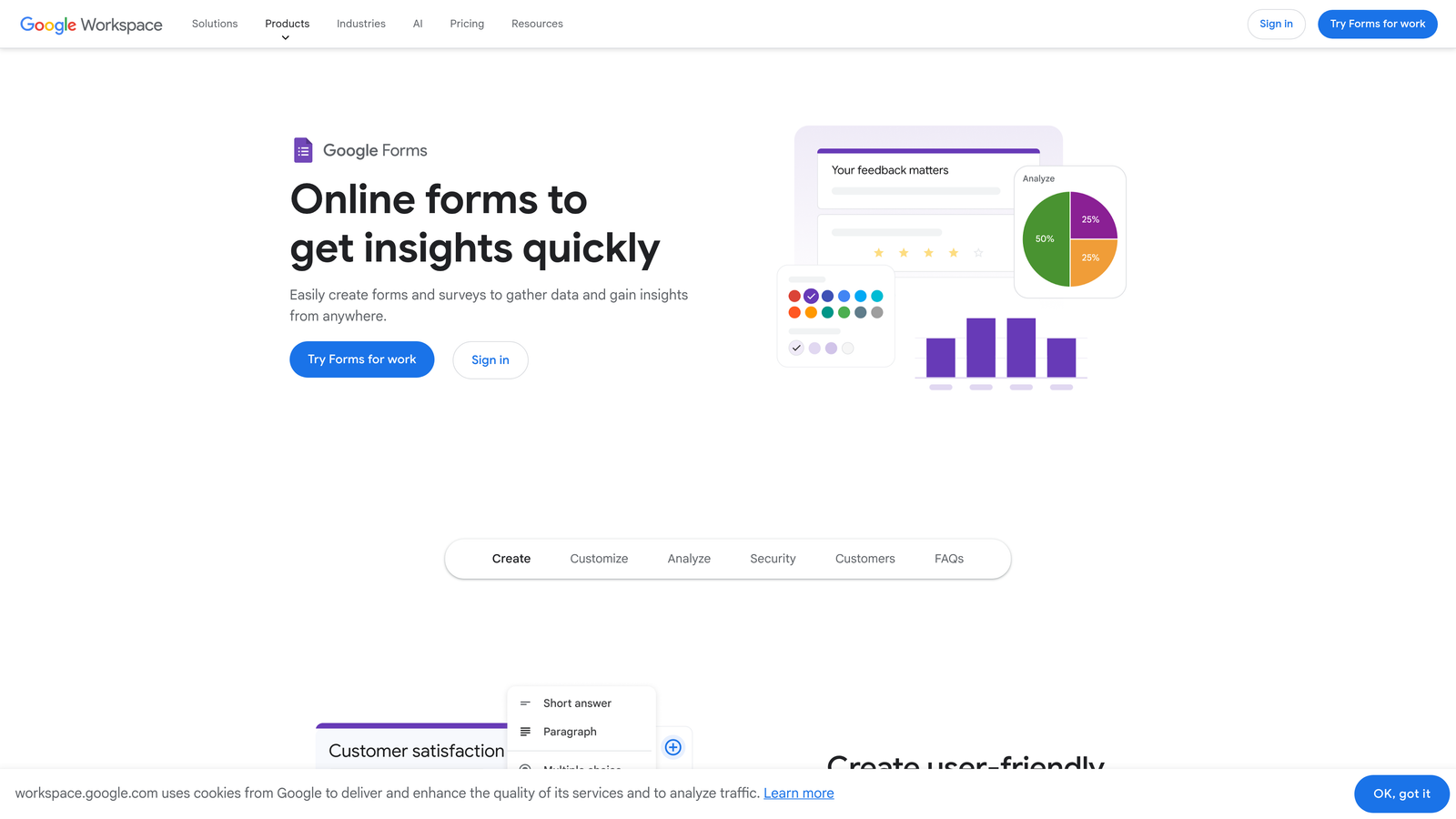
Google Forms is a free, basic form builder ideal for straightforward surveys and internal data collection.
Where This Tool Shines
Google Forms delivers on one promise exceptionally well: it's completely free with no hidden costs or feature restrictions. For teams that need basic data collection without design requirements or advanced features, it's hard to beat the price point.
The automatic Google Sheets integration means responses flow directly into spreadsheets where you can analyze, filter, and share data using familiar tools. For teams already living in Google Workspace, this seamless integration eliminates export steps and data transfer friction.
Key Features
Completely Free: No paid tiers, no submission limits, no feature restrictions.
Google Sheets Integration: Automatic response collection in spreadsheets for easy analysis.
Simple Collaboration: Share editing access with team members using standard Google sharing.
Basic Question Types: Multiple choice, short answer, checkboxes, and other standard field types.
Mobile Responsive: Forms automatically adapt to mobile devices without additional configuration.
Best For
Google Forms works well for internal surveys, event RSVPs, simple feedback collection, and any scenario where data accuracy matters more than design aesthetics or advanced functionality.
Pricing
Completely free with a Google account.
7. Microsoft Forms
Best for: Organizations standardized on Microsoft 365 needing basic form functionality
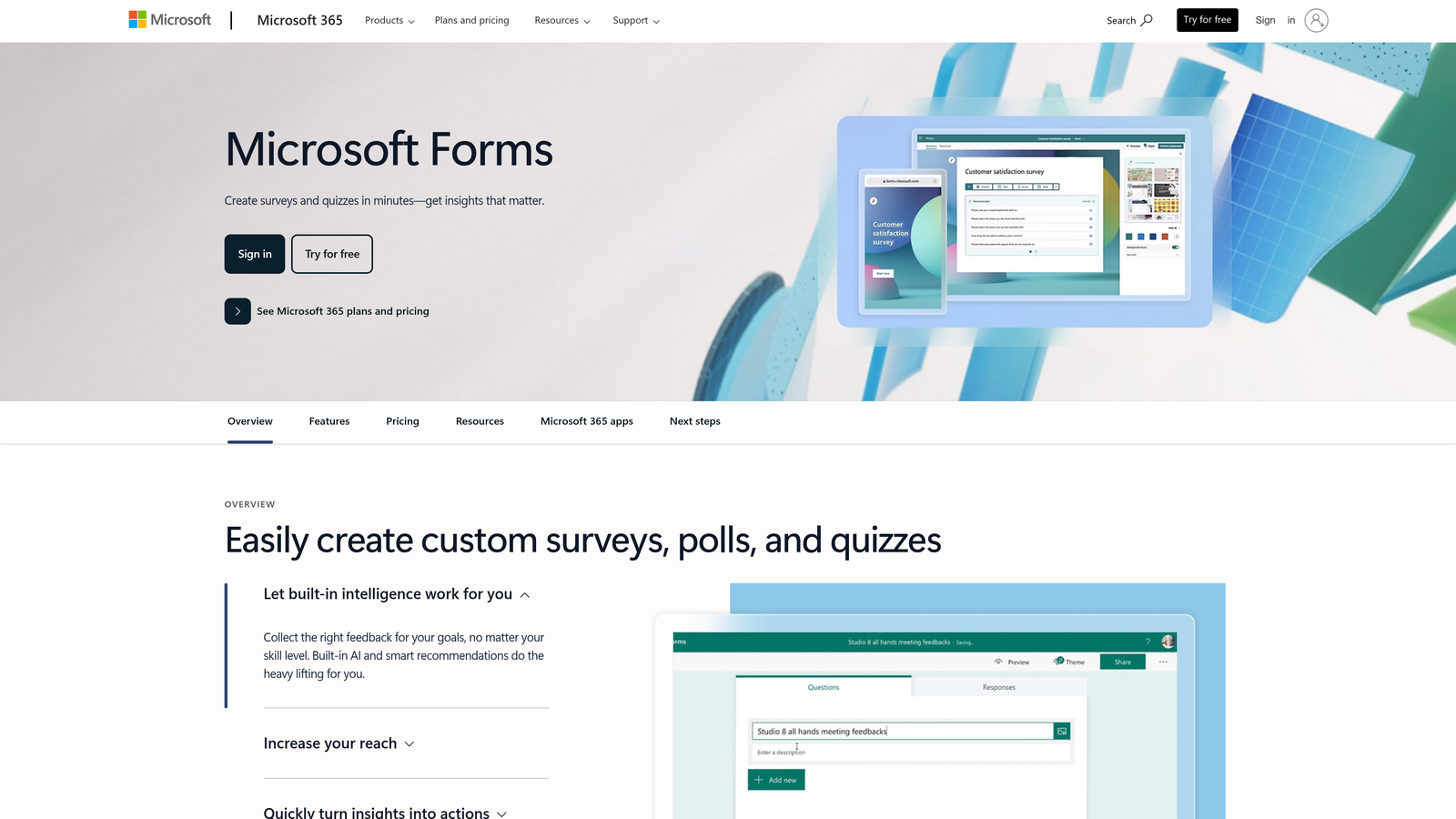
Microsoft Forms is a basic form tool integrated with Microsoft 365 for teams already using the Microsoft ecosystem.
Where This Tool Shines
Microsoft Forms integrates seamlessly with the Microsoft 365 ecosystem. Responses export directly to Excel, forms embed in Teams channels, and SharePoint integration lets you collect data within your existing collaboration spaces.
The quiz functionality sets Microsoft Forms apart from other basic tools. You can create graded quizzes with correct answers, point values, and automatic scoring—useful for training, onboarding, or educational purposes beyond standard form use cases.
Key Features
Microsoft 365 Integration: Native connections to Excel, Teams, SharePoint, and other Microsoft tools.
Excel Data Export: Direct response export to Excel for analysis using familiar spreadsheet tools.
Teams Embedding: Share forms directly in Teams channels for internal data collection.
Basic Branching: Simple conditional logic to show or hide questions based on responses.
Quiz Mode: Create graded assessments with correct answers and automatic scoring.
Best For
Microsoft Forms makes sense for organizations already paying for Microsoft 365 that need basic form functionality without additional software costs. It's particularly useful for internal HR surveys, training assessments, and departmental data collection.
Pricing
Included with Microsoft 365 subscriptions; limited free version available with a Microsoft account.
8. Wufoo
Best for: Straightforward form building with basic payment collection
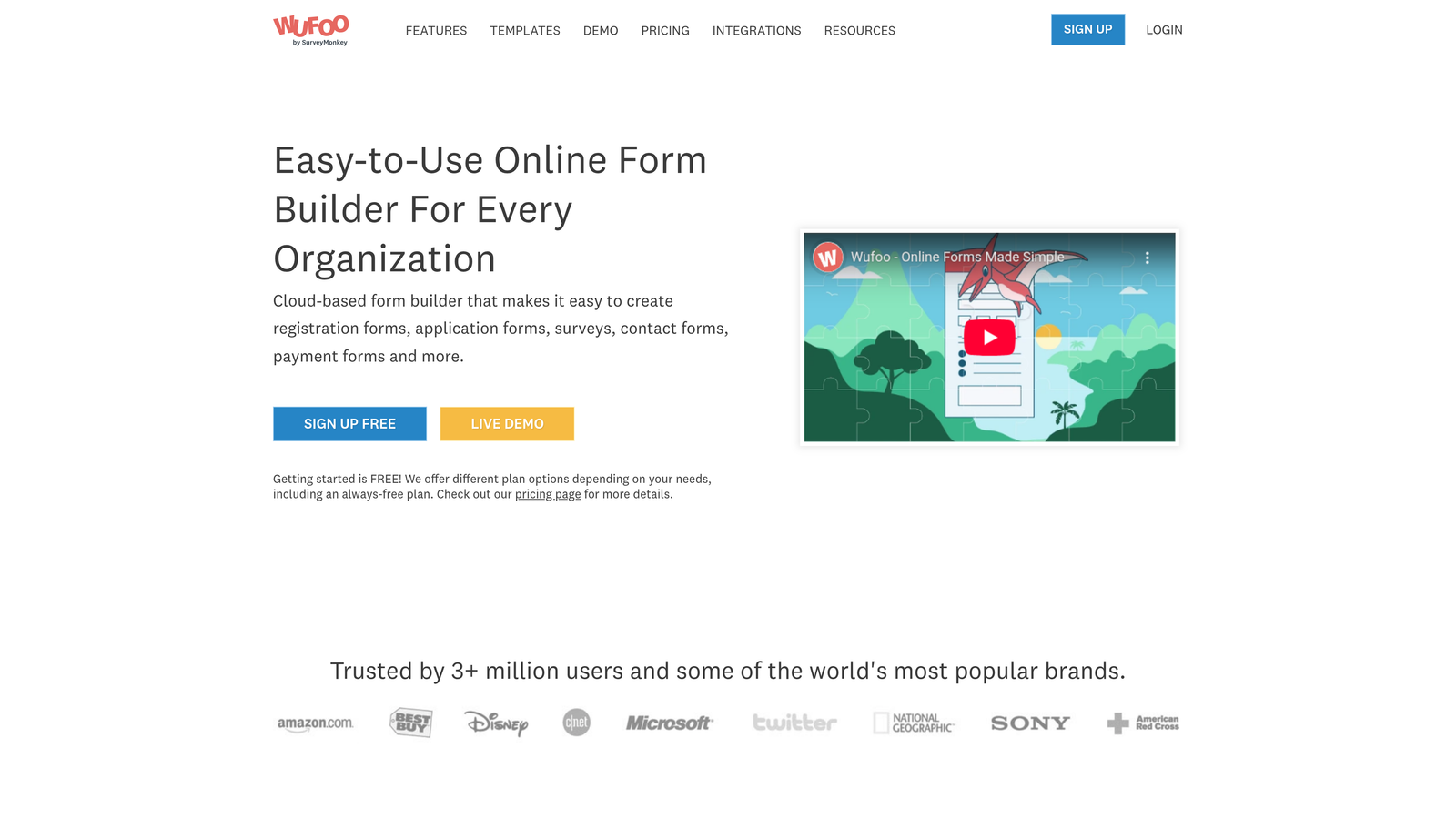
Wufoo is an established form builder with a simple drag-and-drop interface and basic payment processing capabilities.
Where This Tool Shines
Wufoo has been around since the early days of online forms, and that longevity shows in its stable, reliable infrastructure. The platform handles the fundamentals well without trying to be everything to everyone.
The payment integration features let you collect payments through forms without building custom checkout experiences. For event registrations, membership fees, or simple product sales, Wufoo provides a straightforward path from form submission to payment processing.
Key Features
Drag-and-Drop Builder: Simple interface for creating forms without technical knowledge.
Payment Integrations: Accept payments through PayPal, Stripe, and Authorize.net.
Basic Reporting: Standard analytics showing submission counts and response summaries.
File Uploads: Allow users to attach documents, images, or other files to submissions.
Form Rules: Basic conditional logic to show or hide fields based on user responses.
Best For
Wufoo suits small businesses and organizations that need reliable form functionality with payment collection but don't require cutting-edge features or extensive customization options.
Pricing
Free plan available with Wufoo branding; paid plans start at $14.08/month with increased features and submission limits.
9. Formstack
Best for: Enterprise teams requiring compliance features and document generation
Formstack is an enterprise-focused form platform with robust compliance features and document automation capabilities.
Where This Tool Shines
Formstack's HIPAA compliance features make it the go-to choice for healthcare organizations and any business handling protected health information. The platform provides the necessary security controls, audit trails, and documentation required for regulatory compliance.
The document generation capabilities extend Formstack beyond simple form collection. You can automatically populate templates with form data, generate contracts, create personalized documents, and route them through approval workflows—transforming forms into complete document automation systems.
Key Features
HIPAA Compliance: Full compliance features for healthcare and regulated industries handling sensitive data.
Document Generation: Automatically create PDFs, contracts, and documents from form submissions.
Electronic Signatures: Collect legally binding signatures directly within forms.
Workflow Automation: Route submissions through complex approval processes and trigger actions.
Enterprise Security: Advanced security features including SSO, encryption, and detailed access controls.
Best For
Formstack targets enterprise organizations, healthcare providers, financial services firms, and any business with stringent compliance requirements or complex document automation needs.
Pricing
Plans start at $50/month for basic features; enterprise pricing available for compliance and advanced automation features.
Making the Right Choice
The form builder landscape has clearly split into two camps: legacy tools built for basic data collection, and modern platforms designed for conversion optimization and intelligent lead management.
Legacy options like Google Forms and Microsoft Forms still serve a purpose for internal surveys and simple data collection where design doesn't matter. They're free, functional, and familiar—perfectly adequate when you just need to gather information without any conversion goals.
But if forms are part of your lead generation strategy, the limitations become obvious fast. Static fields can't qualify leads. Basic templates don't optimize for conversions. Manual data handling creates bottlenecks between marketing and sales.
Choose Based on Your Priorities
If lead quality is your primary concern and you need AI-powered qualification that works in real-time, Orbit AI delivers intelligent forms that understand prospect value as they're being filled out. For teams where pipeline quality directly impacts revenue, this automated qualification eliminates the manual sorting that slows down sales follow-up.
If you're focused on engagement and completion rates, Typeform's conversational interface creates experiences users actually enjoy. The one-question-at-a-time format works particularly well for consumer-facing brands where form design impacts brand perception.
For teams already invested in HubSpot, the native Forms tool makes sense purely from an integration standpoint. Progressive profiling and automatic CRM sync eliminate data silos without adding another tool to your stack.
The Real Cost of Legacy Tools
Free tools seem attractive until you calculate the hidden costs. Manual lead qualification takes hours. Poor conversion rates mean you need more traffic to hit the same goals. Disconnected systems create data entry work that could be automated.
Modern form builders charge for features that directly impact revenue: better conversion rates, qualified leads, automated workflows, and actionable analytics. The subscription cost is typically a fraction of what you'd spend on the traffic needed to compensate for poor form performance.
Your Next Step
The gap between modern and legacy form builders isn't just about features—it's about whether your forms are passive data collectors or active conversion tools. For high-growth teams where lead quality determines sales efficiency, that distinction makes all the difference.
Transform your lead generation with AI-powered forms that qualify prospects automatically while delivering the modern, conversion-optimized experience your high-growth team needs. Start building free forms today and see how intelligent form design can elevate your conversion strategy.


