

Building forms used to mean wrestling with code, hiring developers, or settling for clunky templates that tanked your conversion rates. No more. No code form builder platforms have transformed how teams capture leads, collect data, and qualify prospects—all without writing a single line of code.
But with dozens of options flooding the market, choosing the right platform can feel overwhelming.
We evaluated the top no code form builders based on ease of use, customization depth, integration capabilities, and conversion optimization features. Whether you're a solo founder, a growing marketing team, or an enterprise operation, this guide breaks down the best platforms to help you build forms that actually convert.
1. Orbit AI
Best for: High-growth teams seeking AI-powered lead qualification with conversion-optimized form design
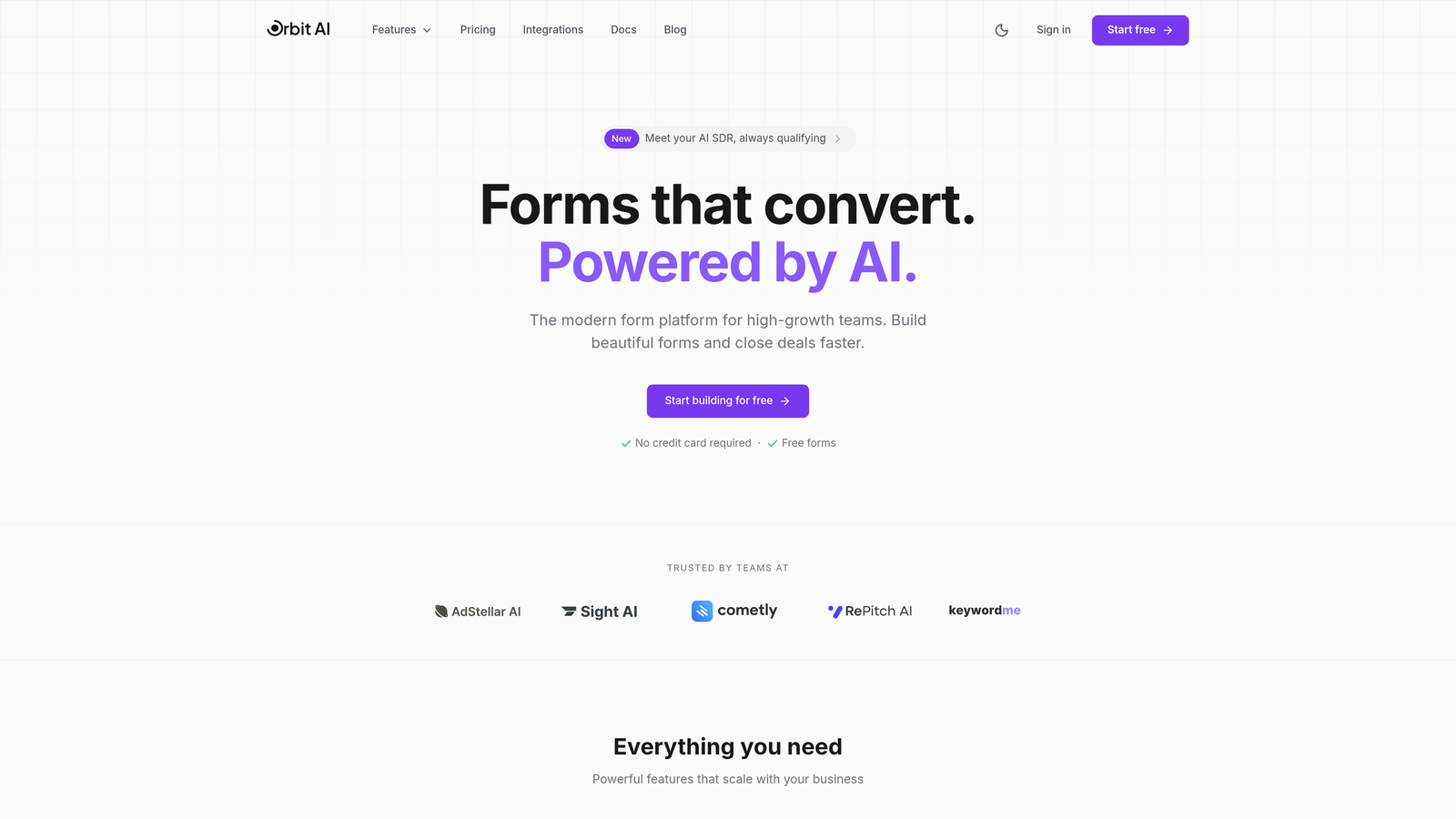
Orbit AI is an AI-powered form builder platform that combines beautiful design with intelligent lead qualification capabilities.
Where This Tool Shines
Orbit AI stands out by automating the lead qualification process that typically happens after form submission. The platform analyzes responses in real-time, scoring leads based on your criteria and routing high-value prospects to your sales team immediately.
The conversion-optimized templates are designed specifically for modern teams who need forms that don't just collect data but actually drive pipeline growth. Every template follows proven UX patterns that maximize completion rates.
Key Features
AI-Powered Lead Qualification: Automatically scores and qualifies leads based on form responses, eliminating manual review.
Conversion-Optimized Templates: Pre-built form designs engineered for maximum completion rates across industries.
Native CRM Integrations: Connects directly with HubSpot, Salesforce, and Slack to sync qualified leads instantly.
Real-Time Analytics: Track form performance, conversion rates, and lead quality metrics from a unified dashboard.
Modern Form Design: Beautiful, responsive forms that match your brand and deliver exceptional user experiences.
Best For
High-growth B2B teams, marketing agencies, and sales-driven organizations that need to capture leads and qualify them simultaneously. Particularly valuable for teams overwhelmed by low-quality form submissions who want AI to handle initial scoring.
Pricing
Free tier available for teams getting started. Paid plans start at competitive rates with features scaling based on team size and lead volume.
2. Typeform
Best for: Creating engaging, conversational form experiences with one-question-at-a-time format
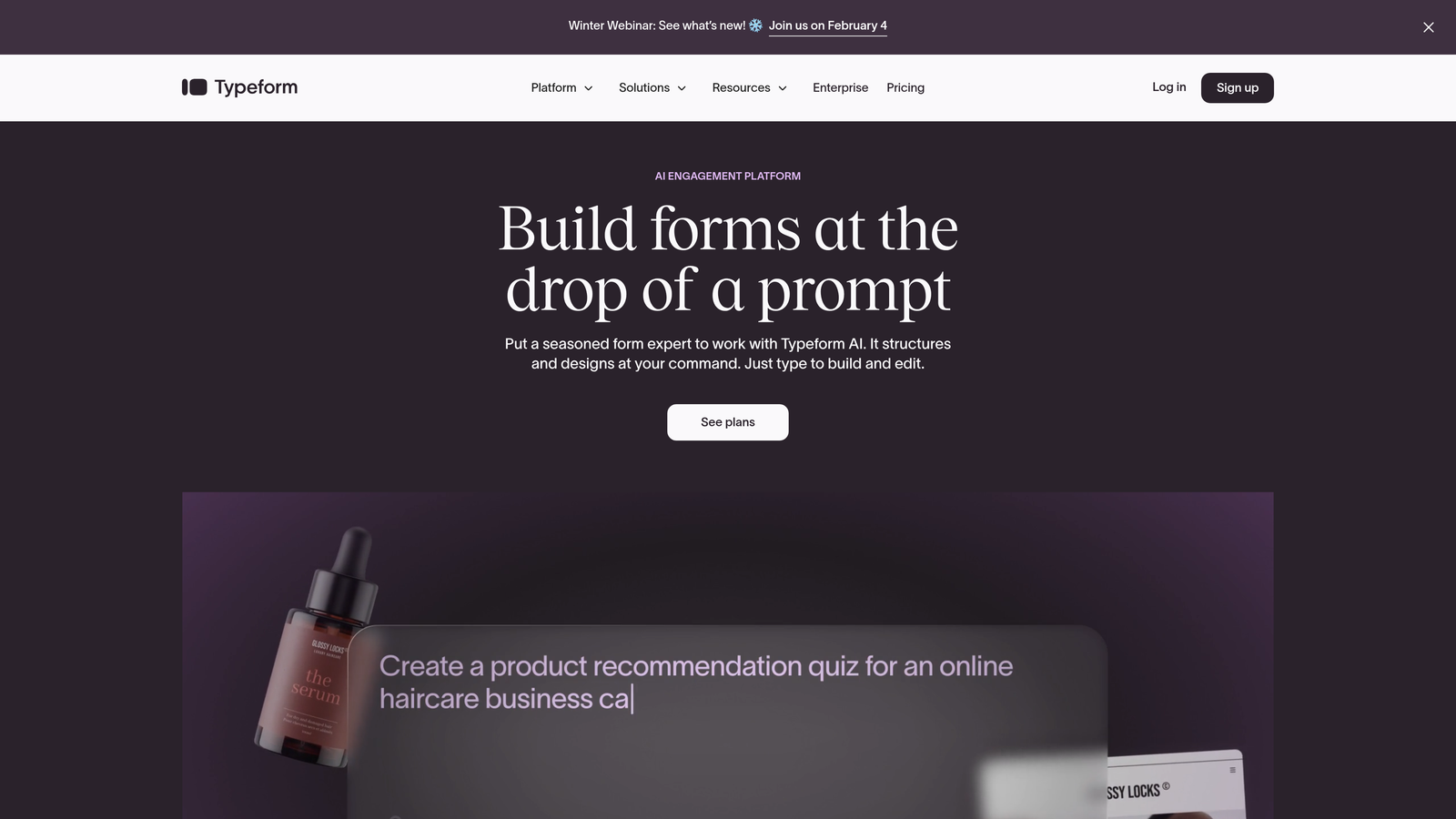
Typeform is a conversational form builder that presents questions individually for higher engagement.
Where This Tool Shines
Typeform revolutionized form design by ditching the traditional multi-field layout for a conversational approach. Each question appears individually, creating a dialogue-like experience that significantly improves completion rates.
The platform excels when you need forms that feel human and approachable. Surveys, feedback forms, and lead qualification flows benefit from this conversational style that reduces form abandonment.
Key Features
One-Question-at-a-Time Format: Presents questions individually to reduce cognitive load and improve completion rates.
Logic Jumps: Creates dynamic form paths based on previous answers for personalized experiences.
Brand Customization: Extensive design controls to match forms perfectly with your brand identity.
Rich Media Embedding: Add videos, images, and GIFs to make forms more engaging and interactive.
Native Integrations: Connects with popular tools including Google Sheets, Slack, Mailchimp, and major CRMs.
Best For
Marketing teams, customer success departments, and anyone creating surveys or feedback forms where engagement and completion rates are critical. Works exceptionally well for brand-conscious companies.
Pricing
Free tier allows up to 10 responses per month. Basic plan starts at $25/month with increased response limits and additional features.
3. Jotform
Best for: Teams needing extensive template variety and deep customization for diverse form types
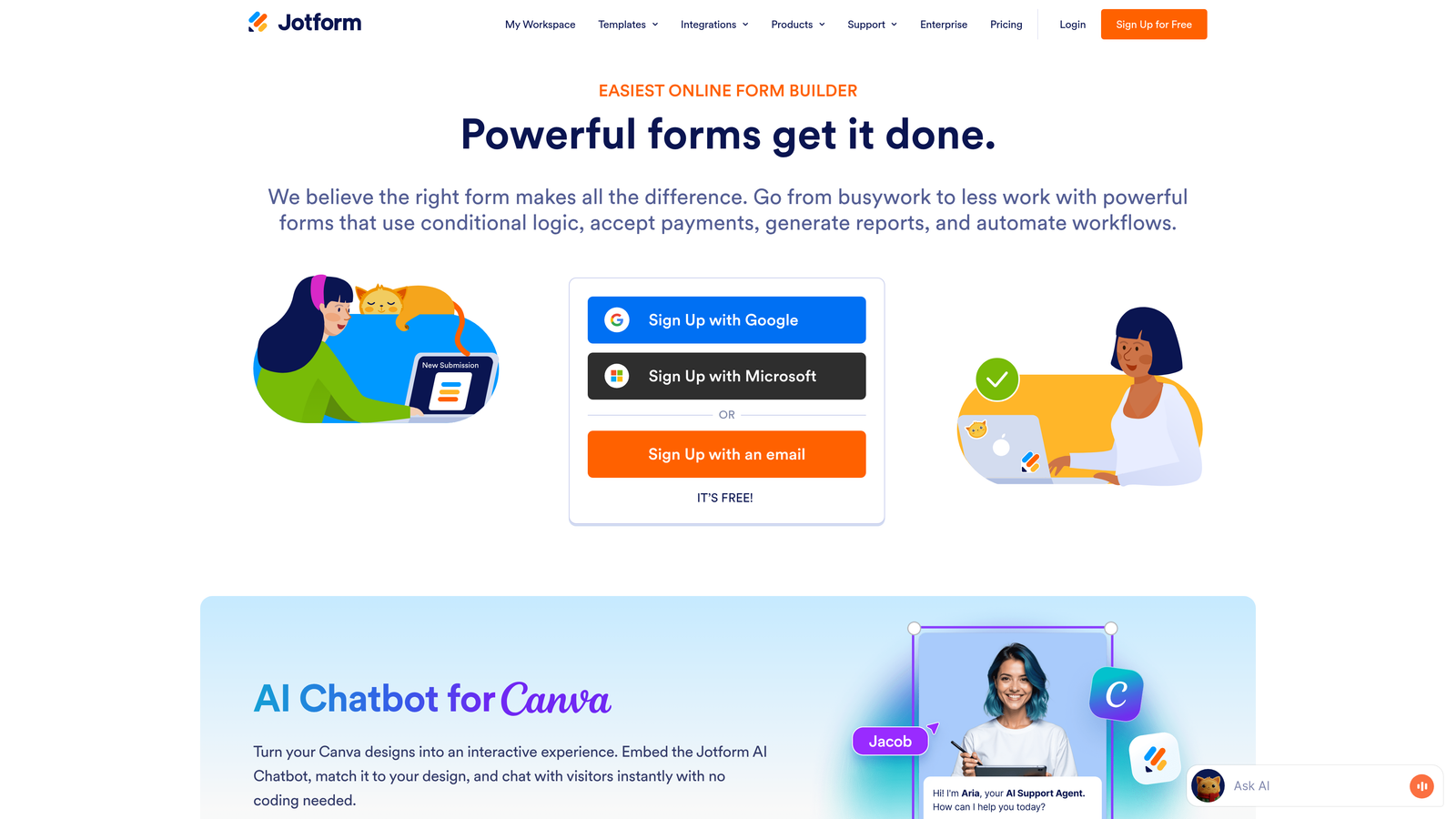
Jotform is a versatile form builder offering the industry's largest template library with over 10,000 options.
Where This Tool Shines
Jotform's massive template library means you'll find a starting point for virtually any use case—from event registrations to job applications to complex order forms. This breadth makes it ideal for organizations with diverse form needs.
The platform also handles payment collection exceptionally well, with native integrations for PayPal, Stripe, Square, and other processors. If your forms need to collect money, Jotform makes it straightforward.
Key Features
10,000+ Templates: Industry's largest template library covering every conceivable form type and use case.
Drag-and-Drop Builder: Intuitive visual editor for customizing forms without technical knowledge.
Payment Processing: Native integrations with major payment gateways for collecting payments directly through forms.
PDF Form Creation: Convert forms to fillable PDFs or generate PDFs from submissions automatically.
HIPAA Compliance: Enterprise plans offer HIPAA-compliant forms for healthcare and regulated industries.
Best For
Organizations with varied form requirements across departments, healthcare providers needing HIPAA compliance, and businesses collecting payments through forms. Great for teams who value having many starting templates.
Pricing
Free tier supports up to 5 forms with 100 monthly submissions. Bronze plan starts at $34/month for increased limits and features.
4. Tally
Best for: Budget-conscious teams wanting unlimited forms and submissions without paid plans
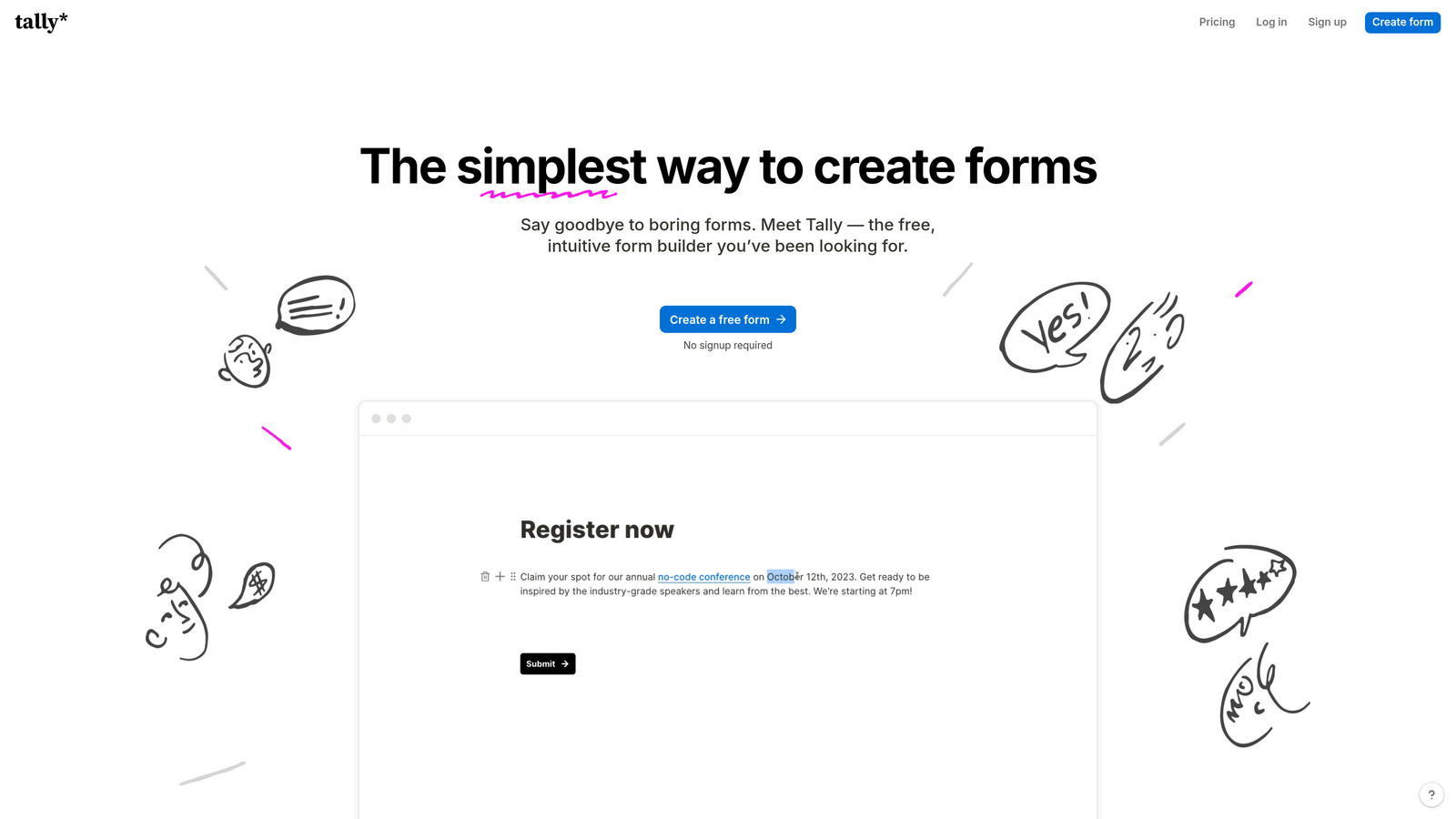
Tally is a simple, Notion-like form builder with an exceptionally generous free tier.
Where This Tool Shines
Tally disrupts the form builder market with a free tier that includes unlimited forms and unlimited submissions—features most competitors lock behind paid plans. This makes it perfect for startups, side projects, and budget-conscious teams.
The Notion-style block editor feels familiar to teams already using Notion. You build forms by stacking blocks, making the creation process intuitive and fast without sacrificing functionality.
Key Features
Unlimited Free Tier: Create unlimited forms with unlimited submissions at no cost—unprecedented in the market.
Block-Based Editor: Notion-style interface for building forms quickly using familiar block patterns.
Conditional Logic: Show or hide questions based on previous answers to create dynamic forms.
File Uploads: Allow respondents to upload files directly through your forms.
Custom Domains: Use your own domain for forms on paid plans to maintain brand consistency.
Best For
Startups, indie makers, nonprofits, and any team operating on limited budgets who need powerful form capabilities without ongoing costs. Also ideal for Notion users seeking familiar interfaces.
Pricing
Generous free tier includes most features with unlimited forms and submissions. Pro plan available at $29/month for custom domains and advanced features.
5. Fillout
Best for: Notion and Airtable users needing native database integrations for their forms
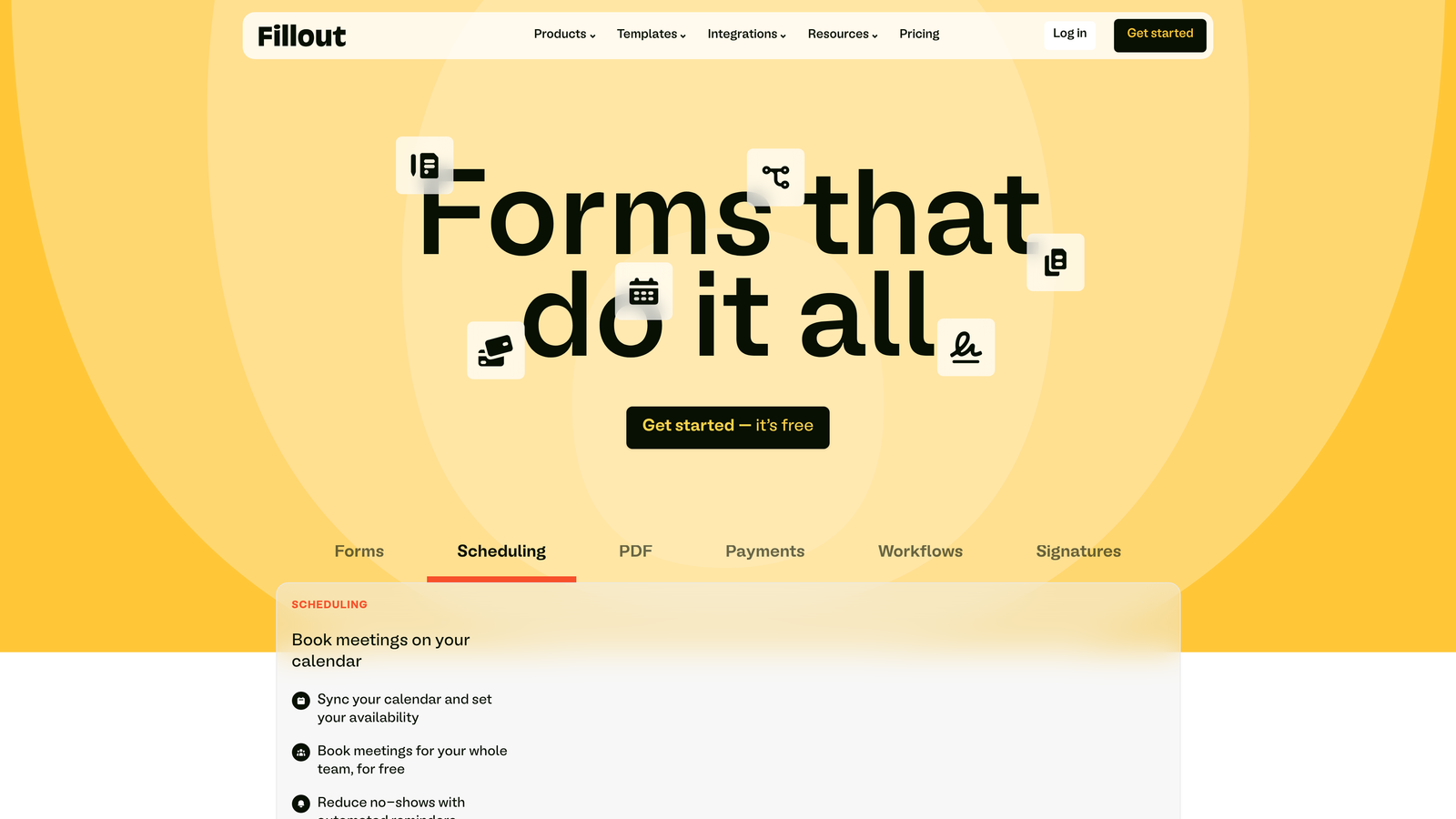
Fillout is a form builder designed specifically for teams using Notion and Airtable as their databases.
Where This Tool Shines
Fillout eliminates the integration headaches between forms and no-code databases. If you run your operations in Notion or Airtable, Fillout connects natively to write form submissions directly into your existing databases.
The platform goes beyond simple data collection by allowing you to pre-fill forms with existing database records and update those records through form submissions. This creates powerful workflows for customer portals, internal tools, and data management.
Key Features
Native Database Integration: Direct connections to Notion and Airtable databases without middleware or Zapier.
Pre-Fill Capabilities: Auto-populate form fields with data from your database records for editing workflows.
Record Updates: Allow users to update existing database records through form submissions.
Scheduling Integration: Built-in calendar and scheduling features for appointment booking.
Multi-Page Logic: Create complex, multi-step forms with conditional branching between pages.
Best For
Teams building their operations on Notion or Airtable who need forms that integrate seamlessly with their existing databases. Perfect for creating customer portals, internal request forms, and data update workflows.
Pricing
Free tier available for basic usage. Starter plan begins at $15/month with expanded database connections and features.
6. Paperform
Best for: Creating form-based landing pages with document-style editing and rich media
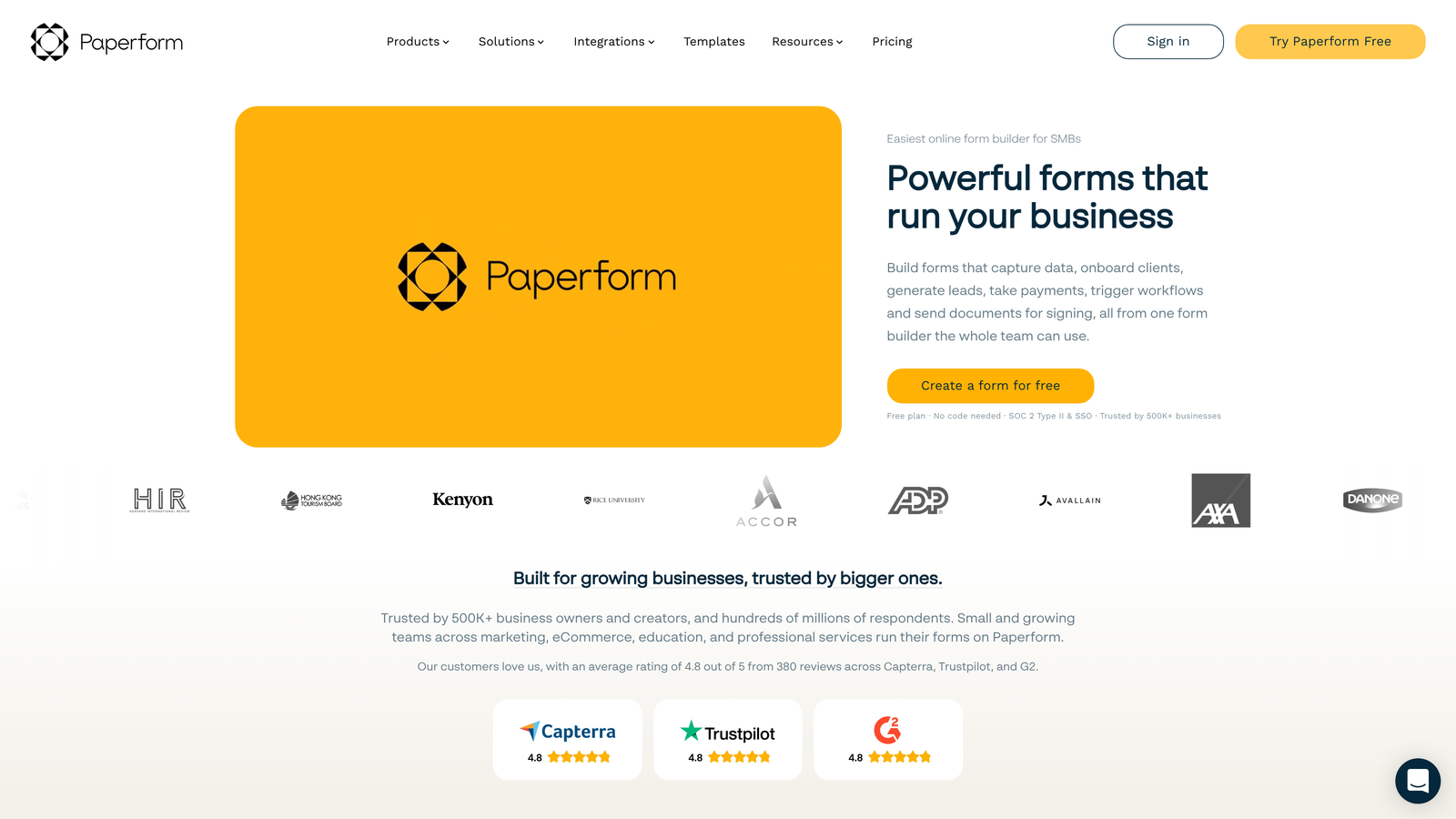
Paperform is a document-style form builder that creates beautiful form-based landing pages.
Where This Tool Shines
Paperform treats forms like documents, letting you mix form fields with rich text, images, videos, and other content. This approach creates landing page experiences where the form feels like part of a cohesive narrative.
The platform excels for product launches, event registrations, and sales pages where you need to tell a story while collecting information. You're not just building a form—you're crafting an experience.
Key Features
Document-Style Editor: Free-form editing that mixes form fields with text, images, and media like a document.
Rich Media Embedding: Add videos, images, and custom HTML to create immersive form experiences.
Payment Processing: Built-in payment collection through Stripe and PayPal for selling products or services.
Appointment Scheduling: Integrated booking functionality for scheduling meetings or appointments.
Custom Success Pages: Design unique thank-you pages with conditional content based on form responses.
Best For
Marketing teams launching products, event organizers, course creators, and businesses selling through forms. Ideal when you need forms that double as compelling landing pages with storytelling elements.
Pricing
Essentials plan starts at $24/month with full feature access. No free tier, but 14-day trial available.
7. Formstack
Best for: Enterprise teams requiring advanced compliance, workflow automation, and document generation
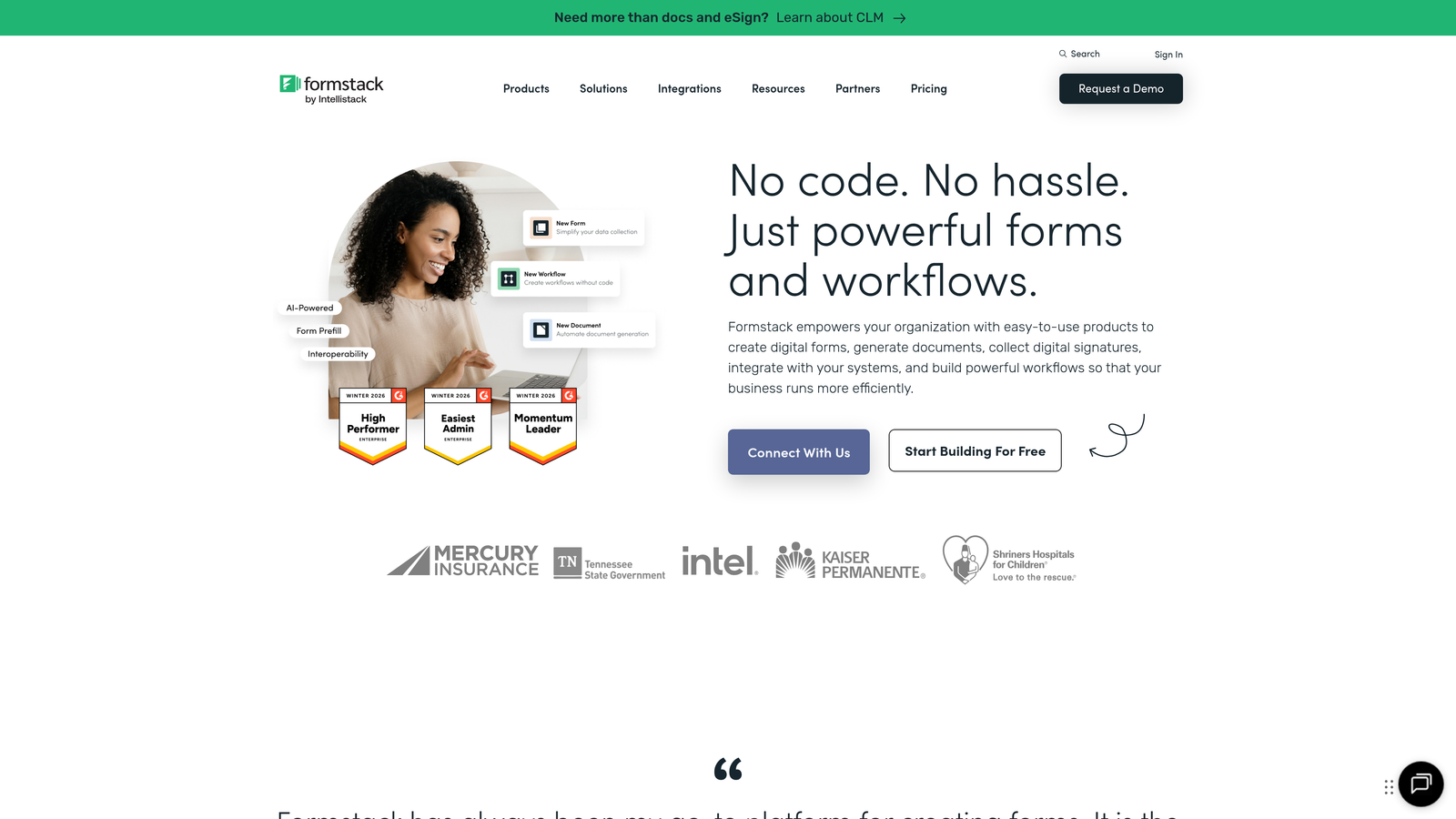
Formstack is an enterprise-grade form builder with robust compliance features and workflow automation.
Where This Tool Shines
Formstack targets regulated industries and enterprise environments where compliance isn't optional. HIPAA and GDPR compliance features are built-in, making it the go-to choice for healthcare, finance, and legal organizations.
The workflow automation capabilities extend far beyond basic form submission. You can trigger document generation, route approvals, and orchestrate complex business processes—all from form submissions.
Key Features
HIPAA and GDPR Compliance: Built-in compliance features for regulated industries handling sensitive data.
Advanced Conditional Logic: Complex branching and field logic for sophisticated form workflows.
Document Generation: Automatically create PDFs, contracts, and documents from form submissions.
Electronic Signatures: Collect legally binding signatures directly within forms.
Workflow Automation: Build approval chains, routing rules, and multi-step processes triggered by submissions.
Best For
Healthcare organizations, financial institutions, legal firms, and enterprise teams in regulated industries. Essential for organizations where compliance violations carry serious consequences and complex workflows are standard.
Pricing
Starter plan begins at $50/month. Enterprise pricing available for organizations needing advanced compliance and dedicated support.
8. Google Forms
Best for: Simple data collection with seamless Google Workspace integration at zero cost
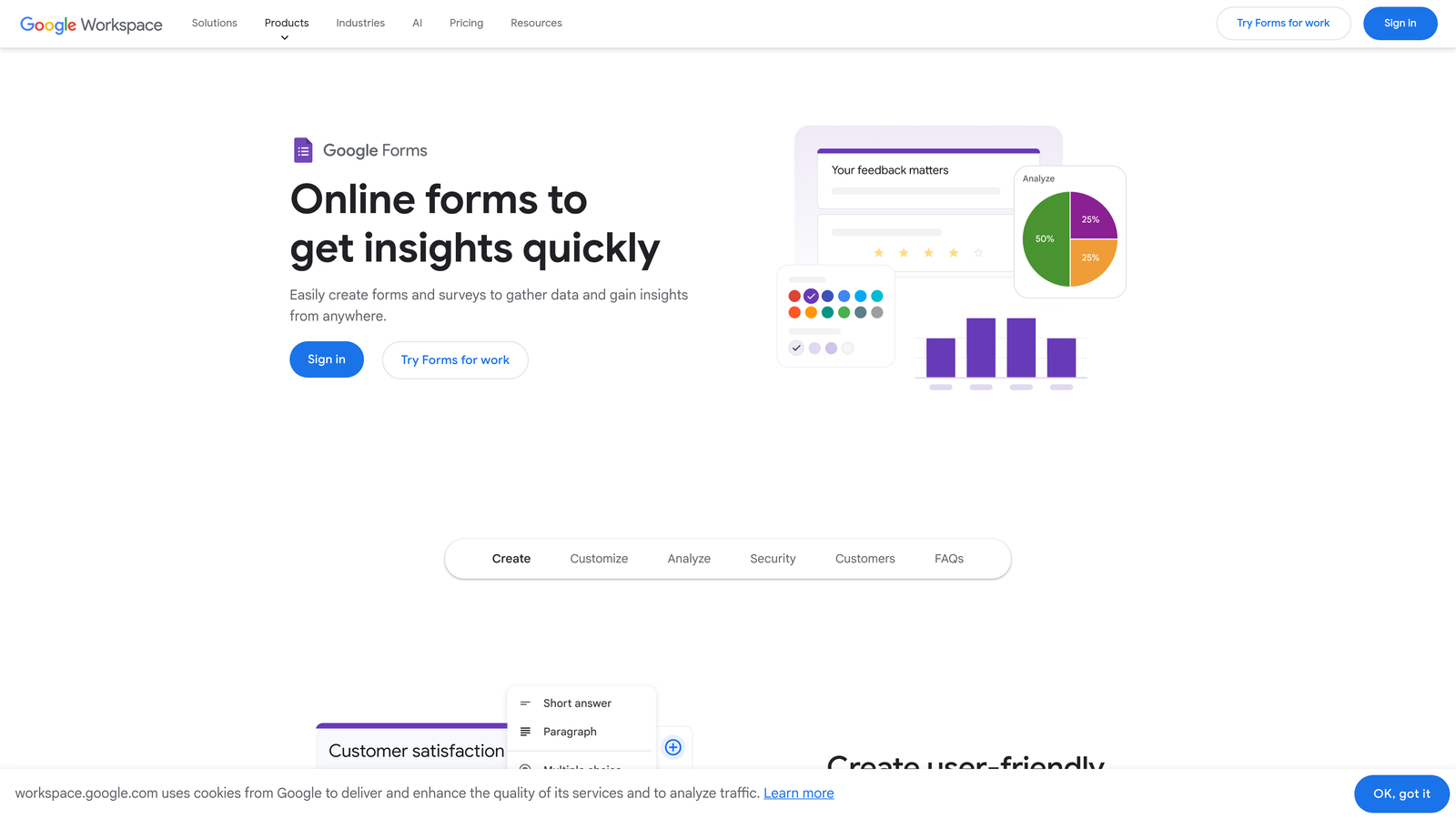
Google Forms is a free, straightforward form builder integrated with Google Workspace.
Where This Tool Shines
Google Forms delivers essential form functionality at zero cost. For teams already using Google Workspace, the seamless integration with Google Sheets makes data analysis immediate and collaborative.
The platform works perfectly for internal surveys, event RSVPs, feedback collection, and simple quizzes. While it lacks advanced features, its simplicity and price point make it ideal for straightforward use cases.
Key Features
Completely Free: No hidden costs, usage limits, or premium tiers—everything included with Google account.
Google Sheets Integration: Responses automatically populate Google Sheets for instant analysis and collaboration.
Basic Conditional Logic: Show or hide sections based on answers for simple branching.
Collaborative Editing: Multiple team members can edit forms simultaneously like other Google Workspace tools.
Quiz Functionality: Built-in quiz features with automatic grading for educational use cases.
Best For
Schools, nonprofits, small businesses, and any team needing basic form functionality without budget allocation. Perfect for internal processes, simple surveys, and teams already invested in Google Workspace.
Pricing
Completely free with any Google account. No paid tiers or premium features.
9. Cognito Forms
Best for: Complex payment forms, order forms, and applications requiring advanced calculations
Cognito Forms is a form builder specializing in payment collection, calculations, and order forms.
Where This Tool Shines
Cognito Forms excels at complex calculation logic that most form builders struggle with. You can build sophisticated order forms with quantity pricing, tax calculations, and conditional pricing rules without custom code.
The repeating sections feature allows users to add multiple items or entries within a single form submission—perfect for event registrations with multiple attendees or order forms with variable quantities.
Key Features
Built-In Payment Processing: Native Stripe and PayPal integration for collecting payments directly through forms.
Complex Calculations: Advanced calculation fields supporting formulas, conditional pricing, and mathematical operations.
Repeating Sections: Allow users to add multiple entries within a single form for variable-quantity submissions.
Quantity and Pricing Logic: Build order forms with dynamic pricing based on selections and quantities.
Electronic Signatures: Collect legally binding signatures for contracts and agreements.
Best For
E-commerce businesses, event organizers, membership organizations, and any team building order forms or applications requiring complex calculations. Ideal when you need payment processing with sophisticated pricing logic.
Pricing
Free tier available for individual users. Pro plan starts at $15/month for teams and businesses needing advanced features.
Making the Right Choice
Choosing the right no code form builder comes down to your specific needs and workflow priorities.
For AI-powered lead qualification and conversion optimization, Orbit AI stands out with its intelligent scoring capabilities that help high-growth teams identify valuable prospects automatically. If conversational experiences drive your strategy, Typeform's one-question-at-a-time format delivers exceptional engagement.
Budget-conscious teams should explore Tally's generous free tier with unlimited forms and submissions. Enterprise operations requiring compliance will find Formstack's robust HIPAA and GDPR features essential. Teams already using Notion or Airtable gain massive efficiency with Fillout's native database integrations.
Think about your integration requirements. If you live in Google Workspace, Google Forms offers seamless connectivity at zero cost. Need sophisticated payment processing? Cognito Forms handles complex calculations and order forms better than most alternatives.
The best platform is the one that fits your workflow, integrates with your existing stack, and helps you capture leads that actually convert. Start with a free trial of your top choice and test it against your real-world use cases before committing.
Start building free forms today and see how intelligent form design can elevate your conversion strategy. Transform your lead generation with AI-powered forms that qualify prospects automatically while delivering the modern, conversion-optimized experience your high-growth team needs.


