

Your forms are often the first real interaction prospects have with your business—and most companies are losing leads before they even start. Clunky interfaces, slow load times, and generic designs signal to visitors that maybe they should look elsewhere.
The right form builder changes everything: it captures attention, qualifies leads automatically, and integrates seamlessly with your existing stack. We evaluated dozens of online form creation tools based on ease of use, conversion optimization features, integration capabilities, and pricing flexibility.
Whether you're a solo founder needing quick surveys or an enterprise team requiring advanced conditional logic and AI-powered qualification, here are the top online form creation tools for 2026.
1. Orbit AI
Best for: High-growth teams needing AI-powered lead qualification and conversion-optimized form experiences.
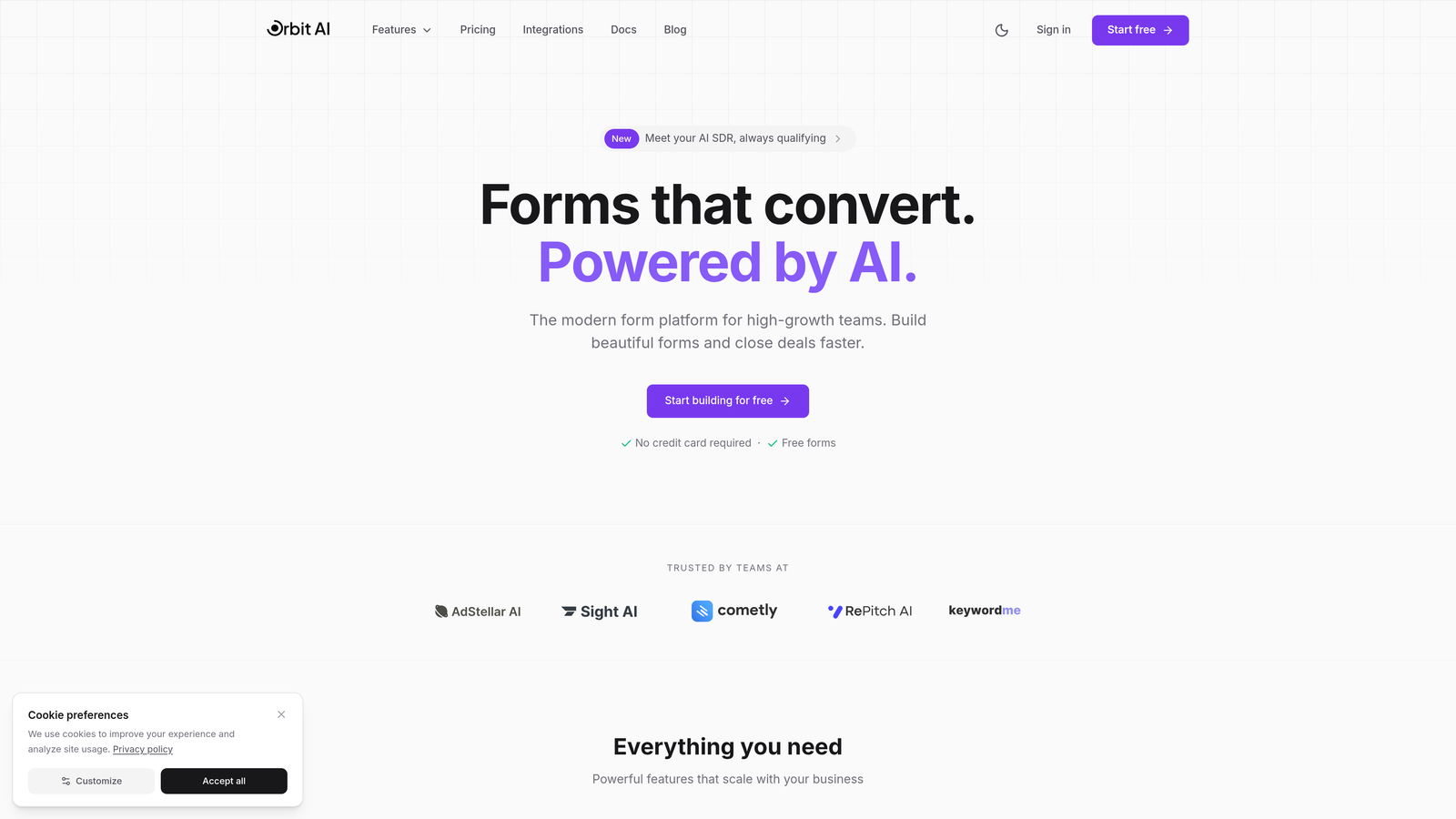
Orbit AI is an AI-powered form builder platform designed specifically for teams focused on turning submissions into qualified pipeline.
Where This Tool Shines
Orbit AI distinguishes itself by embedding intelligence directly into the form experience. While most builders stop at data collection, this platform automatically scores and routes leads based on submission quality—eliminating the manual qualification bottleneck that slows down sales teams.
The conversion optimization features go beyond aesthetics. Real-time analytics reveal exactly where prospects drop off, and the AI-enhanced conditional logic adapts form paths based on previous responses, creating personalized experiences that feel less like interrogation and more like conversation.
Key Features
AI-Powered Lead Qualification: Automatically scores submissions and routes high-value prospects to sales while nurturing others through marketing workflows.
Conversion-Optimized Templates: Modern form designs built specifically to maximize completion rates, with mobile-first responsive layouts.
Native CRM Integrations: Connects directly with major CRMs and automation platforms, syncing data and triggering workflows without middleware.
Drop-Off Analytics: Real-time insights show exactly which fields cause abandonment, allowing rapid iteration on form performance.
AI-Enhanced Conditional Logic: Dynamic branching that adapts form paths intelligently based on user responses and behavior patterns.
Best For
High-growth B2B teams, marketing operations professionals managing lead flow, and sales organizations that need automatic lead scoring. Particularly valuable for companies where form submissions represent significant pipeline potential and qualification speed matters.
Pricing
Free tier available for getting started; paid plans begin at $29/month with advanced AI features and higher submission volumes.
2. Typeform
Best for: Creating engaging conversational form experiences with beautiful design and one-question-at-a-time flow.
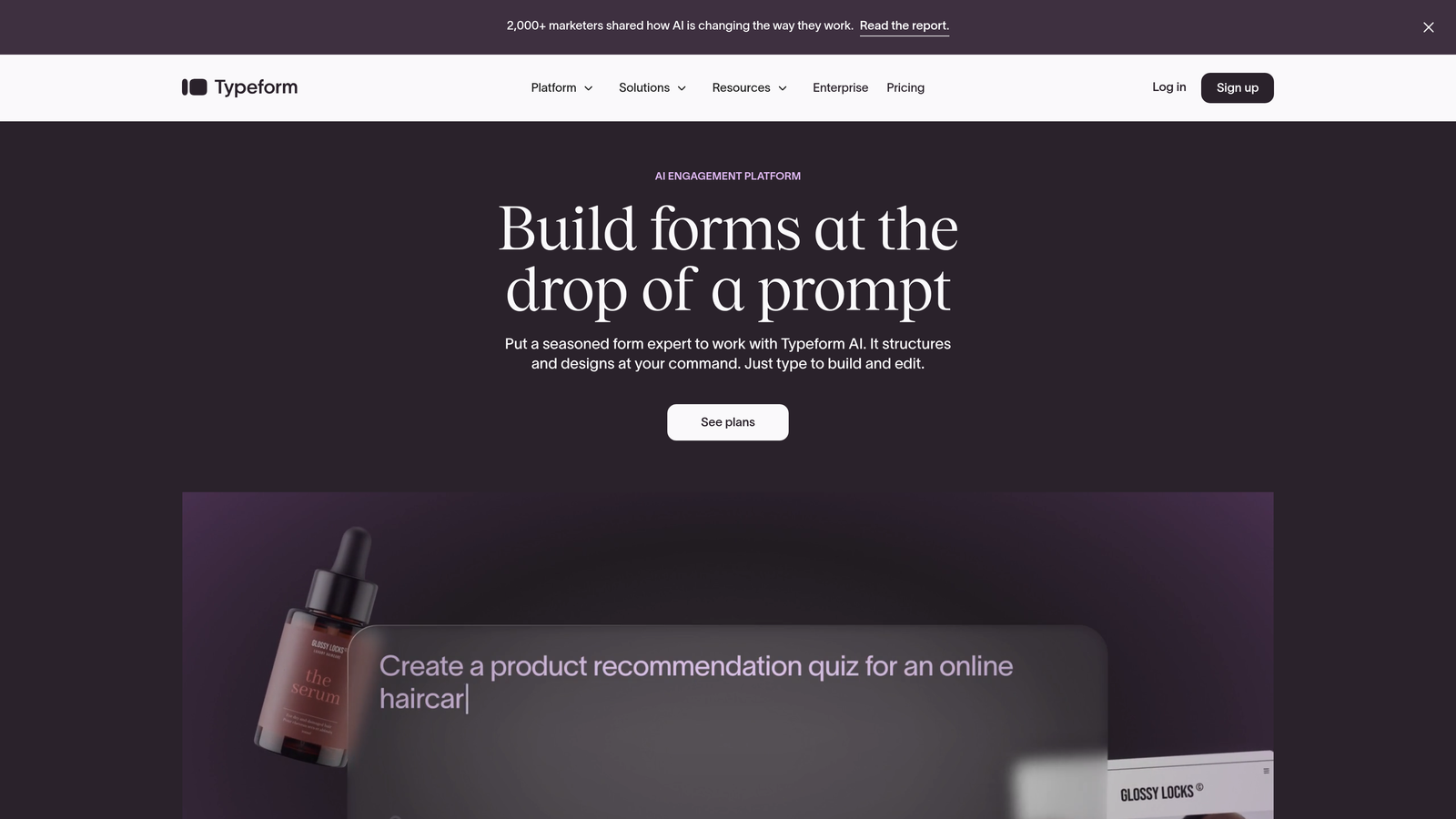
Typeform is a conversational form builder that pioneered the one-question-at-a-time approach now widely imitated across the industry.
Where This Tool Shines
Typeform transformed how people think about online forms by making them feel less like paperwork and more like dialogue. The signature interface presents questions individually, creating focus and reducing the psychological overwhelm of seeing a long form all at once.
The design aesthetic remains unmatched for teams prioritizing brand experience. Default styling looks polished without customization, and the platform offers deep brand controls for companies wanting forms that feel like natural extensions of their website rather than embedded third-party widgets.
Key Features
Conversational Interface: One-question-at-a-time presentation that increases engagement and completion rates compared to traditional multi-field layouts.
Brand Customization: Extensive design controls including custom fonts, colors, backgrounds, and the ability to hide Typeform branding on paid plans.
Logic Jumps: Conditional branching that creates personalized paths through forms based on previous answers.
Rich Media Embedding: Native support for video and image integration throughout forms, creating multimedia experiences.
Integration Marketplace: Hundreds of pre-built connections to popular tools plus webhook support for custom workflows.
Best For
Marketing teams focused on brand experience, customer research teams conducting surveys, and companies where form aesthetics significantly impact conversion. Works particularly well for consumer-facing applications where engagement matters as much as data collection.
Pricing
Free tier includes 10 responses per month; Basic plan starts at $25/month for 100 responses and removes branding.
3. Jotform
Best for: Teams needing extensive template variety and deep customization for virtually any form use case.
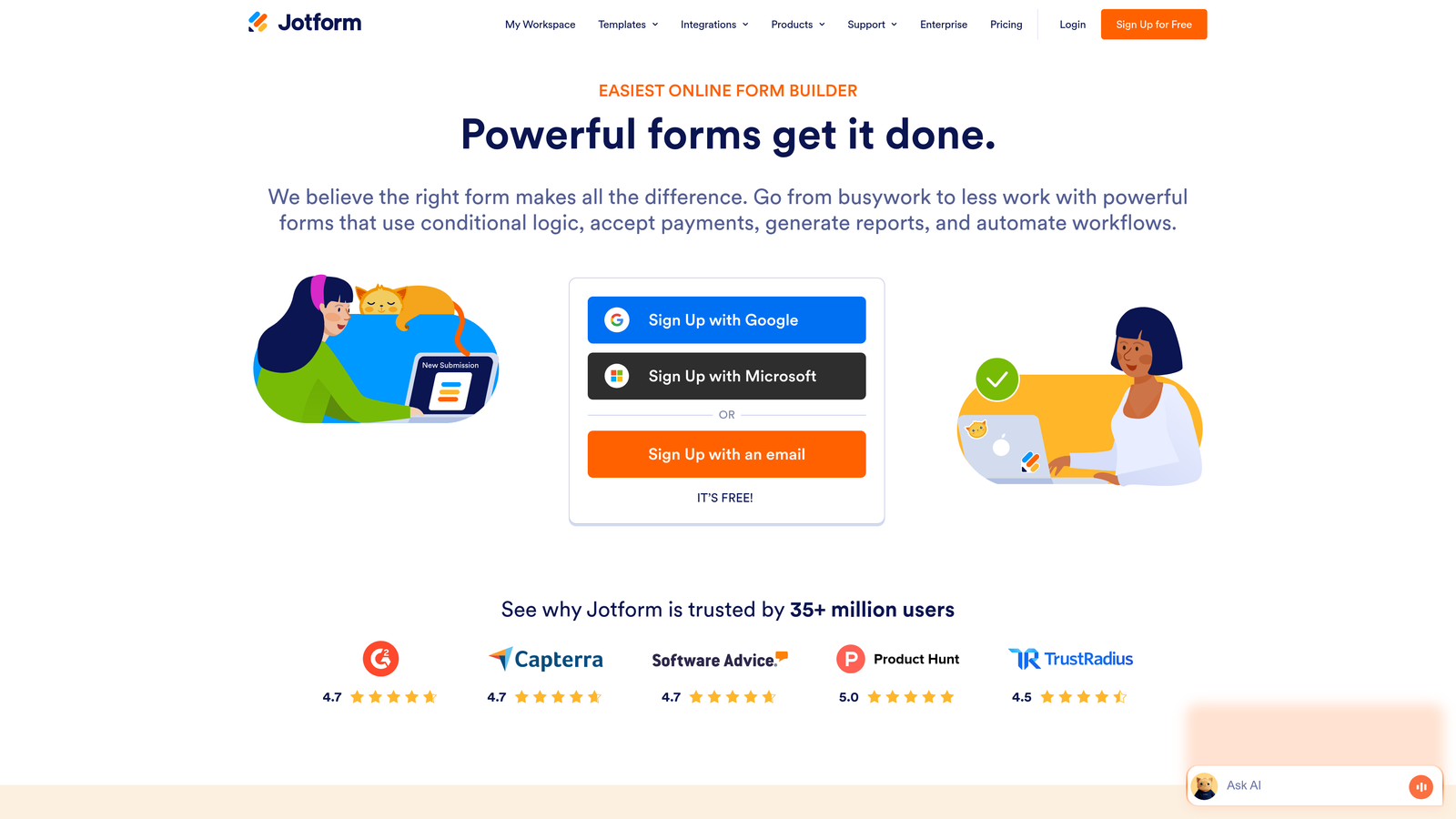
Jotform is a veteran form builder offering thousands of pre-built templates and comprehensive customization options for diverse business needs.
Where This Tool Shines
Jotform's greatest strength is breadth. With over 10,000 templates spanning industries from healthcare to hospitality, you rarely start from scratch. The platform has been around long enough to accumulate solutions for edge cases that newer builders haven't encountered yet.
The widget ecosystem adds functionality that extends far beyond basic form fields. Need appointment scheduling? There's a widget. Payment processing? Multiple options. PDF generation from submissions? Built in. This depth makes Jotform particularly valuable for teams with complex, multi-step workflows.
Key Features
10,000+ Templates: Pre-built forms for nearly every industry and use case, from job applications to event registrations to medical intake forms.
Widget Marketplace: Hundreds of add-on widgets that extend functionality, including signature capture, file uploads, and calculation fields.
Payment Integration: Native connections to major payment processors for collecting fees, donations, or processing orders directly through forms.
PDF Generation: Automatically create formatted PDF documents from form submissions, with custom templates and e-signature support.
HIPAA Compliance: Enterprise plans include HIPAA-compliant options for healthcare organizations handling protected health information.
Best For
Organizations with diverse form needs across departments, healthcare providers requiring HIPAA compliance, nonprofits collecting donations, and teams that prefer customizing existing templates rather than building from scratch.
Pricing
Free tier supports 5 forms with 100 monthly submissions; Bronze plan starts at $34/month for 25 forms and 1,000 submissions.
4. Tally
Best for: Teams wanting a minimalist, fast form builder with one of the most generous free tiers available.
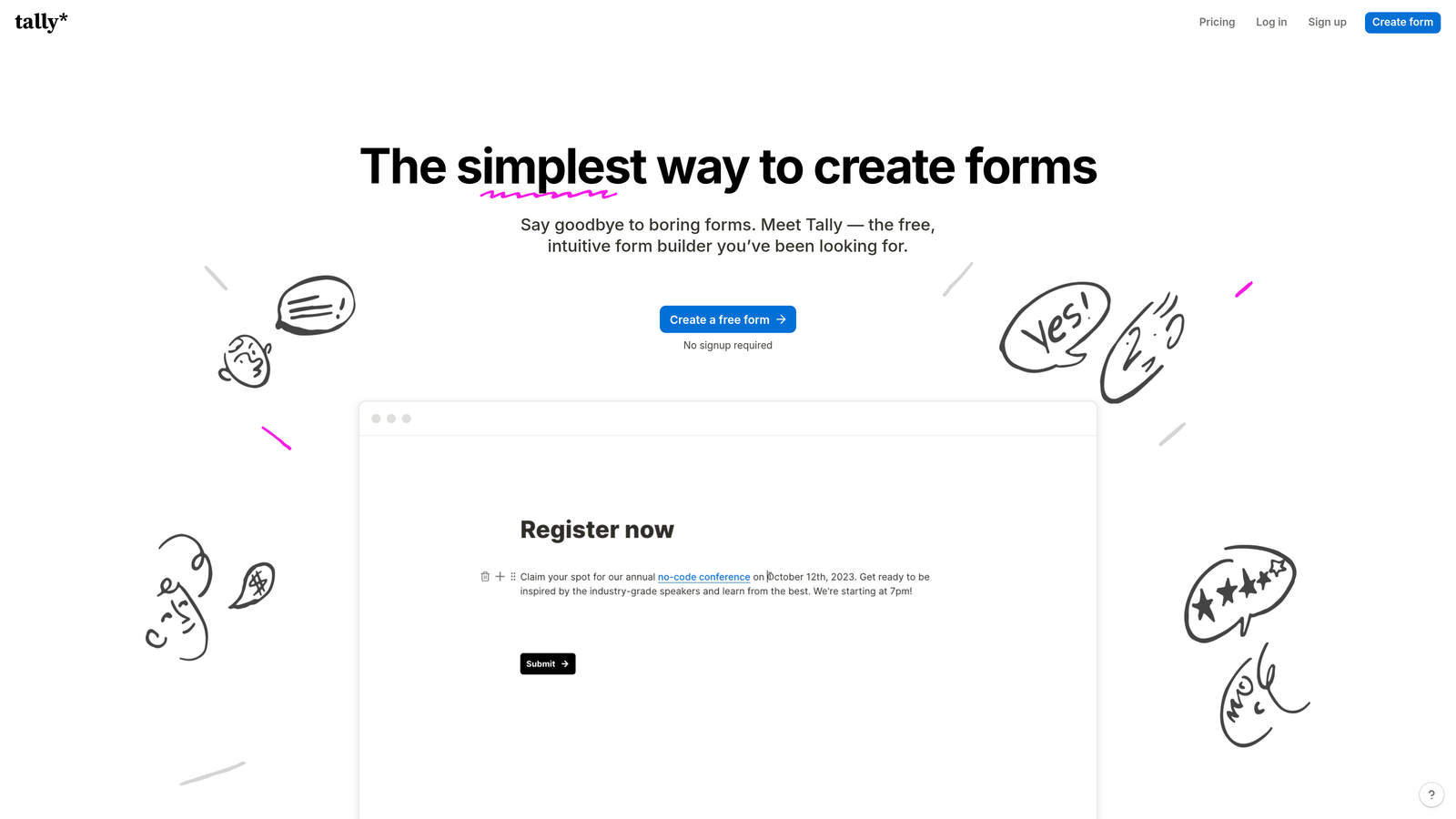
Tally is a Notion-inspired form builder that prioritizes simplicity and speed while offering unlimited forms and submissions on its free plan.
Where This Tool Shines
Tally's block-based editor feels immediately familiar to anyone who's used Notion. You build forms by adding blocks—text, multiple choice, file upload—in a clean interface that eliminates clutter. The learning curve is practically nonexistent.
The free tier stands out dramatically in a market where most competitors cap submissions aggressively. Unlimited forms and unlimited submissions means you can deploy Tally across your entire organization without worrying about overage fees or having to upgrade before you're ready.
Key Features
Unlimited Free Plan: No caps on forms or submissions at the free tier, removing the primary constraint most form builders impose.
Block-Based Editor: Notion-style interface where you add form elements as blocks, creating an intuitive building experience.
Fast-Loading Forms: Clean, minimal code results in forms that load quickly and work smoothly on mobile devices.
Basic Conditional Logic: Show or hide questions based on previous answers to create more relevant form experiences.
Integration Options: Webhooks and Zapier support for connecting forms to other tools in your stack.
Best For
Startups and small teams with limited budgets, organizations deploying forms across multiple departments, and anyone who values simplicity over advanced features. Particularly strong for internal forms and straightforward data collection.
Pricing
Free for unlimited forms and submissions; Pro plan at $29/month adds custom domains, file uploads, and advanced features.
5. Google Forms
Best for: Basic data collection needs with seamless Google Workspace integration and zero cost.
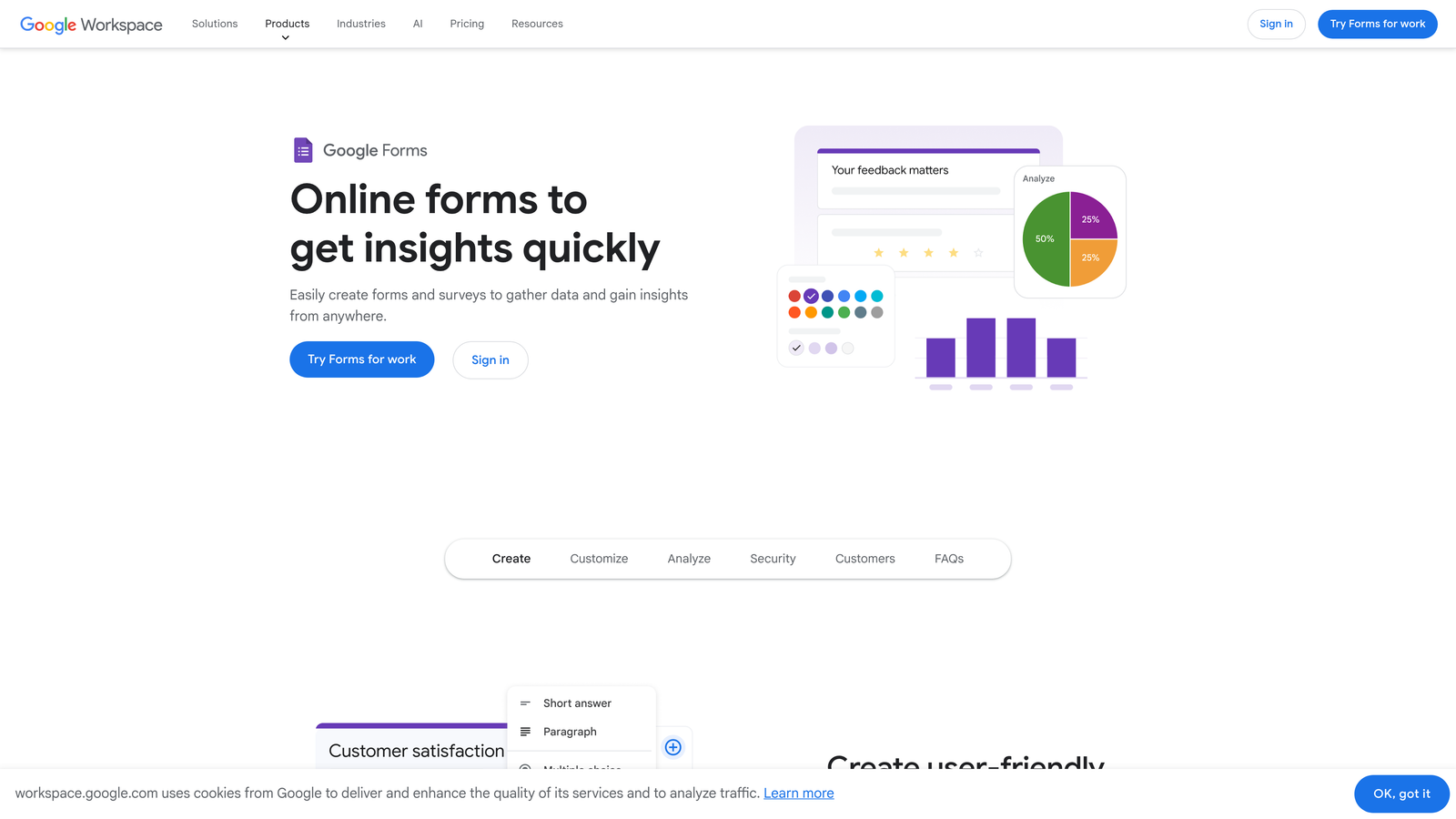
Google Forms is Google's free form tool that integrates directly with Google Sheets and other Workspace applications.
Where This Tool Shines
Google Forms wins on accessibility and simplicity. Everyone with a Google account can create forms immediately, and since most organizations already use Google Workspace, there's no new tool to adopt or budget to secure. The barrier to entry is essentially zero.
The automatic Google Sheets integration creates a natural workflow for teams already living in spreadsheets. Responses flow directly into Sheets where you can analyze, filter, and manipulate data using familiar formulas and pivot tables—no export or import steps required.
Key Features
Completely Free: Unlimited forms, unlimited responses, unlimited everything—no hidden costs or upgrade prompts.
Google Sheets Integration: Responses automatically populate a linked spreadsheet, updating in real-time as submissions arrive.
Basic Branching Logic: Show sections based on answers to create simple conditional paths through forms.
Collaborative Editing: Multiple team members can build and edit forms simultaneously, with changes appearing in real-time.
Quiz Functionality: Built-in features for creating quizzes with auto-grading, answer keys, and point values.
Best For
Schools and educational institutions, teams already embedded in Google Workspace, internal surveys and feedback collection, and anyone needing basic forms without budget for specialized tools.
Pricing
Free with a Google account—no paid tiers or premium features.
6. Paperform
Best for: Creating form experiences that double as landing pages with rich media and content alongside fields.
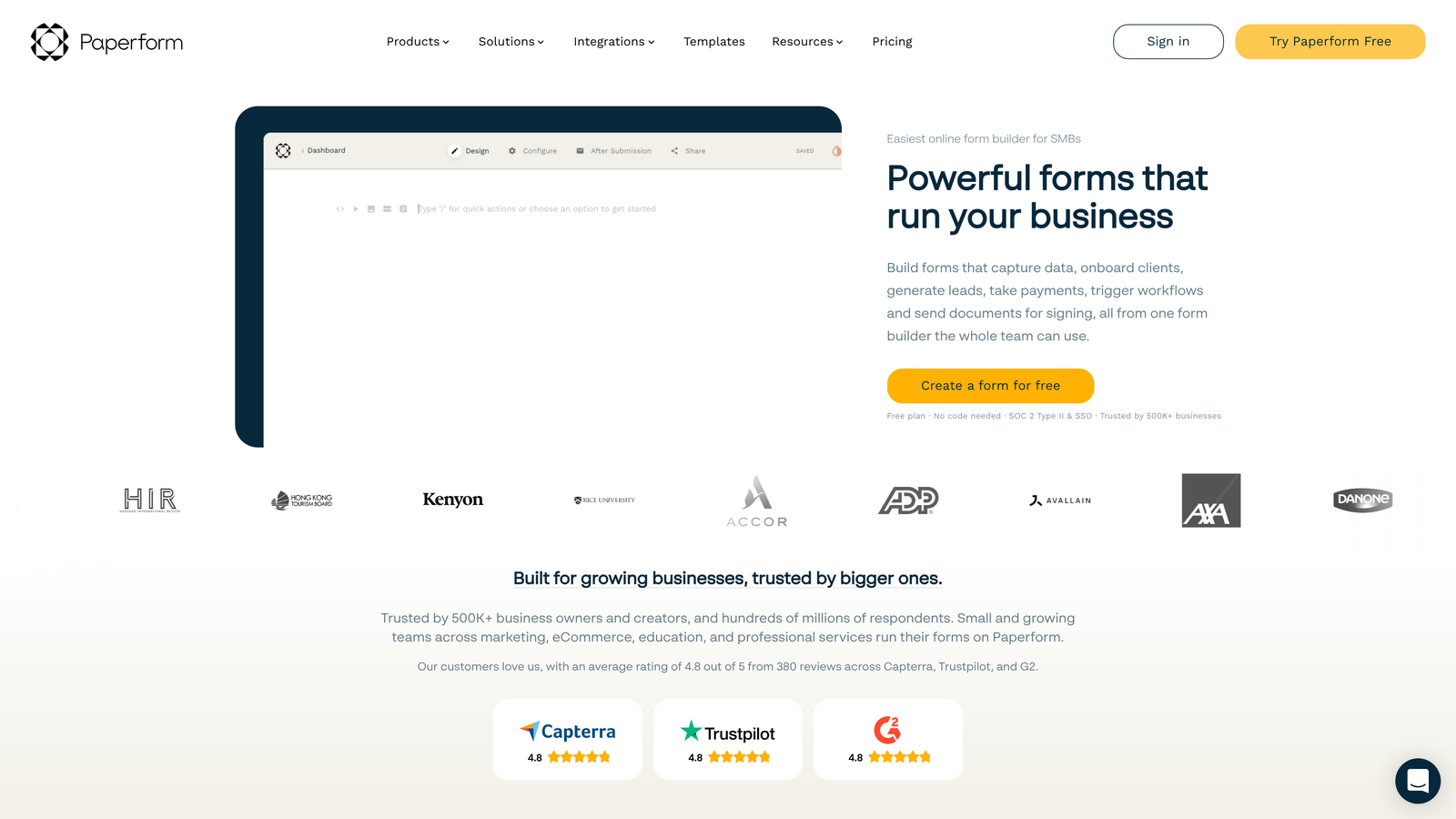
Paperform is a form builder that blurs the line between forms and landing pages, allowing extensive content and media integration.
Where This Tool Shines
Paperform approaches forms differently—as content experiences rather than just data collection tools. You can embed paragraphs of text, images, videos, and product catalogs alongside form fields, creating pages that inform and convert simultaneously.
The payment processing capabilities are particularly robust. You can build complete product catalogs, calculate totals with custom logic, and process transactions directly through the form—effectively creating lightweight e-commerce experiences without separate shopping cart software.
Key Features
Landing Page Layouts: Forms that look and function like full web pages, with rich formatting and design control.
Rich Media Embedding: Add text blocks, images, videos, and custom HTML throughout forms to create engaging experiences.
Product Catalogs: Display products with images and prices, calculate totals, and process payments directly through forms.
Advanced Calculations: Build complex formulas and scoring systems for quotes, assessments, or custom pricing logic.
Appointment Scheduling: Native booking functionality that syncs with calendars and manages availability automatically.
Best For
E-commerce businesses selling products or services, consultants offering booking and payment in one flow, and organizations where forms need to educate prospects while collecting information. Strong choice when the form itself needs to be a conversion asset.
Pricing
Essentials plan starts at $24/month with 1,000 submissions; higher tiers add advanced features and submission volume.
7. Formstack
Best for: Enterprise organizations requiring advanced security, compliance, and workflow automation for regulated industries.
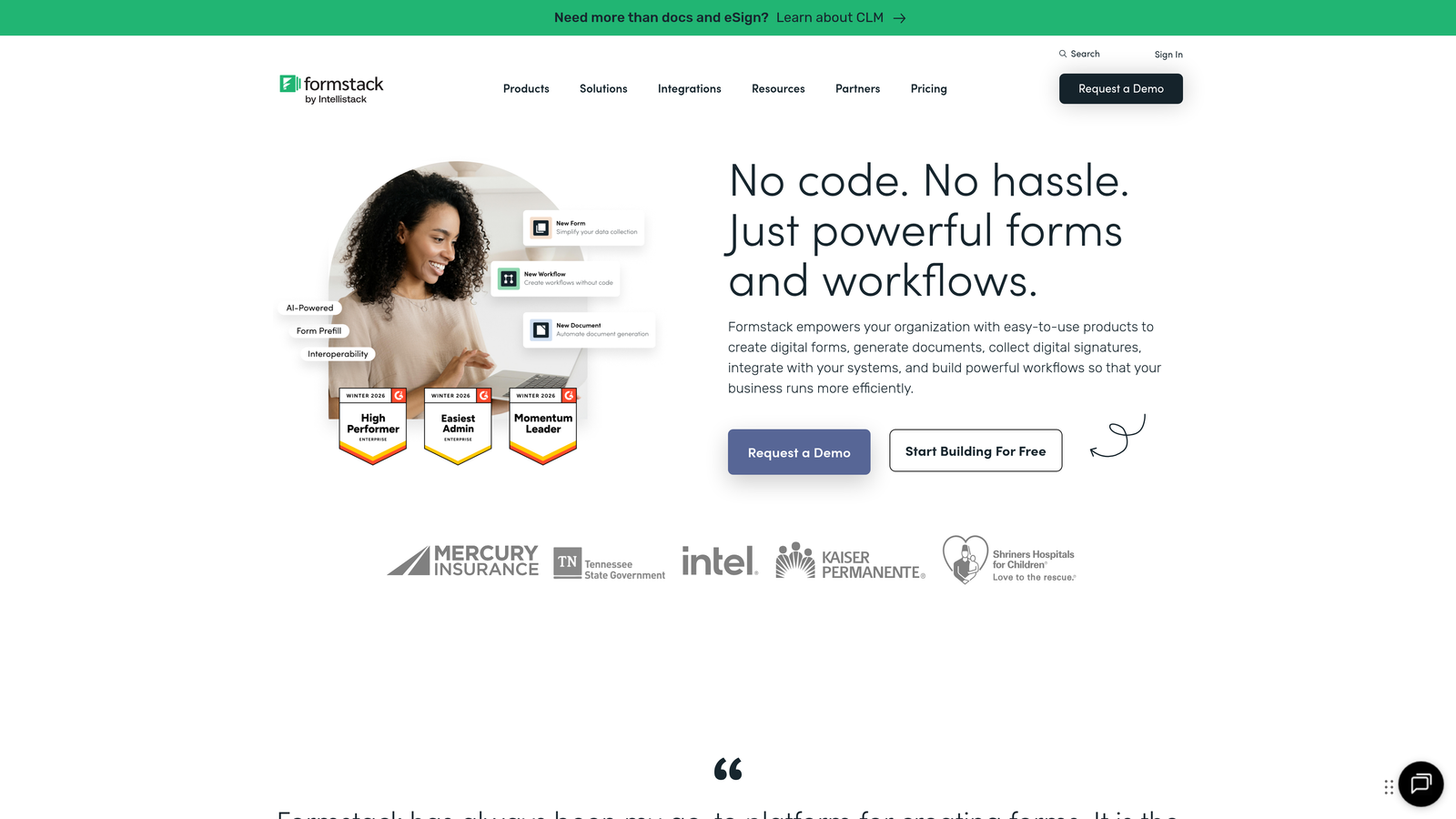
Formstack is an enterprise-grade form platform built specifically for organizations with strict security and compliance requirements.
Where This Tool Shines
Formstack excels in environments where compliance isn't optional. HIPAA, GDPR, and SOC 2 compliance come standard, with features like encrypted data storage, audit trails, and role-based access control that meet the requirements of healthcare, finance, and other regulated industries.
The workflow automation capabilities extend far beyond simple integrations. You can build multi-step approval processes, route submissions through complex organizational hierarchies, and trigger document generation automatically—functionality that replaces multiple specialized tools for enterprise operations teams.
Key Features
Compliance Certifications: HIPAA, GDPR, and SOC 2 compliance with encrypted data storage and comprehensive audit trails.
Workflow Automation: Advanced routing rules, approval workflows, and conditional actions that automate complex business processes.
Document Generation: Automatically create formatted documents and contracts from form data, with e-signature capabilities built in.
Salesforce Integration: Native Salesforce connector that syncs data bidirectionally and maintains field mapping without middleware.
Approval Workflows: Multi-step approval processes with notifications, escalations, and audit trails for regulated processes.
Best For
Healthcare organizations handling protected health information, financial services firms with compliance requirements, enterprise teams needing approval workflows, and IT departments managing security-conscious form deployments.
Pricing
Plans start at $50/month for basic features; enterprise pricing available for organizations requiring dedicated support and advanced compliance features.
8. Fillout
Best for: Operations teams using Notion, Airtable, or other modern database tools for data management.
Fillout is a modern form builder with native integrations for popular database tools like Notion and Airtable.
Where This Tool Shines
Fillout bridges the gap between form collection and database management seamlessly. The native Notion and Airtable integrations mean submissions flow directly into your existing databases without Zapier or custom code—a workflow that operations teams have been cobbling together with workarounds for years.
The pre-fill functionality creates powerful use cases for returning users or multi-step processes. Pull existing data from your database into forms so users only update what's changed, dramatically reducing friction for recurring submissions like status updates or profile management.
Key Features
Native Database Sync: Direct connections to Notion and Airtable that write submissions as database records without middleware.
Pre-Fill Capability: Populate form fields from existing database records, allowing users to update rather than re-enter information.
Multi-Page Forms: Break long forms into steps with progress indicators that reduce abandonment on complex submissions.
Scheduling Integration: Built-in calendar booking that syncs with Google Calendar and other scheduling tools.
Custom Domains: Use your own domain for forms to maintain brand consistency and build trust with respondents.
Best For
Operations teams managing workflows in Notion or Airtable, startups using modern database tools as their system of record, and teams building internal tools where pre-filled forms reduce repetitive data entry.
Pricing
Free tier available with basic features; Starter plan begins at $15/month for custom domains and advanced integrations.
9. HubSpot Forms
Best for: HubSpot CRM users wanting native form integration that automatically creates contacts and triggers workflows.
HubSpot Forms is the form builder integrated directly into HubSpot's CRM and marketing automation platform.
Where This Tool Shines
HubSpot Forms eliminates integration complexity for teams already using HubSpot. Every submission automatically creates or updates a contact record, associates with the right company, and triggers whatever workflows you've configured—no API connections or data mapping required.
The progressive profiling feature stands out for organizations building long-term relationships with prospects. Forms automatically hide fields for returning visitors whose information you already have, asking new questions instead. This creates shorter forms for repeat visitors while gradually enriching contact records over time.
Key Features
Automatic CRM Integration: Submissions instantly create or update contact records in HubSpot CRM with full activity history.
Progressive Profiling: Hide already-known fields for returning visitors and ask new questions to gradually build complete contact profiles.
Dependent Fields: Show or hide form fields based on previous answers or existing contact properties for personalized experiences.
Built-In Analytics: Track form performance, view attribution data, and analyze conversion paths directly in HubSpot's analytics interface.
Workflow Triggers: Automatically start email sequences, assign contacts to sales reps, or execute complex automation based on form submissions.
Best For
Organizations already using HubSpot CRM or Marketing Hub, sales teams wanting automatic lead routing without manual data entry, and marketing teams running sophisticated nurture campaigns triggered by form behavior.
Pricing
Free with HubSpot CRM; advanced features like progressive profiling and automation require paid Marketing Hub subscriptions starting at $45/month.
Making the Right Choice
The best online form creation tool depends on your specific workflow and priorities. If you're focused on converting form submissions into qualified pipeline, Orbit AI delivers AI-powered lead qualification and conversion optimization that turns forms into revenue-generating assets rather than simple data collection tools.
For teams prioritizing beautiful, engaging experiences, Typeform's conversational interface creates forms that feel less like paperwork and more like dialogue. If you need extensive template variety and deep customization across diverse use cases, Jotform's breadth of options makes it hard to beat.
Budget-conscious teams should seriously consider Tally's generous free tier or Google Forms for basic needs. Operations teams embedded in Notion or Airtable will find Fillout's native integrations eliminate workflow friction, while HubSpot users already living in that ecosystem benefit from the seamless CRM integration of HubSpot Forms.
Enterprise organizations with compliance requirements should evaluate Formstack's security certifications and workflow automation capabilities. And if you're building forms that double as landing pages with rich content and payment processing, Paperform offers unique functionality that other builders don't match.
The online form builder landscape has matured significantly, with AI capabilities becoming a key differentiator heading into 2026. For high-growth teams where form submissions represent significant pipeline potential, AI-native platforms offer the clearest competitive advantage—automatically qualifying leads, optimizing conversion paths, and providing insights that help you iterate faster than competitors still manually reviewing form data.
Start building free forms today and see how intelligent form design can elevate your conversion strategy. The right form builder doesn't just collect information—it transforms how prospects experience your brand and dramatically accelerates the path from submission to qualified opportunity.


