

Your website visitors are coming from everywhere—phones on the subway, tablets on the couch, desktops at work. If your forms don't adapt seamlessly to every screen size, you're losing leads before they even start typing. Responsive form builder software solves this by automatically adjusting layouts, field sizes, and interactions for any device. But with dozens of options available, finding the right one for your team can feel overwhelming.
We evaluated these tools based on mobile optimization capabilities, design flexibility, integration options, and ease of use. Whether you're capturing demo requests, running surveys, or building multi-step qualification flows, here are the nine best responsive form builders worth your attention in 2026.
1. Orbit AI
Best for: High-growth teams needing AI-powered lead qualification with conversion-optimized forms
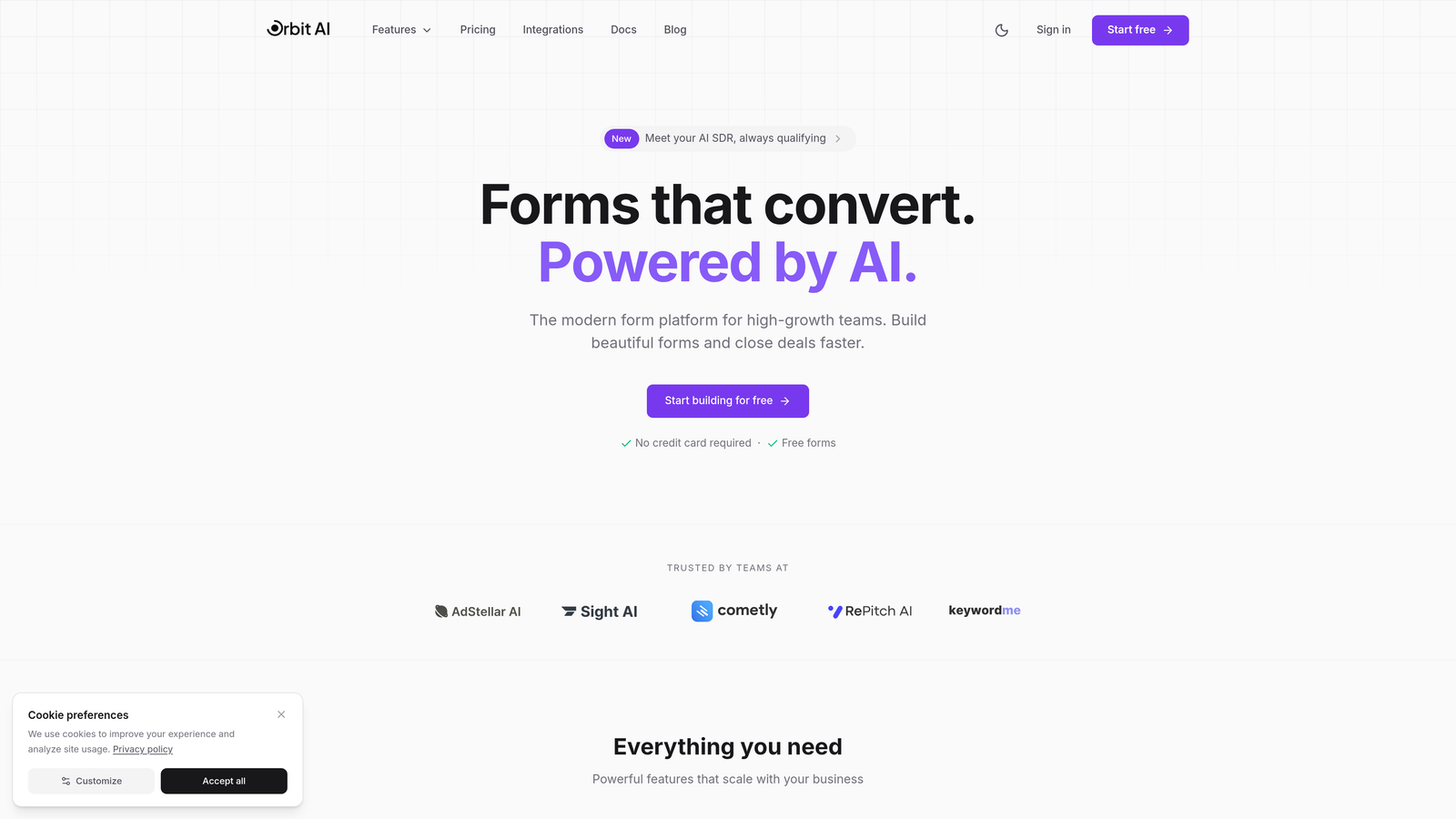
Orbit AI is an AI-powered form builder platform designed specifically for teams focused on lead generation and conversion optimization.
Where This Tool Shines
What sets Orbit AI apart is its intelligent lead qualification system. Instead of collecting form submissions and manually sorting through them later, the platform uses AI to score and qualify leads in real-time based on their responses. This means your sales team spends time on prospects who are actually ready to buy, not tire-kickers.
The forms themselves are built with conversion in mind. Every element—from field placement to button design—follows modern UX principles that work across devices. The responsive design isn't just functional; it's optimized to reduce friction and increase completion rates on mobile screens where most of your traffic probably lives.
Key Features
AI-Powered Lead Qualification: Automatically scores and routes leads based on response patterns and qualification criteria you define.
Conversion-Optimized Design: Pre-built templates and design patterns based on high-converting form structures that work across all screen sizes.
Built-In Analytics: Track form performance, completion rates, and conversion metrics without needing separate analytics tools.
Native CRM Integrations: Connect directly to major CRMs without middleware, ensuring lead data flows seamlessly into your sales workflow.
Workflow Automation: Set up automated sequences based on form responses, triggering emails, notifications, or follow-up actions.
Best For
Orbit AI is ideal for SaaS companies, B2B businesses, and marketing teams who need more than just data collection. If you're focused on lead quality over quantity and want forms that actively help with qualification, this platform delivers. It's particularly valuable for teams running demo requests, consultation bookings, or multi-step lead capture flows.
Pricing
Free tier available with core features. Paid plans start at $29/month with advanced qualification capabilities and increased form limits.
2. Typeform
Best for: Creating engaging, conversational form experiences with high completion rates
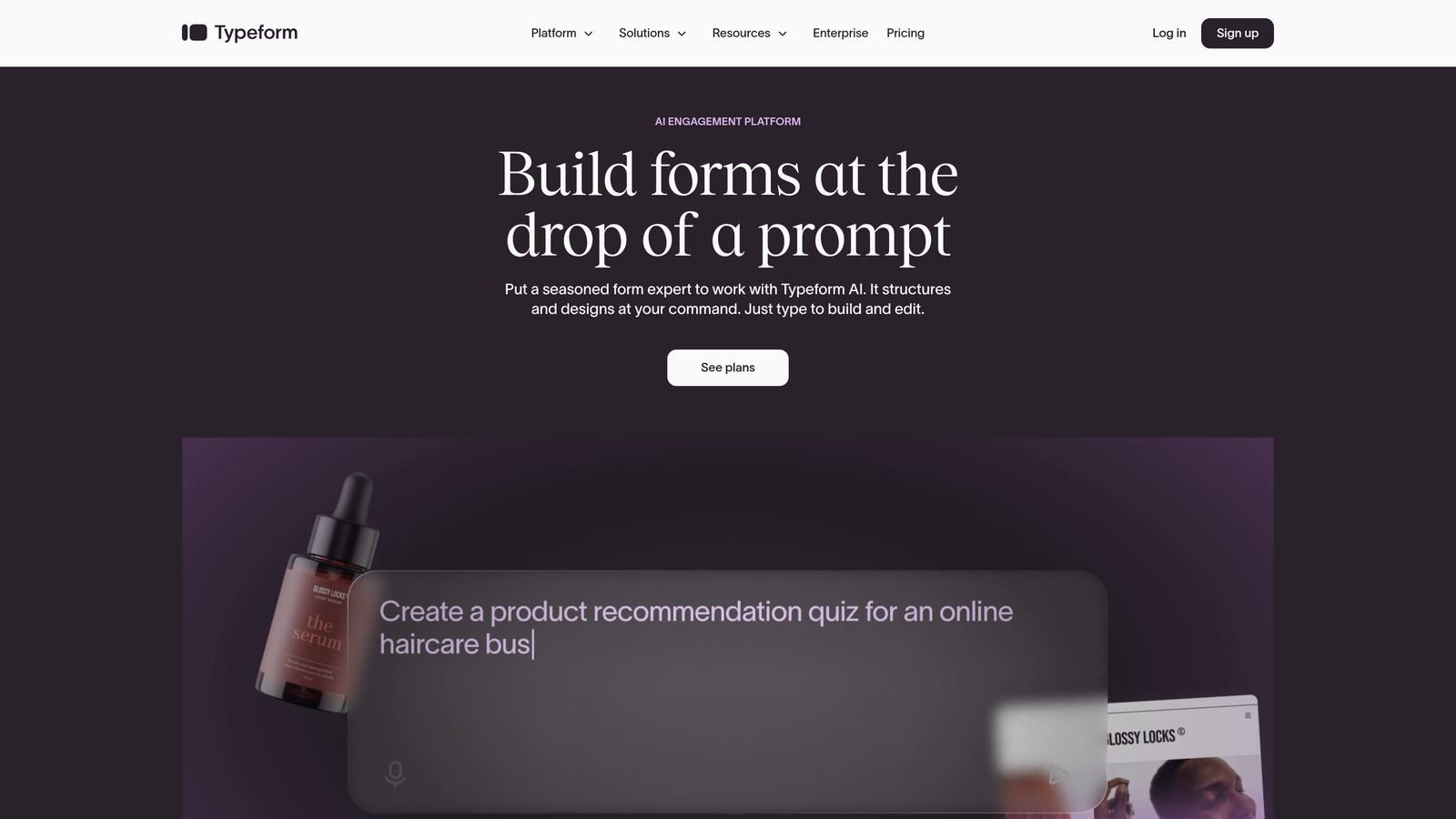
Typeform is a conversational form builder known for its distinctive one-question-at-a-time approach that transforms surveys and forms into interactive experiences.
Where This Tool Shines
Typeform pioneered the conversational form format, and they've perfected it. Instead of overwhelming users with a wall of fields, each question appears individually with smooth transitions. This approach feels more like a conversation than a data entry task, which significantly improves completion rates—especially on mobile devices where attention spans are shorter.
The platform's mobile-first design philosophy means every form looks polished on smartphones without any additional work from you. The interface adapts intelligently, making buttons thumb-friendly and text easy to read even on smaller screens.
Key Features
One-Question-at-a-Time Format: Presents questions sequentially with elegant transitions, reducing cognitive load and improving focus.
Logic Jumps: Create branching paths based on answers, showing relevant questions and hiding irrelevant ones for a personalized experience.
Rich Media Integration: Embed videos, images, and GIFs directly into questions to create more engaging and contextual forms.
Template Library: Hundreds of professionally designed templates for surveys, quizzes, lead capture, and more.
VideoAsk Integration: Combine video questions with form responses for even more interactive experiences.
Best For
Typeform excels for customer feedback surveys, event registrations, lead capture where engagement matters more than speed, and any scenario where you want to create a memorable form experience. It's particularly effective for consumer-facing brands and teams prioritizing user experience over efficiency.
Pricing
Free tier available with basic features and Typeform branding. Basic plan starts at $25/month, removing branding and adding logic jumps.
3. Jotform
Best for: Teams needing extensive templates, widgets, and customization options
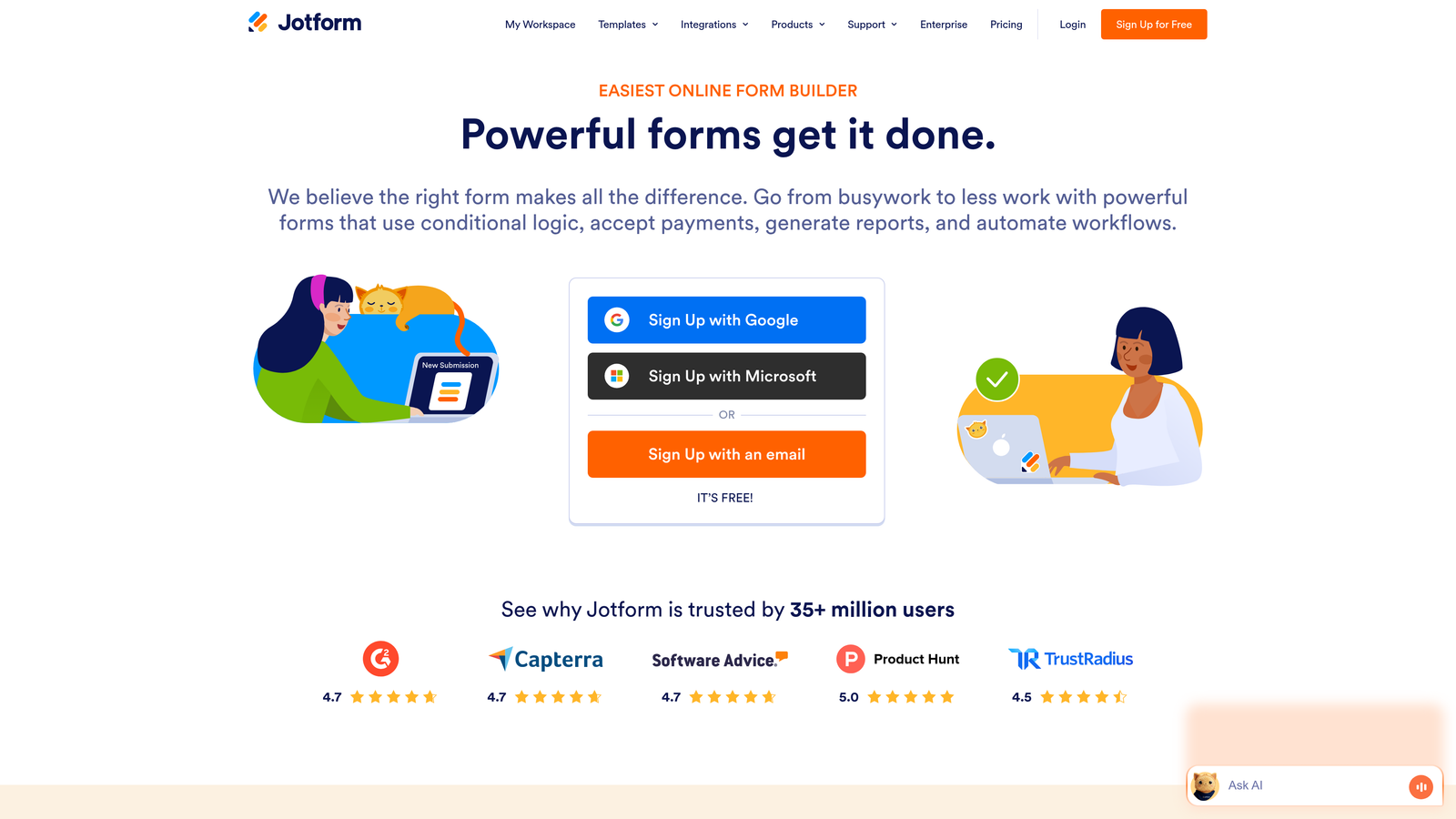
Jotform is a feature-rich form builder offering over 10,000 templates and an extensive widget library for virtually any use case.
Where This Tool Shines
Jotform's biggest strength is its sheer breadth of features. Need to collect payments? There's a widget. Want to display a product catalog? There's a widget. Need appointment scheduling, file uploads, or signature capture? All built in. This makes Jotform incredibly versatile—you can build almost any type of form without needing separate tools.
The template library is genuinely useful, not just filler. With over 10,000 options across industries and use cases, you can usually find something close to what you need and customize from there rather than starting from scratch.
Key Features
Massive Template Library: Over 10,000 pre-built form templates covering every industry and use case imaginable.
Widget Marketplace: Hundreds of widgets for payments, scheduling, calculations, file uploads, and specialized functions.
Mobile Forms App: Dedicated mobile app for collecting form responses offline, syncing when connection is restored.
PDF Generation: Automatically convert form submissions into formatted PDF documents for records or sharing.
Payment Processing: Integrated payment collection through multiple gateways including PayPal, Square, and Stripe.
Best For
Jotform works well for small businesses, nonprofits, educational institutions, and anyone who needs a Swiss Army knife of form functionality. It's particularly valuable when you need specialized features like payment processing, appointment booking, or complex calculations without building custom solutions.
Pricing
Free tier includes up to 5 forms with 100 monthly submissions. Bronze plan starts at $34/month for 25 forms and 1,000 submissions.
4. Tally
Best for: Budget-conscious teams wanting a generous free tier with modern design
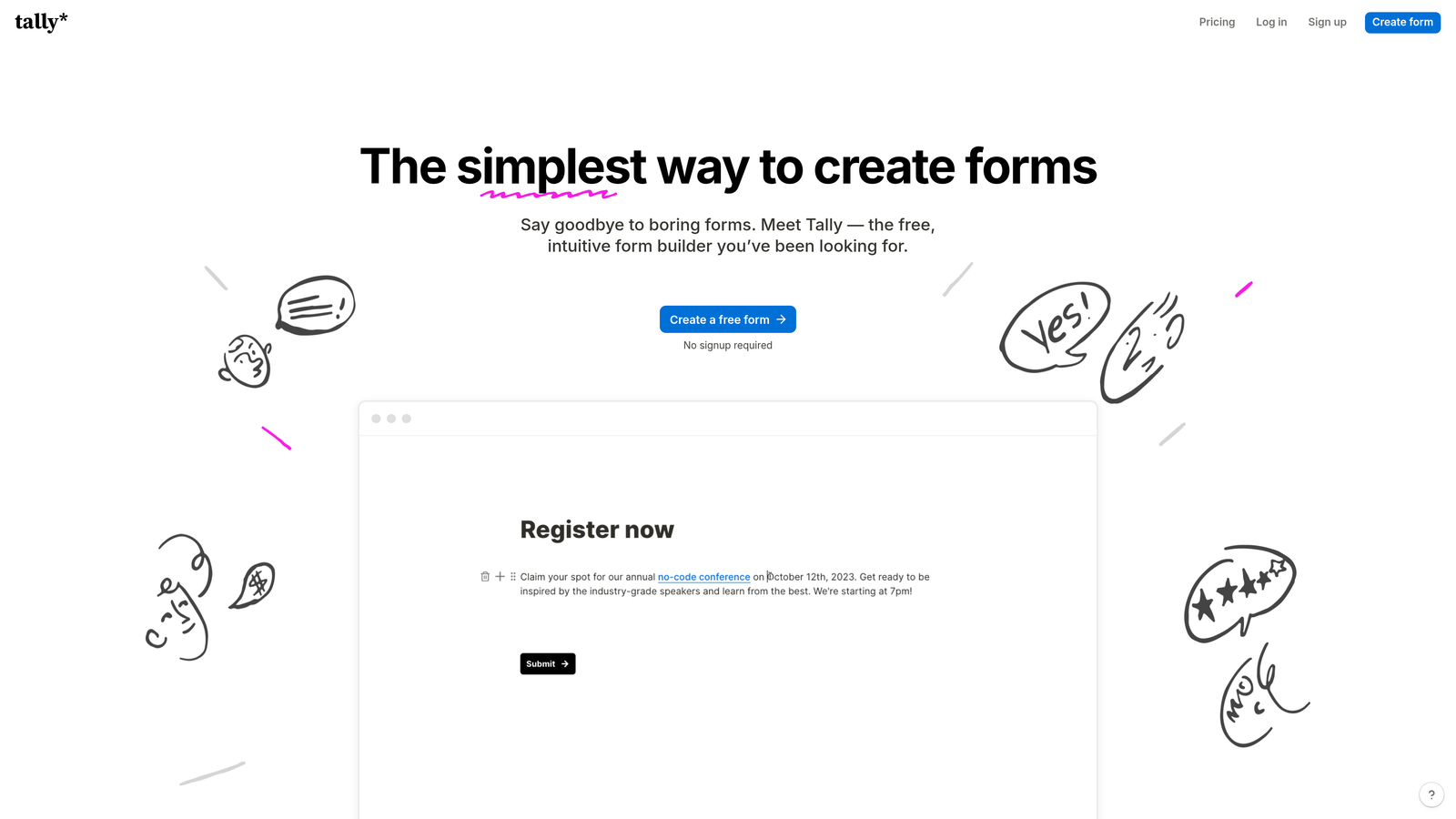
Tally is a simple, free-first form builder with a Notion-like editing experience and clean responsive design.
Where This Tool Shines
Tally's most compelling feature is its pricing—or lack thereof. The free tier includes unlimited forms and submissions, which is rare in this space. Most competitors limit you to a handful of forms or cap monthly responses, but Tally lets you build as much as you need without hitting a paywall.
The editing experience feels familiar if you've used Notion. You build forms using blocks that you can drag, rearrange, and customize with a clean, minimal interface. The resulting forms have a modern aesthetic that works beautifully on mobile without feeling cluttered or overwhelming.
Key Features
Unlimited Free Forms: No artificial limits on form creation or submissions in the free tier, making it accessible for growing teams.
Block-Based Editing: Notion-style interface where you add and arrange form elements as blocks for intuitive building.
Conditional Logic: Show or hide questions based on previous answers, included even in the free plan.
Clean Responsive Design: Minimal, distraction-free forms that adapt smoothly to any screen size.
Webhook Integrations: Connect to other tools through webhooks for custom workflows without requiring paid integrations.
Best For
Tally is perfect for startups, indie makers, side projects, and anyone who needs professional-looking forms without budget for paid tools. It's also great for teams who prefer simplicity over feature bloat and want forms up and running quickly.
Pricing
Free tier includes most features with unlimited forms and submissions. Pro plan at $29/month adds custom domains, file uploads, and priority support.
5. Paperform
Best for: Creating branded, content-rich form pages that function like landing pages
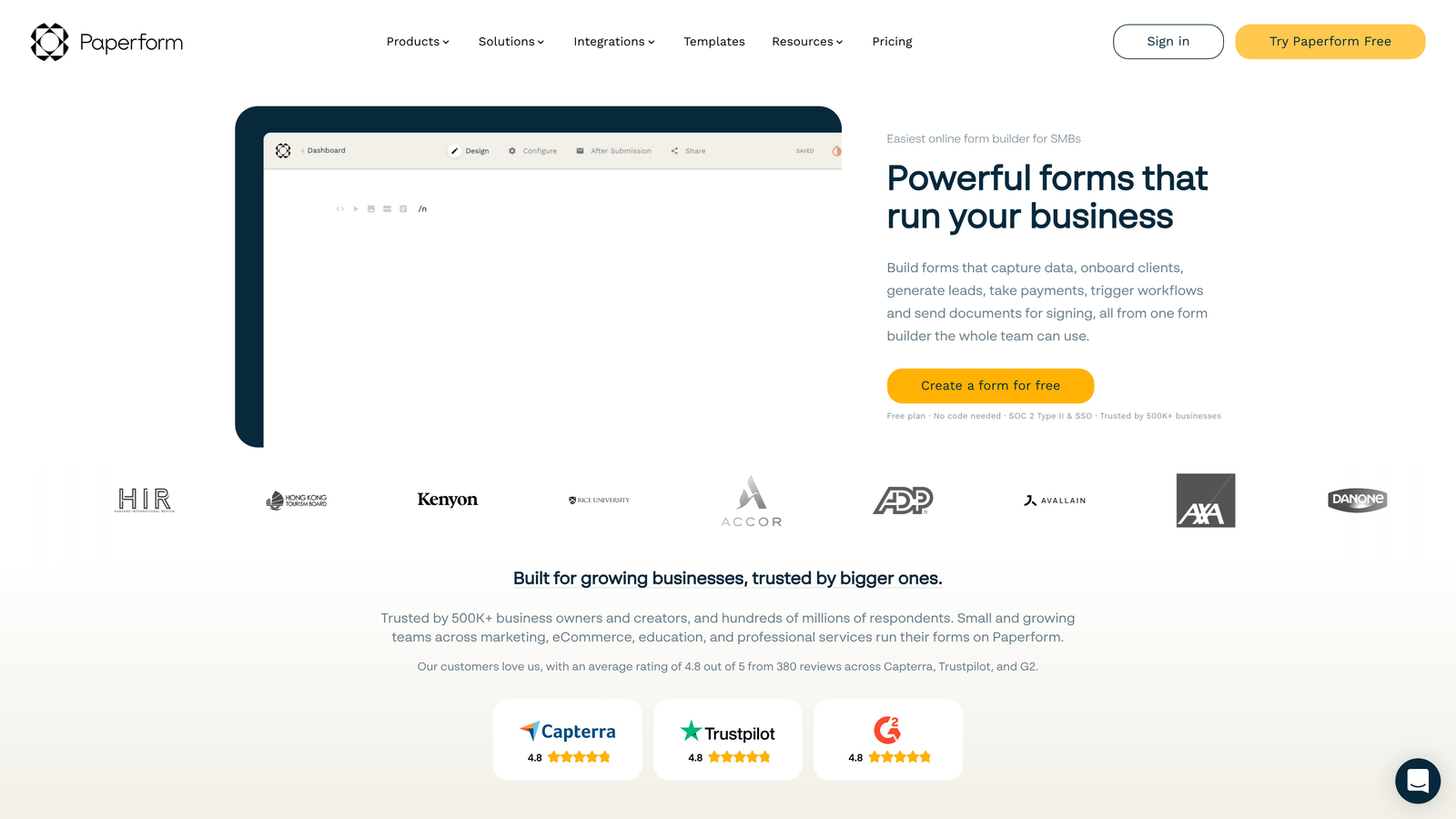
Paperform is a form builder that blurs the line between forms and landing pages, letting you create branded, content-rich pages with embedded questions.
Where This Tool Shines
Paperform's unique approach treats forms as full web pages rather than isolated widgets. You can embed rich content—images, videos, text blocks, product showcases—between form fields, creating experiences that feel more like interactive landing pages than traditional forms. This is powerful for scenarios where you need to provide context, build trust, or showcase products before asking for information.
The conditional logic is particularly sophisticated. You can show or hide entire sections of content and questions based on previous responses, creating highly personalized experiences that adapt to each user's needs.
Key Features
Landing Page Design: Build full-page experiences with forms embedded naturally within content, not as separate elements.
Rich Content Embedding: Add videos, images, product catalogs, and formatted text between questions for context and engagement.
Advanced Conditional Logic: Create complex branching with multiple conditions and actions for sophisticated form flows.
Payment and E-Commerce: Sell products, collect payments, and manage orders directly through forms with cart functionality.
Custom Success Pages: Design personalized thank-you pages with dynamic content based on form responses.
Best For
Paperform excels for e-commerce businesses, consultants, event organizers, and anyone who needs forms that do more than collect data. It's particularly valuable when you're selling through forms, need to provide substantial context, or want forms that match your brand identity perfectly.
Pricing
Essentials plan starts at $24/month with unlimited forms and submissions. Higher tiers add team features and advanced integrations.
6. Cognito Forms
Best for: Complex calculations, payment processing, and compliance-ready forms
Cognito Forms is a form builder specializing in advanced calculations, payment collection, and features needed for regulated industries.
Where This Tool Shines
Cognito Forms handles mathematical complexity better than most competitors. You can create forms that calculate pricing, perform conditional math based on user inputs, and display results in real-time. This makes it ideal for quote generators, order forms with dynamic pricing, or any scenario where you need more than basic field collection.
The platform also takes security seriously. HIPAA-compliant options are available for healthcare organizations, and the payment processing integrates with multiple gateways while maintaining PCI compliance. If you're in a regulated industry or handling sensitive data, these certifications matter.
Key Features
Advanced Calculations: Build complex formulas and calculations that update in real-time based on user inputs.
Payment Processing: Collect payments through Stripe, PayPal, and Square with built-in PCI compliance.
HIPAA Compliance: Optional HIPAA-compliant forms for healthcare organizations collecting protected health information.
Repeating Sections: Allow users to add multiple entries of the same information set, perfect for registering multiple people or items.
Document Generation: Automatically create PDF documents from form submissions using customizable templates.
Best For
Cognito Forms is ideal for healthcare providers, financial services, nonprofits collecting donations, event organizers with complex pricing, and any business needing sophisticated calculations or compliance features in their forms.
Pricing
Free tier available with basic features. Pro plan starts at $15/month per user with advanced features and higher limits.
7. 123FormBuilder
Best for: Enterprise teams requiring strong security certifications and compliance
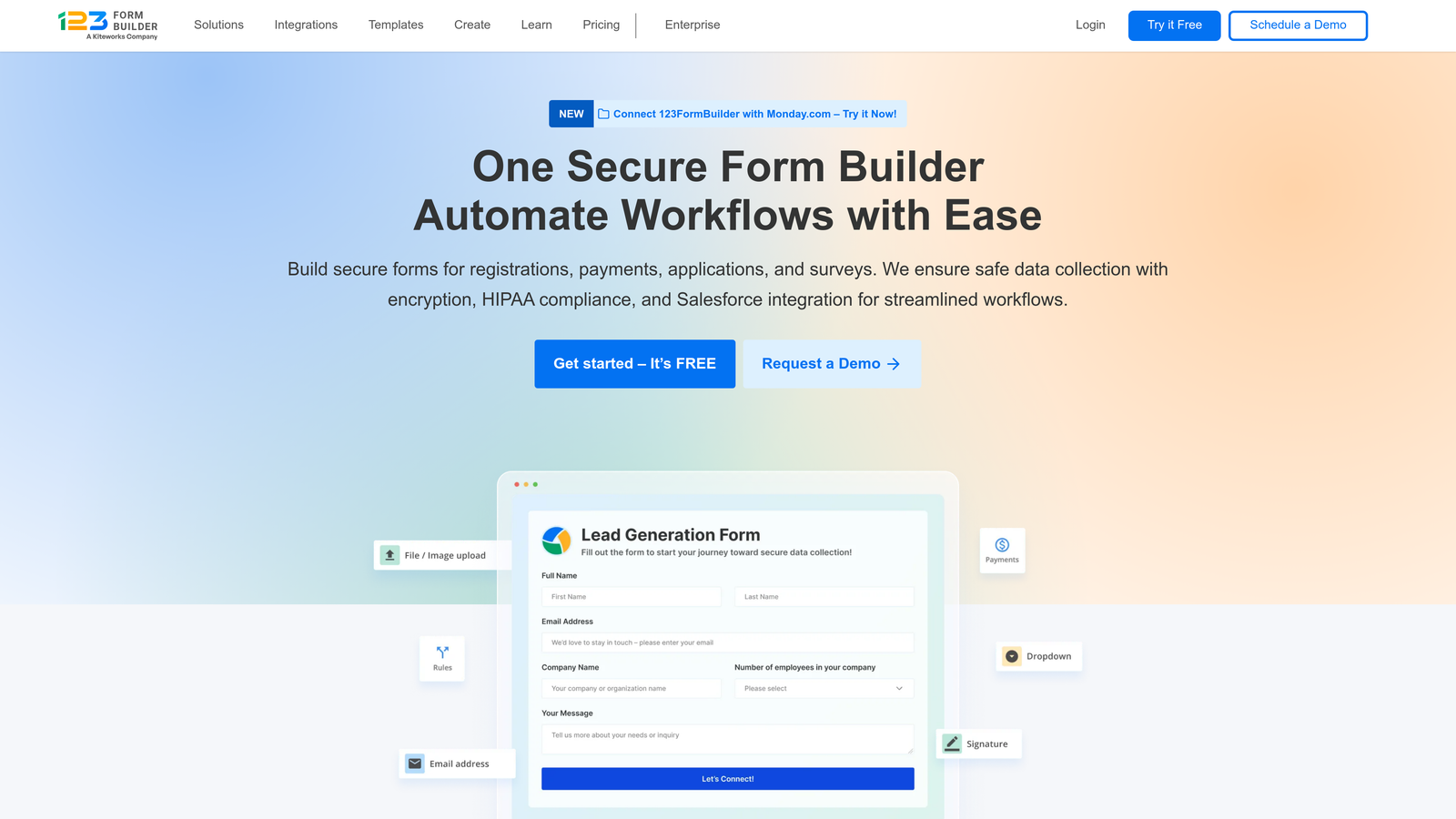
123FormBuilder is an enterprise-focused form builder with comprehensive security certifications and compliance features.
Where This Tool Shines
123FormBuilder's standout feature is its security posture. The platform holds GDPR, HIPAA, and SOC 2 certifications, making it suitable for enterprises with strict compliance requirements. This isn't just marketing language—they've undergone the actual audits and maintain the documentation that compliance officers need to see.
The workflow automation capabilities extend beyond simple email notifications. You can create multi-step approval processes, route submissions to different team members based on content, and trigger actions across integrated systems. For organizations with complex internal processes, this flexibility is valuable.
Key Features
Comprehensive Compliance: GDPR, HIPAA, and SOC 2 Type II certified with audit documentation available.
Workflow Automation: Build multi-step approval processes and automated routing based on submission content.
Advanced Security Controls: Field-level encryption, IP restrictions, user permissions, and detailed audit logs.
Multi-Language Support: Create forms in multiple languages with automatic translation and language detection.
Enterprise SSO: Single sign-on integration with SAML 2.0 for seamless authentication with corporate identity systems.
Best For
123FormBuilder serves enterprises, healthcare organizations, financial institutions, and any business operating in regulated industries where security certifications aren't optional. It's particularly valuable for large teams needing role-based permissions and audit trails.
Pricing
Free tier available with basic features. Gold plan starts at $24.99/month with advanced features and compliance options at higher tiers.
8. Formstack
Best for: Enterprise Salesforce users needing deep CRM integration and document automation
Formstack is an enterprise form and workflow platform with particularly strong Salesforce integration and document automation capabilities.
Where This Tool Shines
If your business runs on Salesforce, Formstack's integration goes deeper than most competitors. It's not just about pushing form data into Salesforce objects—you can pre-populate form fields from Salesforce records, trigger complex workflows, and maintain bidirectional data sync. This level of integration eliminates the data silos that plague many organizations.
The document automation suite is another differentiator. Formstack can generate documents from form data, route them for e-signatures, and store completed documents automatically. This end-to-end automation is powerful for organizations dealing with contracts, applications, or any paperwork-heavy processes.
Key Features
Deep Salesforce Integration: Bidirectional sync, field pre-population, and native object mapping for seamless CRM integration.
Document Generation: Automatically create documents from form submissions using templates, then route for signatures.
Workflow Automation Suite: Build complex multi-step workflows that span forms, documents, and approvals.
Enterprise Security: SOC 2 Type II certified with encryption, SSO, and comprehensive audit logging.
Advanced Analytics: Detailed reporting on form performance, conversion funnels, and completion analytics.
Best For
Formstack is built for mid-market and enterprise organizations, particularly those heavily invested in Salesforce. It's ideal for teams needing sophisticated document workflows, complex approval processes, or integration across multiple enterprise systems.
Pricing
Forms-only plans start at $50/month. Full platform pricing varies based on modules and user count, with enterprise pricing available for large deployments.
9. Google Forms
Best for: Basic data collection with seamless Google Workspace integration
Google Forms is a free, straightforward form builder included with every Google account, offering basic responsive design and direct Google Sheets integration.
Where This Tool Shines
Google Forms wins on simplicity and accessibility. It's completely free, requires no account setup if you already use Gmail, and responses flow directly into Google Sheets where you can analyze them with familiar spreadsheet tools. For internal surveys, event RSVPs, or quick data collection, this zero-friction approach is hard to beat.
The collaboration features inherit from Google's ecosystem. Multiple team members can edit forms simultaneously, you can see changes in real-time, and permissions work the same way as Google Docs. If your team already lives in Google Workspace, the learning curve is essentially zero.
Key Features
Completely Free: No paid tiers, no form limits, no submission caps—everything is included with a Google account.
Google Sheets Integration: Responses automatically populate a spreadsheet for easy analysis and data manipulation.
Basic Responsive Design: Forms automatically adapt to mobile screens with Google's standard responsive framework.
Real-Time Collaboration: Multiple users can edit forms simultaneously with changes syncing instantly.
Quiz Mode: Create graded quizzes with automatic scoring, answer keys, and immediate feedback.
Best For
Google Forms is perfect for internal surveys, event planning, simple feedback collection, educational quizzes, and any scenario where you need basic data collection without complexity. It's particularly valuable for schools, nonprofits, and teams with zero budget for form tools.
Pricing
Completely free with a Google account. No paid tiers or premium features.
Making the Right Choice
Picking the right responsive form builder comes down to your specific needs and priorities. For AI-powered lead qualification and conversion optimization, Orbit AI delivers the most value for high-growth teams focused on lead quality. If you prioritize engaging, conversational experiences that feel more like interactions than forms, Typeform excels at creating memorable user experiences.
Teams needing extensive templates and specialized widgets will appreciate Jotform's depth and versatility. Budget-conscious startups can start with Tally's generous free plan that doesn't artificially limit your growth, or Google Forms for absolute basics with zero learning curve.
For enterprises with compliance requirements, 123FormBuilder and Formstack offer the security certifications, audit trails, and enterprise features that compliance officers need to see. Cognito Forms stands out when you need complex calculations or payment processing with proper compliance. Paperform creates unique experiences when your forms need to function as full landing pages with rich content.
Whatever you choose, ensure your forms look and function flawlessly on every device—because that's where your leads are. Mobile traffic dominates for most businesses, and a clunky mobile form experience costs you conversions you'll never even know you lost.
Transform your lead generation with AI-powered forms that qualify prospects automatically while delivering the modern, conversion-optimized experience your high-growth team needs. Start building free forms today and see how intelligent form design can elevate your conversion strategy.


