

Mobile traffic now dominates web interactions, making responsive forms non-negotiable for capturing leads effectively. A clunky form that breaks on smartphones or tablets doesn't just frustrate users—it kills conversions. The right responsive form builder adapts seamlessly across devices, maintains fast load times, and delivers a frictionless experience whether someone's filling out a contact form on their laptop or a lead magnet signup on their phone during a commute.
Here are the top responsive form builder tools that excel at creating mobile-friendly, conversion-optimized forms for different use cases and budgets.
1. Orbit AI
Best for: High-growth teams needing AI-powered lead qualification with conversion-optimized form design
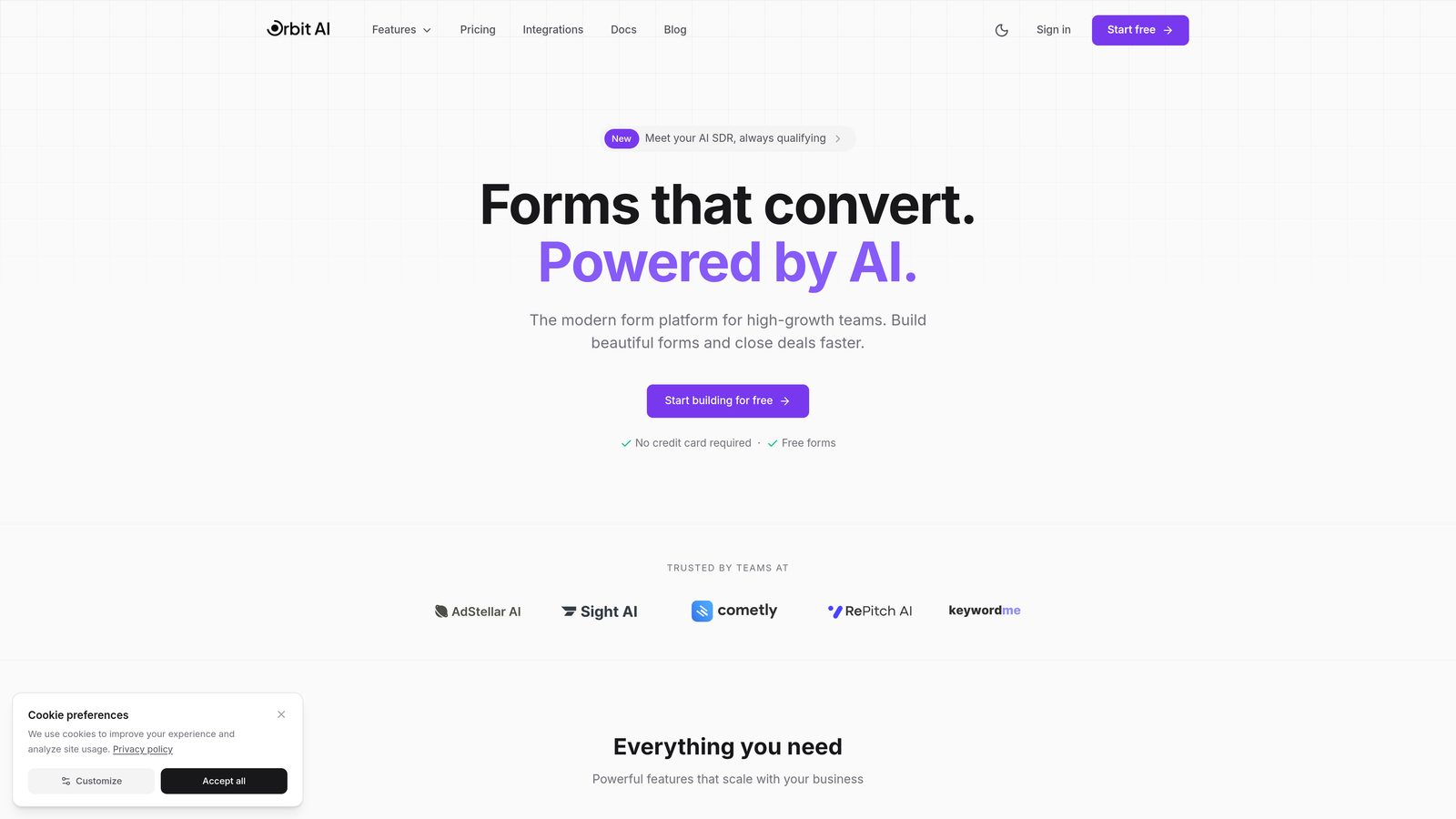
Orbit AI is an AI-powered form builder platform designed specifically for teams that need more than just data collection—they need intelligent lead qualification built directly into their forms.
Where This Tool Shines
Orbit AI stands out by automatically scoring and qualifying leads as they fill out forms, eliminating manual lead sorting after submission. The platform uses AI to analyze responses in real-time, routing high-quality prospects to sales immediately while nurturing lower-priority leads through automated workflows.
The modern interface prioritizes conversion optimization with clean, distraction-free designs that maintain consistency across every device. Forms load quickly on mobile connections and adapt intelligently to different screen sizes without sacrificing functionality.
Key Features
AI-Powered Lead Qualification: Automatically scores and qualifies leads based on their responses, routing them to appropriate workflows without manual intervention.
Conversion-Optimized Design: Modern, mobile-first templates engineered to reduce form abandonment and maximize completion rates across devices.
Workflow Automation: Connects qualified leads directly to your CRM, email marketing platform, or sales tools with intelligent routing based on lead scores.
Real-Time Analytics Dashboard: Track form performance, conversion rates, and lead quality metrics in one centralized view.
Seamless Integrations: Native connections to popular marketing automation platforms and CRMs for streamlined data flow.
Best For
High-growth B2B companies and marketing teams that need to qualify leads at scale without adding manual work. Particularly valuable for organizations where sales teams waste time on unqualified prospects or where lead volume makes manual qualification impractical.
Pricing
Visit orbitforms.ai/pricing for current plans tailored to different team sizes and lead volumes.
2. Typeform
Best for: Creating engaging, conversational form experiences with one-question-at-a-time format
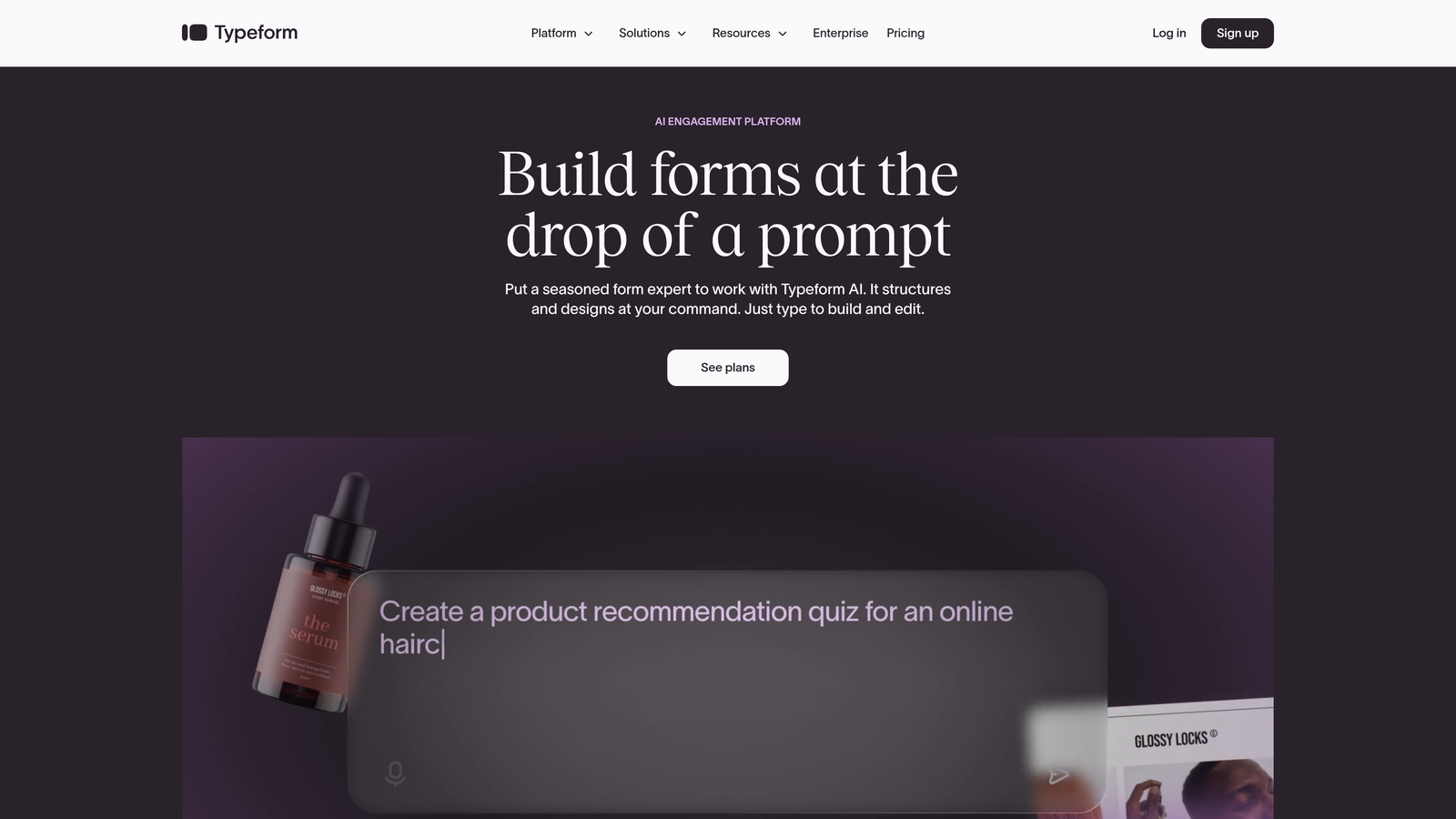
Typeform is a conversational form builder that reimagined how forms feel by presenting one question at a time instead of overwhelming users with long, scrolling pages.
Where This Tool Shines
Typeform's signature one-question-at-a-time approach creates a more engaging experience that feels like a conversation rather than a data entry task. This format works exceptionally well on mobile devices where screen real estate is limited and multi-field forms can feel cramped.
The platform excels at reducing form abandonment through visual appeal and progressive disclosure. Users see clean, focused questions with smooth transitions that maintain momentum through longer forms that might otherwise intimidate respondents.
Key Features
One-Question-at-a-Time Format: Progressive question display that reduces cognitive load and creates conversational flow.
Logic Jumps and Branching: Show or hide questions based on previous answers to create personalized form paths.
Native Video and Image Integration: Embed rich media directly into questions for more engaging, visual forms.
Extensive Template Library: Pre-built forms for surveys, quizzes, registration, and lead generation across industries.
Custom Branding: Full design control over colors, fonts, and backgrounds to match your brand identity.
Best For
Marketing teams creating surveys, quizzes, or lead generation forms where engagement and completion rates matter more than collecting maximum data points. Works well for consumer-facing brands that prioritize user experience.
Pricing
Free tier available with basic features; paid plans start at $25/month with increased responses and advanced logic.
3. Jotform
Best for: Teams needing extensive template variety and drag-and-drop customization for diverse form types
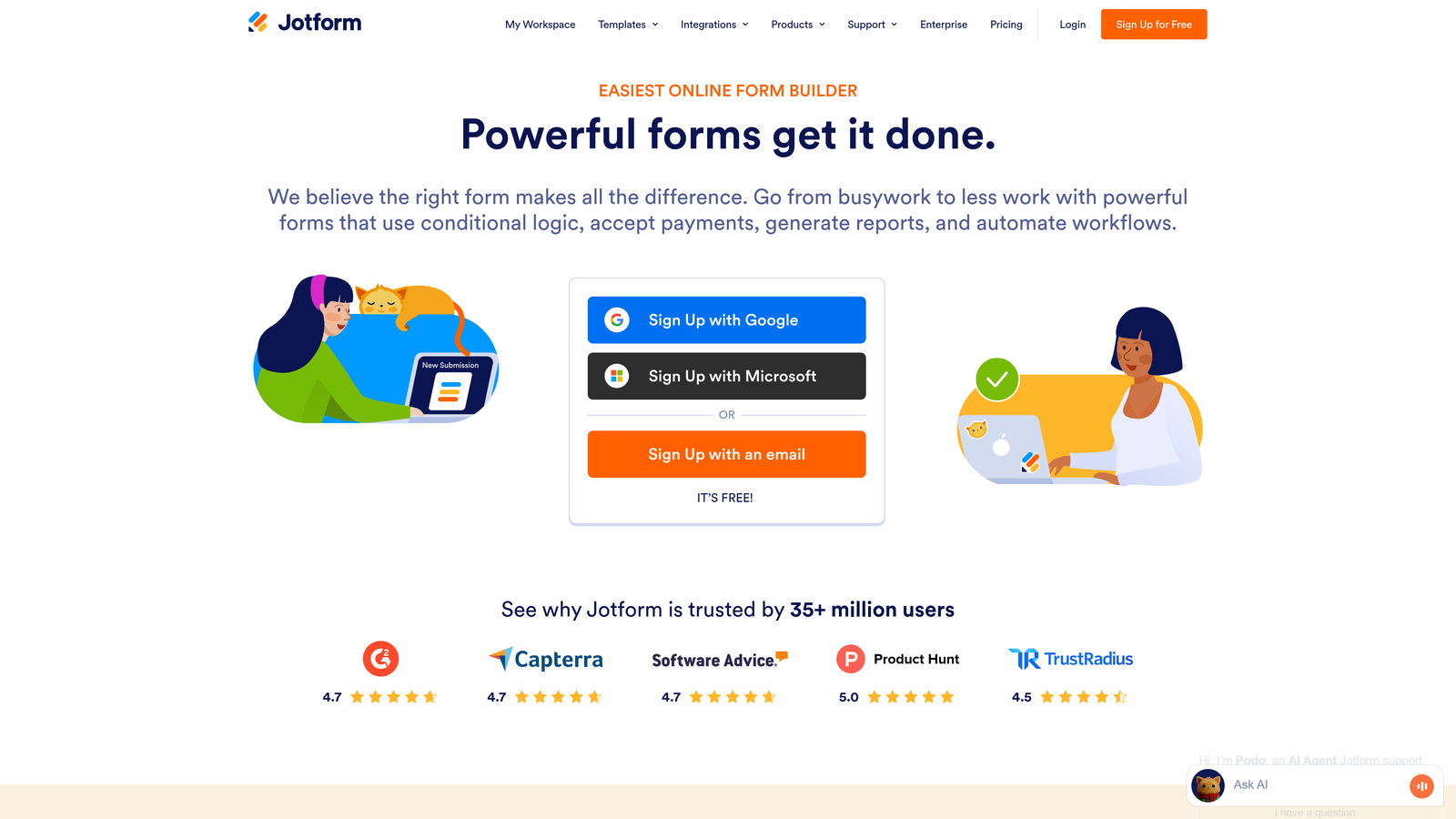
Jotform is a feature-rich form builder offering over 10,000 templates and extensive customization options for virtually any form use case.
Where This Tool Shines
Jotform's massive template library means you can find pre-built forms for incredibly specific use cases—from event registration to job applications to medical intake forms. This saves significant setup time compared to building from scratch.
The drag-and-drop builder provides granular control over form elements without requiring code. You can add payment fields, file uploads, e-signature boxes, and conditional logic through an intuitive interface that works smoothly on desktop.
Key Features
10,000+ Form Templates: Industry-specific templates covering everything from healthcare intake to real estate applications.
Drag-and-Drop Builder: Visual editor with extensive field types and layout customization options.
Payment Integrations: Accept payments through PayPal, Stripe, Square, and other processors directly in forms.
PDF Generation: Automatically convert form submissions into formatted PDF documents.
E-Signature Support: Collect legally binding electronic signatures within forms.
Best For
Small to medium businesses that need versatile form functionality across multiple departments or use cases. Particularly valuable for organizations that handle payments, contracts, or document generation through forms.
Pricing
Free tier allows up to 5 forms with 100 monthly submissions; paid plans start at $34/month with increased limits and advanced features.
4. Tally
Best for: Budget-conscious teams wanting unlimited forms with a Notion-style interface
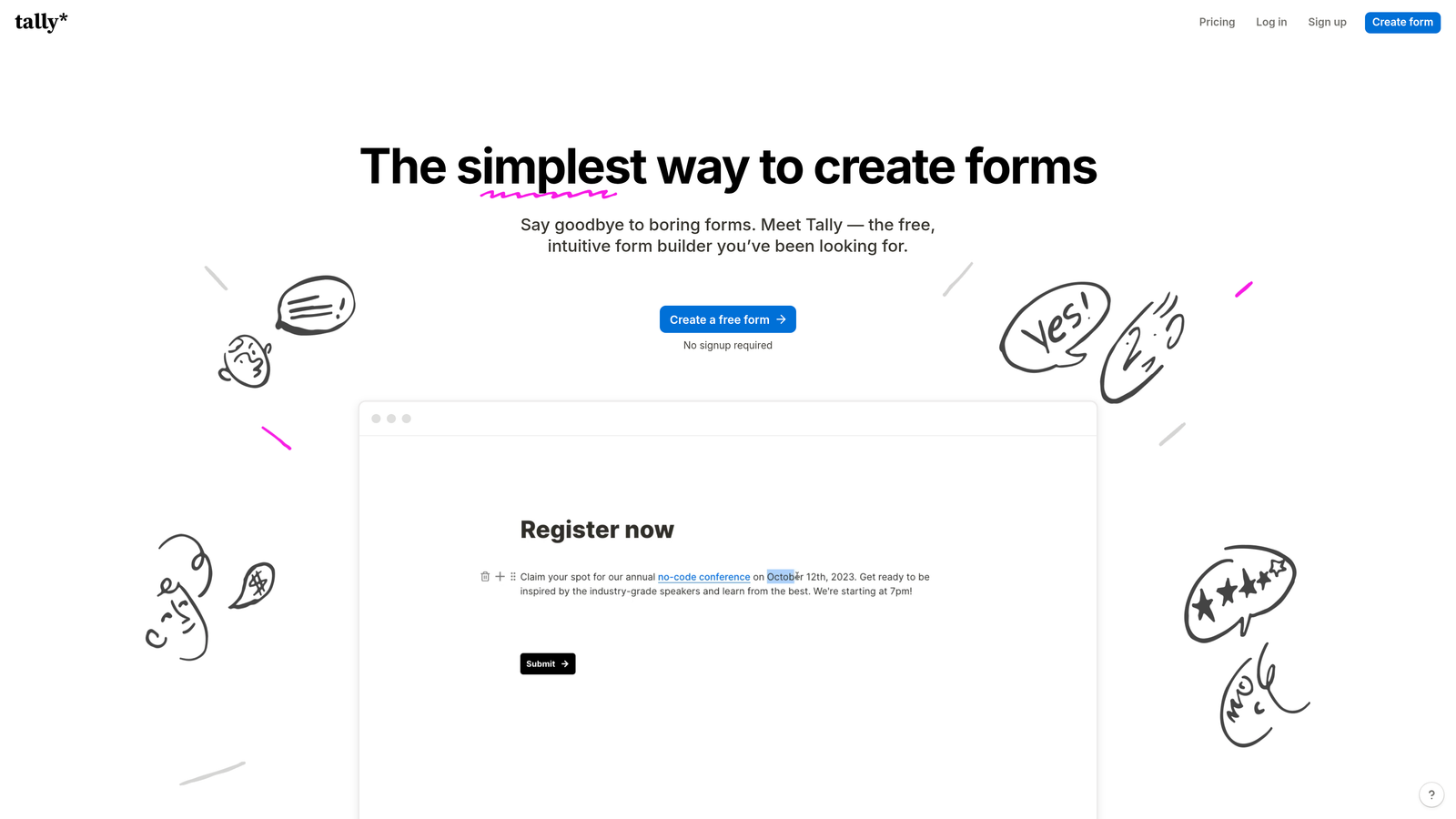
Tally is a simple form builder with a generous free tier that offers unlimited forms and responses, using a familiar Notion-like editing experience.
Where This Tool Shines
Tally's free tier is genuinely useful—not a limited trial that forces upgrades. You get unlimited forms, unlimited responses, and core features like conditional logic without paying anything. This makes it ideal for bootstrapped startups or teams testing form strategies.
The Notion-style interface feels immediately familiar if you use Notion for documentation. You build forms by typing slash commands and dragging blocks, creating a faster workflow than traditional form builders.
Key Features
Unlimited Forms on Free Plan: No artificial limits on form creation or monthly submissions at the free tier.
Notion-Style Interface: Block-based editing with slash commands for rapid form building.
Conditional Logic: Show or hide questions based on previous answers to create dynamic forms.
Custom Domains: Use your own domain for forms on paid plans to maintain branding.
File Uploads: Allow respondents to attach documents, images, or other files.
Best For
Startups, solopreneurs, or small teams that need functional forms without budget for paid tools. Also great for Notion power users who want consistent editing experiences across their tools.
Pricing
Generous free tier with most features; Pro plan at $29/month adds custom domains, removal of Tally branding, and priority support.
5. Paperform
Best for: Creating branded, design-forward forms that feel like landing pages
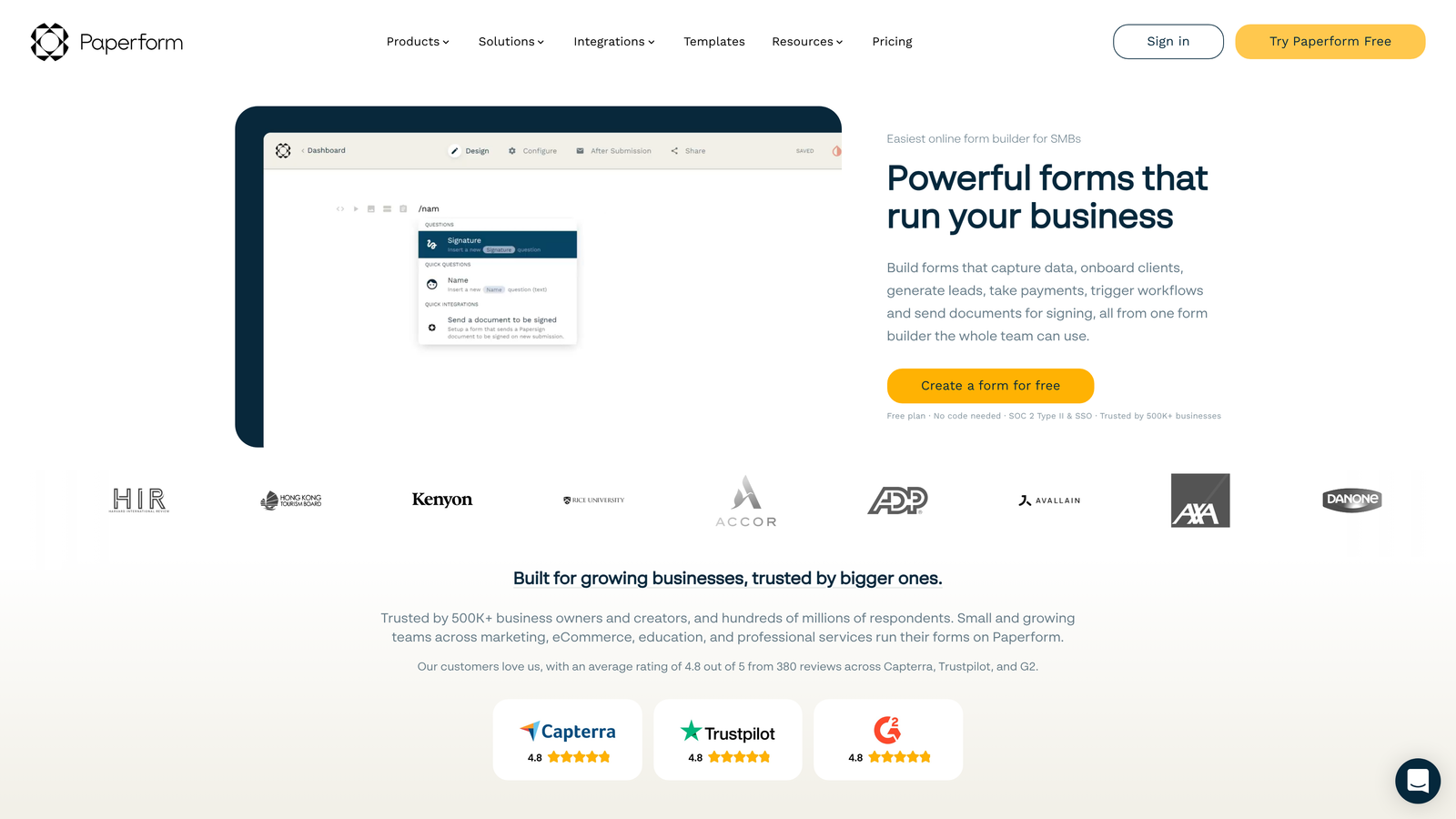
Paperform is a design-focused form builder that creates document-style forms with rich text, images, and custom branding that blur the line between forms and landing pages.
Where This Tool Shines
Paperform treats forms as full web pages rather than isolated widgets. You can embed videos, add rich text sections, include product catalogs, and create multi-step experiences that feel like cohesive landing pages rather than utilitarian data collection tools.
The design flexibility lets you match your exact brand guidelines with custom CSS support, unique layouts, and full control over typography and spacing. Forms can serve as product pages, booking systems, or interactive microsites.
Key Features
Rich Text and Media Embedding: Add formatted text, images, videos, and custom HTML directly into forms.
Product Catalogs and Payments: Build product showcases with pricing tables and integrated checkout flows.
Advanced Conditional Logic: Create complex form paths with calculations, hidden fields, and dynamic pricing.
Custom Success Pages: Design branded confirmation pages or redirect to specific URLs based on form responses.
Custom CSS Support: Apply advanced styling with custom CSS for pixel-perfect brand matching.
Best For
Design-conscious brands, creative agencies, or businesses selling products/services directly through forms. Works well when forms double as marketing assets that need to reflect premium branding.
Pricing
Starts at $24/month for the Essentials plan with core features; higher tiers add team collaboration and advanced integrations.
6. Cognito Forms
Best for: Payment forms, order forms, and complex workflows requiring calculations
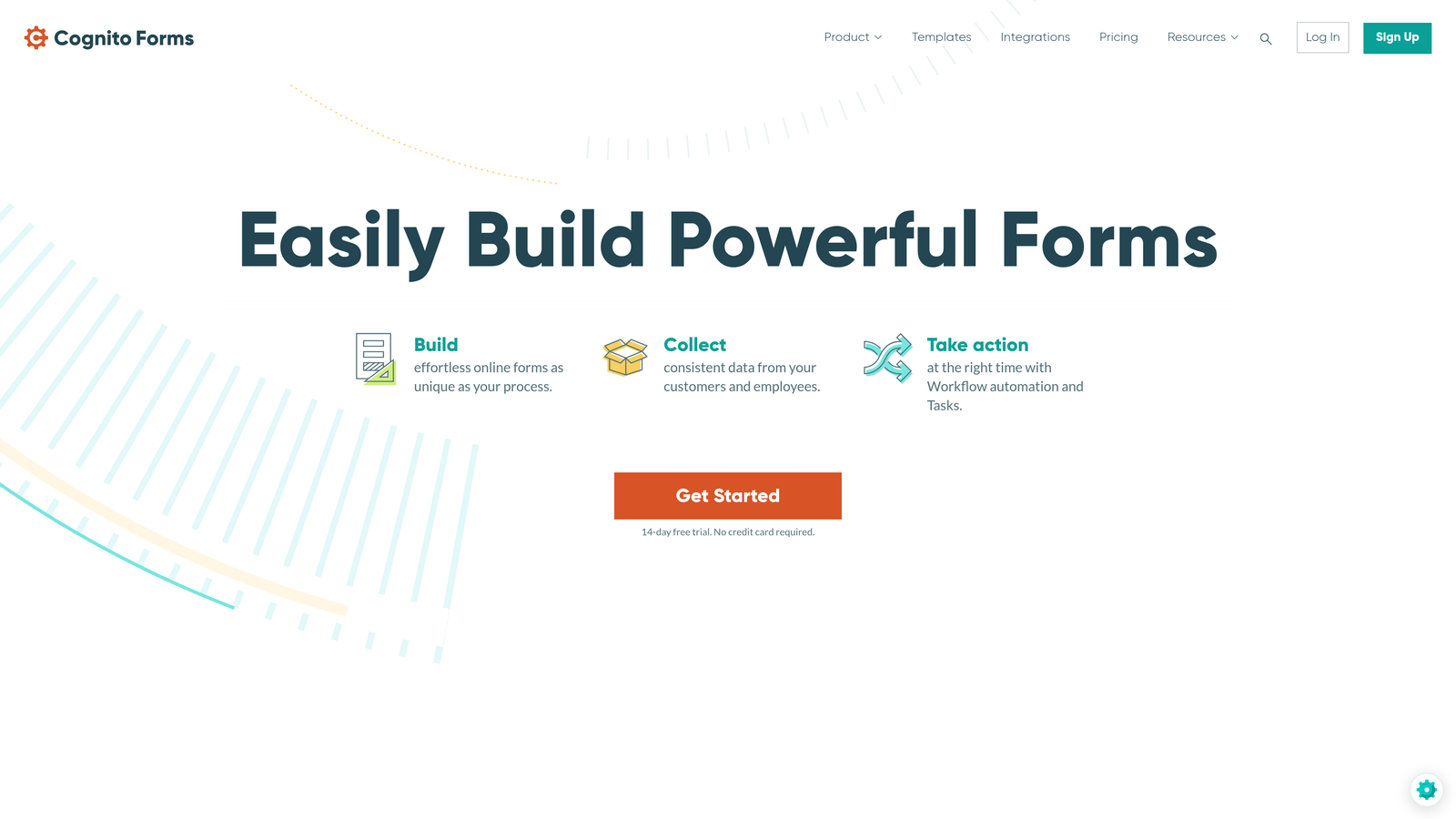
Cognito Forms is a calculation-focused form builder that excels at handling payment processing, order forms, and conditional workflows with mathematical logic.
Where This Tool Shines
Cognito Forms handles complex calculations that other form builders struggle with. You can build order forms that automatically calculate totals based on quantity, apply discounts, add taxes, and process payments—all within the form logic without external tools.
The repeating sections feature lets users add multiple items to a single submission, perfect for registration forms where one person signs up multiple attendees or order forms with multiple line items.
Key Features
Advanced Calculations and Formulas: Build mathematical logic into forms for pricing, totals, discounts, and conditional calculations.
Repeating Sections: Allow users to add multiple entries within a single form submission for complex data collection.
Payment Processing: Accept payments through Stripe or PayPal with automatic calculation of totals and taxes.
Workflow and Approval Routing: Route submissions through multi-step approval processes with status tracking.
Document Generation: Automatically create PDF documents from form data using custom templates.
Best For
Organizations processing payments through forms, event planners managing registrations with variable pricing, or businesses needing approval workflows for internal processes like expense reports or time-off requests.
Pricing
Free tier available for individual use; paid plans start at $15/month with increased submissions and team features.
7. Formstack
Best for: Enterprise environments requiring HIPAA compliance, advanced security, and workflow automation
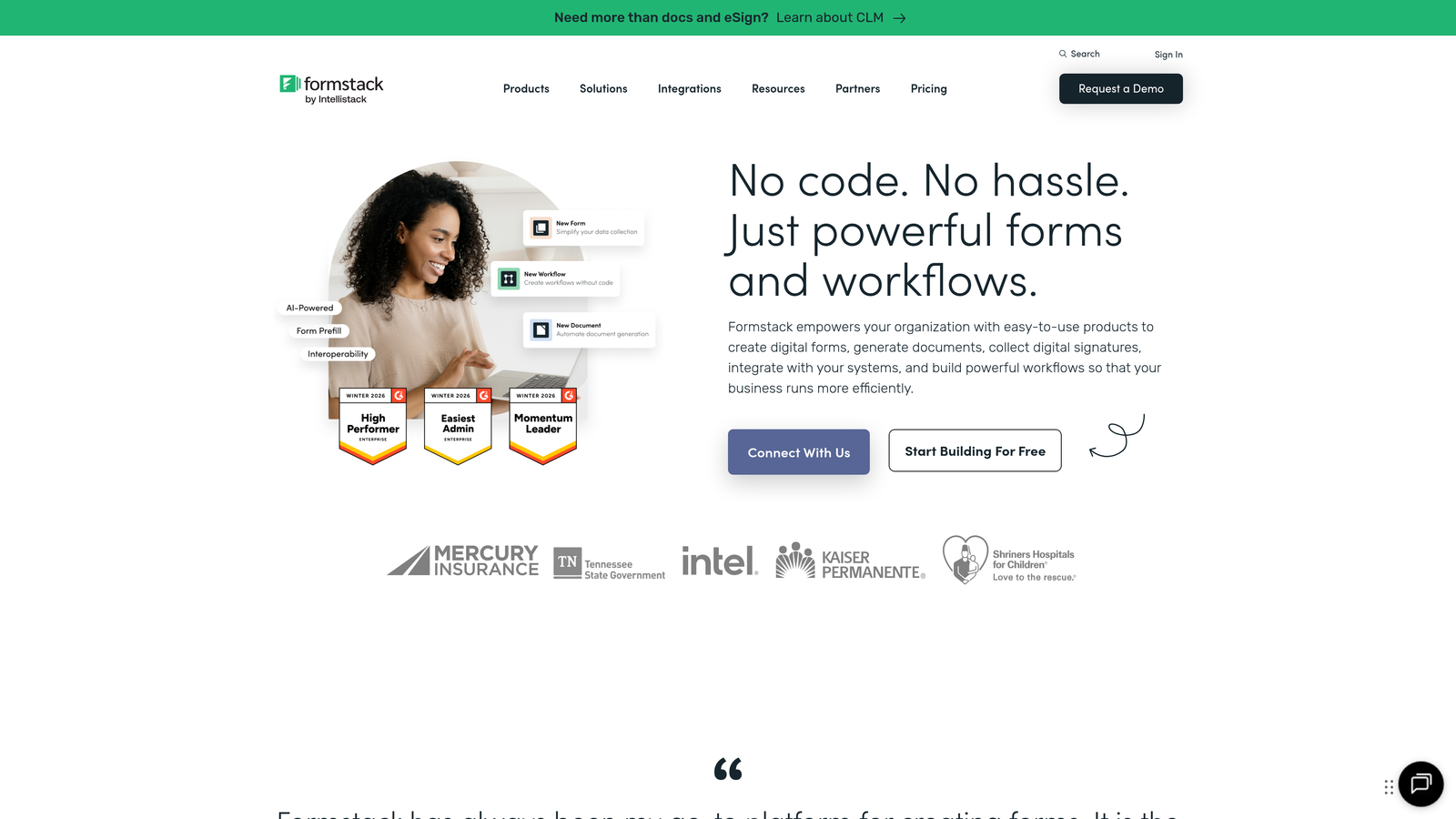
Formstack is an enterprise-grade form builder with robust security certifications, compliance features, and sophisticated workflow automation for regulated industries.
Where This Tool Shines
Formstack meets enterprise security and compliance requirements that eliminate many consumer-focused form builders from consideration. HIPAA compliance, SOC 2 certification, and advanced encryption make it viable for healthcare, finance, and other regulated sectors.
The workflow automation goes beyond basic email notifications. You can build multi-step approval processes, route submissions to different departments based on complex criteria, and integrate with enterprise systems through robust APIs and native connectors.
Key Features
HIPAA Compliance Available: Business Associate Agreements and encrypted data handling for protected health information.
Advanced Workflow Automation: Multi-step routing, approval chains, and conditional logic for complex business processes.
E-Signatures Integration: Collect legally binding signatures with built-in DocuSign integration.
Enterprise Security Features: SSO support, advanced user permissions, audit logs, and data encryption at rest and in transit.
Offline Forms: Collect data without internet connectivity, syncing submissions when connection restores.
Best For
Healthcare organizations, financial services, government agencies, or any enterprise requiring compliance certifications and advanced security controls. Also valuable for large teams needing granular permission management.
Pricing
Starts at $50/month for the Starter plan; enterprise pricing available for organizations requiring HIPAA compliance and advanced features.
8. 123FormBuilder
Best for: Database-centric workflows requiring built-in data management for high submission volumes
123FormBuilder is a form builder with integrated database functionality for managing, searching, and analyzing large volumes of form submissions.
Where This Tool Shines
123FormBuilder treats form data as a database rather than just a list of submissions. You can search, filter, and segment responses using database-style queries without exporting to spreadsheets. This matters when you're handling thousands of submissions and need to find specific records quickly.
The platform handles multi-page forms smoothly, maintaining user progress if they navigate away and return later. This reduces abandonment on longer forms that collect extensive information across multiple screens.
Key Features
Built-In Database Management: Search, filter, and manage submissions with database-style queries and views.
Multi-Page Forms: Split long forms across multiple pages with progress indicators and save-and-resume functionality.
Payment Integrations: Accept payments through PayPal, Stripe, Authorize.net, and other processors.
Team Collaboration Tools: Share forms, manage permissions, and collaborate on form building across team members.
White-Label Options: Remove branding and use custom domains on higher-tier plans.
Best For
Organizations collecting high volumes of submissions that need robust data management without exporting to external databases. Works well for research teams, event organizers, or businesses managing ongoing applications or registrations.
Pricing
Free tier available with basic features; paid plans start at $24.99/month with increased submissions and advanced functionality.
9. Google Forms
Best for: Quick internal surveys and data collection with seamless Google Workspace integration
Google Forms is a free, no-frills form builder that integrates directly with Google Sheets and other Workspace apps for straightforward data collection.
Where This Tool Shines
Google Forms costs nothing and requires no setup beyond a Google account. This makes it perfect for quick internal surveys, event RSVPs, or simple data collection where advanced features aren't necessary.
The Google Sheets integration means responses flow automatically into spreadsheets where you can analyze data using familiar formulas, pivot tables, and charts. Real-time collaboration lets multiple team members work on the same form simultaneously.
Key Features
Completely Free: No paid tiers, no submission limits, no hidden costs—everything is free with a Google account.
Google Sheets Integration: Responses automatically populate a connected spreadsheet for easy analysis and reporting.
Real-Time Collaboration: Multiple users can edit forms simultaneously with changes syncing instantly.
Basic Conditional Logic: Show or hide questions based on previous answers using section branching.
Quiz Mode: Assign point values to questions and provide automatic grading for educational assessments.
Best For
Internal team surveys, simple event registration, quick feedback collection, or educational quizzes where budget is zero and Google Workspace integration is valuable. Not ideal for customer-facing forms requiring advanced branding or lead qualification.
Pricing
Completely free with a Google account—no paid tiers or premium features.
Making the Right Choice
The responsive form builder you choose depends on your specific conversion goals, technical requirements, and budget constraints. All nine options deliver solid mobile experiences, but they excel in different areas.
Choose Orbit AI when you need AI-powered lead qualification built directly into your forms, eliminating manual lead scoring while maintaining conversion-optimized design across devices. It's built specifically for high-growth teams that can't afford to waste time on unqualified prospects.
Go with Typeform for engaging, conversational experiences that reduce form abandonment through one-question-at-a-time presentation. Pick Jotform when template variety and extensive customization options matter more than cutting-edge features. Select Tally for budget-friendly simplicity with a generous free tier that doesn't feel limiting.
Choose Paperform for branded, design-forward forms that double as landing pages or product showcases. Use Cognito Forms when you're building payment forms, order systems, or workflows requiring complex calculations. Opt for Formstack in regulated enterprise environments where HIPAA compliance and advanced security certifications aren't optional.
Pick 123FormBuilder when you need database-centric data management for high submission volumes without exporting to external tools. Default to Google Forms for quick internal surveys where free is a hard requirement and Google Workspace integration adds value.
The market has moved beyond basic mobile responsiveness—that's now table stakes. The real differentiators are AI capabilities for lead qualification, depth of conditional logic, integration ecosystems, and specialized features like payment processing or compliance certifications. High-growth teams increasingly prioritize form builders that connect directly to CRMs and marketing automation platforms, reducing manual data handling and accelerating lead response times.
Transform your lead generation with AI-powered forms that qualify prospects automatically while delivering the modern, conversion-optimized experience your high-growth team needs. Start building free forms today and see how intelligent form design can elevate your conversion strategy.


