

A SaaS form builder is form software you subscribe to rather than host: you design forms in the browser, the vendor serves them, and submissions flow into the rest of your stack. For a SaaS or B2B company choosing one, the bar is higher than "collects data" — the form is usually the top of your funnel, so what matters is lead qualification, CRM sync, and analytics, not the number of field types.
Nine platforms are worth comparing in 2026. The pattern to watch: most form builders compete on what happens before submit (design, logic, templates), while the interesting differences are in what happens after — scoring, routing, enrichment, and follow-up. We've also written separately about form builders for SaaS companies if you want the category from a buyer's-checklist angle.
1. OrbitForms
Best for: B2B teams where lead quality matters more than lead volume
OrbitForms is built around the after-submit problem. Every submission is scored by an AI qualification agent against your criteria, so sales sees a prioritized queue instead of a chronological one — the demo-ready prospect surfaces immediately, and the student project politely enters a nurture sequence.
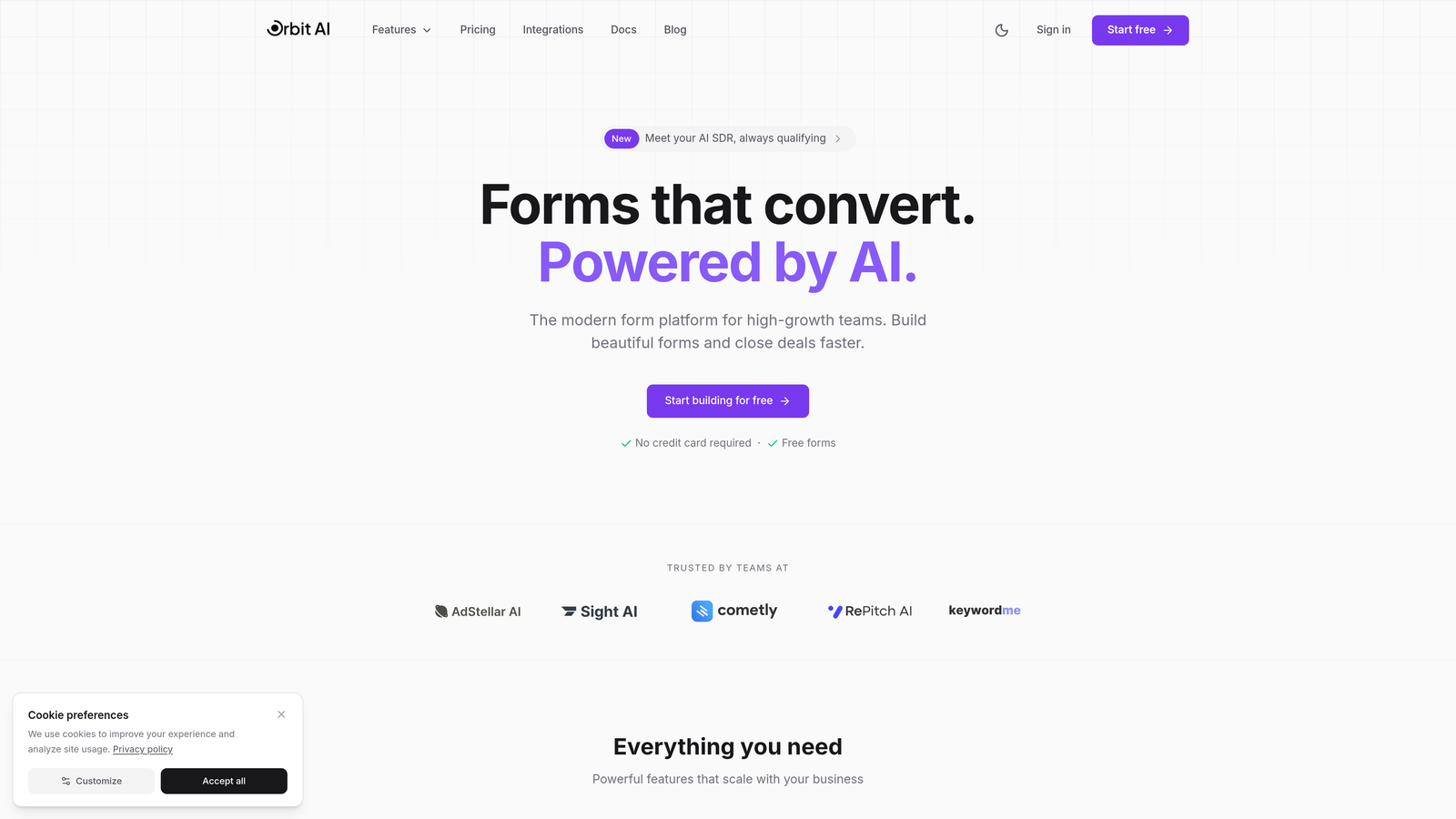
Forms come in standard and conversational styles with modern templates, and the follow-through is native: workflow automation routes qualified leads on your rules, a meeting scheduler books the call, email sequences handle the rest, and roughly 30 CRM integrations (Salesforce, HubSpot, Pipedrive, Zoho) keep your system of record current. Analytics track conversion and lead quality in one view.
Pricing: Pro at $29/month, or $23/month billed annually. There's no free plan — every plan opens with a 7-day free trial, card required. If you just need a survey tool, this is the wrong shape; if forms feed a sales team, it's the most complete option here.
2. Typeform
Best for: Conversational forms where completion rate and brand feel are the priorities
Typeform ditched the long-scroll form for one question per screen, and the effect on longer forms is real: less intimidation, higher completion. Logic jumps personalize the path, media embeds add context, and the design options are polished enough for brand-sensitive B2C work.
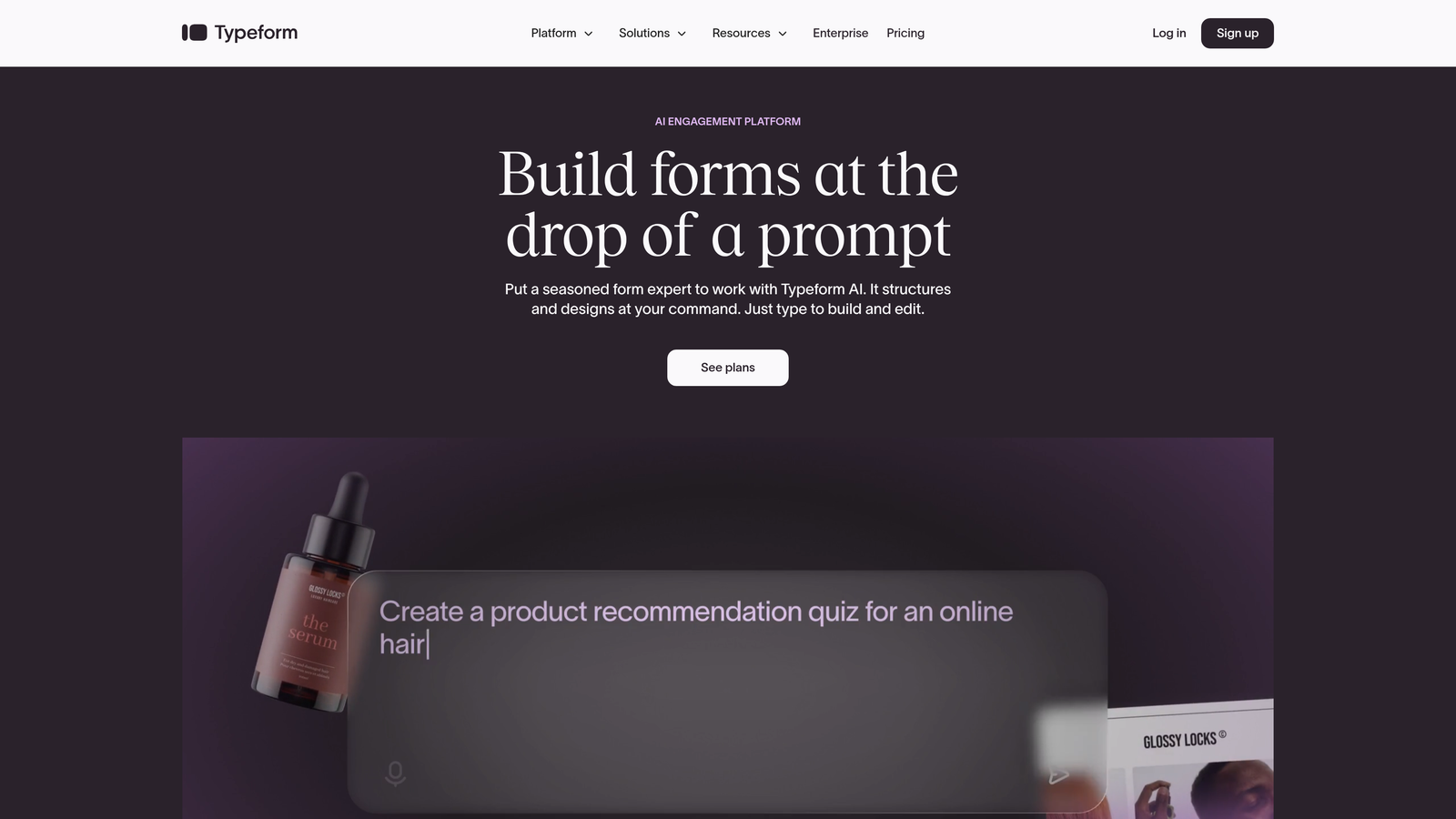
Integrations cover hundreds of tools including Slack, Google Sheets, HubSpot, and Salesforce — though qualification and routing logic will live in those tools, not in Typeform. Free plan with Typeform branding; Basic starts at $25/month.
3. Jotform
Best for: Teams with diverse form needs beyond lead capture
Jotform is the generalist: 10,000+ templates, a widget marketplace covering signatures, calendars, and file uploads, payment processing through PayPal, Stripe, and Square, plus PDF generation and multi-step approval workflows. Whatever odd form a department invents, Jotform probably has the pieces.
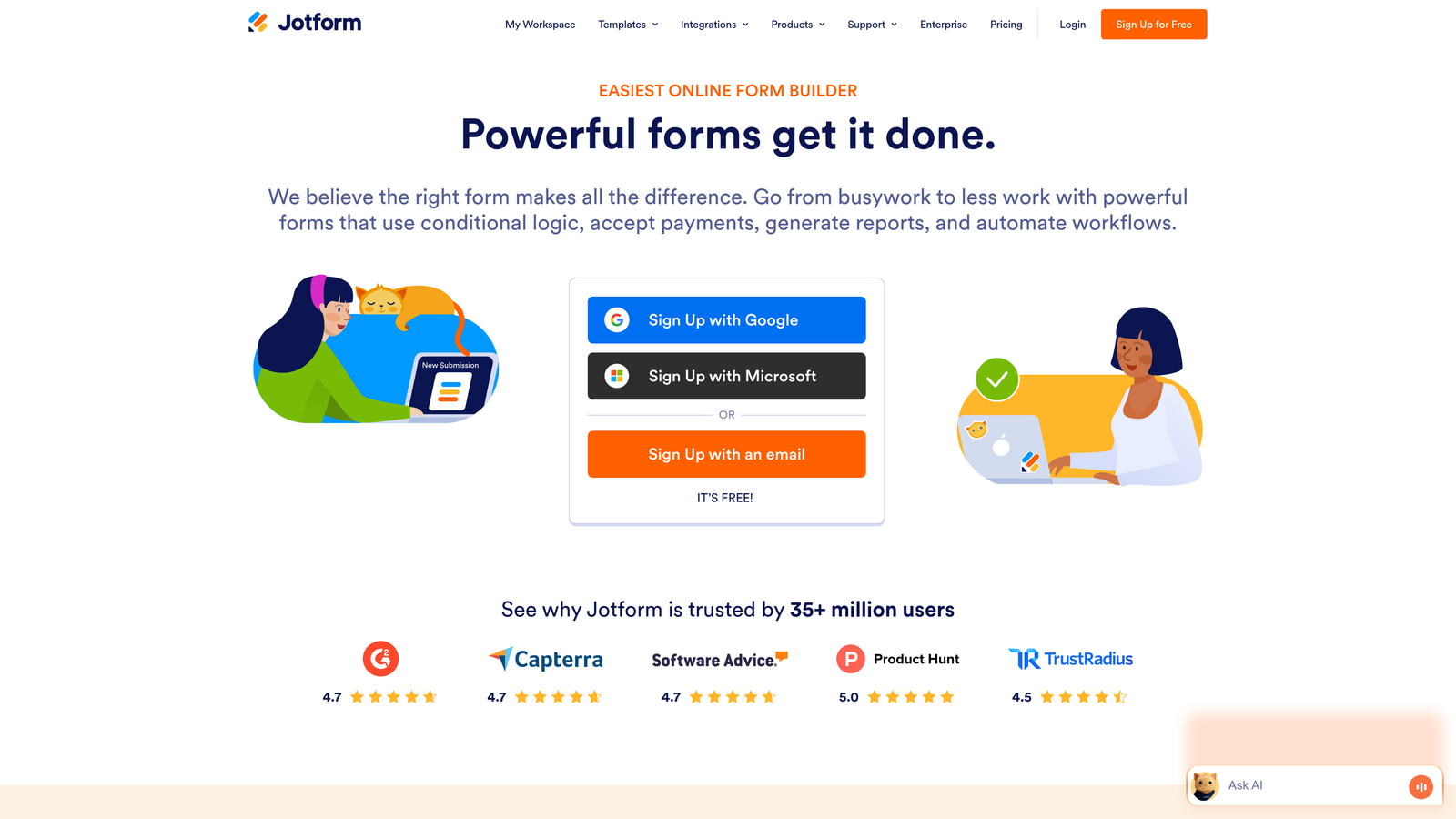
The flip side of breadth is that no single workflow feels tailored — lead-gen teams in particular will be assembling their own routing. Free tier includes 5 forms and 100 monthly submissions; Bronze starts at $34/month.
4. Tally
Best for: Early-stage startups that need forms before they need budget
Tally gives you unlimited forms and unlimited submissions free, with conditional logic and calculations included — features many platforms charge for. The Notion-like block editor makes building fast, and there's no submission ceiling to blow through mid-campaign.
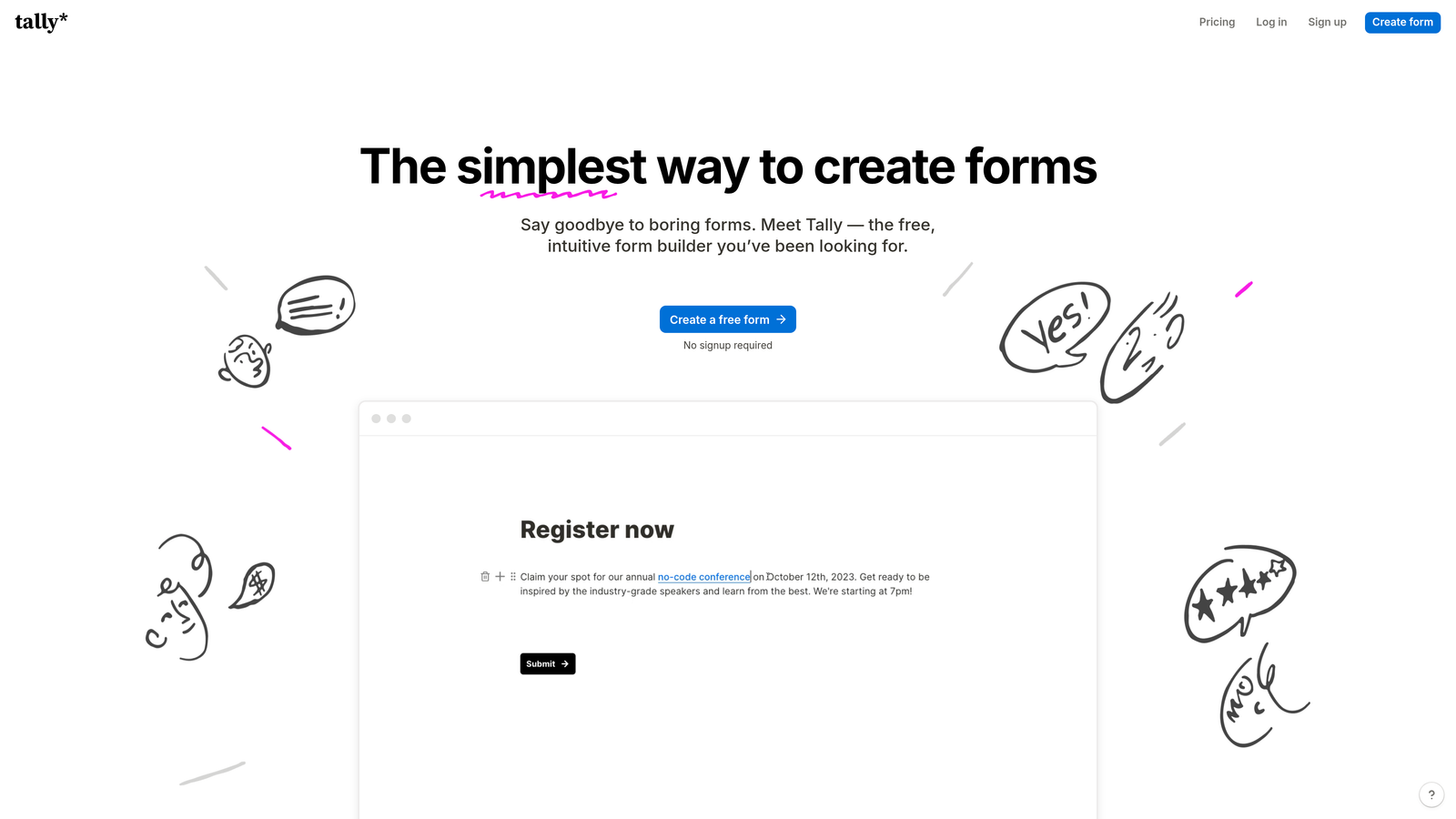
Integrations run through Notion, Zapier, and similar connectors, which is fine at small scale and creaky once ops get serious. Pro at $29/month adds custom domains and removes branding. For a pre-revenue company, it's the obvious start.
5. Paperform
Best for: Forms that need to work as standalone landing pages
Paperform builds full-page experiences — hero images, video backgrounds, product galleries — with form fields woven through the content. For product launches, event registrations, and bookings, that means one URL that persuades and converts, instead of a landing page tool plus an embedded form.
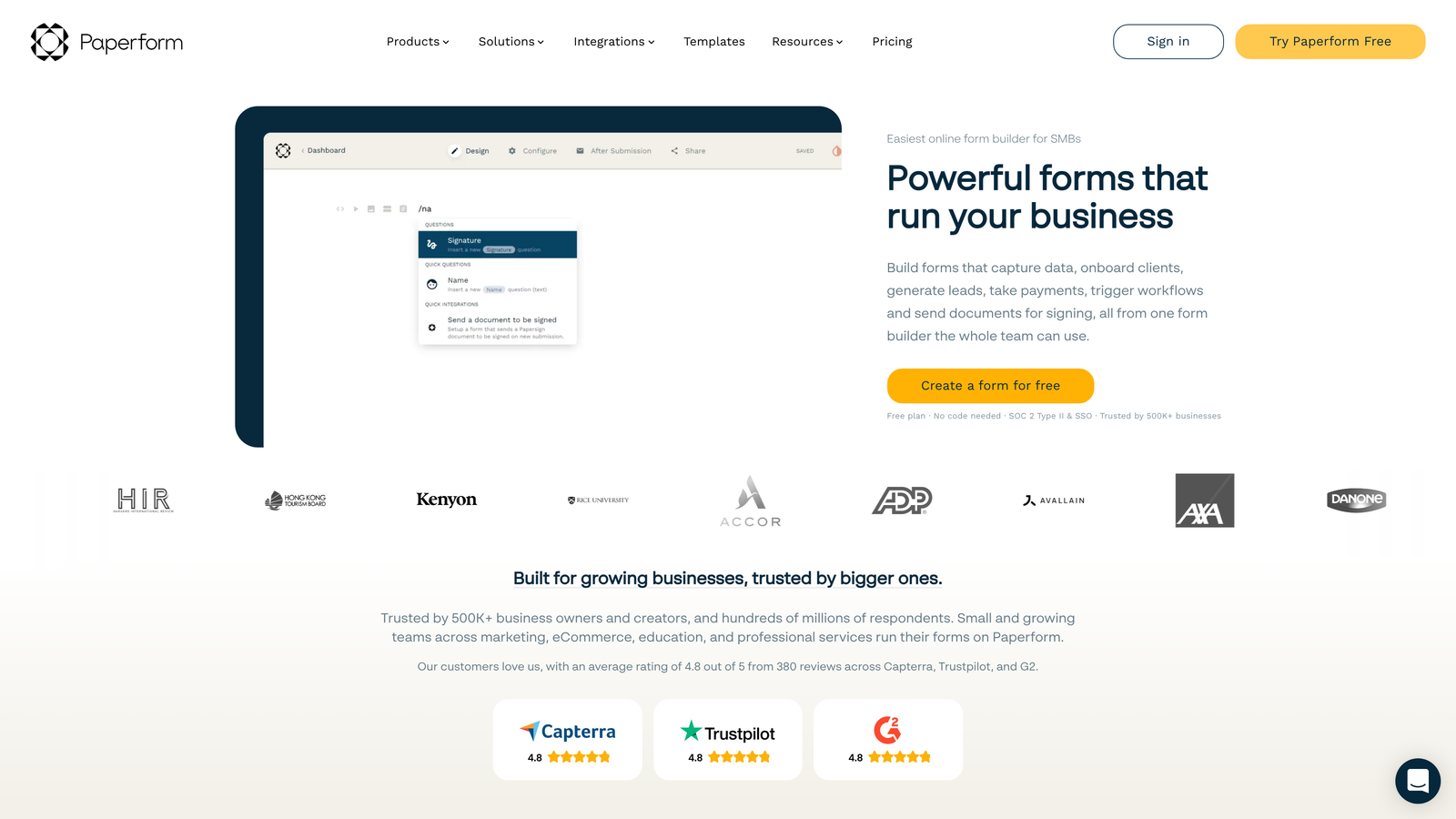
Payments and scheduling are native, and custom success pages let you upsell after submission. Essentials starts at $24/month, with Pro and Agency tiers above. Less relevant if your forms live embedded in an existing product or site.
6. Formstack
Best for: Enterprises whose forms trigger internal processes
Formstack is built for organizations where one submission generates a contract, routes through an approval chain, updates several systems, and notifies three departments. Document generation populates agreements from form data, e-signatures are collected in-flow, HIPAA support covers healthcare, and the native Salesforce connector keeps the CRM synchronized.
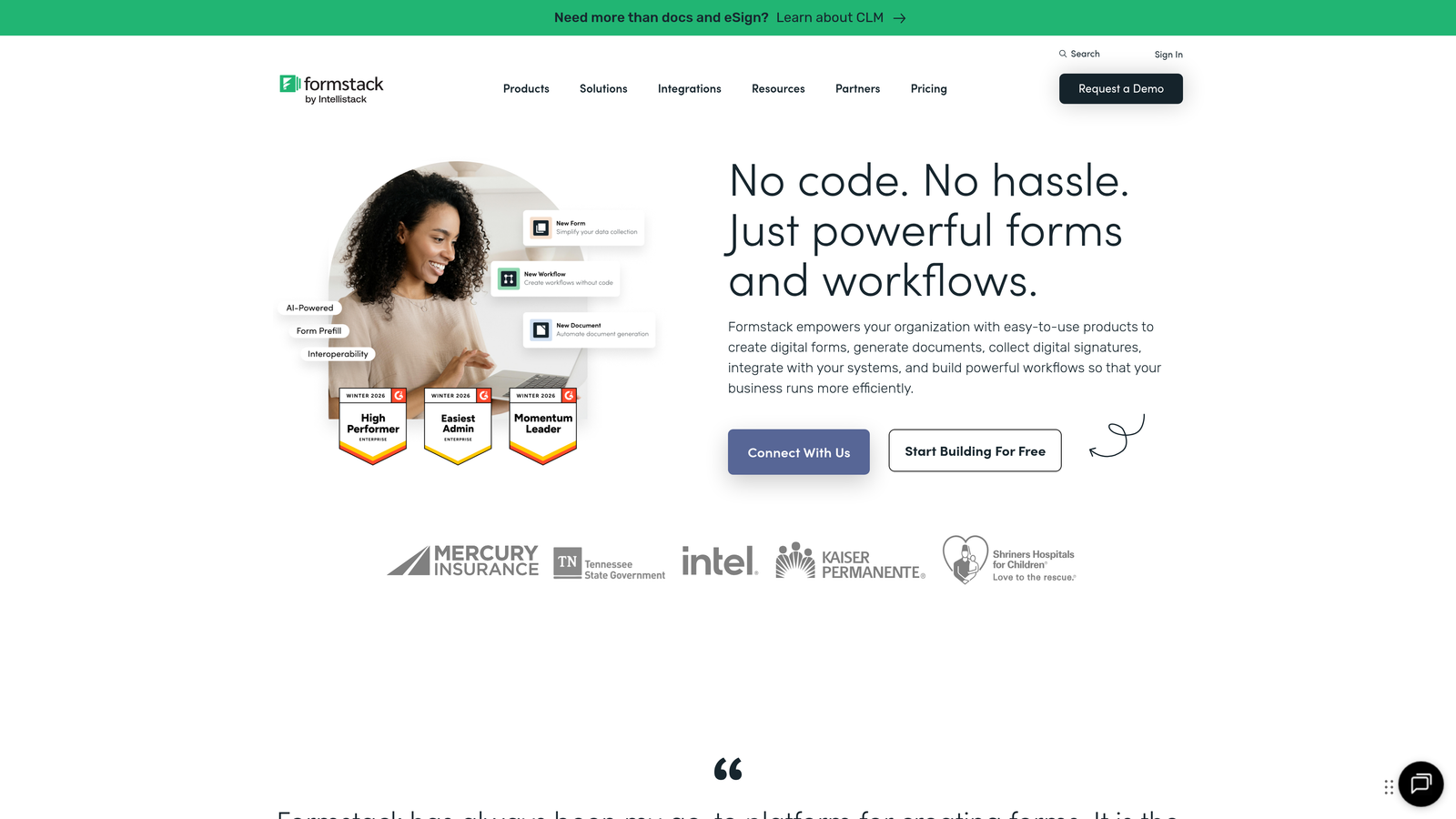
Expect to assign an owner — this is a platform, not a widget. Plans start at $50/month, with enterprise pricing for the compliance and support tiers.
7. Cognito Forms
Best for: Quotes, orders, and anything with calculated pricing
Cognito Forms turns forms into transaction systems: formula-driven pricing, repeating line items, approval routing based on field values, and payments through Stripe, PayPal, and Square. Service businesses replacing a manual quote process get the most from it.
Field-level encryption covers sensitive data. Free plan available; Pro starts at $15/month — aggressive pricing for this much logic.
8. 123FormBuilder
Best for: Regulated industries needing HIPAA compliance and white-labeling
123FormBuilder leads with security: HIPAA-compliant hosting with Business Associate Agreements, granular access controls, audit trails, and PCI-compliant payment processing. Multi-page forms with save-and-resume suit long applications, and white-label options let agencies deploy client forms under their own brand.
Free tier for basics; Gold starts at $24.99/month, with compliance features in Platinum and Diamond tiers. Choose it for the compliance story, not the design tooling.
9. HubSpot Forms
Best for: Teams already running HubSpot
HubSpot Forms is less a product decision than a default: if HubSpot is your CRM, its native forms create and enrich contact records with zero middleware, and progressive profiling asks returning visitors new questions instead of repeating old ones — quietly building complete profiles across touchpoints.
A/B testing and flexible deployment (embeds, popups, landing pages) come with paid Marketing Hub tiers; the forms themselves are free with HubSpot CRM. Outside the HubSpot ecosystem, there's no reason to be here.
Making the call
Map the tool to your funnel stage. Pre-revenue and counting dollars: Tally. Brand-led marketing with long forms: Typeform. Already on HubSpot: use its forms and bank the integration time. Complex internal processes or compliance: Formstack or 123FormBuilder. Quotes and orders: Cognito Forms. Forms as landing pages: Paperform. And if the daily pain is a sales team wading through unqualified submissions, that's the specific problem OrbitForms was built for — see how it handles lead generation forms for SaaS.
Whatever you shortlist, run a real form through two finalists before committing. The platform your team actually uses consistently beats the one with the better feature table.
Ready to stop qualifying leads by hand? Start your 7-day free trial of OrbitForms.
Frequently Asked Questions
What is a SaaS form builder?
A SaaS form builder is subscription software for creating and hosting web forms — you design in the browser, the vendor hosts the form, and submissions sync to your CRM and other tools. It contrasts with self-hosted form code, trading control for speed, maintenance-free hosting, and built-in integrations.
Which form builder is best for SaaS companies?
It depends on the bottleneck. OrbitForms fits teams that need automatic lead qualification and routing; HubSpot Forms is the default for HubSpot shops; Tally suits pre-revenue startups; Formstack serves enterprises with compliance and approval workflows. Match the tool to what happens after submission, not to the editor.
How much does a SaaS form builder cost?
Entry paid plans on the platforms in this guide run roughly $15 to $50 per month, with free tiers at several vendors and custom enterprise pricing at the top end. Watch the upgrade triggers — submission caps, branding removal, and compliance features are the usual reasons a cheap plan becomes an expensive one.
Can a form builder qualify leads automatically?
Yes — platforms with built-in scoring evaluate each submission against your criteria and route high-fit prospects to sales while others enter nurture flows. OrbitForms does this with AI agents natively; on general-purpose builders you'd assemble similar logic downstream in your CRM or automation tool.


