

Every delayed service request costs your team time and your customers patience. Whether you're managing IT tickets, maintenance requests, or customer support inquiries, the right form builder transforms chaotic email threads and phone calls into organized, actionable workflows.
The best service request form builders do more than collect data—they route requests automatically, qualify urgency, and integrate with your existing tools. We evaluated dozens of options based on ease of use, automation capabilities, integration depth, and pricing flexibility.
Here are the top platforms that stand out for teams serious about operational efficiency.
1. Orbit AI
Best for: High-growth teams needing AI-powered request qualification and intelligent routing
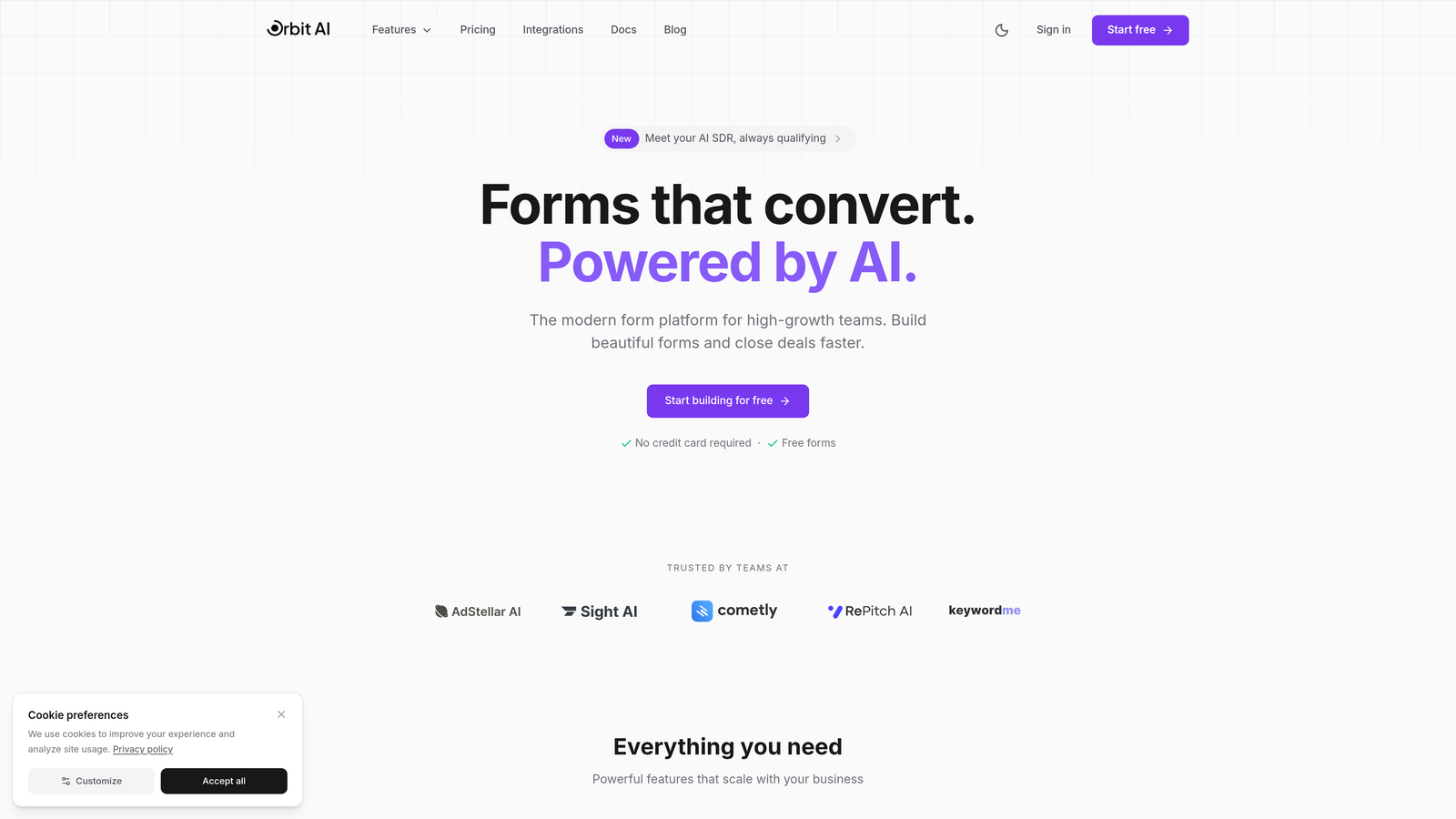
Orbit AI combines beautiful form design with AI-powered intelligence that qualifies and routes service requests automatically.
Where This Tool Shines
Orbit AI stands out by applying artificial intelligence to the service request intake process. Instead of treating every request equally, it analyzes responses in real-time to determine urgency, category, and appropriate team assignment.
The platform maintains a modern, conversion-optimized design approach that reduces form abandonment while collecting the detailed information your team needs. The AI qualification happens behind the scenes, creating a smooth experience for requesters while delivering structured, actionable data to your team.
Key Features
AI-Powered Request Qualification: Automatically assesses request urgency and complexity based on form responses, routing high-priority items immediately.
Intelligent Routing: Directs requests to appropriate team members or departments based on request type, location, or custom rules you define.
Conversion-Optimized Design: Modern form templates designed to maximize completion rates while maintaining professional appearance.
Native Integration Suite: Connects directly with Slack, HubSpot, and Salesforce without requiring third-party automation tools.
Workflow Automation: Triggers follow-up actions, notifications, and status updates based on request characteristics and team responses.
Best For
Orbit AI works best for growing teams handling high volumes of diverse service requests who need intelligent triage without manual sorting. It's particularly valuable when request prioritization matters and when you want to reduce the time between submission and appropriate team assignment.
Pricing
Free tier available for teams getting started. Paid plans begin at $29/month with access to AI qualification features and advanced integrations.
2. Jotform
Best for: Teams wanting extensive template options and advanced conditional logic
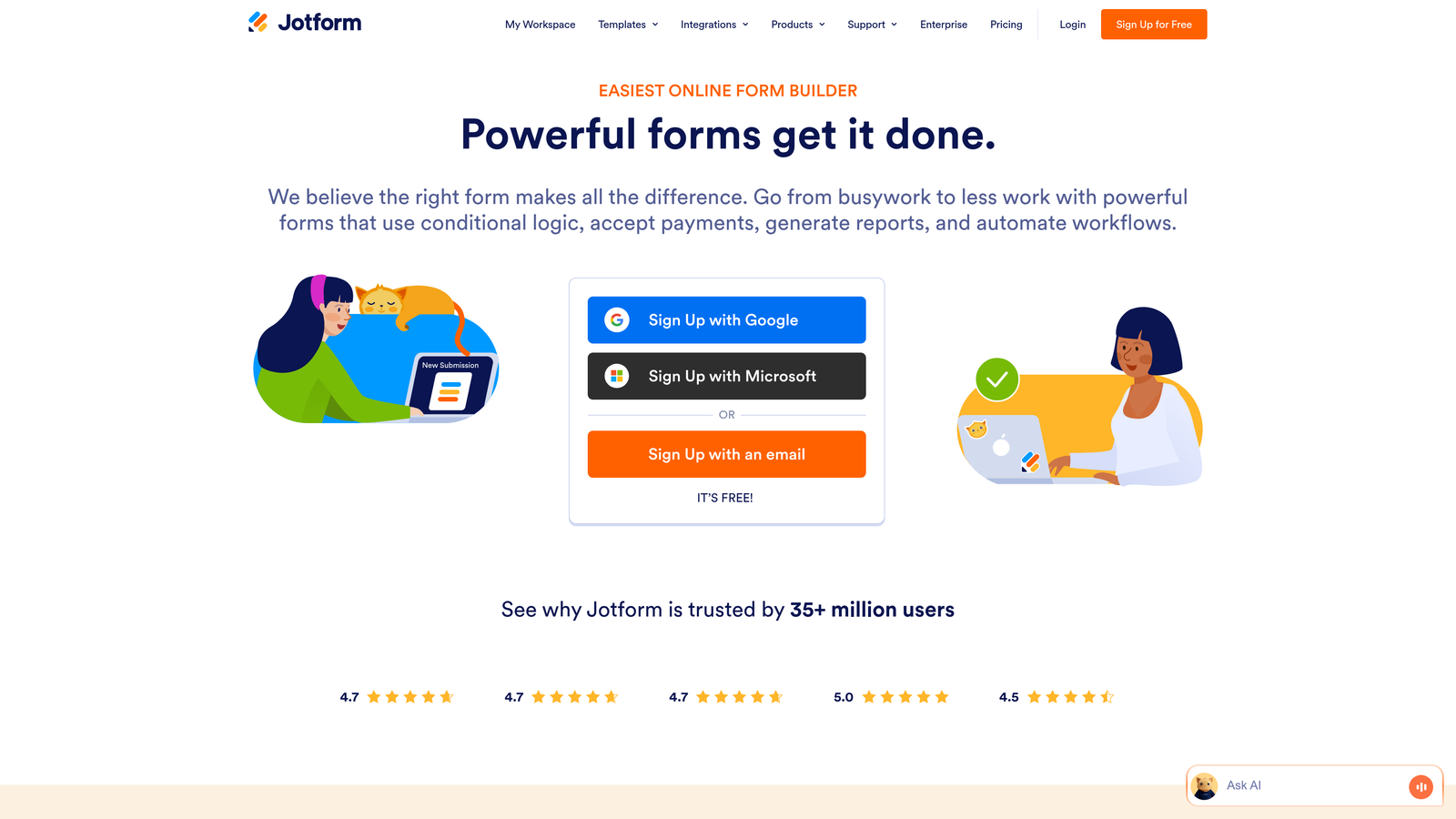
Jotform offers one of the largest template libraries in the form builder space with robust conditional logic capabilities.
Where This Tool Shines
Jotform's massive template collection means you'll likely find a pre-built service request form close to what you need, cutting setup time significantly. The conditional logic engine handles complex branching scenarios where different request types require completely different information.
The PDF report generation feature proves particularly useful for service teams that need to create printable work orders or documentation from form submissions. The approval workflow functionality adds a review layer before requests enter your main queue.
Key Features
10,000+ Templates: Pre-built service request forms for IT, maintenance, HR, facilities, and dozens of other use cases.
Advanced Conditional Logic: Show or hide fields, entire pages, or redirect to different outcomes based on previous answers.
PDF Report Generation: Automatically create formatted PDF documents from submissions for printing or archiving.
Approval Workflows: Route submissions through approval chains before finalizing or triggering downstream actions.
Mobile App: Native iOS and Android apps let field workers submit requests without internet connectivity, syncing when connection returns.
Best For
Jotform suits organizations that value template variety and need complex conditional logic for diverse request types. It works well when you need PDF documentation or approval processes built into your intake workflow.
Pricing
Free tier includes 5 forms with 100 monthly submissions. Paid plans start at $34/month, removing form limits and adding advanced features.
3. Typeform
Best for: Creating engaging, conversational request experiences that reduce abandonment
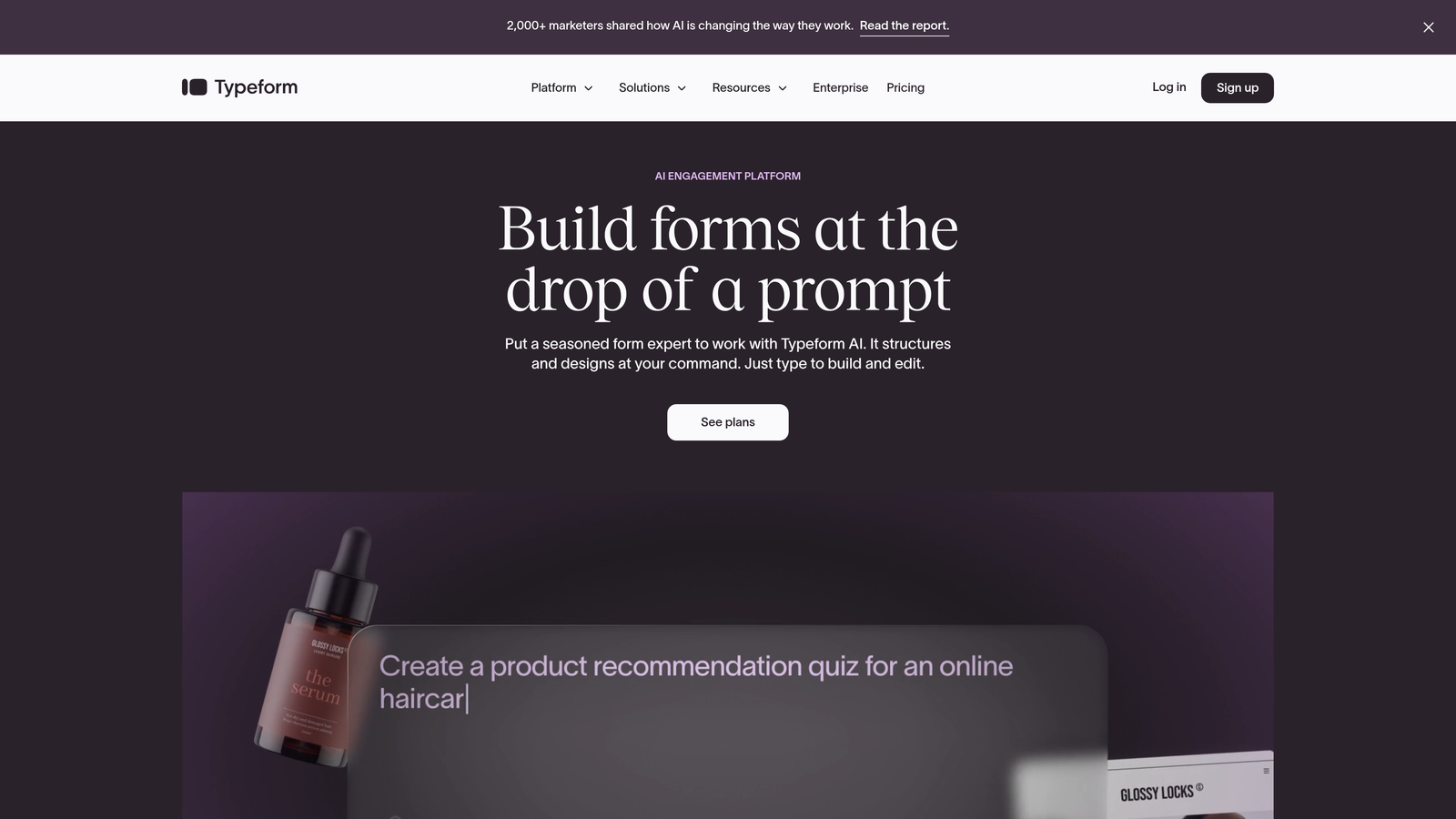
Typeform pioneered the conversational, one-question-at-a-time approach that feels more like a dialogue than a traditional form.
Where This Tool Shines
Typeform's signature format presents one question at a time, eliminating the overwhelming wall-of-fields feeling that causes form abandonment. This approach works exceptionally well for service requests where you need detailed information but don't want to intimidate requesters with lengthy forms.
The platform's design-first philosophy produces visually striking forms that feel modern and professional. Logic jumps create personalized paths through the request process, showing only relevant questions based on previous answers.
Key Features
Conversational Format: One-question-at-a-time presentation reduces cognitive load and improves completion rates.
Logic Jumps: Skip irrelevant questions or redirect to different question paths based on answers.
Design Templates: Professionally designed themes that maintain brand consistency while looking polished.
Media Embedding: Include videos or images to clarify request options or provide visual examples.
Integration Ecosystem: Connects with hundreds of tools through native integrations and Zapier.
Best For
Typeform excels when user experience matters as much as data collection. It's ideal for customer-facing service requests where you want to make a positive impression while gathering detailed information.
Pricing
Free tier allows 10 responses per month. Paid plans begin at $25/month with unlimited responses and logic jumps.
4. Microsoft Forms
Best for: Organizations already using Microsoft 365 needing native ecosystem integration
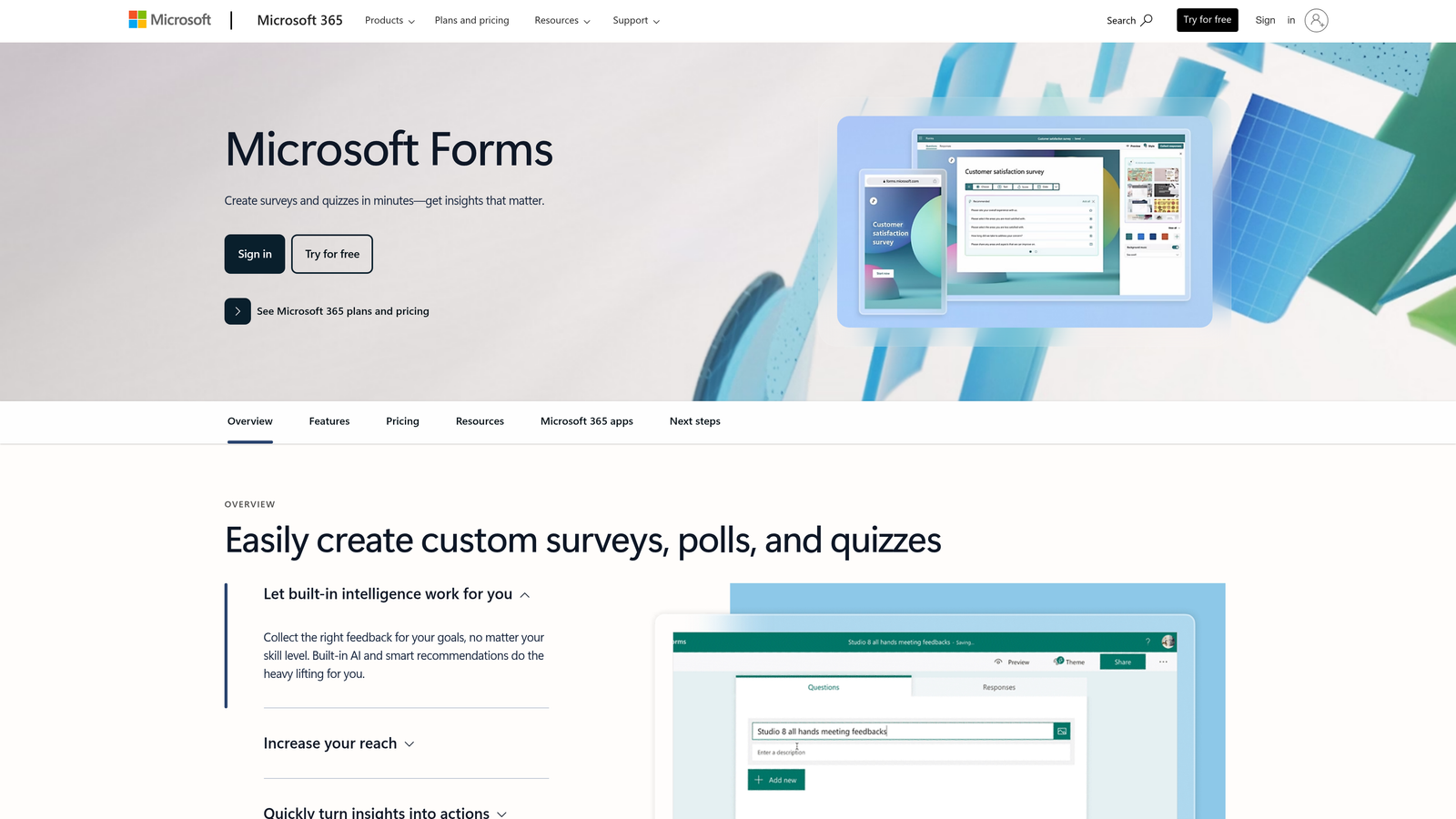
Microsoft Forms provides straightforward form building with deep integration into the Microsoft 365 environment.
Where This Tool Shines
Microsoft Forms becomes incredibly powerful when you're already invested in the Microsoft ecosystem. The native Teams integration means service request forms can live directly in your communication channels, eliminating the need to switch contexts.
Power Automate integration transforms simple forms into sophisticated workflows without coding. Responses can trigger Teams notifications, create Planner tasks, update SharePoint lists, or start approval processes—all within the Microsoft environment your team already uses.
Key Features
Microsoft 365 Integration: Works seamlessly with Teams, SharePoint, OneDrive, and other Microsoft tools without third-party connectors.
Real-Time Collaboration: Multiple team members can build and edit forms simultaneously.
Power Automate Triggers: Create automated workflows that respond to form submissions with complex, multi-step processes.
SharePoint List Integration: Automatically populate SharePoint lists with submission data for tracking and reporting.
Teams Embedding: Place forms directly in Teams channels for frictionless internal service requests.
Best For
Microsoft Forms works best for organizations with existing Microsoft 365 subscriptions who want to keep their service request workflow within the Microsoft ecosystem. It's particularly effective for internal IT or facilities requests where Teams is the primary communication platform.
Pricing
Included with Microsoft 365 Business Basic subscriptions and higher. No additional cost for organizations already using Microsoft 365.
5. Google Forms
Best for: Budget-conscious teams in the Google Workspace ecosystem
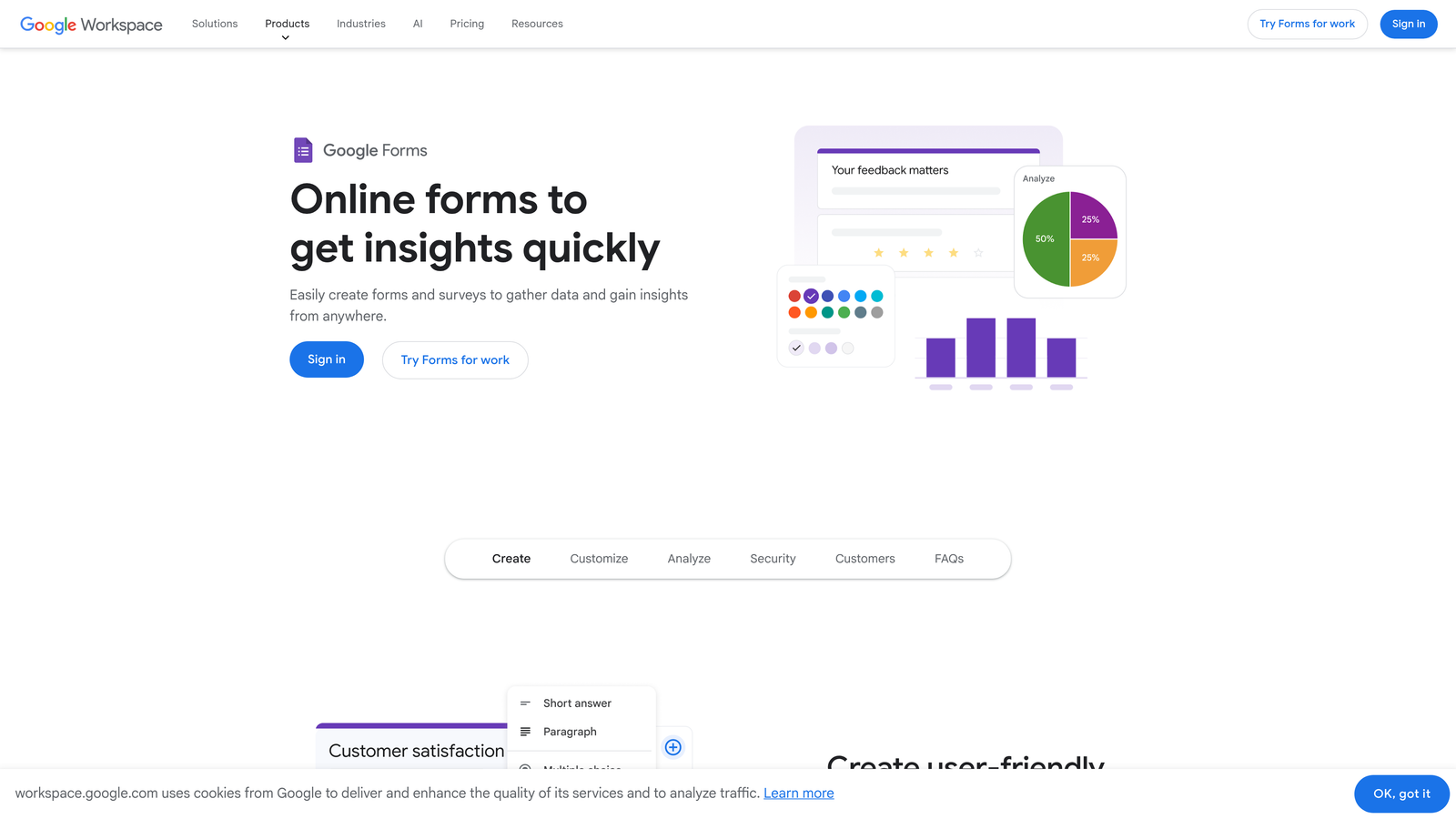
Google Forms delivers reliable form building with automatic Google Sheets integration, all completely free.
Where This Tool Shines
Google Forms removes cost as a barrier to organized service request management. The automatic logging to Google Sheets creates an instant database of requests that your team can filter, sort, and analyze without additional tools.
The real-time collaboration features let multiple team members design forms together, similar to how Google Docs works. While the feature set is more basic than paid alternatives, the reliability and zero cost make it attractive for smaller teams or organizations just starting to formalize their request processes.
Key Features
Unlimited Forms: Create as many forms as needed with no quantity restrictions or submission caps.
Google Sheets Integration: Responses automatically populate a spreadsheet for easy tracking and analysis.
Basic Conditional Logic: Show or hide sections based on previous answers for simple branching.
Real-Time Collaboration: Multiple editors can build forms simultaneously with changes visible instantly.
Add-Ons: Extend functionality through third-party add-ons for email notifications, response limits, or appointment scheduling.
Best For
Google Forms suits teams already using Google Workspace who need straightforward service request collection without advanced automation. It works well for internal requests where the free tier and Sheets integration provide sufficient functionality.
Pricing
Completely free with unlimited forms and responses. No paid tiers or premium features.
6. Formstack
Best for: Enterprise teams requiring compliance certifications and digital signatures
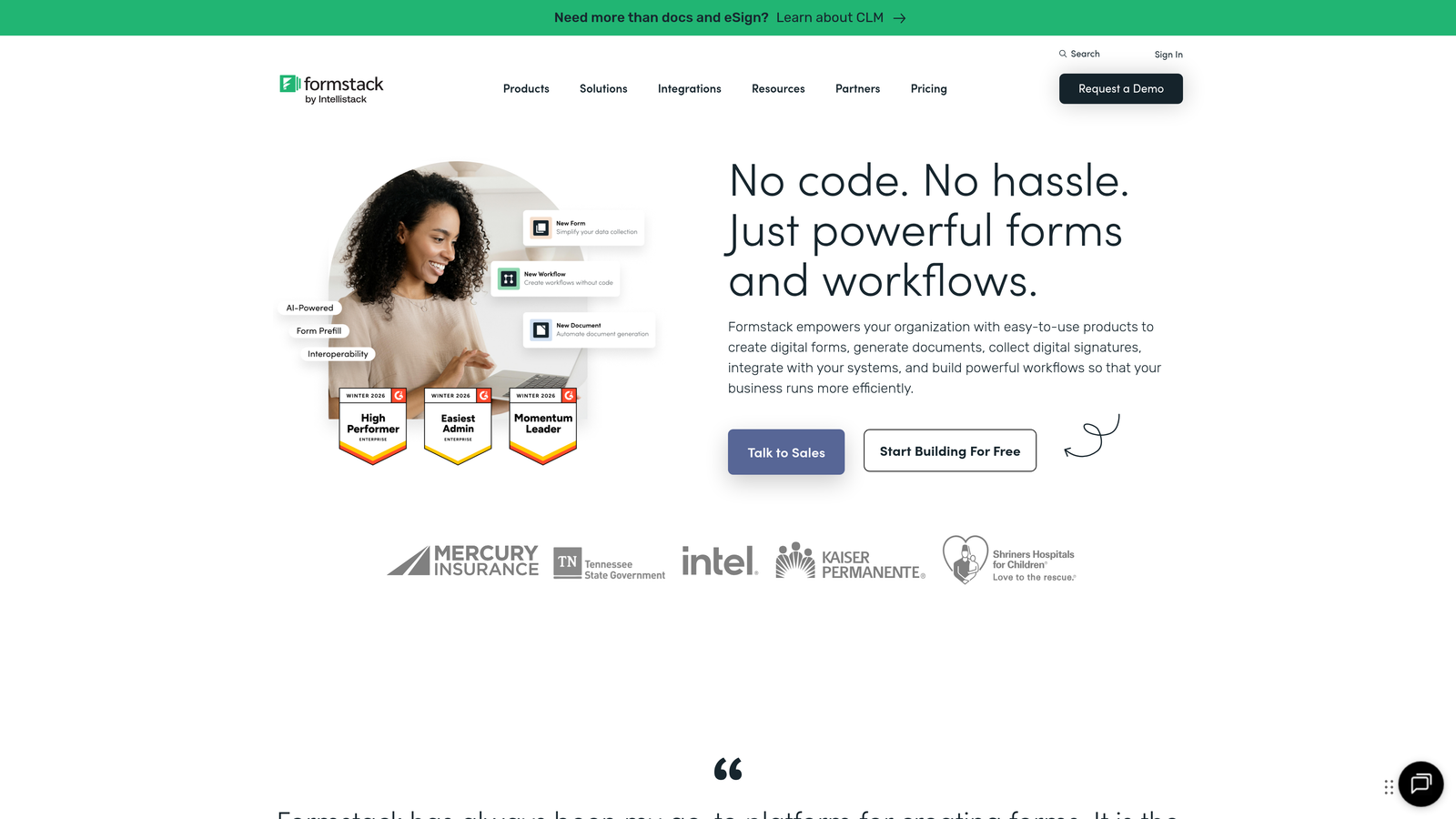
Formstack provides enterprise-grade form building with HIPAA compliance, SOC 2 certification, and advanced workflow capabilities.
Where This Tool Shines
Formstack addresses the specific needs of regulated industries where compliance isn't optional. The HIPAA-compliant forms and business associate agreements make it viable for healthcare service requests, while SOC 2 certification satisfies enterprise security requirements.
The digital signature collection eliminates the need for separate e-signature tools. The document generation feature creates formatted PDFs or Word documents from submission data, useful for creating work orders, service agreements, or compliance documentation directly from request forms.
Key Features
HIPAA and SOC 2 Compliance: Meets healthcare and enterprise security standards with appropriate certifications and business associate agreements.
Digital Signatures: Collect legally binding signatures within forms without third-party tools.
Advanced Workflow Routing: Create multi-step approval processes and conditional routing based on complex rule sets.
Document Generation: Automatically create formatted documents from submission data using custom templates.
Salesforce-Native Integration: Bidirectional sync with Salesforce objects without middleware or Zapier.
Best For
Formstack serves organizations in healthcare, finance, government, or other regulated industries where compliance certifications are mandatory. It's ideal when you need digital signatures or document generation as part of your service request workflow.
Pricing
Forms plans start at $50/month. Enterprise pricing available for organizations requiring HIPAA compliance or advanced features.
7. Cognito Forms
Best for: Service requests requiring payment collection or automatic cost calculations
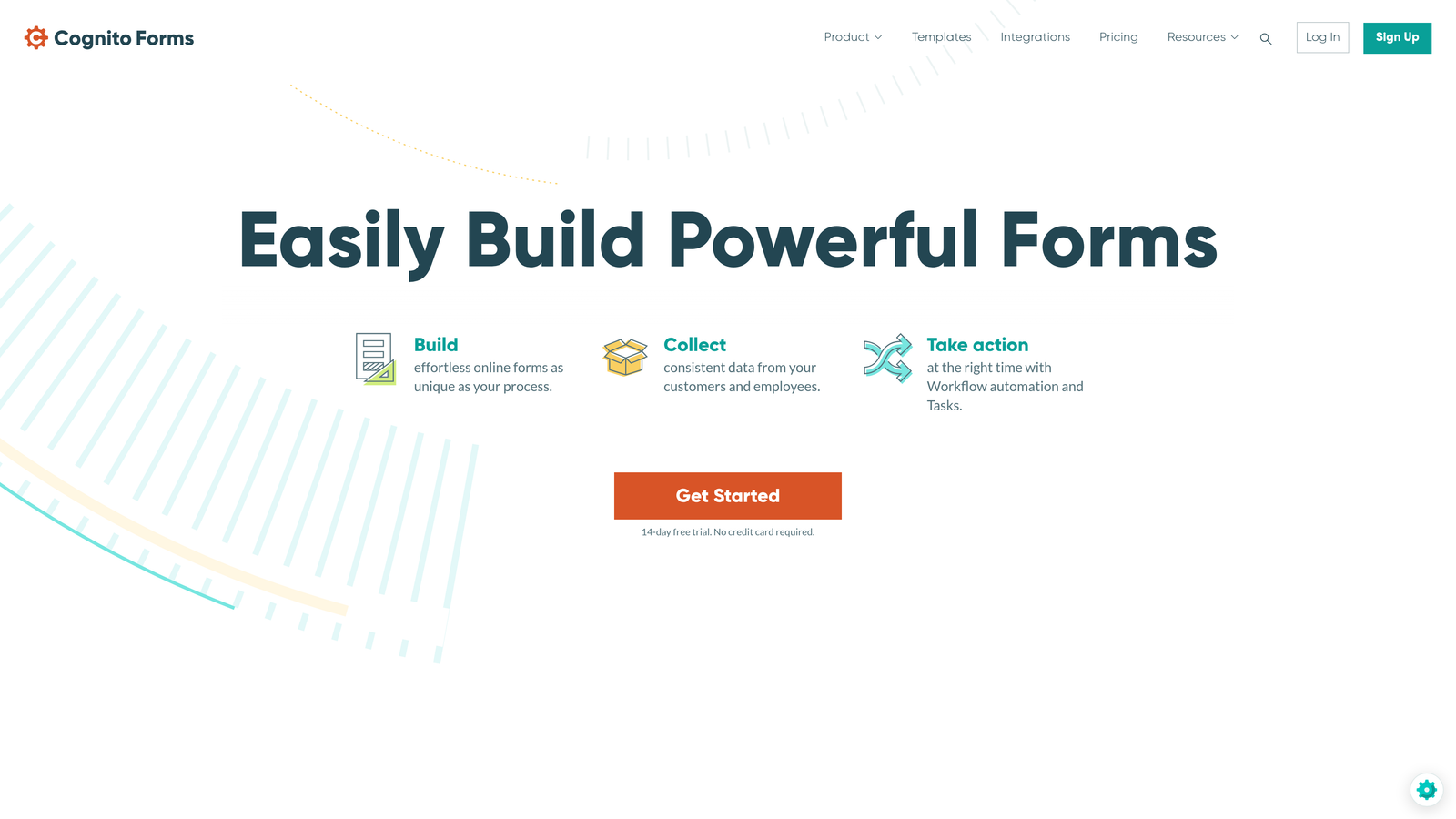
Cognito Forms combines form building with built-in payment processing and calculation fields for service requests involving fees or quotes.
Where This Tool Shines
Cognito Forms excels when service requests involve financial transactions. The built-in payment processing supports Stripe, PayPal, and Square without requiring separate integrations or custom code.
The calculation fields automatically compute costs based on service selections, quantities, or other variables. This proves valuable for maintenance requests where you charge by the hour, repair services with parts costs, or any scenario where you need to quote prices within the request form itself.
Key Features
Built-In Payment Processing: Accept credit cards, PayPal, or Square payments directly within forms.
Calculation Fields: Automatically compute totals, fees, or quotes based on form inputs using custom formulas.
Repeating Sections: Allow requesters to add multiple items, services, or line items within a single submission.
Conditional Logic: Show pricing, fields, or entire sections based on previous selections.
HIPAA-Compliant Option: Available on higher-tier plans for healthcare-related service requests.
Best For
Cognito Forms works best for service businesses that need to collect payment at the time of request or provide instant cost estimates based on service selections. It's particularly useful for maintenance, repair, or professional services with variable pricing.
Pricing
Free tier available with basic features. Paid plans start at $15/month with payment processing and advanced calculations.
8. 123FormBuilder
Best for: Teams needing database-style organization and team collaboration features
123FormBuilder provides balanced functionality with strong data management and workflow automation capabilities.
Where This Tool Shines
123FormBuilder treats submissions more like database entries than simple form responses. The database-style management interface makes it easy to search, filter, and organize large volumes of service requests over time.
The workflow automation rules create sophisticated routing and notification systems without requiring technical expertise. Pre-filled forms via URL parameters let you create unique links for different departments or locations, automatically populating certain fields to streamline the request process.
Key Features
Database-Style Management: Search, filter, and organize submissions with advanced query capabilities.
Workflow Automation: Set up rules that trigger emails, notifications, or data updates based on submission content.
Pre-Filled Forms: Generate unique URLs that automatically populate fields for department-specific or location-specific requests.
Multi-Page Forms: Break long request forms into multiple pages with progress indicators.
Team Collaboration: Assign submissions to team members, add internal notes, and track resolution status.
Best For
123FormBuilder suits teams handling high volumes of service requests who need robust data management and team collaboration features. It works well when multiple people need to access, search, and act on historical request data.
Pricing
Free tier available with limited features. Paid plans begin at $24.99/month with workflow automation and team features.
9. Wufoo
Best for: Teams wanting straightforward form building with reliable Zapier automation
Wufoo delivers no-fuss form building with solid integration capabilities through its SurveyMonkey ownership and Zapier connectivity.
Where This Tool Shines
Wufoo focuses on doing the basics exceptionally well rather than overwhelming users with features. The drag-and-drop builder creates functional service request forms quickly without requiring design skills or technical knowledge.
The notification rules and routing capabilities handle common automation needs directly within the platform. For more complex workflows, the strong Zapier integration connects Wufoo to thousands of other tools, making it a reliable hub for service request intake even when your workflow spans multiple platforms.
Key Features
Simple Drag-and-Drop Builder: Create functional forms quickly without learning complex interfaces.
Payment Collection: Accept Stripe payments for service requests requiring deposits or fees.
File Upload Support: Let requesters attach photos, documents, or other files to provide context.
Notification Rules: Route submissions to appropriate team members based on request content.
Zapier Integration: Connect to thousands of apps for workflow automation beyond Wufoo's native capabilities.
Best For
Wufoo works well for teams that want straightforward functionality without complexity. It's ideal when you need reliable form building with Zapier automation to connect your service request workflow to other tools.
Pricing
Free tier includes 5 forms with 100 monthly submissions. Paid plans start at $14.08/month with additional forms and features.
Matching Your Workflow to the Right Builder
The right service request form builder depends on your specific operational needs and existing tech stack.
If you're handling high volumes of diverse requests and need intelligent triage, Orbit AI's AI-powered qualification and routing eliminates manual sorting while maintaining a modern user experience. For teams already invested in Microsoft or Google ecosystems, the native integration of Microsoft Forms or Google Forms keeps everything within your existing environment.
When compliance matters, Formstack's HIPAA and SOC 2 certifications make it the clear choice for regulated industries. If service requests involve payment or cost calculations, Cognito Forms' built-in processing and calculation fields streamline the entire transaction.
Consider these factors when making your decision:
Integration Requirements: Choose platforms that connect natively with your existing ticketing, CRM, or project management tools to avoid data silos.
Request Complexity: Simple requests work fine with basic builders, but diverse request types benefit from advanced conditional logic and intelligent routing.
Team Size and Structure: Larger teams need collaboration features, assignment capabilities, and database-style organization for managing high volumes.
Budget Constraints: Free options like Google Forms provide solid functionality for basic needs, while paid platforms offer automation and intelligence that save time at scale.
The service request form builder market continues evolving toward AI-powered intelligence and deeper automation. The most successful implementations combine thoughtful form design with smart routing and seamless integration into existing workflows.
Transform your lead generation with AI-powered forms that qualify prospects automatically while delivering the modern, conversion-optimized experience your high-growth team needs. Start building free forms today and see how intelligent form design can elevate your conversion strategy.


