

Lead generation forms have evolved far beyond simple name-and-email boxes. Today's smart contact form software uses AI to qualify leads in real-time, route prospects intelligently, and trigger automated follow-ups—all while maintaining the clean, modern experience users expect. The difference between a basic form and an intelligent one can mean the gap between collecting contact info and actually converting qualified leads.
We evaluated dozens of platforms based on four critical factors: AI and automation capabilities, integration ecosystems, user experience and conversion optimization, and transparent pricing. The tools below represent the best options for teams serious about turning form submissions into qualified pipeline. Whether you need AI-powered lead qualification, conversational interfaces, or enterprise-grade compliance, there's a solution here that fits your specific requirements.
1. Orbit AI
Best for: High-growth teams needing AI-powered lead qualification and conversion-optimized forms
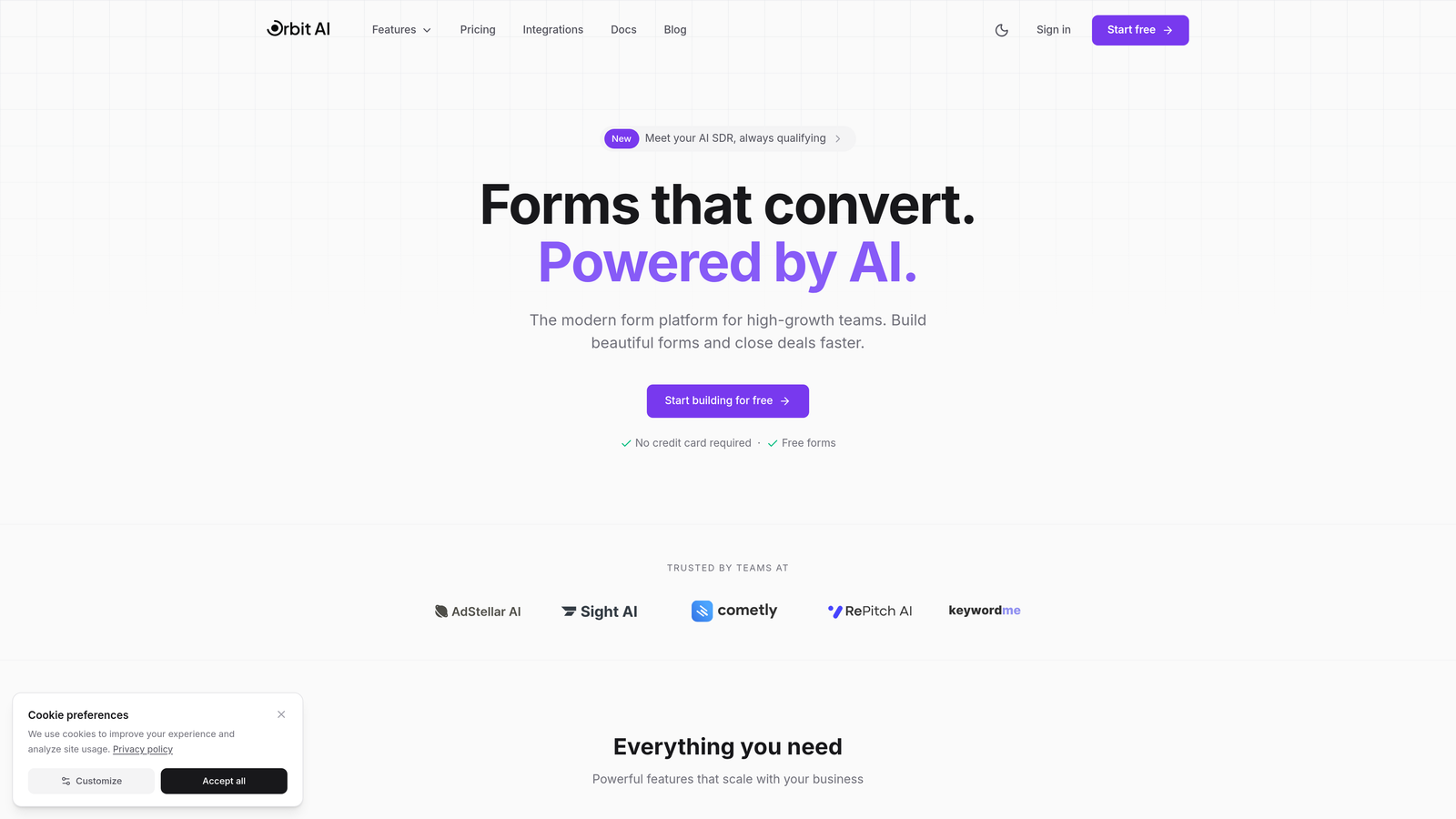
Orbit AI is an AI-powered form builder platform designed specifically for teams focused on lead generation and conversion optimization.
Where This Tool Shines
Orbit AI distinguishes itself by embedding artificial intelligence directly into the form submission process. While most form builders simply collect data, Orbit AI actively qualifies leads as they fill out forms, scoring prospects based on their responses and routing them to the appropriate sales sequences automatically.
The platform was built for modern teams who need more than just data collection—they need intelligent lead qualification that happens in real-time. The conversion-optimized templates are designed with psychology-backed principles that reduce form abandonment while gathering the information your sales team actually needs.
Key Features
AI-Powered Lead Qualification: Automatically scores and qualifies leads during form submission based on response patterns and data inputs.
Conversion-Optimized Templates: Pre-built form designs based on conversion research that reduce abandonment and increase completion rates.
Native CRM Integrations: Seamless connections with major CRM platforms to ensure qualified leads flow directly into your sales pipeline.
Workflow Automation: Trigger automated sequences based on form responses, lead scores, and qualification criteria.
Real-Time Analytics: Dashboard showing conversion rates, drop-off points, and lead quality metrics to optimize performance continuously.
Best For
Orbit AI is ideal for SaaS companies, B2B businesses, and marketing agencies that prioritize lead quality over quantity. If your sales team spends too much time sorting through unqualified leads, or if you're looking to modernize your form experience while adding intelligence to your qualification process, this platform delivers exactly what high-growth teams need.
Pricing
Free tier available to get started. Paid plans begin at competitive SaaS pricing with scalable options as your form volume and team needs grow.
2. Typeform
Best for: Creating conversational, engaging form experiences with high completion rates
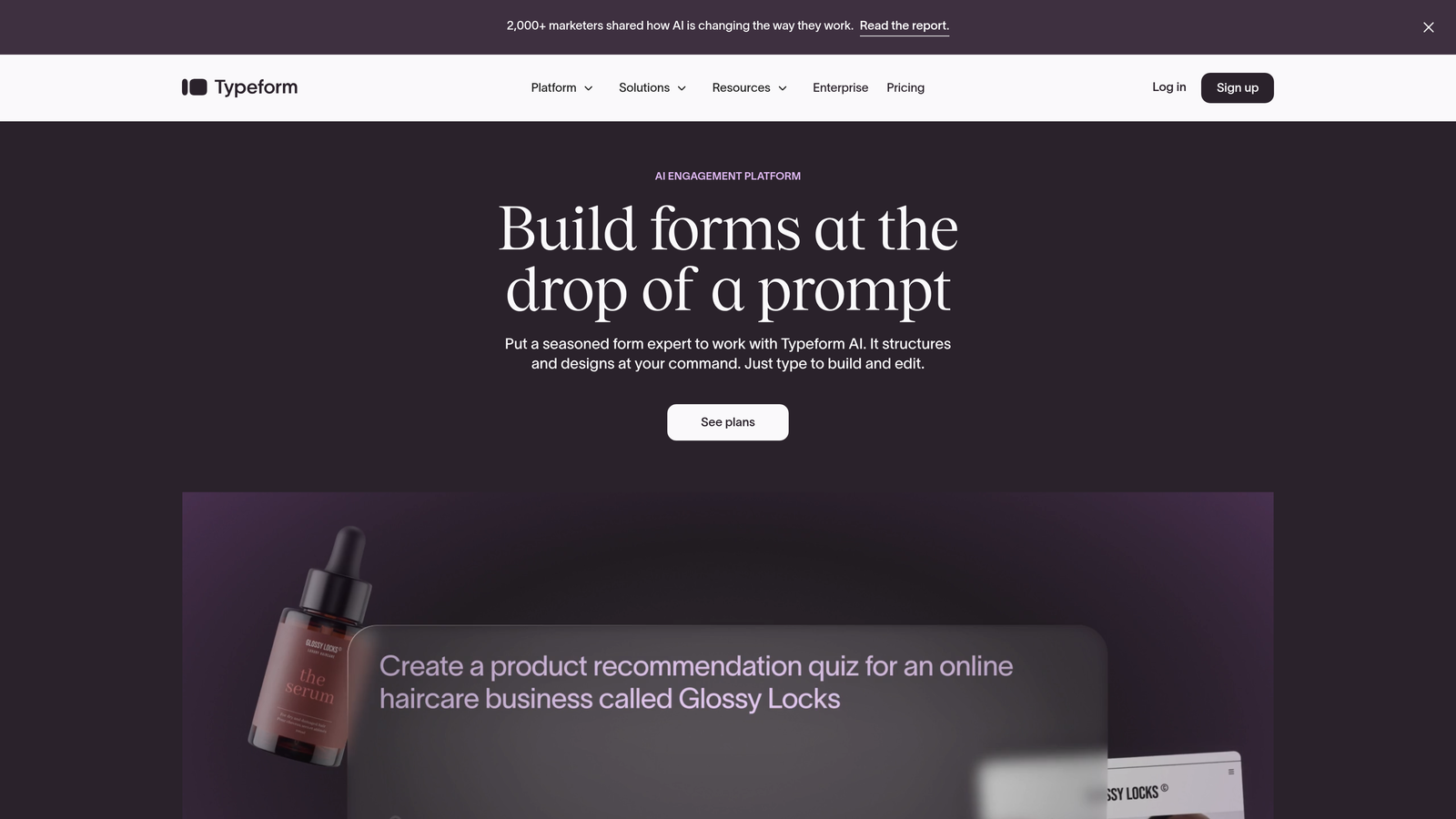
Typeform is a conversational form builder that revolutionized online forms with its one-question-at-a-time interface.
Where This Tool Shines
Typeform's signature approach presents one question at a time, creating a conversational flow that feels more like a dialogue than an interrogation. This format significantly reduces the psychological burden of long forms—users don't see a wall of fields, just the next logical question.
The platform excels at creating forms that feel human and engaging. When you need to collect detailed information without overwhelming respondents, Typeform's interface keeps users moving forward. The visual design is clean and modern, making even complex surveys feel approachable.
Key Features
Conversational Interface: One-question-at-a-time format that increases engagement and reduces form abandonment.
Logic Jumps: Conditional branching that adapts the form path based on previous answers, creating personalized experiences.
Rich Media Embedding: Add videos, images, and GIFs to make forms visually engaging and provide context for questions.
Integration Ecosystem: Native connections with popular tools like Google Sheets, Slack, Mailchimp, and hundreds of others via Zapier.
Mobile Optimization: Forms automatically adapt to mobile devices with touch-friendly interfaces and responsive design.
Best For
Typeform works best for customer feedback surveys, event registrations, lead qualification forms, and any scenario where you need to collect detailed information while maintaining high completion rates. It's particularly effective for consumer-facing brands and companies that prioritize user experience.
Pricing
Free tier available with basic features. Basic plan starts at $25/month, with Plus and Business tiers offering advanced logic, hidden fields, and priority support.
3. Jotform
Best for: Teams needing extensive template variety and payment processing capabilities
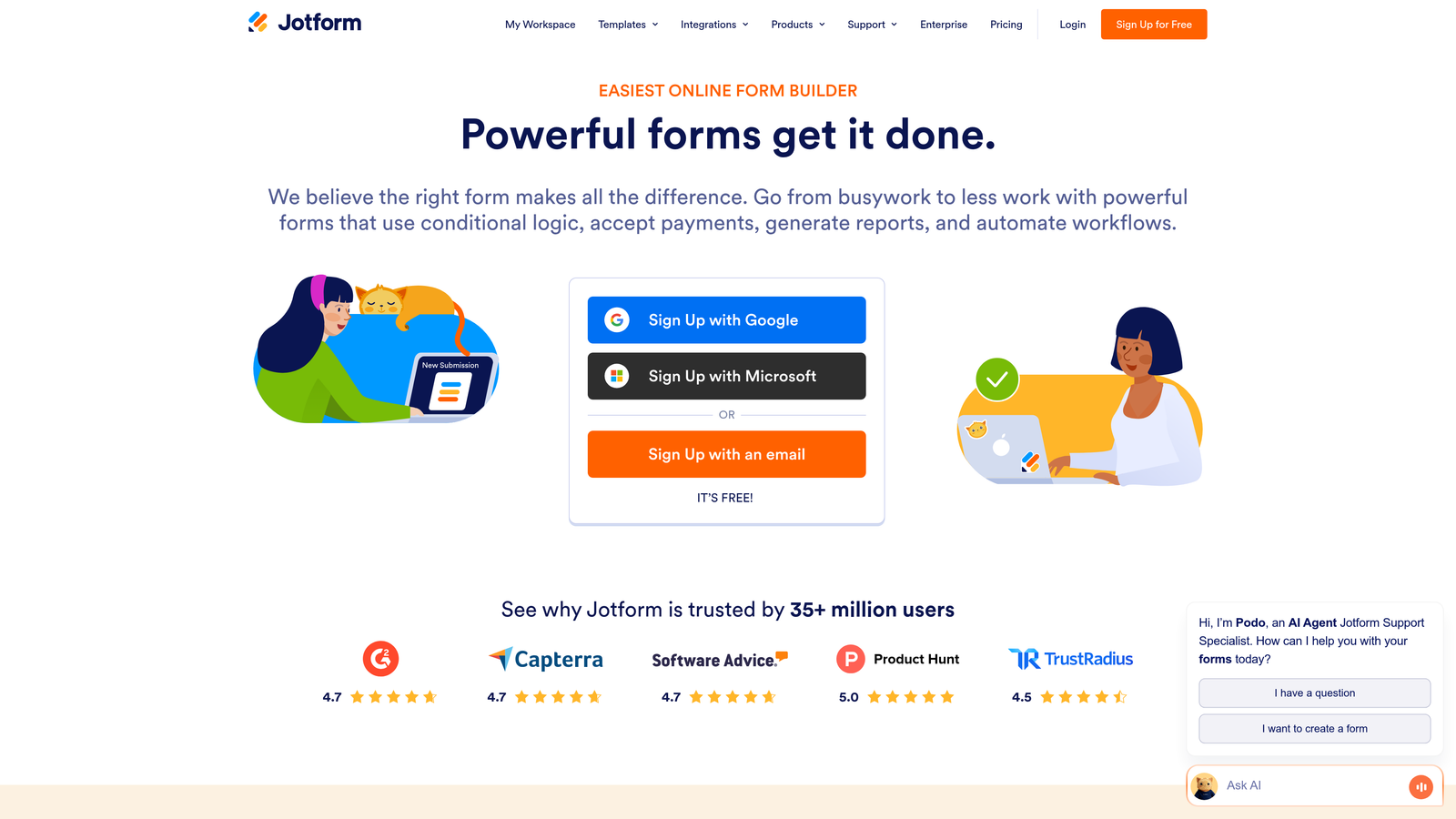
Jotform is a versatile form builder offering over 10,000 templates and comprehensive payment integrations.
Where This Tool Shines
Jotform's massive template library means you rarely start from scratch. Whether you need a job application form, event registration, order form, or feedback survey, there's likely a pre-built template that gets you 80% of the way there. This dramatically reduces setup time for common use cases.
The platform's payment processing capabilities are particularly robust. With native integrations for PayPal, Stripe, Square, and other processors, Jotform handles everything from simple donations to complex product orders. The ability to generate PDFs and collect e-signatures adds another layer of functionality that goes beyond basic data collection.
Key Features
10,000+ Templates: Pre-built forms for virtually every use case, from healthcare intake to event registration.
Conditional Logic: Show or hide fields based on user responses to create dynamic, personalized form experiences.
Payment Processing: Accept payments through multiple processors with support for subscriptions, products, and donations.
PDF Generation: Automatically create PDF documents from form submissions with customizable templates.
E-Signature Collection: Gather legally binding electronic signatures directly within forms for contracts and agreements.
Best For
Jotform is ideal for small businesses, nonprofits, educational institutions, and anyone who needs to collect payments alongside form data. If you value having a template for every situation and need robust payment functionality, Jotform delivers exceptional value.
Pricing
Free tier includes 5 forms with 100 monthly submissions. Bronze plan starts at $34/month for 25 forms, with Silver and Gold tiers offering increased limits and advanced features.
4. HubSpot Forms
Best for: Teams already using HubSpot CRM who need native integration and progressive profiling
HubSpot Forms is the native form builder within the HubSpot ecosystem, offering seamless CRM integration and progressive profiling.

Where This Tool Shines
HubSpot Forms' killer feature is progressive profiling—the ability to ask different questions to returning visitors based on what information you already have in your CRM. Instead of asking someone for their email address again, the form automatically presents new questions, gradually building a complete profile without form fatigue.
The native integration with HubSpot CRM means zero friction in your data flow. Form submissions instantly become contacts with complete activity history, enabling your sales team to see exactly which pages someone visited, which forms they filled out, and what content they downloaded—all in one unified view.
Key Features
Progressive Profiling: Automatically adjusts form fields for returning visitors to gather new information without repetition.
Native CRM Sync: Instant synchronization with HubSpot CRM including full contact history and activity tracking.
Smart Content: Personalize form fields and messaging based on contact properties, lifecycle stage, or list membership.
A/B Testing: Test different form variations to optimize conversion rates with built-in statistical analysis.
Automated Workflows: Trigger email sequences, task creation, and lead routing based on form submissions and field values.
Best For
HubSpot Forms makes the most sense if you're already invested in the HubSpot ecosystem. Marketing teams running inbound campaigns, sales teams needing detailed lead intelligence, and companies focused on lifecycle marketing will find the native integration invaluable. The progressive profiling alone justifies the platform for organizations with significant repeat traffic.
Pricing
Free with HubSpot CRM, including basic form functionality. Advanced features like progressive profiling and A/B testing require Marketing Hub starting at $800/month for Professional tier.
5. Gravity Forms
Best for: WordPress sites needing powerful forms with developer-friendly customization options
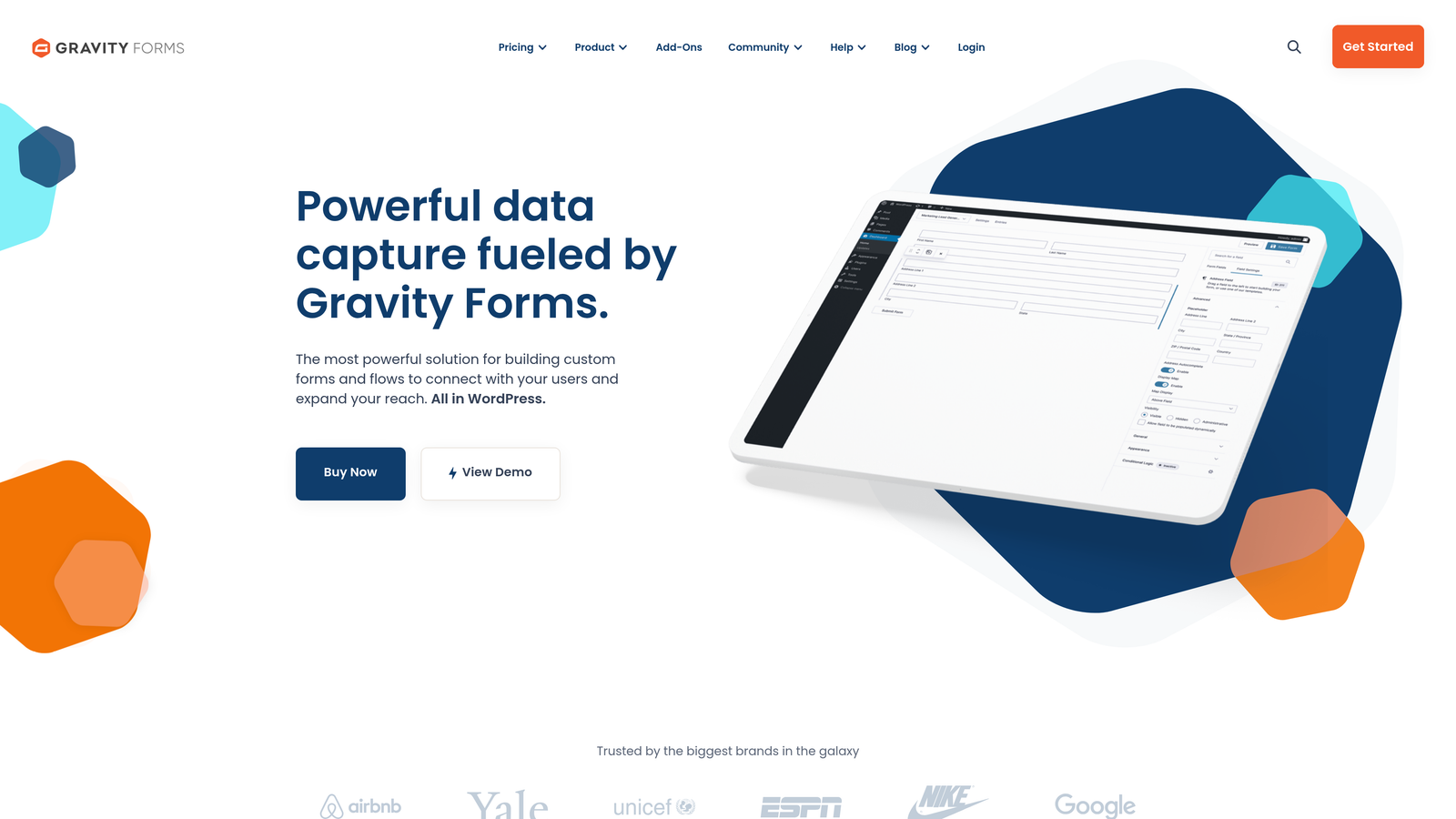
Gravity Forms is a premium WordPress plugin that brings enterprise-grade form functionality to WordPress sites.
Where This Tool Shines
Gravity Forms is the gold standard for WordPress form builders because it's built specifically for the WordPress ecosystem. The deep integration means forms inherit your theme's styling, work seamlessly with WordPress user roles, and tap into the WordPress database structure efficiently.
Developers love Gravity Forms for its extensive hooks, filters, and API. You can customize virtually every aspect of form behavior, appearance, and data handling. The add-on architecture extends functionality for payment processing, email marketing, CRM integration, and specialized field types without bloating the core plugin.
Key Features
Deep WordPress Integration: Native support for WordPress users, custom post types, and theme compatibility.
Advanced Conditional Logic: Show/hide fields, sections, or entire pages based on complex rule sets and user inputs.
Extensive Add-On Ecosystem: Official add-ons for payment processors, email services, CRMs, and specialized functionality.
Developer-Friendly: Comprehensive hooks, filters, and API for custom functionality and third-party integrations.
Multi-Page Forms: Break long forms into multiple pages with progress indicators and conditional page logic.
Best For
Gravity Forms is ideal for WordPress sites that need sophisticated form functionality—membership sites, directories, job boards, or any WordPress application where forms are central to the user experience. If you have developers on your team or need forms that do more than collect basic contact information, Gravity Forms provides the power and flexibility to build exactly what you need.
Pricing
Basic license starts at $59/year for one site. Pro license at $159/year includes all add-ons, and Elite at $259/year adds priority support and unlimited sites.
6. Paperform
Best for: Creating beautiful, design-forward forms that double as landing pages
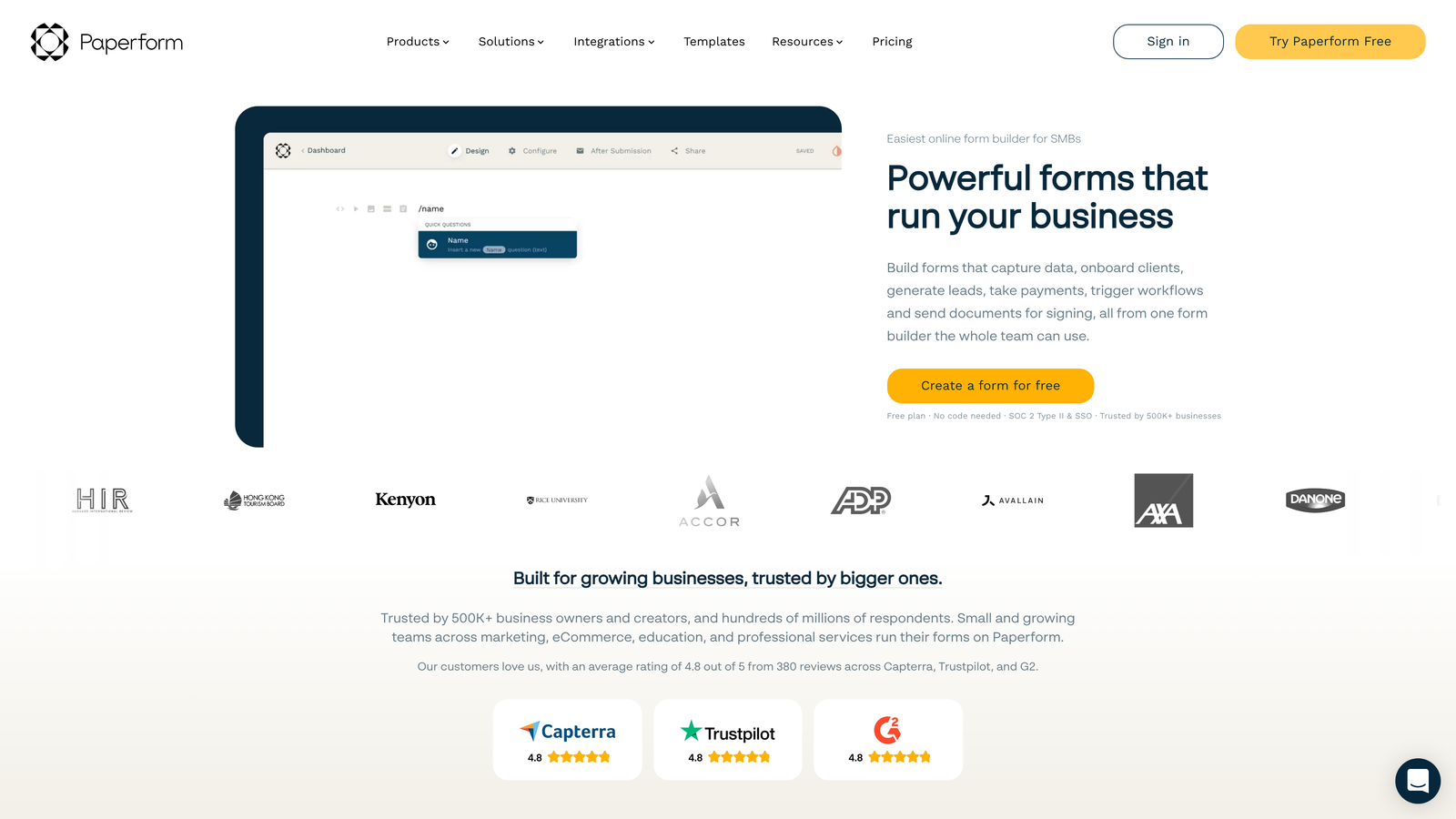
Paperform is a design-focused form builder that treats forms as beautiful documents rather than utilitarian data collection tools.
Where This Tool Shines
Paperform's document-style editor lets you create forms that look more like landing pages than traditional forms. You can add images, videos, headings, and formatted text between form fields, creating a narrative flow that guides users through the submission process. This approach works exceptionally well for forms that need context or explanation.
The platform includes built-in payment processing and product catalogs, making it surprisingly powerful for e-commerce applications. You can create order forms that showcase products beautifully, collect payments, and manage inventory—all without leaving the form builder. The custom branding options ensure forms match your brand identity perfectly.
Key Features
Document-Style Layouts: Create forms that read like documents with rich text, images, and videos interspersed with form fields.
Built-In Payment Processing: Accept payments through Stripe or PayPal with support for products, subscriptions, and custom amounts.
Conditional Logic: Show or hide content and fields based on user responses to create personalized experiences.
Calculation Fields: Perform calculations based on user inputs for quotes, pricing calculators, and order totals.
Custom Branding: Full control over colors, fonts, and styling to match your brand guidelines perfectly.
Best For
Paperform excels for creative agencies, e-commerce businesses, event planners, and anyone who needs forms that are as beautiful as they are functional. If you're creating booking forms, registration pages, or product order forms where aesthetics matter as much as functionality, Paperform delivers the design flexibility you need.
Pricing
Essentials plan starts at $24/month with unlimited forms and submissions. Pro plan at $44/month adds priority support, calculations, and advanced integrations.
7. Formstack
Best for: Enterprise organizations requiring HIPAA compliance and advanced security features
Formstack is an enterprise-grade form solution built for organizations with strict compliance and security requirements.
Where This Tool Shines
Formstack takes security and compliance seriously in ways that most form builders don't. The platform offers HIPAA-compliant forms with Business Associate Agreements, GDPR compliance tools, and enterprise security features like SSO and advanced encryption. For healthcare providers, financial services, or any organization handling sensitive data, these aren't nice-to-have features—they're requirements.
The workflow automation capabilities go beyond simple email notifications. You can build complex approval processes, route submissions based on sophisticated rules, and integrate with enterprise systems through webhooks and APIs. The platform handles the heavy lifting of document generation, electronic signatures, and audit trails that enterprise compliance demands.
Key Features
HIPAA and GDPR Compliance: Built-in compliance features with Business Associate Agreements and data protection tools.
Advanced Workflow Automation: Multi-step approval processes, conditional routing, and complex business logic.
Electronic Signatures: Collect legally binding e-signatures with full audit trails and certificate generation.
Enterprise Security: SSO, advanced encryption, IP restrictions, and comprehensive access controls.
Document Generation: Automatically create PDFs and documents from form data using customizable templates.
Best For
Formstack is built for healthcare organizations, financial institutions, government agencies, and large enterprises that need bulletproof compliance and security. If you're collecting protected health information, financial data, or any sensitive information that requires audit trails and strict access controls, Formstack provides the enterprise-grade infrastructure you need.
Pricing
Starter plan at $50/month for basic features. Growth plan at $83/month adds workflows and integrations. Enterprise pricing available for HIPAA compliance and advanced security features.
8. Cognito Forms
Best for: Budget-conscious teams needing smart forms with generous free tier limits
Cognito Forms is a budget-friendly form builder that doesn't sacrifice smart features for affordability.
Where This Tool Shines
Cognito Forms offers one of the most generous free tiers in the industry—unlimited forms with substantial submission limits. This makes it accessible for small businesses, nonprofits, and startups that need professional form functionality without the monthly subscription cost. The free tier includes features that other platforms reserve for paid plans.
The calculation engine is surprisingly powerful. You can build complex pricing calculators, quote generators, and dynamic forms that perform calculations based on user inputs. Combined with conditional logic and repeating sections, you can create sophisticated forms that adapt to user needs—collecting variable amounts of data without forcing users through unnecessary fields.
Key Features
Generous Free Tier: Unlimited forms with 500 monthly entries and access to core features including conditional logic.
Conditional Logic: Show, hide, or require fields based on user responses to create intelligent, adaptive forms.
Advanced Calculations: Build pricing calculators, quote generators, and forms with dynamic totals based on user inputs.
Payment Processing: Accept payments through Stripe or PayPal with support for products and custom amounts.
Repeating Sections: Allow users to add multiple instances of field groups for collecting variable amounts of related data.
Best For
Cognito Forms is perfect for small businesses, nonprofits, churches, and organizations with limited budgets but professional form needs. If you need smart form features like calculations and conditional logic without paying enterprise prices, or if you're just starting out and need a capable platform that won't drain your budget, Cognito Forms delivers exceptional value.
Pricing
Free tier with unlimited forms and 500 entries per month. Pro plan starts at $15/month for 2,000 entries, with Team and Enterprise plans offering higher limits and additional features.
9. 123FormBuilder
Best for: Teams wanting intuitive drag-and-drop simplicity with extensive integration options
123FormBuilder is a user-friendly form builder that emphasizes ease of use without sacrificing functionality.
Where This Tool Shines
123FormBuilder's drag-and-drop interface is genuinely intuitive. You can build professional forms in minutes without reading documentation or watching tutorials. The field library is comprehensive, the layout options are flexible, and the preview function shows exactly how forms will appear on different devices. For teams without dedicated developers, this simplicity is invaluable.
The integration ecosystem is impressive—over 200 native connections to CRMs, email marketing platforms, payment processors, and business tools. Smart field validation ensures data quality by catching errors before submission, reducing the cleanup work your team needs to do later. Multi-page forms with progress bars keep users engaged through longer submission processes.
Key Features
Intuitive Drag-and-Drop: Build forms quickly with visual editor that requires no technical knowledge or training.
Smart Field Validation: Real-time validation catches errors and ensures data quality before submission.
200+ Integrations: Native connections to popular business tools, CRMs, and marketing platforms.
Multi-Page Forms: Break long forms into steps with progress indicators to improve completion rates.
Mobile Responsive: Forms automatically adapt to any screen size with touch-friendly controls.
Best For
123FormBuilder works well for small to medium-sized businesses, marketing teams, and organizations that need professional forms without complexity. If your team values ease of use and wants to create forms quickly without technical barriers, or if you need solid integration options without enterprise pricing, 123FormBuilder hits the sweet spot between simplicity and capability.
Pricing
Free tier available with basic features. Gold plan starts at $24.99/month for 10 forms and 1,000 submissions, with Platinum and Diamond tiers offering increased limits and priority support.
Finding Your Perfect Form Solution
The right smart contact form software depends on your specific requirements and existing tech stack. For teams focused on lead quality and conversion optimization, Orbit AI delivers AI-powered qualification that turns form submissions into qualified pipeline automatically. If you prioritize engagement and completion rates, Typeform's conversational interface creates experiences users actually enjoy.
WordPress users will find Gravity Forms provides the deepest integration and developer flexibility for complex form applications. Organizations with compliance requirements should look to Formstack for HIPAA-compliant forms with enterprise security. Budget-conscious teams get exceptional value from Cognito Forms' generous free tier without sacrificing smart features.
Consider your primary use case: Are you generating leads that need qualification? Building customer feedback surveys? Collecting payments? Processing applications with sensitive data? The answer guides your choice. Integration requirements matter too—native CRM connections eliminate data silos and ensure seamless workflows.
Transform your lead generation with AI-powered forms that qualify prospects automatically while delivering the modern, conversion-optimized experience your high-growth team needs. Start building free forms today and see how intelligent form design can elevate your conversion strategy.


