Traditional form builders are dead weight. They collect data passively, treat every lead the same, and leave your sales team drowning in unqualified submissions. Smart form builder platforms change the game entirely—using AI and conditional logic to qualify leads in real-time, personalize user experiences, and route high-intent prospects directly to your sales pipeline.
Whether you're scaling a SaaS startup or optimizing enterprise lead generation, the right platform can transform your conversion rates. We evaluated dozens of form builders based on AI capabilities, integration depth, customization options, and pricing transparency to bring you this curated list of platforms that actually deliver intelligent lead capture.
1. Orbit AI
Best for: High-growth teams needing AI-powered lead qualification built directly into their forms
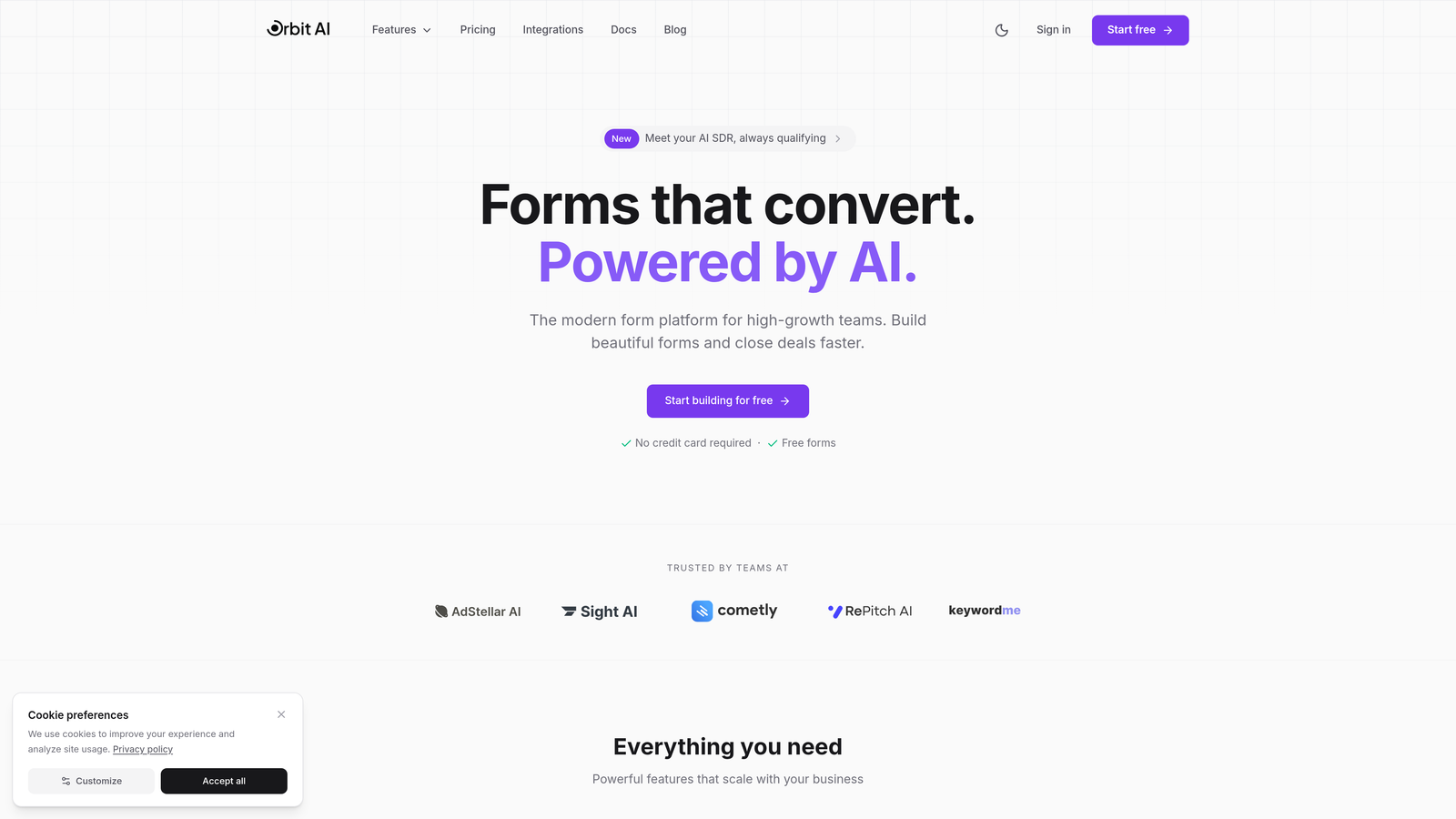
Orbit AI is an AI-powered form builder platform designed specifically for teams that need intelligent lead qualification and conversion optimization in every form.
Where This Tool Shines
Orbit AI stands out by embedding intelligence into the form experience itself. Instead of collecting data and qualifying later, the platform scores and qualifies leads as they interact with your forms, routing high-intent prospects directly to your sales team while nurturing others through automated sequences.
The platform's conversion-optimized templates are built on actual performance data, not design trends. Every element—from field order to button placement—reflects what actually drives completions and quality submissions.
Key Features
AI-Powered Lead Qualification: Automatically scores and qualifies leads based on form responses, behavior patterns, and engagement signals in real-time.
Conversion-Optimized Templates: Pre-built form templates designed specifically for high conversion rates across different industries and use cases.
Native Workflow Automation: Built-in automation sequences that trigger follow-ups, route leads, and personalize nurturing based on qualification scores.
Deep CRM Integrations: Seamless connections with HubSpot, Salesforce, and Pipedrive that sync lead data and qualification scores automatically.
Built-In Analytics Dashboard: Real-time insights into form performance, conversion rates, lead quality metrics, and drop-off points.
Best For
Orbit AI is ideal for high-growth SaaS companies, B2B businesses with complex sales cycles, and marketing teams that need to reduce manual lead qualification work. If your sales team complains about lead quality or you're drowning in unqualified form submissions, this platform solves that problem at the source.
Pricing
Free tier available for teams getting started. Paid plans begin at $29/month with access to AI qualification features and advanced integrations.
2. Typeform
Best for: Creating conversational, engaging form experiences with one-question-at-a-time presentation
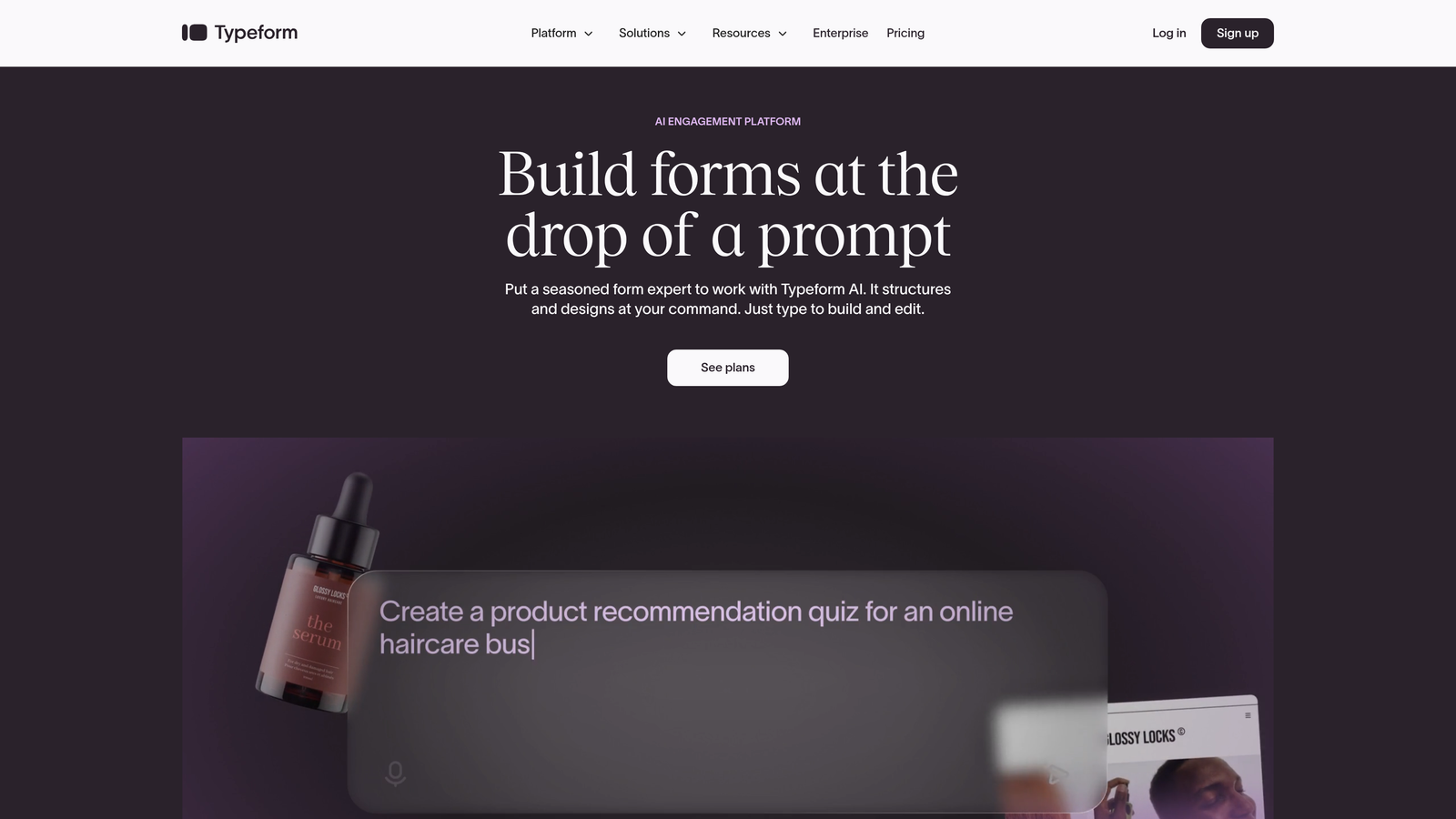
Typeform is the pioneer of conversational forms that present questions one at a time, creating human-feeling interactions.
Where This Tool Shines
Typeform revolutionized form design by ditching the traditional long-scroll format. Their one-question-at-a-time approach reduces cognitive load and makes forms feel more like conversations than interrogations. This design philosophy consistently delivers higher completion rates, especially for longer forms.
The platform's visual polish is exceptional. Every interaction feels smooth and intentional, with thoughtful animations and transitions that maintain engagement without feeling gimmicky.
Key Features
Conversational Format: One-question-at-a-time presentation that creates natural, engaging form experiences with higher completion rates.
Advanced Branching Logic: Sophisticated conditional logic that creates personalized form paths based on previous answers.
Rich Media Embedding: Native support for videos, images, and GIFs that make forms more engaging and contextual.
Native Integrations: Direct connections with major marketing tools, CRMs, and productivity platforms for seamless data flow.
Custom Themes: Extensive branding customization options that let you match forms perfectly to your brand identity.
Best For
Typeform works best for brands prioritizing user experience and engagement over pure functionality. If you're running customer surveys, event registrations, or lead capture where completion rate matters more than complex logic, Typeform delivers.
Pricing
Free tier available with limited features. Basic plan starts at $25/month, with Professional and Premium tiers for advanced features and higher response volumes.
3. Jotform
Best for: Teams needing extensive customization options and access to thousands of pre-built templates
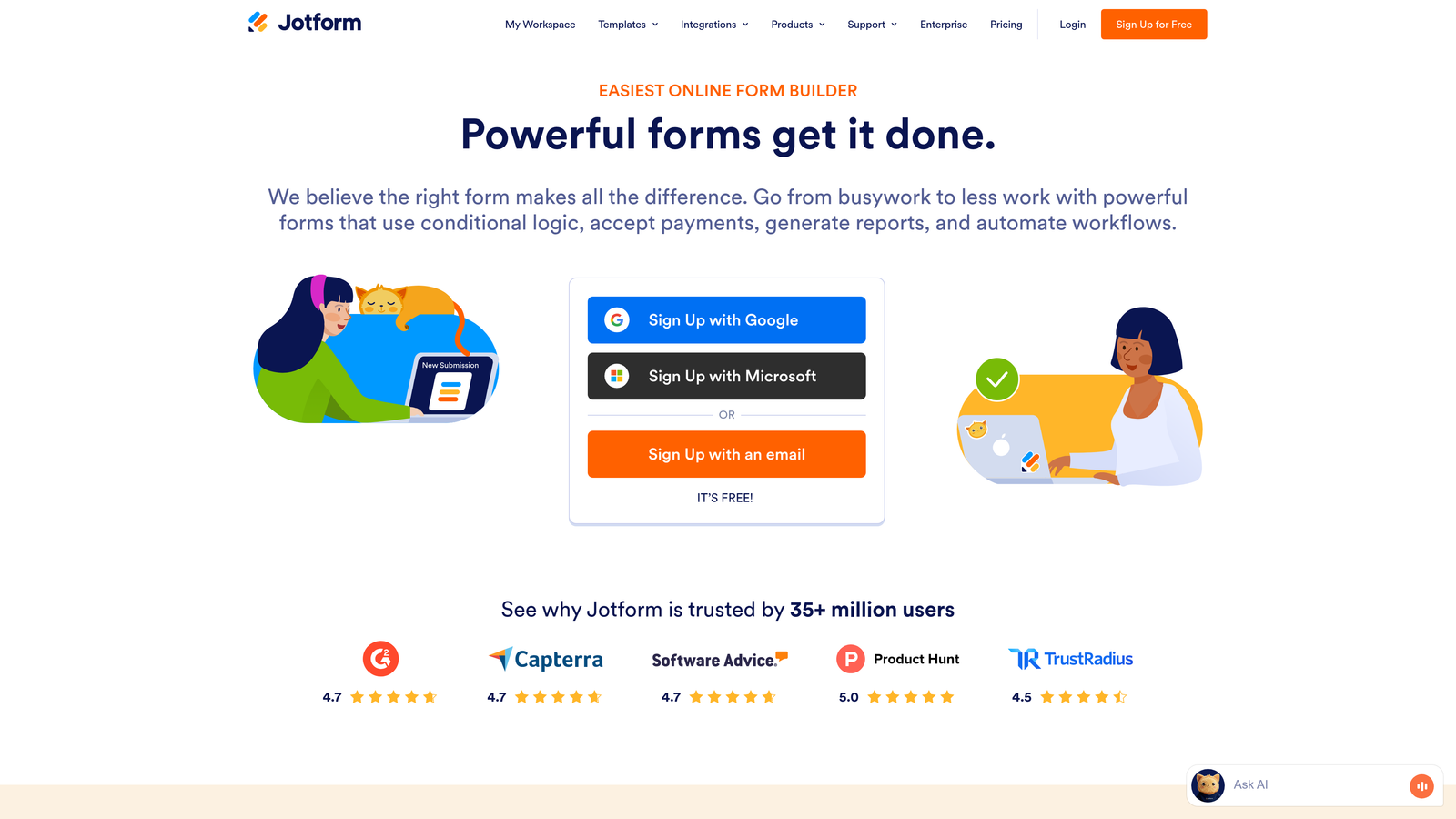
Jotform is a feature-rich form builder offering thousands of templates and widgets for virtually any use case.
Where This Tool Shines
Jotform's strength lies in its sheer breadth of functionality. With over 10,000 templates and an extensive widget marketplace, you can build almost any type of form imaginable without starting from scratch. Need payment processing? There's a widget. Want to collect e-signatures? Built in.
The platform serves teams that need one tool to handle diverse form requirements across departments. From HR onboarding to customer feedback to complex application forms, Jotform provides the building blocks.
Key Features
10,000+ Templates: Massive library of pre-built form templates covering every industry and use case imaginable.
Widget Marketplace: Extensive collection of add-ons and widgets that extend form functionality for specialized needs.
PDF Form Creation: Convert submissions into formatted PDF documents automatically for easy sharing and archiving.
Approval Workflows: Built-in approval processes that route submissions through multiple stakeholders for review and sign-off.
Offline Form Capability: Mobile apps that allow form data collection even without internet connectivity.
Best For
Jotform serves organizations with diverse form needs across multiple departments. If you need one platform to handle everything from event registrations to compliance documents to customer intake forms, Jotform's versatility delivers.
Pricing
Free tier available with basic features. Bronze plan starts at $34/month, with Silver and Gold tiers for increased submissions and advanced features.
4. Tally
Best for: Teams wanting powerful form functionality with a generous free tier and Notion-like interface
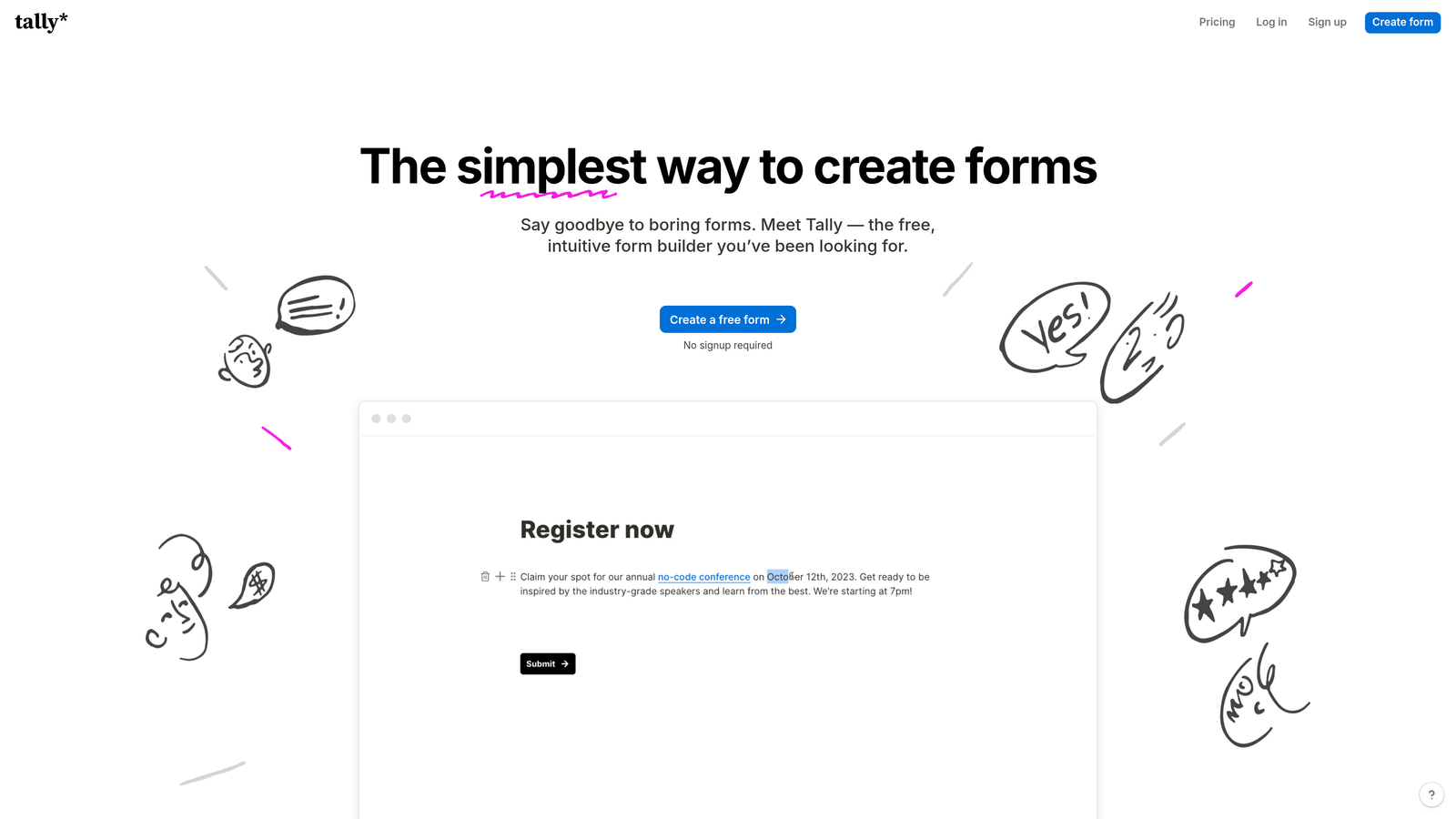
Tally is a minimalist form builder with a Notion-style interface offering impressive functionality in its free tier.
Where This Tool Shines
Tally's genius is removing barriers to entry. The free tier includes unlimited forms with no submission limits—a rarity in the form builder space. This makes it perfect for bootstrapped startups, side projects, or teams testing form strategies without budget constraints.
The Notion-inspired block editor feels instantly familiar to modern teams. Building forms becomes intuitive—just add blocks, configure logic, and publish. No learning curve, no complex menus.
Key Features
Unlimited Free Forms: No artificial limits on form creation or submissions in the free tier, unlike most competitors.
Block-Based Editor: Notion-style interface that makes form building intuitive and fast with drag-and-drop simplicity.
Conditional Logic Included: Advanced branching and conditional fields available even on the free plan.
Clean Interface: Distraction-free design that keeps focus on form creation without overwhelming feature menus.
Calculation Fields: Built-in ability to perform calculations based on user inputs for quotes, pricing, or scoring.
Best For
Tally is perfect for startups, freelancers, and small teams that need professional form functionality without the professional price tag. If you're building MVPs, running community projects, or testing ideas, Tally removes financial friction.
Pricing
Generous free tier with unlimited forms and submissions. Pro plan at $29/month adds custom domains, file uploads, and priority support.
5. HubSpot Forms
Best for: Teams already using HubSpot CRM who need native form integration with marketing automation
HubSpot Forms is the native form builder within the HubSpot ecosystem, designed for seamless CRM integration.

Where This Tool Shines
HubSpot Forms eliminates the integration headaches that plague most form-to-CRM workflows. Every submission flows directly into your HubSpot CRM with full contact history, automatically triggering workflows and updating lead scores without middleware or Zapier connections.
The progressive profiling feature is particularly powerful. Instead of asking known contacts the same questions repeatedly, forms automatically adapt to request new information, gradually building complete contact profiles without survey fatigue.
Key Features
Progressive Profiling: Smart forms that remember previous submissions and ask for new information each time, building complete profiles gradually.
Native CRM Integration: Zero-configuration sync with HubSpot CRM that maintains full contact history and attribution data.
Smart Field Population: Automatic pre-filling of known contact information to reduce friction for returning visitors.
Automated Lead Routing: Built-in rules that assign leads to the right sales reps based on form data and qualification criteria.
Workflow Triggers: Direct connection to HubSpot workflows for automated follow-up sequences and nurturing campaigns.
Best For
HubSpot Forms makes sense exclusively for teams already committed to the HubSpot ecosystem. If you're running HubSpot CRM and Marketing Hub, using their native forms eliminates technical complexity and maximizes platform value.
Pricing
Free with HubSpot CRM. Advanced features like progressive profiling and dependent fields require paid Marketing Hub subscriptions starting at $45/month.
6. Paperform
Best for: Creating beautiful, branded forms that feel like custom landing pages rather than traditional forms
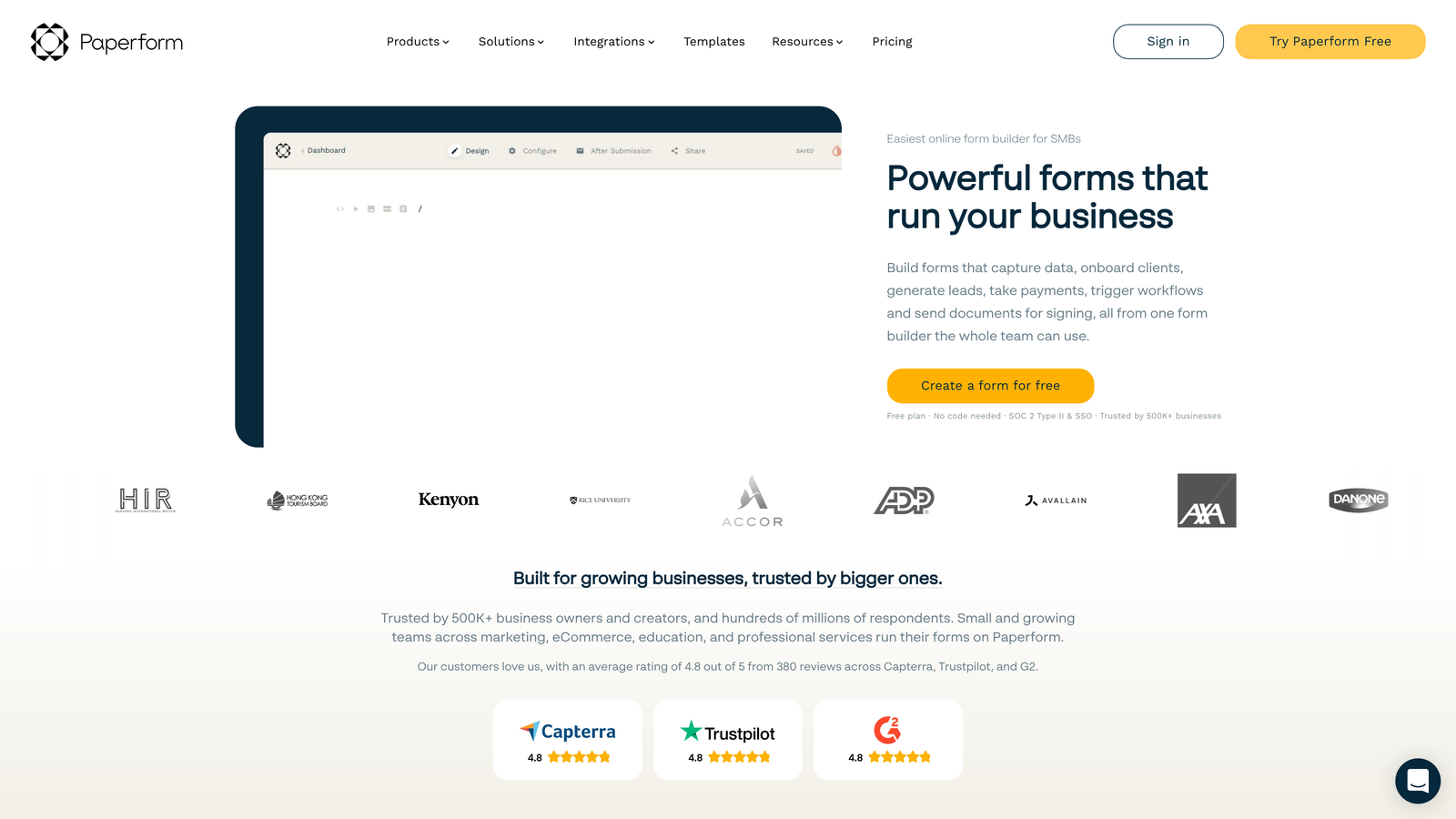
Paperform is a hybrid form builder and landing page creator that produces branded, document-style forms.
Where This Tool Shines
Paperform blurs the line between forms and landing pages. Instead of feeling like you're filling out a form, users experience something closer to reading and interacting with a custom web page. This approach works exceptionally well for bookings, registrations, and applications where context and presentation matter.
The document-style editor lets you mix form fields with rich text, images, and formatting naturally. You're not constrained by rigid form layouts—you can create experiences that match your brand perfectly.
Key Features
Document-Style Creation: Build forms that read like custom web pages with natural text flow and embedded fields.
Built-In Payment Processing: Native Stripe and PayPal integration for collecting payments directly within forms.
Custom Branding: Extensive theme customization that lets you match every visual element to your brand identity.
Calculation Fields: Advanced calculation capabilities for quotes, pricing, scoring, or any mathematical operations.
Conditional Logic: Show or hide sections based on previous answers to create personalized form experiences.
Best For
Paperform excels for service businesses, event organizers, and creative professionals who need forms that maintain their brand aesthetic. If presentation matters as much as functionality—think course registrations, consultation bookings, or premium applications—Paperform delivers.
Pricing
Essentials plan starts at $24/month. Pro plan at $44/month adds advanced features like priority support and higher submission limits.
7. Formstack
Best for: Enterprise organizations requiring HIPAA compliance, advanced security, and complex workflow automation
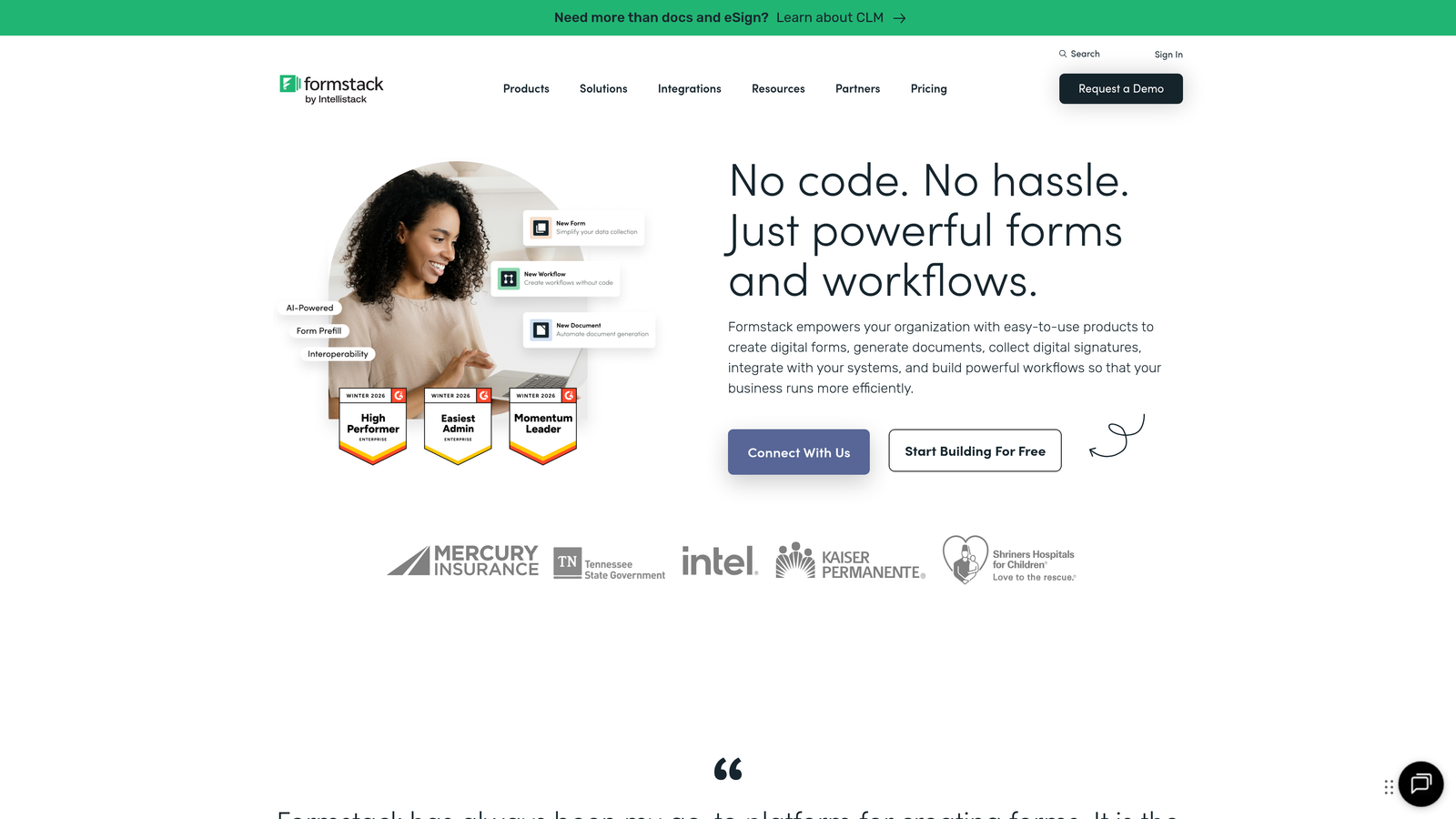
Formstack is an enterprise-grade form platform with advanced compliance, security, and workflow automation capabilities.
Where This Tool Shines
Formstack serves organizations where compliance and security aren't optional features—they're requirements. The platform offers HIPAA compliance, SOC 2 certification, and enterprise-grade security controls that let healthcare providers, financial institutions, and regulated industries collect sensitive data confidently.
The workflow automation extends beyond basic form routing. Formstack can generate documents from submissions, collect electronic signatures, and orchestrate complex approval processes involving multiple stakeholders and conditional paths.
Key Features
HIPAA and SOC 2 Compliance: Enterprise-grade security certifications and compliance features for regulated industries.
Document Generation: Automatically create formatted documents, contracts, or reports from form submission data.
Advanced Approval Workflows: Multi-step approval processes with conditional routing based on form data and business rules.
Electronic Signatures: Built-in e-signature capability for collecting legally binding signatures within forms.
Offline Forms: Mobile app that enables data collection without internet connectivity, syncing when connection returns.
Best For
Formstack targets healthcare organizations, financial services, government agencies, and enterprises with complex compliance requirements. If you need audit trails, data encryption, and regulatory compliance documentation, Formstack justifies its premium pricing.
Pricing
Starter plan begins at $50/month. Growth and Premier tiers scale to $83/month and $208/month for advanced features and higher volumes.
8. Fillout
Best for: Teams who live in Notion and Airtable, needing native database sync with modern form design
Fillout is a modern form builder designed specifically for teams using Notion and Airtable as their primary databases.
Where This Tool Shines
Fillout solves a specific pain point: getting form data into Notion and Airtable without clunky workarounds. The platform syncs directly with your databases, mapping form fields to database properties automatically. No Zapier middleman, no API configuration—just native connections that work.
The modern interface feels right at home alongside Notion and Airtable. Forms are clean, responsive, and mobile-friendly without requiring design work. You focus on structure and logic; Fillout handles the presentation.
Key Features
Native Notion and Airtable Sync: Direct database connections that map form submissions to your existing tables and properties automatically.
Modern Responsive Design: Clean, mobile-optimized forms that look professional without customization work.
Conditional Logic: Show or hide fields based on previous answers to create dynamic, personalized form experiences.
Calculation Fields: Perform mathematical operations on form inputs for quotes, scoring, or data validation.
File Upload Handling: Collect files and documents directly through forms with automatic storage organization.
Best For
Fillout serves teams that have built their operations around Notion or Airtable. If your workflows, databases, and documentation live in these platforms, Fillout becomes the natural form layer that feeds data directly where you need it.
Pricing
Free tier available for basic use. Starter plan at $15/month adds unlimited forms, advanced features, and higher submission volumes.
9. Cognito Forms
Best for: Organizations needing sophisticated calculation capabilities and conditional logic at budget-friendly prices
Cognito Forms is a powerful form builder known for advanced calculation fields and complex conditional logic.
Where This Tool Shines
Cognito Forms punches above its weight class in calculation sophistication. The platform handles complex mathematical operations, date calculations, and conditional pricing that would require custom code in other form builders. If you're building quote calculators, application scoring systems, or forms with dynamic pricing, Cognito's calculation engine delivers.
The repeating sections feature lets users add multiple entries of the same field group—perfect for applications, registrations with multiple attendees, or any scenario where quantity varies by submission.
Key Features
Advanced Calculation Fields: Sophisticated mathematical operations including date calculations, conditional formulas, and multi-step computations.
Repeating Sections: Allow users to add multiple instances of field groups for variable-length submissions.
Payment Integrations: Built-in Stripe and PayPal support for collecting payments with calculated totals and conditional pricing.
Workflow Automation: Automated email notifications, confirmations, and data routing based on submission content.
Conditional Logic: Show, hide, or require fields based on previous answers or calculated values.
Best For
Cognito Forms serves organizations that need calculation power without enterprise pricing. Think nonprofits building donation forms with matching calculations, small businesses creating quote generators, or educational institutions with complex application scoring.
Pricing
Free tier available with basic features. Pro plan starts at $15/month, with Team plan at $35/month for additional users and higher limits.
Making the Right Choice
The best smart form builder depends on your specific needs and existing tech stack. If you're a high-growth team struggling with lead quality and need AI to qualify prospects automatically, Orbit AI delivers that intelligence at the form level. For teams prioritizing engagement and completion rates, Typeform's conversational approach consistently outperforms traditional forms.
Already invested in HubSpot? Use their native forms to maximize your CRM investment. Working in Notion or Airtable? Fillout eliminates integration headaches. Need HIPAA compliance or enterprise security? Formstack justifies its premium pricing with the certifications you require.
Budget-conscious teams should explore Tally's generous free tier or Cognito Forms' calculation power at $15/month. For diverse form needs across departments, Jotform's template library handles everything from HR onboarding to customer surveys.
The smart form builder market has evolved beyond simple data collection. The platforms that win in 2026 reduce manual work through intelligent automation, integrate seamlessly with your existing tools, and optimize for conversion rather than just completion. Choose based on where your biggest friction points exist—whether that's lead qualification, CRM integration, calculation complexity, or compliance requirements.
Transform your lead generation with AI-powered forms that qualify prospects automatically while delivering the modern, conversion-optimized experience your high-growth team needs. Start your free trial today and see how intelligent form design can elevate your conversion strategy.