

Your forms are leaking leads. Every friction point, every unnecessary field, every generic follow-up question costs you conversions. Smart form builders have evolved beyond simple drag-and-drop interfaces—they now use AI to qualify leads in real-time, adapt questions based on responses, and route prospects to the right workflows automatically. Whether you're capturing demo requests, running surveys, or building multi-step qualification funnels, the right smart form builder can dramatically improve both conversion rates and lead quality. Here are the top smart form builder platforms for 2026.
1. Orbit AI
Best for: High-growth teams prioritizing AI-powered lead qualification and conversion optimization
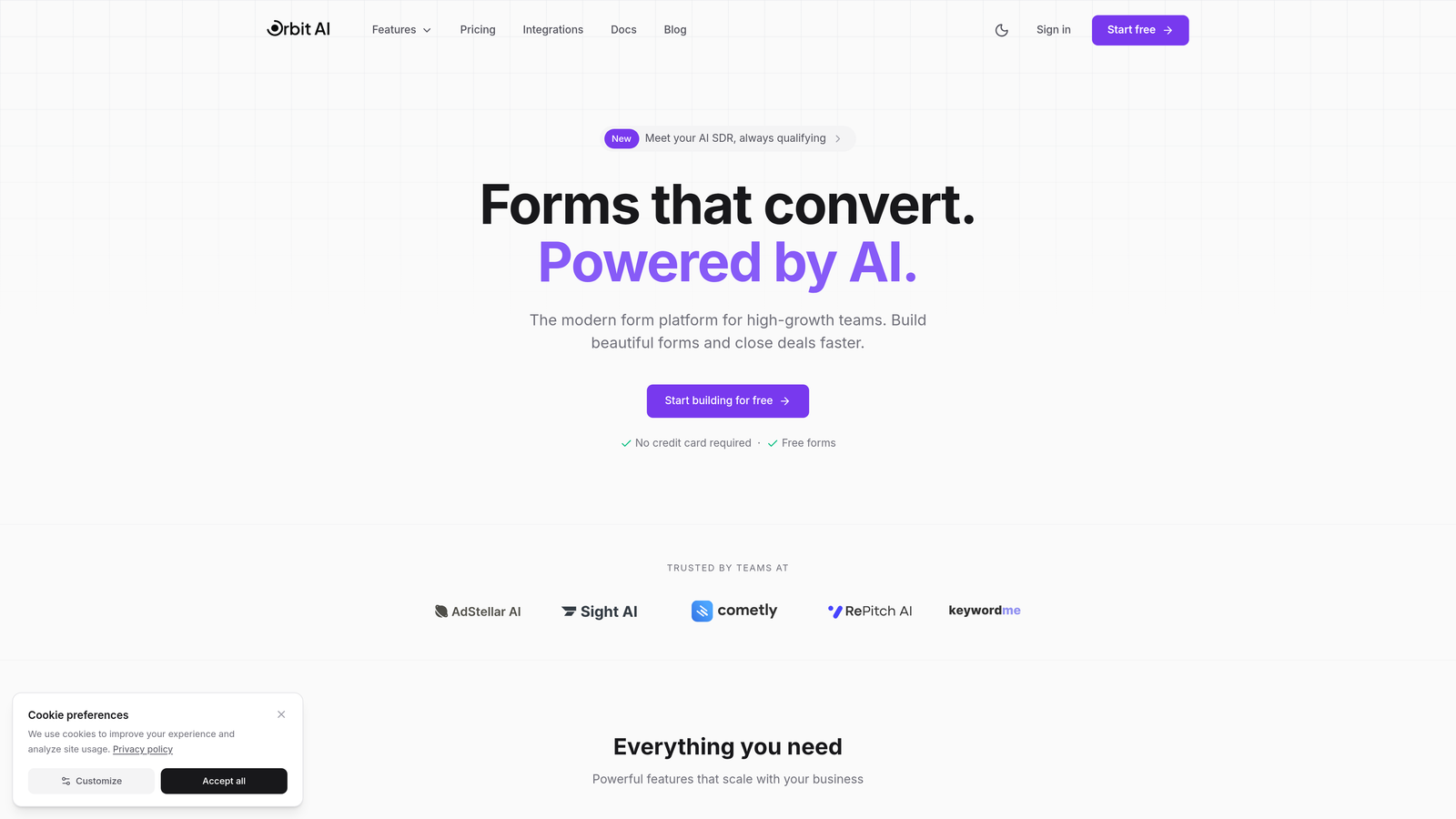
Orbit AI is an AI-powered form builder designed specifically for teams that need intelligent lead qualification built directly into their forms.
Where This Tool Shines
Orbit AI stands out by embedding lead qualification intelligence at the form level. Instead of collecting responses and scoring leads later, the platform evaluates prospects in real-time as they complete your forms. This means your sales team receives pre-qualified leads with context about their fit and intent.
The adaptive questioning capability adjusts follow-up questions based on previous answers, creating a conversational experience that feels personalized rather than robotic. This approach reduces form abandonment while gathering more meaningful qualification data than static forms ever could.
Key Features
AI-Powered Lead Qualification: Real-time scoring and routing based on prospect responses and behavior patterns.
Adaptive Question Branching: Dynamic form logic that adjusts questions based on previous answers to maximize relevance.
Native CRM Integrations: Seamless connections with major CRMs to ensure qualified leads flow directly into your sales workflows.
Conversion-Optimized Templates: Pre-built form designs tested for high conversion across various use cases and industries.
Automated Lead Routing: Intelligent distribution of leads to the right team members or workflows based on qualification criteria.
Best For
High-growth B2B teams, demand generation marketers, and sales organizations that need to qualify inbound leads at scale. Particularly valuable for companies dealing with high lead volumes where manual qualification creates bottlenecks.
Pricing
Free tier available for getting started; paid plans scale with growing teams and offer advanced AI features at competitive rates for the capabilities provided.
2. Typeform
Best for: Creating beautiful conversational forms with polished design and engaging user experiences
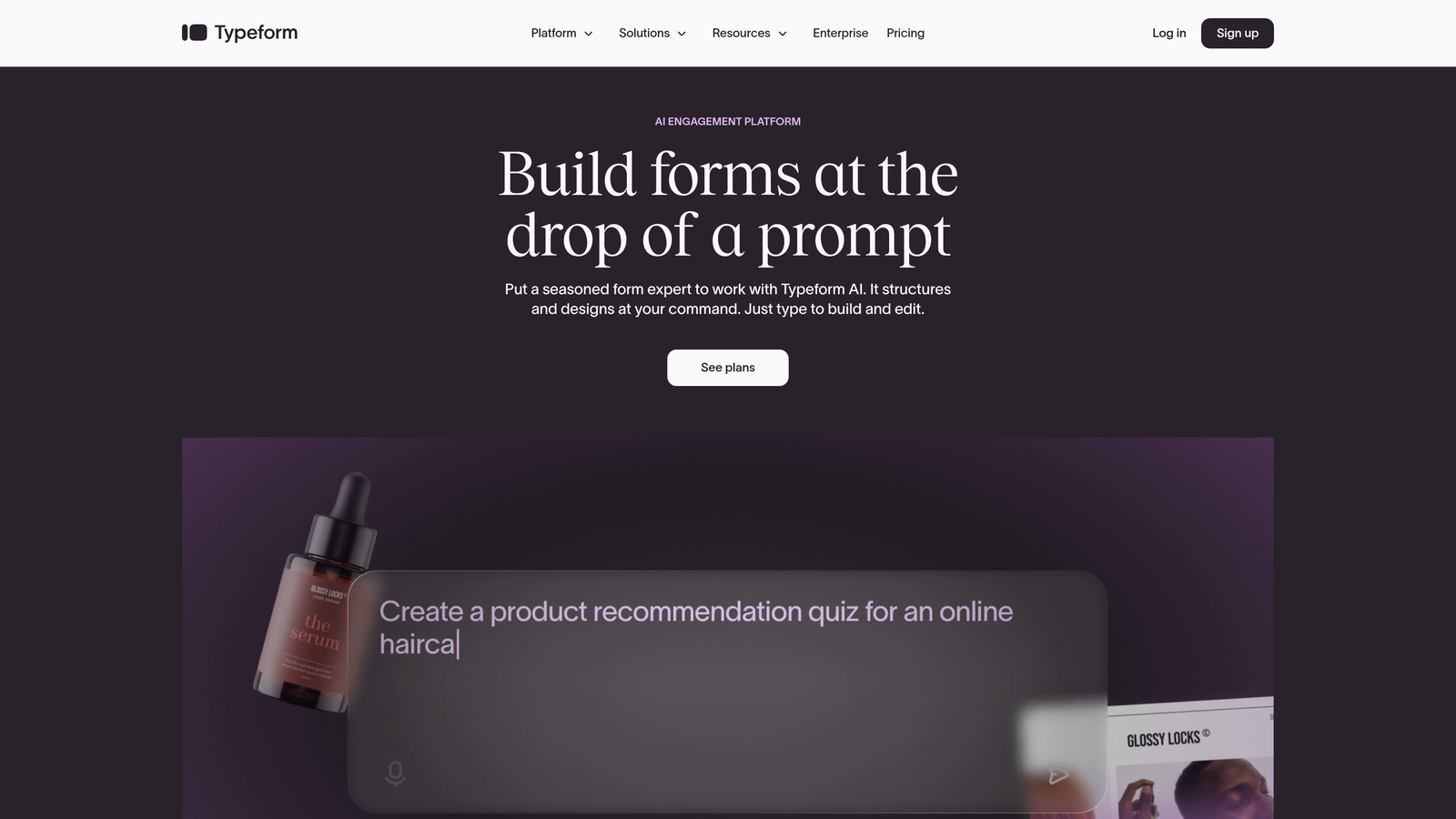
Typeform pioneered the one-question-at-a-time format that makes forms feel more like conversations than interrogations.
Where This Tool Shines
Typeform excels at creating forms that people actually want to complete. The signature one-question-at-a-time interface reduces cognitive load and makes even lengthy forms feel manageable. This approach consistently delivers higher completion rates compared to traditional multi-field layouts.
The platform's design aesthetic is unmatched for teams that want forms to reflect a modern, thoughtful brand. Every interaction feels intentional, from the smooth transitions between questions to the customizable thank-you screens that leave lasting impressions.
Key Features
One-Question-at-a-Time Format: Signature conversational interface that reduces form abandonment through focused attention.
Logic Jumps and Branching: Conditional logic that creates personalized paths through your form based on responses.
Calculator and Hidden Fields: Advanced functionality for quotes, assessments, and capturing contextual data without visible fields.
Rich Media Embedding: Native support for videos and images to create more engaging, context-rich form experiences.
Integration Ecosystem: Connects with popular tools like Slack, Google Sheets, HubSpot, and hundreds of others via Zapier.
Best For
Marketing teams, design-conscious brands, and anyone creating customer-facing forms where experience matters as much as data collection. Ideal for surveys, feedback collection, and lead capture where brand perception is critical.
Pricing
Free plan with 10 monthly responses; Basic starts at $25/month with 100 responses. Higher tiers unlock advanced logic and integrations.
3. Jotform
Best for: Teams needing extensive template variety and flexible customization across diverse use cases
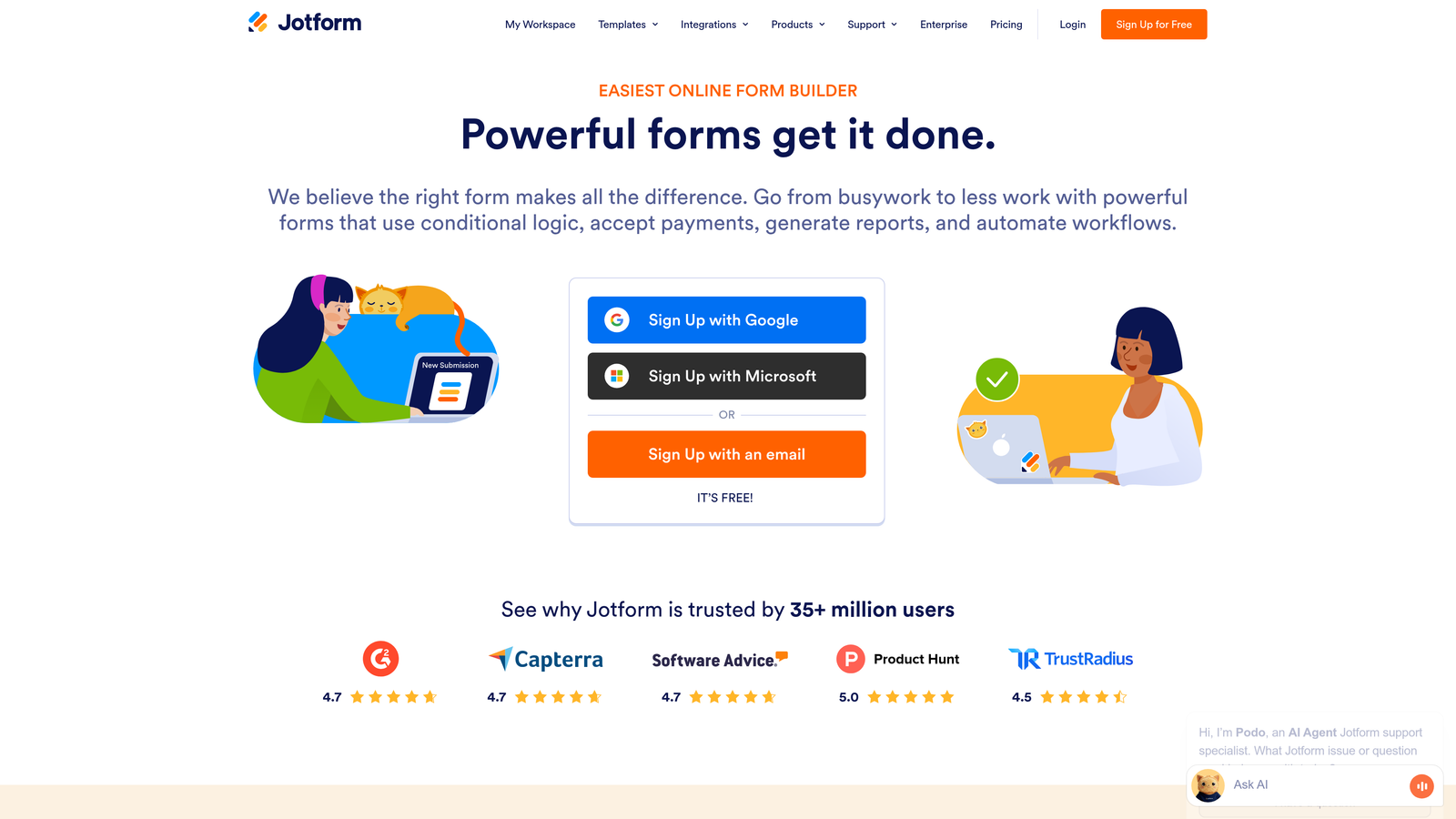
Jotform offers one of the most comprehensive template libraries in the form builder space with over 10,000 pre-built options.
Where This Tool Shines
Jotform's massive template collection means you can find a starting point for virtually any form scenario, from event registrations to complex applications. This breadth makes it particularly valuable for teams managing diverse form needs across departments.
The platform balances ease of use with deep customization options. Non-technical users can quickly deploy forms using templates, while power users can dig into CSS customization and advanced widgets to create exactly what they need.
Key Features
10,000+ Form Templates: Industry-leading template library covering virtually every form use case imaginable.
Drag-and-Drop Builder: Intuitive interface that makes form creation accessible to non-technical users.
Payment Integrations: Native support for PayPal, Stripe, Square, and other payment processors for order forms and registrations.
PDF Form Creation: Convert traditional PDF forms into fillable online versions with automated data extraction.
Mobile App Management: Dedicated mobile apps for creating, editing, and managing forms on the go.
Best For
Small businesses, educational institutions, and organizations with varied form needs across multiple departments. Perfect for teams that value template variety and want to deploy forms quickly without starting from scratch.
Pricing
Free plan includes 5 forms with 100 monthly submissions; Bronze starts at $34/month for 25 forms and 1,000 submissions.
4. Tally
Best for: Teams wanting unlimited forms with no branding on a generous free plan
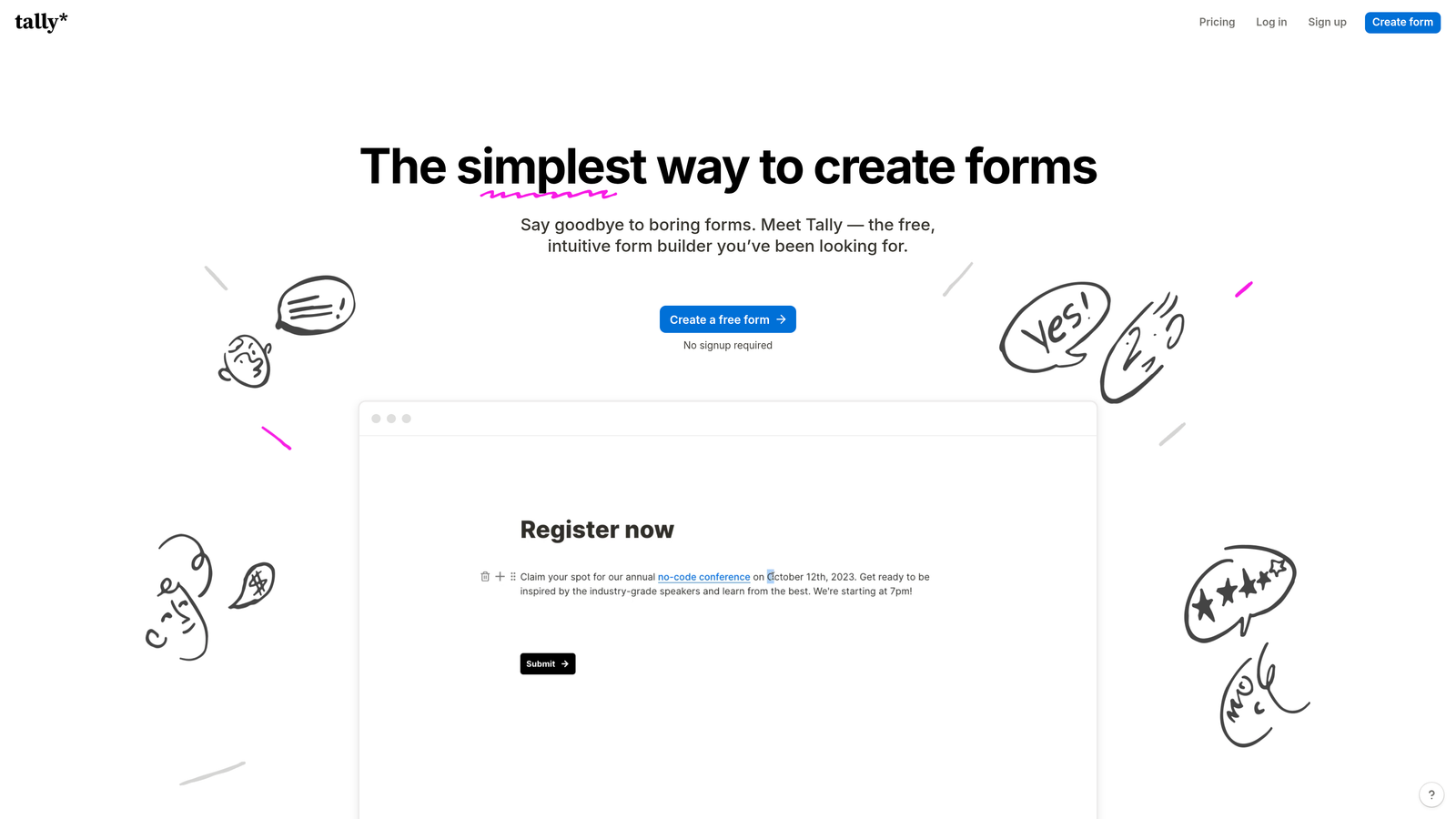
Tally brings a Notion-like simplicity to form building while offering unlimited forms even on its free tier.
Where This Tool Shines
Tally's free plan is genuinely useful, not just a teaser. Unlimited forms with no Tally branding means small teams and solopreneurs can deploy professional forms without ongoing costs. This makes it ideal for bootstrapped startups and side projects.
The Notion-style interface feels familiar to anyone who's used modern productivity tools. Creating forms feels more like writing a document than configuring software, which reduces the learning curve significantly.
Key Features
Unlimited Free Forms: No artificial limits on form creation, even on the free tier.
No Branding on Free Tier: Professional appearance without "Powered by" badges that cheapen your brand.
Notion-Style Interface: Intuitive, document-like editing experience that feels natural and reduces learning time.
Conditional Logic: Smart branching and question visibility rules based on previous responses.
File Uploads and Calculations: Accept file submissions and perform calculations directly within forms.
Best For
Startups, freelancers, and small teams operating on tight budgets who still need professional form capabilities. Also great for internal forms where advanced features aren't necessary.
Pricing
Free plan includes unlimited forms with most core features; Pro at $29/month adds custom domains, remove limits, and priority support.
5. Fillout
Best for: Teams using Airtable, Notion, or other databases who need native form integrations
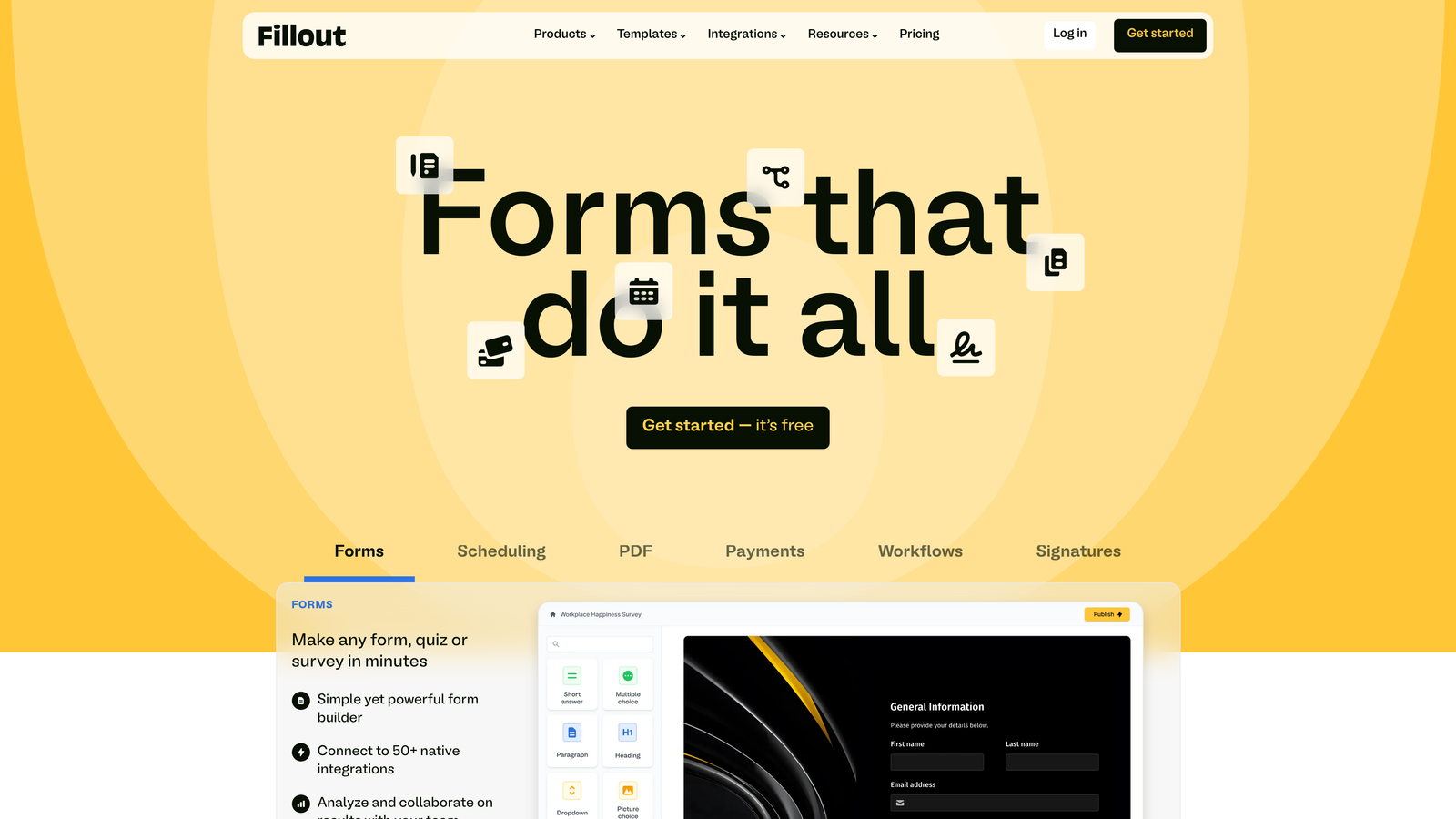
Fillout specializes in connecting forms directly to your existing databases, eliminating data transfer friction.
Where This Tool Shines
Fillout's native database integrations transform how data flows from forms into your systems. Instead of relying on middleware like Zapier, forms connect directly to Airtable, Notion, and other platforms. This reduces latency and eliminates points of failure in your data pipeline.
The ability to pre-fill forms from database records creates powerful workflows. Think customer update forms that already know their information, or application processes that resume where users left off without manual data entry.
Key Features
Native Airtable and Notion Integration: Direct connections that write form data straight into your databases without middleware.
Conditional Logic and Branching: Dynamic form paths that adapt based on user responses and database values.
Pre-Fill from Databases: Automatically populate form fields from existing records to reduce user effort and errors.
Custom Domains: Host forms on your own domain for professional branding and trust.
Scheduling Integration: Built-in calendar booking capabilities for appointment and meeting forms.
Best For
Operations teams, no-code builders, and organizations that have built workflows around Airtable or Notion. Particularly valuable for teams managing complex processes where form data needs to flow seamlessly into existing databases.
Pricing
Free plan available with core features; Starter at $15/month unlocks advanced integrations and removes branding.
6. Paperform
Best for: Creating content-rich forms that blend storytelling with data collection
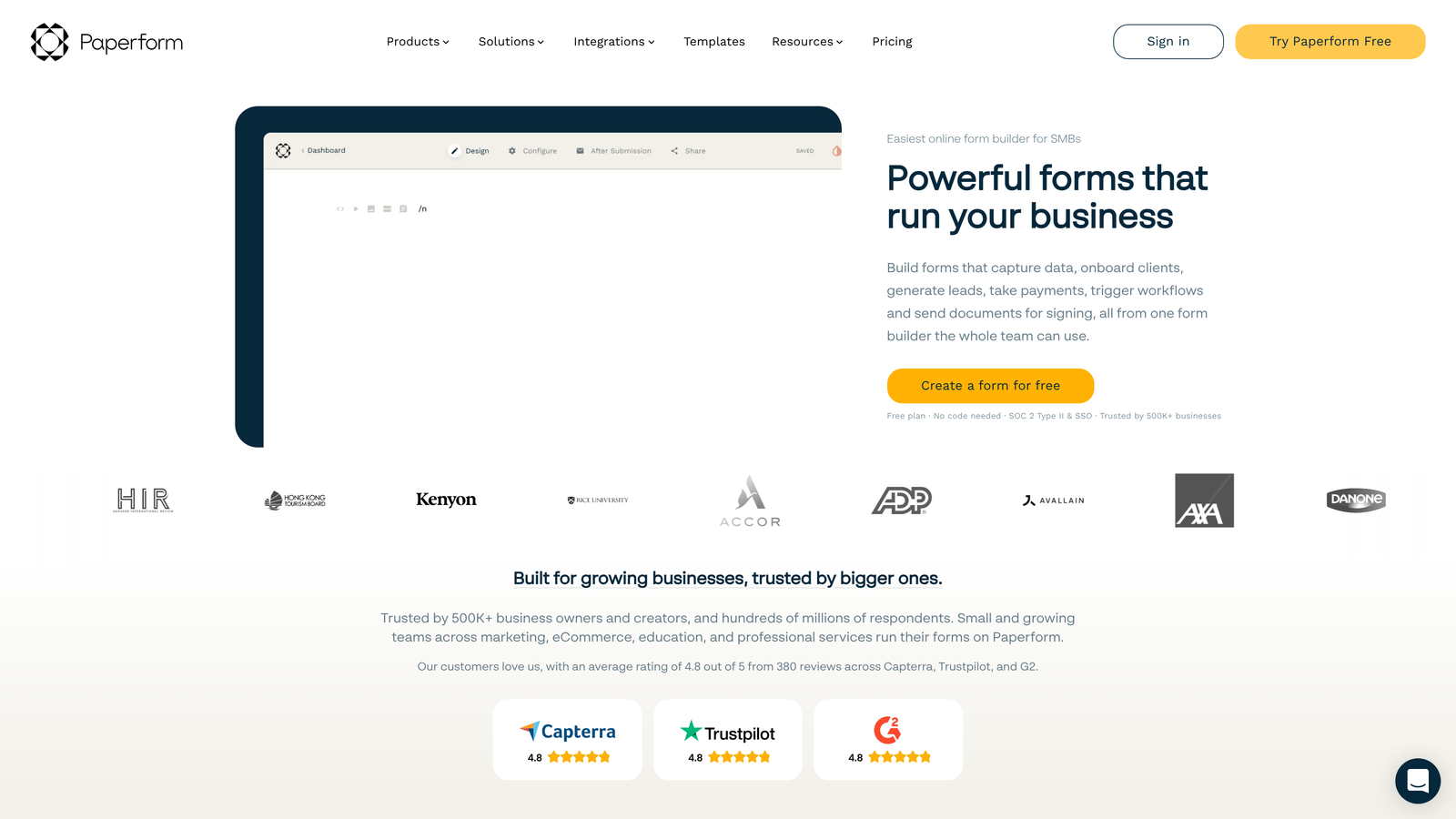
Paperform takes a document-first approach, letting you mix text, images, and form fields in a flowing layout.
Where This Tool Shines
Paperform excels when your form needs to tell a story or provide context alongside questions. The document-style editor lets you weave explanatory text, images, and videos between form fields, creating experiences that educate while they collect data.
This approach works exceptionally well for landing pages that double as forms. Instead of building a separate landing page and form, you create one cohesive experience that guides visitors through your value proposition directly into conversion.
Key Features
Document-Style Form Creation: Mix text, images, and form fields in a flowing layout that feels more like a webpage than a form.
Built-In Payment Processing: Native Stripe integration for accepting payments, subscriptions, and donations directly through forms.
Product Catalog Features: Display products with images, descriptions, and pricing for order forms and e-commerce.
Custom Success Pages: Design unique confirmation experiences based on form responses and user paths.
Appointment Scheduling: Integrated booking functionality for service businesses and consultations.
Best For
Service businesses, course creators, and brands that need forms to do double duty as landing pages. Perfect for scenarios where context and persuasion matter as much as data collection.
Pricing
Essentials at $24/month for basic features; Pro at $49/month adds advanced customization and removes limits.
7. Formstack
Best for: Enterprise teams requiring compliance, security, and advanced workflow automation
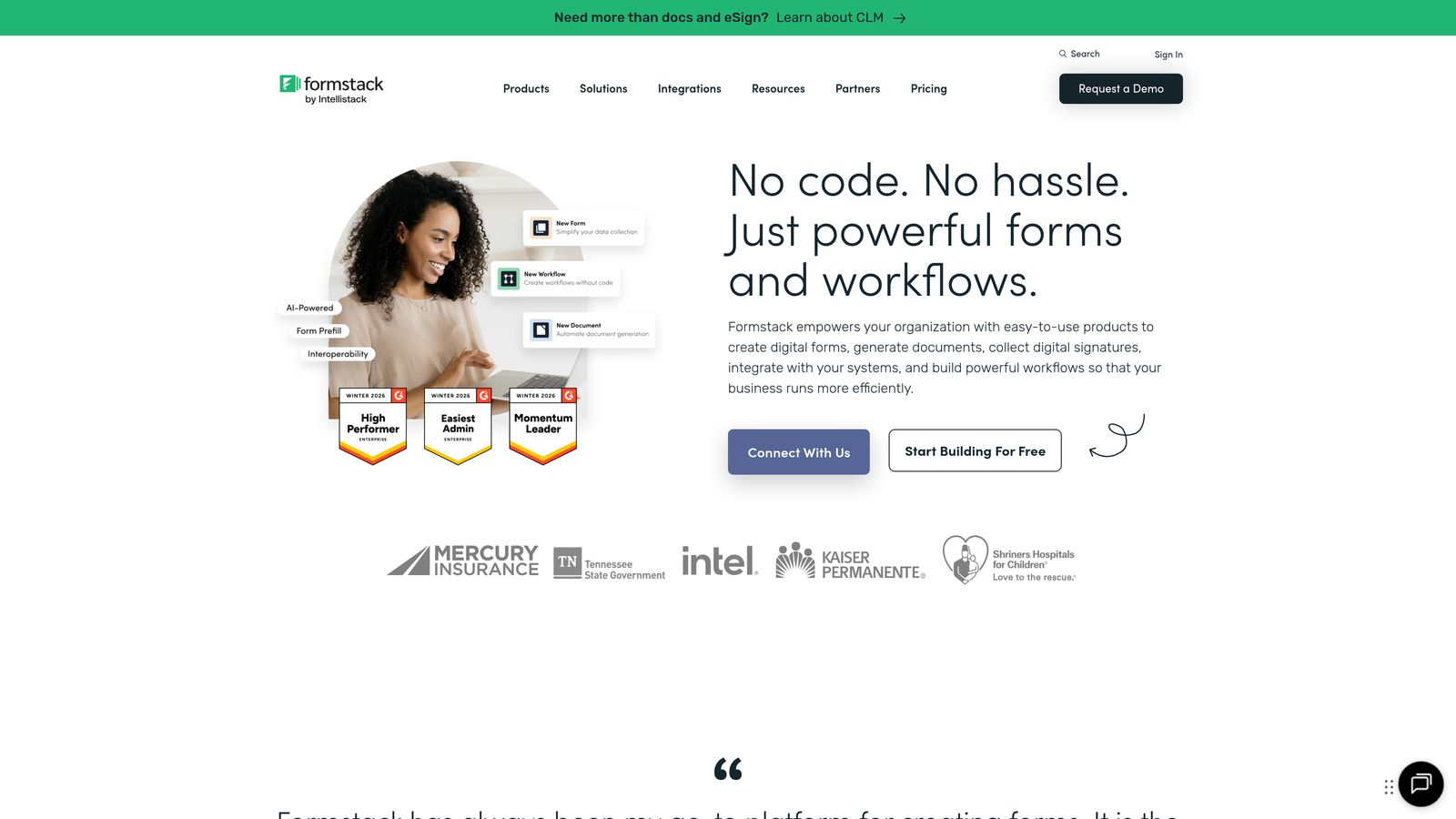
Formstack is an enterprise-grade platform built for organizations with strict compliance and security requirements.
Where This Tool Shines
Formstack handles the compliance complexity that keeps healthcare, finance, and government organizations up at night. HIPAA compliance isn't an afterthought—it's built into the platform architecture with proper Business Associate Agreements and security controls.
The document generation capabilities transform form data into polished PDFs, contracts, and reports automatically. This eliminates manual document creation and ensures consistency across your organization's output.
Key Features
HIPAA and Compliance Options: Enterprise-grade security with proper compliance frameworks for regulated industries.
Document Generation: Automatically create PDFs, contracts, and reports from form data using customizable templates.
Electronic Signatures: Collect legally binding signatures directly within forms for contracts and agreements.
Advanced Workflow Automation: Complex routing, approvals, and multi-step processes that mirror enterprise business logic.
Enterprise Security Features: SSO, advanced permissions, audit logs, and data residency controls.
Best For
Healthcare organizations, financial services, government agencies, and any enterprise dealing with sensitive data or strict compliance requirements. Also valuable for large organizations needing sophisticated approval workflows.
Pricing
Starter at $50/month for basic features; Teams at $83/month adds collaboration. Enterprise pricing available for compliance features.
8. Cognito Forms
Best for: Forms requiring complex calculations, quotes, and payment processing
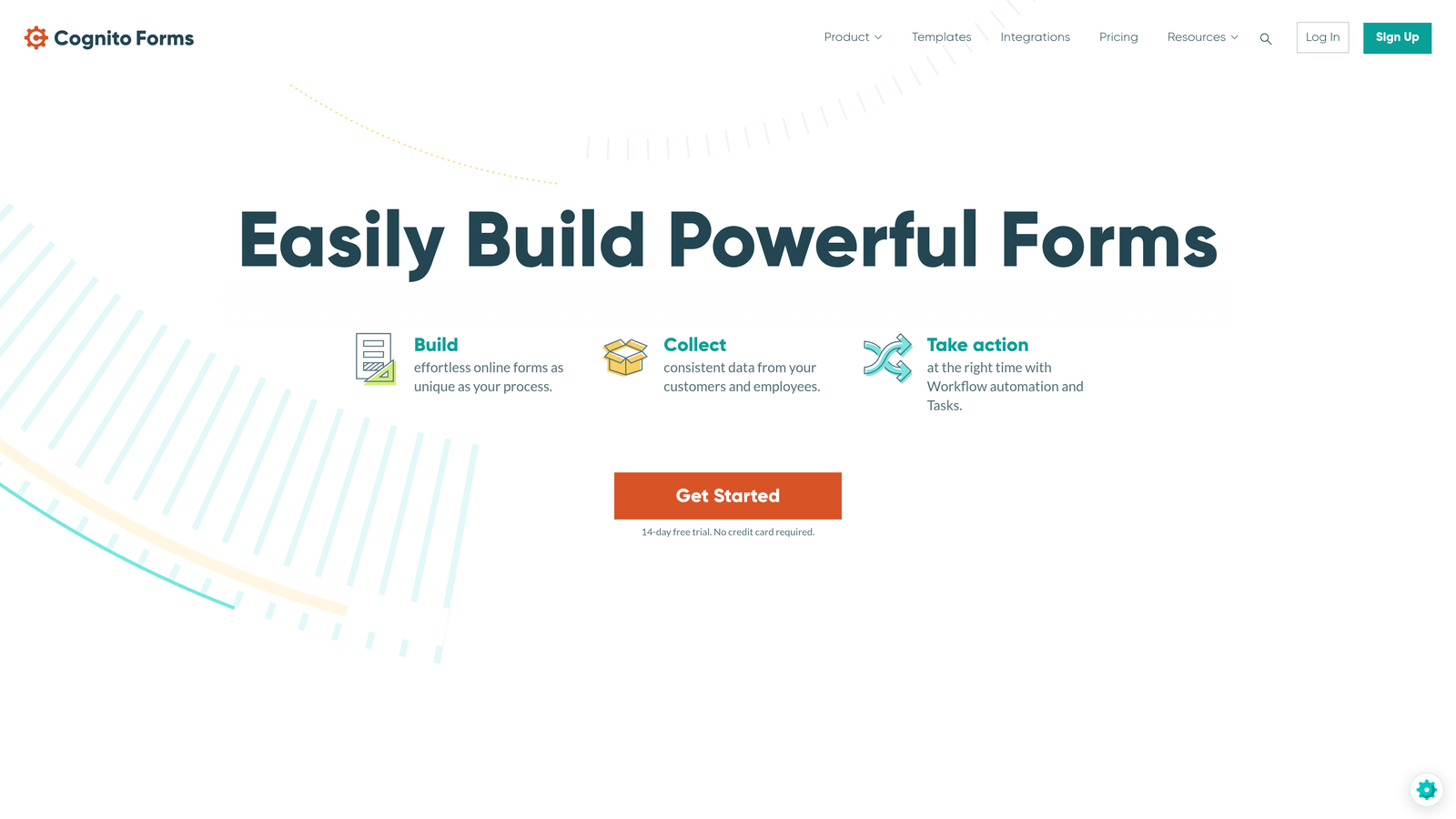
Cognito Forms specializes in calculation-heavy forms where pricing, quotes, or mathematical logic drive the user experience.
Where This Tool Shines
Cognito Forms handles calculation complexity that breaks other form builders. Whether you're building quote calculators, order forms with dynamic pricing, or application forms with scoring logic, the calculation engine handles nested formulas and conditional math with ease.
The repeating sections feature lets users add multiple items or entries within a single form submission. This is invaluable for order forms, expense reports, or any scenario where users need to submit variable quantities of similar information.
Key Features
Advanced Calculation Fields: Powerful formula engine that handles complex math, conditional logic, and nested calculations.
Payment Processing: Native Stripe and PayPal integration with support for subscriptions, installments, and complex pricing.
Repeating Sections: Let users add multiple instances of field groups for orders, expenses, or variable-length submissions.
HIPAA Compliance Available: Optional compliance features for healthcare organizations handling protected health information.
Workflow Automation: Trigger actions, send notifications, and route data based on form responses and calculations.
Best For
Service businesses creating quote forms, organizations collecting orders with complex pricing, and any team building forms where calculations drive the experience or determine outcomes.
Pricing
Free plan available with basic features; Pro at $15/month per user unlocks calculations, payments, and advanced features.
9. 123FormBuilder
Best for: Organizations prioritizing data security and multi-regulation compliance
123FormBuilder focuses on security and compliance across multiple regulatory frameworks simultaneously.
Where This Tool Shines
123FormBuilder tackles the challenge of operating across multiple jurisdictions and compliance frameworks. Organizations dealing with GDPR, HIPAA, and PCI simultaneously can manage all requirements within one platform rather than juggling multiple specialized tools.
The reporting and analytics capabilities go deeper than most competitors. Custom dashboards, filtered views, and export options give teams the visibility they need to understand form performance and user behavior patterns.
Key Features
Multi-Framework Compliance: Simultaneous GDPR, HIPAA, and PCI compliance for organizations operating across regulated industries.
Advanced Reporting and Analytics: Custom dashboards, detailed metrics, and flexible export options for data analysis.
Multi-Page Forms: Break long forms into manageable sections with progress indicators and save-and-resume functionality.
Payment Integrations: Accept payments through multiple processors with PCI-compliant handling.
Team Collaboration Features: Role-based permissions, shared workspaces, and approval workflows for team environments.
Best For
International organizations operating across multiple regulatory environments, teams needing detailed analytics and reporting, and businesses requiring sophisticated team collaboration on form management.
Pricing
Free plan available for basic forms; Gold at $24.99/month adds compliance features and removes limits.
10. Feathery
Best for: Developer teams needing full code access and headless form infrastructure
Feathery provides form infrastructure as code, giving developers complete control over implementation and customization.
Where This Tool Shines
Feathery treats forms as a development primitive rather than a no-code tool. The React-based component library integrates seamlessly into modern web applications, letting developers build forms that match their exact design system and technical requirements.
The headless architecture means you control the frontend completely while Feathery handles the backend complexity of data validation, storage, and routing. This separation gives you the flexibility to create entirely custom experiences while avoiding the infrastructure headaches.
Key Features
React-Based Components: Pre-built form components that integrate directly into React applications with full customization.
Headless Form Infrastructure: Backend-as-a-service approach that handles data management while you control the frontend.
Full Code Access: Complete control over form logic, styling, and behavior through code rather than GUI configuration.
API-First Design: Comprehensive APIs for programmatic form creation, data management, and workflow automation.
Custom Logic and Integrations: Build exactly the integrations and business logic you need without platform limitations.
Best For
Product teams building forms into applications, developers who need forms that match custom design systems, and technical organizations where no-code tools create more problems than they solve.
Pricing
Free tier for developers getting started; Growth plans scale with usage for production deployments.
11. HubSpot Forms
Best for: Teams already using HubSpot CRM who need seamless native integration
HubSpot Forms is the native form builder within HubSpot's marketing and sales ecosystem.
Where This Tool Shines
HubSpot Forms eliminates integration friction for teams already invested in the HubSpot ecosystem. Form data flows instantly into your CRM with full contact history, eliminating the lag and sync issues that plague third-party integrations.
Progressive profiling transforms how you collect data over time. Instead of overwhelming new leads with lengthy forms, you gradually build complete profiles across multiple interactions. Returning visitors see different questions based on what you already know, reducing friction while improving data quality.
Key Features
Native HubSpot CRM Integration: Zero-lag data sync with complete contact history and attribution tracking.
Progressive Profiling: Gradually build contact profiles across multiple form submissions without overwhelming users.
Smart Fields: Automatically pre-fill known contact information to reduce user effort and improve completion rates.
Pop-Up and Embedded Forms: Deploy forms as pop-ups, slide-ins, or embedded elements with targeting rules.
A/B Testing Capabilities: Test form variations to optimize conversion rates with built-in experimentation tools.
Best For
Marketing and sales teams already using HubSpot CRM, organizations that value tight integration over best-of-breed tools, and teams running sophisticated lead nurturing campaigns that benefit from progressive profiling.
Pricing
Free with HubSpot CRM; advanced features like progressive profiling and A/B testing available in paid Marketing Hub tiers starting at $45/month.
Finding Your Perfect Match
The smart form builder landscape offers genuine diversity in approach and capability. Your choice ultimately hinges on what matters most to your specific situation.
Choose Orbit AI if lead qualification and conversion optimization drive your strategy. The AI-powered intelligence that qualifies leads in real-time delivers value that compounds across every form submission. For teams where lead quality matters as much as quantity, this approach transforms forms from data collection tools into revenue drivers.
Typeform remains unbeatable for teams where brand experience and design aesthetics matter. If your forms represent your brand to customers, the investment in Typeform's polished interface pays dividends in completion rates and brand perception.
Jotform's template library and flexibility make it ideal for organizations with diverse form needs across departments. The breadth of options means you can standardize on one platform rather than managing multiple tools.
For budget-conscious teams, Tally delivers remarkable value with unlimited forms on a generous free plan. Small teams and startups can deploy professional forms without ongoing costs eating into runway.
Enterprise organizations should evaluate Formstack for compliance requirements, 123FormBuilder for multi-regulation environments, or HubSpot Forms if already invested in that ecosystem. The compliance and security features justify premium pricing when dealing with regulated data.
Developers building forms into applications will appreciate Feathery's code-first approach, while teams using Airtable or Notion should consider Fillout's native database integrations.
The distinction between smart form builders and traditional tools comes down to intelligence—how well the platform adapts to users, qualifies leads, and automates workflows beyond simple data collection. As AI capabilities continue advancing, expect this gap to widen further.
Transform your lead generation with AI-powered forms that qualify prospects automatically while delivering the modern, conversion-optimized experience your high-growth team needs. Start your free trial today and see how intelligent form design can elevate your conversion strategy.


