

Choosing between survey tools and form builders can make or break your lead generation strategy. Survey tools excel at gathering detailed feedback and market research, while form builders focus on capturing leads and driving conversions. But here's the thing—the lines are blurring. Many modern tools now combine both capabilities, giving high-growth teams the flexibility to collect data AND qualify leads in one seamless experience.
This guide compares the top tools across both categories, helping you pick the right solution based on your primary use case: whether that's deep customer insights, high-converting lead capture, or a hybrid approach that does both.
1. Orbit AI
Best for: High-growth teams needing AI-powered lead qualification with conversion-optimized forms
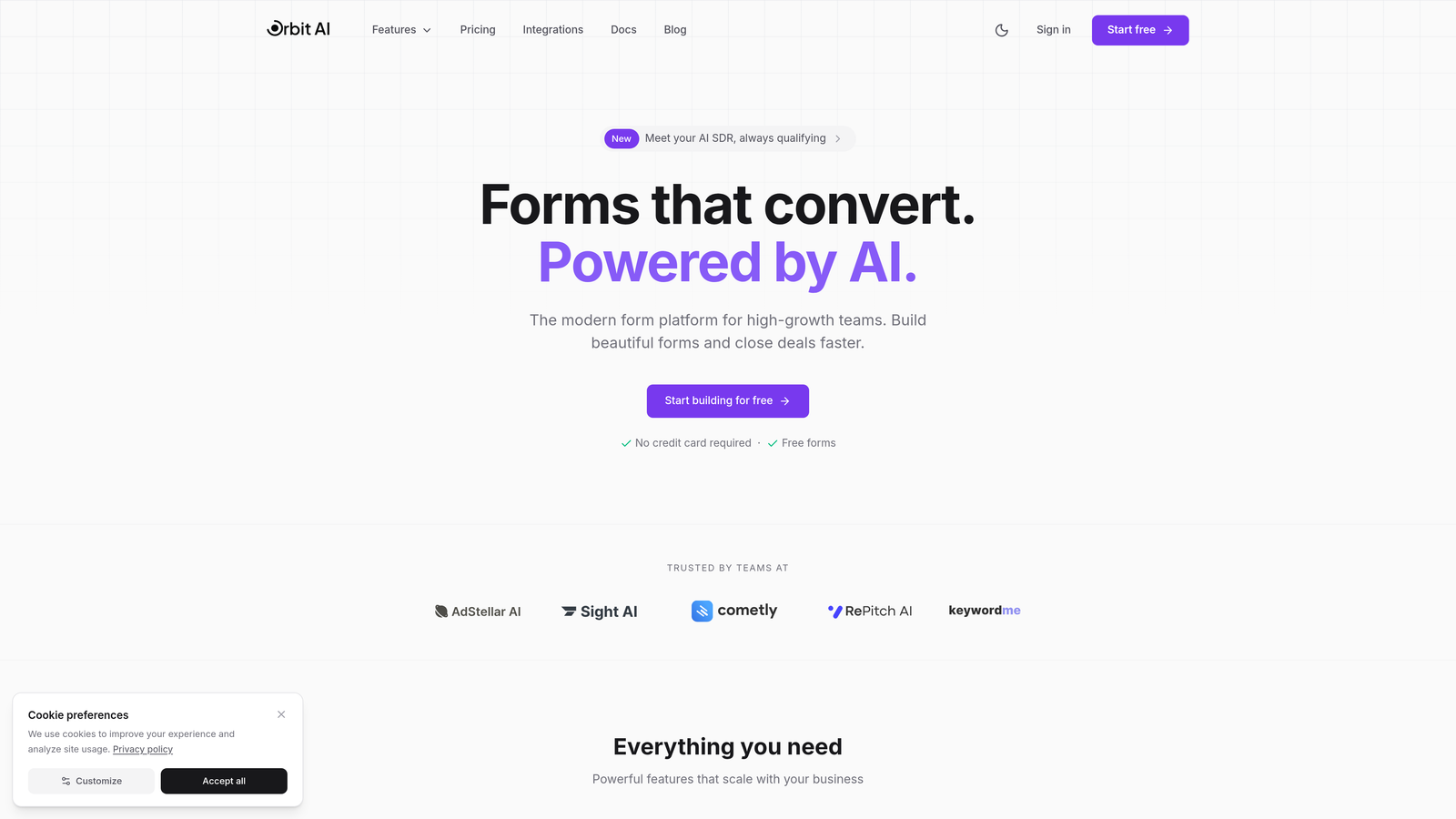
Orbit AI is an AI-powered form builder designed specifically for teams that need more than just data collection—they need intelligent lead qualification.
Where This Tool Shines
The standout feature is how Orbit AI automatically scores and qualifies leads based on their responses, eliminating manual triage work. While you're capturing contact information, the platform's AI is analyzing responses in real-time to identify your highest-value prospects.
The platform combines beautiful, modern form designs with conversion optimization built into every template. This means your forms don't just look good—they're engineered to maximize completion rates and capture quality leads.
Key Features
AI-Powered Lead Scoring: Automatically identifies and prioritizes high-intent prospects based on their form responses.
Conversion-Optimized Templates: Pre-built forms designed with best practices for maximum completion rates.
Workflow Automation: Connect directly to your CRM and trigger automated follow-ups based on lead quality.
Real-Time Analytics: Get instant insights into response patterns and conversion performance.
Modern Design System: Create forms that match your brand with clean, contemporary aesthetics.
Best For
Orbit AI is ideal for SaaS companies, marketing agencies, and high-growth teams where lead quality matters more than volume. If you're tired of sorting through unqualified leads manually, this tool automates the qualification process while maintaining a premium user experience.
Pricing
Free plan available to get started. Paid plans begin at $29/month, making it accessible for growing teams that need enterprise-level intelligence without enterprise pricing.
2. Typeform
Best for: Creating engaging, conversational experiences with high completion rates
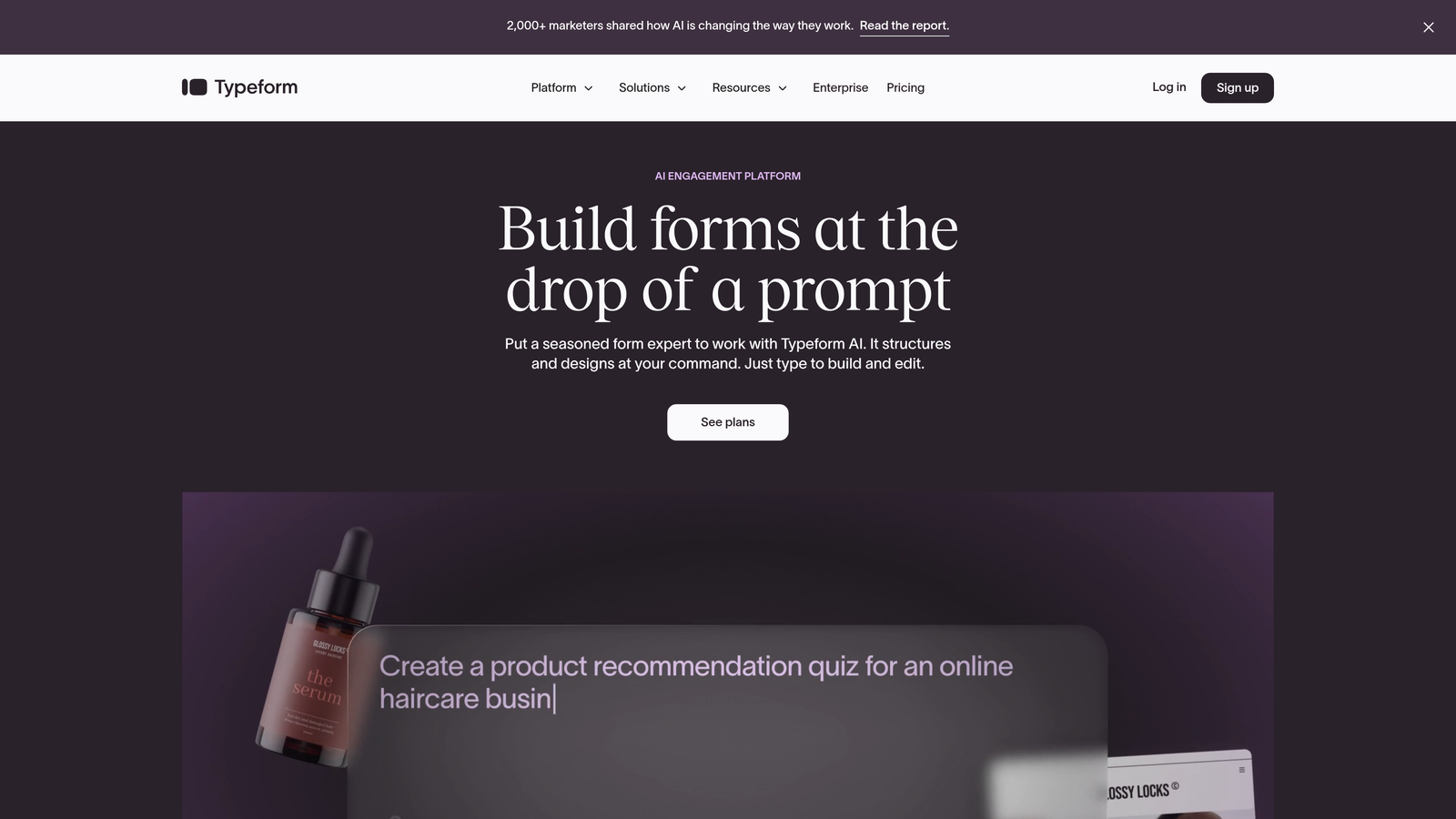
Typeform is a conversational form builder that revolutionized online forms by showing one question at a time.
Where This Tool Shines
Typeform's signature one-question-at-a-time approach reduces cognitive load and creates a more engaging experience. Instead of overwhelming users with a wall of fields, it guides them through a conversation-like flow that feels natural and less intimidating.
The platform consistently delivers higher completion rates compared to traditional forms. The visual appeal and smooth transitions keep users engaged, making it particularly effective for customer feedback surveys and brand experience initiatives.
Key Features
Conversational Interface: Progressive disclosure keeps users focused on one question at a time.
Logic Jumps: Create dynamic paths based on previous answers to personalize the experience.
Rich Media Support: Embed videos, images, and GIFs to make forms more engaging.
Native Integrations: Connect seamlessly with popular marketing and sales tools.
Mobile-Optimized: Forms automatically adapt beautifully to any device size.
Best For
Typeform works best for teams prioritizing user experience and brand perception. It's particularly strong for customer satisfaction surveys, event registrations, and applications where you want to make a memorable impression.
Pricing
Free plan available with Typeform branding. Basic paid plans start at $25/month, with advanced features like logic jumps available on higher tiers.
3. SurveyMonkey
Best for: Enterprise teams conducting market research with benchmarking capabilities
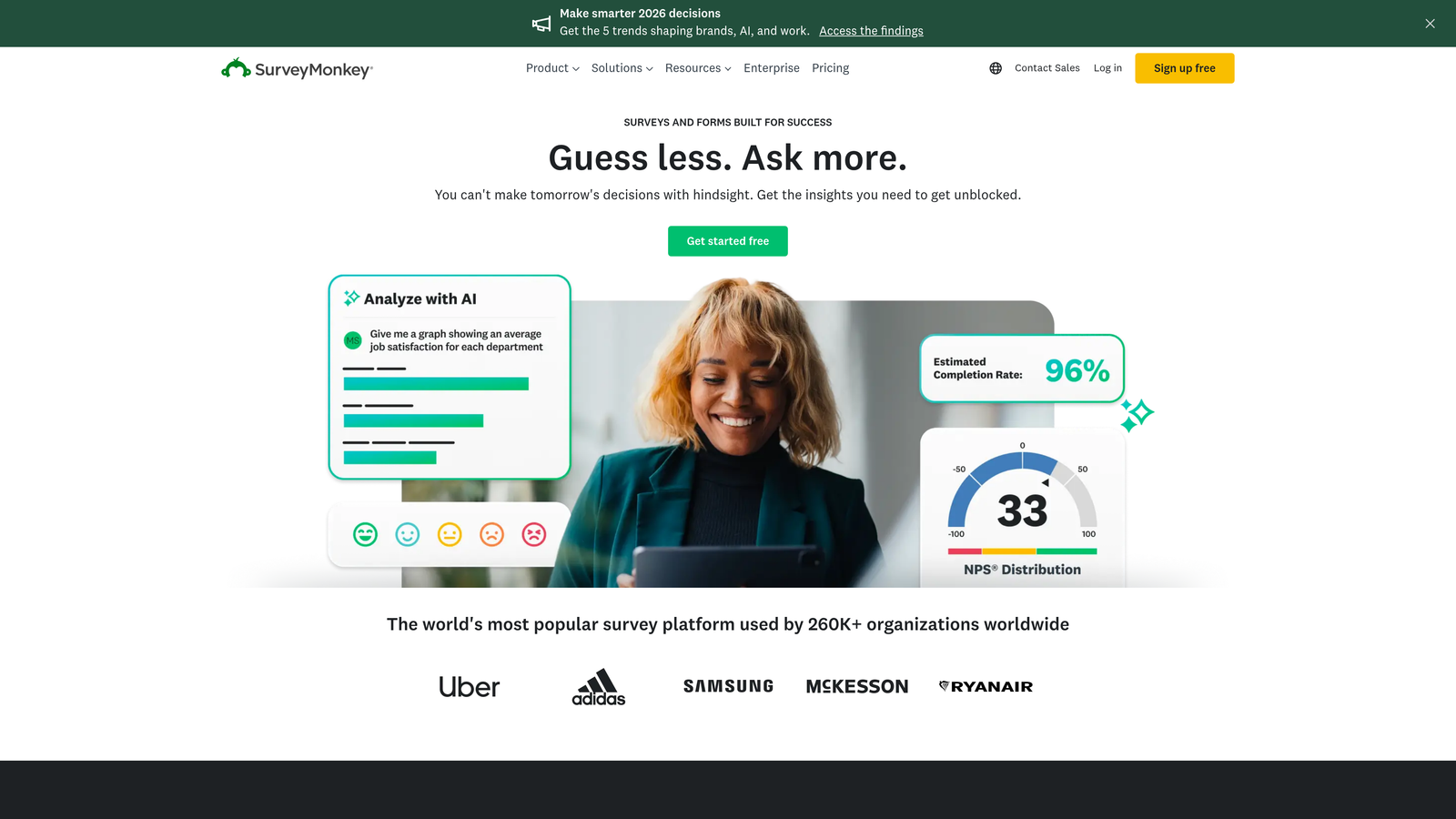
SurveyMonkey is an enterprise survey platform built for serious research and data collection at scale.
Where This Tool Shines
SurveyMonkey's industry benchmarking feature lets you compare your results against millions of responses in their database. This context transforms raw data into actionable insights by showing how your metrics stack up against industry standards.
The platform's AI-powered recommendations analyze your survey design and suggest improvements before you launch. This helps even non-researchers create methodologically sound surveys that yield reliable data.
Key Features
Industry Benchmarking: Compare your survey results against aggregated data from similar organizations.
Advanced Survey Logic: Create complex branching paths and skip patterns for sophisticated research.
AI Insights Engine: Get automated analysis and recommendations from your response data.
Team Collaboration: Multiple team members can work together on survey design and analysis.
Question Bank: Access thousands of expert-written questions across various categories.
Best For
SurveyMonkey is built for market researchers, product teams, and organizations conducting regular customer satisfaction studies. The benchmarking capabilities make it invaluable for competitive analysis and tracking performance over time.
Pricing
Free plan available with limited features. Team Advantage plans start at $25 per user per month, with enterprise options for larger organizations.
4. Jotform
Best for: Teams needing versatility with extensive templates and payment processing
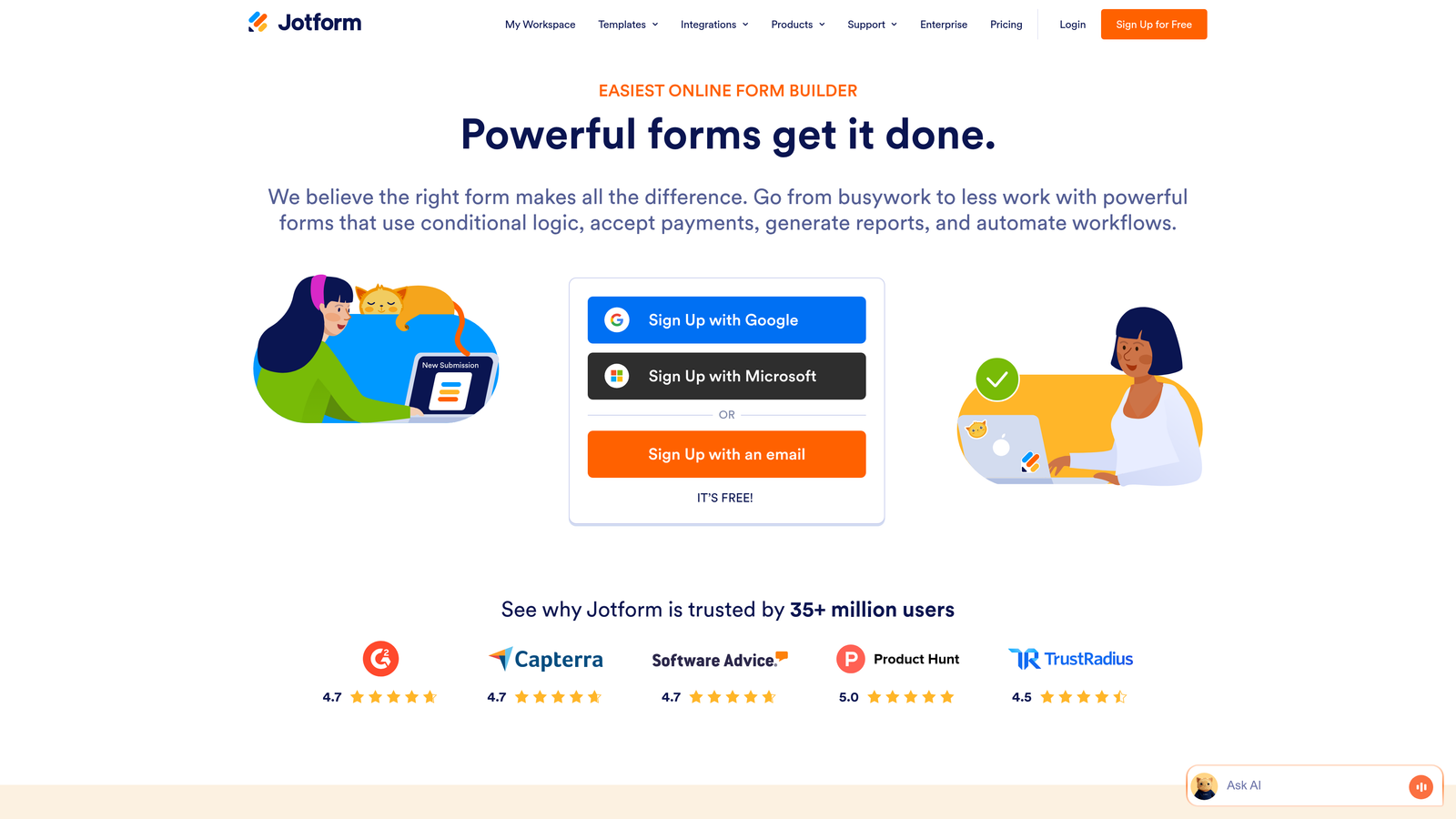
Jotform is a comprehensive form builder offering over 10,000 templates for virtually any use case.
Where This Tool Shines
Jotform's template library is unmatched in breadth and depth. Whether you need a complex multi-page application form or a simple contact form, there's likely a pre-built template that gets you 80% of the way there.
The platform's payment integration capabilities make it a strong choice for organizations that need to collect fees, donations, or process transactions alongside data collection. You can accept payments through multiple processors without leaving the form experience.
Key Features
10,000+ Templates: Pre-built forms for every industry and use case imaginable.
Payment Processing: Integrated support for PayPal, Stripe, Square, and other payment gateways.
PDF Generation: Automatically convert form submissions into professional PDF documents.
Mobile App: Collect responses offline and sync when connectivity returns.
HIPAA Compliance: Available options for healthcare organizations handling sensitive data.
Best For
Jotform excels for organizations with diverse form needs across departments. Healthcare providers, educational institutions, and nonprofits particularly benefit from the compliance features and payment processing capabilities.
Pricing
Free plan available with Jotform branding. Bronze plans start at $34/month, with higher tiers offering increased submissions and advanced features.
5. Google Forms
Best for: Teams already using Google Workspace who need simple, free forms
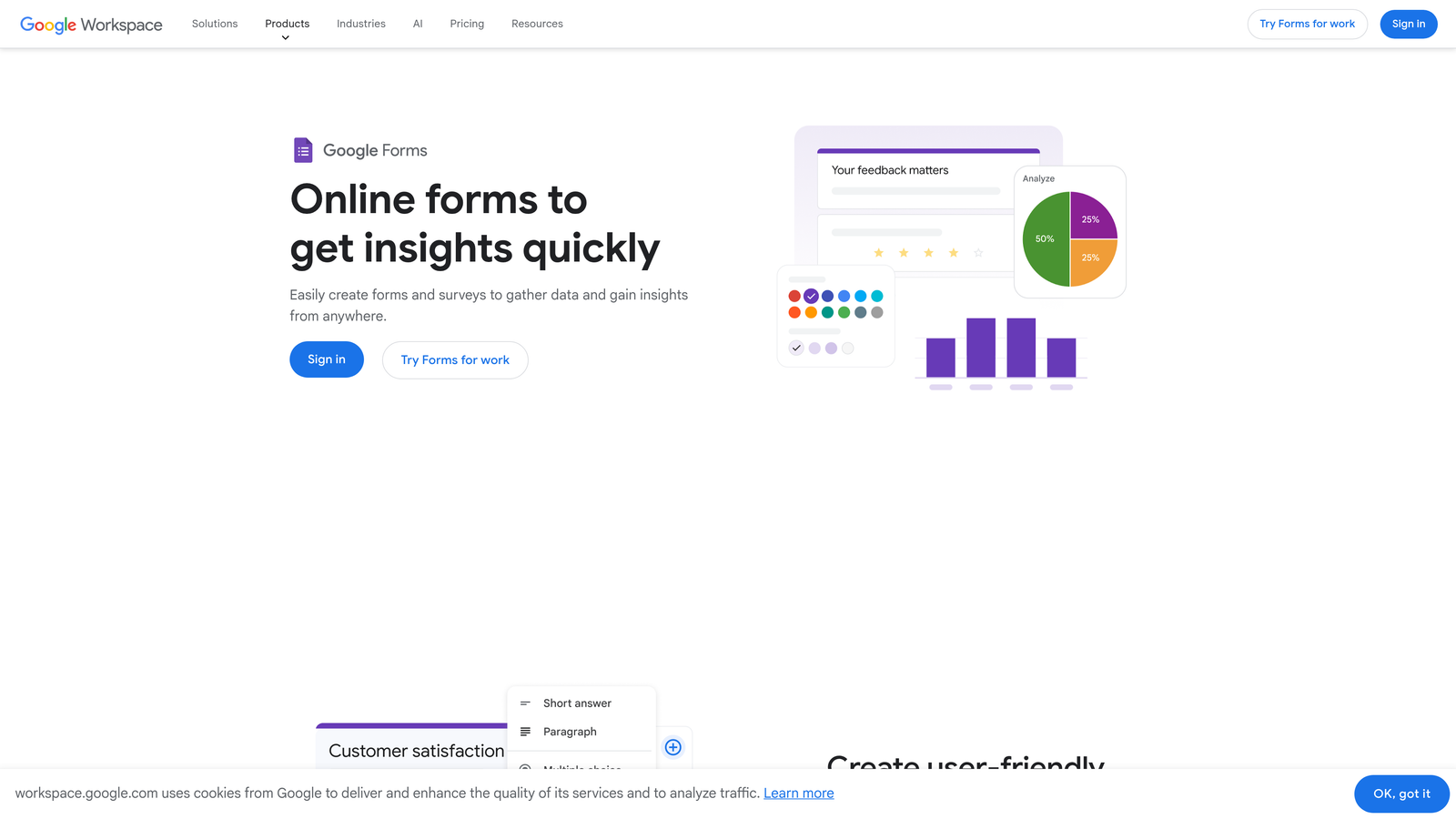
Google Forms is a straightforward form and survey tool that's completely free with a Google account.
Where This Tool Shines
The native integration with Google Sheets is Google Forms' killer feature. Responses flow automatically into a spreadsheet where you can analyze, pivot, and manipulate data using familiar tools. For teams already living in the Google ecosystem, this seamless workflow eliminates data export headaches.
The real-time collaboration mirrors what you'd expect from Google Docs. Multiple team members can simultaneously edit a form, see changes instantly, and leave comments—making it easy to iterate quickly on survey design.
Key Features
Zero Cost: Completely free with unlimited forms and responses.
Google Sheets Integration: Automatic data sync to spreadsheets for analysis.
Real-Time Collaboration: Multiple editors can work together simultaneously.
Basic Logic: Simple conditional sections based on previous answers.
Quiz Functionality: Auto-grading capabilities for educational assessments.
Best For
Google Forms is perfect for internal surveys, event RSVPs, basic feedback collection, and educational quizzes. It's the go-to choice when you need something quick, free, and don't require advanced features or branding customization.
Pricing
Completely free with a Google account. No paid tiers or upgrade paths—what you see is what you get.
6. Tally
Best for: Teams wanting unlimited forms with a modern, block-based editor
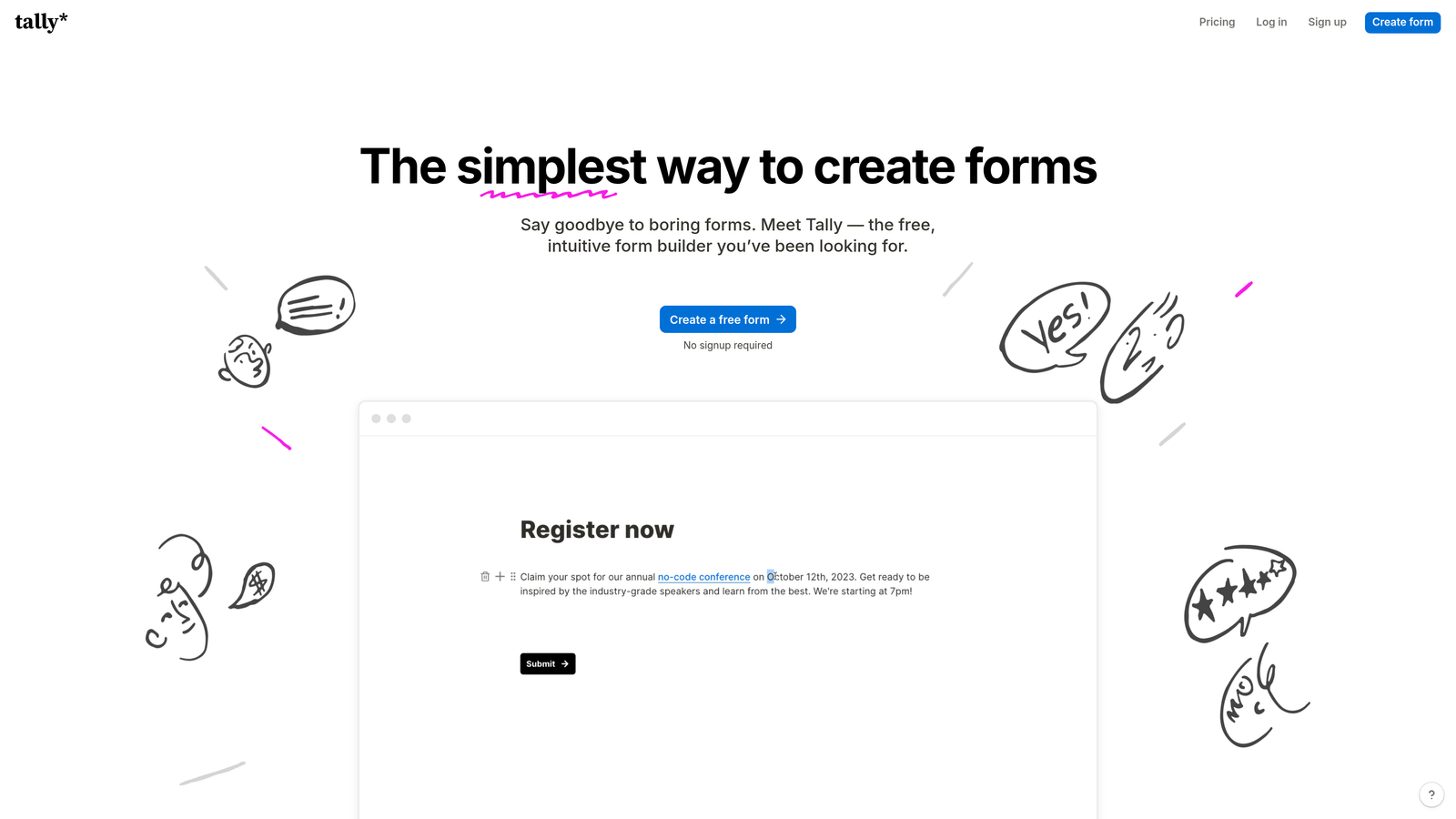
Tally is a modern form builder with a generous free plan and Notion-inspired editing experience.
Where This Tool Shines
Tally's unlimited forms on the free plan is genuinely remarkable. While most competitors limit free users to a handful of forms, Tally removes that constraint entirely. This makes it ideal for agencies managing multiple clients or teams running numerous campaigns simultaneously.
The block-based editor feels immediately familiar to anyone who's used Notion. You build forms by stacking blocks—text, multiple choice, file uploads—with a clean, intuitive interface that requires zero learning curve.
Key Features
Unlimited Forms: Create as many forms as you need on the free plan.
Block-Based Editor: Notion-like interface for intuitive form building.
Calculator Fields: Perform calculations based on user inputs within the form.
Payment Integration: Accept payments through Stripe on paid plans.
Clean Design: Minimal, modern aesthetic that works for contemporary brands.
Best For
Tally is ideal for startups, solopreneurs, and small teams who need professional forms without budget constraints. The unlimited free forms make it particularly attractive for agencies or consultants managing multiple projects.
Pricing
Generous free plan with unlimited forms. Pro plan starts at $29/month, adding features like custom domains and file uploads.
7. Qualtrics
Best for: Enterprise organizations conducting sophisticated experience management research
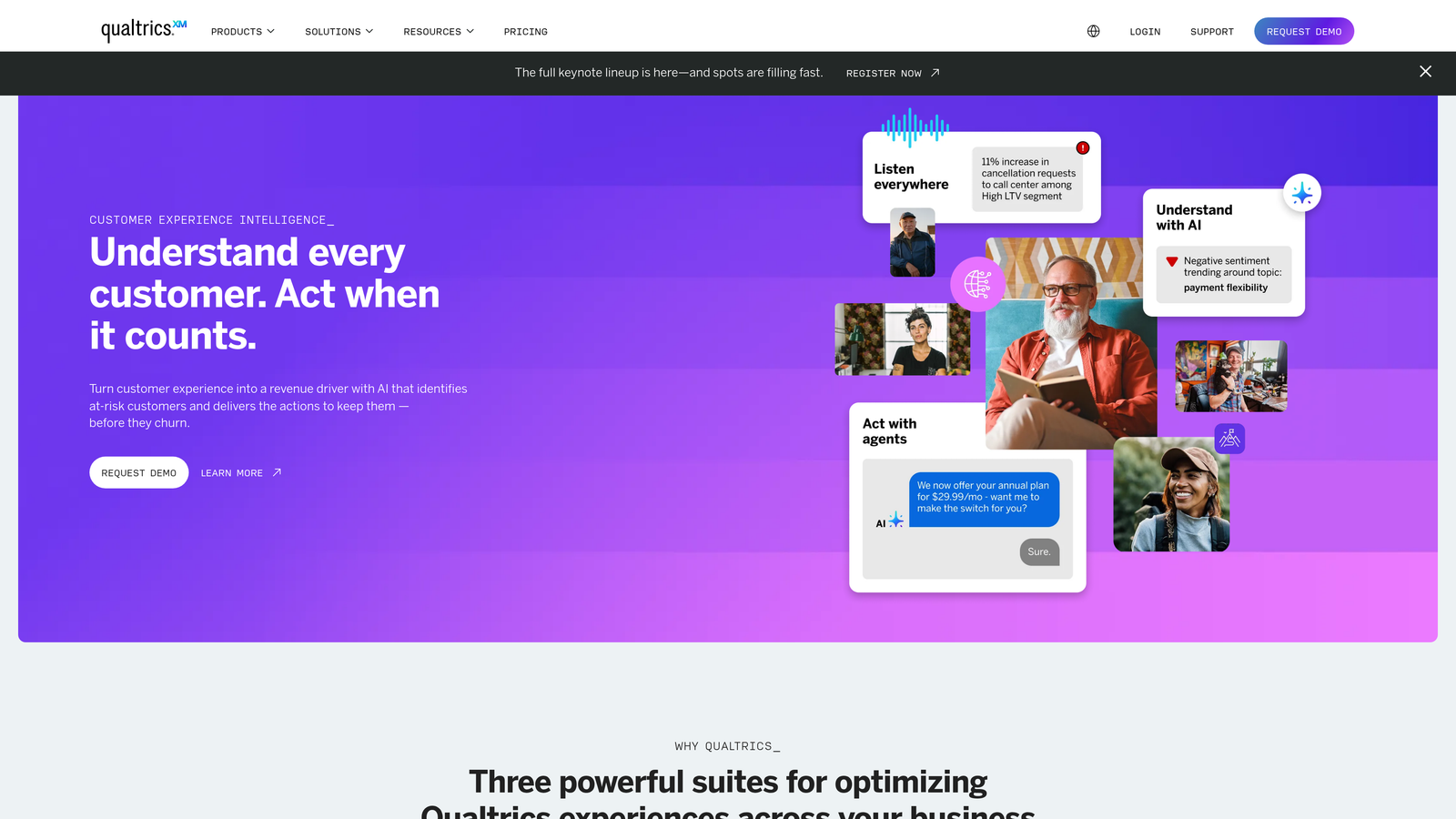
Qualtrics is an enterprise experience management platform designed for complex research methodologies and large-scale data collection.
Where This Tool Shines
Qualtrics offers research-grade survey methodology tools that go far beyond basic form building. The platform includes advanced sampling techniques, weighting algorithms, and statistical analysis capabilities that meet academic and market research standards.
The predictive analytics engine uses AI to identify patterns and predict outcomes before they happen. For enterprise teams, this transforms survey data from historical reporting into forward-looking strategic insights.
Key Features
Advanced Methodology: Tools for quota sampling, randomization, and experimental design.
Predictive Analytics: AI-powered insights that forecast trends from your data.
Multi-Channel Distribution: Deploy surveys across email, web, mobile apps, and SMS.
Enterprise Security: SOC 2, GDPR, and HIPAA compliance built in.
Comprehensive Dashboards: Real-time reporting with customizable visualizations.
Best For
Qualtrics serves Fortune 500 companies, academic institutions, and organizations with dedicated research teams. If you're conducting employee engagement studies, customer experience programs, or market research at scale, this is the professional-grade solution.
Pricing
Custom enterprise pricing based on organization size and feature requirements. Expect significant investment appropriate for enterprise-level capabilities.
8. Paperform
Best for: Creating forms that double as beautiful landing pages
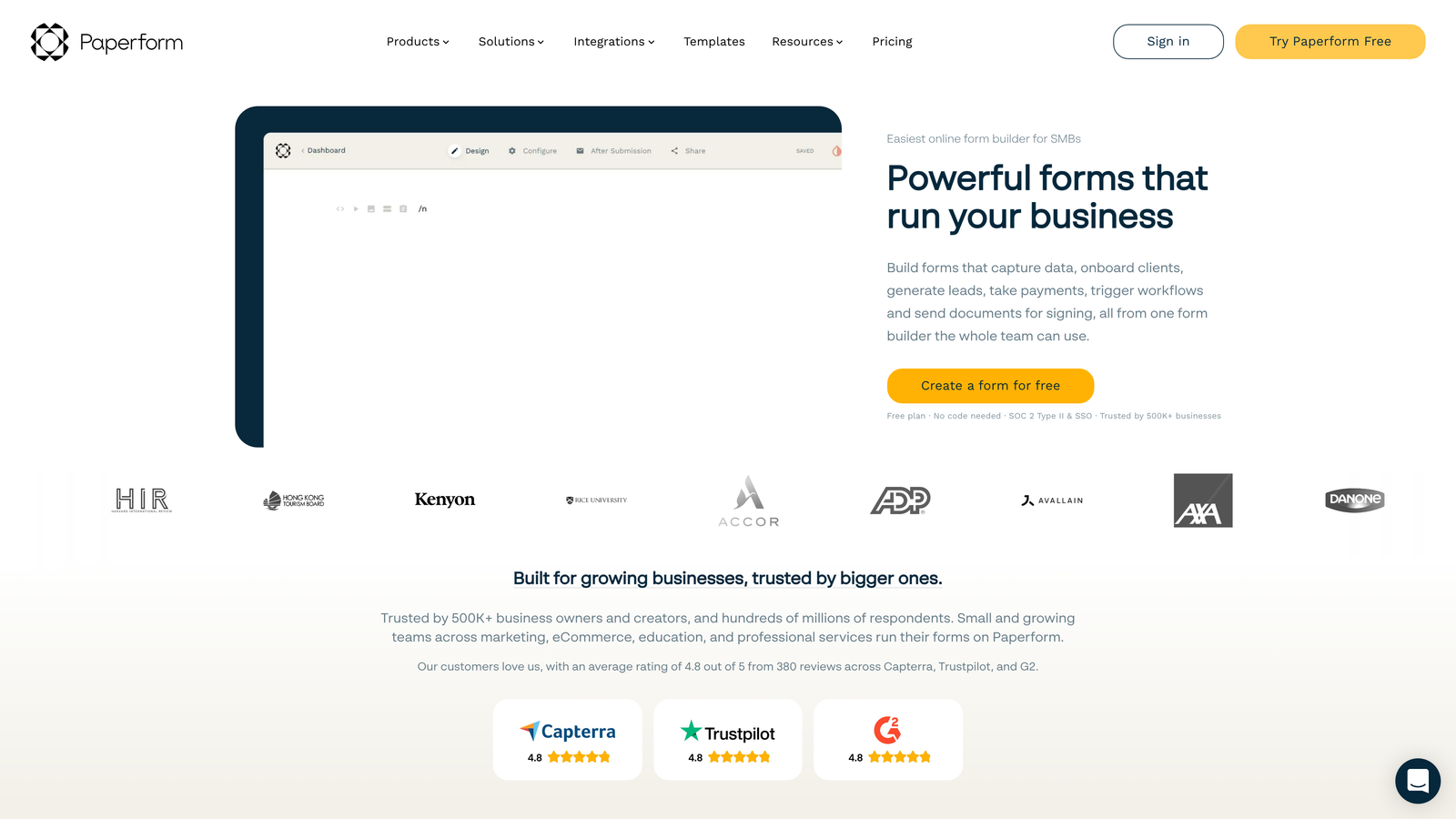
Paperform is a unique form builder that blurs the line between forms and landing pages with rich design capabilities.
Where This Tool Shines
Paperform's landing page-style approach means your forms can include hero images, full-width backgrounds, custom fonts, and rich text formatting. The result looks less like a traditional form and more like a custom-designed web page that happens to collect data.
The platform's e-commerce and booking capabilities extend beyond typical form builders. You can create product catalogs, accept bookings with calendar integration, and process payments—all within what started as a form.
Key Features
Landing Page Design: Create visually stunning forms with full design control.
Rich Media Embedding: Add videos, images, and custom HTML throughout your forms.
E-Commerce Capabilities: Sell products and services directly through your forms.
Custom Branding: Complete control over colors, fonts, and styling.
Advanced Logic: Conditional fields and calculations for dynamic experiences.
Best For
Paperform excels for creative agencies, consultants, and businesses where brand presentation matters deeply. It's particularly strong for service bookings, event registrations, and situations where the form itself is a key touchpoint in your brand experience.
Pricing
Essentials plan starts at $24/month. Higher tiers unlock additional features like custom domains and advanced integrations.
9. Formstack
Best for: Regulated industries requiring compliance and workflow automation
Formstack is a workflow-focused form builder with robust compliance features for healthcare, finance, and other regulated sectors.
Where This Tool Shines
Formstack's HIPAA and GDPR compliance capabilities are built into the platform's core architecture, not bolted on as an afterthought. For healthcare providers and financial institutions, this means forms can handle sensitive data with proper encryption, audit trails, and compliance documentation.
The document generation feature automatically creates PDFs, contracts, and other documents from form submissions. Combined with e-signature capabilities, you can complete entire workflows—from data collection to signed agreements—without leaving the platform.
Key Features
HIPAA Compliance: Built-in features for healthcare data protection and privacy.
Document Generation: Automatically create PDFs and documents from form data.
E-Signature Integration: Collect legally binding signatures within your forms.
Salesforce Native: Deep integration with Salesforce for seamless CRM workflows.
Offline Collection: Capture data without internet connectivity and sync later.
Best For
Formstack serves healthcare providers, financial services firms, and any organization handling sensitive data under regulatory oversight. The offline capabilities also make it valuable for field teams working in areas with unreliable connectivity.
Pricing
Starter plan begins at $50/month. Compliance features and advanced capabilities require higher-tier plans with custom pricing for enterprise needs.
Making the Right Choice for Your Team
The survey versus form builder decision ultimately comes down to your primary objective. If you're conducting market research, employee engagement studies, or need industry benchmarking, dedicated survey platforms like SurveyMonkey or Qualtrics provide the analytical depth and methodological rigor you need.
For lead generation and conversion optimization, form builders like Orbit AI, Typeform, and Paperform prioritize user experience and qualification capabilities. The standout difference is intelligent lead scoring—the ability to automatically identify your highest-value prospects based on their responses, eliminating hours of manual triage work.
Think about your workflow requirements too. Teams already embedded in Google Workspace might find Google Forms perfectly adequate for internal needs. Organizations in regulated industries need the compliance features that Formstack or Jotform provide. And if budget is tight but volume is high, Tally's unlimited free forms become incredibly compelling.
The hybrid approach is gaining traction for good reason. Modern tools are bridging the gap between research-grade surveys and conversion-optimized forms. Look for platforms that offer both conditional logic for complex data collection and workflow automation for lead routing. This flexibility means you're not locked into separate tools for different use cases.
Consider your integration ecosystem carefully. A beautiful standalone form means nothing if it can't connect to your CRM, marketing automation platform, or analytics tools. Native integrations save countless hours compared to manual data exports or fragile third-party connectors.
Transform your lead generation with AI-powered forms that qualify prospects automatically while delivering the modern, conversion-optimized experience your high-growth team needs. The right tool doesn't just collect data—it turns responses into actionable intelligence that drives your business forward.


