

Every form on your website is a conversion opportunity—or a missed one. The difference often comes down to the platform powering it. Modern form builders have evolved far beyond simple contact forms, now offering AI-powered lead qualification, conditional logic, seamless CRM integrations, and analytics that reveal exactly where prospects drop off.
Whether you're capturing demo requests, qualifying inbound leads, or running complex multi-step surveys, the right platform can dramatically impact your conversion rates. We've evaluated dozens of form builders based on ease of use, conversion optimization features, integration capabilities, and value for growing teams. Here are the top platforms worth your attention in 2026.
1. Orbit AI
Best for: High-growth teams needing AI-powered lead qualification and conversion optimization
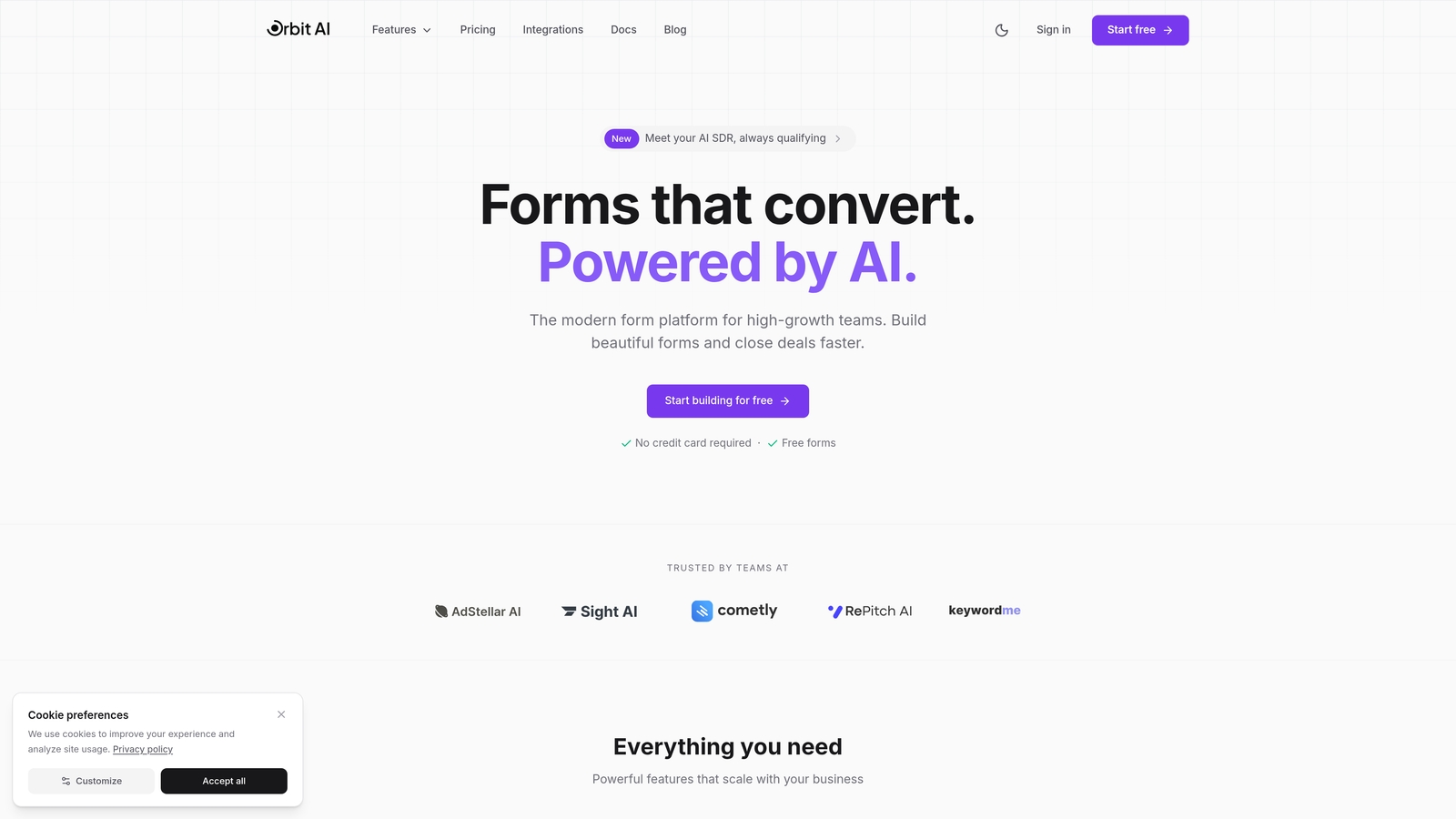
Orbit AI is an intelligent form builder platform designed specifically for teams focused on lead generation and conversion optimization.
Where This Tool Shines
Orbit AI stands out by applying artificial intelligence to the lead qualification process itself. While most form builders simply collect responses, this platform analyzes submissions in real-time to score and route leads based on their conversion potential.
The platform's modern interface makes it easy to create beautiful, conversion-optimized forms without design expertise. Forms load quickly, look professional across all devices, and include subtle psychological triggers that encourage completion.
Key Features
AI-Powered Lead Qualification: Automatically scores and qualifies leads based on their responses, helping sales teams prioritize high-intent prospects.
Conversion-Optimized Design: Pre-built templates and design patterns based on conversion best practices, with mobile-first responsive layouts.
Native CRM Integration: Seamlessly connects with major CRM platforms and marketing automation tools without requiring complex middleware.
Real-Time Analytics: Track exactly where prospects drop off in your forms and identify friction points that hurt conversion rates.
Intelligent Routing: Automatically route qualified leads to the right sales rep or team based on territory, product interest, or company size.
Best For
Orbit AI is ideal for B2B SaaS companies, marketing agencies, and high-growth teams where lead quality matters as much as quantity. If you're spending time manually qualifying inbound leads or struggling to identify which prospects deserve immediate attention, the AI qualification features can save hours of manual work.
Pricing
Free tier available for teams getting started. Paid plans start at competitive rates for growing teams, scaling based on submission volume and advanced features.
2. Typeform
Best for: Creating engaging, conversational form experiences with high completion rates
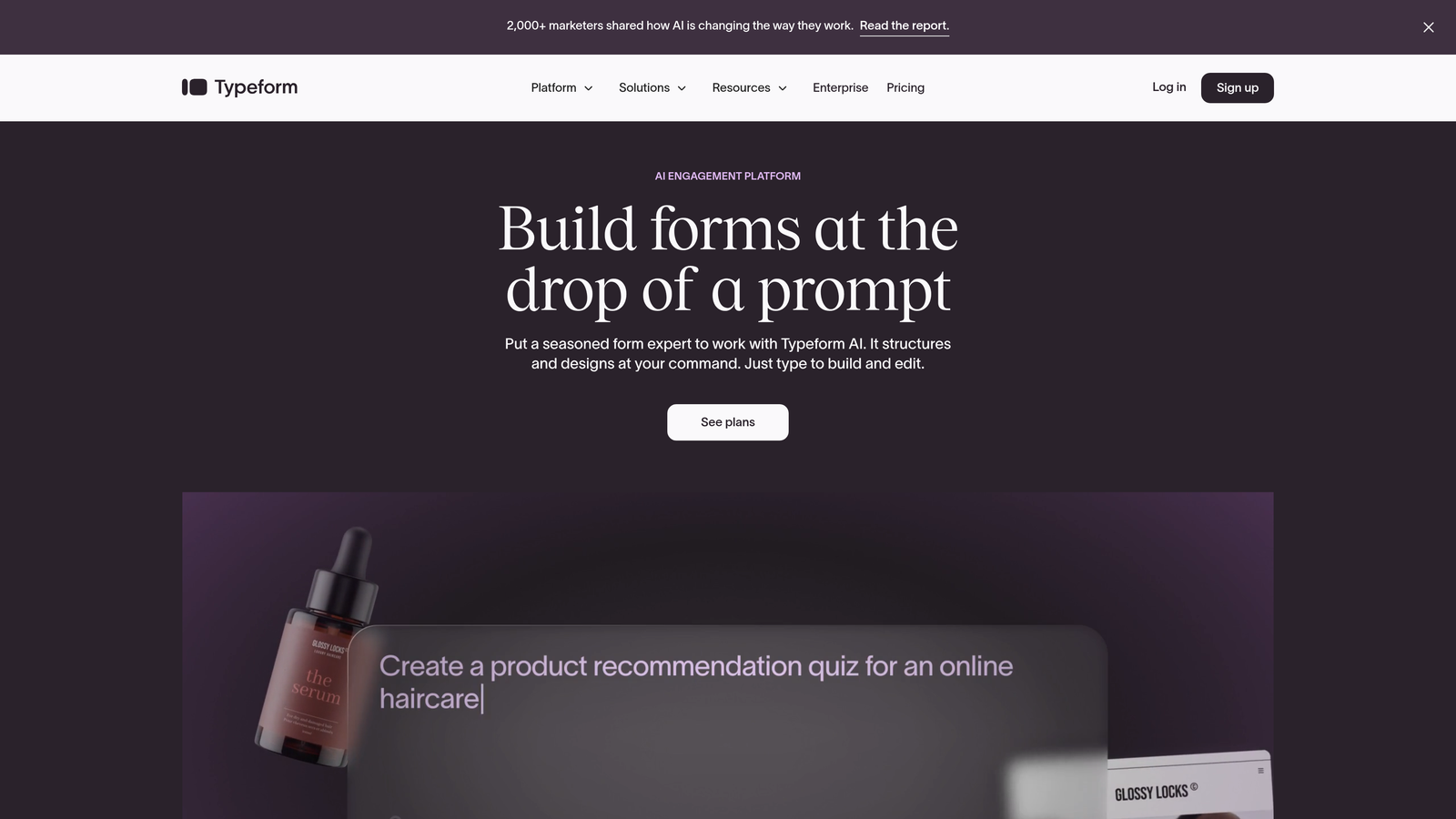
Typeform is a conversational form builder known for its distinctive one-question-at-a-time interface.
Where This Tool Shines
Typeform pioneered the conversational form format, and it remains the gold standard for creating engaging survey experiences. The one-question-at-a-time approach reduces cognitive load and typically results in higher completion rates compared to traditional long-form layouts.
The platform excels at creating branded experiences that feel less like forms and more like conversations. This makes it particularly effective for customer feedback, lead nurturing surveys, and situations where you need to ask multiple questions without overwhelming respondents.
Key Features
Conversational Interface: Presents one question at a time with smooth transitions, creating a more engaging experience than traditional forms.
Beautiful Design System: Extensive customization options for colors, fonts, and layouts that match your brand perfectly.
Logic Jumps: Create dynamic question paths based on previous answers, showing only relevant questions to each respondent.
Rich Media Support: Embed videos, images, and GIFs throughout your forms to increase engagement and provide context.
Integration Ecosystem: Connects with hundreds of tools through native integrations and Zapier, making it easy to route data where it needs to go.
Best For
Typeform works best for customer research, lead nurturing surveys, event registrations, and any scenario where completion rate matters more than speed. It's particularly popular with creative agencies, consultants, and companies prioritizing brand experience.
Pricing
Free tier includes basic features with Typeform branding. Basic plan starts at $25/month for branded forms and more responses. Plus and Business tiers offer advanced logic and priority support.
3. Jotform
Best for: Teams needing extensive templates and industry-specific form solutions
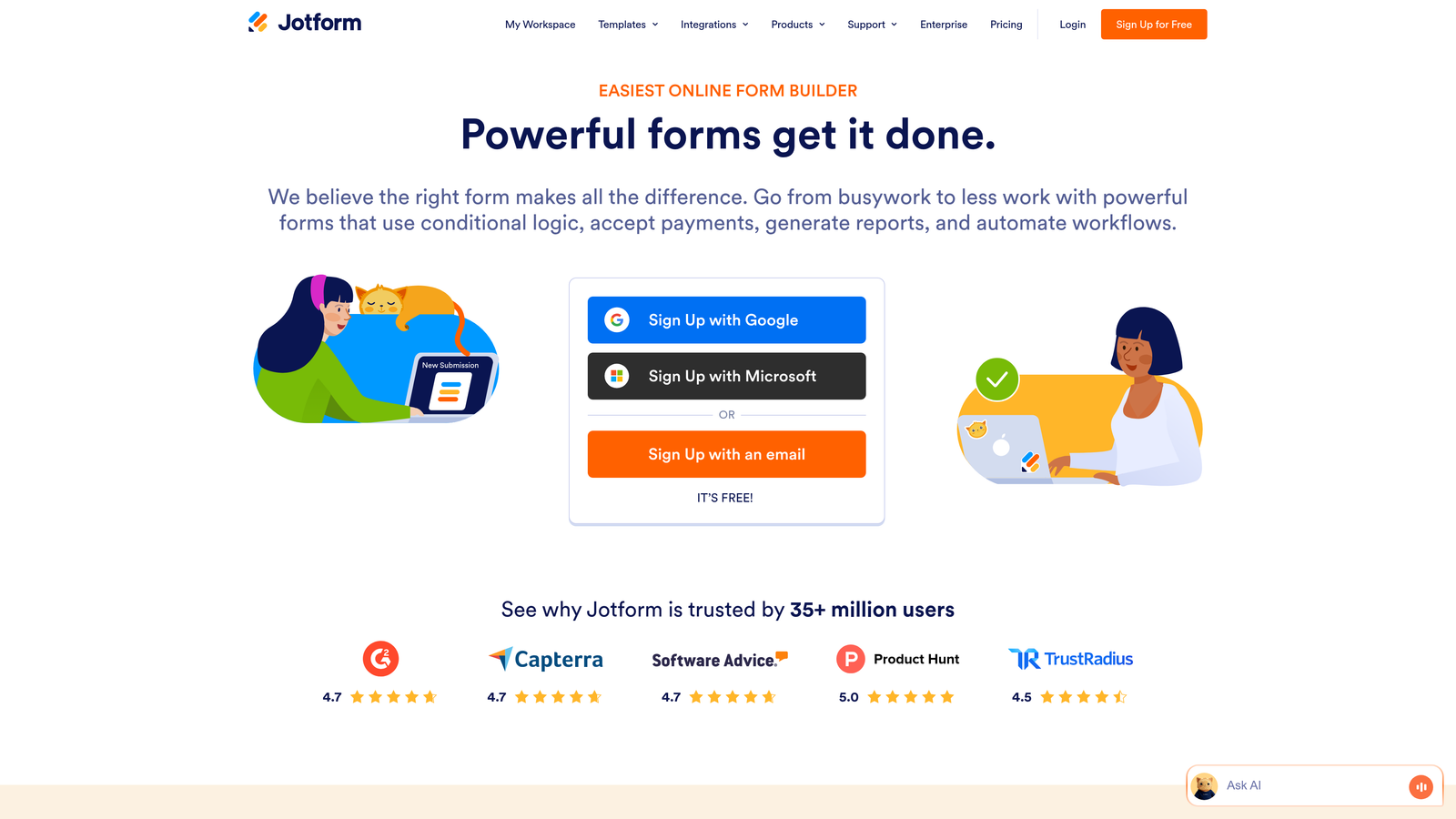
Jotform is a versatile form builder offering thousands of pre-built templates for virtually every industry and use case.
Where This Tool Shines
Jotform's massive template library means you can find a starting point for almost any form need, from medical intake forms to event registrations to complex application processes. This saves significant time compared to building forms from scratch.
The platform includes robust features for collecting payments, generating PDFs, and capturing electronic signatures—making it particularly useful for businesses that need forms to handle transactions or legal documentation. The mobile app also lets you create and manage forms on the go.
Key Features
10,000+ Templates: Pre-built forms for every industry and use case, fully customizable to match your needs.
Drag-and-Drop Builder: Intuitive interface for adding fields, rearranging elements, and customizing form layout without coding.
Payment Processing: Native integrations with PayPal, Stripe, Square, and other major payment processors for collecting fees or donations.
PDF Generation: Automatically convert form submissions into formatted PDFs and capture electronic signatures for contracts or agreements.
Mobile App: Create, edit, and manage forms directly from your smartphone or tablet when away from your desk.
Best For
Jotform suits small businesses, nonprofits, educational institutions, and healthcare providers who need reliable forms with payment or e-signature capabilities. The extensive template library makes it especially valuable for teams without design resources.
Pricing
Free tier allows up to 5 forms with 100 monthly submissions. Bronze plan starts at $34/month for unlimited forms. Silver and Gold tiers add HIPAA compliance and white-label options.
4. HubSpot Forms
Best for: HubSpot users needing native CRM integration and marketing automation
HubSpot Forms is the native form builder within HubSpot's marketing platform, offering seamless data flow into the CRM.

Where This Tool Shines
If you're already using HubSpot, the native forms eliminate integration headaches entirely. Form submissions automatically create or update contact records, trigger workflows, and sync with your sales pipeline without requiring third-party tools or custom code.
Progressive profiling is a standout feature—returning visitors see different questions than first-time visitors, allowing you to gradually build complete contact profiles without asking the same questions twice. This significantly improves conversion rates on gated content.
Key Features
Native CRM Integration: Form submissions automatically flow into HubSpot CRM, creating contacts and triggering workflows without manual data entry.
Progressive Profiling: Show different form fields to returning visitors, gradually building complete contact profiles without overwhelming new prospects.
Smart Fields: Pre-populate known information for returning visitors, reducing friction and improving completion rates.
Automatic Contact Creation: Every submission creates or updates a contact record with complete activity history and engagement tracking.
A/B Testing: Test different form variations to optimize conversion rates and identify which fields or layouts perform best.
Best For
HubSpot Forms is the obvious choice for existing HubSpot customers. The native integration makes it far more powerful than using external form builders with HubSpot, especially for teams running sophisticated marketing automation workflows.
Pricing
Free with HubSpot CRM, including basic form features and unlimited submissions. Advanced capabilities like progressive profiling and A/B testing require Marketing Hub Starter ($50/month) or higher tiers.
5. Tally
Best for: Startups and individuals needing unlimited forms without subscription costs
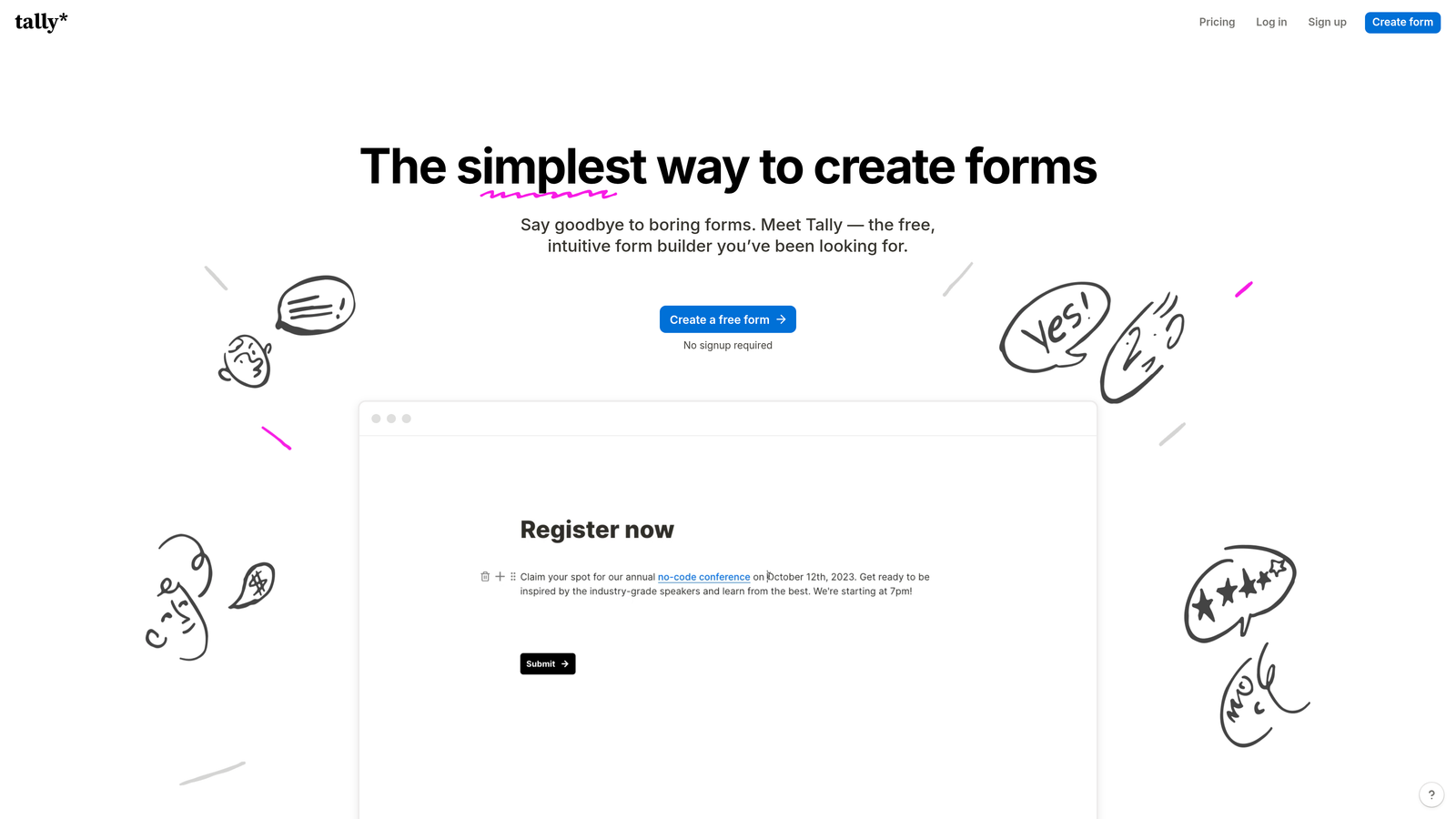
Tally is a simple, Notion-inspired form builder with one of the most generous free tiers in the industry.
Where This Tool Shines
Tally's free tier includes unlimited forms and unlimited submissions—a rarity in the form builder space where most platforms charge based on submission volume. This makes it perfect for bootstrapped startups, side projects, and anyone testing ideas without budget for paid tools.
The Notion-style block-based editor feels familiar if you've used modern documentation tools. You can mix form fields with rich text, images, and embedded content to create forms that double as landing pages or informational resources.
Key Features
Unlimited Free Tier: Create unlimited forms with unlimited submissions at no cost, with no hidden limits on essential features.
Block-Based Editor: Notion-style interface for building forms by stacking blocks, making it intuitive for users familiar with modern content tools.
Conditional Logic: Show or hide questions based on previous answers, creating dynamic forms that adapt to each respondent.
Custom Domains: Connect your own domain to forms for a professional appearance without Tally branding.
Webhook Integration: Send form data to other tools via webhooks or connect through Zapier for workflow automation.
Best For
Tally is ideal for solopreneurs, early-stage startups, content creators, and anyone who needs capable forms without monthly subscription costs. The free tier is genuinely useful, not just a trial with artificial limitations.
Pricing
Generous free tier with unlimited forms and submissions. Pro plan at $29/month adds custom branding removal, file uploads, and priority support.
6. Formstack
Best for: Enterprise organizations requiring advanced compliance and workflow automation
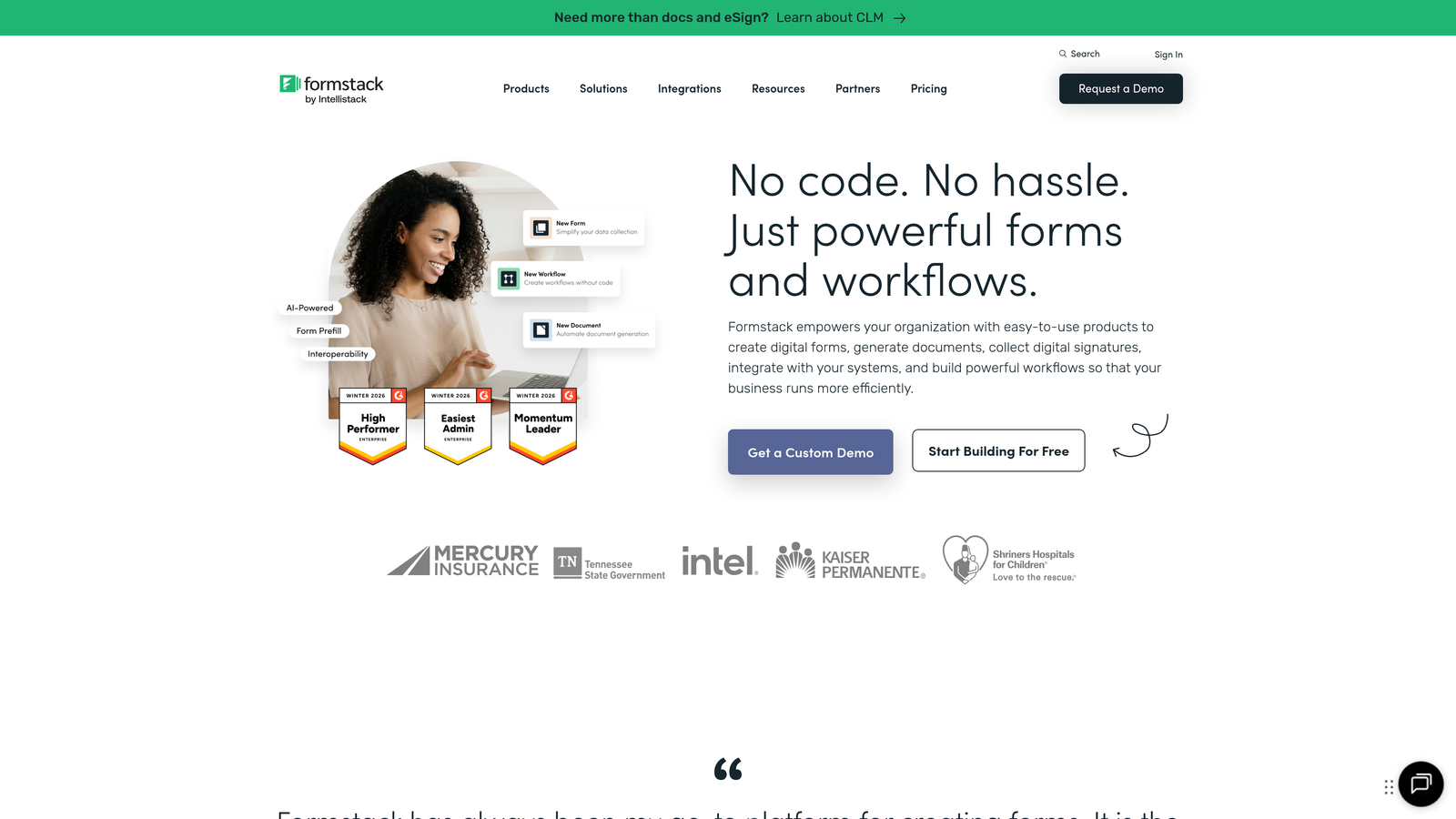
Formstack is an enterprise-grade platform combining forms, documents, and signatures with sophisticated workflow automation.
Where This Tool Shines
Formstack excels in regulated industries where compliance isn't optional. The platform offers HIPAA-compliant forms for healthcare, GDPR features for European data protection, and enterprise security controls that satisfy IT departments at large organizations.
The workflow automation goes beyond simple form submission—you can build multi-step approval processes, route documents based on complex rules, and generate contracts or reports automatically. This makes it valuable for organizations with established processes that need digital transformation.
Key Features
Advanced Workflow Automation: Build complex multi-step processes with approvals, routing rules, and automated actions based on form data.
Approval Processes: Route submissions through approval chains with notifications, escalations, and audit trails for accountability.
Compliance Options: HIPAA, GDPR, and SOC 2 compliance features for organizations in regulated industries or handling sensitive data.
Document Generation: Automatically create PDFs, contracts, or reports from form data with customizable templates and e-signature capture.
Salesforce Integration: Native Salesforce connector that syncs form data directly into your CRM without middleware or custom code.
Best For
Formstack suits healthcare organizations, financial services firms, government agencies, and large enterprises with complex approval workflows or strict compliance requirements. The price reflects its enterprise positioning.
Pricing
Starts at $50/month for basic features. Enterprise pricing for advanced compliance, workflow automation, and dedicated support varies based on organization size and requirements.
7. Paperform
Best for: Creating landing page-style forms that combine content and conversion
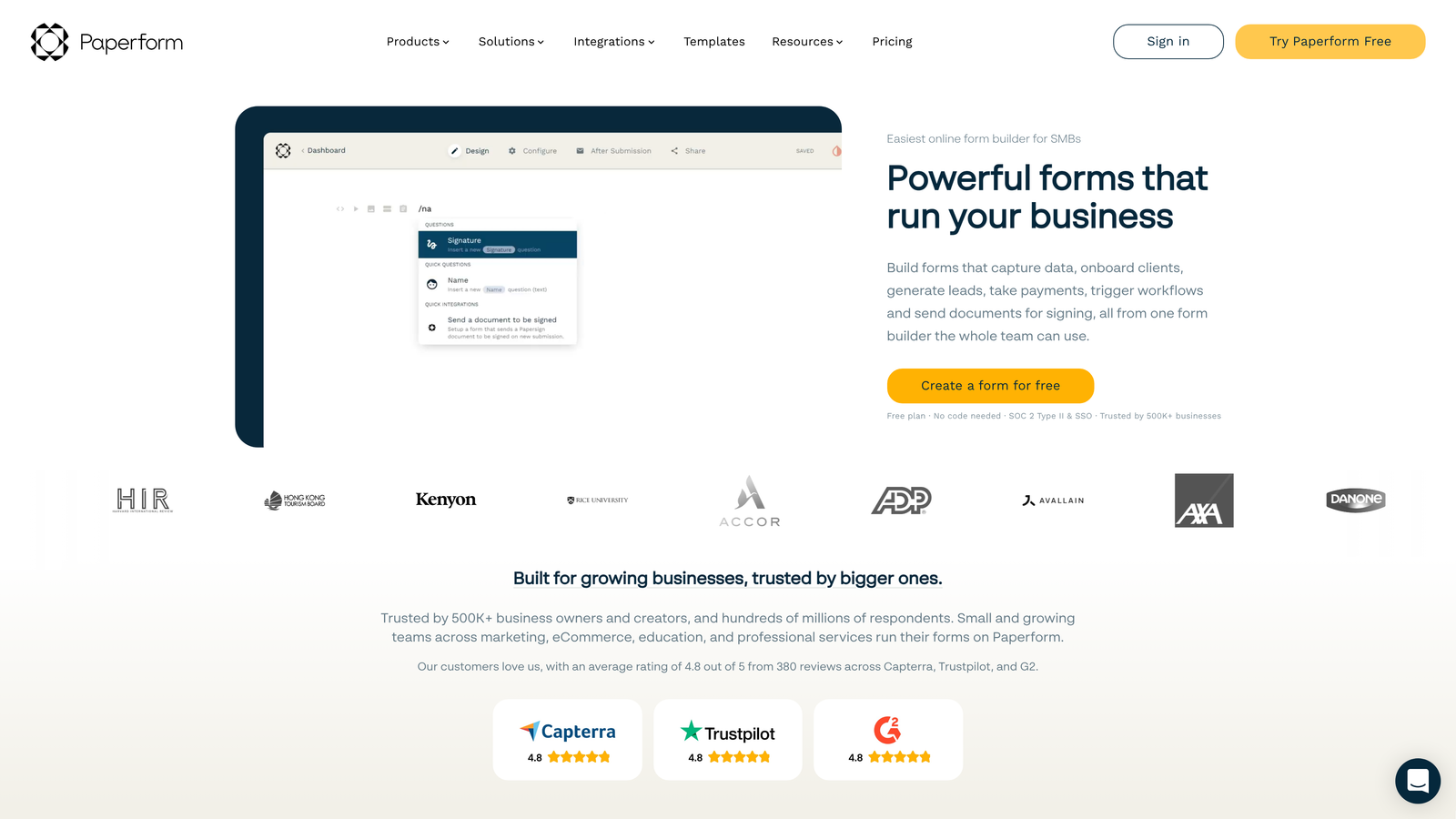
Paperform is a unique platform that blurs the line between forms and landing pages.
Where This Tool Shines
Paperform lets you create beautiful, content-rich experiences that include form fields alongside explanatory text, images, videos, and other media. This makes your forms feel less like data collection and more like interactive landing pages that educate while they convert.
The built-in payment processing is particularly well-executed, allowing you to collect payments, set up subscriptions, or accept donations without leaving the form experience. This makes it excellent for event registrations, course sign-ups, or any scenario combining information with transactions.
Key Features
Hybrid Format: Combine form fields with rich content blocks, creating landing page experiences that collect data while informing visitors.
Payment Processing: Native Stripe integration for accepting payments, setting up subscriptions, or collecting donations directly within forms.
Rich Content Embedding: Add images, videos, calendars, and formatted text between form questions to provide context and increase engagement.
Conditional Logic: Show or hide content and questions based on previous answers, creating personalized experiences for different user types.
Custom Success Pages: Design branded thank-you pages or redirect users to specific URLs based on their responses.
Best For
Paperform works well for coaches, consultants, event organizers, and businesses selling digital products or services. If you need forms that also educate or persuade, this hybrid approach offers more flexibility than traditional form builders.
Pricing
Essentials plan at $24/month includes unlimited forms and submissions. Pro plan at $49/month adds team collaboration, custom domains, and advanced integrations.
8. Google Forms
Best for: Simple data collection with zero budget and Google Workspace integration
Google Forms is the free, straightforward form builder included with every Google account.
Where This Tool Shines
Google Forms excels at simplicity and accessibility. Anyone with a Google account can create a form in minutes, share it instantly, and view responses in Google Sheets for easy analysis. The learning curve is minimal, making it perfect for quick surveys or internal data collection.
The Google Workspace integration means you can collaborate on form creation with teammates, automatically organize responses in shared spreadsheets, and leverage Google's infrastructure for reliability. For organizations already using Google Workspace, it's a no-brainer for basic form needs.
Key Features
Completely Free: No limits on forms, questions, or responses—everything is included with a free Google account.
Google Sheets Integration: Responses automatically populate a spreadsheet for easy analysis, filtering, and sharing with team members.
Basic Conditional Logic: Show or skip questions based on previous answers, creating simple branching paths through your form.
Workspace Collaboration: Multiple team members can edit forms simultaneously, with changes syncing in real-time across collaborators.
Quiz Features: Create graded quizzes with automatic scoring, perfect for educational assessments or training evaluations.
Best For
Google Forms suits internal surveys, event RSVPs, simple feedback collection, and any scenario where you need basic data collection without design requirements or advanced features. It's particularly popular in education and nonprofits.
Pricing
Completely free with any Google account. No premium tiers or paid upgrades—what you see is what you get.
9. Cognito Forms
Best for: Complex calculations and HIPAA-compliant data collection
Cognito Forms is a powerful platform with advanced calculation capabilities and healthcare-grade security options.
Where This Tool Shines
Cognito Forms handles complex calculations better than most competitors. You can build sophisticated formulas that calculate totals, apply discounts, determine eligibility, or perform custom logic—all within the form itself. This eliminates the need for external calculators or manual computation.
The platform offers HIPAA-compliant forms at accessible price points, making it a strong choice for healthcare providers, insurance companies, or anyone handling protected health information. The compliance features don't require enterprise-level contracts.
Key Features
Advanced Calculations: Build complex formulas using form data, performing math operations, date calculations, and conditional logic within forms.
Payment Gateway Support: Accept payments through Stripe, PayPal, or Square with support for one-time charges, subscriptions, and variable pricing.
Repeating Sections: Allow users to add multiple instances of field groups, perfect for collecting information about multiple people or items.
HIPAA Compliance: Healthcare-grade security and compliance features available on paid plans for organizations handling protected health information.
Workflow Routing: Route submissions through approval processes or trigger notifications based on form data and business rules.
Best For
Cognito Forms suits healthcare providers, insurance companies, financial services, and any organization needing complex calculations or HIPAA compliance. The calculation features also make it valuable for quote forms and pricing calculators.
Pricing
Free tier includes basic features with Cognito branding. Pro plan starts at $15/month for custom branding and more submissions. Team and Enterprise plans add HIPAA compliance.
10. Fillout
Best for: Database-centric workflows with native Notion and Airtable sync
Fillout is a modern form builder designed specifically for teams using Notion or Airtable as their database.
Where This Tool Shines
Fillout's native Notion and Airtable integrations eliminate the need for Zapier or other middleware. Form submissions write directly to your Notion databases or Airtable bases, with field mapping that preserves data types and relationships. This makes it perfect for teams already organizing work in these platforms.
The modern interface feels contemporary and loads quickly, with thoughtful touches like scheduling integration and file upload handling. For teams building their operations on Notion or Airtable, Fillout provides the missing form layer without forcing workflow changes.
Key Features
Native Database Sync: Direct integration with Notion databases and Airtable bases, writing form data without middleware or manual imports.
Modern Interface: Clean, fast-loading forms with contemporary design that works well on mobile devices and desktop browsers.
Conditional Logic: Show or hide questions based on previous answers, creating dynamic forms that adapt to each respondent's needs.
File Management: Upload files and documents directly through forms, with files stored in your connected database or cloud storage.
Scheduling Integration: Embed calendar booking directly in forms, allowing respondents to schedule meetings as part of the submission process.
Best For
Fillout is ideal for startups, agencies, and operations teams using Notion or Airtable as their system of record. If you're already managing projects, clients, or workflows in these platforms, Fillout provides the cleanest path to collecting external data.
Pricing
Free tier available with basic features and limited submissions. Paid plans start at $15/month for unlimited submissions and advanced features like custom domains.
11. 123FormBuilder
Best for: Regulated industries requiring multiple security certifications
123FormBuilder is an enterprise platform emphasizing security, compliance, and access controls for organizations in regulated industries.
Where This Tool Shines
123FormBuilder takes security seriously, offering HIPAA compliance, GDPR features, and SOC 2 certification—meeting the requirements of healthcare, finance, and government organizations. The platform's security posture makes it suitable for collecting sensitive data that would disqualify less secure alternatives.
The workflow automation and approval features rival dedicated workflow platforms, allowing you to build multi-step processes with conditional routing, escalations, and detailed audit trails. This makes it valuable for organizations digitizing paper-based processes with strict accountability requirements.
Key Features
Multiple Compliance Standards: HIPAA, GDPR, and SOC 2 compliance with documentation and features required for regulated industries.
Enterprise Security: Advanced encryption, secure data storage, and configurable security policies that satisfy IT security requirements.
Workflow Automation: Build multi-step approval processes with conditional routing, escalations, and detailed activity logs.
Payment and E-Signatures: Accept payments through major processors and capture legally binding electronic signatures on contracts or agreements.
SSO and Access Controls: Enterprise single sign-on integration and granular permissions for controlling who can create, edit, or view forms.
Best For
123FormBuilder suits healthcare organizations, financial institutions, government agencies, and enterprises with strict security requirements or complex approval workflows. The compliance certifications justify the investment for organizations where data security isn't negotiable.
Pricing
Free tier available for basic use. Professional plan starts at $24.99/month. Enterprise pricing for HIPAA compliance, SSO, and advanced security features varies based on requirements.
Making the Right Choice
The best form builder depends on your specific needs and growth stage. For teams focused on lead generation with AI-powered qualification, Orbit AI delivers the most sophisticated approach to identifying high-intent prospects automatically.
If conversational experiences matter most, Typeform's one-question-at-a-time format consistently delivers higher completion rates. HubSpot users should leverage native forms for seamless CRM integration—fighting this integration only creates unnecessary friction.
Budget-conscious teams can start with Tally's generous free tier or Google Forms for basic needs. Jotform's template library saves time for teams without design resources. Paperform bridges the gap when you need forms that also function as landing pages.
For organizations in regulated industries, compliance requirements narrow your choices significantly. Formstack, Cognito Forms, and 123FormBuilder offer HIPAA compliance at different price points. Healthcare and financial services organizations should prioritize platforms with documented security certifications over feature lists.
Database-centric teams using Notion or Airtable will appreciate Fillout's native sync, eliminating middleware complexity. Payment processing matters? Jotform, Cognito Forms, and Paperform all handle transactions well, with differences mainly in user experience and pricing structure.
The key is matching your growth stage, technical requirements, and conversion goals to the right platform. A form builder that works perfectly for a solo consultant collecting client intake information will frustrate a high-growth SaaS company trying to qualify hundreds of inbound leads monthly.
Transform your lead generation with AI-powered forms that qualify prospects automatically while delivering the modern, conversion-optimized experience your high-growth team needs. Start building free forms today and see how intelligent form design can elevate your conversion strategy.


