

Your lead generation strategy is only as strong as your weakest form. Think about it: you've invested in driving traffic, crafting compelling offers, and building brand awareness—only to watch potential customers abandon halfway through a clunky contact form. The gap between clicks and conversions often comes down to one critical decision: which form builder you choose.
The landscape has shifted dramatically. What worked five years ago—basic contact forms with generic fields—no longer cuts it for high-growth teams. Modern buyers expect conversational experiences, instant responses, and forms that respect their time. They'll abandon anything that feels like administrative busywork.
This creates a fascinating challenge for marketing and sales teams. You need forms that capture the right information without creating friction. You need systems that qualify leads automatically while maintaining a human touch. And you need tools that integrate seamlessly with your existing tech stack without requiring a development team.
We've evaluated dozens of form builders against four critical criteria: conversion optimization features that reduce abandonment, integration capabilities that connect to your CRM and marketing tools, ease of use for non-technical team members, and lead qualification tools that help you prioritize high-value prospects. The seven platforms below represent the strongest options for teams serious about transforming form fills into qualified pipeline.
1. Orbit AI: AI-Powered Lead Qualification That Converts While You Sleep
The Challenge It Solves
Most form builders treat every lead the same, dumping raw contact information into your CRM without context or prioritization. Your sales team wastes hours qualifying prospects manually, following up with tire-kickers while high-intent buyers wait. By the time you identify your best leads, they've already moved on to faster competitors.
This qualification bottleneck becomes especially painful as you scale. What works with 50 monthly leads becomes impossible with 500. Your team needs intelligent automation that separates serious buyers from casual browsers—without adding friction to the form experience.
The Strategy Explained
Orbit AI approaches form building from a fundamentally different angle: every form interaction becomes an opportunity for real-time lead qualification. The platform uses AI to analyze responses as prospects fill out forms, automatically scoring and routing leads based on their answers, behavior patterns, and fit criteria you define.
The conversational interface adapts dynamically to each respondent. Instead of presenting a static list of fields, Orbit AI creates personalized question flows that feel more like helpful conversations than interrogations. This approach significantly reduces form abandonment while gathering deeper qualification data than traditional forms ever could.
What sets Orbit AI apart is how it handles the post-submission workflow. High-priority leads trigger immediate notifications to your sales team with full context about why this prospect matters. Lower-priority leads flow into nurture sequences automatically. The entire qualification process happens in real-time, eliminating the lag that causes deals to go cold.
Implementation Steps
1. Define your ideal customer profile and qualification criteria within Orbit AI's scoring system, identifying which responses indicate high purchase intent versus early-stage research.
2. Build your first conversational form using the AI-powered builder, letting the platform suggest optimal question sequences based on your qualification goals and industry benchmarks.
3. Connect Orbit AI to your CRM and marketing automation tools through native integrations, setting up automated routing rules that send qualified leads directly to sales while nurturing others through marketing.
4. Deploy forms across high-traffic pages and campaigns, then monitor the real-time analytics dashboard to see which question sequences and qualification criteria produce the highest-quality pipeline.
Pro Tips
Start with a simple qualification framework and refine based on actual conversion data. Many teams over-complicate their initial scoring models, creating unnecessary friction. Let Orbit AI's machine learning identify patterns in your best customers, then adjust your criteria accordingly. The platform gets smarter as it processes more submissions, so your qualification accuracy improves over time without manual intervention.
2. Typeform: Conversational Design That Makes Forms Feel Human
The Challenge It Solves
Traditional forms overwhelm prospects with walls of fields, creating cognitive overload that triggers immediate abandonment. When someone sees ten questions stacked vertically, their brain calculates the effort required and often decides it's not worth it. This "form intimidation factor" costs businesses countless qualified leads who never make it past the first glance.
The problem intensifies on mobile devices, where scrolling through long forms becomes genuinely painful. High-growth teams need an approach that breaks down information gathering into digestible pieces while maintaining momentum through the completion process.
The Strategy Explained
Typeform pioneered the one-question-at-a-time format that has since become an industry standard for conversion-focused teams. By presenting questions sequentially rather than simultaneously, the platform reduces cognitive load and creates a sense of progress that keeps respondents engaged. Each question gets the prospect's full attention, leading to more thoughtful responses and higher completion rates.
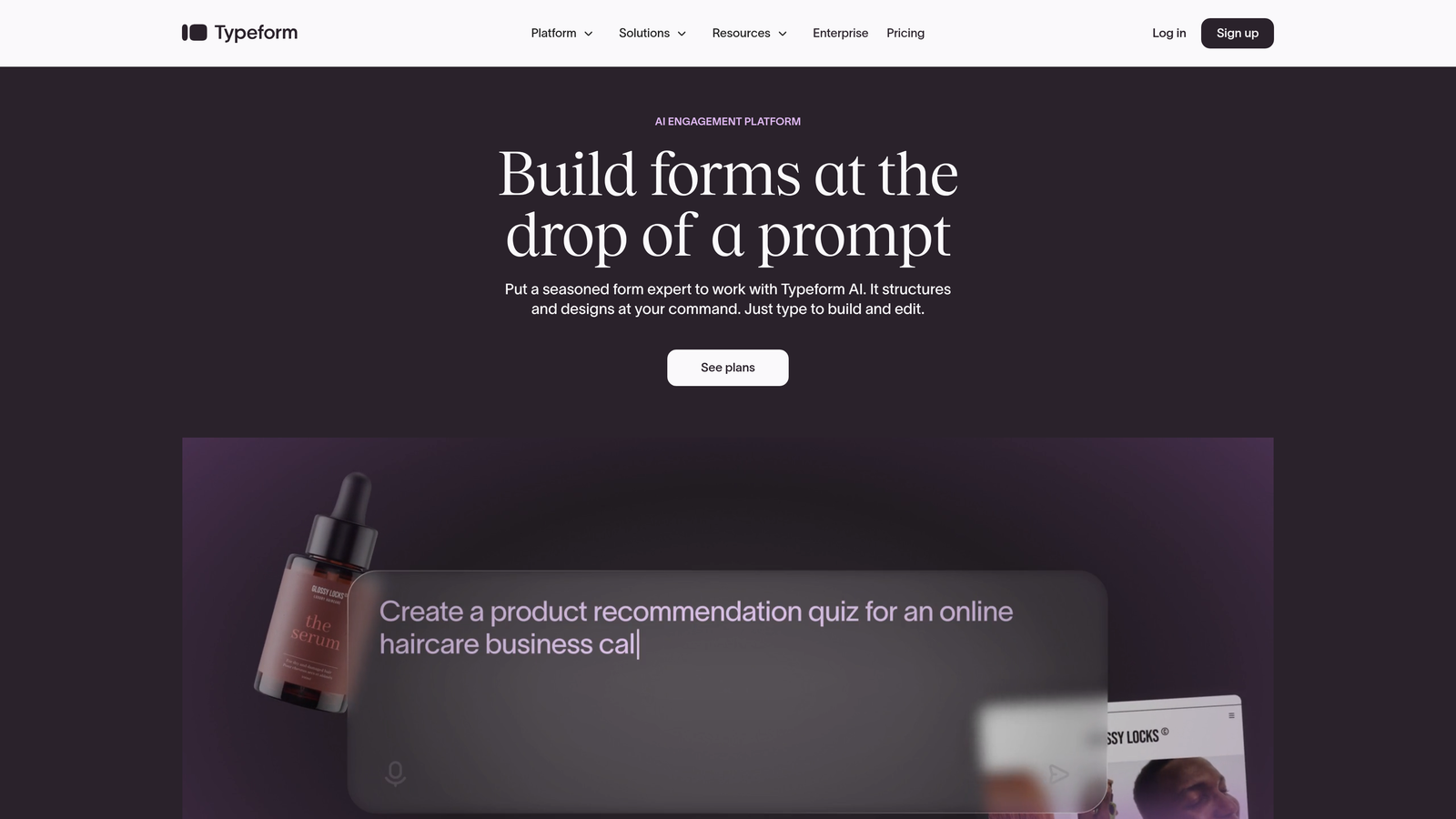
The design philosophy extends beyond question sequencing. Typeform offers extensive customization options for fonts, colors, backgrounds, and animations, allowing brands to create form experiences that feel native to their website aesthetic. This design coherence matters more than many teams realize—forms that look like afterthoughts get treated like afterthoughts.
Conditional logic capabilities let you create branching paths based on responses, showing relevant follow-up questions while skipping irrelevant ones. This dynamic approach keeps forms concise for each individual respondent, even when you need to gather different information from different prospect segments.
Implementation Steps
1. Map out your question flow on paper before building, identifying which responses should trigger specific follow-up questions and where you can eliminate unnecessary fields for certain prospect types.
2. Customize the visual design to match your brand guidelines precisely, paying special attention to the welcome screen and thank-you page that bookend the form experience.
3. Set up conditional logic rules that create personalized question paths, ensuring enterprise prospects see different qualification questions than small business leads.
4. Integrate Typeform with your email marketing platform and CRM using native connections or Zapier, mapping form fields to the correct database properties for seamless data flow.
Pro Tips
Use Typeform's question piping feature to reference earlier answers in later questions, creating a more conversational feel. For example, if someone says they're from the healthcare industry, your next question can start with "For healthcare companies like yours..." This personalization signal increases engagement and completion rates by making respondents feel heard rather than processed.
3. HubSpot Forms: Native Integration Power for All-in-One Teams
The Challenge It Solves
Marketing teams using HubSpot as their central platform face a frustrating choice with third-party form builders: accept data sync delays and integration headaches, or sacrifice advanced form features for native simplicity. These integration gaps create blind spots in your customer journey tracking and slow down lead response times when data takes minutes or hours to sync between systems.
The problem compounds when you're running sophisticated nurture campaigns that depend on form submission data. If your form builder and marketing automation platform don't communicate instantly, you can't trigger the right follow-up sequences at the right moments.
The Strategy Explained
HubSpot Forms eliminates integration complexity by living natively within the HubSpot ecosystem. Every form submission updates contact records instantly, triggers workflows immediately, and feeds into your attribution reporting without any middleware or sync delays. For teams already invested in HubSpot, this seamless connection creates operational efficiency that's hard to match with external tools.

The progressive profiling feature addresses a common lead generation dilemma: how to gather comprehensive data without overwhelming new prospects. HubSpot Forms can recognize returning visitors and show them new questions instead of asking for information you already have. Over multiple interactions, you build complete prospect profiles without ever presenting a lengthy form.
Smart fields take personalization further by pre-populating known information for returning visitors. When someone who previously downloaded a whitepaper returns to register for your webinar, they see their name and email already filled in—reducing friction and signaling that you recognize them.
Implementation Steps
1. Build your core forms within HubSpot's form builder, starting with high-priority conversion points like demo requests and content downloads that feed your primary nurture sequences.
2. Configure progressive profiling rules that determine which questions to show returning visitors, prioritizing qualification information you need for sales handoff over demographic data you can gather later.
3. Create automated workflows triggered by specific form submissions, setting up instant email responses, internal notifications, and lead scoring adjustments that activate the moment someone submits.
4. Embed forms on your website using HubSpot's embed code or WordPress plugin, ensuring proper tracking code installation so you can see the full visitor journey before and after form submission.
Pro Tips
Leverage HubSpot's dependent field functionality to create dynamic forms that adjust based on earlier selections. If someone indicates they're interested in your enterprise plan, you can automatically show additional qualification fields relevant to enterprise buyers while hiding them from small business prospects. This keeps forms concise while gathering the specific information each segment requires.
4. Jotform: Template Variety for Teams That Need Flexibility
The Challenge It Solves
Many businesses need forms for diverse purposes beyond simple lead capture—event registrations, payment collection, file uploads, appointment scheduling, and customer feedback. Using different tools for each use case creates administrative chaos and makes it impossible to maintain consistent branding across all touchpoints. Your team wastes time learning multiple platforms when you really need one flexible solution.
This fragmentation also complicates reporting and data management. When registration data lives in one system, payment information in another, and feedback in a third, you can't easily analyze the complete customer experience or identify patterns across different interaction types.
The Strategy Explained
Jotform positions itself as the Swiss Army knife of form builders, offering over 10,000 pre-built templates covering virtually every form use case imaginable. Need a multi-page application form? There's a template. Want to collect payments during registration? Built-in payment processing handles it. Require file uploads from applicants? The platform supports that natively.
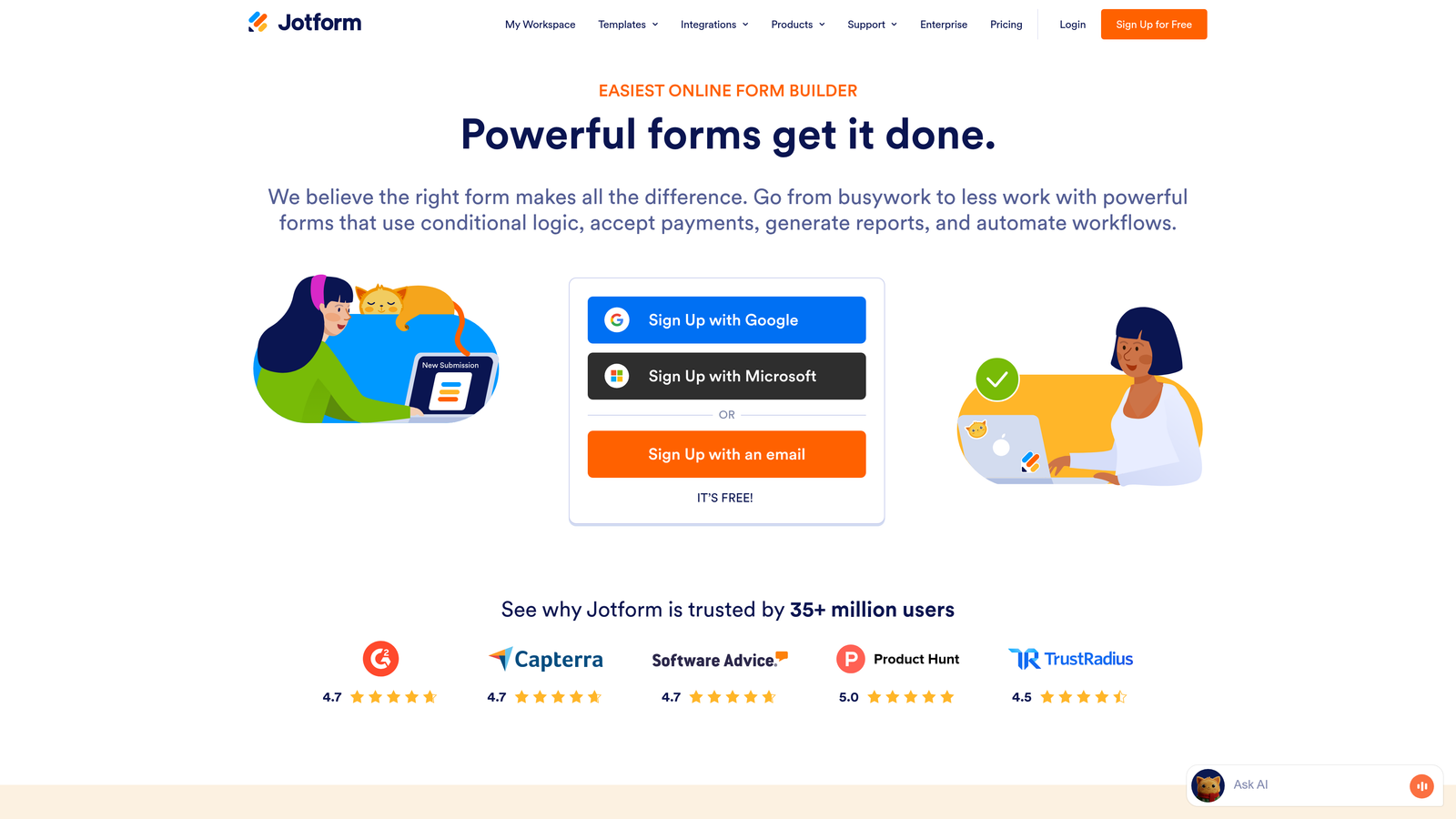
This versatility makes Jotform particularly valuable for businesses with complex lead generation funnels that involve multiple touchpoints. You can use the same platform for initial lead capture, event registration, qualification surveys, and post-purchase feedback—maintaining design consistency while adapting functionality to each stage of the customer journey.
The drag-and-drop builder combines ease of use with surprising depth. Non-technical team members can clone templates and make basic customizations, while power users can add custom CSS, JavaScript, and conditional logic to create sophisticated form experiences without writing code from scratch.
Implementation Steps
1. Browse Jotform's template library to find starting points for your most common form needs, filtering by industry and use case to identify templates that match your requirements.
2. Customize selected templates with your branding elements, adjusting colors, fonts, and layouts to match your website design while removing unnecessary fields from the template defaults.
3. Configure integrations with your CRM, email marketing platform, and other tools using Jotform's extensive integration directory that includes over 100 native connections plus Zapier support.
4. Set up payment processing if needed, connecting your Stripe, PayPal, or Square account to collect fees during registration or enable paid content downloads.
Pro Tips
Take advantage of Jotform's approval workflows for forms that require internal review before processing. If you're collecting job applications or partnership inquiries, you can route submissions through your team for evaluation before triggering automated follow-up sequences. This prevents premature outreach to prospects who don't meet your criteria while maintaining a professional experience for everyone who submits.
5. Gravity Forms: WordPress-Native Power for Content-Driven Sites
The Challenge It Solves
WordPress powers a significant portion of business websites, but many form builders treat it as an afterthought—requiring embed codes, introducing performance issues, or creating design inconsistencies that make forms feel bolted on rather than integrated. These technical friction points slow down page load times and create maintenance headaches when WordPress core updates break third-party integrations.
For content-heavy sites generating leads through blog posts, resource libraries, and educational content, you need forms that integrate seamlessly with WordPress's content management workflow. External form builders force you to manage form content separately from your site content, creating version control nightmares and complicating your editorial calendar.
The Strategy Explained
Gravity Forms operates as a WordPress plugin rather than an external service, giving it deep integration with your site's core functionality. Forms are managed within your WordPress dashboard alongside posts and pages, making it easy for content teams to create and update forms without switching between multiple platforms. This native approach also means faster page load times since forms don't require external JavaScript libraries or API calls.
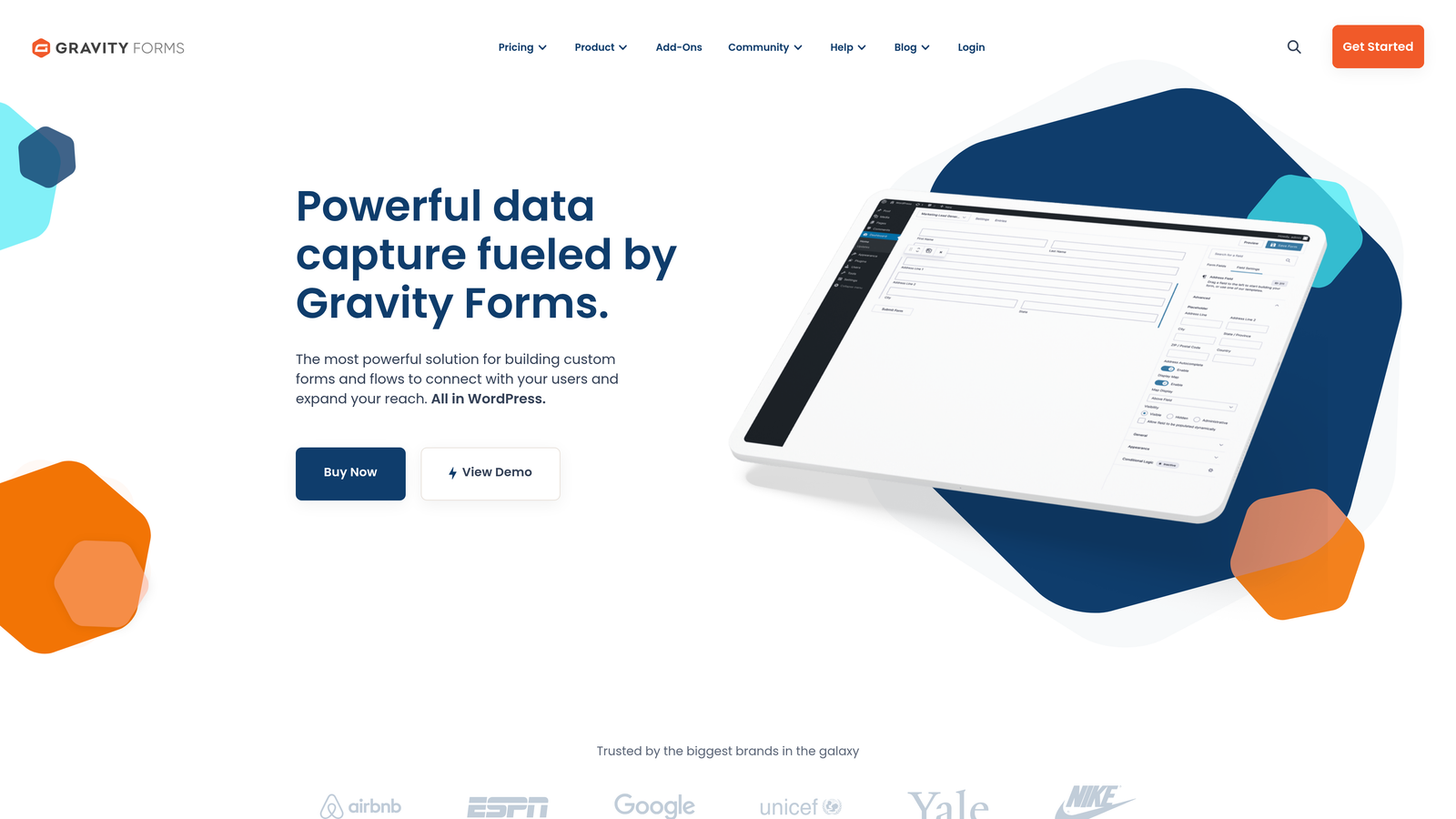
The add-on ecosystem extends Gravity Forms' capabilities far beyond basic contact forms. Official add-ons connect to major CRMs, email marketing platforms, and payment processors, while third-party developers have created hundreds of additional extensions for specialized use cases. This modularity lets you start simple and add functionality as your needs evolve.
Advanced features like multi-page forms with save-and-continue functionality, conditional logic that shows or hides entire form sections, and file upload capabilities with size and type restrictions give you enterprise-level form functionality within your WordPress environment. For teams with development resources, Gravity Forms' extensive hook system allows custom functionality without modifying core plugin files.
Implementation Steps
1. Install the Gravity Forms plugin on your WordPress site and activate the license key, then install any add-ons you need for CRM integration or payment processing.
2. Build your first form using the drag-and-drop builder, adding fields and configuring conditional logic rules that control which questions appear based on earlier responses.
3. Configure notification emails and confirmation messages, setting up different responses for different form types or prospect segments based on their submitted information.
4. Embed forms in posts, pages, or sidebars using shortcodes or Gutenberg blocks, then style them with custom CSS to match your theme's design language perfectly.
Pro Tips
Use Gravity Forms' entry management system as a lightweight CRM for small teams not ready for full marketing automation platforms. You can view, edit, and export form submissions directly within WordPress, add notes to entries, and even set up custom statuses to track where each lead stands in your qualification process. This approach works particularly well for service businesses with straightforward sales cycles.
6. Leadpages: Integrated Landing Page and Form Testing for Campaign Teams
The Challenge It Solves
Marketing teams running paid campaigns face a coordination nightmare: they need to build landing pages, create forms, set up A/B tests, and integrate everything with their email platform—often using three or four different tools. This fragmentation slows down campaign launches and makes it difficult to test the interaction between page design and form performance. When your landing page builder and form builder don't communicate, you can't optimize the complete conversion experience.
The testing challenge becomes especially acute when you're trying to improve conversion rates. You might test landing page headlines in one tool and form layouts in another, but you can't easily test how different combinations perform together. This incomplete testing approach leaves conversion opportunities on the table.
The Strategy Explained
Leadpages combines landing page creation with form building and A/B testing in a single platform designed specifically for campaign-driven marketing teams. You can test different landing page layouts, headlines, and form designs simultaneously, seeing which complete experiences produce the highest conversion rates rather than optimizing elements in isolation.
The platform's template library focuses heavily on proven high-converting layouts for common campaign types: webinar registrations, ebook downloads, free trial signups, and consultation requests. Each template incorporates form design best practices and conversion optimization principles, giving you a strong starting point even if you're new to landing page creation.
Built-in analytics show you exactly where visitors drop off in your conversion funnel, helping you identify whether the problem lies in your page content, form design, or offer positioning. This integrated view of the complete visitor journey makes troubleshooting conversion issues much faster than piecing together data from multiple tools.
Implementation Steps
1. Choose a landing page template that matches your campaign goal, selecting from Leadpages' conversion-focused library organized by use case and industry.
2. Customize the page content and form fields using the drag-and-drop editor, adjusting the design to match your brand while maintaining the template's proven conversion structure.
3. Set up an A/B test comparing different versions of your complete landing page and form combination, testing variables like headline approaches, form length, or button colors.
4. Connect Leadpages to your email marketing platform and CRM, configuring automated workflows that trigger based on form submissions and move leads through your nurture sequences.
Pro Tips
Use Leadpages' alert bars and pop-ups strategically on your main website to drive traffic to your campaign landing pages. When someone visits your pricing page but doesn't convert, trigger a timed pop-up offering a free consultation or product demo. This multi-touch approach captures leads at different stages of consideration without relying solely on static forms embedded in your site.
7. Paperform: Design-Forward Forms That Feel Like Brand Experiences
The Challenge It Solves
Most form builders force you into rigid templates that make every form look generically similar. For brands that have invested heavily in distinctive visual identities, these cookie-cutter forms create jarring disconnects in the customer experience. Your beautifully designed website leads to a form that screams "third-party tool," undermining the premium positioning you've worked to establish.
This design limitation becomes especially problematic for creative agencies, design studios, and lifestyle brands where aesthetic consistency isn't just nice to have—it's central to the brand promise. When your form looks like everyone else's form, you've lost an opportunity to reinforce what makes your brand different.
The Strategy Explained
Paperform approaches form building more like document creation than traditional form design. The platform uses a text-based editor where you write your form content naturally, and Paperform automatically converts it into form fields. This approach gives you unprecedented control over layout, allowing you to mix form fields with rich text, images, videos, and embedded content in ways that rigid form builders simply can't accommodate.
The design flexibility extends to every visual element. You can customize fonts, colors, spacing, and animations to create forms that feel like natural extensions of your brand rather than functional necessities. For businesses selling premium products or services, this design coherence signals attention to detail and quality throughout the customer journey.
Paperform also handles e-commerce functionality natively, letting you embed product catalogs, calculate prices based on selections, and process payments within the same interface you use for lead capture. This versatility makes it particularly valuable for businesses that blur the line between lead generation and direct sales.
Implementation Steps
1. Start with Paperform's text editor and write out your form content as you would naturally communicate it, using the platform's simple syntax to convert text into form fields as you go.
2. Customize the visual design extensively, uploading custom fonts if needed and adjusting every spacing and color detail to match your brand guidelines precisely.
3. Embed rich media throughout the form to create an engaging experience, adding product images, explainer videos, or customer testimonials that provide context and build trust.
4. Set up calculations and conditional logic to create dynamic forms that adjust pricing, show relevant questions, or display different content based on user selections.
Pro Tips
Leverage Paperform's partial submission feature to capture lead information even when prospects don't complete the entire form. The platform can save progress after key fields are filled, giving you contact information for follow-up even if someone abandons before submitting. This recovery mechanism is particularly valuable for longer forms where abandonment rates naturally increase with form length.
Putting It All Together: Your Form Builder Decision Framework
The right form builder depends entirely on where your team's priorities intersect with your current challenges. If you're drowning in unqualified leads and your sales team wastes hours on discovery calls that go nowhere, AI-powered qualification should be your top priority. Orbit AI's intelligent lead scoring and conversational approach solves this specific problem better than any alternative.
For teams deeply embedded in the HubSpot ecosystem, fighting integration battles with external tools creates unnecessary friction. HubSpot Forms' native capabilities eliminate these technical headaches while providing the progressive profiling features that help you build complete prospect profiles over time.
WordPress-centric organizations with development resources should look closely at Gravity Forms. The plugin approach delivers better performance and tighter integration than embedded external forms, while the extensive add-on ecosystem provides enterprise functionality without enterprise pricing.
Campaign-focused marketing teams running continuous paid acquisition need the integrated testing capabilities that Leadpages provides. When you're spending significant budget on traffic, the ability to test complete landing page and form experiences together rather than in isolation directly impacts your ROI.
Consider your team's technical capabilities honestly. Platforms like Jotform and Typeform offer extensive template libraries that help non-technical marketers create professional forms quickly. More flexible tools like Paperform reward design skills and creative thinking but require more hands-on customization work.
Think about your integration requirements before committing. Every form builder claims to integrate with everything, but the depth and reliability of those connections vary dramatically. Native integrations typically work more smoothly than Zapier-based connections, and platforms within your existing ecosystem avoid sync delays that can cost you hot leads.
Most importantly, match the tool to your actual conversion goals. If you're optimizing for volume, simple forms with minimal friction make sense. If you're optimizing for quality, intelligent qualification features that help you prioritize high-value prospects deliver better pipeline despite potentially lower raw submission numbers.
The form builder landscape will continue evolving as AI capabilities become more sophisticated and buyer expectations for personalized experiences increase. The winners will be teams that prioritize conversion optimization and lead quality over vanity metrics like total form submissions. Transform your lead generation with AI-powered forms that qualify prospects automatically while delivering the modern, conversion-optimized experience your high-growth team needs. Start building free forms today and see how intelligent form design can elevate your conversion strategy.


