

Your website traffic is growing, but are you capturing the right leads? The difference between a generic contact form and a strategic lead generation tool can mean the gap between drowning in unqualified inquiries and building a pipeline of prospects who are ready to buy. The best lead generation form tools don't just collect information—they qualify leads in real-time, integrate seamlessly with your tech stack, and turn casual browsers into conversion opportunities.
We evaluated dozens of form builders based on AI capabilities, ease of use, integration options, analytics depth, and pricing flexibility. This list covers everything from AI-powered platforms that score leads automatically to traditional builders with robust customization. Whether you're a high-growth team scaling fast or a small business optimizing conversions, you'll find the right tool here.
1. Orbit AI
Best for: High-growth teams needing AI-powered lead qualification and automated scoring
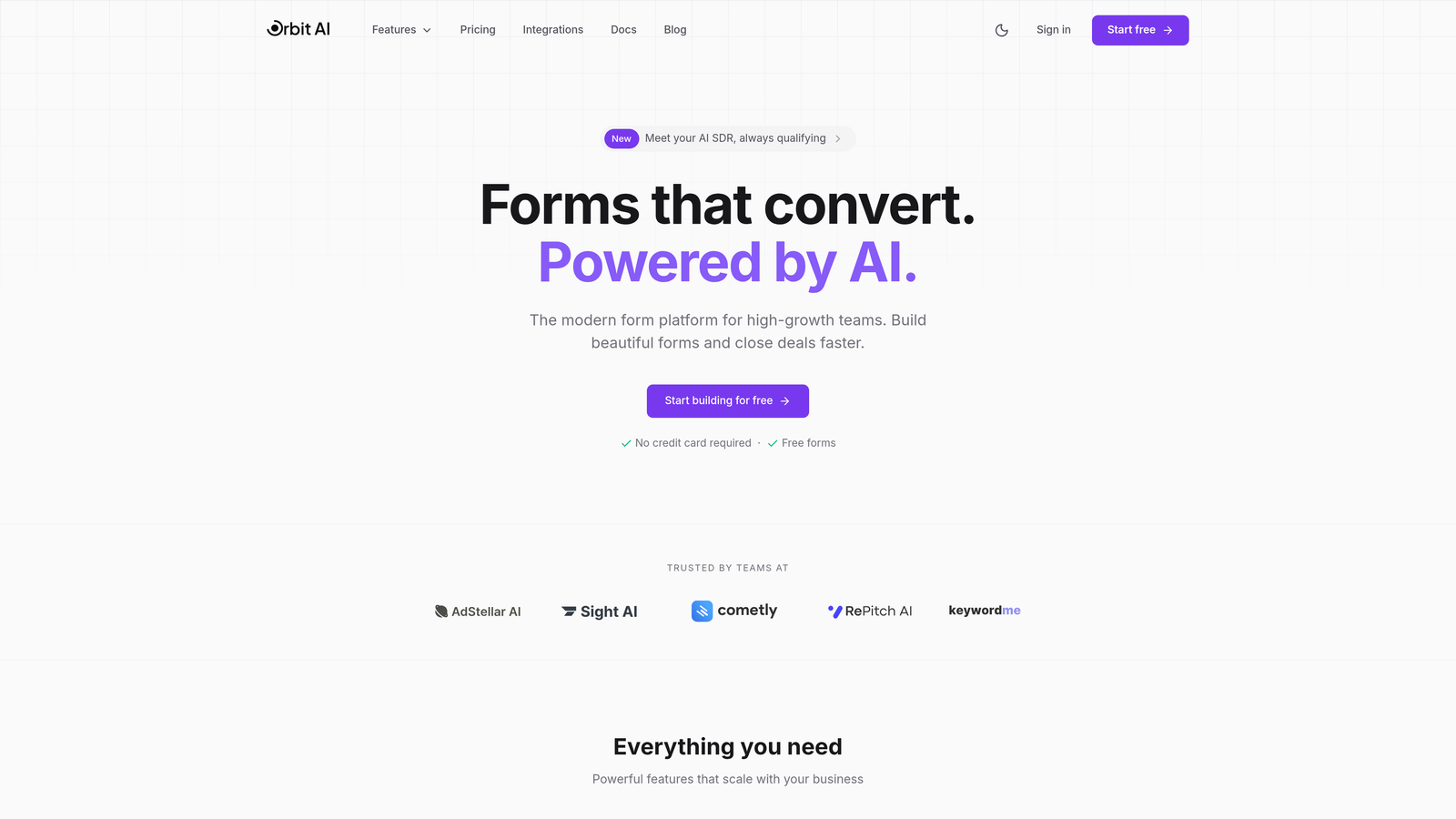
Orbit AI is an AI-powered form builder designed specifically for teams that need to capture and qualify leads automatically without manual sorting.
Where This Tool Shines
The standout feature is intelligent lead qualification that happens in real-time as prospects fill out your forms. Instead of collecting generic contact information and sorting through it later, Orbit AI scores leads based on their responses, routing high-value prospects directly to your sales team while nurturing others through automated workflows.
The platform combines modern form design with conversion optimization built-in. You're not just building forms—you're creating experiences that guide prospects toward qualification while maintaining a polished, professional appearance that matches your brand.
Key Features
AI-Powered Lead Qualification: Automatically scores and routes leads based on their responses and behavior patterns.
Conversion-Optimized Templates: Pre-built form designs tested for maximum conversion rates across industries.
Native CRM Integrations: Connects seamlessly with major CRMs to sync qualified leads instantly.
Real-Time Analytics Dashboard: Track form performance, conversion rates, and lead quality metrics in one place.
Workflow Automation: Set up automated follow-up sequences based on lead score and qualification criteria.
Best For
High-growth teams and businesses where lead quality matters more than lead quantity. If you're tired of sorting through unqualified prospects or need to scale lead generation without adding headcount, the AI qualification features deliver immediate value. Perfect for SaaS companies, agencies, and B2B businesses with complex sales processes.
Pricing
Free tier available for testing core features. Paid plans start at $29/month, making it accessible for growing teams that need AI capabilities without enterprise pricing.
2. Typeform
Best for: Creating conversational, engaging form experiences with high completion rates
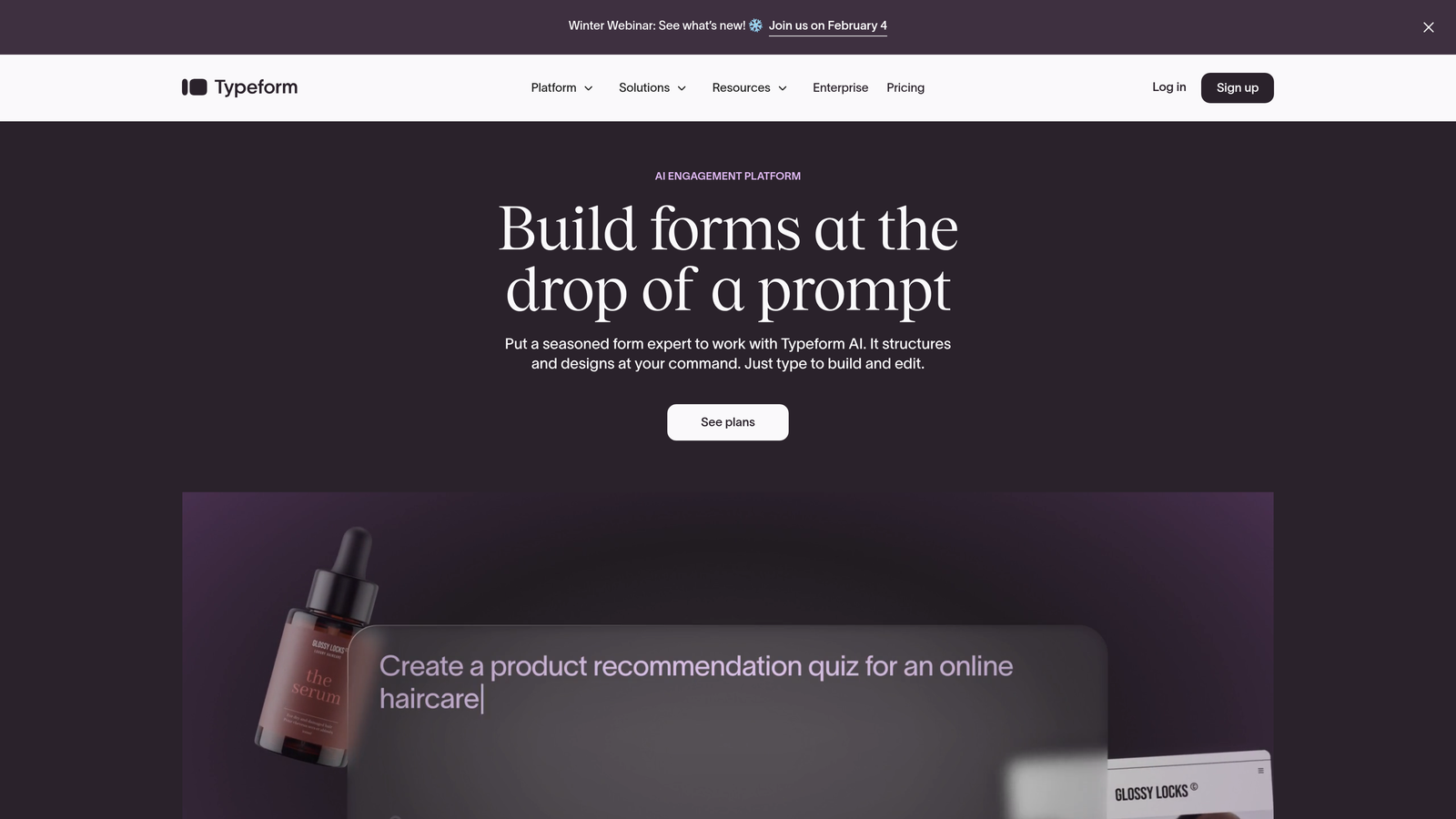
Typeform is a conversational form builder that presents questions one at a time, creating a more engaging experience than traditional multi-field forms.
Where This Tool Shines
The one-question-at-a-time format reduces form abandonment by making completion feel less overwhelming. Instead of facing a wall of fields, prospects answer questions in a conversational flow that feels more like a dialogue than a data collection exercise.
The interface is exceptionally polished. Forms look modern and professional by default, with smooth transitions and thoughtful animations that enhance rather than distract from the user experience. This makes Typeform a favorite for brands that prioritize design aesthetics.
Key Features
Conversational One-Question Format: Present questions sequentially to improve completion rates and reduce form fatigue.
Logic Jumps and Branching: Show different questions based on previous answers to create personalized form paths.
Native Video and Image Embedding: Add rich media directly into forms to provide context and increase engagement.
Extensive Integration Library: Connect with hundreds of tools including CRMs, email platforms, and analytics services.
Custom Branding Options: Match forms to your brand with custom colors, fonts, and backgrounds.
Best For
Businesses that prioritize user experience and completion rates over data density. Works exceptionally well for lead magnets, event registrations, and customer feedback where engagement matters more than collecting extensive information upfront.
Pricing
Free tier available with basic features. Basic plan starts at $25/month, with higher tiers unlocking advanced logic and integrations.
3. HubSpot Forms
Best for: Teams already using HubSpot CRM who need native integration and marketing automation
HubSpot Forms is the native form builder within HubSpot's ecosystem, designed to work seamlessly with their CRM and marketing automation tools.

Where This Tool Shines
The power comes from native integration with HubSpot's CRM. Every form submission automatically creates or updates contact records, triggers workflows, and feeds into your marketing automation—no third-party connectors or data sync delays.
Progressive profiling is a standout feature that prevents asking the same questions twice. If someone has already provided their company size in a previous form, HubSpot automatically shows different questions to gather new information, creating a better experience while building richer contact profiles over time.
Key Features
Native HubSpot CRM Sync: Form submissions instantly update contact records and trigger automated workflows.
Progressive Profiling: Automatically show different questions to returning visitors to gather more data without repetition.
Smart Content Personalization: Display different form fields or messages based on contact properties or list membership.
Built-In Follow-Up Automation: Create automated email sequences triggered by form submissions without leaving the platform.
Detailed Analytics: Track form performance, conversion rates, and attribution within HubSpot's reporting dashboard.
Best For
Businesses already invested in the HubSpot ecosystem who want forms that integrate natively with their CRM and marketing automation. The value proposition diminishes significantly if you're not using other HubSpot tools.
Pricing
Free with HubSpot CRM, making it accessible for basic lead capture. Advanced features like progressive profiling require Marketing Hub, starting at $800/month.
4. Jotform
Best for: Teams needing extensive template variety and payment collection capabilities
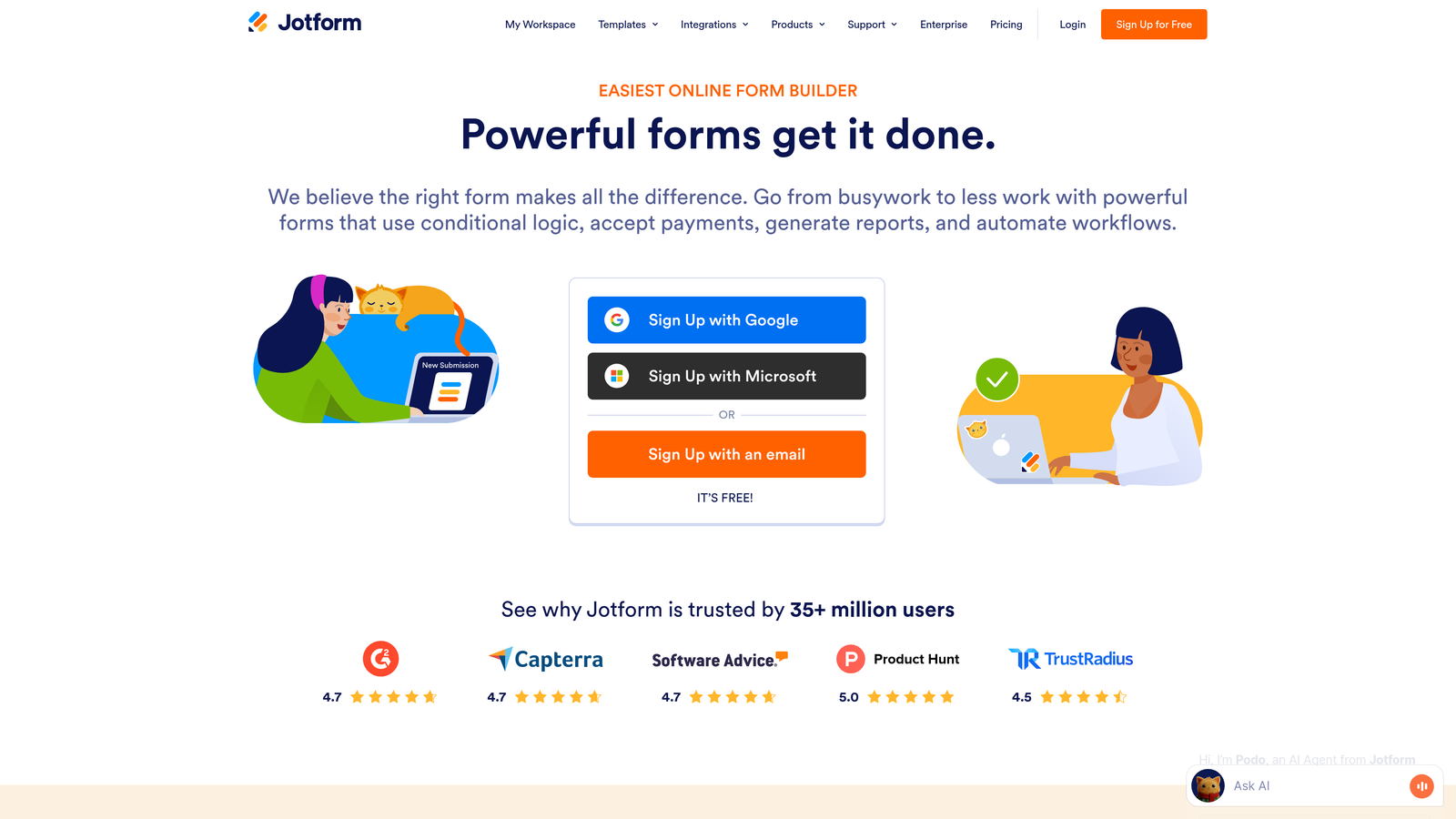
Jotform is a versatile form builder offering thousands of pre-built templates and a straightforward drag-and-drop interface for customization.
Where This Tool Shines
The template library is genuinely massive—over 10,000 options covering virtually every use case from event registration to job applications. This means you rarely start from scratch, saving significant time on form creation.
Payment collection integrations are robust and well-implemented. Whether you're accepting deposits, processing registrations, or selling products through forms, Jotform handles transactions smoothly with support for major payment processors. This makes it particularly valuable for businesses that need forms to do more than just collect contact information.
Key Features
10,000+ Form Templates: Pre-built forms for nearly every industry and use case, fully customizable to your needs.
Drag-and-Drop Builder: Intuitive interface for adding fields, rearranging layout, and customizing design without code.
Payment Collection Integrations: Accept payments through Square, Stripe, PayPal, and other processors directly in forms.
PDF Generation and E-Signatures: Automatically generate PDFs from submissions and collect legally binding signatures.
Conditional Logic: Show or hide fields based on user responses to create dynamic form experiences.
Best For
Small to medium businesses that need versatile forms handling multiple use cases—from lead generation to payments to document collection. The template variety makes it especially valuable for teams without design resources.
Pricing
Free tier includes up to 5 forms with 100 monthly submissions. Bronze plan starts at $34/month for increased limits and features.
5. Leadpages
Best for: Creating complete landing page and form combinations optimized for conversion
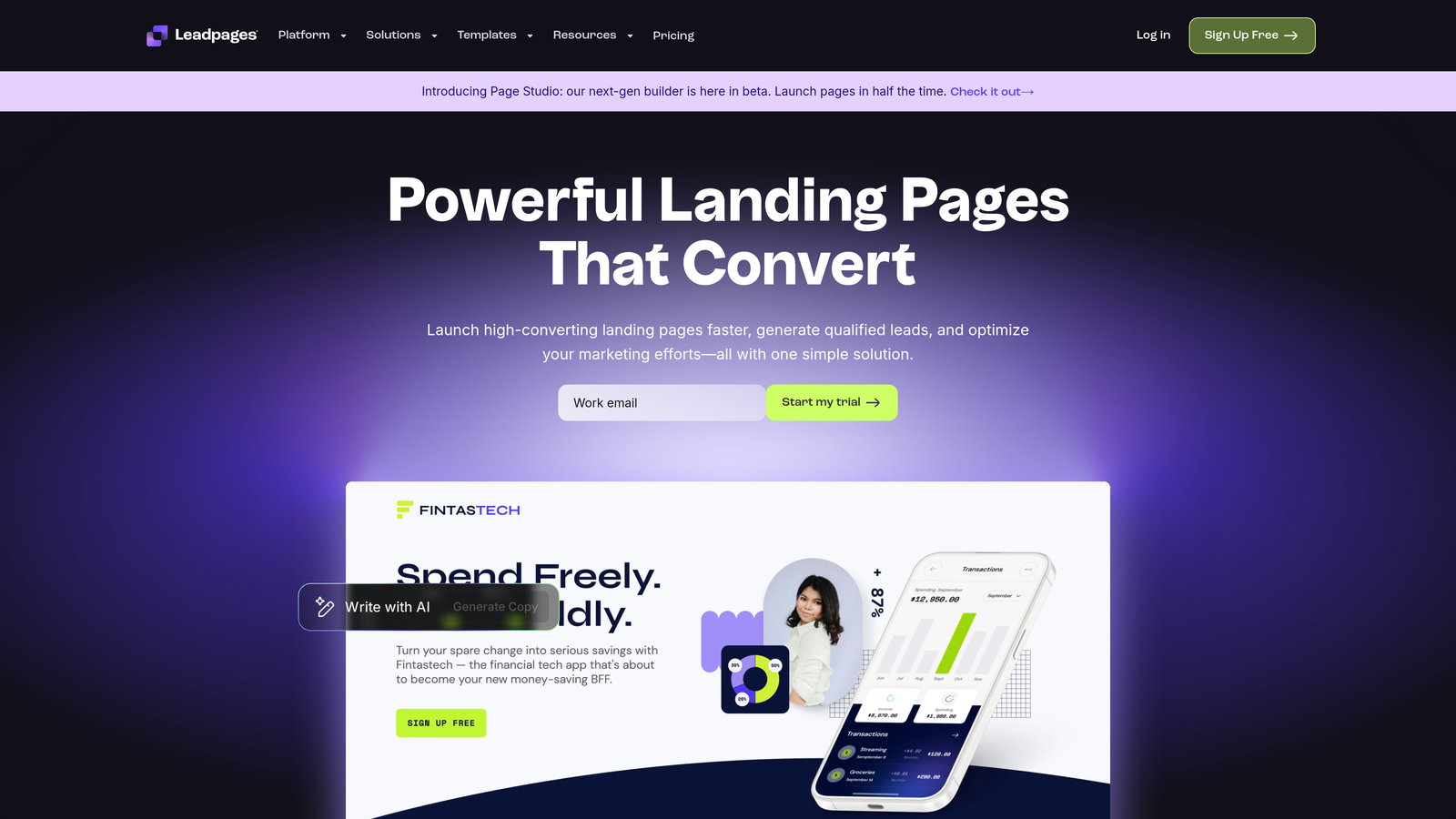
Leadpages is a landing page builder with integrated form capabilities, designed specifically for conversion optimization with built-in A/B testing.
Where This Tool Shines
The platform thinks about forms and landing pages as a unified conversion system rather than separate components. You build complete lead capture experiences where the page design, copy, and form work together toward a single conversion goal.
Built-in A/B testing removes the guesswork from optimization. You can test different headlines, form lengths, button colors, and layouts to identify what actually drives conversions for your audience. This makes Leadpages particularly valuable for teams running paid advertising where conversion rate directly impacts ROI.
Key Features
Landing Page + Form Combo Builder: Create complete conversion experiences with integrated page design and form elements.
Built-In A/B Testing: Test different page and form variations to optimize conversion rates systematically.
Pop-Ups and Alert Bars: Capture leads through multiple touchpoints beyond traditional forms.
Conversion-Focused Templates: Pre-designed pages and forms optimized for specific conversion goals like webinar registration or lead magnets.
Native Ad Integration: Connect directly to Facebook and Instagram to streamline lead ad campaigns.
Best For
Marketing teams running paid advertising campaigns who need landing pages and forms that work together for maximum conversion. Particularly valuable for businesses where conversion optimization directly impacts advertising ROI.
Pricing
Standard plan starts at $37/month. Pro plan at $74/month adds A/B testing and advanced integrations.
6. Gravity Forms
Best for: WordPress sites needing powerful forms with extensive customization options
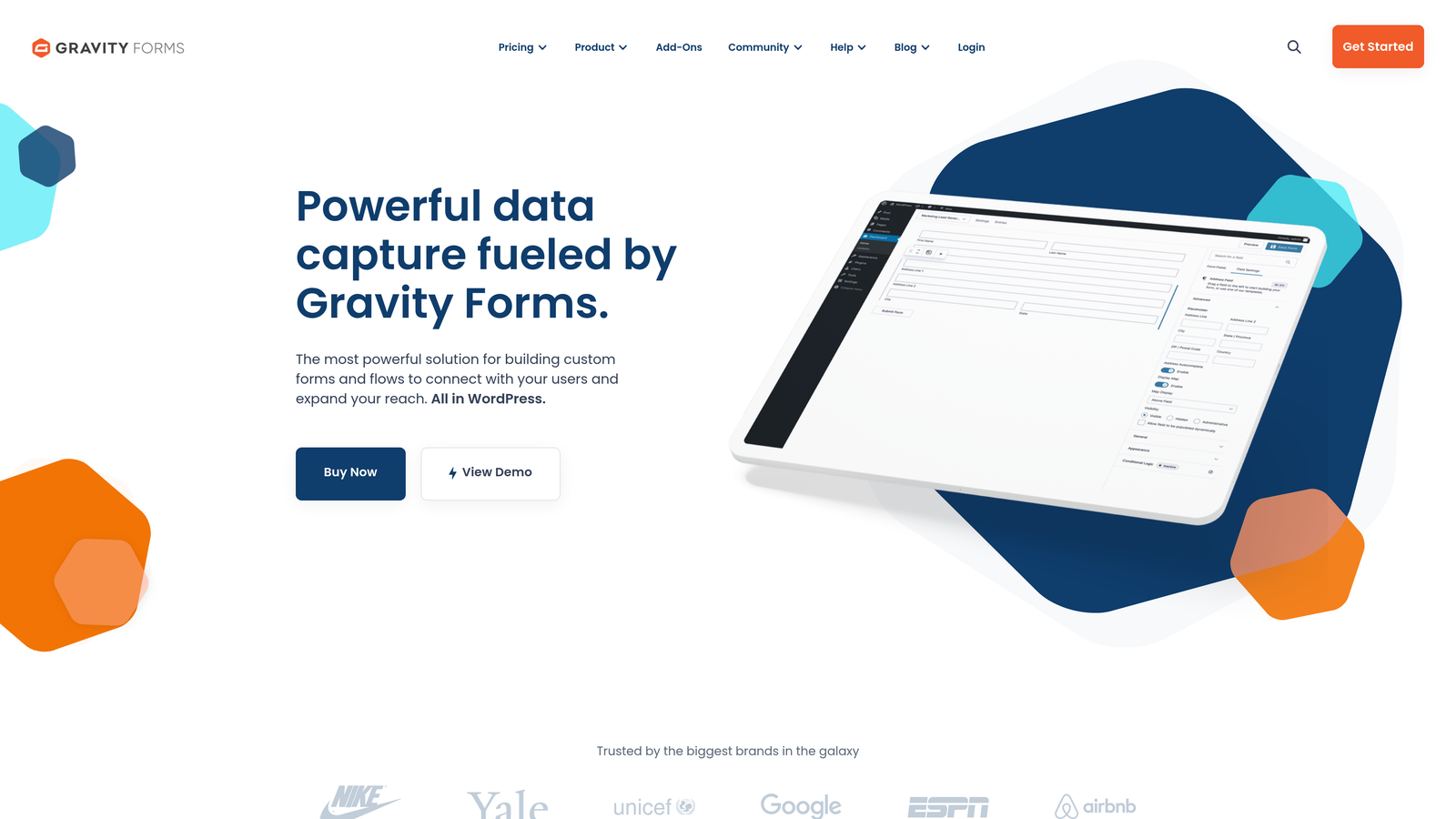
Gravity Forms is a premium WordPress plugin that provides enterprise-level form functionality specifically designed for WordPress environments.
Where This Tool Shines
The WordPress integration is genuinely native—not just compatible, but built specifically for WordPress architecture. Forms integrate seamlessly with WordPress users, posts, and custom post types, enabling sophisticated workflows like front-end content submission and user registration.
The add-on marketplace extends functionality dramatically. Need payment processing? There's an add-on. Want to integrate with specific CRMs or email platforms? Multiple add-ons available. This modular approach means you only pay for capabilities you actually need while maintaining flexibility to expand later.
Key Features
Deep WordPress Integration: Native support for WordPress users, posts, and custom post types for advanced workflows.
Extensive Add-On Marketplace: Expand functionality with official and third-party add-ons for payments, integrations, and features.
Advanced Conditional Logic: Create complex form behaviors based on user input, roles, and other conditions.
Multi-Page Forms with Save Progress: Build long forms that users can complete over multiple sessions.
Developer-Friendly Hooks: Extensive filters and actions for custom functionality and integrations.
Best For
WordPress-based businesses that need powerful form functionality with deep platform integration. Particularly valuable for sites with complex requirements like membership systems, directories, or content submission workflows.
Pricing
Basic license starts at $59/year for a single site. Pro and Elite licenses add more sites and advanced add-ons.
7. Formstack
Best for: Enterprise teams requiring advanced workflow automation and compliance features
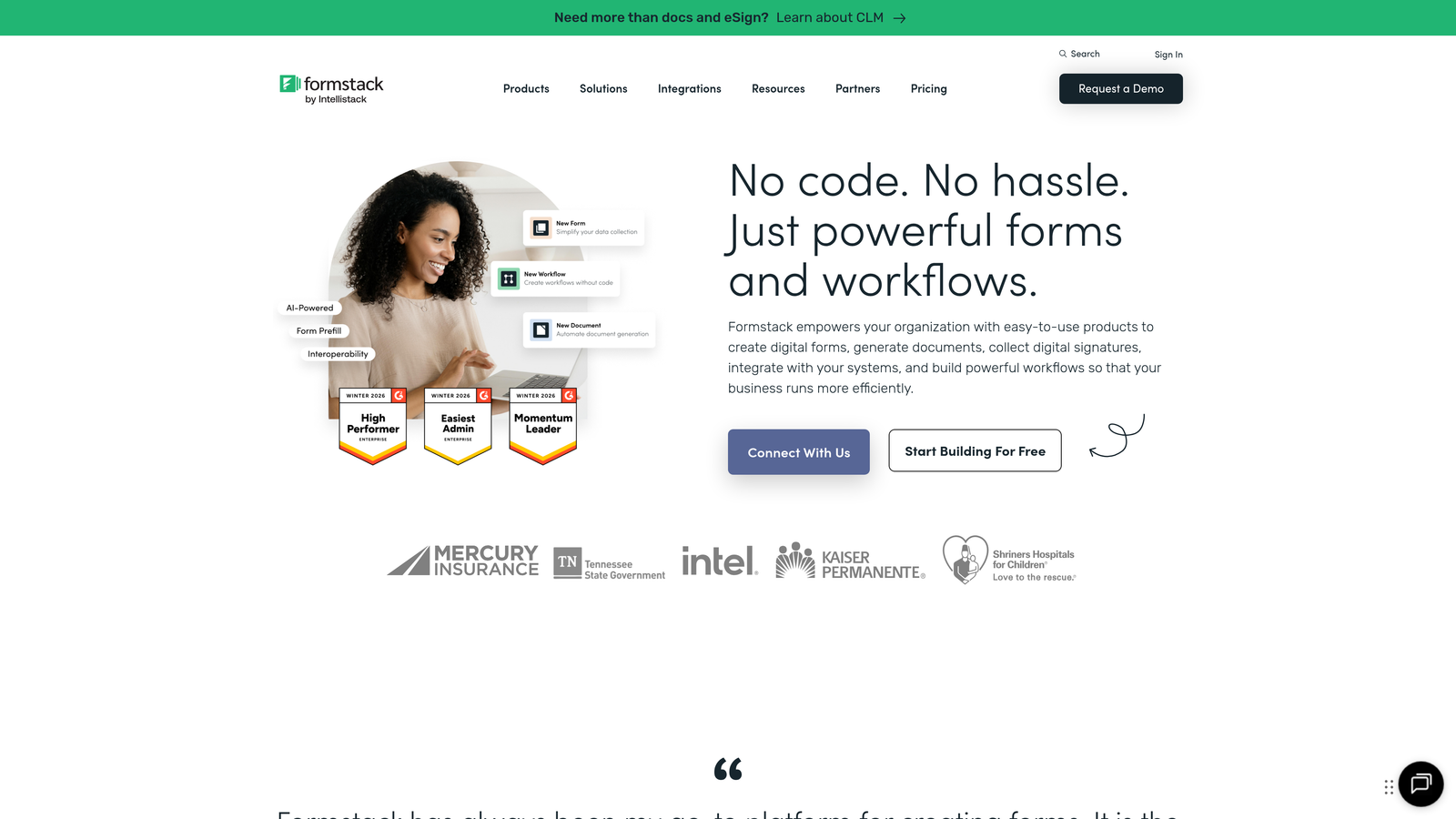
Formstack is an enterprise form builder emphasizing workflow automation, compliance capabilities, and sophisticated data handling for larger organizations.
Where This Tool Shines
Workflow automation goes far beyond basic form submission triggers. You can build complex approval processes where form submissions route through multiple stakeholders, generate documents automatically, and update multiple systems based on sophisticated business logic.
Compliance features are enterprise-grade. HIPAA compliance options make Formstack viable for healthcare organizations handling protected health information. The platform provides audit trails, encryption, and compliance documentation that smaller form builders simply don't offer.
Key Features
Advanced Workflow Automation: Build multi-step approval processes and complex routing logic for form submissions.
HIPAA Compliance Options: Meet healthcare data protection requirements with encrypted forms and audit trails.
Approval Workflows: Route submissions through stakeholders for review and approval before processing.
Document Generation: Automatically create PDFs, contracts, or reports from form data.
Advanced Analytics: Track form performance, conversion funnels, and submission patterns with detailed reporting.
Best For
Enterprise organizations and regulated industries requiring sophisticated workflow automation, compliance features, and advanced data handling. The complexity and pricing make less sense for small businesses with straightforward needs.
Pricing
Forms plan starts at $50/month. Suite pricing varies based on features and user count—expect enterprise-level investment.
8. Tally
Best for: Budget-conscious teams needing unlimited forms without feature restrictions
Tally is a simple, generous form builder offering unlimited forms and submissions on the free tier with a Notion-like editing experience.
Where This Tool Shines
The free tier is genuinely useful—not a limited trial designed to push upgrades. Unlimited forms, unlimited submissions, and file uploads included free make Tally viable for actual business use without paying anything.
The editing experience borrows heavily from Notion's approach, making form building feel more like writing a document than configuring software. If you're comfortable with Notion, you'll be productive in Tally immediately. This simplicity reduces the learning curve dramatically compared to more complex builders.
Key Features
Unlimited Forms on Free Tier: No artificial limits on form count or submissions, making it viable for ongoing business use.
Notion-Like Editing Experience: Familiar, document-style interface that feels intuitive if you've used modern productivity tools.
File Uploads Included Free: Accept file submissions without upgrading to paid plans.
Clean, Minimal Design: Forms look modern and professional by default without extensive customization.
Basic Integrations: Connect to popular tools like Google Sheets, Notion, and Zapier on free plan.
Best For
Startups, small businesses, and individual creators who need functional forms without budget for paid tools. Also valuable for teams that want to test form strategies before committing to paid platforms.
Pricing
Free tier includes core features with no form or submission limits. Pro plan at $29/month adds custom branding, advanced integrations, and priority support.
9. Paperform
Best for: Creating content-rich, branded form experiences that feel like landing pages
Paperform is a document-style form builder that lets you create forms with extensive text, images, and media for more engaging experiences.
Where This Tool Shines
The document-style approach lets you build forms that feel more like interactive landing pages than traditional data collection forms. You can weave form fields into paragraphs of text, add images between sections, and create experiences that provide context and value while collecting information.
Customization options are extensive without requiring code. You control colors, fonts, spacing, and layout to match your brand precisely. This makes Paperform particularly valuable for businesses where brand consistency matters and generic form templates won't cut it.
Key Features
Document-Style Form Building: Create forms that blend text, images, and fields into cohesive experiences.
Rich Media Embedding: Add videos, images, and custom HTML to create engaging, content-rich forms.
Payment and Booking Integrations: Accept payments and schedule appointments directly through forms.
Advanced Customization Options: Control every aspect of form design without writing code.
Calculation Fields: Build forms with automatic calculations for quotes, pricing, or assessments.
Best For
Businesses that need forms to do more than collect data—think product configurators, booking systems, or lead magnets where context and explanation matter. Particularly valuable for brands with strong visual identities requiring precise customization.
Pricing
Essentials plan starts at $24/month. Pro plan at $44/month adds advanced features and higher submission limits.
Finding Your Perfect Lead Generation Tool
The right form builder depends entirely on your specific lead generation goals and constraints. If AI-powered qualification is a priority and you need to separate high-value prospects from tire-kickers automatically, Orbit AI delivers that intelligence without requiring manual scoring. Teams prioritizing engagement and completion rates will find Typeform's conversational approach reduces abandonment significantly.
Already invested in HubSpot? The native integration makes HubSpot Forms the obvious choice—fighting against your existing ecosystem rarely makes sense. WordPress users should seriously consider Gravity Forms for deep platform integration that other builders can't match. Budget-conscious teams can start with Tally's generous free tier and upgrade only when specific needs emerge.
Enterprise organizations handling sensitive data or requiring complex approval workflows will find Formstack's compliance features and automation capabilities worth the investment. For businesses running paid advertising where conversion optimization directly impacts ROI, Leadpages combines landing pages and forms into a unified testing system.
The common thread across all these tools is that generic contact forms no longer cut it. Modern lead generation requires intelligence—whether that's AI scoring, conversational experiences, or sophisticated integrations that route leads automatically. The tools that win are the ones that qualify prospects while they're filling out forms, not after.
Transform your lead generation with AI-powered forms that qualify prospects automatically while delivering the modern, conversion-optimized experience your high-growth team needs. Start building free forms today and see how intelligent form design can elevate your conversion strategy.


