

Choosing the right form builder can make or break your lead generation efforts. While both Typeform and Google Forms dominate the market, they serve fundamentally different business needs. Typeform shines with its conversational, design-forward approach that can boost completion rates for customer-facing forms. Google Forms offers simplicity and seamless Google Workspace integration at zero cost.
But here's what most comparison articles miss: the best choice depends entirely on your specific use case, budget constraints, and growth trajectory. This guide walks you through seven strategic frameworks to evaluate which platform—or alternative—fits your business goals.
Whether you're collecting customer feedback, qualifying leads, or running internal surveys, you'll leave with a clear decision-making framework that cuts through the marketing noise and focuses on what actually matters for your business.
1. Map Your Form Goals to Platform Strengths
The Challenge It Solves
Most businesses choose form builders based on feature lists rather than their primary use case. This leads to paying for capabilities you'll never use or missing critical functionality you need daily. The disconnect between your actual goals and platform strengths creates friction in your workflows and disappoints your users.
Understanding where each platform excels helps you match your most important use case to the right tool from day one.
The Strategy Explained
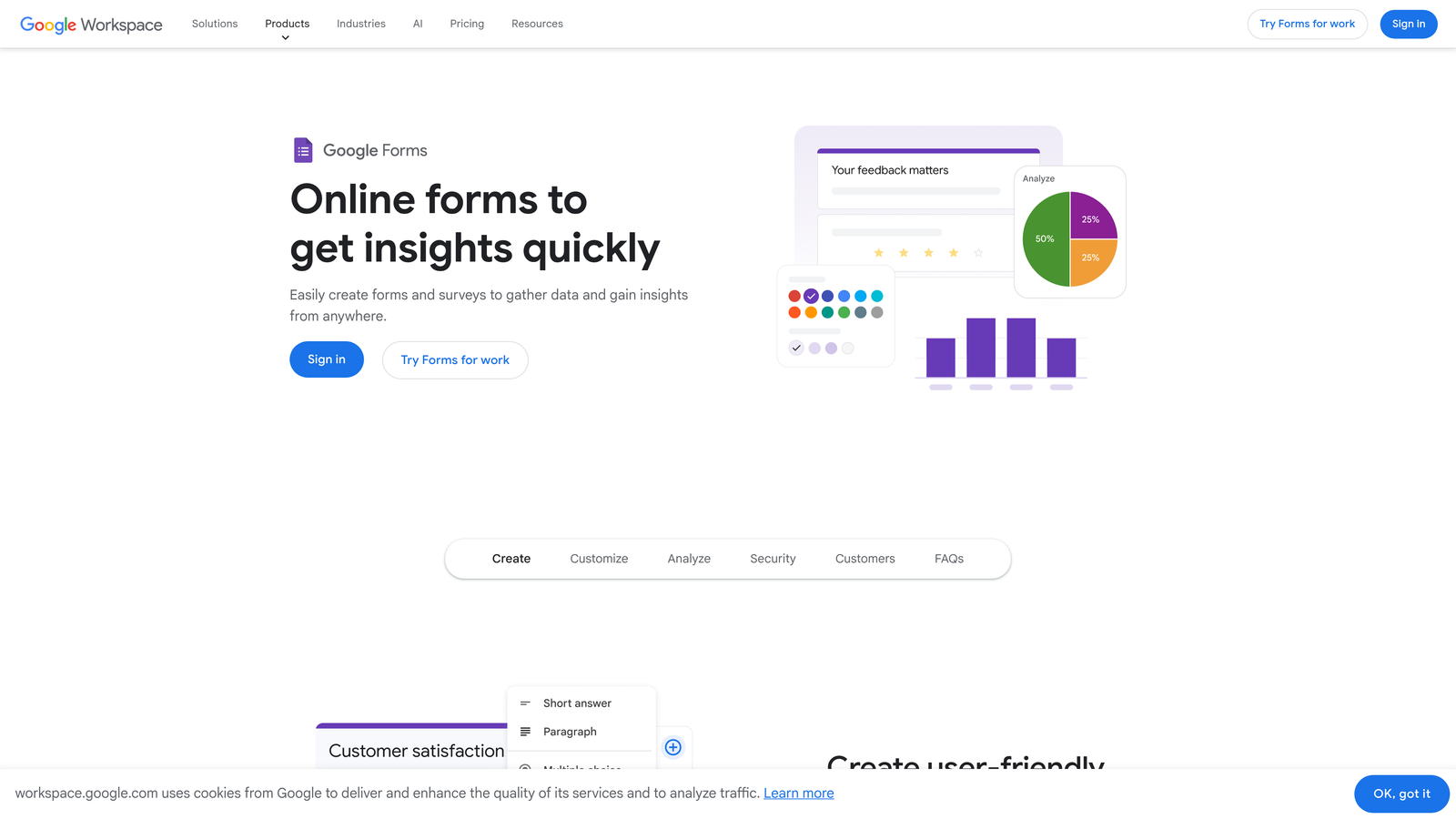
Start by identifying your primary form purpose. Google Forms excels at internal data collection, team surveys, event registrations, and simple feedback forms where speed and simplicity matter most. The platform's straightforward interface means anyone on your team can create functional forms in minutes without training.
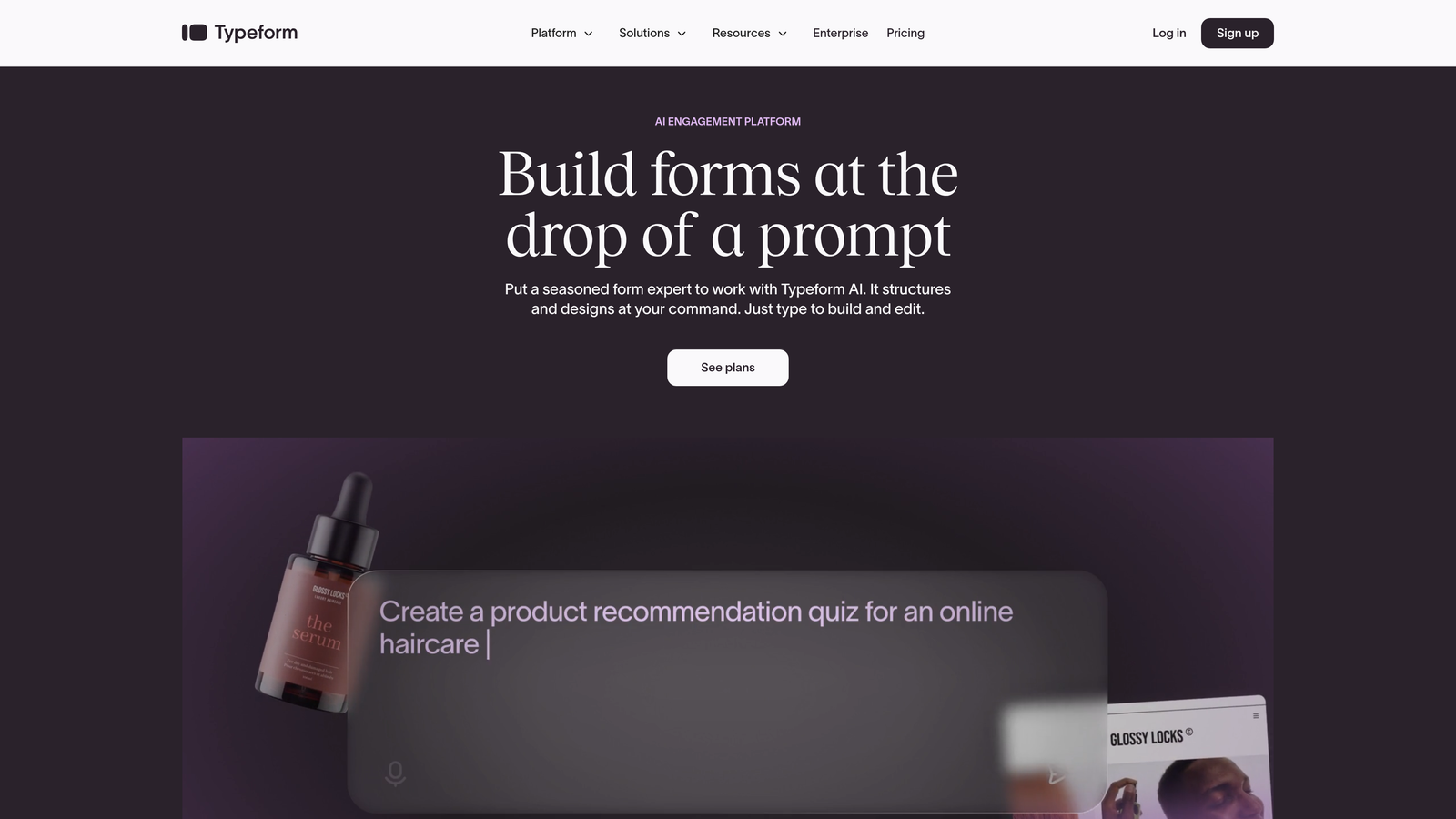
Typeform's conversational, one-question-at-a-time format works best for customer-facing scenarios where engagement matters: lead generation forms, customer satisfaction surveys, product feedback collection, and qualification questionnaires. The visual polish and interactive experience create a more premium feel that represents your brand well to prospects.
Think of it like choosing between a reliable sedan and a sports car. Google Forms is your dependable daily driver—it gets the job done efficiently without fuss. Typeform is designed to impress when you need to make a statement.
Implementation Steps
1. List your top three form use cases by volume and business impact, then rank them by how much user experience matters for each scenario.
2. Create a simple matrix comparing each use case against platform strengths: Google Forms for internal/simple needs, Typeform for external/engagement-critical forms.
3. Identify any use cases that require both simplicity and engagement—these might benefit from exploring AI-powered alternatives that combine both strengths.
Pro Tips
Don't assume you need just one platform. Many high-growth teams use Google Forms for internal operations while deploying Typeform or modern alternatives for customer-facing lead generation. This hybrid approach optimizes both cost and user experience where each matters most.
2. Calculate True Cost of Ownership Beyond Subscription Fees
The Challenge It Solves
The sticker price rarely tells the full story. Google Forms appears free, making it seem like an obvious choice for budget-conscious businesses. Meanwhile, Typeform's paid plans starting around $25 monthly with response caps can feel expensive. But subscription costs represent just one piece of your total investment.
Hidden costs including setup time, integration complexity, and conversion opportunity costs can dwarf monthly fees.
The Strategy Explained
True cost of ownership includes four major factors. First, calculate setup and maintenance time—how many hours will your team spend building, testing, and updating forms? Multiply those hours by your team's hourly rate to get the real cost.
Second, evaluate integration expenses. Google Forms connects natively to Google Sheets and Workspace tools at no cost, but connecting to your CRM or marketing automation platform might require paid middleware like Zapier. Typeform offers more native integrations but may still need additional tools for complex workflows.
Third, consider conversion opportunity costs. If a more engaging form increases your completion rate from 40% to 60%, that 20-point improvement translates directly to more leads. Calculate the revenue value of those additional conversions—it often justifies higher platform costs.
Finally, factor in scalability costs. Typeform's response caps mean you'll need to upgrade as volume grows. Google Forms scales infinitely free, but lacks features that become critical as your business matures.
Implementation Steps
1. Document your team's average time spent on form creation and management monthly, then multiply by your blended hourly rate to establish your time investment baseline.
2. List every tool in your tech stack that needs to receive form data, then research integration options and costs for both platforms.
3. Run a simple conversion value calculation: estimate your current form completion rate, project improvement with a better platform, and multiply additional conversions by your average customer value.
Pro Tips
Create a 12-month cost projection spreadsheet that includes subscription fees, integration costs, estimated time investment, and projected conversion improvements. This comprehensive view often reveals that investing in a better platform pays for itself within months through improved conversion rates alone.
3. Audit Your Integration Requirements First
The Challenge It Solves
Forms don't exist in isolation—they're connection points in your broader business systems. A form that doesn't integrate smoothly with your CRM, email platform, or analytics tools creates manual data entry work and increases error rates. This integration friction can turn a "free" platform into an expensive time sink.
Evaluating integration capabilities before committing prevents workflow bottlenecks that slow your team down.
The Strategy Explained
Google Forms integrates natively with Google Sheets, making it ideal if your business runs on Google Workspace. Responses flow automatically to spreadsheets where you can manipulate data, create charts, and share with team members. However, connecting to external tools like Salesforce, HubSpot, or Mailchimp typically requires third-party automation platforms.
Typeform offers native integrations with many popular business tools including major CRMs, email platforms, and project management systems. This direct connectivity can eliminate middleware costs and reduce setup complexity for common workflows. The platform also provides webhooks and a robust API for custom integrations.
The key question isn't which platform has more integrations—it's which platform connects to your specific tools with the least friction. A platform with 500 integrations doesn't help if it doesn't support the five tools you actually use daily.
Implementation Steps
1. Create a list of every system that needs to receive or process form data: CRM, email platform, analytics tools, project management software, and any industry-specific applications.
2. Research how each platform connects to your specific tools—native integration, Zapier/Make, API only, or manual export—and note the setup complexity and ongoing costs for each connection.
3. Map your ideal data flow from form submission through your entire workflow to identify any gaps or manual steps that either platform would introduce.
Pro Tips
Don't just check if an integration exists—test it with sample data before committing. Some integrations sync only basic fields or introduce delays that disrupt time-sensitive workflows. A 15-minute integration test can save weeks of frustration later.
4. Test Completion Rates with Your Actual Audience
The Challenge It Solves
Marketing materials promise that conversational forms boost completion rates, but those claims often come from controlled studies with specific audiences. Your actual results depend on your unique audience, form length, question complexity, and context. Assumptions about what works can lead to investing in expensive platforms that don't deliver better results for your specific use case.
Real-world testing with your audience provides data-driven clarity instead of relying on generalized claims.
The Strategy Explained
Run a controlled comparison test before making a long-term commitment. Create identical forms on both platforms—same questions, same order, same value proposition. Split your traffic between the two versions and track completion rates, time to complete, and data quality for each.
Many businesses find that conversational formats work exceptionally well for longer surveys or complex qualification forms where the one-question-at-a-time approach reduces cognitive load. However, simple forms requesting basic contact information sometimes perform equally well or better in traditional formats where users can quickly scan all fields.
Your audience's preferences matter more than industry averages. B2B audiences making considered purchases may respond differently than B2C consumers. Technical audiences may prefer efficiency over engagement. The only way to know is to test.
Implementation Steps
1. Select a high-volume form that's critical to your business—lead generation, event registration, or customer feedback—and recreate it identically on both platforms.
2. Run the test for at least two weeks or until you have 100+ submissions per version to ensure statistical significance, using URL parameters or A/B testing tools to split traffic evenly.
3. Track completion rate, average time to complete, and submission quality (complete responses vs. partial or low-quality data), then calculate the business value difference between the two versions.
Pro Tips
Test with your worst-performing form first, not your best. If a platform can improve a struggling form's performance, that's where you'll see the most dramatic ROI. Also consider testing different form types—a platform that excels at lead generation might underperform for customer surveys.
5. Evaluate Brand Experience and Customization Needs
The Challenge It Solves
Your forms represent your brand to prospects and customers. Generic-looking forms signal that you're cutting corners, while polished, on-brand experiences reinforce professionalism and attention to detail. This perception gap matters especially when you're competing for high-value customers who evaluate every touchpoint.
Matching your form's visual presentation to your brand standards ensures consistent experiences across all customer interactions.
The Strategy Explained
Google Forms offers basic customization: header images, color themes, and logo placement. You can match your brand colors and add your logo, but the underlying form structure remains recognizably Google Forms. For internal forms or situations where brand presentation matters less, this simplicity actually becomes an advantage—everyone knows how to use it.
Typeform provides extensive design customization including custom fonts, background images, videos, and layout controls. You can create forms that feel like natural extensions of your website rather than obviously third-party tools. This level of customization matters most for customer-facing forms where brand consistency affects trust and conversion rates.
Consider where your forms live in your customer journey. An internal employee survey doesn't require premium branding. A lead generation form that's the first interaction prospects have with your company deserves more investment in presentation.
Implementation Steps
1. Review your current forms and classify them by audience: internal team, existing customers, or new prospects—then identify which categories require strong brand alignment.
2. Create a brand requirements checklist including must-have elements like custom fonts, specific color schemes, logo placement, and any visual elements critical to your brand identity.
3. Build a sample form on each platform using your brand assets to see how close you can get to your ideal presentation, noting any compromises or workarounds required.
Pro Tips
Customization isn't just about aesthetics—it's about removing friction. Forms that look and feel like your website create seamless experiences where users don't question whether they've left your site. This continuity builds trust, especially for forms requesting sensitive information or significant commitments.
6. Assess Data Security and Compliance Requirements
The Challenge It Solves
Collecting customer data comes with legal and ethical responsibilities that vary by industry and geography. Healthcare organizations need HIPAA compliance. Companies serving European customers must meet GDPR requirements. Financial services face strict data protection regulations. Choosing a platform without adequate security features can expose your business to compliance violations and data breaches.
Matching platform security capabilities to your regulatory requirements protects both your business and your customers.
The Strategy Explained
Google Forms benefits from Google's enterprise-grade security infrastructure including SOC 2 and ISO 27001 certifications. Data is encrypted in transit and at rest, and you inherit Google's security practices. The platform offers GDPR compliance tools including data processing agreements and user consent management. However, Google Forms doesn't offer HIPAA compliance, making it unsuitable for healthcare organizations collecting protected health information.
Typeform provides GDPR compliance features on all plans and offers HIPAA compliance on enterprise tiers. This makes it viable for healthcare organizations and other highly regulated industries. The platform also offers more granular control over data storage locations, which matters for companies with data residency requirements.
Both platforms offer basic security features like SSL encryption and secure data storage. The differences emerge in advanced compliance certifications and industry-specific requirements.
Implementation Steps
1. Document your compliance requirements based on your industry, customer locations, and data sensitivity—include regulations like GDPR, HIPAA, CCPA, or industry-specific standards.
2. Review each platform's security documentation and compliance certifications to verify they meet your specific requirements, paying special attention to any gaps that would require additional controls.
3. Consult with your legal or compliance team before committing to ensure the platform supports your data handling policies and any required business associate agreements or data processing agreements.
Pro Tips
Security requirements often eliminate options quickly, making this an efficient early filter. If you need HIPAA compliance, Google Forms is immediately off the table. If you're a small business with no special compliance needs, both platforms provide adequate security. Don't overpay for compliance features you don't legally require.
7. Consider AI-Powered Alternatives for Lead Qualification
The Challenge It Solves
Both Typeform and Google Forms were built for data collection, not intelligent lead qualification. They capture responses but leave you to manually score leads, identify high-value prospects, and prioritize follow-up. This manual qualification process creates delays, inconsistency, and missed opportunities as your lead volume grows.
Modern form builders with built-in AI capabilities can qualify leads automatically while delivering the engaging experience today's buyers expect.
The Strategy Explained
The form builder landscape has evolved beyond the traditional Typeform vs Google Forms comparison. Newer platforms combine the conversational engagement of Typeform with intelligent lead scoring that happens automatically as prospects complete forms. This means your sales team receives not just contact information, but qualified leads with priority rankings based on responses.
AI-powered form builders analyze responses in real-time to identify buying signals, company fit indicators, and urgency markers. Instead of treating every submission equally, these platforms help you focus immediately on prospects most likely to convert. This capability becomes increasingly valuable as your lead volume grows beyond what your team can manually qualify.
For high-growth teams focused on conversion optimization, the question isn't just Typeform vs Google Forms—it's whether either legacy platform truly serves your lead generation needs, or whether modern alternatives offer a better path forward.
Implementation Steps
1. Evaluate whether your current lead qualification process creates bottlenecks or inconsistency—calculate how much time your team spends manually reviewing and scoring form submissions.
2. Research modern form builders that combine design-forward user experiences with intelligent lead qualification capabilities, focusing on platforms built specifically for high-growth teams.
3. Consider platforms that offer the customization and engagement of Typeform while adding AI-powered qualification that Google Forms lacks, creating a best-of-both-worlds solution for customer-facing forms.
Pro Tips
Don't assume you're locked into the Typeform vs Google Forms choice just because they're market leaders. The form builder space is evolving rapidly, and newer platforms often deliver better results for specific use cases like lead generation. Evaluate your actual needs rather than defaulting to familiar names.
Your Decision Framework
The Typeform vs Google Forms debate isn't about finding a universal winner—it's about matching the right tool to your specific business context. Start by clarifying your primary use case: internal data collection favors Google Forms' simplicity, while customer-facing lead generation often justifies Typeform's investment.
Run small-scale tests before committing, and don't overlook the total cost of ownership including integration time and conversion opportunity costs. Calculate the real value of improved completion rates against subscription fees—the math often surprises businesses who assumed free was always better.
For high-growth teams focused on lead qualification, consider whether either legacy platform truly meets your needs, or whether AI-powered alternatives might offer a better path forward. Your forms are often the first interaction prospects have with your brand—choose a platform that makes that interaction count.
Transform your lead generation with AI-powered forms that qualify prospects automatically while delivering the modern, conversion-optimized experience your high-growth team needs. Start building free forms today and see how intelligent form design can elevate your conversion strategy.


