

Your web forms are either converting visitors into leads or silently pushing them away. With form abandonment rates consistently high across industries, the difference between a good form and a great one can mean thousands in lost revenue. The right optimization tool helps you identify friction points, test improvements, and ultimately turn more visitors into qualified leads.
We've tested and evaluated the top web form optimization tools available today, considering factors like ease of use, analytics depth, A/B testing capabilities, and integration flexibility. Whether you're looking for AI-powered optimization, detailed behavioral analytics, or simple form builders with built-in conversion features, this list has you covered.
1. Orbit AI
Best for: High-growth teams needing AI-powered lead qualification built into their forms
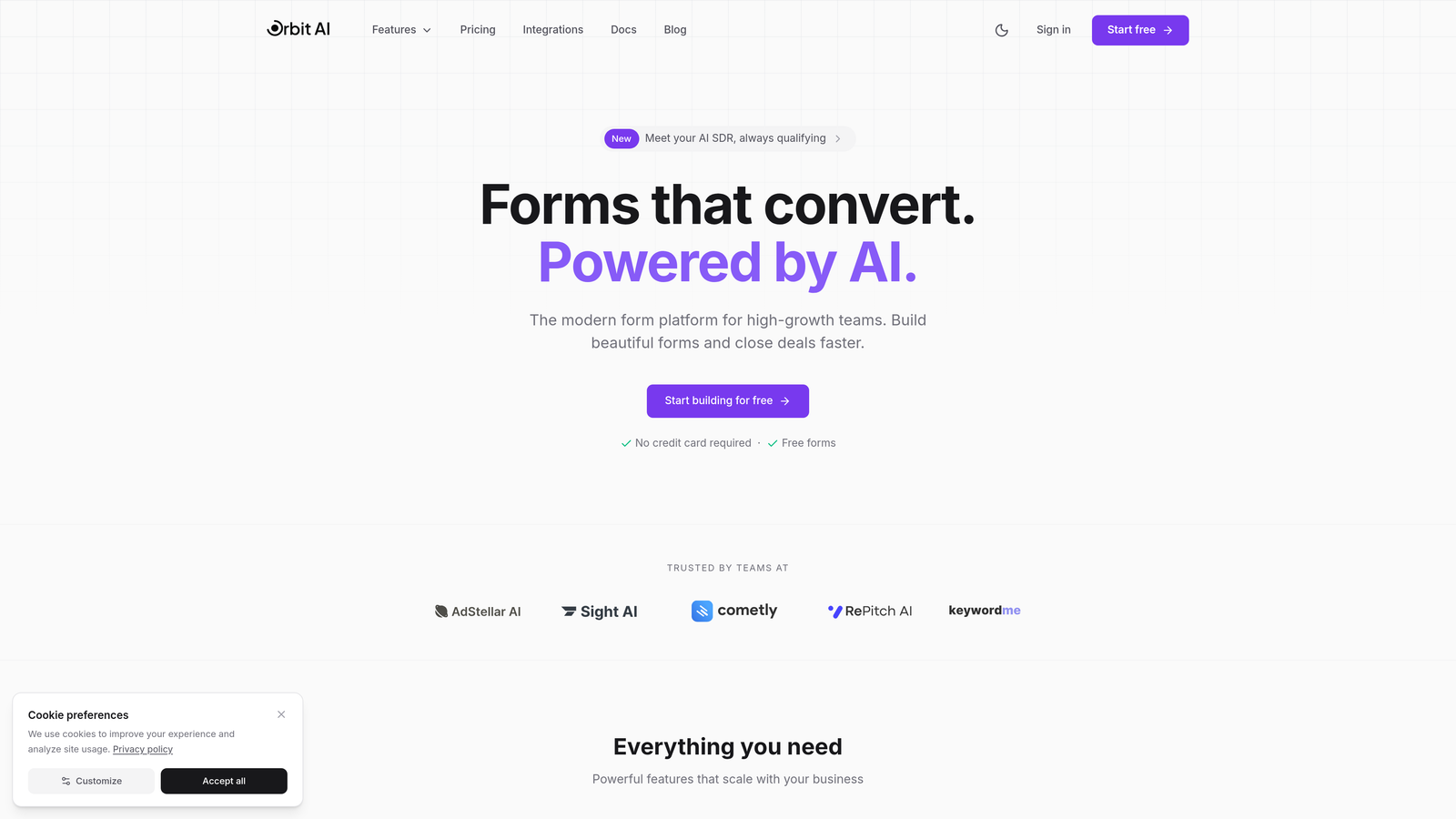
Orbit AI combines beautiful form design with intelligent lead qualification to help teams convert more visitors into qualified leads automatically.
Where This Tool Shines
Orbit AI distinguishes itself by going beyond basic form building to actually qualify leads as they come in. The AI analyzes responses in real-time to score and prioritize prospects, so your sales team focuses on the opportunities most likely to convert.
The platform delivers modern, conversion-optimized forms without requiring design or development resources. Multi-step forms with conditional logic keep users engaged while gathering the information you need for proper lead qualification.
Key Features
AI-Powered Lead Qualification: Automatically scores and qualifies leads based on their responses, routing high-value prospects to sales immediately.
Conversion-Optimized Templates: Pre-built form templates designed specifically for lead generation with proven conversion patterns.
Built-In Analytics Dashboard: Track form performance, completion rates, and lead quality metrics in one centralized view.
Seamless CRM Integrations: Direct connections to HubSpot, Salesforce, Pipedrive, and other major CRMs for automatic data sync.
Conditional Logic and Multi-Step Forms: Create personalized form experiences that adapt based on user responses.
Best For
Teams that need more than just form submissions—specifically those who want qualified leads with automatic scoring. Perfect for B2B companies, SaaS businesses, and agencies managing multiple client campaigns where lead quality matters more than quantity.
Pricing
Free tier available for getting started. Paid plans begin at competitive rates designed for growing teams that need advanced qualification features.
2. Typeform
Best for: Creating engaging, conversational form experiences that feel human
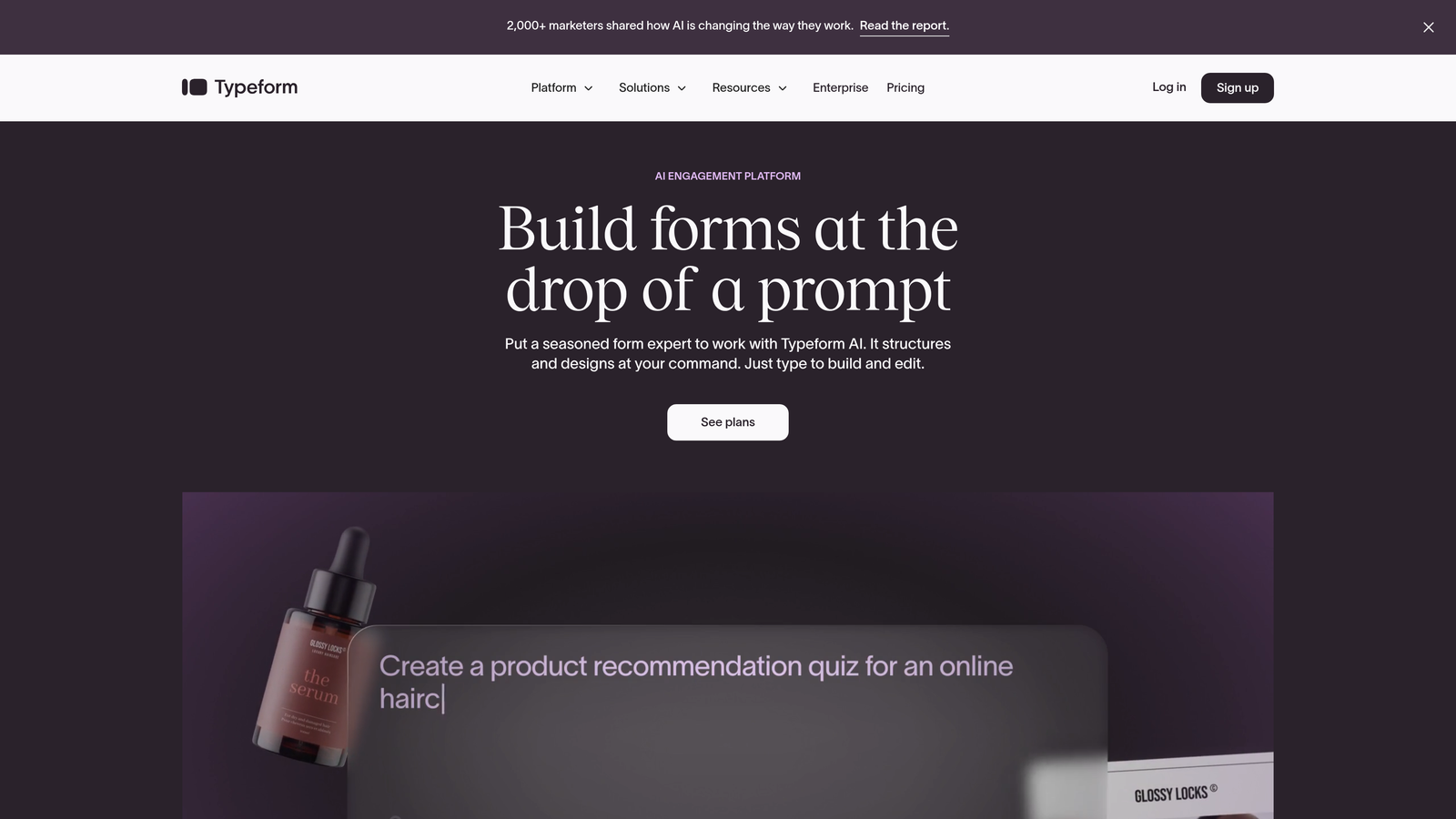
Typeform pioneered the one-question-at-a-time approach that transforms traditional forms into conversations.
Where This Tool Shines
Typeform's conversational interface reduces form intimidation by presenting one question at a time. This approach consistently delivers higher completion rates compared to traditional long-form layouts, particularly for surveys and feedback collection.
The design flexibility lets you create forms that match your brand perfectly. Video backgrounds, custom fonts, and animated transitions create memorable experiences that stand out from generic form builders.
Key Features
Conversational Format: One-question-at-a-time presentation reduces cognitive load and improves completion rates.
Beautiful Design Themes: Extensive customization options including video backgrounds, custom colors, and branded experiences.
Logic Jumps and Branching: Create personalized paths through your form based on previous answers.
Native Integrations: Direct connections to popular tools like Slack, Google Sheets, Mailchimp, and hundreds more.
Media Embedding: Add videos, images, and GIFs to make forms more engaging and explanatory.
Best For
Marketing teams focused on user experience and brand presentation. Particularly effective for customer feedback, event registrations, and lead capture where engagement matters as much as conversion.
Pricing
Free plan available with basic features. Basic plan starts at $25/month, with Plus and Business tiers for advanced functionality.
3. Hotjar
Best for: Understanding exactly how users interact with your forms through behavioral data
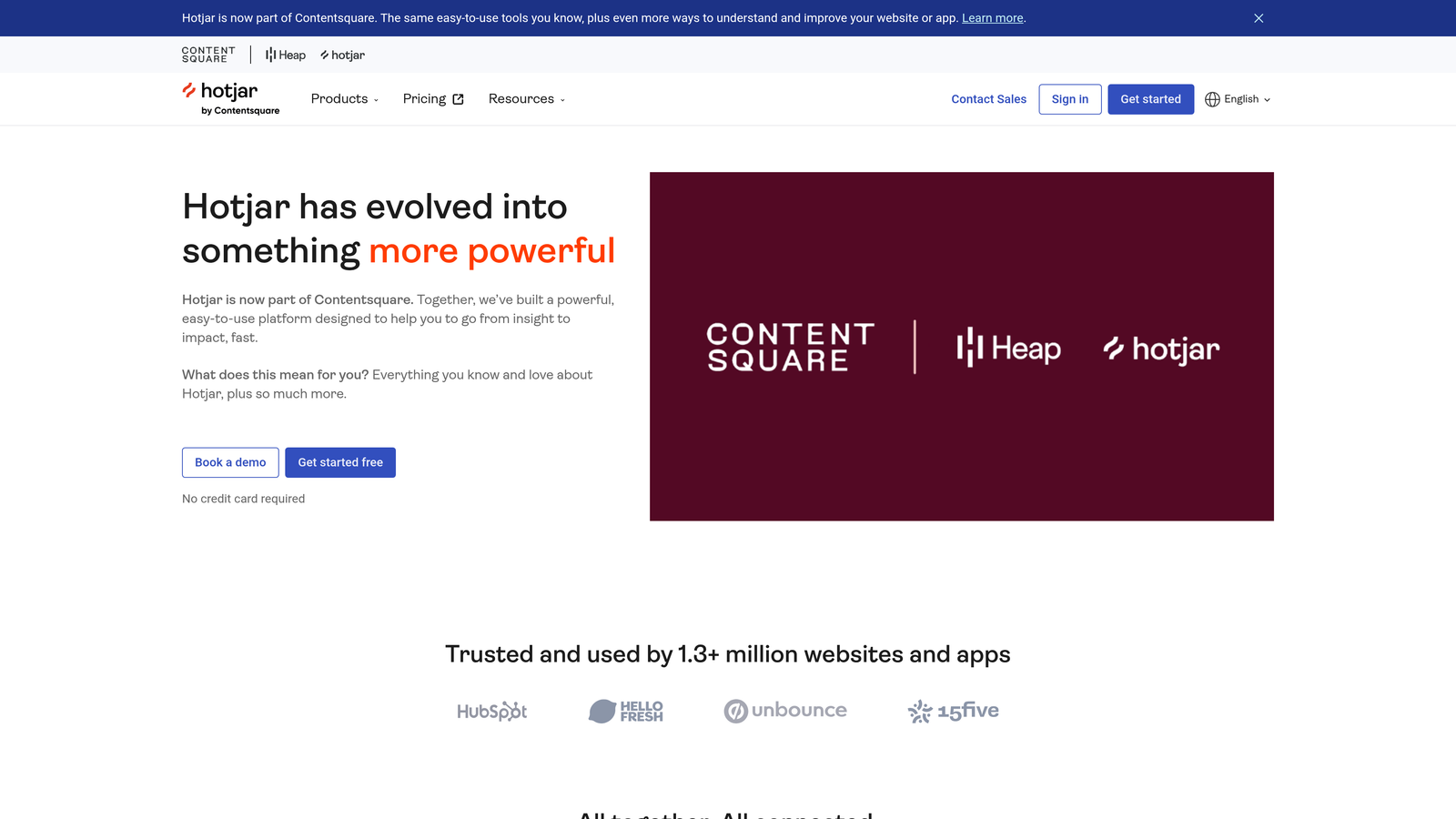
Hotjar provides behavioral analytics that show you what's actually happening on your forms through heatmaps and session recordings.
Where This Tool Shines
Hotjar excels at diagnosing form problems you didn't know existed. Session recordings let you watch real users struggle with specific fields, while heatmaps reveal which elements attract attention and which get ignored completely.
The form analytics feature tracks drop-off by field, showing exactly where users abandon your forms. This granular data removes guesswork from optimization decisions—you see the problem, then fix it.
Key Features
Form Analytics: Track completion rates, time spent per field, and identify exactly where users drop off.
Session Recordings: Watch real user sessions to see confusion, hesitation, and abandonment in action.
Heatmaps: Visual representation of clicks, taps, and scrolling behavior across your forms.
User Feedback Tools: On-page surveys and feedback widgets to understand why users abandon forms.
Funnel Analysis: Track user journeys from landing page through form completion.
Best For
Teams that already have forms built and need diagnostic tools to improve performance. Ideal for conversion rate optimizers, UX designers, and product teams focused on data-driven improvements.
Pricing
Free basic plan with limited sessions. Business plans start at $80/month with increased session limits and advanced features.
4. Formstack
Best for: Enterprise teams needing compliance, workflow automation, and robust testing
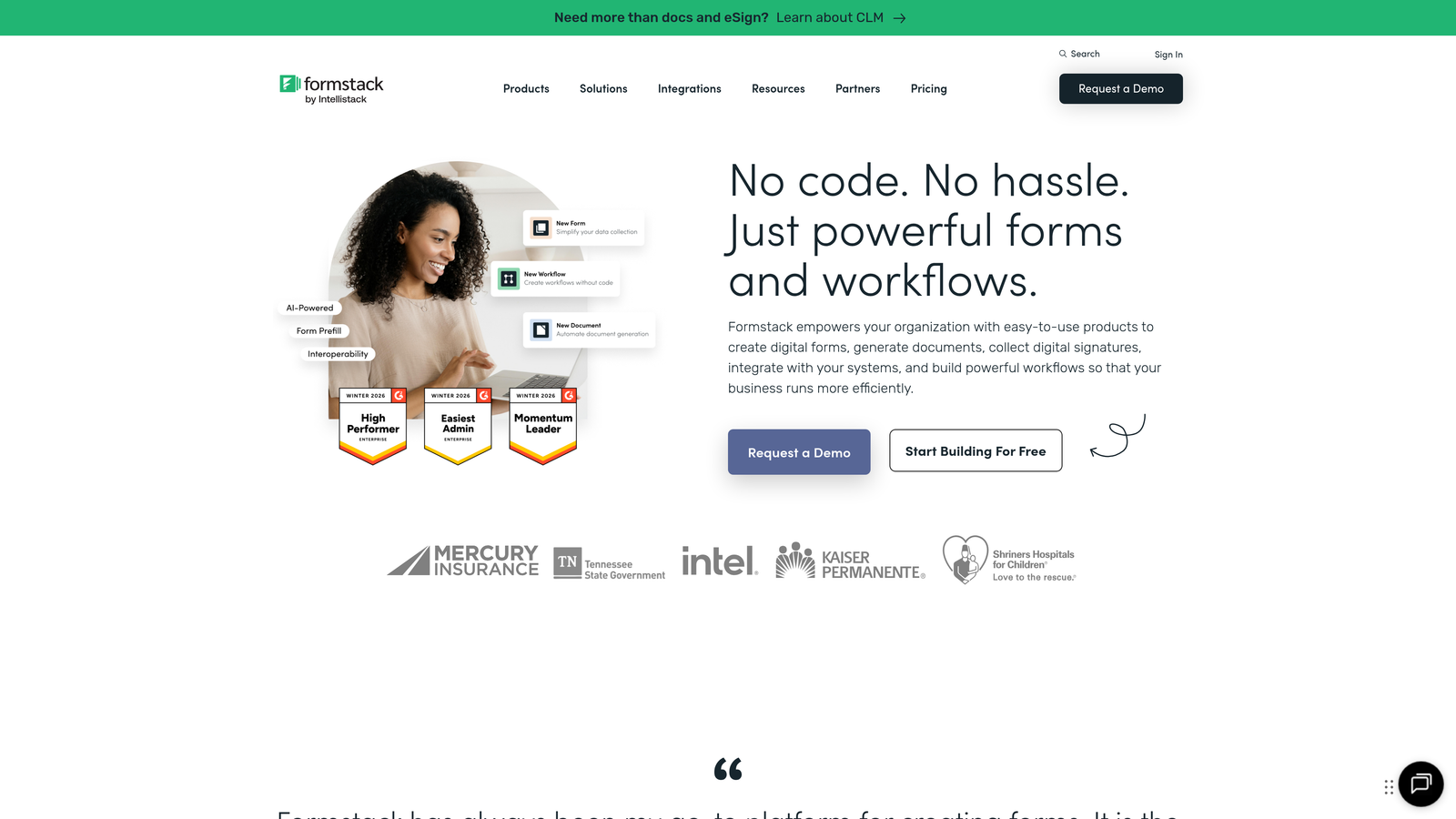
Formstack delivers enterprise-grade form building with advanced features for regulated industries and complex workflows.
Where This Tool Shines
Formstack handles compliance requirements that other form builders ignore. HIPAA and GDPR compliance features make it the go-to choice for healthcare, finance, and other regulated industries where data handling isn't optional.
The workflow automation goes beyond basic form submission. Build approval chains, trigger notifications based on responses, and create multi-step processes that route submissions to the right people automatically.
Key Features
A/B Testing: Test different form versions to identify which layouts, fields, and copy convert best.
Compliance Options: HIPAA-compliant forms with encryption, audit trails, and security features for regulated data.
Workflow Automation: Create approval processes, routing rules, and automated actions based on form responses.
Electronic Signatures: Collect legally binding signatures directly within forms for contracts and agreements.
Advanced Conditional Logic: Show or hide fields, sections, or entire pages based on complex rule sets.
Best For
Enterprise organizations, healthcare providers, financial services, and any business handling sensitive data with strict compliance requirements. Also ideal for teams needing sophisticated approval workflows.
Pricing
Plans start at $50/month for basic features. Enterprise pricing available for organizations needing compliance features and dedicated support.
5. Unbounce Smart Builder
Best for: AI-powered landing pages with integrated, optimized forms
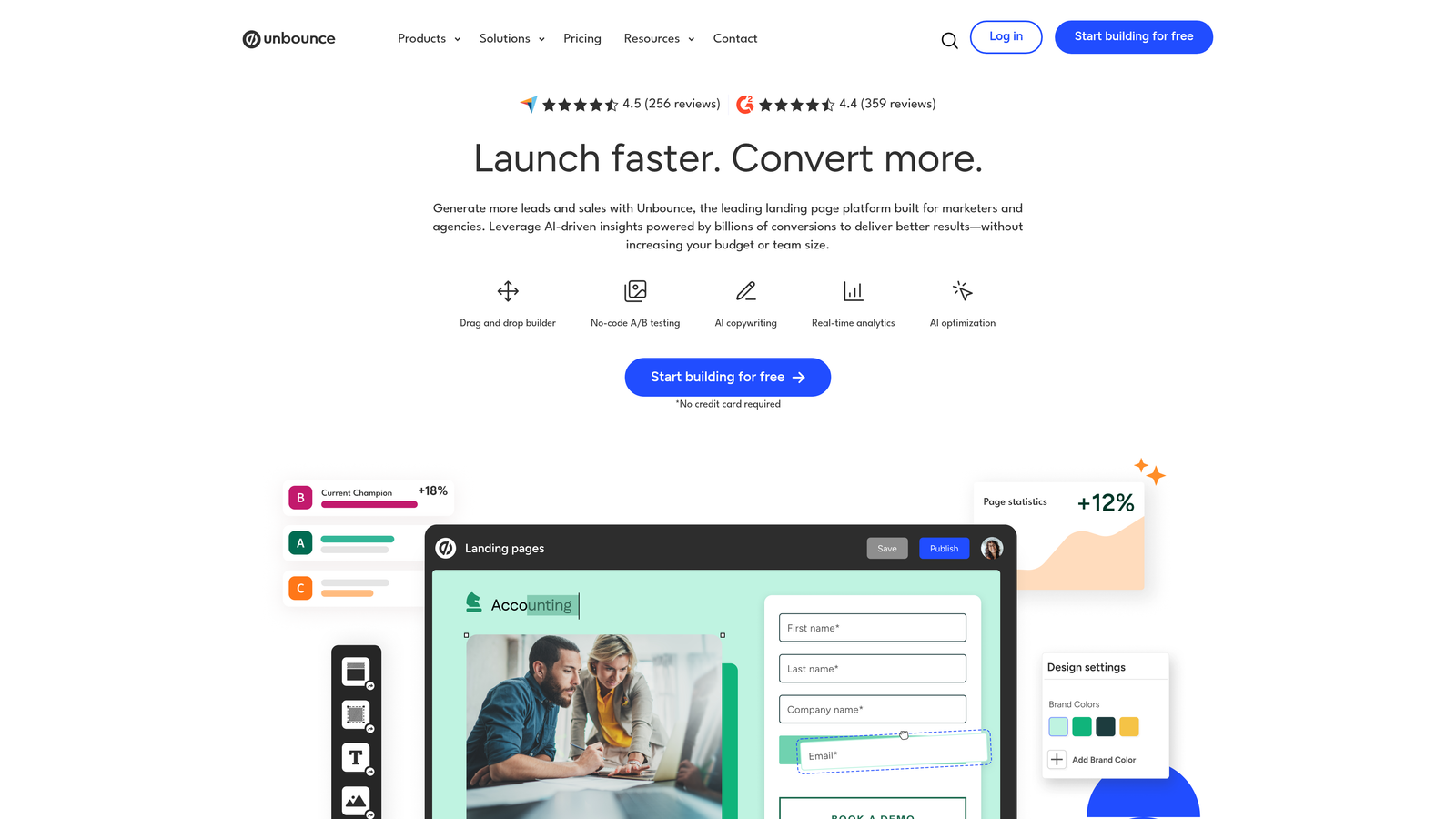
Unbounce uses machine learning to suggest copy, layouts, and optimizations based on your industry and goals.
Where This Tool Shines
Unbounce's Smart Builder analyzes high-performing landing pages in your industry to suggest copy and design improvements. The AI recommendations help teams without dedicated copywriters or designers create professional, conversion-focused pages quickly.
Smart Traffic takes optimization further by automatically routing visitors to the landing page variant most likely to convert them. This AI-powered A/B testing runs continuously without manual intervention.
Key Features
AI-Powered Suggestions: Get copy and design recommendations based on machine learning analysis of successful pages.
Smart Traffic: Automatic visitor routing to the best-performing variant based on attributes and behavior.
Combined Page and Form Builder: Create complete landing experiences without switching between tools.
Dynamic Text Replacement: Automatically customize page content based on PPC ad keywords for better relevance.
Template Library: Hundreds of conversion-optimized templates across industries and use cases.
Best For
Marketing teams running PPC campaigns who need landing pages and forms that work together seamlessly. Particularly valuable for agencies managing multiple client campaigns.
Pricing
Plans start at $99/month for basic features. Higher tiers include Smart Traffic and increased conversion limits.
6. Jotform
Best for: Quick form deployment with extensive templates and payment processing
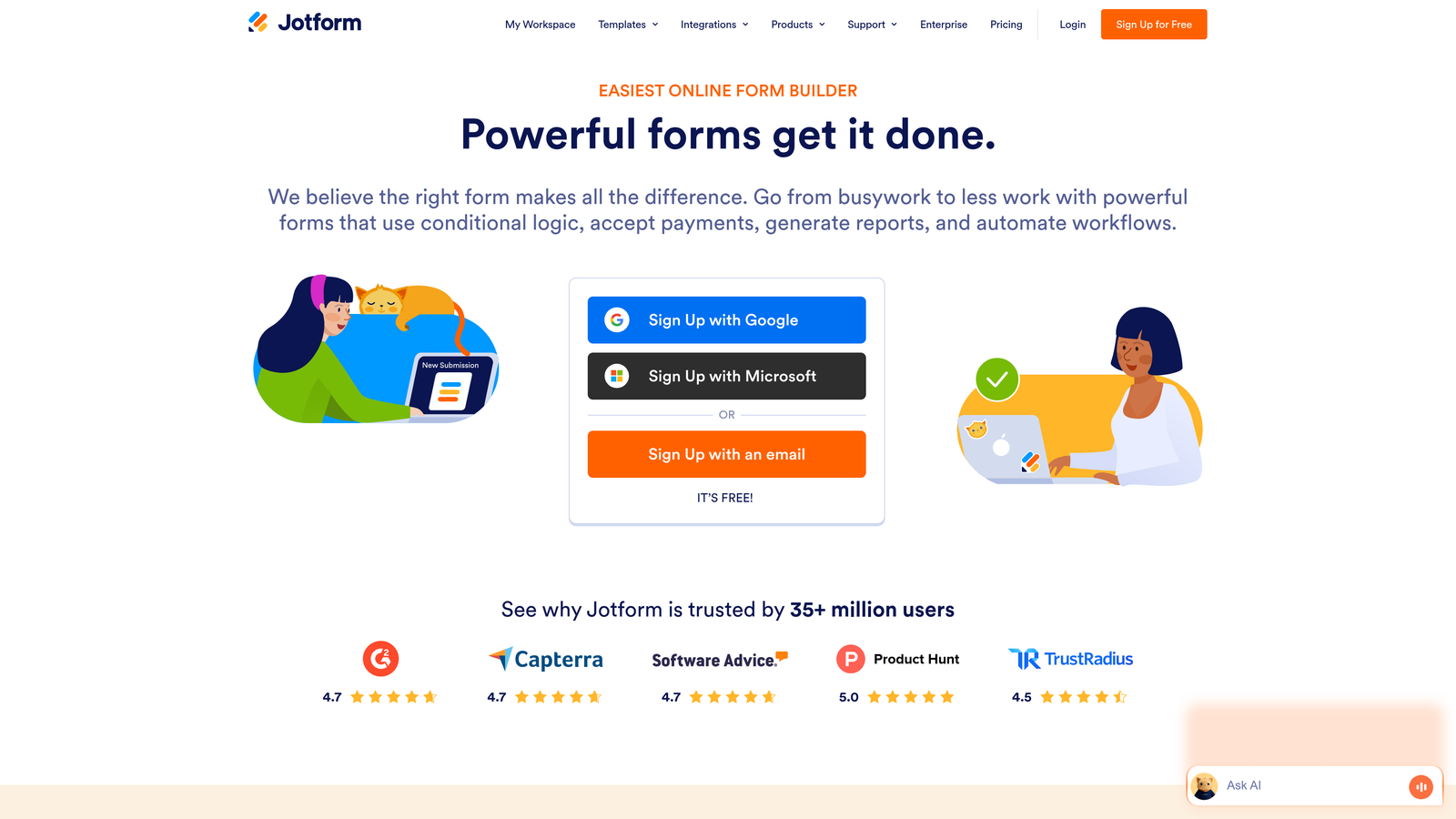
Jotform offers versatile form building with thousands of templates and drag-and-drop simplicity.
Where This Tool Shines
Jotform's massive template library means you rarely start from scratch. With over 10,000 pre-built forms across every conceivable use case, you can deploy professional forms in minutes rather than hours.
The payment integration options make Jotform particularly strong for forms that collect money. Whether you're processing event registrations, product orders, or donation forms, the built-in payment processing handles transactions smoothly.
Key Features
10,000+ Templates: Pre-built forms for every industry and use case, from registration to surveys to order forms.
Drag-and-Drop Builder: Intuitive interface for customizing forms without technical knowledge.
Payment Integrations: Direct connections to PayPal, Square, Stripe, and other payment processors.
Form Analytics: Built-in reporting shows submission trends, completion rates, and response data.
Mobile-Responsive: All forms automatically adapt to mobile devices for seamless mobile experiences.
Best For
Small businesses, event organizers, and teams needing quick form deployment without extensive customization. Excellent for forms requiring payment collection or e-commerce functionality.
Pricing
Free tier includes up to 5 forms with 100 monthly submissions. Paid plans start at $34/month with increased limits.
7. Gravity Forms
Best for: WordPress sites needing deep integration and developer flexibility
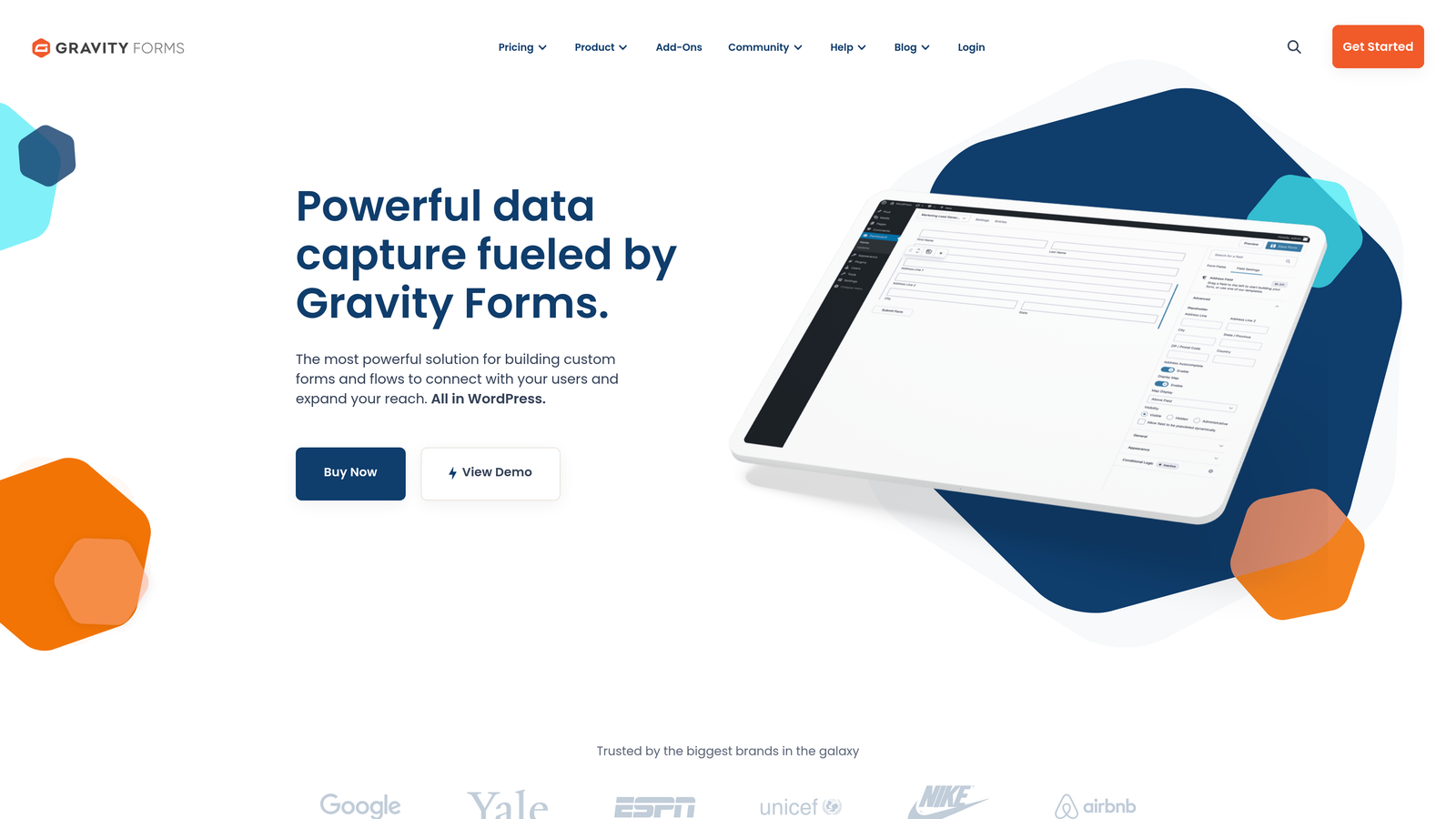
Gravity Forms provides native WordPress form functionality with extensive customization through add-ons and developer tools.
Where This Tool Shines
Gravity Forms integrates seamlessly with WordPress in ways third-party form builders can't match. Manage entries directly in your WordPress dashboard, leverage WordPress user data, and create forms that interact with custom post types and taxonomies.
The add-on ecosystem extends functionality dramatically. Whether you need Zapier integration, Mailchimp sync, or payment processing, there's likely an add-on that handles it without custom development.
Key Features
Native WordPress Integration: Forms live within WordPress with full access to user data, posts, and custom fields.
Extensive Add-On Marketplace: Hundreds of add-ons for payments, CRM integration, marketing tools, and custom functionality.
Conditional Logic: Show or hide fields, create multi-page forms, and route notifications based on user responses.
Entry Management: View, edit, and manage form submissions directly in WordPress without external dashboards.
Developer-Friendly: Hooks, filters, and APIs for custom functionality and theme integration.
Best For
WordPress-based businesses, agencies building client sites, and developers needing programmatic control over form functionality. Essential for sites requiring tight WordPress ecosystem integration.
Pricing
Basic license at $59/year for single site use. Elite license at $259/year includes all add-ons and unlimited sites.
8. Zuko Analytics
Best for: Granular field-by-field analytics for existing forms
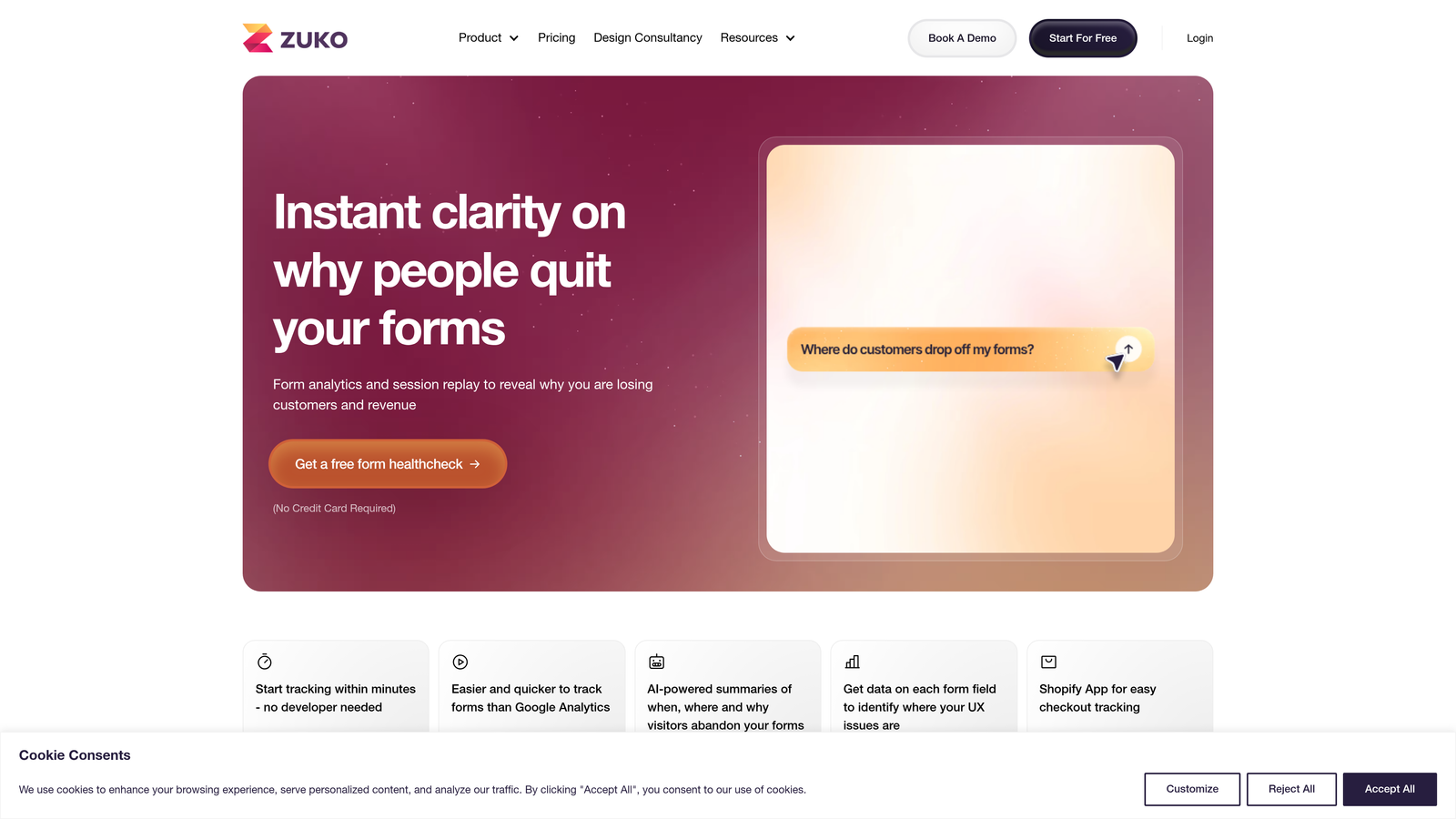
Zuko Analytics provides dedicated form analytics that work with any existing form, offering field-level insights into user behavior.
Where This Tool Shines
Zuko delivers diagnostic precision that general analytics tools miss. See exactly how long users spend on each field, which fields cause hesitation, and where abandonment spikes occur. This granular data pinpoints optimization opportunities with surgical accuracy.
The platform works as an analytics layer on top of your existing forms, meaning you don't need to rebuild forms to get insights. Add a tracking script and immediately start collecting detailed behavioral data.
Key Features
Field-Level Analytics: Track time spent, interaction counts, and completion rates for every individual field.
Abandonment Tracking: Identify exactly which fields cause users to leave your forms.
Session Replay: Watch recordings of user interactions with your forms to spot usability issues.
Benchmark Comparisons: Compare your form performance against industry standards and best practices.
Universal Compatibility: Works with any form platform or custom-built forms via simple script installation.
Best For
Organizations with existing forms that need deep diagnostic data without rebuilding their infrastructure. Ideal for conversion optimization specialists and data-driven marketing teams.
Pricing
Pricing starts at $100/month based on monthly form sessions, with custom enterprise plans for high-volume sites.
9. Leadformly
Best for: Lead generation forms built on conversion optimization research
Leadformly specializes in lead generation with forms designed specifically around CRO best practices and research.
Where This Tool Shines
Leadformly builds conversion rate optimization directly into the platform rather than treating it as an afterthought. Multi-step forms follow proven patterns for maintaining user engagement, while built-in best practices guide you toward higher-converting form designs.
The lead scoring functionality helps prioritize prospects based on their responses, similar to more expensive enterprise solutions. Sales teams receive qualified leads with context rather than raw form submissions.
Key Features
Multi-Step Forms: Break long forms into digestible steps that maintain engagement and reduce abandonment.
Built-In CRO Practices: Platform guides you toward proven conversion patterns based on research and testing.
Lead Scoring: Automatically score and qualify leads based on their responses and attributes.
A/B Testing: Test different form versions to continuously improve conversion rates.
CRM Integrations: Direct connections to major CRMs for automatic lead routing and data sync.
Best For
B2B companies, agencies, and sales teams focused specifically on lead generation rather than general form collection. Works well for businesses where lead quality directly impacts revenue.
Pricing
Plans start at $37/month for basic lead generation features, with higher tiers including advanced scoring and testing capabilities.
Making the Right Choice
The best web form optimization tool depends on your specific needs and current challenges. For AI-powered lead qualification that goes beyond simple form building, Orbit AI stands out for high-growth teams who need to automatically prioritize and route qualified prospects.
If behavioral analytics is your priority, Hotjar provides comprehensive diagnostic tools for existing forms, while Zuko offers even more granular field-level insights. Typeform excels when user experience and engagement matter most, creating conversational experiences that feel less like forms and more like conversations.
For enterprise teams, Formstack handles compliance requirements and complex workflows that other tools can't match. WordPress users should strongly consider Gravity Forms for its native integration and extensive ecosystem. Teams running PPC campaigns benefit from Unbounce's integrated landing page and form optimization powered by AI.
Start by identifying your biggest form challenge. Is it abandonment rates? Lead quality? Compliance requirements? Getting forms live quickly? Your primary pain point should guide your decision. Most tools offer free trials or free tiers—test the top two or three that match your needs before committing.
Transform your lead generation with AI-powered forms that qualify prospects automatically while delivering the modern, conversion-optimized experience your high-growth team needs. Start your free trial today and see how intelligent form design can elevate your conversion strategy.


