

Choosing an AI-powered form builder sounds straightforward until you start comparing pricing pages. One tool offers a generous free tier but charges per response at scale. Another looks affordable until you realize the AI features are locked behind an enterprise plan. The range is genuinely wide: from $0 to several hundred dollars per month, depending on response limits, AI capabilities, and how deeply the tool integrates with your workflow.
AI form builders have matured significantly. Most now offer some version of natural language form generation, smart conditional logic, and lead qualification features. But "AI-powered" means very different things depending on the tool. Some use AI to help you build forms faster. Others use it to qualify leads, optimize conversion paths, or route responses intelligently.
To cut through the noise, we evaluated each tool on four criteria: the depth of its AI features, pricing transparency, value at different tiers, and what you actually get as you scale. Whether you're a solo founder on a tight budget or a growth team processing thousands of leads monthly, this breakdown will help you find the right fit. And if you want to go deeper on form strategy, check out our guides on how to build effective web forms and how to improve form conversion rates.
1. Orbit AI
Best for: High-growth B2B teams that need AI lead qualification built directly into the form experience.
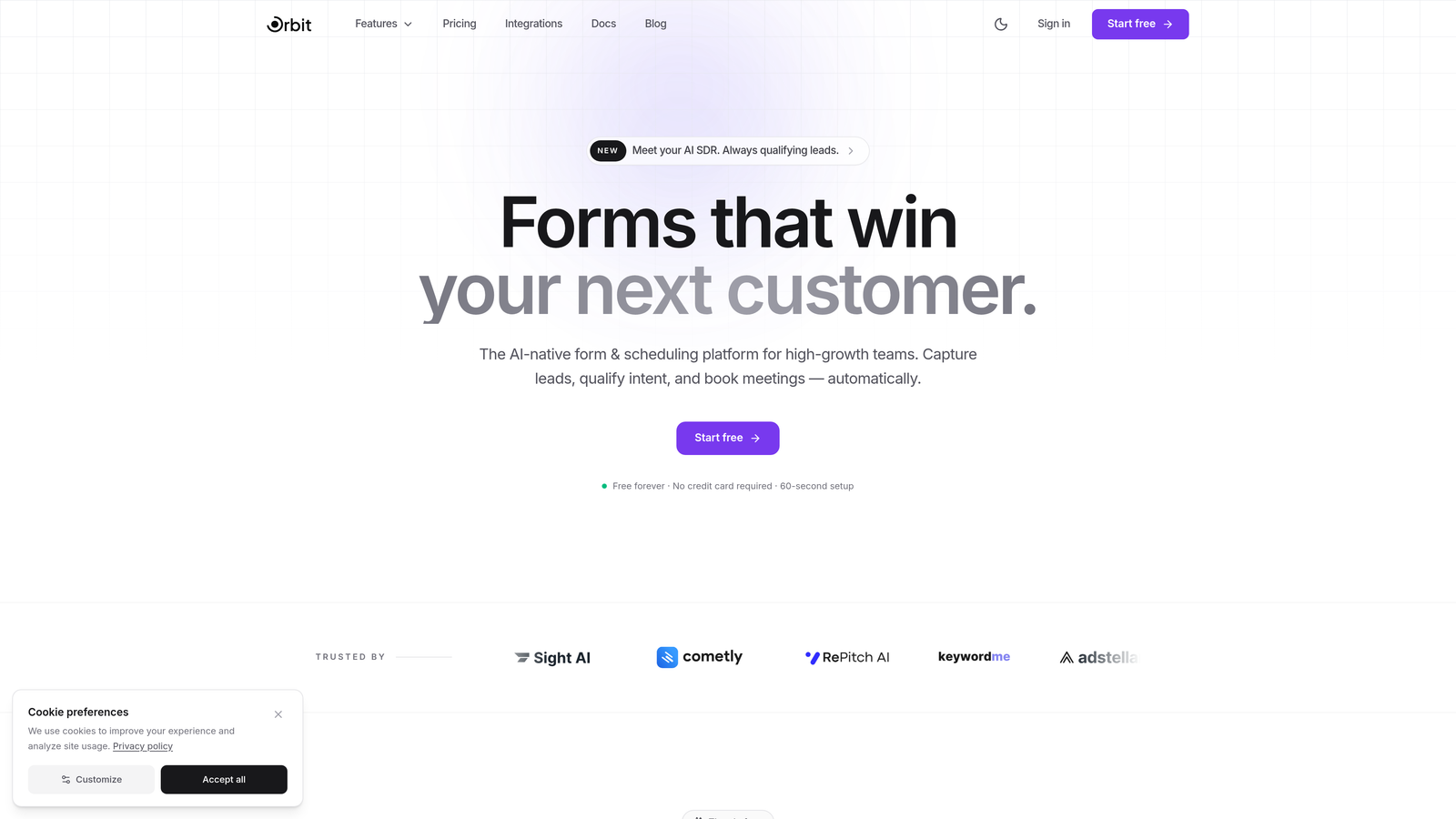
Orbit AI is an AI-powered form builder designed specifically for teams where lead quality matters as much as lead volume.
Where This Tool Shines
Most form builders treat qualification as a downstream CRM problem. You collect responses, push them to HubSpot or Salesforce, and then someone manually scores the leads. Orbit AI flips this by embedding AI lead qualification directly into the form itself. By the time a prospect submits, you already know how well they fit your ICP.
This approach is particularly valuable for B2B teams running paid campaigns or outbound sequences. Instead of routing every submission to your sales team, Orbit AI helps you prioritize the right conversations automatically. The form design is also genuinely modern, which matters for conversion rates on landing pages where first impressions drive whether someone completes the form at all.
Key Features
AI Lead Scoring at the Form Level: Qualification happens in real time during form submission, not after the fact in your CRM.
Conversion-Optimized Templates: Pre-built templates designed around B2B lead generation workflows, not generic use cases.
Smart Conditional Logic: AI-powered branching that adapts the form path based on earlier responses to keep completion rates high.
Modern Form Design Interface: Clean, polished design tools that produce forms worth embedding on high-traffic landing pages.
B2B Workflow Integration: Built with the lead generation pipeline in mind, from first touch to sales handoff.
Best For
Orbit AI is the strongest fit for SaaS companies, agencies, and growth teams that run structured lead generation programs and need to qualify prospects at scale without adding manual review steps. If lead quality is a core metric for your team, this is worth evaluating first.
Pricing
Visit orbitforms.ai for current pricing tiers. The platform offers options suited to different team sizes and response volumes.
2. Typeform
Best for: Teams that prioritize branded, conversational form experiences with strong design polish.
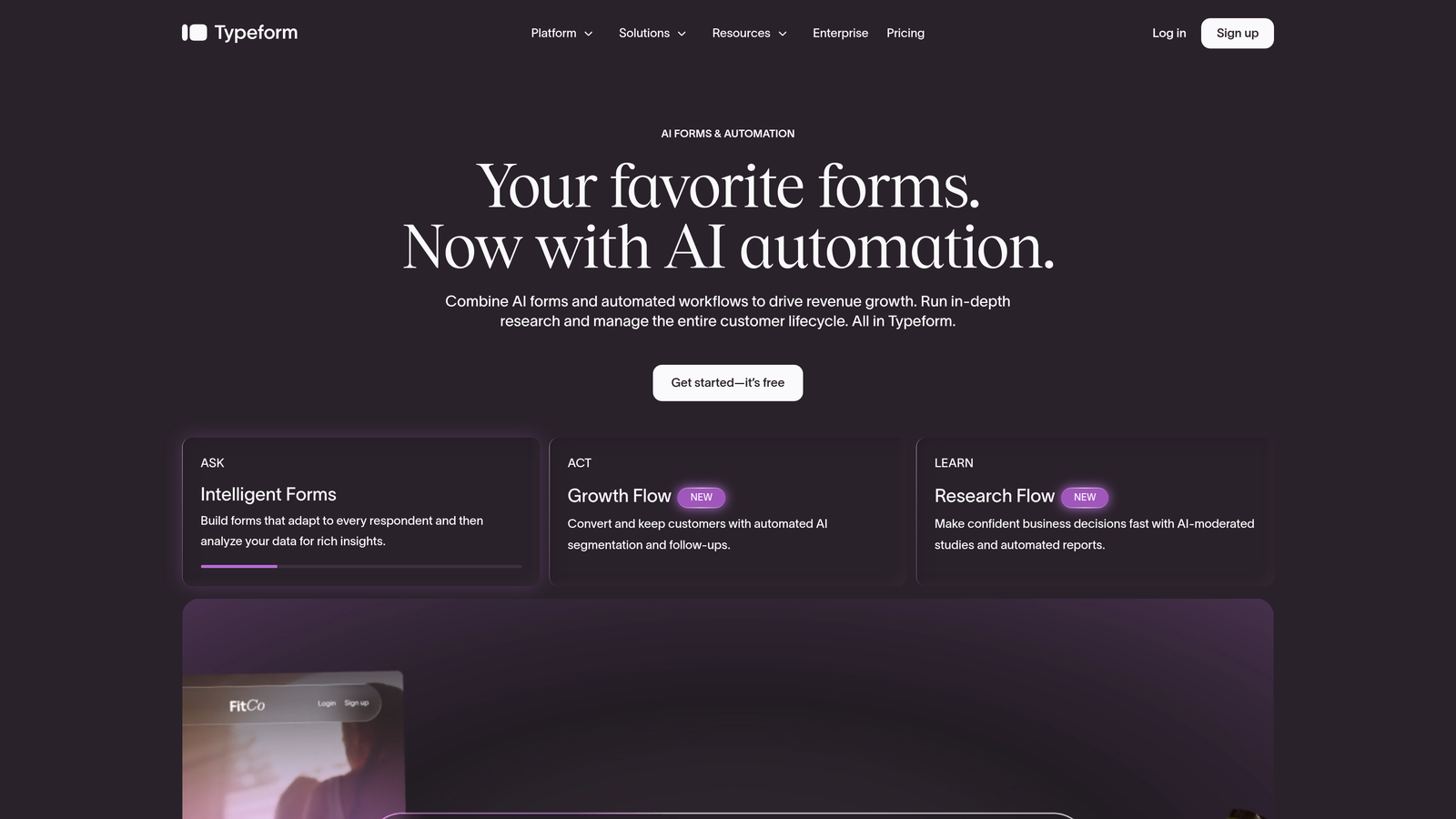
Typeform is a conversational form builder known for its one-question-at-a-time format, now with AI-assisted form creation from text prompts.
Where This Tool Shines
Typeform's core strength is the experience it creates for the person filling out the form. The one-question-at-a-time format feels less like a form and more like a conversation, which tends to work well for surveys, customer research, and brand-forward lead capture. The recently added AI form generation lets you describe what you need in plain language and get a draft form in seconds.
The tradeoff is response-based pricing. Typeform charges based on the number of responses you receive per month, which means costs can climb quickly if your campaigns are performing well. This makes it important to model your expected volume before committing to a plan.
Key Features
AI Form Generation: Describe your form in plain text and Typeform generates a structured draft automatically.
Conversational UX: One-question-at-a-time format that reduces form fatigue and can improve completion rates.
Branding and Design Customization: Strong visual customization options for matching your brand identity.
Marketing Integrations: Connects with HubSpot, Salesforce, Mailchimp, Zapier, and other major tools.
Video and Media Embedding: Add video questions or media content directly within the form flow.
Best For
Typeform suits marketing teams running surveys, NPS programs, and brand-forward lead capture where the form experience itself is part of the brand impression. Less ideal for high-volume lead gen where per-response pricing adds up.
Pricing
Free plan available with limited responses. Paid plans start around $25/month, with response limits that increase at higher tiers. Heavy users should review response caps carefully before scaling campaigns.
3. Jotform
Best for: Teams that need a wide variety of form types and the largest template library in the market.
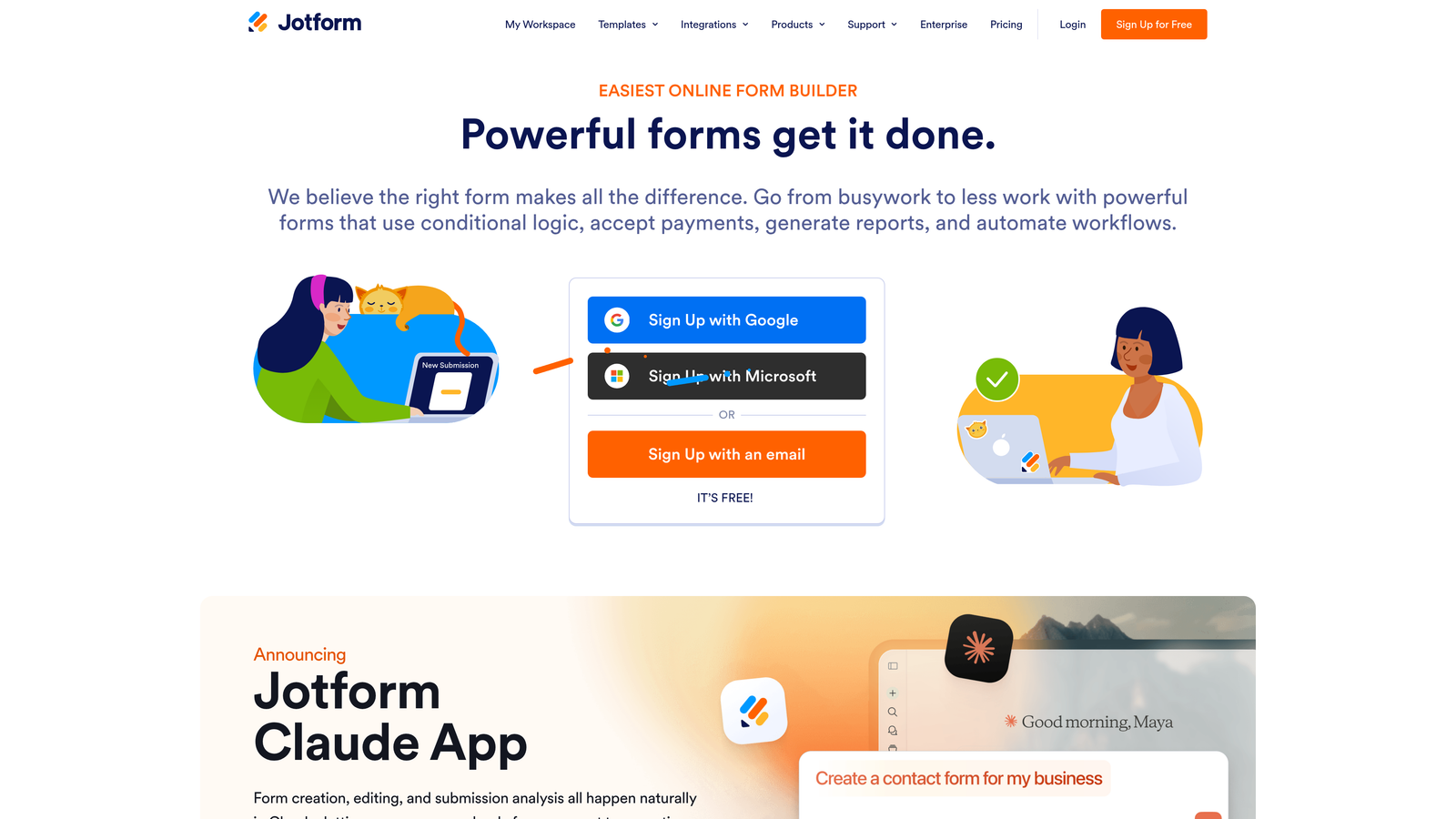
Jotform is a feature-rich form builder with over 10,000 templates and AI-powered form generation from natural language descriptions.
Where This Tool Shines
If breadth is what you need, Jotform delivers. The template library is unmatched, covering everything from job applications and event registrations to medical intake forms and payment collection. The AI form generator lets you describe what you need and receive a structured form with appropriate fields, saving meaningful setup time.
Jotform Tables adds a useful layer by turning your form responses into a manageable database view, which is helpful for teams that don't want to route everything through a separate CRM immediately. The free plan is genuinely functional, though the submission cap of 100 per month is limiting for active campaigns.
Key Features
AI Form Generator: Create forms from natural language descriptions with fields pre-populated based on your input.
10,000+ Templates: The largest template library in the category, covering nearly every use case imaginable.
Drag-and-Drop Builder: Extensive widget library for custom field types beyond standard inputs.
Payment Integrations: Stripe, PayPal, Square, and others built in for commerce-enabled forms.
Jotform Tables: Spreadsheet-style response management without needing a separate tool.
Best For
Jotform works well for small businesses, nonprofits, and operations teams that need versatile form types across many departments. The breadth of templates makes it particularly useful when you're building forms across multiple functions simultaneously.
Pricing
Free plan includes 5 forms and 100 monthly submissions. Paid plans start around $34/month with higher response and form limits. Pricing scales with submission volume, so model your needs before upgrading.
4. Tally
Best for: Individuals and small teams that want a generous free tier with no submission caps.
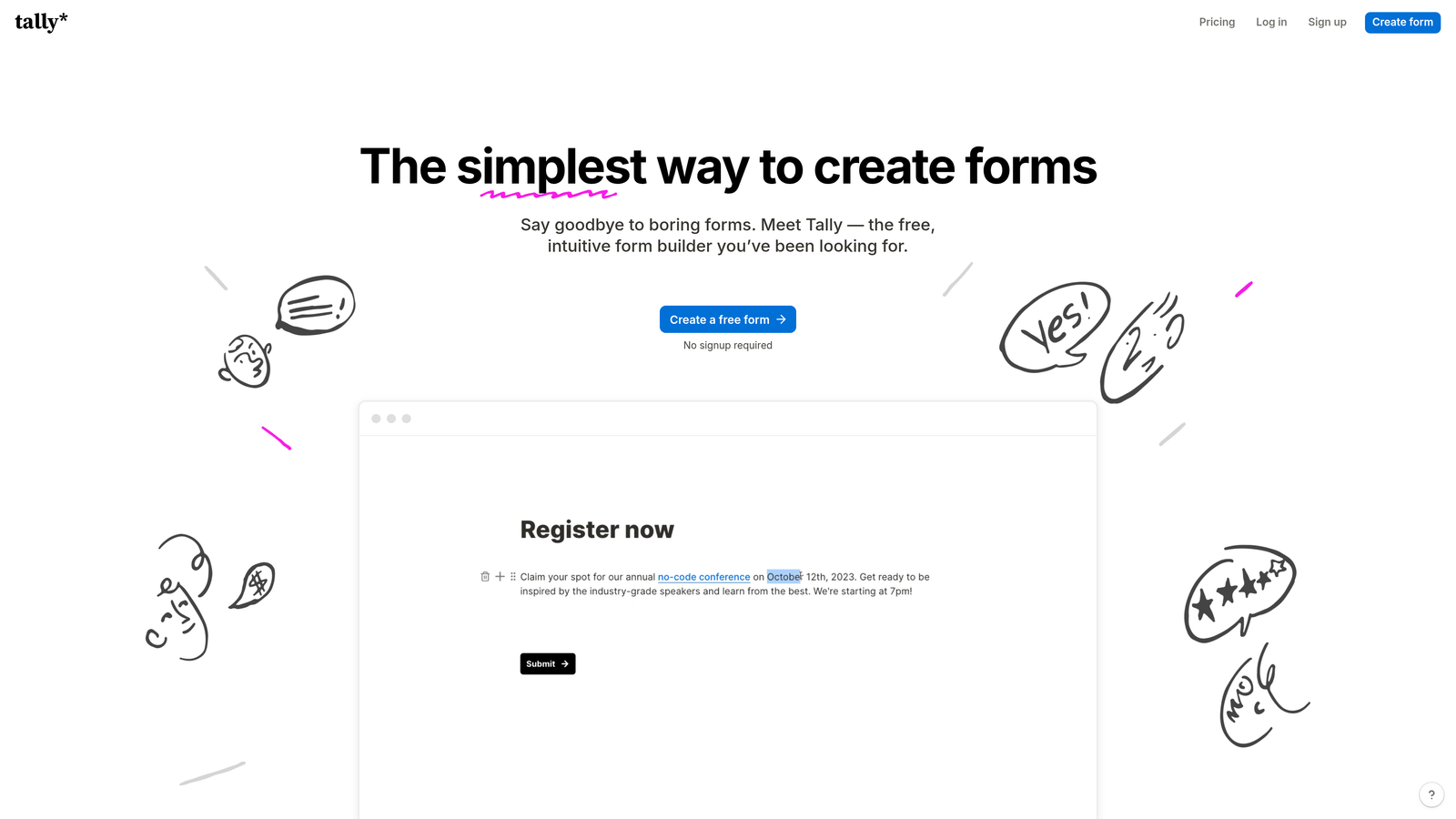
Tally is a minimalist, Notion-style form builder with one of the most genuinely useful free tiers in the market, plus recently added AI capabilities.
Where This Tool Shines
Tally's free plan stands out because it includes unlimited forms and unlimited submissions. For solo founders, content creators, or small teams running low-volume campaigns, this removes the anxiety of watching a response counter tick toward a paywall. The block-based editor feels familiar to anyone who uses Notion, making the learning curve minimal.
The AI-assisted form creation helps speed up the build process, though it's less sophisticated than some dedicated AI form tools. Where Tally really wins is in simplicity: you can create a clean, functional form in minutes and embed it anywhere without needing to upgrade for basic features.
Key Features
Unlimited Free Submissions: No response caps on the free plan, which is genuinely rare in this category.
Notion-Style Editor: Block-based editing that feels intuitive for teams already in the Notion ecosystem.
AI Form Creation: Generate form drafts from prompts to speed up the build process.
Conditional Logic and Calculations: Logic branching and calculated fields available without upgrading.
Custom Domains on Pro: Remove Tally branding and use your own domain with the Pro plan.
Best For
Tally is ideal for bootstrapped teams, indie makers, and anyone who needs functional forms without a monthly bill. It's a strong starting point before you need advanced AI features or deep CRM integrations.
Pricing
Free plan is highly generous with no submission limits. Pro plan is around $29/month and adds custom branding, custom domains, and priority support.
5. Fillout
Best for: Teams that run workflows in Airtable, Notion, or Smartsheet and want forms that write directly to those databases.
Fillout is a form builder with deep native integrations to popular database tools, plus AI-assisted conditional logic for smarter form flows.

Where This Tool Shines
Fillout's differentiation is its native database integrations. While most form builders connect to Airtable or Notion through Zapier, Fillout treats them as first-class integrations: form submissions write directly to your existing tables with proper field mapping. This is a significant workflow improvement for operations teams that live in these tools.
The AI-assisted conditional logic helps build smarter branching without manually configuring every rule. Fillout also supports scheduling forms, payment collection, and quiz modes, making it versatile enough to handle multiple use cases without switching tools.
Key Features
Native Airtable and Notion Integration: Direct database connections without relying on Zapier as a middleman.
AI-Assisted Conditional Logic: Build smart branching paths with AI suggestions rather than manual rule configuration.
Scheduling and Payment Forms: Book appointments or collect payments within the same form builder.
Quiz and Calculator Modes: Scored quizzes and calculated output forms for interactive use cases.
Multi-Page Forms: Progress indicators and multi-step layouts for longer form experiences.
Best For
Fillout is the right choice for operations teams, product managers, and anyone whose source of truth lives in Airtable, Notion, or Smartsheet. The native integrations alone justify the switch from a generic form tool.
Pricing
Free plan available with core features. Paid plans start around $19/month, making it one of the more affordable options with strong integration depth.
6. Feathery
Best for: Product and engineering teams building complex multi-step onboarding flows inside SaaS applications.
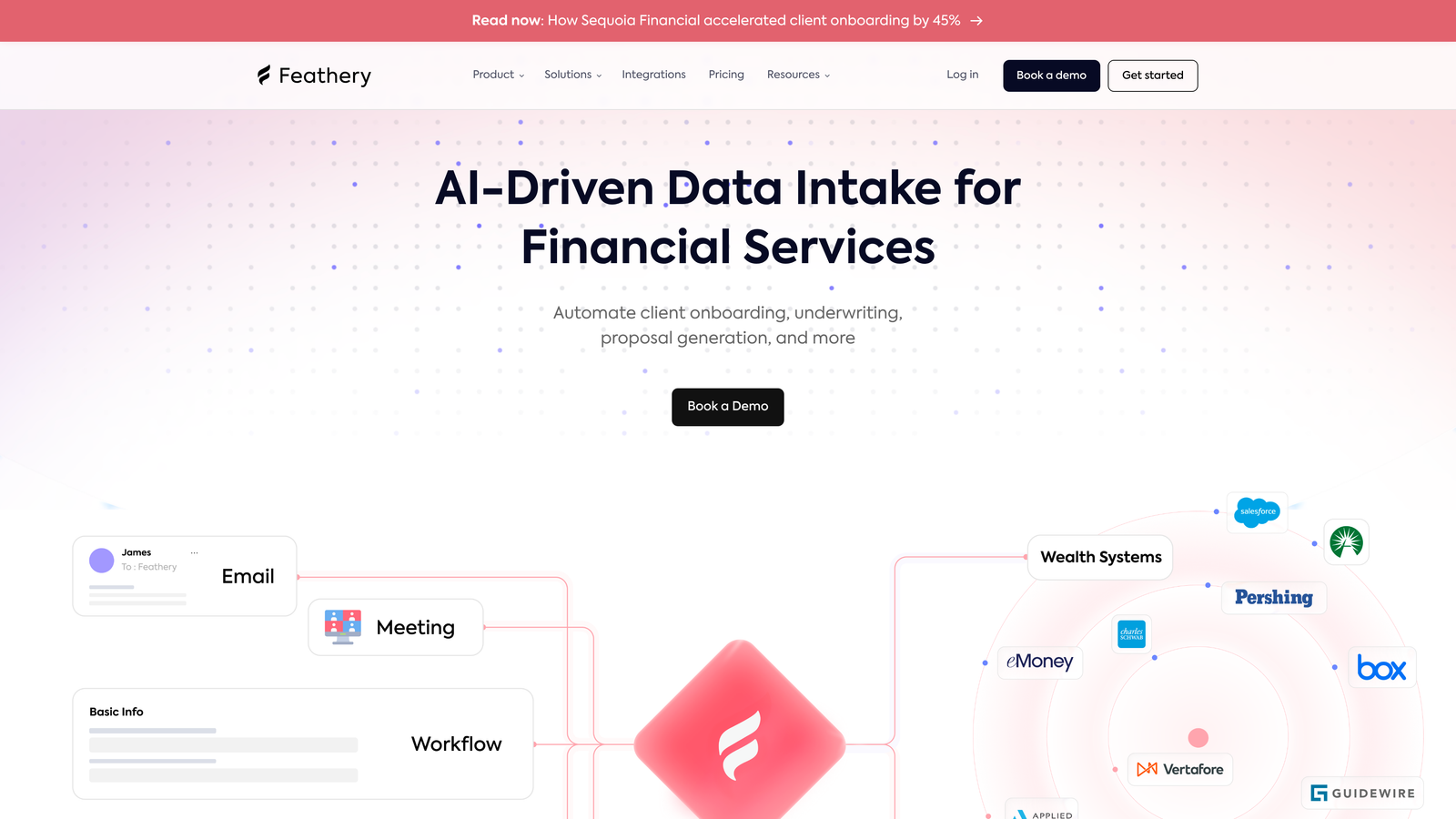
Feathery is an advanced form builder designed for product teams that need multi-step flows, identity verification, and developer-grade customization.
Where This Tool Shines
Feathery occupies a different niche than most tools on this list. It's built for product teams embedding forms inside their own applications, not just landing pages. Think multi-step onboarding flows, KYC verification, insurance intake, or complex signup sequences where the form is part of the product itself.
The AI-powered path optimization adjusts the form flow based on user behavior, which is valuable when you're optimizing a high-stakes onboarding sequence where drop-off has real revenue implications. The developer-friendly APIs and SDKs make it possible to deeply customize behavior beyond what a drag-and-drop editor allows.
Key Features
AI-Powered Path Optimization: Dynamically adjusts form paths based on user responses and behavior patterns.
Multi-Step Flow Builder: Complex branching flows designed for onboarding, verification, and application sequences.
In-App Embedding: Built for embedding inside SaaS products, not just external landing pages.
Identity Verification and Document Upload: Native support for KYC-style flows with document handling.
Developer APIs and SDKs: Programmatic control over form behavior for engineering teams with custom requirements.
Best For
Feathery is purpose-built for SaaS product teams, fintech companies, and insurtech applications where forms are part of the core product experience rather than a marketing touchpoint.
Pricing
Free tier available for small projects. Growth plans start around $49/month for advanced features. Enterprise pricing available for high-volume or compliance-heavy requirements.
7. HubSpot Forms
Best for: Teams already in the HubSpot ecosystem that want forms tightly connected to their CRM and contact records.
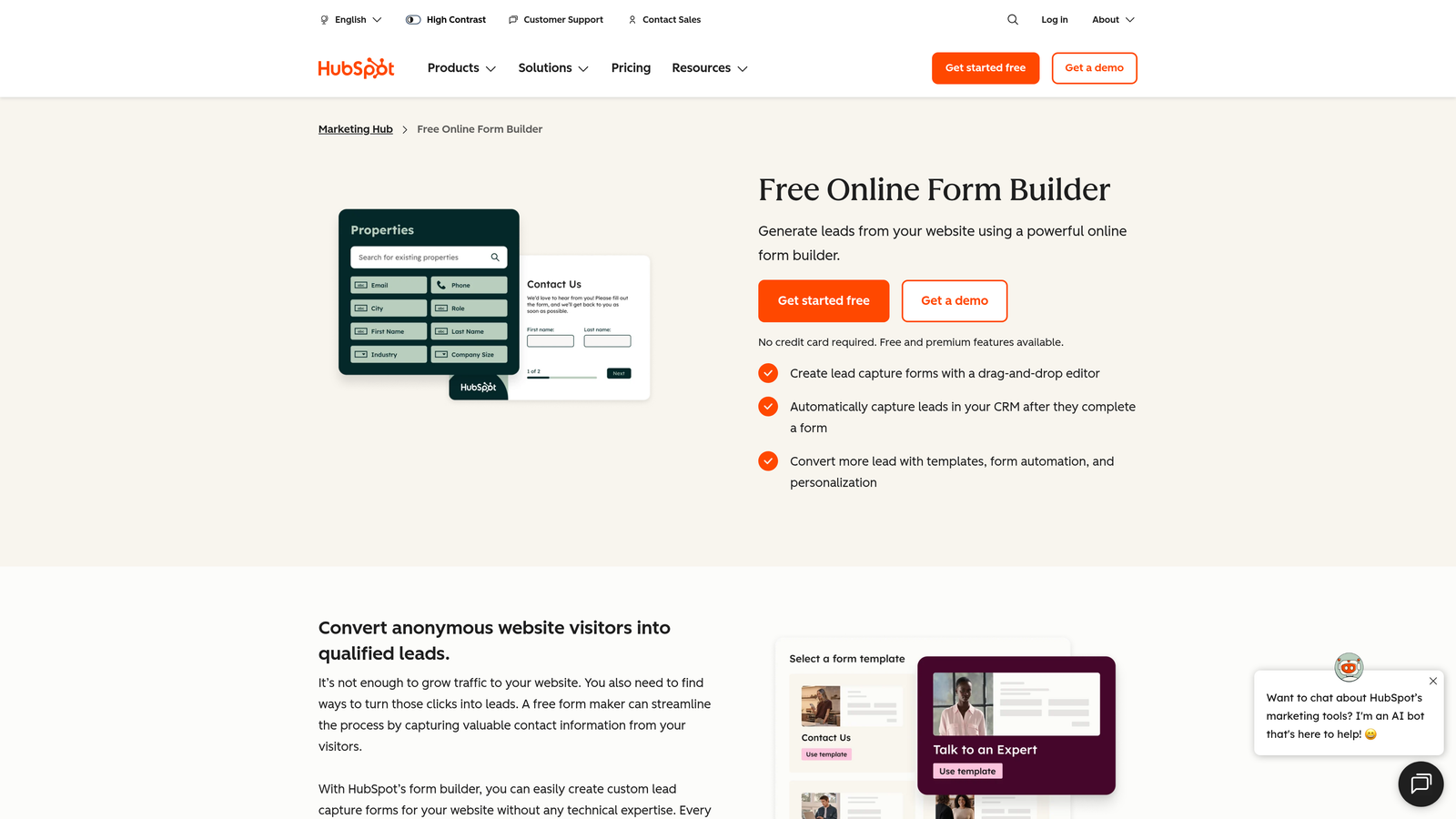
HubSpot Forms is a CRM-connected form builder with AI-powered smart fields and progressive profiling, part of the broader HubSpot platform.
Where This Tool Shines
If your team lives in HubSpot, the forms tool is a natural extension. Every submission creates or updates a contact record automatically, and the progressive profiling feature means returning visitors see different fields so you gradually build richer profiles without overwhelming people with long forms upfront. This is genuinely useful for lead nurturing workflows.
The important caveat is that the AI-powered features, including smart fields and A/B testing, are locked behind Marketing Hub paid plans. The free HubSpot form is functional but basic. The jump from free to Marketing Hub Professional is significant, so this tool's value depends heavily on whether you're already paying for HubSpot's broader platform.
Key Features
Direct CRM Integration: Every submission automatically syncs with HubSpot contact records and deal pipelines.
Progressive Profiling: Shows different fields to returning visitors to build richer profiles over time.
AI-Assisted Smart Fields: Intelligent field suggestions and auto-population based on known contact data.
Automatic Lead Routing: Route form submissions to the right sales rep based on form data and CRM rules.
A/B Testing: Available on Marketing Hub paid plans for optimizing form performance.
Best For
HubSpot Forms is the right choice for teams already paying for Marketing Hub who want everything in one platform. For teams not already in HubSpot, the cost of entry for advanced features is hard to justify on forms alone.
Pricing
Basic forms are free with the HubSpot CRM. Advanced AI features require Marketing Hub Starter at around $20/month or Professional at around $890/month. Value depends entirely on your existing HubSpot investment.
8. Paperform
Best for: Small businesses and creators that want document-style forms with built-in payments and no per-response limits.
Paperform is a document-style form builder with AI content generation, built-in payment processing, and flat-rate pricing that doesn't penalize you for high response volumes.
Where This Tool Shines
Paperform takes a different design approach: forms look more like styled documents than traditional form layouts, which works particularly well for client-facing intake forms, product order forms, and anything where you want the form to feel professional and polished without heavy design effort. The AI-powered content and question generation speeds up the creation process.
The no-per-response pricing model on most plans is a meaningful differentiator. If you're running campaigns where response volume is unpredictable or seasonal, knowing your monthly bill won't spike because a campaign performed well is genuinely valuable. Built-in Stripe and Square processing also means you can accept payments without adding another tool.
Key Features
Document-Style Editor: Rich text and media mixed with form fields for a polished, professional look.
AI Content Generation: Generate questions, descriptions, and form copy from prompts.
Built-In Payment Processing: Native Stripe and Square integration for order forms and registrations.
No Per-Response Limits: Flat-rate plans mean high response volume doesn't inflate your bill.
Conditional Logic and Calculations: Smart branching and calculated fields for dynamic form experiences.
Best For
Paperform suits service businesses, consultants, and creators who collect payments through forms and need a polished presentation without managing response-based pricing anxiety.
Pricing
Plans start around $24/month for the Essentials tier with unlimited responses. Higher tiers add more forms, custom domains, and advanced features.
9. Formsort
Best for: Enterprise teams in regulated industries that require HIPAA compliance, SOC 2 certification, and advanced conversion optimization.
Formsort is an enterprise-grade form builder built for healthcare, fintech, and insurance use cases where compliance and conversion optimization are both non-negotiable.
Where This Tool Shines
Formsort exists in a category of one for regulated industries. If you're building patient intake flows for a healthcare provider, application flows for an insurance product, or onboarding sequences for a fintech app, the compliance requirements alone narrow your options significantly. Formsort handles HIPAA and SOC 2 compliance out of the box, removing a major barrier for teams in these verticals.
Beyond compliance, Formsort includes built-in A/B testing, detailed analytics, and AI-powered branching that's designed specifically for optimizing conversion in high-stakes application flows. The level of customization available, including custom CSS and advanced theming, means the forms can look and feel like a native part of your product.
Key Features
HIPAA and SOC 2 Compliance: Enterprise-grade data handling for regulated industries, built in rather than bolted on.
AI-Powered Branching: Intelligent flow optimization for complex multi-step application sequences.
Built-In A/B Testing: Native experimentation tools for optimizing conversion across form variants.
Custom CSS and Advanced Theming: Full visual control for teams that need forms to match product design systems precisely.
Detailed Analytics: Drop-off analysis and conversion tracking built directly into the platform.
Best For
Formsort is specifically designed for healthcare, insurance, and fintech companies where compliance isn't optional and conversion optimization in application flows has direct revenue impact. Not the right fit for general marketing use cases.
Pricing
Custom enterprise pricing. Contact Formsort's sales team directly for a quote. Pricing reflects the compliance infrastructure and enterprise feature set.
Which AI Form Builder Fits Your Budget?
The right tool depends on three things: what you need AI to actually do, how many responses you expect, and whether you're buying a standalone form tool or extending a platform you already use.
For most high-growth B2B teams focused on lead quality, Orbit AI is worth evaluating first. The built-in lead qualification at the form level solves a problem that most tools leave to your CRM, and the conversion-optimized design means you're not sacrificing form performance for intelligence. It's purpose-built for the use case that matters most to growth teams.
If budget is the primary constraint, Tally's unlimited free tier is genuinely hard to beat for getting started. Fillout is the strongest pick if your workflow lives in Airtable or Notion. Paperform wins on flat-rate pricing when response volume is unpredictable. And if you're already deep in HubSpot, their native forms make sense as part of a broader platform investment.
For enterprise teams in regulated industries, Formsort is essentially in its own category. The compliance infrastructure justifies the pricing for healthcare and fintech applications where other tools simply aren't an option.
One thing to watch across all of these tools: the base price rarely tells the full story. Per-response pricing models can scale costs quickly during successful campaigns. AI features are often gated behind higher tiers. And integrations that look native sometimes route through Zapier, adding another subscription and another point of failure.
The best approach is to identify your expected monthly response volume, map the AI features you actually need, and then compare the realistic cost at your scale rather than the headline starting price. Start building free forms today and see how intelligent form design can elevate your conversion strategy, without needing to commit to a pricing tier before you know what works.


