

When a lead fills out your form, what happens next determines whether you close the deal or lose them to a competitor. Automated form routing software eliminates the manual handoff, instantly directing submissions to the right team member, CRM queue, or follow-up sequence based on rules you define. For high-growth teams, this isn't a nice-to-have; it's the difference between a 5-minute response and a 5-hour one.
This guide covers the best tools for automated form routing in 2026, evaluated on routing intelligence, ease of setup, integration depth, and overall value. Whether you're qualifying inbound leads, routing support tickets, or segmenting survey responses, there's a right tool for your stack. We'll also flag who each tool is genuinely best suited for, so you can skip the trials and get straight to building.
1. Orbit AI
Best for: High-growth teams that need AI-powered lead qualification built directly into their routing logic.
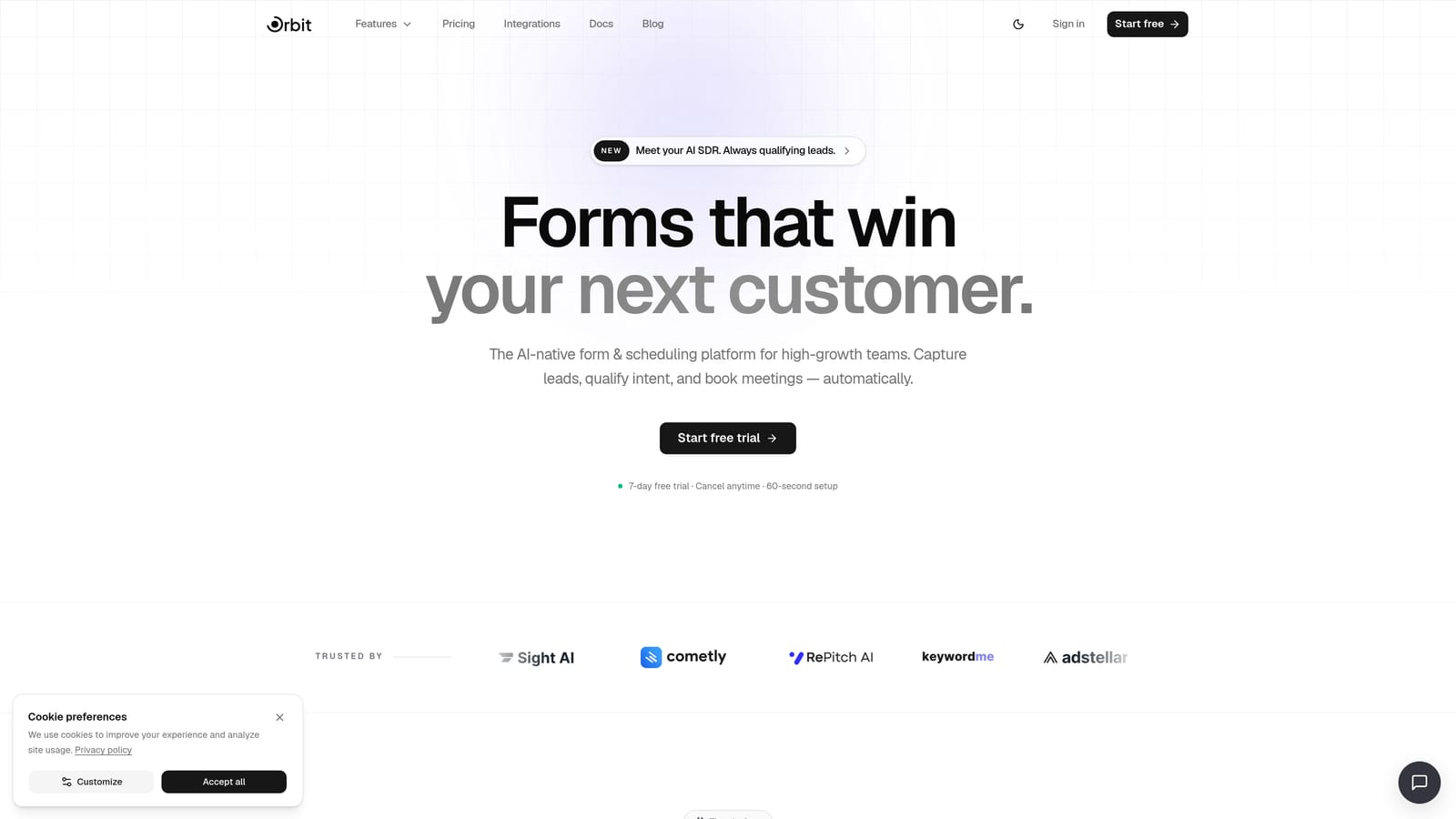
Orbit AI is an AI-powered form builder with native lead qualification and automated routing, built specifically for conversion-focused teams who can't afford to let hot leads sit in a queue.
Where This Tool Shines
Most form routing tools operate on static rules: if field A equals X, send to team B. Orbit AI takes a different approach by layering AI agents into the qualification step before routing happens. This means submissions are scored and assessed automatically, so your team only receives leads that are actually worth pursuing, not every raw form fill.
The platform also keeps everything in one place. Instead of stitching together a form builder, a Zapier workflow, a CRM, and an email sequence tool, Orbit AI handles routing, follow-up sequences, and contact management natively. For teams that want speed without complexity, this is a meaningful advantage.
Key Features
AI Lead Qualification: AI agents assess and score submissions before routing, removing the need for manual triage entirely.
Native Workflow Routing: Built-in workflows direct qualified submissions to the right team member or sequence automatically, no third-party automation tools required.
Conversion-Optimized Form Design: Forms are designed to maximize completion rates, not just collect data, with a modern UI built for high-growth environments.
Built-In Contacts and Sequences: Routing connects directly to follow-up sequences and a contact database, keeping the entire lead lifecycle in one system.
No Zapier Dependency for Core Logic: Routing intelligence lives inside the platform, so you're not building fragile automation chains to handle basic handoffs.
Best For
Orbit AI is the strongest fit for SaaS and high-growth B2B teams running significant inbound volume who need intelligent qualification, not just conditional redirects. If your current process involves someone manually reviewing form submissions to decide who handles them, this tool was built to replace that step entirely.
Pricing
Visit orbitforms.ai/pricing for current plan details. A free starting option is available.
2. Typeform
Best for: Marketing teams that want beautifully branded forms with branching paths based on respondent answers.
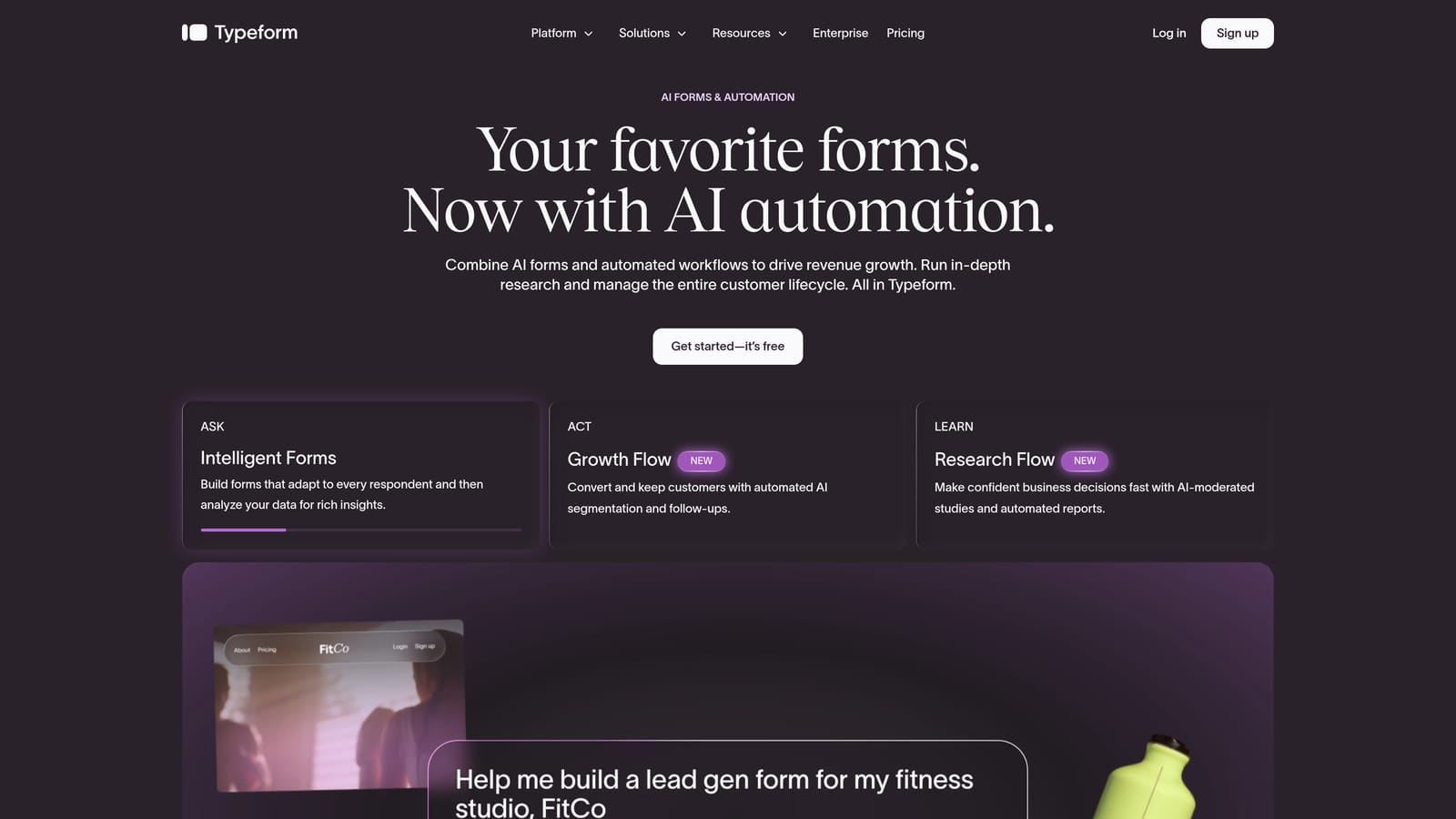
Typeform is a conversational form builder known for its one-question-at-a-time UX and polished design, with conditional Logic Jumps that route respondents through different form paths.
Where This Tool Shines
Typeform's strongest differentiator is the experience it creates for the person filling out the form. The conversational format tends to feel less like a form and more like a dialogue, which can improve completion rates for longer or more complex surveys. Logic Jumps let you branch the form path based on how someone answers, so a respondent who selects "Enterprise" sees different follow-up questions than one who selects "Startup."
Where Typeform is more limited is in what happens after submission. Routing to external tools like CRMs, Slack channels, or email platforms typically requires Zapier, Make, or webhooks. There's no native AI qualification layer, and routing logic is based entirely on static field values.
Key Features
Logic Jumps: Branch form paths based on specific answers, creating a tailored experience for different respondent segments.
Hidden Fields: Pre-populate routing data from URL parameters, useful for passing UTM source or account data into the form.
Webhook and Zapier Support: Connect form submissions to external tools for downstream routing, though this requires setting up third-party automation.
Recall Information: Reference earlier answers within the form to create a more personalized, conversational flow.
Polished Brand Design: Strong visual customization options that align well with brand-forward marketing teams.
Best For
Typeform works well for marketing and research teams that prioritize respondent experience and brand presentation. It's less suited to teams that need robust post-submission routing without building Zapier workflows, or those who need AI-driven qualification before handoff.
Pricing
Free plan available with limited features. Paid plans start at approximately $25 per month billed annually. Note that advanced logic features are gated to higher tiers.
3. Jotform
Best for: Operations teams that need multi-step approval workflows with native routing to designated reviewers.
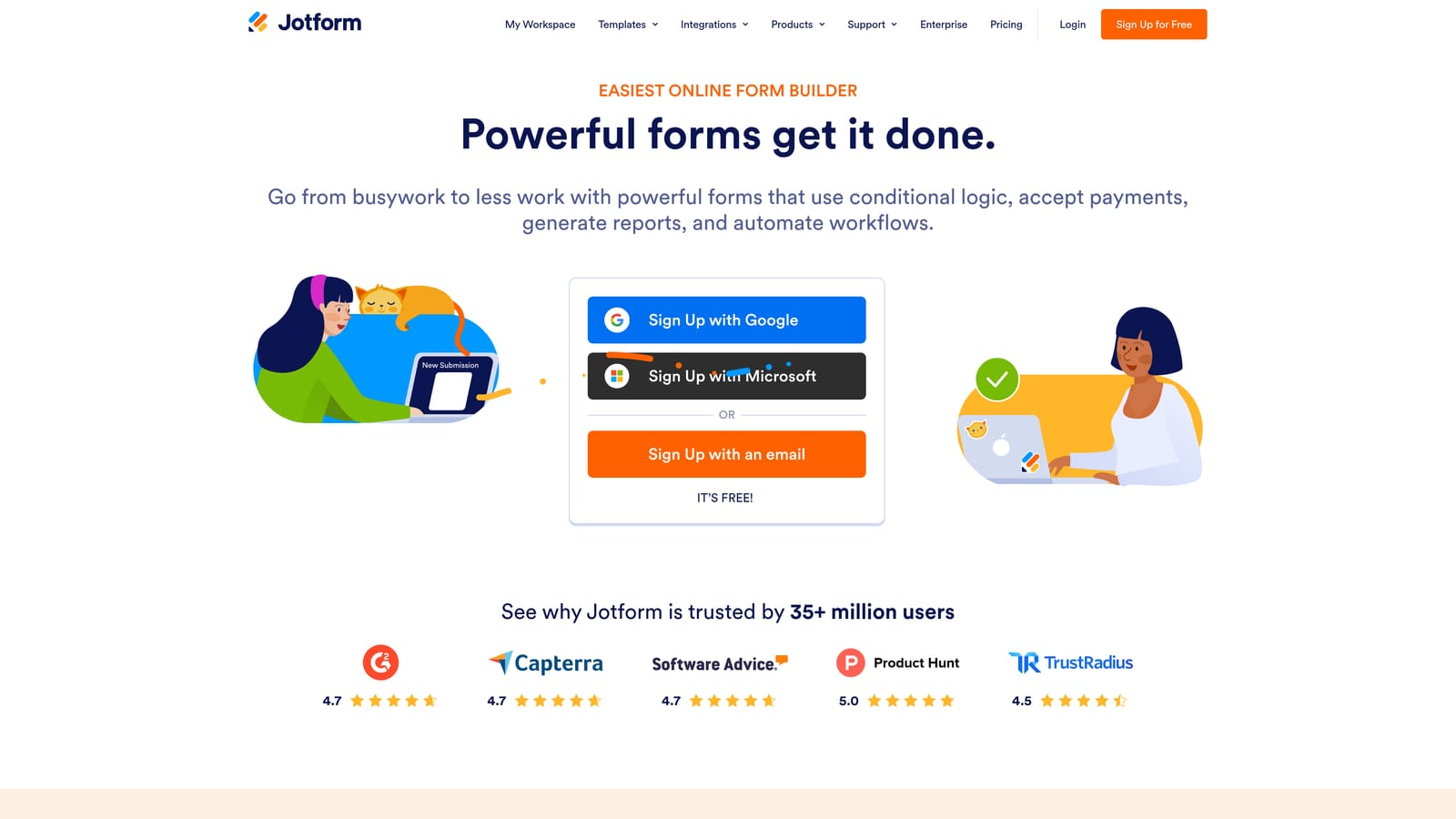
Jotform is a feature-rich form builder with a native approval workflow engine, making it one of the more capable options for internal routing and review processes.
Where This Tool Shines
Jotform's approval workflow builder is genuinely powerful for ops-heavy use cases. You can route a submission to a specific reviewer based on a form field value, require sign-off before it moves to the next stage, and manage the entire review process inside Jotform Inbox. For teams handling things like purchase approvals, HR requests, or compliance reviews, this structured approach to routing is a strong fit.
The platform also has one of the largest template libraries in the category and a wide range of native CRM integrations, which reduces the need for custom automation. The trade-off is that Jotform's routing is built around approval chains, not lead qualification. It's not designed to score or assess submissions before routing them.
Key Features
Native Approval Workflow Builder: Create multi-step routing chains that move submissions through designated reviewers based on form field logic.
Conditional Email Notifications: Route email alerts to different team members depending on how a form is filled out.
Jotform Teams: Collaborative workspace for reviewing and managing routed submissions across a team.
Jotform Inbox: Centralized submission management hub that keeps routed responses organized and trackable.
Large Native Integration Library: Connect directly to many CRMs and business tools without needing Zapier for every connection.
Best For
Jotform is a strong choice for operations, HR, finance, and admin teams that need structured internal routing with multi-step approvals. It's less suited to marketing or sales teams looking for lead qualification or conversion-optimized form experiences.
Pricing
Free plan available. Paid plans start at approximately $34 per month billed annually, with higher tiers unlocking more workflows and submission volume.
4. Formstack
Best for: Enterprise teams in regulated industries that need compliant, multi-step approval routing with document generation.
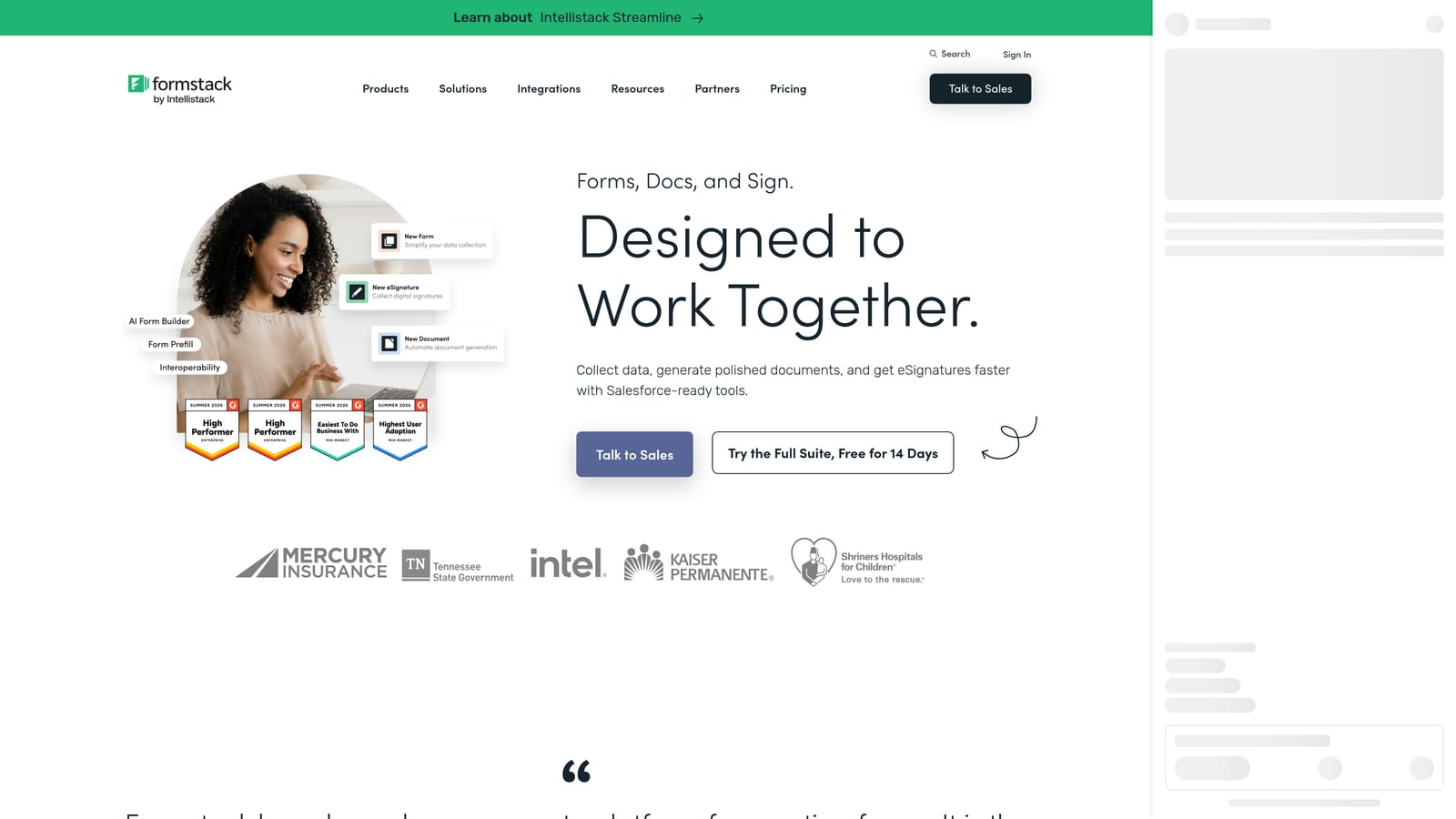
Formstack is an enterprise workflow automation platform that goes well beyond form building, combining forms, documents, and e-signatures into a single routing and process automation system.
Where This Tool Shines
Formstack is built for organizations where a form submission is the start of a longer, more complex process. Think contract approvals, patient intake workflows, or regulated data collection where submissions need to move through defined stages, generate documents, collect signatures, and maintain a full audit trail. The platform's HIPAA and SOC 2 compliance makes it one of the few options genuinely suited to healthcare, legal, and financial services teams.
The Salesforce integration is particularly deep, allowing routing logic to tie directly into CRM records, pipeline stages, and account data. For enterprise teams already running Salesforce as their system of record, this is a meaningful advantage over lighter-weight tools.
Key Features
Multi-Step Approval Routing: Route submissions through conditional branching approval chains with full visibility at each stage.
Document Generation and E-Signature: Automatically generate documents from form data and route them for signature as part of the same workflow.
HIPAA and SOC 2 Compliance: Built-in security and compliance features for teams operating in regulated industries.
Deep Salesforce Integration: Tie routing logic directly to CRM data, pipeline stages, and account records in Salesforce.
Broader Process Automation: Routing is connected to document workflows and process steps, not limited to form submission handling alone.
Best For
Formstack is the right tool for enterprise and mid-market teams in regulated industries where compliance, document workflows, and multi-stakeholder approvals are non-negotiable. It's significantly overbuilt for small teams or straightforward lead routing use cases, and the price reflects that.
Pricing
Plans start at approximately $83 per month. Enterprise pricing is available on request and typically includes additional compliance, security, and support features.
5. Paperform
Best for: Small teams that want flexible, design-forward forms with conditional post-submission routing without a steep learning curve.
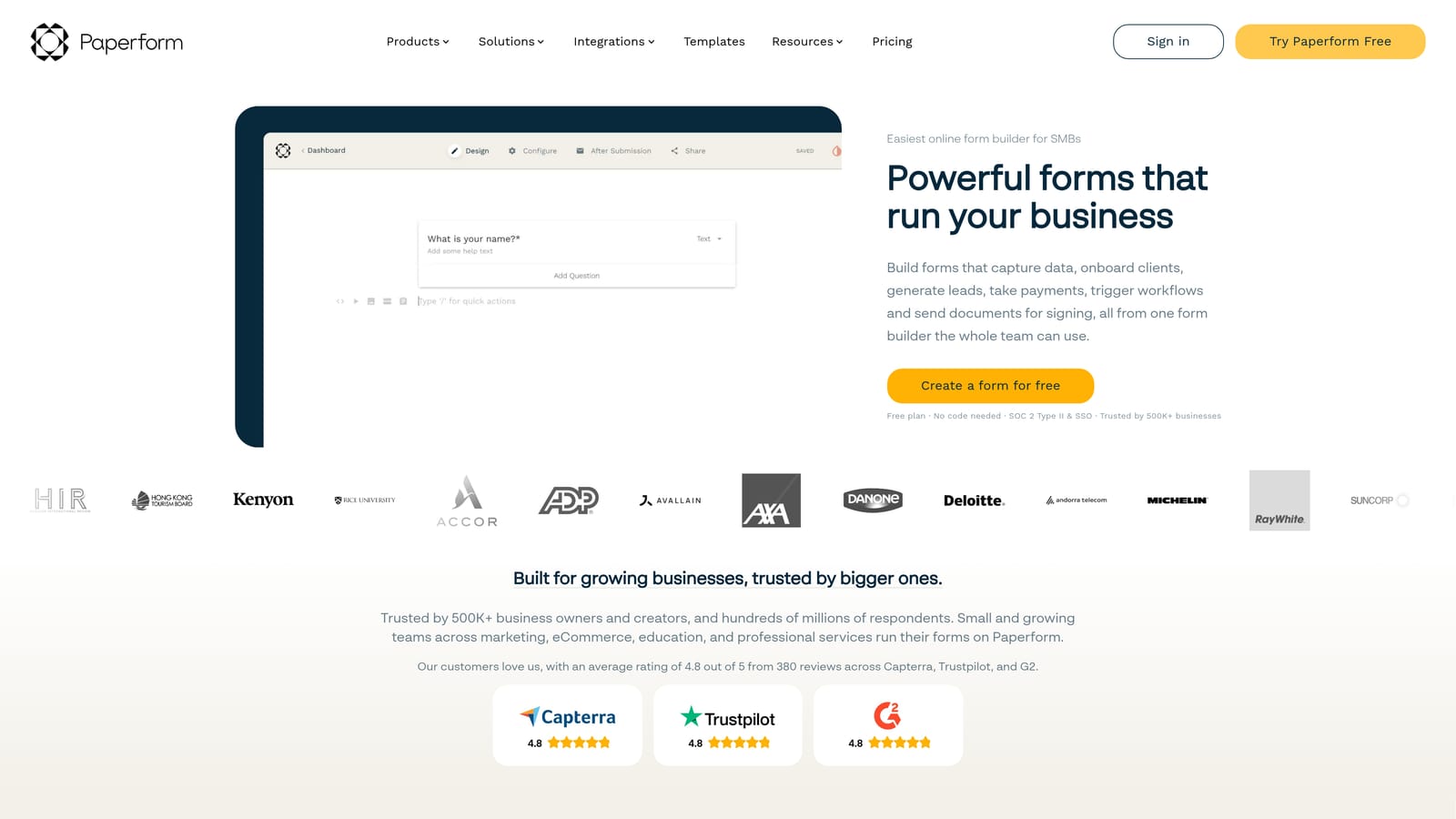
Paperform is a visual, document-style form builder that uses conditional logic to trigger different post-submission actions based on how respondents answer.
Where This Tool Shines
Paperform sits in an interesting middle ground: more design flexibility than most utility-focused form tools, but more accessible than enterprise platforms. The conditional post-submission action system lets you route a completed form to different email addresses, Slack channels, or CRM records depending on what the respondent selected. It's not the deepest routing engine on this list, but for many small teams it covers the basics well.
The platform also handles payment collection natively, which means you can route submissions differently based on the product or plan a customer selected during checkout. This makes it a practical option for small businesses running product selection or service intake flows.
Key Features
Conditional Post-Submission Actions: Trigger different routing actions based on specific answer combinations, including email, Slack, and CRM destinations.
Visual Document-Style Editor: Build forms that look like polished documents rather than generic web forms, with strong design customization.
Payment Collection with Routing: Route submissions based on product or plan selected during a payment flow.
Native and Zapier Integrations: Connect to popular tools directly or extend routing via Zapier for more complex workflows.
Accessible Setup: No technical expertise required; routing logic is configured through a straightforward visual interface.
Best For
Paperform is well suited to small businesses, freelancers, and lean teams that want attractive, functional forms with basic conditional routing. Teams that need advanced qualification logic, AI-driven routing, or enterprise compliance features will likely outgrow it quickly.
Pricing
Plans start at approximately $24 per month billed annually. A free trial is available to test the platform before committing.
6. Tally
Best for: Startups and indie builders who need free, unlimited forms with conditional logic and are comfortable connecting external tools for routing.
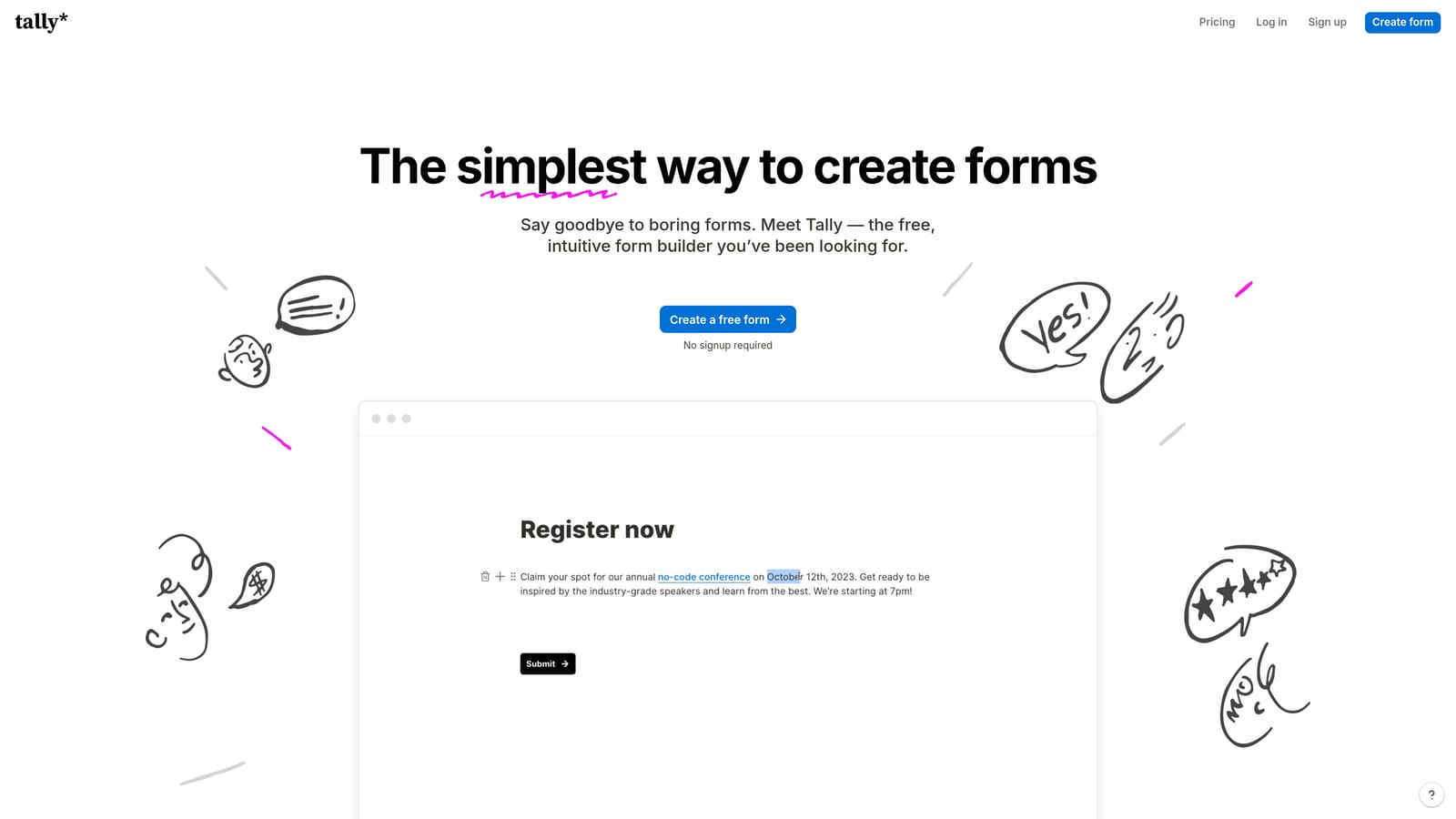
Tally is a free-first, Notion-style form builder with conditional logic on all plans and routing to external tools via Zapier, Make, and webhooks.
Where This Tool Shines
Tally's most compelling feature is its pricing model. Unlimited forms on the free tier, with conditional logic included, makes it one of the most accessible entry points in the category. The Notion-like block editor has a very low learning curve, so teams can get forms live quickly without any training investment.
The important caveat is that Tally has no native routing engine. All post-submission routing happens through Zapier, Make, or webhooks, which means you're building and maintaining those automation workflows yourself. For teams comfortable with that setup, it's a cost-effective solution. For teams that want routing to work out of the box without external dependencies, it's a meaningful limitation.
Key Features
Conditional Logic on Free Plan: Branch form paths based on respondent answers without needing a paid subscription.
Unlimited Forms on Free Tier: No cap on the number of forms you can create, which is rare in this category.
Zapier, Make, and Webhook Support: Route submissions to external tools, CRMs, or sequences through third-party automation platforms.
Notion-Style Block Editor: Familiar, intuitive editing experience with a minimal learning curve for teams already using Notion.
Embed Anywhere: Lightweight embed script makes it easy to place forms on any website or product without performance concerns.
Best For
Tally is the right starting point for early-stage startups, indie makers, and budget-conscious teams who need solid forms with basic conditional logic and are happy to manage routing through Zapier or Make. Teams with more complex routing needs or those who want a fully integrated system will want to look at tools with native routing capabilities.
Pricing
Free plan with unlimited forms. Tally Pro starts at approximately $29 per month and adds features like custom domains, file uploads, and priority support.
Which Tool Is Right for Your Team?
The right automated form routing tool depends almost entirely on where your bottleneck actually lives. Here's a quick way to think through it.
If your challenge is lead qualification before routing, meaning submissions hit your inbox and someone still has to decide who handles them, Orbit AI is the strongest fit. The AI qualification layer removes that manual step entirely, and because routing, sequences, and contacts all live in one platform, you're not stitching together multiple tools to get a complete workflow.
If your priority is form experience and brand presentation, Typeform delivers the most polished conversational UX, though you'll need Zapier or webhooks to handle post-submission routing to your stack.
For internal approval workflows, particularly in ops, HR, or finance, Jotform offers the most capable native approval routing without requiring enterprise-level investment. And for regulated industries where compliance is non-negotiable, Formstack is the clear choice, though the price and complexity reflect that positioning.
Paperform is a solid middle-ground option for small teams that want design flexibility and basic conditional routing without a steep setup process. And if budget is the primary constraint and you're comfortable managing routing through Zapier, Tally gives you unlimited forms with conditional logic for free.
For high-growth teams serious about turning inbound volume into revenue, the tools that handle qualification and routing natively will always outperform those that rely on external automation chains. Start building free forms today and see how AI-powered qualification can transform the way your team handles every submission that comes through the door.


