

Form building used to mean dragging fields onto a page and hoping people would fill them out. AI has changed that entirely. The best AI form builders today don't just collect data — they adapt in real time, qualify leads as they respond, predict where users will drop off, and feed structured intelligence directly into your CRM.
But not all "AI form builders" are created equal. Many tools have simply bolted an AI form generator onto an existing product. Others have built AI into the core of how forms work, from question sequencing to lead scoring to conversion optimization. The difference matters enormously if you're a high-growth team that cares about lead quality, not just lead volume.
To build this list, we evaluated tools on five criteria: depth of AI capability (not just template generation), ease of use for non-technical teams, integration ecosystem, pricing transparency, and suitability for teams focused on conversion and lead generation. Here are the top AI form builders worth your attention in 2026.
1. Orbit AI
Best for: High-growth teams that need AI-powered lead qualification built directly into the form experience.
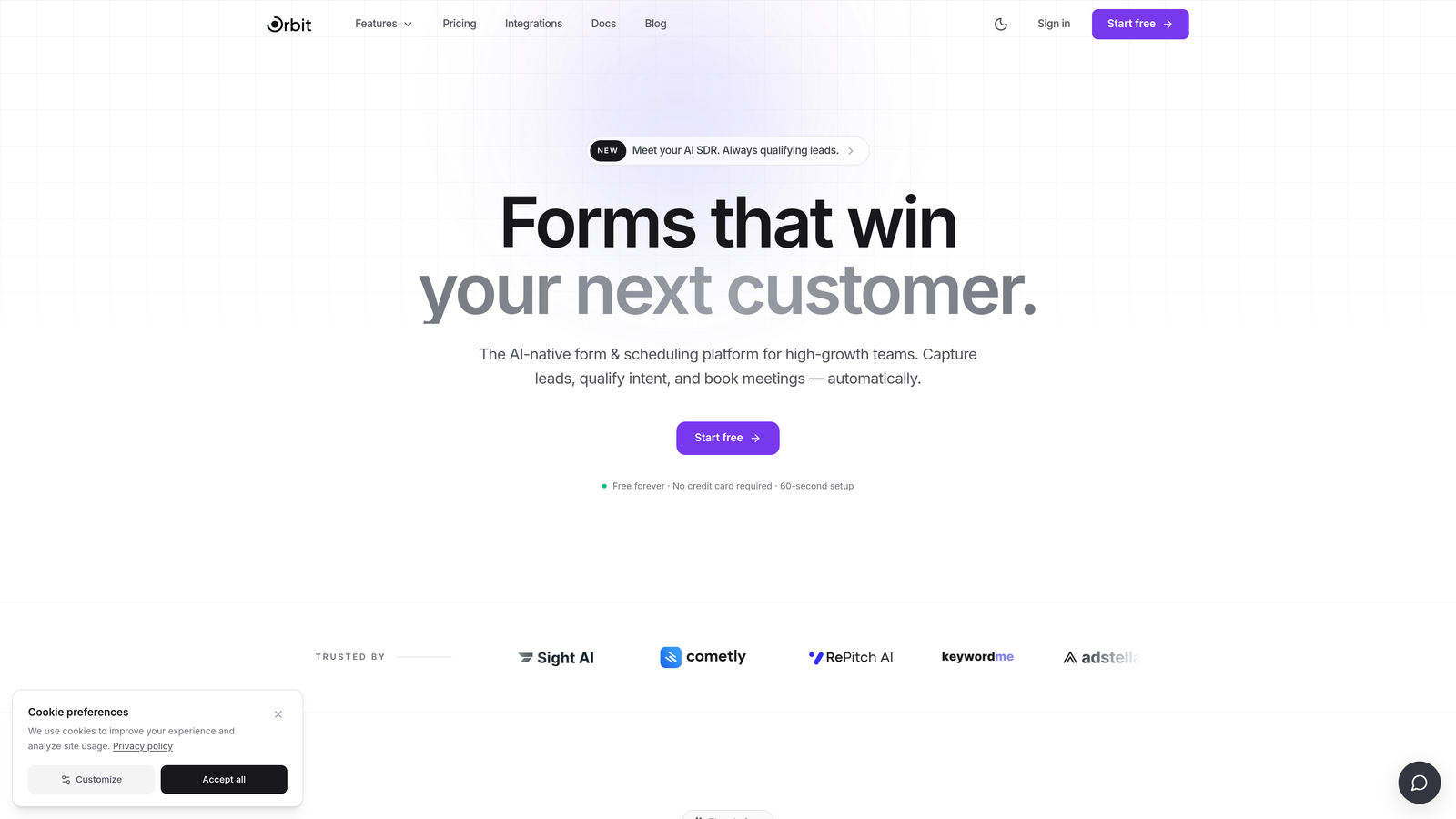
Orbit AI is an AI-powered form builder platform with native lead qualification and scoring, designed for teams where lead quality is just as important as lead volume.
Where This Tool Shines
Most form builders treat lead qualification as a downstream CRM problem. Orbit AI solves it at the source, scoring and qualifying prospects in real time as they move through the form. That means your sales team receives leads that are already ranked by fit, not a raw list of submissions to manually sort through.
The platform is also built with conversion optimization at its core. Templates are designed for high-growth SaaS and B2B teams, the mobile-first interface reduces friction on every device, and smart conditional logic ensures each respondent only sees questions relevant to their situation — keeping completion rates high and data quality sharp.
Key Features
AI Lead Qualification and Scoring: Prospects are scored automatically as they complete the form, giving your team qualified leads without manual review.
Smart Conditional Logic: Questions adapt dynamically based on previous responses, creating a personalized path for every respondent.
Conversion-Optimized Templates: Pre-built form templates designed specifically for high-growth teams and B2B lead generation scenarios.
Mobile-First Design: Beautiful, modern form experiences that perform consistently across all screen sizes and devices.
CRM and Marketing Automation Integrations: Connect directly with popular CRMs and marketing tools to keep your lead pipeline flowing automatically.
Best For
Orbit AI is the right fit for SaaS companies, B2B marketing teams, and high-growth businesses that want their forms to do more than collect data. If lead quality and conversion rate optimization are priorities — not afterthoughts — this platform is built for that use case from the ground up.
Pricing
Visit orbitforms.ai for current plan details. A free tier is available to get started without a credit card.
2. Typeform
Best for: Teams that prioritize brand experience and conversational form design above all else.
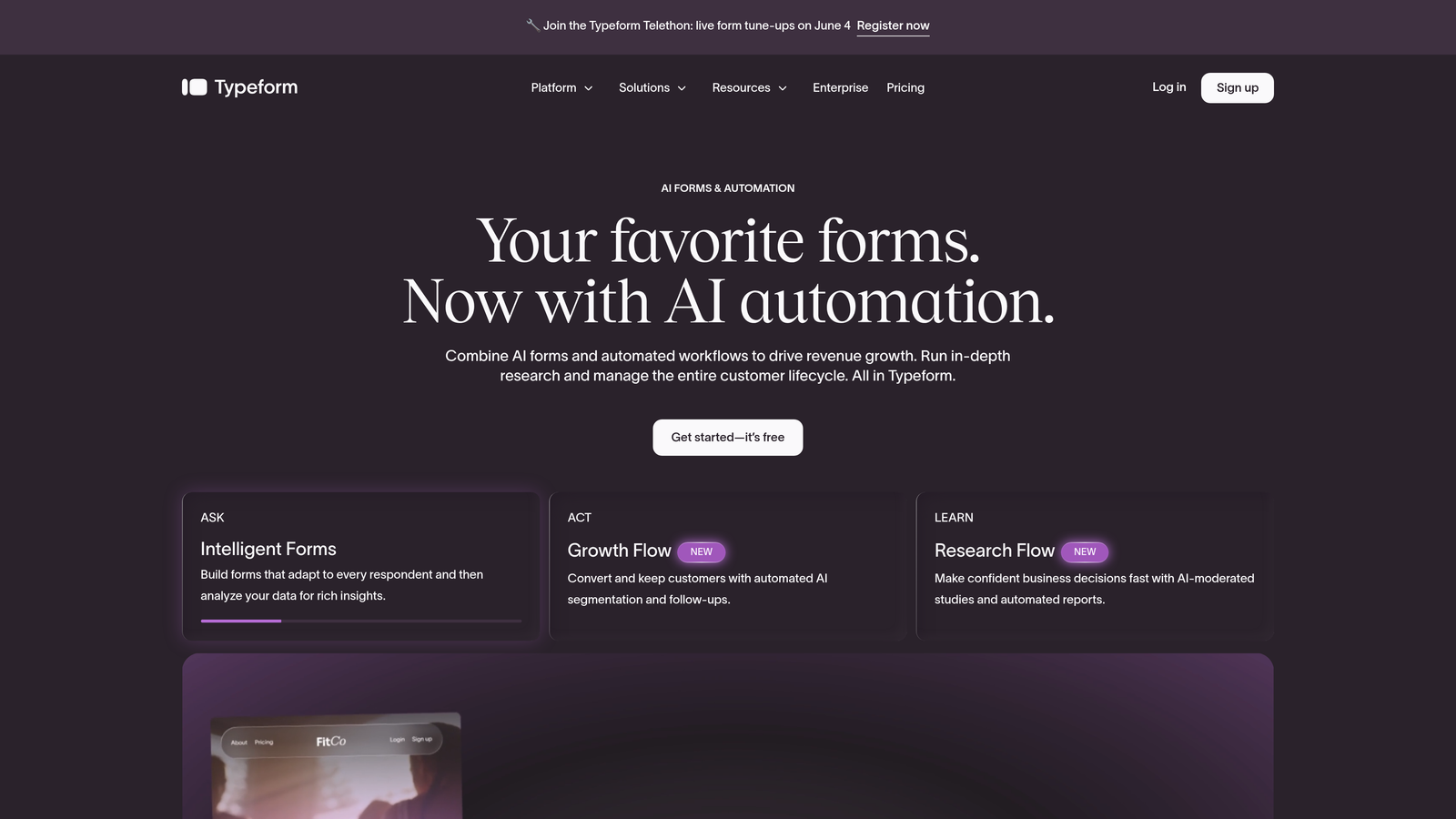
Typeform is a conversational form builder known for its signature one-question-at-a-time interface, now enhanced with AI-assisted form creation and deep brand customization.
Where This Tool Shines
Typeform's core strength has always been the experience it creates for respondents. The one-at-a-time question format feels less like filling out a form and more like having a conversation, which tends to reduce abandonment on longer or more complex forms. That UX philosophy remains the product's defining characteristic.
The addition of AI form generation from text prompts makes it faster to build those experiences. Describe what you need in plain English and Typeform produces a working form structure you can refine. Combined with its extensive logic jump system and integration marketplace, it remains one of the most polished tools in the category.
Key Features
AI-Assisted Form Generation: Describe your form in plain language and Typeform generates a complete structure ready for customization.
Conversational One-at-a-Time Interface: The signature UX presents one question per screen, reducing overwhelm and improving completion rates.
Deep Brand Customization: Control fonts, colors, imagery, and layout to match your brand identity precisely.
Logic Jumps and Conditional Branching: Route respondents through different question paths based on their answers.
Extensive Integration Marketplace: Connect with hundreds of tools including Salesforce, HubSpot, Slack, and Google Sheets.
Best For
Typeform works best for marketing teams, agencies, and brands where the form experience itself is part of the brand impression. It's particularly strong for surveys, lead capture, and customer research where completion rate and respondent experience are the primary goals.
Pricing
Free plan available with limited responses. Paid plans start around $25/month, with higher tiers unlocking more responses, logic features, and integrations.
3. Jotform
Best for: Teams that need maximum template variety and built-in functionality like payments, approvals, and e-signatures.
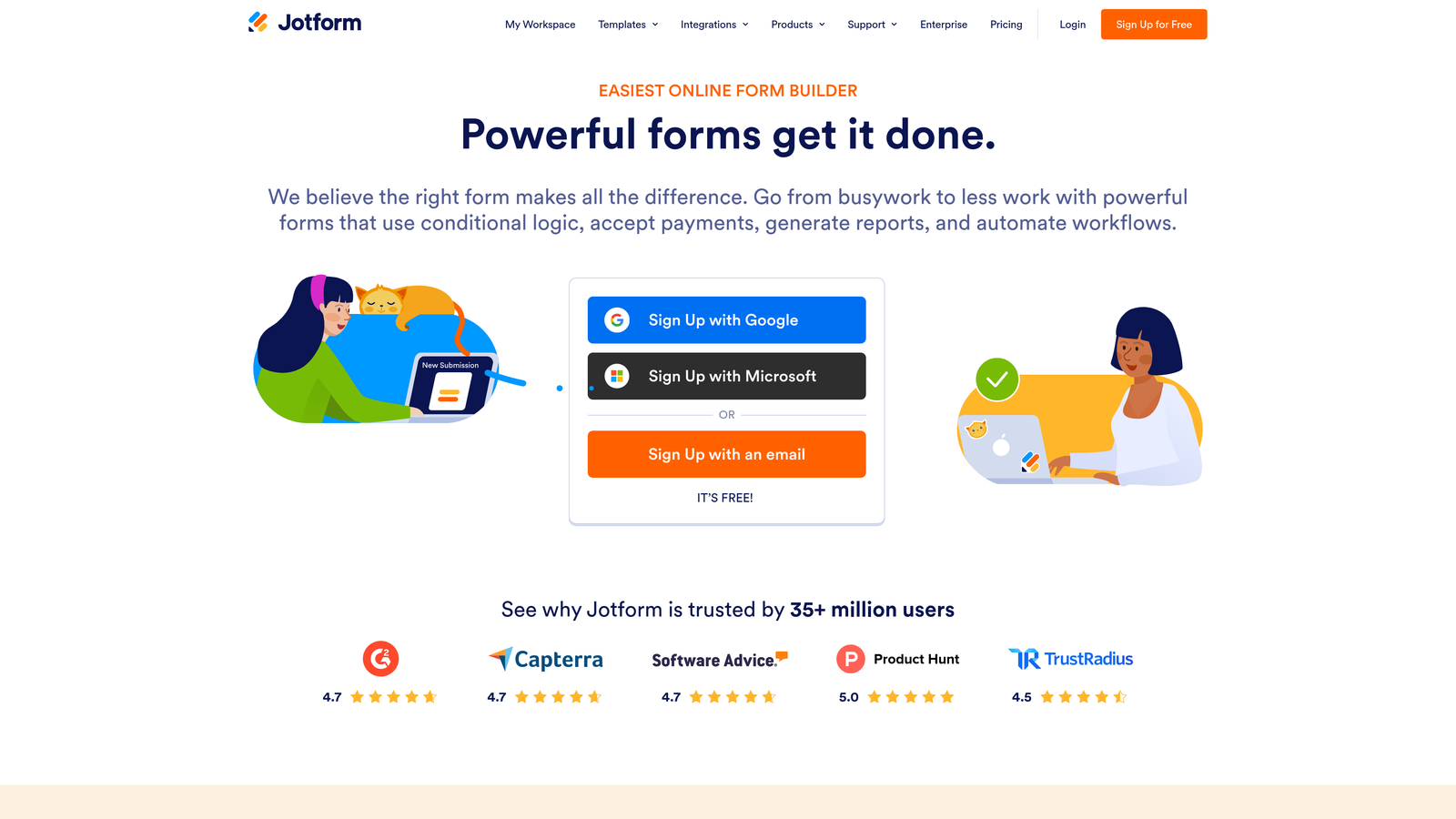
Jotform is a feature-rich form builder with AI form generation, a library of over 10,000 templates, and broad functionality that spans well beyond basic data collection.
Where This Tool Shines
Jotform's depth is genuinely impressive. While most form builders focus on a narrow use case, Jotform handles surveys, payment forms, approval workflows, contract signing, and data management — all within one platform. The AI form generator accelerates setup by building forms from natural language descriptions, which is useful when you're working across many different form types.
Jotform Tables adds a spreadsheet-style view of all submissions, making it easier for teams to manage and act on incoming data without immediately routing everything to an external tool. For organizations that need a single form platform to serve multiple departments, it's hard to beat the breadth here.
Key Features
AI Form Generator: Build forms from plain-language descriptions, with the AI producing a working structure in seconds.
10,000+ Templates: One of the largest template libraries in the category, covering virtually every industry and use case.
Built-in Payment Processing: Accept payments via Stripe, PayPal, Square, and other processors directly through your forms.
E-Signature Support: Collect legally binding signatures without a separate tool.
Approval Workflows: Route submissions through multi-step approval processes with notifications and status tracking.
Best For
Jotform suits operations teams, HR departments, agencies, and businesses that need one platform to handle many different form types. It's especially strong when payment collection, document signing, or internal approval workflows are part of the picture.
Pricing
Free plan includes up to 5 forms. Paid plans start around $34/month, with higher tiers increasing form limits, submission capacity, and storage.
4. Fillout
Best for: Teams that live in Notion, Airtable, or Google Sheets and want forms that connect natively to those tools.
Fillout is a modern form builder with AI generation and standout native integrations with the database and productivity tools that many modern teams already use daily.

Where This Tool Shines
Fillout's native integrations go deeper than a typical webhook connection. When you connect Fillout to Notion or Airtable, form submissions map directly to database fields in real time — no Zapier middleware required. For teams that manage their operations inside those tools, this removes a significant layer of friction from the data collection workflow.
The AI form generation feature handles initial setup quickly, and the platform supports multi-page forms, scheduling, payments, and file uploads out of the box. It's a well-rounded tool that punches above its price point, particularly for smaller teams that want modern functionality without enterprise pricing.
Key Features
AI-Powered Form Creation: Generate complete forms from text prompts, then customize the output to fit your exact needs.
Native Database Integrations: Direct, real-time connections to Notion, Airtable, and Smartsheet without third-party automation tools.
Built-in Scheduling and Payments: Handle appointment booking and payment collection within the same form experience.
Conditional Logic and Multi-Page Forms: Build complex, branching form flows that adapt based on respondent input.
Custom Domains and Branding: Publish forms on your own domain with full visual customization.
Best For
Fillout is ideal for startups and modern ops teams that use Notion or Airtable as their operational backbone and want form submissions to feed directly into those systems without manual data transfer or automation overhead.
Pricing
Free plan available with generous limits. Paid plans start around $19/month, making it one of the more affordable options on this list for teams that need database integrations.
5. Tally
Best for: Startups, indie makers, and budget-conscious teams that want a clean, capable form builder with a genuinely free tier.
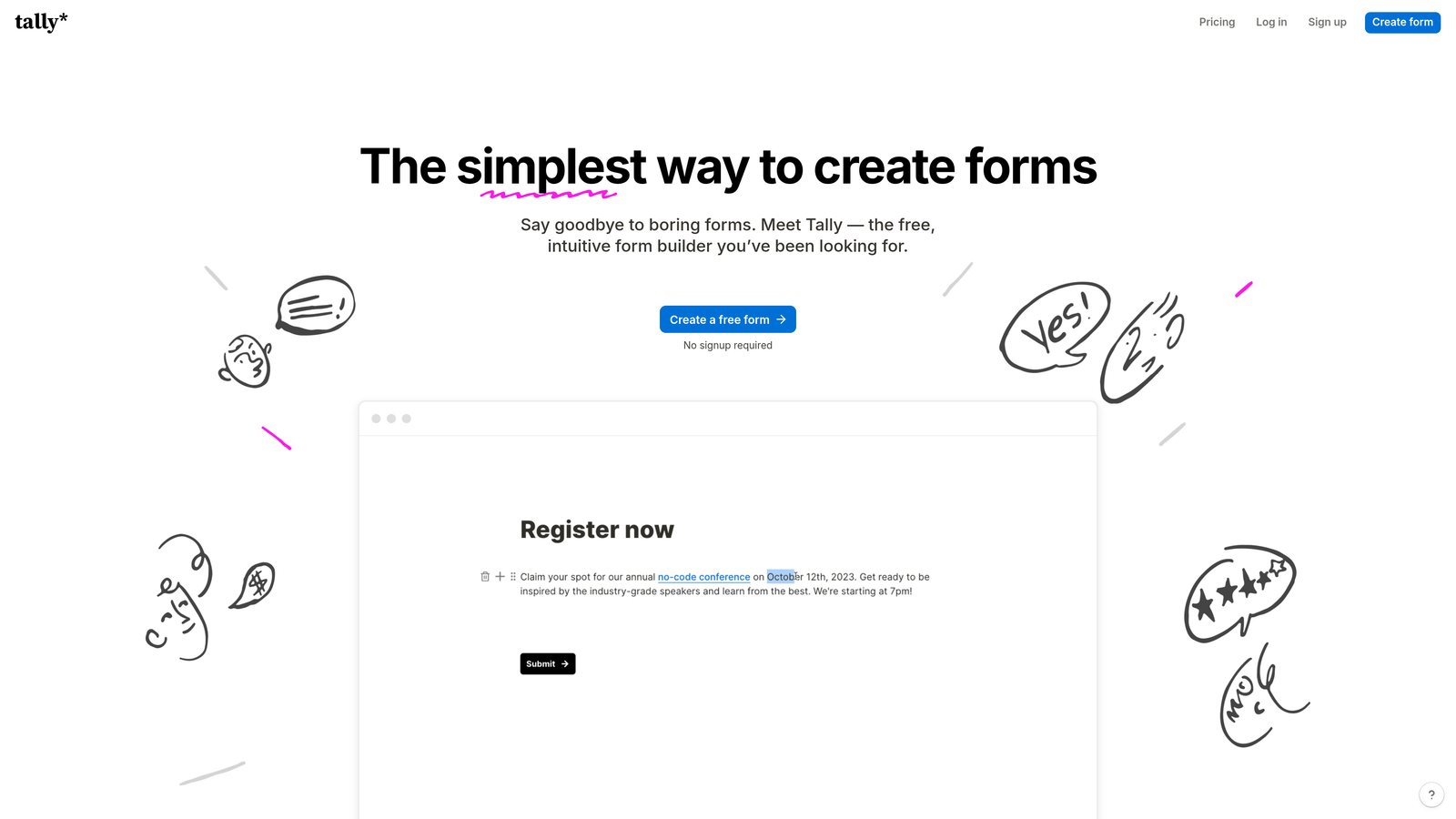
Tally is a minimalist, Notion-style form builder with AI generation and one of the most generous free plans in the market — unlimited forms and unlimited submissions at no cost.
Where This Tool Shines
Tally's block-based editor will feel immediately familiar to anyone who uses Notion. You build forms by typing and inserting blocks, which makes the creation process feel natural and fast without a steep learning curve. The interface stays out of your way, and the resulting forms are clean and distraction-free.
The free tier is a genuine standout. Most competitors cap free plans at a handful of forms or a few hundred responses per month. Tally offers unlimited forms and submissions on the free plan, which makes it an easy first choice for teams testing the waters or running multiple lightweight forms simultaneously.
Key Features
AI Form Generation: Describe your form and Tally generates a complete structure using its block-based format.
Notion-Style Block Editor: Familiar, distraction-free editing experience that makes form creation feel like writing a document.
Unlimited Free Forms and Submissions: The free plan imposes no caps on form count or response volume.
Conditional Logic and Hidden Fields: Build adaptive question flows and pass data silently through hidden fields.
Webhooks and Native Integrations: Connect to external tools via native integrations and webhook support.
Best For
Tally is the go-to for indie makers, early-stage startups, and solo operators who need a capable, good-looking form builder without a monthly bill. It also works well for teams running internal forms, feedback surveys, or lightweight lead capture where advanced qualification isn't required.
Pricing
Free plan with unlimited forms and responses. Pro plan starts around $29/month, adding features like custom domains, file uploads, and Tally branding removal.
6. Feathery
Best for: Product and engineering teams building complex onboarding flows, KYC processes, or multi-step signup funnels.
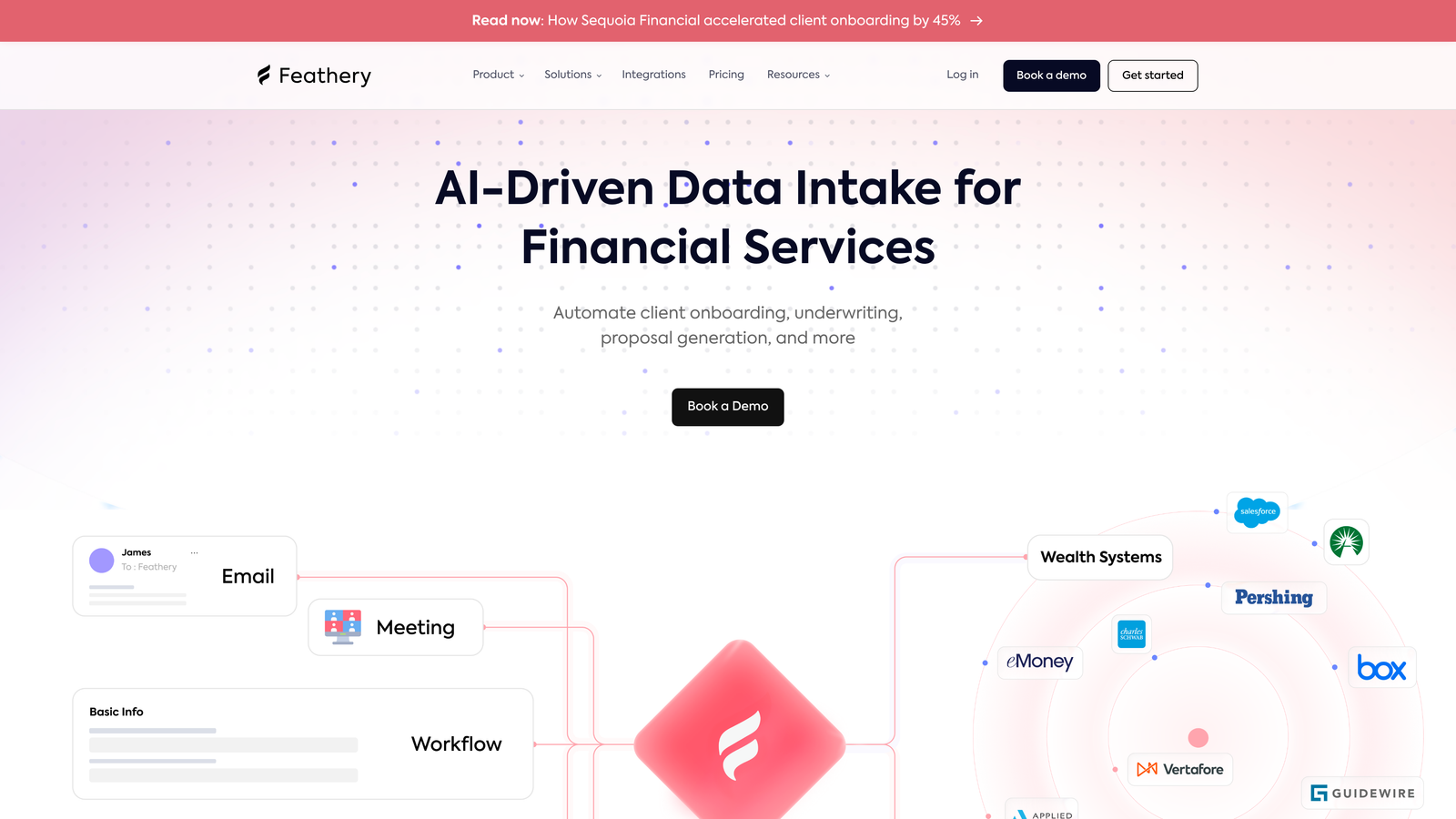
Feathery is an advanced AI form and flow builder focused on product onboarding, signup experiences, and complex multi-step workflows with deep developer customization capabilities.
Where This Tool Shines
Feathery occupies a different tier than most form builders. Where other tools optimize for simplicity, Feathery is built for complexity. It handles multi-step product onboarding flows, KYC verification sequences, and sophisticated signup funnels that would be difficult or impossible to build in a general-purpose form tool. The AI generates production-ready multi-step flows, not just single-page forms.
The developer-friendly architecture is a real differentiator. Custom CSS and JavaScript support, an API-first design, and granular control over logic and data routing make it suitable for engineering teams that need to embed sophisticated form experiences directly into their product. It's more of a flow builder than a traditional form tool.
Key Features
AI Multi-Step Flow Generation: Generate production-ready multi-step flows from prompts, not just single-page form templates.
Advanced Conditional Logic: Handle complex branching scenarios with granular control over routing and data conditions.
Custom CSS and JavaScript Support: Full styling and scripting flexibility for teams that need precise control over the experience.
Onboarding and KYC Optimization: Built specifically for product activation flows, identity verification, and complex signup sequences.
API-First Architecture: Designed to integrate deeply with product infrastructure, not just connect to third-party apps.
Best For
Feathery is the right choice for SaaS product teams, fintech companies, and engineering-led organizations that need to build complex, multi-step user flows with full customization control. It's overkill for simple lead capture but exceptional for sophisticated onboarding and compliance use cases.
Pricing
Free plan available. Paid plans start around $49/month, with pricing scaling based on usage and team size.
7. Paperform
Best for: Teams that want forms to function as full landing pages with rich content, media, and built-in payment processing.
Paperform is a content-rich form builder that blends document-style editing with form functionality, AI assistance, and native payment processing.
Where This Tool Shines
Paperform's document-style editor sets it apart from the typical drag-and-drop form builder. You write content and embed form fields inline, which means your form can include explanatory text, images, videos, and rich media alongside the questions themselves. The result is a form that feels more like a landing page than a data collection widget.
This approach works particularly well for product order forms, event registrations, and service intake pages where context and content matter as much as the fields themselves. The built-in payment processing and calculation features add practical utility for teams that want to handle transactions without a separate tool.
Key Features
AI-Assisted Form Creation: Generate form and page content from prompts, then refine within the document-style editor.
Document-Style Editor: Mix content and form fields freely, creating rich, page-like experiences rather than bare field lists.
Built-in Payment Processing: Accept payments via Stripe, Square, and Braintree directly through your forms.
Calculations and Scoring: Build price calculators, quiz scoring, and custom logic using Paperform's calculation engine.
Forms as Landing Pages: Embed rich media and content to create standalone pages that convert without a separate website builder.
Best For
Paperform suits small businesses, consultants, coaches, and creative agencies that want their forms to serve as polished, content-rich landing experiences. It's particularly strong for order forms, event pages, and intake forms where storytelling and context enhance conversion.
Pricing
Plans start around $24/month. No free plan is available, but a 14-day free trial lets you evaluate the platform before committing.
8. HubSpot Forms
Best for: Teams already using HubSpot CRM who want forms that feed directly into their existing contact and marketing workflows.
HubSpot Forms is a form builder natively embedded in HubSpot's CRM and marketing platform, with AI-powered smart fields, progressive profiling, and automatic contact enrichment.
Where This Tool Shines
The core advantage of HubSpot Forms isn't the form builder itself — it's the native CRM integration. Every submission automatically creates or updates a contact record in HubSpot, triggers follow-up workflows, and feeds into your lead scoring and segmentation models without any data mapping or third-party connectors. For teams already in the HubSpot ecosystem, this is a significant operational advantage.
Progressive profiling is another standout feature. Rather than asking the same questions to returning visitors, HubSpot Forms recognizes known contacts and replaces already-answered fields with new ones — gradually building a richer contact profile over multiple interactions without increasing form friction.
Key Features
AI-Powered Smart Fields and Progressive Profiling: Automatically replace known fields with new questions for returning contacts, enriching profiles over time.
Native CRM Integration: Submissions become CRM contacts instantly, with no manual data transfer or third-party connectors required.
Follow-Up Automation: Trigger email sequences, task assignments, and workflow actions directly from form submissions.
A/B Testing and Analytics: Test form variants and track performance within the same platform that manages your contacts.
Free Tier with HubSpot CRM: Core form functionality is available at no cost within HubSpot's free CRM offering.
Best For
HubSpot Forms is the natural choice for marketing and sales teams already running their pipeline in HubSpot. It's less compelling as a standalone form tool but exceptionally powerful when forms are one component of a broader HubSpot-managed marketing and sales operation.
Pricing
Free with HubSpot's free CRM. Advanced features, including A/B testing and deeper automation, are included in Marketing Hub plans starting around $20/month.
9. Formless by Typeform
Best for: Teams exploring conversational AI data collection that replaces traditional form fields entirely.
Formless is an AI-first data collection tool from Typeform that replaces traditional form fields with an AI agent that conducts natural conversations to gather structured information.
Where This Tool Shines
Formless represents a genuinely different category. There are no fields to fill out, no question lists to scroll through. Instead, an AI agent converses with respondents in natural language, asking follow-up questions, handling ambiguous answers, and extracting structured data from unstructured conversation. It's the logical endpoint of the conversational form trend that Typeform pioneered.
The practical advantage is flexibility in how respondents communicate. A traditional form requires precise field inputs; Formless can handle a respondent who types a paragraph when you expected a one-word answer, interpreting the intent and extracting the relevant data. For research, feedback collection, and open-ended discovery, this is a meaningful capability difference.
Key Features
AI Agent Conversations: An AI agent conducts the entire data collection interaction, replacing static form fields with dynamic dialogue.
Natural Language Understanding: Handles flexible, unstructured responses and extracts the structured data you actually need.
Customizable AI Persona: Define the tone, name, and personality of the AI agent to match your brand voice.
Structured Data Extraction: Converts conversational responses into clean, organized data outputs compatible with downstream tools.
Typeform Ecosystem Integration: Connects with Typeform's existing integrations and third-party tools for data routing.
Best For
Formless suits teams running user research, customer discovery, or open-ended feedback collection where the flexibility of natural conversation produces better data than constrained form fields. It's an emerging tool best suited to teams willing to experiment with a newer approach to data collection.
Pricing
Visit formless.ai for current pricing details, as plans are subject to change as the product evolves.
Which AI Form Builder Fits Your Team?
The right AI form builder depends on what "AI" actually needs to do for your business. There's a meaningful difference between a tool that uses AI to generate a starting template and one that uses AI throughout the entire form lifecycle — adapting questions, scoring leads, and feeding qualified data into your pipeline automatically.
Here's a quick guide to navigate the options above. If lead qualification and conversion optimization are your primary goals, Orbit AI is built specifically for that outcome, making it the strongest fit for high-growth SaaS and B2B teams. If brand experience and conversational design matter most, Typeform remains the benchmark. For maximum template variety and multi-function capability, Jotform covers the most ground. Tally is the clear winner for teams that need a capable free tool without compromise. Feathery is the right call for product teams building complex onboarding or KYC flows. And HubSpot Forms is the obvious choice if your team is already operating inside the HubSpot ecosystem.
The broader lesson here is worth emphasizing: look past the "AI-powered" label on every product page and ask a more specific question. Does the AI actually improve your conversion outcomes, or does it just make it faster to build the same static form you could have built before?
The tools that answer "yes" to the first part of that question are the ones worth your time. Start building free forms today with Orbit AI and experience what it looks like when lead qualification is built into the form itself — not bolted on as an afterthought.


