

Most form builders let you collect data. The best ones help you convert visitors into qualified leads, and there's a meaningful difference between the two. A generic contact form asks for a name and email. A conversion-focused form qualifies intent, adapts to user behavior, and routes leads to the right place automatically.
This list focuses specifically on form builders built with conversion in mind: tools that go beyond drag-and-drop fields to offer conditional logic, lead scoring, A/B testing, and smart integrations. Whether you're running a SaaS onboarding flow, a B2B lead gen campaign, or a high-traffic landing page, the right tool can meaningfully change your results.
We've evaluated each platform on conversion-specific features, ease of setup, pricing transparency, and fit for high-growth teams. Orbit AI leads the list as our own platform — we'll be upfront about that — but every other tool here earned its place on genuine merit.
1. Orbit AI
Best for: High-growth SaaS and B2B teams prioritizing AI-powered lead qualification at the form level
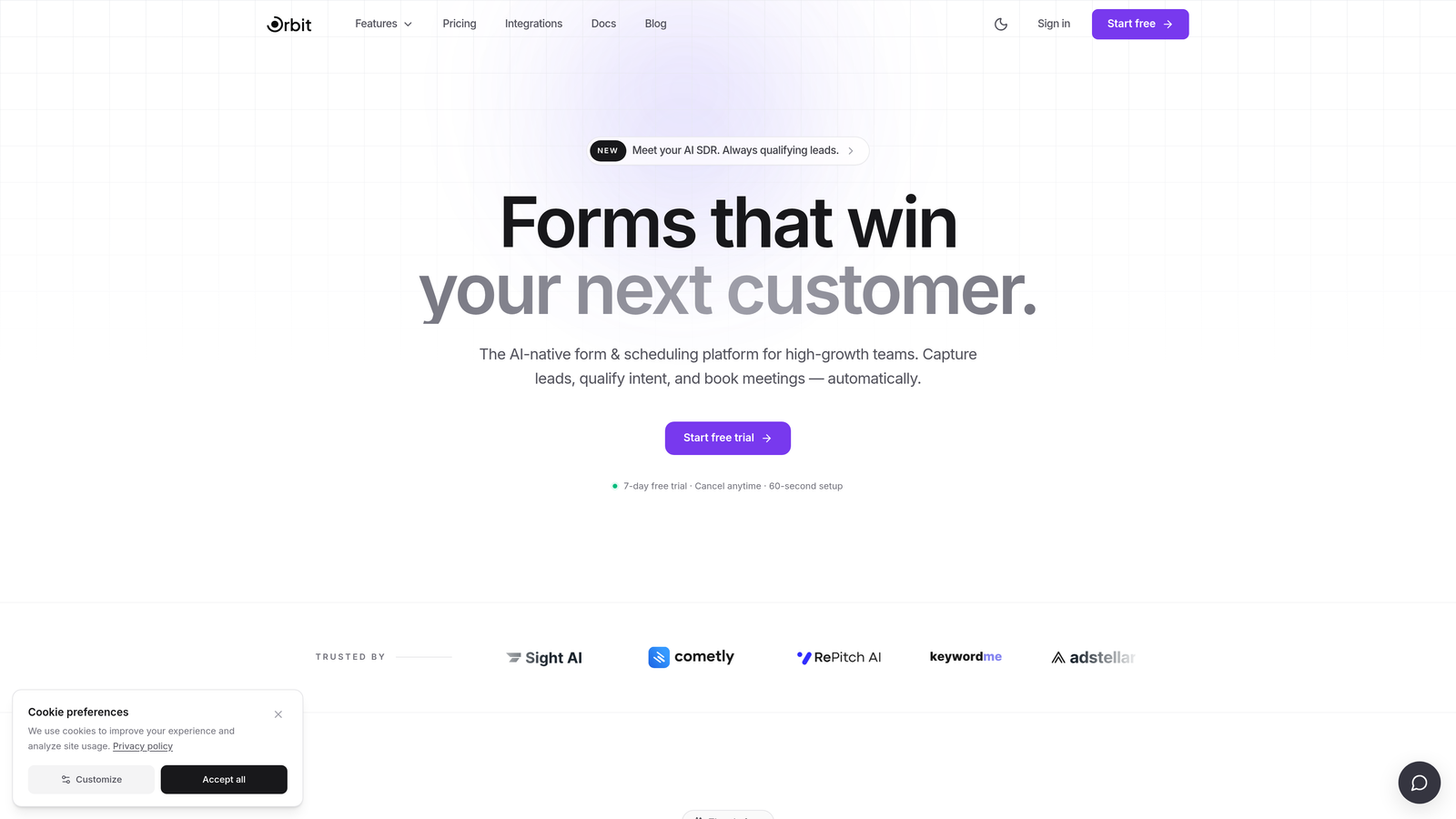
Orbit AI is an AI-powered form builder with native lead qualification built directly into the form experience, designed for teams where conversion quality matters as much as conversion volume.
Where This Tool Shines
Most form builders treat qualification as an afterthought, something you handle downstream in your CRM or sales process. Orbit AI moves that logic upstream, scoring leads at the form level based on their responses. That means your sales team sees qualified leads, not just submissions.
The platform is also built with design quality in mind. Where many lead gen tools produce forms that look functional but forgettable, Orbit AI's templates are genuinely modern, the kind of experience that reflects well on a brand and keeps visitors engaged through completion.
Key Features
AI-Powered Lead Qualification: Scores leads automatically based on form responses, so your team prioritizes the right prospects without manual review.
Conversion-Optimized Templates: Modern, beautiful form designs built specifically for lead generation, not generic data collection.
Conditional Logic and Dynamic Fields: Forms adapt in real time based on user input, surfacing the right questions for each respondent.
Lead Routing and Qualification Workflows: Built-in workflows route qualified leads to the right team members or tools automatically.
Purpose-Built for Lead Generation: Every feature is oriented around capturing and qualifying leads, not building expense reports or event registrations.
Best For
Orbit AI is the strongest fit for SaaS companies and B2B teams running active lead generation programs where lead quality is a key metric. If your team spends significant time manually qualifying inbound leads, the native AI scoring can meaningfully reduce that overhead.
Pricing
Visit orbitforms.ai for current pricing details. The platform offers a free starting option to explore core features before committing.
2. Typeform
Best for: Teams that want a polished conversational form experience with strong brand customization
Typeform is a conversational form builder known for its one-question-at-a-time interface that reduces drop-off and keeps respondents engaged from start to finish.

Where This Tool Shines
Typeform's core insight, that showing one question at a time feels less overwhelming than a wall of fields, has proven durable. The format works particularly well for longer forms where a traditional layout would cause visitors to abandon before completing.
The design quality is consistently high, and brand customization options give teams control over fonts, colors, and imagery. For companies where the form experience is a brand touchpoint, not just a data collection step, Typeform delivers.
Key Features
Conversational One-Question-at-a-Time Interface: Reduces cognitive load and keeps completion rates higher on longer forms.
Logic Jumps: Conditional branching routes respondents through different question paths based on their answers.
Brand Customization: Extensive design controls for fonts, colors, backgrounds, and media.
CRM and Marketing Integrations: Connects with HubSpot, Salesforce, Mailchimp, and other major platforms.
Video Forms and Interactive Question Types: Supports video questions and a range of interactive input formats beyond standard text fields.
Best For
Typeform works well for SaaS onboarding flows, lead qualification surveys, and any scenario where a polished, brand-consistent form experience matters. Less ideal for teams that need deep lead scoring or heavy workflow automation out of the box.
Pricing
Typeform offers a free plan with limited responses. Paid plans start around $25/month, though pricing has evolved over time, so verify current tiers at their website before committing.
3. HubSpot Forms
Best for: Teams already using HubSpot CRM who want zero-friction lead capture with native data sync
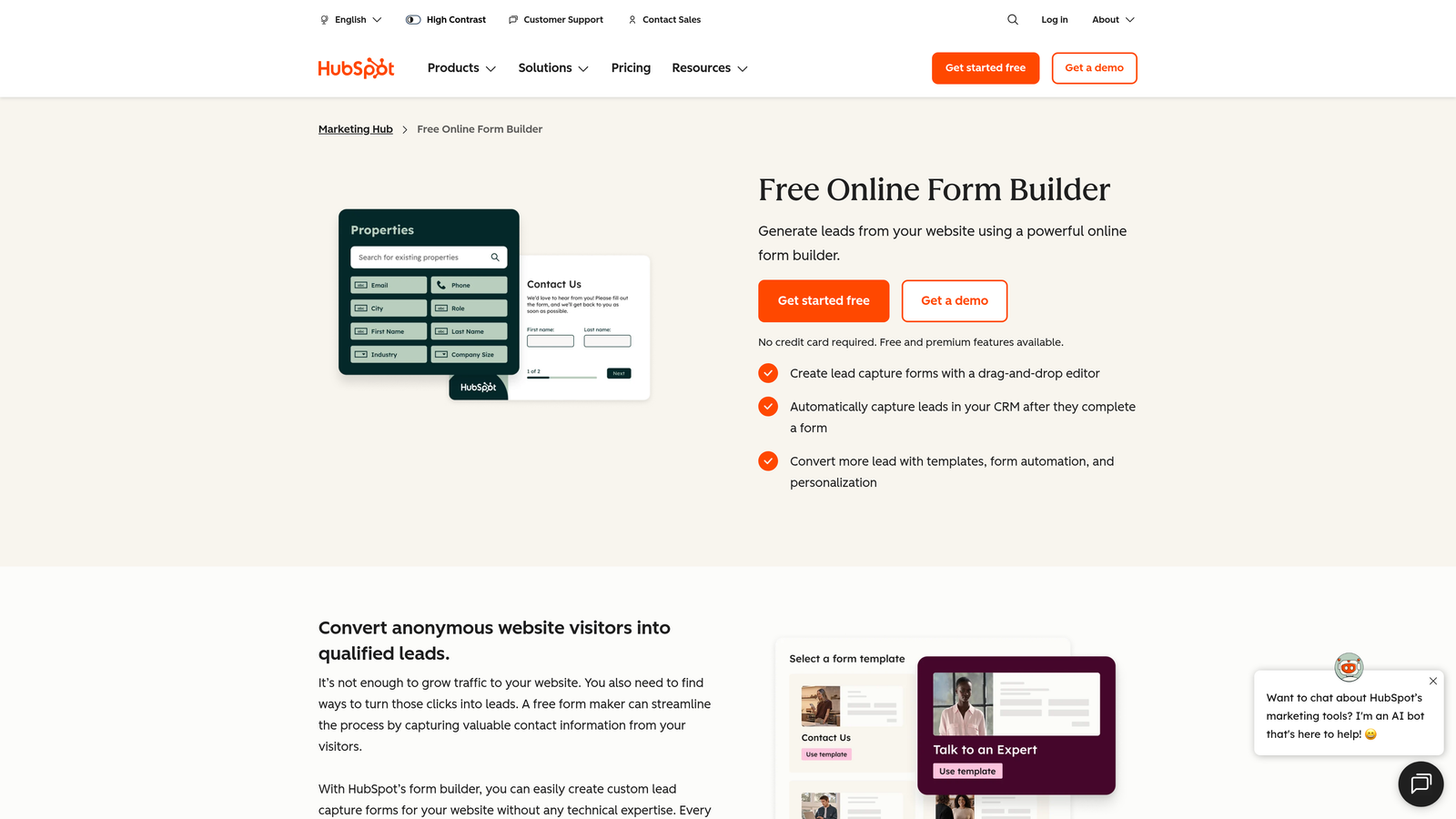
HubSpot Forms is a CRM-native form builder that syncs directly with HubSpot's contact database, with smart fields and progressive profiling built in.
Where This Tool Shines
The single biggest advantage here is the native CRM connection. Every form submission lands directly in your HubSpot contact database, with no Zapier zap, no CSV import, and no manual data transfer. For teams already running HubSpot, that alone eliminates a meaningful source of friction.
Progressive profiling is the other standout feature. Instead of asking returning visitors for information you already have, HubSpot Forms automatically swaps in new fields to fill gaps in the contact record. Over time, you build richer profiles without ever overwhelming a single visitor with a long form.
Key Features
Native HubSpot CRM Sync: Every submission flows directly into your contact database with zero manual steps.
Progressive Profiling: Returning visitors see new fields instead of ones you've already captured, building richer data over time.
Smart Fields: Pre-populate known contact data so returning visitors don't re-enter information you already have.
Embedded and Standalone Options: Deploy forms on your website, in landing pages, or as standalone hosted pages.
Free with HubSpot CRM: Accessible without a paid subscription for teams on HubSpot's free tier.
Best For
HubSpot Forms is purpose-built for HubSpot users. If you're not in that ecosystem, the value proposition shrinks considerably. It's not a standalone product, but as a component of a HubSpot-centric stack, it's hard to beat for simplicity and data integrity.
Pricing
Free with HubSpot's free CRM tier. Advanced features like smart content and deeper automation require paid Marketing Hub plans, which scale significantly in cost.
4. Unbounce
Best for: Paid campaign teams that need full landing page experiences with AI-powered traffic optimization
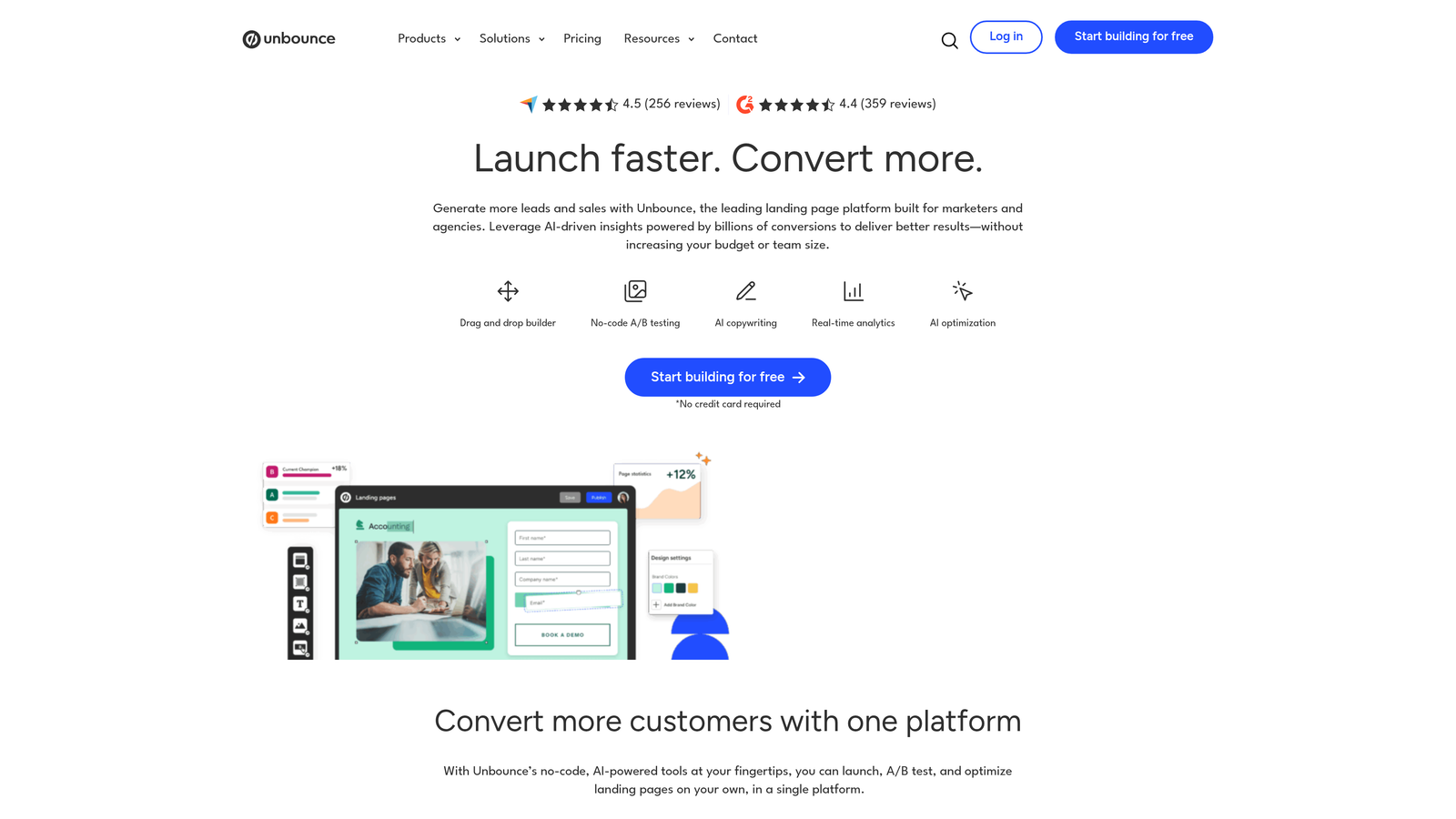
Unbounce is primarily a landing page builder with strong form capabilities and an AI-powered traffic routing system designed for teams running paid acquisition campaigns.
Where This Tool Shines
Unbounce's Smart Traffic feature is the standout differentiator. Rather than manually splitting traffic in an A/B test and waiting for statistical significance, Smart Traffic uses AI to route each visitor to the page variant most likely to convert for them. For teams running Google Ads or Meta campaigns at meaningful volume, this can accelerate optimization cycles significantly.
The platform also gives marketers genuine independence. Building, testing, and iterating on landing pages and forms requires no developer involvement, which matters when campaign timelines are tight.
Key Features
Smart Traffic AI: Automatically routes visitors to the highest-converting page variant based on their attributes.
Built-In A/B Testing: Test form layouts, copy, and page designs without needing external tools.
Drag-and-Drop Landing Page Builder: Build complete landing page experiences with embedded forms, no developer required.
Conversion Analytics and Heatmaps: Understand where visitors engage and where they drop off.
Popups and Sticky Bars: Additional capture points beyond the primary form for visitors who don't convert immediately.
Best For
Unbounce is best suited for performance marketing teams running paid campaigns who need full landing page control alongside their forms. It's overkill for teams that just need an embeddable form, but excellent for those building complete campaign landing experiences.
Pricing
Paid plans start around $99/month. Verify current pricing at unbounce.com, as tiers and features have shifted over time.
5. Jotform
Best for: Teams with complex form requirements needing advanced conditional logic, payments, and workflow automation
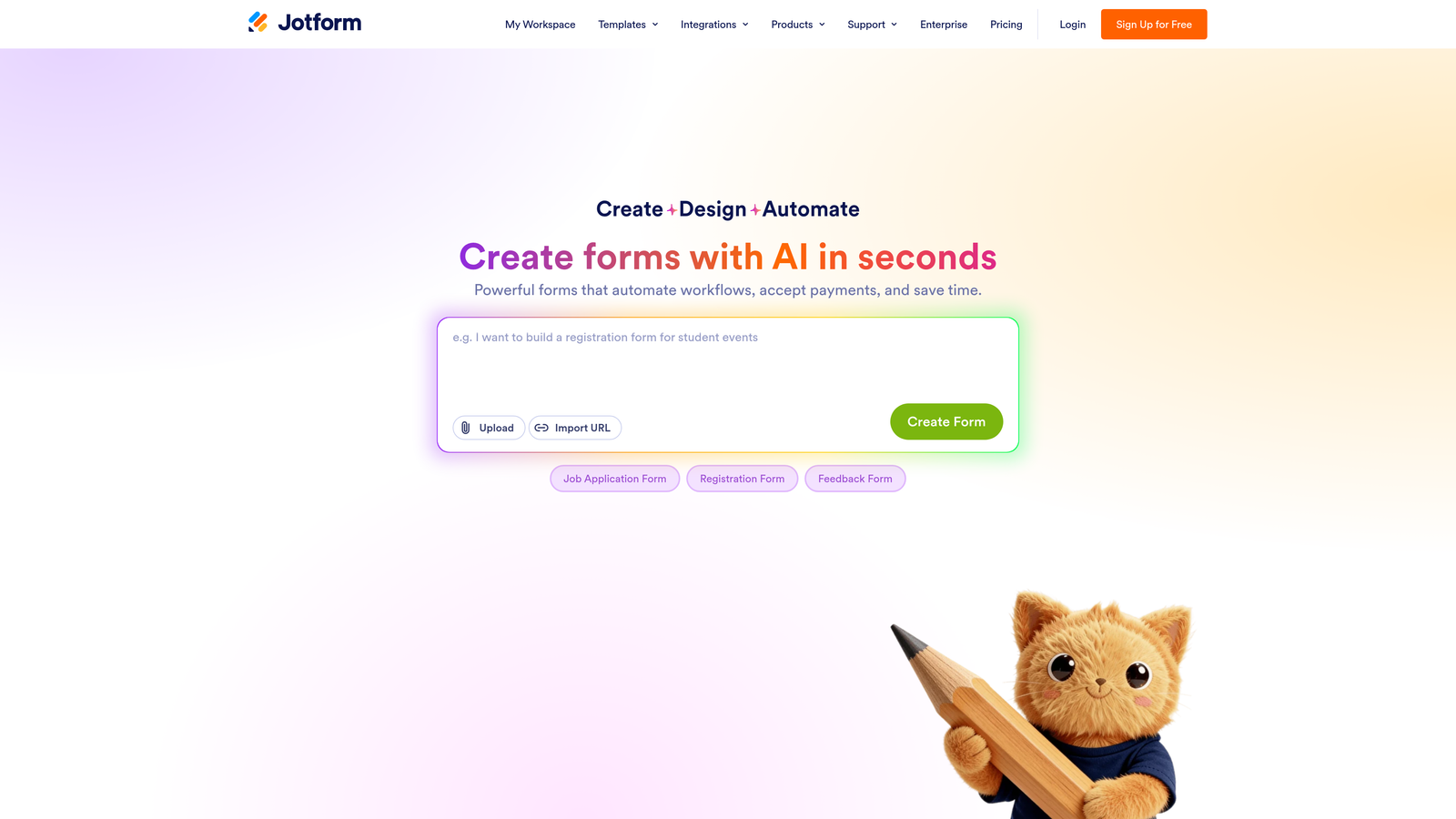
Jotform is one of the most feature-rich form builders available, with an extensive template library, advanced conditional logic, native payment processing, and workflow automation in a single platform.
Where This Tool Shines
Jotform's depth is its defining characteristic. Where other tools handle the common 80% of form use cases elegantly, Jotform covers the remaining 20% too: calculation fields, multi-page forms with progress tracking, approval workflows, payment collection, and HIPAA-compliant data handling for regulated industries.
The template library is genuinely massive. Whatever your industry or use case, there's likely a starting point that gets you most of the way there before you touch a single setting.
Key Features
10,000+ Templates: Broad template library spanning industries, use cases, and form types.
Advanced Conditional Logic: Complex branching and calculation fields for multi-path form experiences.
Native Payment Processing: Accepts payments via Stripe, PayPal, and Square directly within forms.
Workflow Automation and Approval Flows: Route submissions through multi-step approval processes without external tools.
HIPAA-Compliant Enterprise Tier: Available for healthcare and regulated industries with strict data handling requirements.
Best For
Jotform works best for teams with complex, multi-purpose form needs: service businesses collecting payments, organizations running approval workflows, or enterprises needing compliance-ready data handling. It can feel heavy for teams that just need clean lead capture.
Pricing
Jotform offers a free plan. Paid plans start around $34/month. Enterprise pricing is available separately. Confirm current tiers at jotform.com.
6. Leadpages
Best for: Non-technical marketers who want landing pages with built-in conversion guidance and real-time scoring
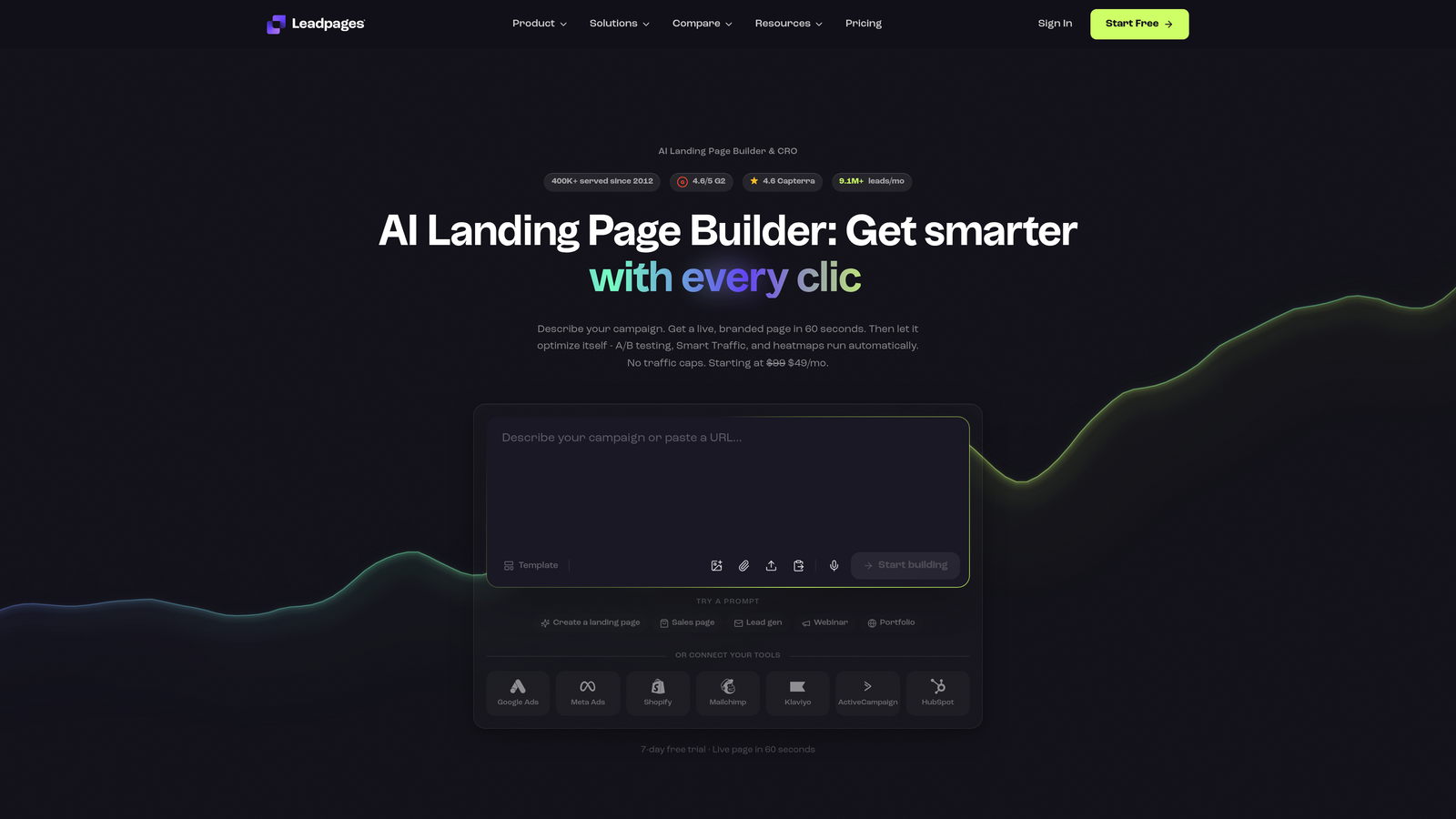
Leadpages is a landing page and form builder with a built-in conversion score that rates your pages in real time, giving non-technical marketers actionable feedback without needing to interpret analytics manually.
Where This Tool Shines
The conversion score feature is genuinely useful for teams without a dedicated CRO specialist. As you build or edit a page, Leadpages rates it based on known conversion best practices and tells you what to fix. It's not a substitute for real testing, but it's a meaningful guardrail that prevents obvious mistakes from going live.
Leadpages also sits at a more accessible price point than Unbounce, making it a reasonable entry point for smaller teams that need landing page plus form capability without enterprise-level spend.
Key Features
Real-Time Conversion Score: Rates pages against conversion best practices as you build, with specific improvement suggestions.
Drag-and-Drop Page Builder: Build landing pages with integrated forms without writing code.
Lead Magnet Delivery: Automatically deliver PDFs, guides, or downloads when someone completes a form.
Popup and Alert Bar Forms: Additional capture options beyond the primary page form.
A/B Testing: Test page and form variants to identify what converts best for your audience.
Best For
Leadpages is a strong fit for small to mid-size marketing teams running lead generation campaigns who want landing page and form capabilities in one tool, without the complexity or cost of enterprise platforms.
Pricing
Plans start around $49/month. Check leadpages.com for current pricing and feature breakdowns across tiers.
7. Tally
Best for: Early-stage teams and builders who need clean, fast forms without per-response fees or complexity
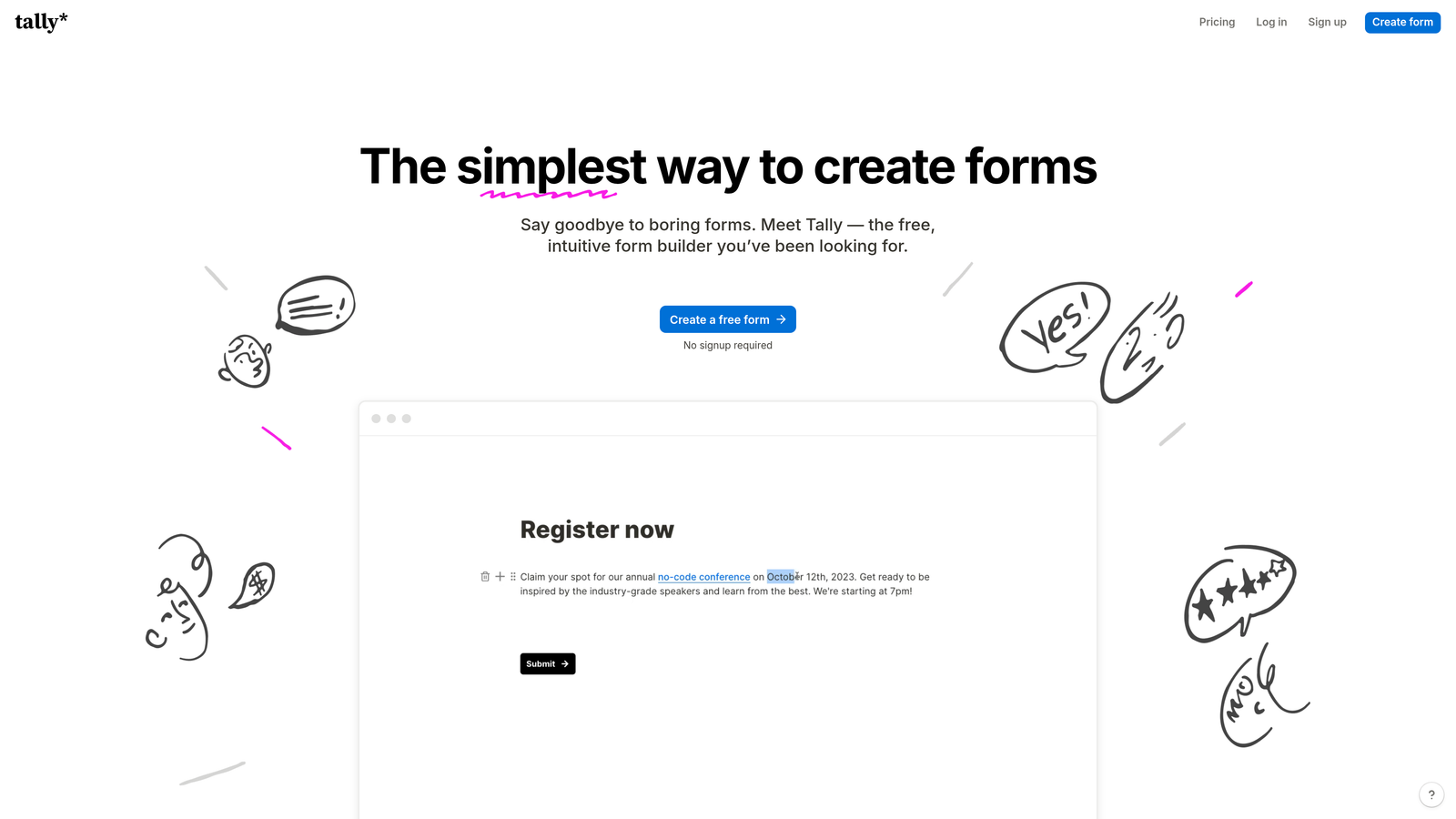
Tally is a Notion-inspired free form builder with a block-based editor, unlimited submissions on its free tier, and a setup experience that takes minutes rather than hours.
Where This Tool Shines
Tally's free tier is genuinely generous in a category where most tools gate meaningful functionality behind paid plans. No per-response fees, no submission limits, and no watermarks on the free plan make it an unusually accessible starting point for early-stage teams or individual builders.
The Notion-like editor is also a real differentiator for speed. If your team already lives in Notion, the mental model transfers immediately, and you can build a clean, functional form faster than with most other tools in this list.
Key Features
Unlimited Submissions on Free Tier: No per-response pricing, which removes a common hidden cost from early-stage form usage.
Block-Based Editor: Notion-style interface makes form creation fast and intuitive for teams familiar with modern productivity tools.
Conditional Logic and Multi-Page Forms: Supports branching logic and multi-step form flows even on lower tiers.
Custom Domains and Embeds: Publish forms on your own domain or embed them in your site without branding friction.
Zapier and Make Integrations: Connect form submissions to your broader automation stack without native integrations.
Best For
Tally is the right call for early-stage startups, indie builders, or any team that needs clean, functional forms quickly without budget commitment. It's less suited for teams that need advanced lead scoring, deep CRM workflows, or enterprise-grade analytics.
Pricing
Tally offers a genuinely useful free tier. The Pro plan runs around $29/month. Verify current pricing at tally.so.
8. Paperform
Best for: Service businesses and creators who need forms, payments, and scheduling in a single tool
Paperform is a document-style form builder that combines lead capture with payments, appointment bookings, and product sales in one platform, making it more versatile than a pure lead gen tool.
Where This Tool Shines
Paperform's document-style editor is distinctive. Rather than building a form that lives in a box on a page, you create something closer to a designed document where text and form fields coexist naturally. The result is a more readable, less clinical experience that works particularly well for service businesses where context matters alongside the questions.
The combination of forms, payments, and scheduling in one tool also reduces the number of platforms a small team needs to manage. For a consultant, agency, or service provider, Paperform can replace three separate tools.
Key Features
Document-Style Editor: Blends text content and form fields naturally, creating a more readable experience than traditional form layouts.
Native Payment Processing: Accept payments for products, services, or deposits directly within forms.
Appointment Scheduling: Built-in booking functionality without needing a separate scheduling tool.
Conditional Logic and Calculation Fields: Supports dynamic form paths and calculated outputs like quotes or totals.
Strong Template Library: Covers service business use cases well, from client intake to order forms.
Best For
Paperform is best for service businesses, consultants, and creators who need to combine lead capture with transactional capabilities. It's less optimized for pure B2B lead generation at scale compared to tools like Orbit AI or Growform.
Pricing
Plans start around $29/month. Visit paperform.co for current pricing across tiers.
9. Growform
Best for: Agencies and high-volume B2B lead generation teams running multi-step form campaigns
Growform is a purpose-built multi-step lead gen form builder targeting agencies and B2B teams where conversion rate optimization is a core priority, not an optional feature.
Where This Tool Shines
Growform is one of the few tools in this category where CRO isn't bolted on, it's the entire product philosophy. Features like progress bars, micro-commitment UX patterns, and multi-step form structures are designed to move respondents through forms incrementally, reducing the psychological friction that causes drop-off on longer lead gen forms.
The agency-focused feature set is also worth noting. Client management capabilities make it practical for agencies running lead gen campaigns across multiple clients, something most form builders don't address at all.
Key Features
Purpose-Built Multi-Step Forms: Form structure is designed from the ground up for lead generation, not adapted from a general-purpose builder.
Progress Bars and Micro-Commitment Patterns: UX patterns that reduce drop-off by building momentum through the form experience.
CRM and Webhook Integrations: Routes leads to your CRM or downstream tools automatically after submission.
Agency Client Management: Manage forms across multiple clients from a single account, a feature most competitors overlook.
CRO-First Product Philosophy: Every design decision is oriented around improving conversion rates, not just collecting responses.
Best For
Growform is the strongest fit for agencies managing lead gen campaigns for multiple clients, and for B2B teams running high-volume inbound programs where form conversion rate is a metric that's actively tracked and optimized.
Pricing
Plans start around $49/month. Confirm current pricing and tier details at growform.co.
Which Tool Is Right for Your Team
The right form builder depends less on which tool has the longest feature list and more on where your biggest conversion bottleneck actually lives.
If AI lead qualification is a priority, start with Orbit AI. The native scoring at the form level removes a manual step that slows down most lead gen workflows, and the modern design quality means you're not trading aesthetics for functionality.
If you're already deep in the HubSpot ecosystem, their native forms are the obvious choice. The progressive profiling and zero-friction CRM sync are hard to replicate with any third-party tool, and the price is right.
For conversational UX at scale, Typeform remains a strong, proven option. For budget-conscious teams that need clean, functional forms fast, Tally's free tier is genuinely hard to argue with. And if you're running paid campaigns with dedicated landing pages, Unbounce or Leadpages will serve you better than any standalone form tool.
For agencies and high-volume B2B lead gen teams, Growform's CRO-first approach and client management features address needs the other tools on this list largely ignore.
As you evaluate these platforms, pay close attention to how each handles conditional logic, how deep the integration with your existing stack goes, and whether the tool gives you visibility into where drop-off actually happens. Collecting submissions is easy. Understanding why visitors don't complete your forms, and fixing it, is where the real conversion work happens.
Transform your lead generation with AI-powered forms that qualify prospects automatically while delivering the modern, conversion-optimized experience your high-growth team needs. Start building free forms today and see how intelligent form design can elevate your conversion strategy.


