

Not all form builders are created equal, especially when your forms are supposed to generate and qualify leads rather than just collect data. If you're running a SaaS onboarding flow, a B2B lead gen campaign, or a multi-step qualification funnel, the tool you choose shapes how many prospects convert and how much manual work your team handles afterward.
This roundup reviews the top online form builders for 2026, evaluated on conversion optimization, lead qualification capabilities, design flexibility, integrations, and pricing. Each review focuses on core feature sets and how well each platform serves teams focused on growth. Let's get into it.
1. Orbit AI
Best for: High-growth SaaS and B2B teams that need forms to qualify and route leads automatically.
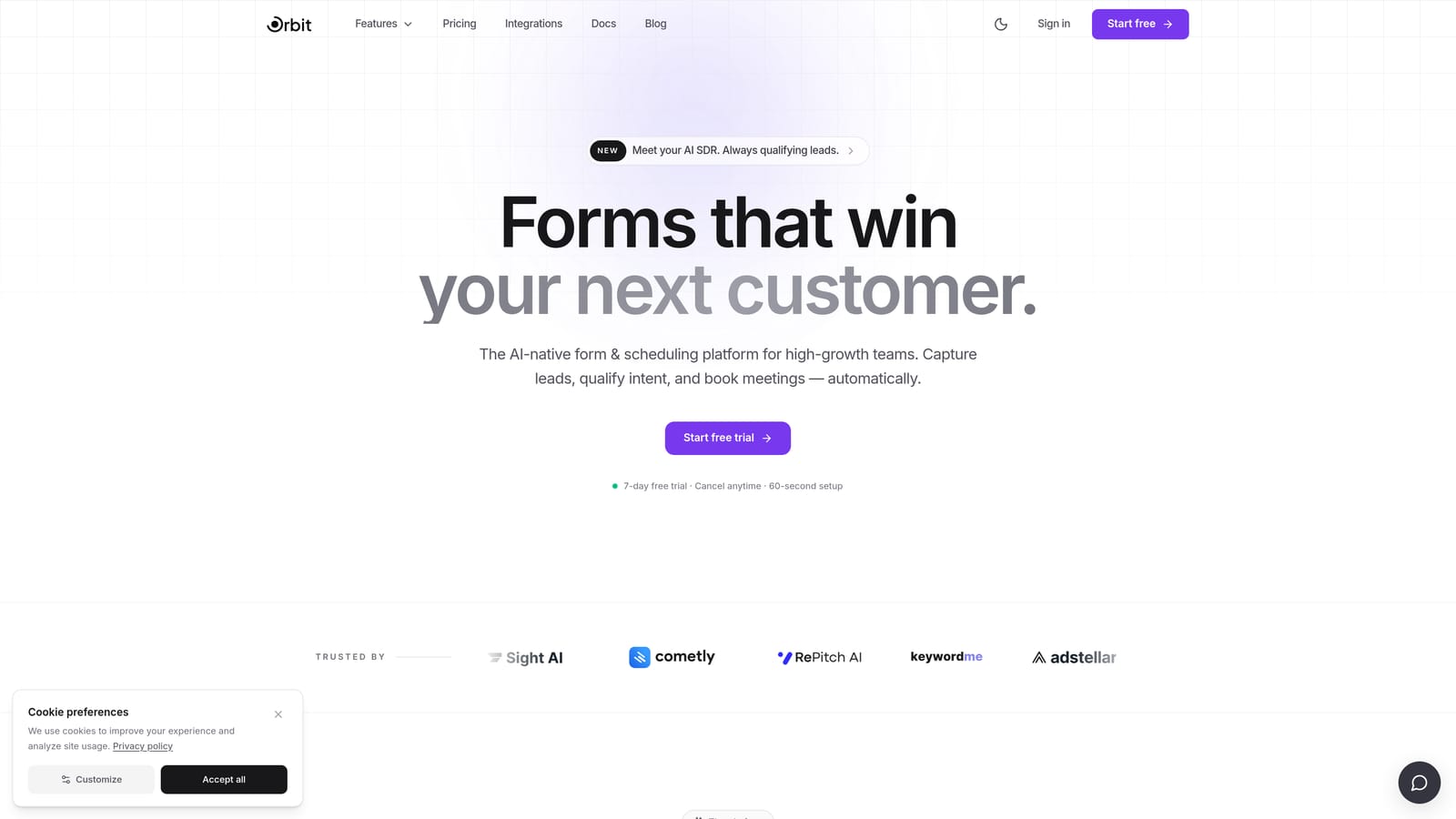
Orbit AI is an AI-powered form builder built natively around lead qualification and conversion optimization, not bolted on as an afterthought.
Where This Tool Shines
Most form builders treat qualification as a workaround: you build conditional logic manually, export to a CRM, and hope someone follows up with the right leads. Orbit AI approaches this differently. The AI qualification logic lives inside the form itself, scoring and routing leads based on responses without requiring external automation layers.
The design experience is also notably modern. Forms built in Orbit AI look like premium product experiences, not generic web forms, which matters when you're trying to convert high-intent prospects who expect polished interactions from SaaS brands.
Key Features
AI-Powered Lead Qualification: Native AI logic qualifies leads based on form responses, removing the need for manual scoring or post-submission triage.
Lead Scoring and Routing: Automatically routes qualified leads to the right team member or pipeline stage based on how respondents answer.
Multi-Step and Conditional Flows: Build branching, multi-step forms that adapt to each respondent's path through the experience.
Conversion-Optimized UI: Form design is built around completion rates, with a modern, clean interface that reduces friction at every step.
B2B Lead Generation Focus: The platform is purpose-built for high-growth teams running lead gen campaigns, not general-purpose data collection.
Best For
Orbit AI is the strongest fit for SaaS companies, B2B marketing teams, and growth-focused operators who need their forms to do real qualification work. If your team is spending time manually sorting leads or stitching together qualification logic across multiple tools, this platform directly addresses that problem.
Pricing
Visit orbitforms.ai for current pricing details. Pricing is designed for growth teams, with plans that scale alongside your lead volume.
2. Typeform
Best for: Marketing and research teams prioritizing engagement and completion rates over complex lead logic.
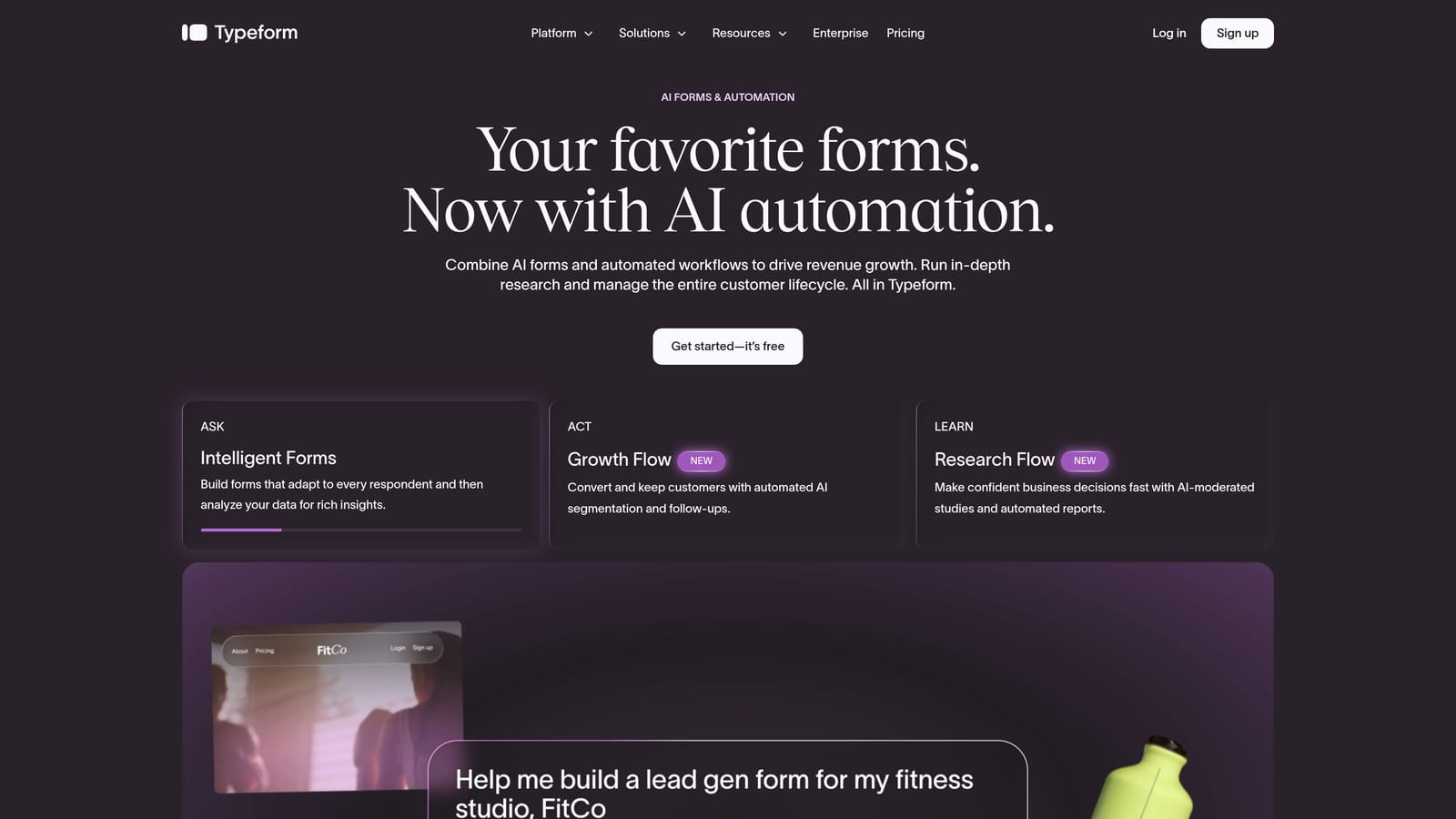
Typeform is a conversational form builder known for its one-question-at-a-time format, which reduces cognitive load and tends to improve form completion rates.
Where This Tool Shines
Typeform's signature UX makes forms feel like conversations rather than data entry tasks. For brand-sensitive campaigns, surveys, and customer research, this format creates a noticeably better respondent experience compared to traditional stacked-field forms.
The integration ecosystem is broad. Typeform connects with HubSpot, Salesforce, Zapier, Slack, and many other tools, which makes it workable for teams already embedded in those platforms. That said, building sophisticated lead qualification logic in Typeform typically requires significant manual setup and external automation, since it isn't purpose-built for that use case.
Key Features
Conversational One-Question UX: Presents one question at a time, creating a smoother, more engaging experience for respondents.
Conditional Logic: Available on paid plans, allowing branching paths based on answers.
Wide Integration Ecosystem: Connects with HubSpot, Salesforce, Zapier, and many other platforms natively.
Video and Image Embedding: Supports rich media inside forms, useful for product demos or visual surveys.
Template Library: Strong library of pre-built templates across use cases, making it easy to launch quickly.
Best For
Typeform works well for marketing teams running surveys, NPS campaigns, customer research, and brand-forward lead capture where the experience quality matters as much as the data collected. Teams needing deep lead qualification logic will likely find it limited without additional tooling.
Pricing
Free plan available. Paid plans start at approximately $25/month, with pricing that scales based on response volume. Verify current pricing at typeform.com.
3. Jotform
Best for: Teams managing diverse, high-volume form needs across multiple departments.
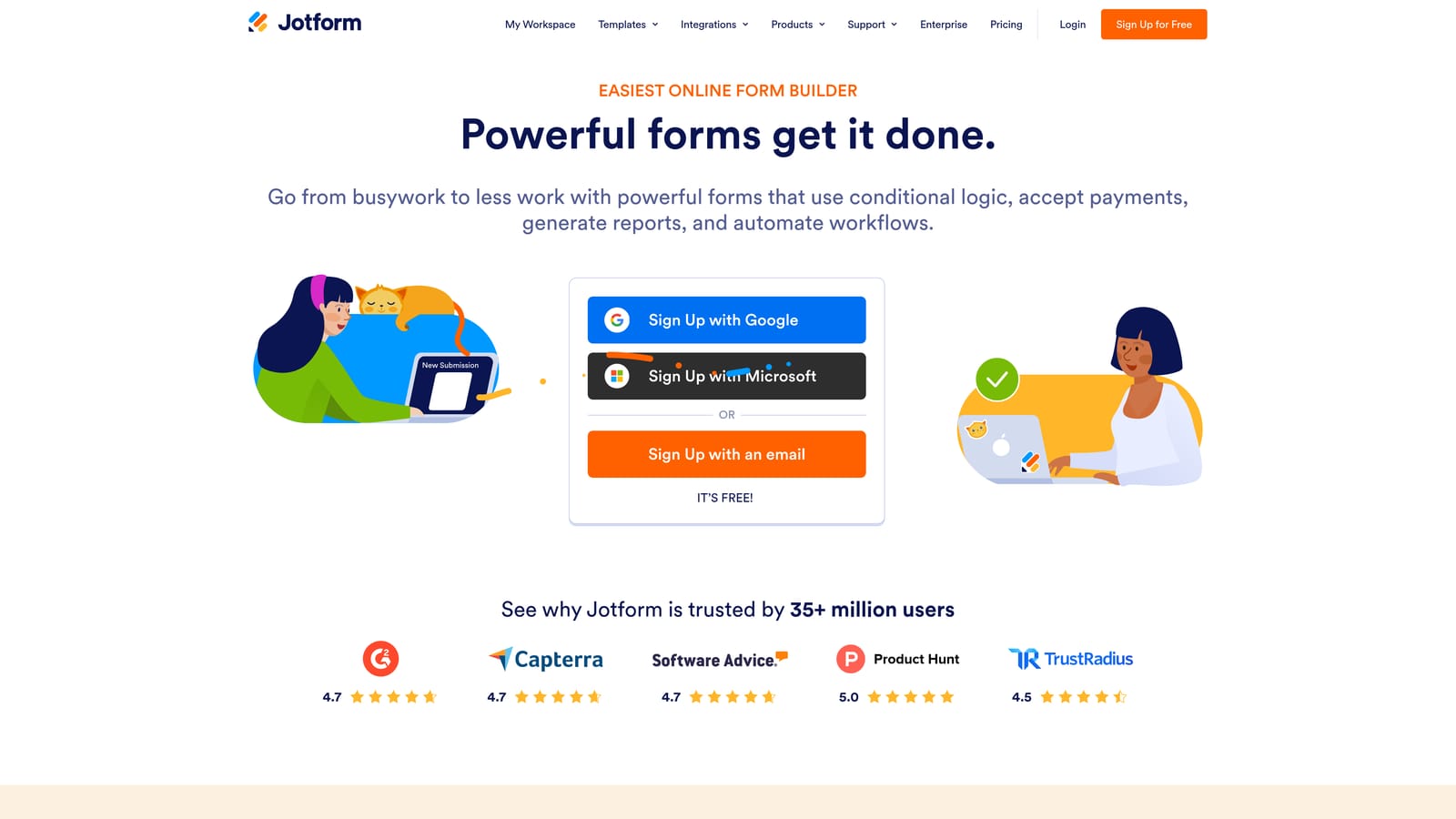
Jotform is a feature-rich form builder with one of the largest template libraries in the industry, suited for organizations that need to cover many different form use cases simultaneously.
Where This Tool Shines
Jotform's depth is its defining characteristic. Beyond standard form building, it supports payment collection, e-signatures, PDF generation, and approval workflows. For teams that need to handle operational forms alongside marketing forms, that breadth is genuinely useful.
The template library is extensive, spanning HR, legal, healthcare, education, and e-commerce categories. If you need a form for a specific operational task, Jotform almost certainly has a template for it. The tradeoff is that the platform can feel dense for teams that only need conversion-focused lead gen forms.
Key Features
Thousands of Pre-Built Templates: One of the largest template libraries available, covering nearly every industry and use case.
Native Payment Collection: Supports payment processing directly within forms, without third-party workarounds.
E-Signature and PDF Generation: Built-in support for document workflows, approvals, and digital signatures.
Broad Integration Ecosystem: Connects with a wide range of CRMs, payment processors, and productivity tools.
Free Tier: Generous free plan available, though submission limits apply.
Best For
Jotform suits operations teams, HR departments, and organizations managing diverse form needs across multiple functions. It's less optimized for pure lead generation and qualification compared to purpose-built tools, but excels when form variety and operational depth are the priority.
Pricing
Free plan available with submission limits. Paid plans start at approximately $34/month. Verify current pricing at jotform.com.
4. Tally
Best for: Budget-conscious teams and individuals who need clean, capable forms without paying for features they don't use.
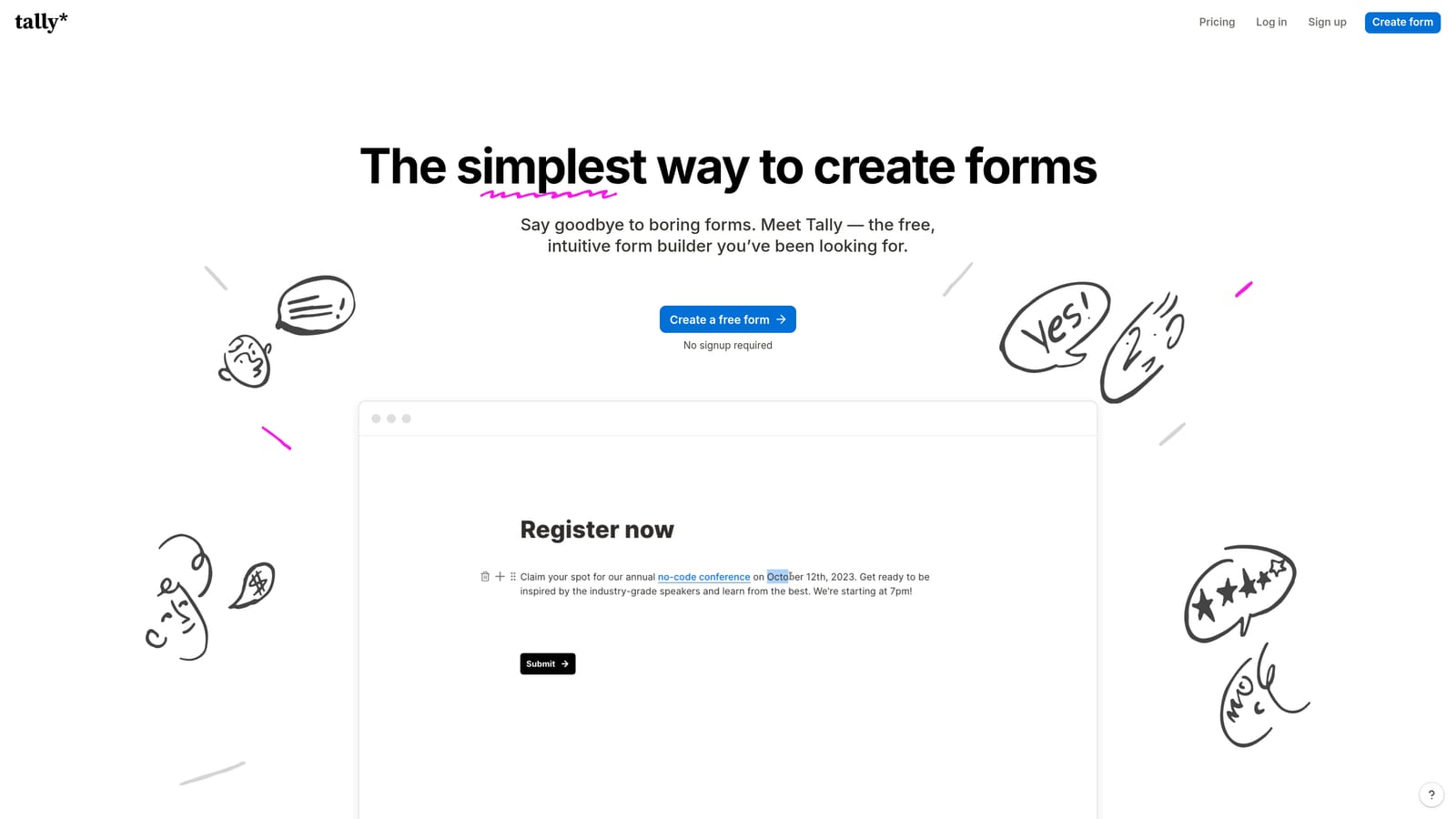
Tally is a minimal, Notion-inspired form builder with a notably generous free tier that removes the response caps and forced branding common in other free plans.
Where This Tool Shines
Tally's free plan stands out in a market where most tools heavily restrict free users. Unlimited responses and no Tally branding on free forms make it a legitimate option for small teams and solo operators who want a professional result without a monthly bill.
The editor interface is clean and intuitive, particularly familiar to teams already working in Notion. For simple to mid-complexity forms, the experience is smooth and fast. Where Tally shows its limits is in advanced qualification logic and AI-driven features, which aren't part of its current offering.
Key Features
Unlimited Responses on Free Plan: No response caps on the free tier, a meaningful differentiator in this category.
No Branding on Free Forms: Free forms don't display Tally branding, which most competitors reserve for paid plans.
Notion-Like Editor: Clean, block-based interface that feels immediately familiar to Notion users.
Conditional Logic and Hidden Fields: Supports branching logic and hidden field functionality for more dynamic forms.
Zapier and Native Integrations: Growing integration support for connecting form data to downstream tools.
Best For
Tally is ideal for freelancers, early-stage startups, and small teams that need functional, good-looking forms without a subscription. It's a strong starting point, though teams with serious lead qualification requirements will likely outgrow it.
Pricing
Free plan available with unlimited responses. Pro plan at approximately $29/month. Verify current pricing at tally.so.
5. Paperform
Best for: Small businesses and creators who want forms that double as standalone landing pages.
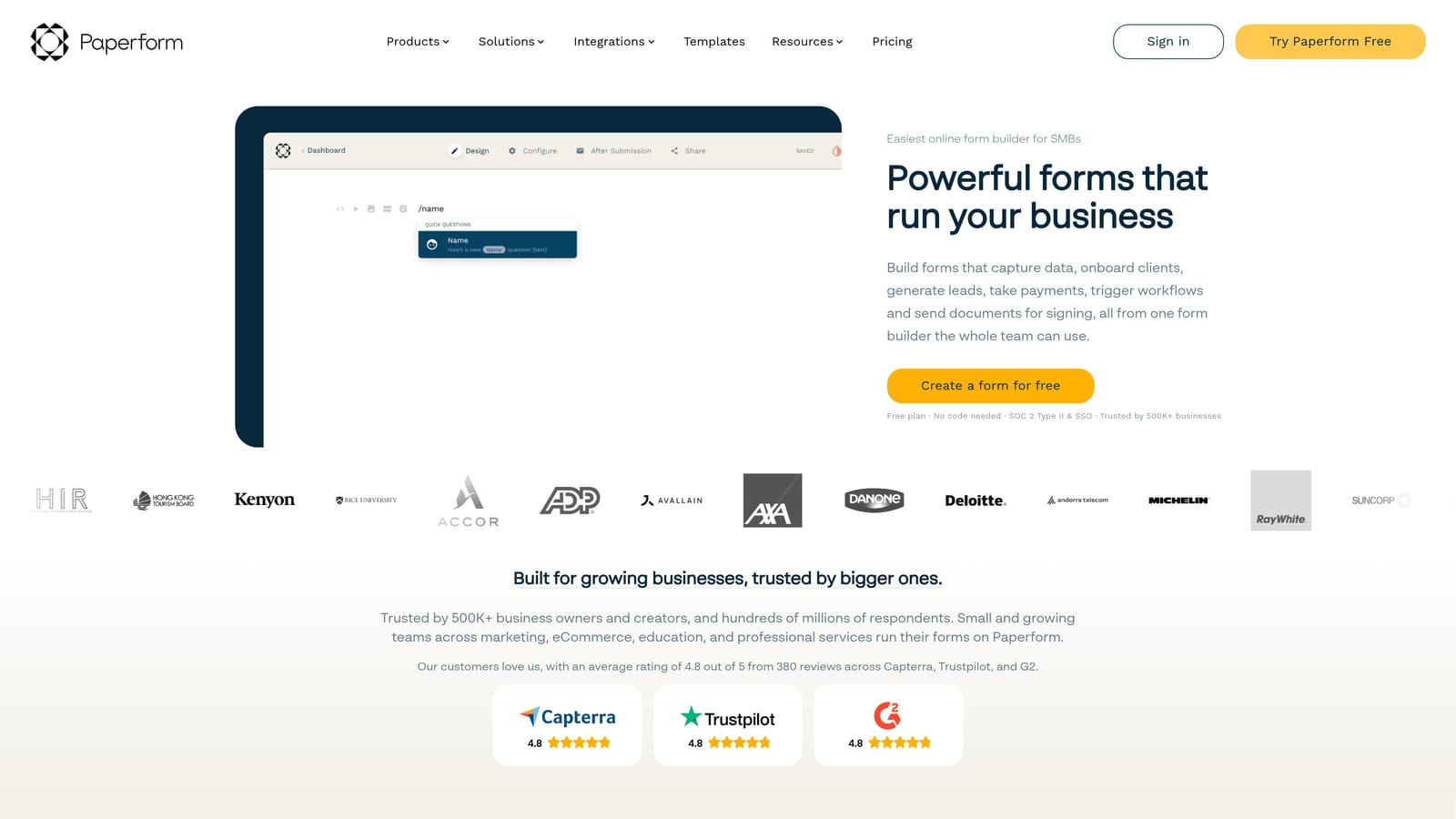
Paperform is a flexible form builder that blends form fields with rich text and media, creating experiences that function more like mini landing pages than traditional forms.
Where This Tool Shines
Paperform's freeform editor is genuinely different from most form builders. Instead of a structured field-by-field layout, you can mix paragraphs, images, video, and form fields freely on a single page. This makes it particularly useful for product launches, event registrations, and any scenario where context and copy matter as much as the form itself.
The flat-rate pricing model is also worth noting. Unlike tools that charge per response, Paperform's plans are priced by tier, which keeps costs predictable as submission volume grows.
Key Features
Freeform Editor: Mix content and form fields freely on a single page, creating form-as-landing-page experiences.
Native Payment Processing: Accept payments directly through forms without third-party payment tools.
Conditional Logic and Calculations: Supports branching logic and calculated fields for dynamic form behavior.
Flat-Rate Pricing: Plan pricing is not tied to response volume, making costs predictable at scale.
Standalone Page Functionality: Forms can serve as complete, shareable pages without needing a separate website.
Best For
Paperform suits small businesses, solo operators, and creative teams who want design flexibility and the ability to tell a story alongside their form. It's not a lead qualification platform, but it shines for launches, registrations, and sales pages with embedded forms.
Pricing
Paid plans start at approximately $24/month with no per-response charges. Verify current pricing at paperform.co.
6. Formstack
Best for: Enterprise teams and regulated industries requiring compliance, document workflows, and deep system integrations.
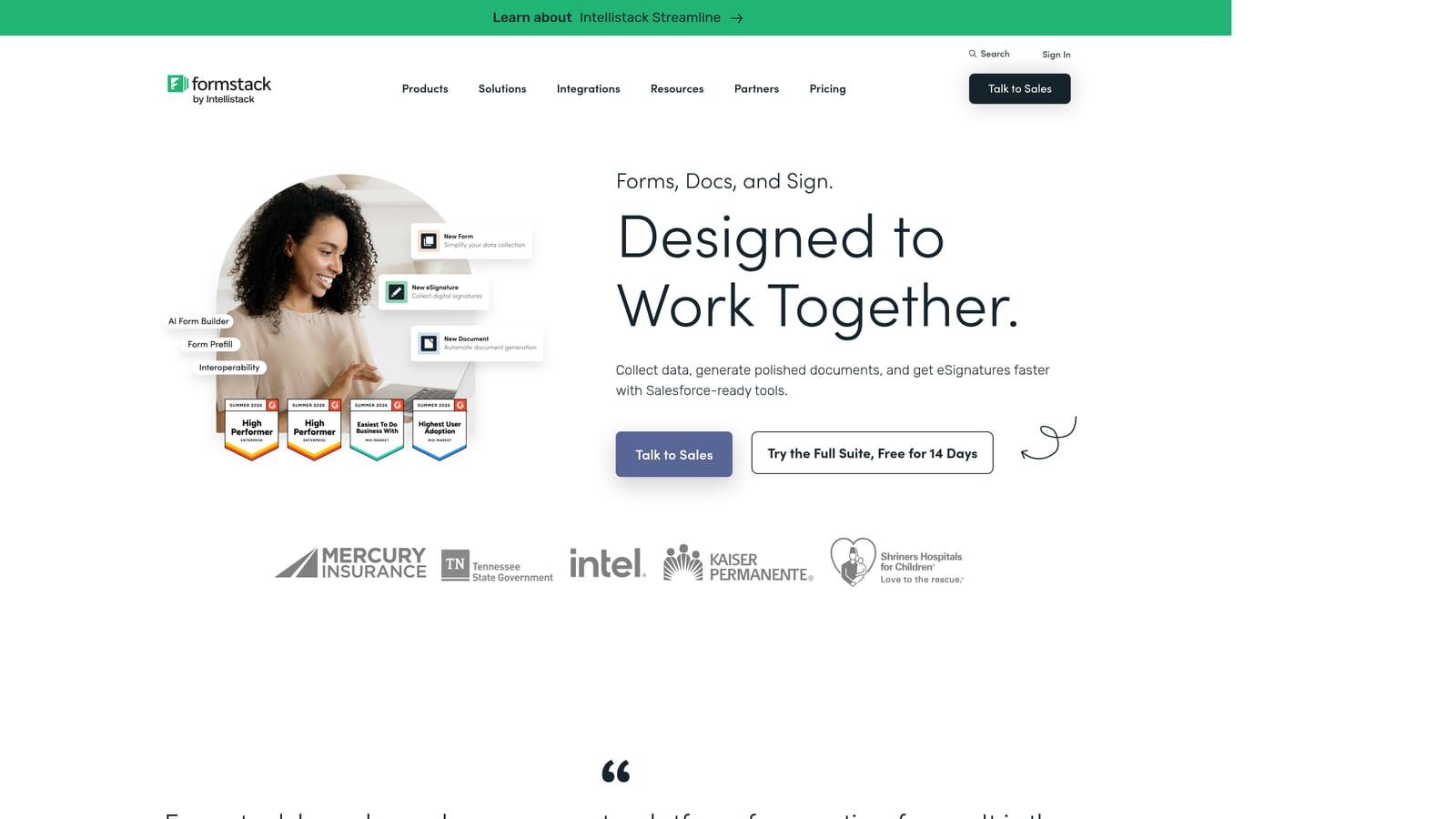
Formstack is an enterprise-grade form and workflow platform built for organizations where compliance, security, and process automation are non-negotiable requirements.
Where This Tool Shines
Formstack's primary differentiator is its compliance infrastructure. HIPAA-compliant forms, advanced security controls, and audit-ready workflows make it the go-to choice for healthcare, finance, and legal teams that can't use consumer-grade tools for sensitive data collection.
Beyond forms, Formstack extends into document generation and e-signature workflows, making it a broader process automation platform for enterprise environments. The Salesforce and Microsoft 365 integrations are deep and well-supported, which matters for large organizations with existing enterprise tech stacks.
Key Features
HIPAA-Compliant Forms: Purpose-built compliance controls for healthcare and other regulated industries.
Document Generation and E-Signatures: Create documents and collect signatures as part of connected form workflows.
Advanced Approval Routing: Multi-step approval workflows with automated routing based on form responses.
Salesforce and Microsoft 365 Integrations: Deep native integrations with major enterprise platforms.
Enterprise Security Controls: Role-based access, audit logs, and enterprise-grade data security built in.
Best For
Formstack is built for enterprise teams in regulated industries where compliance is mandatory. It's not optimized for rapid, conversion-focused deployment, but for healthcare providers, financial services firms, and legal teams, it addresses requirements that other tools on this list simply can't meet.
Pricing
Plans start at approximately $83/month, with enterprise pricing available for larger organizations. Verify current pricing at formstack.com.
Which Tool Is Right for Your Team?
Every tool on this list solves a real problem. The question is which problem matches yours.
If lead qualification and conversion optimization are your primary goals, Orbit AI is the clearest fit. It's the only platform here where AI-powered qualification logic is native to the form experience, not assembled through workarounds. For SaaS teams and B2B marketers who need forms that actively work the pipeline, that distinction matters.
For teams prioritizing respondent engagement and brand-forward experiences, Typeform's conversational format delivers a polished UX that few tools match. If you're managing forms across many departments and need operational depth, Jotform's template library and workflow features make it a reliable workhorse.
Tally earns its place for budget-conscious teams who need capable forms without a subscription. Paperform is the right call when your form needs to function as a standalone page with rich content alongside the fields. And Formstack is the answer for enterprise and regulated-industry teams where compliance isn't optional.
The best form builder is the one aligned with what you're actually trying to accomplish. For most high-growth teams, that means moving beyond basic data collection toward forms that qualify, score, and route leads automatically.
Transform your lead generation with AI-powered forms that qualify prospects automatically while delivering the modern, conversion-optimized experience your high-growth team needs. Start building free forms today and see how intelligent form design can elevate your conversion strategy.


