

The difference between a form that converts and one that collects dust? Often, it's the tool behind it. Marketing teams know that lead capture isn't just about gathering emails—it's about qualifying prospects, reducing friction, and turning form submissions into actual pipeline. The right form tool transforms a basic contact form into a conversion engine that works around the clock.
We evaluated dozens of platforms based on what marketing teams actually need: intuitive builders that don't require developer support, intelligent features that qualify leads automatically, seamless integrations with your existing marketing stack, analytics that reveal what's working, and pricing that makes sense as you scale. The tools below represent the best options for marketing teams in 2026, from AI-powered platforms that score leads in real-time to specialized builders designed for specific use cases.
Here are the top online form tools transforming how marketing teams capture and convert leads.
1. Orbit AI
Best for: High-growth marketing teams needing AI-powered lead qualification and conversion optimization
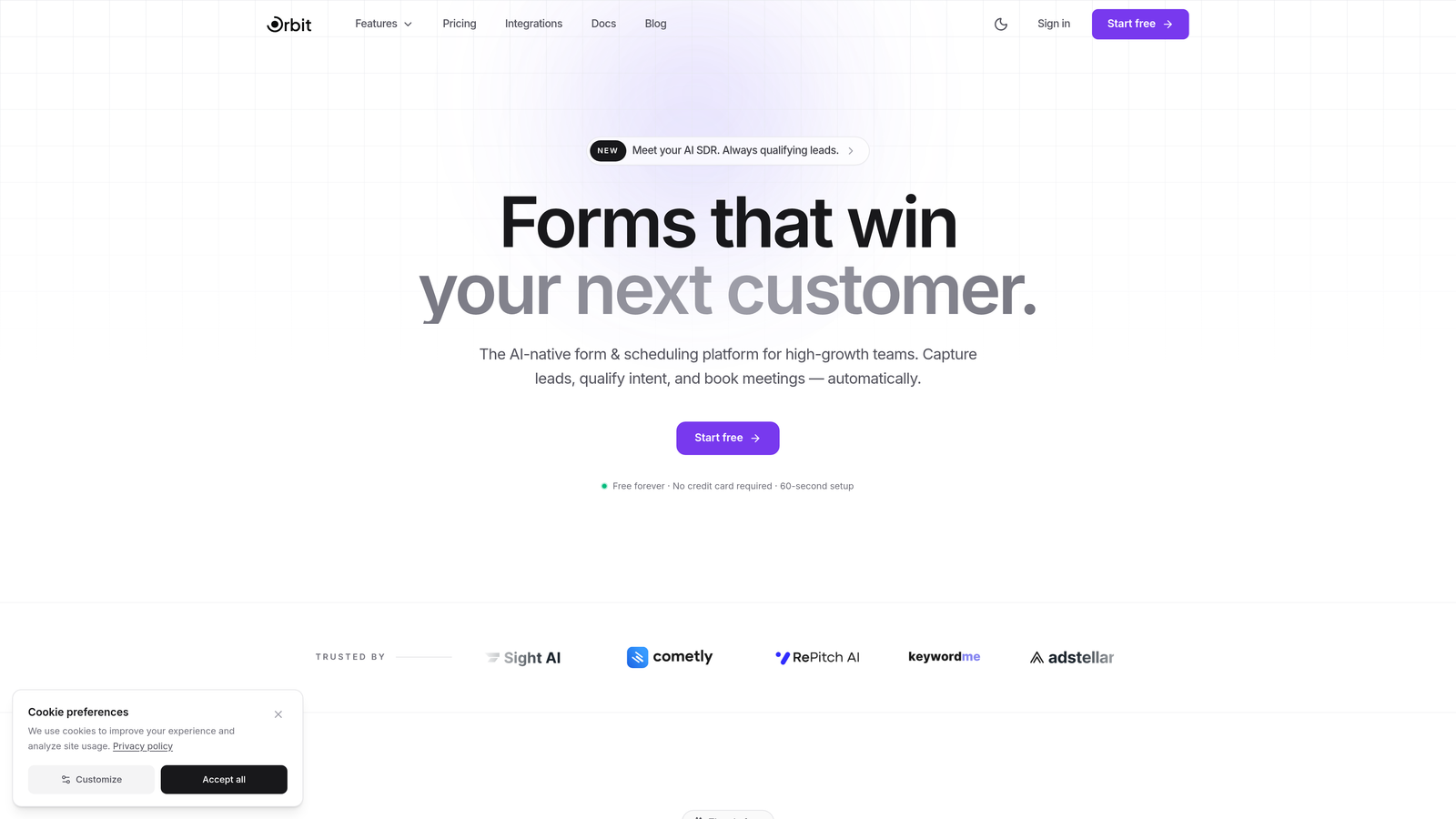
Orbit AI is an AI-powered form builder platform designed specifically for marketing teams who need more than basic data collection—they need intelligent lead qualification built directly into the form experience.
Where This Tool Shines
Orbit AI stands out by automating the lead qualification process that typically happens after form submission. The platform uses AI to score and route leads based on their responses, behavioral signals, and fit criteria you define. This means your sales team receives pre-qualified prospects instead of raw form submissions.
The conversion optimization features go beyond templates. The platform analyzes form performance and suggests improvements based on completion patterns, drop-off points, and conversion data. For marketing teams managing multiple campaigns, this intelligence helps you iterate faster without guesswork.
Key Features
AI-Powered Lead Qualification: Automatically scores and routes leads based on responses and behavioral data.
Conversion-Optimized Templates: Pre-built form designs tested for maximum completion rates across industries.
Intelligent Workflow Automation: Route qualified leads to the right team members based on custom criteria.
Real-Time Analytics Dashboard: Track form performance, conversion rates, and lead quality metrics in one view.
Native CRM Integrations: Connect seamlessly with major CRM platforms for automatic contact creation and data sync.
Best For
Marketing teams at high-growth companies who need to scale lead generation without sacrificing lead quality. Particularly valuable if you're dealing with high form volumes and need automated qualification to separate serious prospects from tire-kickers. Ideal for B2B marketers running multiple campaigns who need intelligent routing and real-time performance insights.
Pricing
Free tier available for teams getting started. Paid plans start at competitive rates designed for growing marketing teams, with pricing that scales based on form submissions and advanced features.
2. Typeform
Best for: Creating engaging, conversational form experiences that drive higher completion rates
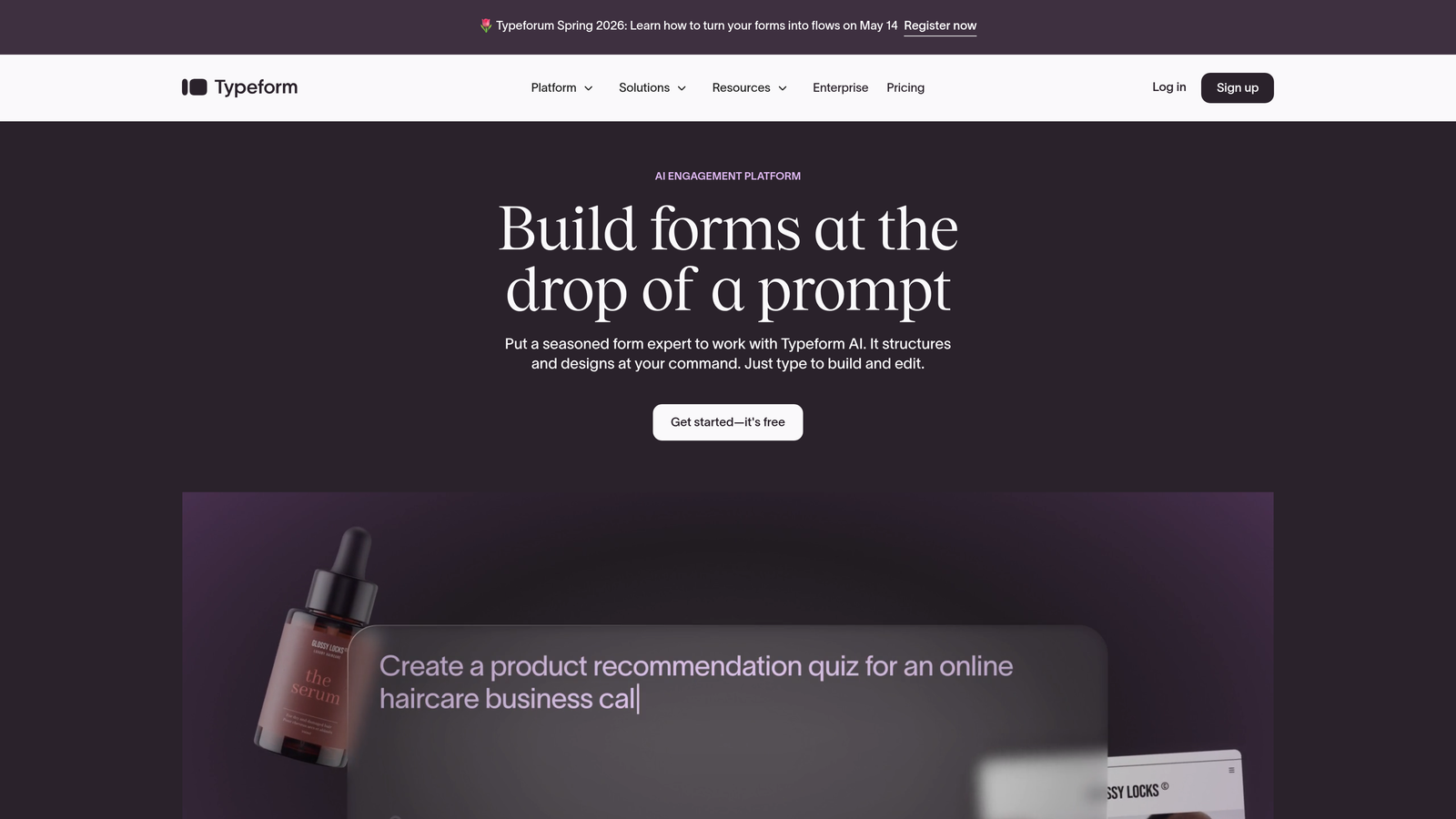
Typeform is a conversational form builder that presents questions one at a time, creating an interactive experience that feels more like a conversation than a traditional form.
Where This Tool Shines
The one-question-at-a-time format reduces cognitive load and makes longer forms feel manageable. Instead of confronting users with a wall of fields, Typeform guides them through a conversational flow that maintains engagement. This approach consistently delivers higher completion rates compared to traditional multi-field layouts.
The visual design capabilities set it apart for brand-conscious marketing teams. You can embed images, videos, and GIFs directly into questions, creating memorable experiences that reinforce brand identity. The logic jump functionality lets you create personalized paths based on responses, making each form feel tailored to the individual.
Key Features
Conversational Format: One-question-at-a-time interface that guides users through an engaging flow.
Beautiful Design Templates: Pre-built themes and extensive customization options for brand consistency.
Logic Jumps and Branching: Create dynamic paths based on user responses for personalized experiences.
Rich Media Embedding: Add videos, images, and GIFs to create visually engaging forms.
Integration Library: Connect with hundreds of marketing tools including email platforms, CRMs, and analytics.
Best For
Marketing teams prioritizing user experience and completion rates over speed of creation. Works exceptionally well for surveys, lead magnets, event registrations, and any scenario where you need to collect detailed information without overwhelming respondents. Best suited for teams with strong visual branding who want forms that reflect their design standards.
Pricing
Free basic plan with Typeform branding and limited responses. Paid plans start at $25/month with increased response limits, custom branding, and advanced features like logic jumps and integrations.
3. HubSpot Forms
Best for: Teams already using HubSpot who need seamless CRM integration and marketing automation
HubSpot Forms is the native form solution within the HubSpot ecosystem, offering deep integration with the platform's CRM and marketing automation tools.

Where This Tool Shines
The power of HubSpot Forms lies in its ecosystem integration. Every form submission automatically creates or updates contact records in the CRM, triggers workflows, and feeds into your marketing automation sequences without requiring third-party connectors. This eliminates data sync issues and manual data entry.
Progressive profiling is a standout feature for marketing teams building long-term relationships. The system remembers what information you've already collected from returning visitors and presents new questions instead, gradually building complete contact profiles without asking the same questions repeatedly. This approach reduces form friction while maximizing data collection over time.
Key Features
Native CRM Integration: Automatic contact creation and updates directly in HubSpot CRM with no third-party tools.
Progressive Profiling: Automatically show different questions to returning visitors to build complete profiles gradually.
Smart Form Fields: Pre-populate known information and customize fields based on contact properties.
Automatic Contact Creation: New submissions instantly become CRM contacts with full activity history.
Built-In Analytics: Track form performance, submission sources, and conversion rates within the HubSpot dashboard.
Best For
Marketing teams already invested in the HubSpot ecosystem who want forms that work seamlessly with their CRM and automation workflows. Particularly valuable for inbound marketing strategies where form data needs to trigger specific nurture sequences or sales notifications. Less ideal if you're not using HubSpot's other tools, as the real value comes from the integration depth.
Pricing
Free with HubSpot CRM, including basic form functionality and CRM integration. Advanced features like progressive profiling and sophisticated automation require Marketing Hub, starting at $45/month for small teams.
4. Jotform
Best for: Marketing teams needing extensive template variety and customization options for diverse use cases
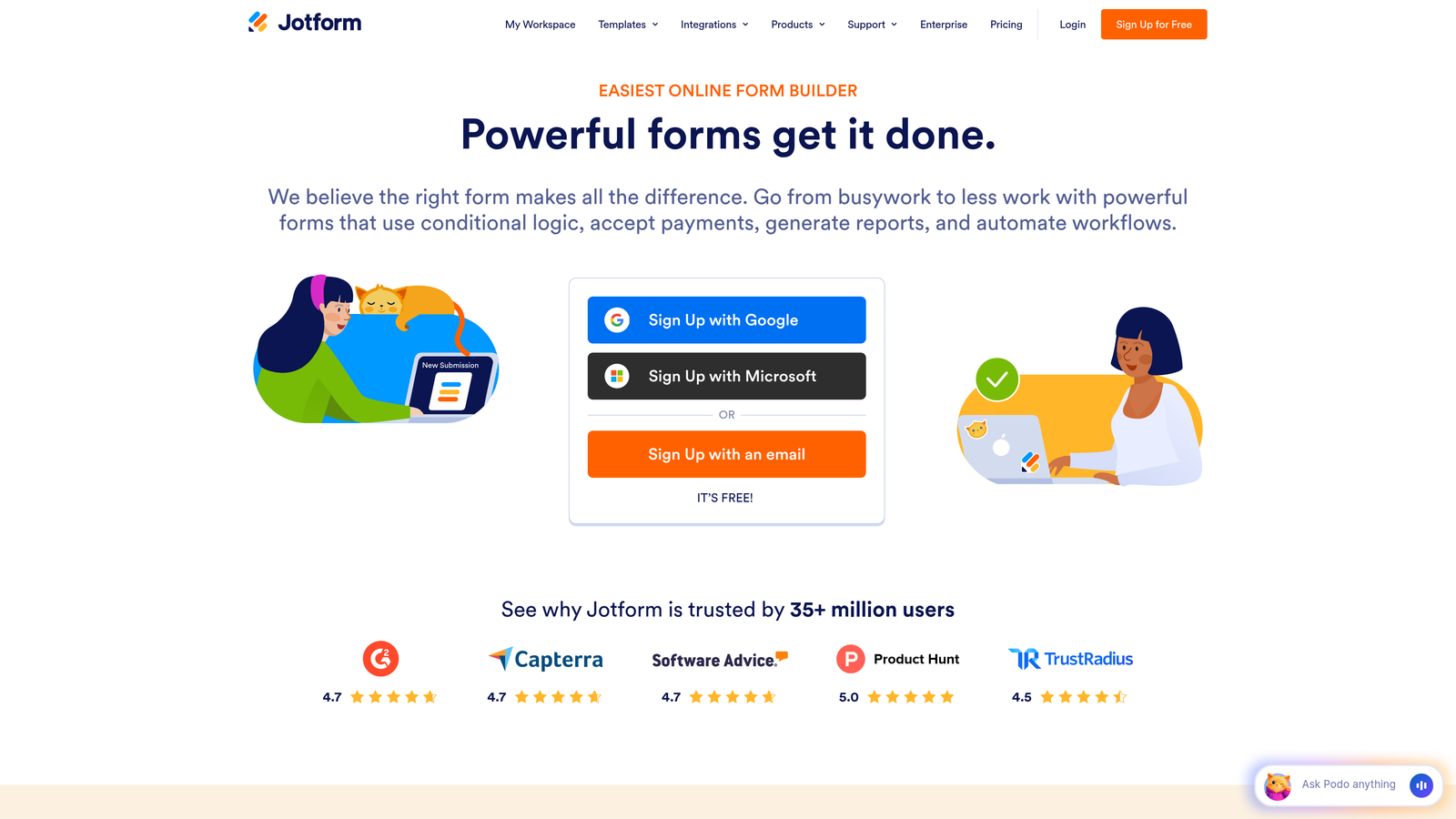
Jotform is a versatile form builder offering over 10,000 templates and comprehensive customization capabilities for virtually any marketing scenario.
Where This Tool Shines
The template library is genuinely massive, covering everything from basic contact forms to complex registration workflows. This breadth means you can often find a template that's 80% of what you need, then customize the remaining 20% rather than building from scratch. The time savings compound when you're managing multiple campaign types.
Payment integration capabilities make Jotform particularly strong for marketing teams running paid events, selling lead magnets, or collecting deposits. The platform handles payment processing directly within forms through integrations with major payment processors, eliminating the need for separate checkout systems.
Key Features
10,000+ Templates: Pre-built forms for virtually every marketing use case, from lead gen to event registration.
Drag-and-Drop Builder: Intuitive interface for customizing templates or building forms from scratch.
Payment Integrations: Accept payments directly through forms via PayPal, Stripe, Square, and other processors.
PDF Form Generation: Automatically generate PDF documents from form submissions for receipts or records.
Approval Workflows: Route submissions through approval processes for event registrations or applications.
Best For
Marketing teams managing diverse campaign types who need a Swiss Army knife solution rather than a specialized tool. Particularly valuable for agencies managing multiple clients with different requirements, or in-house teams running everything from webinar registrations to contest entries. The extensive template library makes it easy to spin up new forms quickly without reinventing the wheel each time.
Pricing
Free tier with Jotform branding and monthly submission limits. Paid plans start at $34/month with increased submissions, custom branding, and advanced features like HIPAA compliance and priority support.
5. Leadpages
Best for: Lead generation campaigns requiring integrated landing pages and conversion-focused form design
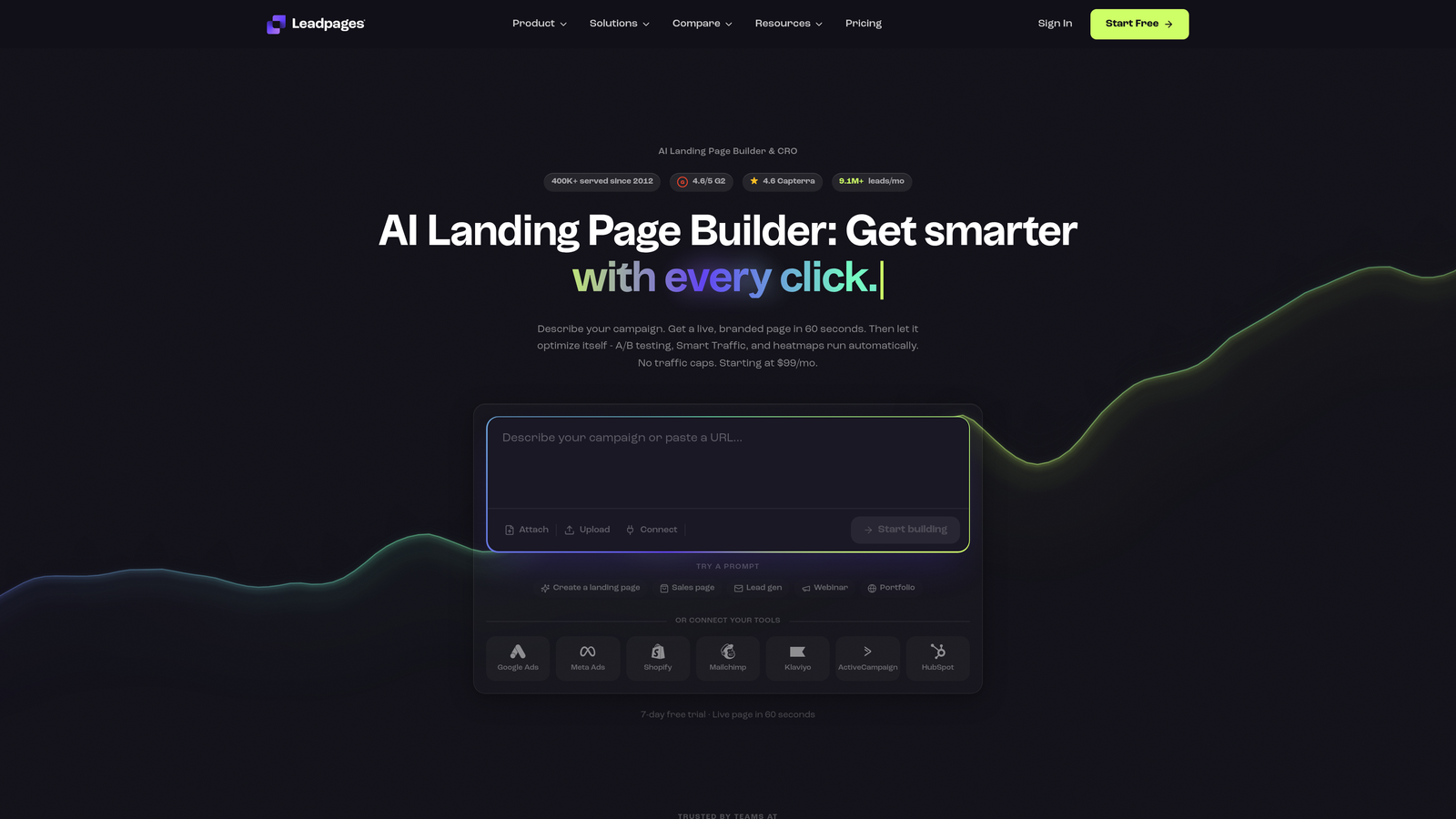
Leadpages is a landing page builder with integrated form functionality, designed specifically for marketing teams focused on lead capture and conversion optimization.
Where This Tool Shines
Leadpages treats forms as part of a complete conversion ecosystem rather than standalone elements. You build landing pages and forms together, ensuring design consistency and optimizing the entire conversion path. The platform's templates are specifically designed for lead generation, incorporating conversion best practices from layout to copy placement.
The built-in A/B testing functionality lets you test different form variations, headlines, and layouts without external tools. This is particularly valuable for paid traffic campaigns where small conversion improvements directly impact ROI. You can test everything from form length to button color and see real performance data.
Key Features
Landing Page + Form Builder: Create complete conversion experiences with integrated page and form design.
Built-In A/B Testing: Test different form variations and landing page elements to optimize conversion rates.
Pop-Up and Alert Bar Forms: Capture leads through exit-intent pop-ups and sticky notification bars.
Conversion Analytics: Track form performance, traffic sources, and conversion rates in detailed dashboards.
Mobile-Responsive Templates: All templates automatically adapt to mobile devices for consistent experience.
Best For
Marketing teams running paid traffic campaigns who need to optimize entire landing pages, not just forms. Particularly effective for lead magnet campaigns, webinar registrations, and product launches where you're driving significant traffic to dedicated conversion pages. Less suitable if you primarily need embedded forms for existing website pages.
Pricing
Plans start at $37/month when billed annually, including landing pages, pop-ups, alert bars, and basic integrations. Higher tiers add A/B testing, online sales capabilities, and priority support.
6. Unbounce Smart Builder
Best for: Marketing teams leveraging AI assistance for landing page creation and conversion optimization
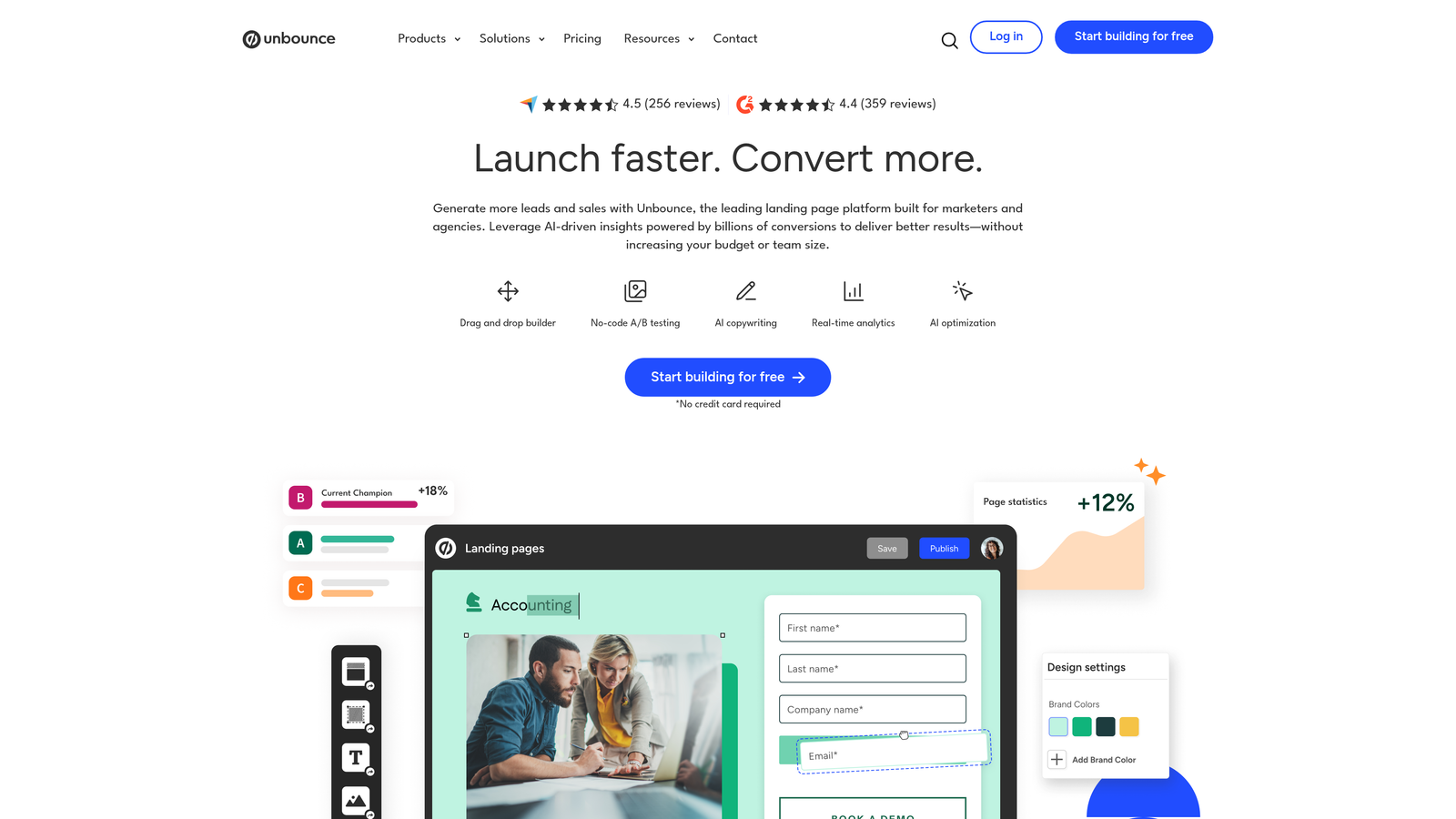
Unbounce is an AI-assisted landing page platform with smart forms that use conversion intelligence to improve results automatically.
Where This Tool Shines
The Smart Builder uses AI to generate landing pages and forms based on your campaign goals and target audience. You provide basic information about your offer and audience, and the system creates conversion-optimized layouts that incorporate proven design patterns. This dramatically reduces the time from campaign concept to live page.
Smart Traffic is where the AI really delivers value. The system automatically routes visitors to the landing page variant most likely to convert them based on their attributes and behavior. Instead of running traditional A/B tests where 50% of traffic sees the control, Smart Traffic optimizes in real-time, sending each visitor to their best-match variant. This approach improves conversion rates while you're still testing.
Key Features
AI-Powered Smart Builder: Generate conversion-optimized landing pages and forms using AI based on campaign goals.
Dynamic Text Replacement: Automatically customize form and page copy based on visitor search terms or ad parameters.
Smart Traffic Optimization: AI routes visitors to the landing page variant most likely to convert them individually.
Conversion Intelligence: Platform learns from millions of conversions to suggest optimizations for your forms.
Pop-Up and Sticky Bar Forms: Capture leads through multiple touchpoints beyond main landing page forms.
Best For
Marketing teams running sophisticated paid campaigns who want AI assistance in optimization. Particularly valuable for PPC marketers managing multiple ad groups who need dynamic text replacement and automated traffic routing. The AI features shine when you have sufficient traffic volume to feed the optimization algorithms—lower-traffic campaigns may not see the full benefit.
Pricing
Plans start at $74/month with Smart Builder and basic features. Smart Traffic and advanced AI capabilities require higher-tier plans starting around $112/month. All plans include unlimited landing pages and pop-ups.
7. Formstack
Best for: Enterprise marketing teams requiring advanced security, compliance, and workflow automation
Formstack is an enterprise-grade form solution offering powerful workflow automation, advanced security features, and compliance capabilities for regulated industries.
Where This Tool Shines
Formstack's workflow automation goes far beyond basic email notifications. You can build complex multi-step processes that route submissions through approval chains, trigger document generation, update multiple systems simultaneously, and create conditional workflows based on form data. This enterprise-grade automation eliminates manual handoffs that slow down lead processing.
For marketing teams in regulated industries, the compliance features are essential. HIPAA-compliant forms with encryption, audit trails, and secure data handling let healthcare and financial services marketers collect sensitive information without compliance concerns. The platform handles the security infrastructure so you can focus on conversion optimization.
Key Features
Advanced Conditional Logic: Create sophisticated form flows with multiple conditions and branching paths.
Workflow Automation: Build multi-step processes that route data, trigger actions, and update systems automatically.
Electronic Signatures: Collect legally binding signatures directly within forms for contracts and agreements.
HIPAA Compliance Options: Secure forms with encryption and audit trails for healthcare and regulated industries.
Document Generation: Automatically create PDFs, contracts, or reports from form submission data.
Best For
Enterprise marketing teams with complex workflows, compliance requirements, or sophisticated data routing needs. Particularly valuable in healthcare, finance, education, and other regulated industries where security and audit trails are non-negotiable. The advanced features justify the higher price point when you need enterprise-grade capabilities, but smaller teams may find it overpowered for basic lead capture.
Pricing
Plans start at $50/month for basic features and scale based on submissions and advanced capabilities. Enterprise plans with HIPAA compliance, advanced workflows, and dedicated support require custom pricing.
8. Gravity Forms
Best for: WordPress-based marketing sites needing deep platform integration and developer flexibility
Gravity Forms is a premium WordPress form plugin offering native platform integration and an extensive add-on ecosystem for WordPress sites.
Where This Tool Shines
For marketing teams running WordPress sites, Gravity Forms provides integration depth that standalone form builders can't match. The plugin works directly within your WordPress admin, uses your theme's styling automatically, and integrates with WordPress user accounts, custom post types, and other plugins seamlessly. This native integration eliminates the iframe embeds and styling conflicts common with external form tools.
The add-on ecosystem extends functionality in practically any direction. Need to create user registration forms? There's an add-on. Want to integrate with specific CRMs or payment processors? Add-ons handle it. The developer-friendly architecture means custom integrations are straightforward for teams with development resources, making it highly adaptable to unique workflows.
Key Features
Native WordPress Integration: Works directly within WordPress admin with automatic theme styling and platform integration.
Extensive Add-On Library: Expand functionality with official add-ons for payments, CRM integration, and advanced features.
Conditional Logic: Show or hide fields, create dynamic pricing, and route submissions based on user responses.
Multi-Page Forms: Break long forms into multiple pages with progress indicators and save-and-continue functionality.
Developer-Friendly: Hooks, filters, and API access for custom integrations and functionality extensions.
Best For
Marketing teams running WordPress sites who want forms that feel like a native part of their platform rather than embedded third-party tools. Particularly valuable if you need custom functionality and have developer resources to build integrations. Less suitable for teams using other CMS platforms or those wanting cloud-based form management separate from their website infrastructure.
Pricing
License-based pricing starting at $59/year for a single site with basic features. Higher tiers ($159-$259/year) include priority support, more add-ons, and unlimited site licenses for agencies.
9. Paperform
Best for: Design-conscious marketing teams wanting beautiful branded forms with document-style editing
Paperform is a design-focused form builder that creates beautiful branded experiences using a document-style editor that feels more like writing than form building.
Where This Tool Shines
The document-style editor is genuinely different from typical form builders. Instead of dragging fields into a canvas, you type and format like you're creating a document, and Paperform converts your text into form elements. This approach feels more natural for non-technical marketers and makes it easy to create forms that read like conversational content rather than sterile data collection tools.
The design capabilities go beyond templates. You have granular control over fonts, colors, spacing, and layout, letting you match your exact brand guidelines. The result is forms that look like custom-designed landing pages rather than obvious form tools. For brand-conscious marketing teams, this level of design control justifies the learning curve of the document-style approach.
Key Features
Document-Style Editor: Create forms by typing and formatting like a document, with automatic conversion to form elements.
Beautiful Design Options: Extensive customization for fonts, colors, spacing, and layout to match brand guidelines.
E-Commerce and Payments: Accept payments, create product catalogs, and handle transactions directly through forms.
Conditional Logic: Show or hide content, calculate pricing, and create dynamic paths based on responses.
Custom Success Pages: Design branded thank-you pages with custom content, offers, or next-step calls to action.
Best For
Marketing teams with strong visual branding who want forms that look like custom-designed experiences rather than generic form tools. Particularly effective for product launches, premium offerings, and brand campaigns where visual presentation matters as much as functionality. The design flexibility comes with a steeper learning curve than drag-and-drop builders, so it's best for teams willing to invest time in customization.
Pricing
Plans start at $24/month with unlimited forms and submissions, custom branding, and core features. Higher tiers add payment processing, advanced integrations, and priority support.
10. Tally
Best for: Budget-conscious teams wanting powerful features with a generous free tier and simple interface
Tally is a simple, free-focused form builder with a Notion-like interface, offering unlimited forms and submissions on its free plan.
Where This Tool Shines
The free tier is genuinely generous—unlimited forms, unlimited submissions, and core features that many platforms reserve for paid plans. For marketing teams with limited budgets or those testing new campaigns, Tally eliminates the usual constraints of free plans where you hit submission limits mid-campaign. This makes it viable for actual production use, not just testing.
The Notion-like interface will feel immediately familiar if your team uses Notion for other work. You build forms by typing slash commands and selecting block types, creating a workflow that's faster than traditional drag-and-drop once you learn the commands. The simplicity doesn't sacrifice power—conditional logic, calculations, and integrations are all available even on the free tier.
Key Features
Generous Free Tier: Unlimited forms and submissions with no artificial limits on the free plan.
Notion-Like Interface: Build forms using familiar slash commands and block-based editing.
Unlimited Submissions: No monthly caps on form responses, even on the free plan.
Conditional Logic: Create dynamic forms with show/hide logic and calculated fields.
Custom Domains: Use your own domain for form hosting on paid plans.
Best For
Marketing teams on tight budgets who need reliable form functionality without subscription costs. Particularly valuable for startups, solopreneurs, and teams running multiple small campaigns where per-submission pricing becomes prohibitive. The free tier makes it easy to test campaign ideas without financial commitment. Less suitable for teams needing advanced integrations or white-label branding on the free tier.
Pricing
Free tier with unlimited forms and submissions. Pro plan at $29/month adds custom domains, file uploads, payment collection, and priority support.
11. Cognito Forms
Best for: Marketing teams needing advanced calculations, complex data collection, and repeating sections
Cognito Forms is a data-focused form builder with sophisticated calculation capabilities and repeating sections for collecting complex information.
Where This Tool Shines
The calculation engine is remarkably powerful, handling everything from simple price totals to complex formulas based on multiple conditions. For marketing teams offering tiered pricing, event registrations with variable costs, or quote requests requiring instant calculations, Cognito Forms delivers spreadsheet-like functionality within your forms. Users see pricing update in real-time as they make selections, reducing confusion and abandoned submissions.
Repeating sections solve a specific but common problem: collecting multiple related items in a single form. Instead of creating separate fields for "Attendee 1, Attendee 2, Attendee 3," users can add as many attendees as needed using a single repeating section. This keeps forms clean while accommodating variable data collection needs common in event registrations, bulk orders, and multi-item requests.
Key Features
Advanced Calculations: Build complex formulas and pricing calculations that update in real-time as users complete forms.
Repeating Sections: Let users add multiple instances of related fields for attendees, items, or other variable data.
Payment Processing: Accept payments through integrated processors with calculated totals and order management.
Workflow Automation: Route submissions, send notifications, and trigger actions based on form data and conditions.
Data Encryption: Secure sensitive information with field-level encryption and compliance features.
Best For
Marketing teams managing complex registrations, quote requests, or any scenario requiring calculations and variable data collection. Particularly valuable for event marketing where attendee counts vary, product configurators with dynamic pricing, or B2B lead forms collecting detailed requirements. The calculation and repeating section features solve specific problems that simpler form builders can't handle elegantly.
Pricing
Free tier with basic features and monthly entry limits. Paid plans start at $15/month with increased entries, payment processing, and advanced features like workflows and HIPAA compliance.
Making the Right Choice
The right form tool depends entirely on your marketing workflow and priorities. If lead qualification is your biggest challenge and you need AI to handle scoring and routing automatically, Orbit AI delivers intelligent automation that transforms raw submissions into qualified pipeline. For teams prioritizing engagement and completion rates, Typeform's conversational approach consistently outperforms traditional multi-field layouts.
Already invested in HubSpot? The native form integration eliminates data sync headaches and enables progressive profiling that builds contact intelligence over time. Need extensive template variety for diverse campaigns? Jotform's massive library means you're rarely building from scratch. Running paid traffic campaigns? Leadpages and Unbounce integrate landing pages and forms with built-in optimization tools.
Budget matters too. Tally's generous free tier makes it viable for actual production use, not just testing. WordPress teams get the most value from Gravity Forms' native integration. Design-conscious brands should explore Paperform's document-style approach for truly custom-looking forms.
The common thread across successful implementations? Teams that choose tools aligned with their specific workflow rather than chasing feature lists. A simpler tool that your team actually uses consistently will outperform a feature-rich platform that sits unused because it's too complex.
Transform your lead generation with AI-powered forms that qualify prospects automatically while delivering the modern, conversion-optimized experience your high-growth team needs. Start building free forms today and see how intelligent form design can elevate your conversion strategy.


