

You're staring at two form builders with completely different philosophies. Cognito Forms promises the power to handle anything you throw at it—complex calculations, conditional logic, payment processing. Typeform seduces you with those smooth, conversational interfaces that feel more like a chat than a form. Both have passionate advocates. Both claim to boost conversions.
But here's the reality: choosing the wrong platform means either overpaying for features you'll never use or hitting walls when you need capabilities that simply don't exist. For high-growth teams, this decision ripples through your entire lead generation strategy.
The good news? You don't need to guess. By approaching this decision strategically—mapping your requirements, testing real scenarios, and understanding the true cost implications—you can confidently select the platform that aligns with your business goals. Let's break down the seven strategic approaches that will guide you to the right choice.
1. Map Your Form Complexity Requirements First
The Challenge It Solves
Most teams jump straight into comparing features without understanding their actual requirements. You see "conditional logic" on both platforms and assume they're equivalent. Three months later, you're wrestling with limitations because you didn't map out your specific use cases before committing.
The complexity of your forms should drive your platform choice, not the other way around. Are you collecting simple contact information, or building multi-step applications with calculations, file uploads, and payment processing?
The Strategy Explained
Start by auditing every form your business currently uses or plans to create in the next 12 months. Document the specific requirements for each: number of fields, conditional branching paths, calculation needs, payment collection, file upload requirements, and integration touchpoints.
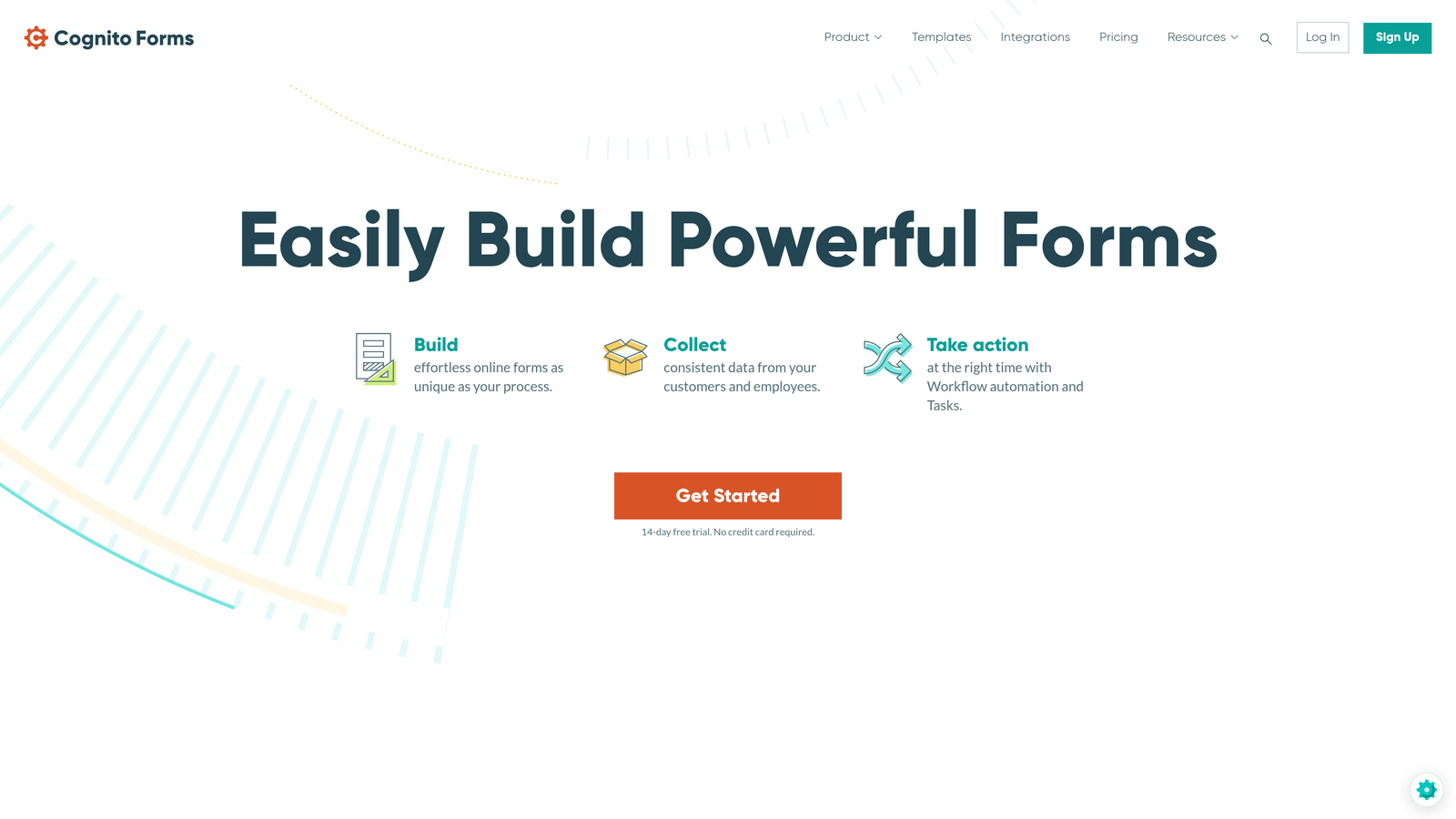
Cognito Forms excels at complex workflows. Think mortgage applications, event registrations with dynamic pricing, or intake forms with extensive conditional logic. The platform handles calculations, repeating sections, and intricate branching without breaking a sweat. If your forms regularly exceed 20 fields or require mathematical operations, this capability matters enormously.
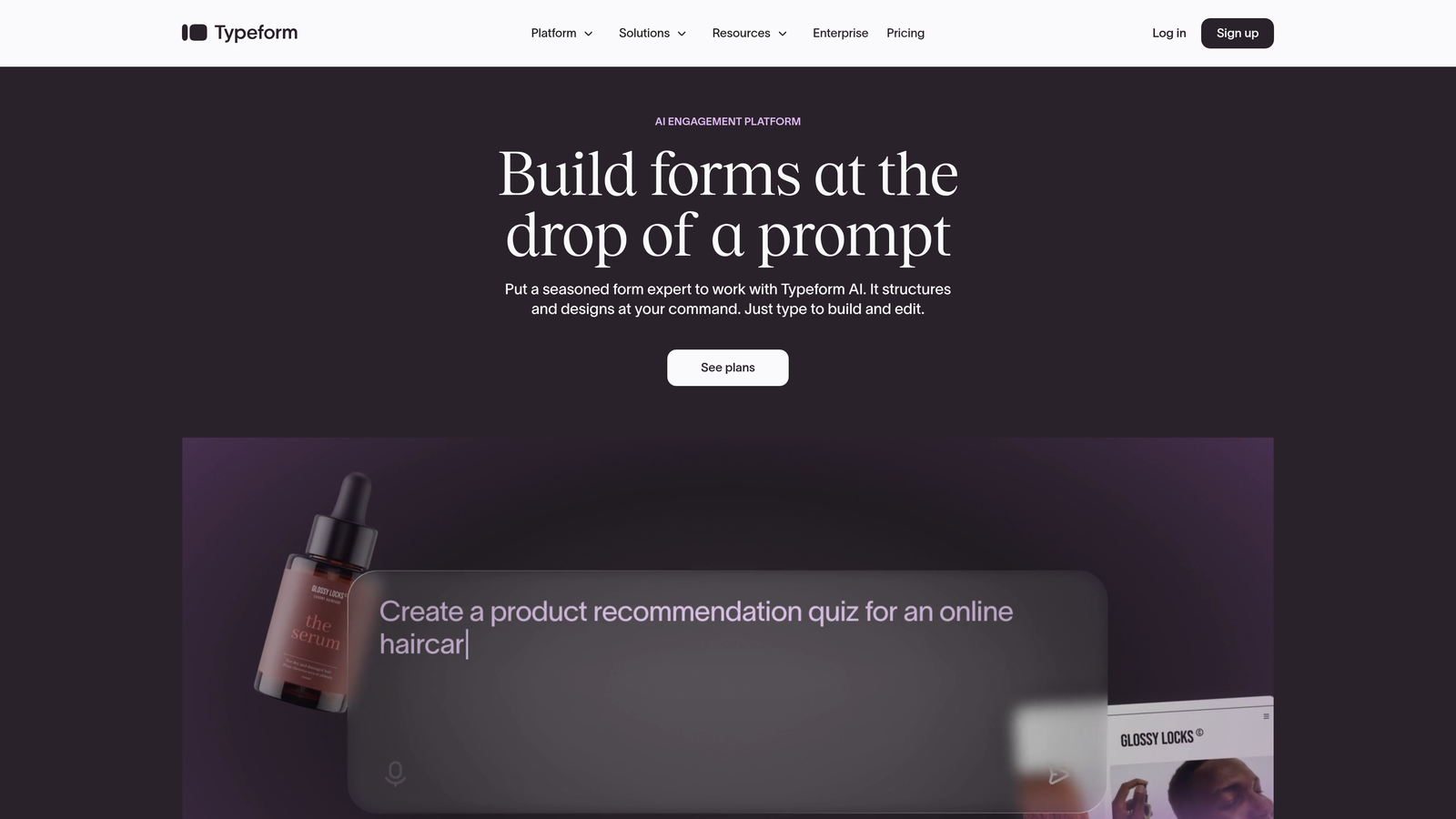
Typeform shines with simpler, more focused forms. The one-question-at-a-time format works beautifully for surveys, feedback collection, quiz-style lead magnets, and straightforward contact forms. But once you need complex branching or calculations, you'll find yourself fighting against the platform's design philosophy.
Implementation Steps
1. Create a spreadsheet listing every form type you currently use, including fields count, conditional logic requirements, and any special features like calculations or payments.
2. Add a second column for forms you plan to create in the next year, including new lead magnets, application forms, or customer intake processes.
3. Rate each form's complexity on a simple scale: Basic (under 10 fields, no logic), Moderate (10-20 fields, simple branching), Complex (20+ fields, calculations, or payment processing).
4. Calculate the percentage of your forms that fall into each category—this reveals whether you need a complexity-focused platform or can optimize for user experience instead.
Pro Tips
Don't just consider current needs. Many businesses outgrow Typeform when they realize they need more sophisticated data collection. Conversely, teams sometimes overbuild forms in Cognito when simpler approaches would convert better. Your complexity map should account for growth, but avoid over-engineering for hypothetical future scenarios that may never materialize.
2. Evaluate the User Experience Impact on Conversions
The Challenge It Solves
Form completion rates directly impact your bottom line, yet many teams choose platforms based on backend features rather than frontend experience. The question isn't which platform has more capabilities—it's which interface will actually get completed by your specific audience.
The conversational versus traditional layout debate isn't just aesthetic. It fundamentally changes how users engage with your forms and can significantly affect completion rates depending on your use case.
The Strategy Explained
Typeform's conversational approach reduces cognitive load by presenting one question at a time. This format works exceptionally well for surveys, personality quizzes, feedback forms, and scenarios where you're asking for opinions rather than complex information. The experience feels more like a dialogue, which can lower psychological barriers to completion.
However, this same format can frustrate users filling out applications or registrations where they want to see all requirements upfront. Imagine completing a job application one field at a time, unable to see what information you'll need until you reach each question. For forms where users need to gather documents or information before starting, the traditional all-at-once layout often performs better.
Cognito Forms uses traditional layouts that show multiple fields simultaneously. This transparency helps users understand the full commitment before they start. For complex forms like event registrations, loan applications, or detailed intake forms, seeing the structure upfront reduces abandonment because users can prepare accordingly.
Implementation Steps
1. Identify your primary form purpose: Are you collecting opinions and feedback, or gathering detailed information for applications and registrations?
2. Consider your audience's context: Will they have all necessary information readily available, or do they need to see requirements before starting?
3. Think about form length perception: Conversational formats can make longer forms feel shorter, but they can also hide the true length until users are committed.
4. Evaluate your brand experience: Does a modern, conversational interface align with your brand, or does your audience expect professional, straightforward forms?
Pro Tips
The best approach often involves using different platforms for different purposes. Many successful teams use conversational formats for top-of-funnel engagement (surveys, quizzes, simple lead capture) while deploying traditional formats for bottom-of-funnel conversions (applications, detailed registrations). Don't force a single platform to handle use cases it wasn't designed for.
3. Calculate True Cost at Your Response Volume
The Challenge It Solves
Sticker shock hits hard when your form traffic grows. What looked like an affordable solution at 100 responses per month becomes budget-breaking at 1,000. Understanding the true cost trajectory prevents expensive migrations down the road.
Both platforms use different pricing models, and the "best value" shifts dramatically based on your response volume and feature requirements.
The Strategy Explained
Cognito Forms offers a generous free tier with unlimited forms and up to 500 entries per month. This makes it exceptionally attractive for small businesses or teams just starting with form automation. Paid plans start at reasonable monthly rates and scale based on entry volume and features rather than per-form pricing.
Typeform's pricing structure centers on response volume, which can escalate quickly for high-traffic forms. The platform charges based on monthly responses across all your forms combined. For businesses with significant form traffic, this model can become expensive rapidly.
But pricing isn't just about the platform subscription. Factor in integration costs, developer time for customization, and potential costs for additional tools to fill capability gaps. A cheaper platform that requires paid Zapier integrations or custom development might actually cost more than a pricier option with native features.
Implementation Steps
1. Calculate your current monthly form responses across all forms, then project growth for the next 12 months based on your marketing plans.
2. Price out each platform at your current volume, 6-month projected volume, and 12-month projected volume to understand cost trajectory.
3. Add integration costs: Will you need paid Zapier plans, custom API development, or additional tools to connect your forms to your CRM or marketing automation?
4. Include hidden costs like team training time, migration effort if switching platforms, and potential revenue loss during transition periods.
Pro Tips
Create a 12-month total cost of ownership spreadsheet that includes platform fees, integration costs, and estimated implementation time. Many teams discover that the platform with the lower monthly subscription actually costs more when you factor in workarounds needed to achieve your goals. Also consider switching costs—migrating forms and rebuilding integrations isn't free, so getting the decision right the first time saves significant resources.
4. Assess Integration Depth With Your Tech Stack
The Challenge It Solves
Your form builder doesn't exist in isolation. It needs to feed data into your CRM, trigger marketing automation workflows, update project management tools, and sync with your payment processor. Surface-level integrations that only pass basic contact information create data gaps that force manual work.
The depth and reliability of integrations often becomes the deciding factor, especially for teams with established technology ecosystems.
The Strategy Explained
Cognito Forms offers strong native integration with Microsoft Power Automate, making it a natural fit for organizations already invested in the Microsoft ecosystem. The platform also supports webhooks and has a capable API for custom integrations. For teams needing payment processing, Cognito includes native integrations with major payment gateways.
Typeform provides solid webhook support and works well with Zapier for connecting to hundreds of other tools. The platform's API allows for custom integrations when needed. However, the conversational format can sometimes limit the data structure you can pass to other systems compared to traditional forms.
But here's what matters most: Does the integration pass all the data you need, in the format your downstream systems expect? Can it trigger the right workflows at the right times? Will it handle your volume without throttling or failures?
Implementation Steps
1. List every system that needs to receive data from your forms: CRM, marketing automation, project management, payment processing, analytics, and any industry-specific tools.
2. For each integration, document what data fields must be passed, whether you need real-time or batch syncing, and any special formatting requirements.
3. Check whether each platform offers native integration, requires Zapier/middleware, or needs custom API development for your specific use case.
4. Test critical integrations during your trial period with real data to verify they work reliably at your expected volume.
Pro Tips
Don't assume "has a Zapier integration" means your use case is covered. Test the specific data mappings you need. Some integrations only pass basic fields, missing custom data that's crucial for your workflows. Also consider integration maintenance—native integrations typically require less ongoing attention than custom API connections or complex Zapier workflows.
5. Consider Data Security and Compliance Needs
The Challenge It Solves
Collecting sensitive information without proper security measures exposes your business to regulatory penalties and reputation damage. Healthcare providers, financial services firms, and businesses handling payment information face strict compliance requirements that not all form platforms can satisfy.
Choosing a platform without adequate security features forces expensive workarounds or limits what data you can collect through forms entirely.
The Strategy Explained
Cognito Forms offers HIPAA compliance on higher-tier plans, making it suitable for healthcare organizations collecting protected health information. The platform also includes PCI compliance for payment processing and provides options for data residency requirements in certain regions.
Typeform provides enterprise-level security features including encryption and access controls, though specific compliance certifications vary by plan tier. The platform takes security seriously but may require enterprise plans for certain compliance needs.
Beyond formal compliance, consider practical security questions: Where is your data stored? Who has access to form responses? Can you implement appropriate access controls? How is payment information handled? What happens to data when you export or delete it?
Implementation Steps
1. Identify any regulatory requirements your business must meet: HIPAA for healthcare, PCI DSS for payment processing, GDPR for European data, industry-specific regulations.
2. Document the types of sensitive information you'll collect through forms: health information, financial data, payment details, personally identifiable information.
3. Review each platform's security documentation and compliance certifications to verify they meet your specific requirements at your budget tier.
4. Understand data residency requirements—some businesses need data stored in specific geographic regions for compliance reasons.
Pro Tips
Don't assume basic security is sufficient for sensitive data. Many platforms offer encryption and secure transmission on all plans, but formal compliance certifications often require enterprise tiers. If you're unsure about your compliance needs, consult with your legal team before committing to a platform—switching later due to compliance issues is far more expensive than choosing correctly upfront.
6. Test Both Platforms With Your Actual Use Cases
The Challenge It Solves
Feature lists and marketing materials only tell you what's theoretically possible. Real-world testing reveals how each platform performs with your specific forms, your actual data requirements, and your team's workflow. Without hands-on testing, you're making a blind decision based on someone else's use case.
The gap between "supports conditional logic" and "makes conditional logic intuitive for your team" can be enormous.
The Strategy Explained
Both platforms offer free trials or free tiers that let you build and test real forms. Take advantage of this by recreating your most important forms on each platform rather than building demo forms with fake requirements.
Focus your testing on the workflows that matter most to your business. If you run events, build a complete event registration form with payment processing. If you collect leads, create your actual lead capture form and test the integration with your CRM. If you do surveys, build a real survey and send it to a small test group.
Track meaningful metrics during your test: How long does it take to build the form? How intuitive is the conditional logic builder? Do the integrations work reliably? What's the actual user experience for form fillers? How easy is it to access and export the data?
Implementation Steps
1. Select your three most critical forms to recreate during testing—choose forms that represent your typical complexity and requirements.
2. Build each form on both platforms, tracking the time required and any frustrations or limitations you encounter during the building process.
3. Send test forms to colleagues or a small group of actual users, collecting feedback on the completion experience and tracking completion rates.
4. Test your critical integrations with real data flowing into your actual systems to verify everything works as expected at your volume.
Pro Tips
Include your entire team in the testing process. The person who builds forms needs a different perspective than the person who analyzes responses or manages integrations. Also test the support experience—submit a question to each platform's support team during your trial to gauge response time and helpfulness. You'll need that support when issues arise, so understanding what you're getting matters.
7. Explore Modern Alternatives Built for Growth Teams
The Challenge It Solves
Cognito Forms and Typeform both launched years ago with specific design philosophies. While they've evolved, neither was built from the ground up for today's conversion optimization challenges. High-growth teams need forms that don't just collect data—they need intelligent systems that qualify leads, optimize for conversions, and integrate seamlessly with modern growth stacks.
Settling for legacy platforms means missing innovations specifically designed to solve current lead generation challenges.
The Strategy Explained
The form builder landscape has evolved significantly. Modern platforms now combine the best elements of traditional and conversational design while adding capabilities that weren't possible when older tools launched.
Consider what you actually need: beautiful, conversion-optimized forms that engage users without sacrificing functionality. AI-powered lead qualification that scores prospects automatically so your sales team focuses on the highest-value opportunities. Modern integrations built for current tools rather than retrofitted onto older architectures.
Platforms designed specifically for high-growth teams understand that forms are conversion tools, not just data collection mechanisms. They prioritize both the form filler's experience and the business outcomes that matter—qualified leads, completed applications, and measurable conversion improvements.
Implementation Steps
1. Define your non-negotiable requirements: What must your form platform do that neither Cognito Forms nor Typeform handles ideally?
2. Research platforms built specifically for conversion optimization and lead generation, focusing on tools designed for modern growth teams.
3. Look for AI-powered features that can automate lead qualification, personalize form experiences, or optimize conversion paths based on user behavior.
4. Evaluate whether modern platforms offer better integration with your current tech stack, especially newer tools that legacy platforms may not support natively.
Pro Tips
Don't limit yourself to the obvious choices just because they're well-known. The best form platform for your business might be one you haven't heard of yet. Many teams discover that purpose-built solutions for their specific use case outperform general-purpose platforms. Also consider that switching costs decrease when you choose a platform designed for your exact needs—you're less likely to need another migration in 18 months.
Putting It All Together: Your Implementation Roadmap
The choice between Cognito Forms and Typeform ultimately depends on your specific requirements, not abstract feature comparisons. If you need powerful calculation capabilities, complex conditional logic, and HIPAA compliance for healthcare applications, Cognito Forms delivers the functionality you require. If you're focused on simple, engaging forms for surveys and basic lead capture where user experience trumps complexity, Typeform's conversational approach makes sense.
But here's what this comparison really reveals: neither platform was designed specifically for what high-growth teams need most—intelligent forms that qualify leads automatically while delivering modern, conversion-optimized experiences.
Start with your requirements map. Be honest about your complexity needs and growth trajectory. Test both platforms with your actual use cases, not idealized demos. Calculate the true 12-month cost including integrations and hidden expenses. Then ask yourself: Are you choosing between these two options because they're the best fit, or simply because they're the most familiar names?
The right platform should feel like it was built for your exact use case. It should make form building faster, conversions higher, and lead qualification smarter. It should integrate naturally with your existing tools without forcing workarounds.
Transform your lead generation with AI-powered forms that qualify prospects automatically while delivering the modern, conversion-optimized experience your high-growth team needs. Start building free forms today and see how intelligent form design can elevate your conversion strategy beyond what legacy platforms make possible.


